
Food label
design ideas
Food label
design ideas
Excluding works by paid members, all examples here are from free users.

Trusted by industry - leading businesses
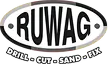










Food label design ideas by product type

Finding the right look for your food product starts with the right inspiration. Browse our curated collection of food label designs — organized by product category including snacks, beverages, sauces, organic goods, supplements, and more. Every example below was created with Packify's AI and is production-ready. Click any design to customize it for your own brand.
How to design a food label — step by step
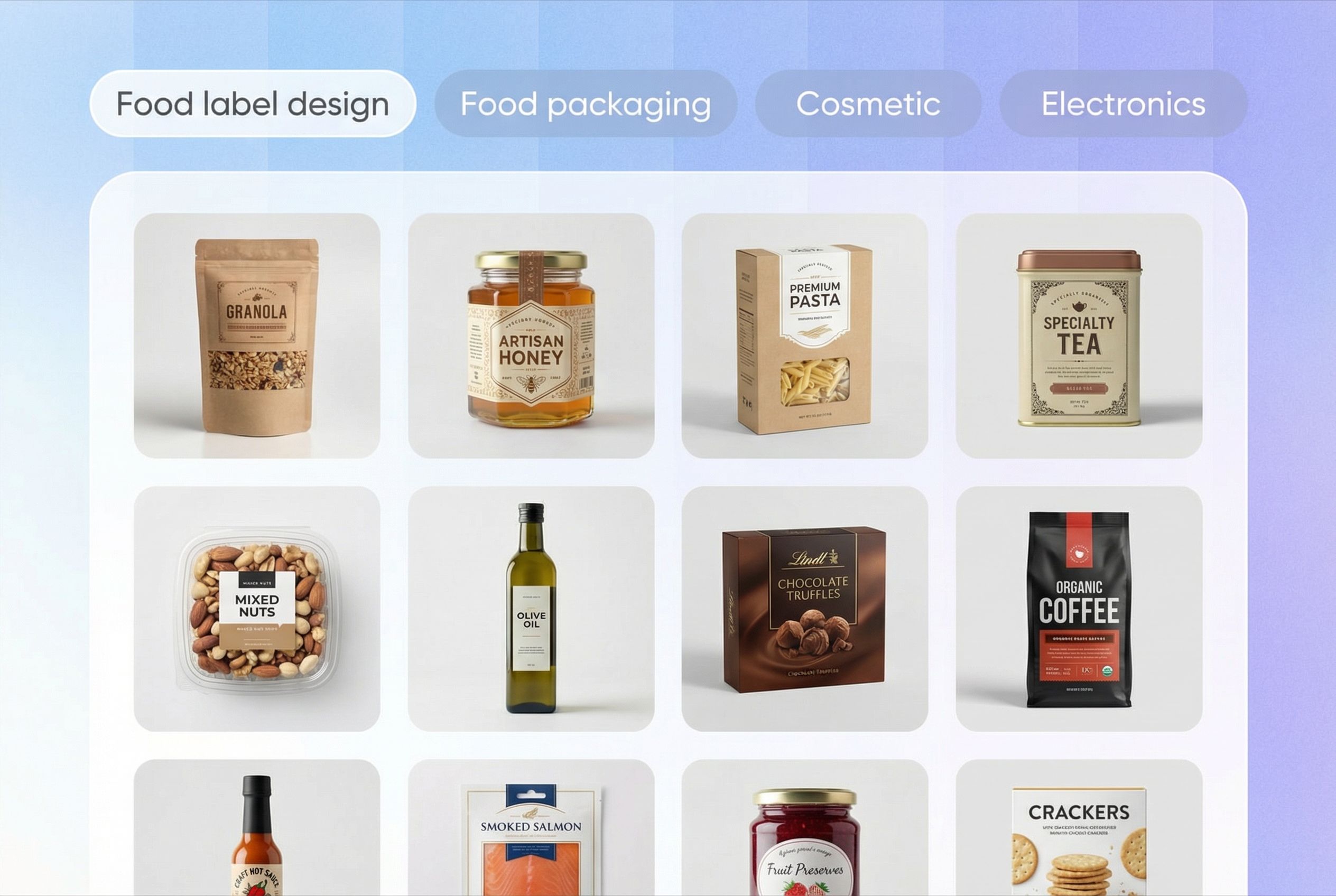
Step 1: Choose your product type
Specify what you're making — a snack, beverage, sauce, or any other food product. The AI will recommend the right label format, dimensions, and layout based on FDA labeling guidelines.
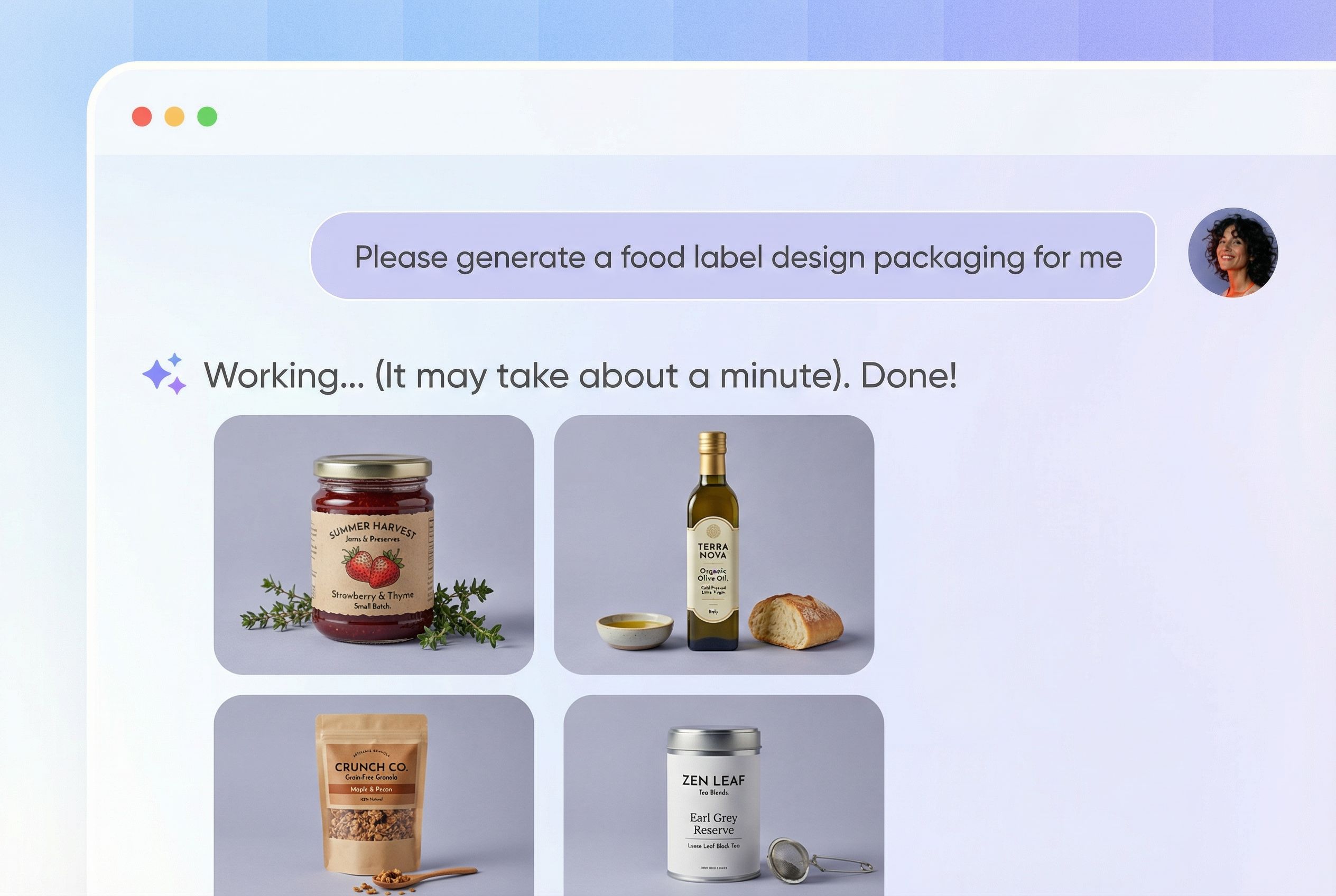
Step 2: Describe your brand style
Type a brief description of your brand — your colors, the feeling you want to convey, and your target customer. Packify's AI interprets your description and generates 4 label design instantly.
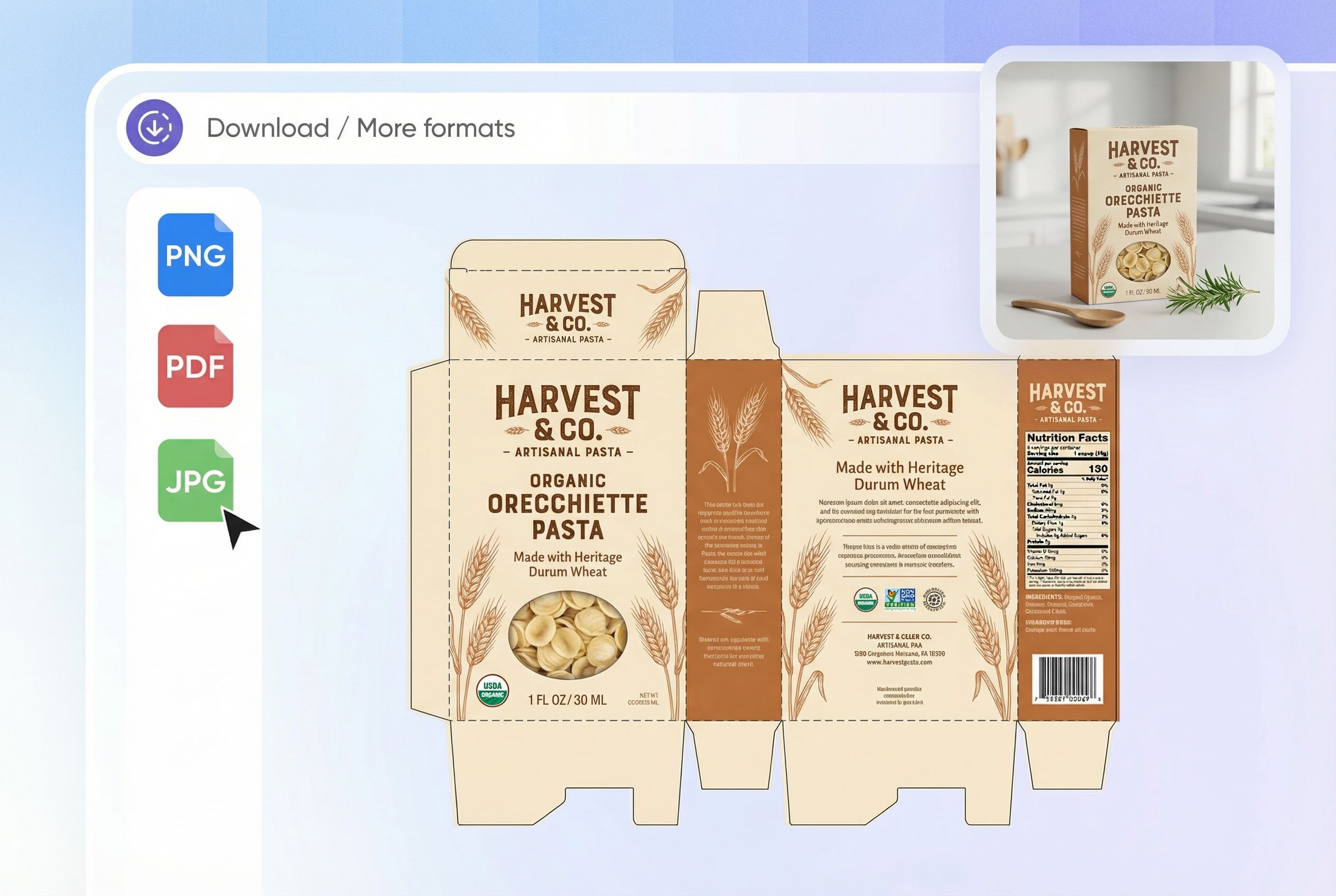
Step 3: Export and print
Download your finished label as a print-ready PDF with dieline included, or as a PNG for digital use. Files arrive sized, bleed-ready, and formatted for commercial printing.
Step 1: Choose your product type
Specify what you're making — a snack, beverage, sauce, or any other food product. The AI will recommend the right label format, dimensions, and layout based on FDA labeling guidelines.
Step 2: Describe your brand style
ype a brief description of your brand — your colors, the feeling you want to convey, and your target customer. Packify's AI interprets your description and generates 4 label design instantly.
Step 3: Export and print
Download your finished label as a print-ready PDF with dieline included, or as a PNG for digital use. Files arrive sized, bleed-ready, and formatted for commercial printing.
What made an excellent food label design?
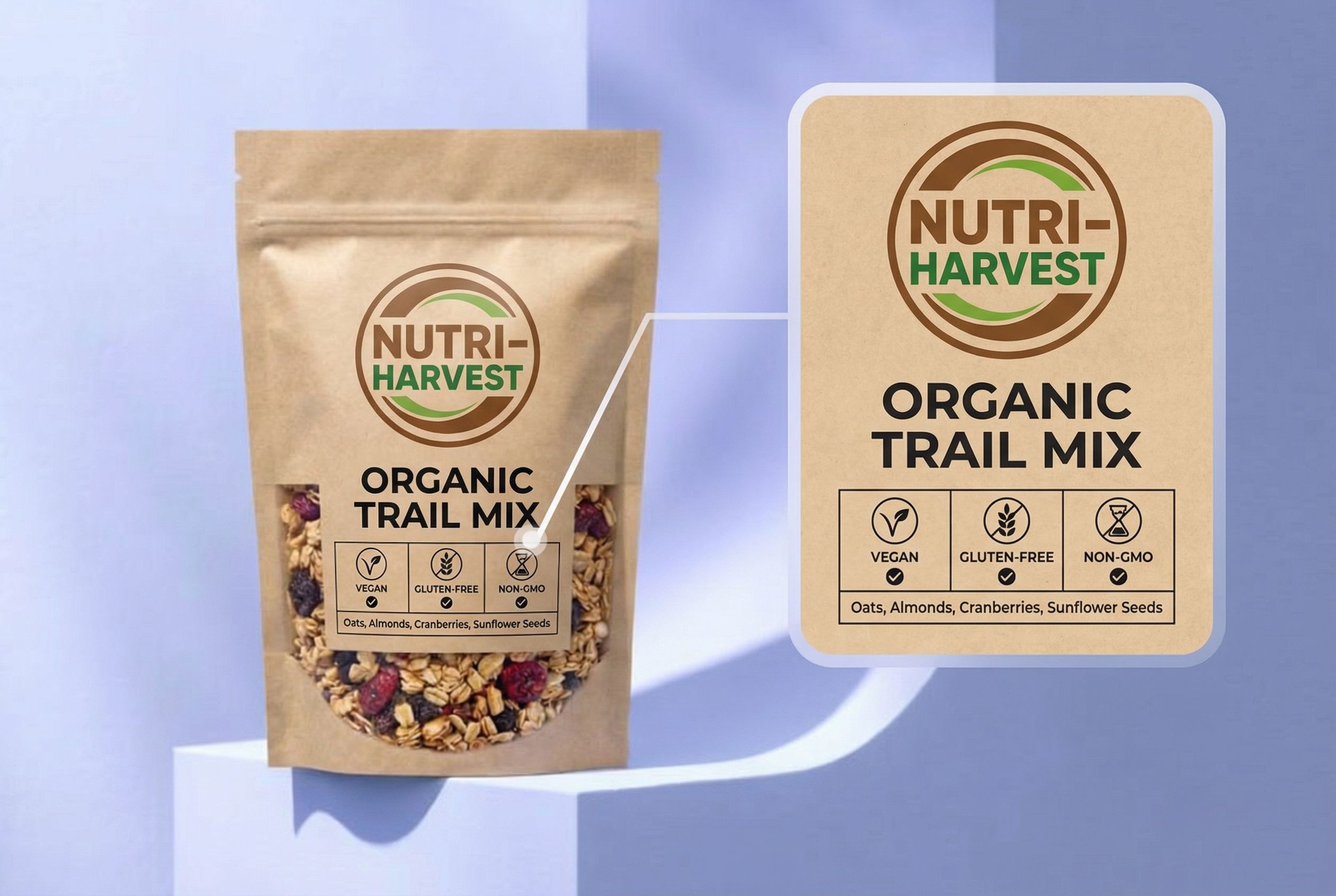
Make the key information easy to see
A food label should tell shoppers what the product is right away. In most cases, the product name, flavor, and net weight should be the first details people notice.
For example, on a strawberry jam label, “Strawberry Jam” should stand out more than fruit graphics or background patterns. A clear hierarchy makes the label easier to scan and more professional.
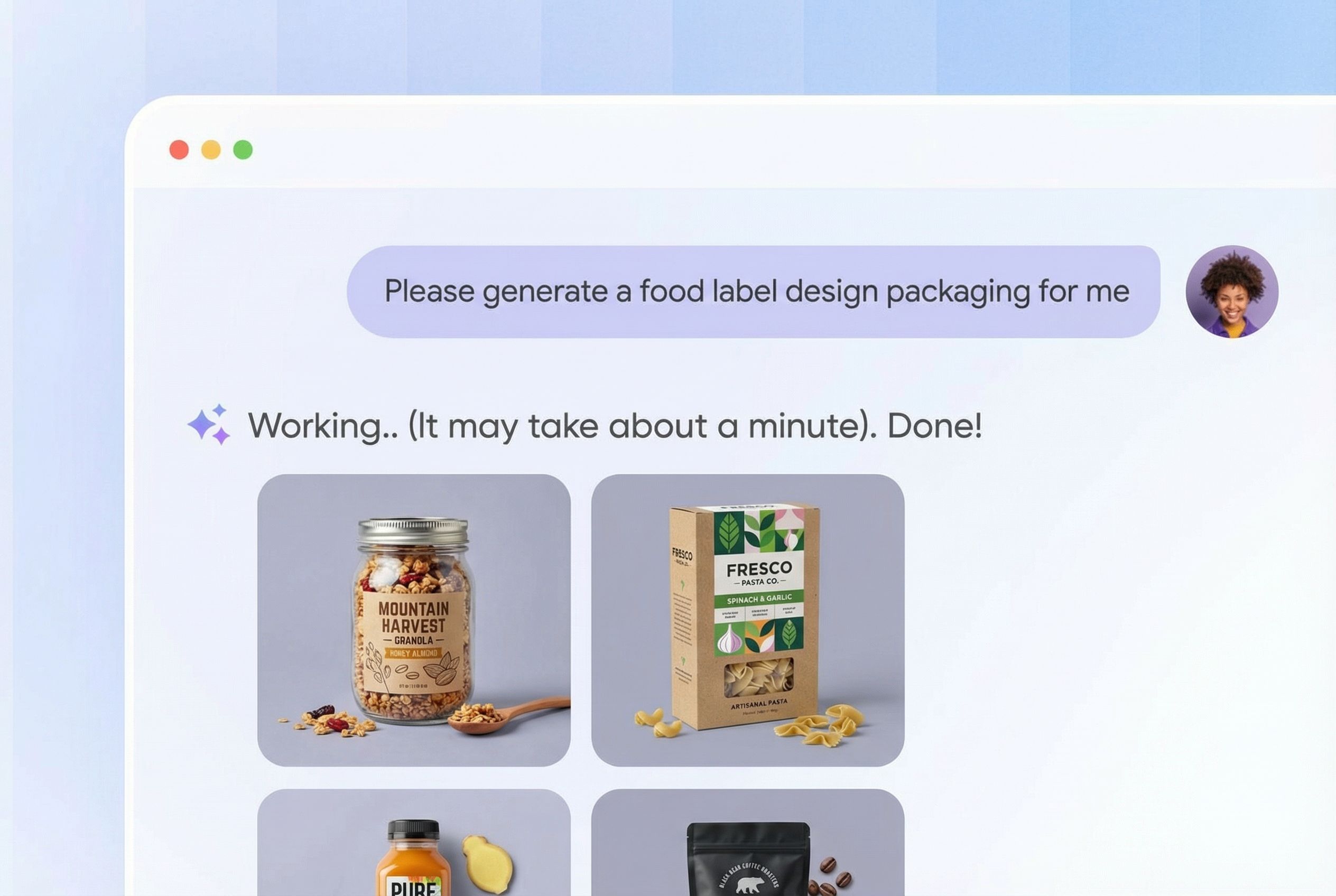
Match the style to the food category
Different food products often need different label styles. A homemade cookie label may suit warm colors and a softer tone, while an energy drink label may need bolder type and stronger contrast.
If the style does not fit the product, the packaging can feel less convincing. However, with Packify, as long as you input the product type, the AI can help you generate packaging that matches the style.
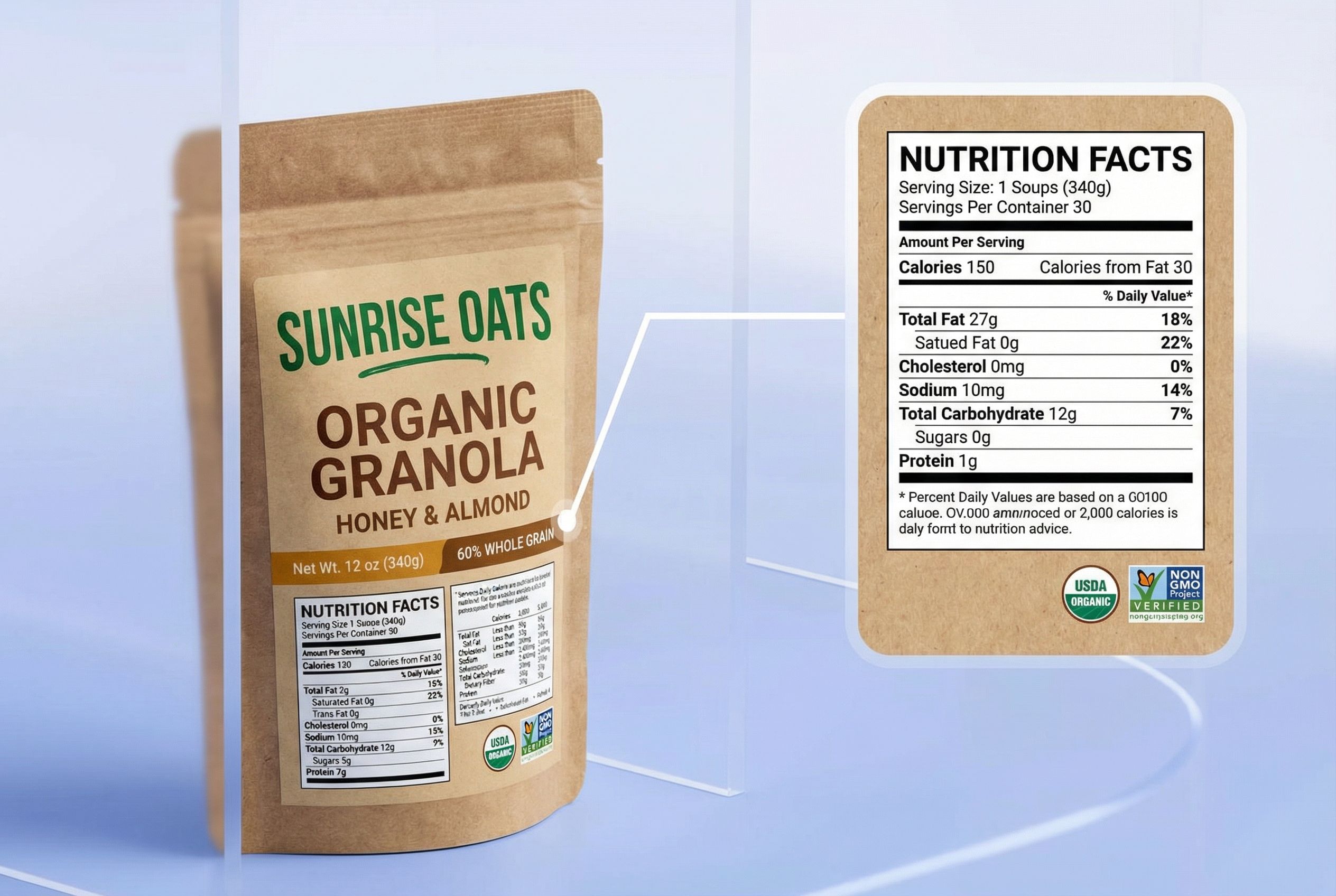
Leave room for important product details
Food label design needs space for ingredients, nutrition facts, allergen statements, and manufacturer details without making the layout feel crowded. Our AI can precisely assist you in arranging these information in an appropriate manner.
For example, a granola label may need a longer ingredients list, while a bottled juice label may need a cleaner area for nutrition facts and volume details.
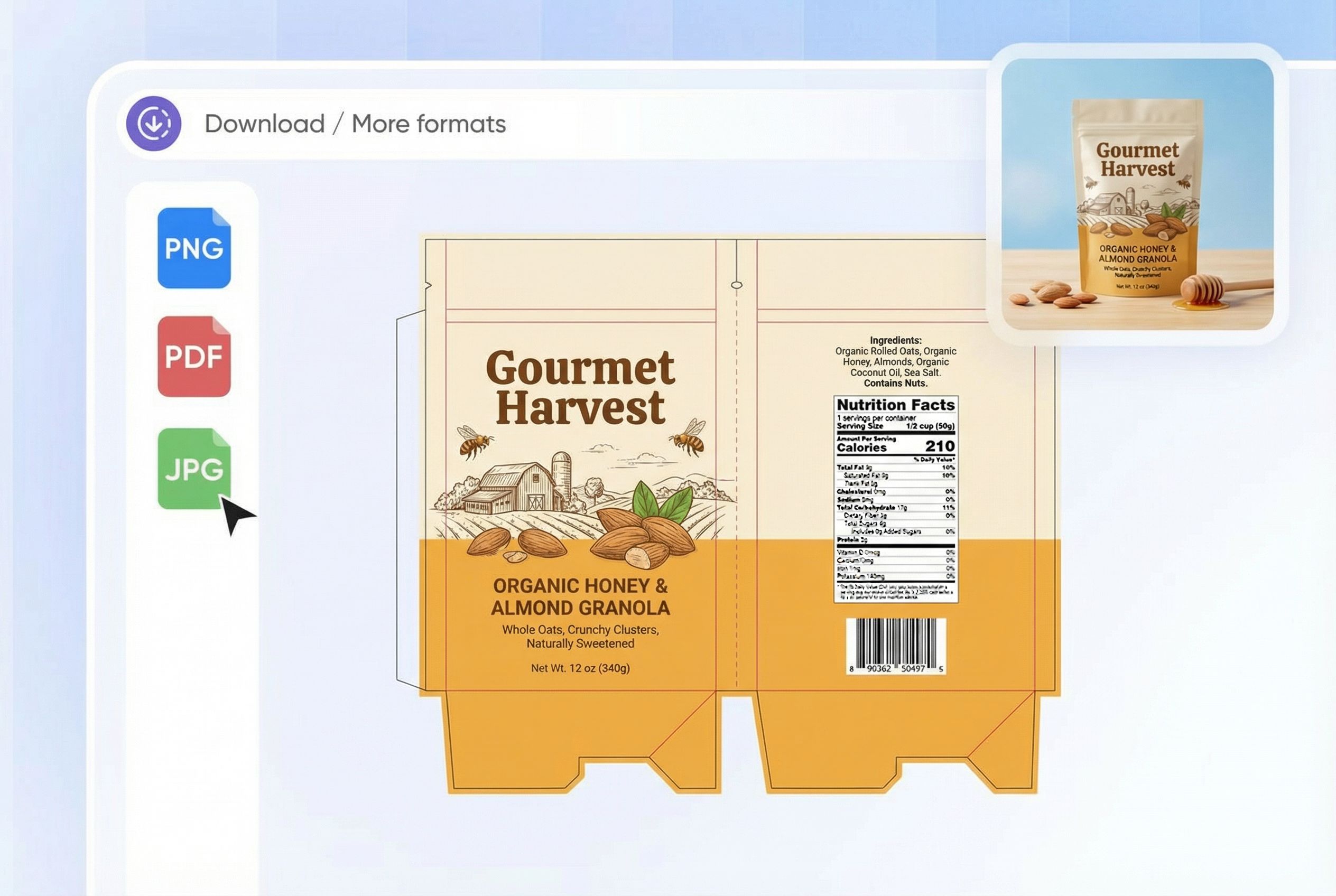
Design for the actual packaging format
A label that looks good on a flat screen may not work as well on real packaging. The package shape affects layout, text placement, and how easy the label is to read.
For example, a jar label often needs a wider layout, while a pouch label may need a stronger front-facing design because the visible space is smaller. Packify can help preview label ideas on different formats.
Join Packify, elevate your brand!

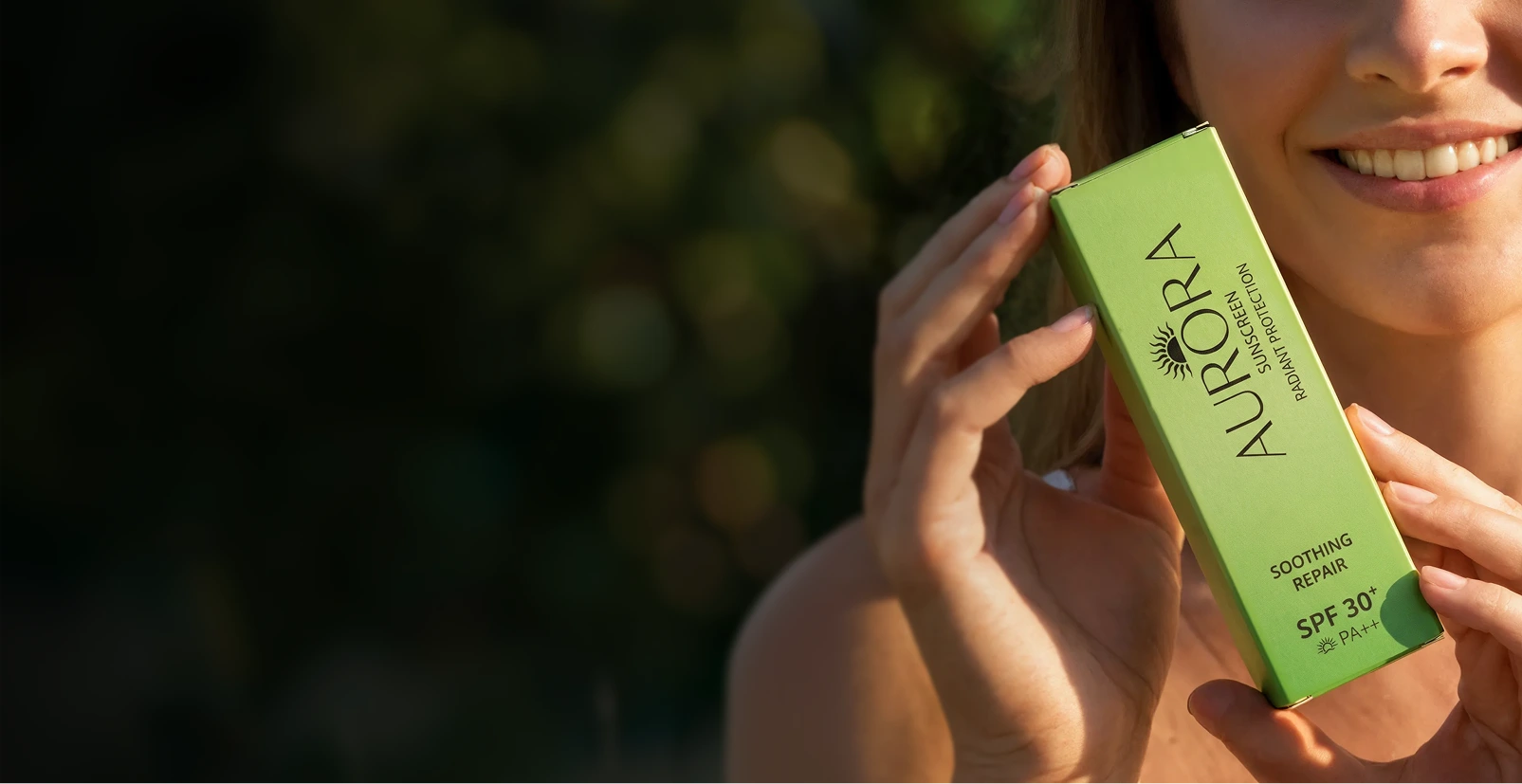
From initial concept to a premium retail shelf in just days, not months.

Sarah Jenkins
We used Packify’s AI to instantly visualize sustainable packaging concepts. Their team refined the structure and exported print-ready dielines, saving us weeks with agencies.
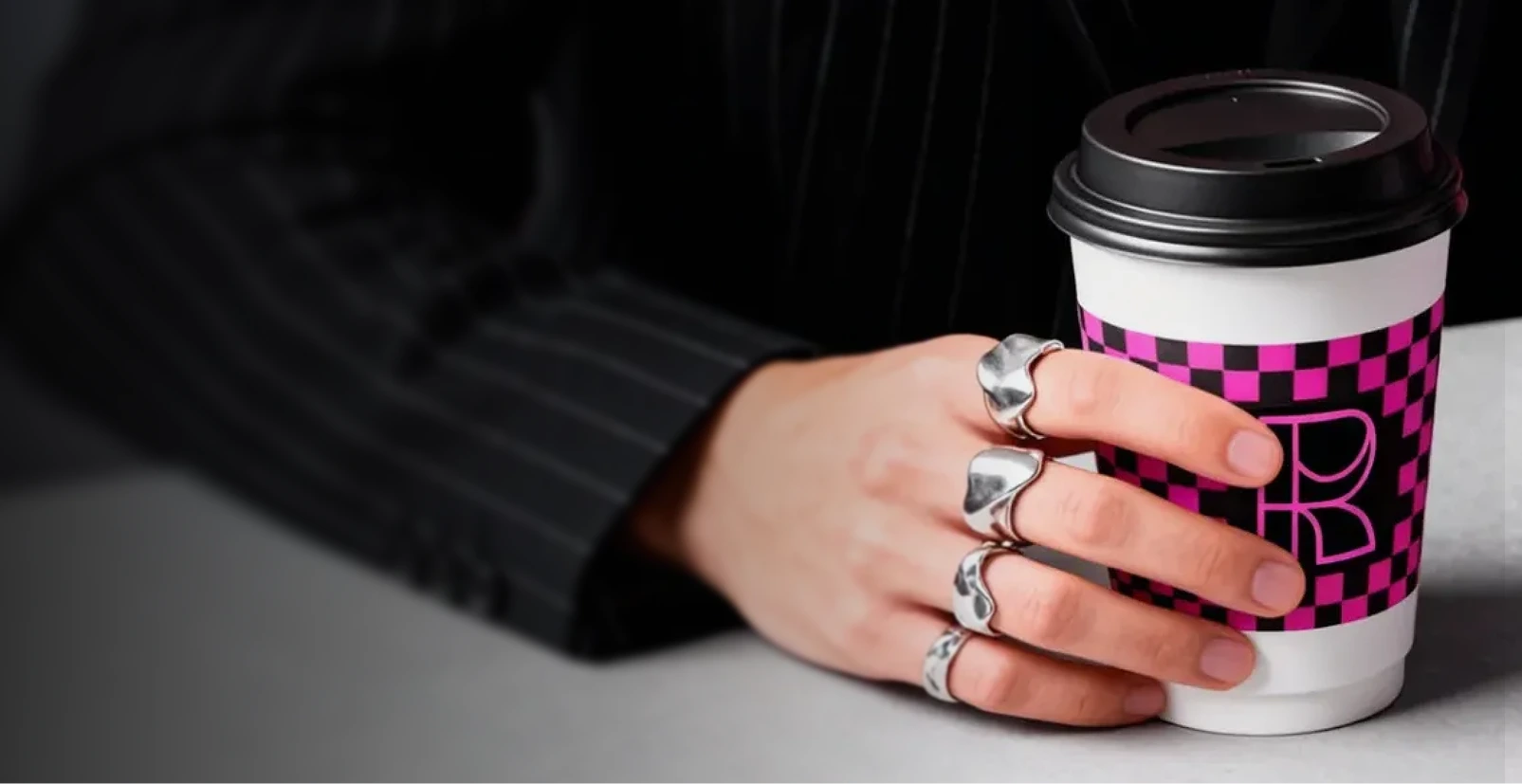
Scaling a bold visual identity across all product lines.

Marcus Torres
Maintaining our loud aesthetic across cups, bags, and boxes was a nightmare. Packify’s AI grasped our brand DNA and generated designs and production files our suppliers loved.

Skipping costly physical prototyping with realistic 3D mockups.

Elena Rostova
As a startup, we couldn't afford traditional agency fees. Packify gave us stunning 3D renders for our investor pitch deck, alongside the precise vector specs needed for manufacturing. Game changer.
Testing dozens of packaging variations for ultimate shelf appeal.

David Kim
The FMCG space moves fast. With Packify, we generated and evaluated dozens of cookie line designs in one afternoon, bypassing weeks of engineering delays with automatic dieline generation.
You asked,we answered
What should a food label include?
A food label must include the product name, net weight, ingredients list, a Nutrition Facts panel (FDA-compliant), allergen information, and the manufacturer's name and address. An expiration or best-by date is also required for most products. Optional additions like barcodes, QR codes, or a short brand story can increase shelf appeal and customer trust.
What makes Packify's food label design different?
Packify is built specifically for product packaging — not general graphic design. That means it understands label dimensions, print bleed, FDA compliance requirements, and nutrition facts formatting out of the box. The result is a design that's ready for commercial printing from day one, without needing a designer to review it.
Do I need to have design experience?
No. Packify is designed for food founders and small producers with no design background. You describe what you want in plain language, and the AI makes the design decisions. Most users complete their first label in under 10 minutes.
Is Packify’s AI food label design free?
We offer a limited number of credits. You can enjoy a free trial of our packaging design. Of course, if you want to access more advanced features, you can check out our pricing page.
Can I use the generated label designs for my business?
Yes, you can use the designs you create with Packify for both personal and commercial projects—as long as you follow our Terms of Use.
For food label design, please note that Packify does not grant exclusive ownership of AI-generated content. You’ll have full rights to use and share your packaging designs, but it’s your responsibility to ensure they’re appropriate for your product—especially if trademarks or elements resembling existing brands are involved.
We do our best to keep your creative process safe, but we can’t guarantee every output is cleared for all commercial uses. Always review your design carefully before going to market.
Reimagine food label with the magic of AI
