
AI Cosmetic Label Generator
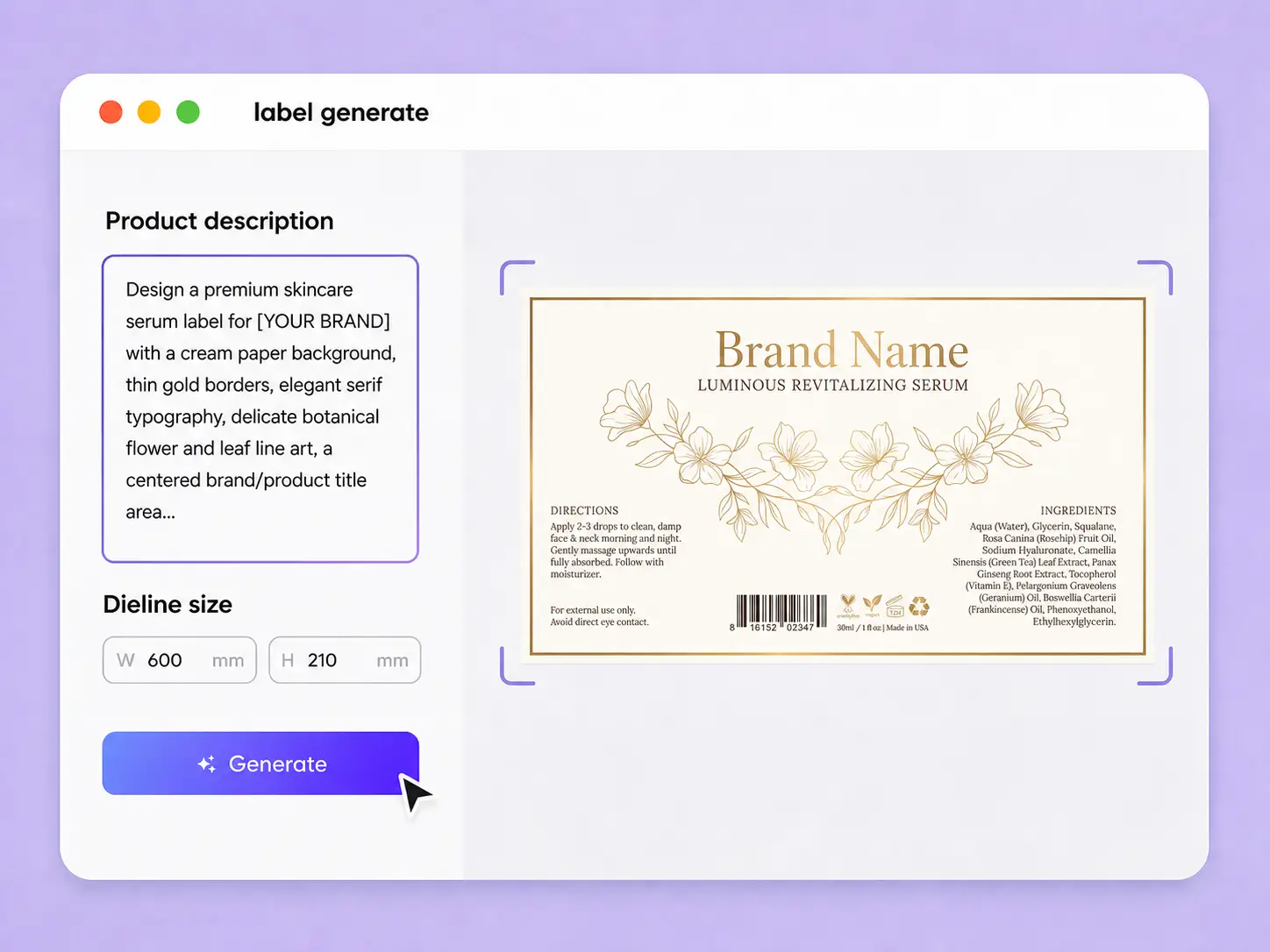
Enter your product details, label size, brand information, and preferred style. Packify generates cosmetic label designs that help you explore different creative directions.
Trusted by industry - leading businesses


Cosmetic label ideas without the blank canvas
Creating a cosmetic label means balancing brand character, product information, and limited label space. A facial serum, skincare cream, makeup product, and shampoo each call for a different visual approach. Packify turns your brief into label design ideas, helping you explore typography, colors, graphics, and layouts without starting in professional design software. Compare different directions, choose the one that fits your brand, and continue editing before you move forward with the final design.
How to create a cosmetic label with AI?
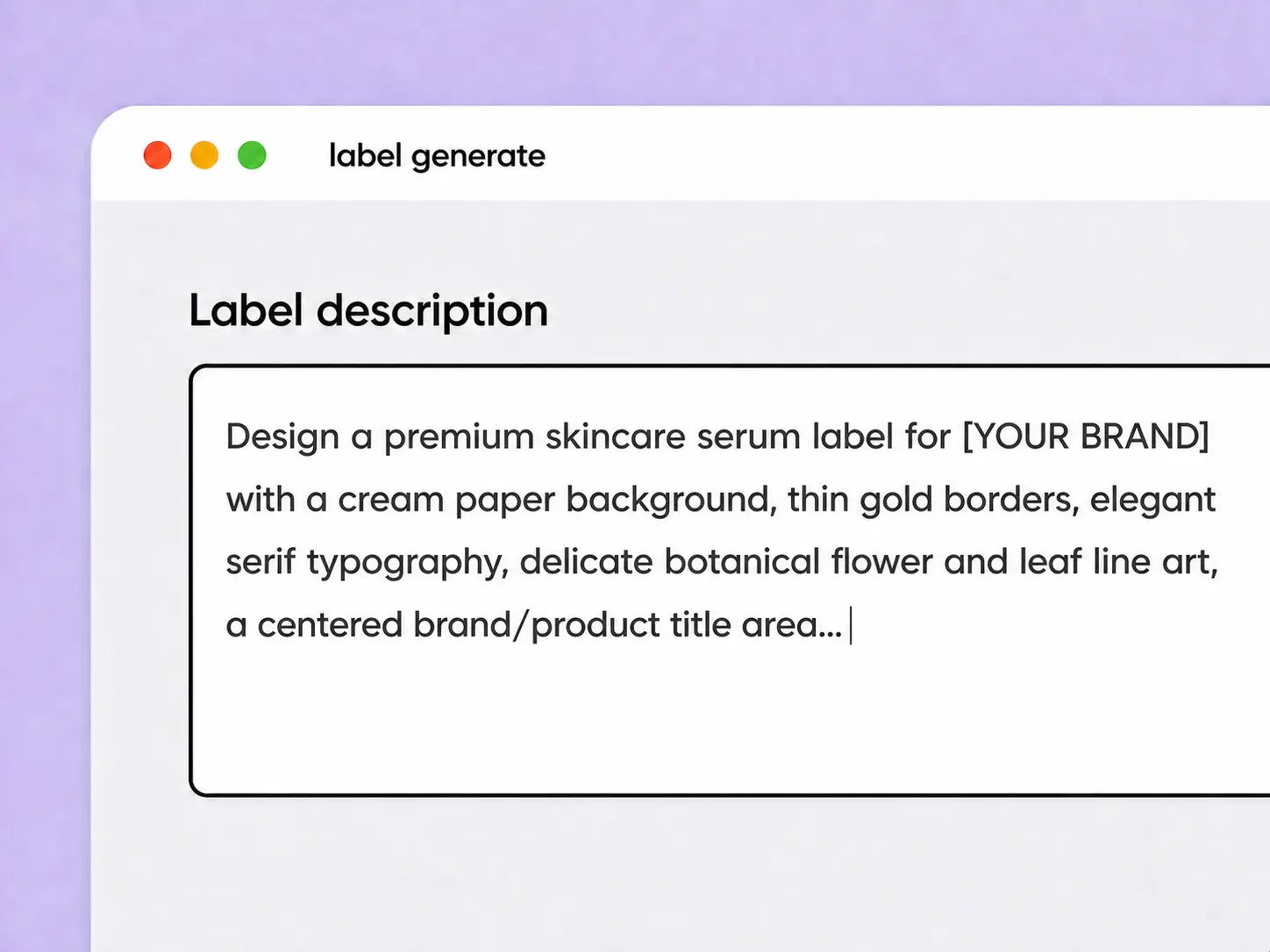
Step 1: Describe your label
Enter the product type, label size, brand name, target audience, preferred colors, label text, and the visual style you want to explore.
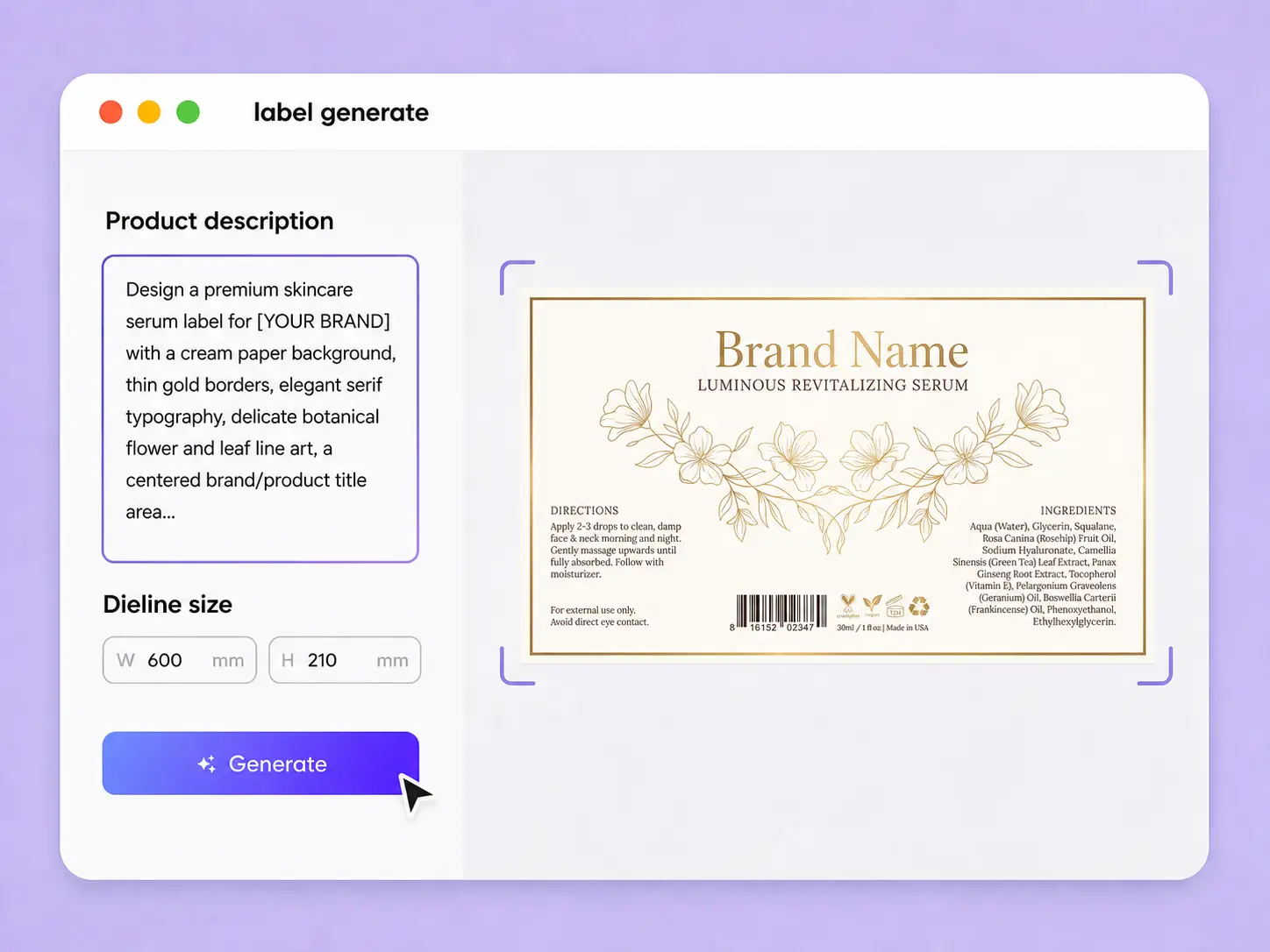
Step 2: Generate and choose a design
Generate your cosmetic label and review the result. Adjust your description and regenerate to explore different colors, typography, graphics, and creative directions.
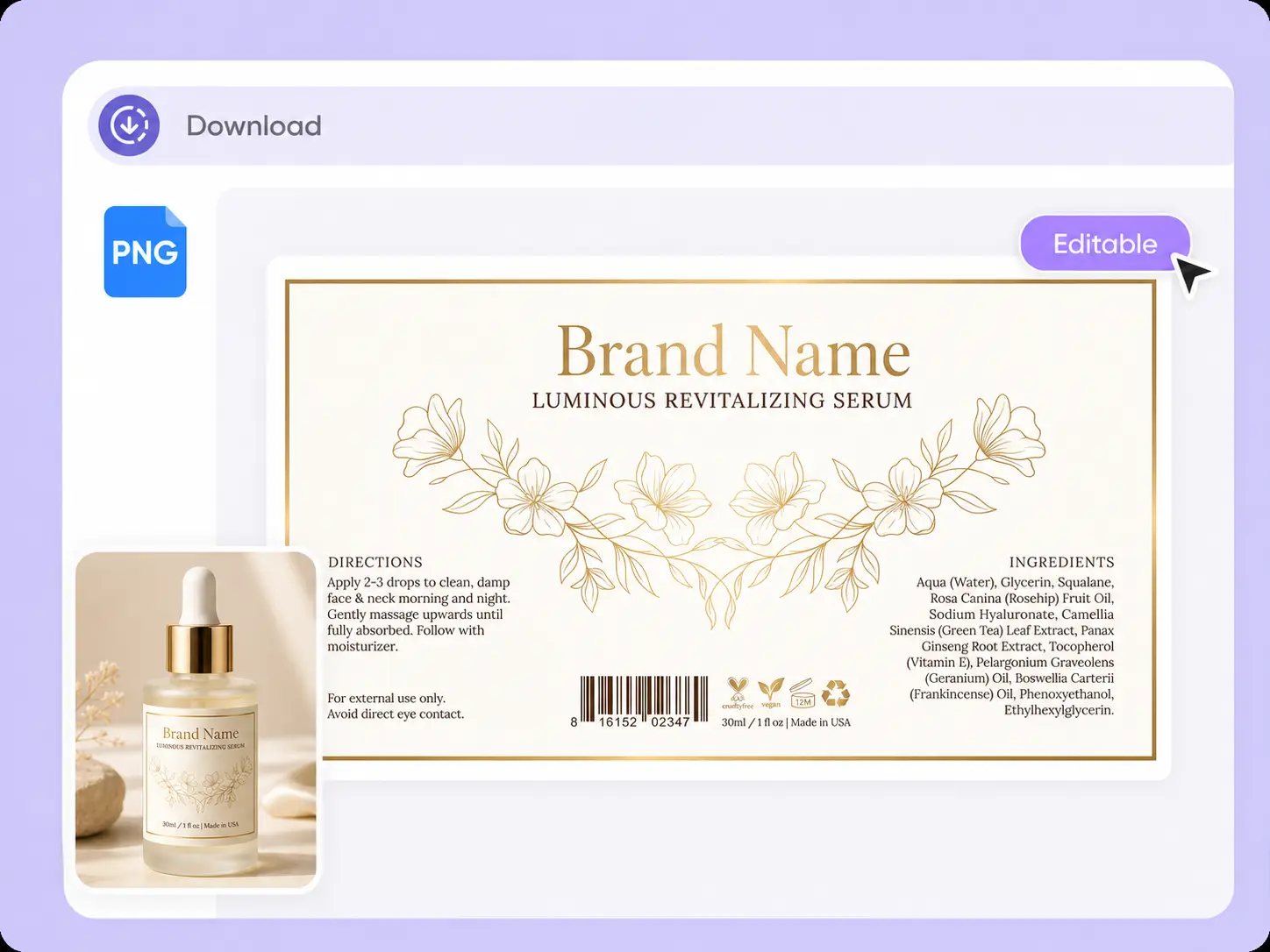
Step 3: Choose a mockup and edit
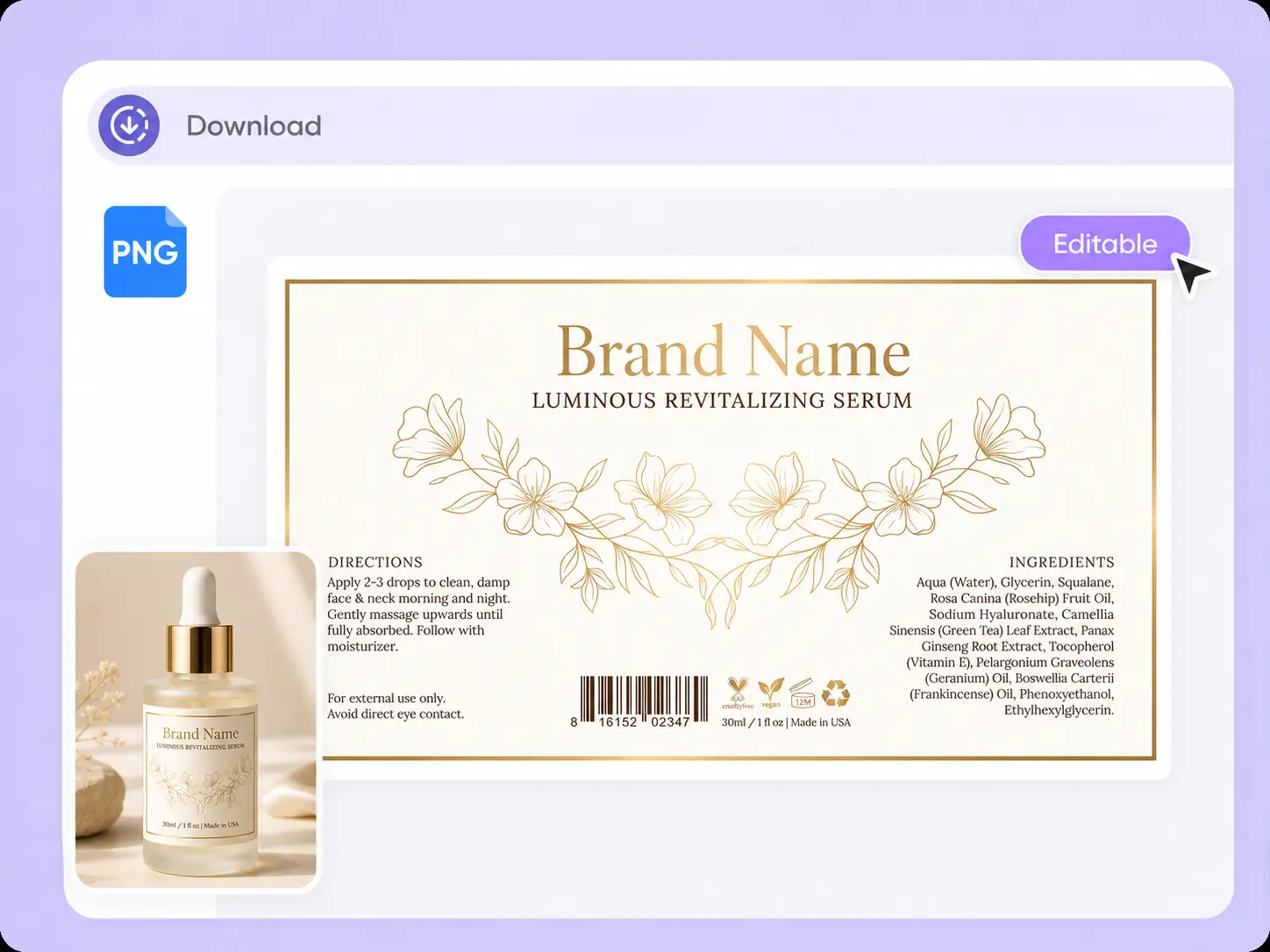
Click Edit Label, choose a cosmetic bottle, shampoo bottle, cosmetic tube, or another mockup, then adjust placement, size, text, and layout before export.

Step 1: Describe your label
Enter the product type, label size, brand name, target audience, preferred colors, label text, and the visual style you want to explore.
Step 2: Generate and choose a design
Generate your cosmetic label and review the result. Adjust your description and regenerate to explore different colors, typography, graphics, and creative directions.
Step 3: Choose a mockup and edit
Click Edit Label, choose a cosmetic bottle, shampoo bottle, cosmetic tube, or another mockup, then adjust placement, size, text, and layout before export.
Why choose Packify for cosmetic label design?
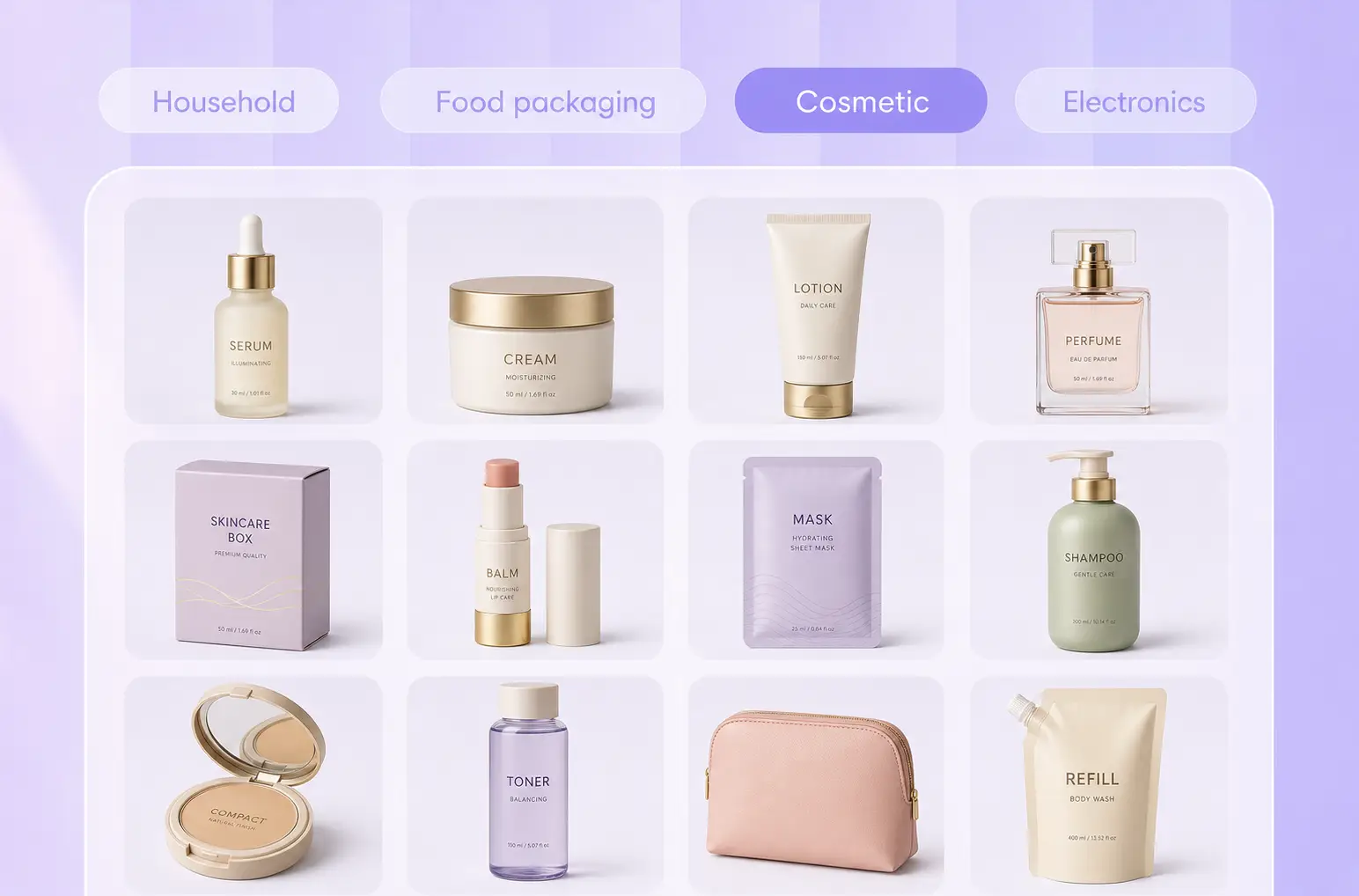
Match different cosmetic packaging
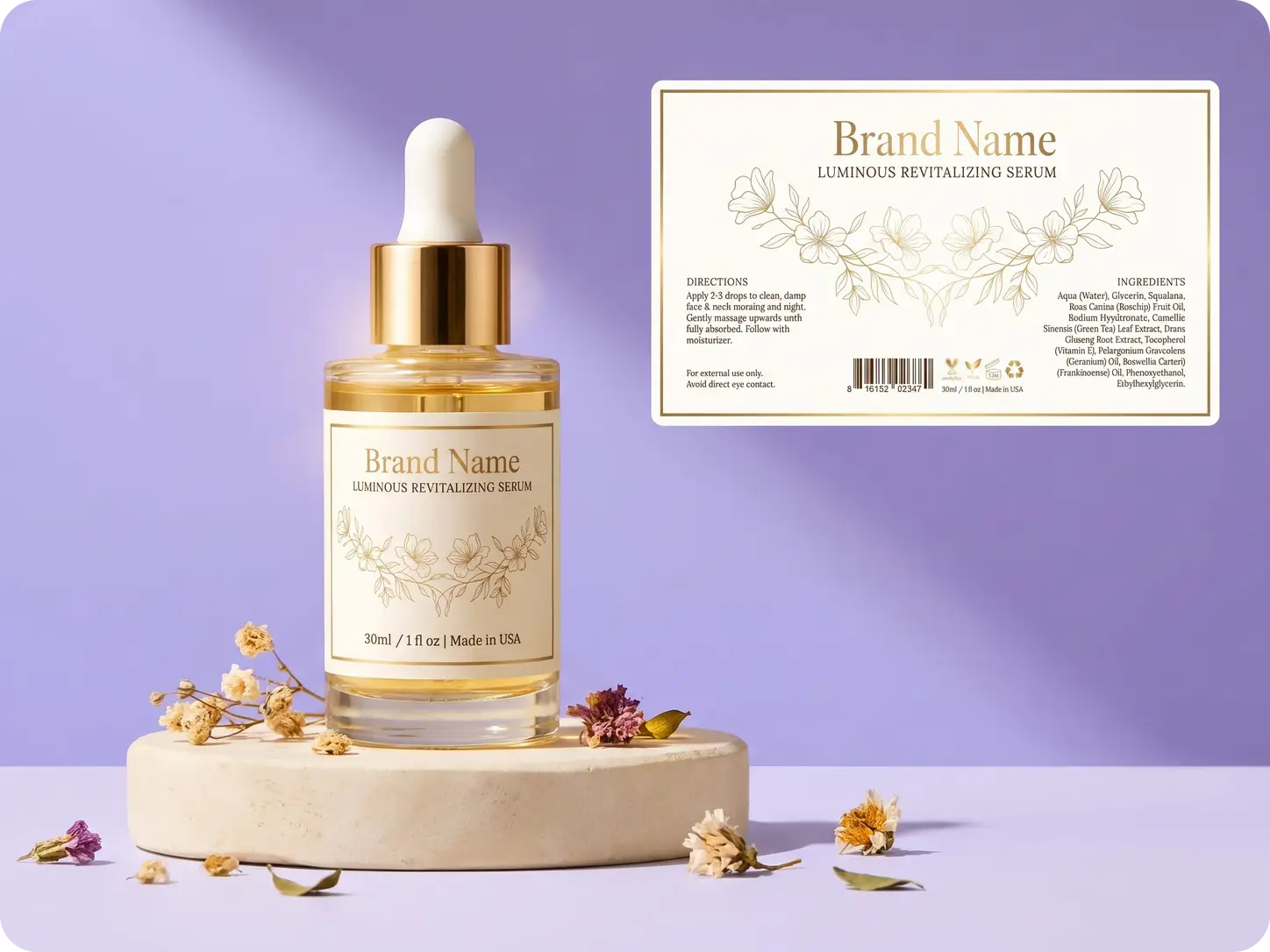
A label can look different on a dropper bottle, jar, tube, pump bottle, or shampoo bottle. Packify gives you cosmetic packaging mockups for different product formats, helping you explore a label direction suited to the shape and available display area.
Explore more creative directions
You may know how your product should feel without knowing what the label should look like.
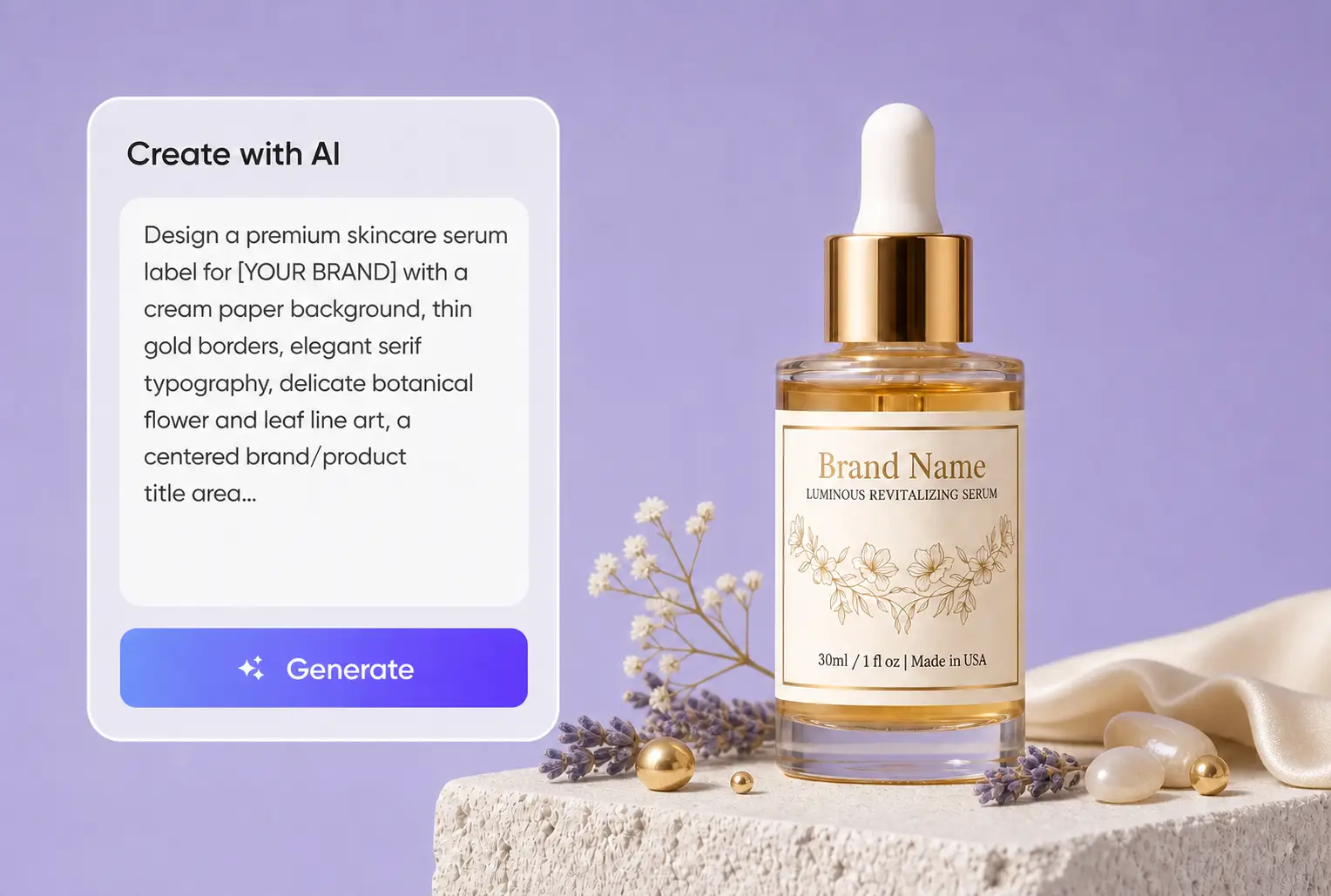
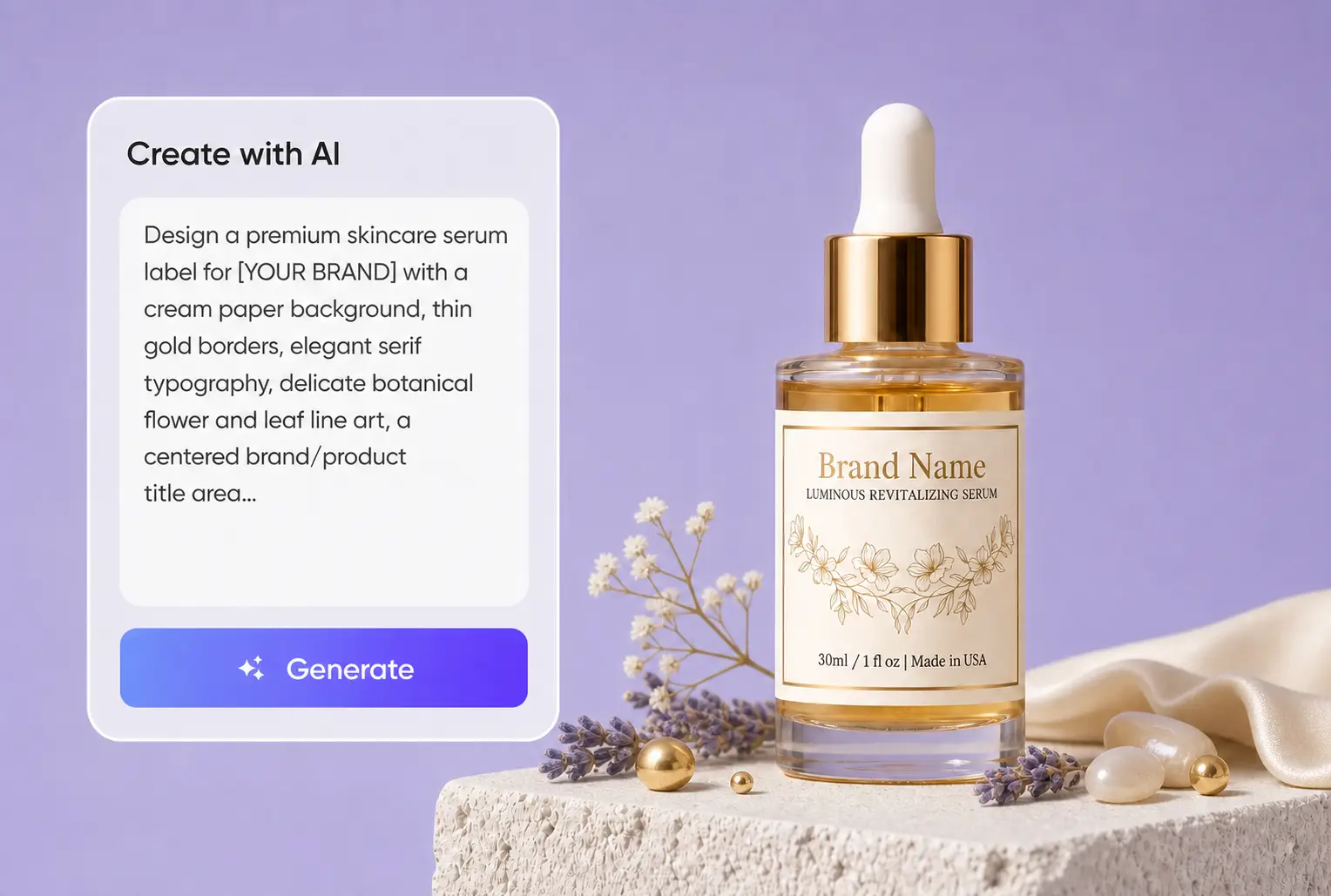
Describe the product, audience, colors, and brand mood, then use Packify to explore minimal, natural, premium, bold, or other visual directions.
Refine every label detail
The first generated result does not have to be the final design.
Regenerate the label or open Edit Label to revise text, typography, colors, graphics, sizing, and layout. Review each change and continue refining the direction you prefer.
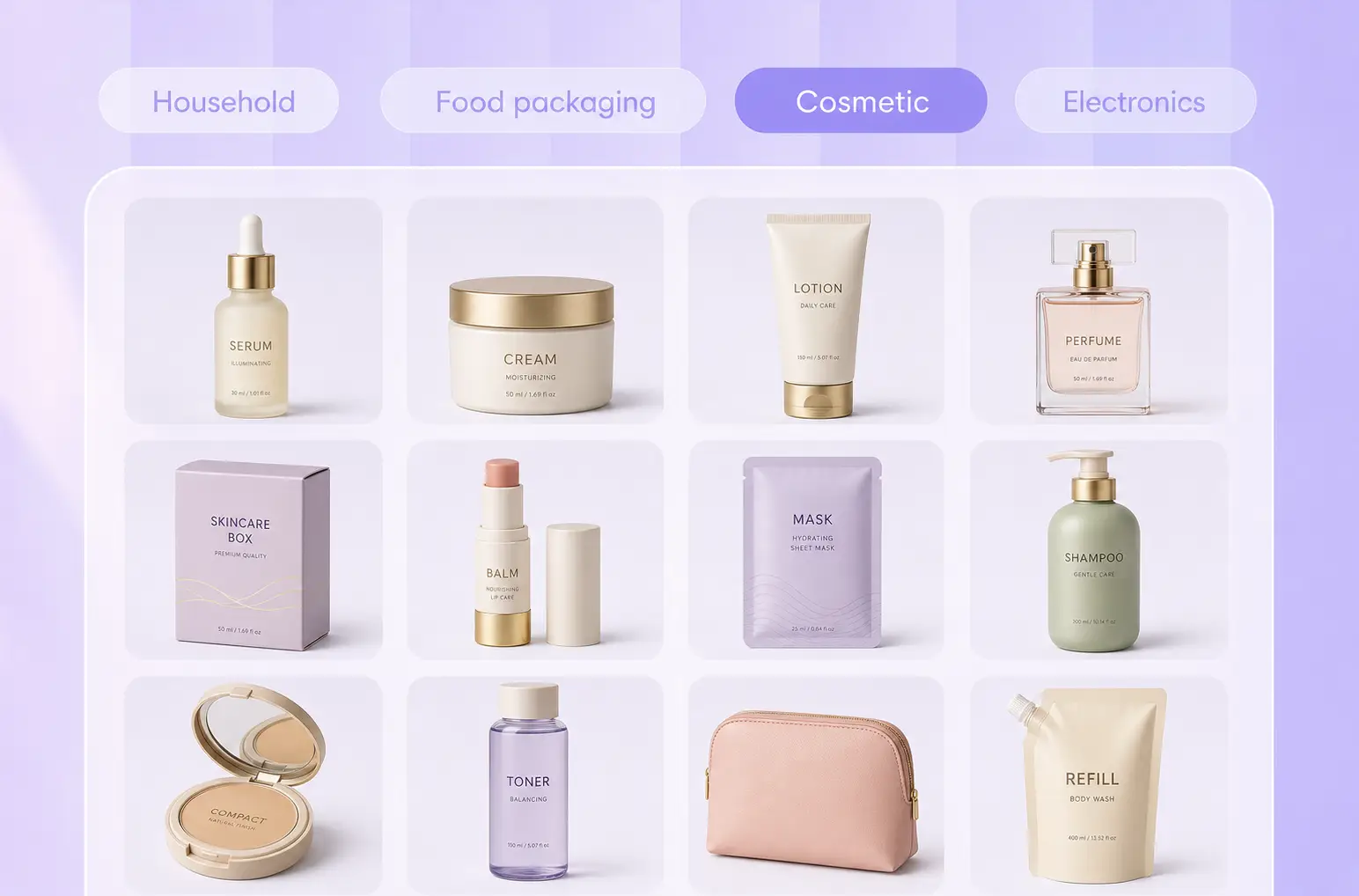
Match different cosmetic packaging
A label can look different on a dropper bottle, jar, tube, pump bottle, or shampoo bottle. Packify gives you cosmetic packaging mockups for different product formats, helping you explore a label direction suited to the shape and available display area.
Explore more creative directions
You may know how your product should feel without knowing what the label should look like.
Describe the product, audience, colors, and brand mood, then use Packify to explore minimal, natural, premium, bold, or other visual directions.
Preview labels on packaging
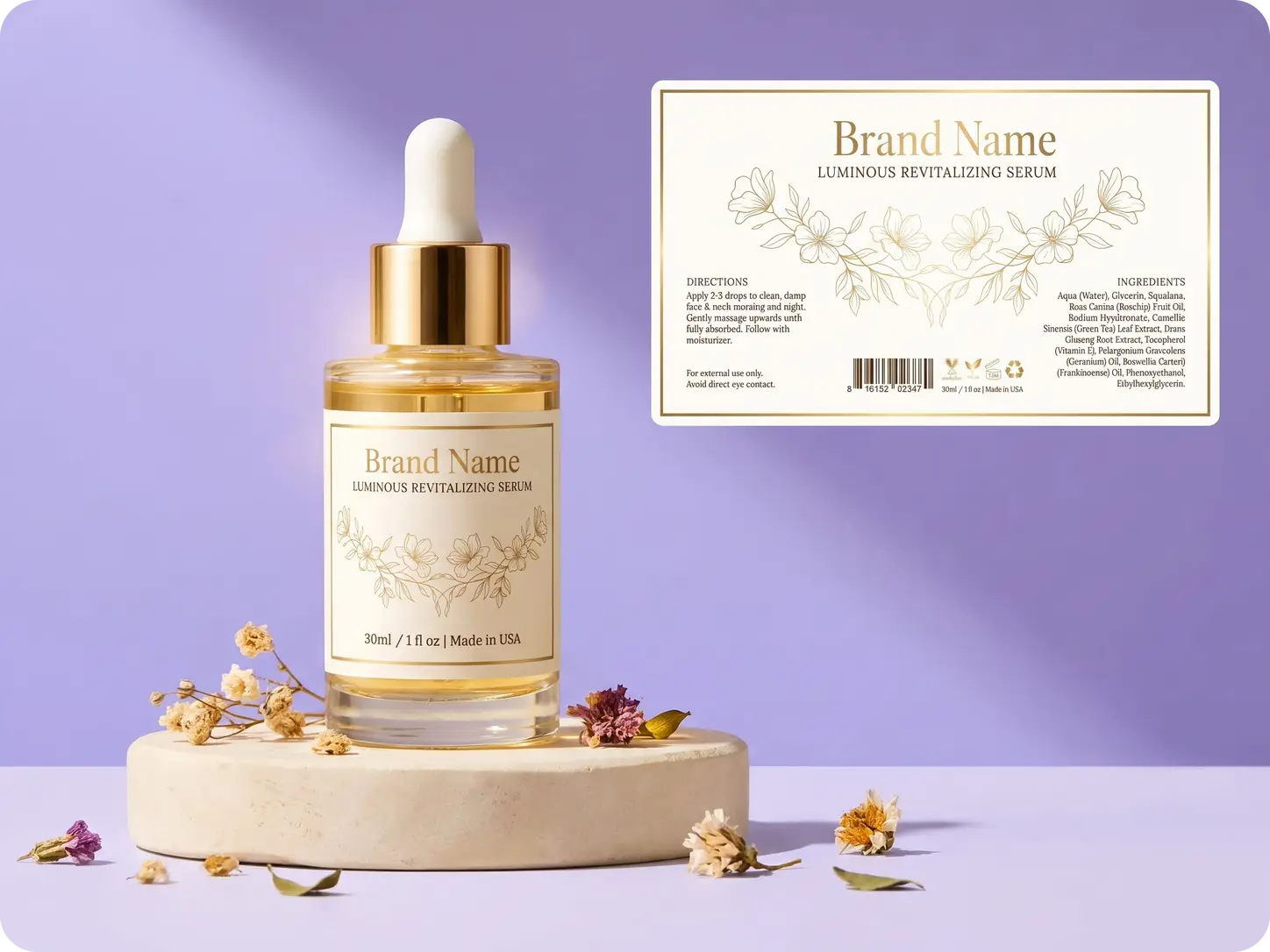
A flat label design may feel different once it is placed on a bottle, jar, or tube. Apply your label to a relevant mockup to review its scale, placement, information hierarchy, and overall appearance before continuing with the design.
Proven impact, in our customer's words


The AI-powered packaging design tool is a game-changer. It's fast, intuitive, making it an essential tool for any forward-thinking design team.ved.
March 26, 2025


The results are so amazing that I don't think it's just for inspiration... I'd say artificial intelligence outperforms most designers; the key is to come up with the perfect prompt. Great contribution! Thank you 😊.
March 18, 2025


The AI-powered packaging design tool is a game-changer. It's fast, intuitive, making it an essential tool for any forward-thinking design team.
March 18, 2025


We’re a tiny skincare shop. Packify.ai turned my scribbles into clean mockups and a printable dieline by Monday. Fewer back-and-forths, consistent branding, a nd our product page conversions moved.
March 18, 2025


The AI-powered packaging design tool is a game-changer. It's fast, intuitive, making it an essential tool for any forward-thinking design team.
March 26, 2025


The results are so amazing that I don't think it's just for inspiration... I'd say artificial intelligence outperforms most designers; the key is to come up with the perfect prompt. Great contribution! Thank you 😊
March 18, 2025


Congrats! Packify.ai, an AI packaging designer, enables easy, creative design and offers AI-driven product photography for e-commerce through simple chatting.
April 2, 2025


We’re a tiny skincare shop. Packify.ai turned my scribbles into clean mockups and a printable dieline by Monday. Fewer back-and-forths, consistent branding, a nd our product page conversions moved.
May 9, 2025
You asked,
we answered
You asked, we answered
What cosmetic labels can I create with Packify?
You can create label designs for facial serums, skincare creams, cleansers, makeup products, shampoos, conditioners, hair oils, perfumes, and other cosmetic and personal care products.
Which cosmetic packaging mockups are available?
Click Edit Label to choose from cosmetic bottles, dropper bottles, shampoo bottles, pump bottles, jars, tubes, spray bottles, perfume bottles, and other cosmetic packaging mockups. Apply your label to a mockup, then adjust its size, placement, text, and layout.
Can I edit an AI-generated cosmetic label?
Yes. You can adjust your description and regenerate the design, or click Edit Label to revise the text, typography, colors, graphics, label size, placement, and layout.
Does the cosmetic label generator ensure compliance?
Packify focuses on creative label generation, design exploration, and packaging visualization. It does not guarantee FDA or other regional compliance.
Can I print the generated cosmetic label?
Treat the generated label as a creative design that requires review. Before printing, check all text, dimensions, colors, ingredients, claims, warnings, barcodes, and regulatory requirements. Confirm the final artwork and production specifications with your printer or regulatory advisor.
Is the cosmetic label generator free to use?
You can try the AI cosmetic label generator with available trial credits. Generating and editing labels may consume credits, so check your remaining balance before starting. For current subscription plans and credit packages, visit the Pricing Page.
Can I use my cosmetic label commercially?
You may use generated labels for personal or commercial projects subject to Packify’s Terms of Use.
Packify does not grant exclusive rights to AI-generated content or guarantee that every output is cleared for all commercial uses. Review trademarks, visual similarities, label text, product information, and design suitability before going to market.
Explore more free tools
From label ideas to packaging previews
