AI Halloween card generator
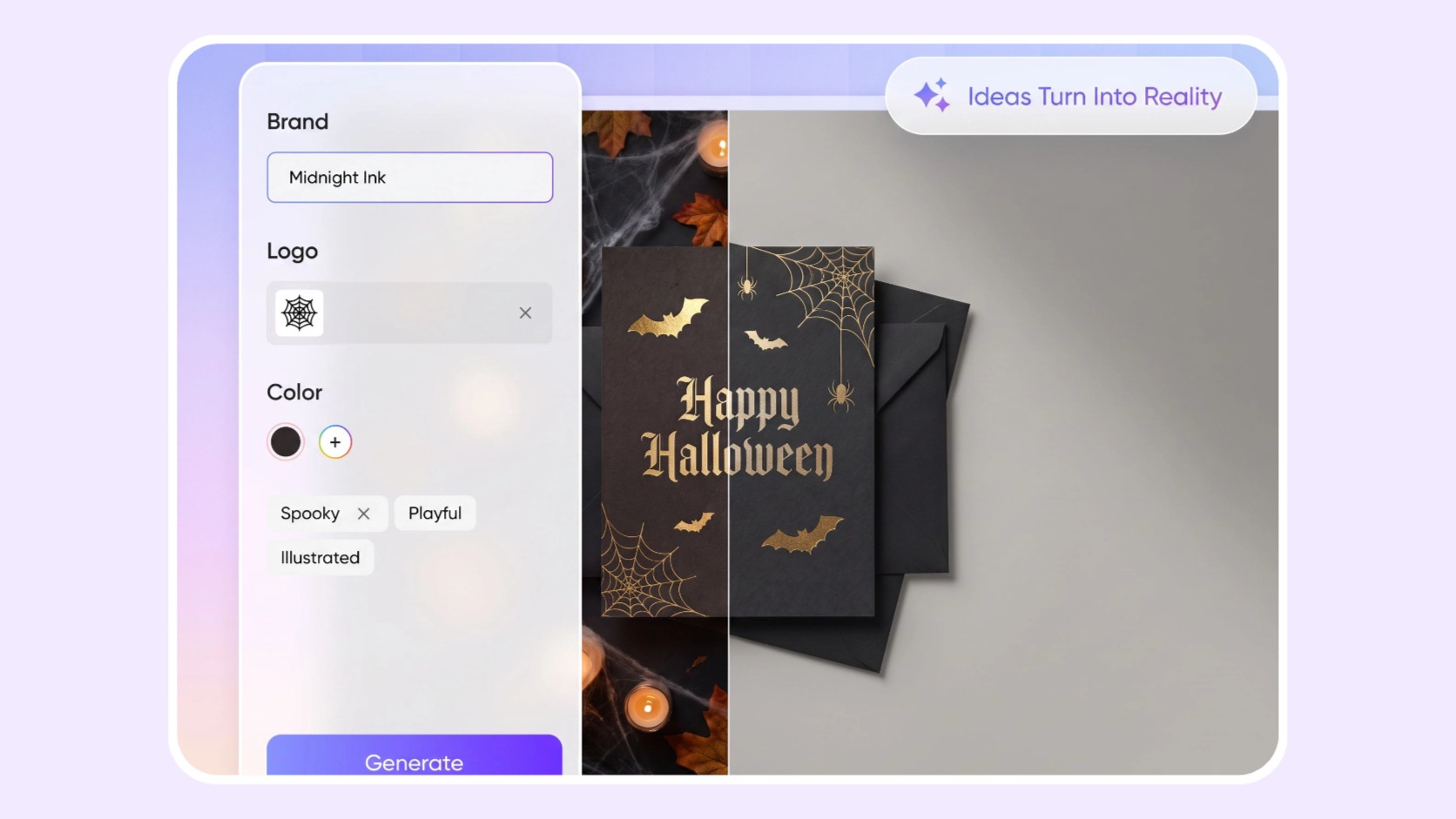
Add a card that complements your packaging, so customers receive a thoughtful brand message the moment they open their Halloween gift.

Trusted by industry-leading businesses


Complete the Halloween gift box experience
Create custom cards for Halloween gift boxes, customer gifts, and order packages. Upload your brand logo, choose the festive elements, style, and colors you want, and let Packify generate the complete card design. Refine the visuals with Chat, then select a suitable dieline to check the message, adjust the layout, and prepare the final file.
How to use the AI Halloween card generator?
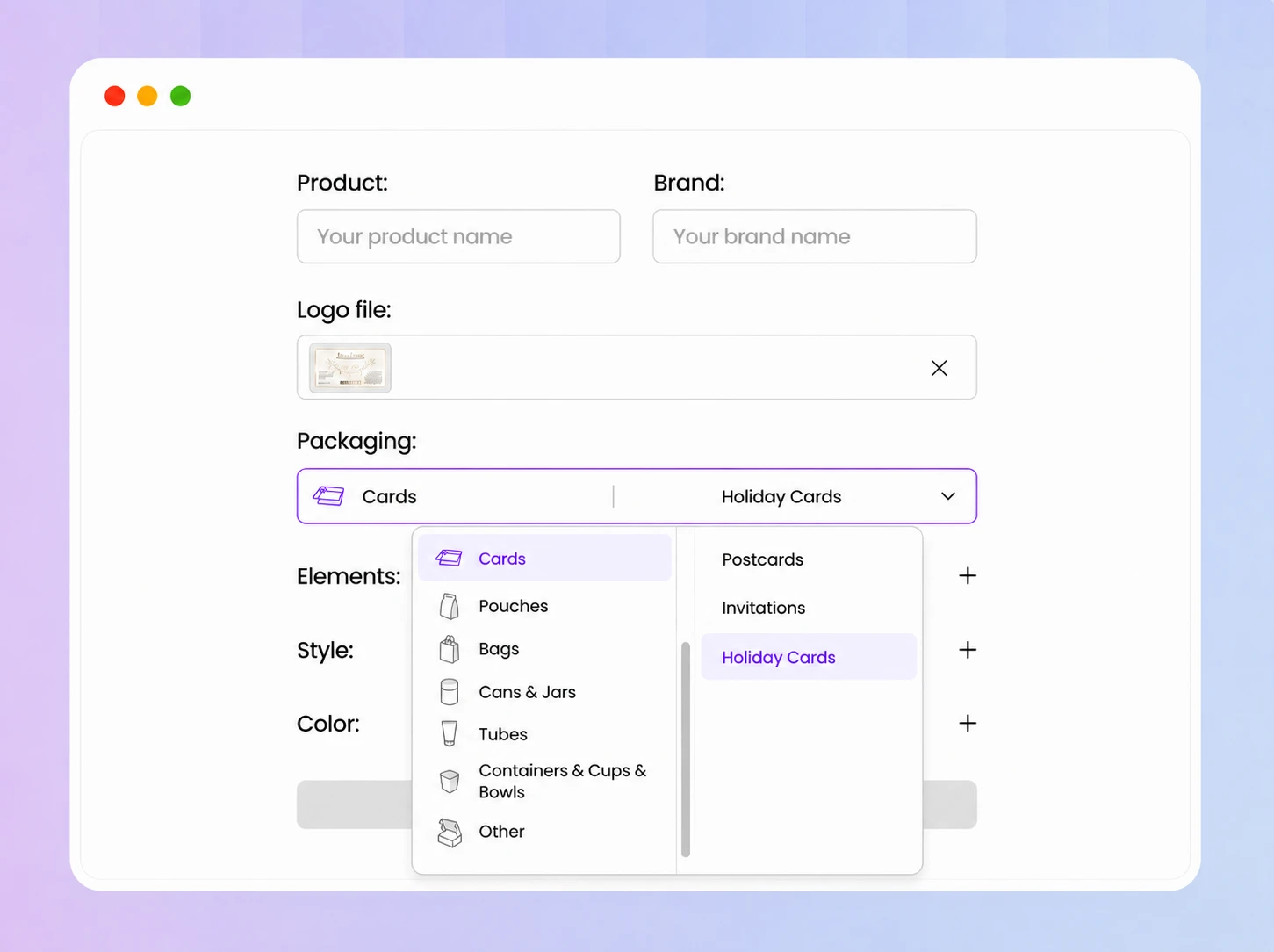
Step 1: Upload your logo and select a card
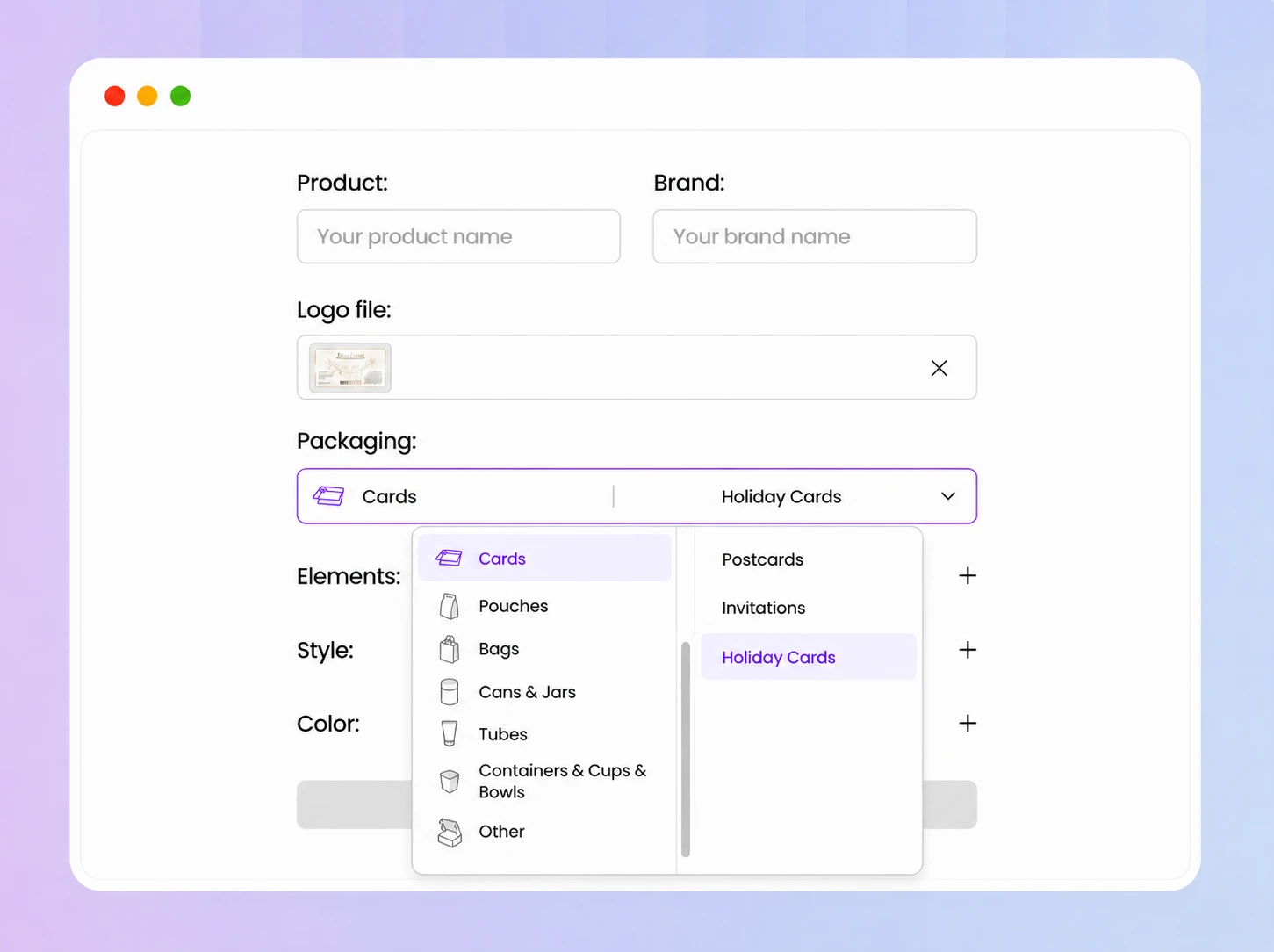
Upload your brand logo, open Packaging, and select Holiday Card to start creating your Halloween card.
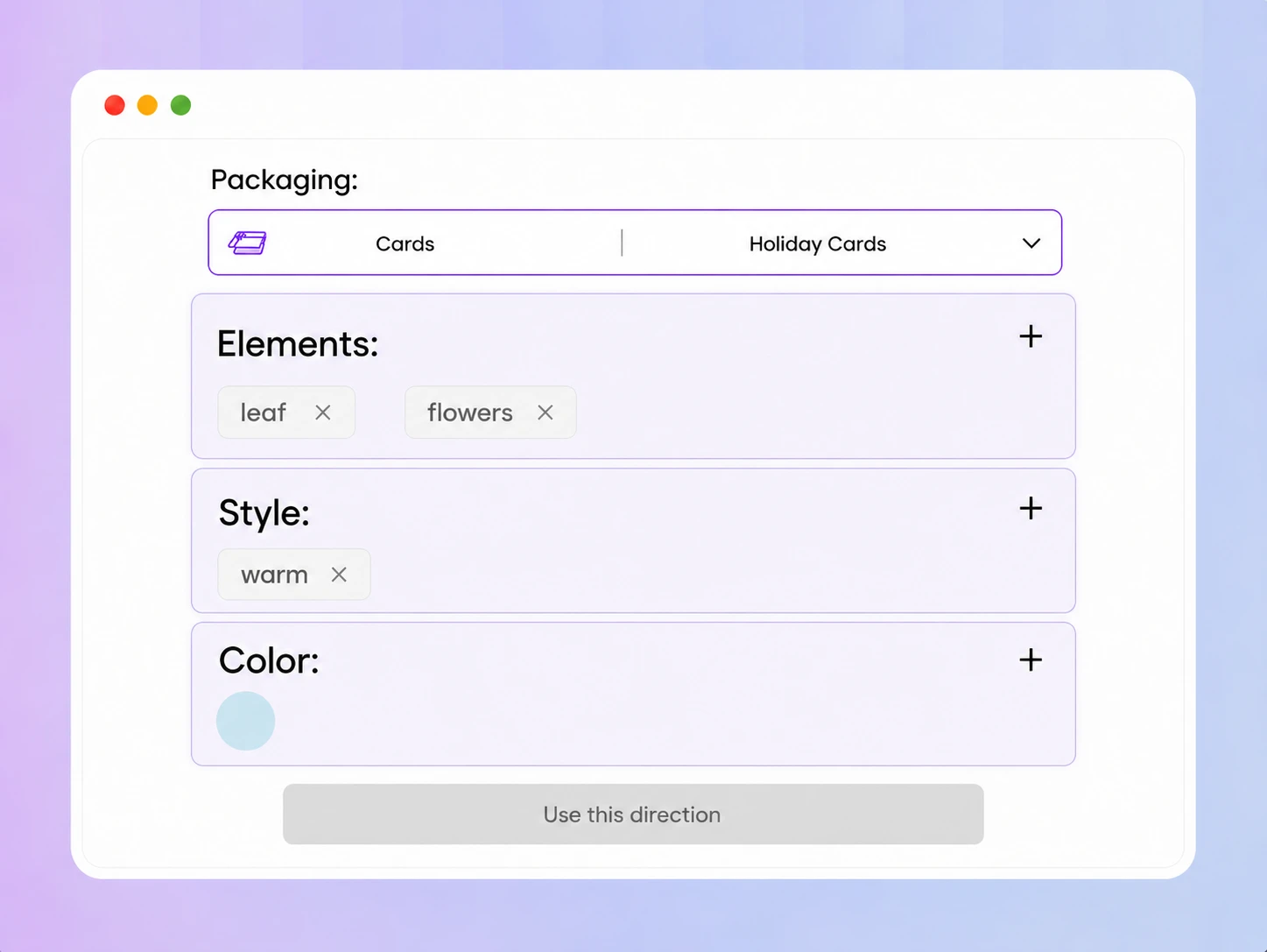
Step 2: Choose elements, style, and colors
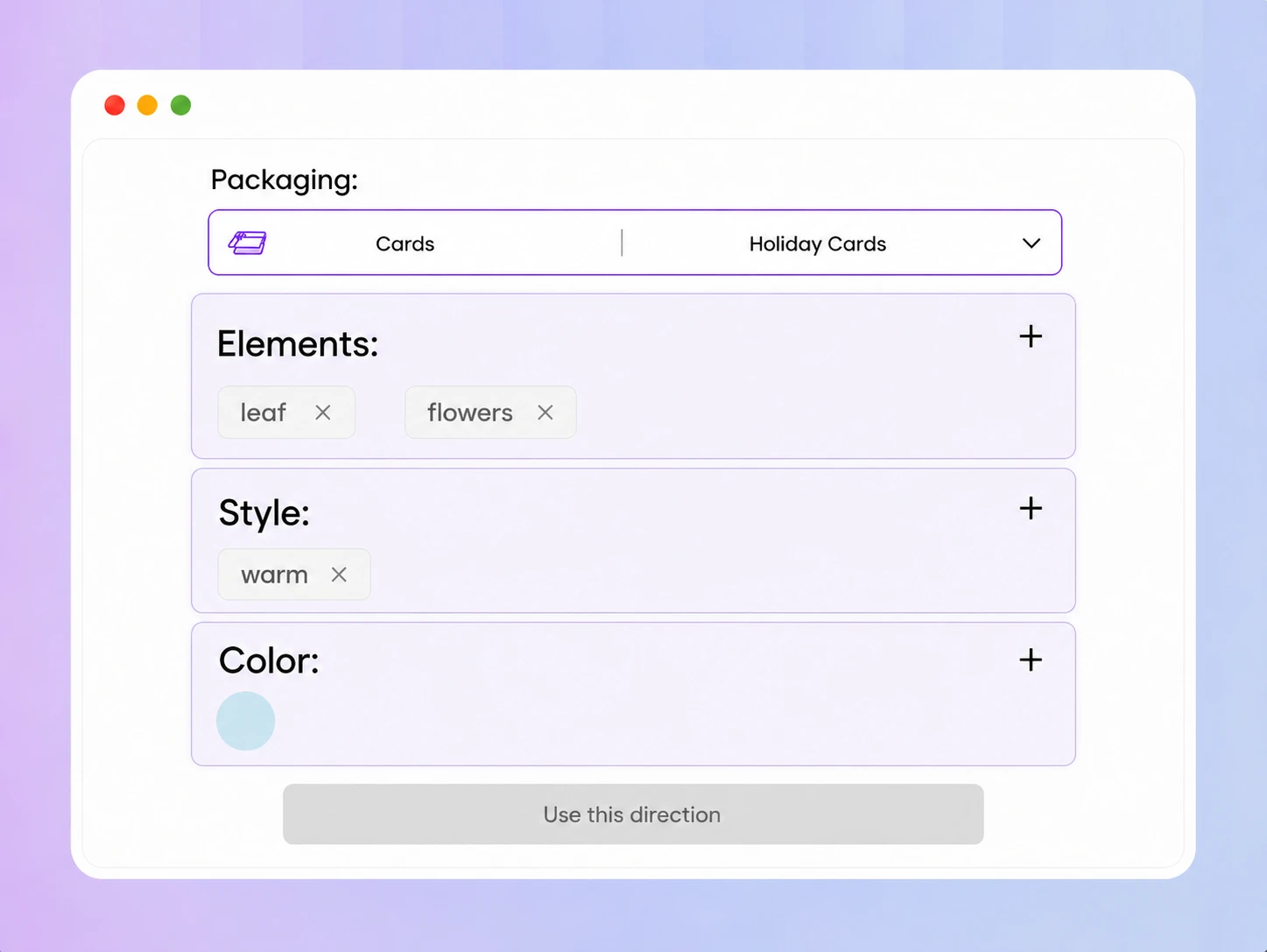
Set the Elements, Style, and Color. Try pumpkins, bats, candy, black cats, candles, or spiderwebs for a recognizable Halloween look.
Step 3: Refine the design and select a dieline
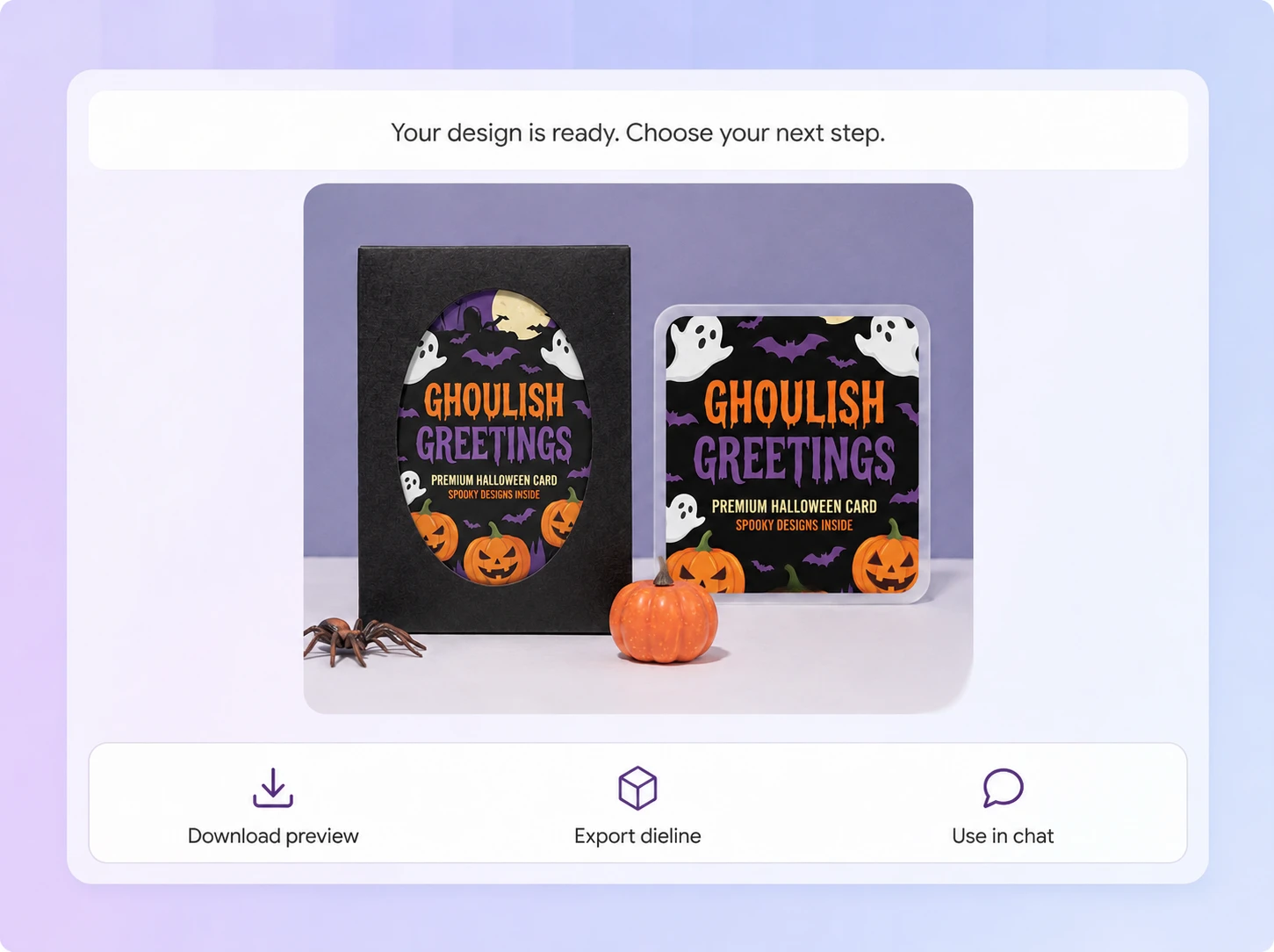
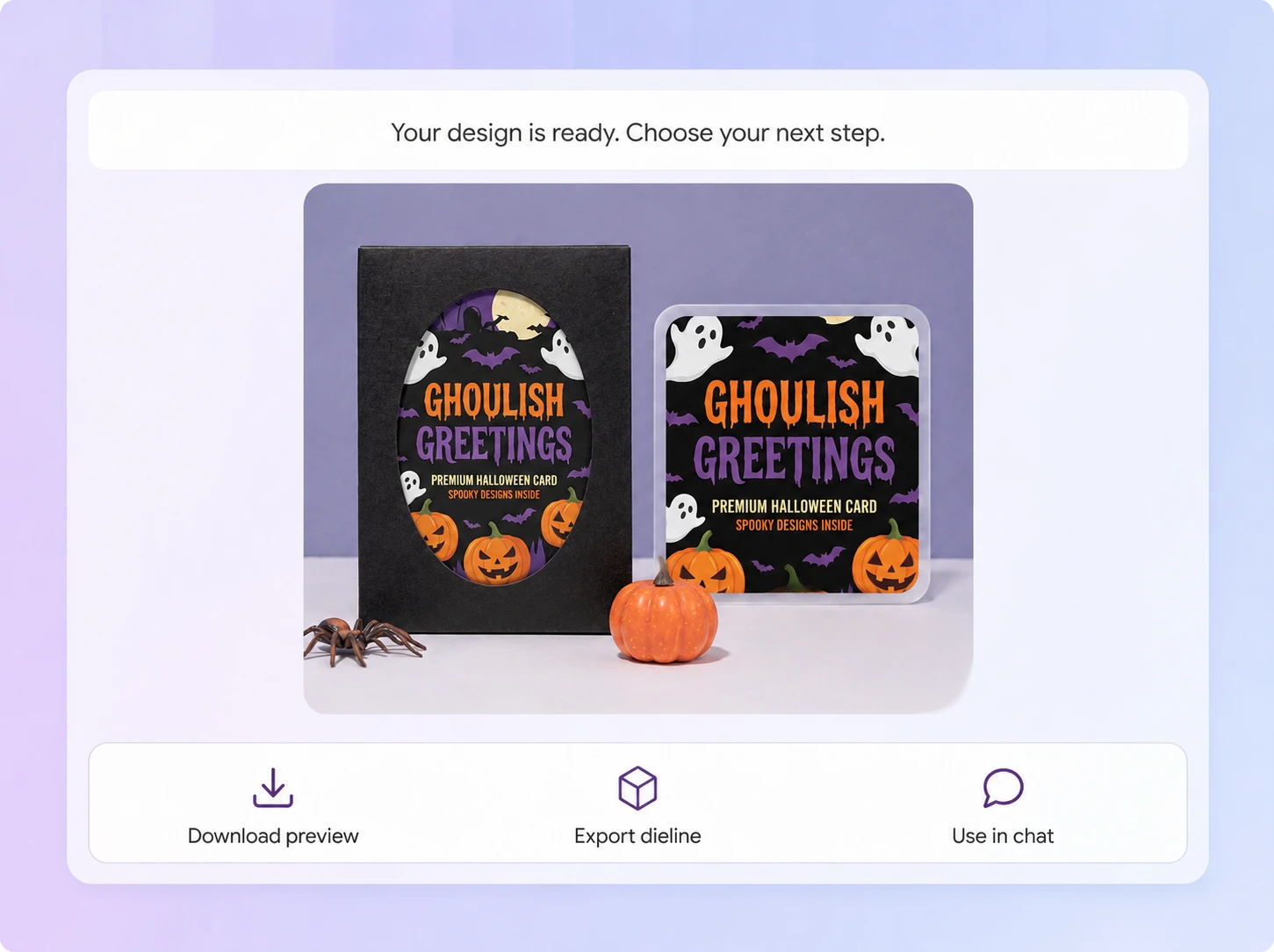
Use Chat to adjust the card's elements, text, and overall look. Once the direction is set, click Export Dieline, choose a suitable dieline, enter the editor, refine the design, and export the dieline file.

Step 1: Upload your logo and select a card
Upload your brand logo, open Packaging, and select Holiday Card to start creating your Halloween card.
Step 2: Choose elements, style, and colors
Set the Elements, Style, and Color. Try pumpkins, bats, candy, black cats, candles, or spiderwebs for a recognizable Halloween look.
Step 3: Refine the design and select a dieline
Use Chat to adjust the card's elements, text, and overall look. Once the direction is set, click Export Dieline, choose a suitable dieline, enter the editor, refine the design, and export the dieline file.
Why choose Packify's AI Halloween card generator?
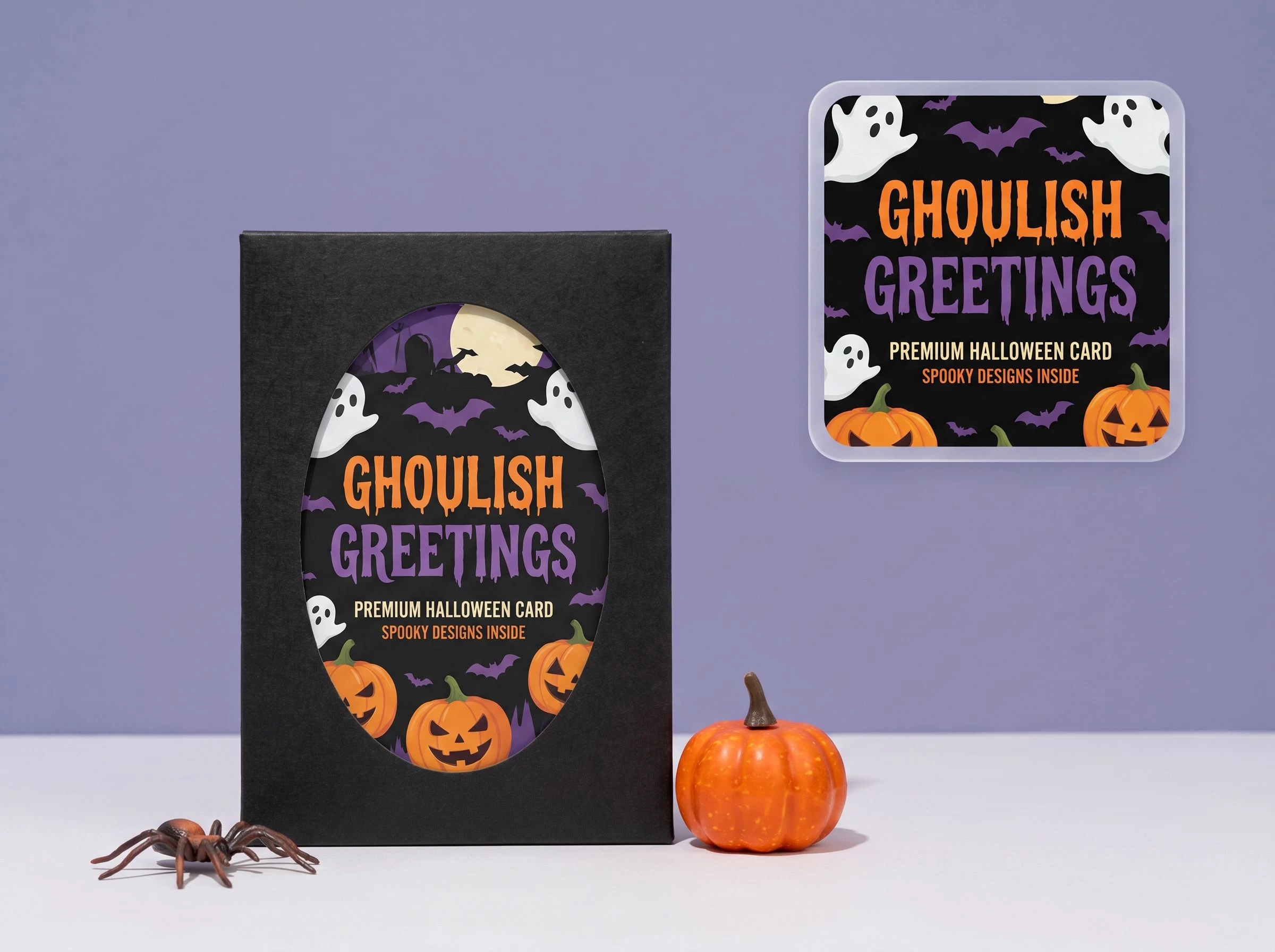
Complete a branded Halloween unboxing experience
You want every part of a Halloween gift box to feel considered, but a generic card can make the final presentation feel disconnected from the packaging.
We place your logo into a card design built around your selected Halloween elements, visual style, and colors. The result complements customer gifts, product launches, member campaigns, and thank-you packages while keeping the brand experience consistent.
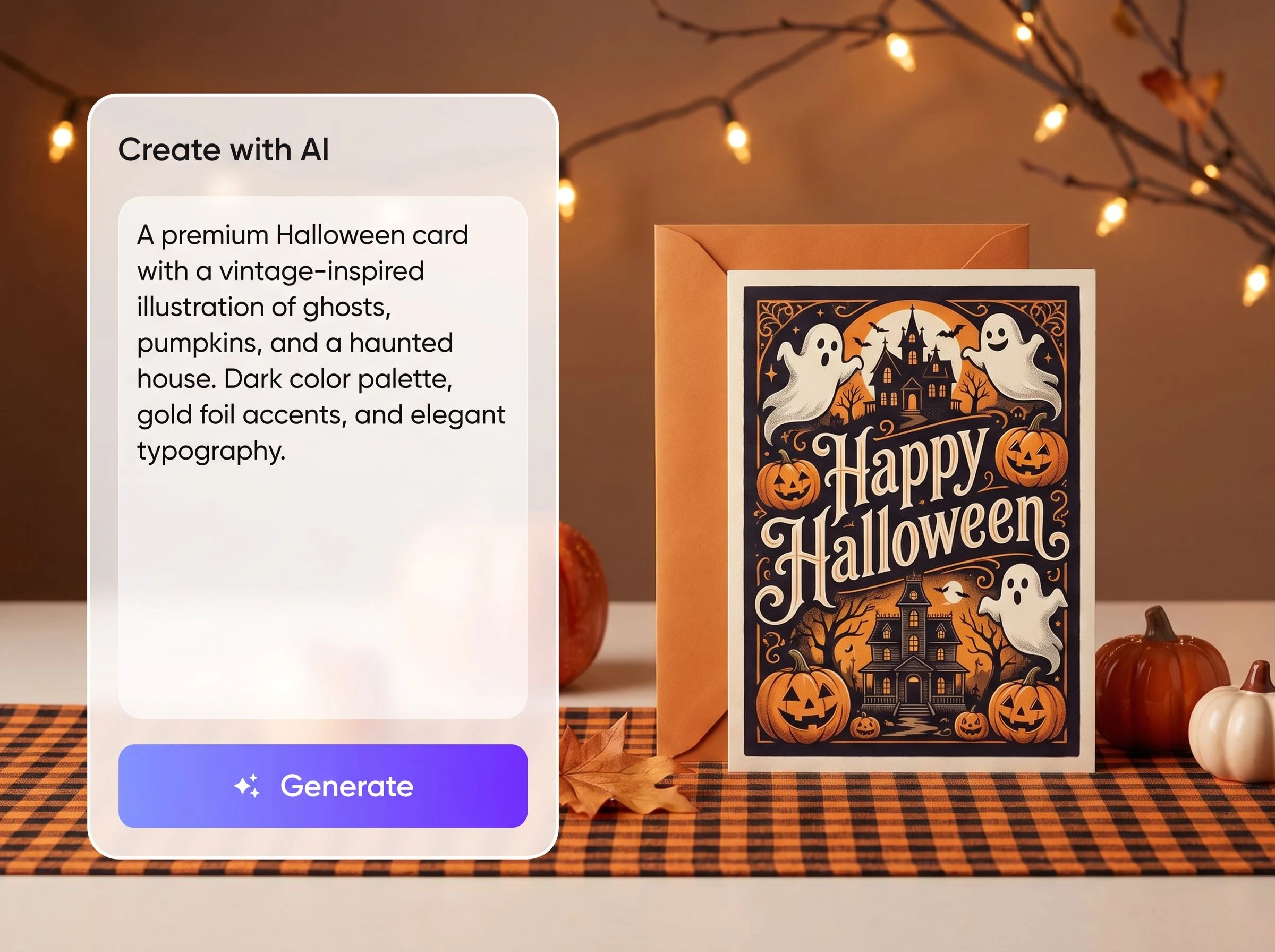
Generate only the Halloween elements you choose
You may want a clean card built around pumpkins, bats, candy, or black cats-not an unexpected person or a complicated scene with distracting facial or body details.
We generate the design around the Elements, Style, and Color you provide. Select only the decorations you need, and keep the composition focused on the seasonal mood and your brand message.
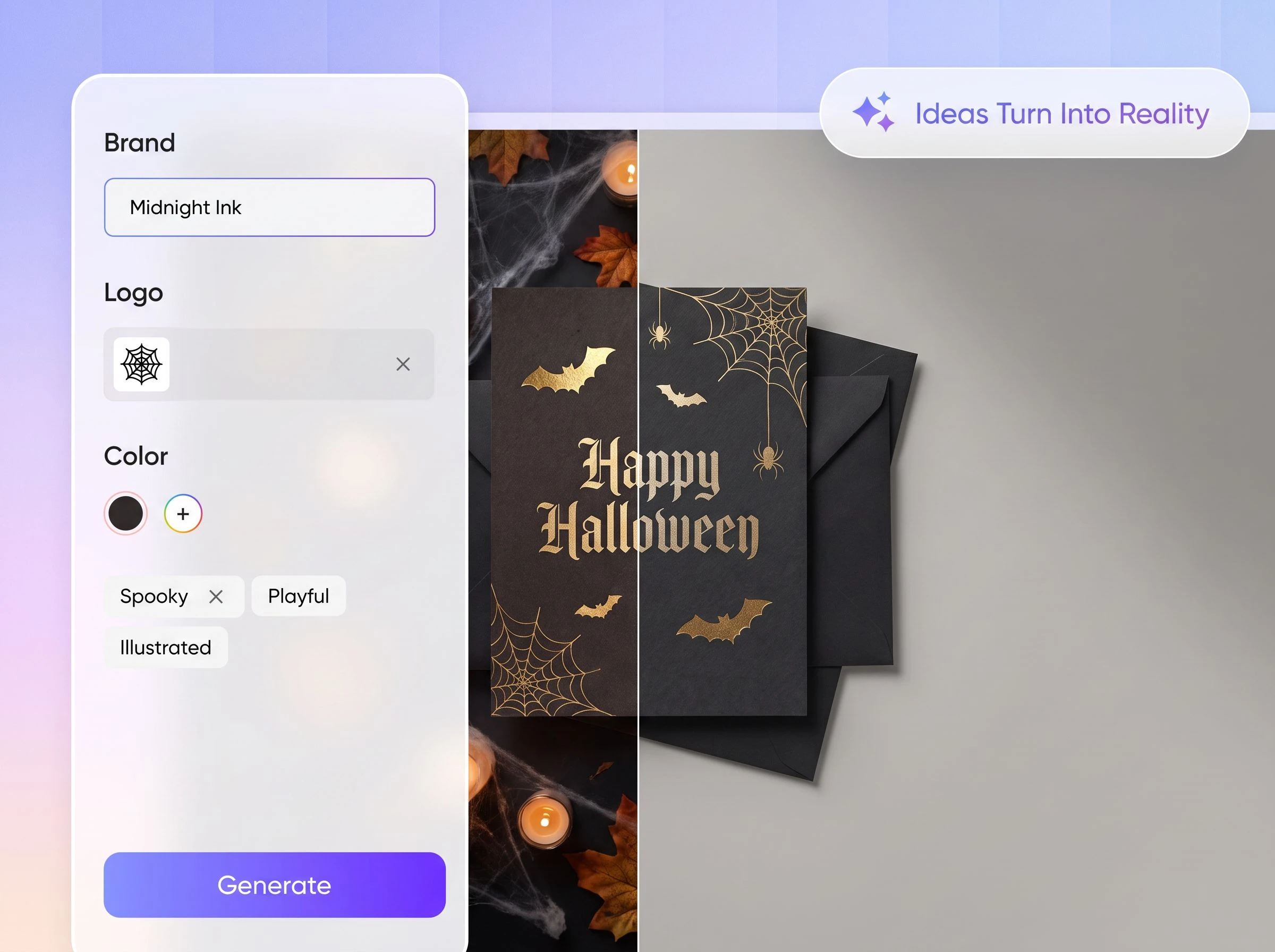
Make every Halloween message feel more natural
You can use the AI-generated greeting as a starting point, but it may not fully match your brand voice, recipient, campaign, or offer. Names, dates, and promotional details should always be checked before use.
We focus on helping you create the visual design. Click Export Dieline, choose a suitable dieline, and enter the editor to revise the greeting and layout, so every message feels natural, accurate, and appropriate for its business context.
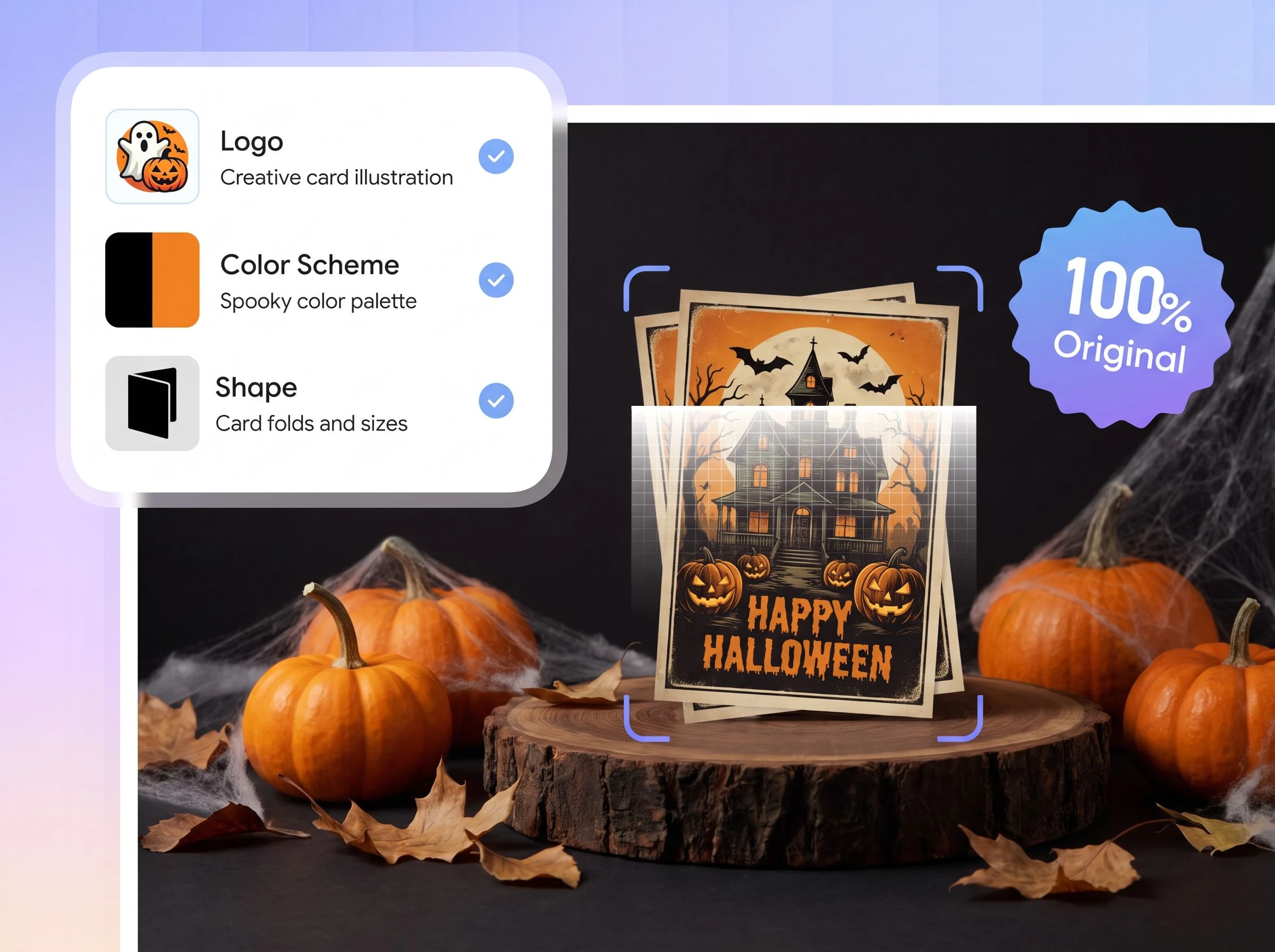
Create a custom card without browsing templates
You should not have to search through generic templates and then rebuild the layout to match your logo, packaging, and Halloween campaign.
We create a card direction from the logo, Elements, Style, and Color you provide. Start with your own brand requirements, then use Chat to refine the result instead of adapting a template that was designed for someone else.
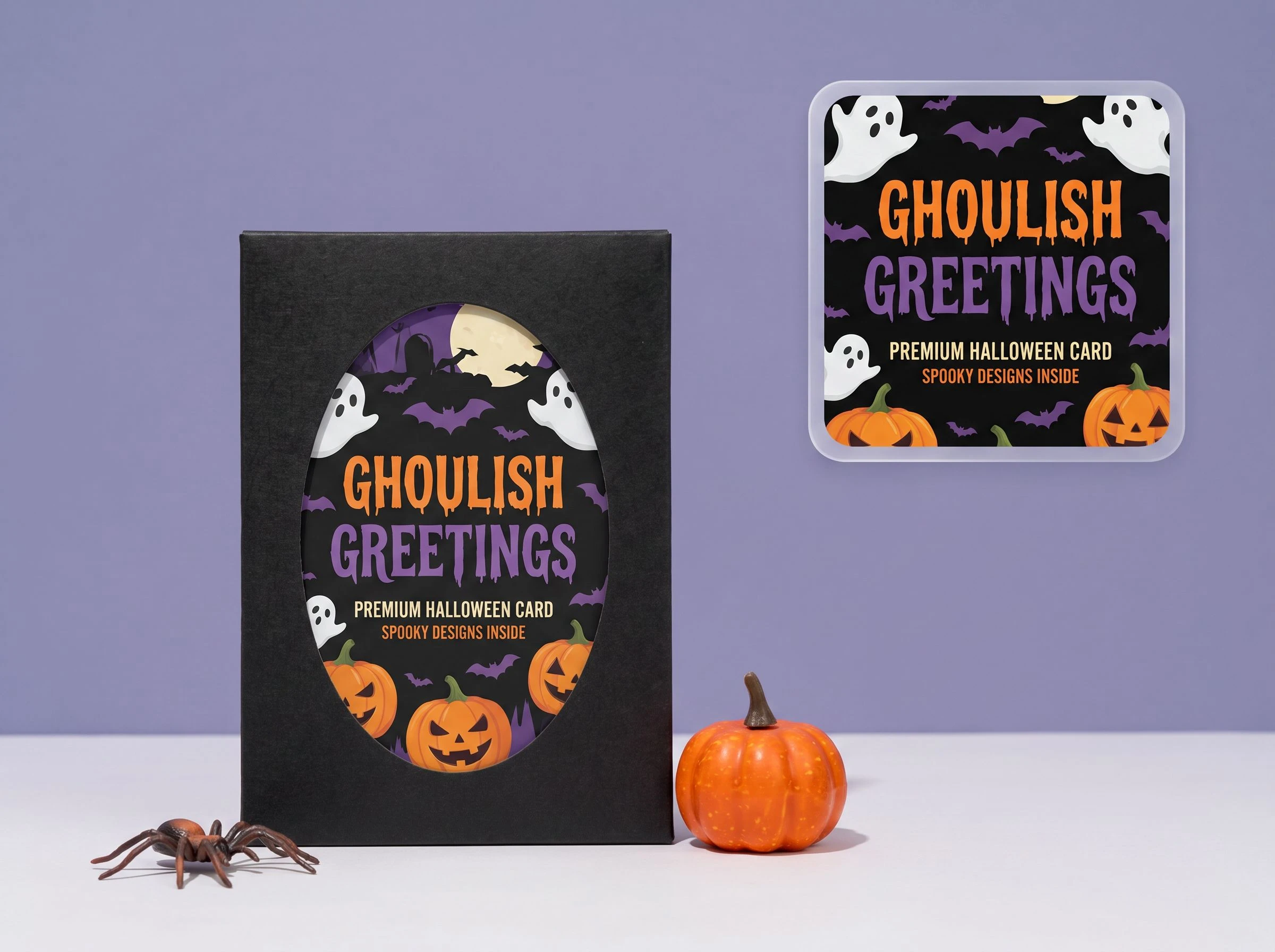
Complete a branded Halloween unboxing experience
You want every part of a Halloween gift box to feel considered, but a generic card can make the final presentation feel disconnected from the packaging.
We place your logo into a card design built around your selected Halloween elements, visual style, and colors. The result complements customer gifts, product launches, member campaigns, and thank-you packages while keeping the brand experience consistent.
Generate only the Halloween elements you choose
You may want a clean card built around pumpkins, bats, candy, or black cats-not an unexpected person or a complicated scene with distracting facial or body details.
We generate the design around the Elements, Style, and Color you provide. Select only the decorations you need, and keep the composition focused on the seasonal mood and your brand message.
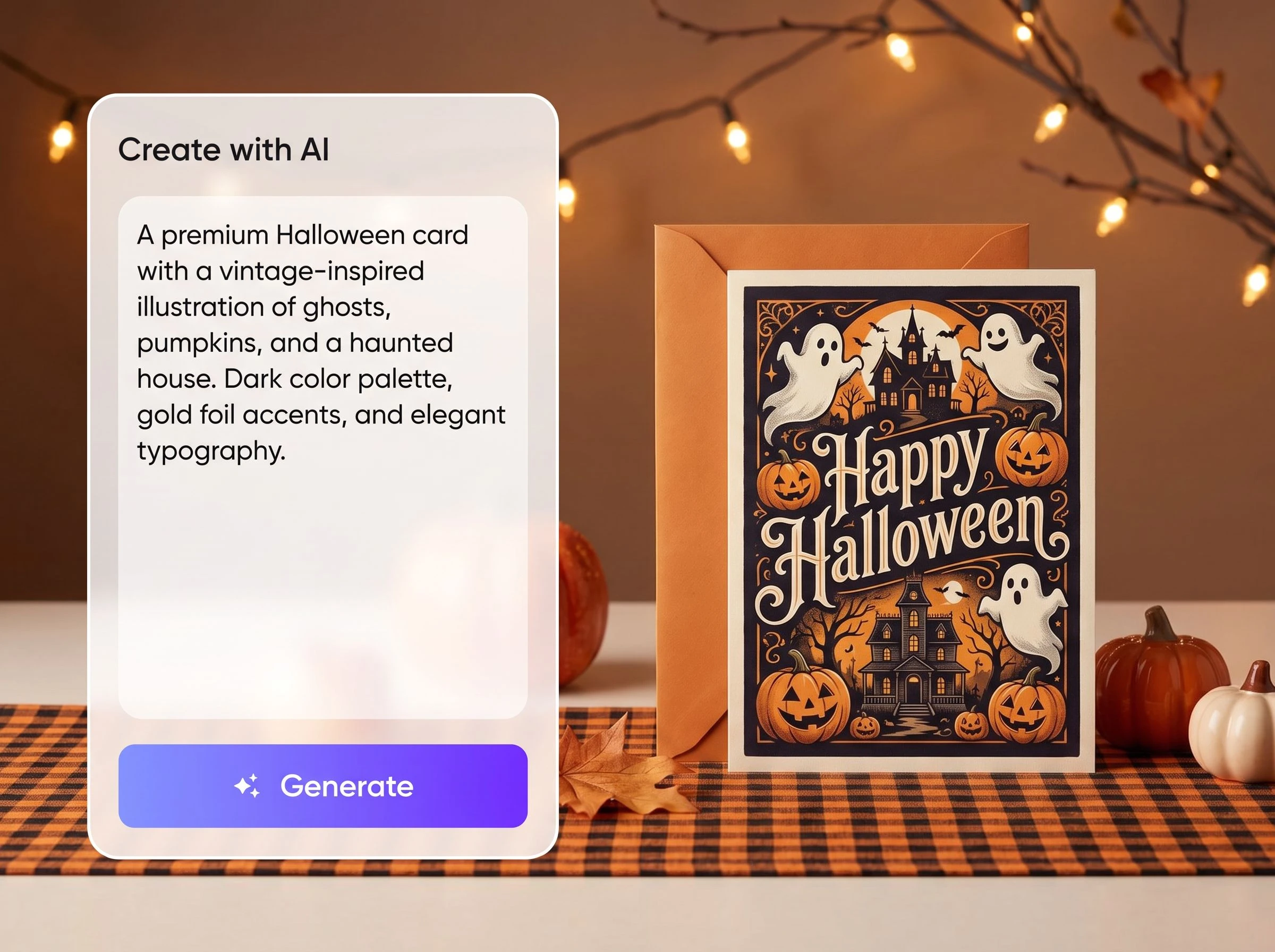
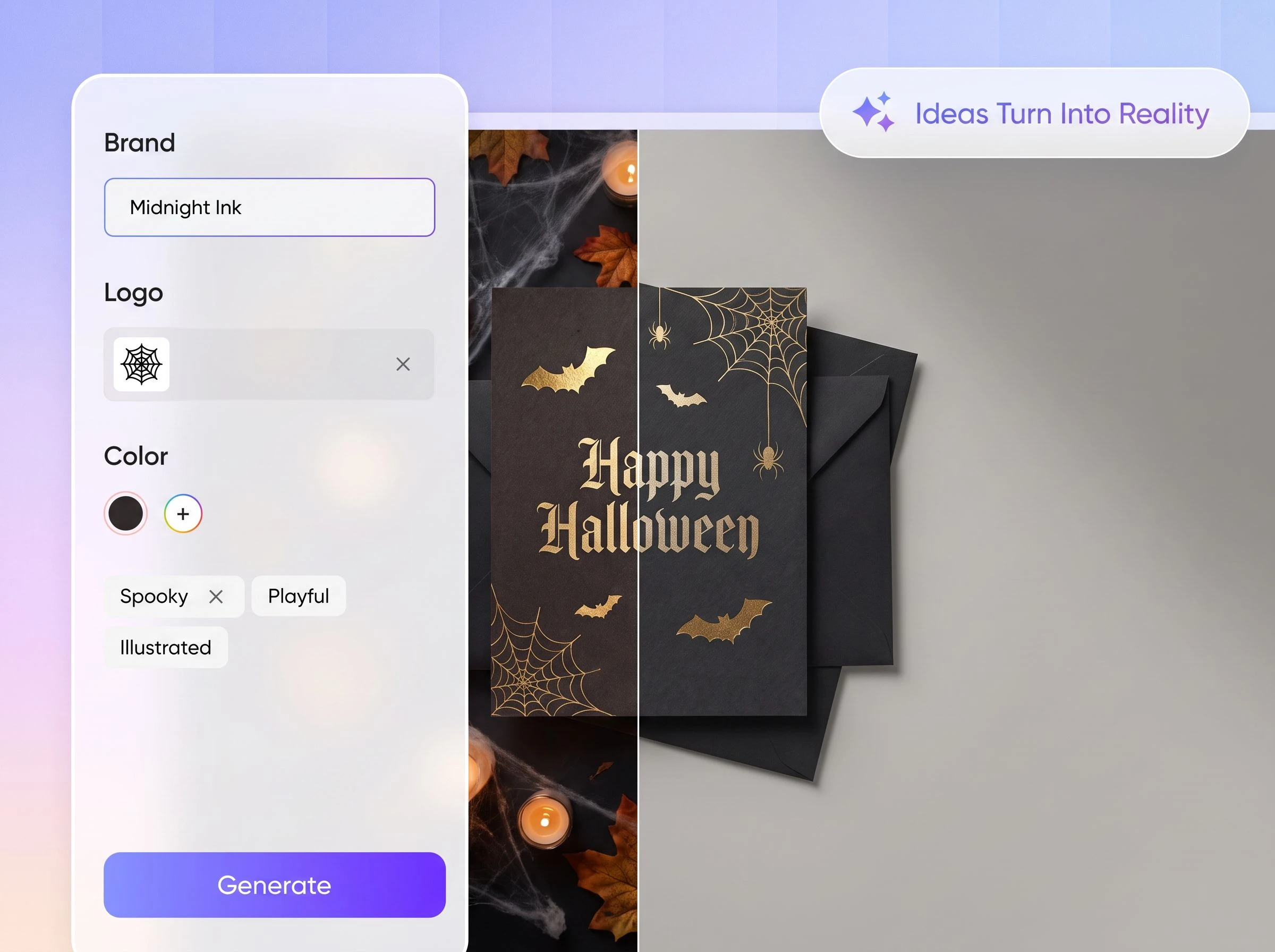
Make every Halloween message feel more natural
You can use the AI-generated greeting as a starting point, but it may not fully match your brand voice, recipient, campaign, or offer. Names, dates, and promotional details should always be checked before use.
We focus on helping you create the visual design. Click Export Dieline, choose a suitable dieline, and enter the editor to revise the greeting and layout, so every message feels natural, accurate, and appropriate for its business context.
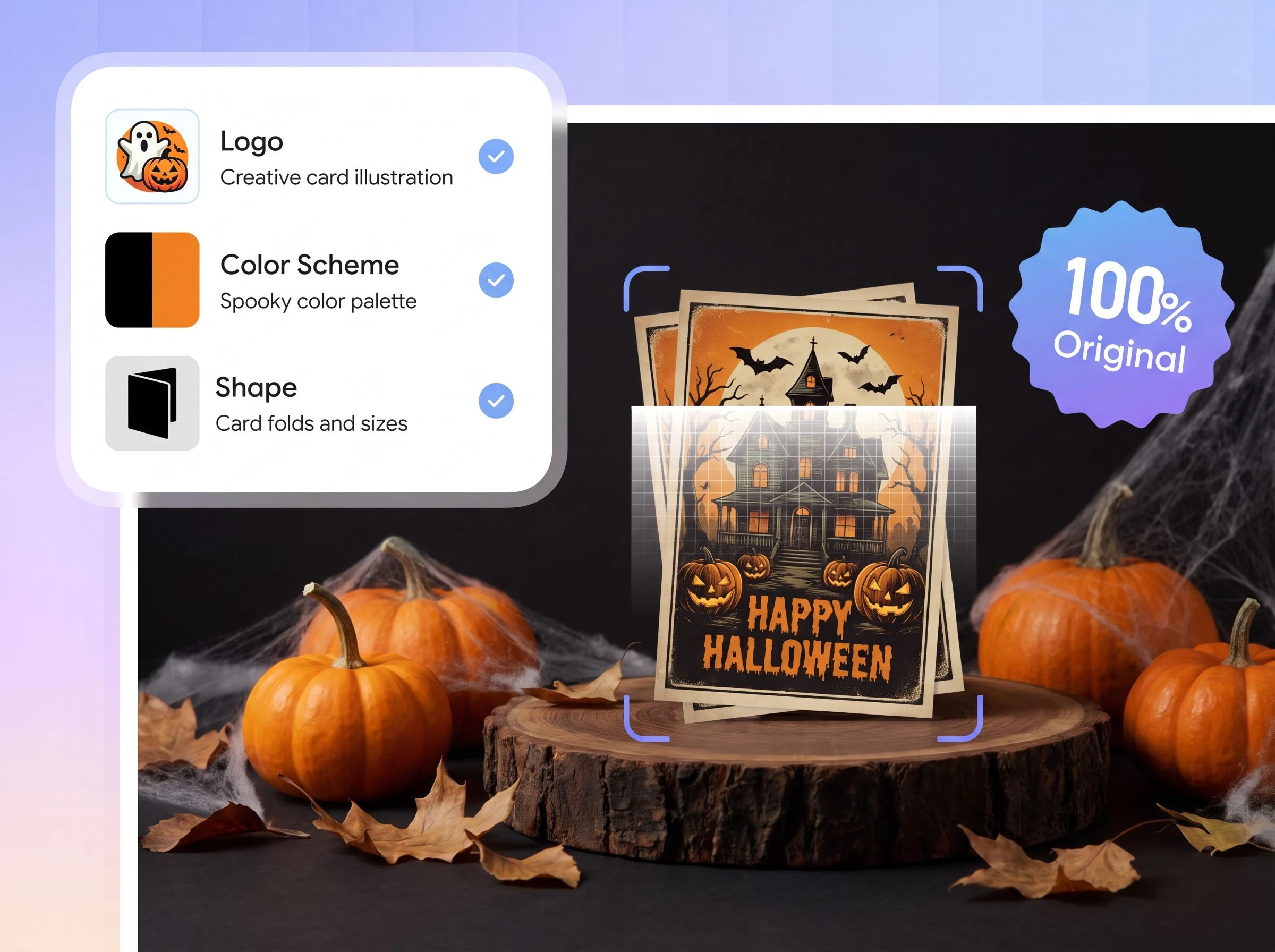
Create a custom card without browsing templates
You should not have to search through generic templates and then rebuild the layout to match your logo, packaging, and Halloween campaign.
We create a card direction from the logo, Elements, Style, and Color you provide. Start with your own brand requirements, then use Chat to refine the result instead of adapting a template that was designed for someone else.
Proven impact, in our customer's words


The AI-powered packaging design tool is a game-changer. It's fast, intuitive, making it an essential tool for any forward-thinking design team.ved.
March 26, 2025


The results are so amazing that I don't think it's just for inspiration... I'd say artificial intelligence outperforms most designers; the key is to come up with the perfect prompt. Great contribution! Thank you 😊.
March 18, 2025


The AI-powered packaging design tool is a game-changer. It's fast, intuitive, making it an essential tool for any forward-thinking design team.
March 18, 2025


We’re a tiny skincare shop. Packify.ai turned my scribbles into clean mockups and a printable dieline by Monday. Fewer back-and-forths, consistent branding, a nd our product page conversions moved.
March 18, 2025


The AI-powered packaging design tool is a game-changer. It's fast, intuitive, making it an essential tool for any forward-thinking design team.
March 26, 2025


The results are so amazing that I don't think it's just for inspiration... I'd say artificial intelligence outperforms most designers; the key is to come up with the perfect prompt. Great contribution! Thank you 😊
March 18, 2025


Congrats! Packify.ai, an AI packaging designer, enables easy, creative design and offers AI-driven product photography for e-commerce through simple chatting.
April 2, 2025


We’re a tiny skincare shop. Packify.ai turned my scribbles into clean mockups and a printable dieline by Monday. Fewer back-and-forths, consistent branding, a nd our product page conversions moved.
May 9, 2025
You asked, we answered
You asked, we answered
How can businesses use Halloween cards?
Add them to customer gift boxes, order packages, and product mailers, or use them for member campaigns, in-store gifts, employee greetings, and partner outreach. Choose the elements, style, and colors to fit each individual occasion.
Can I choose which Halloween elements appear?
Yes. Add pumpkins, bats, candy, black cats, candles, moons, or spiderwebs under Elements, then use Style and Color to guide the overall visual direction.
Can I create a Halloween card without people?
Yes. Select only the decorative elements you want and leave people out of your request. Packify builds the composition around your choices, reducing unrelated characters and distracting facial, hand, or body details.
How do I edit an AI-generated Halloween greeting?
Treat the generated greeting as a first draft. Click Export Dieline, choose a suitable dieline, and enter the editor to review and revise the message, customer name, campaign date, promotional details, and layout before producing the dieline file.
Can I use my Halloween card for commercial projects?
You may use your design for personal or commercial projects as long as you follow Packify's Terms of Use. AI-generated content is not exclusive, and you are responsible for reviewing trademarks, brand elements, and written content before use.
Is Packify's AI Halloween card generator free?
You can try the generator with the credits currently available in your account. Generation and dieline features may use credits, so check your balance first or visit the Pricing Page to compare plans.
Add the final branded touch to your Halloween gift box