Free AI paper bag dieline generator
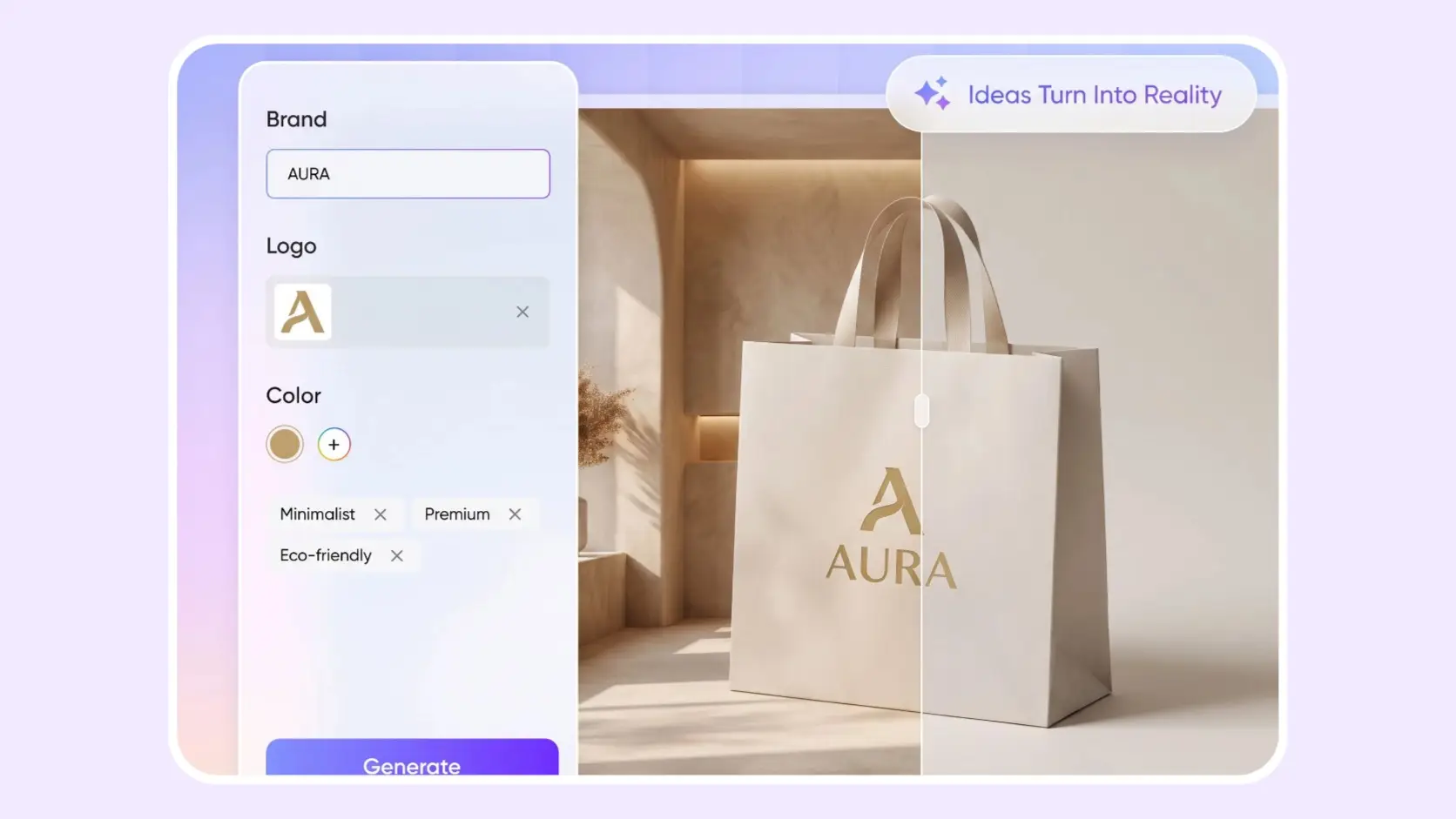
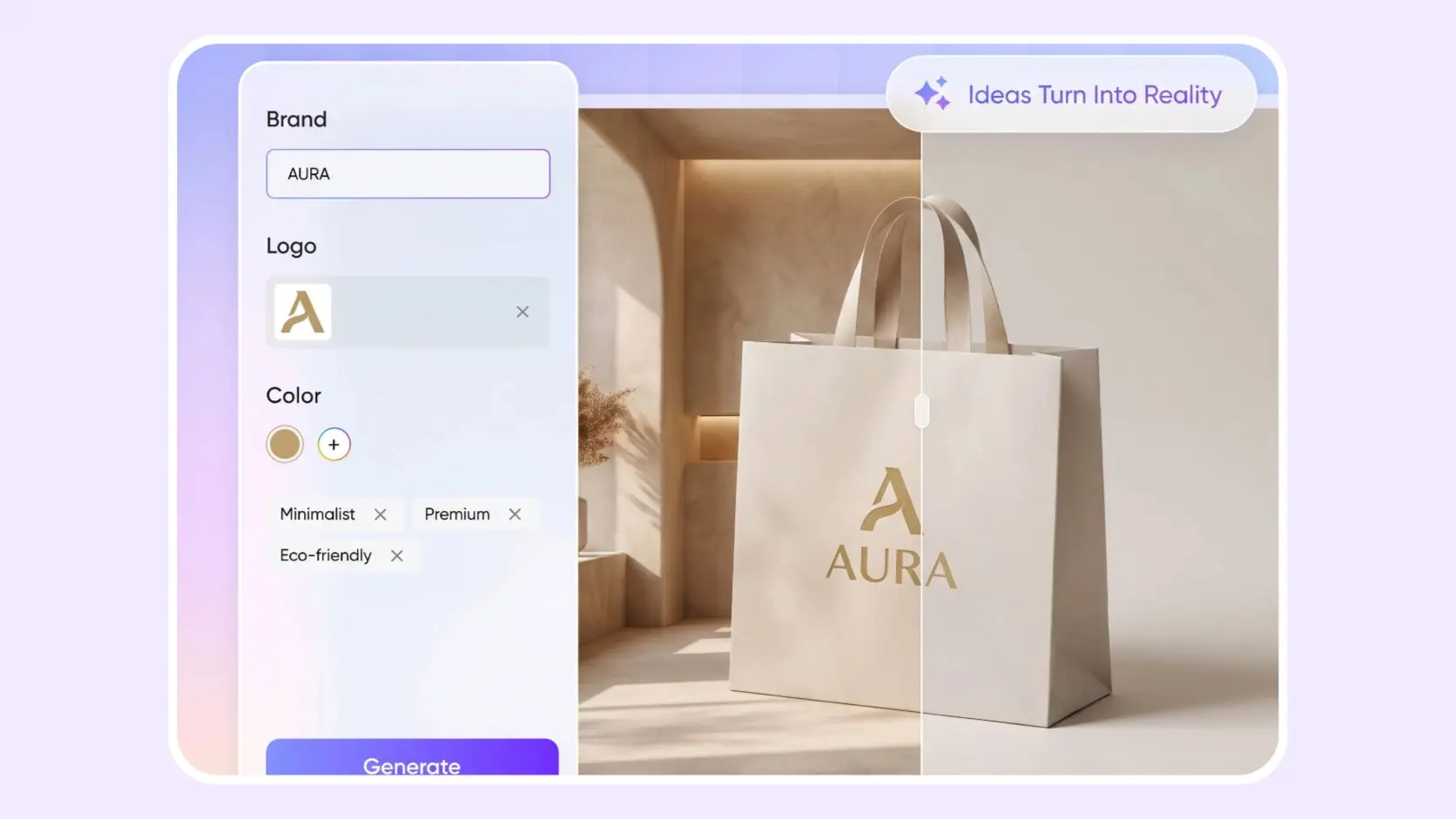
Enter your product and brand name, upload your logo, and describe the paper bag style you want. Packify creates a branded paper bag mockup first, then lets you export and resize the dieline once the design looks right.

Trusted by industry-leading businesses


Design your paper bag before building the dieline
You may know what the bag needs to hold but not whether to choose a shopping bag, gift bag, or food bag. Working out gussets, bottoms, handles, and folds can make the project feel technical before the design has even started. Packify begins with your product, brand, and intended use, then creates a complete paper bag design and mockup image. Once the visual direction is approved, open Export Dieline, compare paper bag structures, adjust the dimensions, and prepare the file for review with your printer.
How to generate a paper bag dieline with AI?
Step 1: Enter your product and brand
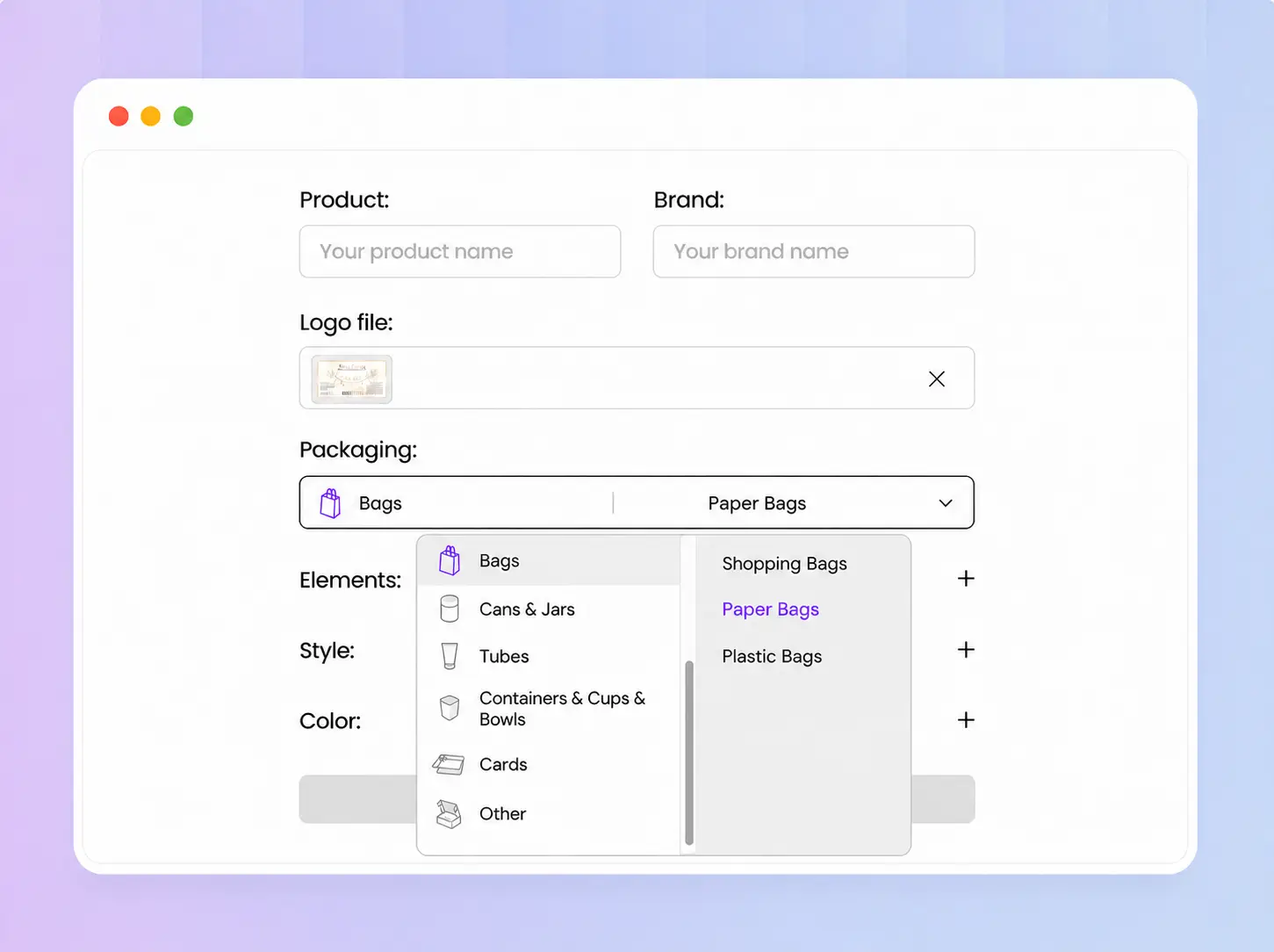
Enter your product and brand name, upload your logo, then choose Paper Bag under Pouches & Sachets & Bags in Packaging.
Step 2: Define your design direction
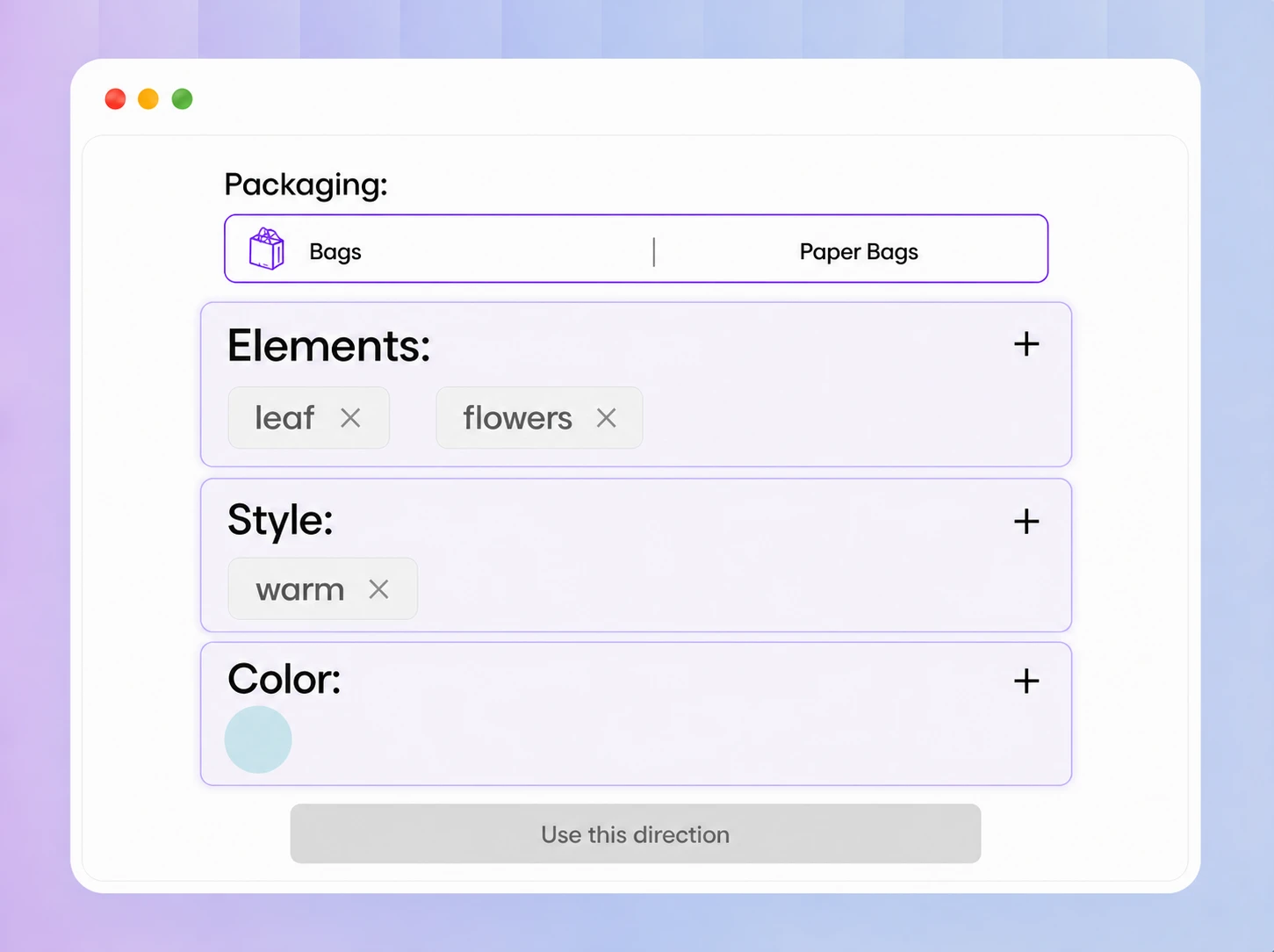
Add your preferred style, visual elements, and colors. Click Use this direction when ready to generate your branded paper bag mockup.
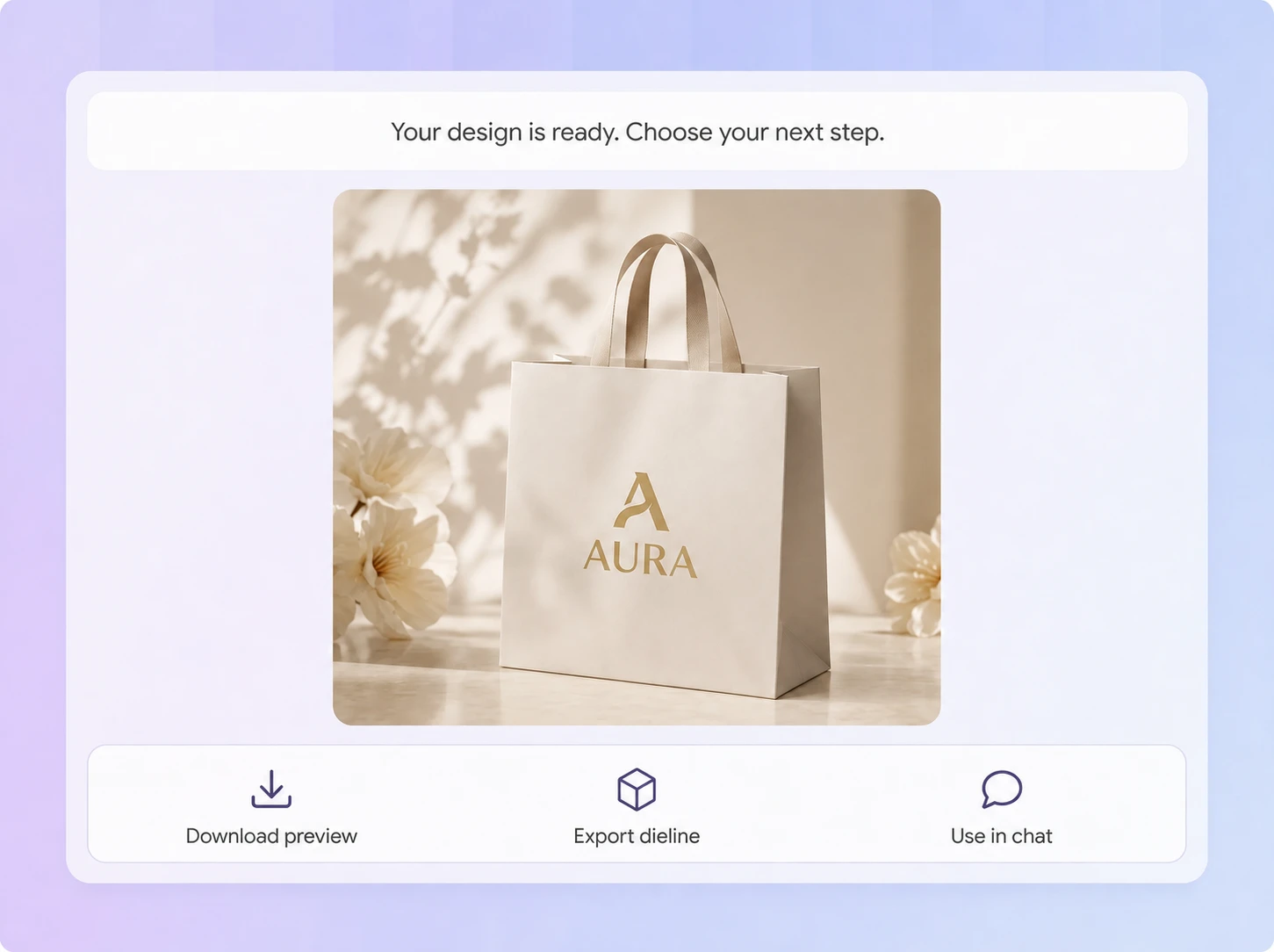
Step 3: Refine or export your design
Refine the design with Use in chat, or open Export Dieline to browse paper bag structures, choose one, and adjust its dimensions.

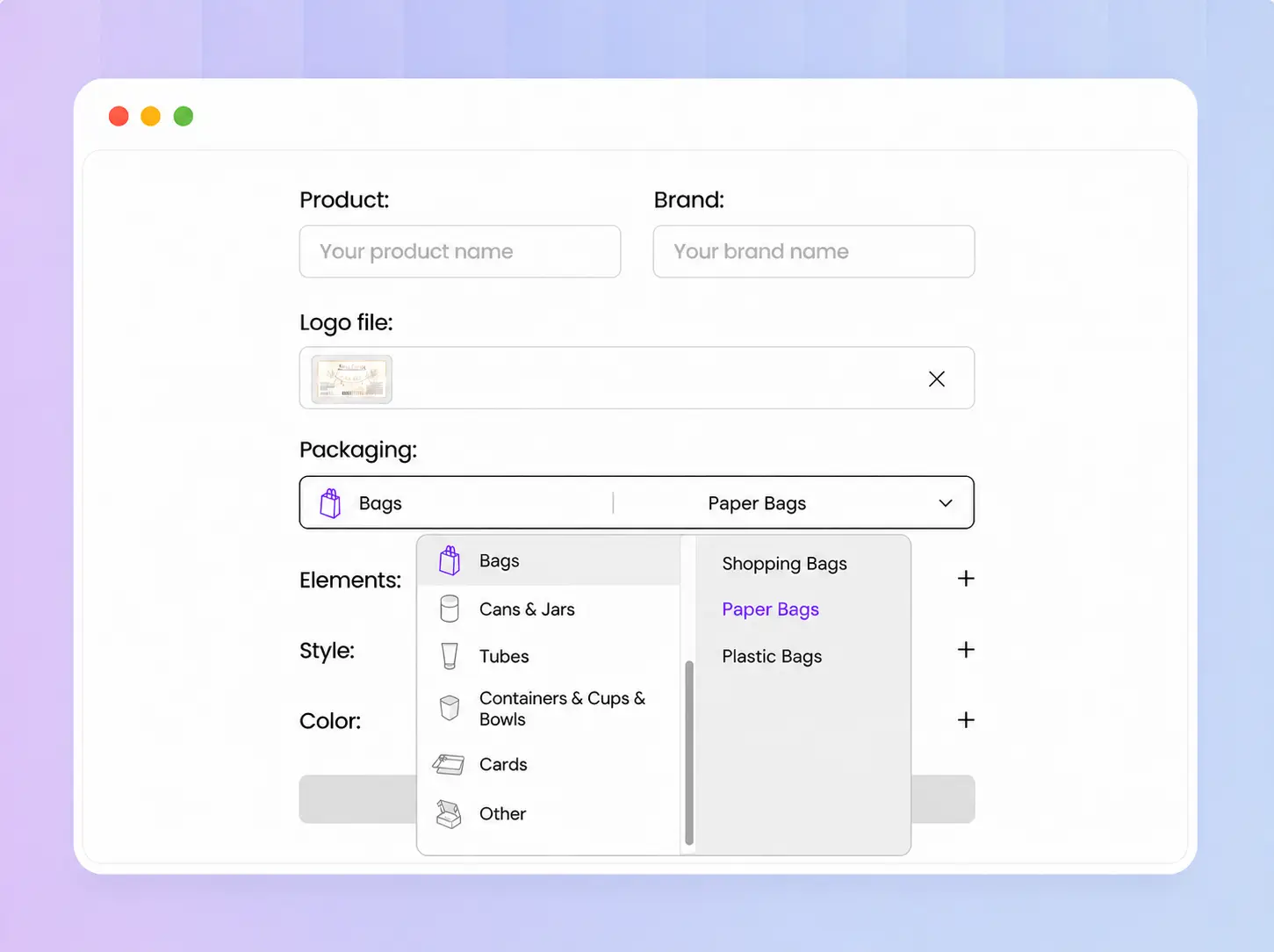
Step 1: Enter your product and brand
Enter your product and brand name, upload your logo, then choose Paper Bag under Pouches & Sachets & Bags in Packaging.
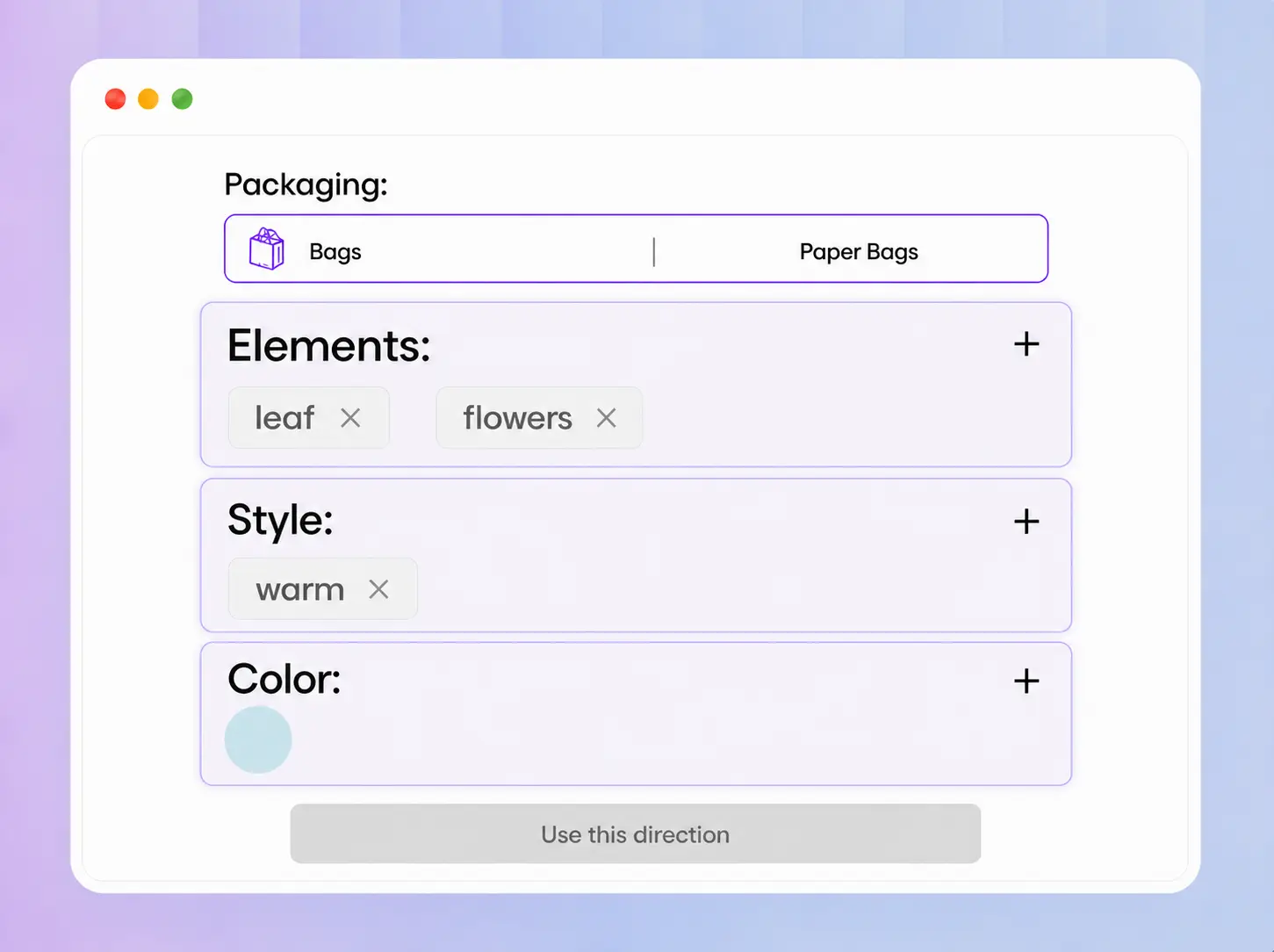
Step 2: Define your design direction
Add your preferred style, visual elements, and colors. Click Use this direction when ready to generate your branded paper bag mockup.
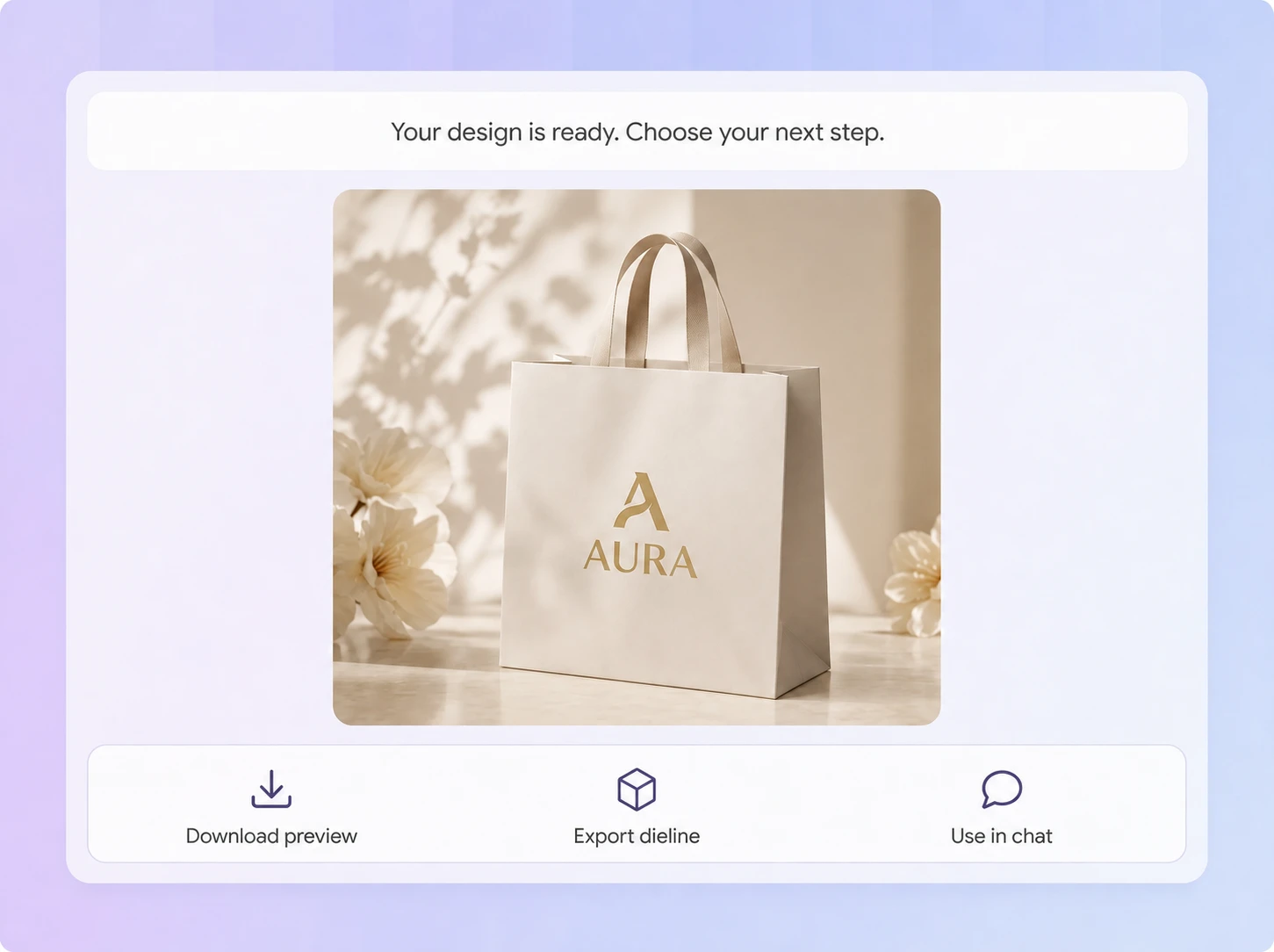
Step 3: Refine or export your design
Refine the design with Use in chat, or open Export Dieline to browse paper bag structures, choose one, and adjust its dimensions.
Why choose Packify AI for paper bag design?
Design first, generate dielines later
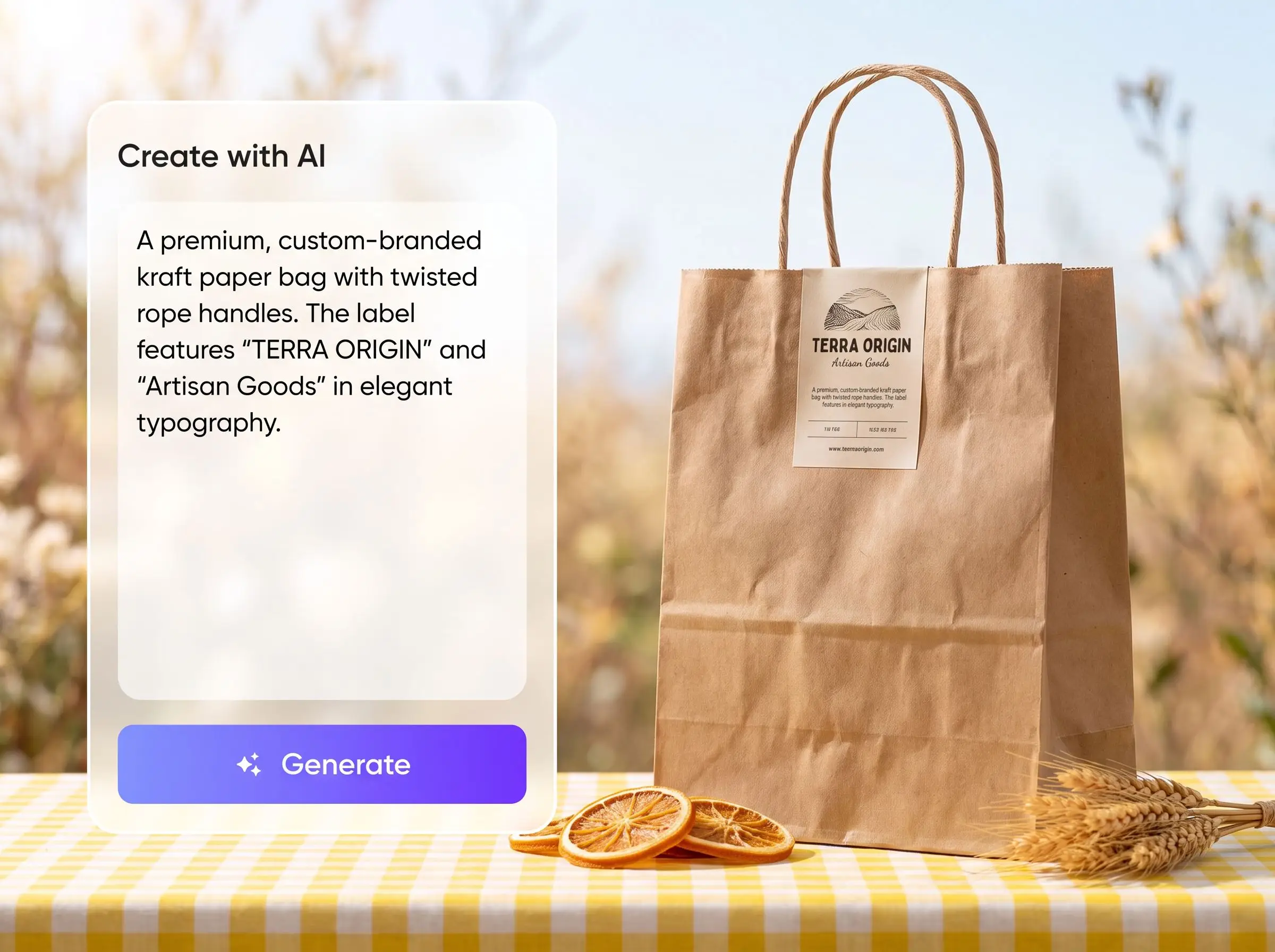
You do not need a dieline before the creative work begins. Packify turns your product, brand, and visual direction into a paper bag mockup first. When the design looks right, open Export Dieline, choose a structure, and generate the production file.
Resize the bag around products
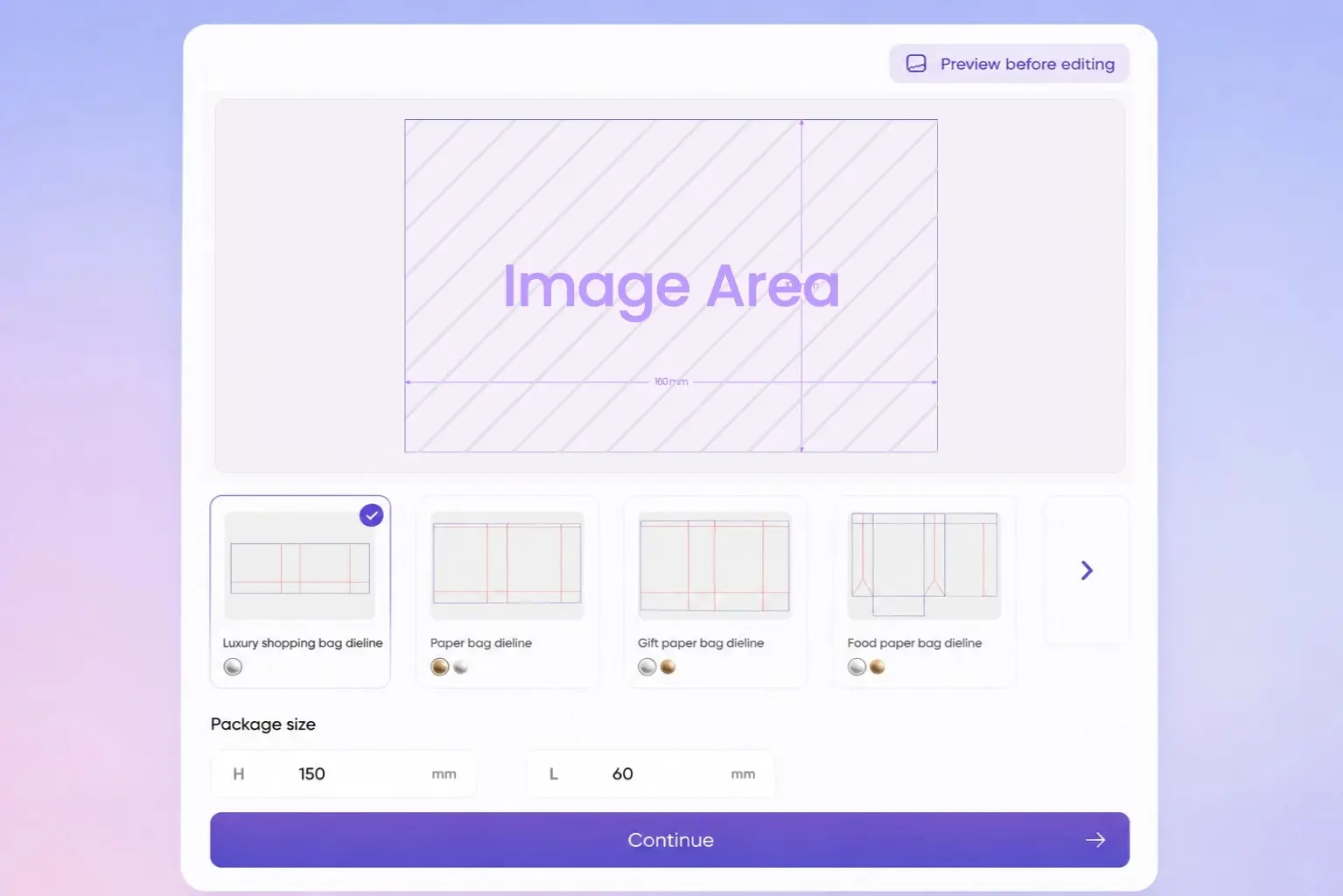
Boxes, clothing, flowers, and gifts need different bag proportions, capacities, and gusset depths. After choosing a paper bag structure, adjust its width, height, and depth to fit the product, then share the dieline with your printer for production checks.
Carry your brand beyond checkout
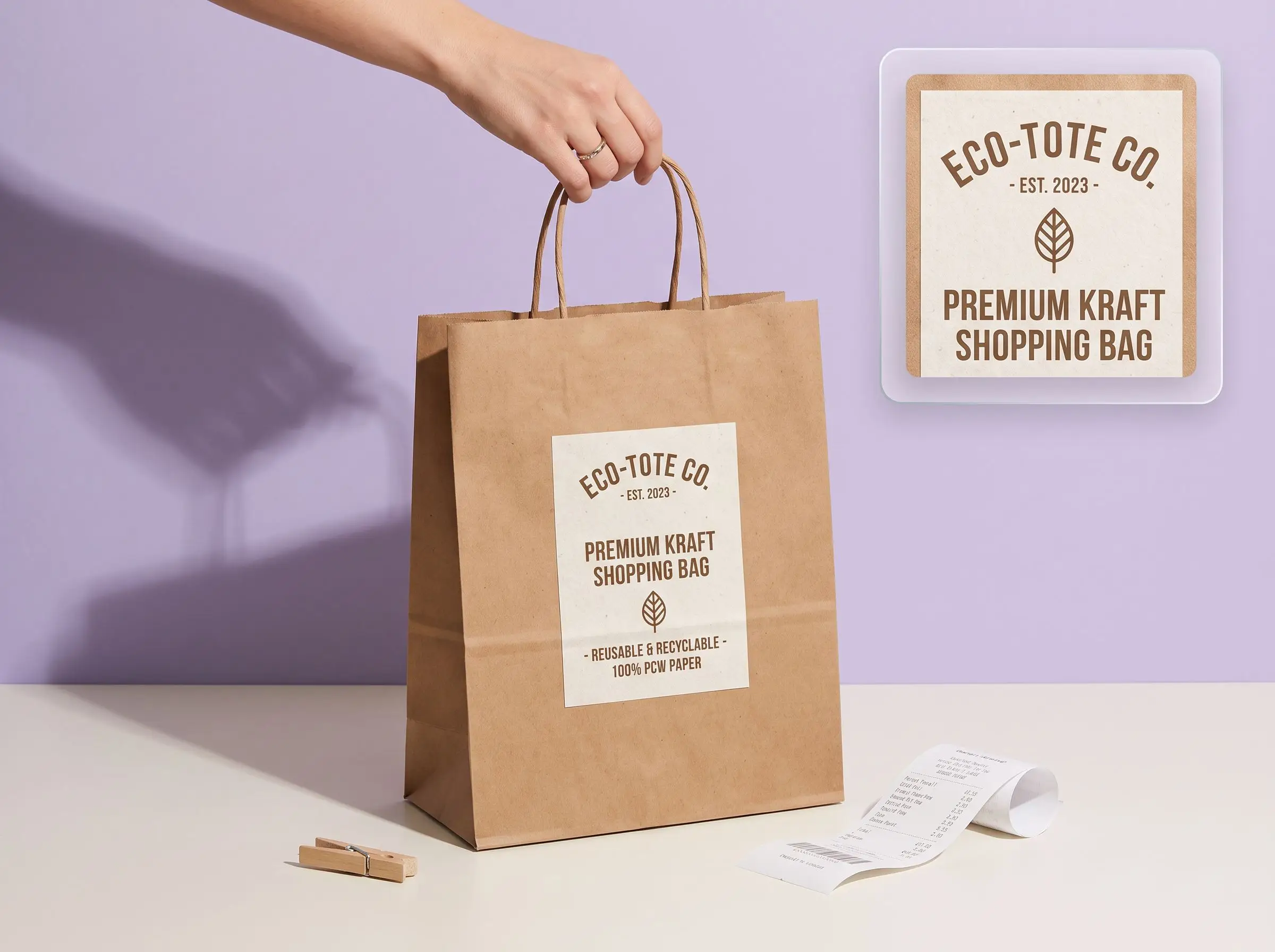
A paper bag stays visible after the customer leaves the store. Upload your logo, brand colors, and reference image, then use the mockup to review placement, spacing, and overall balance before approving the final retail bag design.
Match structures to real uses
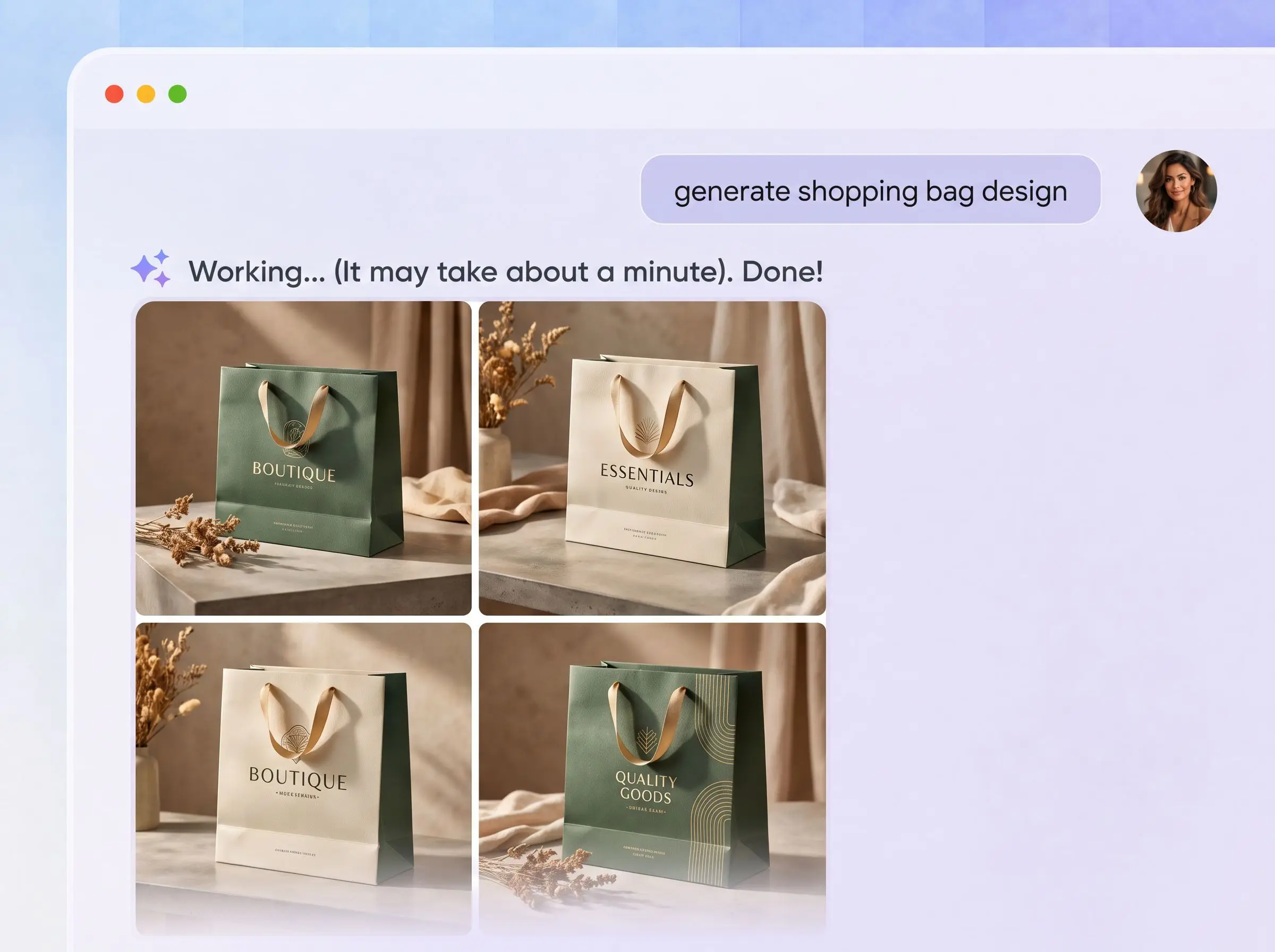
Not every paper bag is a retail shopping bag. Packify supports structures for shopping, gifts, flowers, groceries, coffee, bread, bakery, and food packaging. Start with the product and use case, then explore relevant options in Export Dieline.
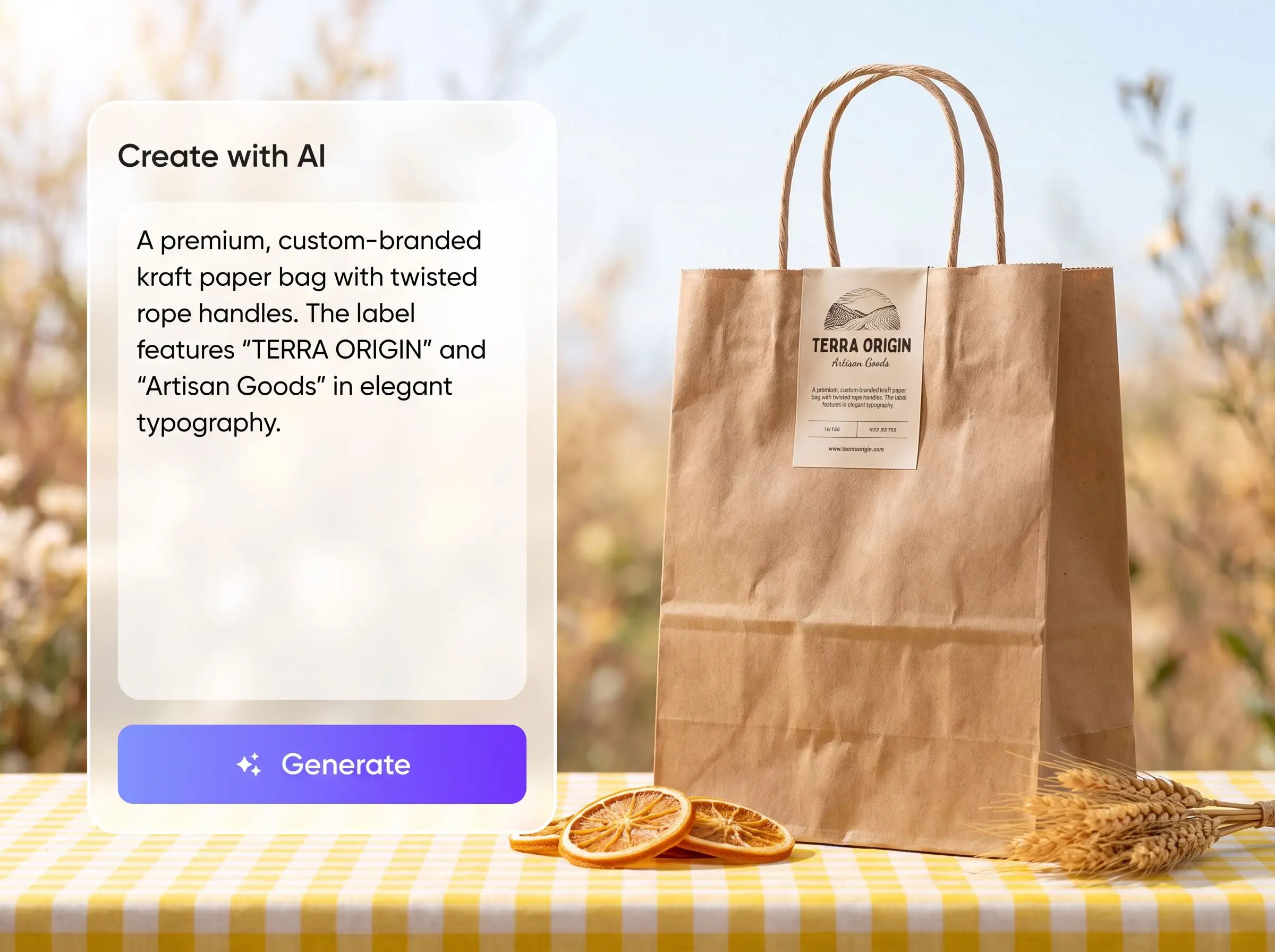
Design first, generate dielines later
You do not need a dieline before the creative work begins. Packify turns your product, brand, and visual direction into a paper bag mockup first. When the design looks right, open Export Dieline, choose a structure, and generate the production file.
Resize the bag around products
Boxes, clothing, flowers, and gifts need different bag proportions, capacities, and gusset depths. After choosing a paper bag structure, adjust its width, height, and depth to fit the product, then share the dieline with your printer for production checks.
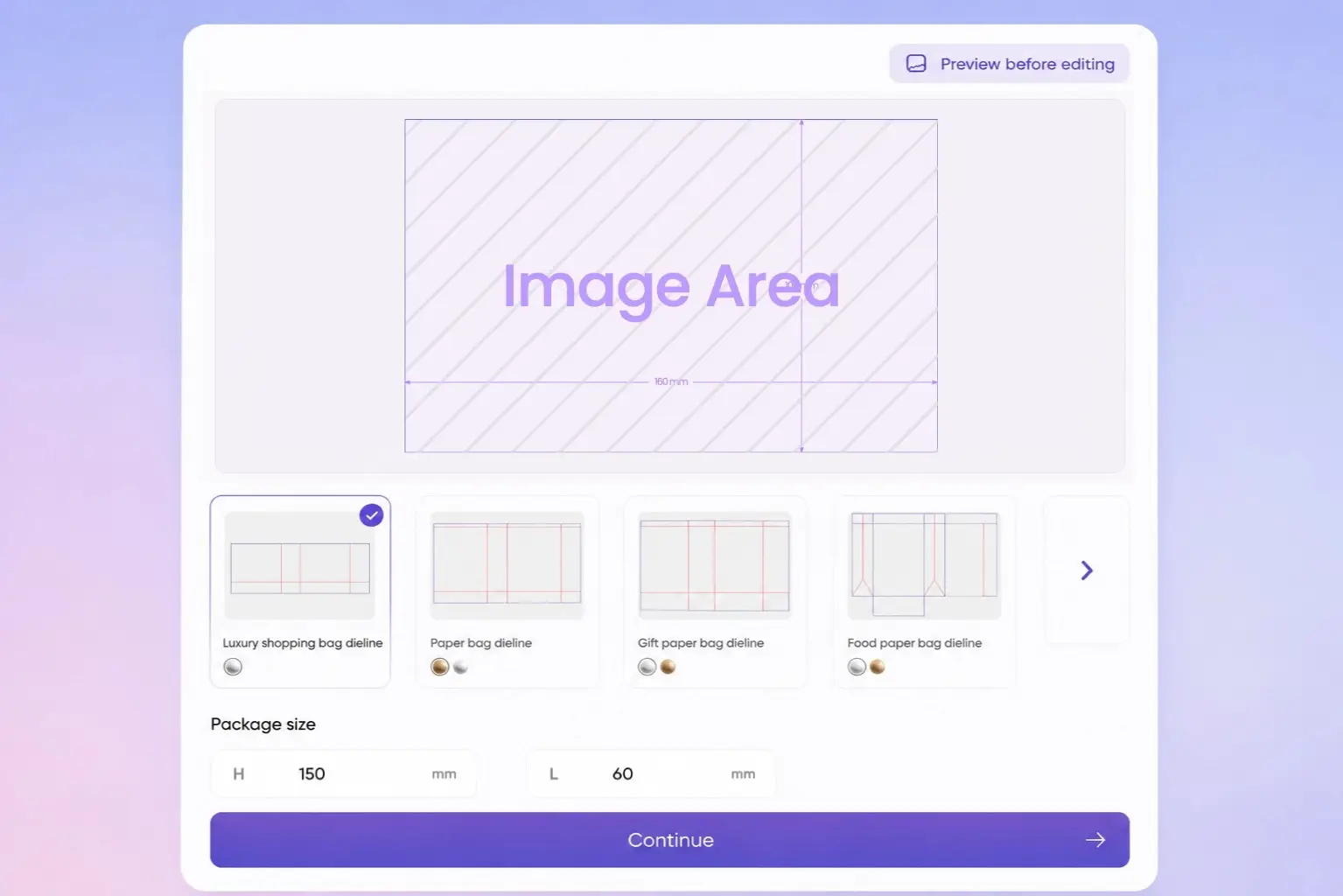
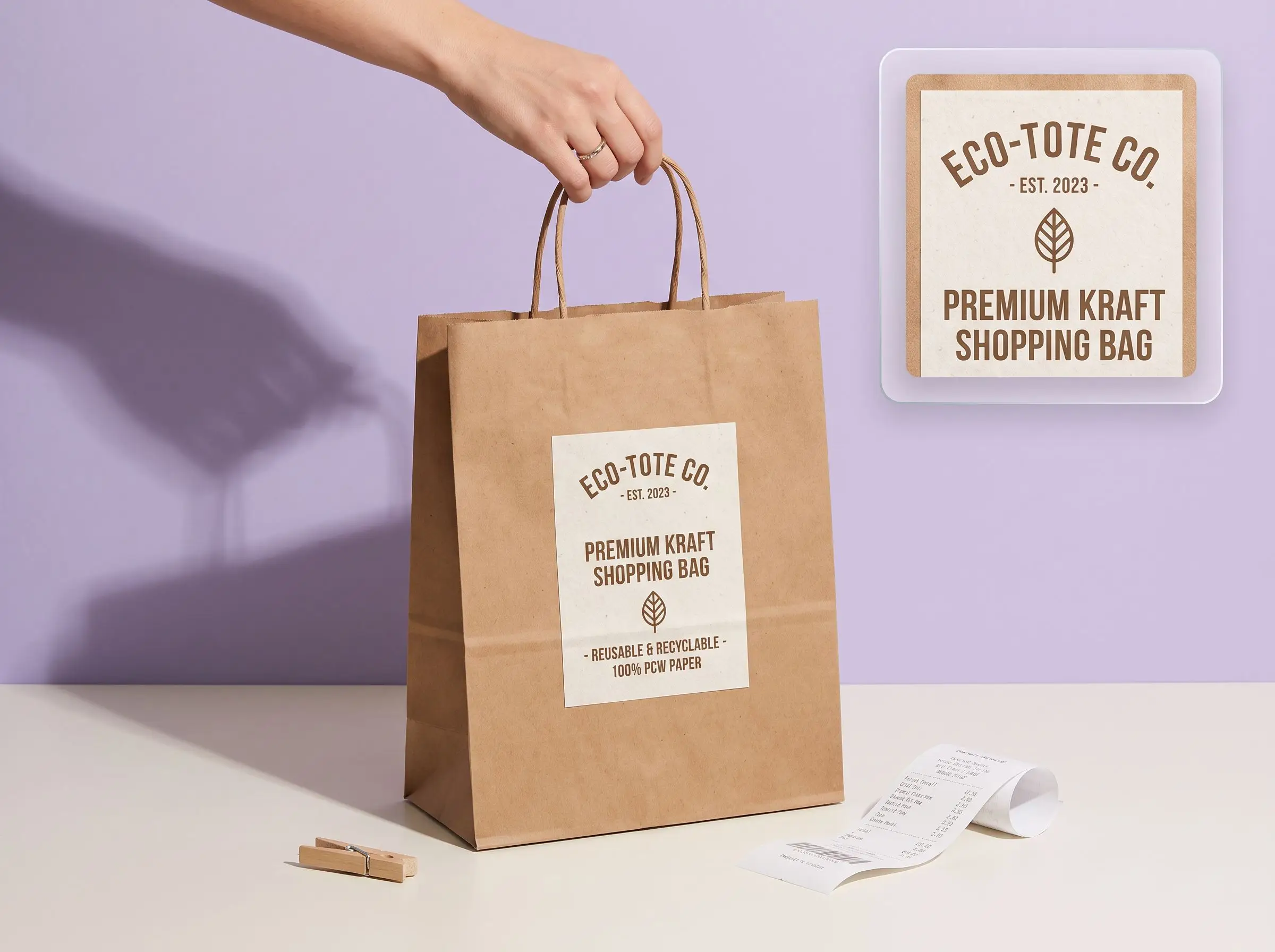
Carry your brand beyond checkout
A paper bag stays visible after the customer leaves the store. Upload your logo, brand colors, and reference image, then use the mockup to review placement, spacing, and overall balance before approving the final retail bag design.
Match structures to real uses
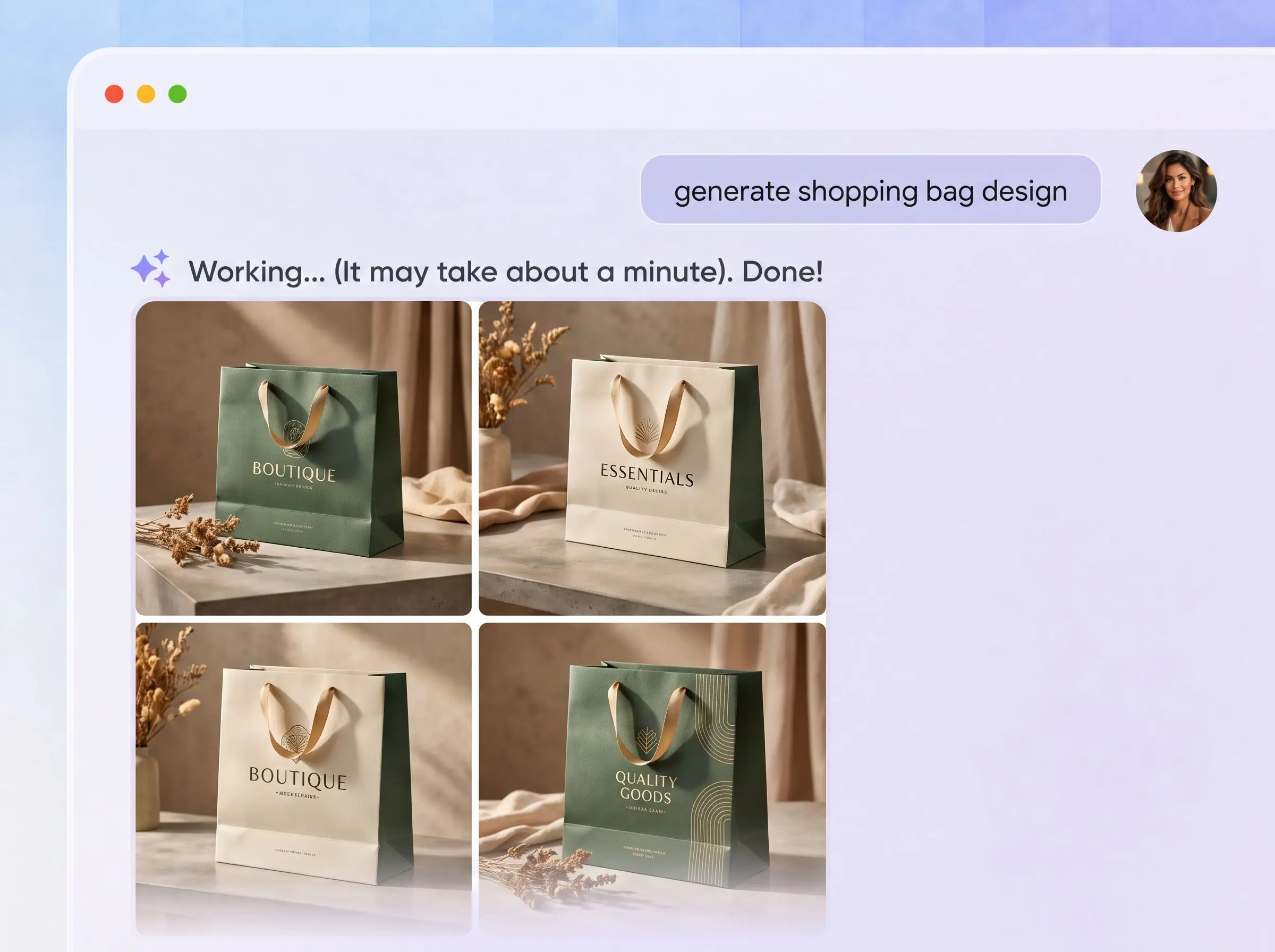
Not every paper bag is a retail shopping bag. Packify supports structures for shopping, gifts, flowers, groceries, coffee, bread, bakery, and food packaging. Start with the product and use case, then explore relevant options in Export Dieline.
Proven impact, in our customer's words


The AI-powered packaging design tool is a game-changer. It's fast, intuitive, making it an essential tool for any forward-thinking design team.ved.
March 26, 2025


The results are so amazing that I don't think it's just for inspiration... I'd say artificial intelligence outperforms most designers; the key is to come up with the perfect prompt. Great contribution! Thank you 😊.
March 18, 2025


The AI-powered packaging design tool is a game-changer. It's fast, intuitive, making it an essential tool for any forward-thinking design team.
March 18, 2025


We’re a tiny skincare shop. Packify.ai turned my scribbles into clean mockups and a printable dieline by Monday. Fewer back-and-forths, consistent branding, a nd our product page conversions moved.
March 18, 2025


The AI-powered packaging design tool is a game-changer. It's fast, intuitive, making it an essential tool for any forward-thinking design team.
March 26, 2025


The results are so amazing that I don't think it's just for inspiration... I'd say artificial intelligence outperforms most designers; the key is to come up with the perfect prompt. Great contribution! Thank you 😊
March 18, 2025


Congrats! Packify.ai, an AI packaging designer, enables easy, creative design and offers AI-driven product photography for e-commerce through simple chatting.
April 2, 2025


We’re a tiny skincare shop. Packify.ai turned my scribbles into clean mockups and a printable dieline by Monday. Fewer back-and-forths, consistent branding, a nd our product page conversions moved.
May 9, 2025
FAQ
FAQ
Do I need a paper bag dieline before I start?
No. Enter your product, brand, logo, and preferred paper bag style first. Packify creates the design and mockup image before you open Export Dieline. From there, choose an appropriate structure, adjust its dimensions, and export the dieline without drawing cut and fold lines from scratch.
Which paper bag type fits my product?
Use handled shopping bags for clothing, footwear, and general retail. Compact gift bags suit jewelry, candles, chocolate, and cosmetics. Flower bags need a wider opening and stable base, while bread and pastries need bakery-specific formats. Describe the product first if you are unsure which direction to choose.
Why are custom paper bags important for branding?
Customers continue carrying the bag after checkout, keeping your logo and colors visible beyond the store. Clear branding, controlled spacing, and a handle that suits the design can make the bag feel more considered. Use Packify to review these choices in a mockup before generating the dieline.
Which paper bag dielines does Packify provide?
Packify provides 85+ paper bag mockups and dielines, including luxury shopping bags, gift bags, handled paper bags, foldable shopping bags, grocery bags, small retail bags, food bags, and coffee paper bags. The collection also supports bread, bakery, and other food packaging scenarios.
Can I use the paper bag dieline generator for free?
You can start designing for free. Credits are consumed based on the actions you use, including design generation, mockups, and dieline exports. Check your account balance before generating, or upgrade for more credits. See the Pricing Page for subscription and credit details.
Can I use the paper bag design commercially?
You can use the paper bag designs and dielines you create with Packify for personal and commercial projects, as long as you follow our Terms of Use. Packify does not grant exclusive rights to AI-generated content, so you are responsible for reviewing trademarks, logos, reference images, and generated elements before production.
Make every bag look unmistakably yours