Free pouch dieline generator
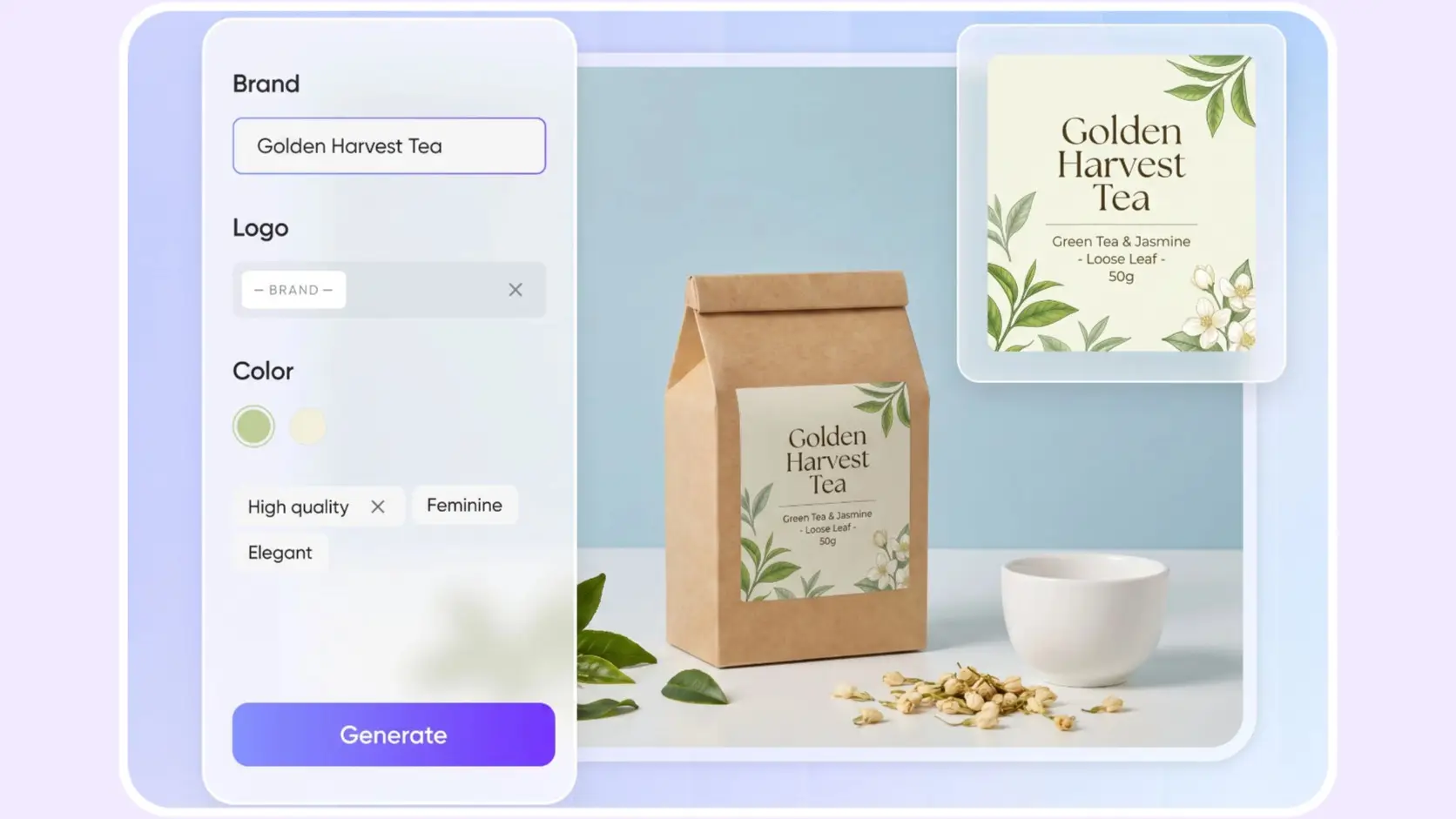
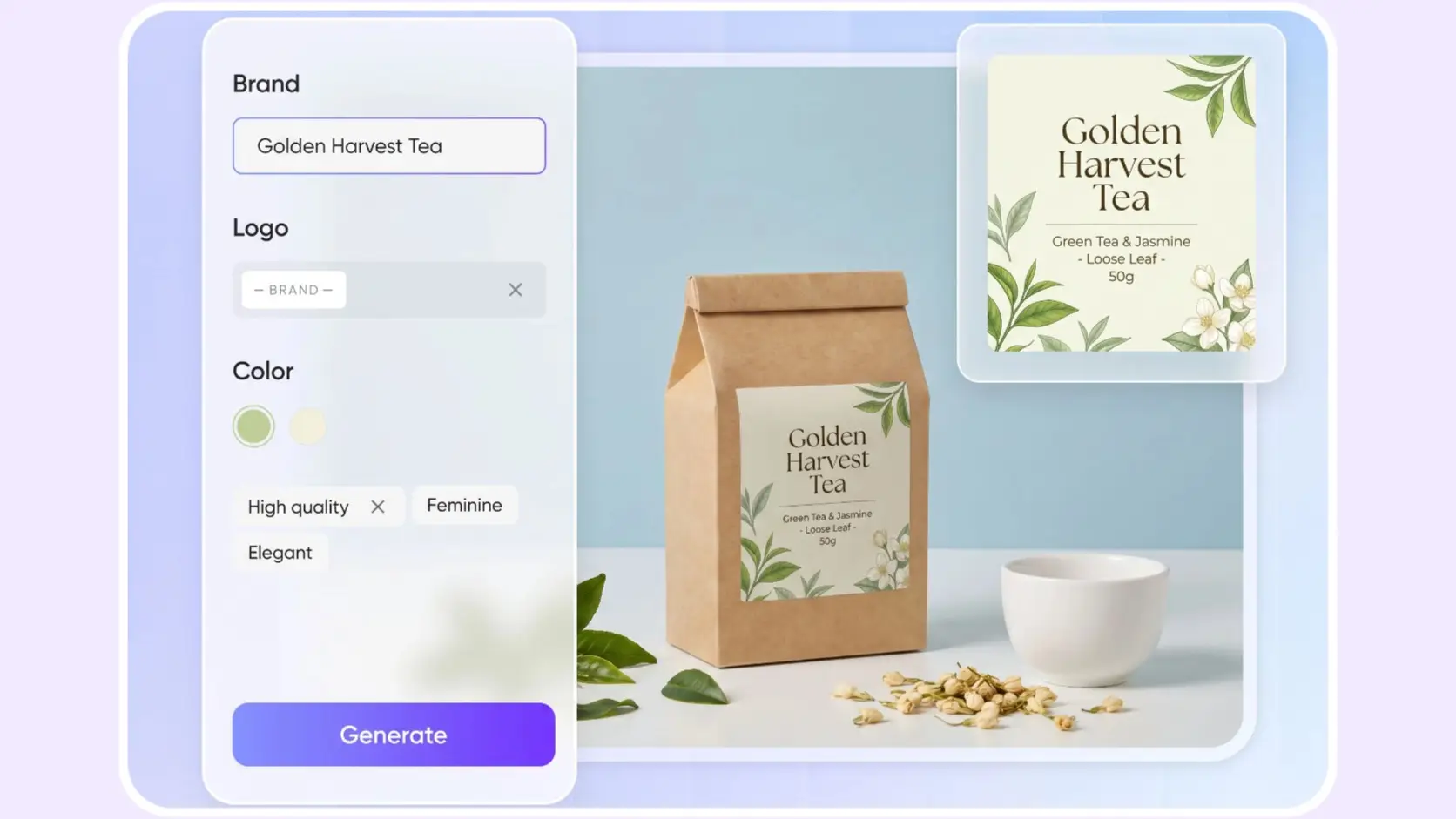
Enter your product, brand, and design direction. Packify creates a designed 2D pouch mockup, then recommends similar dieline templates for custom sizing and SVG or PDF export.

Trusted by industry-leading businesses


Move from pouch design to an exportable dieline
A pouch needs more than an attractive front design. Its artwork must also fit the packaging structure and the dimensions planned for production. Packify turns your product and brand information into a designed pouch mockup that you can refine. Once the direction is ready, match it with a similar dieline template, enter your dimensions, and prepare the file for export or printing.
How to use the pouch dieline generator?
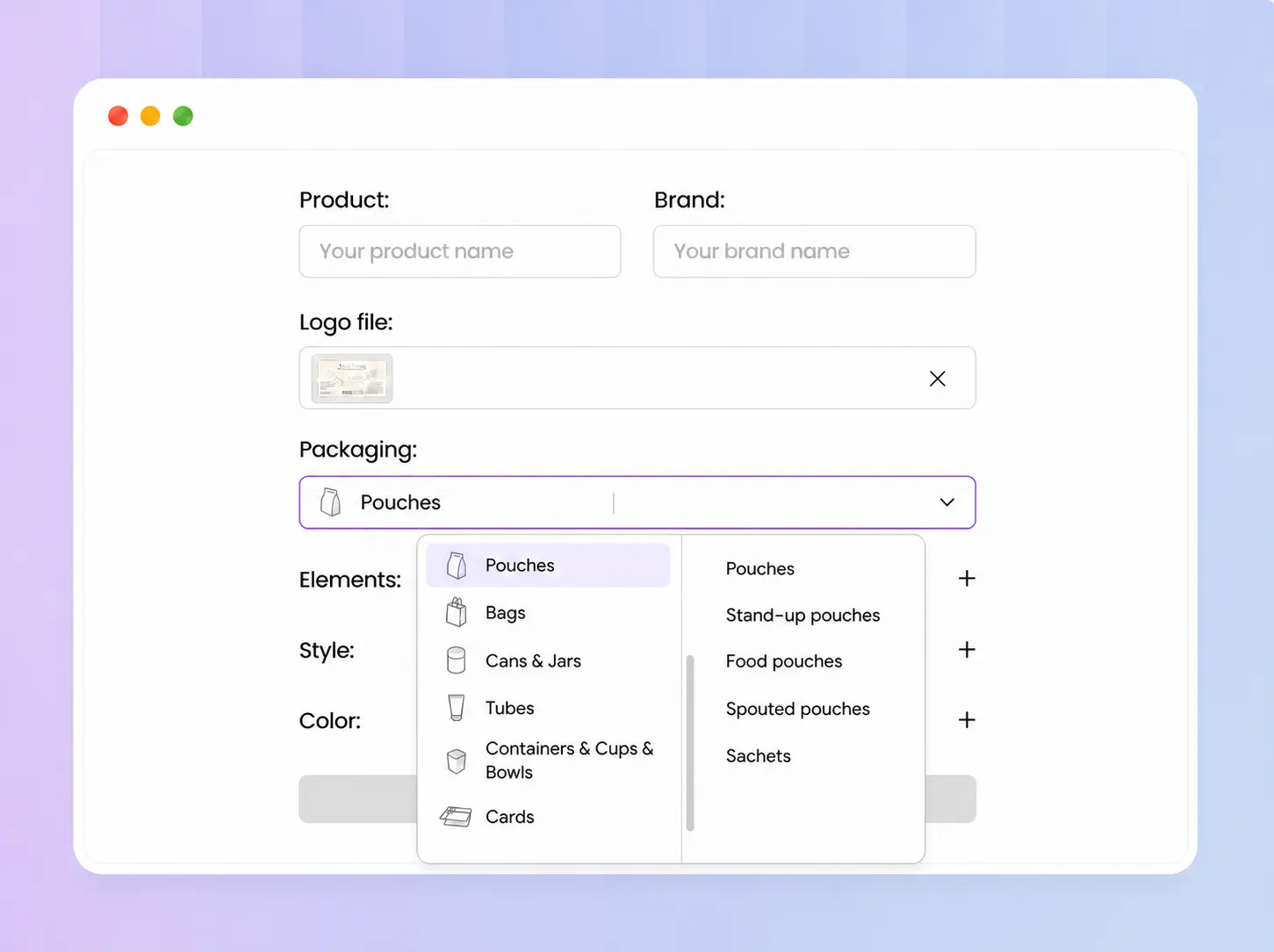
Step 1: Enter your pouch details
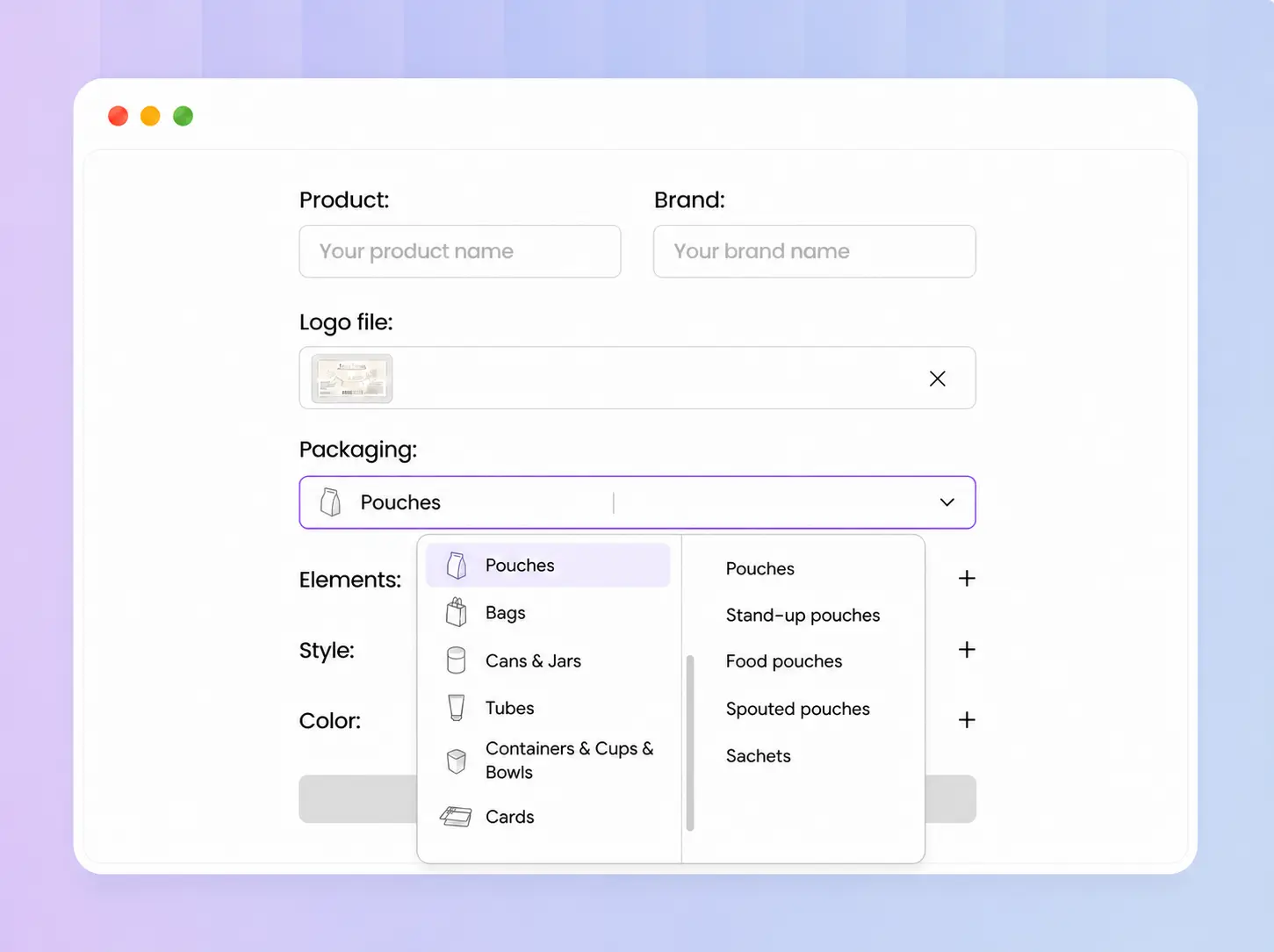
Add your product name and brand, upload a logo, then choose a pouch type such as stand-up, sachet, pillow, flat, or spouted.
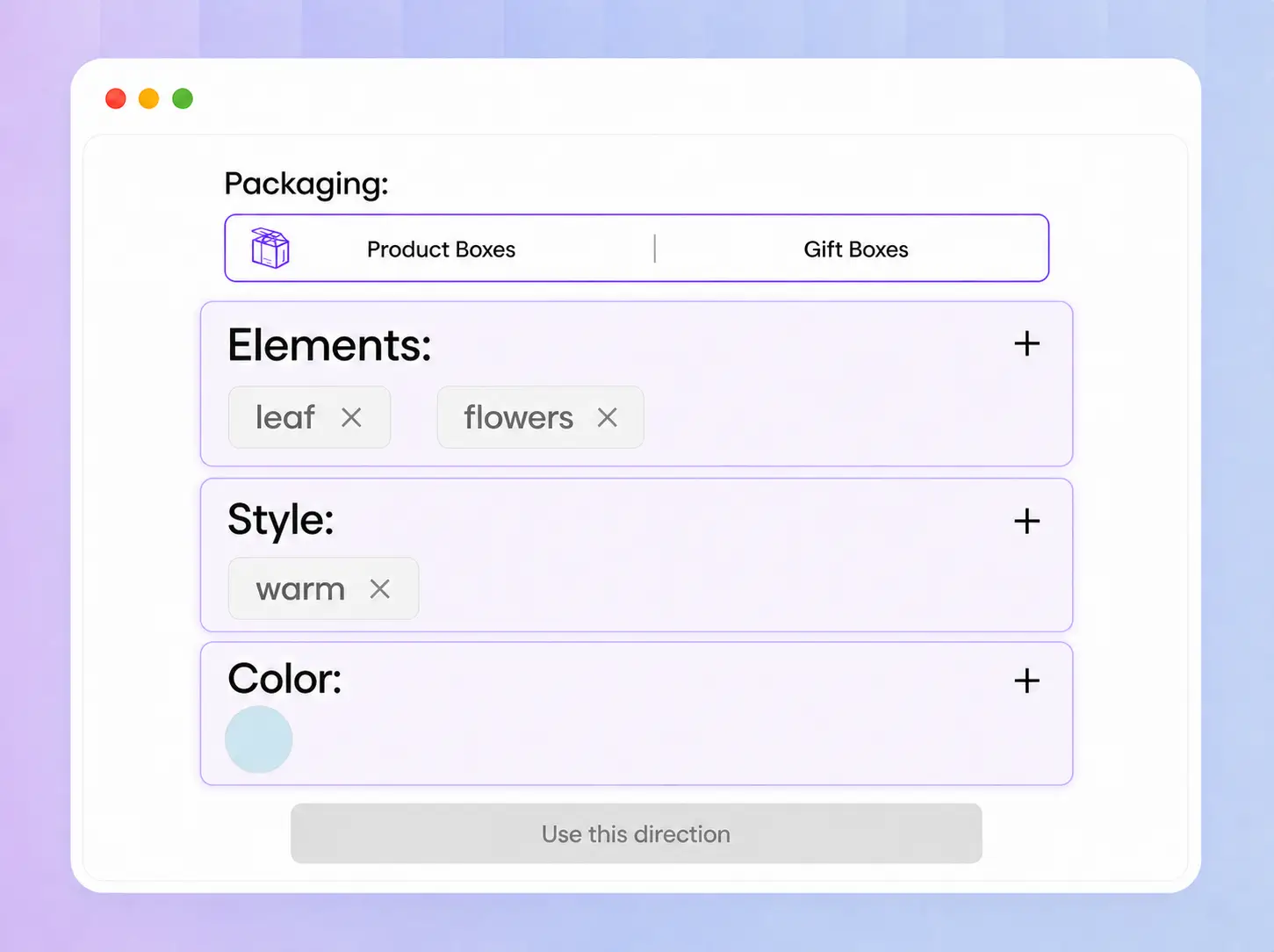
Step 2: Generate and refine your mockup
Describe your preferred colors, style, and design elements. After Packify generates the 2D mockup, select Use in chat to request further changes.
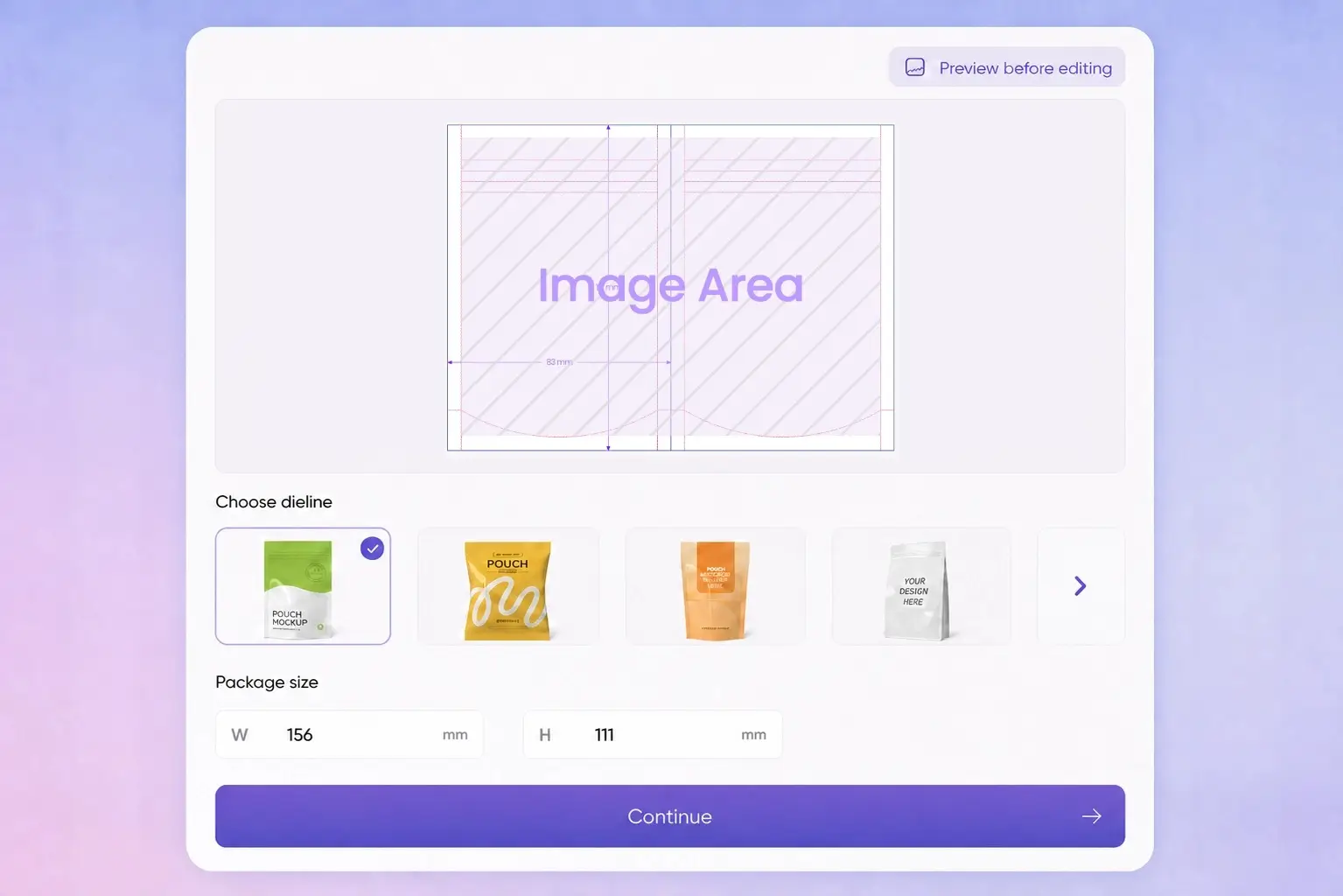
Step 3: Set and export your dieline
Click Export Dieline, choose a recommended template, enter exact dimensions, refine the design, then download SVG/PDF or use Packify’s printing service.

Step 1: Enter your pouch details
Add your product name and brand, upload a logo, then choose a pouch type such as stand-up, sachet, pillow, flat, or spouted.
Step 2: Generate and refine your mockup
Describe your preferred colors, style, and design elements. After Packify generates the 2D mockup, select Use in chat to request further changes.
Step 3: Set and export your dieline
Click Export Dieline, choose a recommended template, enter exact dimensions, refine the design, then download SVG/PDF or use Packify’s printing service.
Why choose Packify for your pouch dieline?
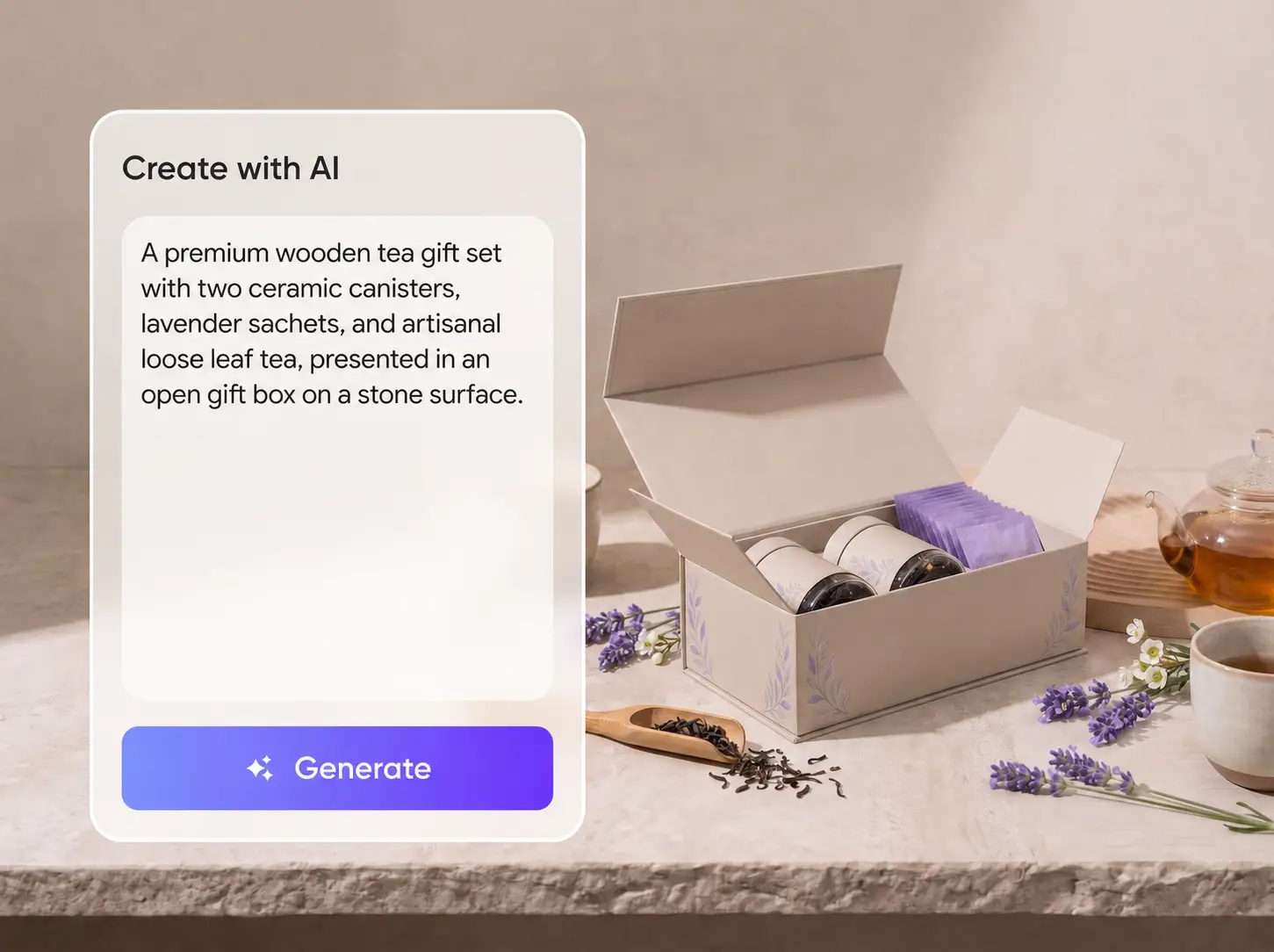
Build your first pouch concept
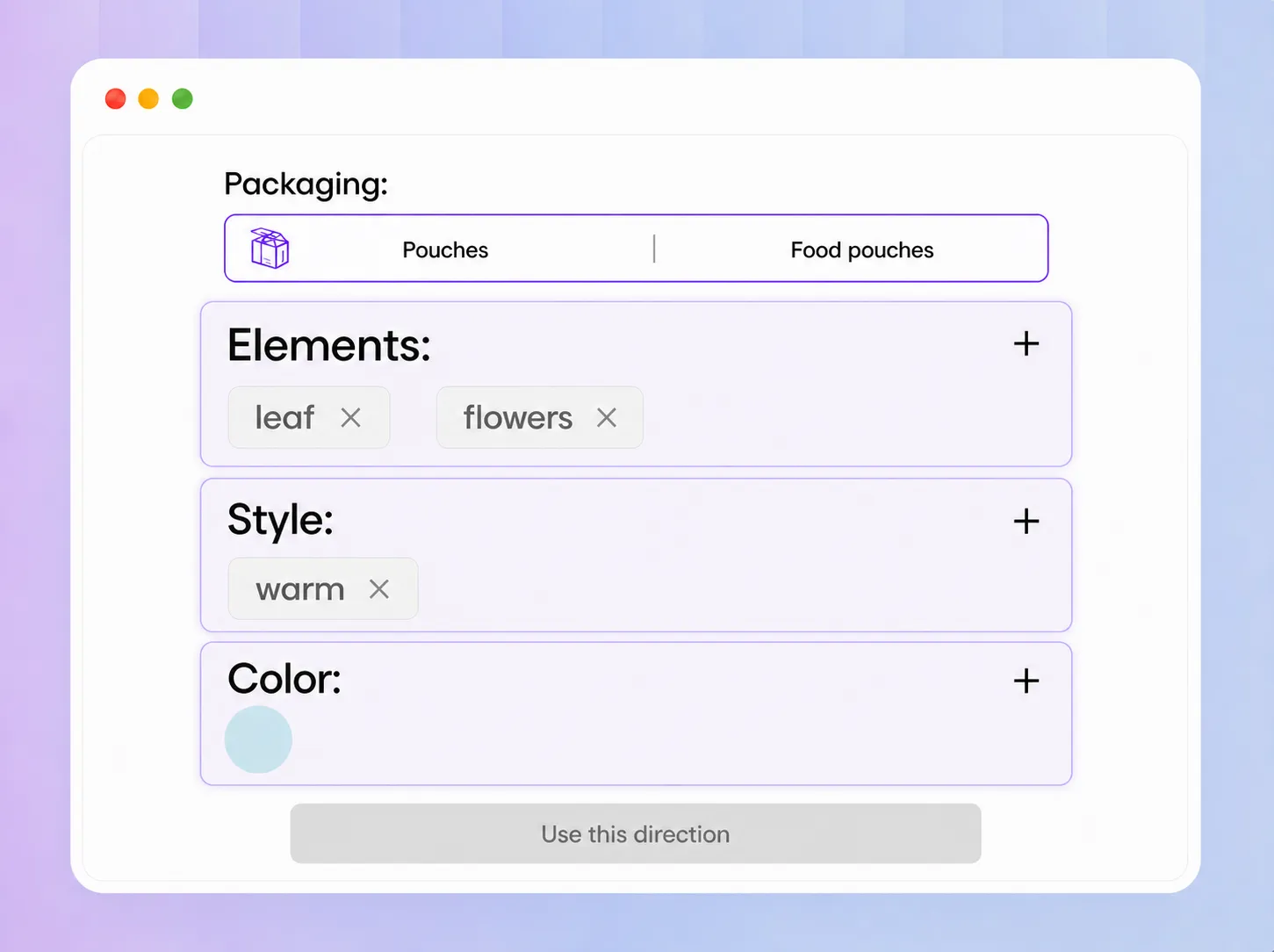
Launching a coffee, snack, or supplement product with only a name, logo, and a few visual references? Enter what you already have, and Packify generates a complete pouch mockup. Select Use in chat to refine it without preparing finished packaging artwork first.
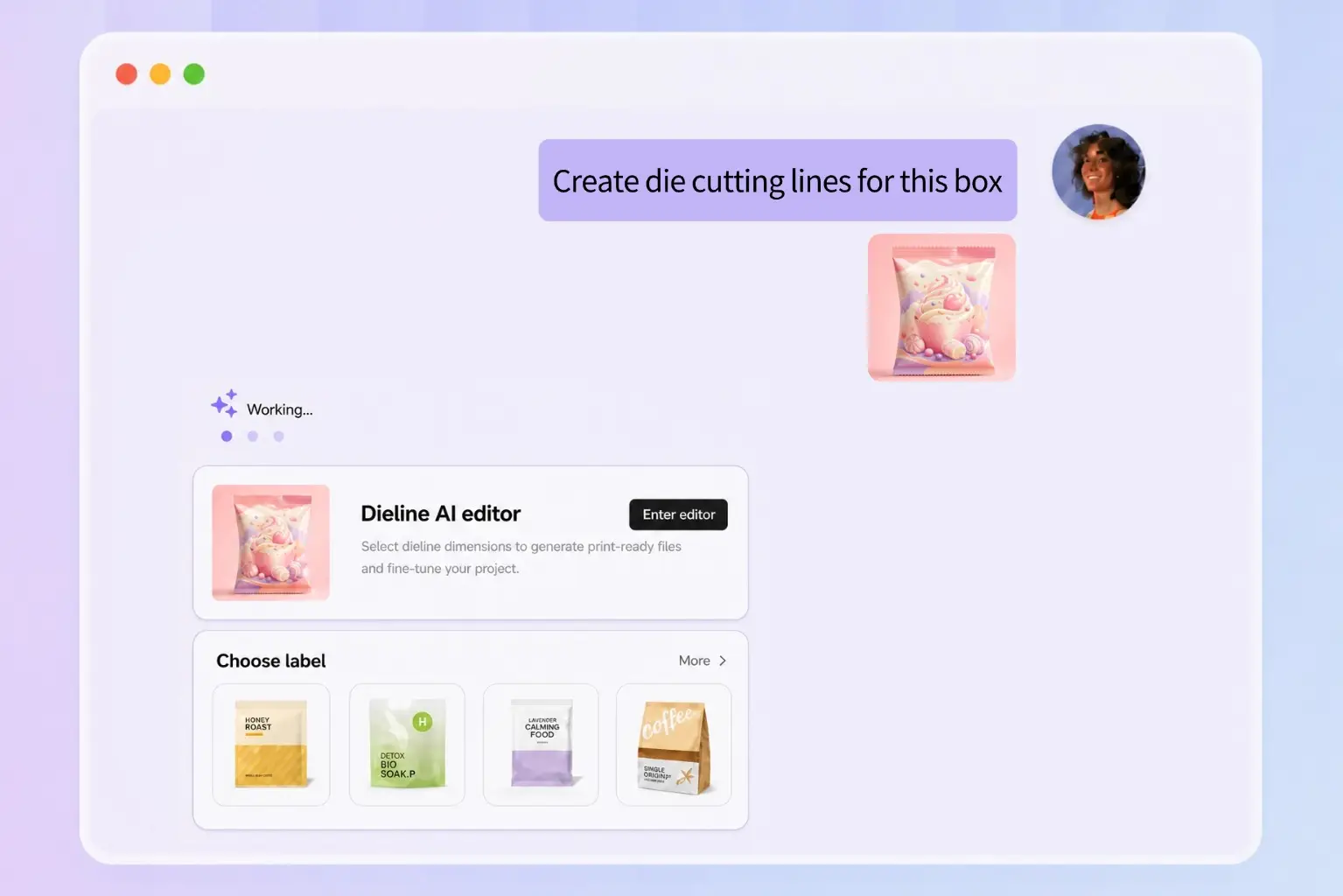
Match a similar pouch template
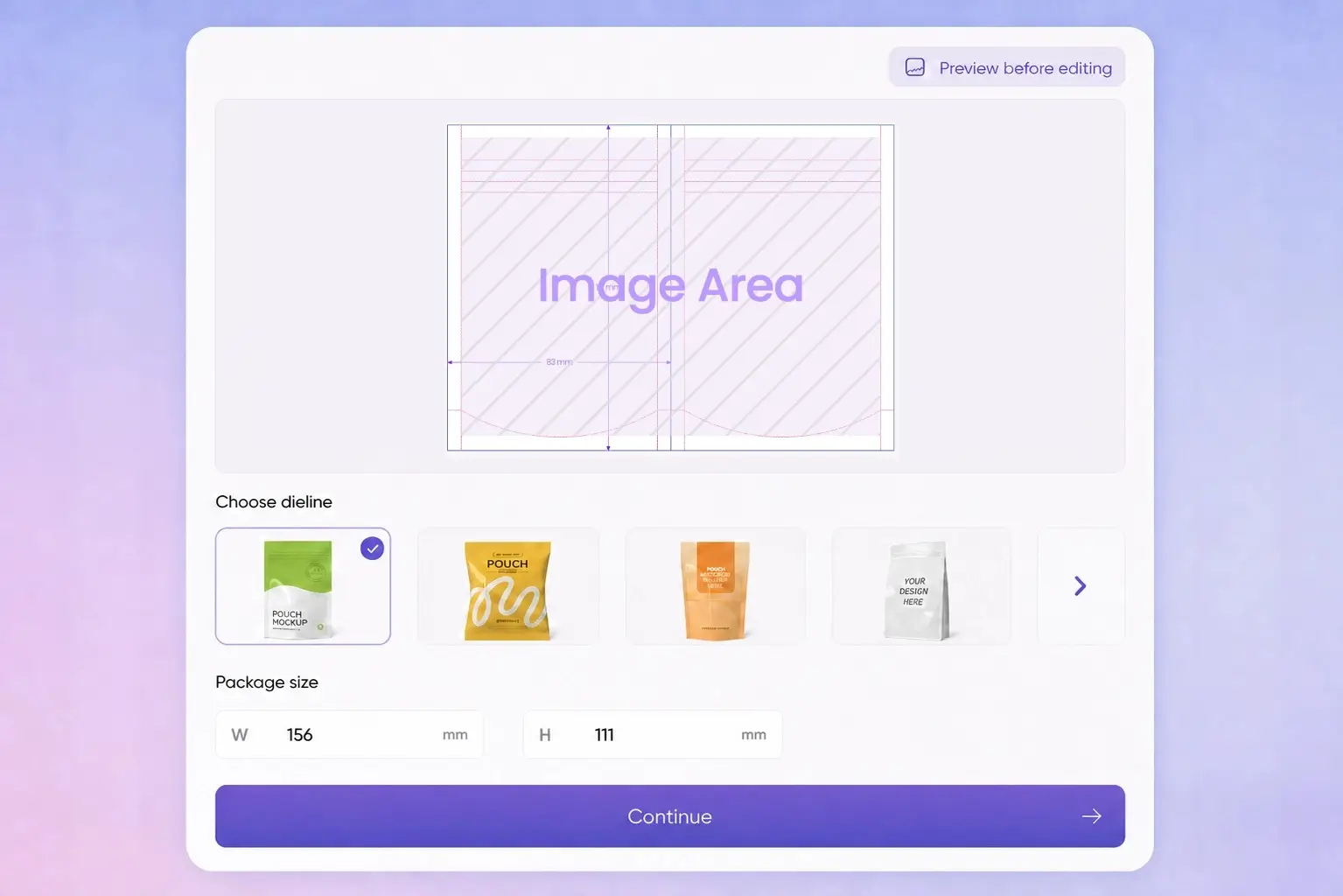
Your mockup establishes the general packaging shape, but browsing a large template collection one by one takes time. After you click Export Dieline, Packify recommends pouch templates with a similar shape, giving you a more relevant place to start.
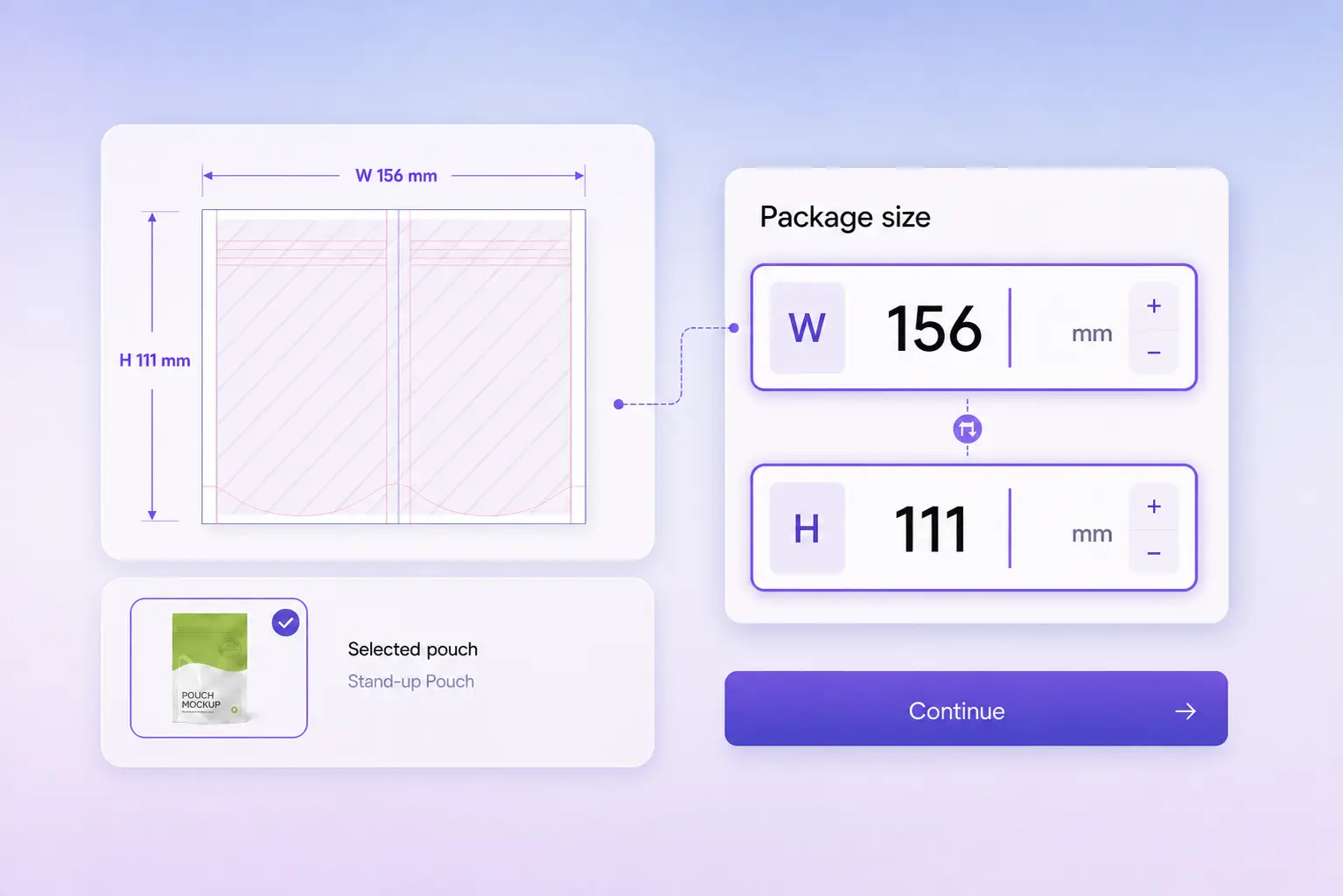
Set exact dieline dimensions
Standard dimensions do not fit every product or production project. After selecting a pouch template, enter the exact dimensions you plan to use and create a dieline that matches your intended packaging specifications.
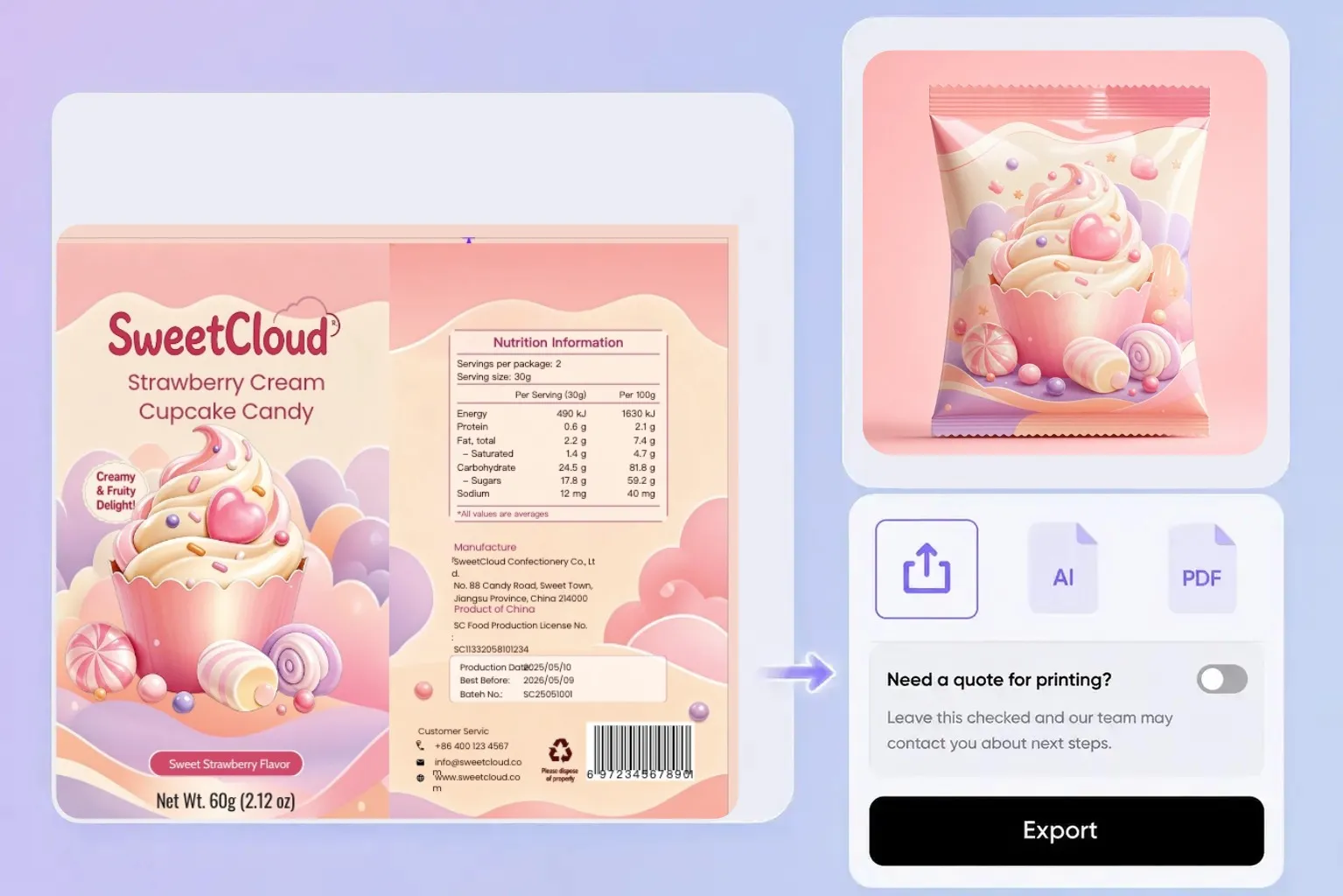
Move from files to print
Once you have selected a template, entered the dimensions, and adjusted the design, download the dieline as an SVG or PDF for printer review. You can also choose Packify’s printing service after clicking Export Dieline.
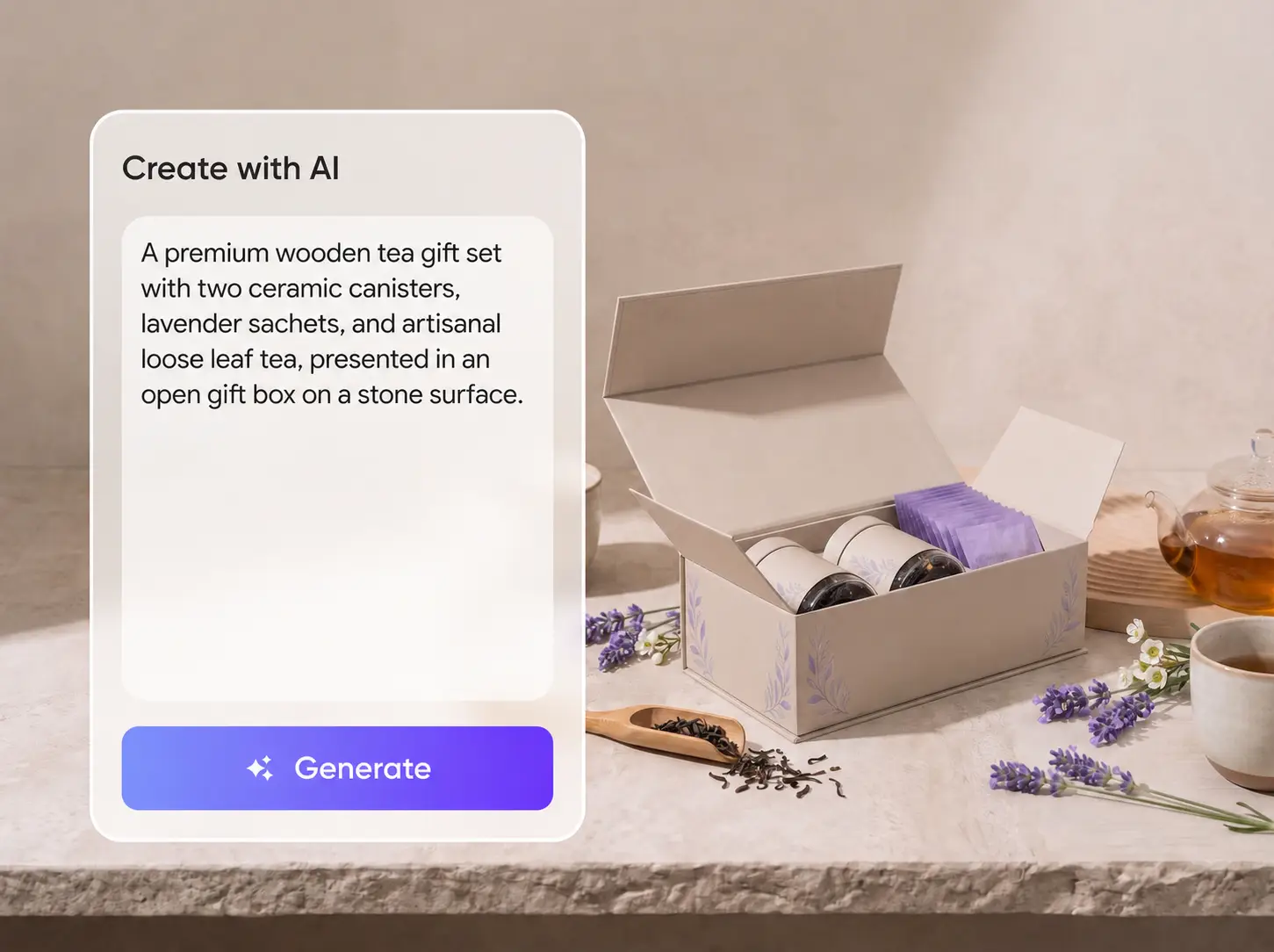
Build your first pouch concept
Launching a coffee, snack, or supplement product with only a name, logo, and a few visual references? Enter what you already have, and Packify generates a complete pouch mockup. Select Use in chat to refine it without preparing finished packaging artwork first.
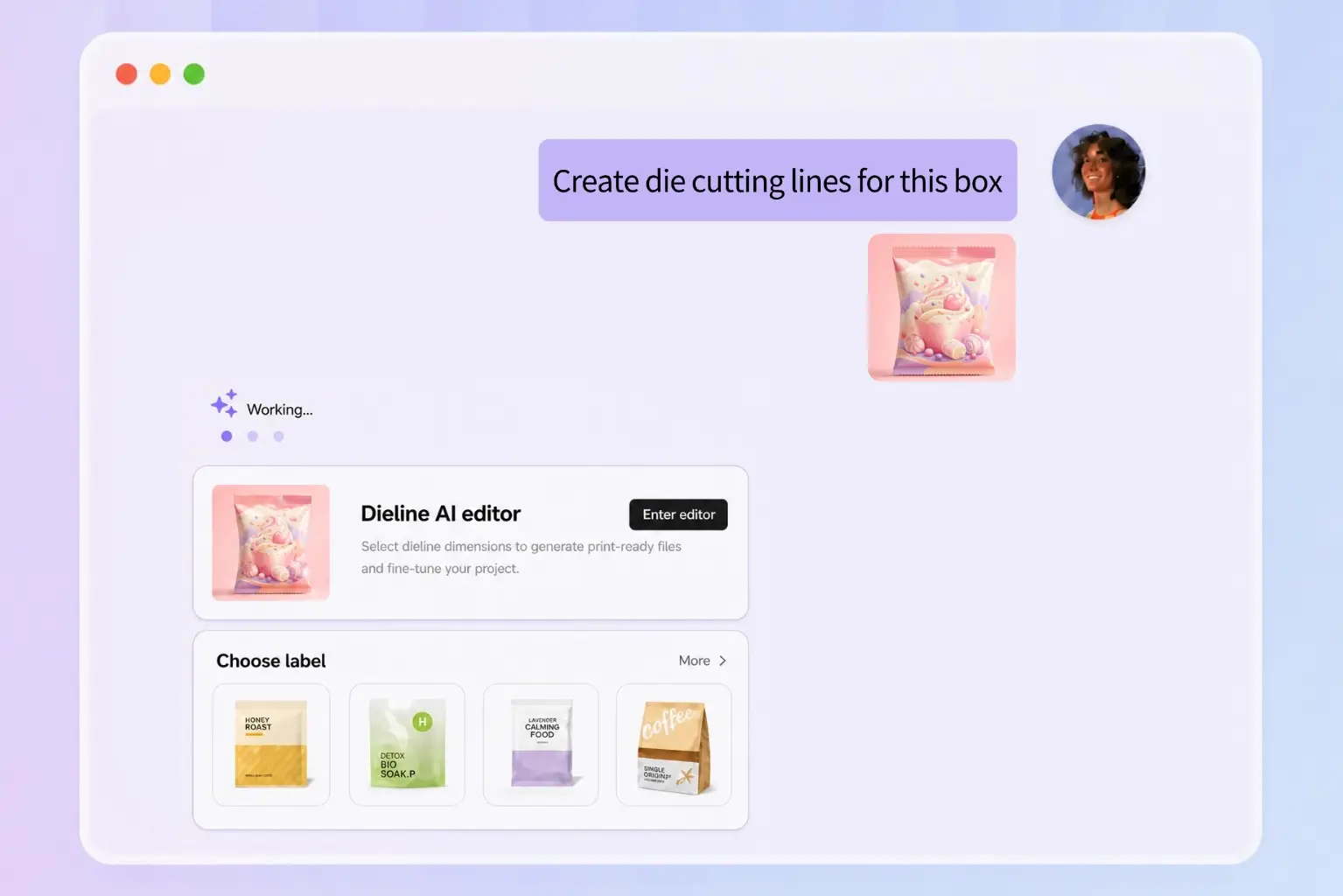
Match a similar pouch template
Your mockup establishes the general packaging shape, but browsing a large template collection one by one takes time. After you click Export Dieline, Packify recommends pouch templates with a similar shape, giving you a more relevant place to start.
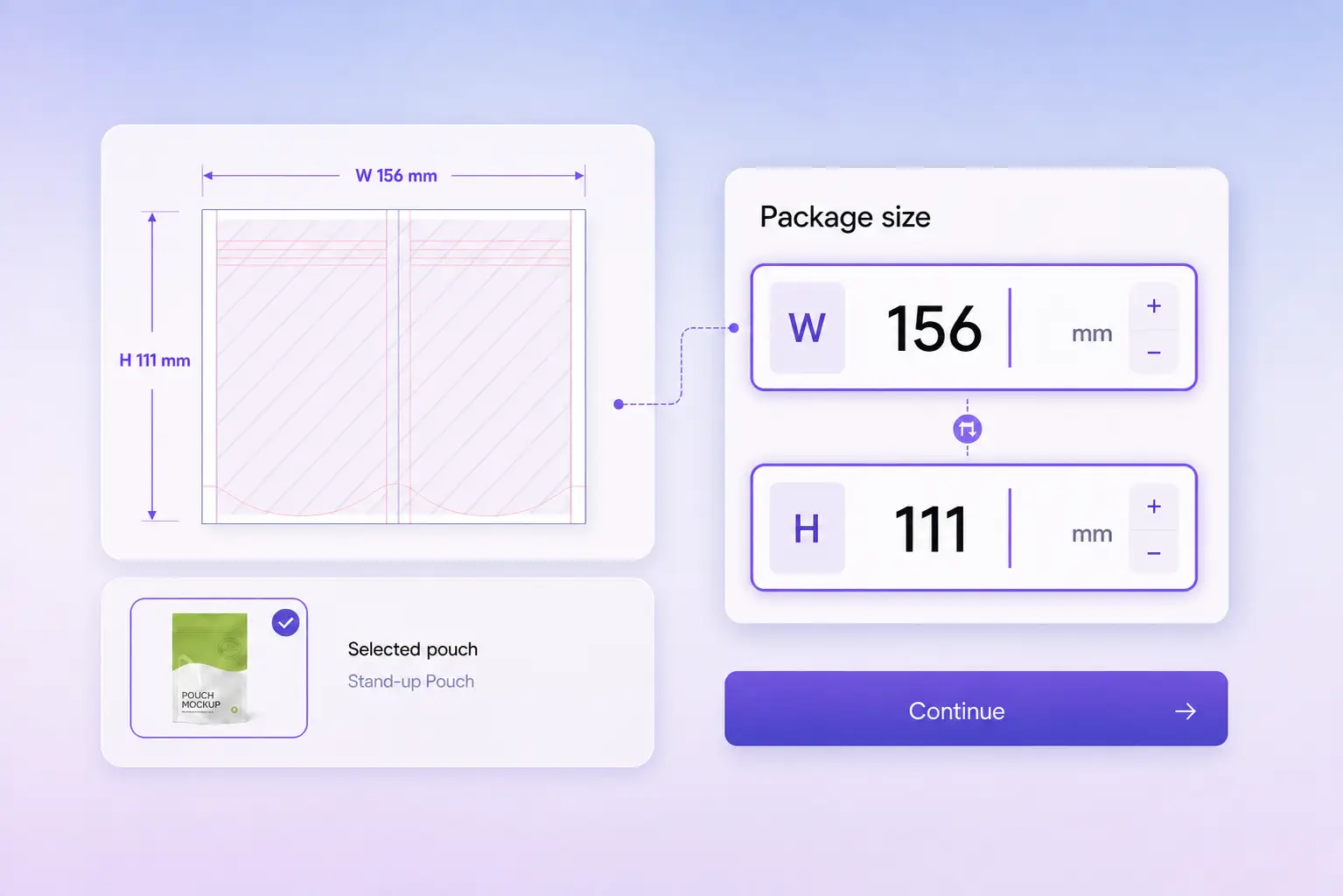
Set exact dieline dimensions
Standard dimensions do not fit every product or production project. After selecting a pouch template, enter the exact dimensions you plan to use and create a dieline that matches your intended packaging specifications.
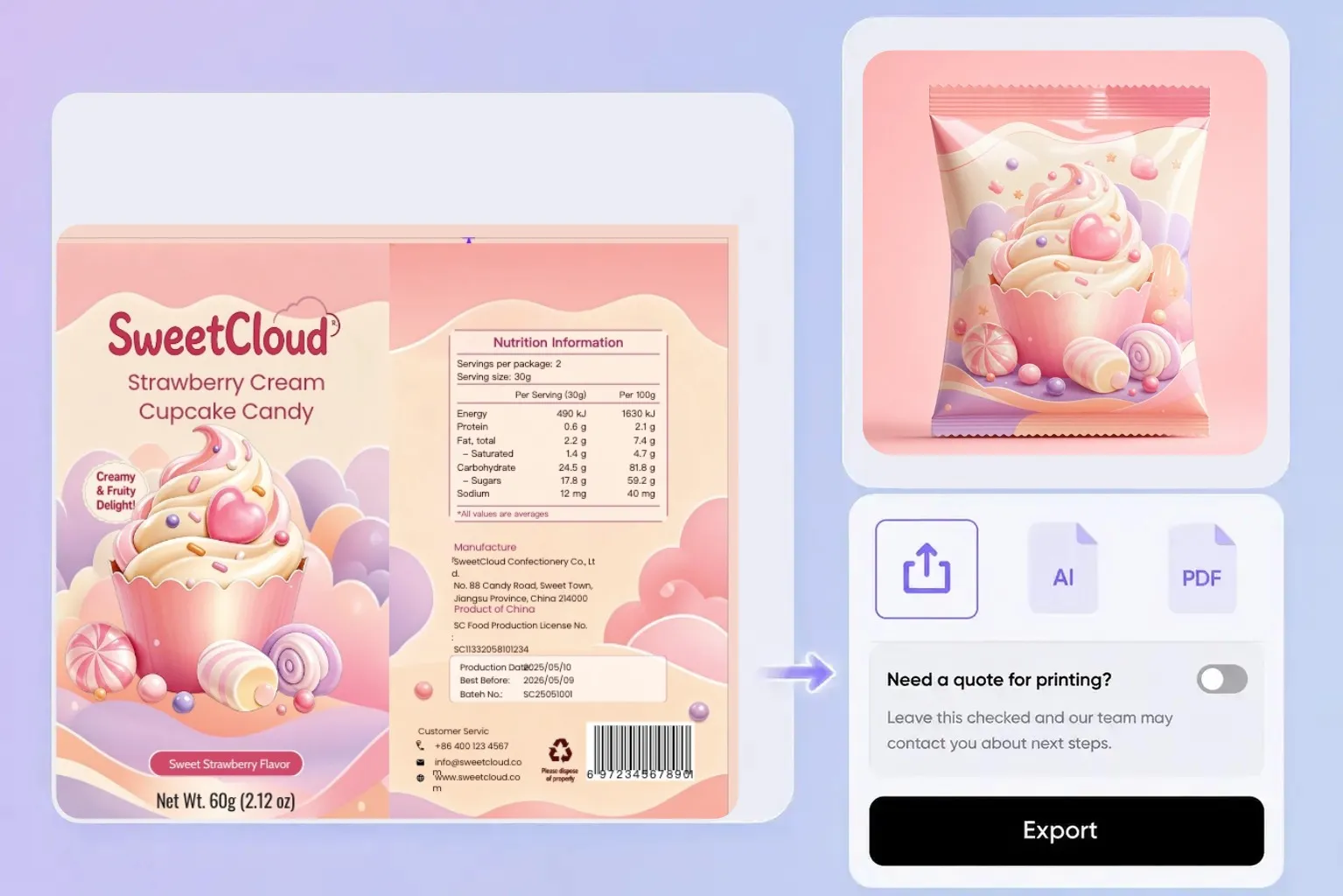
Move from files to print
Once you have selected a template, entered the dimensions, and adjusted the design, download the dieline as an SVG or PDF for printer review. You can also choose Packify’s printing service after clicking Export Dieline.
Proven impact, in our customer's words


The AI-powered packaging design tool is a game-changer. It's fast, intuitive, making it an essential tool for any forward-thinking design team.ved.
March 26, 2025


The results are so amazing that I don't think it's just for inspiration... I'd say artificial intelligence outperforms most designers; the key is to come up with the perfect prompt. Great contribution! Thank you 😊.
March 18, 2025


The AI-powered packaging design tool is a game-changer. It's fast, intuitive, making it an essential tool for any forward-thinking design team.
March 18, 2025


We’re a tiny skincare shop. Packify.ai turned my scribbles into clean mockups and a printable dieline by Monday. Fewer back-and-forths, consistent branding, a nd our product page conversions moved.
March 18, 2025


The AI-powered packaging design tool is a game-changer. It's fast, intuitive, making it an essential tool for any forward-thinking design team.
March 26, 2025


The results are so amazing that I don't think it's just for inspiration... I'd say artificial intelligence outperforms most designers; the key is to come up with the perfect prompt. Great contribution! Thank you 😊
March 18, 2025


Congrats! Packify.ai, an AI packaging designer, enables easy, creative design and offers AI-driven product photography for e-commerce through simple chatting.
April 2, 2025


We’re a tiny skincare shop. Packify.ai turned my scribbles into clean mockups and a printable dieline by Monday. Fewer back-and-forths, consistent branding, a nd our product page conversions moved.
May 9, 2025
You asked,
we answered
You asked, we answered
What is a pouch dieline generator?
A pouch dieline generator is an online tool for creating the flat production layout of flexible packaging. The resulting dieline reflects the selected pouch structure and dimensions, giving you a file on which to place artwork and prepare for printer review.
How do I choose the right pouch type?
Start with what the pouch needs to hold, then choose the structure. Stand-up pouches and Doypacks work well for coffee, snacks, supplements, and pet treats. Sachets suit samples and single-use powders, pillow pouches suit chips and cookies, and spouted pouches suit liquids and refills.
Capacity, material, and filling method can also affect the final choice, so confirm the structure with your supplier before production.
Does Packify recommend pouch dieline templates?
Yes. After generating your designed pouch mockup, click Export Dieline to see templates with a similar shape. You can choose one of the recommendations or browse other templates to find a structure that better fits your product and production requirements.
Can I enter custom pouch dimensions?
Yes. After clicking Export Dieline and selecting a template, you can enter exact dimensions so the dieline matches the pouch size you plan to produce.
Which file formats can I export?
Packify supports SVG and PDF exports. SVG is suitable for further vector editing, while PDF is useful for review and printer handoff. Ask your supplier to verify the dimensions and production requirements before printing.
Can Packify print my pouches?
Yes. Click Export Dieline and choose Packify’s printing service to continue with your pouch project. You can then confirm the dimensions, material, quantity, and other production requirements.
Can I use the pouch dieline generator for free?
You can start with the free trial credits available in your Packify account. Different actions may use different amounts of credits, so check your balance before generating. See Packify Pricing for current plans and credit details.
Can I use my pouch design commercially?
Yes, you can use designs created with Packify for product packaging, sales, and other commercial projects, subject to the Packify Terms of Use.
You are responsible for reviewing logos, trademarks, images, and other content before use. Packify does not grant exclusive rights to AI-generated content.
Your pouch, ready for the next step