
Tea Label Design
Enter your tea and brand details or upload a reference, choose a label type, and get a custom tea label design to refine and preview.
Trusted by industry-leading businesses


Tea Label Design Ideas That Bring Your Story to Life
Before shoppers taste your tea, its label tells your story. From a signature blend to a milk tea label design, Packify turns your tea’s flavor, character, and brand into tea label ideas for Shopify images, Amazon listings, market displays, retail samples, and wholesale presentations.
How to create a tea label with Packify?
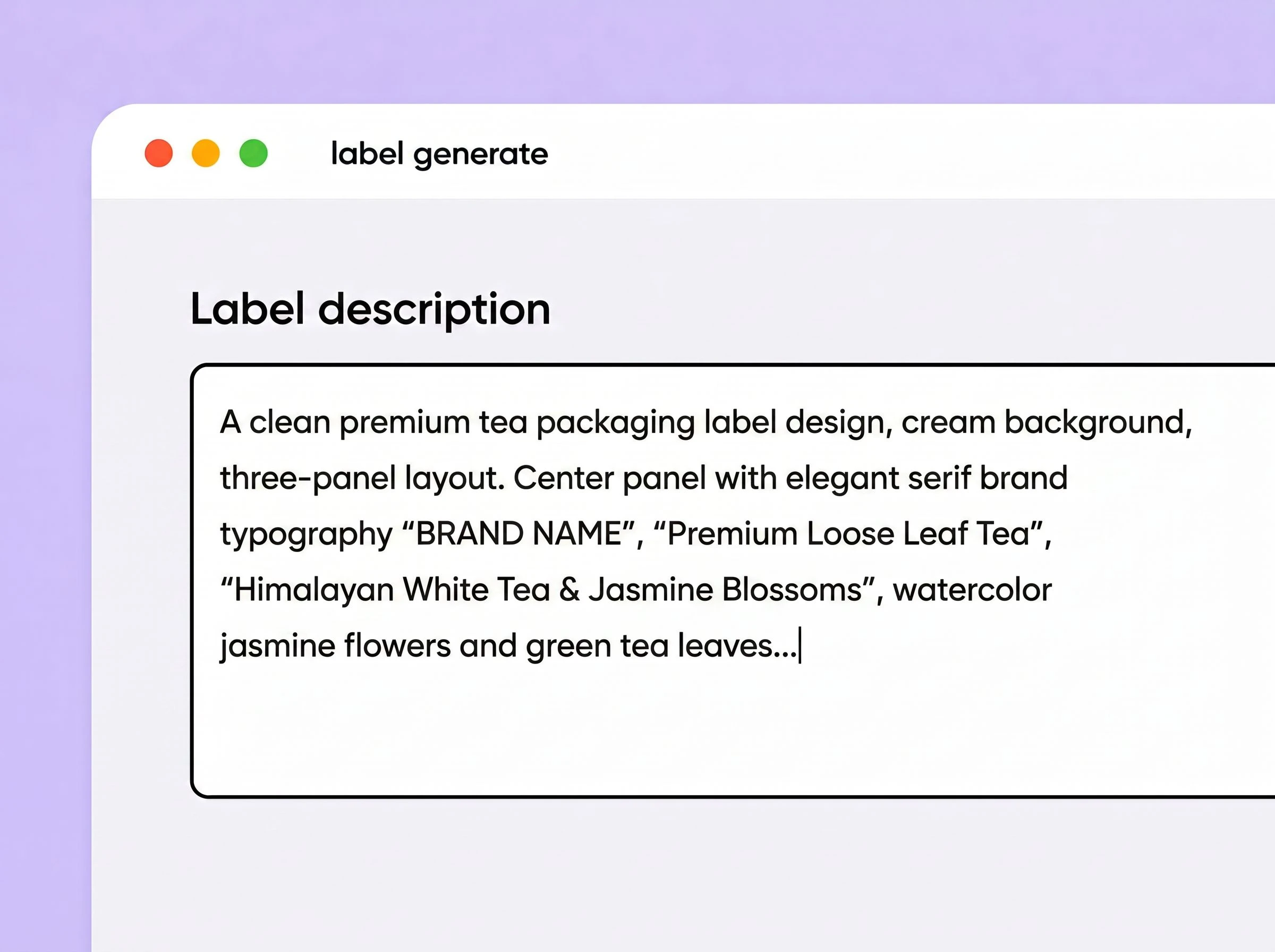
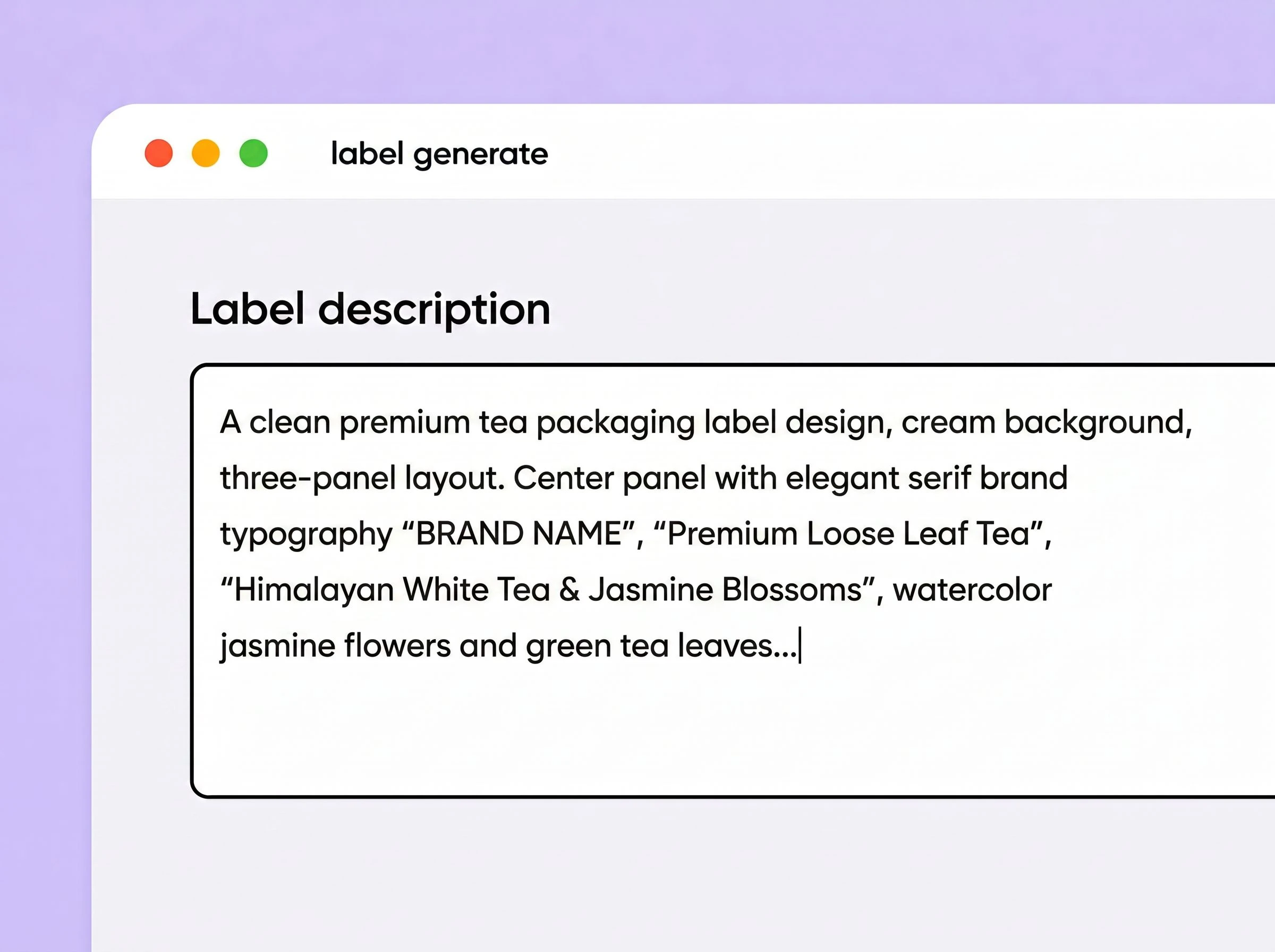
Step 1: Describe your label
Start with a short creative brief or paste your full brand story. Helpful details include the tea type, package and label size, brand name, target audience, colors, required text, preferred layout, visual references, and anything you want the design to avoid.
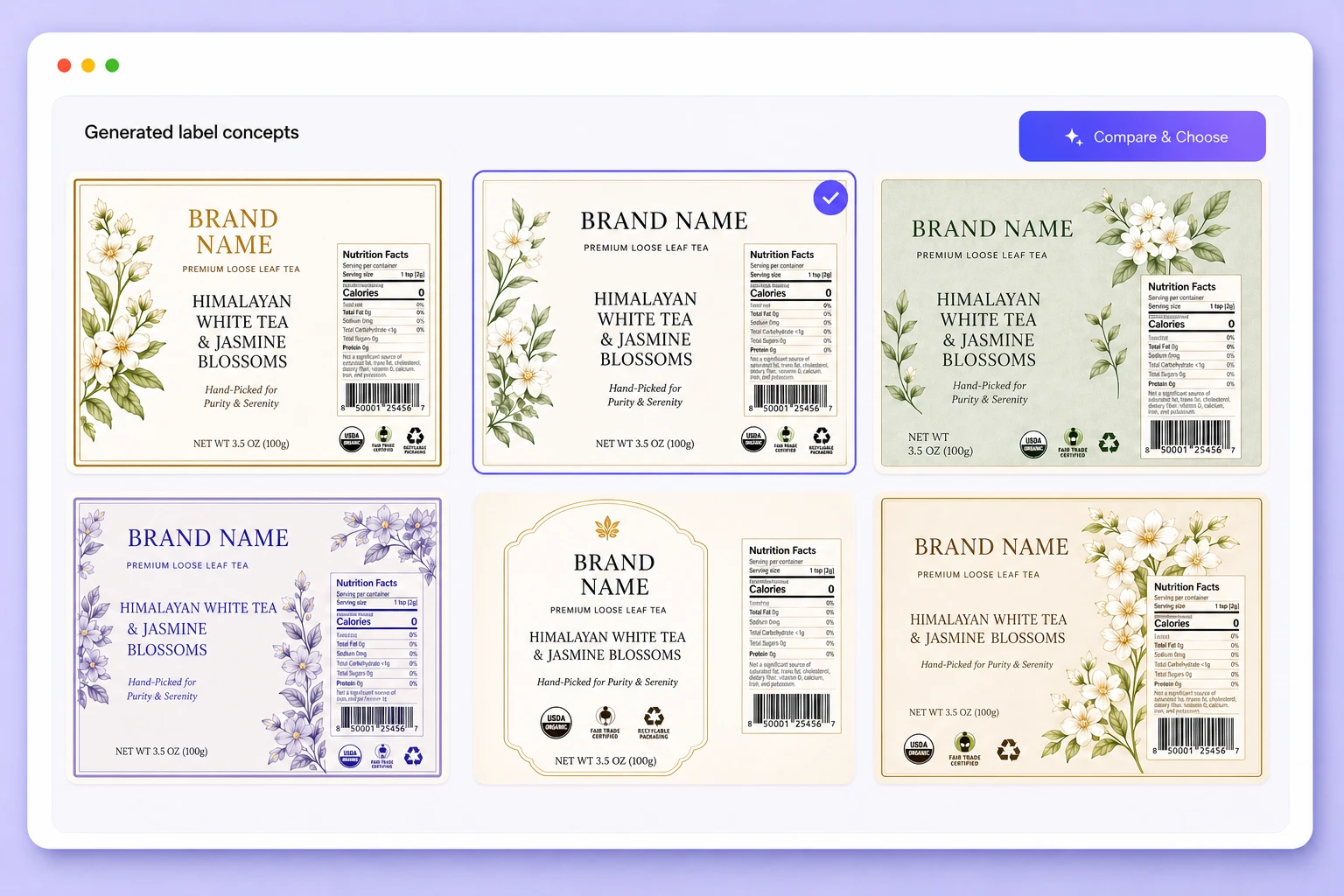
Step 2: Generate and choose a design
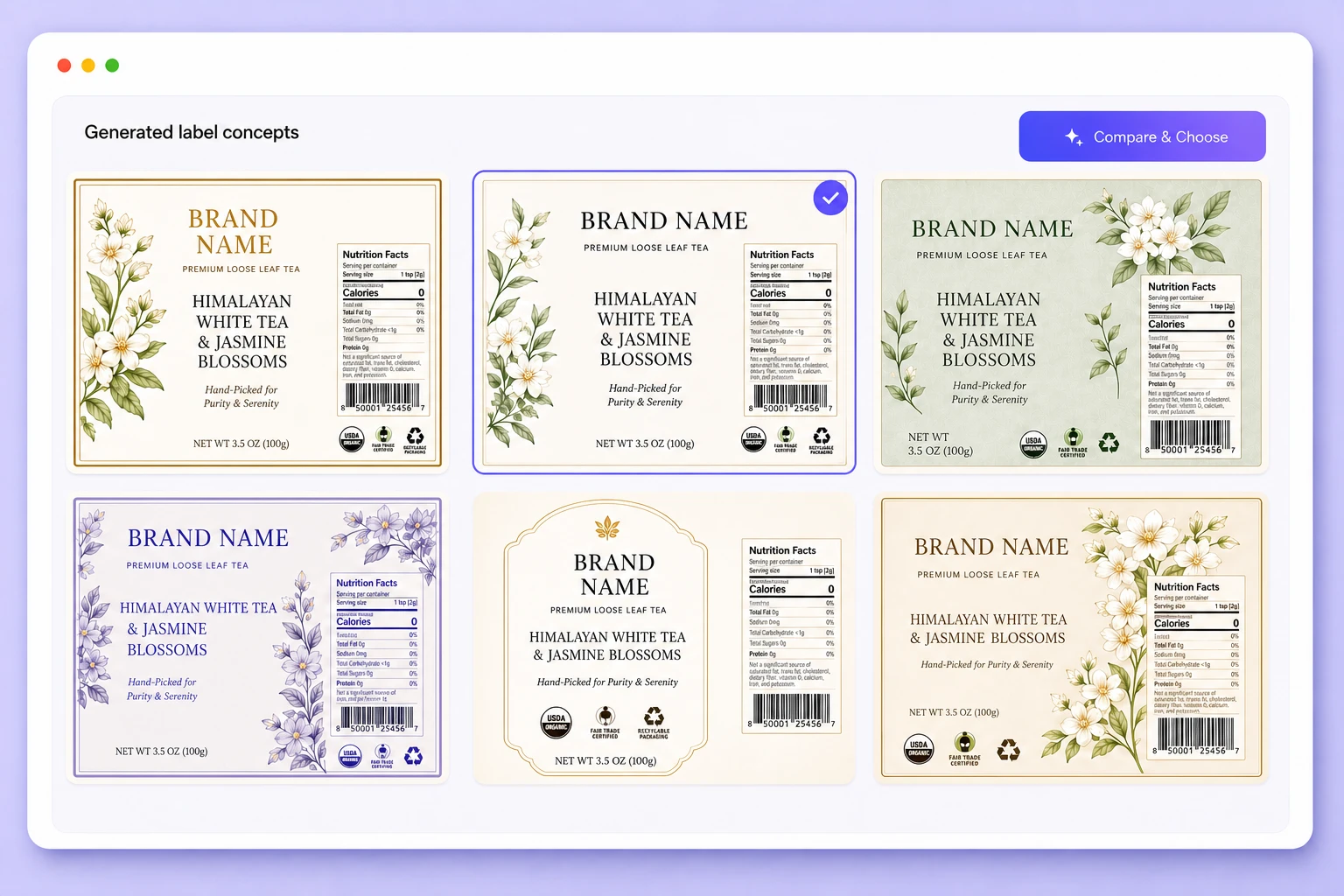
Generate your tea label and review the result. Adjust your brief and regenerate to explore different colors, typography, graphics, layouts, and creative directions.
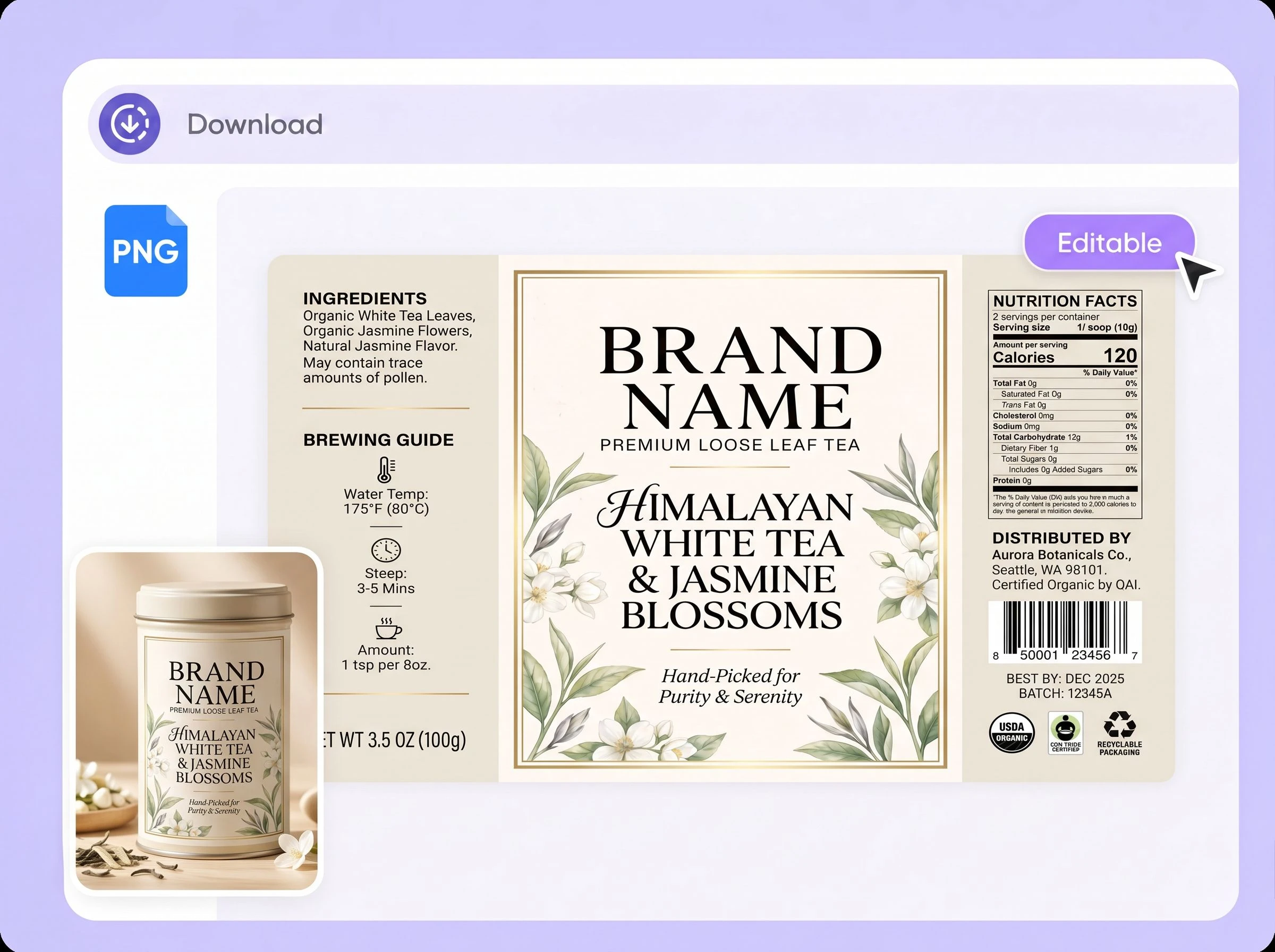
Step 3: Choose a mockup and edit
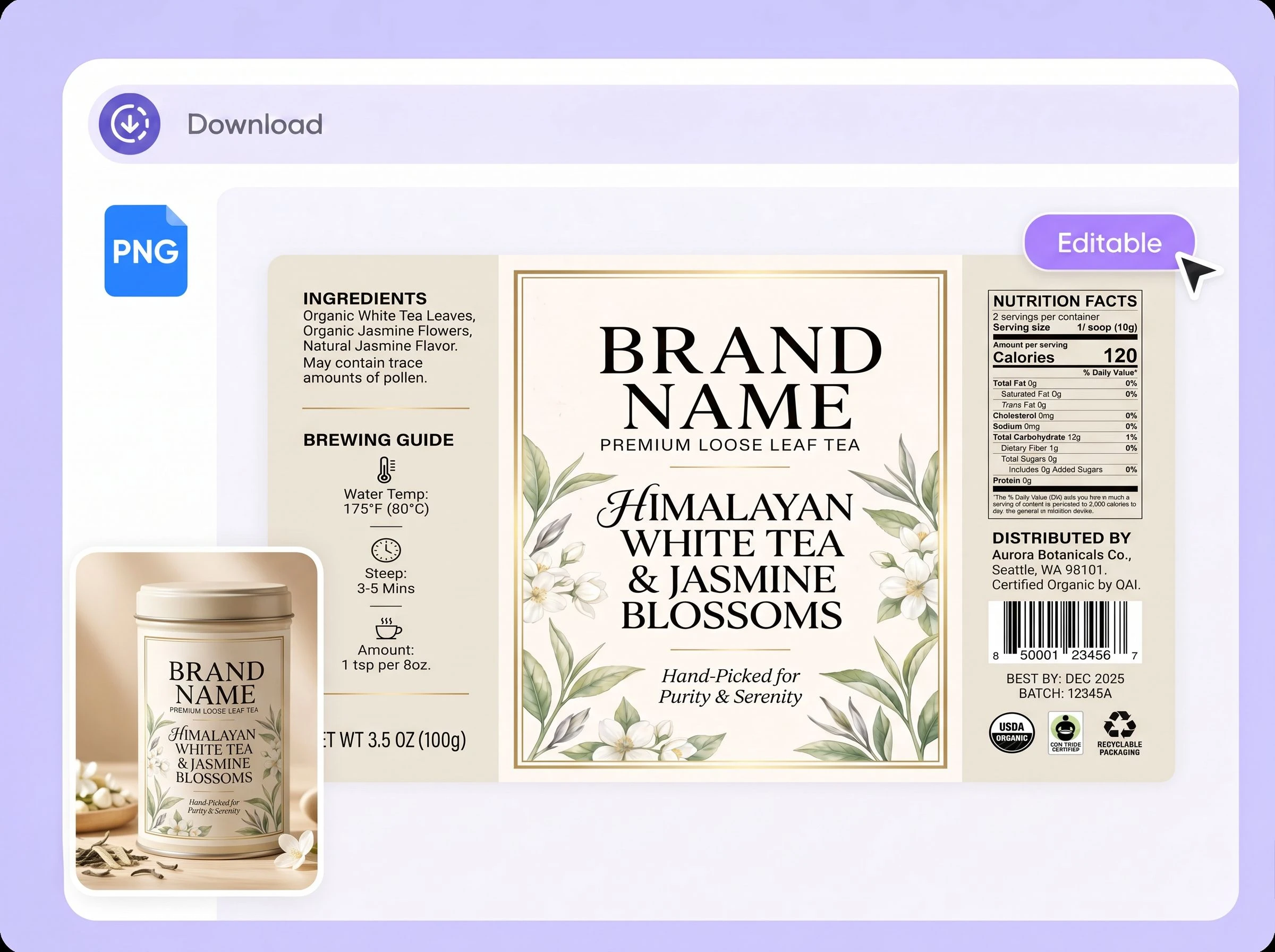
Click Edit Label, choose a sachet, flexible pouch, round tea tin, square tea tin, hexagonal tin, or another available mockup. Then adjust the label placement, size, text, and layout before export.

Step 1: Describe your label
Start with a short creative brief or paste your full brand story. Helpful details include the tea type, package and label size, brand name, target audience, colors, required text, preferred layout, visual references, and anything you want the design to avoid.
Step 2: Generate and choose a design
Generate your tea label and review the result. Adjust your brief and regenerate to explore different colors, typography, graphics, layouts, and creative directions.
Step 3: Choose a mockup and edit
Click Edit Label, choose a sachet, flexible pouch, round tea tin, square tea tin, hexagonal tin, or another available mockup. Then adjust the label placement, size, text, and layout before export.
Why choose Packify for tea label design?
Create tea labels at a lower cost
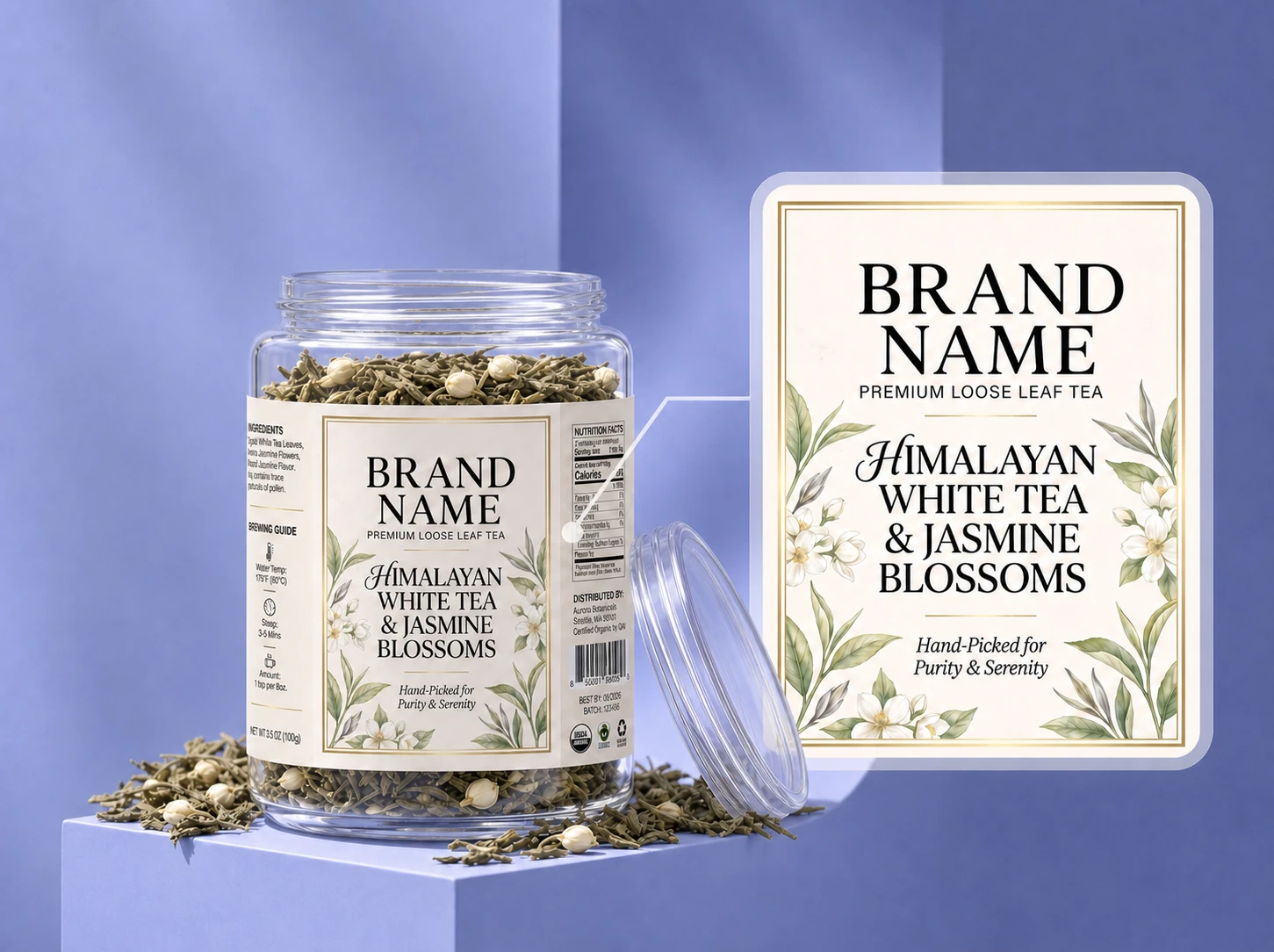
Hiring an agency or experienced packaging designer can be difficult to justify when a small tea brand is still testing a new blend, sales channel, or product idea. Starting from a generic template can still require time and design judgment.
Packify lets you begin with a brand story or product brief and explore polished tea label directions without starting in professional design software. Refine the result before using it in a product presentation, market test, or packaging review.
Move beyond predictable tea packaging
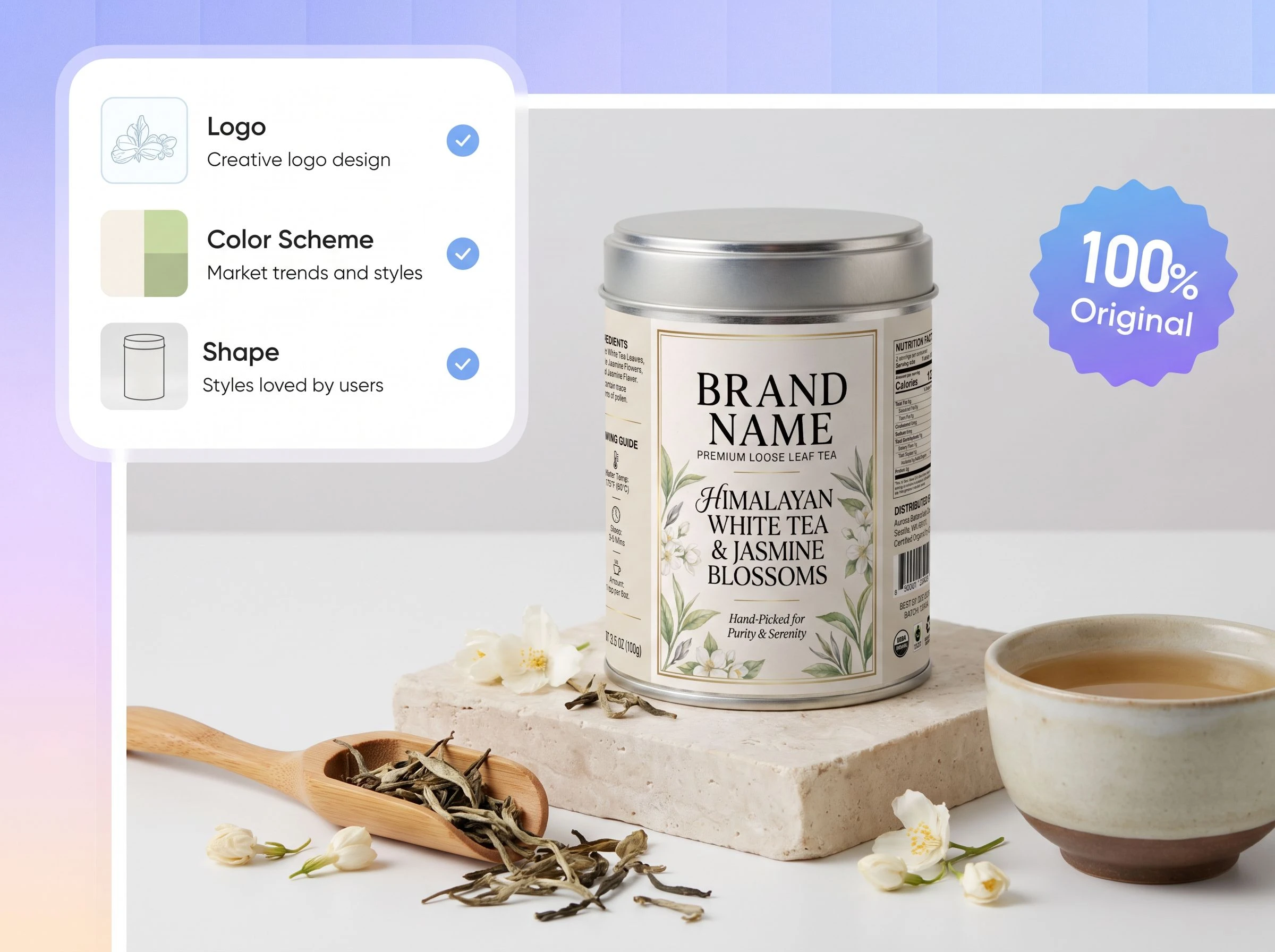
Leaves, green backgrounds, kraft textures, and vintage type appear on countless tea packages. When every brand uses the same visual cues, even a distinctive blend can look similar to everything around it.
Describe the tea's origin, flavor, audience, personality, and intended position. Packify helps you explore colors, typography, illustrations, and layouts that feel more specific to your brand instead of beginning with the same familiar tea template.
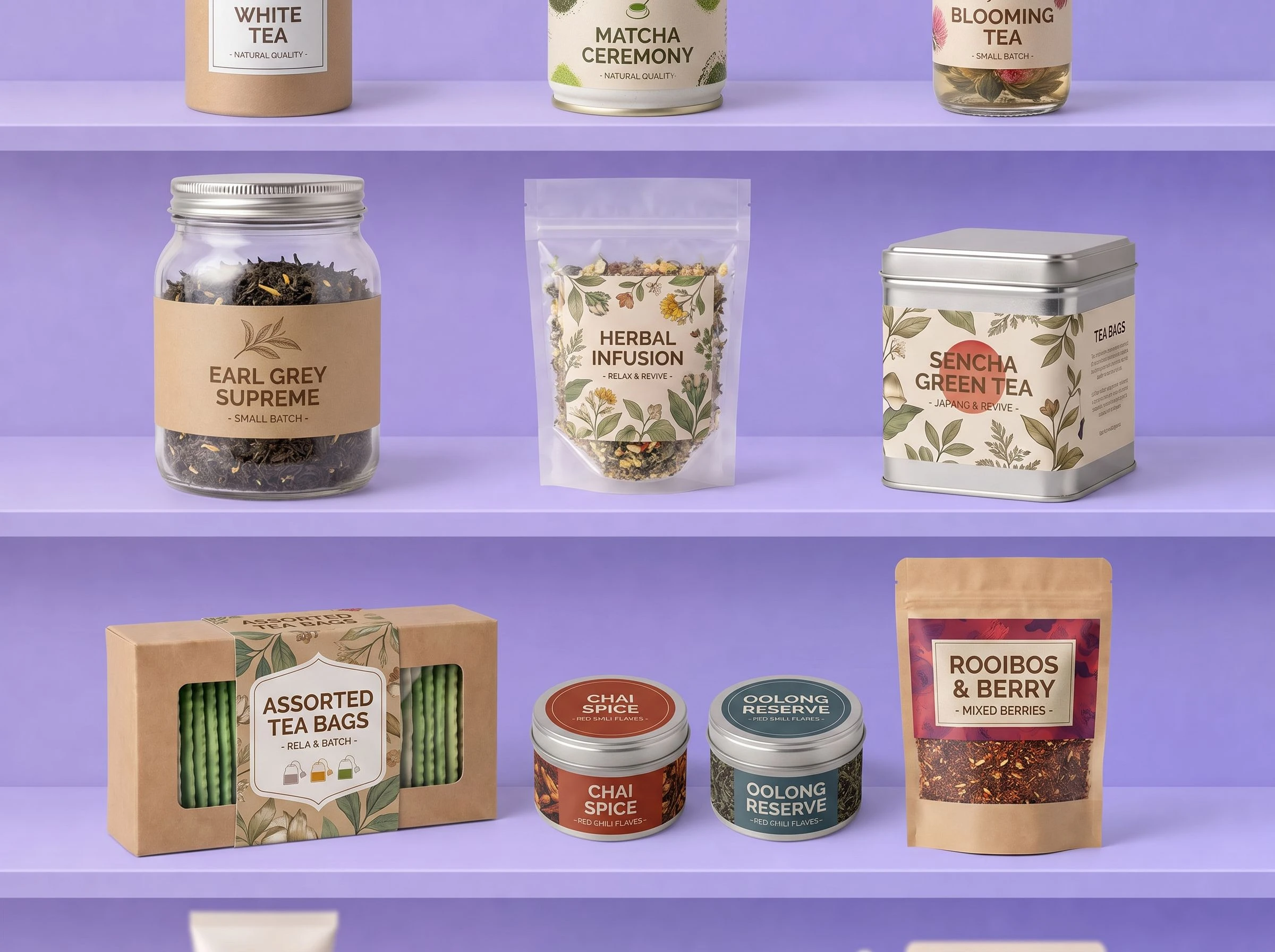
Place your label on a tea package and refine it
A generated label is only the starting point. Its size, placement, and text still need to work on the package you plan to use.
Click Edit Label and choose an available tea package, such as a sachet, flexible pouch, round tin, square tin, hexagonal tin, or aluminum canister. Adjust the label position, size, text, and layout before exporting the design for final review.
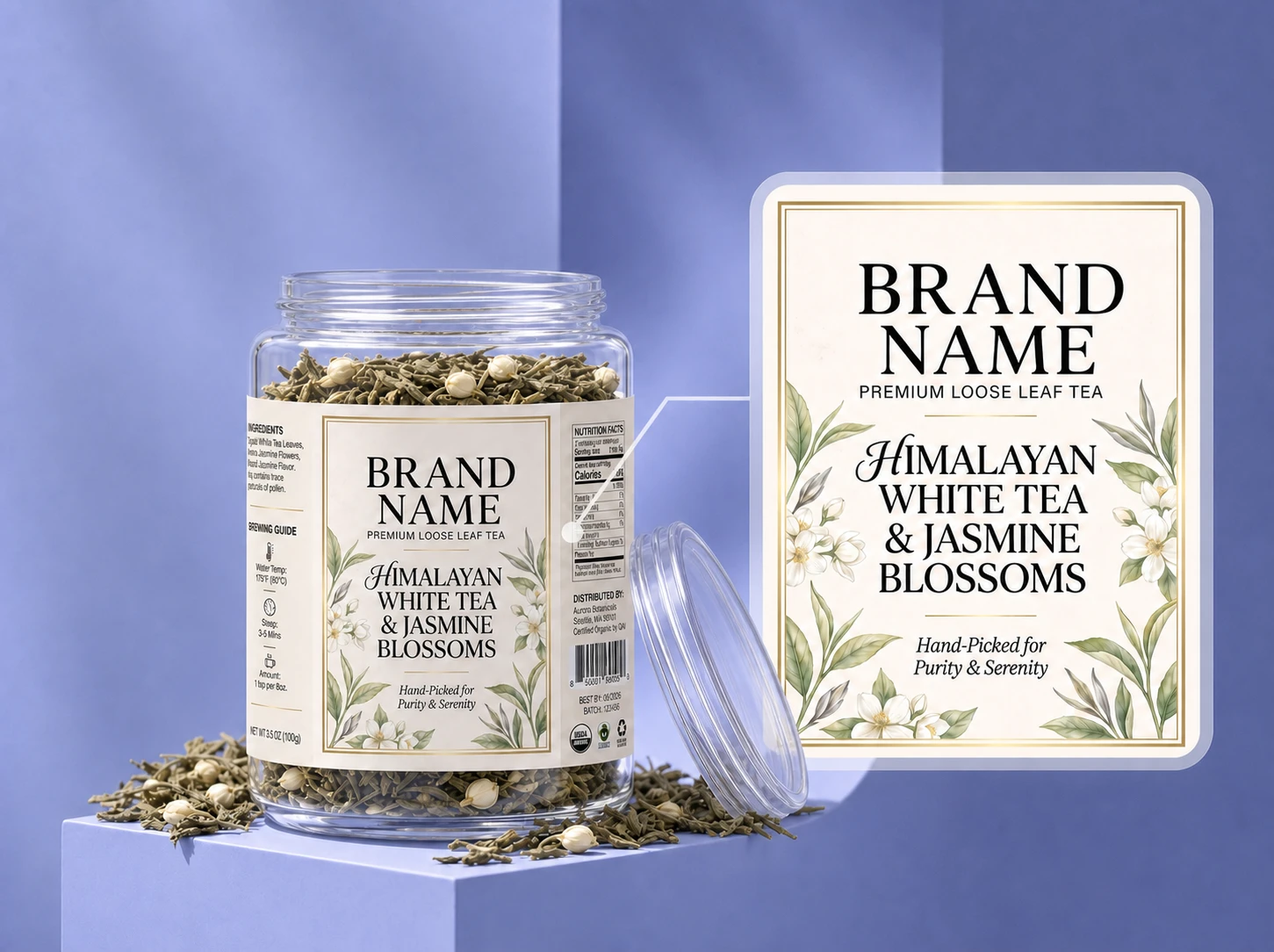
Create tea labels at a lower cost
Hiring an agency or experienced packaging designer can be difficult to justify when a small tea brand is still testing a new blend, sales channel, or product idea. Starting from a generic template can still require time and design judgment.
Packify lets you begin with a brand story or product brief and explore polished tea label directions without starting in professional design software. Refine the result before using it in a product presentation, market test, or packaging review.
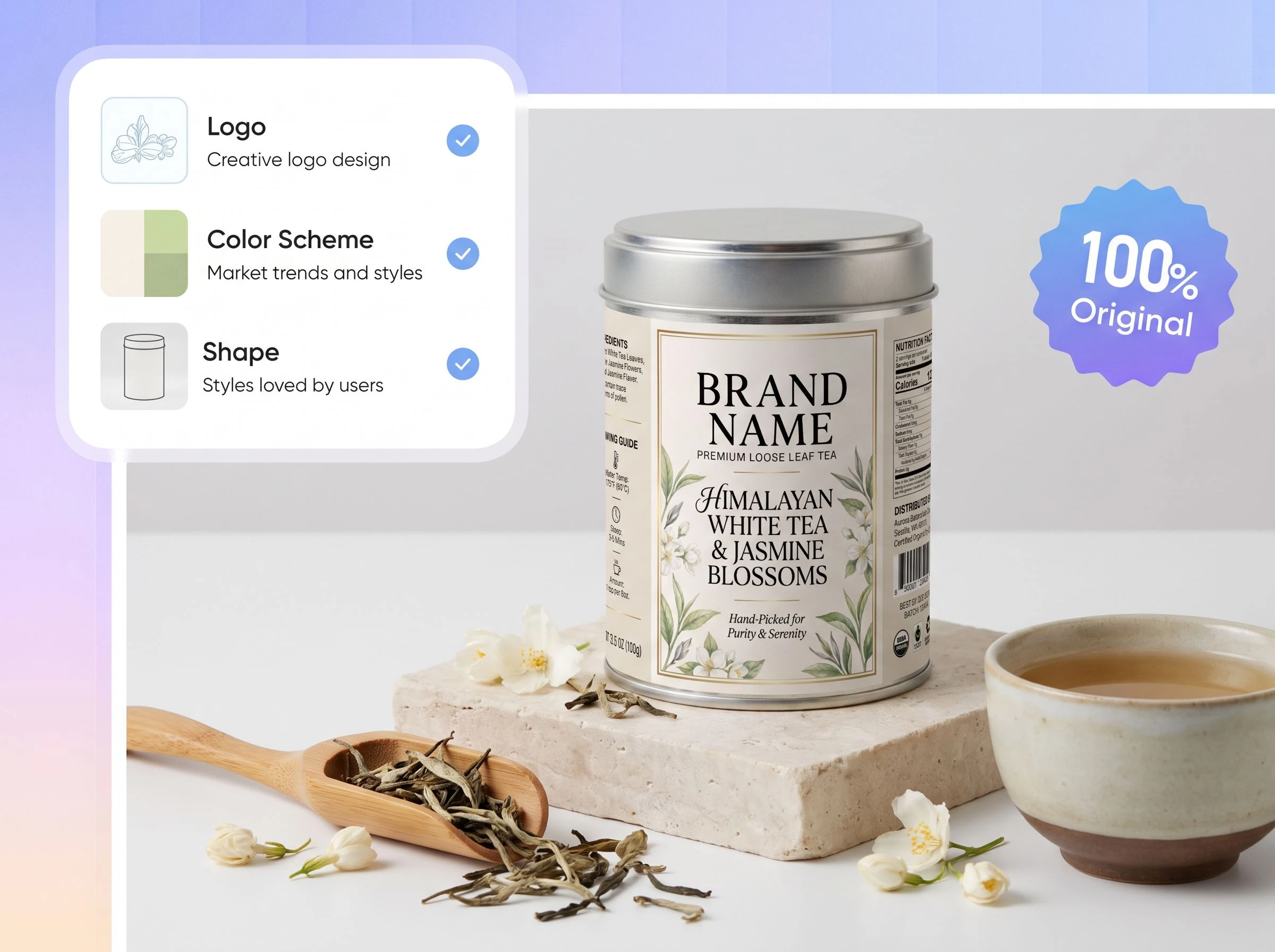
Move beyond predictable tea packaging
Leaves, green backgrounds, kraft textures, and vintage type appear on countless tea packages. When every brand uses the same visual cues, even a distinctive blend can look similar to everything around it.
Describe the tea's origin, flavor, audience, personality, and intended position. Packify helps you explore colors, typography, illustrations, and layouts that feel more specific to your brand instead of beginning with the same familiar tea template.
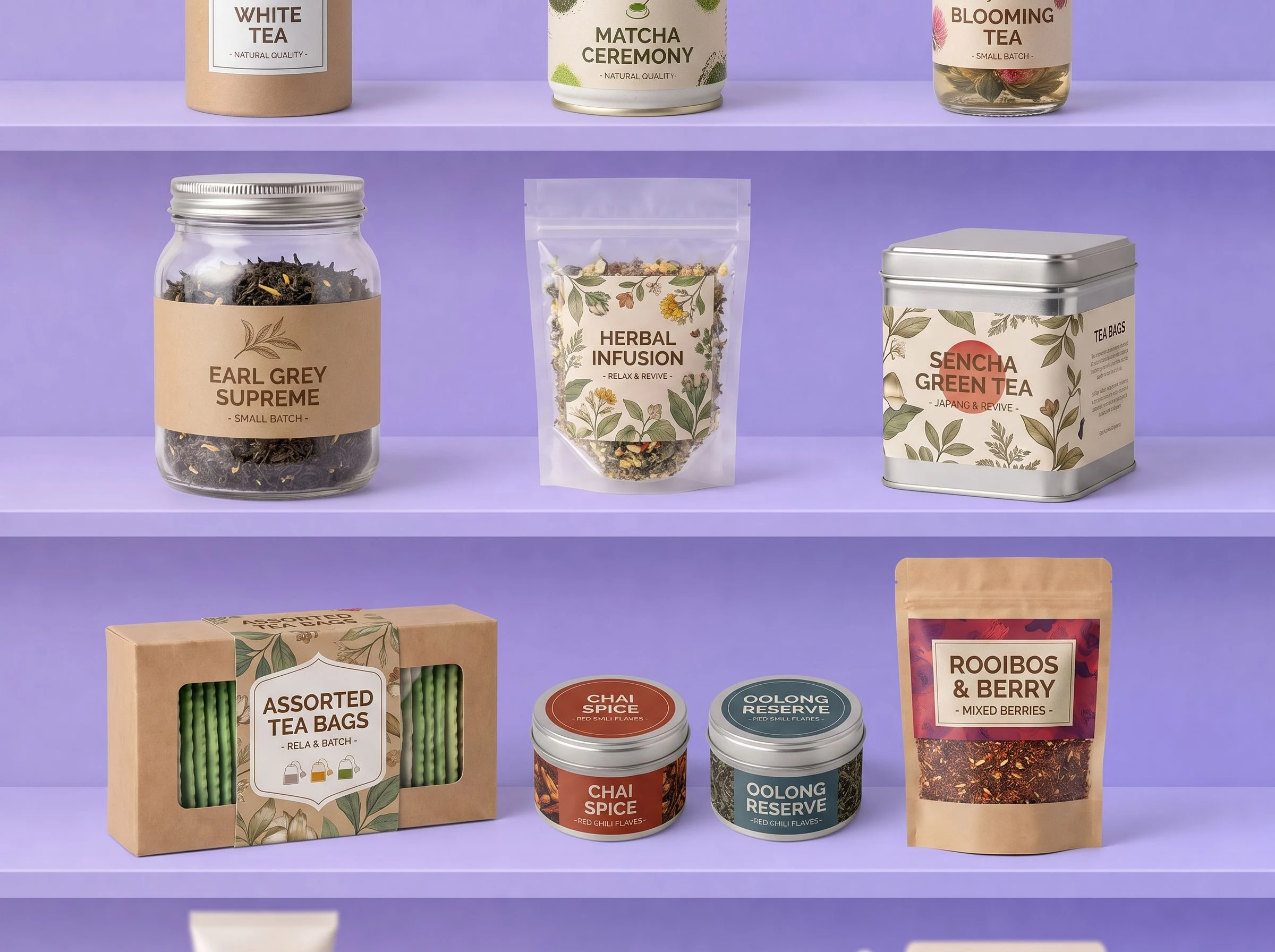
Place your label on a tea package and refine it
A generated label is only the starting point. Its size, placement, and text still need to work on the package you plan to use.
Click Edit Label and choose an available tea package, such as a sachet, flexible pouch, round tin, square tin, hexagonal tin, or aluminum canister. Adjust the label position, size, text, and layout before exporting the design for final review.
Proven impact, in our customer's words


The AI-powered packaging design tool is a game-changer. It's fast, intuitive, making it an essential tool for any forward-thinking design team.ved.
March 26, 2025


The results are so amazing that I don't think it's just for inspiration... I'd say artificial intelligence outperforms most designers; the key is to come up with the perfect prompt. Great contribution! Thank you 😊.
March 18, 2025


The AI-powered packaging design tool is a game-changer. It's fast, intuitive, making it an essential tool for any forward-thinking design team.
March 18, 2025


We’re a tiny skincare shop. Packify.ai turned my scribbles into clean mockups and a printable dieline by Monday. Fewer back-and-forths, consistent branding, and our product page conversions moved.
March 18, 2025


The AI-powered packaging design tool is a game-changer. It's fast, intuitive, making it an essential tool for any forward-thinking design team.
March 26, 2025


The results are so amazing that I don't think it's just for inspiration... I'd say artificial intelligence outperforms most designers; the key is to come up with the perfect prompt. Great contribution! Thank you 😊
March 18, 2025


Congrats! Packify.ai, an AI packaging designer, enables easy, creative design and offers AI-driven product photography for e-commerce through simple chatting.
April 2, 2025


We’re a tiny skincare shop. Packify.ai turned my scribbles into clean mockups and a printable dieline by Monday. Fewer back-and-forths, consistent branding, and our product page conversions moved.
May 9, 2025
You asked,
we answered
You asked, we answered
What is a tea label generator?
A tea label generator is an online tool that turns a product description or creative brief into a visual label design. With Packify, you can describe your tea, brand story, package, colors, and required text, generate a label direction, then place it on an available tea packaging mockup and continue editing.
What tea packaging mockups can I use in Edit Label?
Available tea-related options include sachet packaging, flexible three-side-sealed bags, tea and coffee bean pouches, round tea tins, square tea tins, hexagonal tea tins, cylindrical canisters, and aluminum cans in different shapes and sizes. The available mockup library may change as new packaging options are added.
What information should I put on a tea label?
For products sold in the US, common label elements include the product identity, net quantity, ingredient list, and the name and address of the manufacturer, packer, or distributor. Allergen information may also be required when applicable.
Tea leaves and plain unsweetened instant tea may qualify for a Nutrition Facts exemption when required nutrients are present only in insignificant amounts. Added ingredients, sweeteners, or nutrition and health claims may change the requirements. Brewing instructions, origin, storage guidance, and flavor notes can also be included where appropriate. Review the FDA Food Labeling Guide and verify your final label before printing.
Can I create matching labels for a tea gift set?
Yes. Set your logo, brand colors, and brand description, then create each tea label separately. Keep the main brand elements consistent while changing the blend name, color cues, or botanical graphics. This gives gift tins, sample packs, corporate tea gifts, and seasonal collections a more coordinated visual direction.
Can I use my tea label commercially?
You may use labels created with Packify for personal or commercial projects subject to the Terms of Use. Packify does not grant exclusive rights or guarantee that every AI output is cleared for all uses. Review trademarks, visual similarities, and product information before going to market.
Is the AI tea label generator free?
You can start creating with the Packify credits available in your account. Generations and advanced features may use credits, so check your remaining balance before starting. Visit the Pricing Page for current plans, features, and credit information.
Give every tea blend a label of its own
