Free AI flyer generator
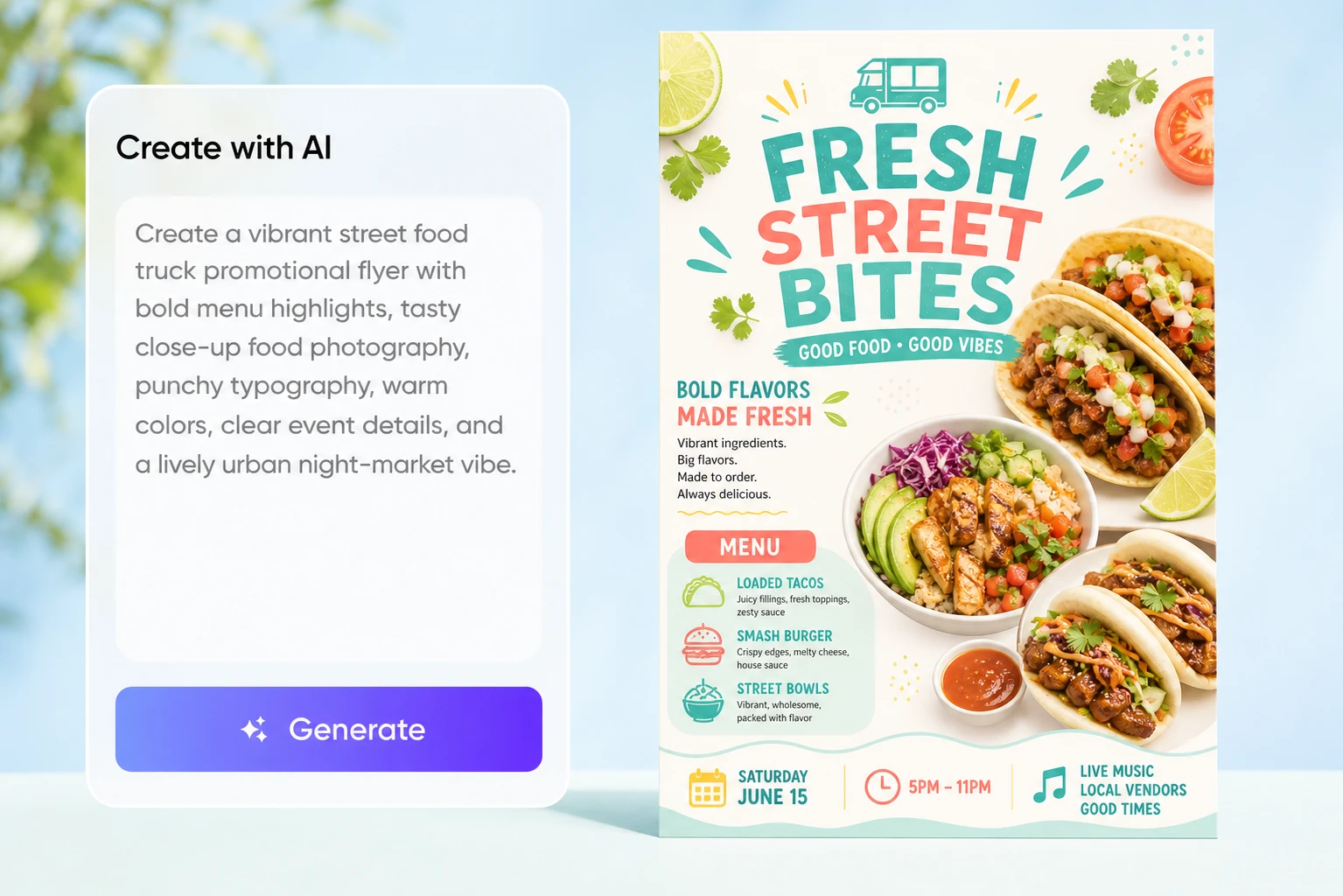
Describe your event, offer, or service. Add the headline, date, location, and call to action, our AI flyer generator from text creates a complete design you can refine for your campaign.

Trusted by industry-leading businesses


An AI flyer maker for last-minute promotions
You may need to promote a weekend event, store opening, or limited-time offer without waiting for a designer. Building the layout yourself means choosing images, arranging details, and making every message readable. This free AI flyer maker turns your brief into a complete design, so you can start with a flyer instead of a blank canvas.
How to make a flyer with Packify AI?
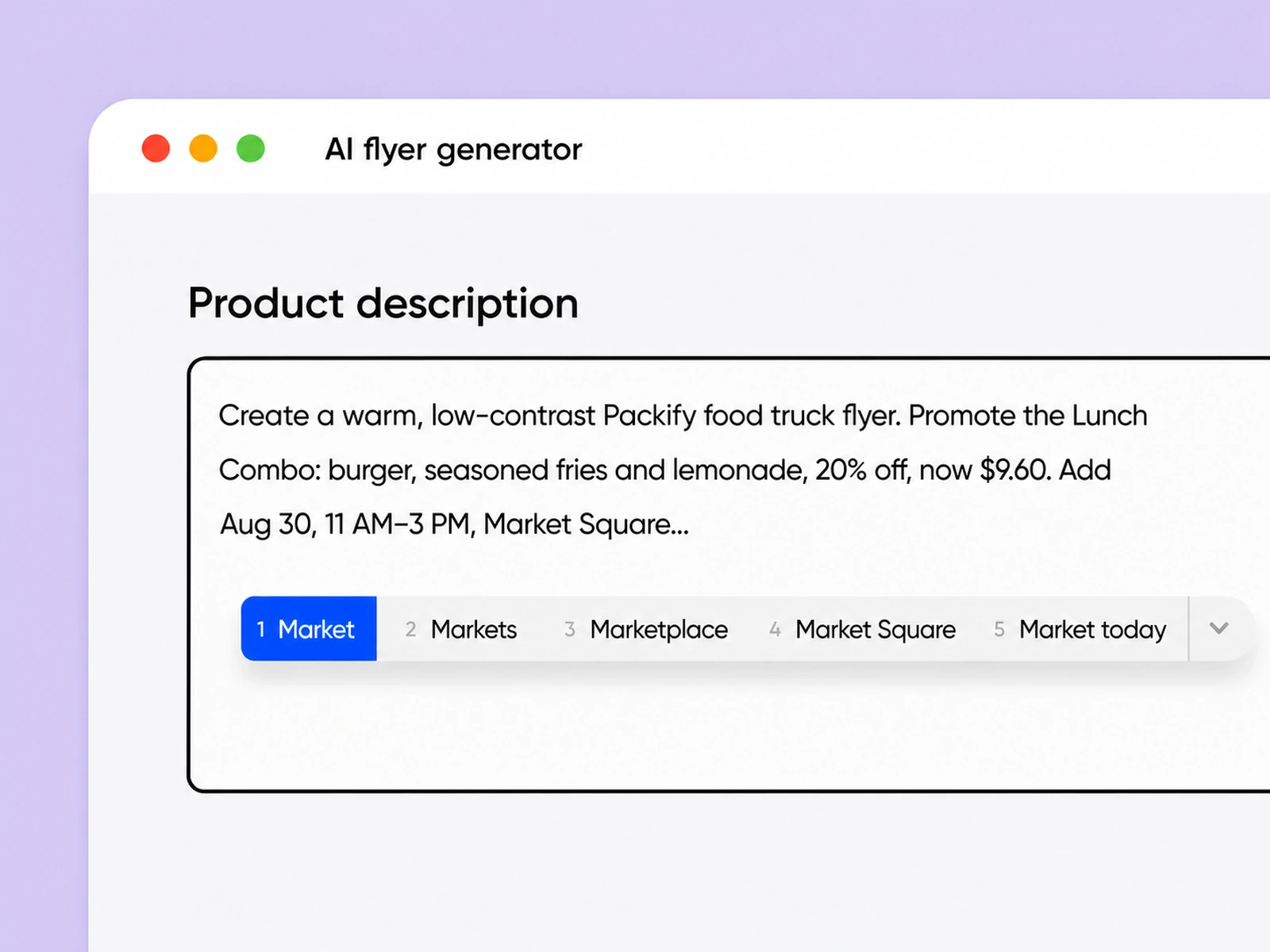
Step 1: Describe your promotion
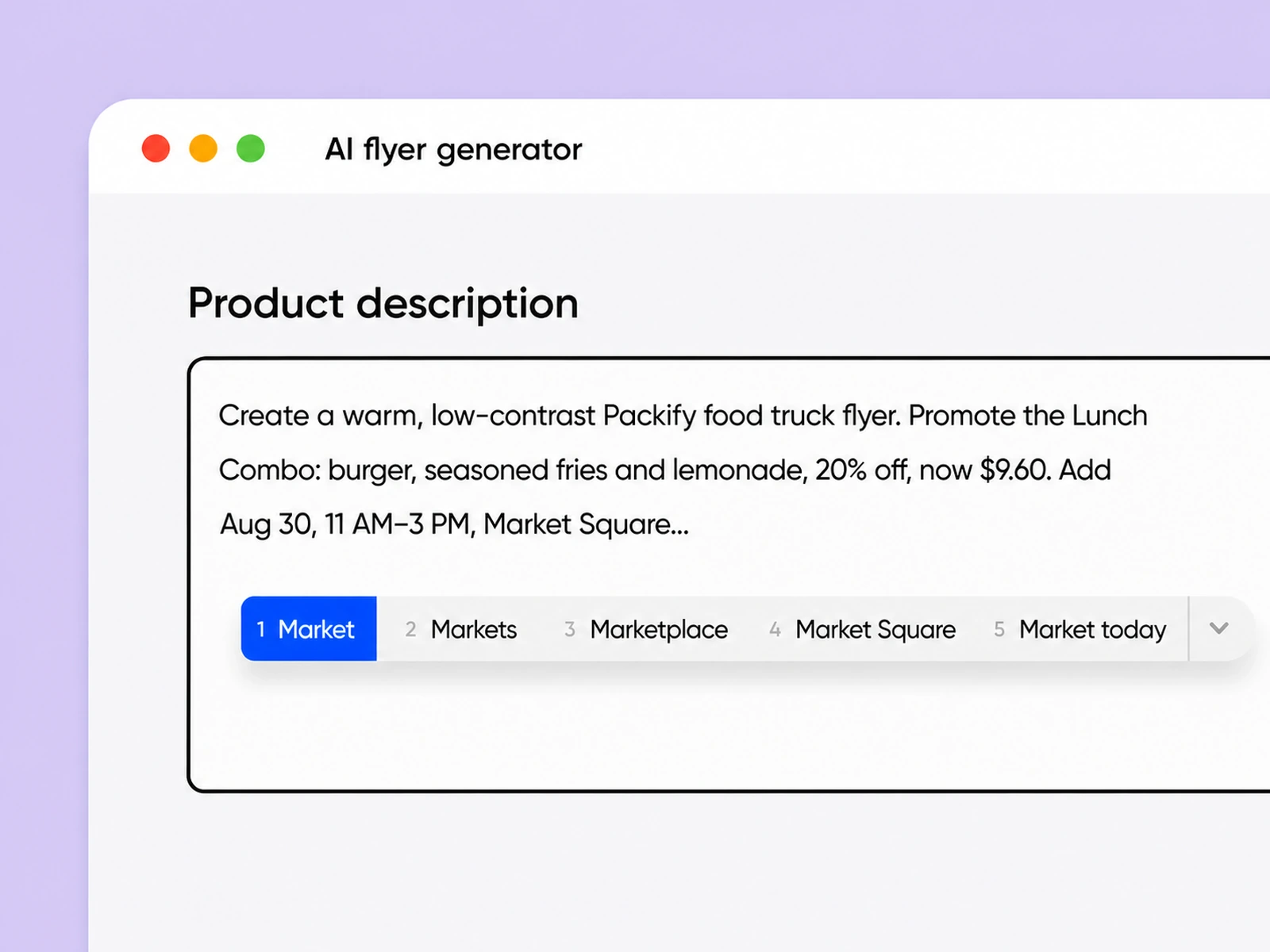
Enter your event, offer, or service details, including the audience, headline, date, location, price, and desired call to action.
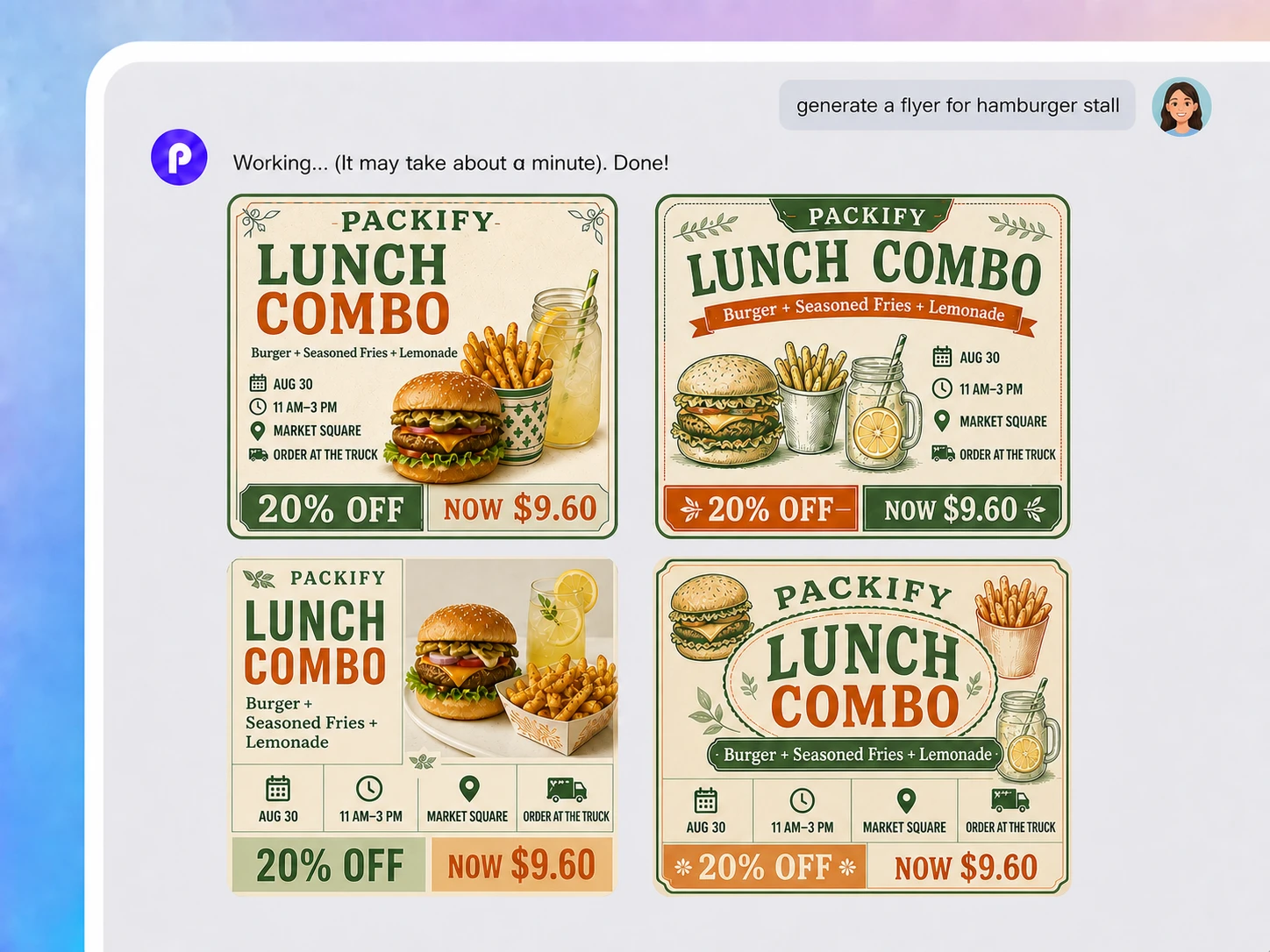
Step 2: Generate and refine your flyer
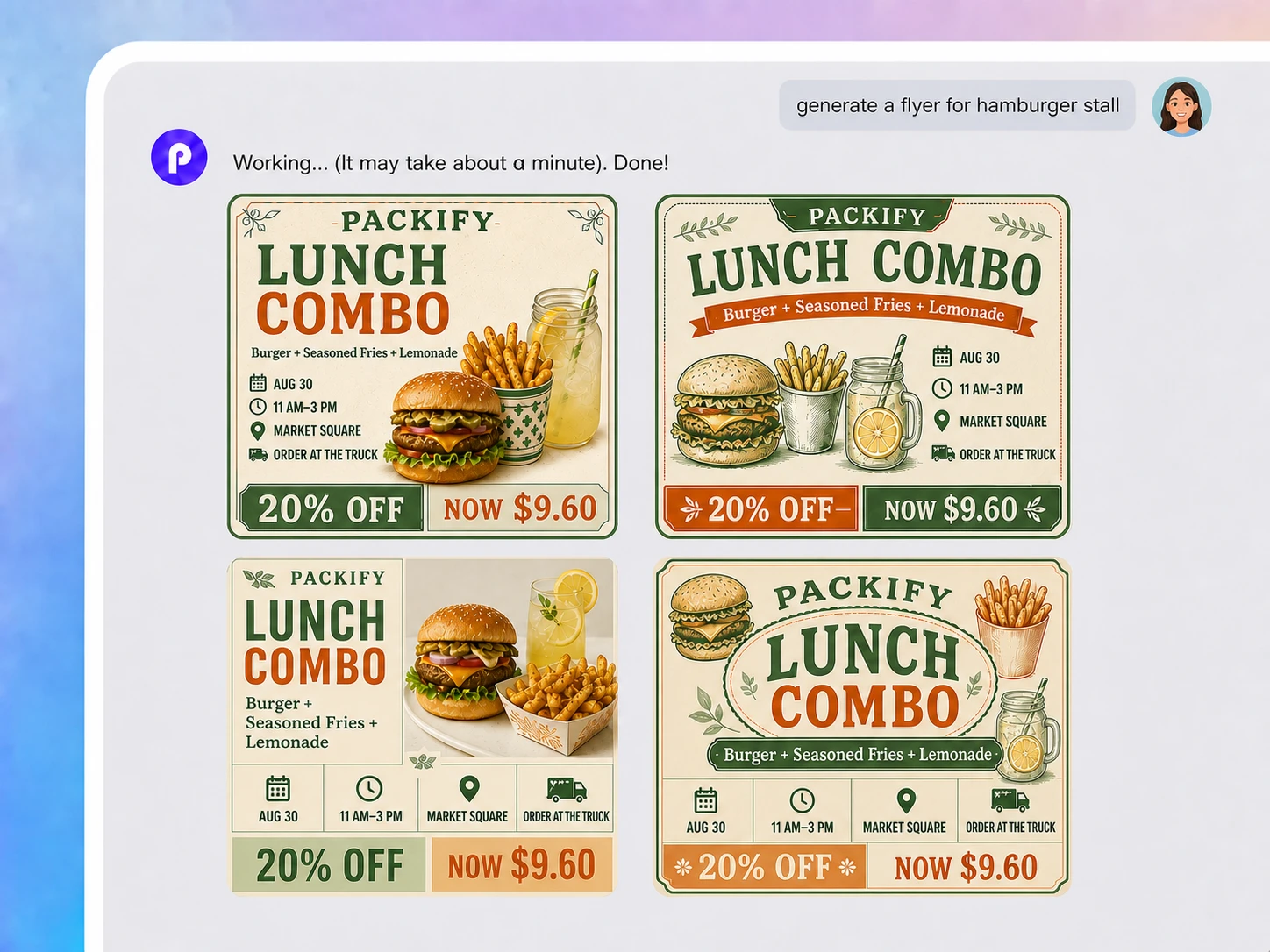
Let the AI flyer generator from text create the first design, then review the imagery, wording, and order of information.
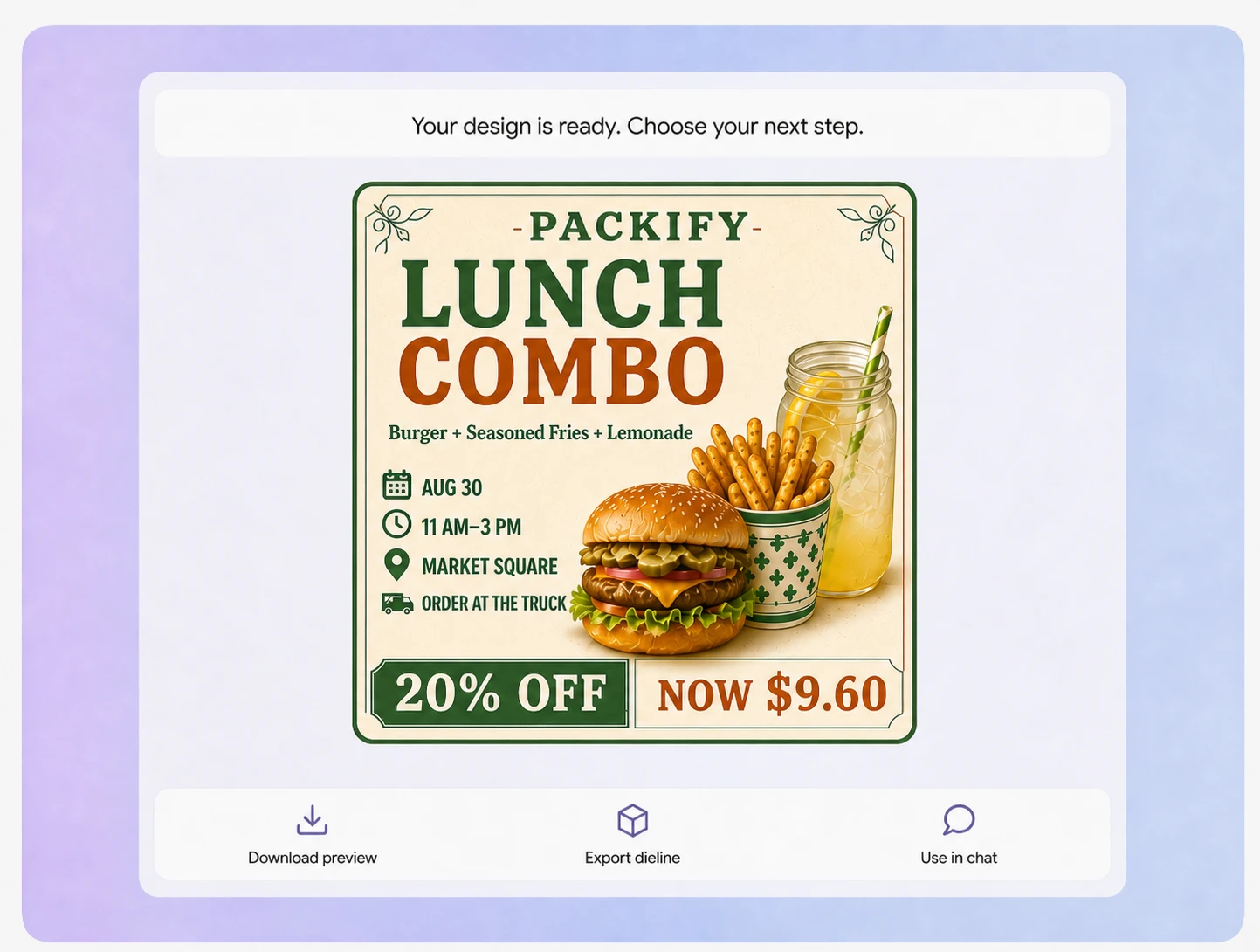
Step 3: Edit and download
Click Explore Dieline to edit the flyer manually, confirm every detail, and download the finished design for your campaign.

Step 1: Describe your promotion
Enter your event, offer, or service details, including the audience, headline, date, location, price, and desired call to action.
Step 2: Generate and refine your flyer
Let the AI flyer generator from text create the first design, then review the imagery, wording, and order of information.
Step 3: Edit and download
Click Explore Dieline to edit the flyer manually, confirm every detail, and download the finished design for your campaign.
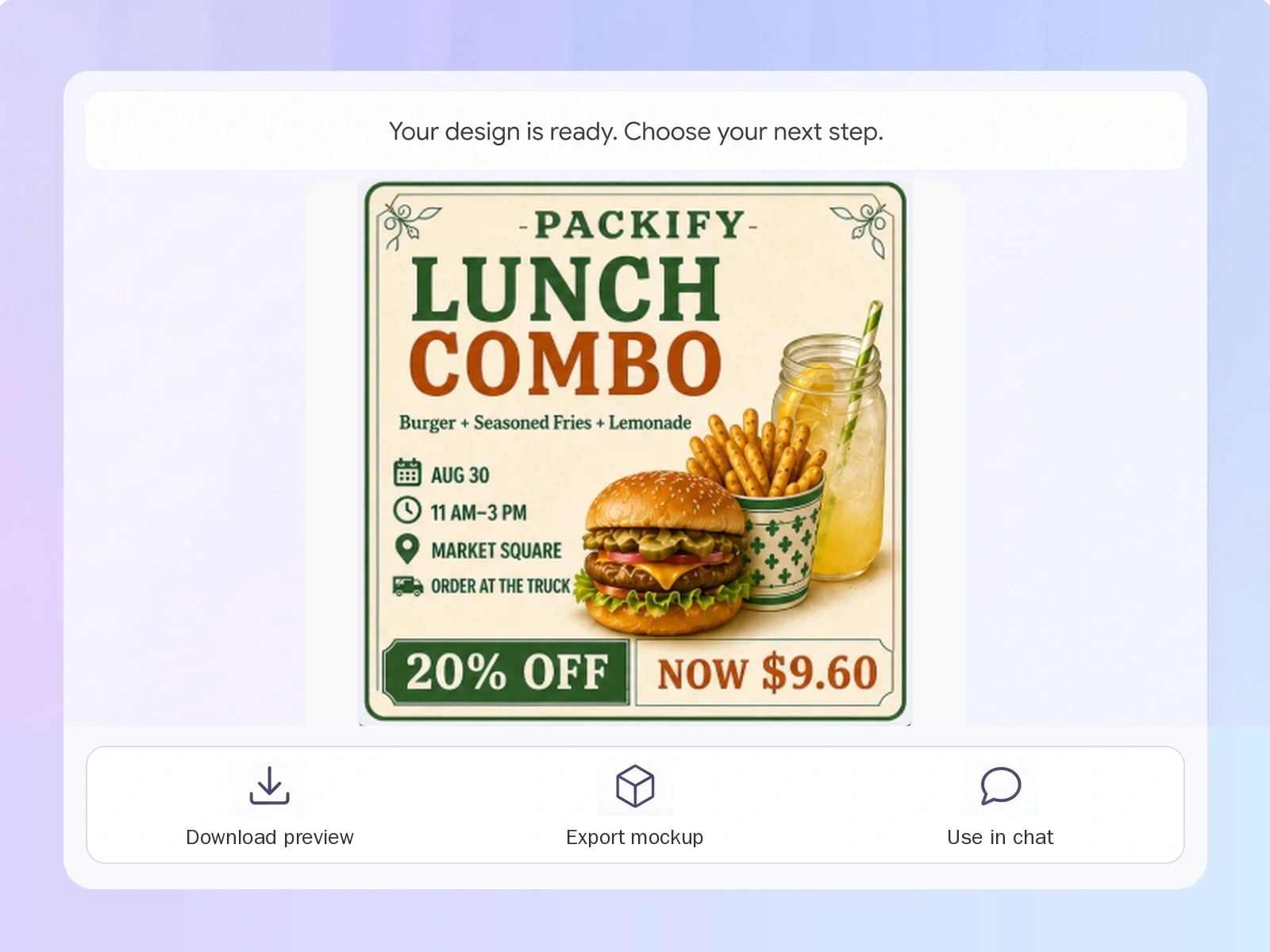
Why choose our AI flyer generator?
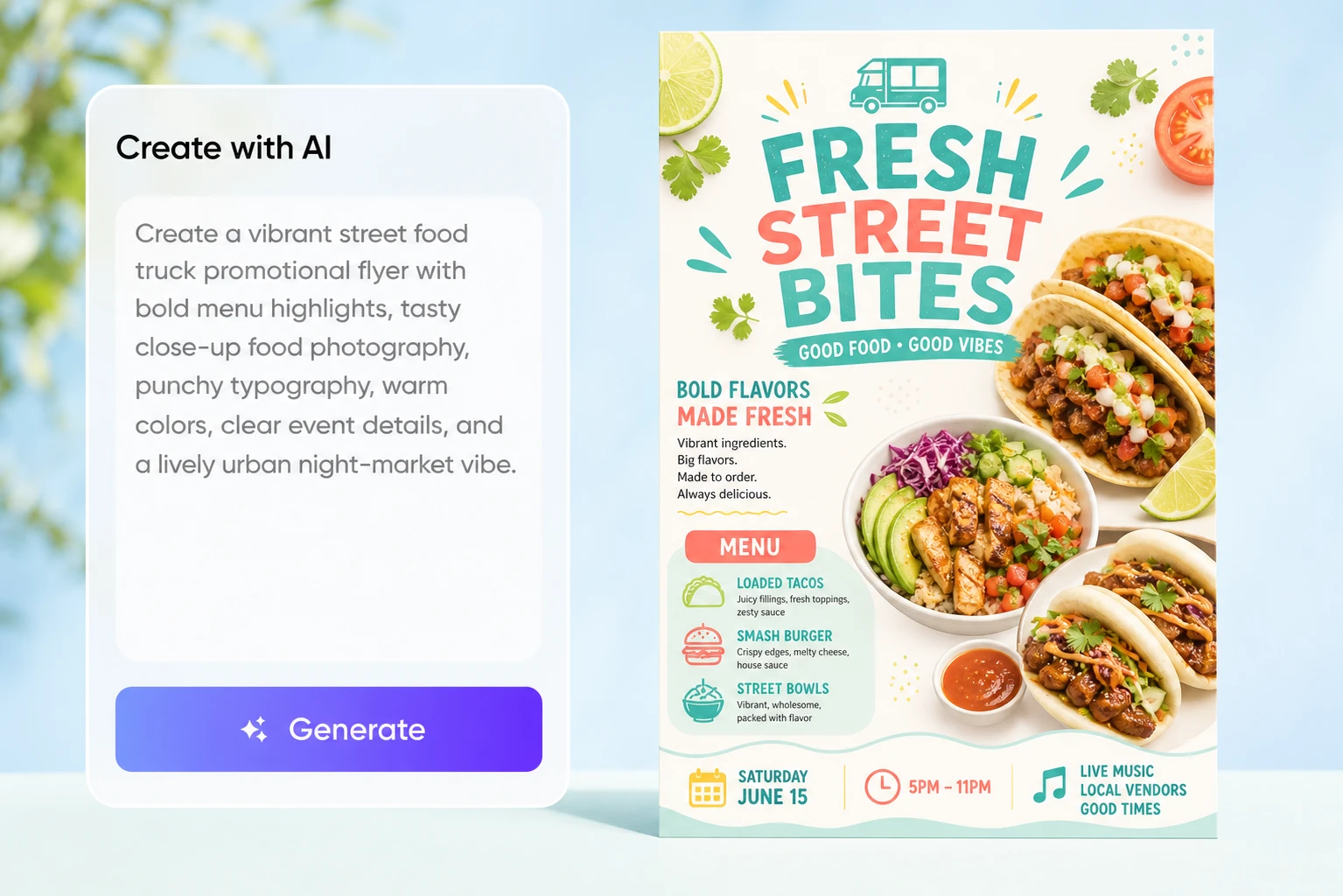
Start with a complete layout
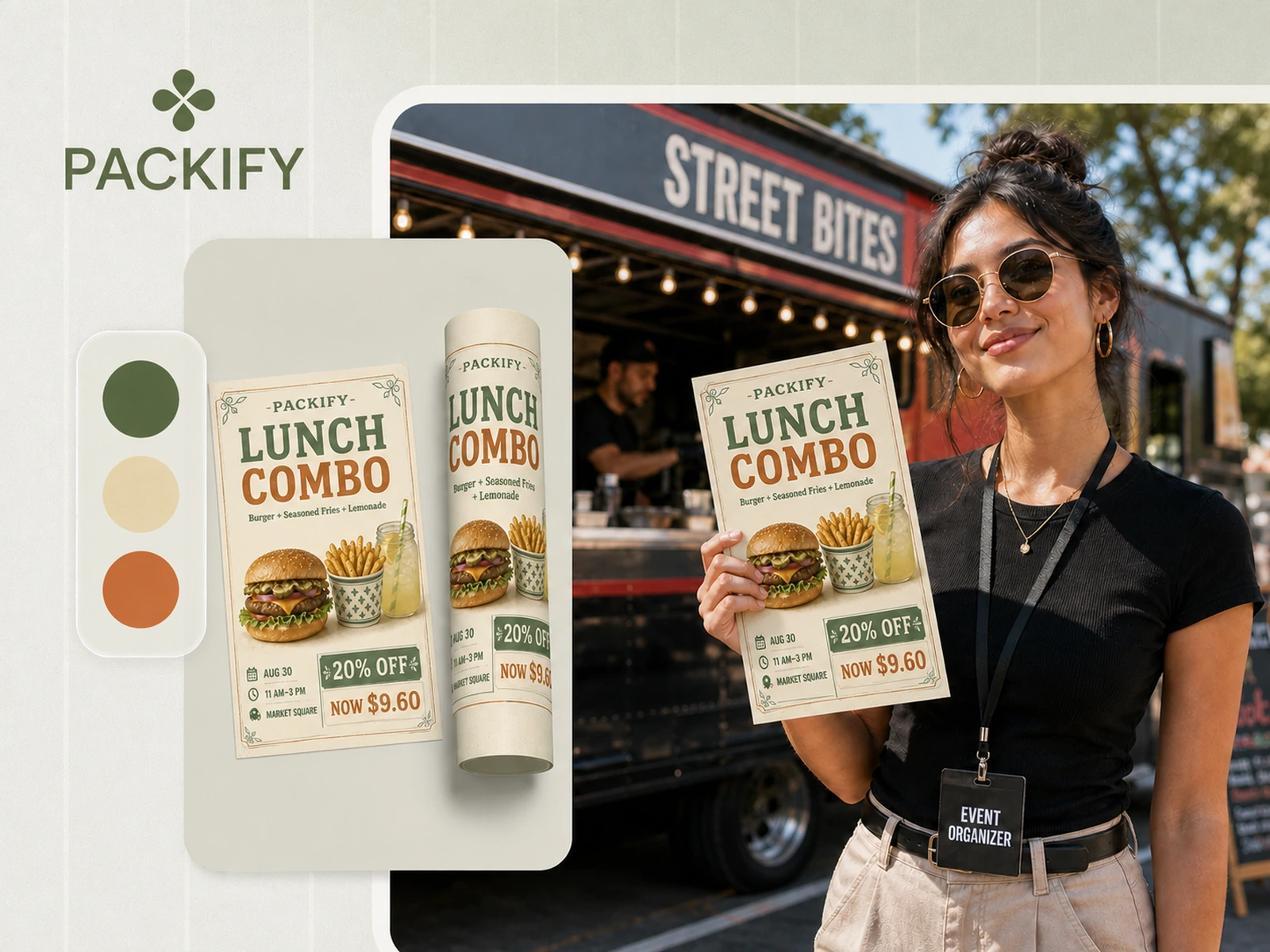
When an event is approaching, you should not have to build every element from scratch. Describe the promotion and provide the essential details. Packify generates a complete visual direction, leaving you more time to check the content and prepare your campaign.
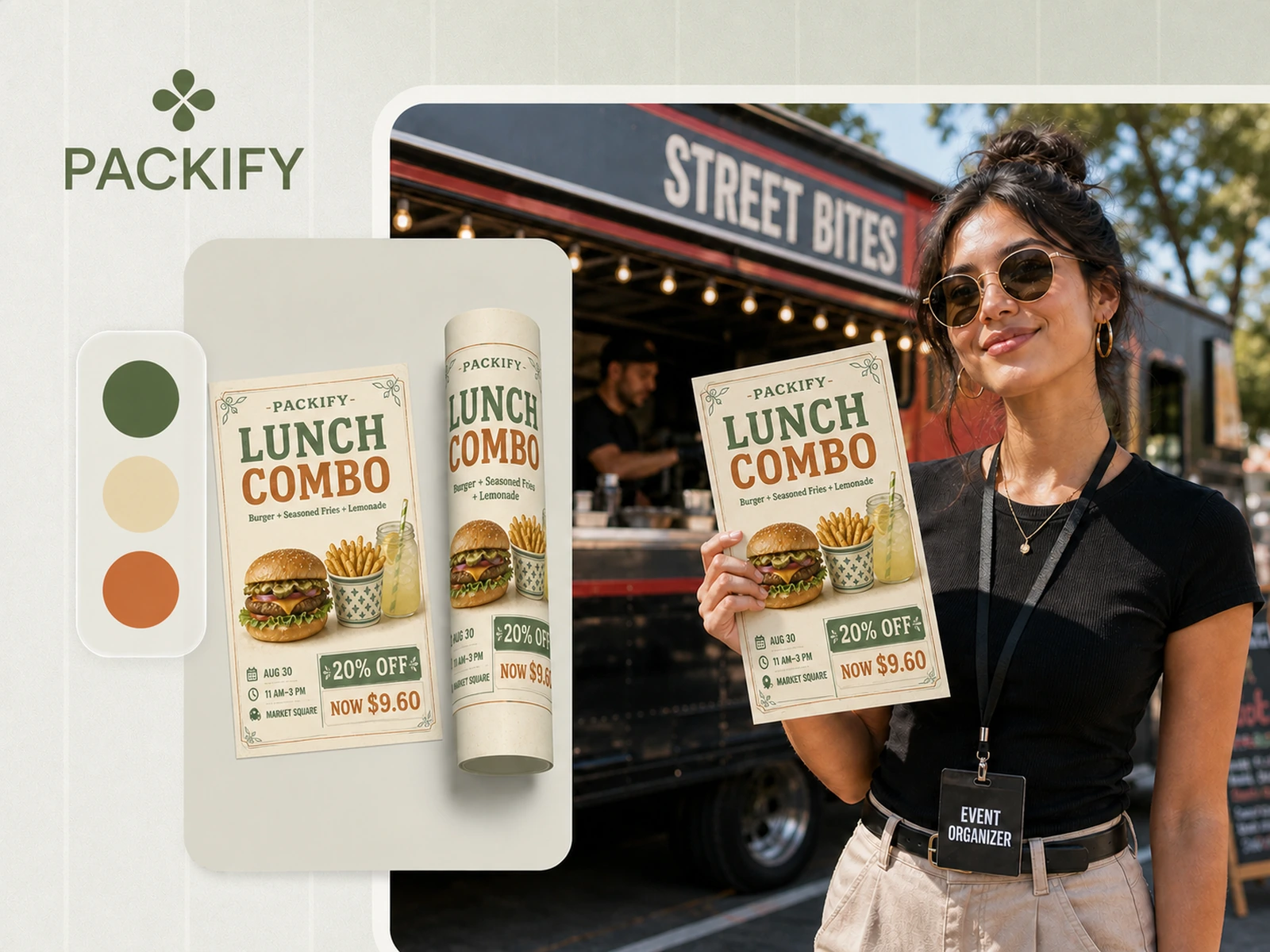
Keep essential details visible
A flyer needs more than an attractive image. Readers should immediately find the offer, date, location, and next step. This AI flyer maker organizes your content into a clear visual hierarchy, helping people understand the promotion without searching through a crowded design.
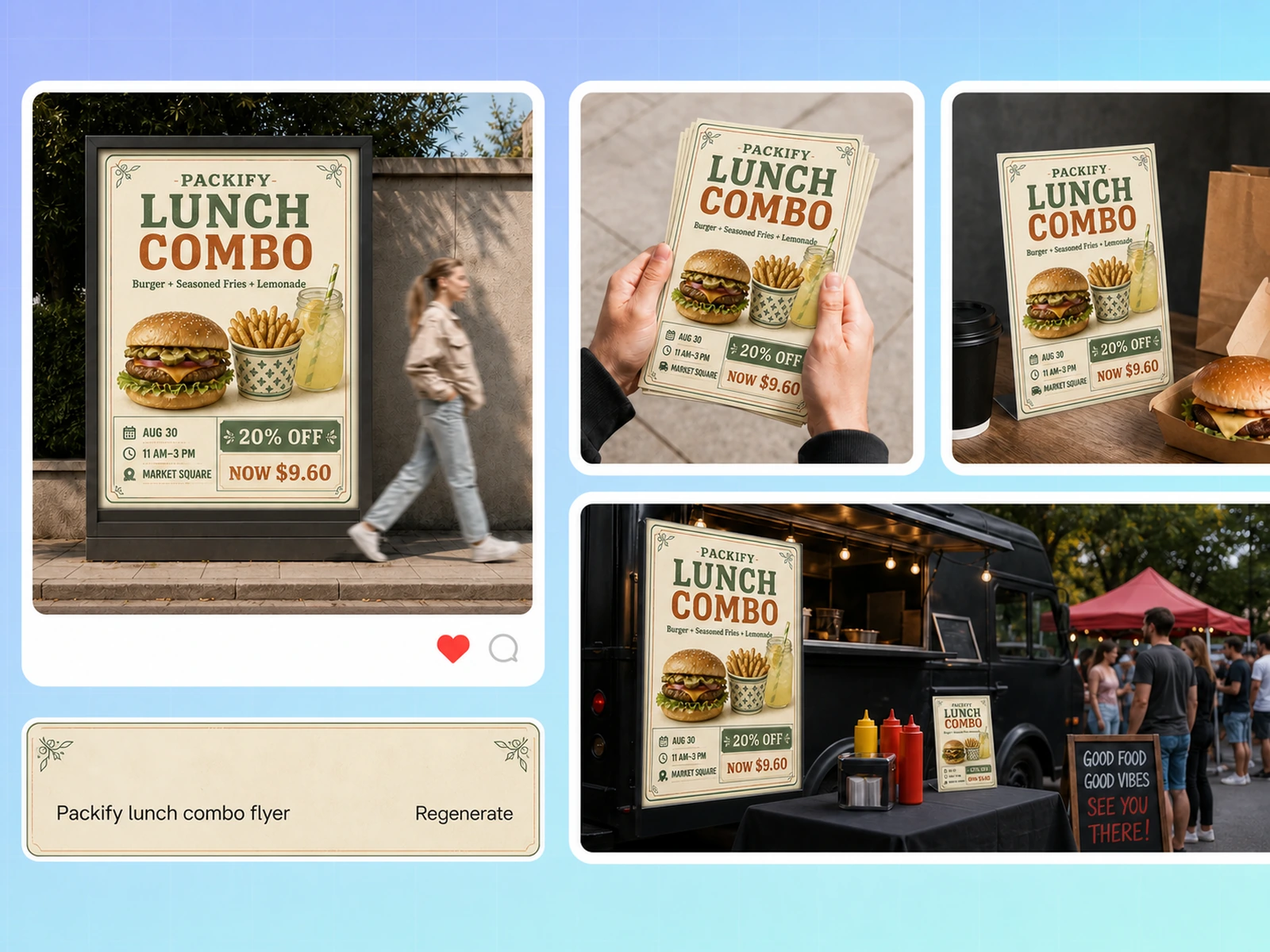
Create for different campaigns
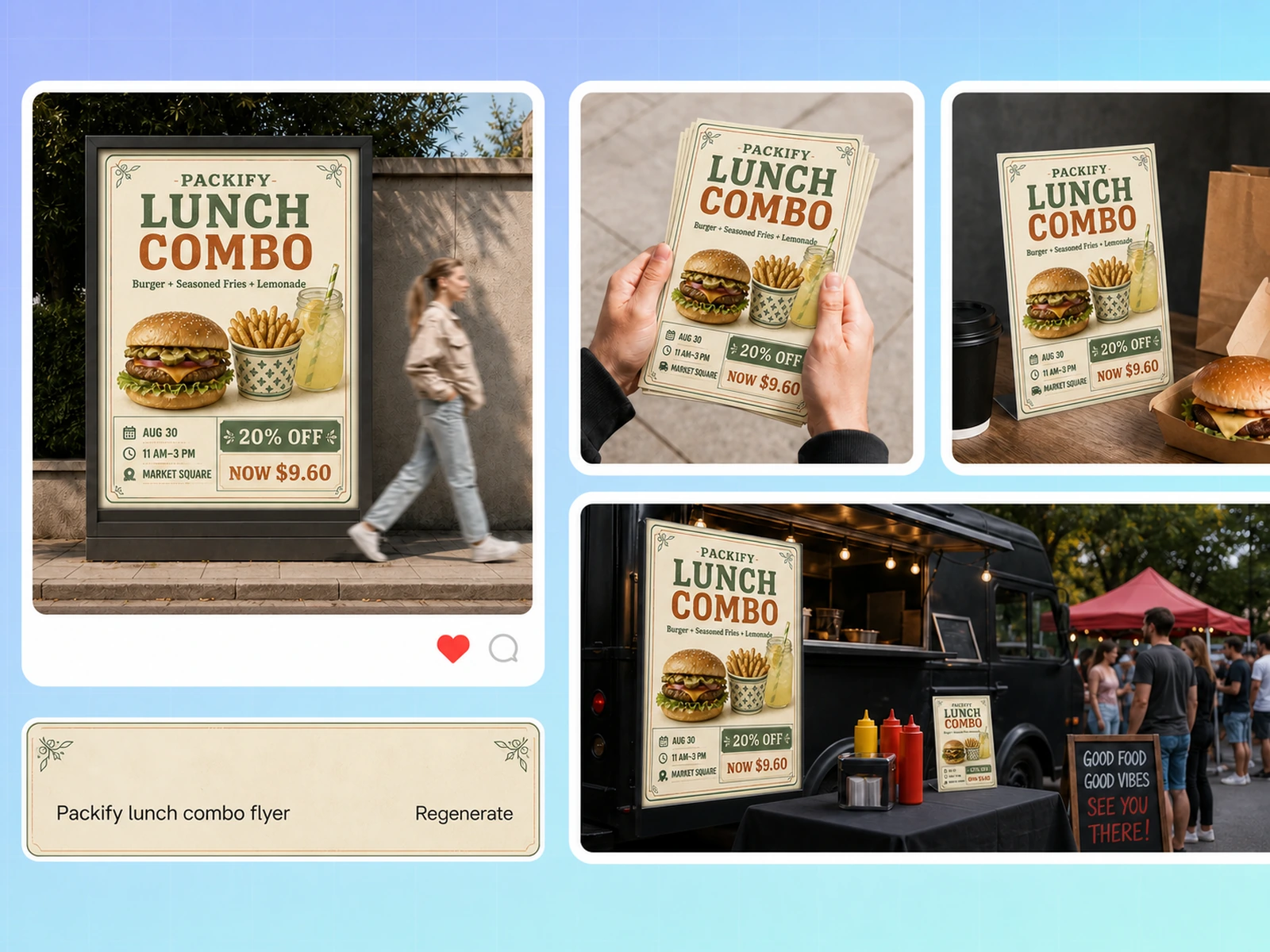
Make flyers for openings, sales, parties, community events, or business services. Tell the AI about your industry, target audience, and campaign purpose to generate a design that fits the occasion instead of relying on an unrelated generic layout.
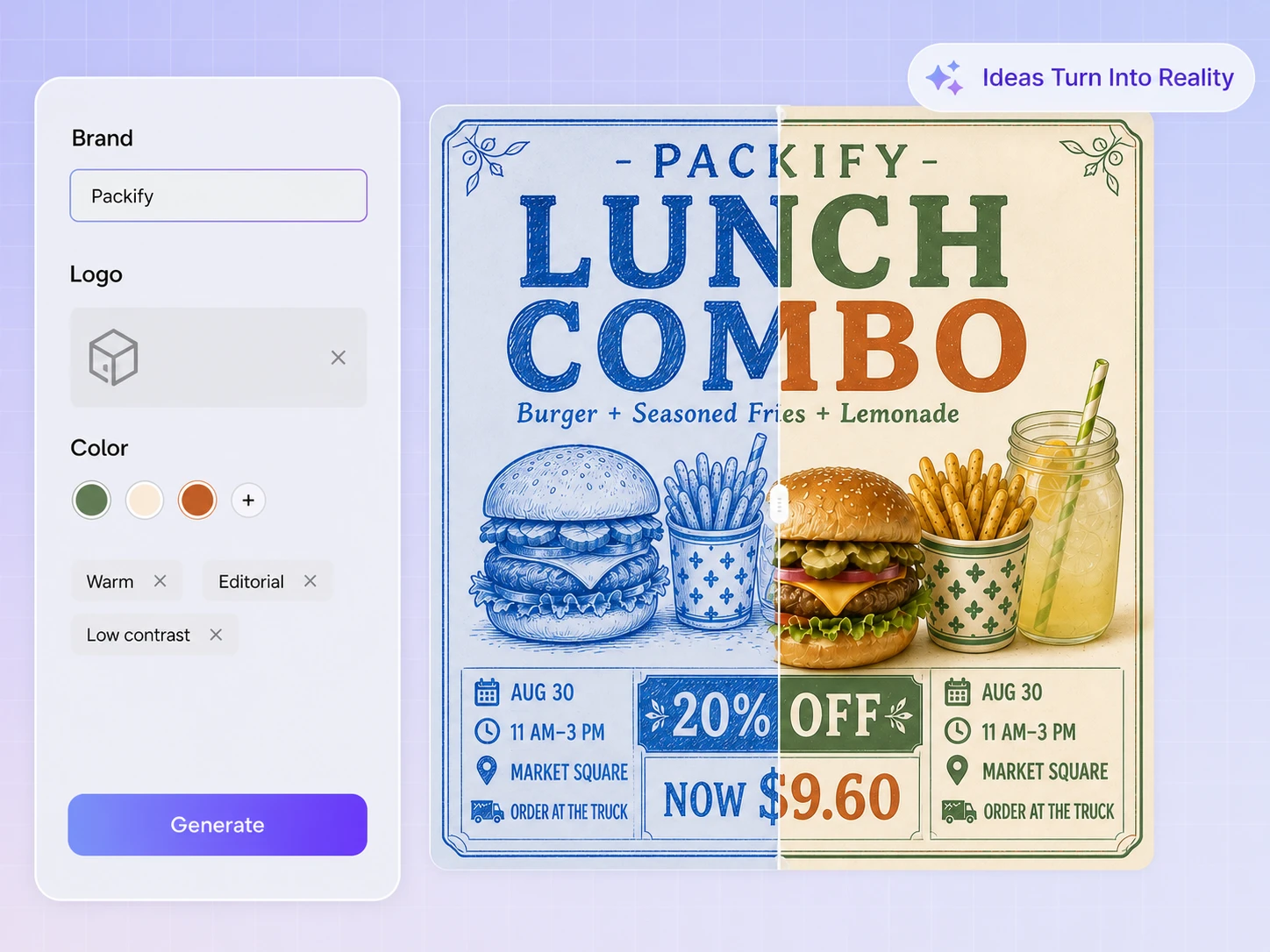
Bring in your brand assets
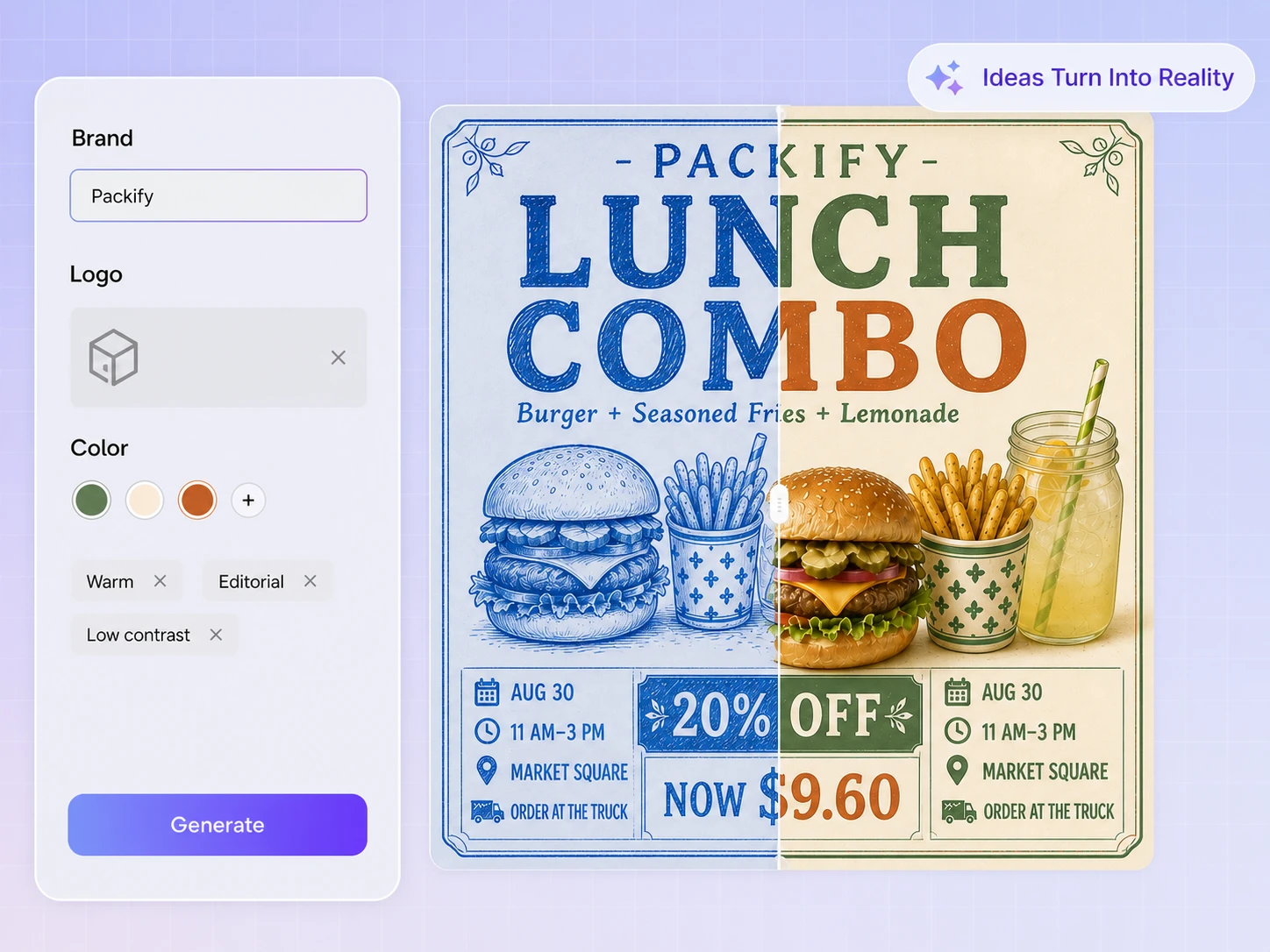
Upload your logo, product photos, or other brand materials to give the AI real visual context. After generating the flyer, you can refine its text and imagery so campaigns from different occasions still feel connected to the same brand.
Start with a complete layout
When an event is approaching, you should not have to build every element from scratch. Describe the promotion and provide the essential details. Packify generates a complete visual direction, leaving you more time to check the content and prepare your campaign.
Keep essential details visible
A flyer needs more than an attractive image. Readers should immediately find the offer, date, location, and next step. This AI flyer maker organizes your content into a clear visual hierarchy, helping people understand the promotion without searching through a crowded design.
Create for different campaigns
Make flyers for openings, sales, parties, community events, or business services. Tell the AI about your industry, target audience, and campaign purpose to generate a design that fits the occasion instead of relying on an unrelated generic layout.
Bring in your brand assets
Upload your logo, product photos, or other brand materials to give the AI real visual context. After generating the flyer, you can refine its text and imagery so campaigns from different occasions still feel connected to the same brand.
Proven impact, in our customer's words


The AI-powered packaging design tool is a game-changer. It's fast, intuitive, making it an essential tool for any forward-thinking design team.ved.
March 26, 2025


The results are so amazing that I don't think it's just for inspiration... I'd say artificial intelligence outperforms most designers; the key is to come up with the perfect prompt. Great contribution! Thank you 😊.
March 18, 2025


The AI-powered packaging design tool is a game-changer. It's fast, intuitive, making it an essential tool for any forward-thinking design team.
March 18, 2025


We’re a tiny skincare shop. Packify.ai turned my scribbles into clean mockups and a printable dieline by Monday. Fewer back-and-forths, consistent branding, a nd our product page conversions moved.
March 18, 2025


The AI-powered packaging design tool is a game-changer. It's fast, intuitive, making it an essential tool for any forward-thinking design team.
March 26, 2025


The results are so amazing that I don't think it's just for inspiration... I'd say artificial intelligence outperforms most designers; the key is to come up with the perfect prompt. Great contribution! Thank you 😊
March 18, 2025


Congrats! Packify.ai, an AI packaging designer, enables easy, creative design and offers AI-driven product photography for e-commerce through simple chatting.
April 2, 2025


We’re a tiny skincare shop. Packify.ai turned my scribbles into clean mockups and a printable dieline by Monday. Fewer back-and-forths, consistent branding, a nd our product page conversions moved.
May 9, 2025
You asked,
we answered
You asked, we answered
Can I edit the text in an AI-generated flyer?
Yes. After generating your flyer, click Explore Dieline to enter the editor. You can manually revise the headline, date, address, price, and contact details. Check every piece of information again before publishing or printing the final design.
What is the difference between a flyer and a poster?
A flyer usually carries detailed promotional information and is designed for close reading, distribution, email, or social media. A poster relies on a larger headline, a stronger focal image, and fewer details so people can understand its main message from farther away.
What should I consider when creating different types of flyers?
Event flyers need a clear date, time, venue, and registration details. Business flyers should lead with the offer and call to action. Restaurant and local-store flyers need accurate prices, hours, and locations. Social media flyers should use concise copy and readable text suited to the target platform.
What size should a flyer be?
The right size depends on how you plan to distribute it. US Letter works well for general business and event flyers, while Half Letter is useful for handouts. Before printing, confirm the required dimensions, resolution, bleed, safe area, and file format with your printer.
Can I upload my logo and product photos?
Yes. You can upload a logo, product photo, or other brand material for the AI to reference while creating your flyer. Make sure you own or have permission to use every uploaded asset, especially when producing material for a commercial campaign.
Is the AI flyer generator free to use?
You can start creating with the free trial and the credits available in your account. Check your remaining balance before generating a new design. For additional credits and access to advanced features, review the options on our Pricing Page.
Can I use AI-generated flyers commercially?
Yes, provided that you follow Packify’s Terms of Use. Review each design for protected images, similar trademarks, or other third-party elements, and make sure you have permission to use every logo, product photo, and brand asset you upload.
Put your next promotion in view