Free AI poster generator
Describe your event, promotion, and visual direction. Packify generates a complete poster you can edit, resize, and align with your brand.

Trusted by industry-leading businesses


An online poster maker built for small teams
Small businesses need fresh posters for promotions, events, and product launches, but hiring a designer for every campaign adds cost and delays. Packify turns your brief into a complete design, giving your team a practical starting point without traditional poster designing software. Edit the wording and visual elements on the canvas, choose a suitable size, and create campaign posters while keeping production in-house.
How to create your own poster with AI?
Step 1: Describe your poster
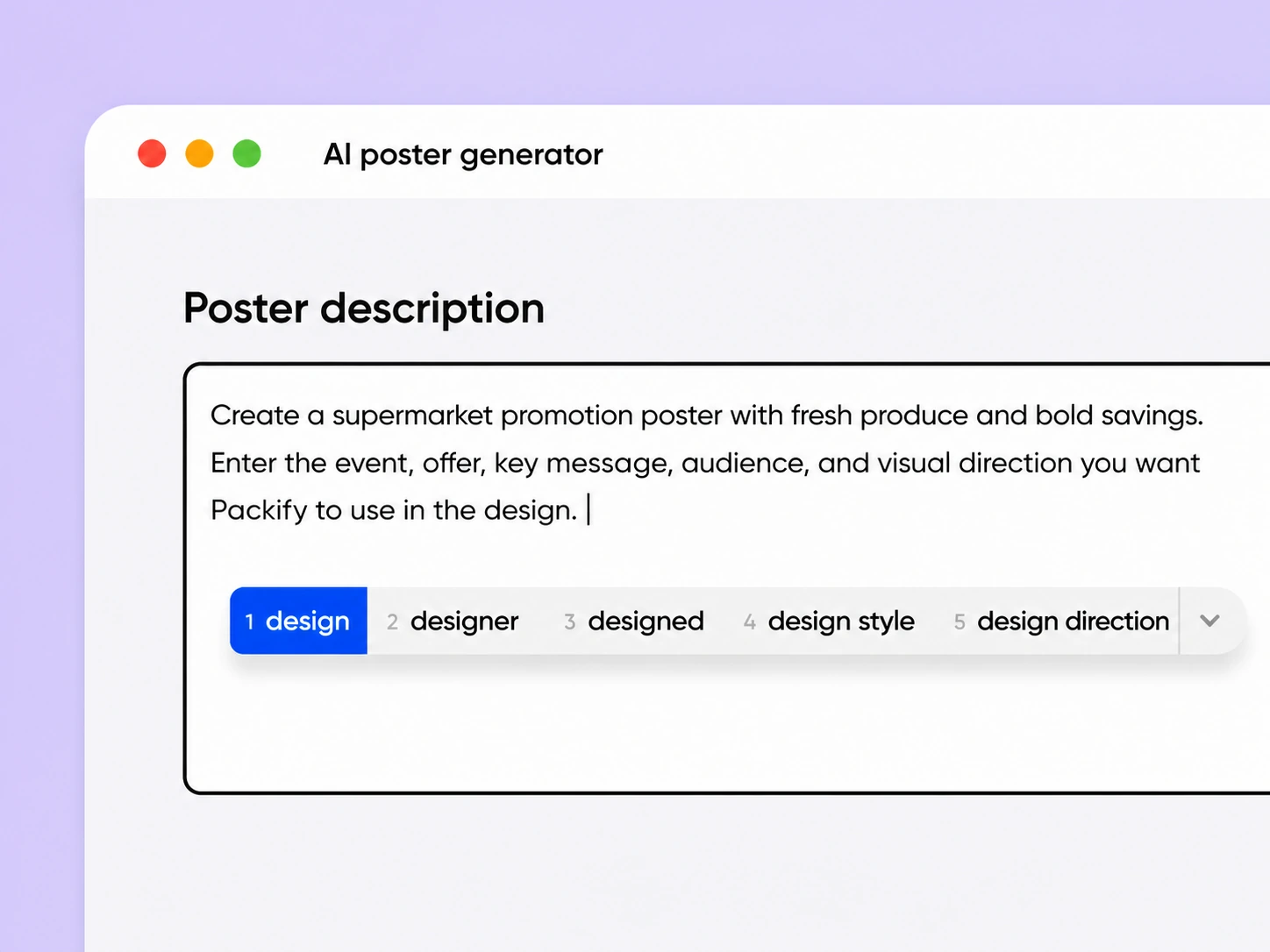
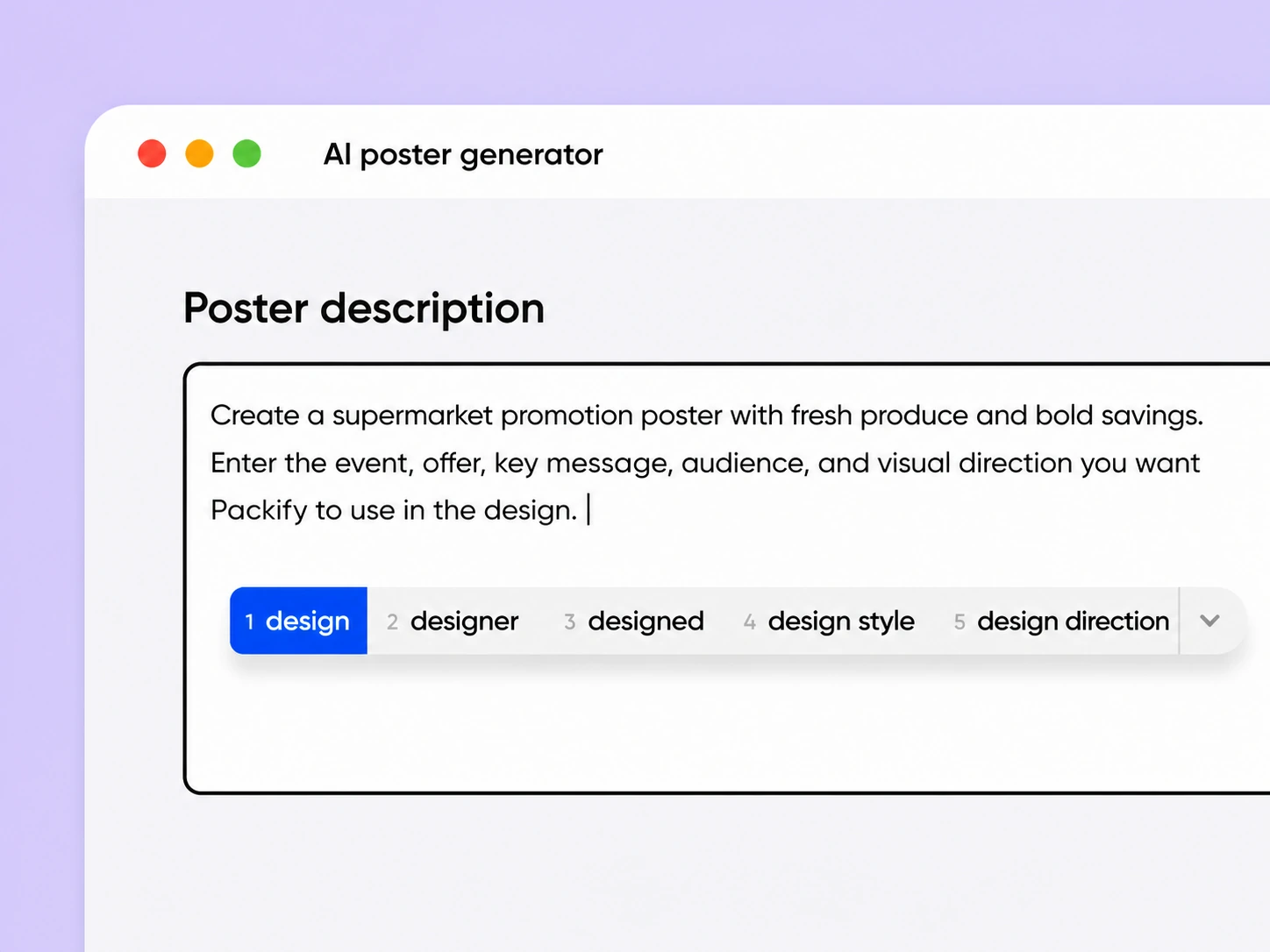
Enter the event, offer, key message, audience, and visual direction you want Packify to use in the design.
Step 2: Generate and edit the design
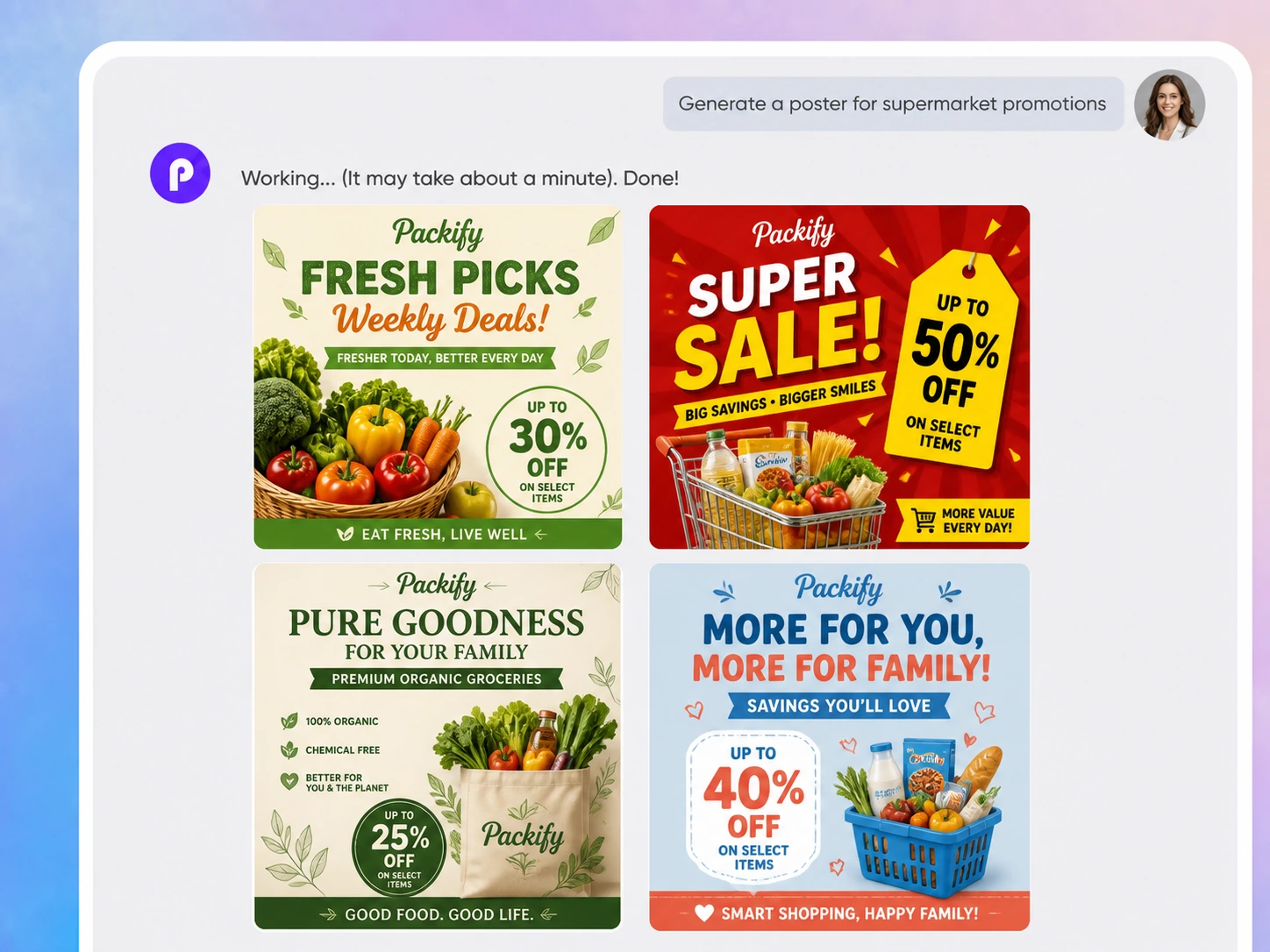
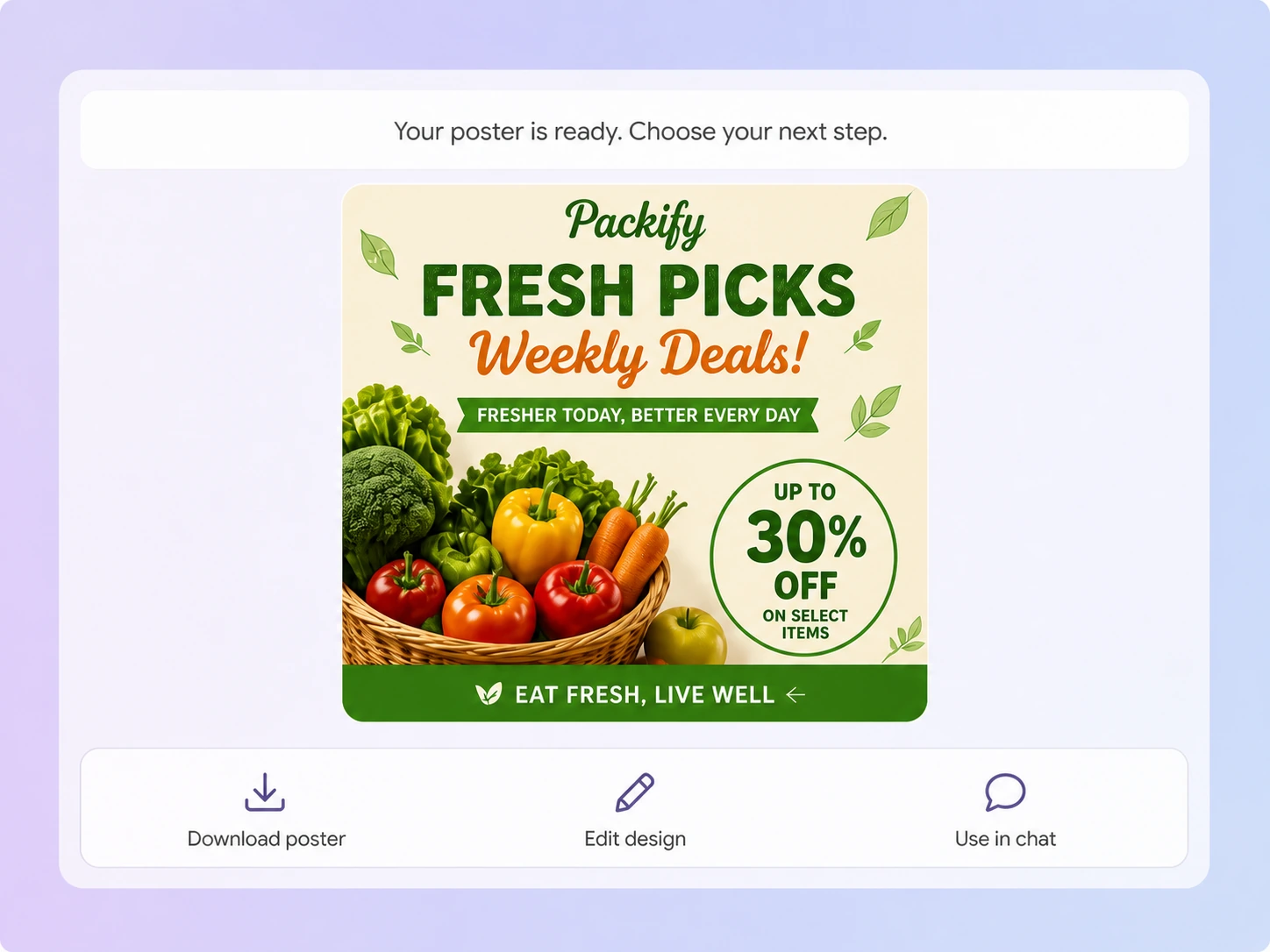
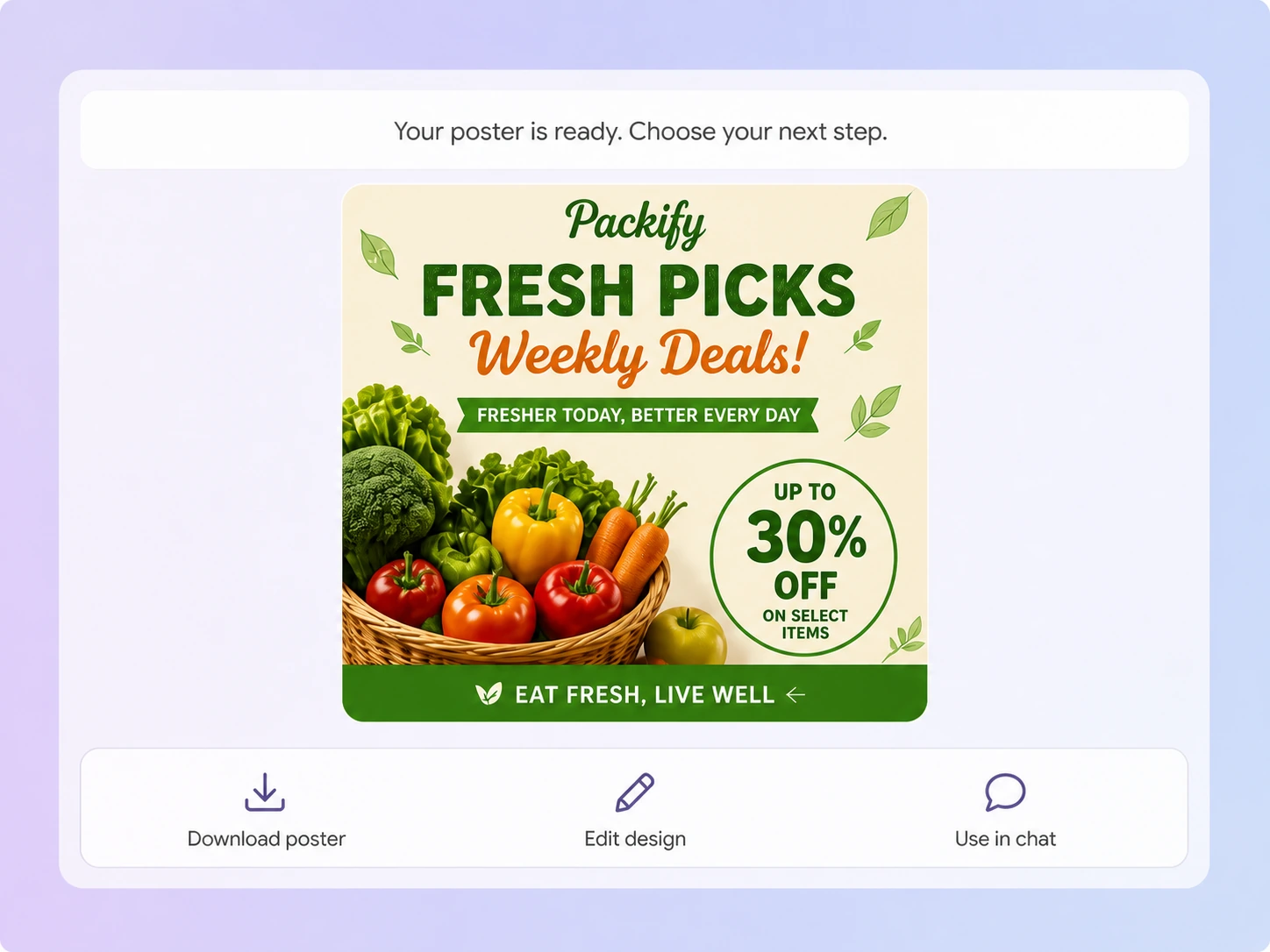
Generate your poster, click Explore Design, and refine its text, layout, and visual elements directly on the canvas.
Step 3: Resize and download
Click Download, choose a preset ratio or enter custom dimensions, then download the finished design for your campaign.

Step 1: Describe your poster
Enter the event, offer, key message, audience, and visual direction you want Packify to use in the design.
Step 2: Generate and edit the design
Generate your poster, click Explore Design, and refine its text, layout, and visual elements directly on the canvas.
Step 3: Resize and download
Click Download, choose a preset ratio or enter custom dimensions, then download the finished design for your campaign.
Why choose Packify AI poster maker?
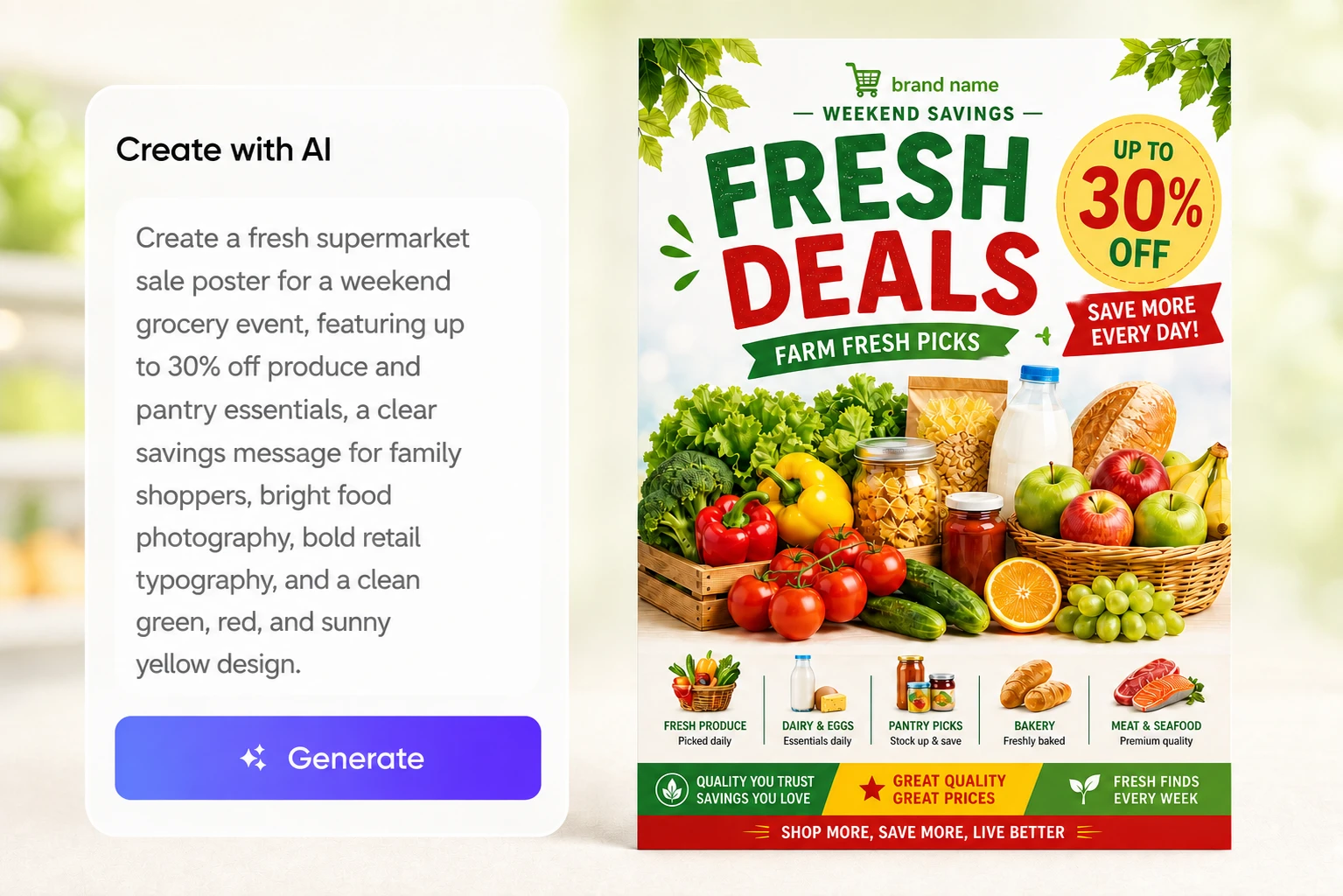
Generate a poster from one brief
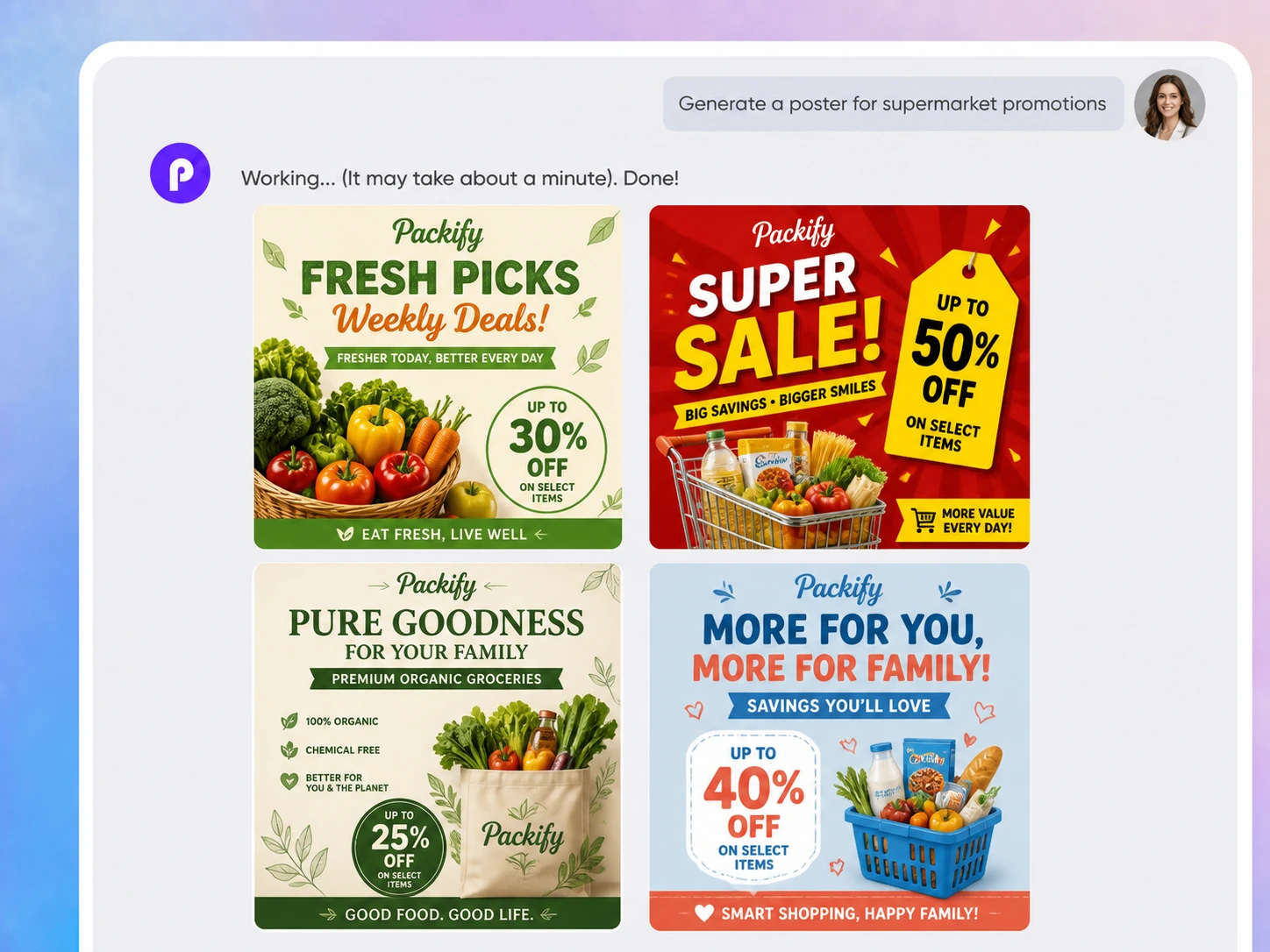
Promotions and events rarely come with a generous design schedule. Enter the campaign theme, essential details, and visual direction. Packify generates a complete first draft, helping small businesses and marketing teams start designing without a dedicated designer.
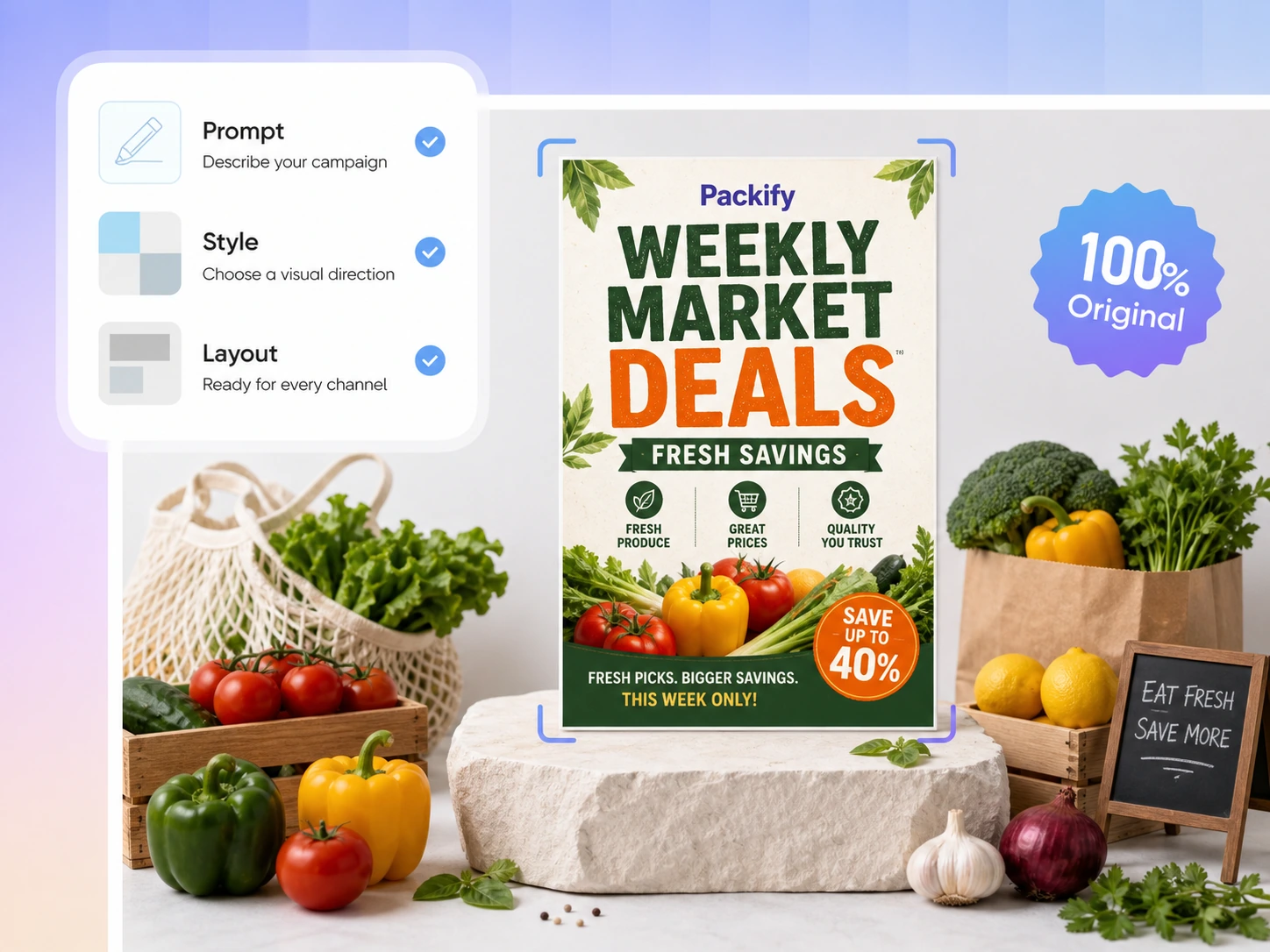
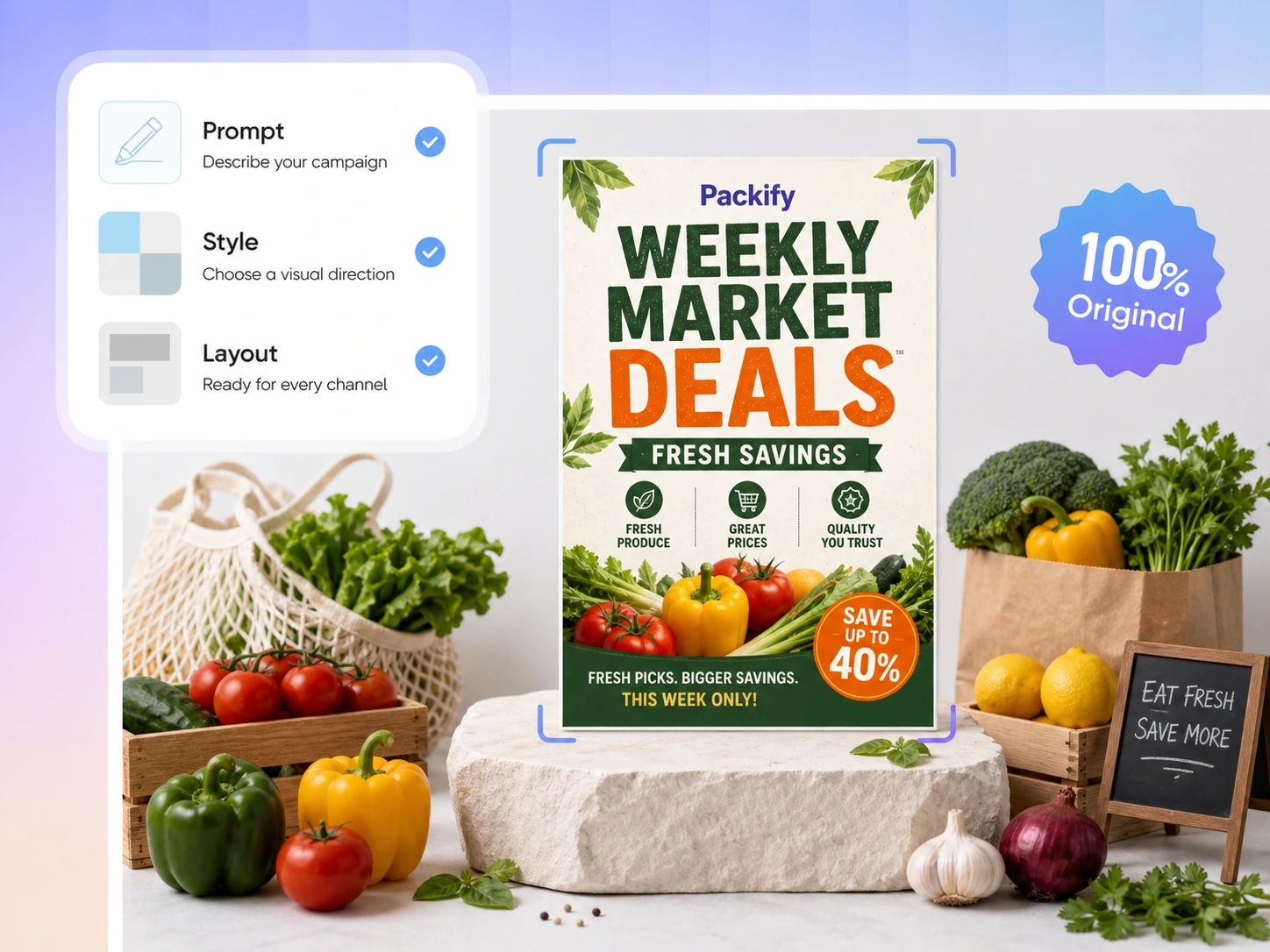
Edit designs on the canvas
After generating your poster, click Explore Design to open the editing canvas. Change headlines, dates, locations, prices, and calls to action, or reposition visual elements without regenerating the whole poster or switching to separate design software.
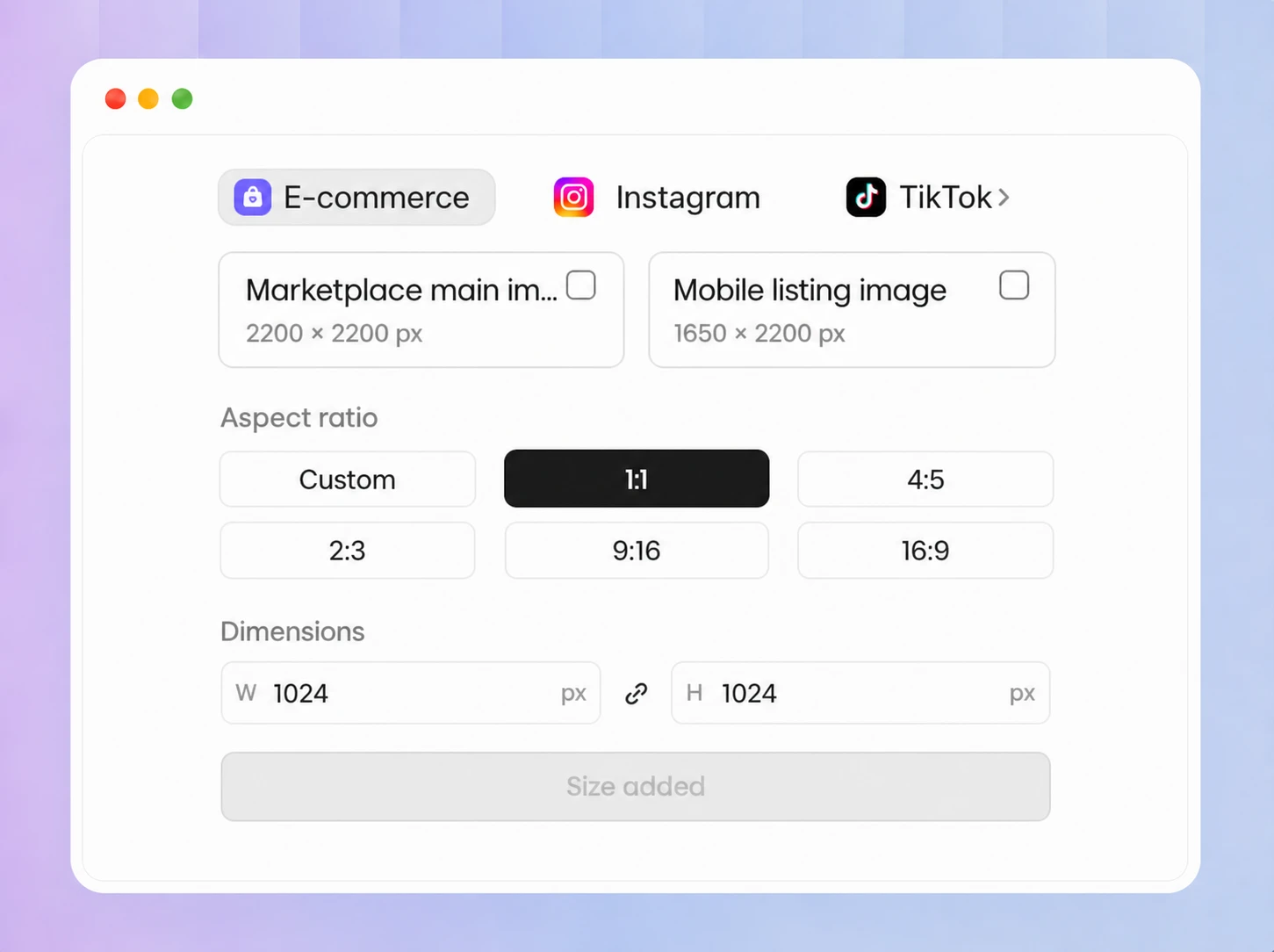
Create posters in custom sizes
Use Packify as a custom poster creator for different placements. Click Download and choose Custom, 1:1, 4:5, 2:3, 9:16, or 16:9. You can also enter a specific width and height before downloading.
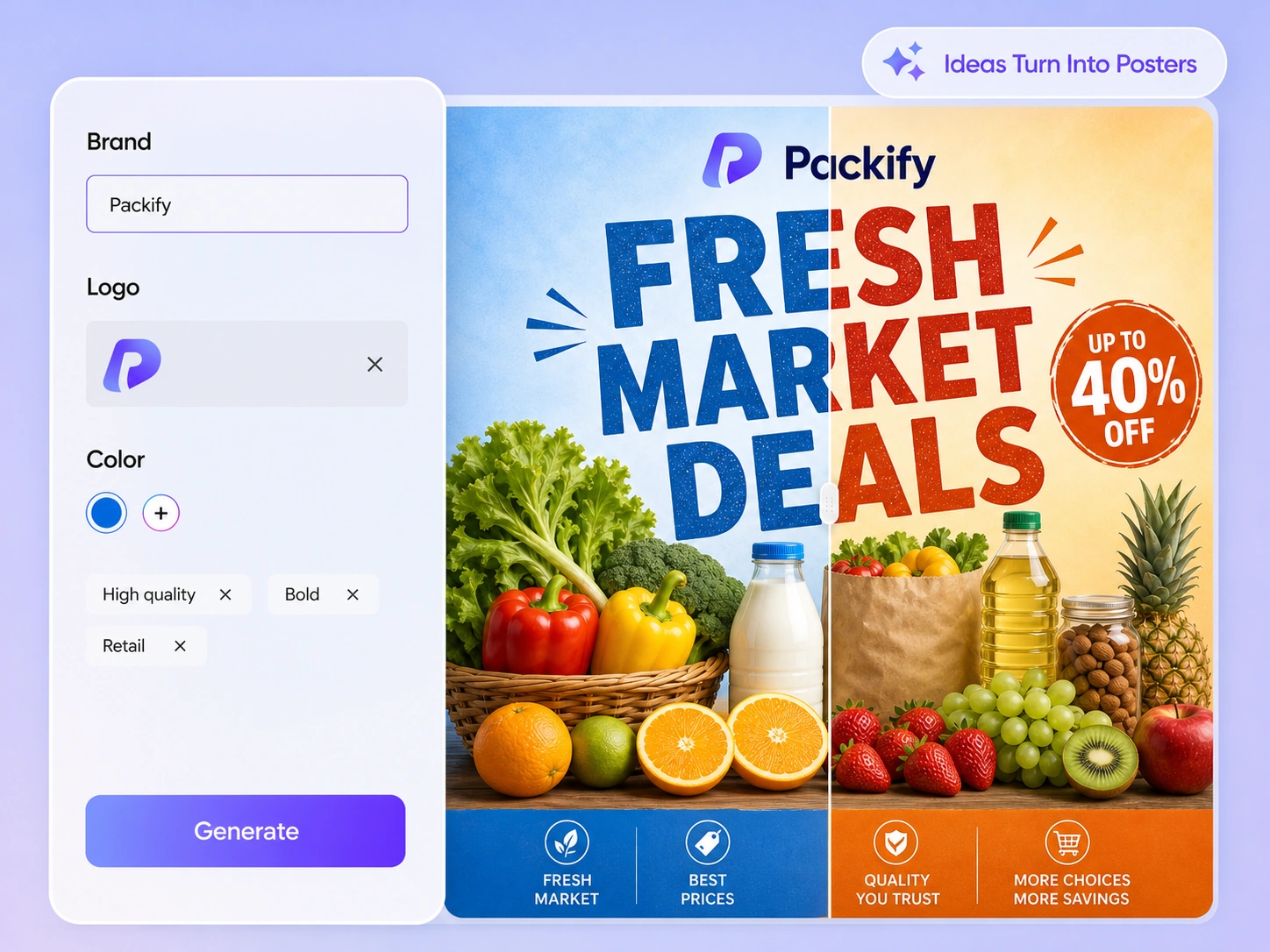
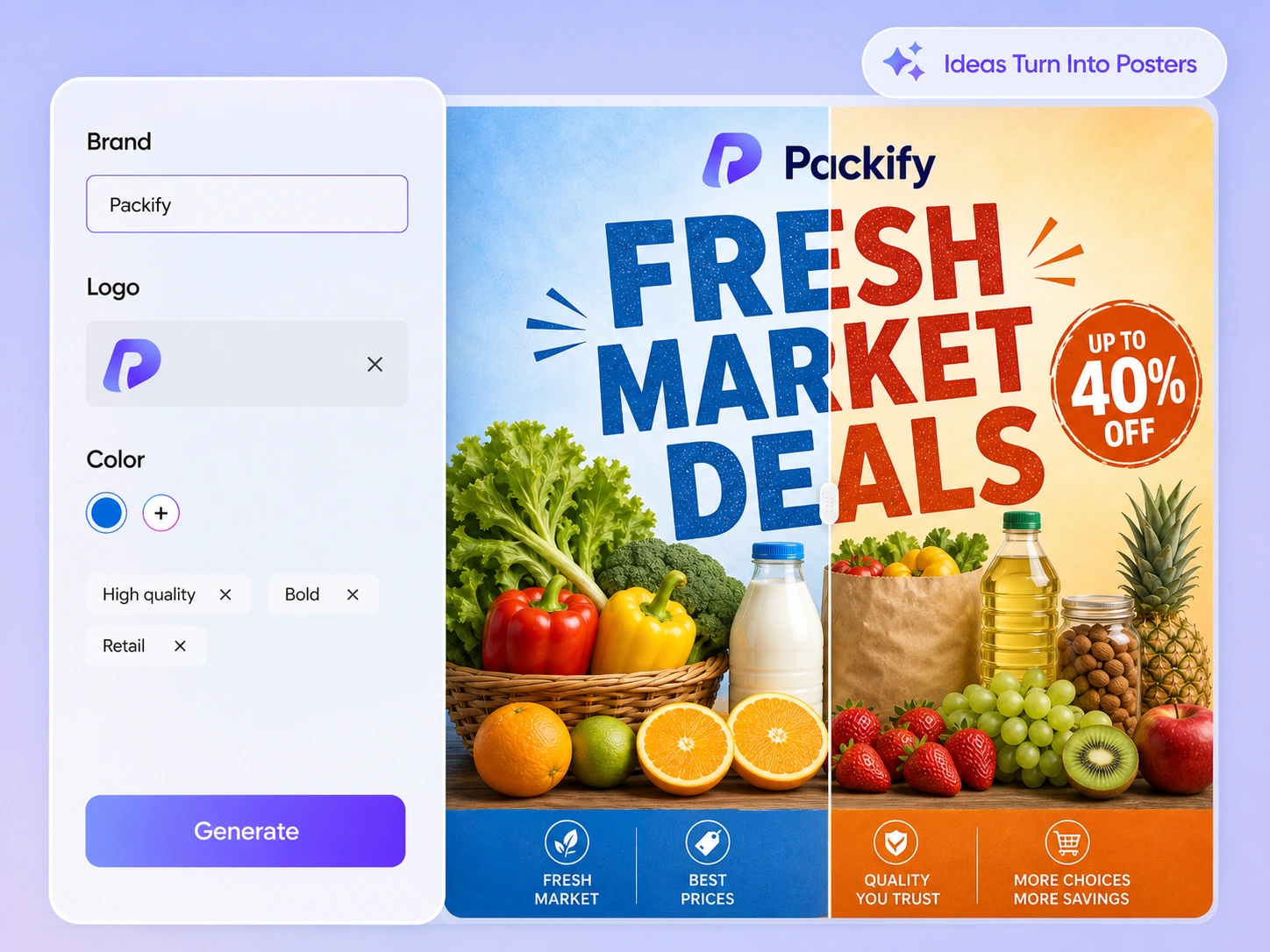
Keep every poster on-brand
Add your logo, primary, secondary, and accent colors, plus your brand font to Brand Kit. Include your brand name, core message, audience, and design guidance so posters for different promotions maintain a recognizable visual identity.
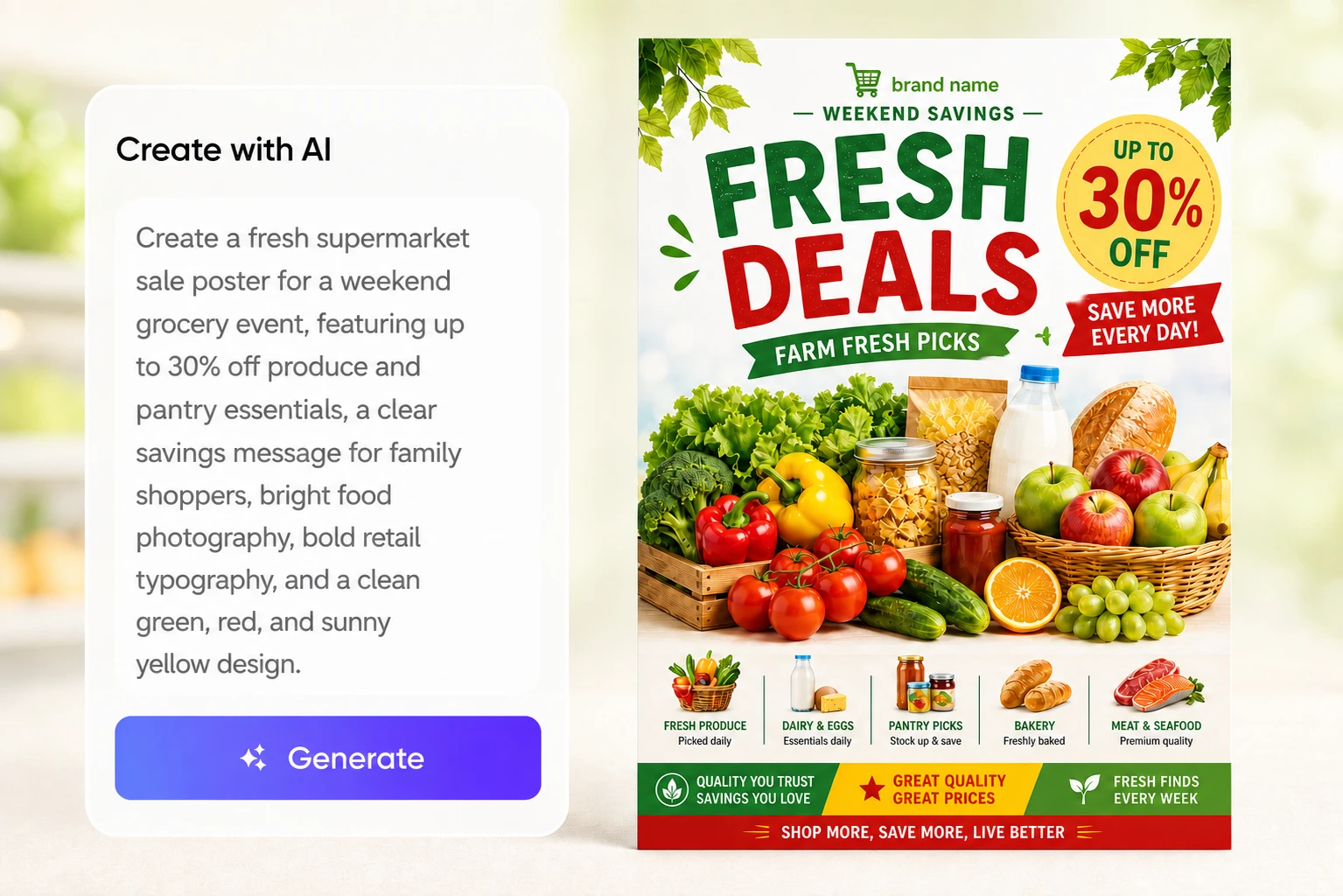
Generate a poster from one brief
Promotions and events rarely come with a generous design schedule. Enter the campaign theme, essential details, and visual direction. Packify generates a complete first draft, helping small businesses and marketing teams start designing without a dedicated designer.
Edit designs on the canvas
After generating your poster, click Explore Design to open the editing canvas. Change headlines, dates, locations, prices, and calls to action, or reposition visual elements without regenerating the whole poster or switching to separate design software.
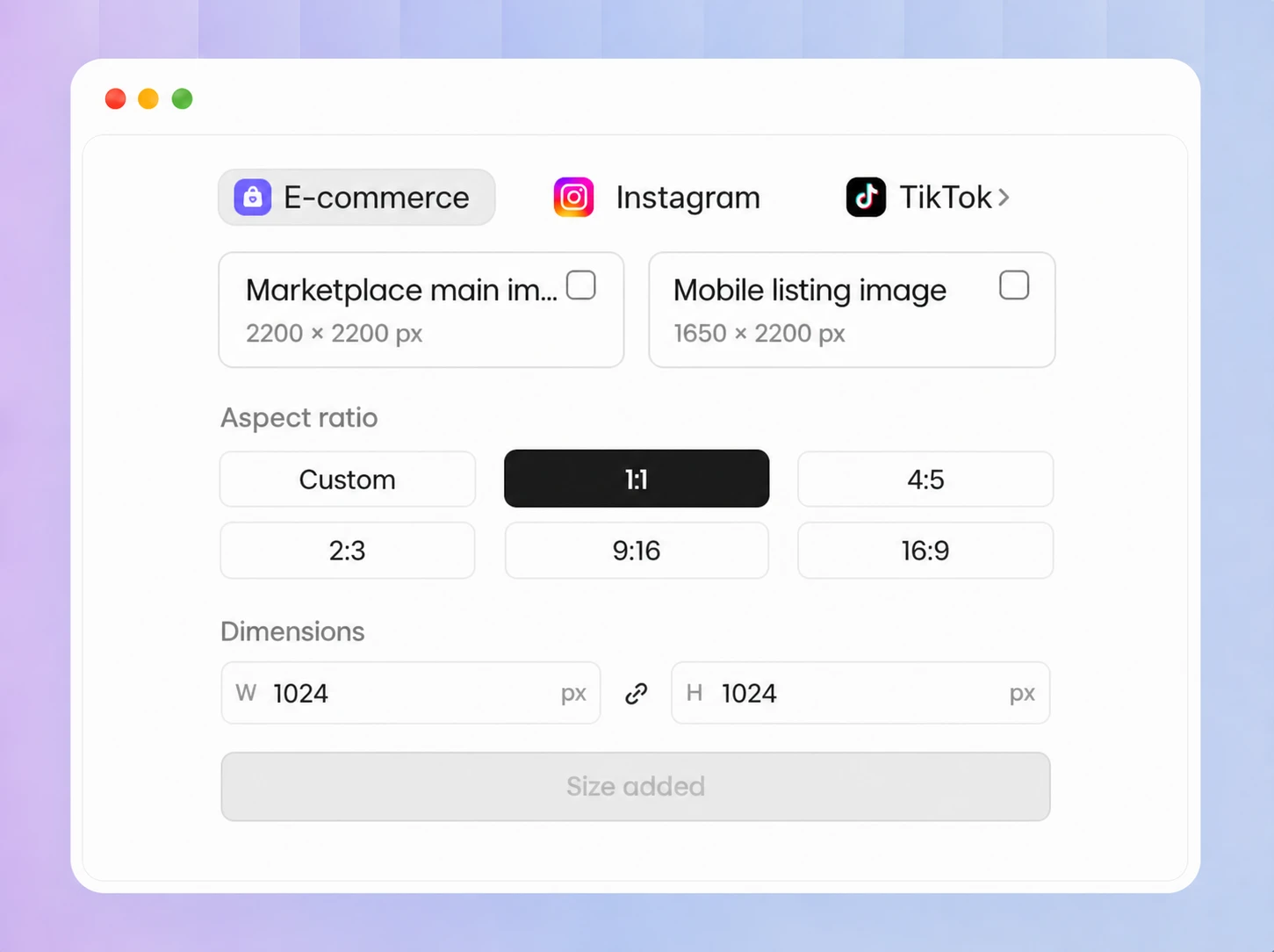
Create posters in custom sizes
Use Packify as a custom poster creator for different placements. Click Download and choose Custom, 1:1, 4:5, 2:3, 9:16, or 16:9. You can also enter a specific width and height before downloading.
Keep every poster on-brand
Add your logo, primary, secondary, and accent colors, plus your brand font to Brand Kit. Include your brand name, core message, audience, and design guidance so posters for different promotions maintain a recognizable visual identity.
Proven impact, in our customer's words


The AI-powered packaging design tool is a game-changer. It's fast, intuitive, making it an essential tool for any forward-thinking design team.ved.
March 26, 2025


The results are so amazing that I don't think it's just for inspiration... I'd say artificial intelligence outperforms most designers; the key is to come up with the perfect prompt. Great contribution! Thank you 😊.
March 18, 2025


The AI-powered packaging design tool is a game-changer. It's fast, intuitive, making it an essential tool for any forward-thinking design team.
March 18, 2025


We’re a tiny skincare shop. Packify.ai turned my scribbles into clean mockups and a printable dieline by Monday. Fewer back-and-forths, consistent branding, a nd our product page conversions moved.
March 18, 2025


The AI-powered packaging design tool is a game-changer. It's fast, intuitive, making it an essential tool for any forward-thinking design team.
March 26, 2025


The results are so amazing that I don't think it's just for inspiration... I'd say artificial intelligence outperforms most designers; the key is to come up with the perfect prompt. Great contribution! Thank you 😊
March 18, 2025


Congrats! Packify.ai, an AI packaging designer, enables easy, creative design and offers AI-driven product photography for e-commerce through simple chatting.
April 2, 2025


We’re a tiny skincare shop. Packify.ai turned my scribbles into clean mockups and a printable dieline by Monday. Fewer back-and-forths, consistent branding, a nd our product page conversions moved.
May 9, 2025
You asked,
we answered
You asked, we answered
What types of posters can I create with Packify?
You can create posters for retail promotions, seasonal offers, events, product launches, and digital marketing campaigns. Describe the subject, key message, and preferred style, then click Explore Design to refine the generated poster on the canvas.
Do I need design experience to use this online poster maker?
No. Packify creates the first design from your written brief, so you do not need to master professional poster designing software. After generation, you can manually edit the text and visual elements until the poster suits your campaign.
How do I keep recurring posters visually consistent with my brand?
Set up Brand Kit with your logo, primary, secondary, and accent colors, brand font, and business name. You can also add your main message, target audience, language preferences, styles to avoid, and other guidance for Packify to reference during generation.
Can I try the poster generator free?
Yes. You can start with Packify's free poster maker and use available credits to generate designs. Check your remaining credit balance before generating. For additional credits and subscription options, visit the Pricing Page.
Can I use AI-generated posters for commercial campaigns?
Yes, subject to Packify's Terms of Use. You may use your posters for events, retail promotions, and marketing campaigns. Review all trademarks, text, images, and visual elements before publication, since AI-generated content is not exclusive.
Create your next poster with Packify's AI poster generator