
Amazon listing image generator
Upload your product photo and describe the Amazon Listing or A+ image you need. Generate, adjust, and download your image with Packify.
Trusted by industry-leading businesses


Create Amazon listing and A+ images with AI
You need listing images for your product gallery and A+ images for enhanced product content, each with different requirements. Packify simplifies image generation and design: upload your product photo and describe the image’s purpose and what it should show. Generate, adjust, and download your images in one workflow.
How to create Amazon listing images with Packify?
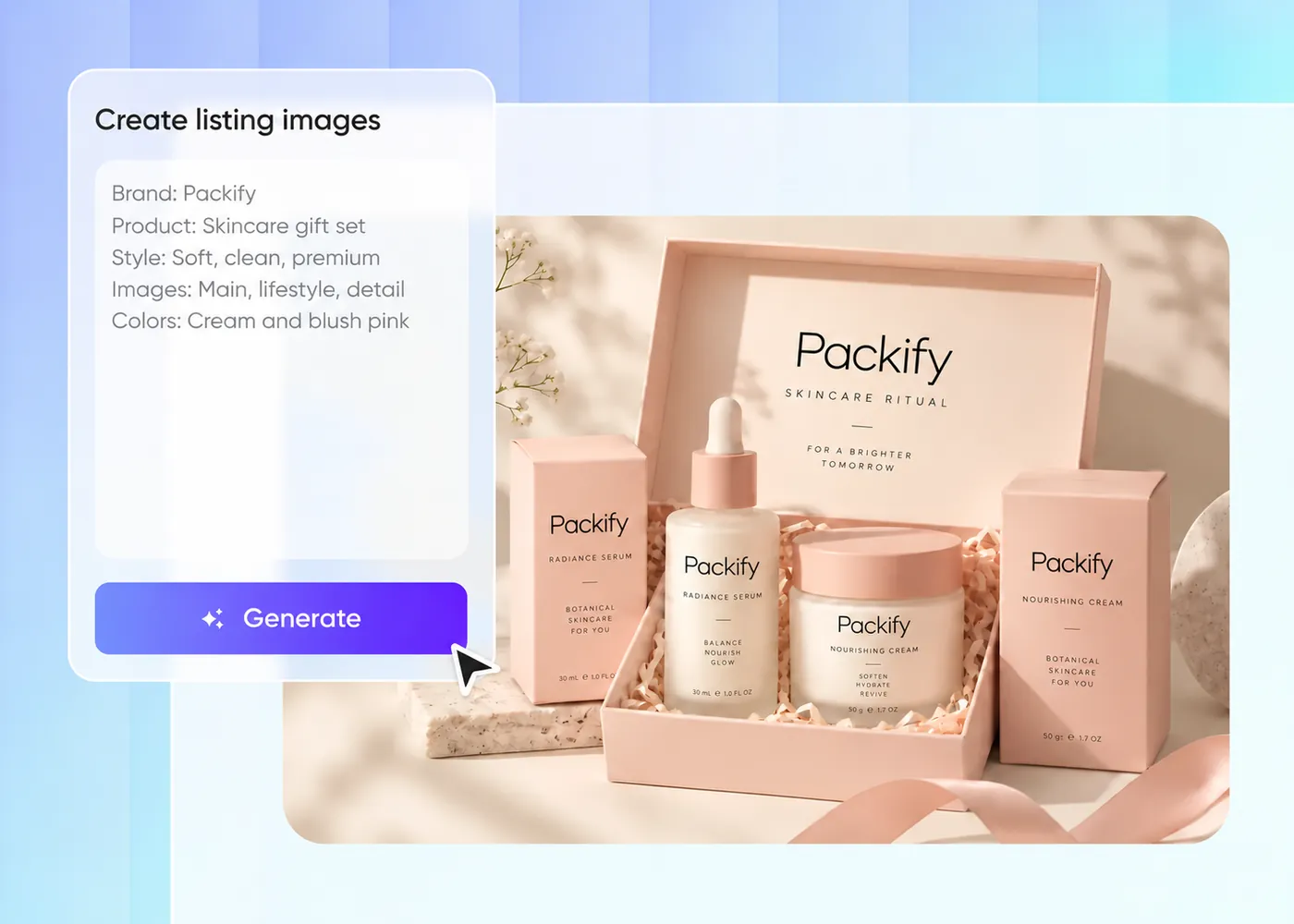
Step 1: Upload and describe
Upload your product photo and describe the Listing or A+ image you need, including its purpose and the information to show.
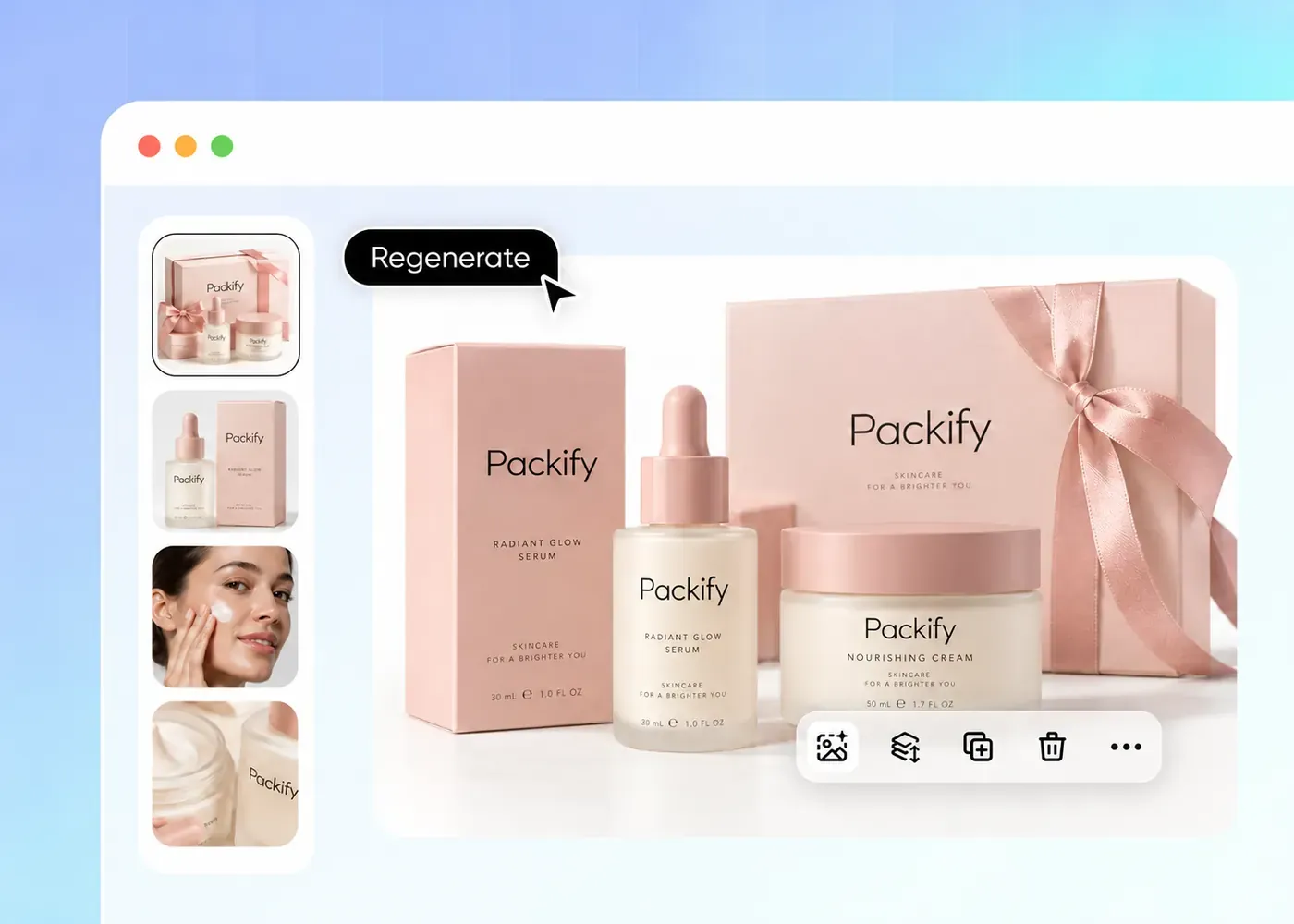
Step 2: Generate and adjust
Generate your image, then edit the result or revise your prompt to adjust the background, layout, or message before downloading.
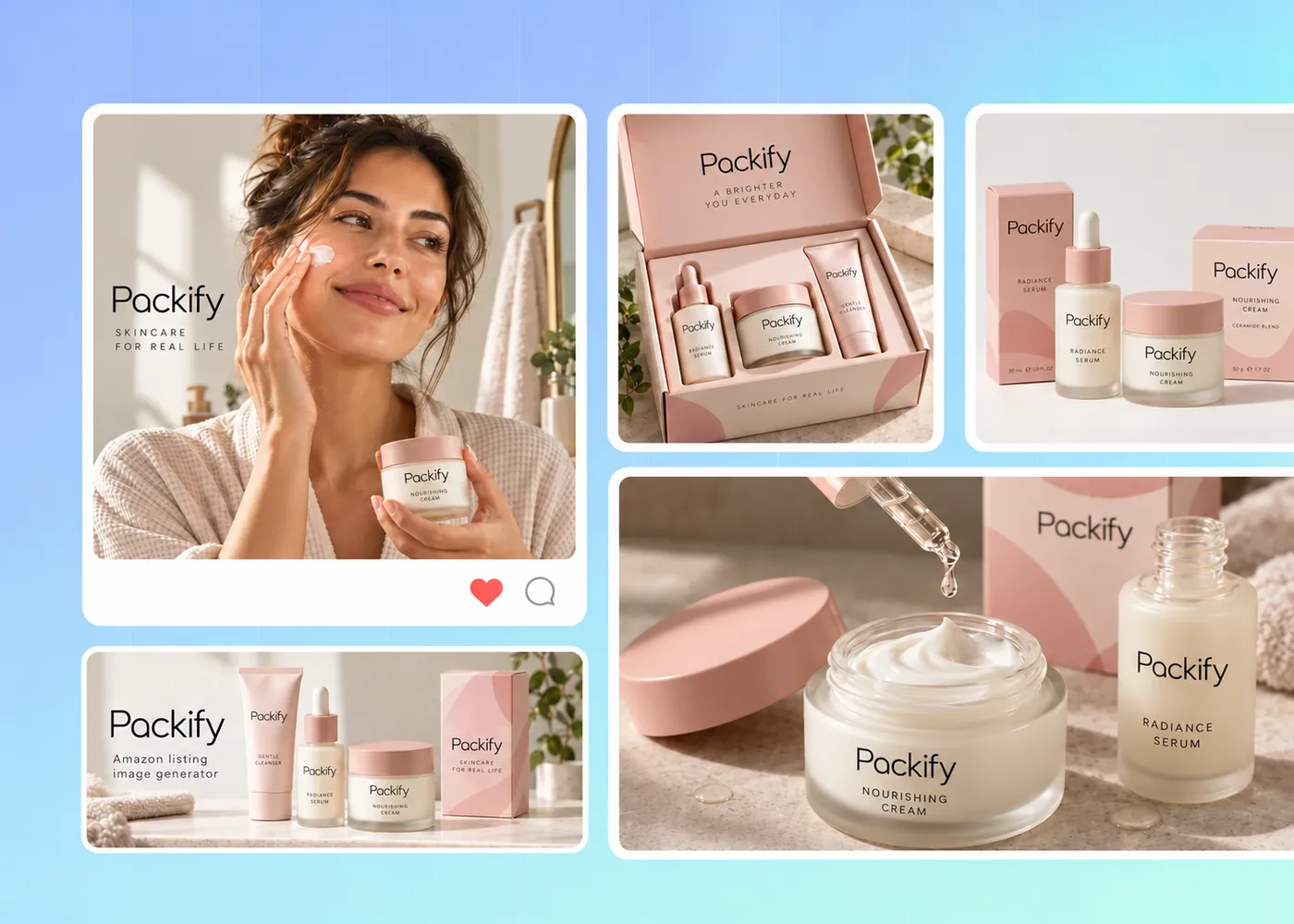
Step 3: Confirm and download
Review your finished image, confirm it meets your needs, and download it for use in your Amazon listing or A+ content.

Step 1: Upload and describe
Upload your product photo and describe the Listing or A+ image you need, including its purpose and the information to show.
Step 2: Generate and adjust
Generate your image, then edit the result or revise your prompt to adjust the background, layout, or message before downloading.
Step 3: Confirm and download
Review your finished image, confirm it meets your needs, and download it for use in your Amazon listing or A+ content.
Why choose Packify for Amazon listing images?
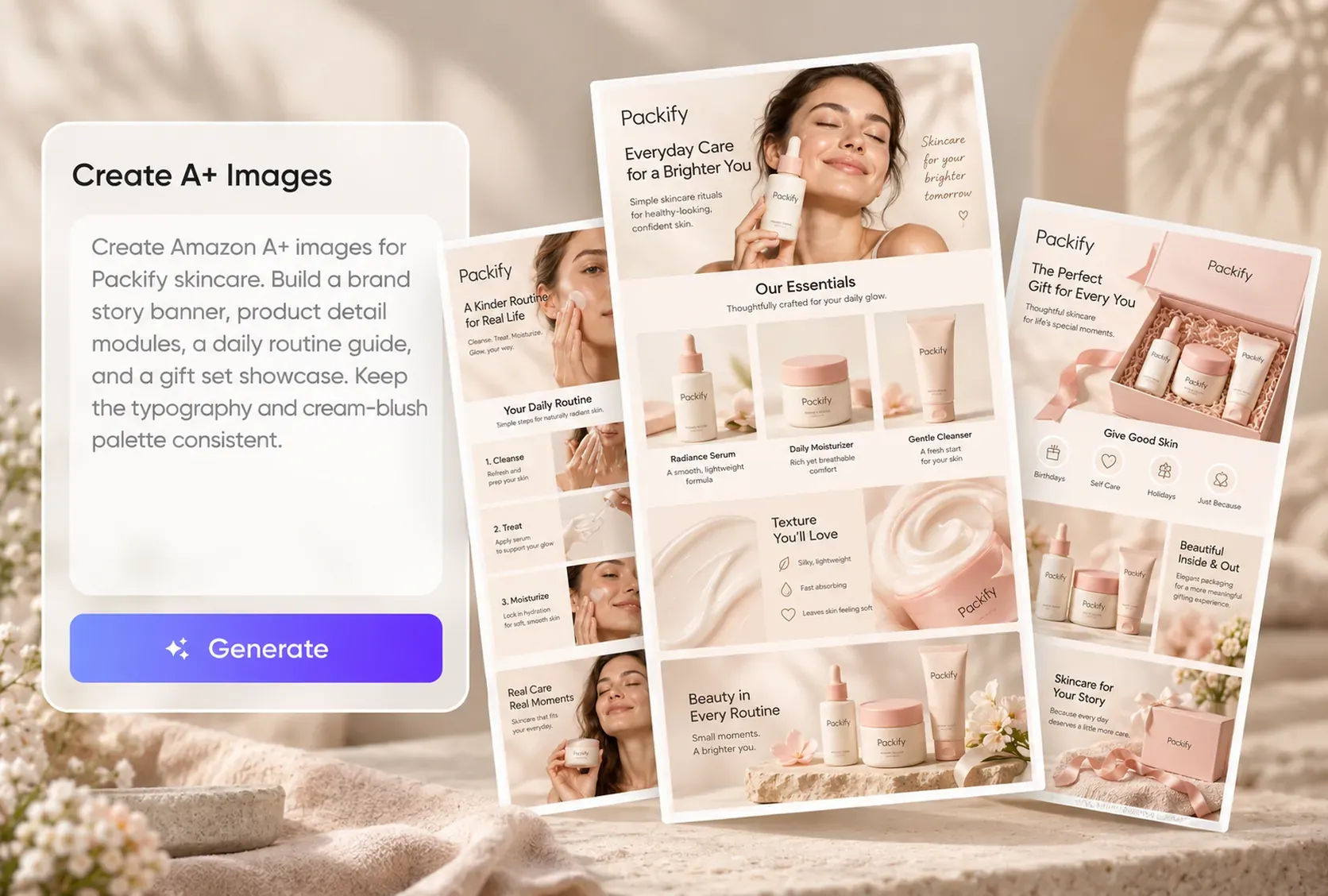
Create images for each placement
Your Amazon image brief changes with the placement: a listing image may explain a product feature, while an A+ image may introduce your brand. Describe that purpose in your prompt, and Packify generates an image for the content you are preparing.
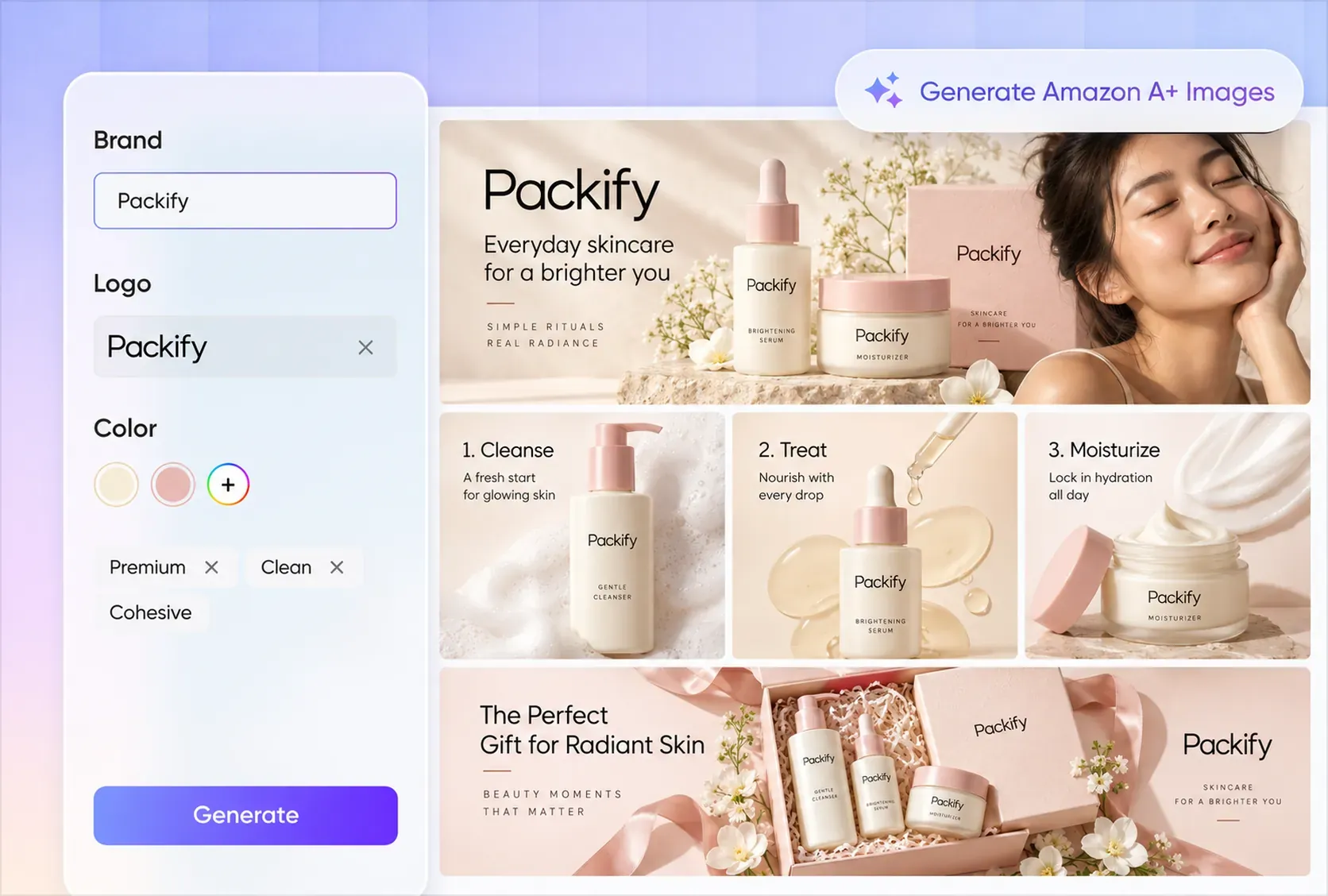
Finish images with fewer handoffs
Moving a generated Amazon image between editing tools adds another handoff each time you need a change. Packify lets you generate, adjust, and download in the same workflow, reducing tool switching as you prepare an image for your product page.
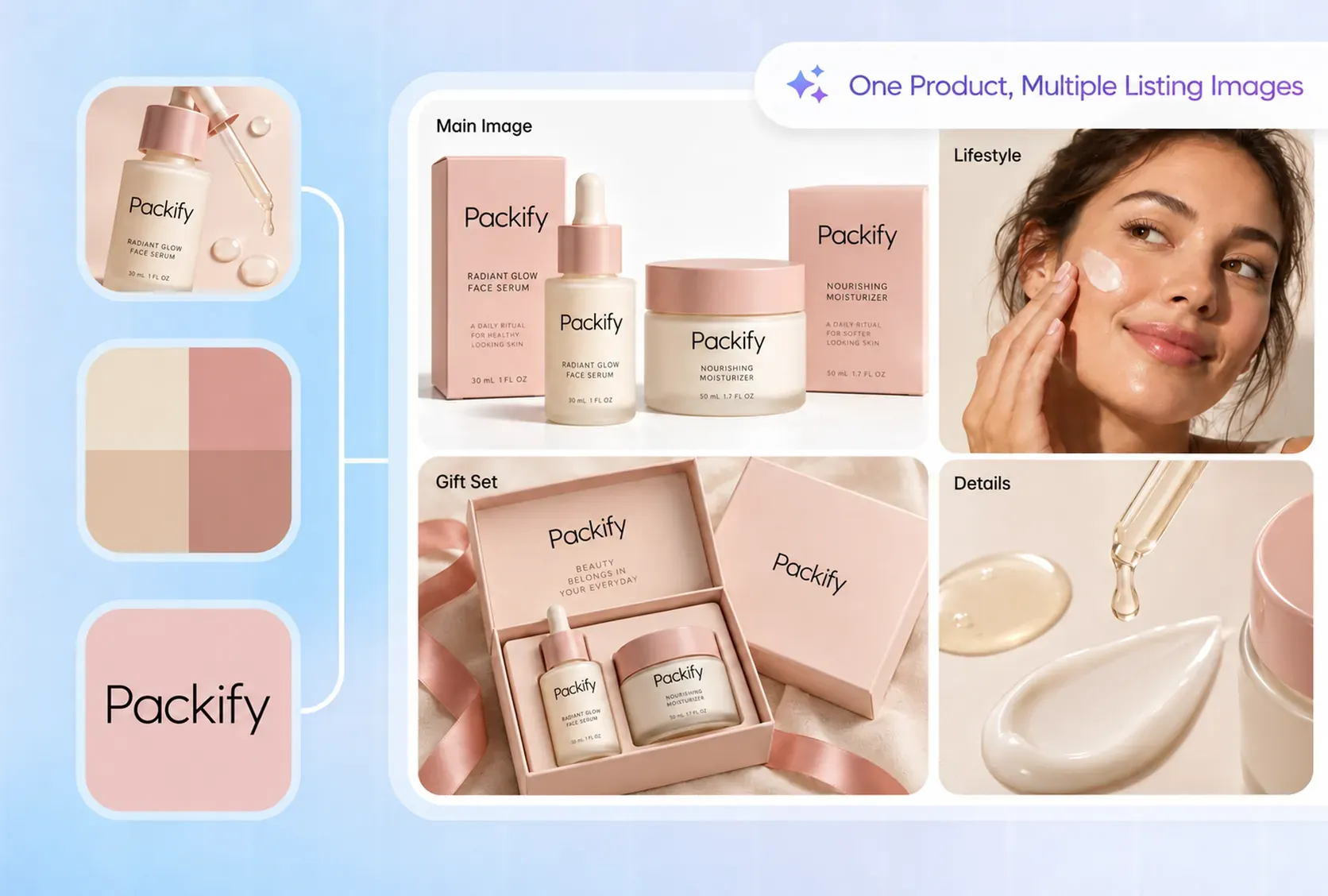
Reuse brand details across products
Each new Amazon product image needs to fit your brand, but reentering the same brand details adds work. Save your logo, colors, and brand description in Packify’s Brand Kit, then reference them as you generate individual images to help maintain a consistent visual direction.
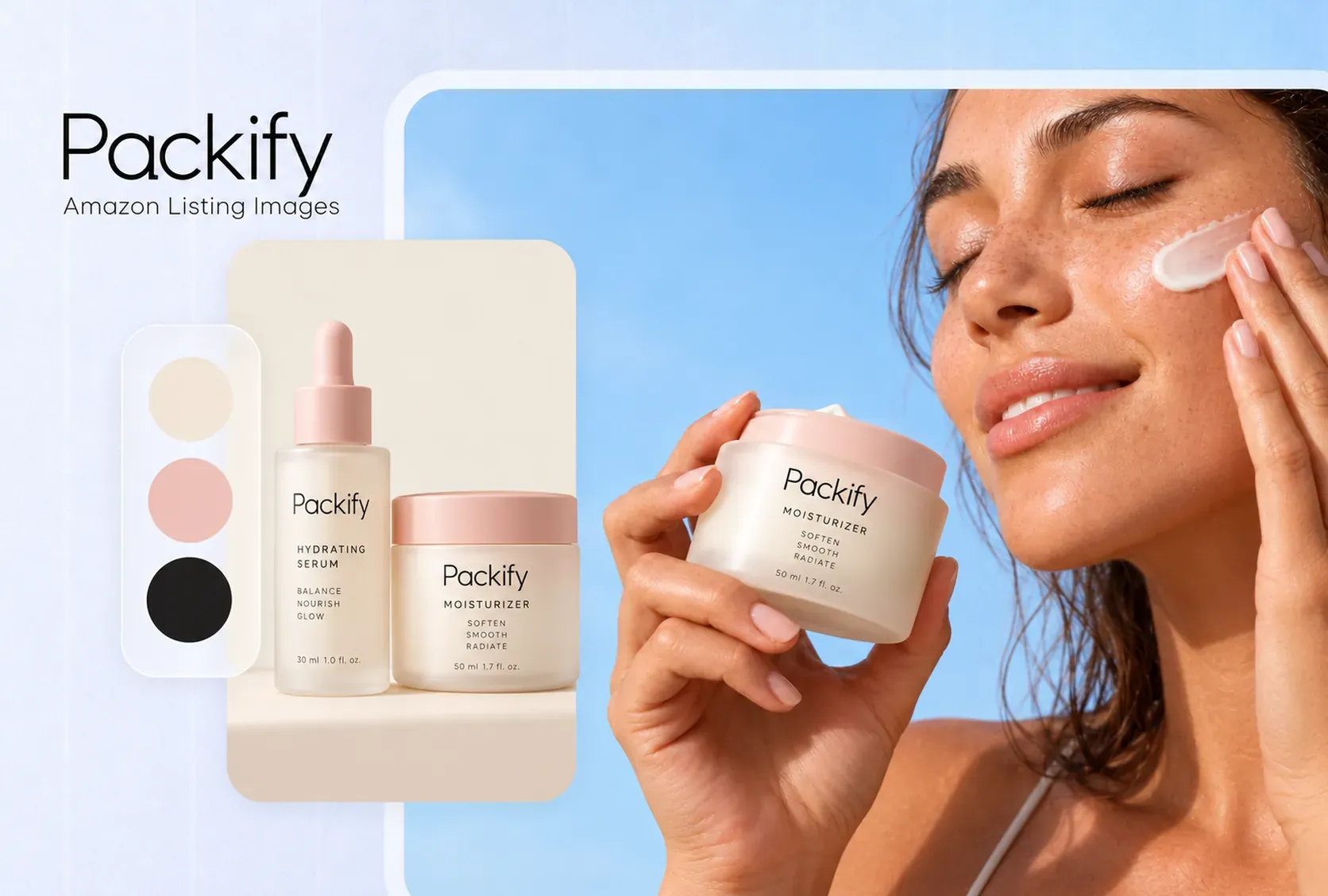
Get Amazon image design support
When AI subscription costs and a steep learning curve make creating Amazon listing images hard to justify, our Professional Design Services give you another way to get the work done. Tell our Packify team what images you need, and discuss the scope, quote, and turnaround before starting.
Create images for each placement
Your Amazon image brief changes with the placement: a listing image may explain a product feature, while an A+ image may introduce your brand. Describe that purpose in your prompt, and Packify generates an image for the content you are preparing.
Finish images with fewer handoffs
Moving a generated Amazon image between editing tools adds another handoff each time you need a change. Packify lets you generate, adjust, and download in the same workflow, reducing tool switching as you prepare an image for your product page.
Reuse brand details across products
Each new Amazon product image needs to fit your brand, but reentering the same brand details adds work. Save your logo, colors, and brand description in Packify’s Brand Kit, then reference them as you generate individual images to help maintain a consistent visual direction.
Get Amazon image design support
When AI subscription costs and a steep learning curve make creating Amazon listing images hard to justify, our Professional Design Services give you another way to get the work done. Tell our Packify team what images you need, and discuss the scope, quote, and turnaround before starting.
Proven impact, in our customer's words


The AI-powered packaging design tool is a game-changer. It's fast, intuitive, making it an essential tool for any forward-thinking design team.ved.
March 26, 2025


The results are so amazing that I don't think it's just for inspiration... I'd say artificial intelligence outperforms most designers; the key is to come up with the perfect prompt. Great contribution! Thank you 😊.
March 18, 2025


The AI-powered packaging design tool is a game-changer. It's fast, intuitive, making it an essential tool for any forward-thinking design team.
March 18, 2025


We’re a tiny skincare shop. Packify.ai turned my scribbles into clean mockups and a printable dieline by Monday. Fewer back-and-forths, consistent branding, a nd our product page conversions moved.
March 18, 2025


The AI-powered packaging design tool is a game-changer. It's fast, intuitive, making it an essential tool for any forward-thinking design team.
March 26, 2025


The results are so amazing that I don't think it's just for inspiration... I'd say artificial intelligence outperforms most designers; the key is to come up with the perfect prompt. Great contribution! Thank you 😊
March 18, 2025


Congrats! Packify.ai, an AI packaging designer, enables easy, creative design and offers AI-driven product photography for e-commerce through simple chatting.
April 2, 2025


We’re a tiny skincare shop. Packify.ai turned my scribbles into clean mockups and a printable dieline by Monday. Fewer back-and-forths, consistent branding, a nd our product page conversions moved.
May 9, 2025
You asked,
we answered
You asked, we answered
What is the difference between Listing and A+ images?
Listing images appear in your product’s image gallery. A+ images sit within enhanced content modules on the product detail page. Packify can generate images for either use from your prompt; you still arrange and submit your A+ content through Amazon.
What should I include in my Amazon image prompt?
Upload your product photo and state the image’s purpose. For example: create a Listing image explaining this product’s main feature, or create an A+ image introducing our brand. Add the background, layout, and message you want, then adjust the result as needed.
Does Packify’s Amazon listing image generator upload images to Amazon?
No. Packify lets you generate, adjust, and download images for your Amazon listing or A+ content. Before downloading, check that the product information and text are correct. You then upload the images to Amazon and set up your listing or A+ content separately.
Can I try the Amazon listing image generator for free?
Registering for Packify gives your account free credits to try the Amazon listing image generator. Each generation consumes credits, so check your remaining balance before creating Listing or A+ images. Visit the Pricing page if you need additional credits or advanced features.
Can I use generated Amazon images commercially?
Yes, subject to our Terms of Use. Packify does not grant exclusive rights to AI-generated content or guarantee clearance for every commercial use. Before publishing on Amazon, review your images for trademarks and other third-party rights, and confirm they are suitable for your product.
Your next Amazon image starts here
