
Brand logo generator
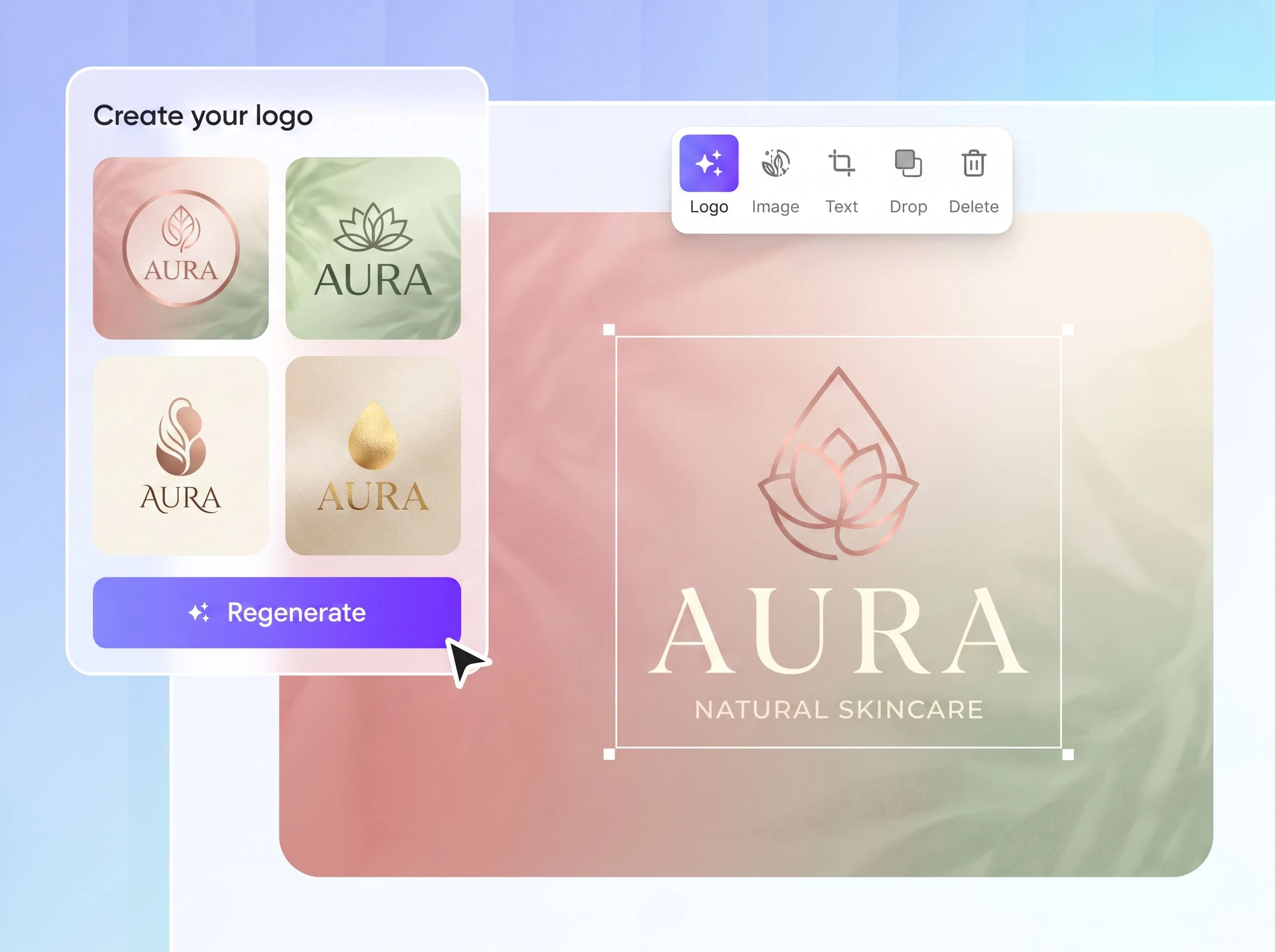
Enter your brand name and preferred style. Packify turns your ideas into a custom company logo design you can refine with simple prompt updates.
Trusted by industry-leading businesses


Turn your brand name into a distinctive brand logo
You already have the name. Now you need a logo that carries your brand, not a random icon beside text. Packify helps you turn a brand name into a visual direction: create a logo, refine the color or layout, adapt it for different sizes, and extend it into visuals for your website, social channels, packaging, and brand materials.
How to create a brand logo design with Packify?
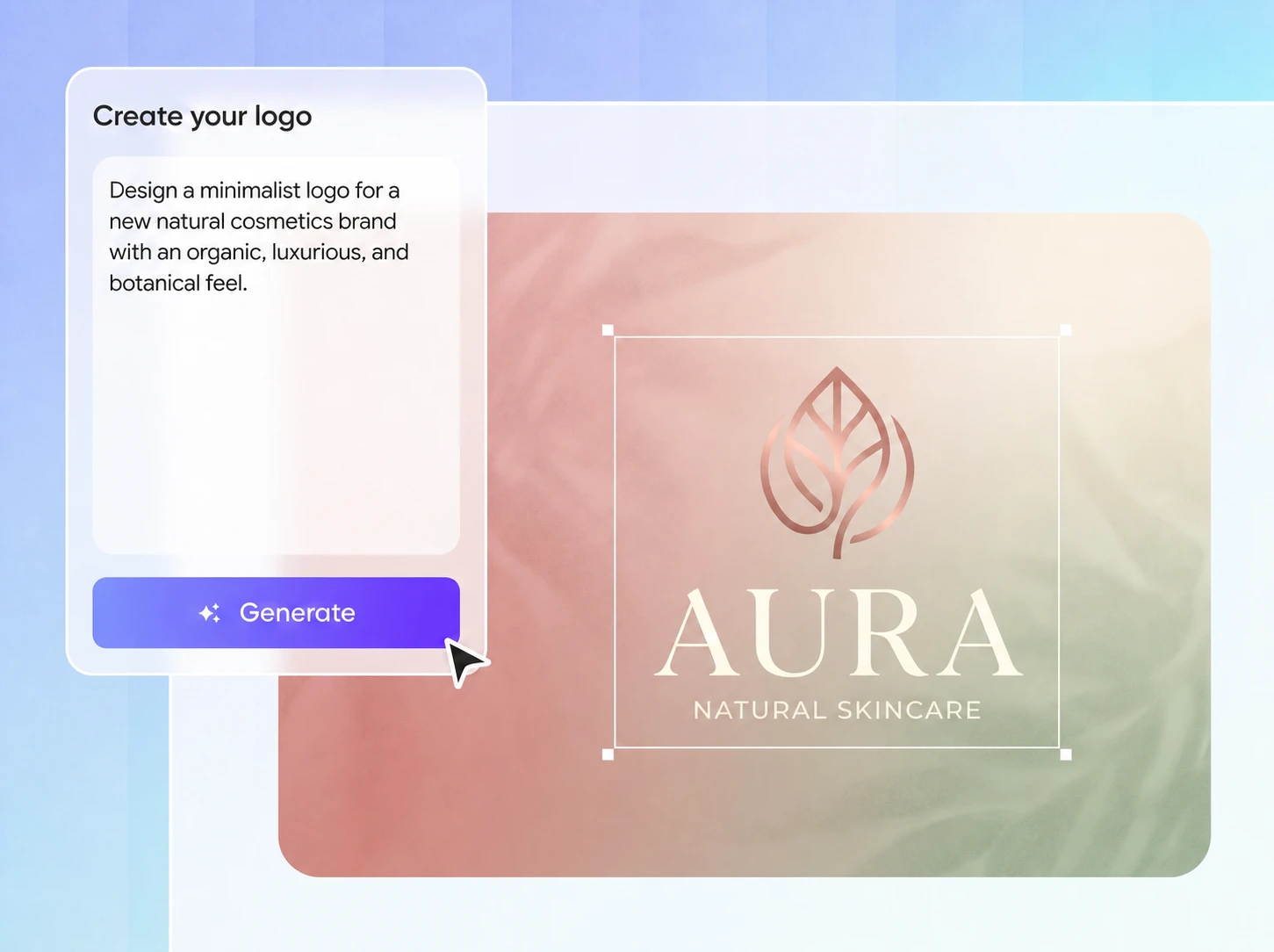
Step 1: Enter your brand and product details
Add your brand name, then include the product, packaging type, color, and style. For example: generate a dark green, natural, East Asian-inspired brand logo for a tea brand named [Example Brand Name], suitable for paper boxes and tea tins.
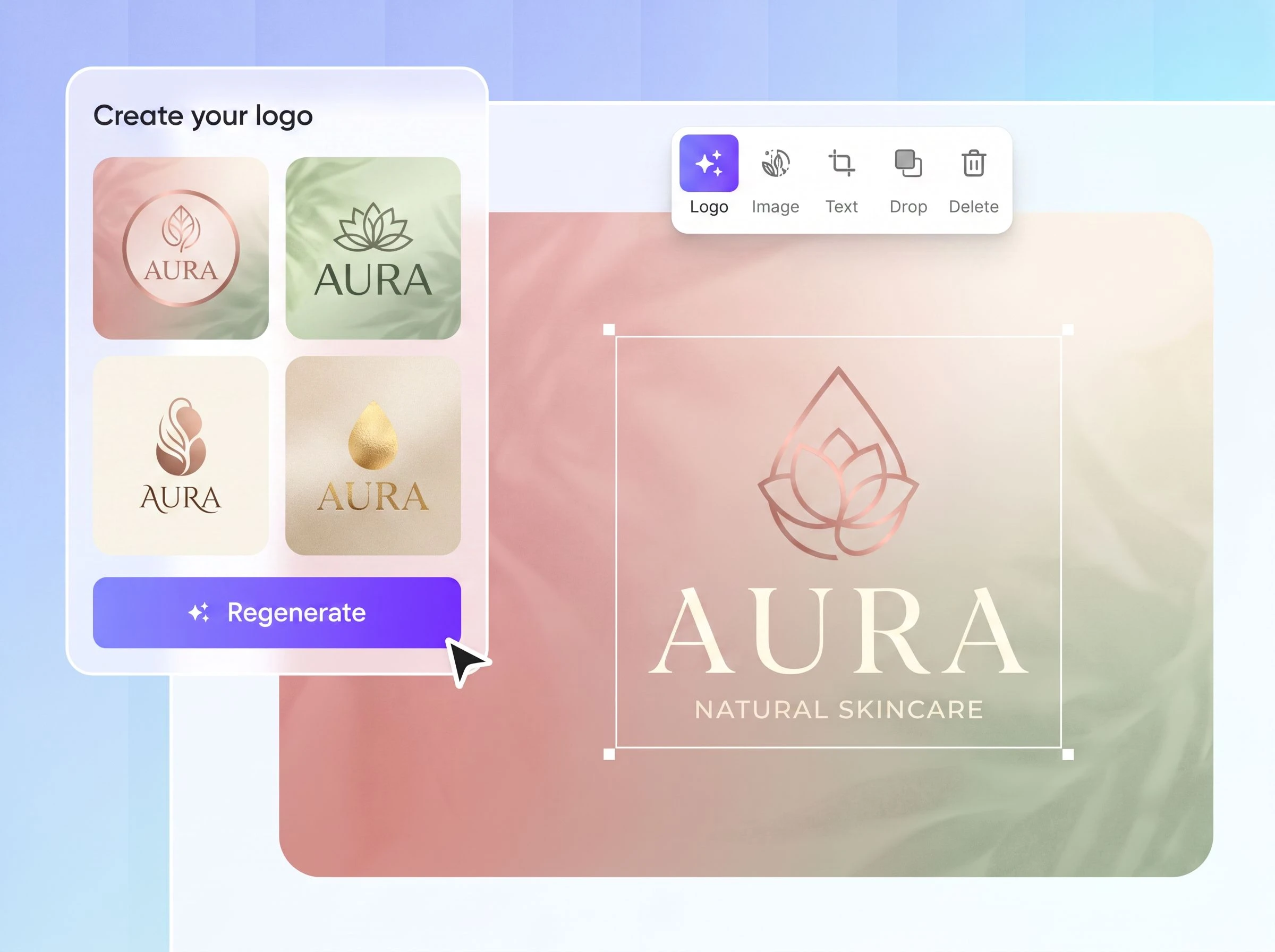
Step 2: Generate and adjust again
After generating one logo, update your prompt if the direction is not right. Ask for a cleaner mark, softer colors, or a more premium type style.
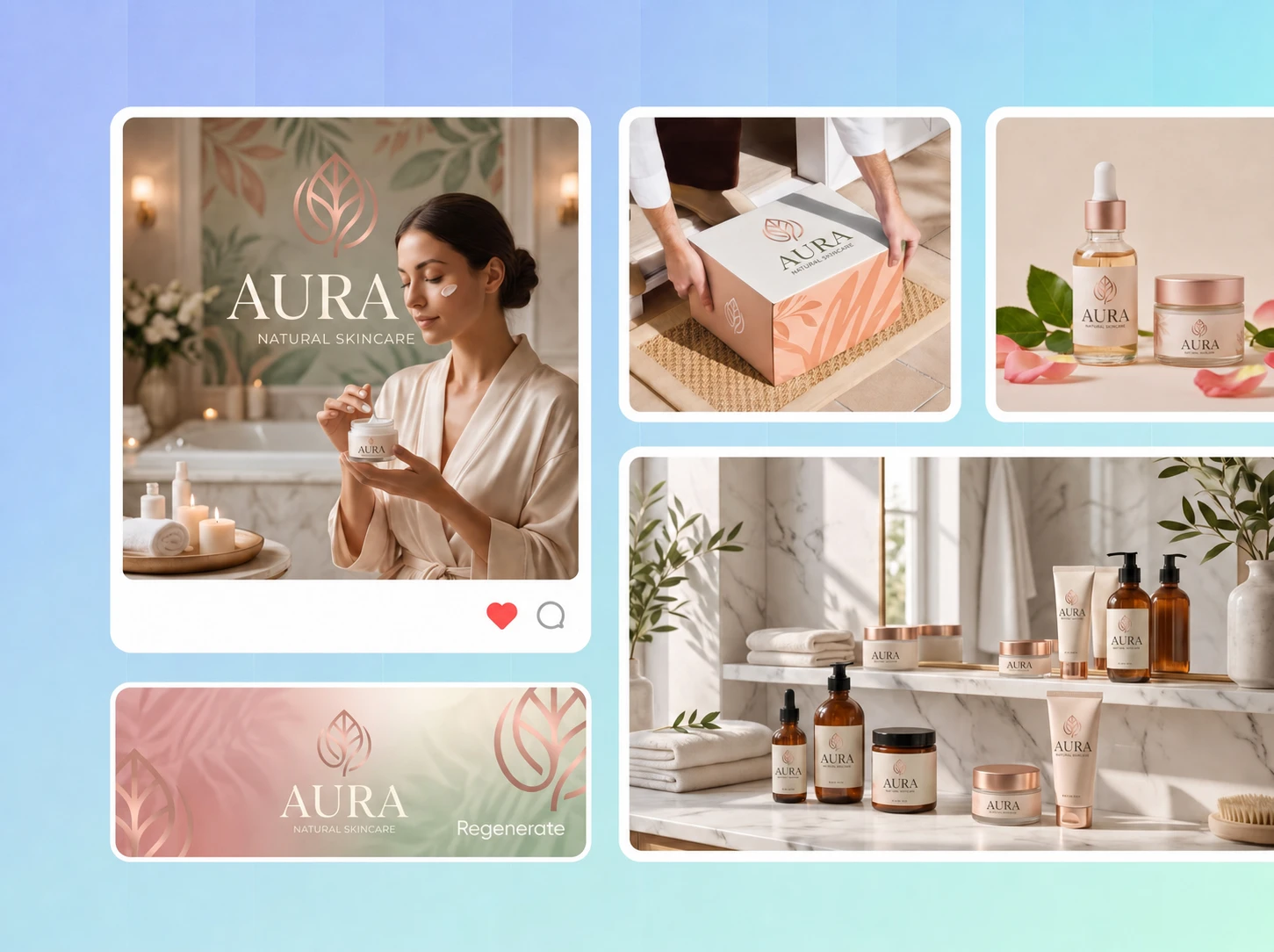
Step 3: Extend with Edit logo
Click Edit logo and describe what you want next. For example: place this logo on a white tea box mockup, front-facing, with a natural, clean layout and generous spacing.

Step 1: Enter your brand and product details
Add your brand name, then include the product, packaging type, color, and style. For example: generate a dark green, natural, East Asian-inspired brand logo for a tea brand named [Example Brand Name], suitable for paper boxes and tea tins.
Step 2: Generate and adjust again
After generating one logo, update your prompt if the direction is not right. Ask for a cleaner mark, softer colors, or a more premium type style.
Step 3: Extend with Edit logo
Click Edit logo and describe what you want next. For example: place this logo on a white tea box mockup, front-facing, with a natural, clean layout and generous spacing.
Why choose Packify for your business company logo design?
Turn your brand idea into a visual direction
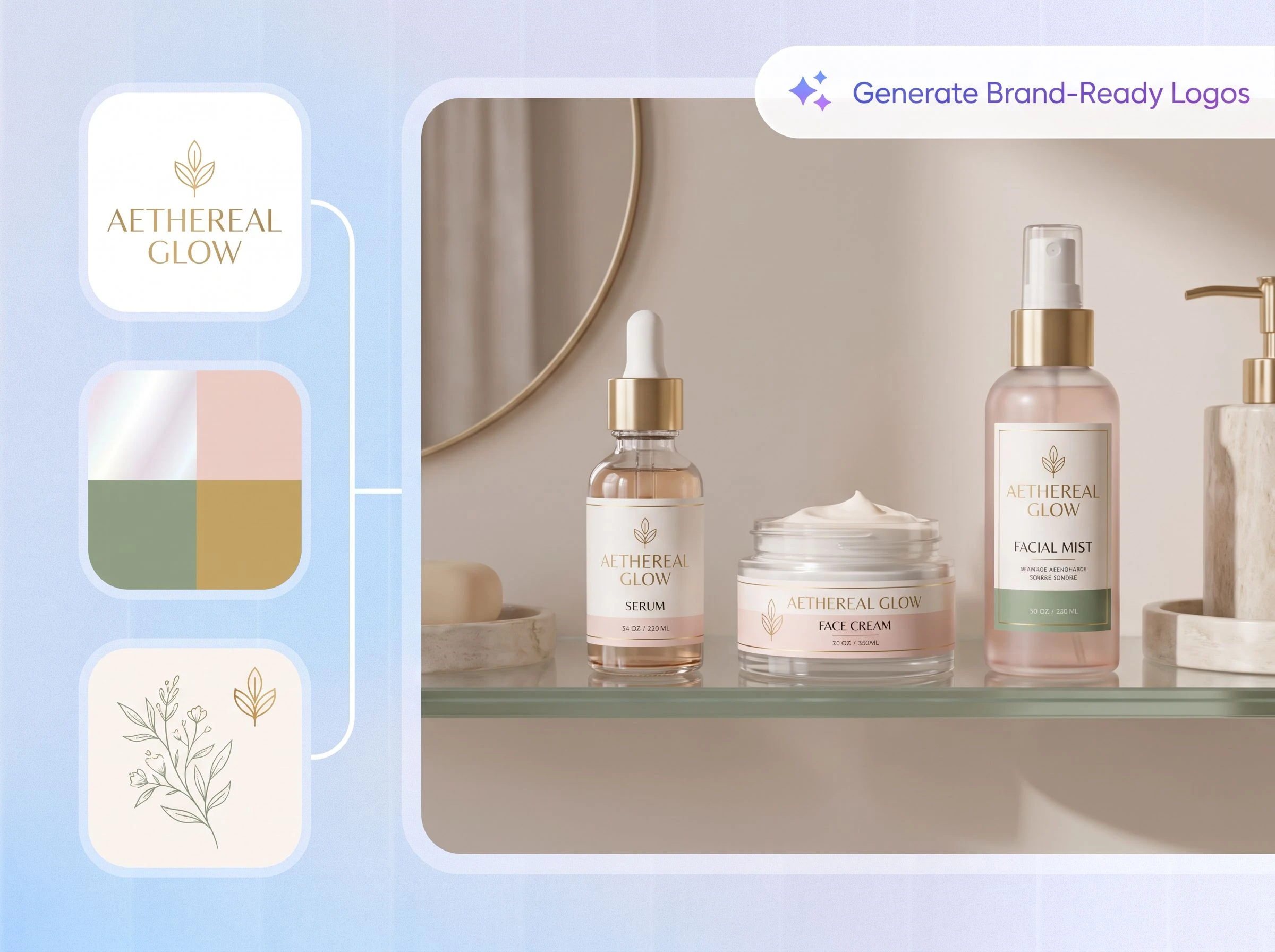
A brand logo should communicate more than a name. Its typography, colors, symbol, spacing, and overall mood should help people understand what the brand feels like and who it is for.
Packify lets you describe that direction in plain language and turn an abstract brand idea into something visible.
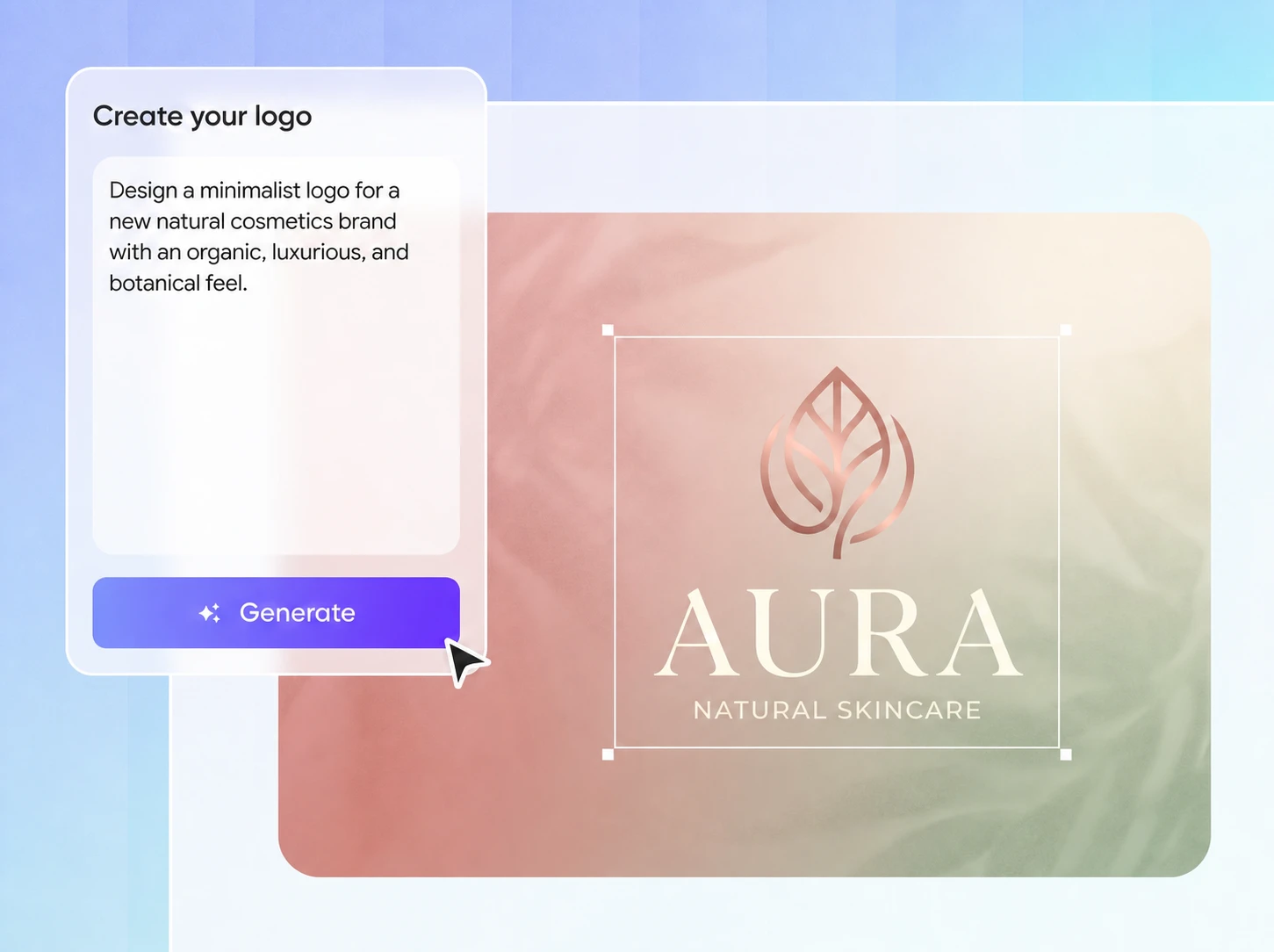
Build consistency across every touchpoint
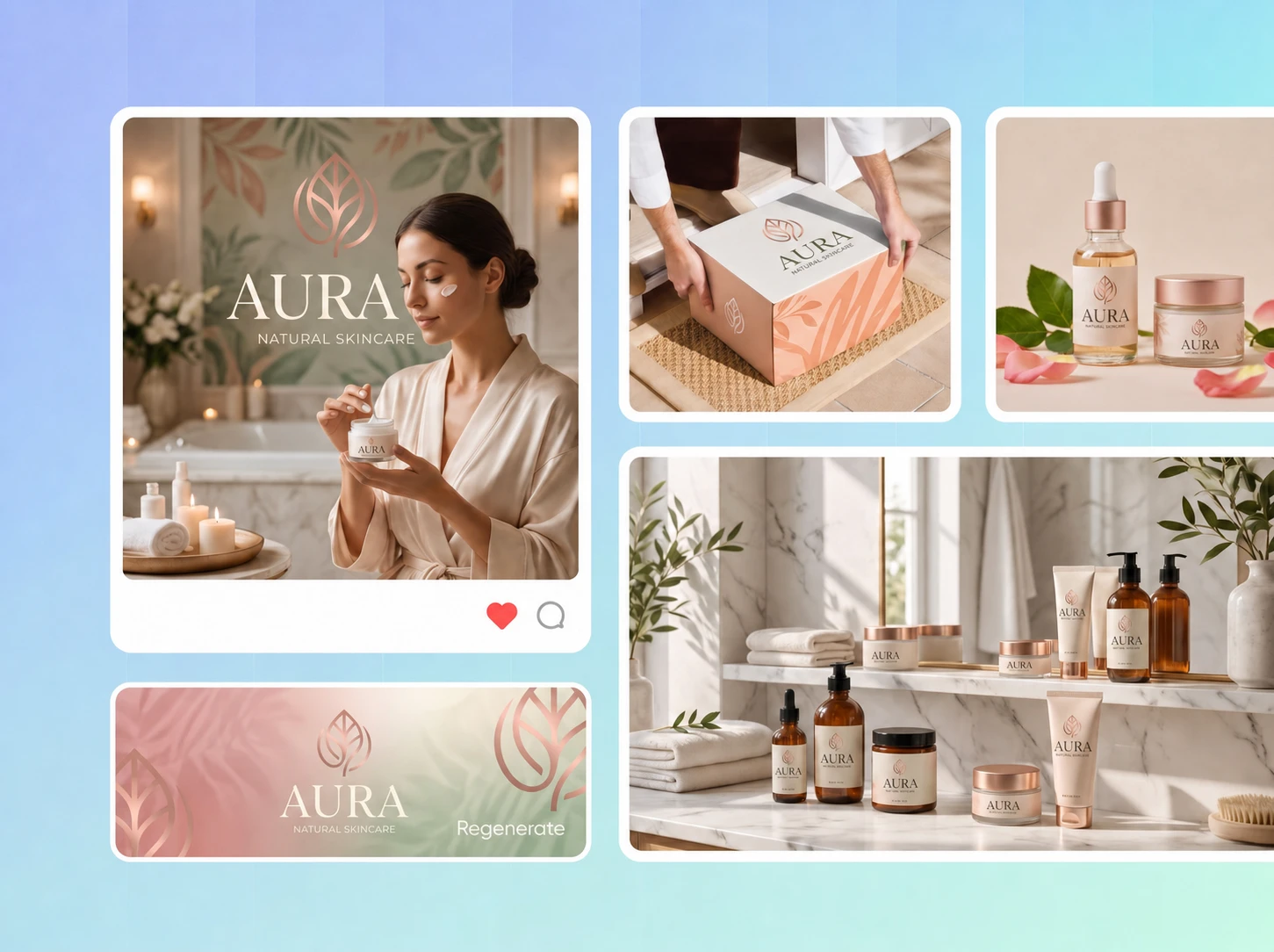
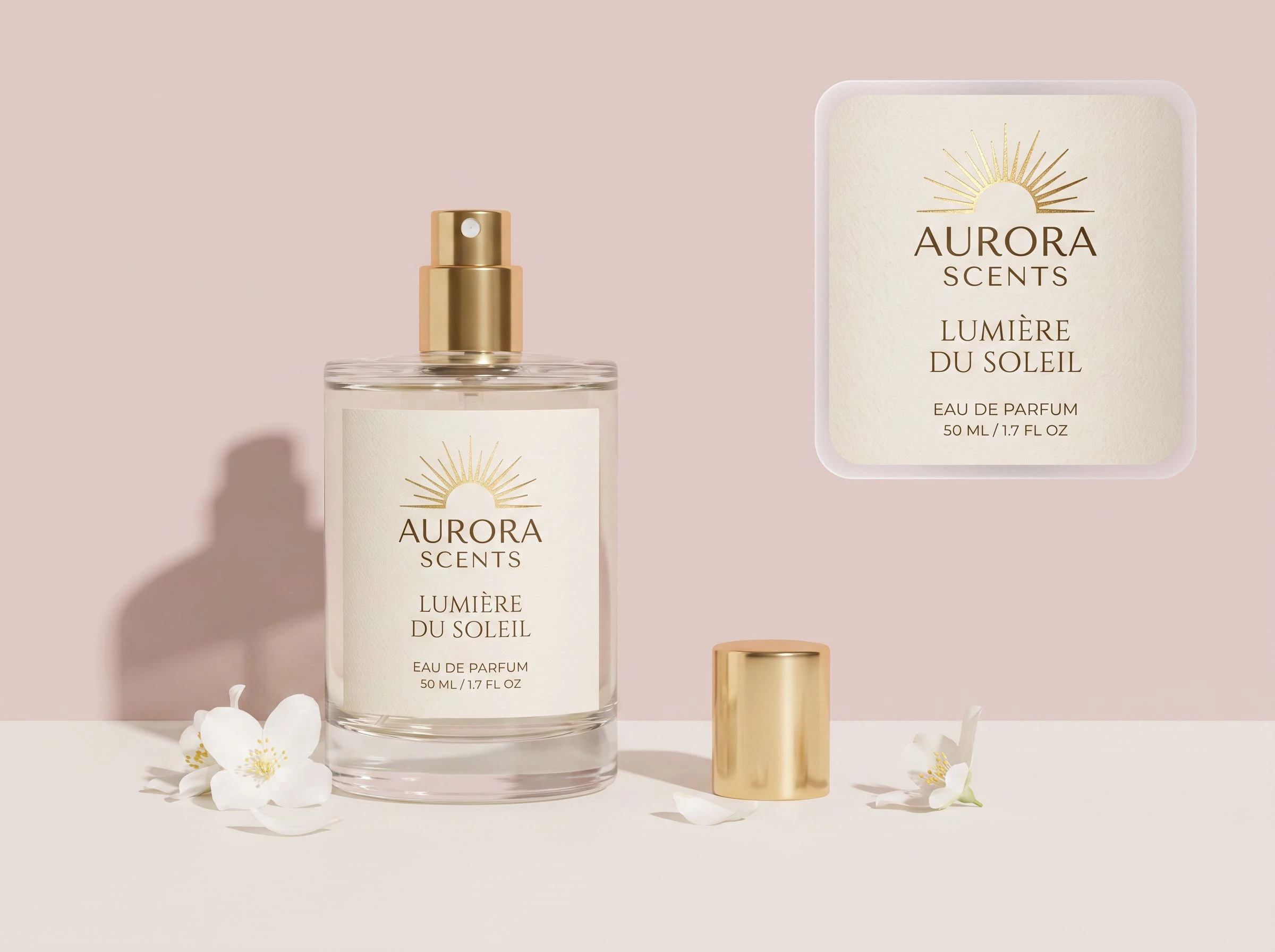
Customers may encounter your brand on a website, social post, product label, box, bag, or marketplace listing. When the logo, colors, and visual style feel disconnected, the brand becomes harder to recognize and trust.
Packify helps you develop a clearer visual direction that can be carried across packaging, digital content, and other brand materials.
Design with your product and audience in mind
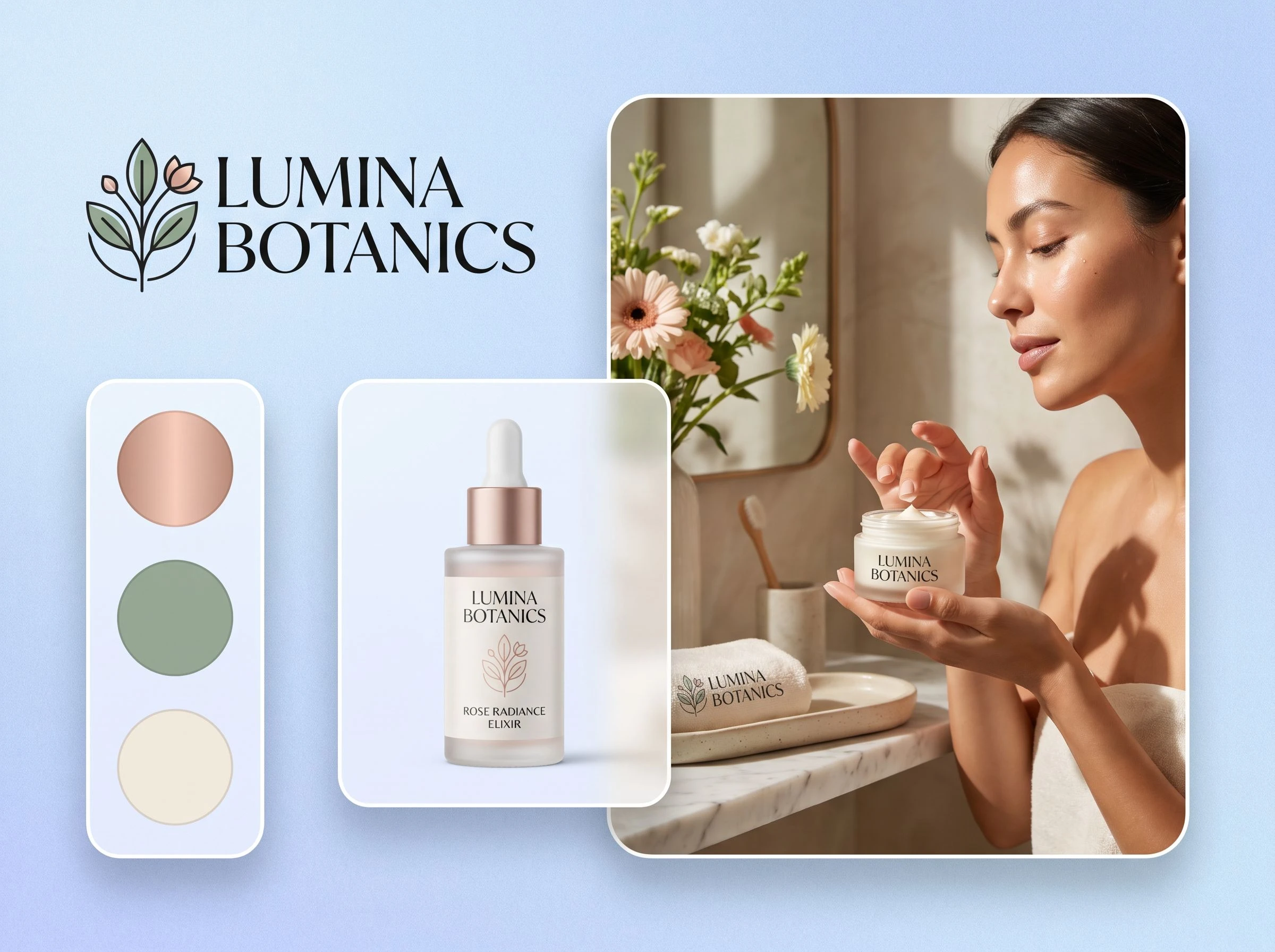
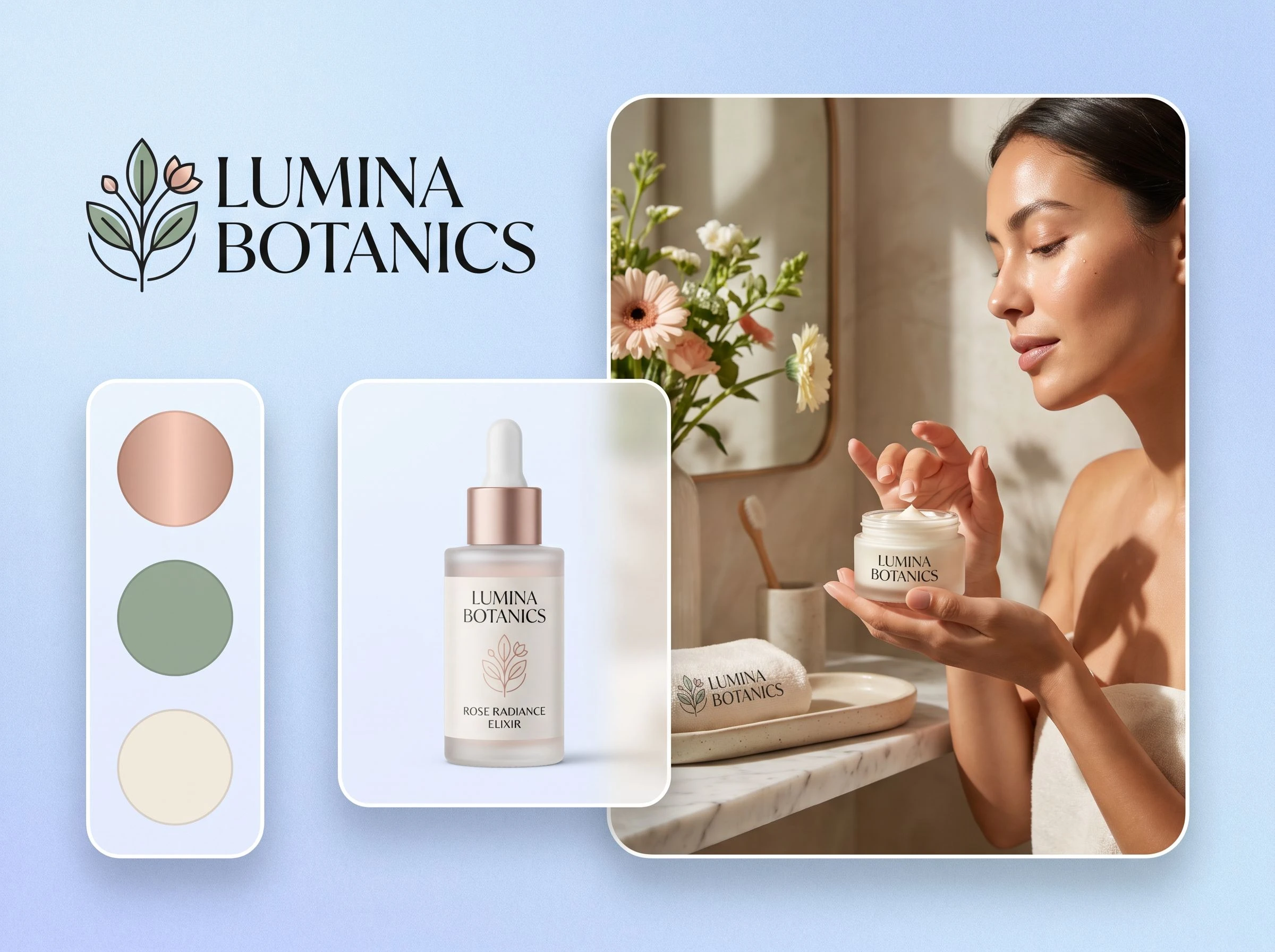
A skincare brand, coffee brand, children’s product, and technology accessory should not communicate in the same way. Each has different customers, price expectations, visual conventions, and packaging needs.
Include your product category, audience, preferred colors, and personality in the prompt so the logo feels connected to the brand you are building.
See how the logo works in context
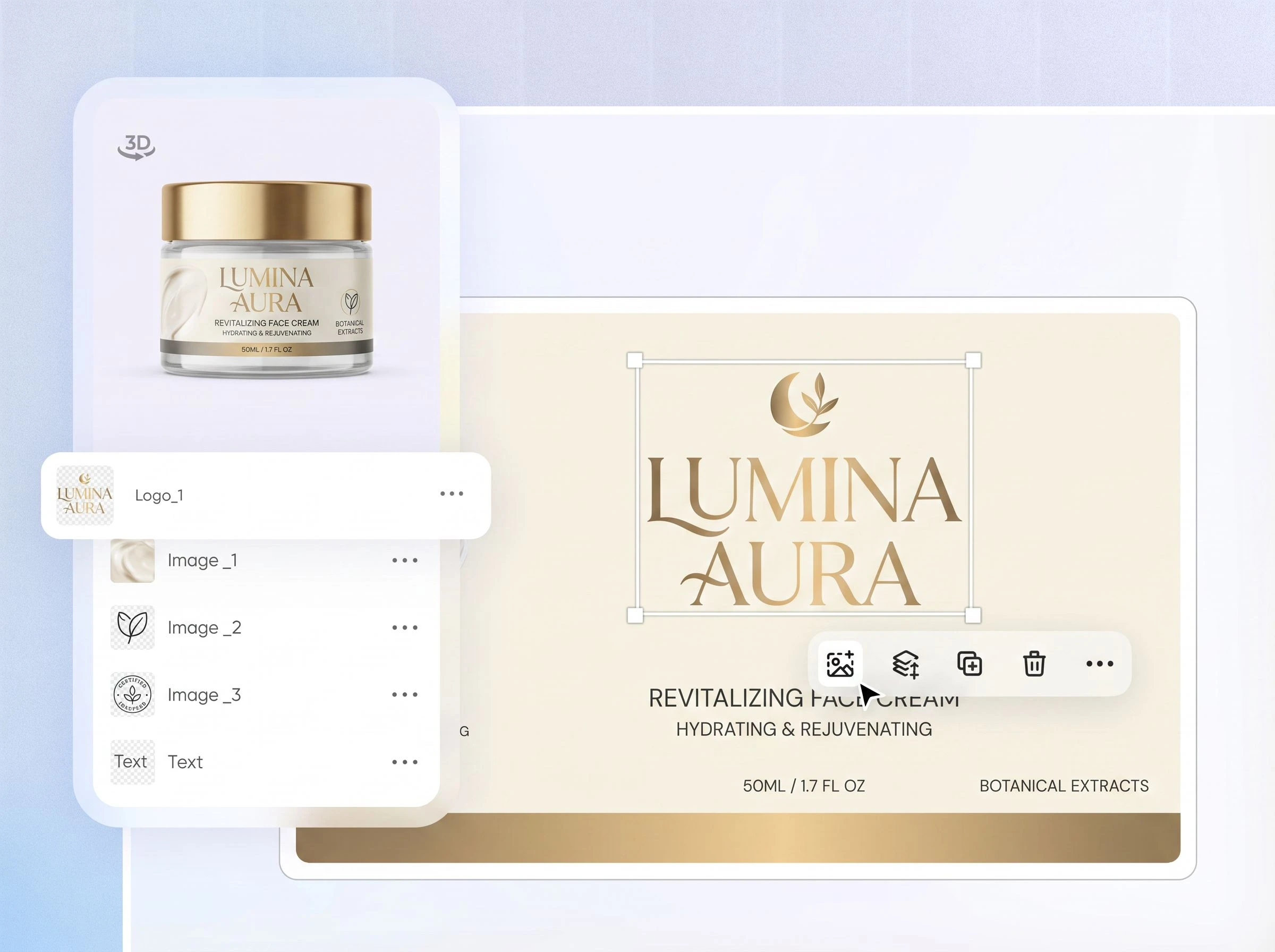
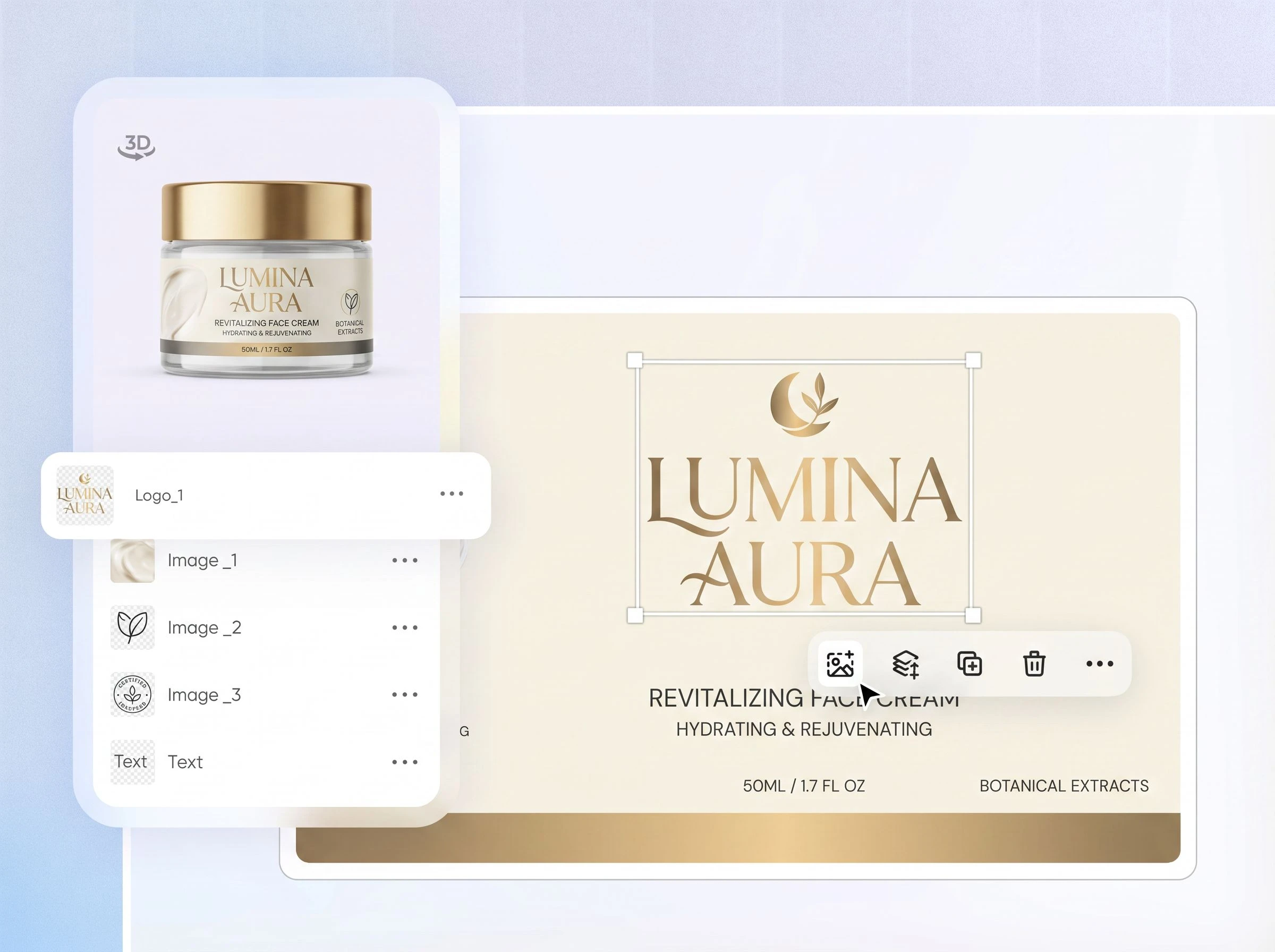
A logo can look good on a blank screen but feel wrong once it appears on a real product. Use Edit Logo to preview it on boxes, pouches, tins, labels, or other packaging formats and evaluate whether the complete visual feels consistent.
Turn your brand idea into a visual direction
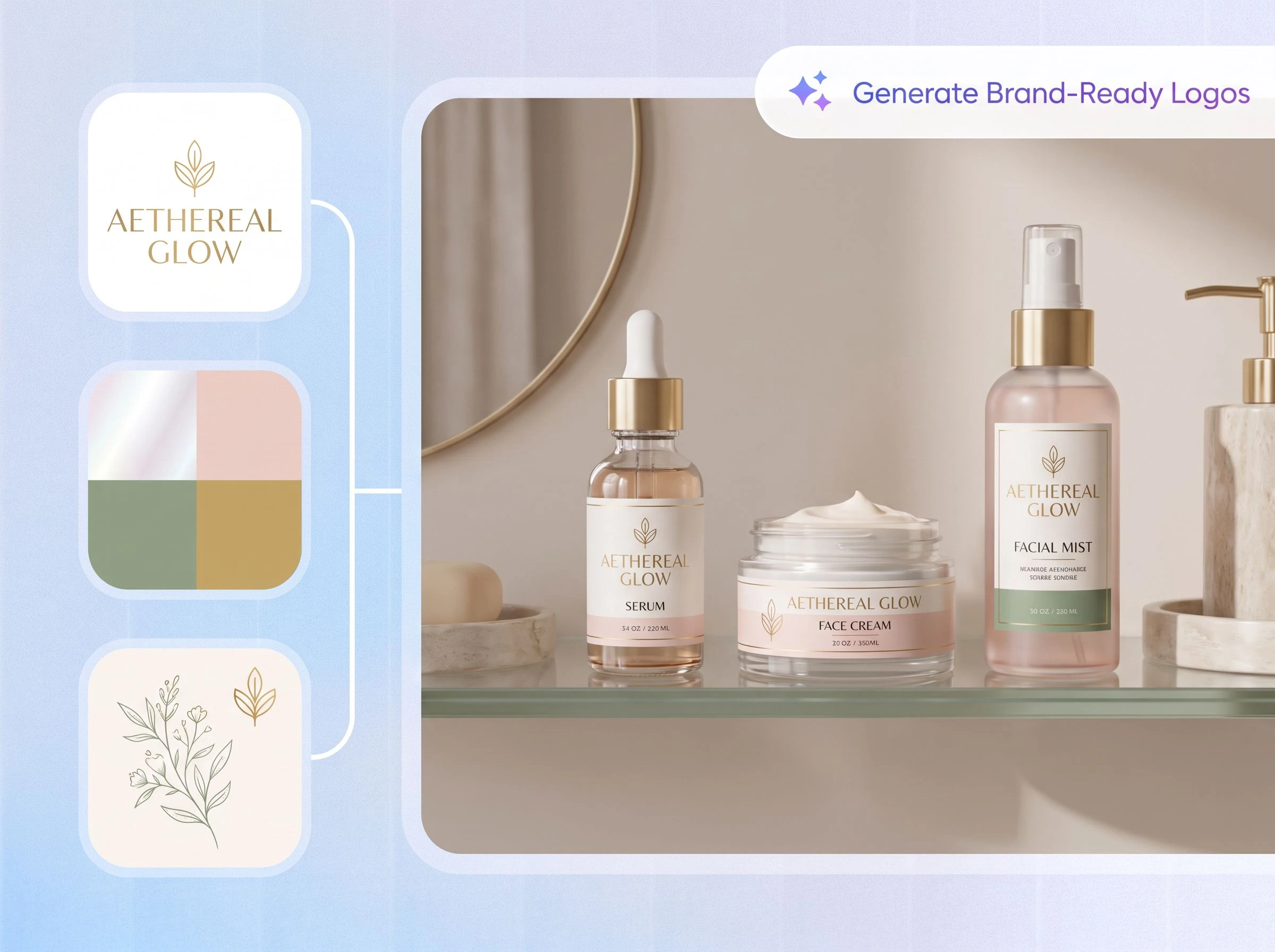
A brand logo should communicate more than a name. Its typography, colors, symbol, spacing, and overall mood should help people understand what the brand feels like and who it is for.
Packify lets you describe that direction in plain language and turn an abstract brand idea into something visible.
Build consistency across every touchpoint
Customers may encounter your brand on a website, social post, product label, box, bag, or marketplace listing. When the logo, colors, and visual style feel disconnected, the brand becomes harder to recognize and trust.
Packify helps you develop a clearer visual direction that can be carried across packaging, digital content, and other brand materials.
Design with your product and audience in mind
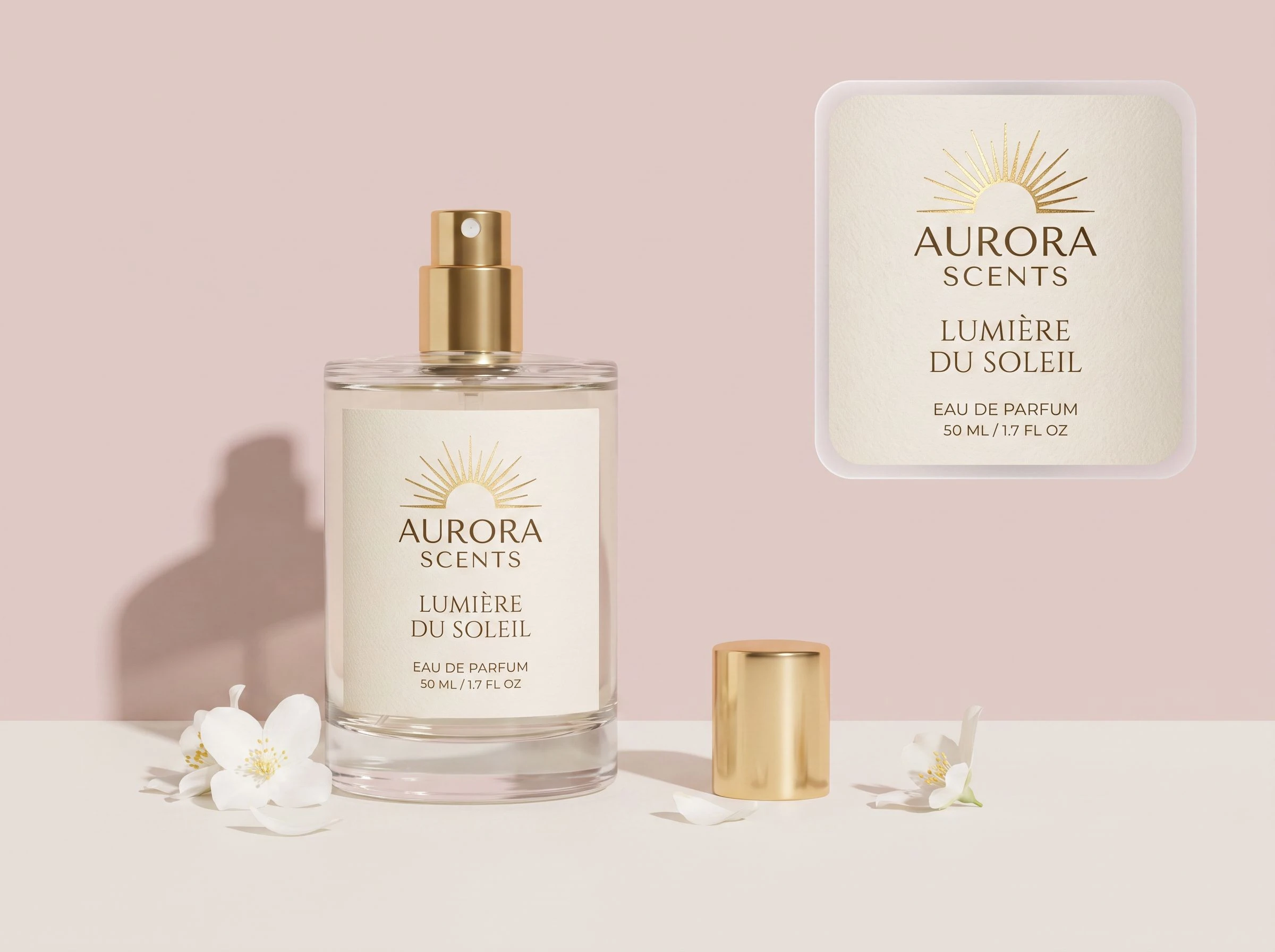
A skincare brand, coffee brand, children’s product, and technology accessory should not communicate in the same way. Each has different customers, price expectations, visual conventions, and packaging needs.
Include your product category, audience, preferred colors, and personality in the prompt so the logo feels connected to the brand you are building.
See how the logo works in context
A logo can look good on a blank screen but feel wrong once it appears on a real product. Use Edit Logo to preview it on boxes, pouches, tins, labels, or other packaging formats and evaluate whether the complete visual feels consistent.
Proven impact, in our customer's words


The AI-powered packaging design tool is a game-changer. It's fast, intuitive, making it an essential tool for any forward-thinking design team.ved.
March 26, 2025


The results are so amazing that I don't think it's just for inspiration... I'd say artificial intelligence outperforms most designers; the key is to come up with the perfect prompt. Great contribution! Thank you 😊.
March 18, 2025


The AI-powered packaging design tool is a game-changer. It's fast, intuitive, making it an essential tool for any forward-thinking design team.
March 18, 2025


We’re a tiny skincare shop. Packify.ai turned my scribbles into clean mockups and a printable dieline by Monday. Fewer back-and-forths, consistent branding, a nd our product page conversions moved.
March 18, 2025


The AI-powered packaging design tool is a game-changer. It's fast, intuitive, making it an essential tool for any forward-thinking design team.
March 26, 2025


The results are so amazing that I don't think it's just for inspiration... I'd say artificial intelligence outperforms most designers; the key is to come up with the perfect prompt. Great contribution! Thank you 😊
March 18, 2025


Congrats! Packify.ai, an AI packaging designer, enables easy, creative design and offers AI-driven product photography for e-commerce through simple chatting.
April 2, 2025


We’re a tiny skincare shop. Packify.ai turned my scribbles into clean mockups and a printable dieline by Monday. Fewer back-and-forths, consistent branding, a nd our product page conversions moved.
May 9, 2025
You asked,
we answered
You asked, we answered
What is a brand logo maker?
A brand logo maker helps you create a logo from your brand name. It is useful for founders who already have a name but do not yet have a visual direction, and want to explore type, symbols, colors, and overall brand feel.
What's the difference between a brand logo and a corporate logo?
A corporate logo typically emphasizes a clear, reliable, and professional company image. A brand logo focuses more on the overall visual experience consumers encounter, and the relationship between the logo and colors, fonts, packaging, images, and product presentation.
Both can represent an organization, but a brand logo is usually designed as part of a complete brand visual system.
What is brand visual consistency?
Brand visual consistency refers to maintaining easily recognizable visual characteristics across different user touchpoints. Whether consumers see the brand on a website, social media, product labels, or packaging, the logo, colors, fonts, typography, and image style should be consistent.
Consistency doesn't mean every design must be exactly the same, but rather that all designs should clearly convey that they belong to the same brand.
Can I create a logo if I only have a brand name?
Yes. Start with your brand name, then add a little product context, such as what you sell, who it is for, and whether the style should feel minimal, premium, natural, playful, or bold. The more specific the input, the closer the result can get to your brand direction.
What if I am not happy with the generated logo?
You can update the prompt and regenerate, such as changing the color, style, type direction, or asking for a simpler mark. If adjusting the result feels difficult, or if you need a fuller brand visual system, Packify's design team can also provide professional support.
Can I preview the logo on packaging?
Yes. After generating a logo, click Edit logo and describe the packaging scene you want to see. For example: place this logo on a black perfume box, premium style, front-facing, with clean spacing. Packify will generate a matching visual from your prompt.
Can I use the generated brand logo for commercial projects?
Yes, you can use the logos you create with Packify for both personal and commercial projects, as long as you follow our Terms of Use. Please note that Packify does not grant exclusive rights to AI-generated content. You own the right to use and share your logo designs, but it is your responsibility to make sure they are suitable for your specific product, especially if the design includes trademarks or visual elements similar to existing brands. Always review your design carefully before going to market.
Can I use the AI brand logo maker for free?
You can start generating for free. Credits are consumed based on usage. Check your account balance before generating, or upgrade for more credits anytime. For full details on subscription plans and credit packages, see our Pricing Page.
Give your brand name a visual direction
