
Chocolate box mockup generator
Describe your chocolate box, brand and style. Get a mockup image to explore design ideas and share your direction with clients or your team.
Trusted by industry-leading businesses


Explore chocolate box ideas before choosing a design
You have a chocolate box design in mind, but a written brief leaves room for interpretation. Packify turns your description into a chocolate box mockup so you can discuss a visible concept. Explore a direction, review the layout, and use the image to guide your next design decision.
How to generate a chocolate box mockup with Packify?
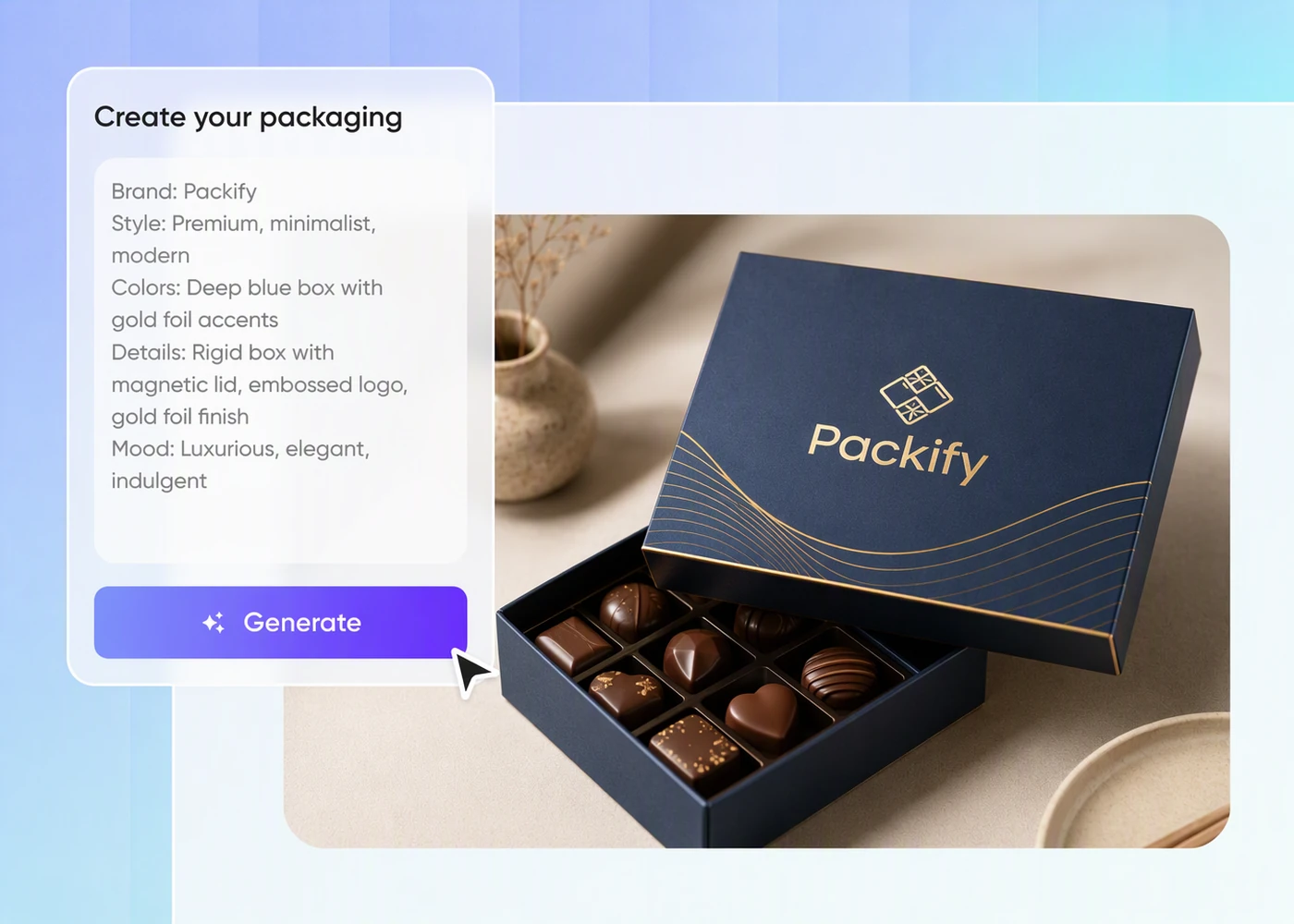
Step 1: Outline your chocolate box idea
Describe your chocolate brand, the box you want to visualize, and the design direction you need help exploring.
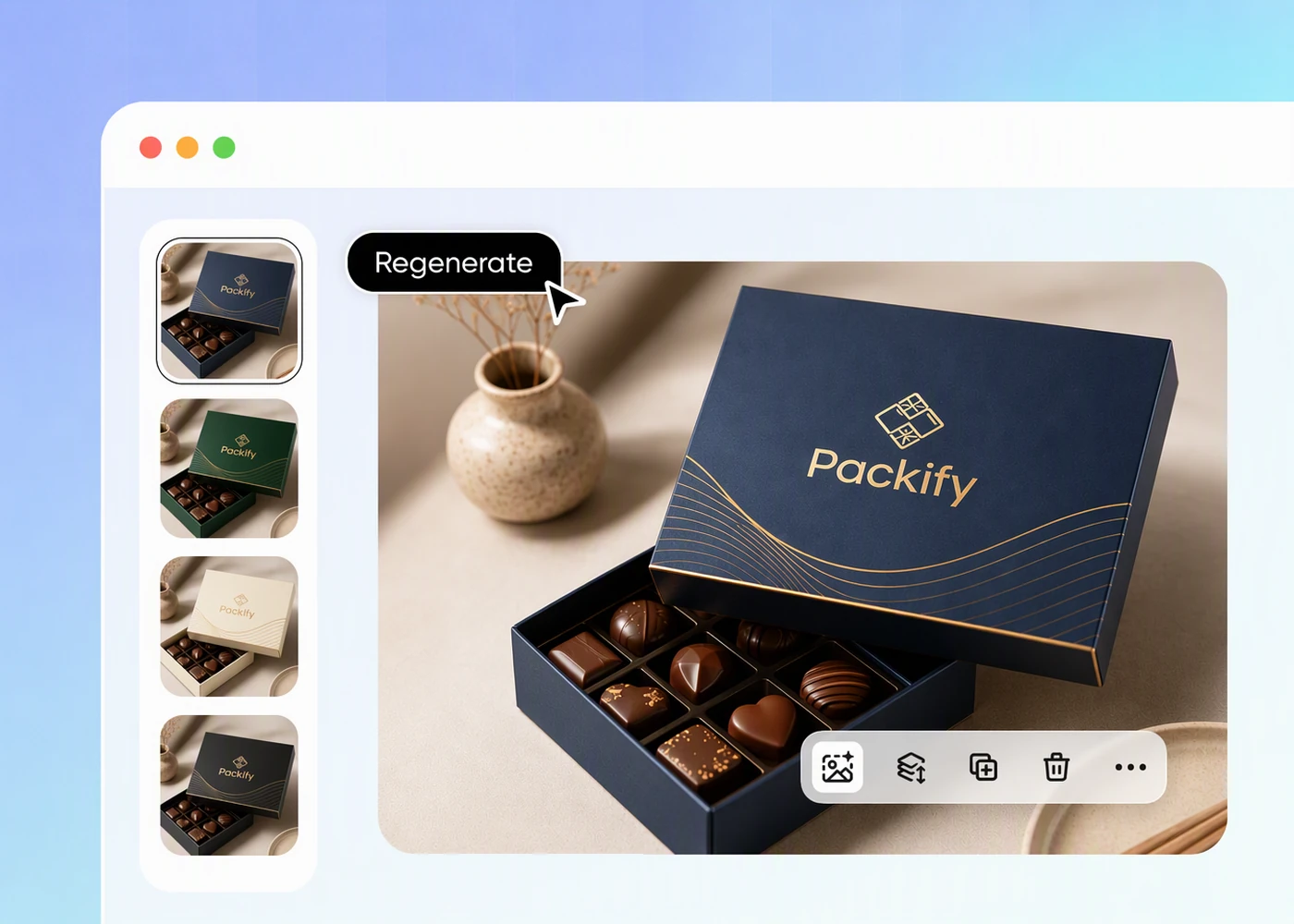
Step 2: Generate and revise your concept
Generate a mockup, review the layout, then revise your description to explore another direction or address feedback from your team.
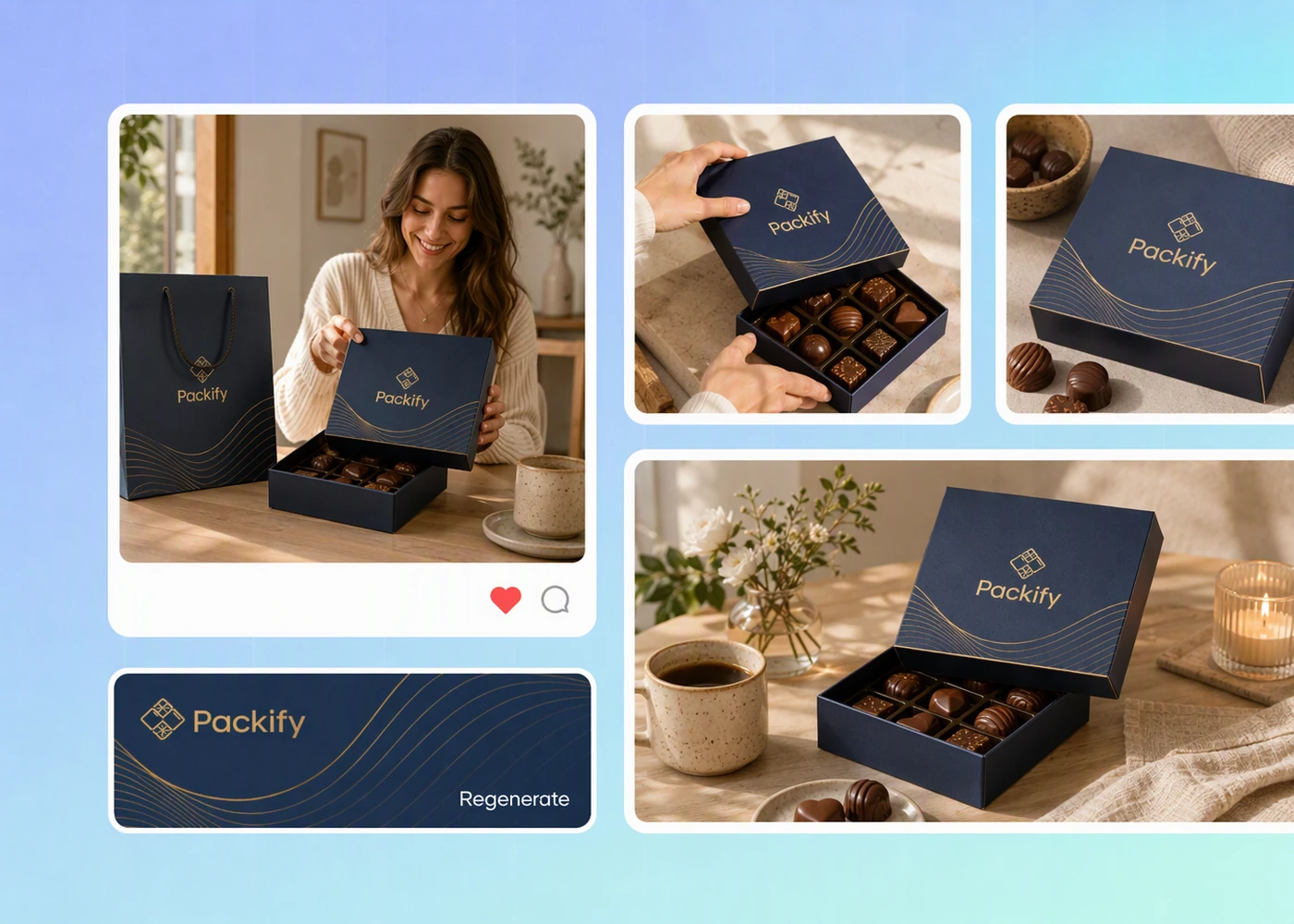
Step 3: Use your chocolate box mockup
Use your chosen chocolate box mockup for e-commerce product images and social media promotions, or share it with your client to discuss ideas.

Step 1: Outline your chocolate box idea
Describe your chocolate brand, the box you want to visualize, and the design direction you need help exploring.
Step 2: Generate and revise your concept
Generate a mockup, review the layout, then revise your description to explore another direction or address feedback from your team.
Step 3: Use your chocolate box mockup
Use your chosen chocolate box mockup for e-commerce product images and social media promotions, or share it with your client to discuss ideas.
Why choose Packify for chocolate box mockups?
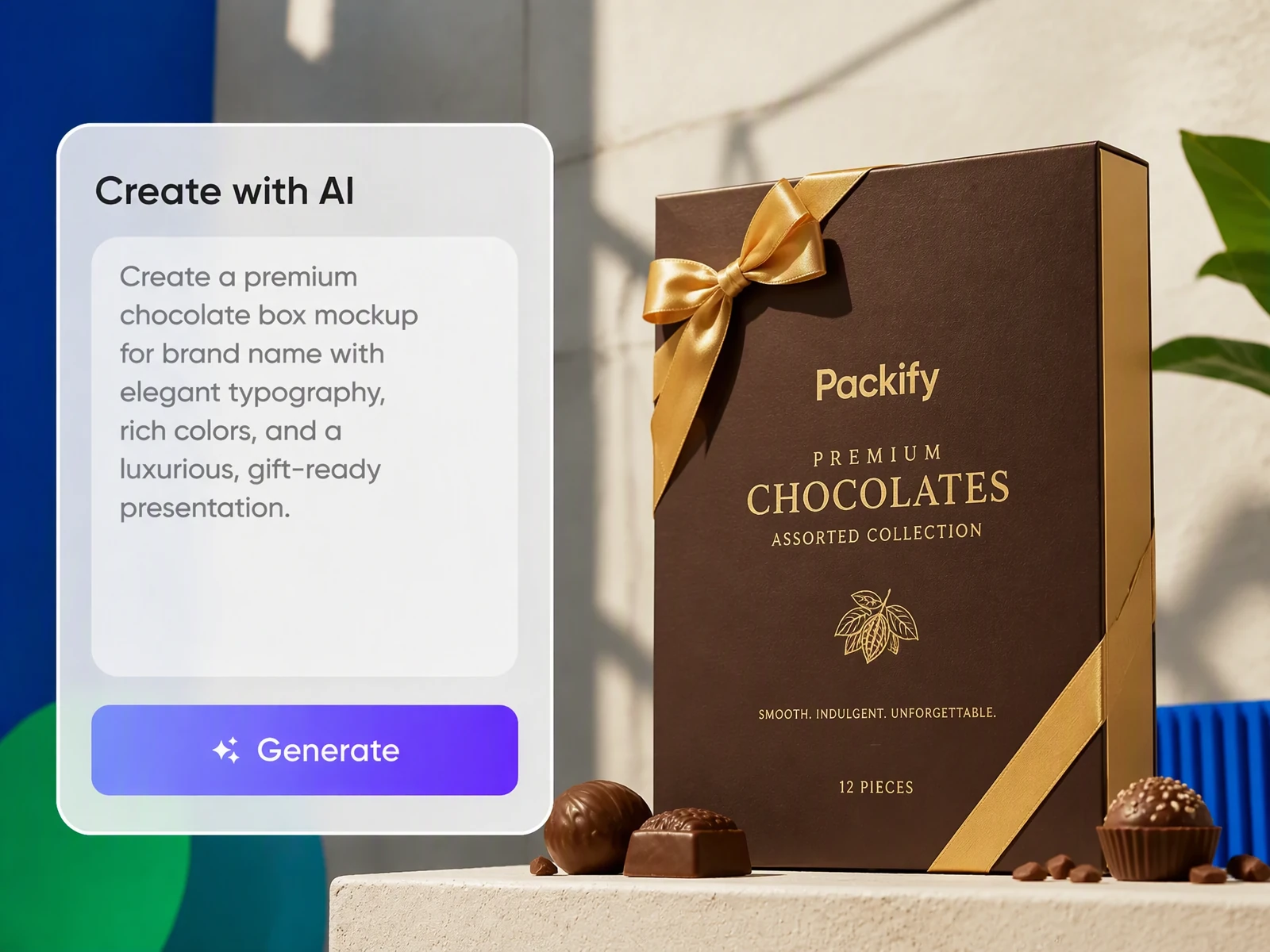
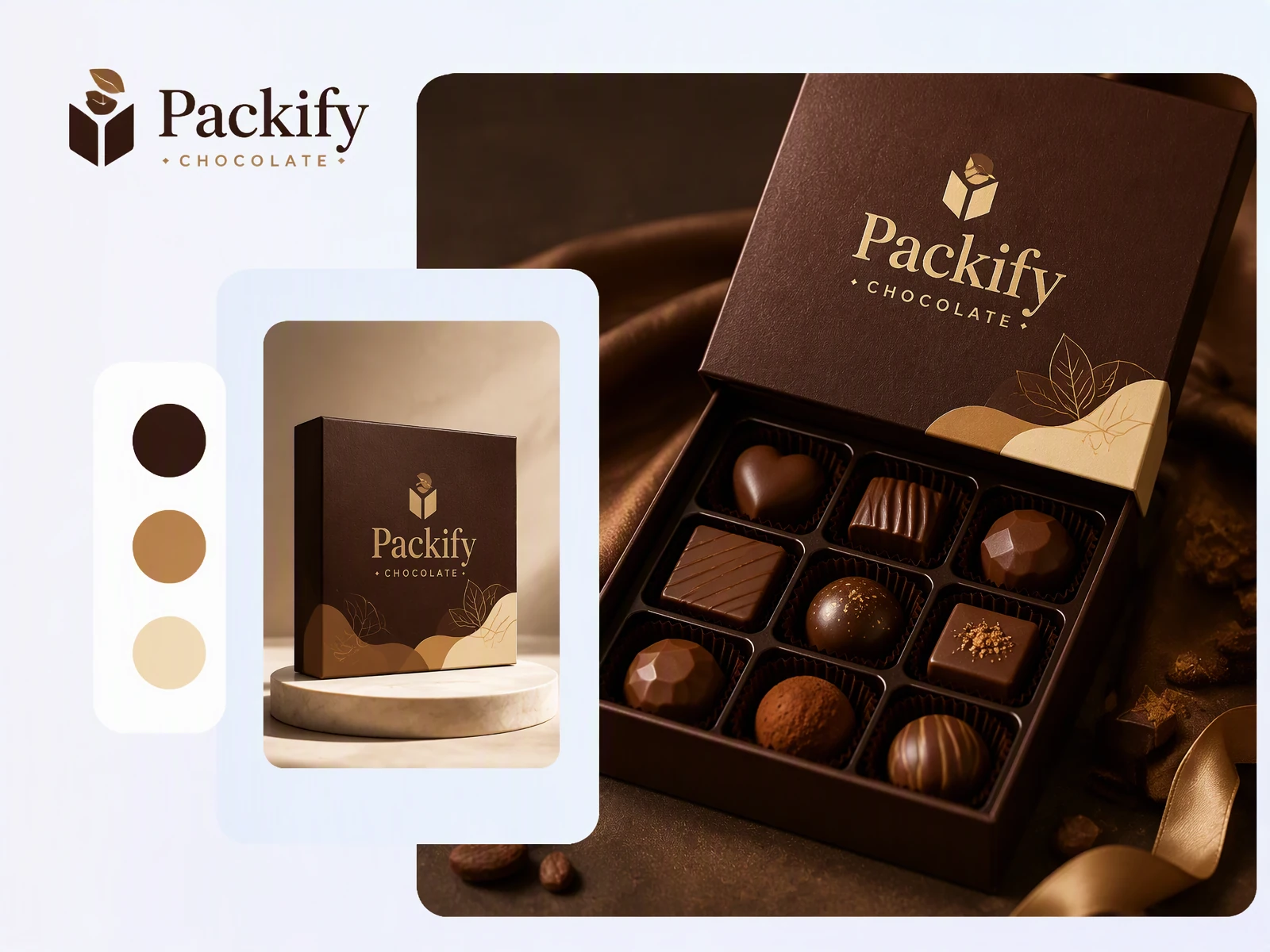
Find a chocolate box direction
Choosing a chocolate box design is difficult when you have ideas but no visual starting point. Describe the brand and style you want, and Packify generates a mockup image to use as a design reference for your next packaging brief.
Compare chocolate box layout ideas
Two chocolate box ideas can sound equally suitable in a brief, yet lead to different layouts. Generate each direction separately with Packify, then compare the images with your team to decide which arrangement deserves further development before the next design round.
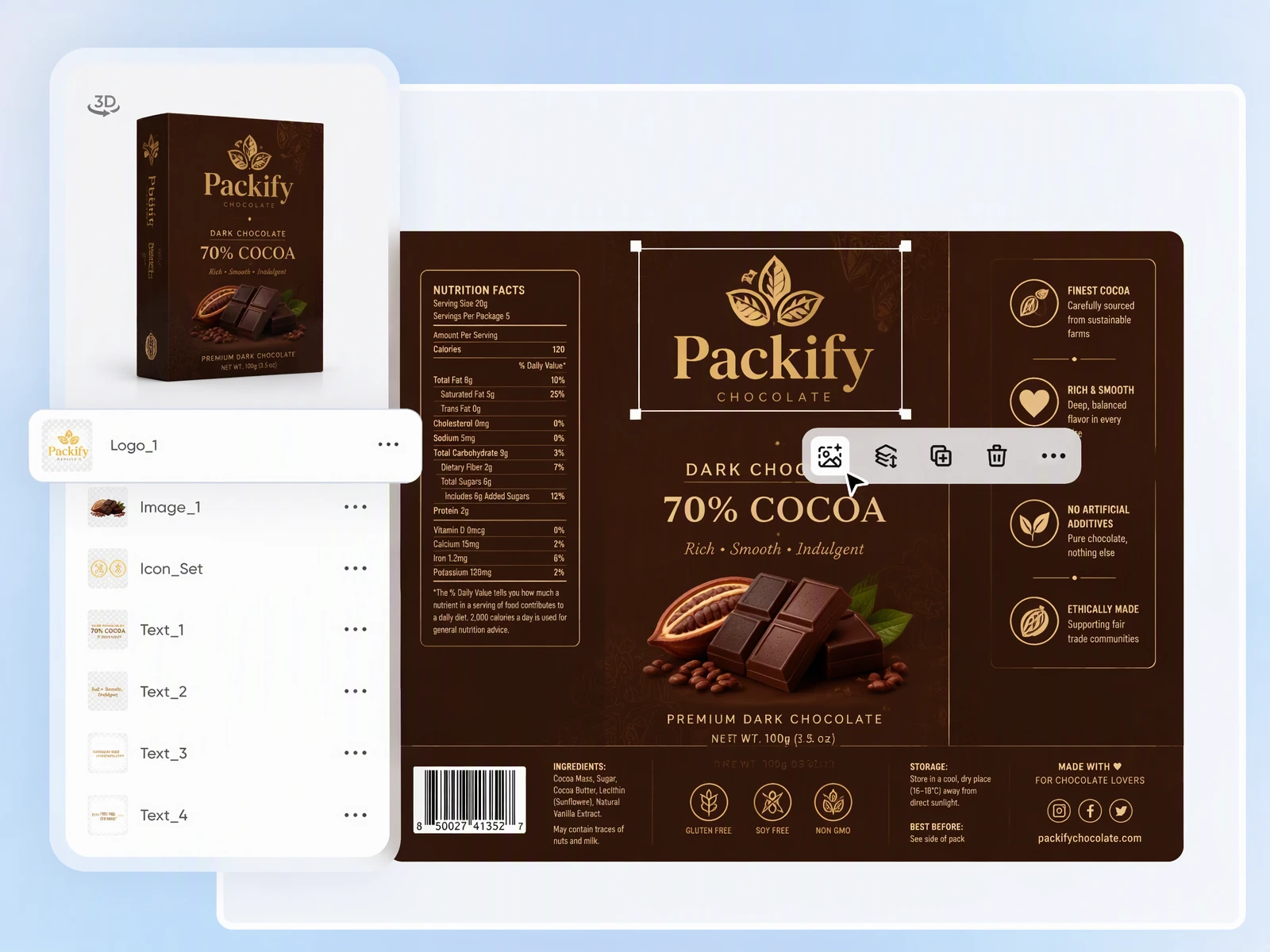
Refine your chocolate box mockup
An unclear chocolate box mockup makes it harder for clients to evaluate your design idea. Use Edit design to revise it, select your preferred design, and click Export dieline. Preview it in 3D, then manually adjust the packaging content, including text, logo size, and graphics, before sharing with your client or team.
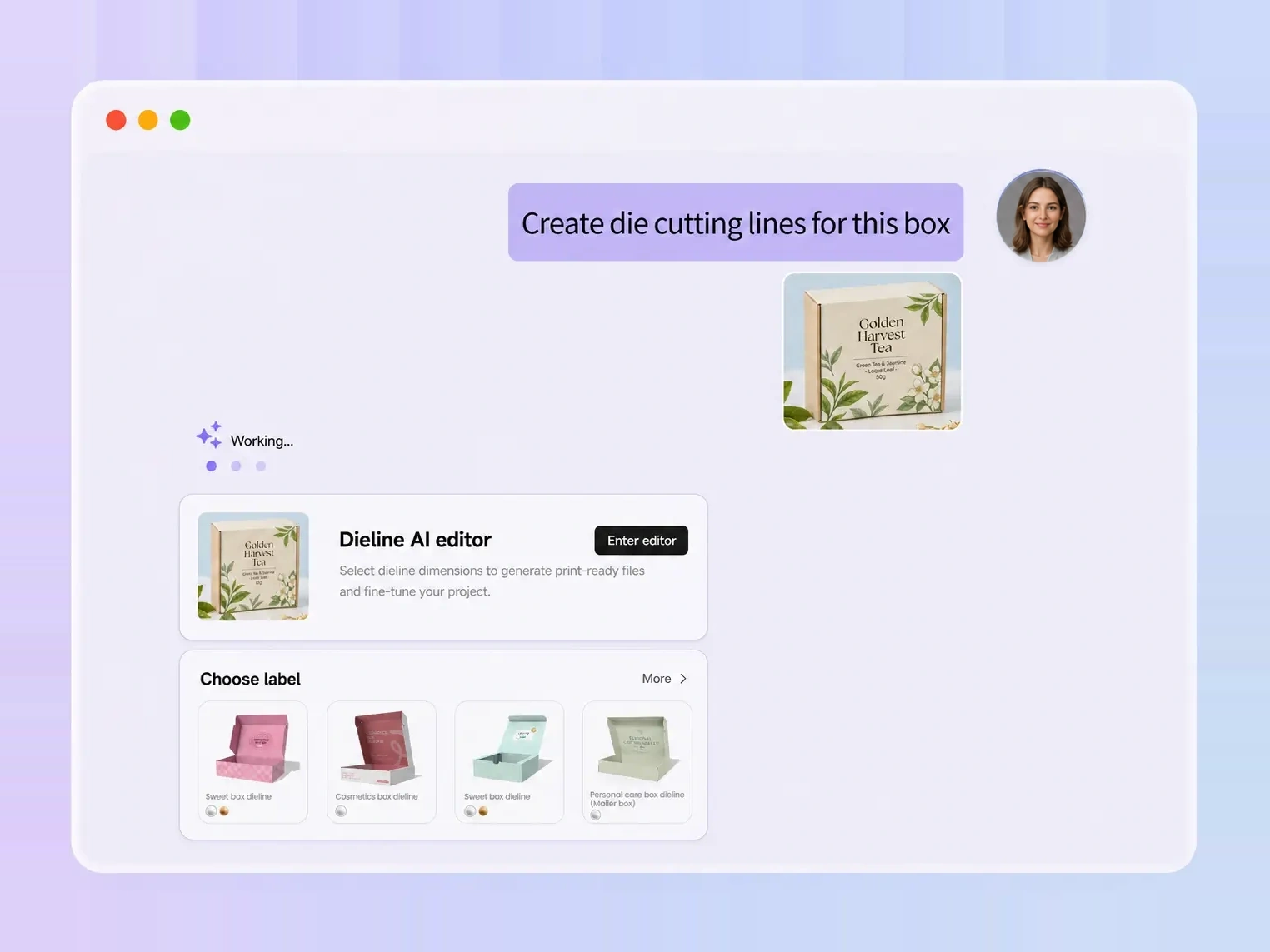
Turn chocolate box mockups into dielines
Your chocolate box mockup helps communicate the concept, but print preparation needs a dieline. Click Export dieline in Packify to generate a dieline from your mockup, then download the PDF and AI files to share with your printer for review before printing.
Find a chocolate box direction
Choosing a chocolate box design is difficult when you have ideas but no visual starting point. Describe the brand and style you want, and Packify generates a mockup image to use as a design reference for your next packaging brief.
Compare chocolate box layout ideas
Two chocolate box ideas can sound equally suitable in a brief, yet lead to different layouts. Generate each direction separately with Packify, then compare the images with your team to decide which arrangement deserves further development before the next design round.
Refine your chocolate box mockup
An unclear chocolate box mockup makes it harder for clients to evaluate your design idea. Use Edit design to revise it, select your preferred design, and click Export dieline. Preview it in 3D, then manually adjust the packaging content, including text, logo size, and graphics, before sharing with your client or team.
Turn chocolate box mockups into dielines
Your chocolate box mockup helps communicate the concept, but print preparation needs a dieline. Click Export dieline in Packify to generate a dieline from your mockup, then download the PDF and AI files to share with your printer for review before printing.
Proven impact, in our customer's words


The AI-powered packaging design tool is a game-changer. It's fast, intuitive, making it an essential tool for any forward-thinking design team.ved.
March 26, 2025


The results are so amazing that I don't think it's just for inspiration... I'd say artificial intelligence outperforms most designers; the key is to come up with the perfect prompt. Great contribution! Thank you 😊.
March 18, 2025


The AI-powered packaging design tool is a game-changer. It's fast, intuitive, making it an essential tool for any forward-thinking design team.
March 18, 2025


We’re a tiny skincare shop. Packify.ai turned my scribbles into clean mockups and a printable dieline by Monday. Fewer back-and-forths, consistent branding, a nd our product page conversions moved.
March 18, 2025


The AI-powered packaging design tool is a game-changer. It's fast, intuitive, making it an essential tool for any forward-thinking design team.
March 26, 2025


The results are so amazing that I don't think it's just for inspiration... I'd say artificial intelligence outperforms most designers; the key is to come up with the perfect prompt. Great contribution! Thank you 😊
March 18, 2025


Congrats! Packify.ai, an AI packaging designer, enables easy, creative design and offers AI-driven product photography for e-commerce through simple chatting.
April 2, 2025


We’re a tiny skincare shop. Packify.ai turned my scribbles into clean mockups and a printable dieline by Monday. Fewer back-and-forths, consistent branding, a nd our product page conversions moved.
May 9, 2025
You asked,
we answered
You asked, we answered
What is a chocolate box mockup generator, and how is it different from PSD templates on Adobe or Envato?
A chocolate box mockup generator helps you visualize packaging ideas before choosing a design direction. PSD templates on Adobe or Envato let you place artwork into an existing mockup; Packify can generate concept images from a packaging description or mockup images from your design artwork. Compare options and share visual references with clients or your team.
Who is this chocolate box mockup tool for?
Packaging designers and freelancers can use it to explore concepts for client discussions. Chocolate brands and marketing teams can use it to communicate a proposed direction to their designers. It is suited to early visual exploration, when the packaging design is still being decided.
Do I need finished artwork to get started?
No. You can start with a written description of your chocolate brand and the box design you want to explore. Include the brand name, key wording, and intended style. If you have an inspiration image, use it as a style reference without expecting an exact reproduction.
Can I generate chocolate box mockups for free?
You can try generating chocolate box mockups with the free credits available in your account. Generation uses credits, so check your remaining balance before starting. For details about subscriptions and additional credit packages, visit the Pricing Page.
Can I use chocolate box mockups commercially?
Yes, subject to the Terms of Use. You can use your generated chocolate box images for business projects, but Packify does not grant exclusive rights or guarantee clearance for every commercial use. Review any trademarks and similarities to existing packaging before publishing.
Give your chocolate box idea a visual form
