AI color palette generator
Upload a reference image or describe how you want your brand to feel. Packify creates a color direction and applies it to your next image or packaging design.

Trusted by industry-leading businesses


Build a brand look without color theory
You may know how your brand should feel without knowing which colors belong together or where to use them. Packify turns your image, product details, and brand description into clear visual directions. Choose the one that represents your brand, then use the resulting palette to generate packaging or visual content. This brand color palette generator takes you beyond a row of swatches and into an actual design.
How to use Packify's color scheme generator?
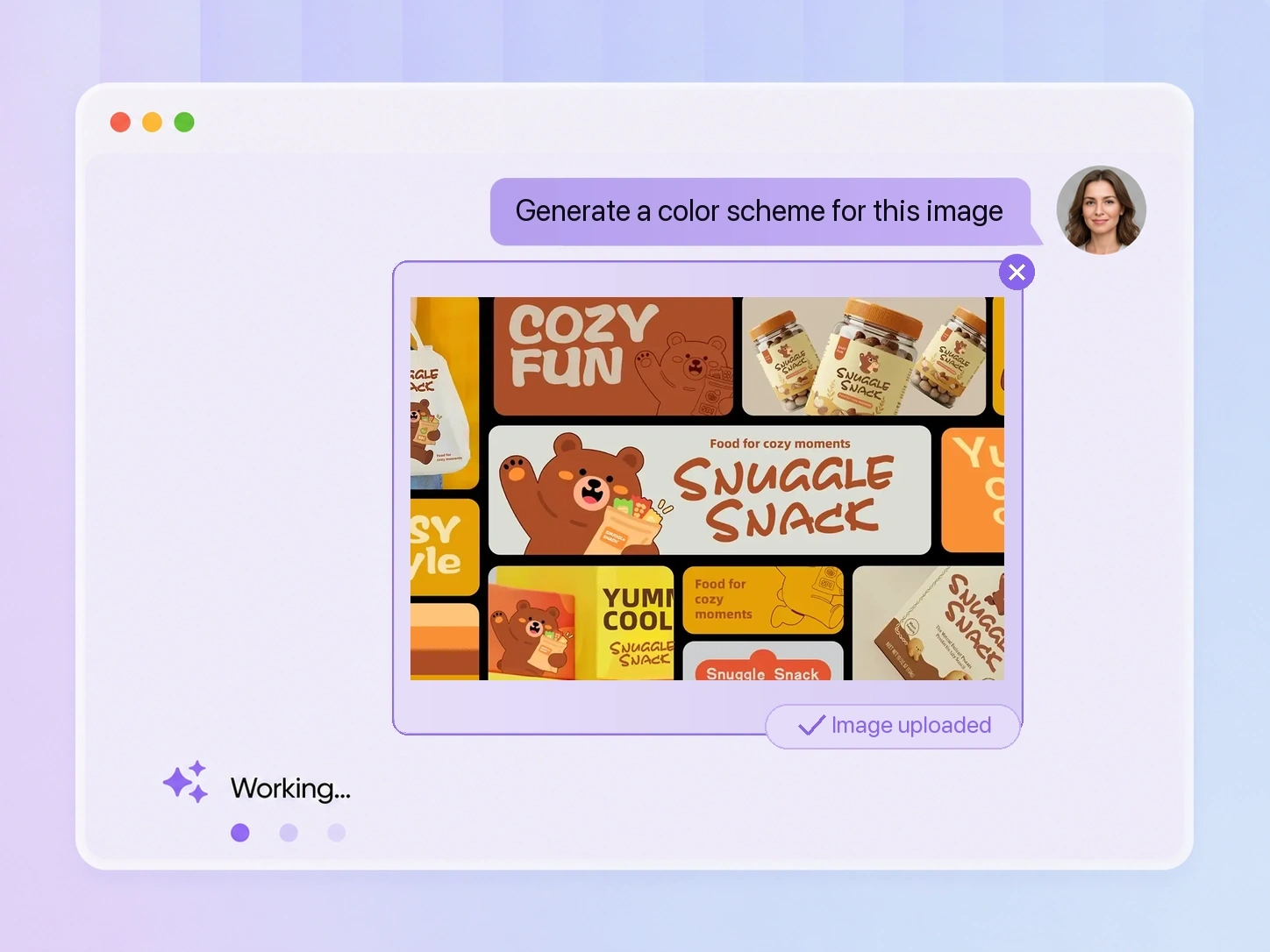
Step 1: Add an image or idea
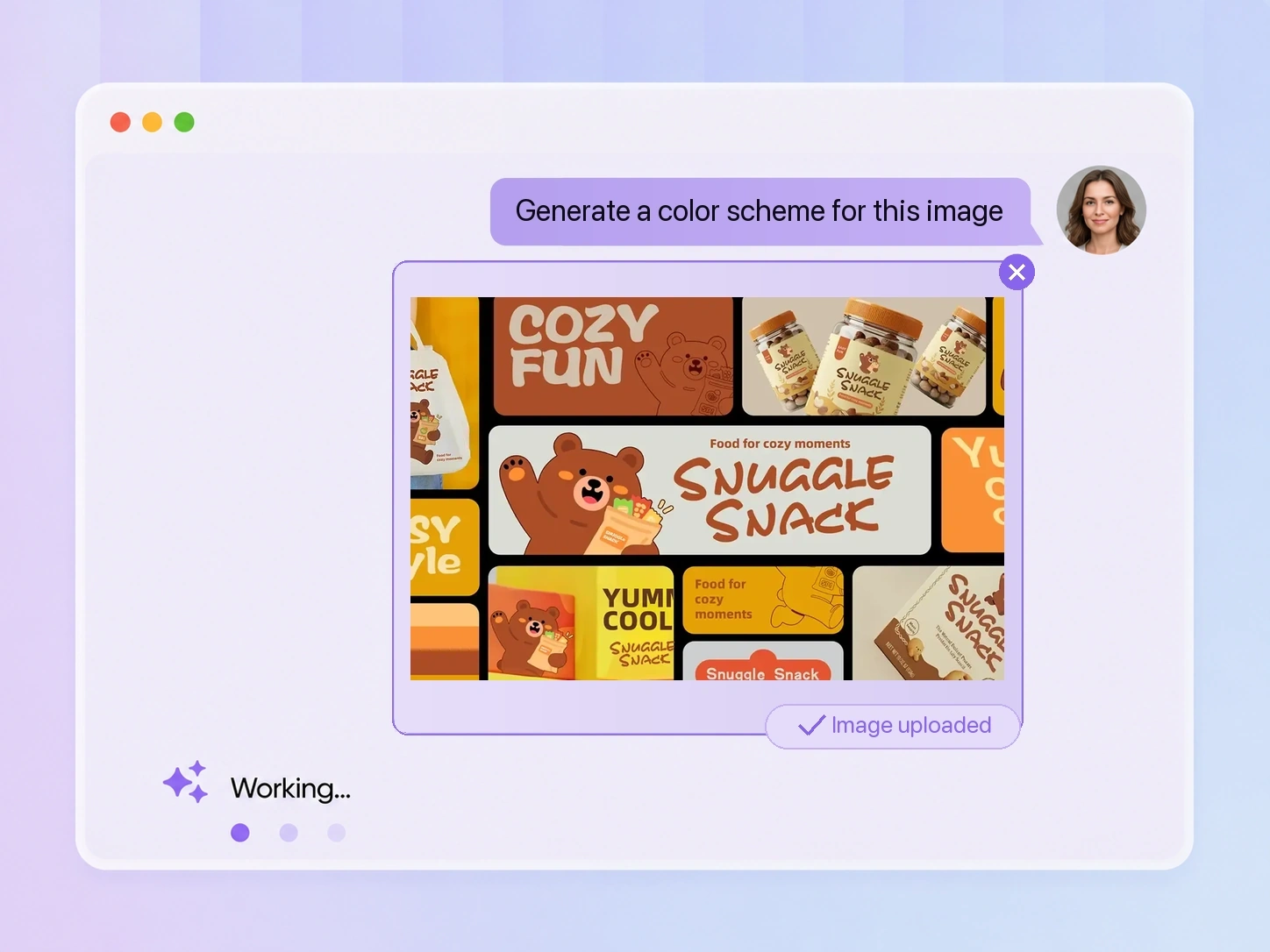
Upload a product photo, logo, or inspiration image, or describe the brand image you want to create.
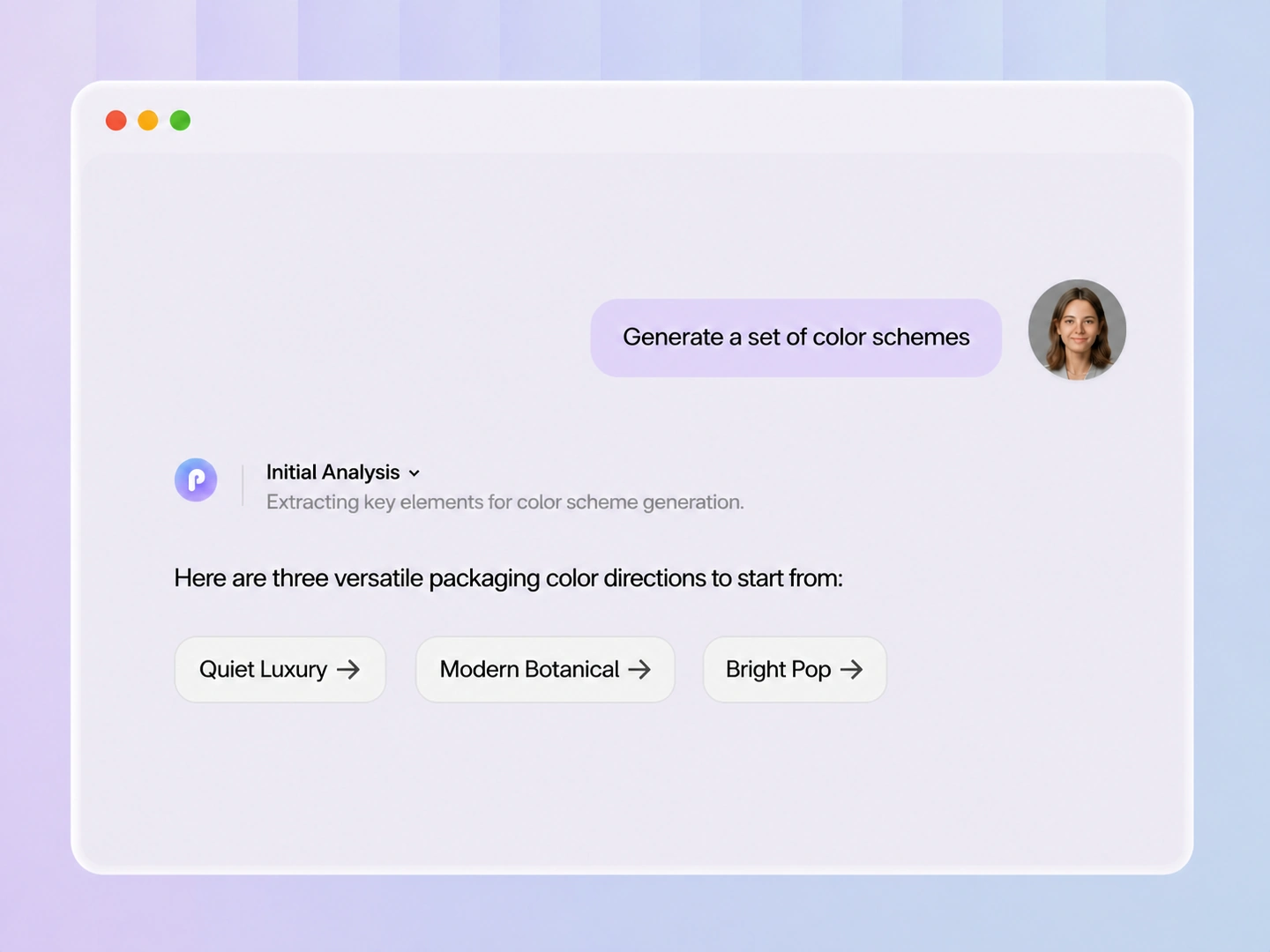
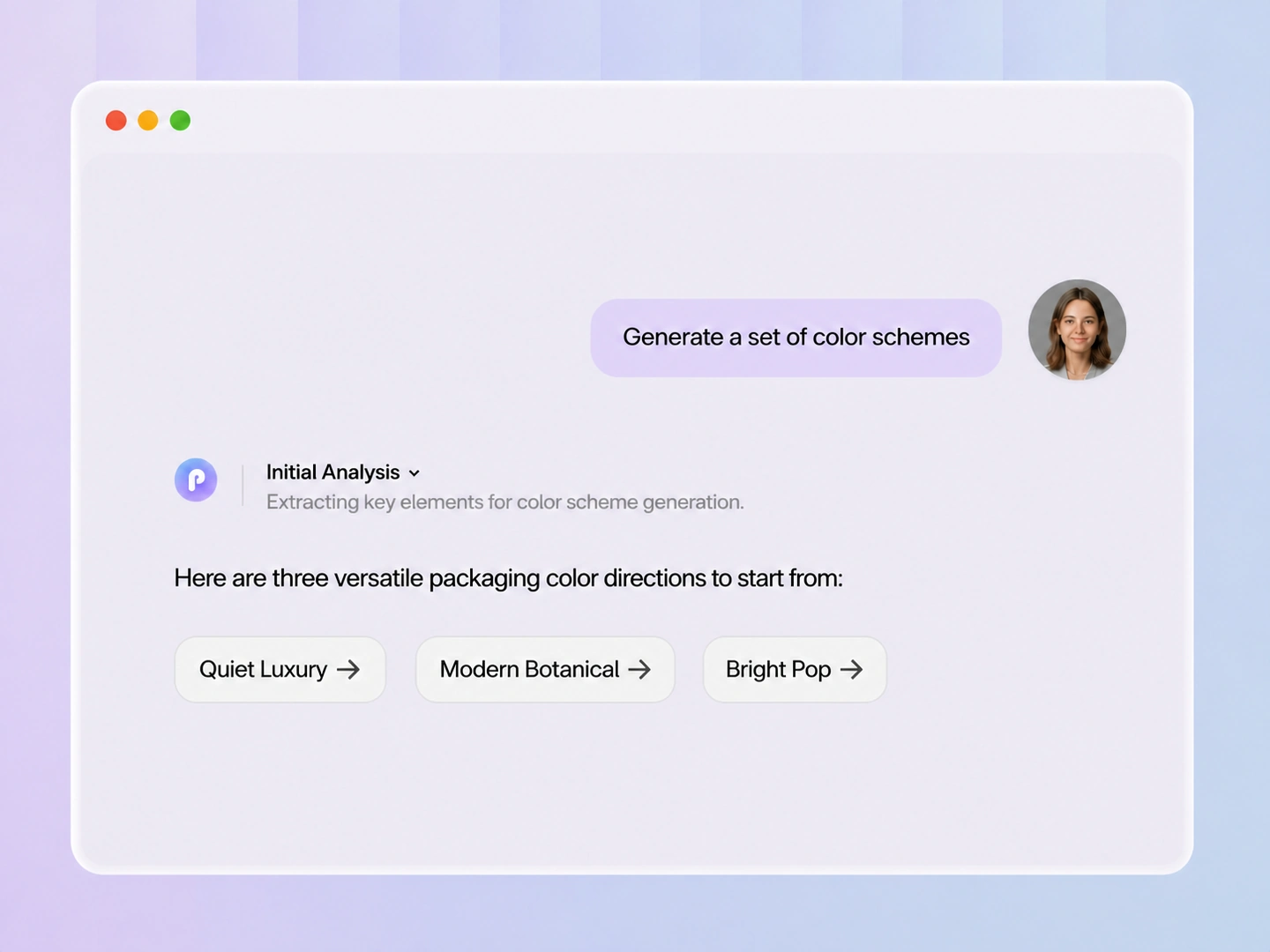
Step 2: Choose a brand direction
Review the directions Packify suggests and select the one that best represents your product, audience, and brand identity.
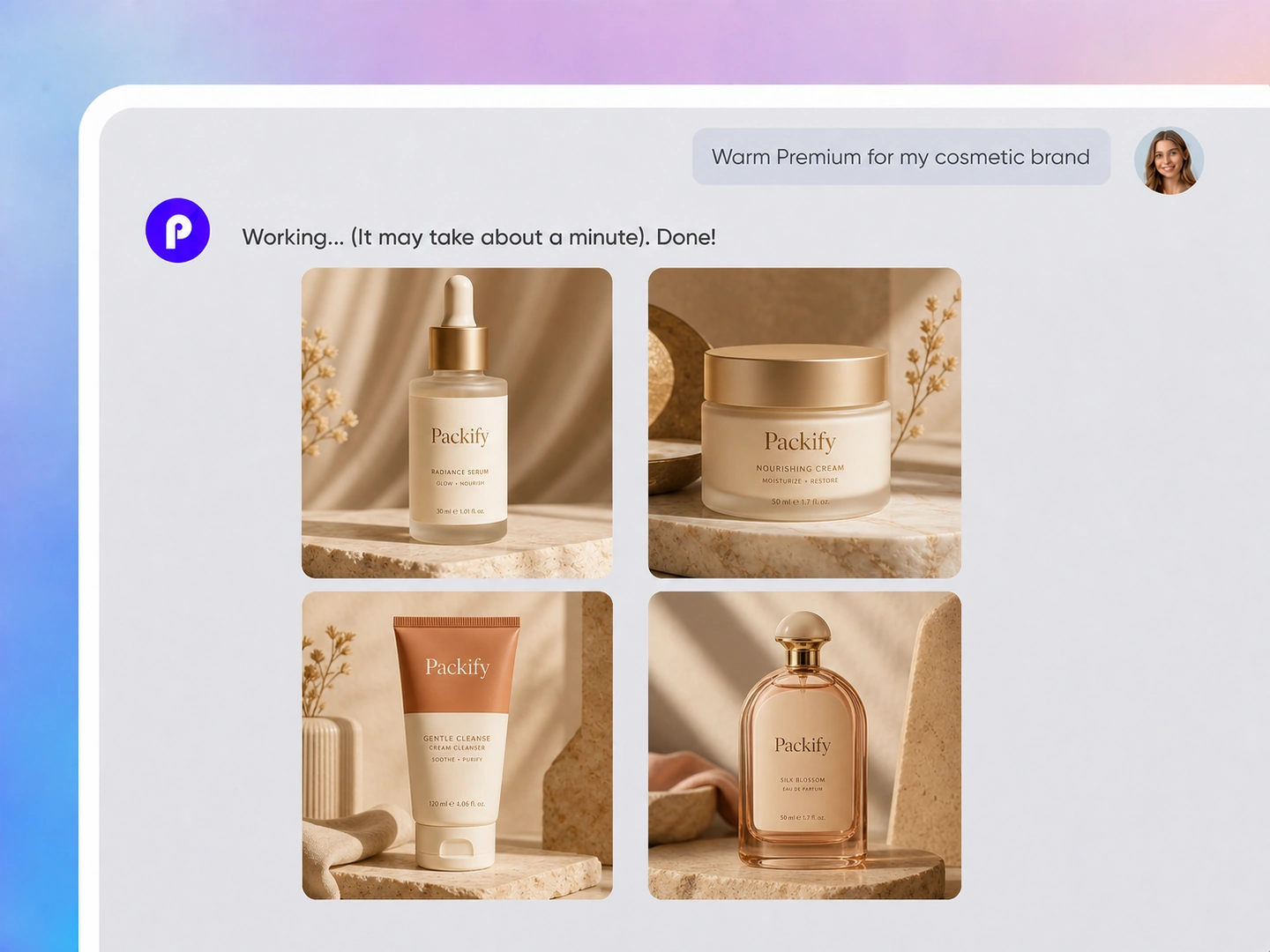
Step 3: Apply it to your design
Add your product, brand, logo, and packaging details, then use the selected color direction to generate your next visual.

Step 1: Add an image or idea
Upload a product photo, logo, or inspiration image, or describe the brand image you want to create.
Step 2: Choose a brand direction
Review the directions Packify suggests and select the one that best represents your product, audience, and brand identity.
Step 3: Apply it to your design
Add your product, brand, logo, and packaging details, then use the selected color direction to generate your next visual.
Why choose Packify's AI color palette maker?
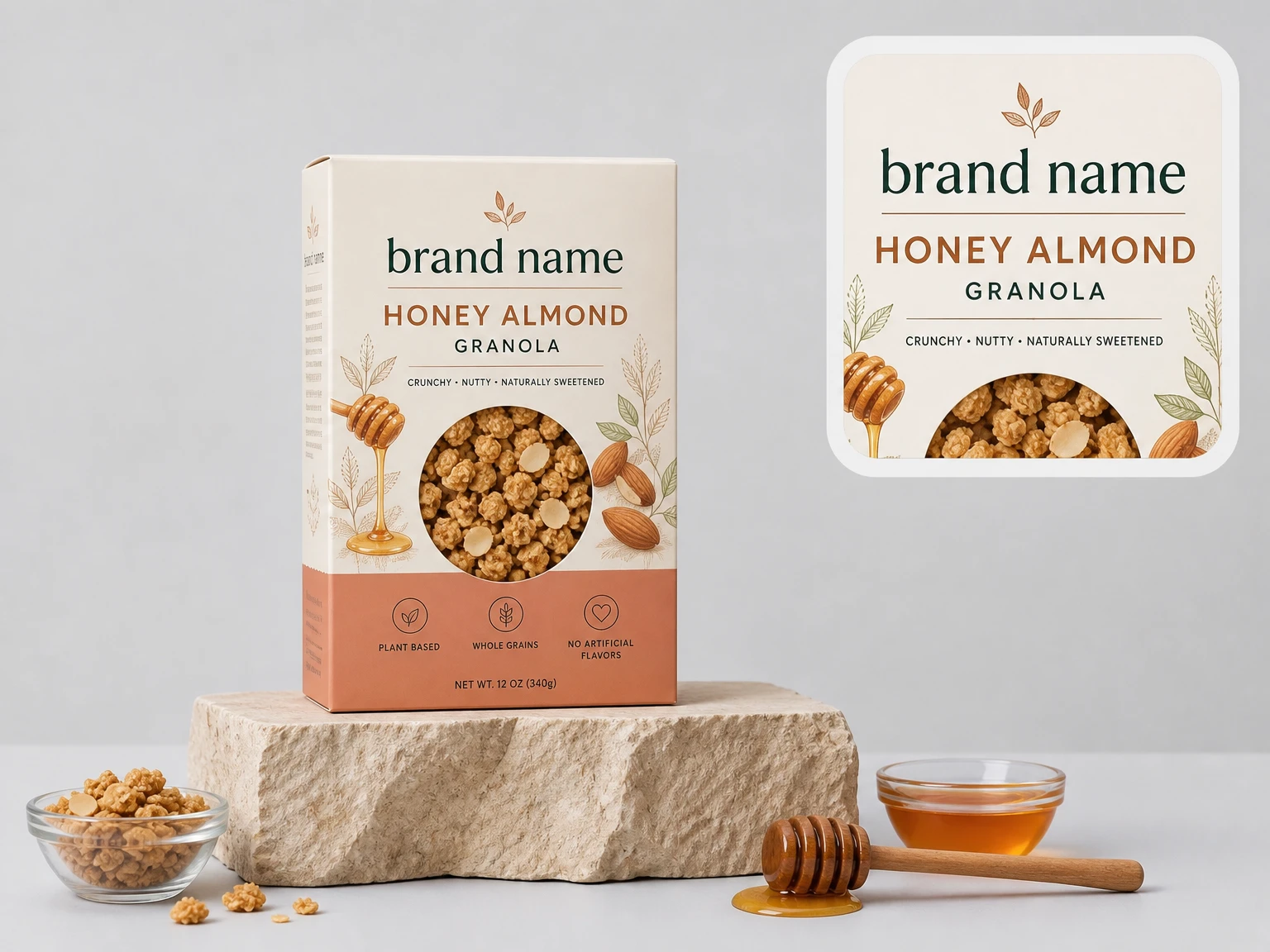
Turn images into color directions
Upload a photo, logo, illustration, or moodboard to create a color palette from image references. Packify reads its visual language and extracts a usable direction, giving small brands and content creators a faster starting point for their next design.
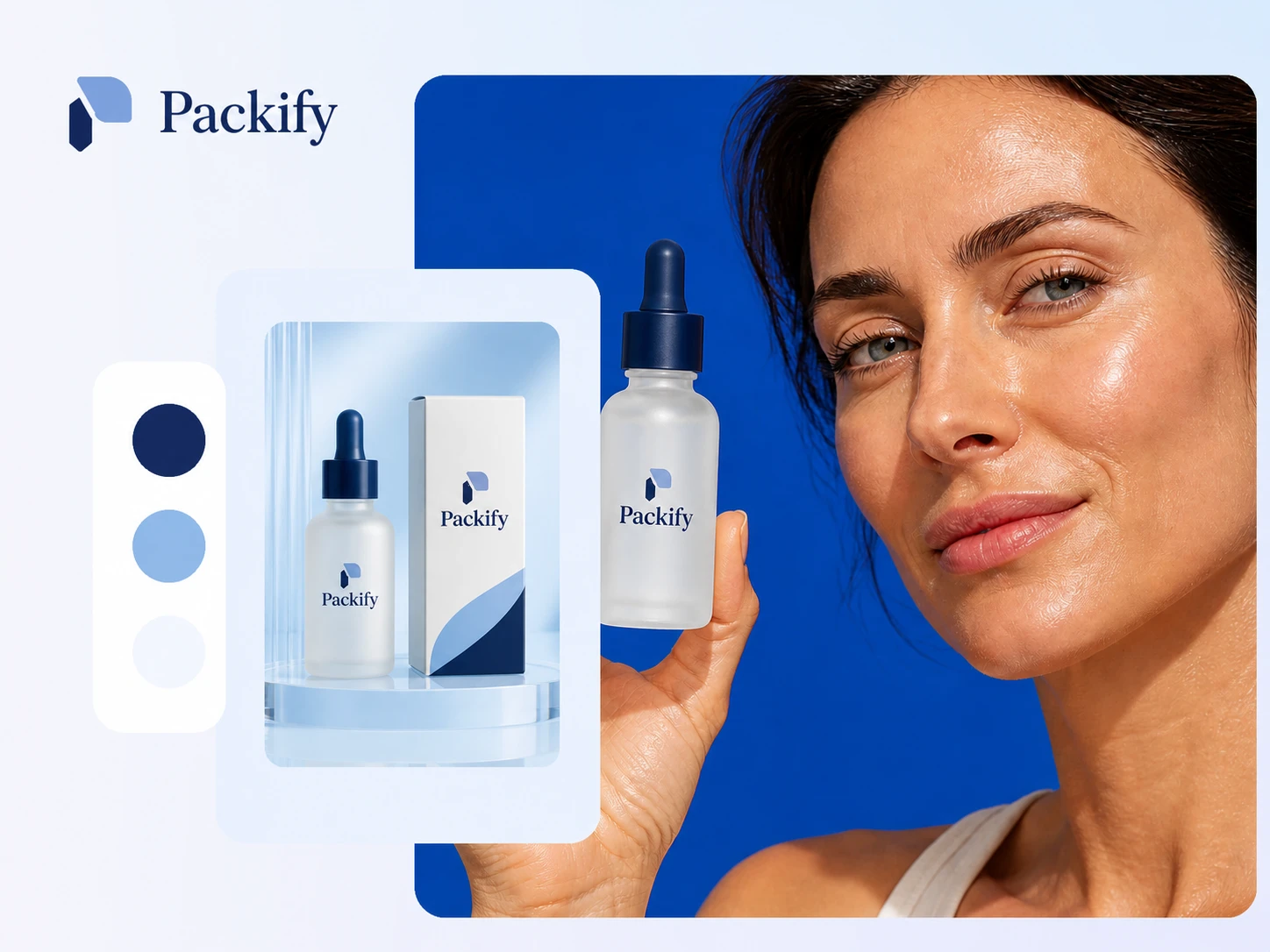
Generate more than swatches
A traditional color palette maker may stop after presenting several colors. Packify uses the selected palette to generate a complete image or packaging concept, so you can evaluate the colors in a real visual instead of judging isolated swatches.
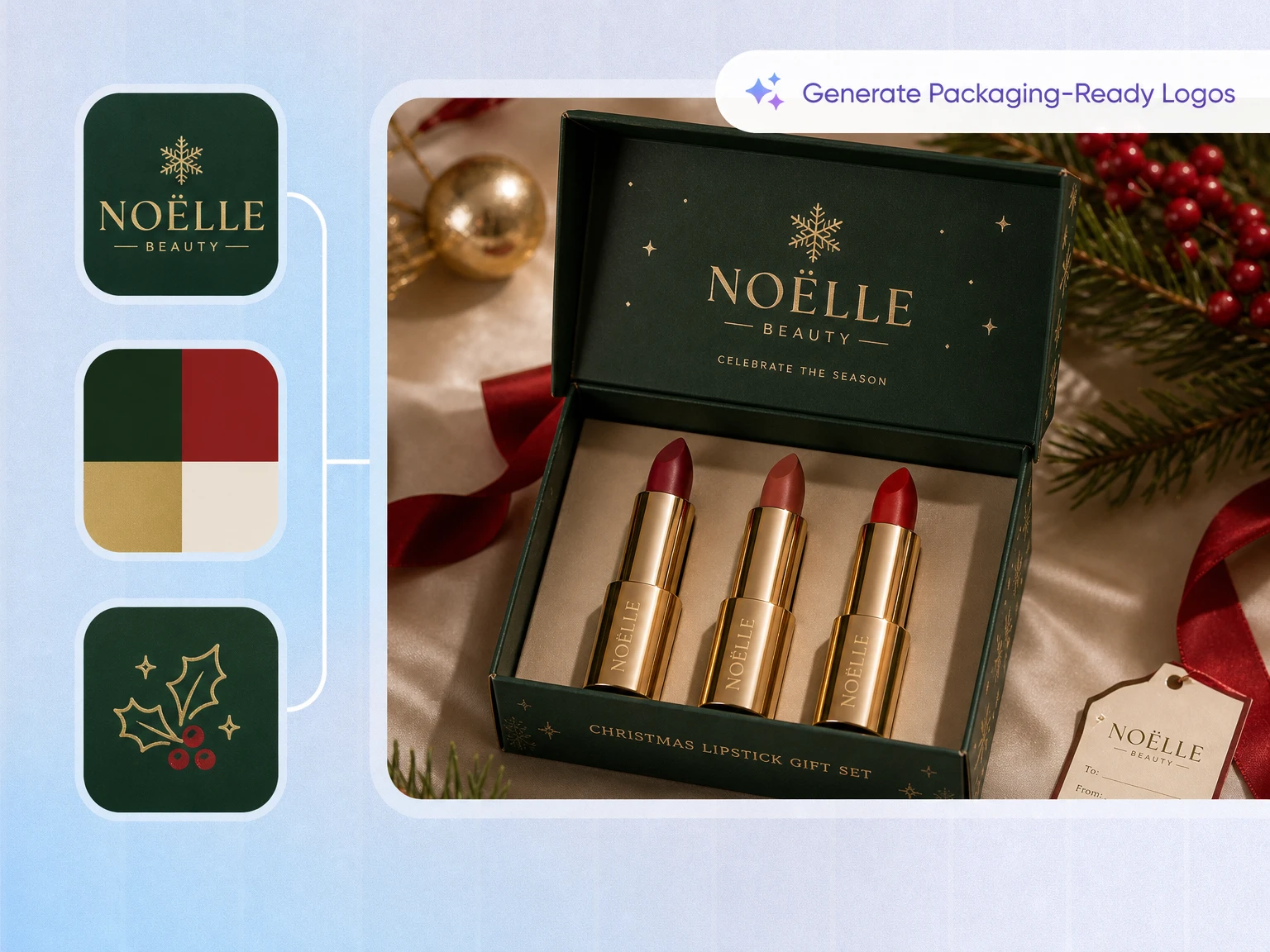
Skip manual color assignments
You do not have to decide which shade should be the primary color, background, or accent. Packify applies the palette across the generated visual, helping DTC sellers build a coherent brand image without manually testing every color combination.
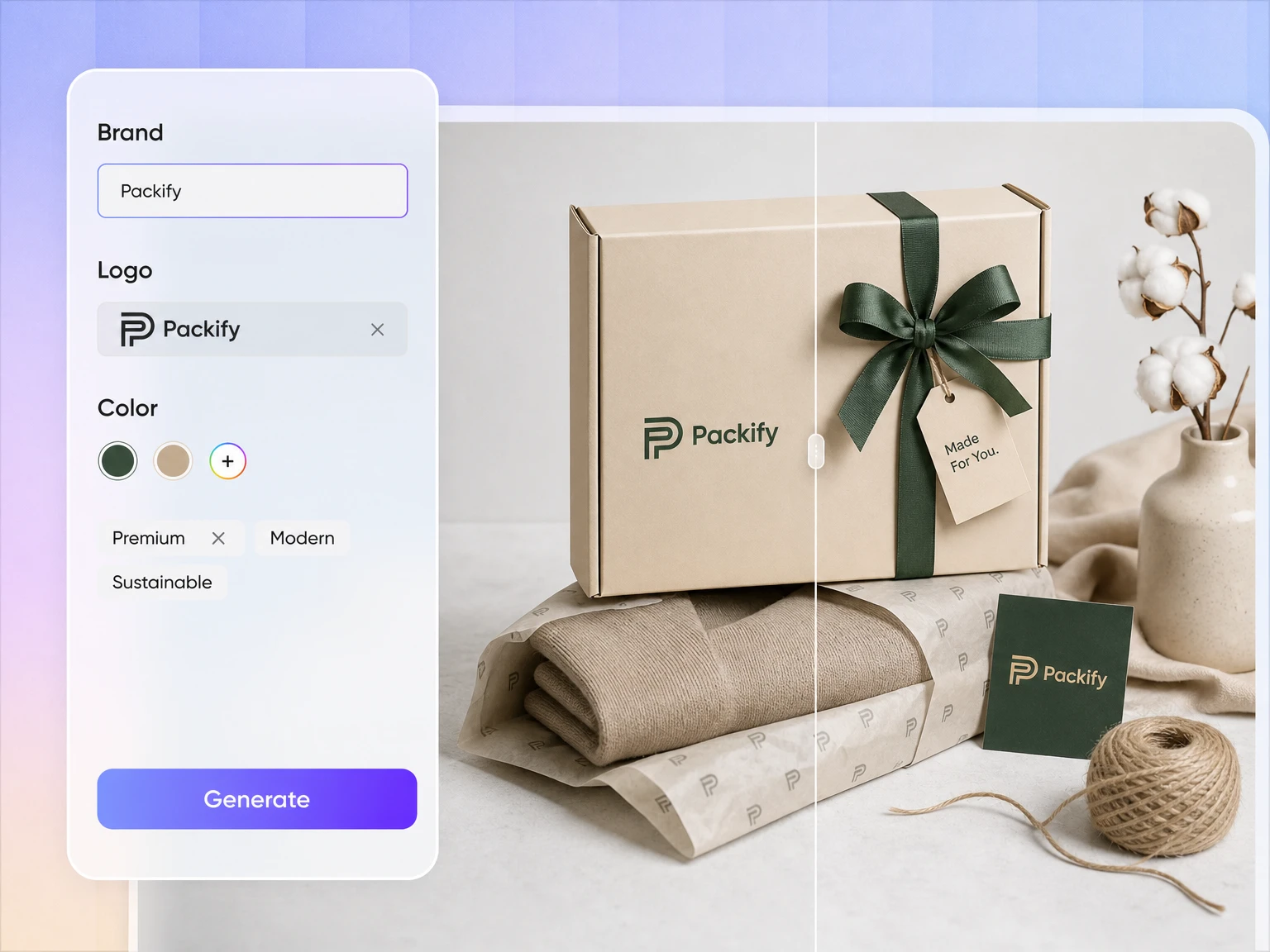
Move from palette to packaging
Once you select a direction, add your product, brand, logo, and packaging information. Packify carries that direction into the next packaging design, helping small businesses move from early inspiration to a visual concept in one workflow.
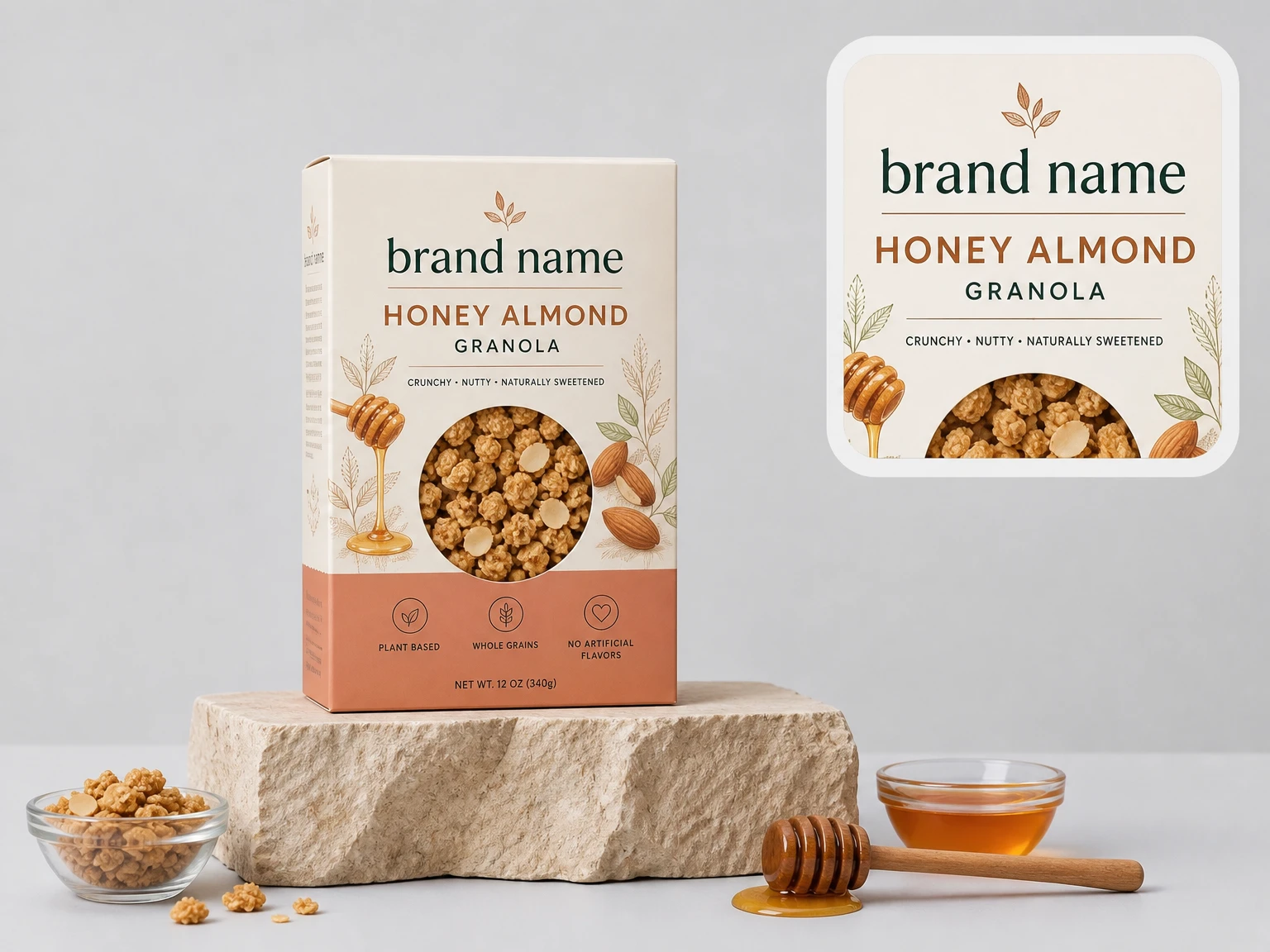
Turn images into color directions
Upload a photo, logo, illustration, or moodboard to create a color palette from image references. Packify reads its visual language and extracts a usable direction, giving small brands and content creators a faster starting point for their next design.
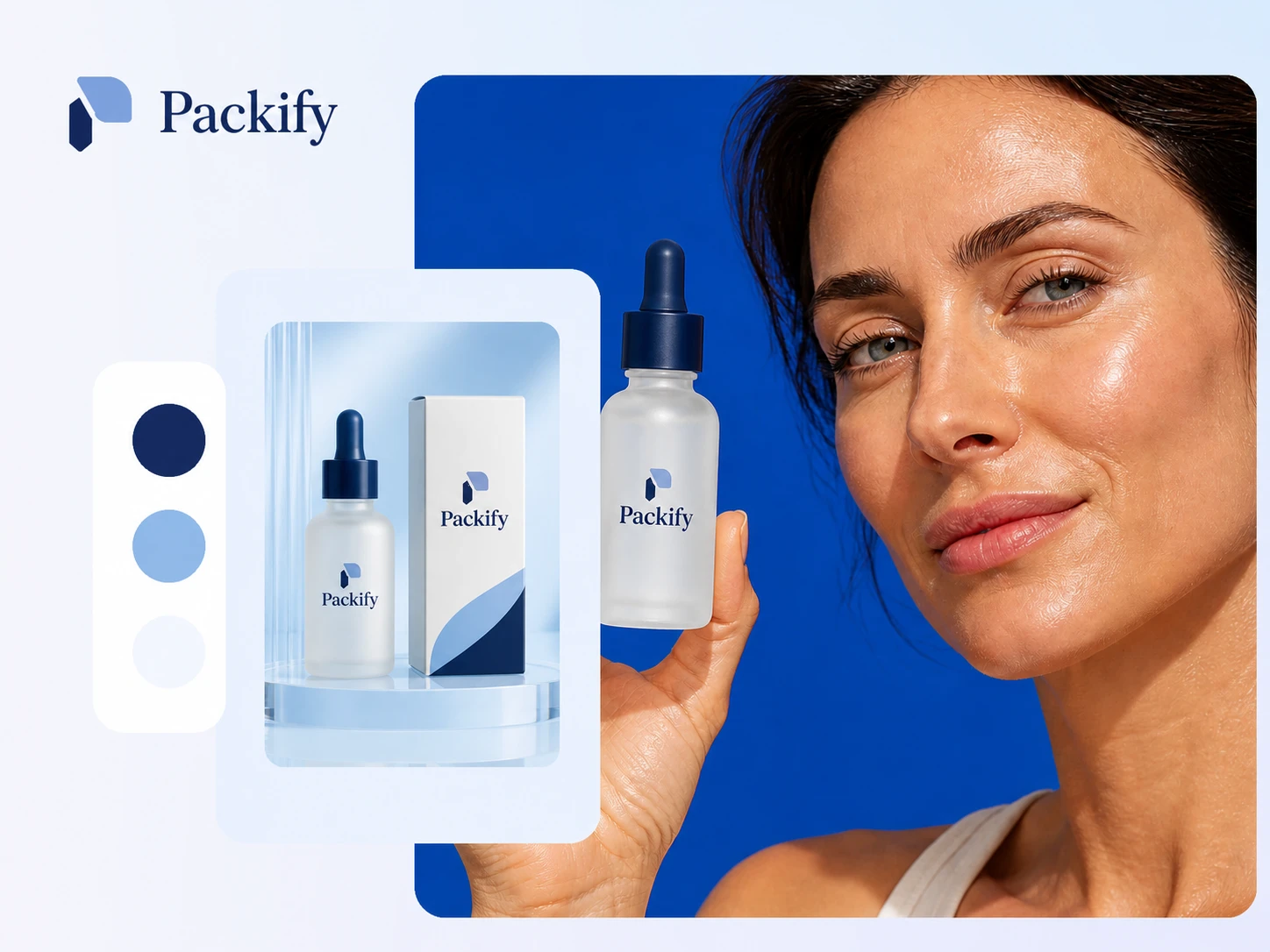
Generate more than swatches
A traditional color palette maker may stop after presenting several colors. Packify uses the selected palette to generate a complete image or packaging concept, so you can evaluate the colors in a real visual instead of judging isolated swatches.
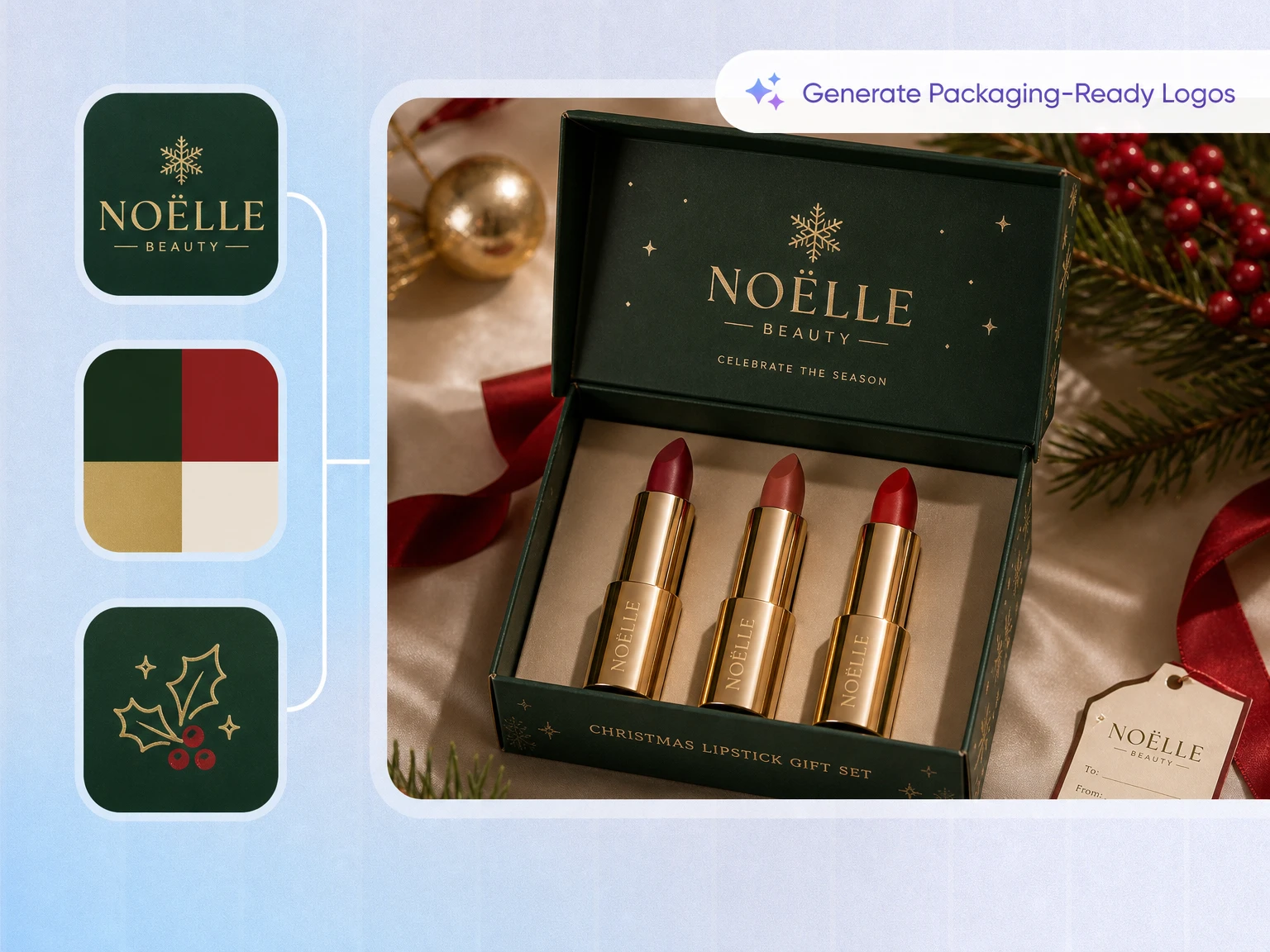
Skip manual color assignments
You do not have to decide which shade should be the primary color, background, or accent. Packify applies the palette across the generated visual, helping DTC sellers build a coherent brand image without manually testing every color combination.
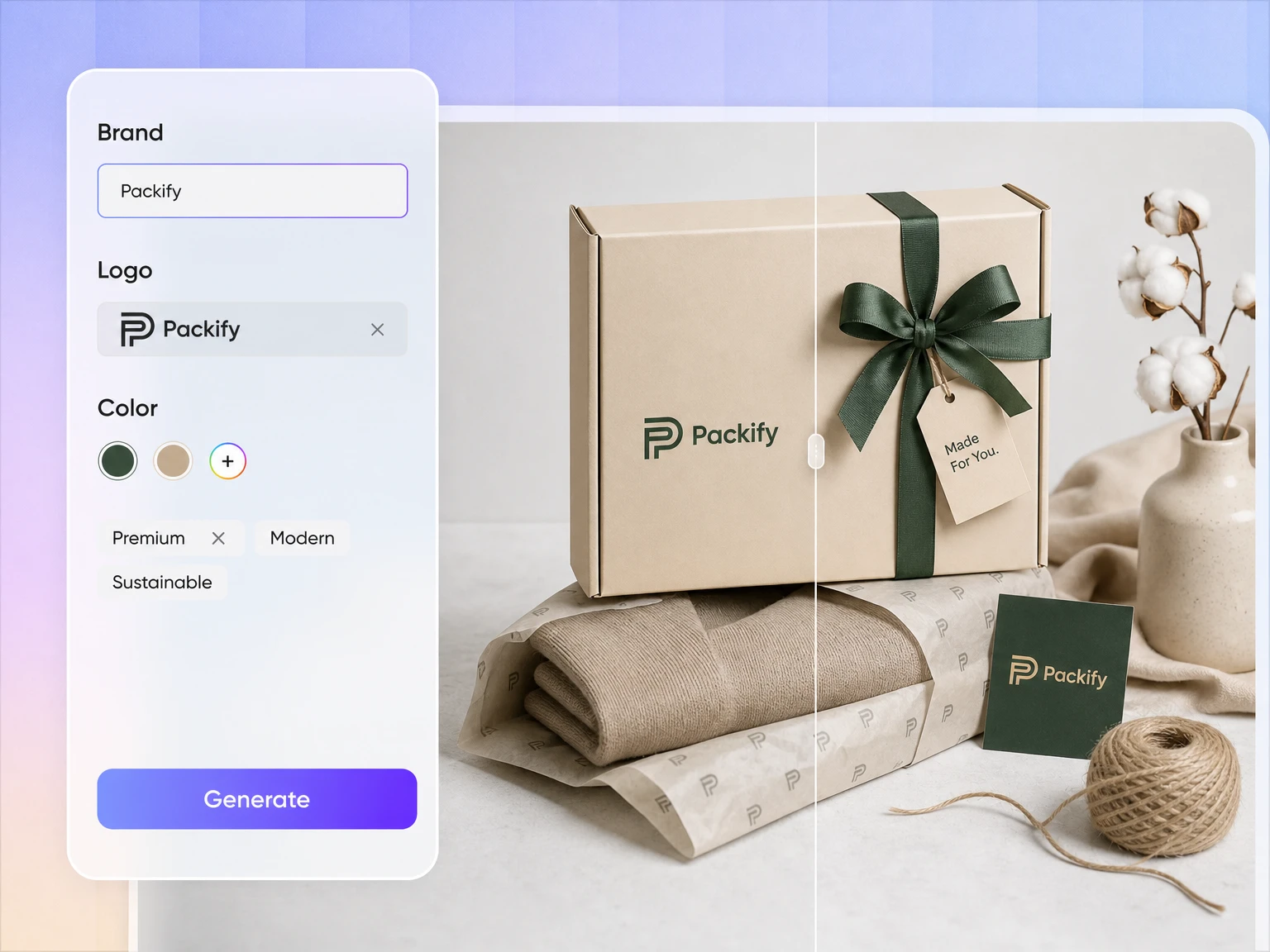
Move from palette to packaging
Once you select a direction, add your product, brand, logo, and packaging information. Packify carries that direction into the next packaging design, helping small businesses move from early inspiration to a visual concept in one workflow.
Proven impact, in our customer's words


The AI-powered packaging design tool is a game-changer. It's fast, intuitive, making it an essential tool for any forward-thinking design team.ved.
March 26, 2025


The results are so amazing that I don't think it's just for inspiration... I'd say artificial intelligence outperforms most designers; the key is to come up with the perfect prompt. Great contribution! Thank you 😊.
March 18, 2025


The AI-powered packaging design tool is a game-changer. It's fast, intuitive, making it an essential tool for any forward-thinking design team.
March 18, 2025


We’re a tiny skincare shop. Packify.ai turned my scribbles into clean mockups and a printable dieline by Monday. Fewer back-and-forths, consistent branding, a nd our product page conversions moved.
March 18, 2025


The AI-powered packaging design tool is a game-changer. It's fast, intuitive, making it an essential tool for any forward-thinking design team.
March 26, 2025


The results are so amazing that I don't think it's just for inspiration... I'd say artificial intelligence outperforms most designers; the key is to come up with the perfect prompt. Great contribution! Thank you 😊
March 18, 2025


Congrats! Packify.ai, an AI packaging designer, enables easy, creative design and offers AI-driven product photography for e-commerce through simple chatting.
April 2, 2025


We’re a tiny skincare shop. Packify.ai turned my scribbles into clean mockups and a printable dieline by Monday. Fewer back-and-forths, consistent branding, a nd our product page conversions moved.
May 9, 2025
You asked,
we answered
You asked, we answered
What is a color palette?
A color palette is a group of colors selected to work together across a brand or design. It may include dominant, supporting, background, text, and accent colors. With Packify, you do not need to assign these roles manually—the selected palette is applied to the visual it generates.
Can I generate a palette without a reference image?
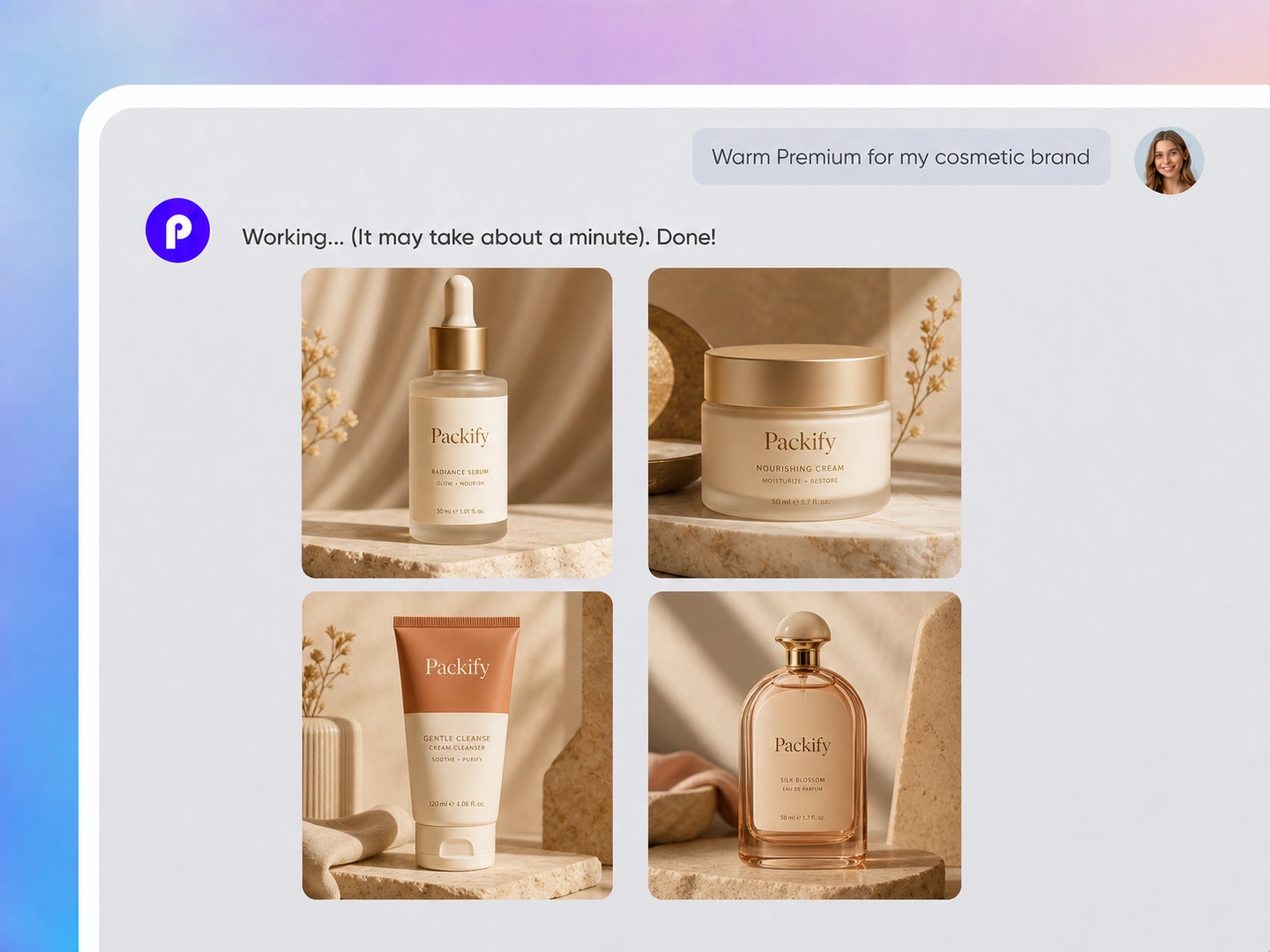
Yes. Tell Packify about your product and brand, and it will suggest several brand image directions. Choose the direction that best represents the identity you want to create, then continue generating the palette and the visual design.
What can I create with this color scheme generator?
Small brands can explore their visual identity, DTC sellers can develop packaging concepts, and content creators can keep campaign imagery visually consistent. Brand consultants can also compare creative directions before developing a complete identity or set of brand guidelines.
Is Packify a website color palette generator?
You can use Packify to explore a color direction for website imagery and branded content. However, it does not currently replace a developer-focused website color palette generator that exports CSS variables, design tokens, or automatically verifies WCAG contrast requirements.
Can I use the AI color palette generator for free?
You can try the AI color palette generator with available trial credits. Generation may consume credits, so check your account balance before starting. For additional credits and advanced features, review the available options on our Pricing Page.
Can I use generated palettes and designs commercially?
You may use generated palettes and designs for branding, packaging, e-commerce, and marketing projects, subject to Packify's Terms of Use. AI-generated content is not necessarily exclusive, so review potential trademarks and similarities to existing brands before publishing or printing it.
Turn a brand feeling into a visual direction