
eBay listing generator
Upload a photo of your item and describe the backdrop. Packify returns a clean white or scene listing photo that fits eBay photo rules.
Trusted by industry-leading businesses


Make your first eBay listing photo win the click
Buyers see your first photo in eBay search results, so a shot with a cluttered kitchen table behind the item costs you clicks. Upload the phone photo you already took. Packify replaces the backdrop with a clean white, neutral, or scene background and leaves the item unchanged. No text, logos, or watermarks go on the image. You still write the titles and descriptions, and Packify handles the photos.
How to create an eBay listing photo with Packify?
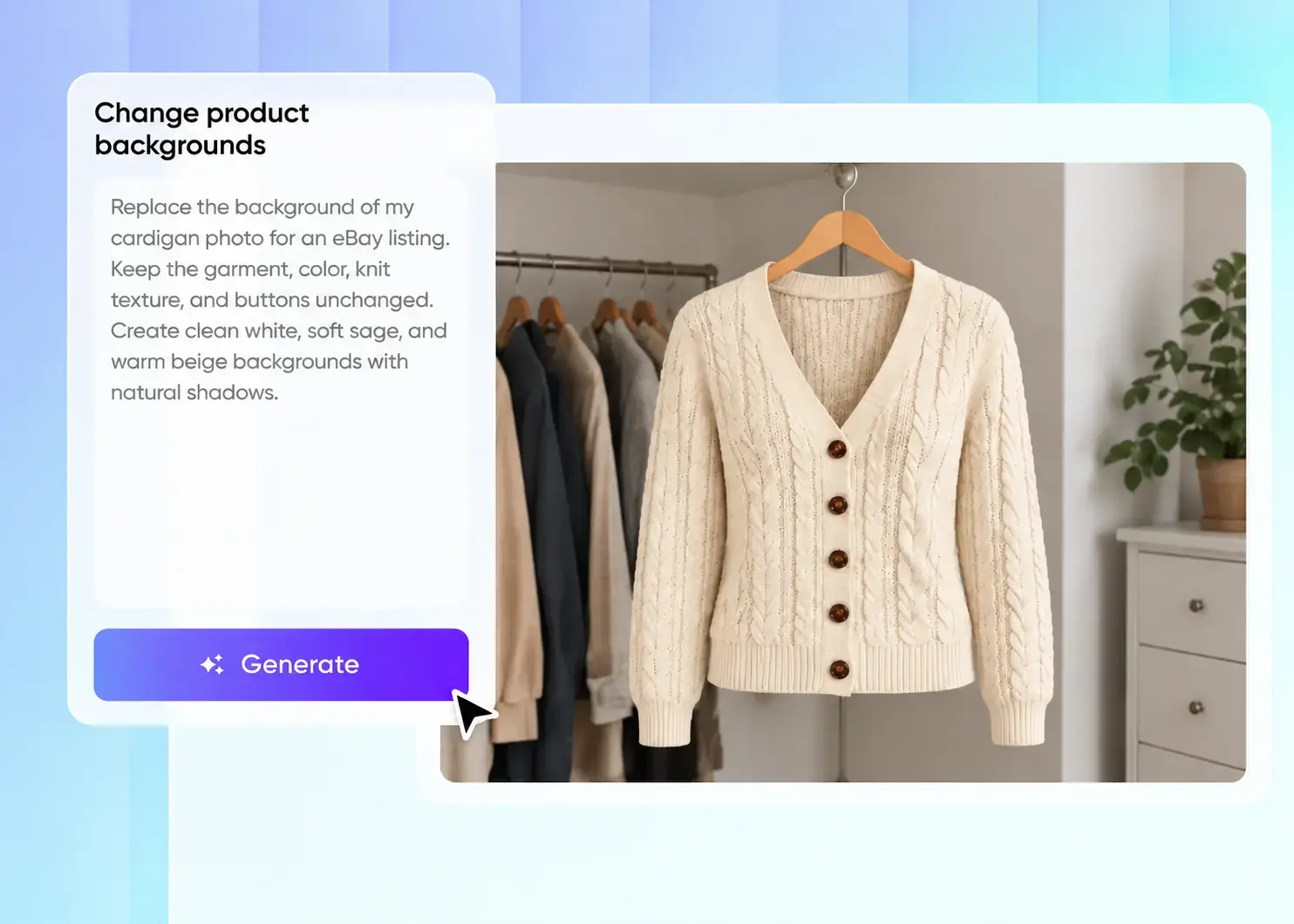
Step 1: Upload your item photo
Upload a clear photo of the actual item you are selling. Shoot each side and any flaws separately so buyers see its real condition.
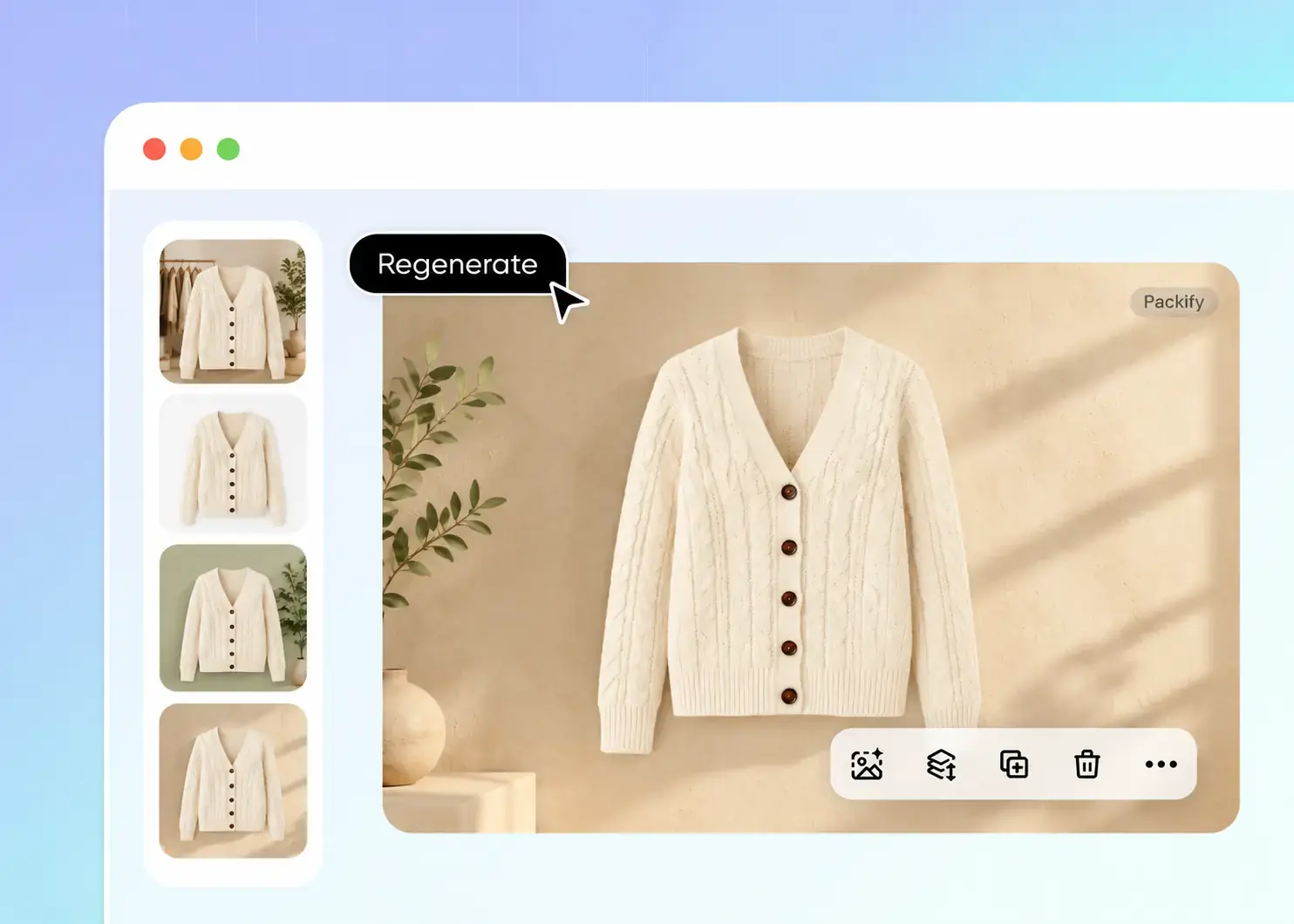
Step 2: Describe the background
Type the backdrop you want, such as plain white or a wooden desk. Regenerate or edit until the item sits centered and fully visible.
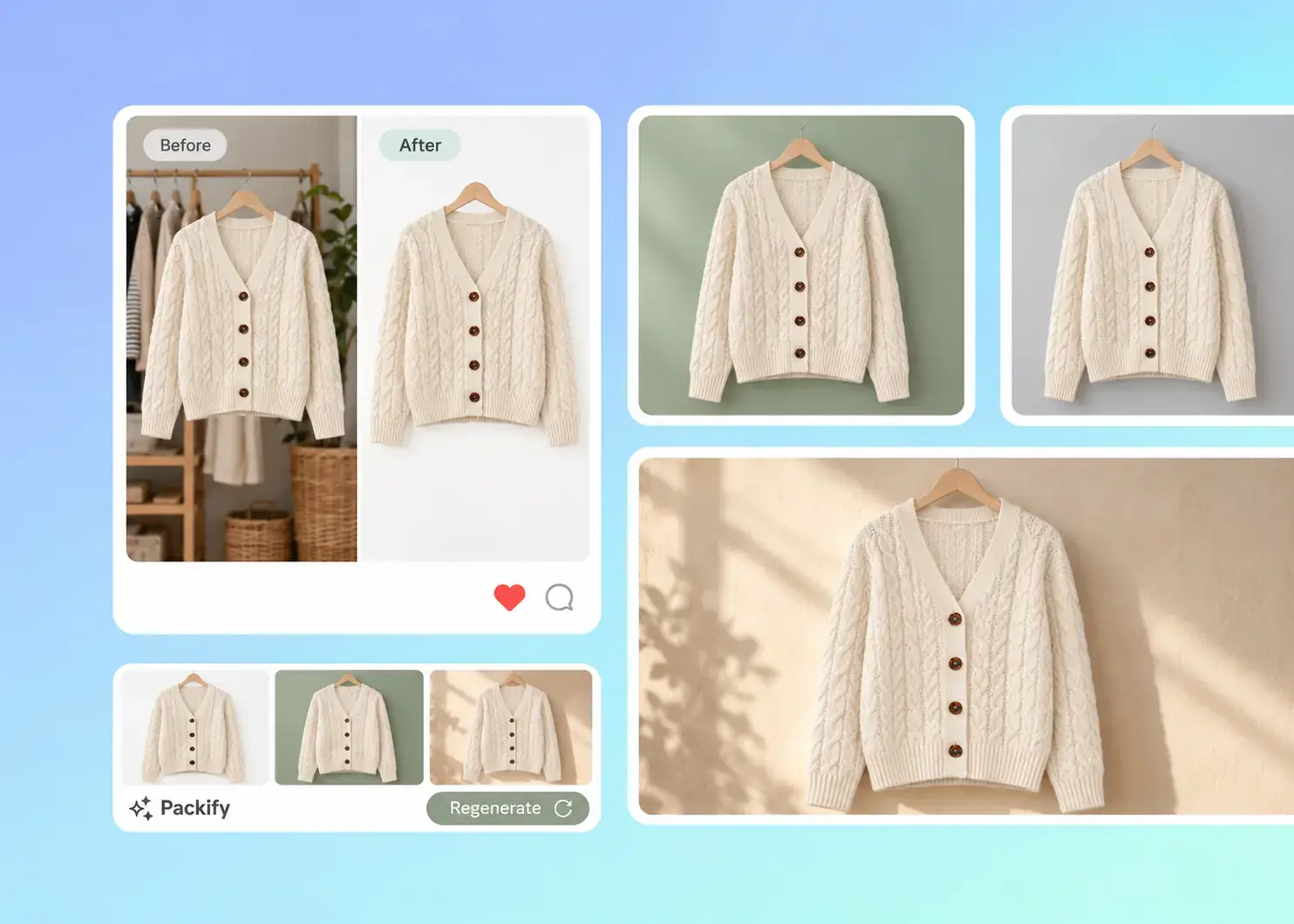
Step 3: Download and add photos to eBay
Download the image and upload it when adding photos to your eBay listing. Put the cleanest shot first because it shows in search results.

Step 1: Upload your item photo
Upload a clear photo of the actual item you are selling. Shoot each side and any flaws separately so buyers see its real condition.
Step 2: Describe the background
Type the backdrop you want, such as plain white or a wooden desk. Regenerate or edit until the item sits centered and fully visible.
Step 3: Download and add photos to eBay
Download the image and upload it when adding photos to your eBay listing. Put the cleanest shot first because it shows in search results.
Why choose Packify for your eBay listing photos?
Clean up your eBay listing photos
You shoot thrift finds in a crowded spare room, so the clutter behind each item lands in your eBay listing photo. Upload the shot, type the backdrop you want, such as plain white or light gray, and Packify swaps the background. Your first image then looks clean in eBay search results.
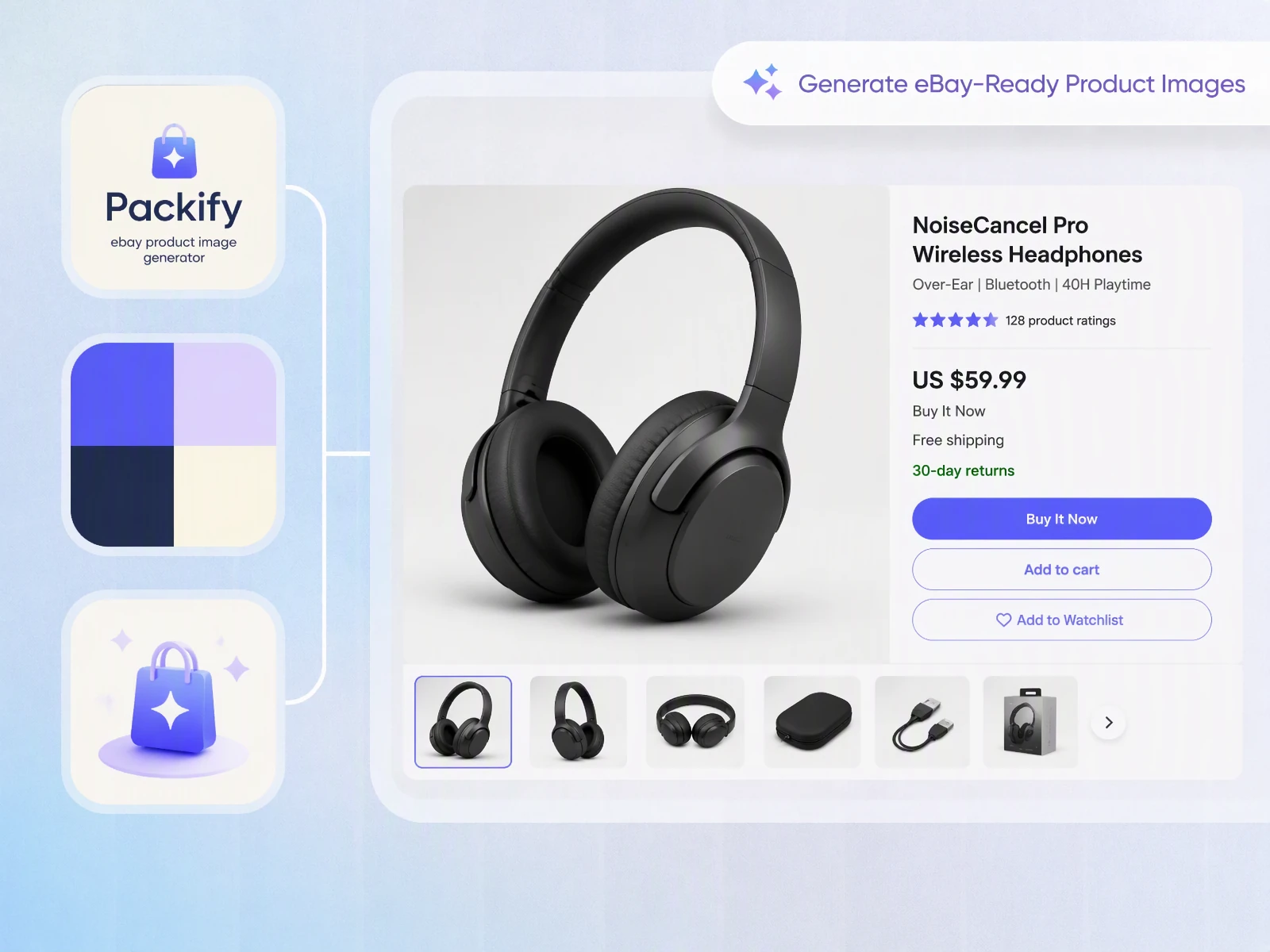
Remove watermarks to meet eBay rules
eBay asks sellers to keep text, logos, and watermarks off listing photos, and photos breaking this rule may be left out of third-party search results. Packify removes watermarks and stray text from your product photo while the item and its condition stay as shot. You get a clean eBay listing image ready to upload.
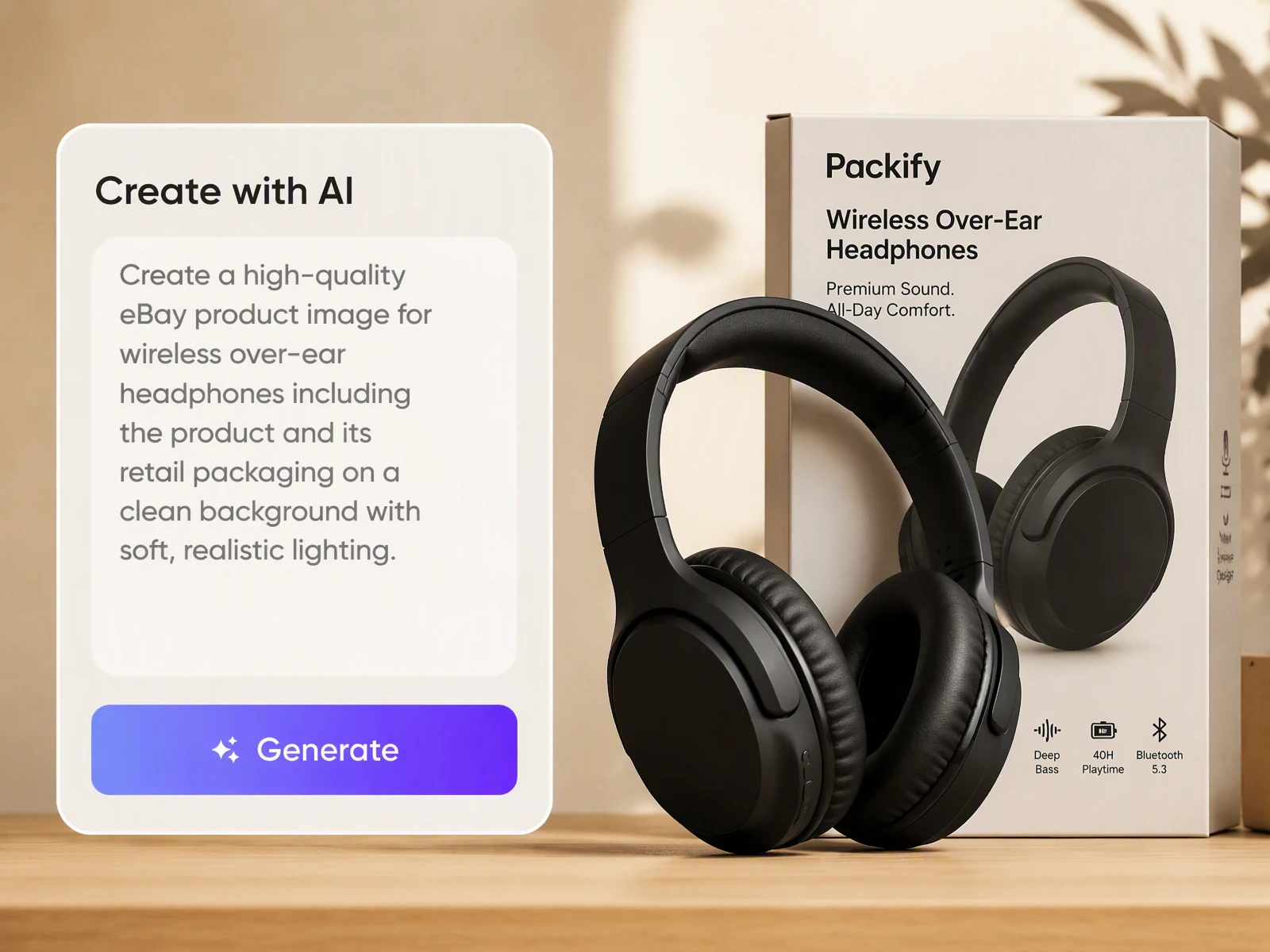
Match every angle in one style
Buyers check the front, back, and close-up shots before they bid or buy. Run each angle through Packify with the same background prompt so the whole gallery looks like one photo session. The item stays as you photographed it, scuffs included, so buyers know what will arrive.

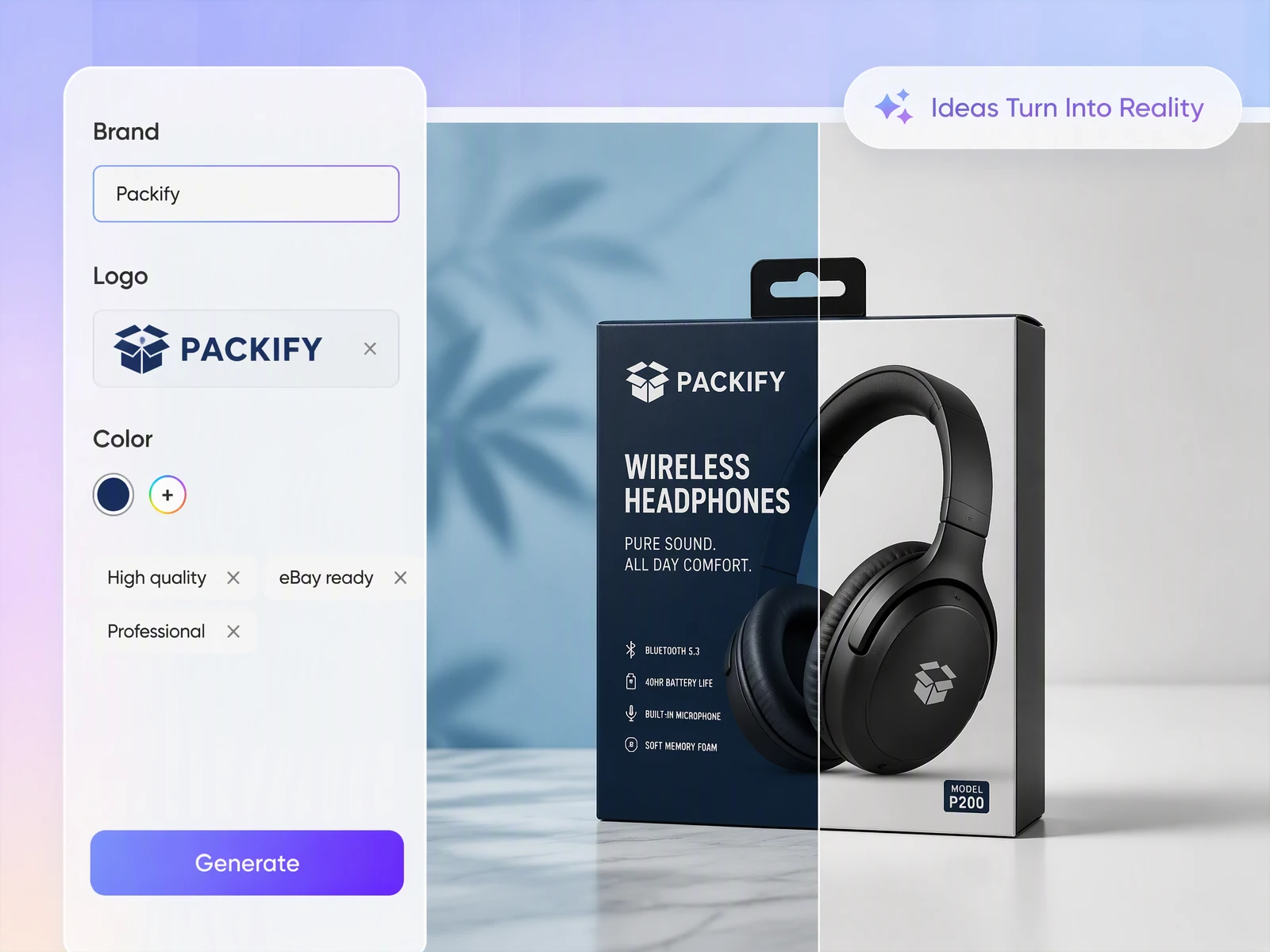
Create your eBay store branding
Clean photos win the click in eBay search, but your store also needs a logo, a store banner, and promo graphics, and eBay rules keep logos off listing photos. Packify creates those brand visuals too, using your brand kit colors, so listing photos and store branding come from one tool.
Clean up your eBay listing photos
You shoot thrift finds in a crowded spare room, so the clutter behind each item lands in your eBay listing photo. Upload the shot, type the backdrop you want, such as plain white or light gray, and Packify swaps the background. Your first image then looks clean in eBay search results.
Remove watermarks to meet eBay rules
eBay asks sellers to keep text, logos, and watermarks off listing photos, and photos breaking this rule may be left out of third-party search results. Packify removes watermarks and stray text from your product photo while the item and its condition stay as shot. You get a clean eBay listing image ready to upload.
Match every angle in one style
Buyers check the front, back, and close-up shots before they bid or buy. Run each angle through Packify with the same background prompt so the whole gallery looks like one photo session. The item stays as you photographed it, scuffs included, so buyers know what will arrive.
Create your eBay store branding
Clean photos win the click in eBay search, but your store also needs a logo, a store banner, and promo graphics, and eBay rules keep logos off listing photos. Packify creates those brand visuals too, using your brand kit colors, so listing photos and store branding come from one tool.
Proven impact, in our customer's words


The AI-powered packaging design tool is a game-changer. It's fast, intuitive, making it an essential tool for any forward-thinking design team.ved.
March 26, 2025


The results are so amazing that I don't think it's just for inspiration... I'd say artificial intelligence outperforms most designers; the key is to come up with the perfect prompt. Great contribution! Thank you 😊.
March 18, 2025


The AI-powered packaging design tool is a game-changer. It's fast, intuitive, making it an essential tool for any forward-thinking design team.
March 18, 2025


We’re a tiny skincare shop. Packify.ai turned my scribbles into clean mockups and a printable dieline by Monday. Fewer back-and-forths, consistent branding, a nd our product page conversions moved.
March 18, 2025


The AI-powered packaging design tool is a game-changer. It's fast, intuitive, making it an essential tool for any forward-thinking design team.
March 26, 2025


The results are so amazing that I don't think it's just for inspiration... I'd say artificial intelligence outperforms most designers; the key is to come up with the perfect prompt. Great contribution! Thank you 😊
March 18, 2025


Congrats! Packify.ai, an AI packaging designer, enables easy, creative design and offers AI-driven product photography for e-commerce through simple chatting.
April 2, 2025


We’re a tiny skincare shop. Packify.ai turned my scribbles into clean mockups and a printable dieline by Monday. Fewer back-and-forths, consistent branding, a nd our product page conversions moved.
May 9, 2025
You asked,
we answered
You asked, we answered
Does the eBay listing generator create HTML listing templates or descriptions?
No. Our eBay listing generator only works on your listing photos. It removes messy backgrounds, puts the item on a white or neutral background, and centers it for the first photo in search results. It does not write HTML code, titles, or descriptions. For a branded store banner or marketing visuals, see our Digital Marketing Design Services.
What makes a good eBay listing photo?
eBay recommends a white or neutral background with the item centered and fully visible. Photos need to be at least 500 x 500 pixels, and eBay suggests 1600 x 1600. You can add up to 24 photos per listing, so cover every angle and any flaws.
Can Packify write my eBay listing title and description?
No. Packify works on the photo side of your listing and does not generate titles or descriptions. A quick tip for writing them: start the title with brand, item type, model, size, and condition, and list any flaws plainly in the description.
Can I turn my eBay listing photos into ad creatives?
Yes. Upload your eBay product photo and Packify generates ad visuals you can test in social or offsite campaigns. Your listing images stay clean, with no text or logos, as eBay requires. Try this prompt: Show my new wireless earbuds on a tidy desk beside a phone, soft morning light, open space at the top for a sale headline.
Can I use the edited photos in my eBay listings?
Yes. You can use the photos you create with Packify for personal and commercial selling, including eBay listings, in line with our Terms of Use. Keep in mind that Packify doesn't grant exclusive rights to AI-generated content. You're responsible for making sure each photo shows your item accurately and meets eBay's listing rules. We do our best to keep your creative process safe, but we can't guarantee every output is cleared for all commercial uses. Always review your images before you publish.
Is Packify's eBay listing generator free to use?
You get free credits to start when you sign up. Each photo generation uses credits, so check your balance before you create. If you run low, you can upgrade anytime. For subscription plans and credit packages, see our Pricing Page.
Give every eBay listing a cleaner first photo
