
Google ads maker
Describe a background for your product photo or upload a reference image. Packify creates a Google ad image that highlights your packaging.
Trusted by industry-leading businesses


Google ads maker for product image testing
You need images that give shoppers a reason to click, plus enough versions to test different creative ideas. Packify speeds up production by changing your product photo’s background for ad visuals. For display ads or PMax, test backgrounds that highlight packaging, convey product quality, or suggest a gifting occasion while keeping the product recognizable.
How to use a Google ads creator?
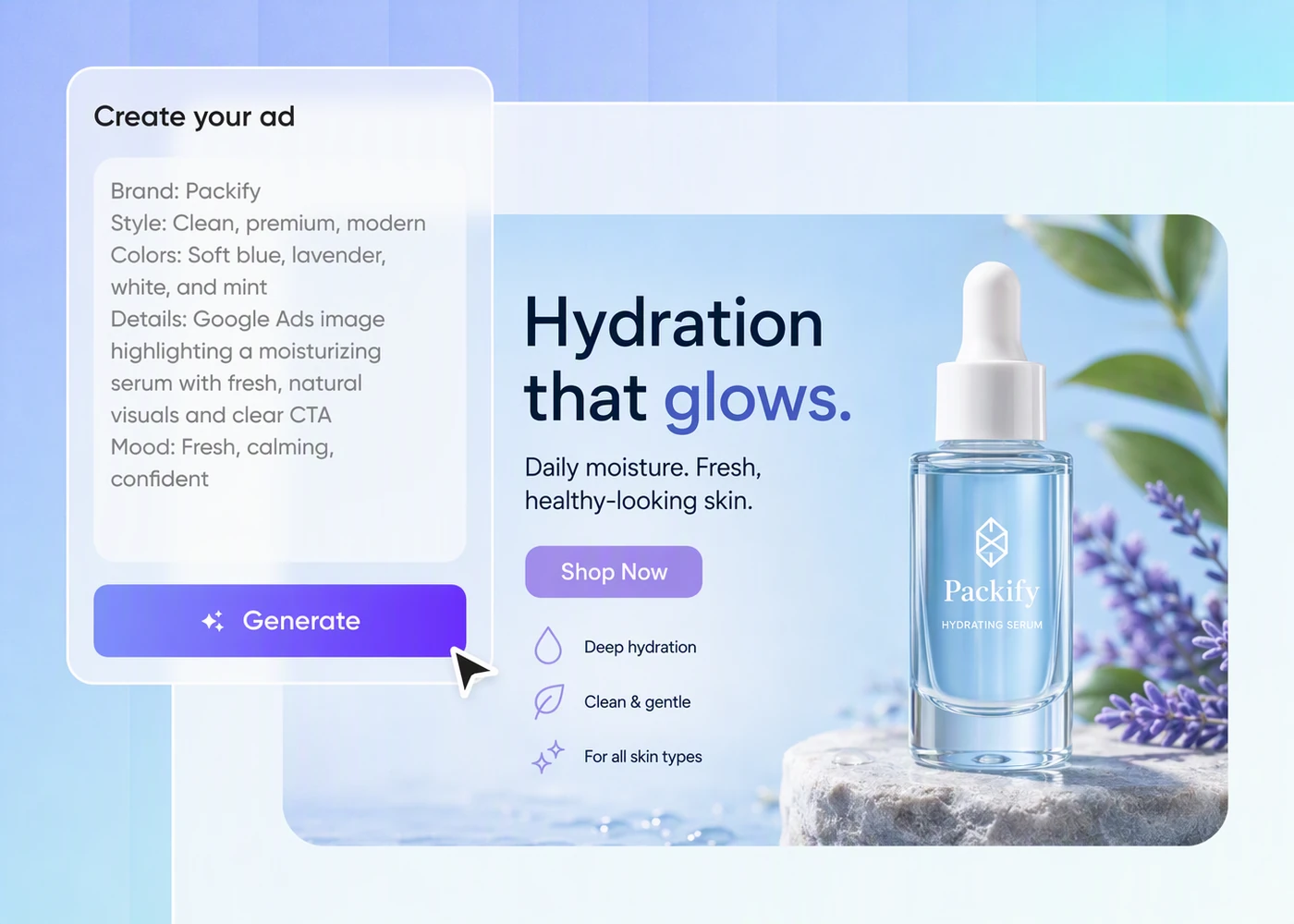
Step 1: Upload your product photo
Upload a clear photo of the actual product you sell, with its packaging visible, to use as your starting image.
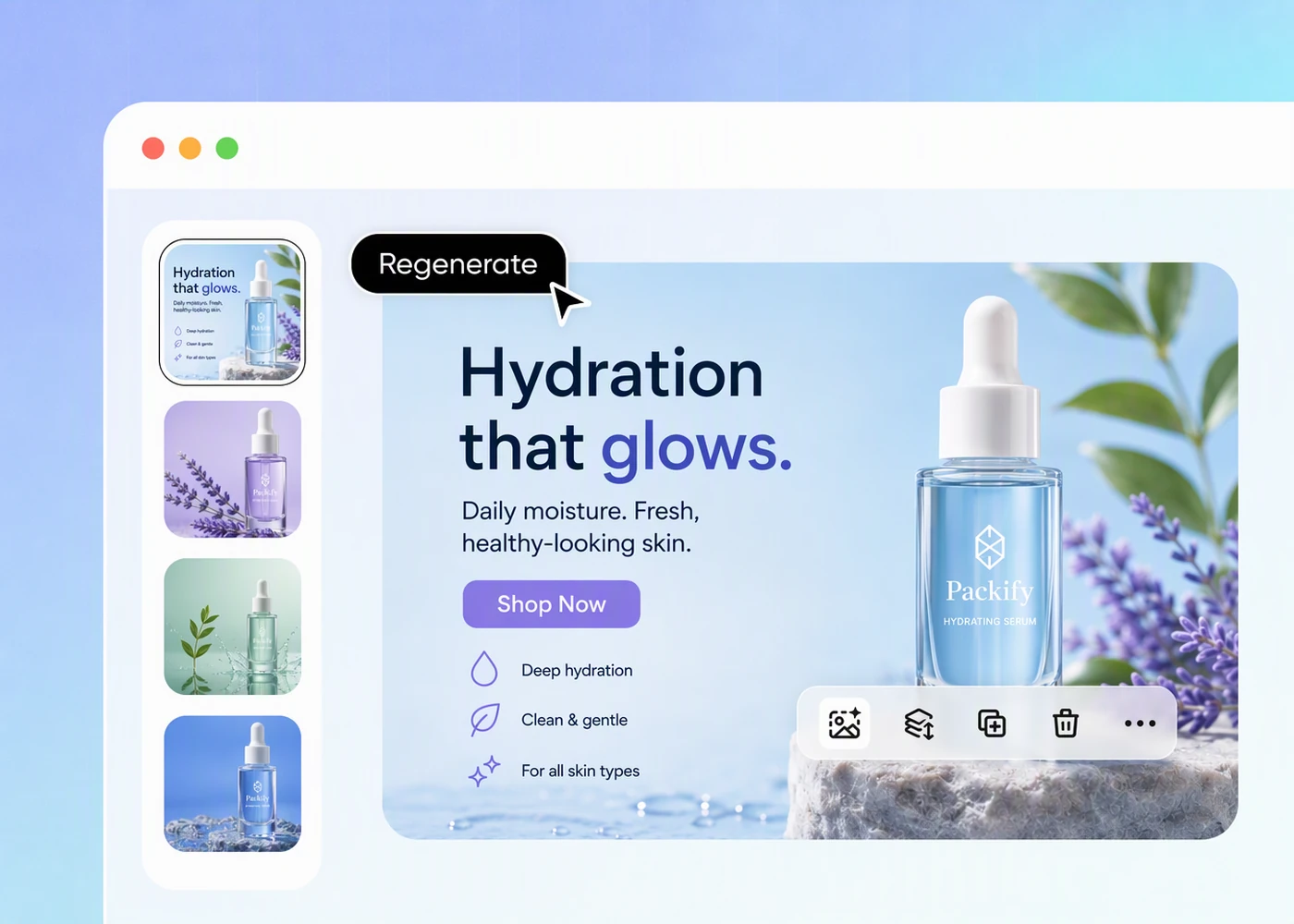
Step 2: Describe your Google ad background
Describe a backdrop for your product packaging, generate your ad image, and refine your description to try another version that suits your brand.
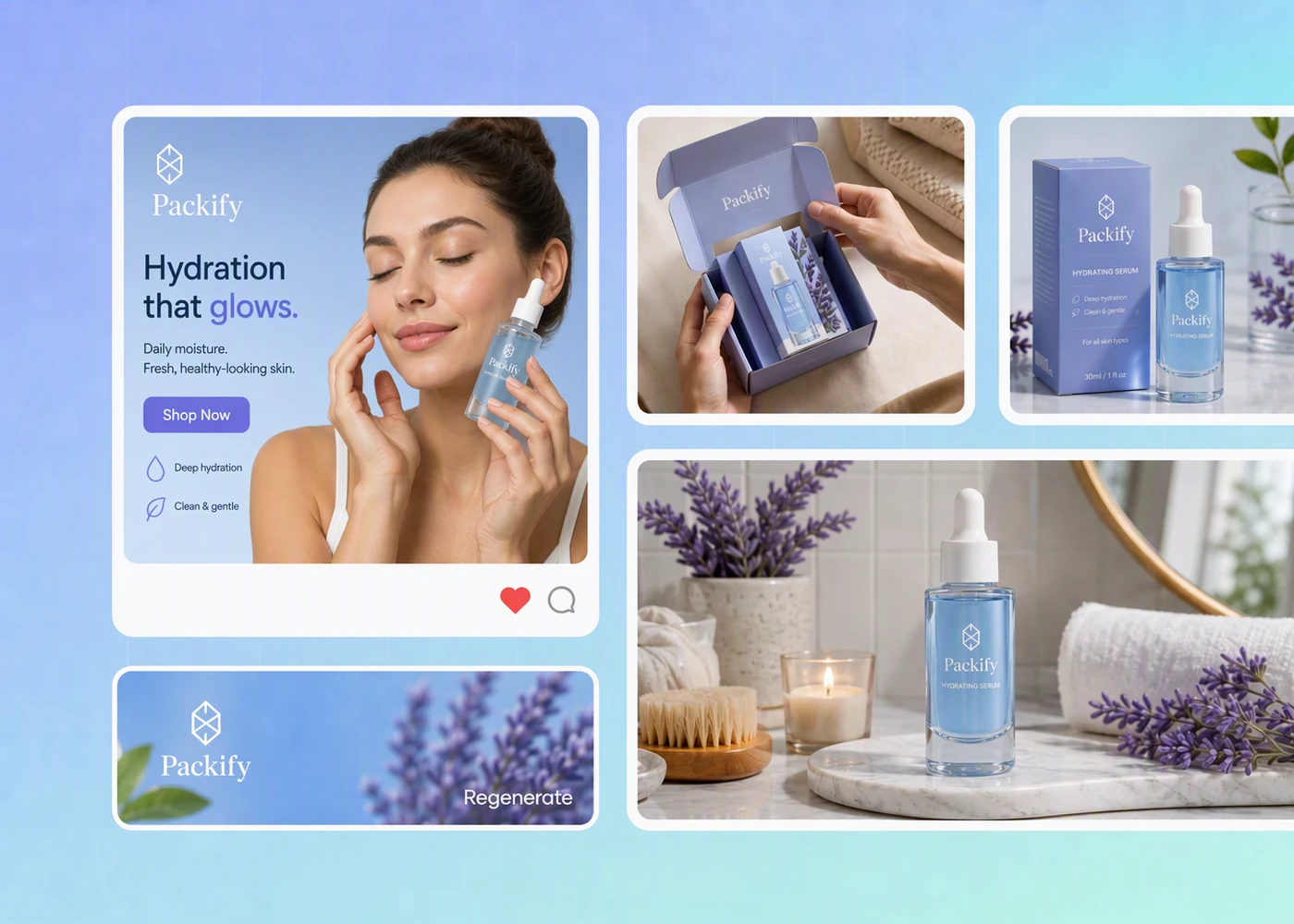
Step 3: Review and download your image
Check the product details and square composition, then download your image and review its suitability for your intended Google ad placement.

Step 1: Upload your product photo
Upload a clear photo of the actual product you sell, with its packaging visible, to use as your starting image.
Step 2: Describe your Google ad background
Describe a backdrop for your product packaging, generate your ad image, and refine your description to try another version that suits your brand.
Step 3: Review and download your image
Check the product details and square composition, then download your image and review its suitability for your intended Google ad placement.
Why choose Packify as your Google display ad creator?
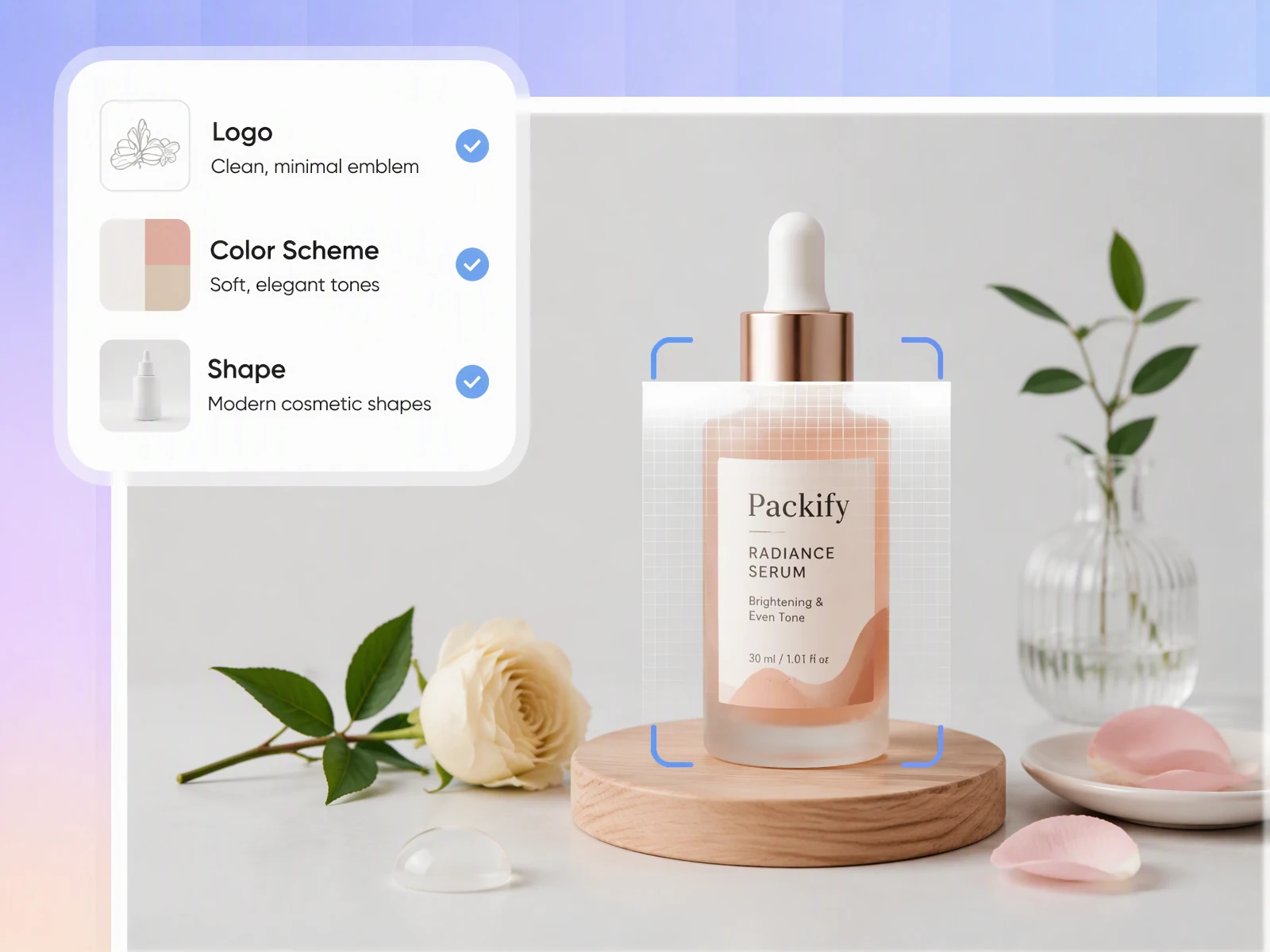
Keep packaging visible in ads
A background can catch attention while making the product harder to recognize. Packify lets you describe a simpler setting for your product photo, giving you a Google ad visual to review for clear packaging, readable branding, and a product that remains the focus.
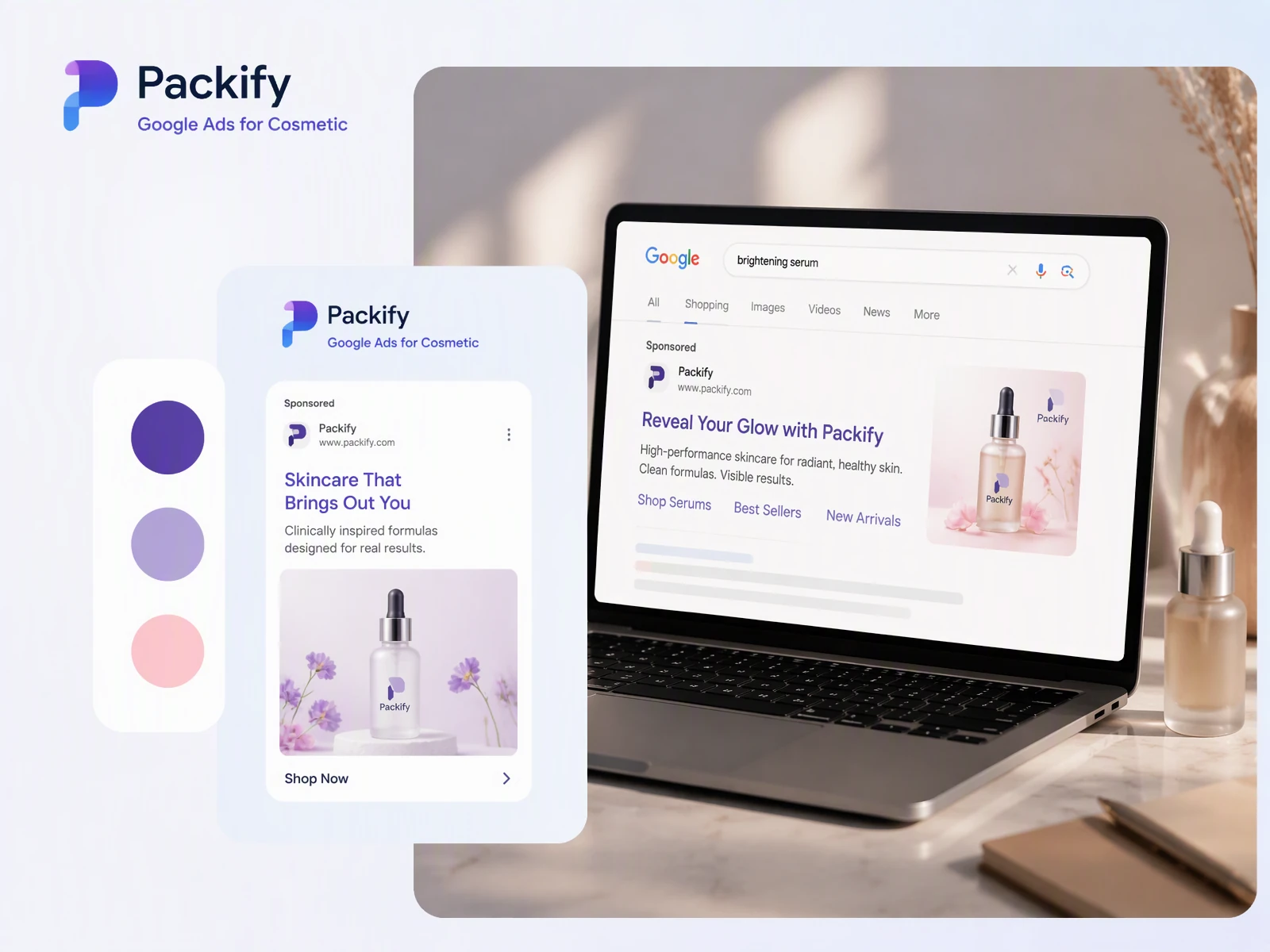
Adapt product visuals for Google ads
A single composition can leave your packaging cropped or too small across Google ads placements. Packify generates product visuals in 1:1, 3:4, 2:3, and 16:9, giving you different layouts to compare before download. Choose a composition that keeps your product prominent, then check your campaign’s image requirements before uploading.
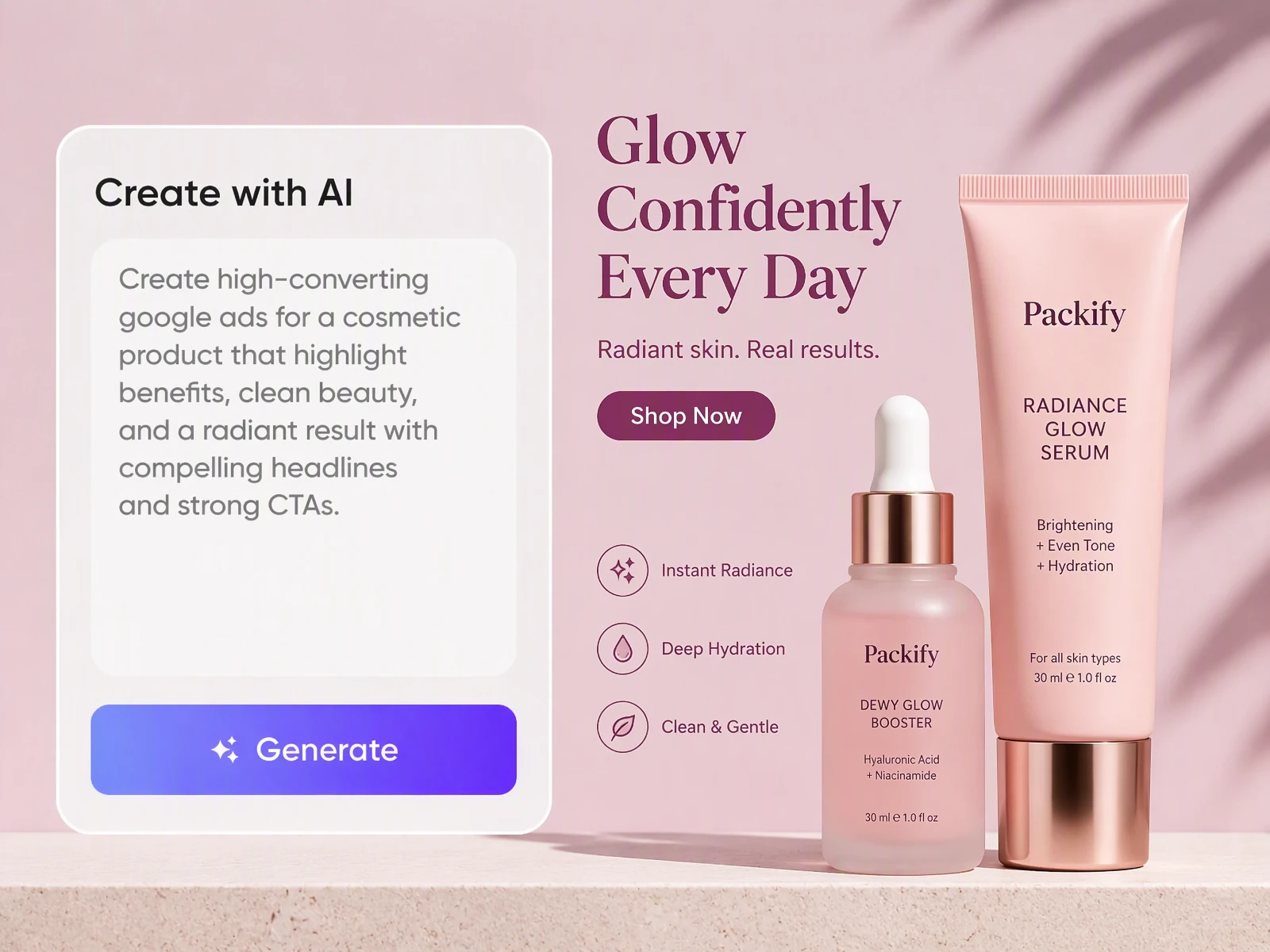
Arrange product details and clear CTAs
Your Google ad needs more than an attractive product photo: shoppers need a brief introduction and a clear call to action. Packify helps arrange your product image, key details, and CTA in one ad visual, keeping the packaging prominent and the next step easy to find.
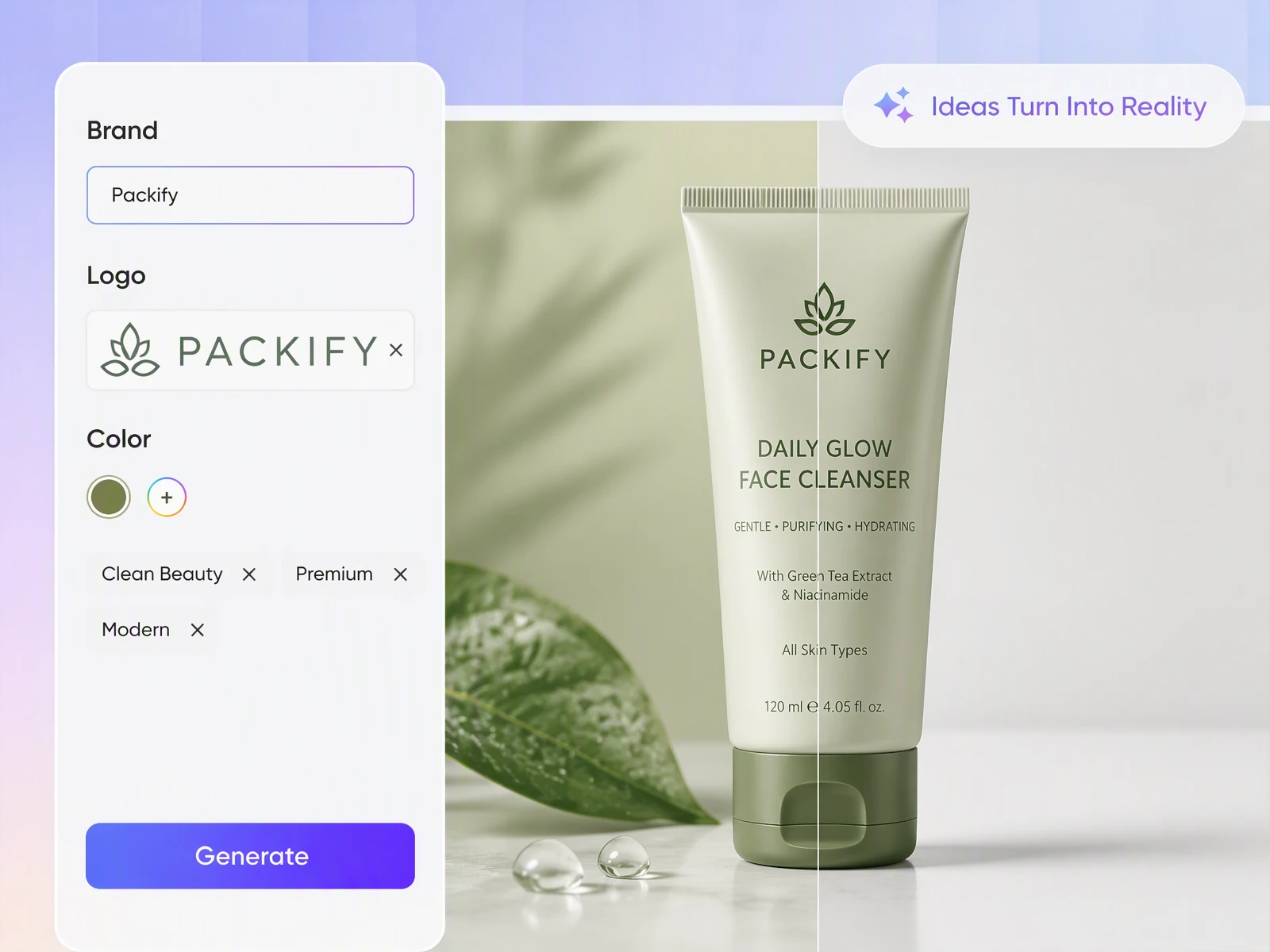
Create visuals from existing products
You already have the product photo, but need another setting for an upcoming Google campaign. Packify changes its background from your description, helping you prepare another static visual without arranging a new background shoot; review the generated product details before using it in an ad.
Keep packaging visible in ads
A background can catch attention while making the product harder to recognize. Packify lets you describe a simpler setting for your product photo, giving you a Google ad visual to review for clear packaging, readable branding, and a product that remains the focus.
Adapt product visuals for Google ads
A single composition can leave your packaging cropped or too small across Google ads placements. Packify generates product visuals in 1:1, 3:4, 2:3, and 16:9, giving you different layouts to compare before download. Choose a composition that keeps your product prominent, then check your campaign’s image requirements before uploading.
Arrange product details and clear CTAs
Your Google ad needs more than an attractive product photo: shoppers need a brief introduction and a clear call to action. Packify helps arrange your product image, key details, and CTA in one ad visual, keeping the packaging prominent and the next step easy to find.
Create visuals from existing products
You already have the product photo, but need another setting for an upcoming Google campaign. Packify changes its background from your description, helping you prepare another static visual without arranging a new background shoot; review the generated product details before using it in an ad.
Proven impact, in our customer's words


The AI-powered packaging design tool is a game-changer. It's fast, intuitive, making it an essential tool for any forward-thinking design team.ved.
March 26, 2025


The results are so amazing that I don't think it's just for inspiration... I'd say artificial intelligence outperforms most designers; the key is to come up with the perfect prompt. Great contribution! Thank you 😊.
March 18, 2025


The AI-powered packaging design tool is a game-changer. It's fast, intuitive, making it an essential tool for any forward-thinking design team.
March 18, 2025


We’re a tiny skincare shop. Packify.ai turned my scribbles into clean mockups and a printable dieline by Monday. Fewer back-and-forths, consistent branding, a nd our product page conversions moved.
March 18, 2025


The AI-powered packaging design tool is a game-changer. It's fast, intuitive, making it an essential tool for any forward-thinking design team.
March 26, 2025


The results are so amazing that I don't think it's just for inspiration... I'd say artificial intelligence outperforms most designers; the key is to come up with the perfect prompt. Great contribution! Thank you 😊
March 18, 2025


Congrats! Packify.ai, an AI packaging designer, enables easy, creative design and offers AI-driven product photography for e-commerce through simple chatting.
April 2, 2025


We’re a tiny skincare shop. Packify.ai turned my scribbles into clean mockups and a printable dieline by Monday. Fewer back-and-forths, consistent branding, a nd our product page conversions moved.
May 9, 2025
You asked,
we answered
You asked, we answered
Does this tool create complete Google ads?
Packify helps you create static product images for Google advertising. This page focuses on visual assets, rather than search ad copy, video, or account management. Download your image, then add it to your campaign alongside the other assets your chosen ad type requires.
Is a square image enough for every Google ad placement?
No. A 1:1 image can serve square placements, but it does not cover every format. Responsive display ads also use landscape images, and Performance Max uses additional ratios. Check your campaign’s asset requirements and prepare the other formats separately; fixed-size banners have their own specifications.
What product photo should I upload?
Use a clear photo of the actual item you advertise, with its packaging and identifying details visible. Describe the background you want, then inspect the result against your original photo. Regenerate if the image changes product details or suggests something customers will not receive.
Can I use the image as a Google Shopping main image?
Only if the finished image meets Merchant Center requirements. It must accurately show the product you sell, without promotional text or added overlays. A background created for an ad is not automatically suitable for Shopping. Review the image against the current requirements before submitting it.
Can I use the Google ads maker for free?
You can start with the free trial credits available in your account. Generating images uses credits, so check your remaining balance before creating another version. For details on subscription plans and additional credits, see our Pricing Page.
Can I use my generated ad images commercially?
Yes, subject to our Terms of Use. Packify does not grant exclusive rights to AI-generated content or guarantee that every output is cleared for commercial use. Check that you have permission to use uploaded materials, and review the final image for trademarks, product accuracy, and suitability before advertising.
Your product, ready for its next ad
