AI Merch Maker
Upload your artwork to create realistic merch mockups for apparel, mugs, phone cases, and more. Refine with prompts, edit the dieline, and preview it in 3D.

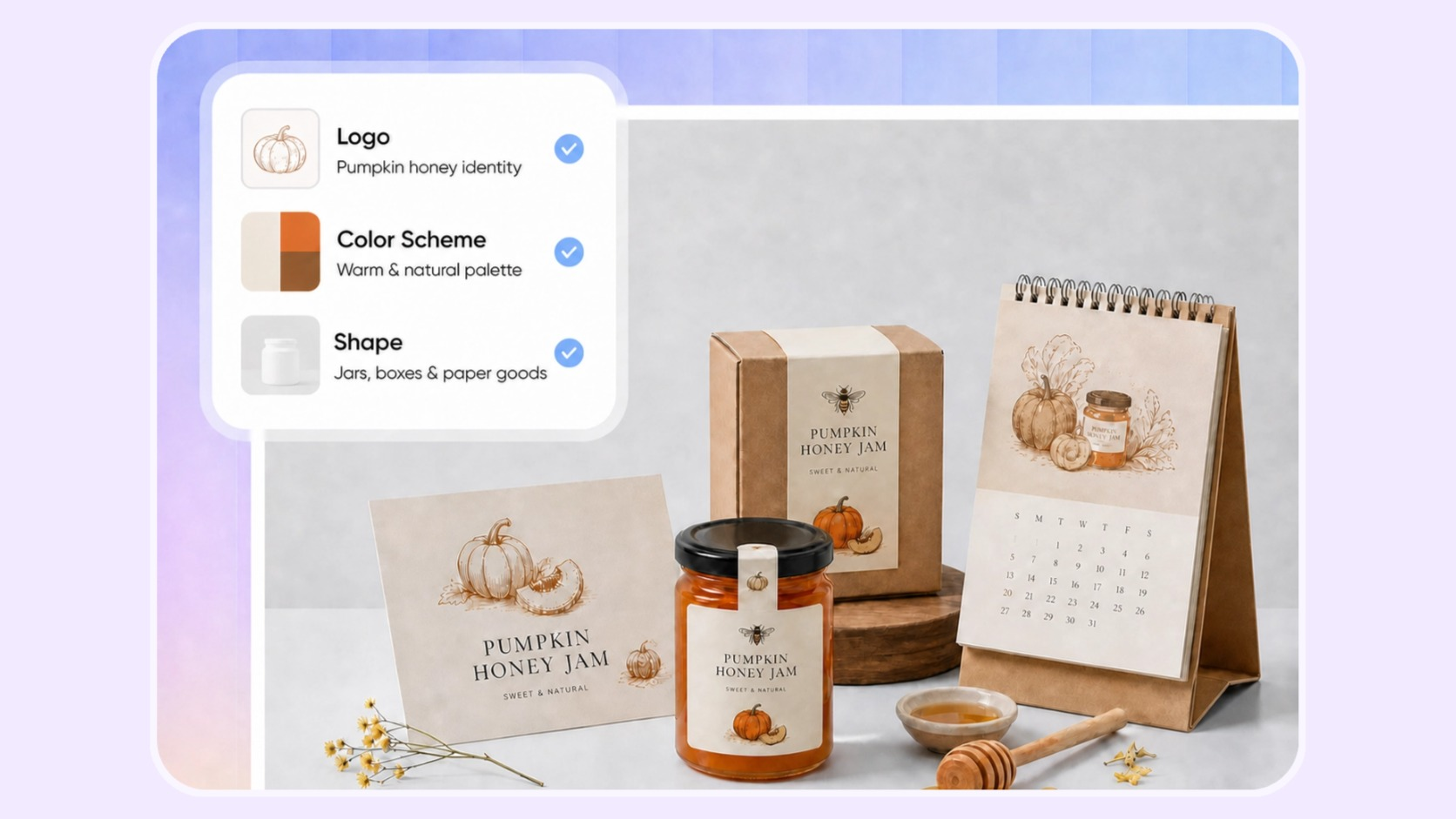
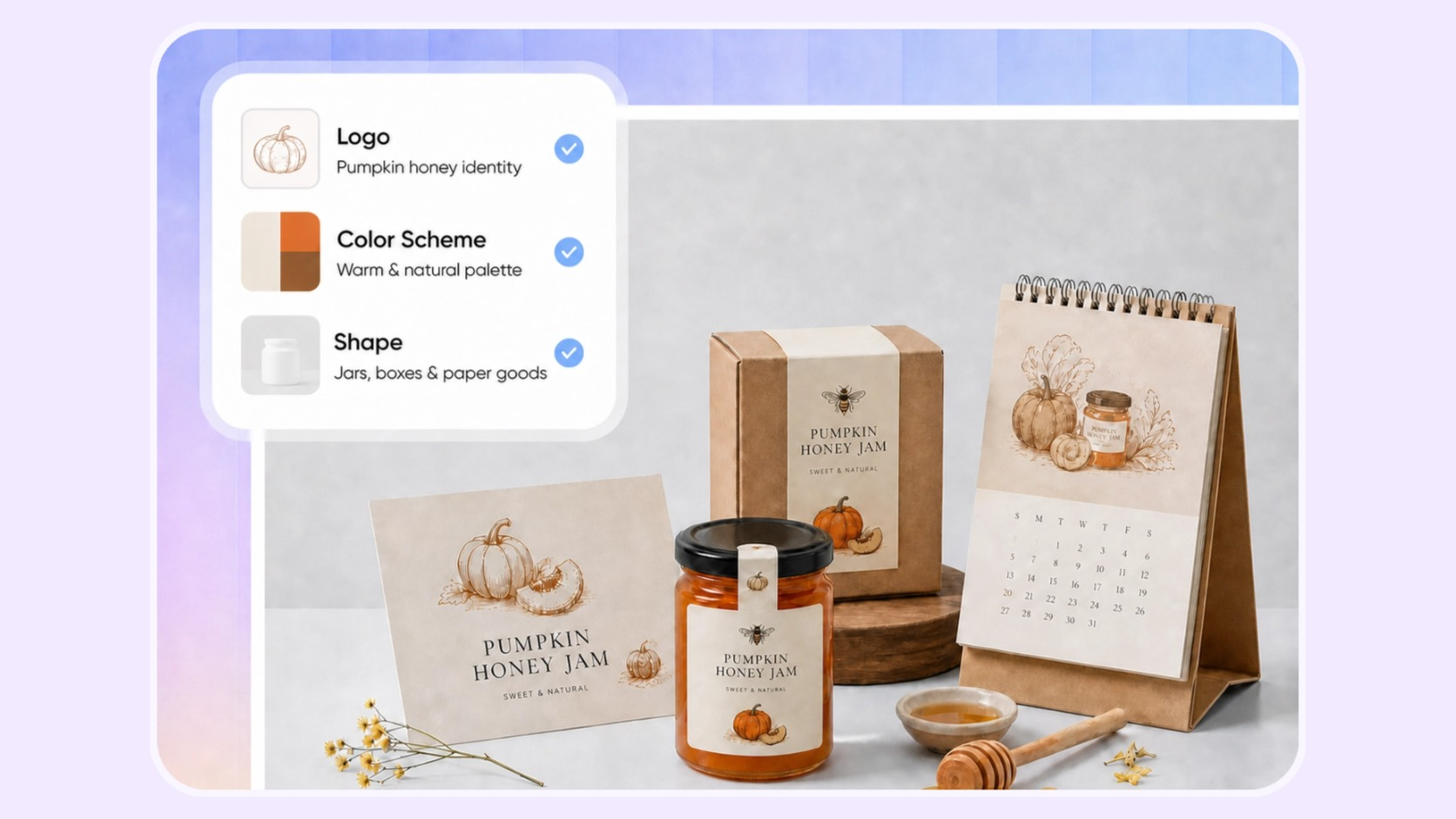
Trusted by industry-leading businesses


Turn any graphic idea into real merch
Start with anything from a rough sketch to finished artwork. Packify transforms your creative direction into realistic merch mockups you can refine, preview in 3D, and prepare for production.
How to create merch online with Packify AI?
Step 1: Upload your artwork and enter a brief
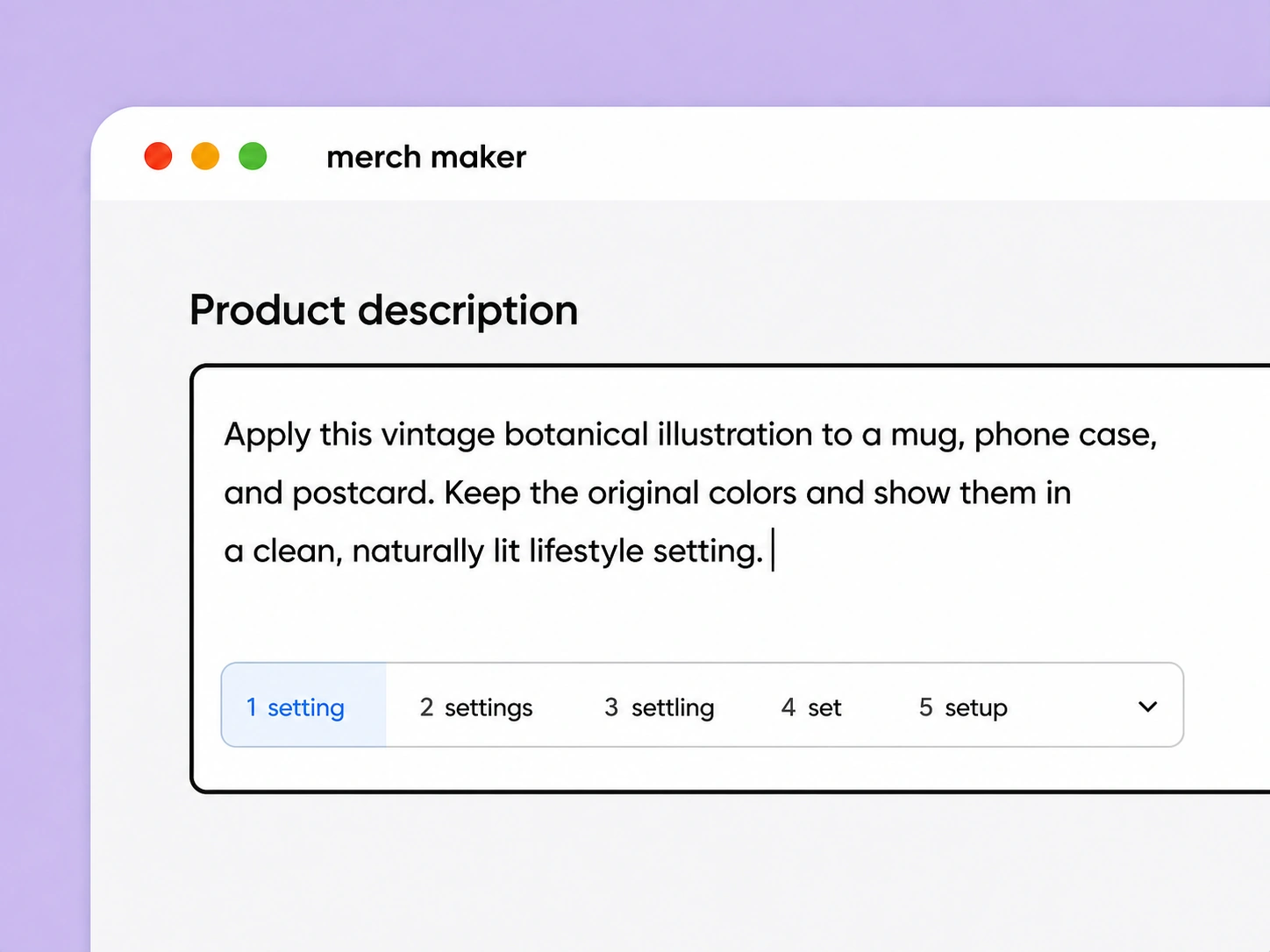
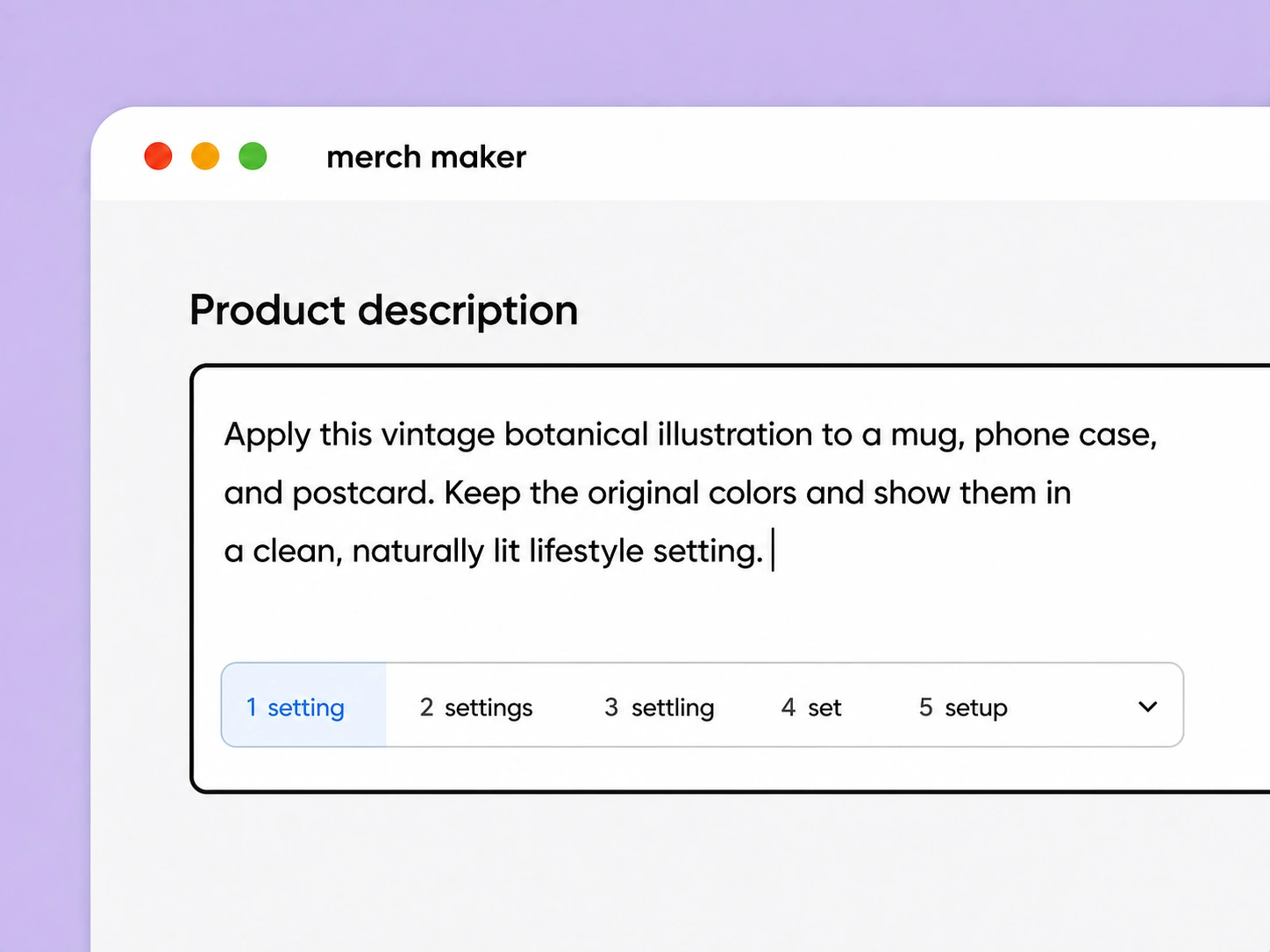
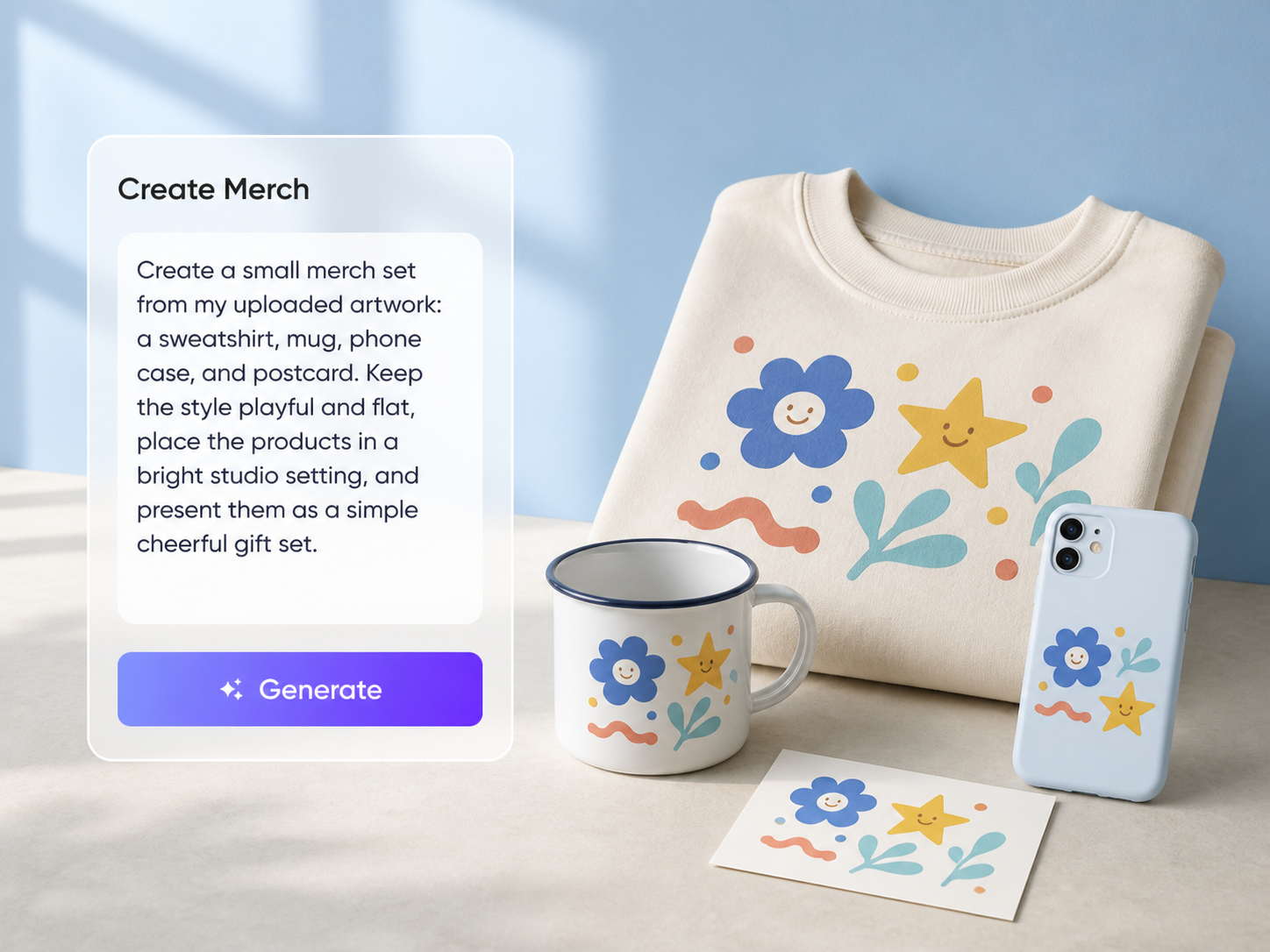
Upload your file, describe the merch products you want to create, the intended style, setting, and presentation.
For example: “Apply this vintage botanical illustration to a mug, phone case, and postcard. Keep the original colors and show them in a clean, naturally lit lifestyle setting.”
Step 2: Generate and refine your mockup with prompts
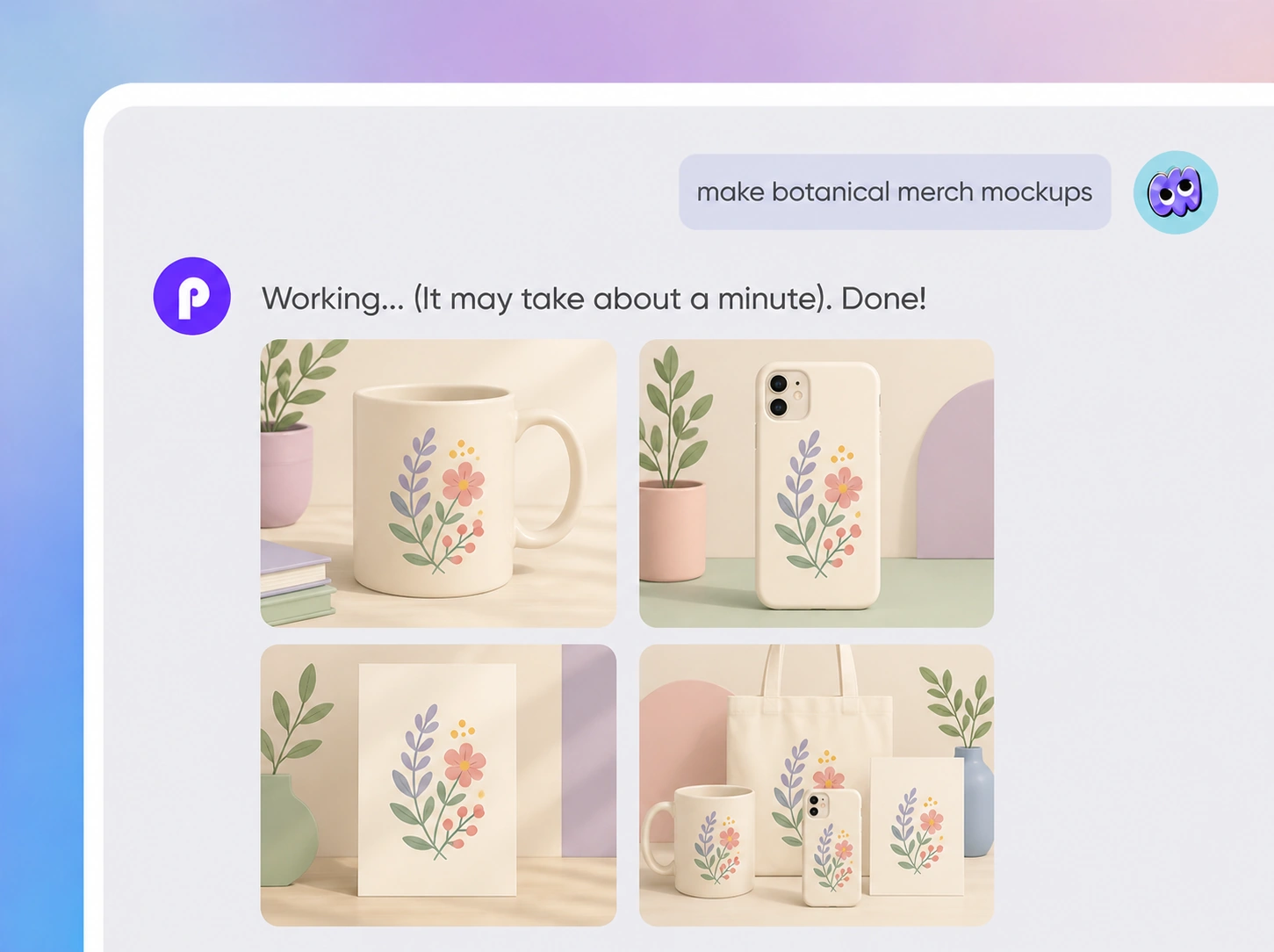
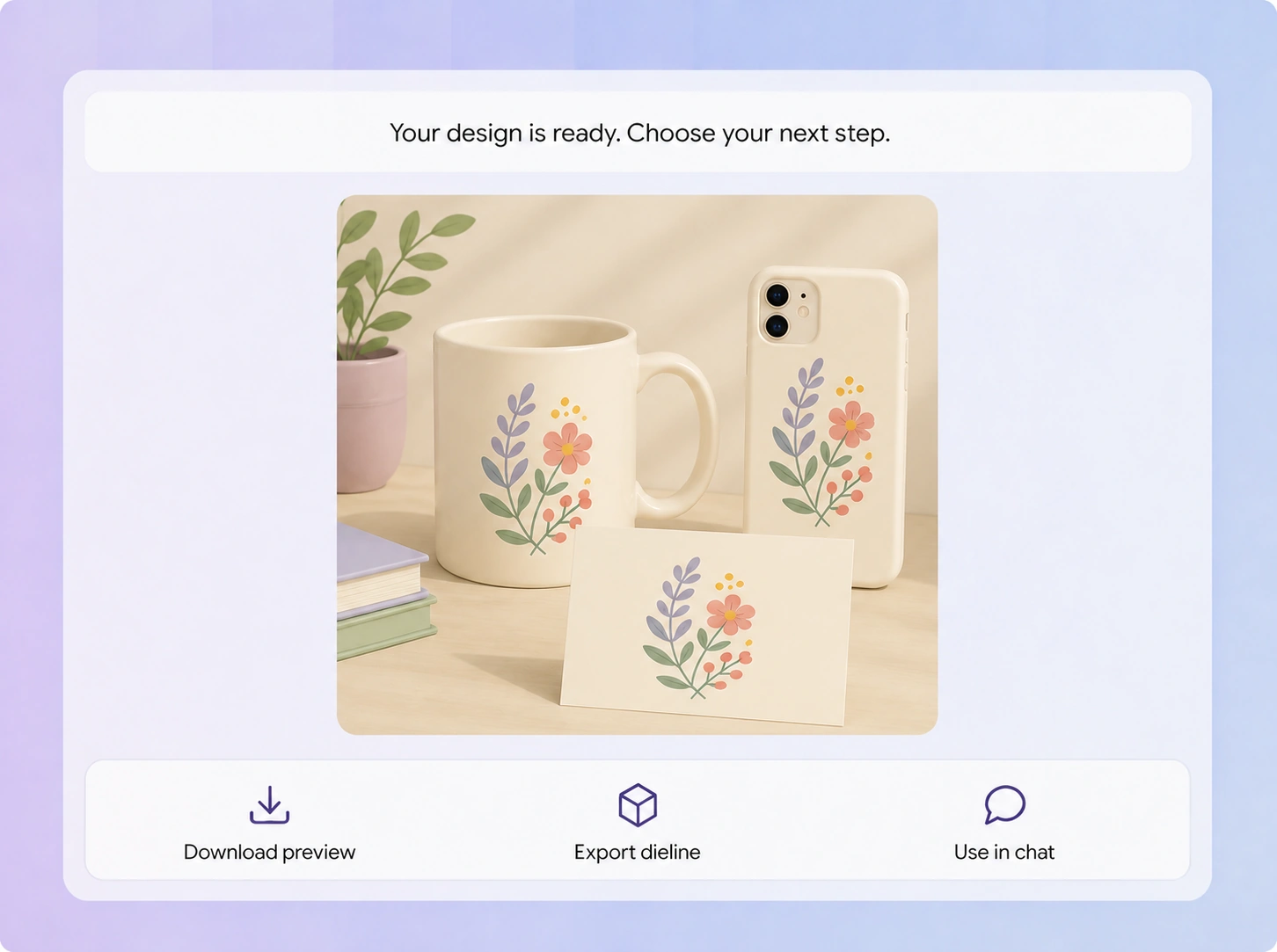
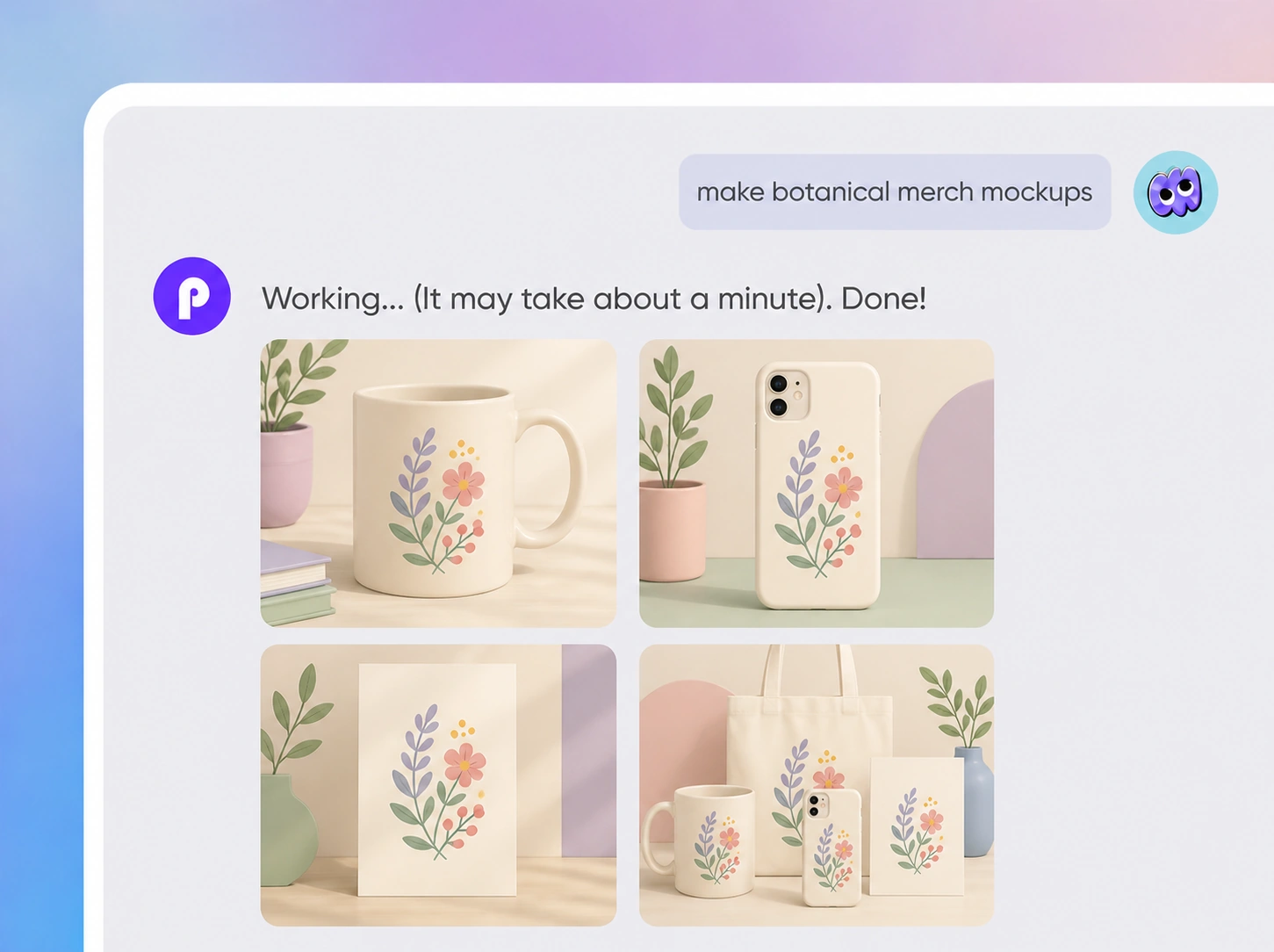
Packify generates the mockup around your design, product, angle, material, and setting instead of simply placing an image into a fixed template.
After generation, continue prompting to adjust the design, product, or scene. You can also apply the same artwork to different merch and compare how it looks.
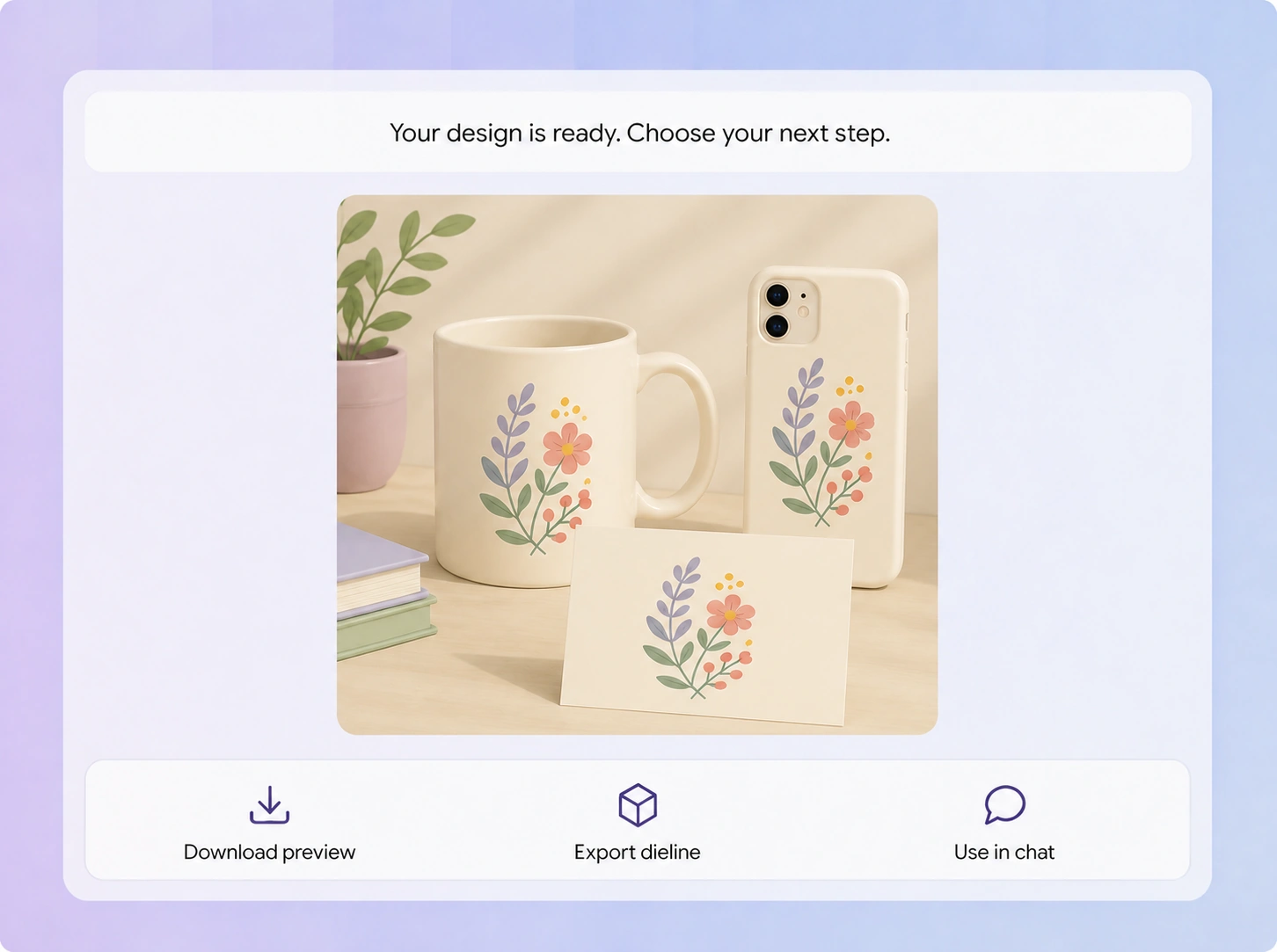
Step 3: Export the dieline and preview it in 3D
When the design and mockup look right, click Export Dieline and choose the product you want to create. Packify applies the design to the corresponding dieline, where you can continue editing it and preview the result in 3D.

Step 1: Upload your artwork and enter a brief
Upload your file, describe the merch products you want to create, the intended style, setting, and presentation.
For example: “Apply this vintage botanical illustration to a mug, phone case, and postcard. Keep the original colors and show them in a clean, naturally lit lifestyle setting.”
Step 2: Generate and refine your mockup with prompts
Packify generates the mockup around your design, product, angle, material, and setting instead of simply placing an image into a fixed template.
After generation, continue prompting to adjust the design, product, or scene. You can also apply the same artwork to different merch and compare how it looks.
Step 3: Export the dieline and preview it in 3D
When the design and mockup look right, click Export Dieline and choose the product you want to create. Packify applies the design to the corresponding dieline, where you can continue editing it and preview the result in 3D.
Why choose Packify for merch design?
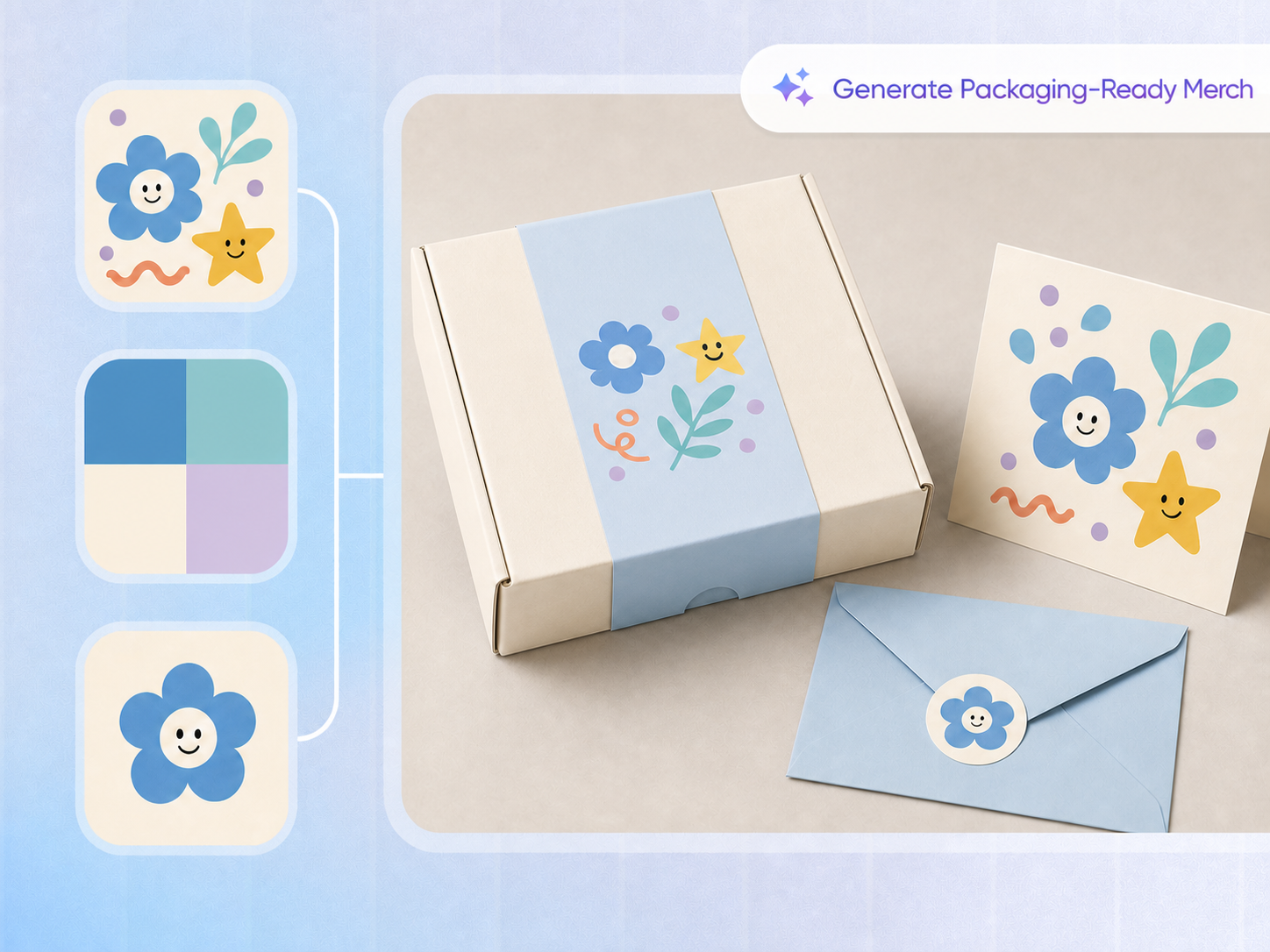
Generate mockups around your artwork
Traditional mockup tools usually replace a layer inside a fixed image. The artwork can look like it is floating on the surface, while the product, angle, material, and setting remain difficult to change.
Packify generates the complete mockup around your artwork and selected product, helping the design feel naturally integrated instead of forcing it into a repeated template.
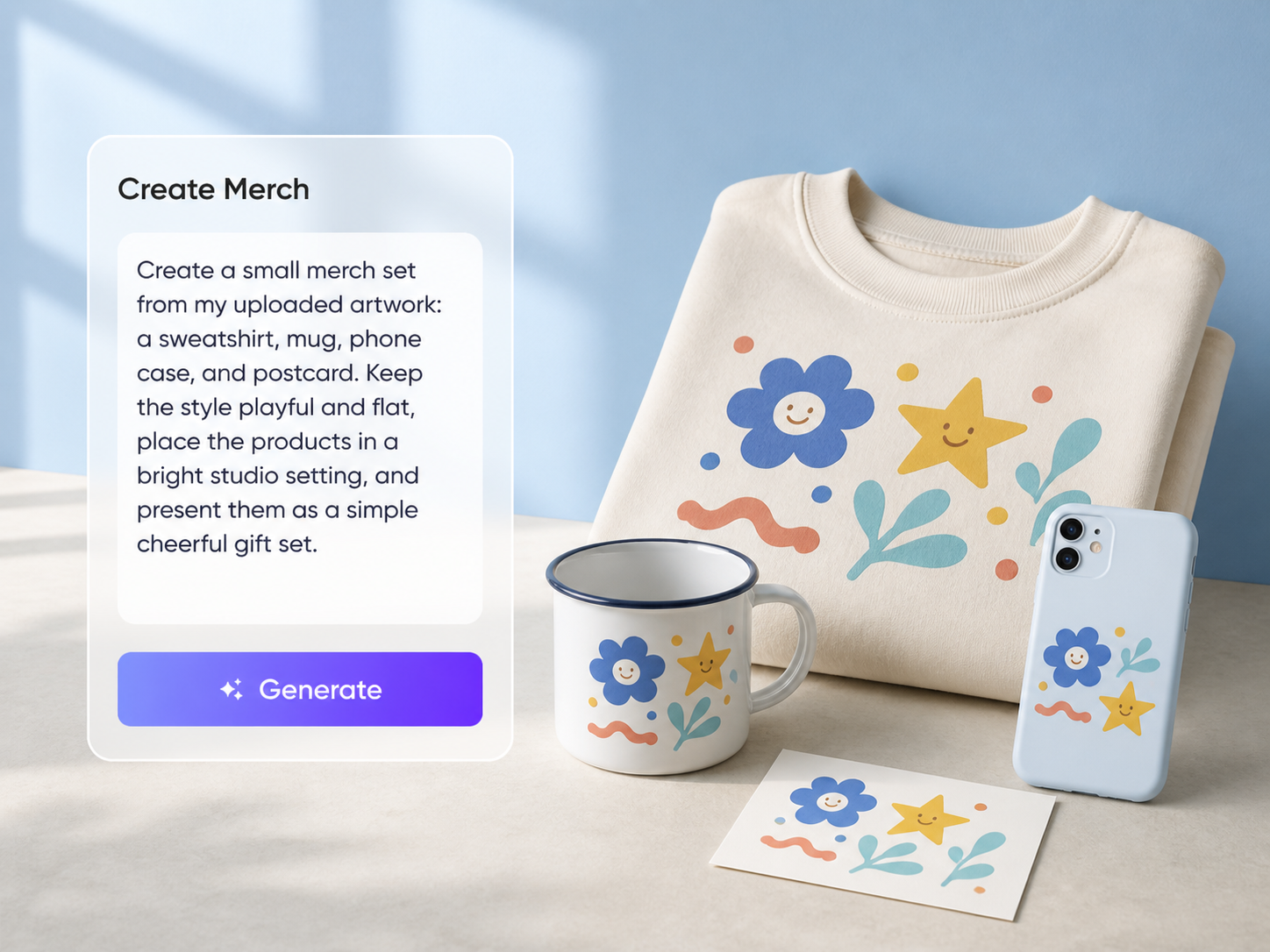
Refine the result with prompts
There is no need to rebuild the mockup in another design tool. Continue prompting to adjust the product, artwork placement, material, angle, composition, or setting until the result matches your creative direction.
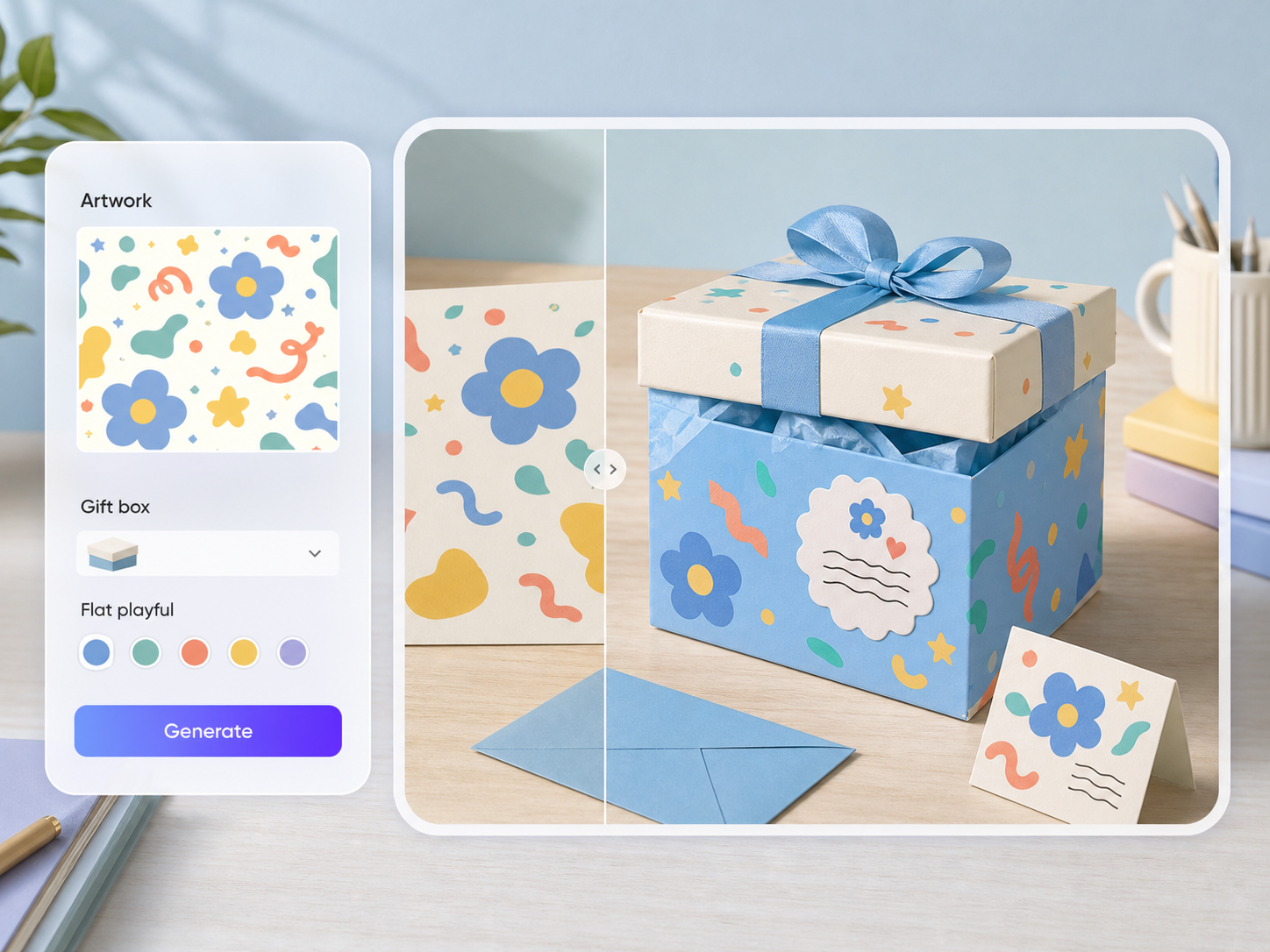
Continue from mockup to dieline and 3D preview
Packify does more than generate an attractive AI image. Once the mockup direction is confirmed, export the design to the corresponding product dieline, continue editing it, and use the 3D preview to review its placement, proportions, and relationship to the product structure.
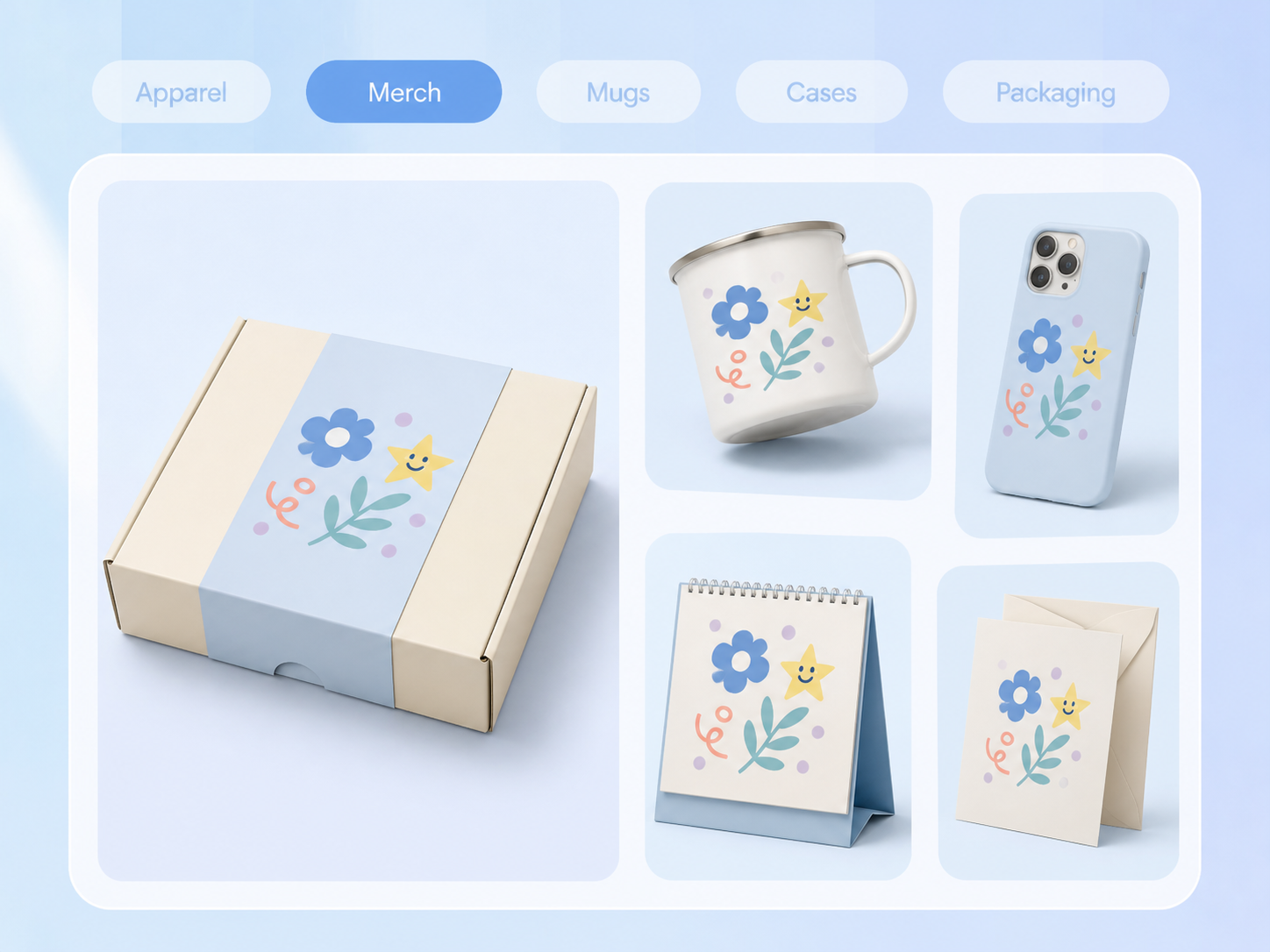
Turn one design into more merch
Apply the same illustration, pattern, typography, or character design to apparel, hats, mugs, phone cases, calendars, postcards, and other products. Compare formats, find the best fit for your work, and create social and marketing visuals around the same design.
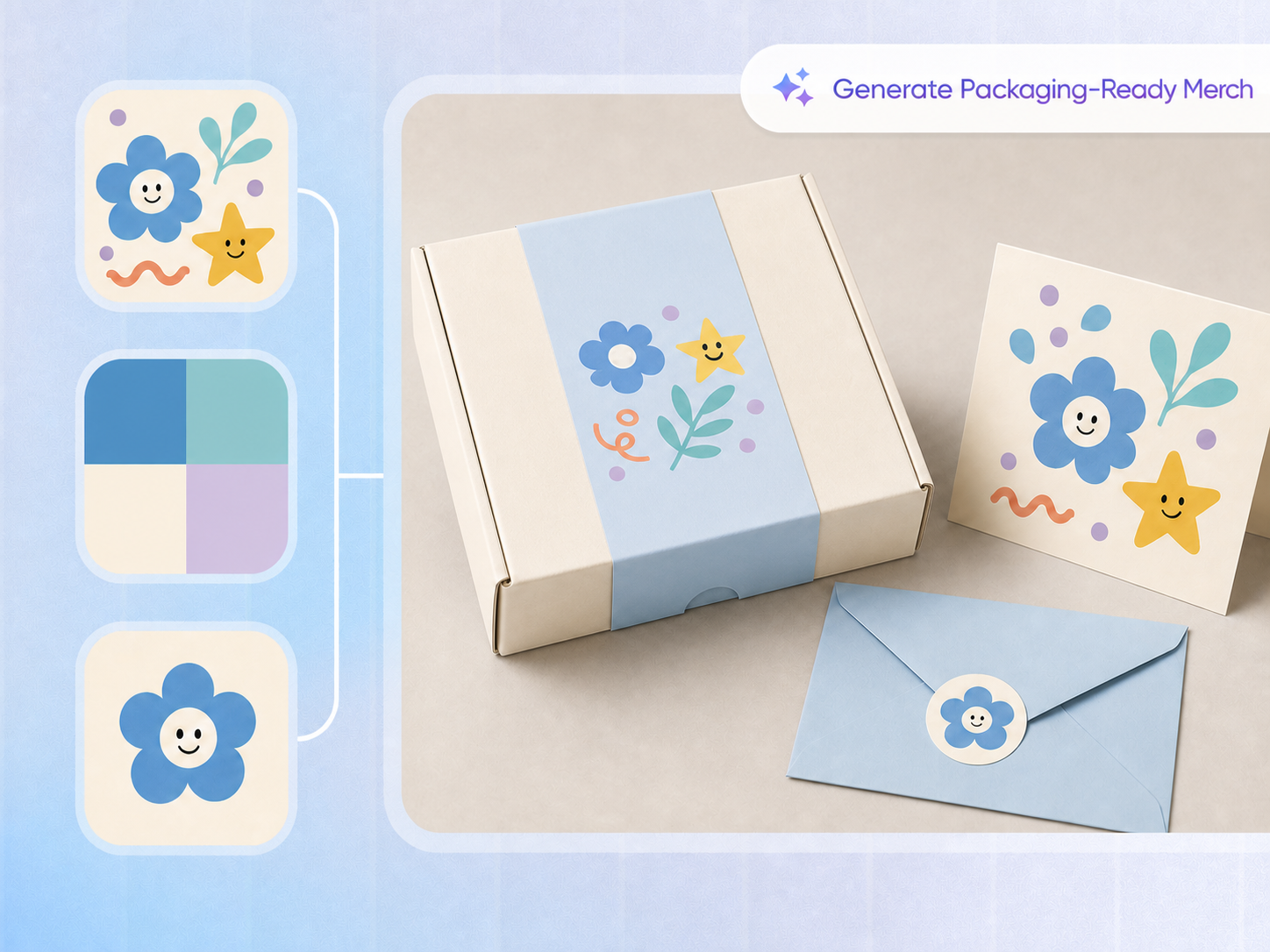
Generate mockups around your artwork
Traditional mockup tools usually replace a layer inside a fixed image. The artwork can look like it is floating on the surface, while the product, angle, material, and setting remain difficult to change.
Packify generates the complete mockup around your artwork and selected product, helping the design feel naturally integrated instead of forcing it into a repeated template.
Refine the result with prompts
There is no need to rebuild the mockup in another design tool. Continue prompting to adjust the product, artwork placement, material, angle, composition, or setting until the result matches your creative direction.
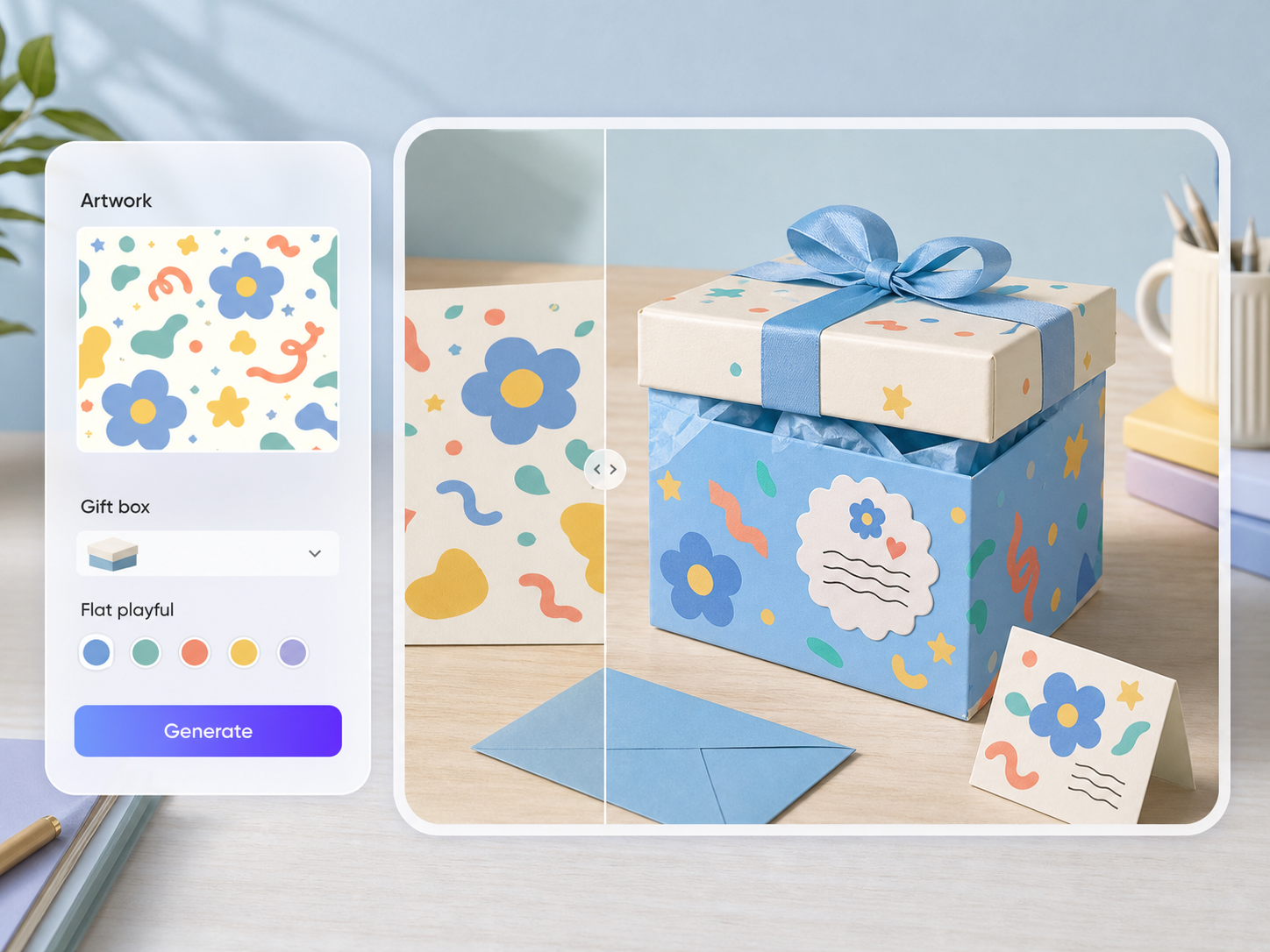
Continue from mockup to dieline and 3D preview
Packify does more than generate an attractive AI image. Once the mockup direction is confirmed, export the design to the corresponding product dieline, continue editing it, and use the 3D preview to review its placement, proportions, and relationship to the product structure.
Turn one design into more merch
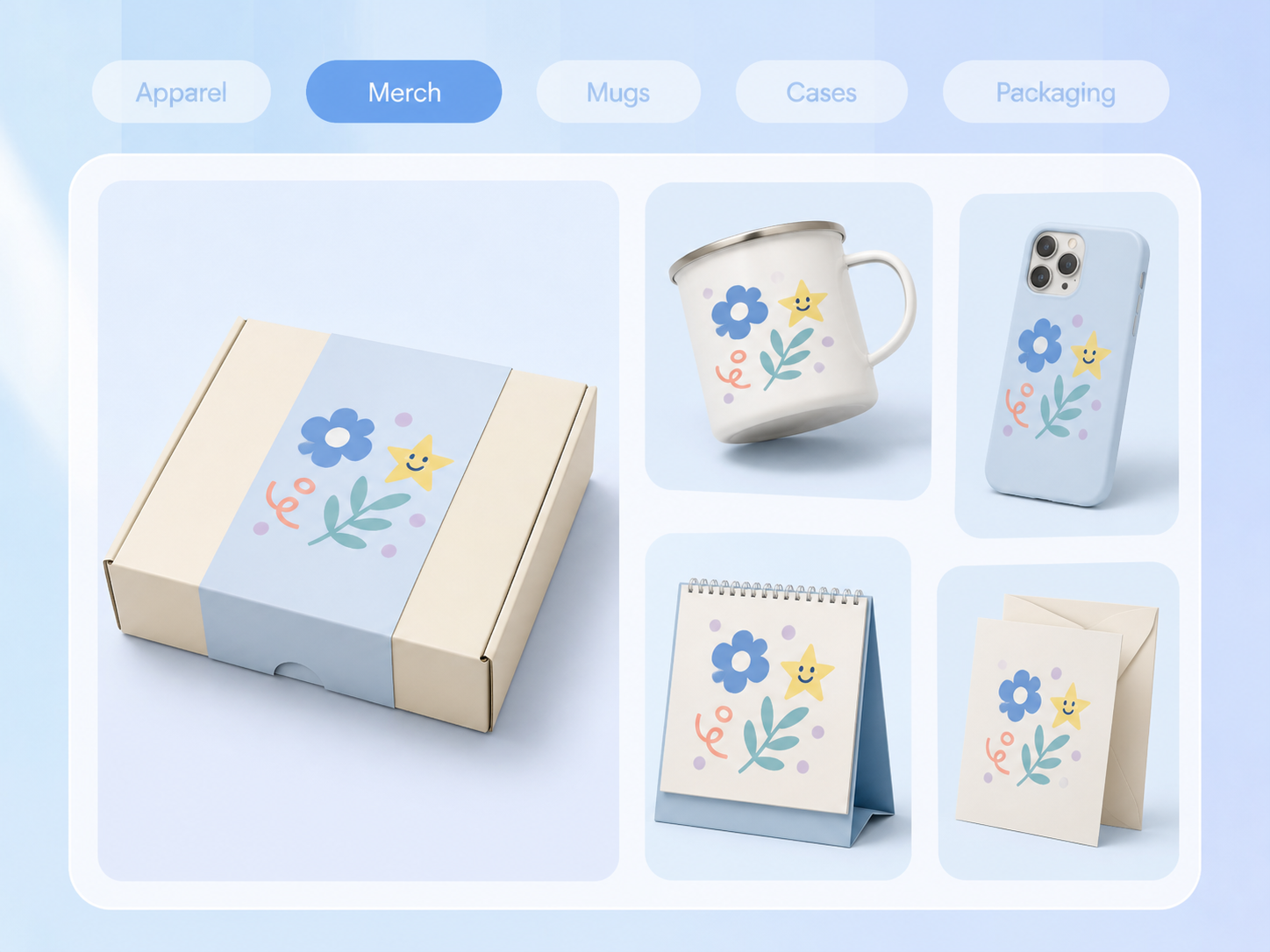
Apply the same illustration, pattern, typography, or character design to apparel, hats, mugs, phone cases, calendars, postcards, and other products. Compare formats, find the best fit for your work, and create social and marketing visuals around the same design.
Proven impact, in our customer's words


The AI-powered packaging design tool is a game-changer. It's fast, intuitive, making it an essential tool for any forward-thinking design team.ved.
March 26, 2025


The results are so amazing that I don't think it's just for inspiration... I'd say artificial intelligence outperforms most designers; the key is to come up with the perfect prompt. Great contribution! Thank you 😊.
March 18, 2025


The AI-powered packaging design tool is a game-changer. It's fast, intuitive, making it an essential tool for any forward-thinking design team.
March 18, 2025


We’re a tiny skincare shop. Packify.ai turned my scribbles into clean mockups and a printable dieline by Monday. Fewer back-and-forths, consistent branding, a nd our product page conversions moved.
March 18, 2025


The AI-powered packaging design tool is a game-changer. It's fast, intuitive, making it an essential tool for any forward-thinking design team.
March 26, 2025


The results are so amazing that I don't think it's just for inspiration... I'd say artificial intelligence outperforms most designers; the key is to come up with the perfect prompt. Great contribution! Thank you 😊
March 18, 2025


Congrats! Packify.ai, an AI packaging designer, enables easy, creative design and offers AI-driven product photography for e-commerce through simple chatting.
April 2, 2025


We’re a tiny skincare shop. Packify.ai turned my scribbles into clean mockups and a printable dieline by Monday. Fewer back-and-forths, consistent branding, a nd our product page conversions moved.
May 9, 2025
You asked,
we answered
You asked, we answered
How is Packify different from a traditional mockup template?
Traditional mockups usually replace a layer inside a fixed image. Packify generates a complete mockup based on the artwork, product, angle, material, and setting, helping the design fit the product more naturally.
Can I edit the mockup after it is generated?
Yes. Continue prompting to adjust the design, product, placement, material, angle, composition, or scene. You can also apply the same artwork to another product.
How do I edit the dieline and view the product in 3D?
Once the design and mockup are ready, click Export dieline and select the product you want to create. Packify applies the design to the corresponding dieline, where you can continue editing and open the 3D preview.
What merch products does Packify support?
Packify supports apparel, hats, mugs, phone cases, calendars, postcards, greeting cards, posters, and other printed products.
Can I create marketing images from my mockup?
Yes. Use the finished merch concept to generate social media images, ecommerce scenes, launch graphics, and other promotional visuals while keeping the same design direction.
Will the 3D preview look exactly like the final physical product?
The 3D preview helps you review placement, proportions, and product structure, but it does not replace a physical sample. Final results can still vary with materials, suppliers, printing methods, and production specifications.
Is Packify’s AI merch maker free to use?
Yes. New users receive 100 one-time credits to try core features, including AI Design and the Mockup Studio. Credits do not renew after they are used. Visit the Pricing page for current plans, credit usage, and feature availability.
Can I use my Packify merch designs commercially?
Commercial use depends on your plan and license. Designs created with paid services can be used for personal or commercial purposes, subject to Packify’s Terms of Use.
Put a great design on more products