AI packaging design maker
Describe your product, brand, and packaging type. Packify drafts the surface artwork and a 3D preview you can refine, then export a dieline when the direction is right.

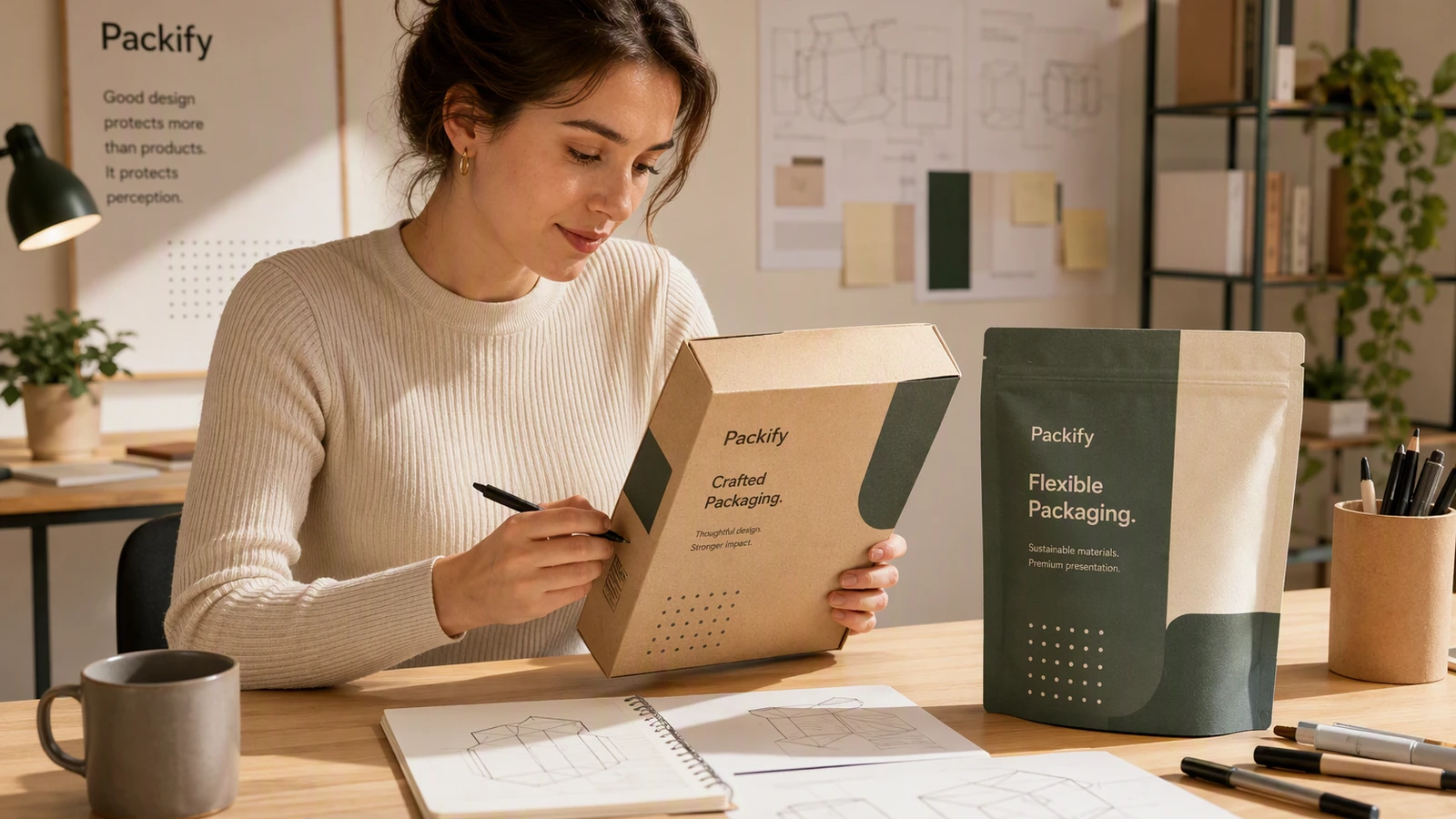
Trusted by industry-leading businesses


Packaging design maker: from mockup to dieline
Your product is ready and the launch date is set, but the design budget only stretches so far. Use Packify as an online packaging design maker: type in your product, brand, and the style you want, and the AI renders a packaging mockup. Adjust the colors and copy, then turn that same mockup into an editable, print-ready dieline your printer can quote from.
How to make a packaging design with AI?
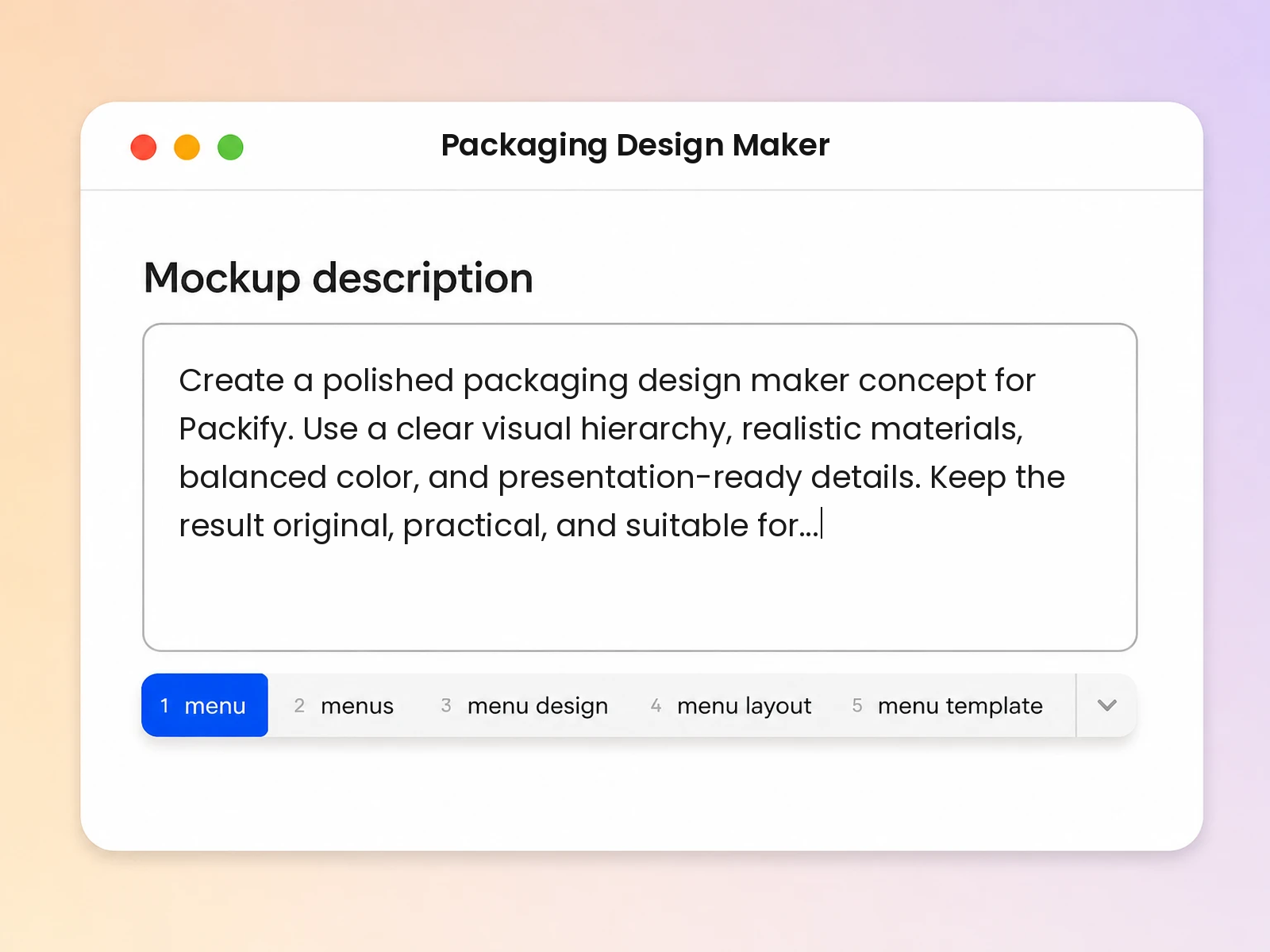
Step 1: Describe your product and brand
Enter your product and brand names, upload your logo or current packaging image, then type your packaging type in the Packaging field.
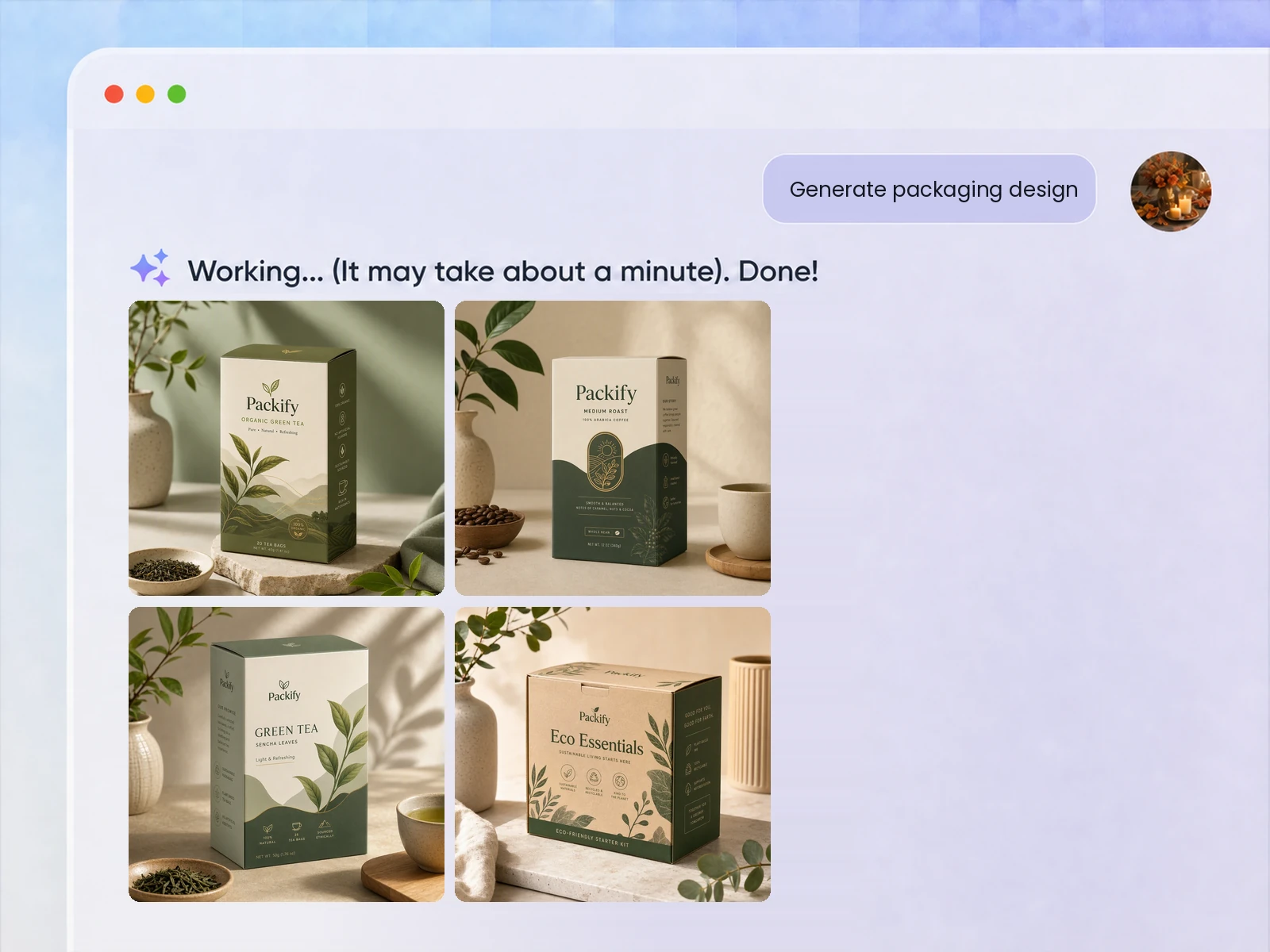
Step 2: Set your direction and generate
Choose design elements, a style, and colors that fit your category, then generate options and regenerate until one direction looks right.
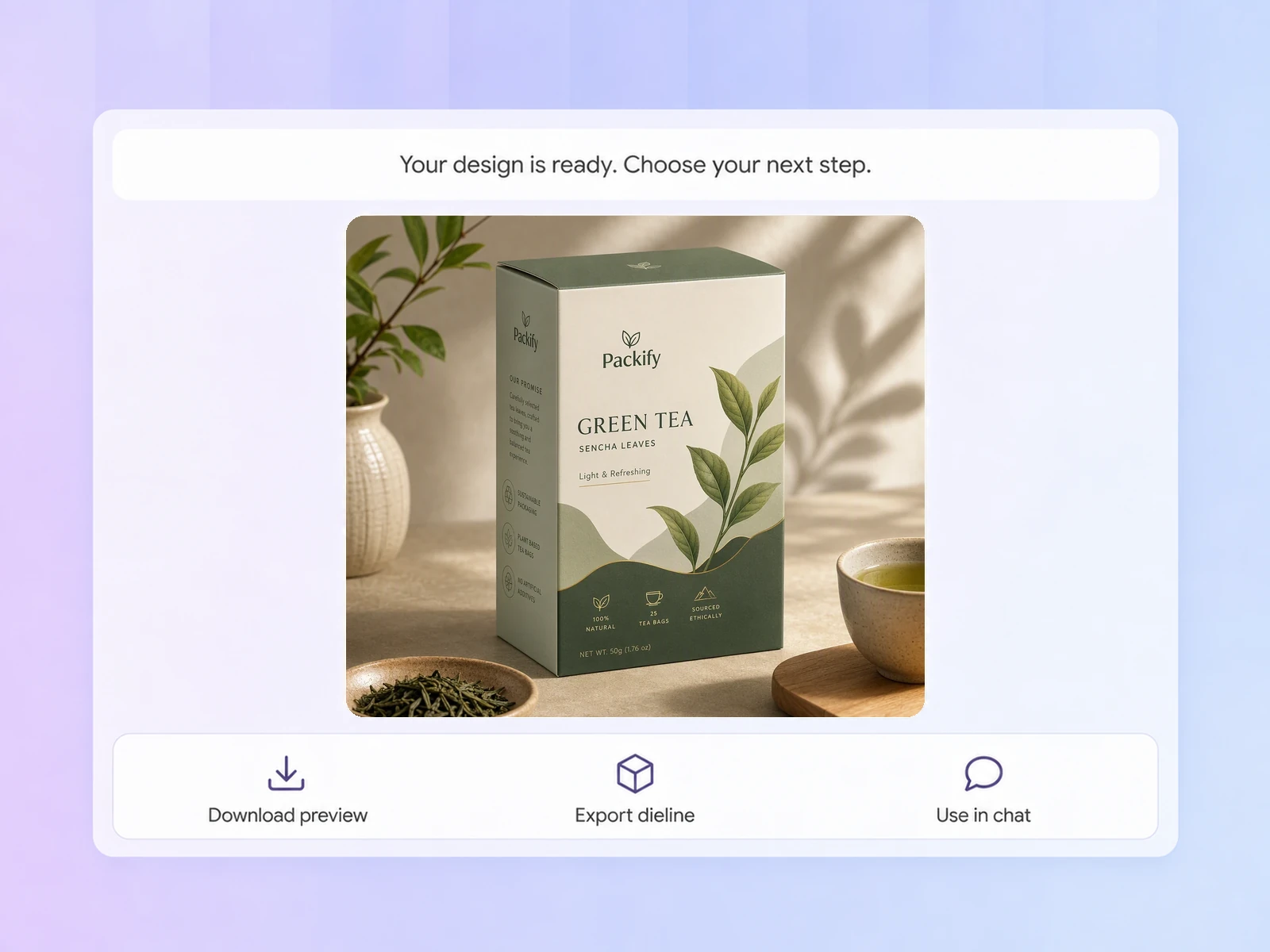
Step 3: Refine, export, and download
Open Use in Chat to adjust graphics, colors, and layout, then export a dieline or download images for your listings and social posts.

Step 1: Describe your product and brand
Enter your product and brand names, upload your logo or current packaging image, then type your packaging type in the Packaging field.
Step 2: Set your direction and generate
Choose design elements, a style, and colors that fit your category, then generate options and regenerate until one direction looks right.
Step 3: Refine, export, and download
Open Use in Chat to adjust graphics, colors, and layout, then export a dieline or download images for your listings and social posts.
Why choose Packify as your packaging design maker?
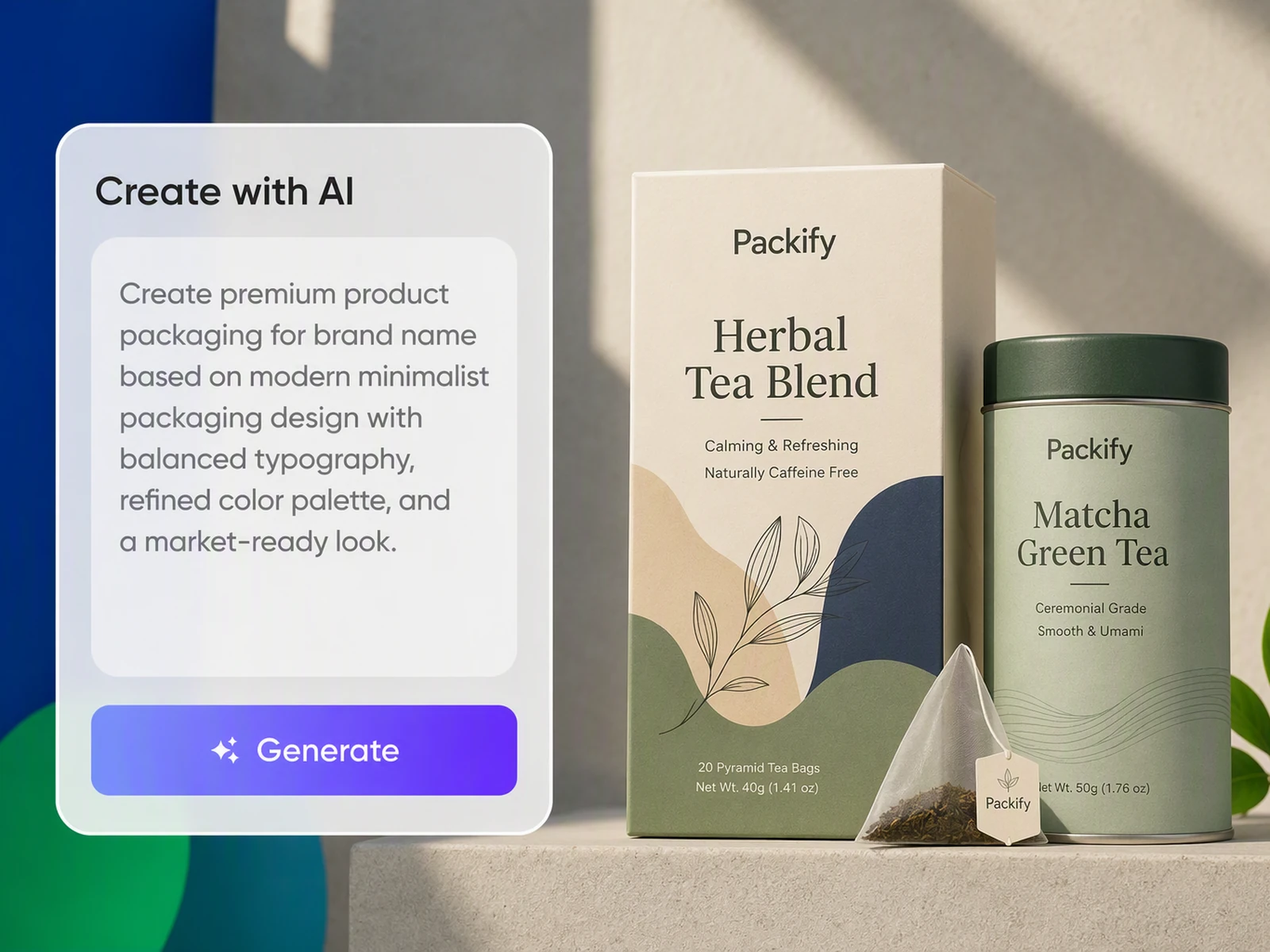
Walk into the design brief with a visual
Explaining a packaging idea in words costs rounds of back-and-forth before anyone draws anything. Describe your product, brand, packaging type, and bring the generated design to your designer or agency as the starting point instead of a paragraph.
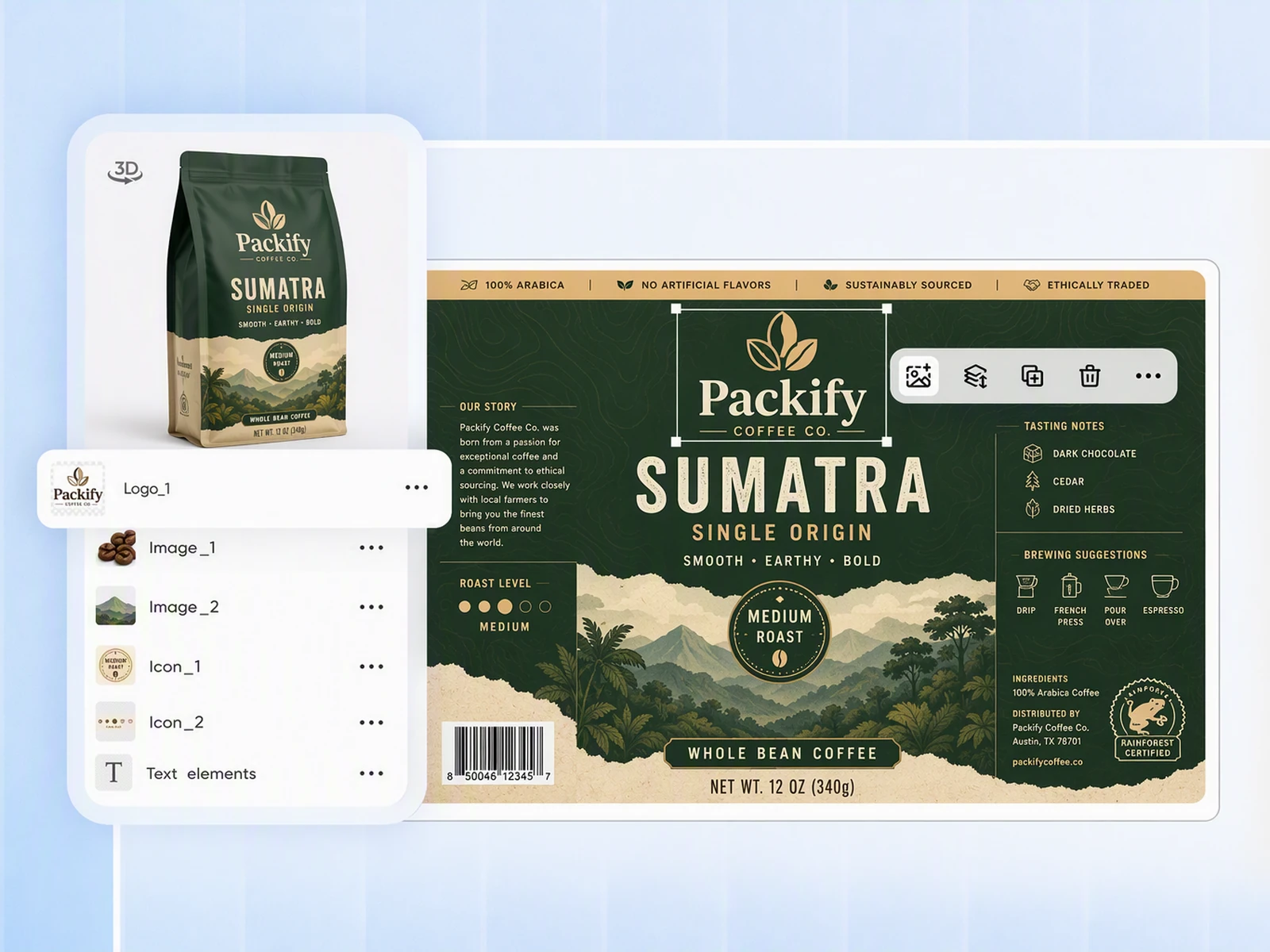
Keep every SKU on brand
A second flavor or a larger size usually means starting over and hoping it still matches. Set a Brand Kit with your logo, colors, and brand description, or upload an existing pack as a reference, so each new generation reads as part of the same family.
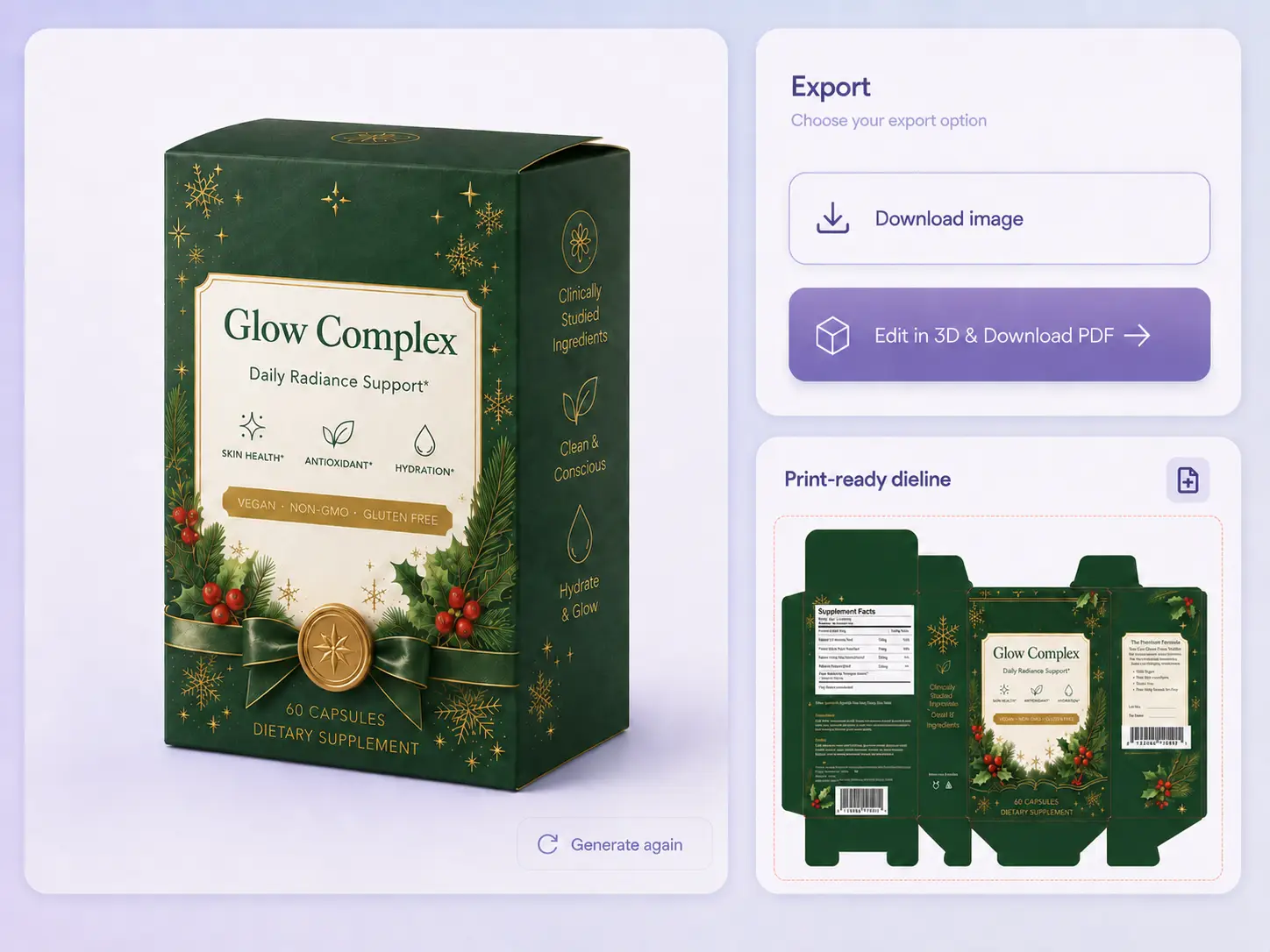
Turn a design into a printable dieline
A design that looks right on screen still has to fold, seal, and print. Packify exports a print-ready dieline from the direction you pick, so your printer or co-packer gets a production file instead of a screenshot. Confirm dimensions and material with them before the run.
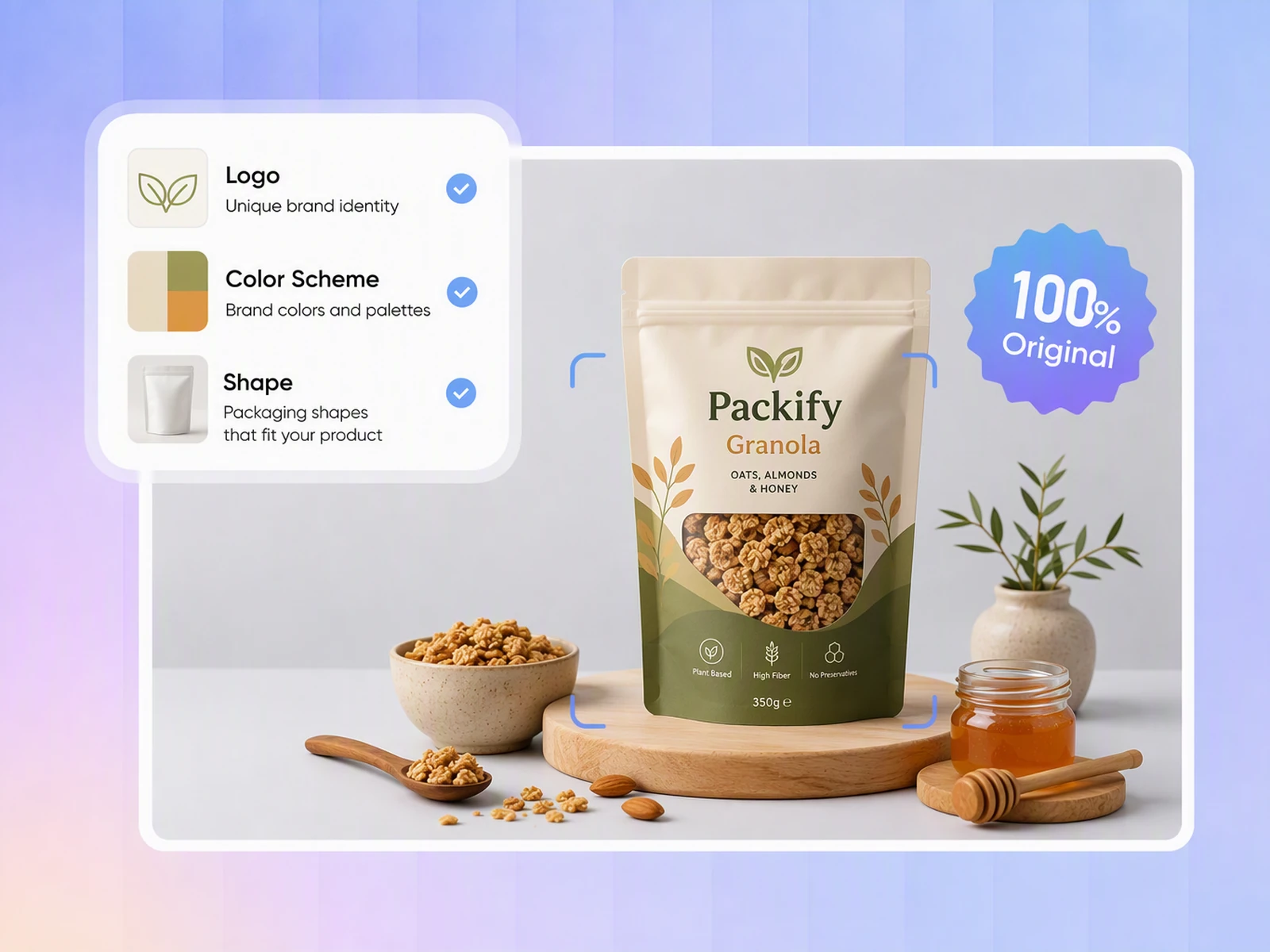
Compare directions before you commit
Picking a pack from one concept is a guess, and a reprint is expensive. Adjust Elements, Style, and Color to generate several directions, then compare graphics and layouts side by side and keep the one that still reads at thumbnail size on a listing.
Walk into the design brief with a visual
Explaining a packaging idea in words costs rounds of back-and-forth before anyone draws anything. Describe your product, brand, packaging type, and bring the generated design to your designer or agency as the starting point instead of a paragraph.
Keep every SKU on brand
A second flavor or a larger size usually means starting over and hoping it still matches. Set a Brand Kit with your logo, colors, and brand description, or upload an existing pack as a reference, so each new generation reads as part of the same family.
Turn a design into a printable dieline
A design that looks right on screen still has to fold, seal, and print. Packify exports a print-ready dieline from the direction you pick, so your printer or co-packer gets a production file instead of a screenshot. Confirm dimensions and material with them before the run.
Compare directions before you commit
Picking a pack from one concept is a guess, and a reprint is expensive. Adjust Elements, Style, and Color to generate several directions, then compare graphics and layouts side by side and keep the one that still reads at thumbnail size on a listing.
Proven impact, in our customer's words


The AI-powered packaging design tool is a game-changer. It's fast, intuitive, making it an essential tool for any forward-thinking design team.ved.
March 26, 2025


The results are so amazing that I don't think it's just for inspiration... I'd say artificial intelligence outperforms most designers; the key is to come up with the perfect prompt. Great contribution! Thank you 😊.
March 18, 2025


The AI-powered packaging design tool is a game-changer. It's fast, intuitive, making it an essential tool for any forward-thinking design team.
March 18, 2025


We’re a tiny skincare shop. Packify.ai turned my scribbles into clean mockups and a printable dieline by Monday. Fewer back-and-forths, consistent branding, and our product page conversions moved.
March 18, 2025


The AI-powered packaging design tool is a game-changer. It's fast, intuitive, making it an essential tool for any forward-thinking design team.
March 26, 2025


The results are so amazing that I don't think it's just for inspiration... I'd say artificial intelligence outperforms most designers; the key is to come up with the perfect prompt. Great contribution! Thank you 😊
March 18, 2025


Congrats! Packify.ai, an AI packaging designer, enables easy, creative design and offers AI-driven product photography for e-commerce through simple chatting.
April 2, 2025


We’re a tiny skincare shop. Packify.ai turned my scribbles into clean mockups and a printable dieline by Monday. Fewer back-and-forths, consistent branding, and our product page conversions moved.
May 9, 2025
You Asked,
We Answered
You Asked, We Answered
What kinds of packaging can I make with Packify?
Boxes, bottles, pouch bags, cosmetic packaging, and product labels. Describe the container and what goes on it, and Packify's AI drafts the artwork, renders it in 3D, and turns the concept into a print-ready dieline. More packaging types are coming soon.
Do I need design skills or software to use it?
No. You describe the product, brand, and packaging type in plain words, and Packify drafts the artwork for you. Edits happen in the same place with Use in Chat, so you never open a professional design program.
Do I need a product photo before I start?
No. Packify works from a written brief, so you can design the pack while the product is still in production. If you already have a logo or an existing pack, upload it as a reference and the AI works in the same visual direction.
What file formats does the packaging design maker export?
Packify exports print-ready AI and PDF files, with more formats coming. Both open in any print shop's workflow. Since every printer has its own house specs, send the file over and have them confirm bleed, cut lines and color mode match their sheet before you commit to a full run.
Can I send a design from this packaging design maker to my printer?
Yes. Packify turns the design you choose into a print-ready dieline with cut and fold lines, so your printer receives a production file instead of a flat concept image. Confirm final dimensions and material with them before the run.
Is the Packify packaging design maker free to use?
You can start with free trial credits and make a packaging design without paying upfront. Credits are consumed each time you generate, so check your remaining balance before you run a batch. For plans and credit packages, see our Pricing Page. A free trial does not mean unlimited use.
Can I use the generated packaging designs commercially?
Yes, subject to Packify's usage terms. You can use the designs for e-commerce listings, retail packaging, marketing campaigns, and social posts. AI-generated content carries no exclusive rights, so review text, trademarks, and any resemblance to existing brands before launch.
A packaging design maker for print-ready designs