Box template generator
Describe what your box is for, or upload a packaging photo, mockup, or product reference, Packify recommends similar box structures that you can review, resize, replace, and turn into an editable dieline.



Trusted by industry-leading businesses


Find the right box with our box template maker
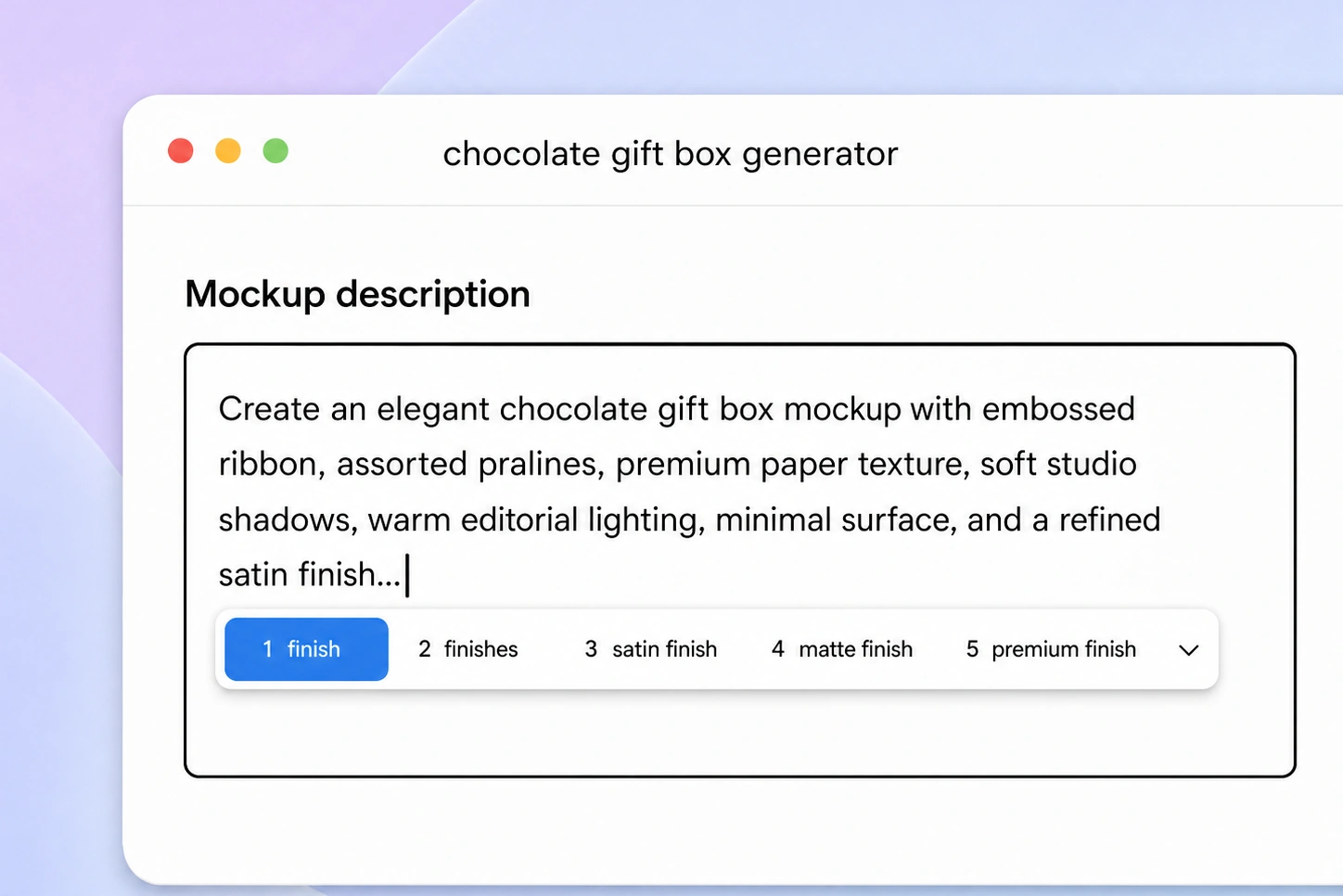
You may know what the box needs to hold, how it should open, or whether it is meant for display or shipping—without knowing its technical name or structural code. Describe the packaging purpose or upload a photo, supplier sample, or mockup, and Packify recommends relevant structures to explore. You can also generate a box mockup first and turn it into a dieline. Each recommendation is a starting point rather than an exact reconstruction, so you can choose another structure and adjust the dimensions to create a custom box template for your project.
How to make a custom box template with Packify?
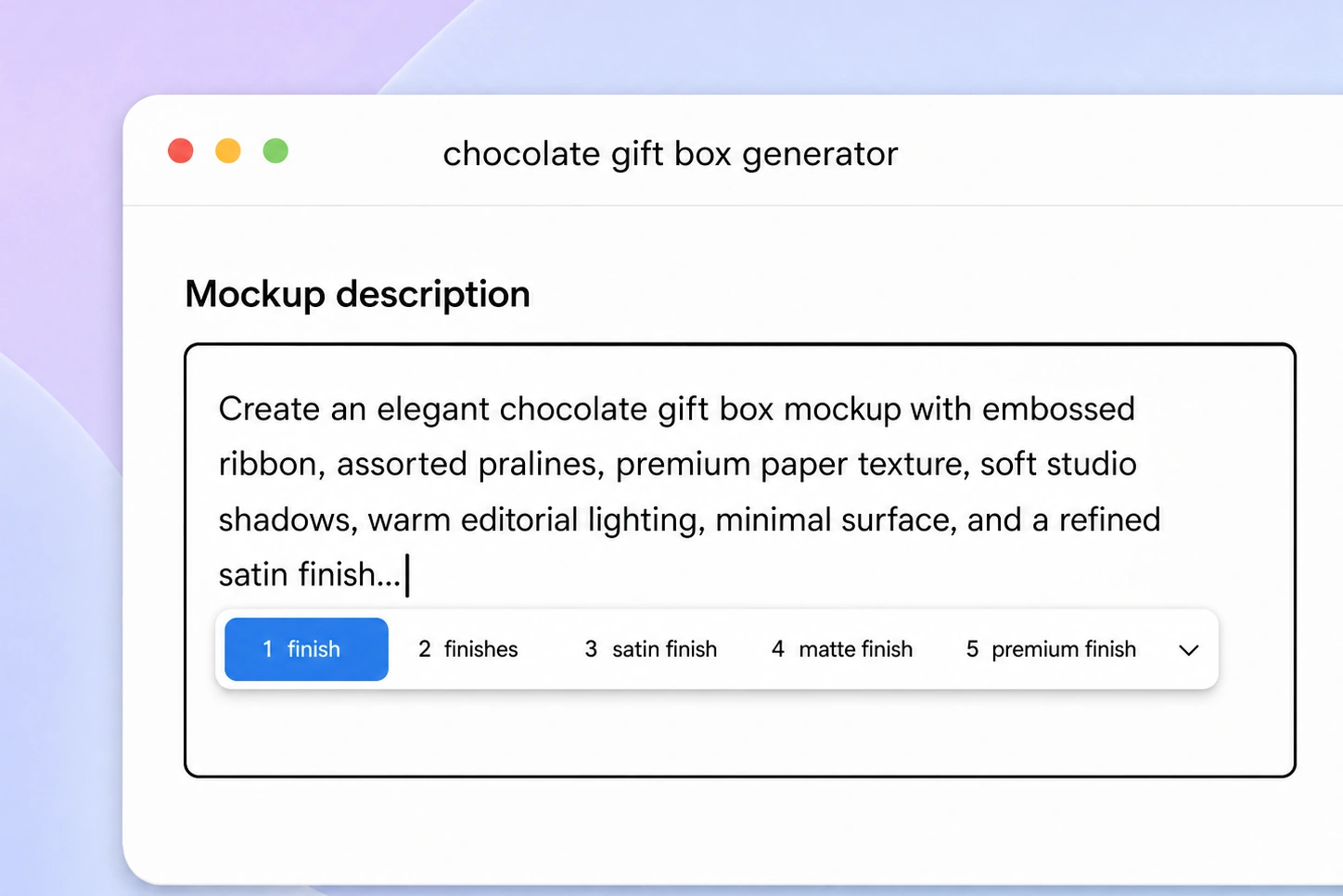
Step 1: Describe the box or add a reference
Describe the product, dimensions, shape, and intended use, upload a reference image, or generate a box mockup with AI.
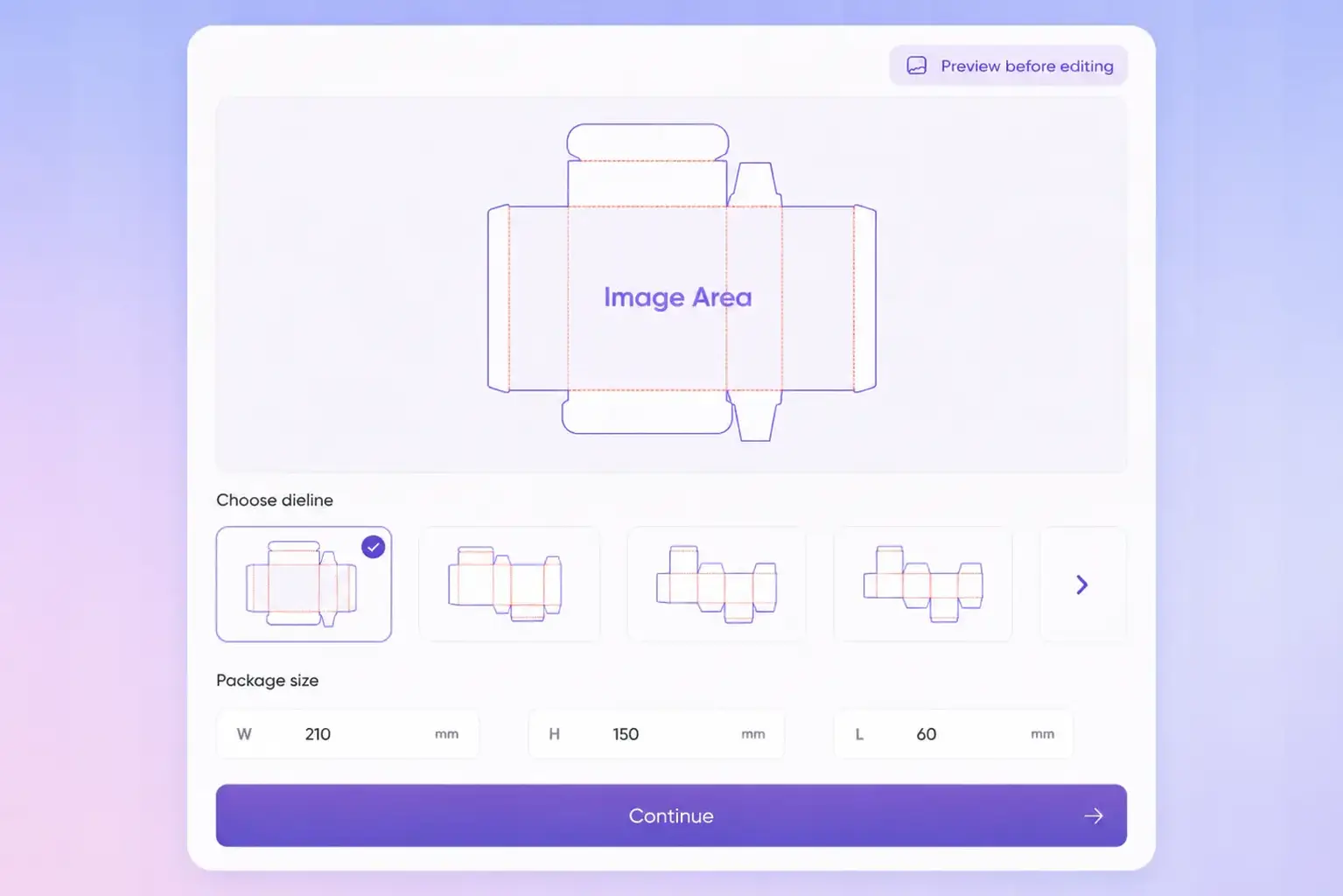
Step 2: Choose and adjust the structure
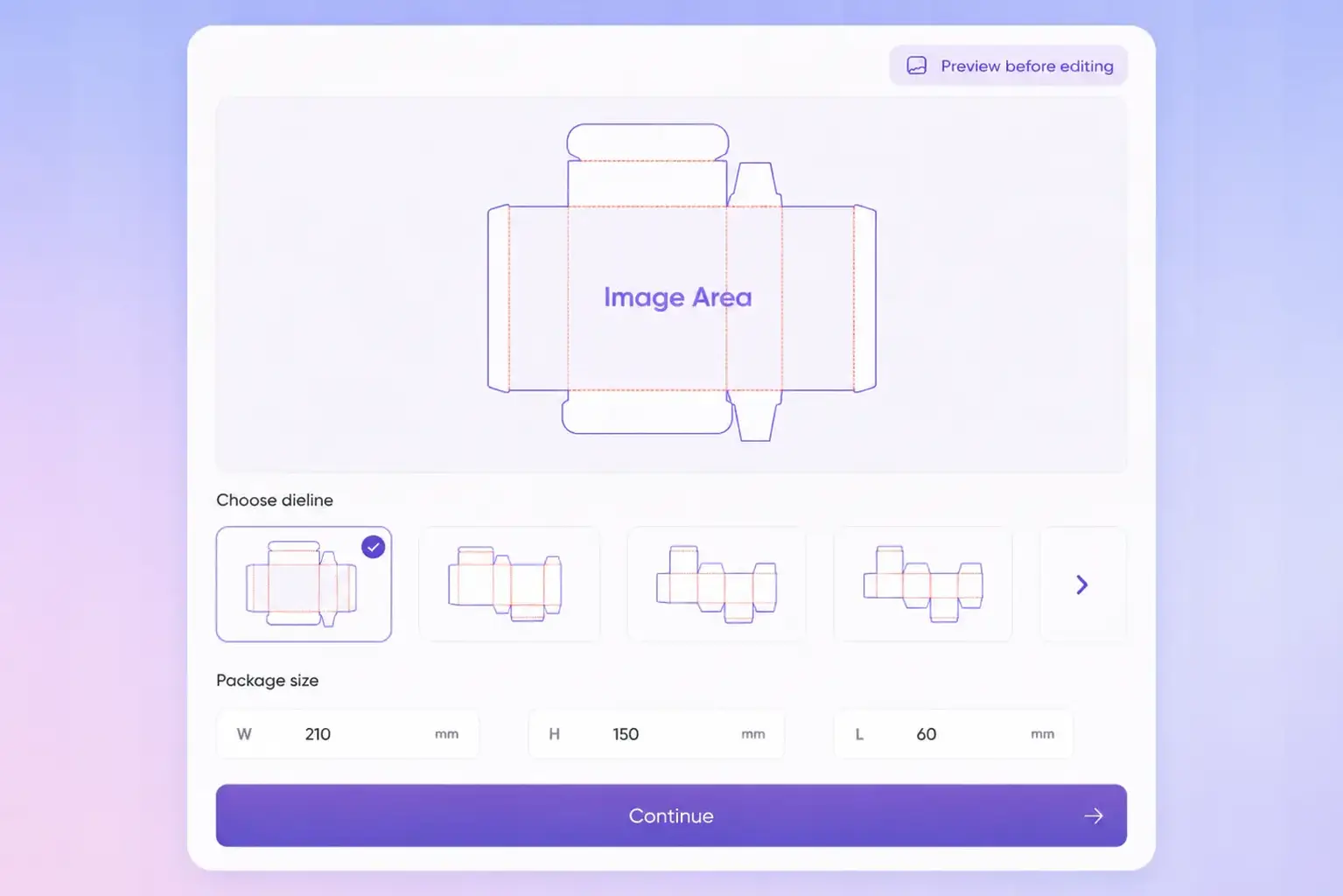
Review the recommended box structures, select a suitable option, or switch to another layout before adjusting the package dimensions.
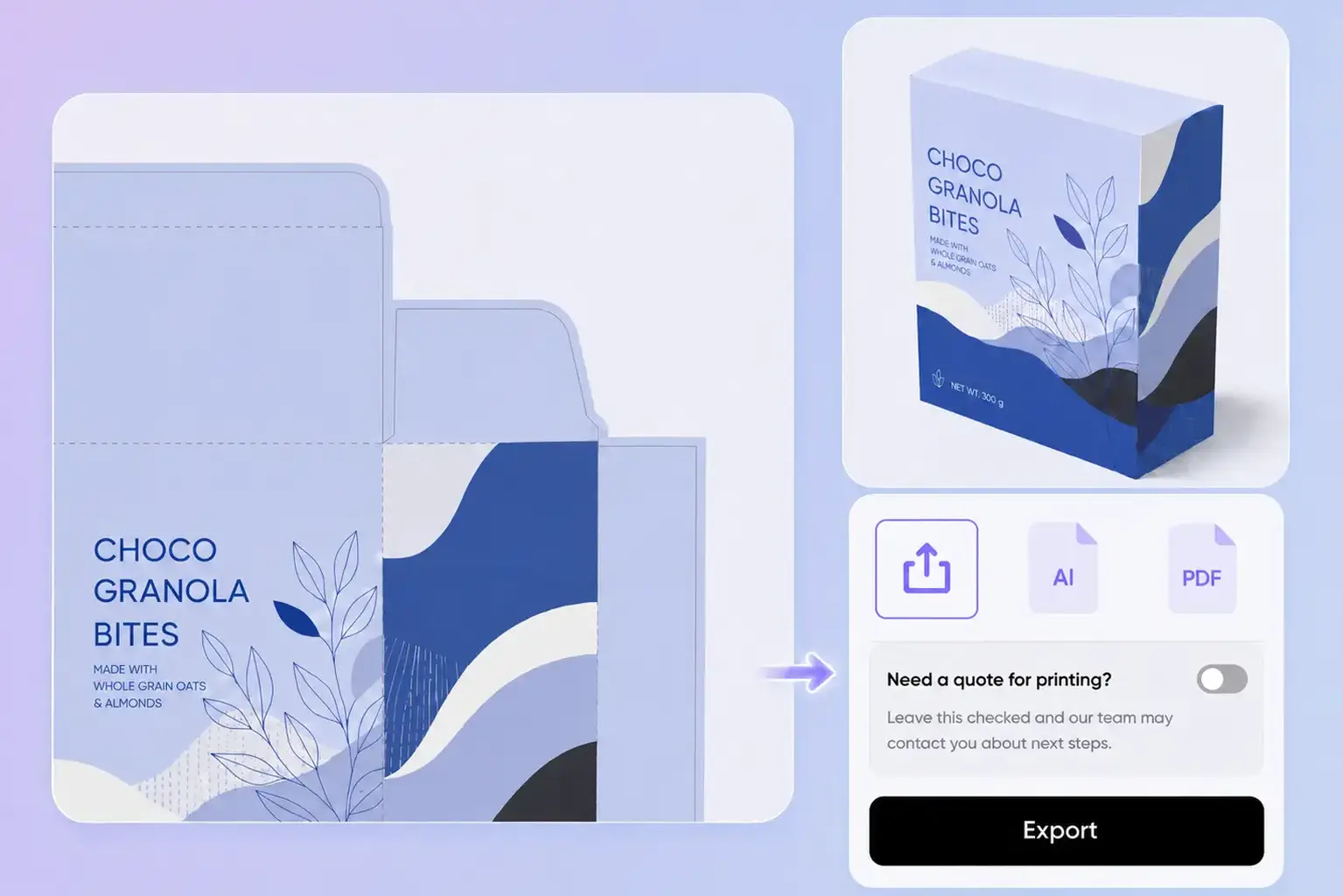
Step 3: Edit and export the dieline
Refine the panels and packaging artwork on the unfolded layout, then export the dieline for sampling and printer review.

Step 1: Describe the box or add a reference
Describe the product, dimensions, shape, and intended use, upload a reference image, or generate a box mockup with AI.
Step 2: Choose and adjust the structure
Review the recommended box structures, select a suitable option, or switch to another layout before adjusting the package dimensions.
Step 3: Edit and export the dieline
Refine the panels and packaging artwork on the unfolded layout, then export the dieline for sampling and printer review.
Why choose Packify’s box dieline generator?
Find boxes by intended use
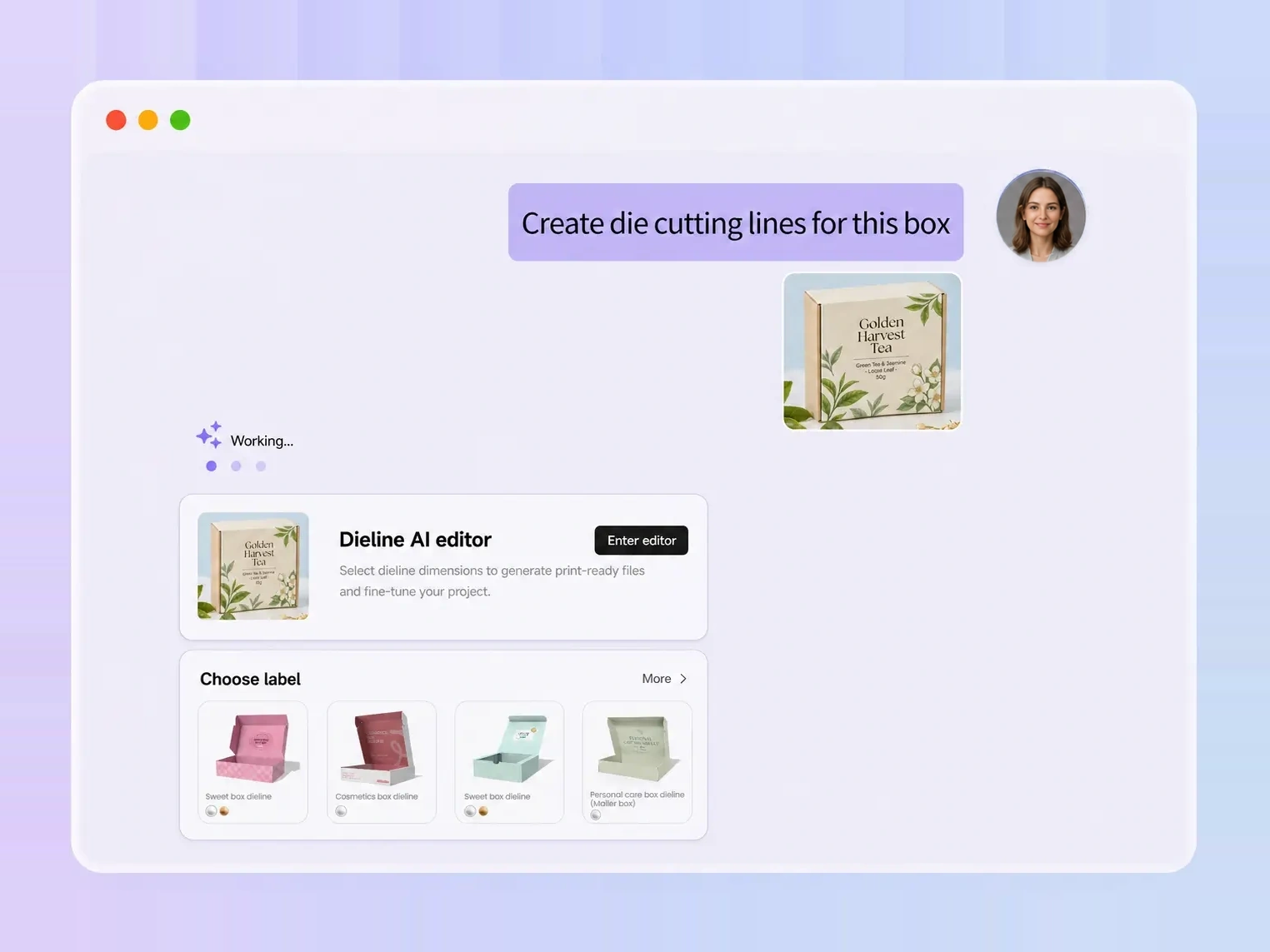
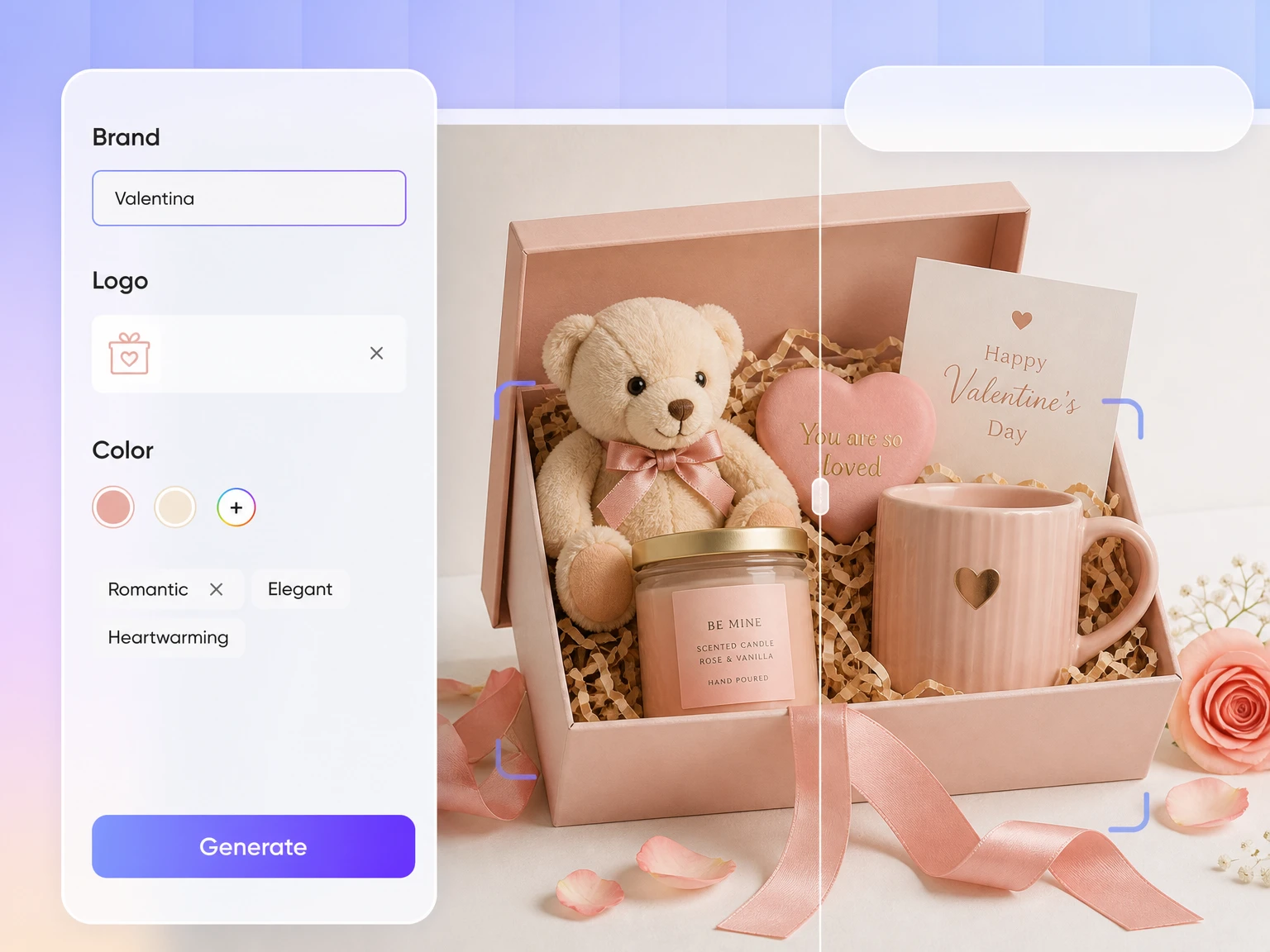
You do not need to remember a technical box name or structural code. Describe the product, opening style, display needs, or shipping purpose, and Packify recommends relevant structures that you can review and adjust.
Start from a reference image
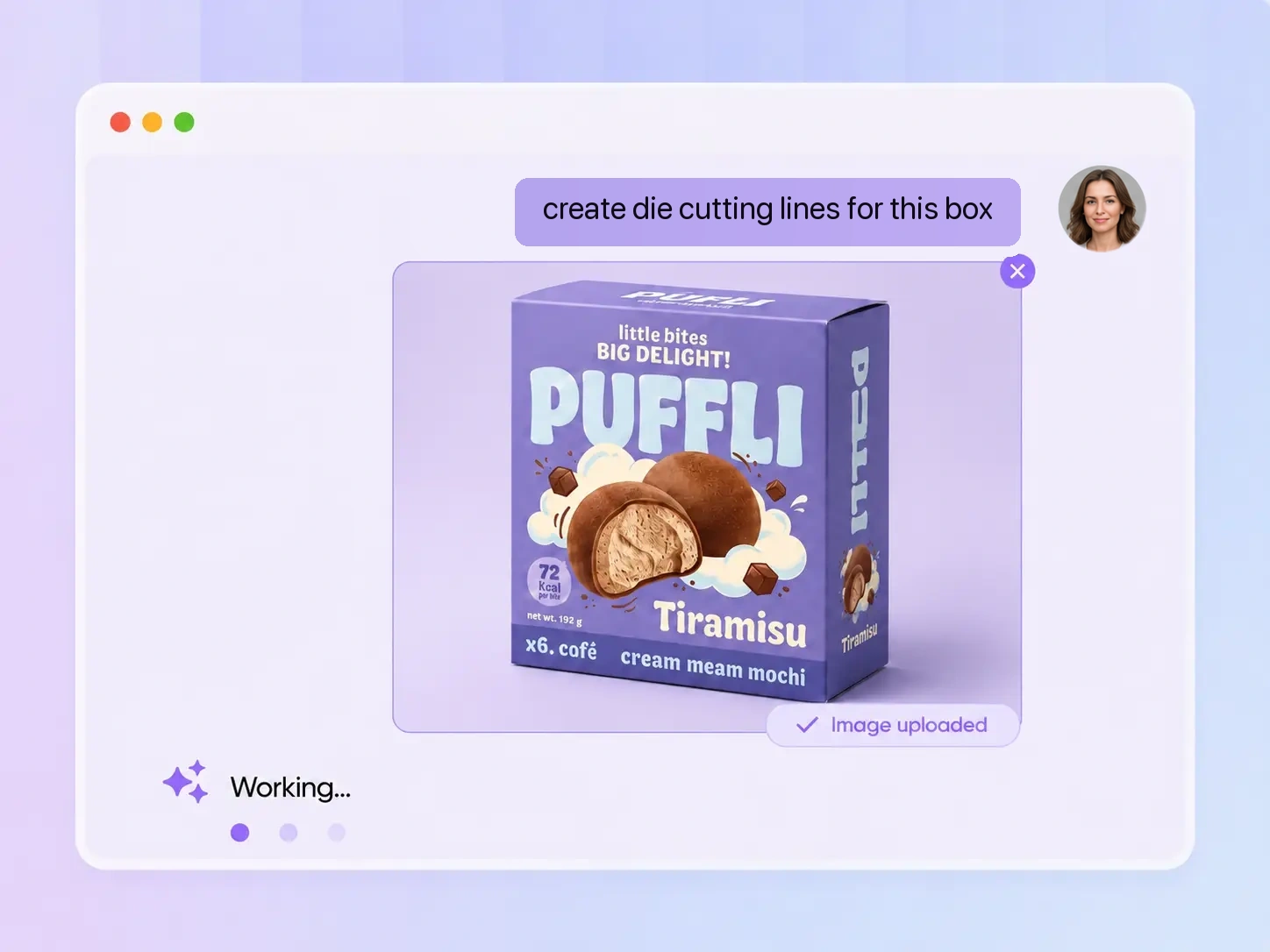
Upload a packaging photo, supplier sample, or inspiration image. Packify uses its visible shape and your instructions to recommend similar structures. Because a photo may hide flaps, tabs, and glue areas, you can inspect the result and choose another option when needed.
Review and replace the structure
Every recommendation is an editable starting point, not a fixed final answer. Review the unfolded layout, adjust its dimensions, or replace it with a structure that better suits your product, opening method, display needs, and production requirements.
Edit artwork on the dieline
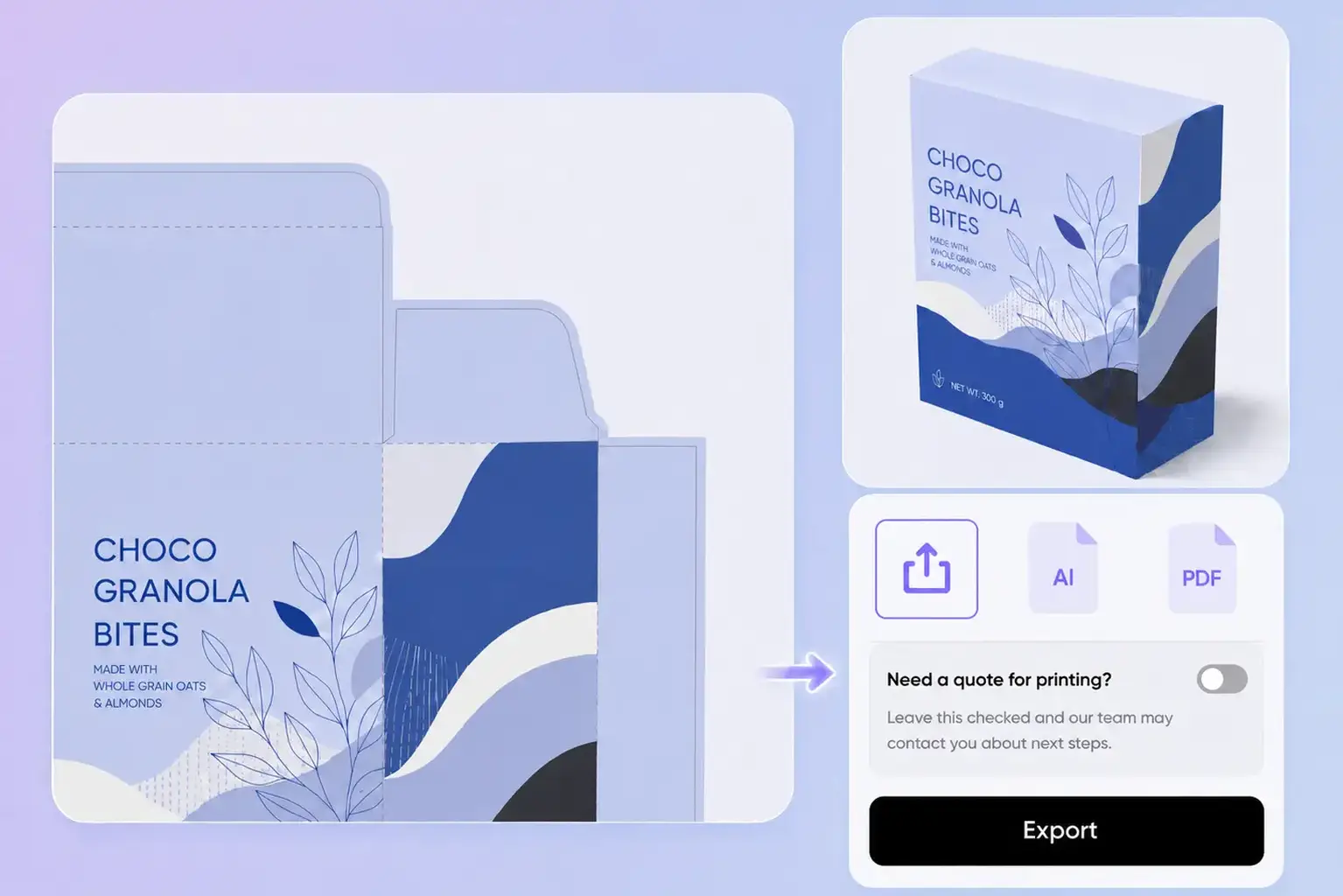
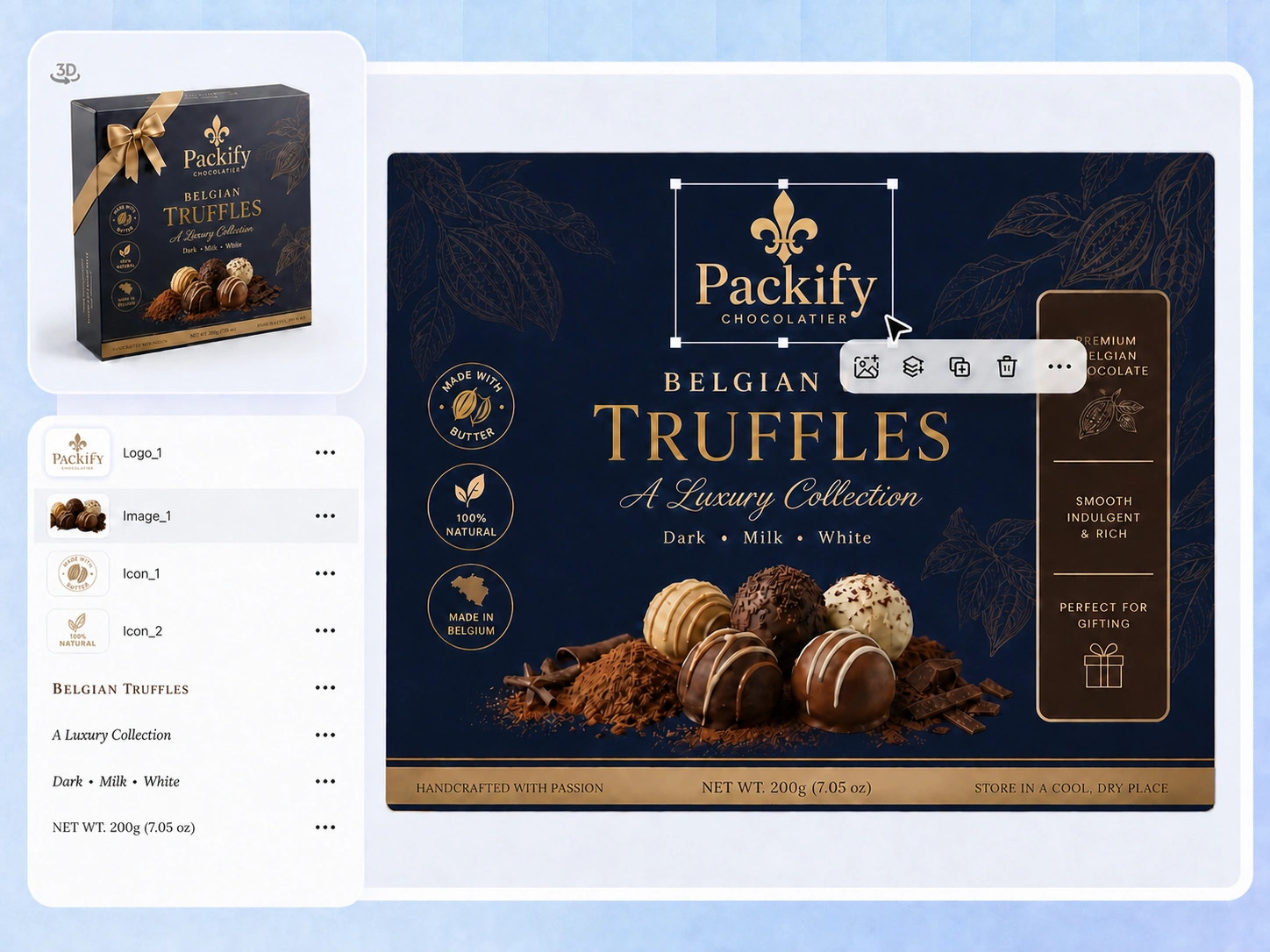
Keep the box structure and brand design in one workflow. Adjust logos, text, images, shapes, colors, and layer positions directly on the unfolded layout, then check how the artwork fits the front, sides, top, and other panels.
Find boxes by intended use
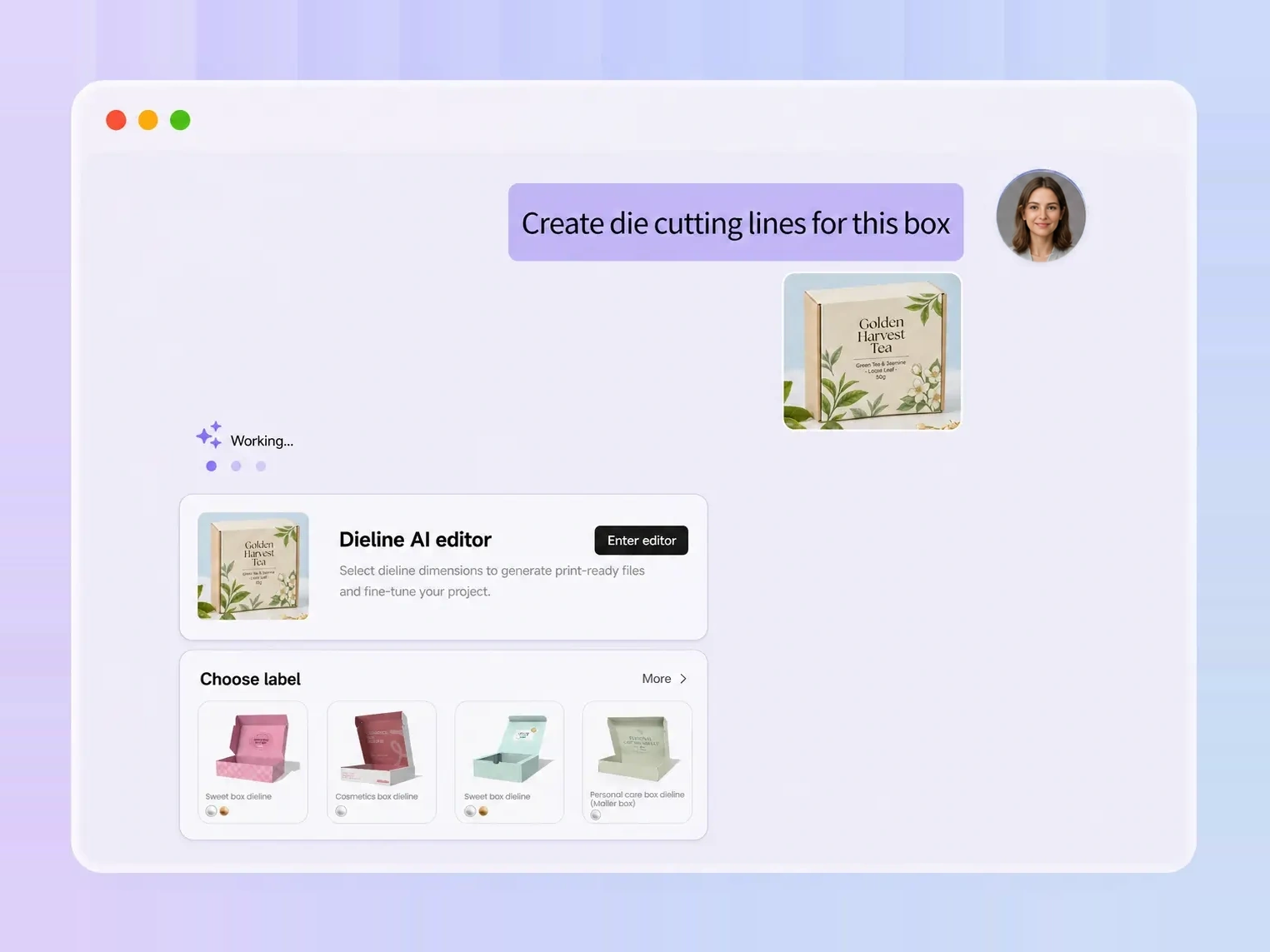
You do not need to remember a technical box name or structural code. Describe the product, opening style, display needs, or shipping purpose, and Packify recommends relevant structures that you can review and adjust.
Start from a reference image
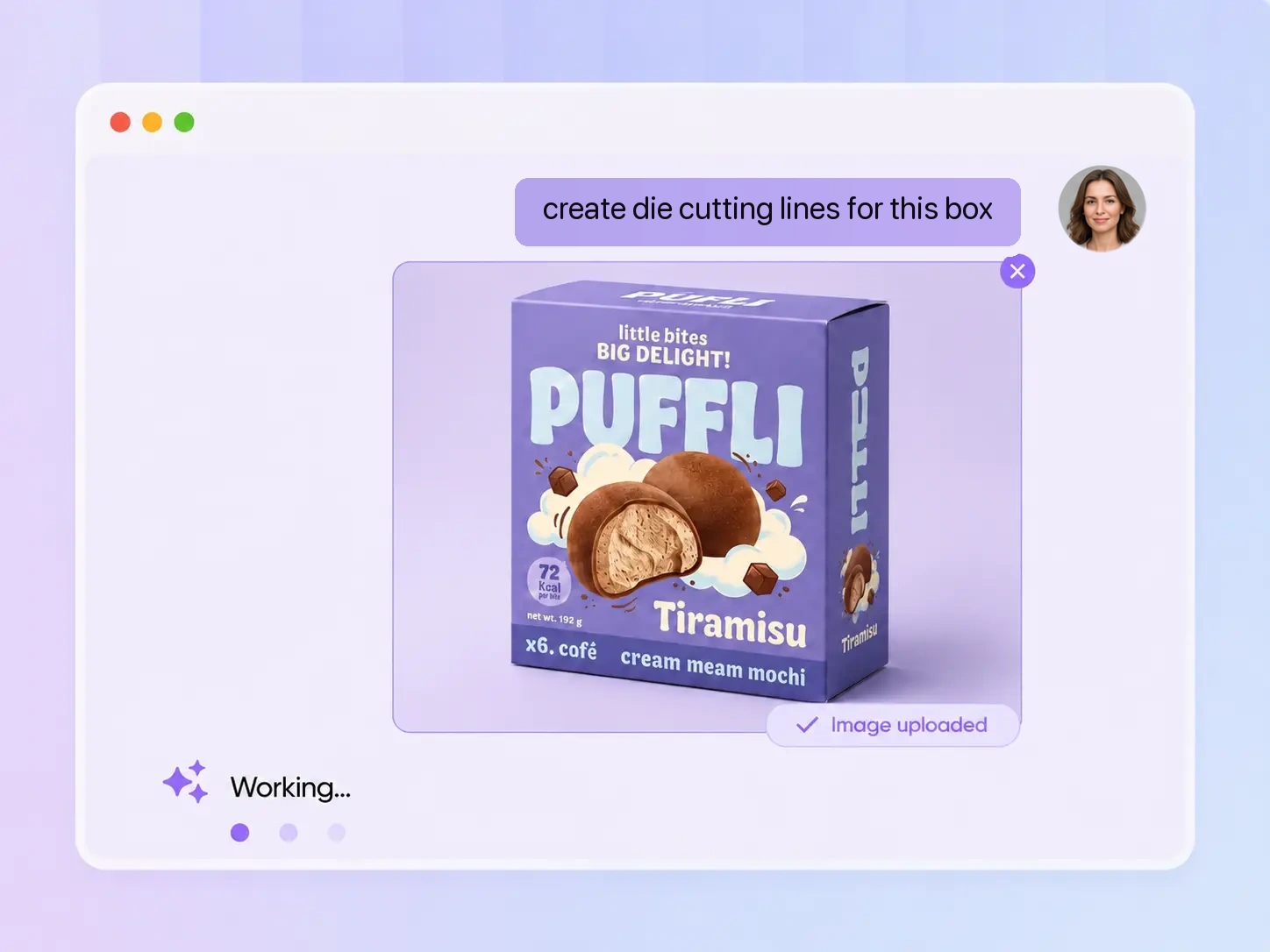
Upload a packaging photo, supplier sample, or inspiration image. Packify uses its visible shape and your instructions to recommend similar structures. Because a photo may hide flaps, tabs, and glue areas, you can inspect the result and choose another option when needed.
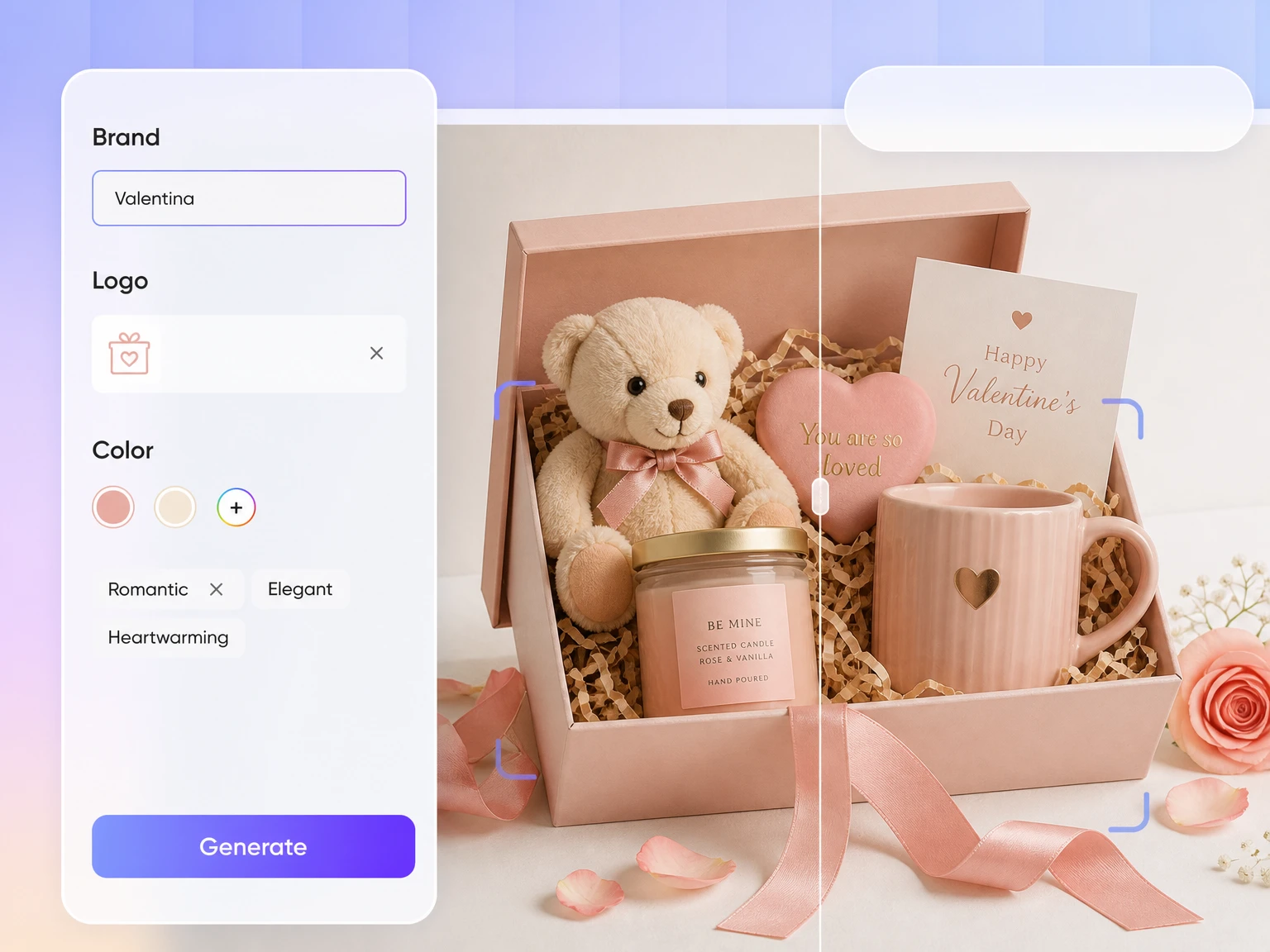
Review and replace the structure
Every recommendation is an editable starting point, not a fixed final answer. Review the unfolded layout, adjust its dimensions, or replace it with a structure that better suits your product, opening method, display needs, and production requirements.
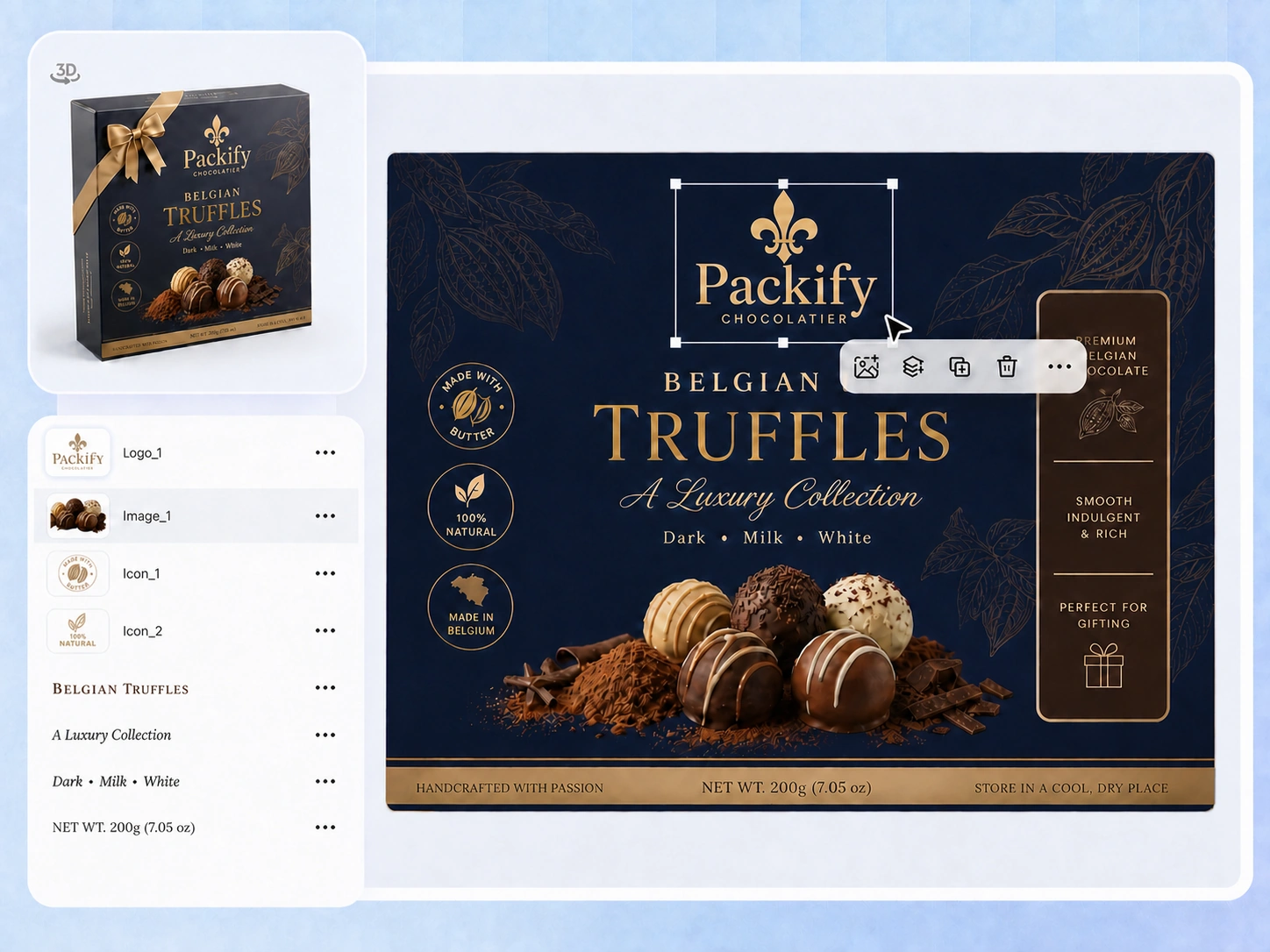
Edit artwork on the dieline
Keep the box structure and brand design in one workflow. Adjust logos, text, images, shapes, colors, and layer positions directly on the unfolded layout, then check how the artwork fits the front, sides, top, and other panels.
Proven impact, in our customer's words


The AI-powered packaging design tool is a game-changer. It's fast, intuitive, making it an essential tool for any forward-thinking design team.ved.
March 26, 2025


The results are so amazing that I don't think it's just for inspiration... I'd say artificial intelligence outperforms most designers; the key is to come up with the perfect prompt. Great contribution! Thank you 😊.
March 18, 2025


The AI-powered packaging design tool is a game-changer. It's fast, intuitive, making it an essential tool for any forward-thinking design team.
March 18, 2025


We’re a tiny skincare shop. Packify.ai turned my scribbles into clean mockups and a printable dieline by Monday. Fewer back-and-forths, consistent branding, a nd our product page conversions moved.
March 18, 2025


The AI-powered packaging design tool is a game-changer. It's fast, intuitive, making it an essential tool for any forward-thinking design team.
March 26, 2025


The results are so amazing that I don't think it's just for inspiration... I'd say artificial intelligence outperforms most designers; the key is to come up with the perfect prompt. Great contribution! Thank you 😊
March 18, 2025


Congrats! Packify.ai, an AI packaging designer, enables easy, creative design and offers AI-driven product photography for e-commerce through simple chatting.
April 2, 2025


We’re a tiny skincare shop. Packify.ai turned my scribbles into clean mockups and a printable dieline by Monday. Fewer back-and-forths, consistent branding, a nd our product page conversions moved.
May 9, 2025
You asked,
we answered
You asked, we answered
What is a box template called?
A box template is commonly called a dieline, packaging net, or unfolded layout. It shows the panels and structural guides used to cut, crease, fold, and assemble a box. The exact terminology may vary between designers, printers, and packaging manufacturers.
Will Packify copy the exact structure in my reference image?
No. A packaging photo or mockup rarely reveals every hidden flap, tab, glue area, or opening detail. Packify recommends structures with a similar appearance or purpose, but it does not guarantee an exact reconstruction. Review the recommendation and replace it when another structure better fits your requirements.
Can I generate a box mockup before creating the dieline?
Yes. If you do not have a packaging reference, describe your product, intended use, and box idea to generate a mockup first. Once you have chosen a direction, turn that mockup into a dieline and continue adjusting the structure, dimensions, and artwork.
What box types does Packify support?
Packify supports common structures such as product boxes, gift boxes, mailer boxes, shipping boxes, folding boxes, display boxes, and boxes with windows, handles, or lids. Search by product use instead of memorizing category names. Available structures and editing options may change, so check the current choices inside the tool.
Can I replace the recommended box structure?
Yes. Packify’s recommendations help narrow down the options, but you remain in control. Review the unfolded layout and switch to another structure based on your product dimensions, opening style, display needs, or production requirements.
Can I create a custom box template?
Yes. After selecting a structure, you can adjust its package dimensions and unfolded layout. Final production dimensions may still depend on internal versus external measurements, board thickness, fold compensation, and printer equipment, so ask your printer or packaging supplier to verify the file before production.
Can I use it as a cardboard box template generator?
You can use Packify to explore and edit structures commonly used for cardboard packaging. Packify does not choose the cardboard grade or calculate every material-specific production requirement for you. Confirm the board type, thickness, fold allowances, and manufacturing specifications with your packaging supplier.
Can I use it as a folding box template generator?
Yes. Packify supports common folding box structures and lets you review the unfolded layout, adjust dimensions, and edit packaging artwork. Before manufacturing, ask your printer to verify the folds, tabs, glue areas, material thickness, and final production settings.
Can I send the generated dieline directly to my printer?
The dieline can be used for sampling, printer review, and production communication. Before manufacturing, your printer should verify the file format, structure, internal and external dimensions, material thickness, bleed, color setup, and finishing requirements. A physical sample is recommended before a full production run.
Is the box template generator free?
You can start with a free trial of the box template generator. Generating and exporting may consume credits, so check your account balance before starting. For advanced features, subscription options, and additional credits, visit the Packify Pricing Page.
Can I use the generated box design commercially?
Yes, provided that you follow Packify’s Terms of Use. Packify does not grant exclusive rights to AI-generated content or guarantee that every output is free of third-party rights. Before launch, review any trademarks, images, and visual elements that may resemble existing brands.
Your box idea, ready to unfold