Label mockup generator
Upload your label, logo, or brand assets. Packify places them on packaging mockups so you can review the brand fit, keep editing, download the preview, or export a dieline.

Trusted by industry-leading businesses


Preview labels before they reach production
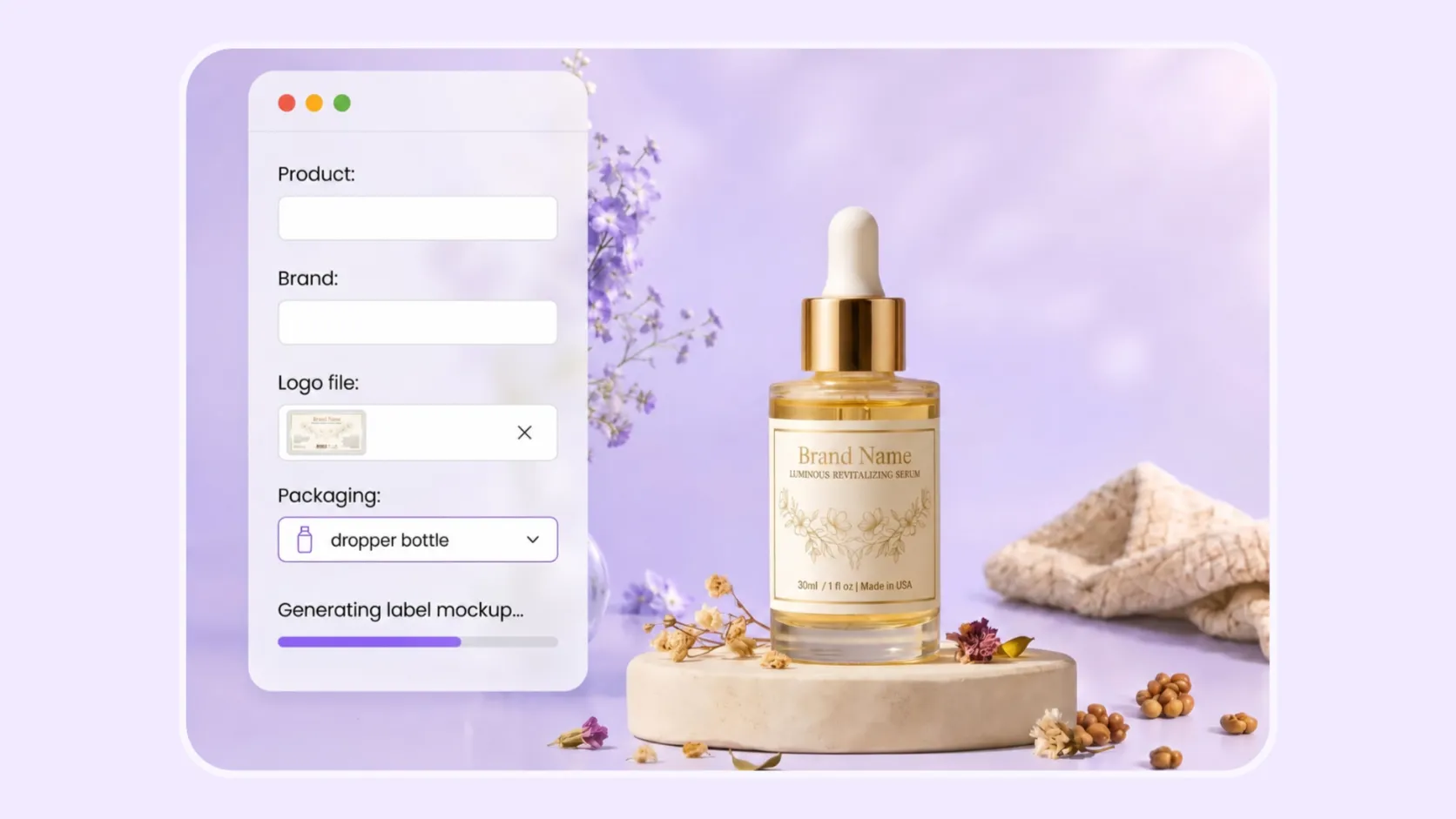
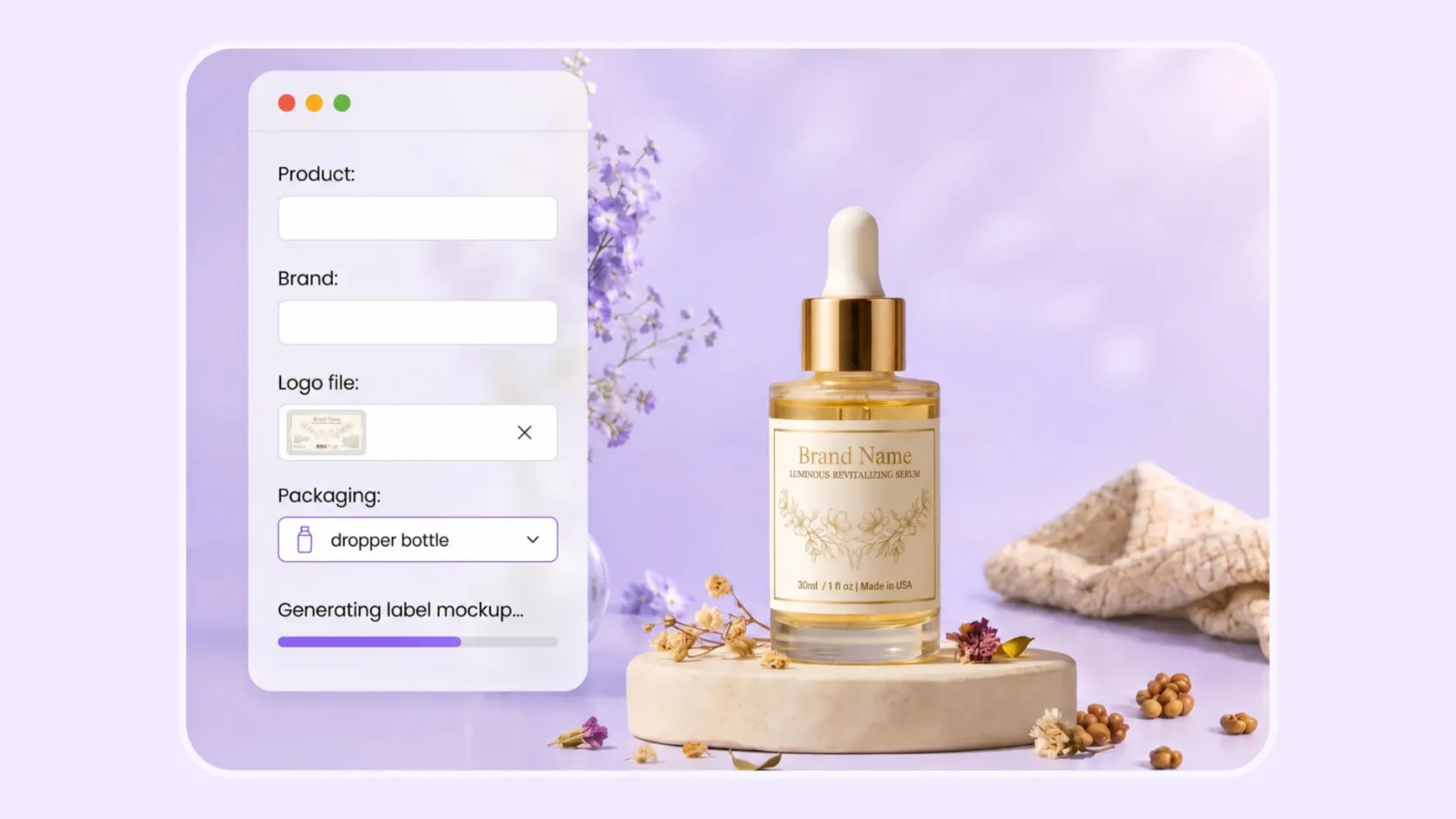
A flat label can look right on its own, then feel different once it sits on a box, bottle, pouch, bag, can, or jar. Packify helps you preview your logo or label on packaging before you share it with a supplier, build a product page, or present a concept to your team.
How to create a label mockup?
Step 1: Upload your Logo file
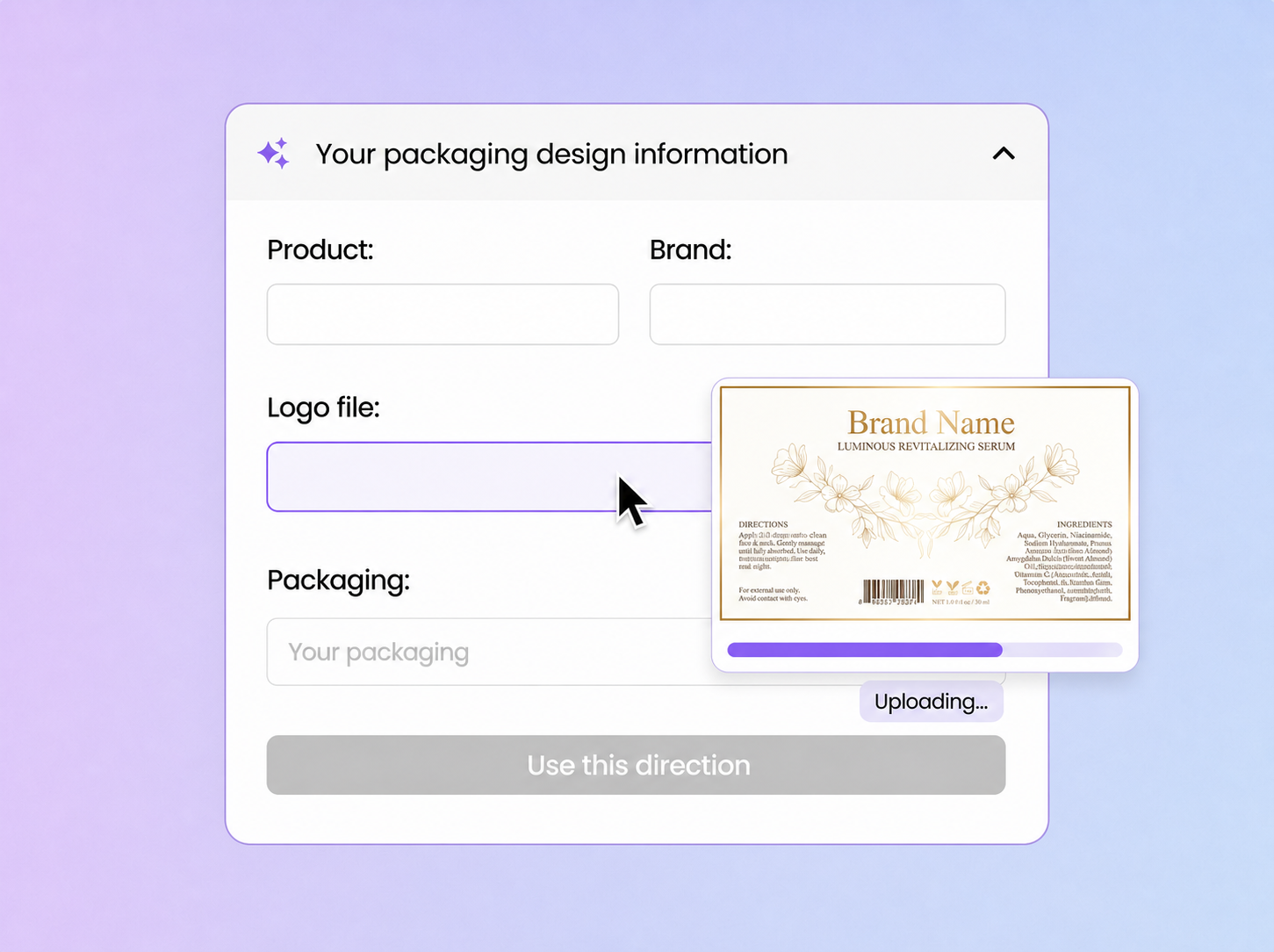
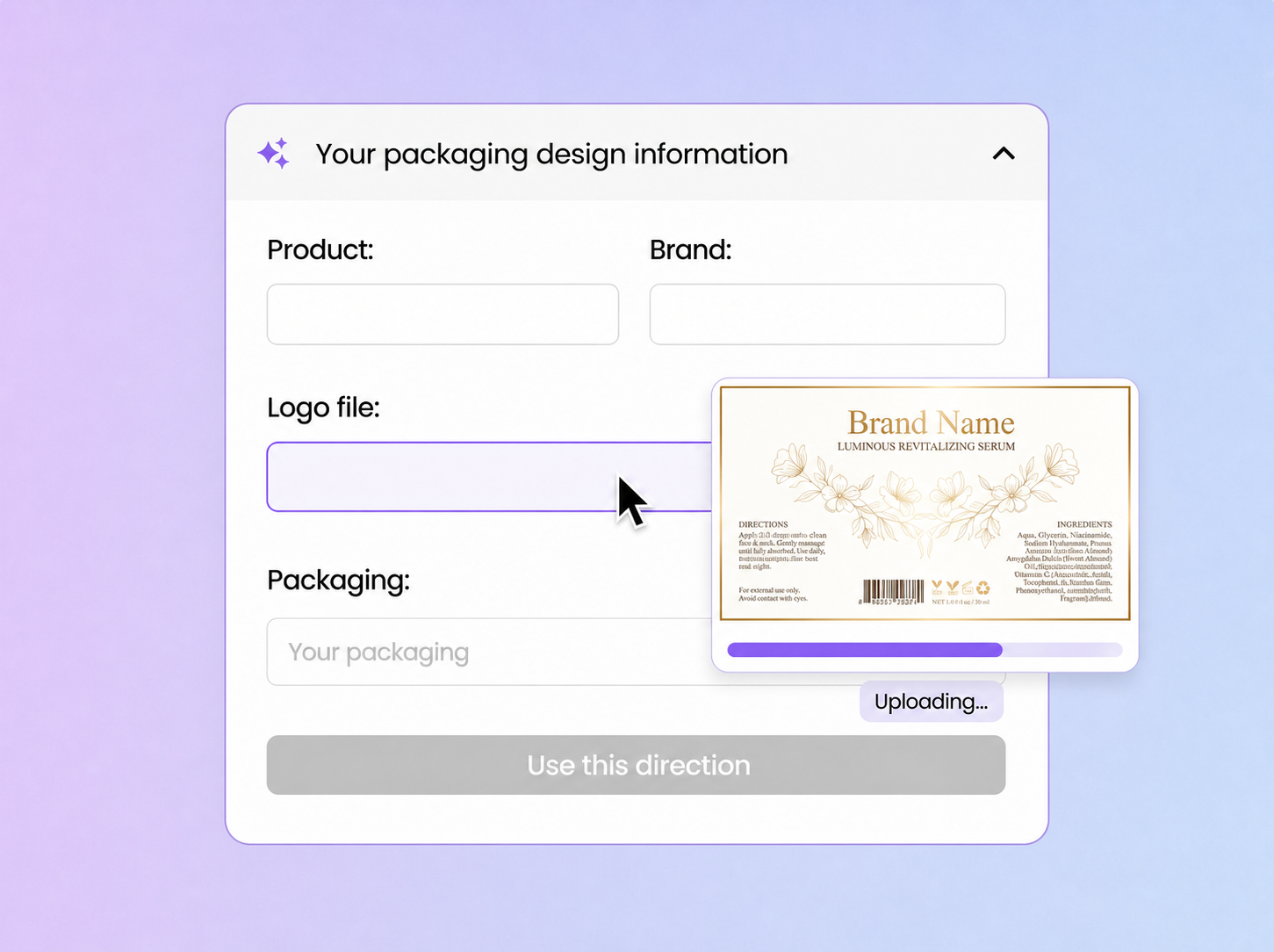
Enter your product name and brand name, then upload your logo, label file, or brand asset in the Logo file field.
Step 2: Choose packaging and details
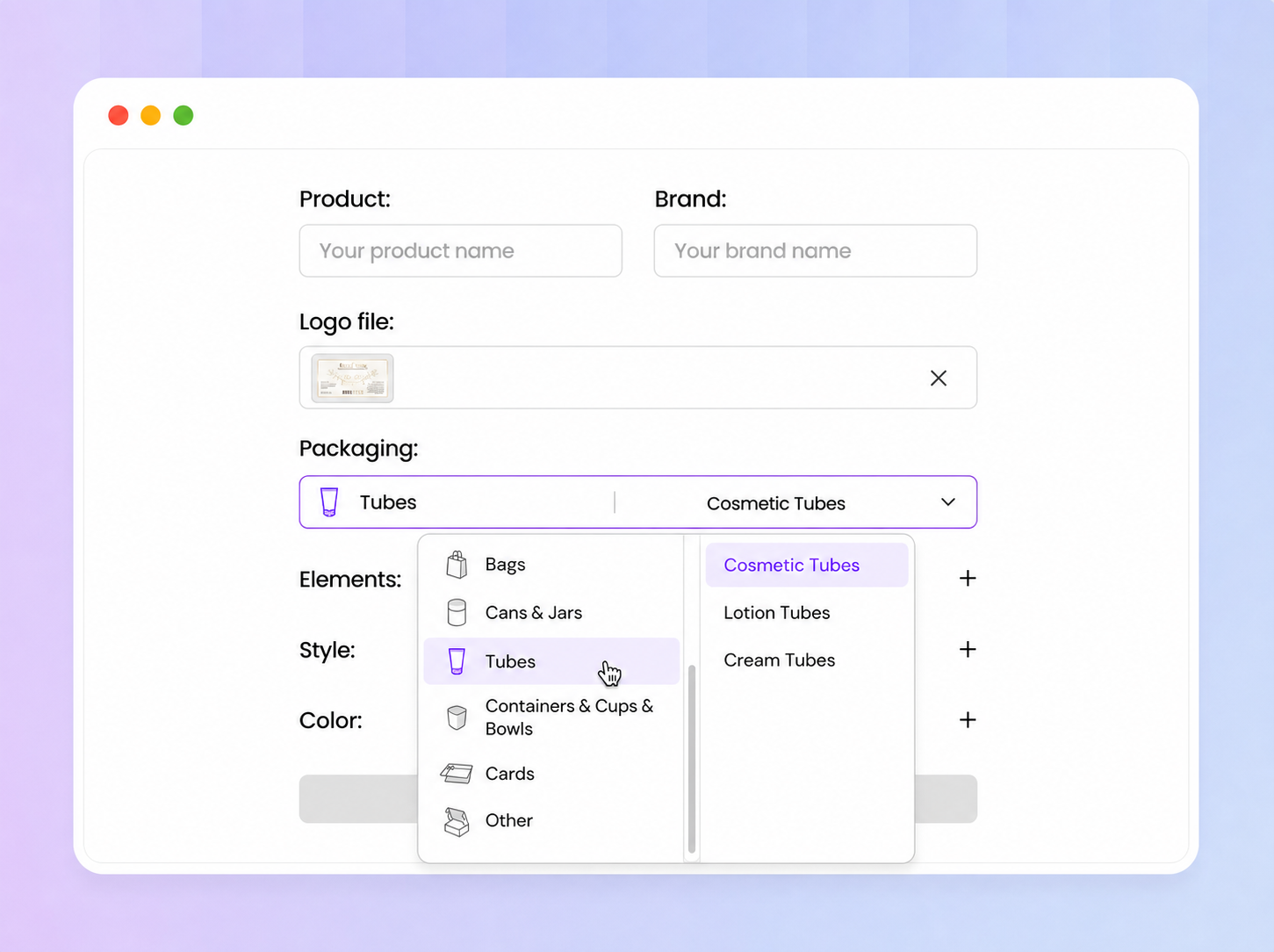
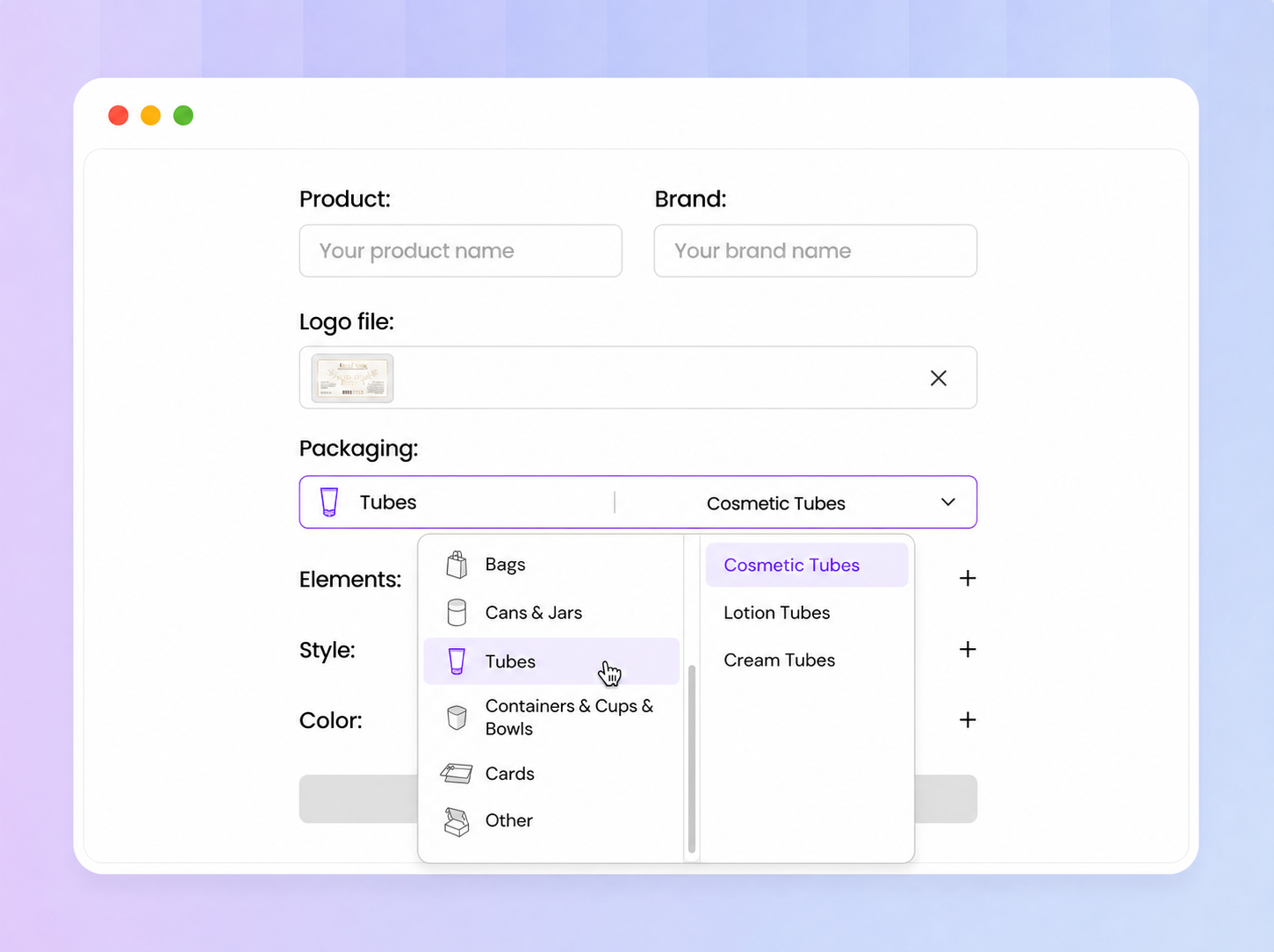
Open the Packaging menu and choose a product box, bottle, pouch, bag, can, jar, or another package type. Add Elements, Style, and Color details so the direction matches your brand.
Step 3: Continue after generation
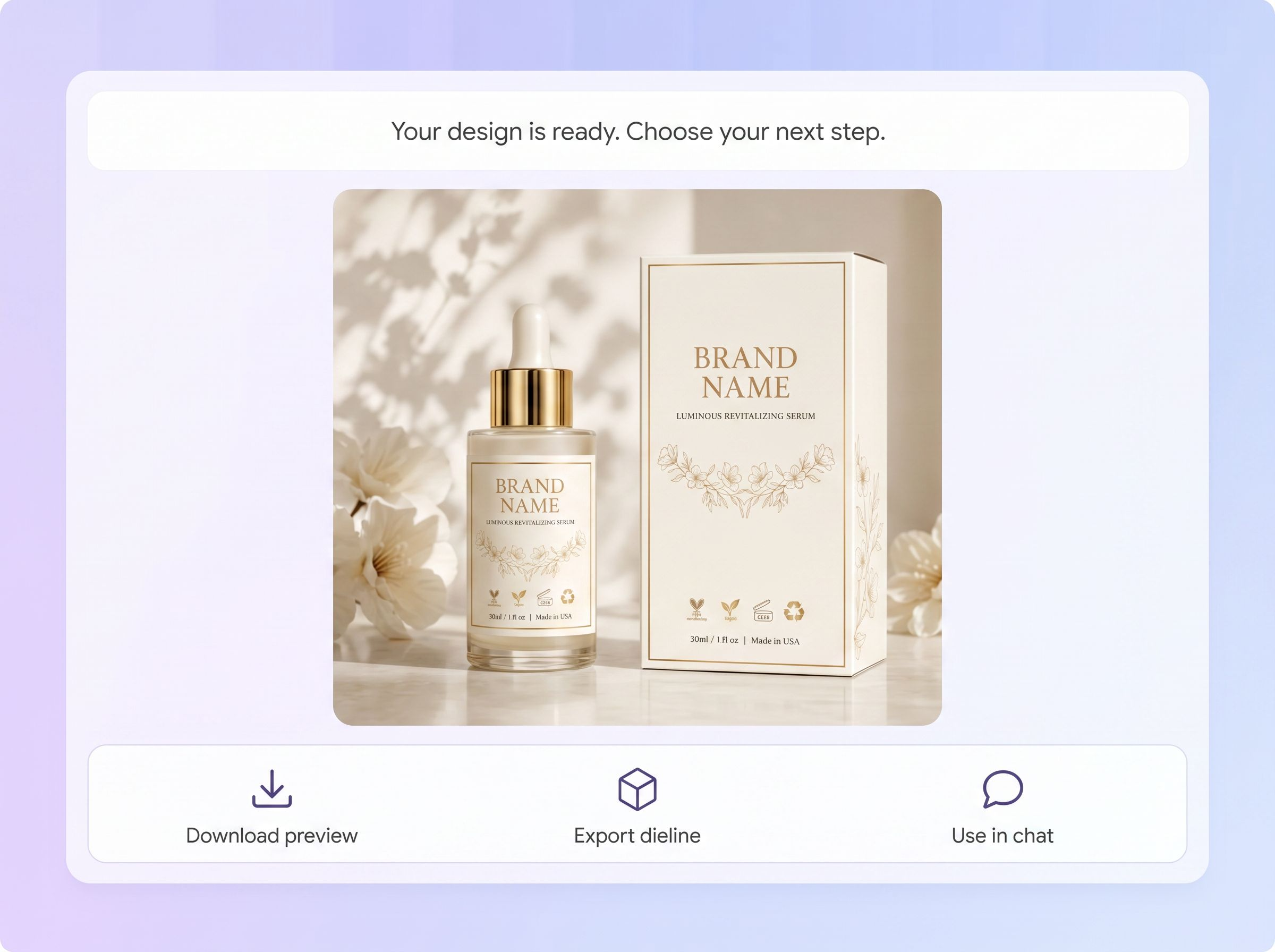
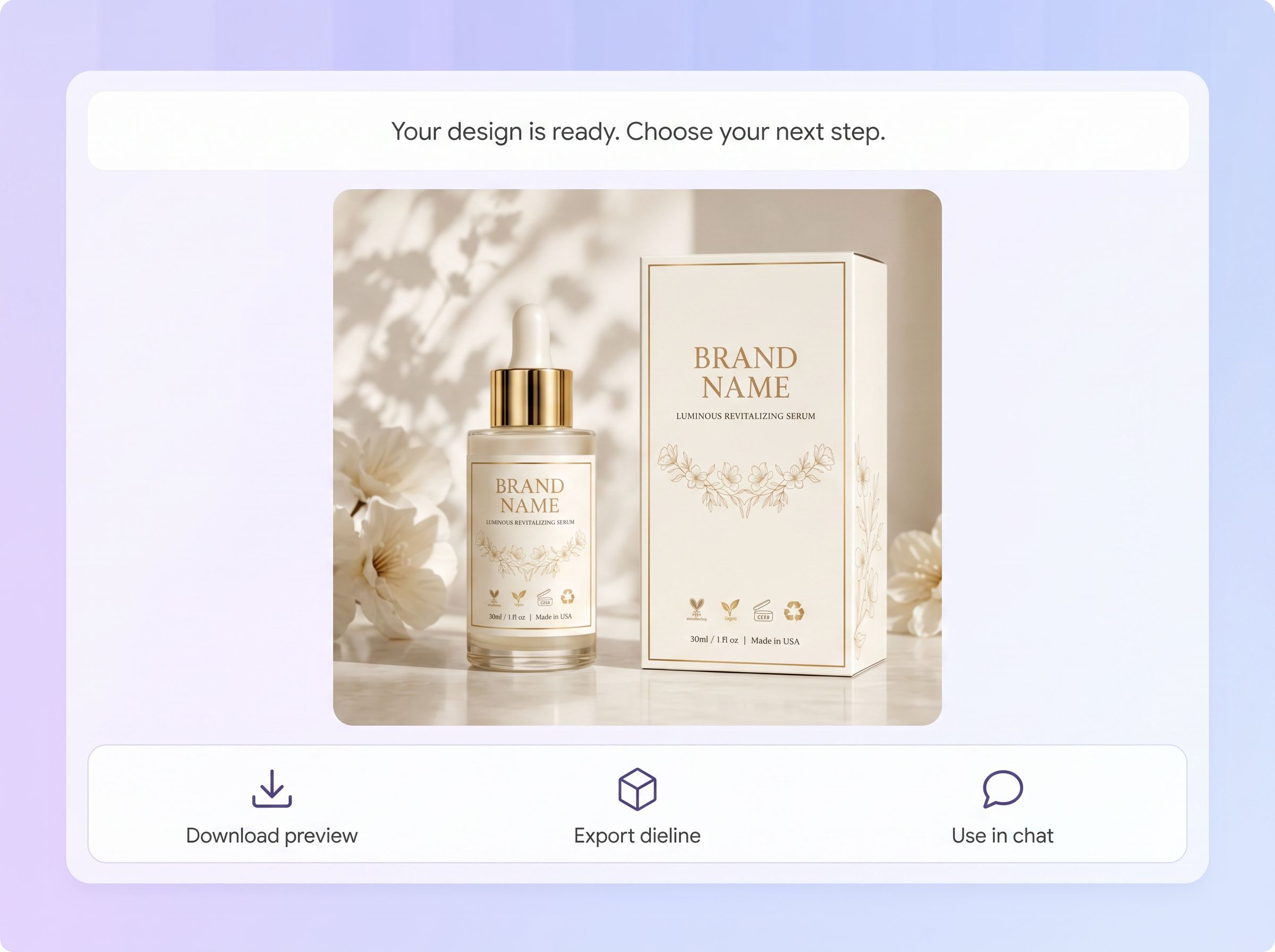
After the mockup is generated, click Use in chat to edit, Download to save the preview, or Export dieline to create a dieline file.

Step 1: Upload your Logo file
Enter your product name and brand name, then upload your logo, label file, or brand asset in the Logo file field.
Step 2: Choose packaging and details
Open the Packaging menu and choose a product box, bottle, pouch, bag, can, jar, or another package type. Add Elements, Style, and Color details so the direction matches your brand.
Step 3: Continue after generation
After the mockup is generated, click Use in chat to edit, Download to save the preview, or Export dieline to create a dieline file.
Why choose Packify for label mockups?
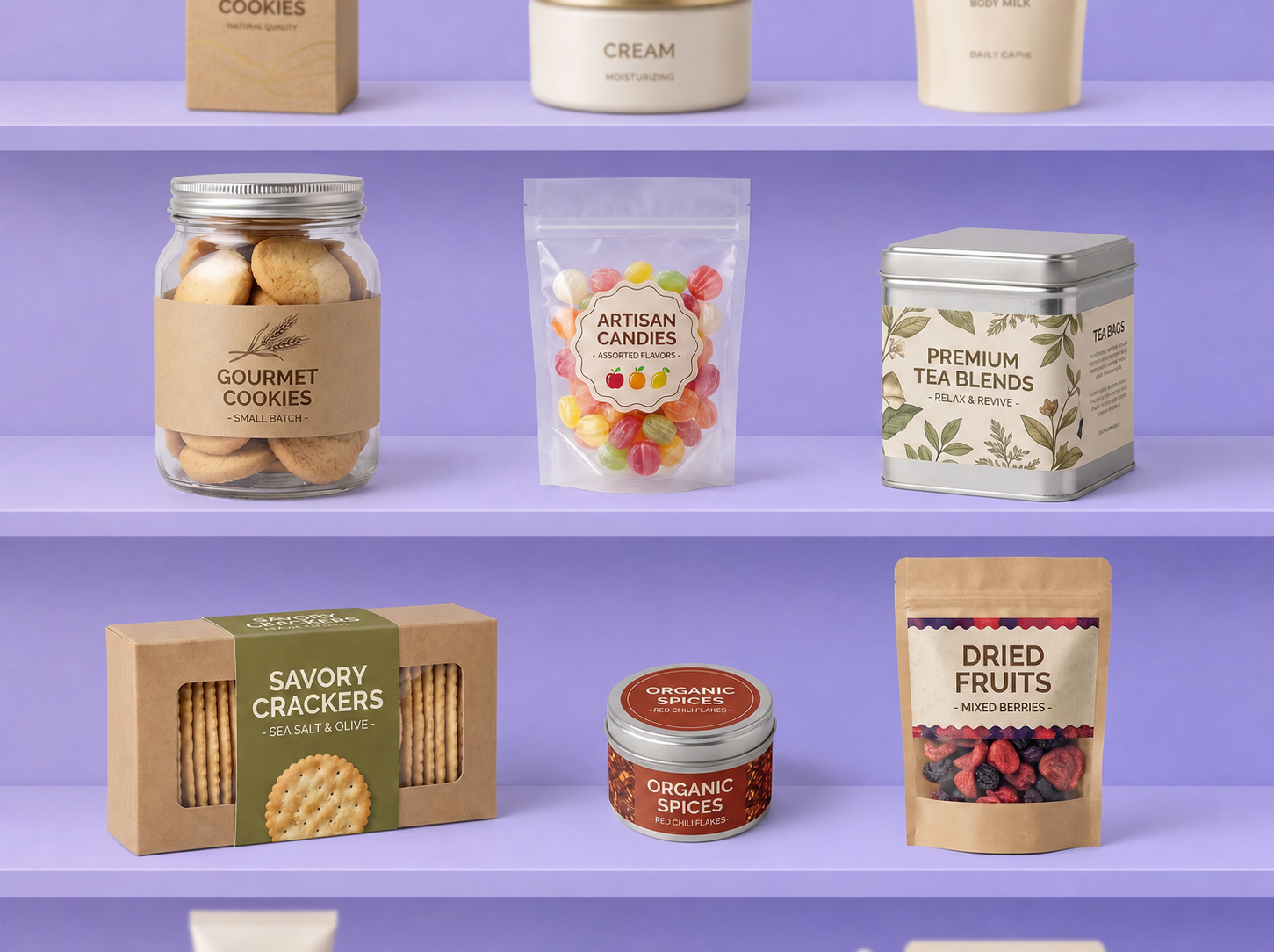
Check how your label fits the container
A flat label can look different once it wraps around a bottle, jar, can, or tapered container. Curved surfaces may make graphics appear compressed, push text out of view, or make the label feel too large for the available area. Packify’s label mockup generator lets you check label size, placement, and front-facing visibility on a 3D package before making a physical sample.
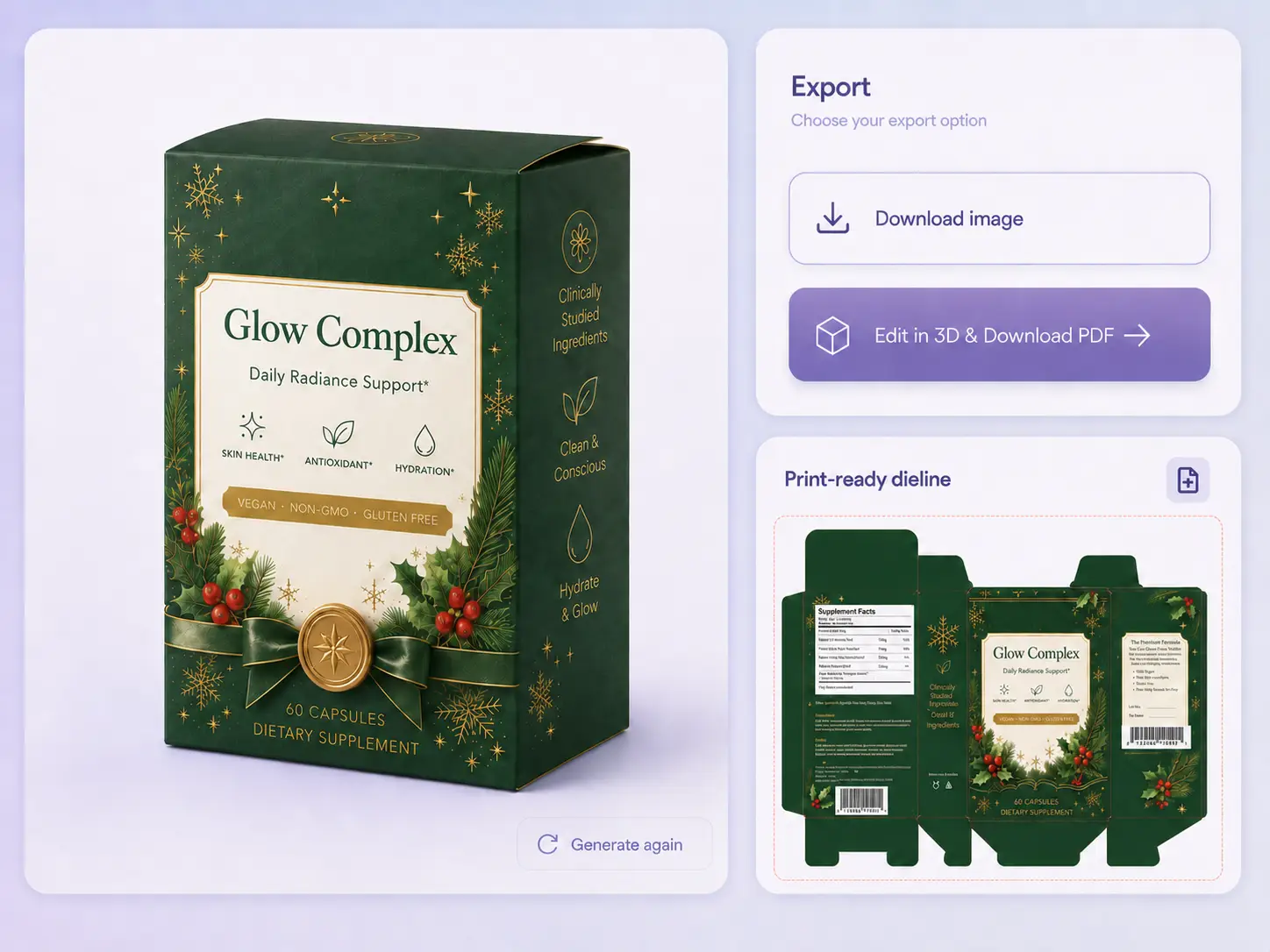
Move from preview to an editable dieline
Most label mockup generators stop at a static preview. Packify lets you generate and edit the packaging dieline, then review how your label looks on the updated 3D mockup. Refine its size and placement before moving to supplier proofing.
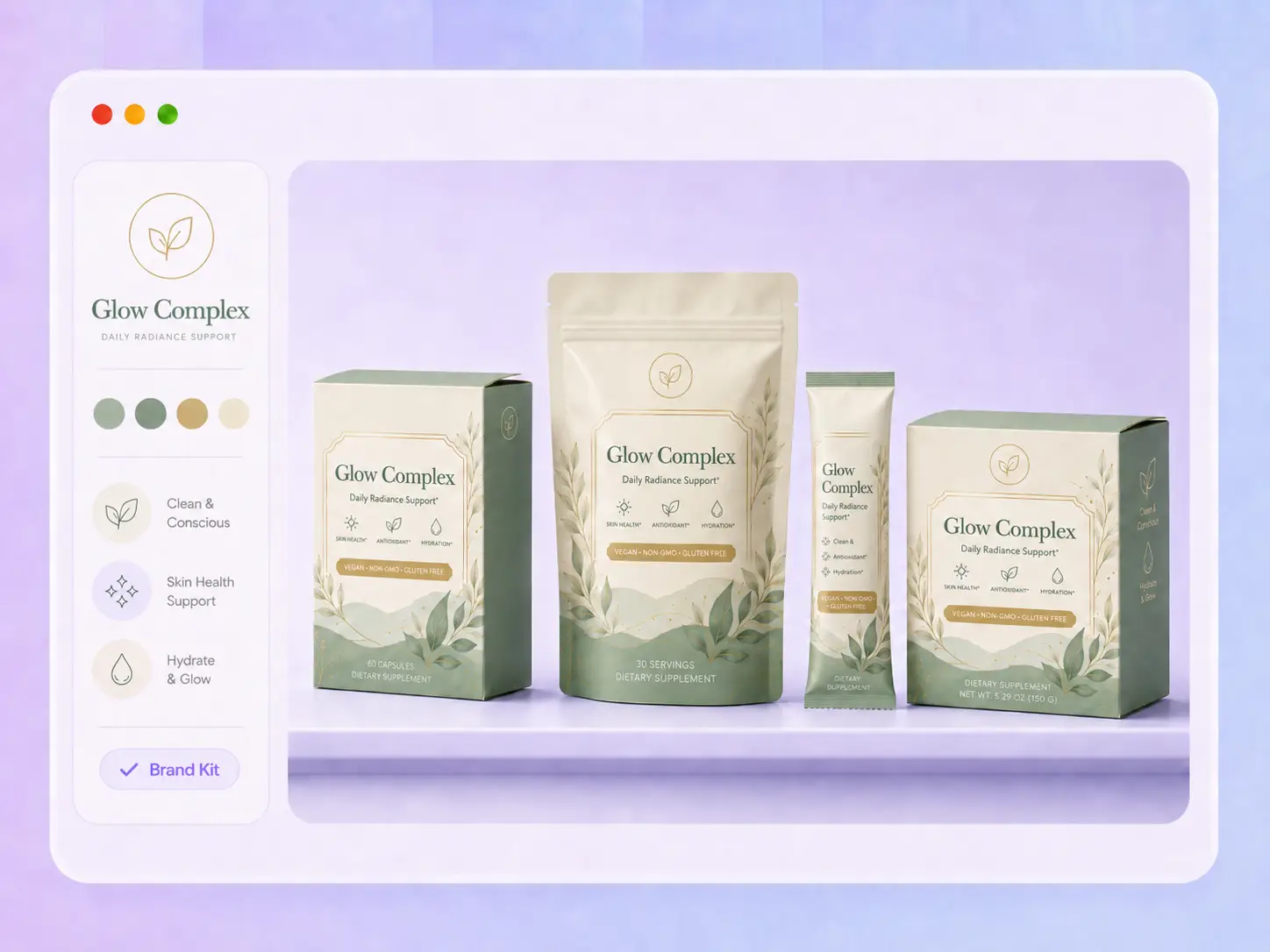
Keep label variants consistent
Labels for different flavors, sizes, or seasonal editions often reuse the same logo, colors, and brand elements. Save these assets in Brand Kit and apply them across new label mockups, helping every product variant stay recognizable and visually consistent.
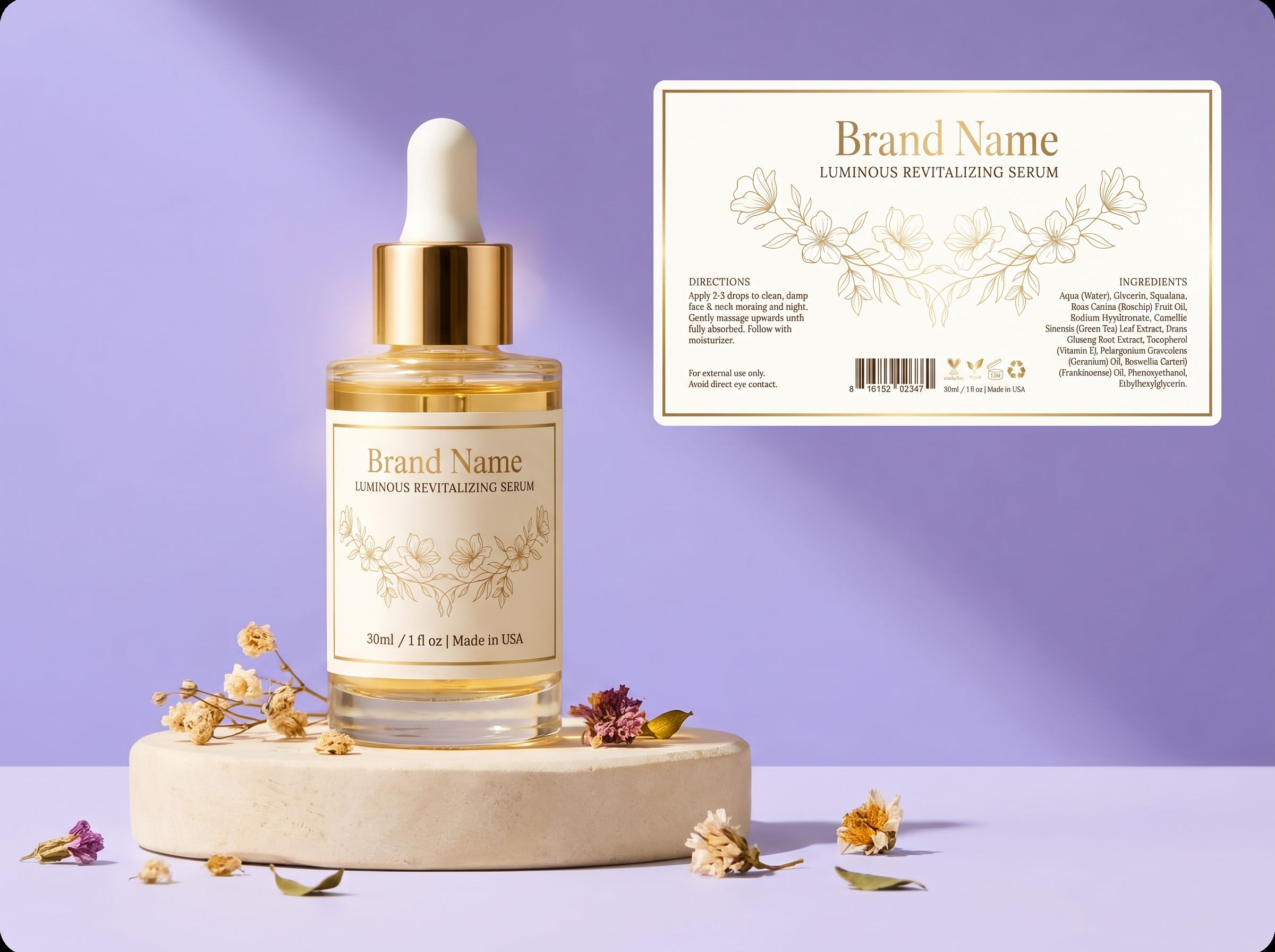
Preview labels before they reach production
See how your label works as part of the complete packaging before moving forward. Packify turns your uploaded artwork or brand brief into a label mockup you can review with your team, share with suppliers, or use to create product and campaign visuals.
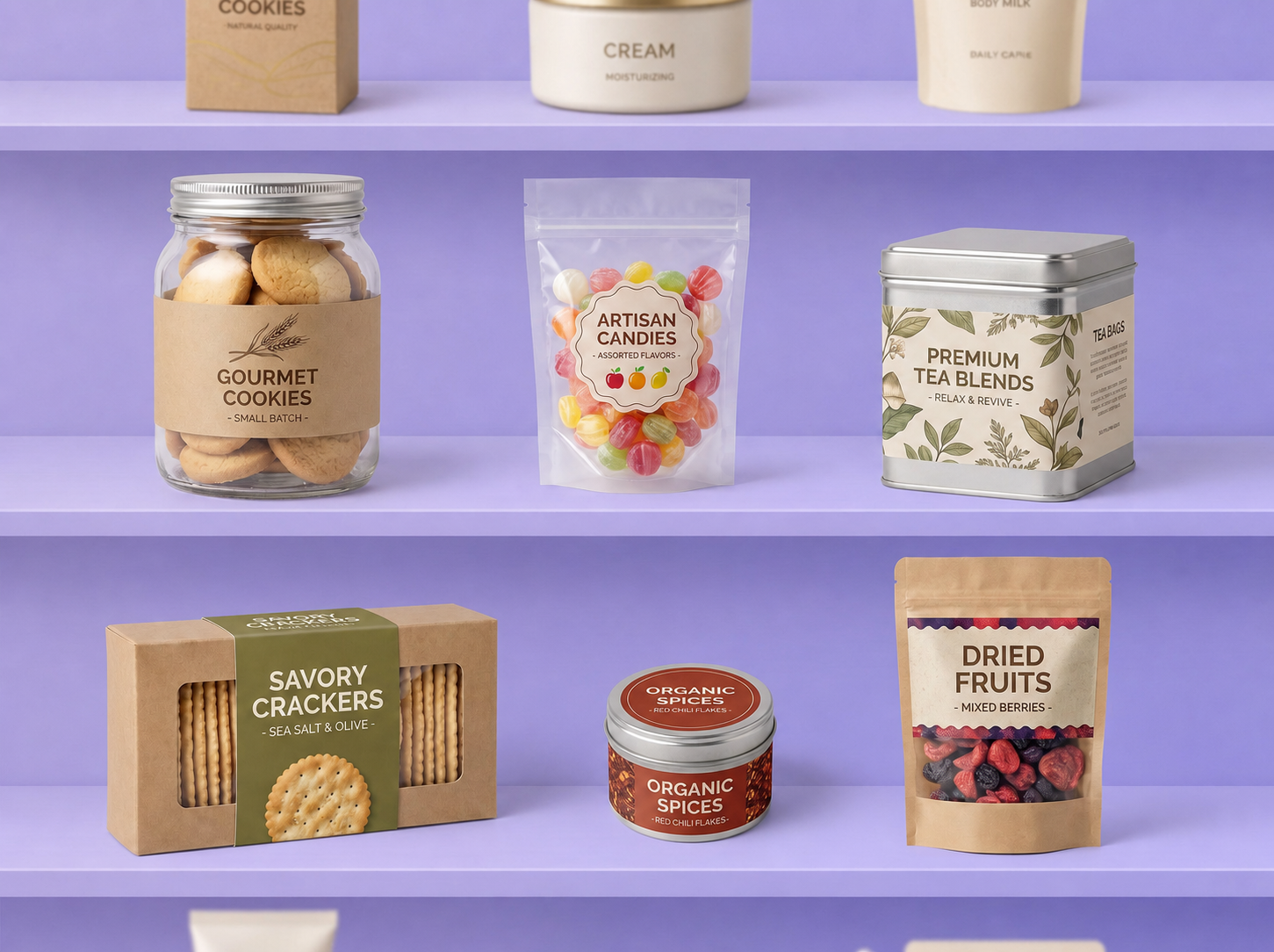
Check how your label fits the container
A flat label can look different once it wraps around a bottle, jar, can, or tapered container. Curved surfaces may make graphics appear compressed, push text out of view, or make the label feel too large for the available area. Packify’s label mockup generator lets you check label size, placement, and front-facing visibility on a 3D package before making a physical sample.
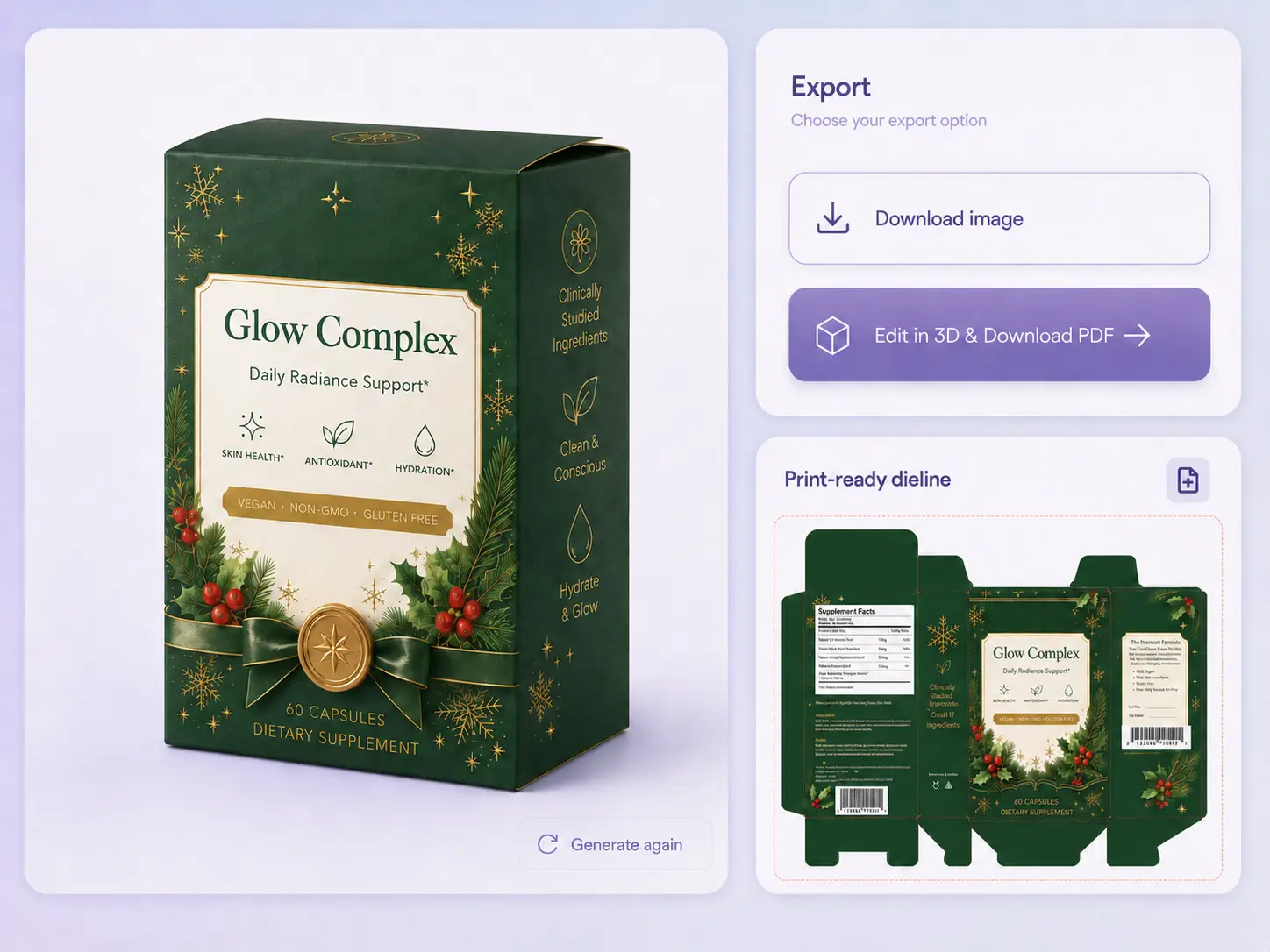
Move from preview to an editable dieline
Most label mockup generators stop at a static preview. Packify lets you generate and edit the packaging dieline, then review how your label looks on the updated 3D mockup. Refine its size and placement before moving to supplier proofing.
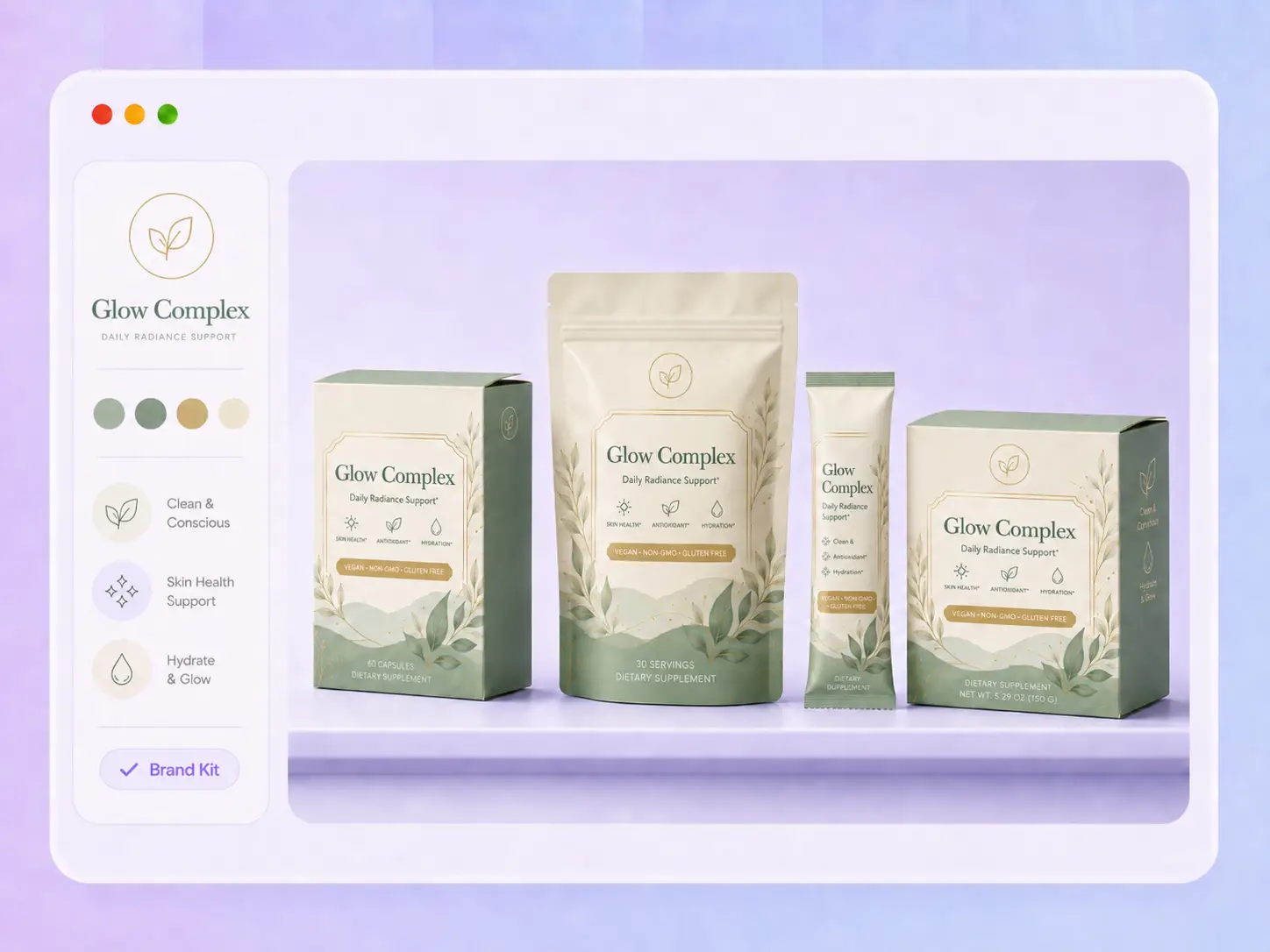
Keep label variants consistent
Labels for different flavors, sizes, or seasonal editions often reuse the same logo, colors, and brand elements. Save these assets in Brand Kit and apply them across new label mockups, helping every product variant stay recognizable and visually consistent.
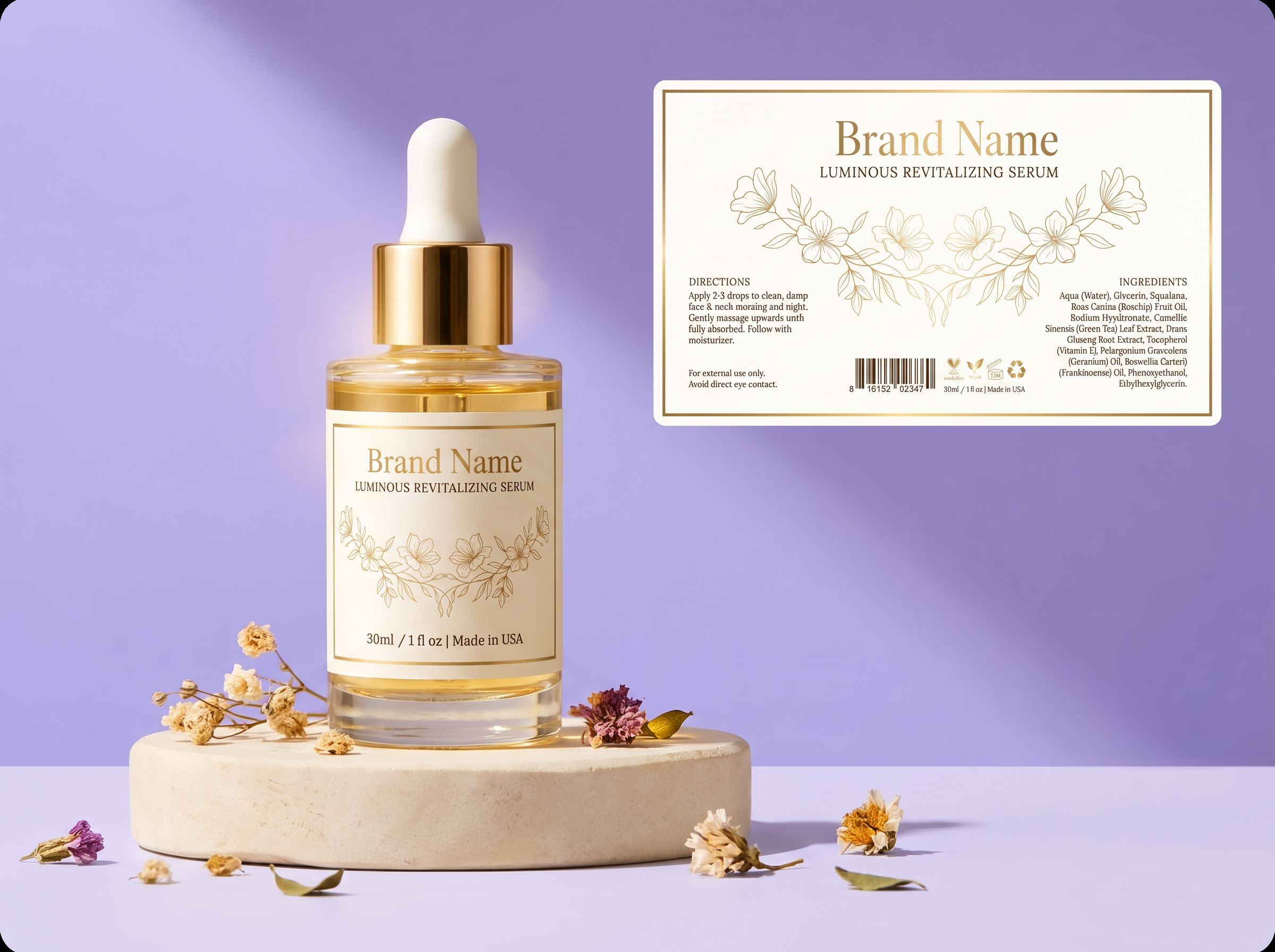
Preview labels before they reach production
See how your label works as part of the complete packaging before moving forward. Packify turns your uploaded artwork or brand brief into a label mockup you can review with your team, share with suppliers, or use to create product and campaign visuals.
Proven impact, in our customer's words


The AI-powered packaging design tool is a game-changer. It's fast, intuitive, making it an essential tool for any forward-thinking design team.ved.
March 26, 2025


The results are so amazing that I don't think it's just for inspiration... I'd say artificial intelligence outperforms most designers; the key is to come up with the perfect prompt. Great contribution! Thank you 😊.
March 18, 2025


The AI-powered packaging design tool is a game-changer. It's fast, intuitive, making it an essential tool for any forward-thinking design team.
March 18, 2025


We’re a tiny skincare shop. Packify.ai turned my scribbles into clean mockups and a printable dieline by Monday. Fewer back-and-forths, consistent branding, a nd our product page conversions moved.
March 18, 2025


The AI-powered packaging design tool is a game-changer. It's fast, intuitive, making it an essential tool for any forward-thinking design team.
March 26, 2025


The results are so amazing that I don't think it's just for inspiration... I'd say artificial intelligence outperforms most designers; the key is to come up with the perfect prompt. Great contribution! Thank you 😊
March 18, 2025


Congrats! Packify.ai, an AI packaging designer, enables easy, creative design and offers AI-driven product photography for e-commerce through simple chatting.
April 2, 2025


We’re a tiny skincare shop. Packify.ai turned my scribbles into clean mockups and a printable dieline by Monday. Fewer back-and-forths, consistent branding, a nd our product page conversions moved.
May 9, 2025
You asked,
we answered
You asked, we answered
What is a label mockup generator?
A label mockup generator helps you preview how a label, logo, or brand asset looks on packaging. Instead of judging a flat file alone, you can place it on a packaging mockup and review the full visual before sharing, editing, or producing it.
How is a label mockup generator different from a label generator and a mockup generator?
A label generator creates the label artwork. A label mockup generator shows how that artwork looks on packaging, while a general mockup generator can cover many types of product visuals. The advantage of a label mockup generator is that it helps you evaluate label fit, placement, and visibility in context without creating the packaging preview manually.
Can I preview one label on different packaging mockups?
Yes. This helps you compare how the same label direction works across packaging options and decide which mockup fits a product pitch, seasonal campaign, listing image, or team review.
Do I need a finished label design first?
No. If you already have label artwork, you can upload it directly. If you do not have a label design yet, enter a brand brief with your product details, visual style, colors, and key information. Packify can generate a label direction that you can preview and refine on packaging.
Can I use Packify’s label mockup generator for free?
Packify uses a credit-based system, and some label mockup actions may consume credits. Check your available credit balance before generating, downloading, or exporting, and visit the Pricing Page for current plan and credit details.
Can I use label mockups commercially?
You may use label mockups created with Packify for personal or commercial projects, as long as you follow our Terms of Use. Before going to market, review the final design, claims, trademarks, and production files for your product.
See the label on the pack first.