
Christmas box design generator
Describe your product and holiday elements, then upload your logo or packaging. Get custom Christmas box artwork with a mockup.
Trusted by industry-leading businesses


Find the perfect box design for Christmas
From a Christmas cake box design to a Christmas Eve box design, make each gift feel seasonal and true to your brand. Add your product details, logo, and preferred mood. Packify creates box artwork with a live 3D preview, so you can compare ideas, refine graphics and text, and prepare for production.
How to create a Christmas gift box design with Packify?
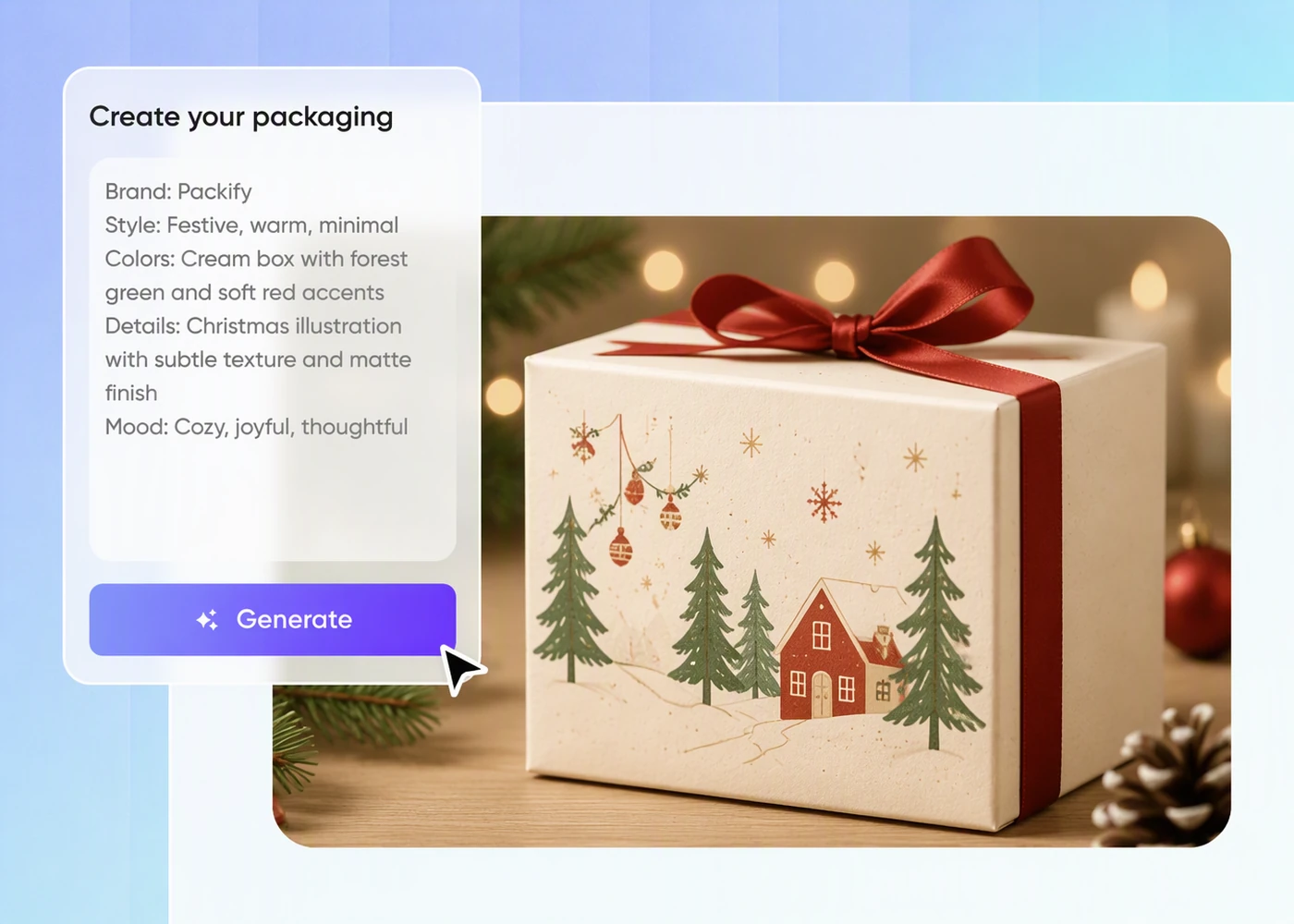
Step 1: Describe the mood and add your logo
Describe your product and desired Christmas mood, then upload your logo, current packaging, or a visual reference.
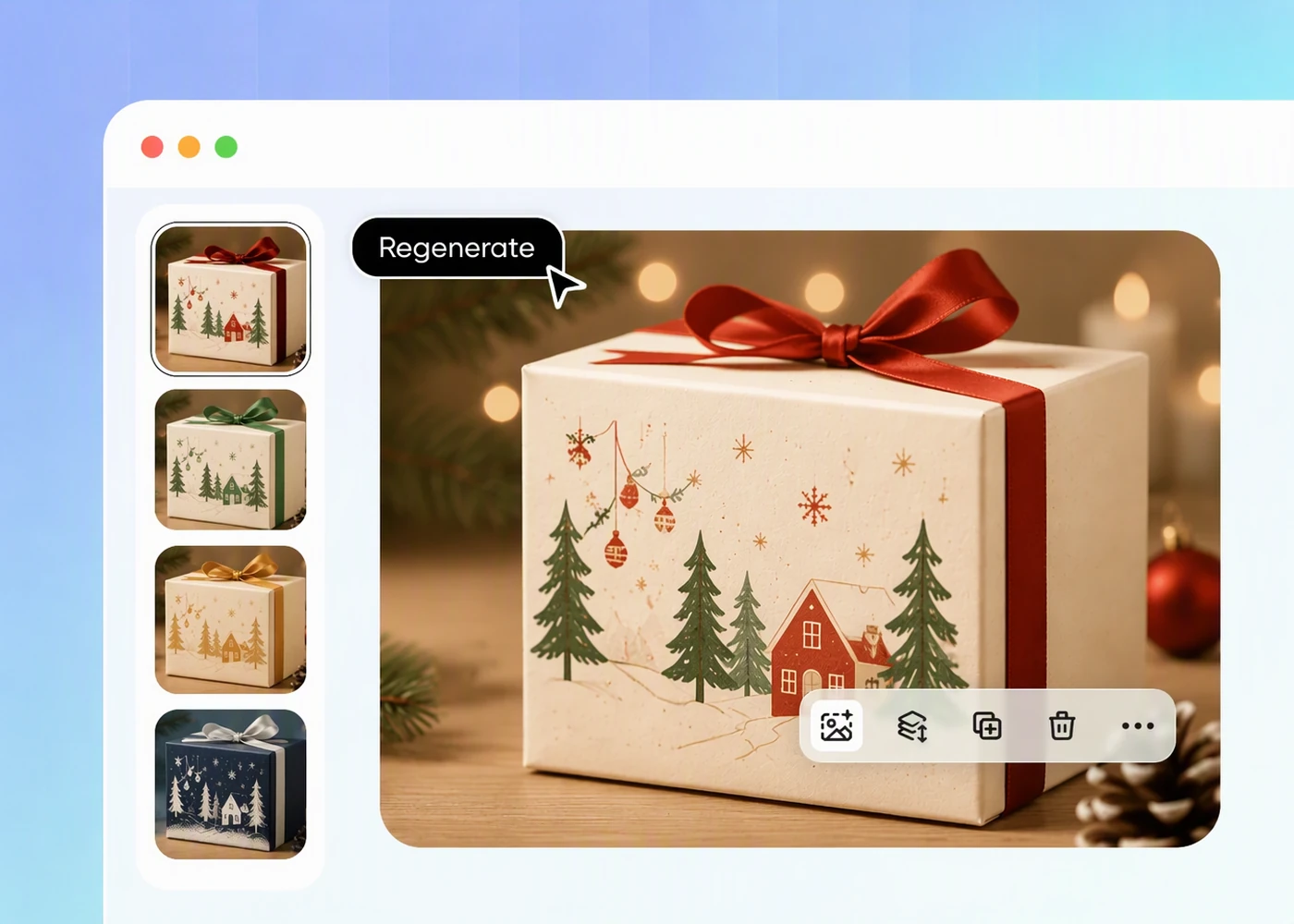
Step 2: Generate and refine the artwork
Click Edit design to adjust the layout, festive elements, colors, and text until you’re happy with your Christmas box design.
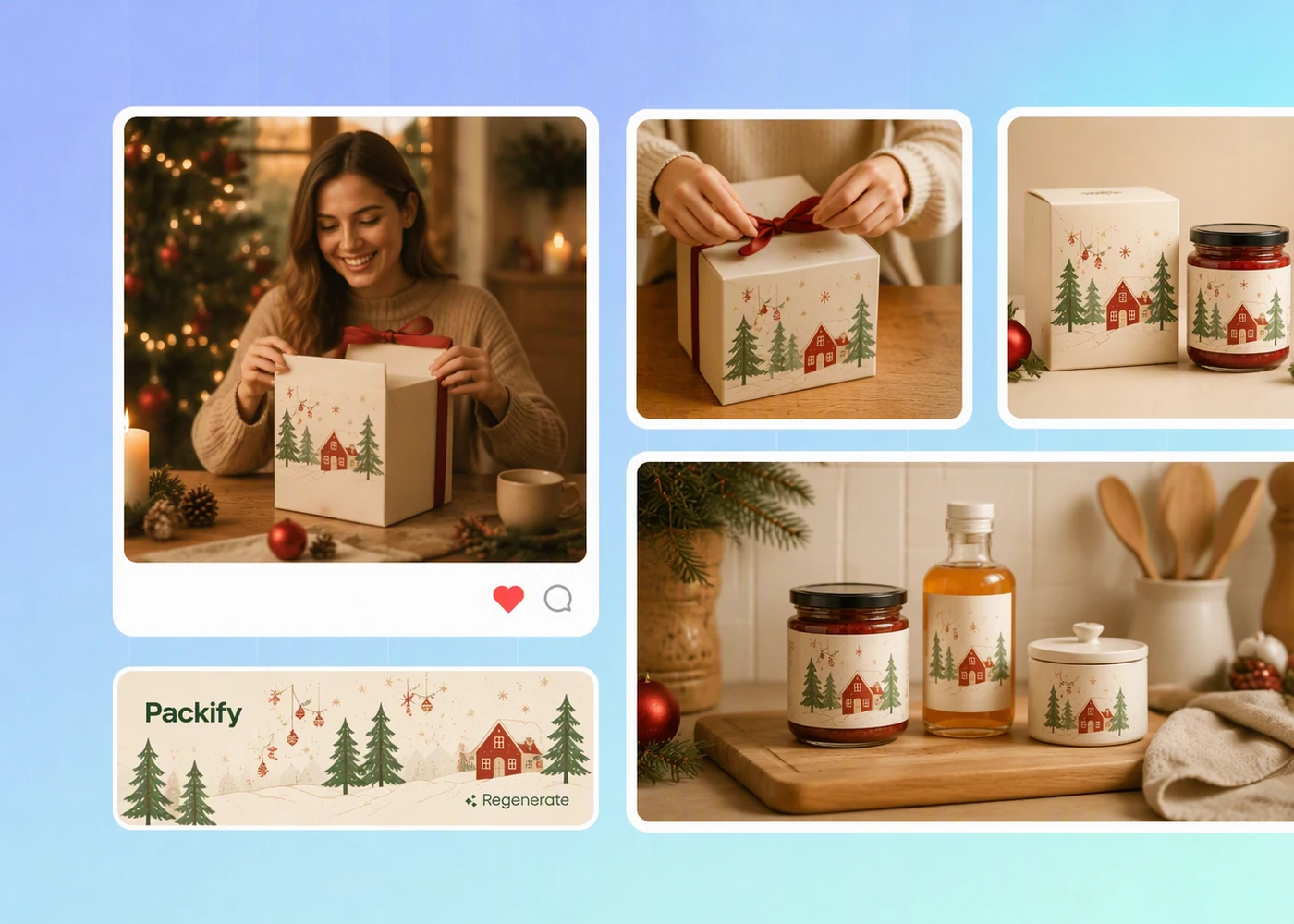
Step 3: Export and review the dieline
Click Export print file, preview the unfolded panels, cut lines, and fold lines, then send the reviewed file to your packaging supplier.

Step 1: Describe the mood and add your logo
Describe your product and desired Christmas mood, then upload your logo, current packaging, or a visual reference.
Step 2: Generate and refine the artwork
Click Edit design to adjust the layout, festive elements, colors, and text until you’re happy with your Christmas box design.
Step 3: Export and review the dieline
Click Export print file, preview the unfolded panels, cut lines, and fold lines, then send the reviewed file to your packaging supplier.
Why Create Custom Christmas Boxes with Packify?
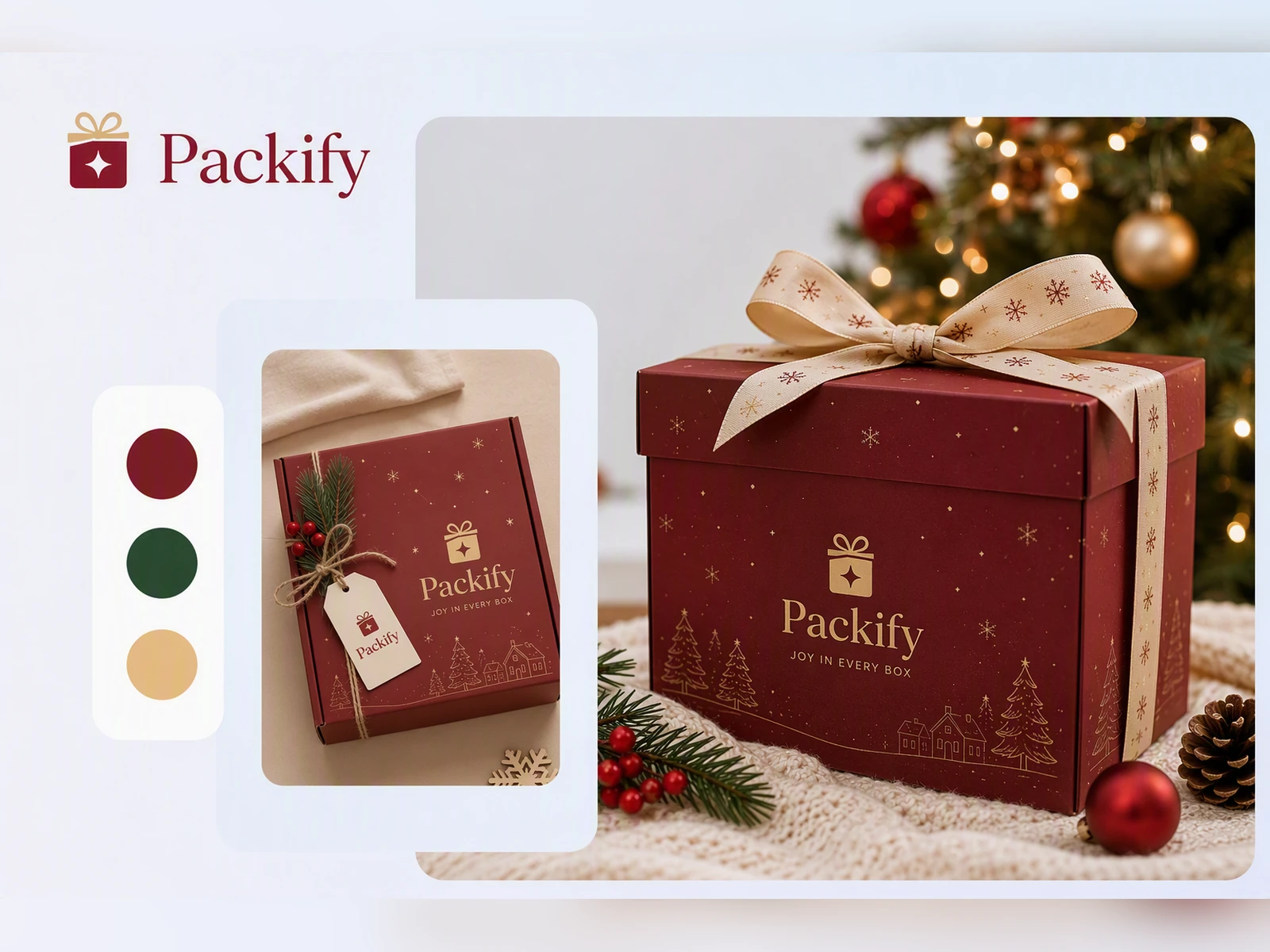
Keep the Holiday Edition Recognizable
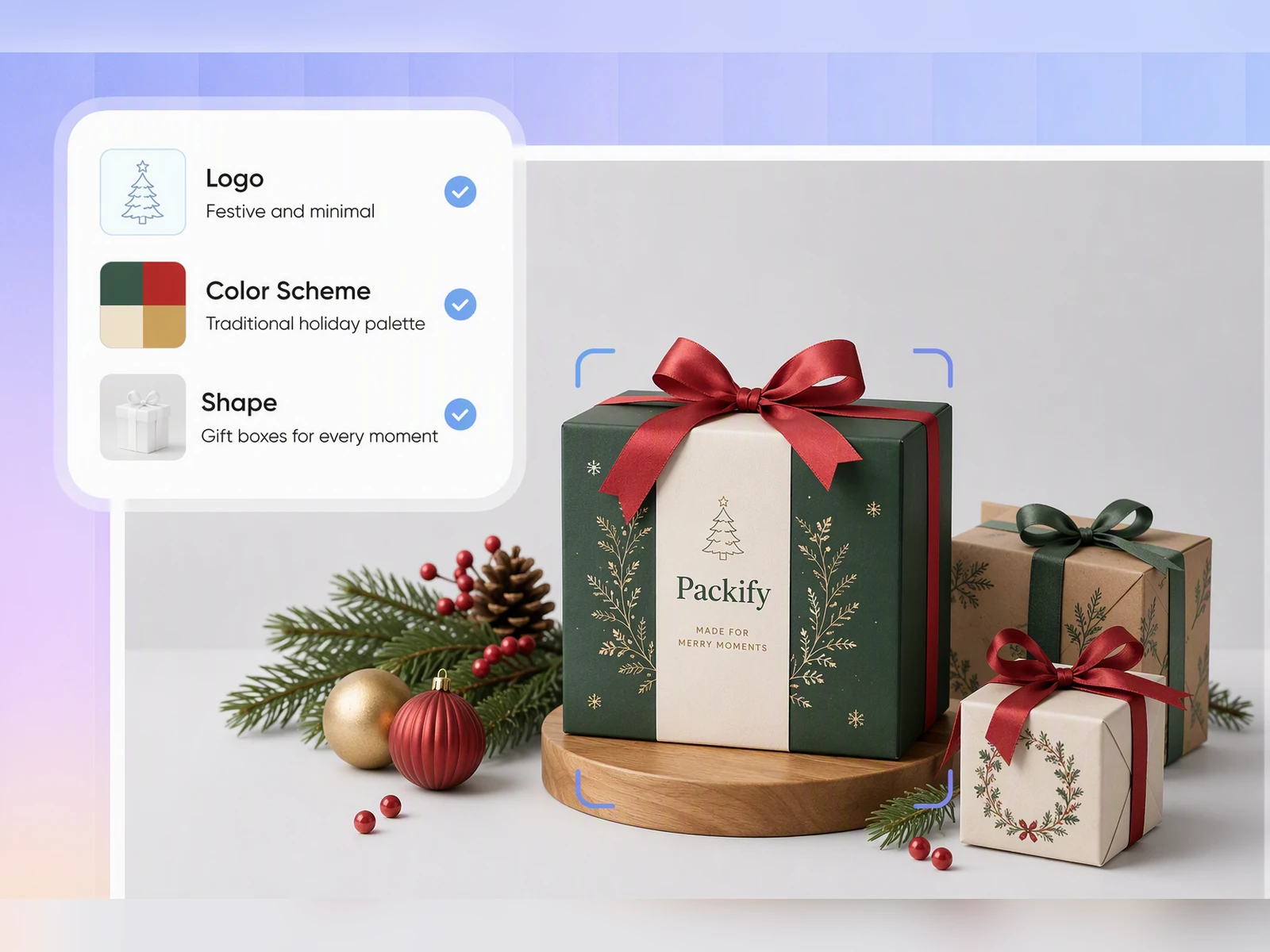
Christmas box decoration ideas can quickly overwhelm the identity shoppers already know. Save your logo, colors, and brand description in a Brand Kit. Packify uses that foundation across each generation, so your limited edition still looks connected to the rest of your Shopify catalog.
Move the Approved Design to Print
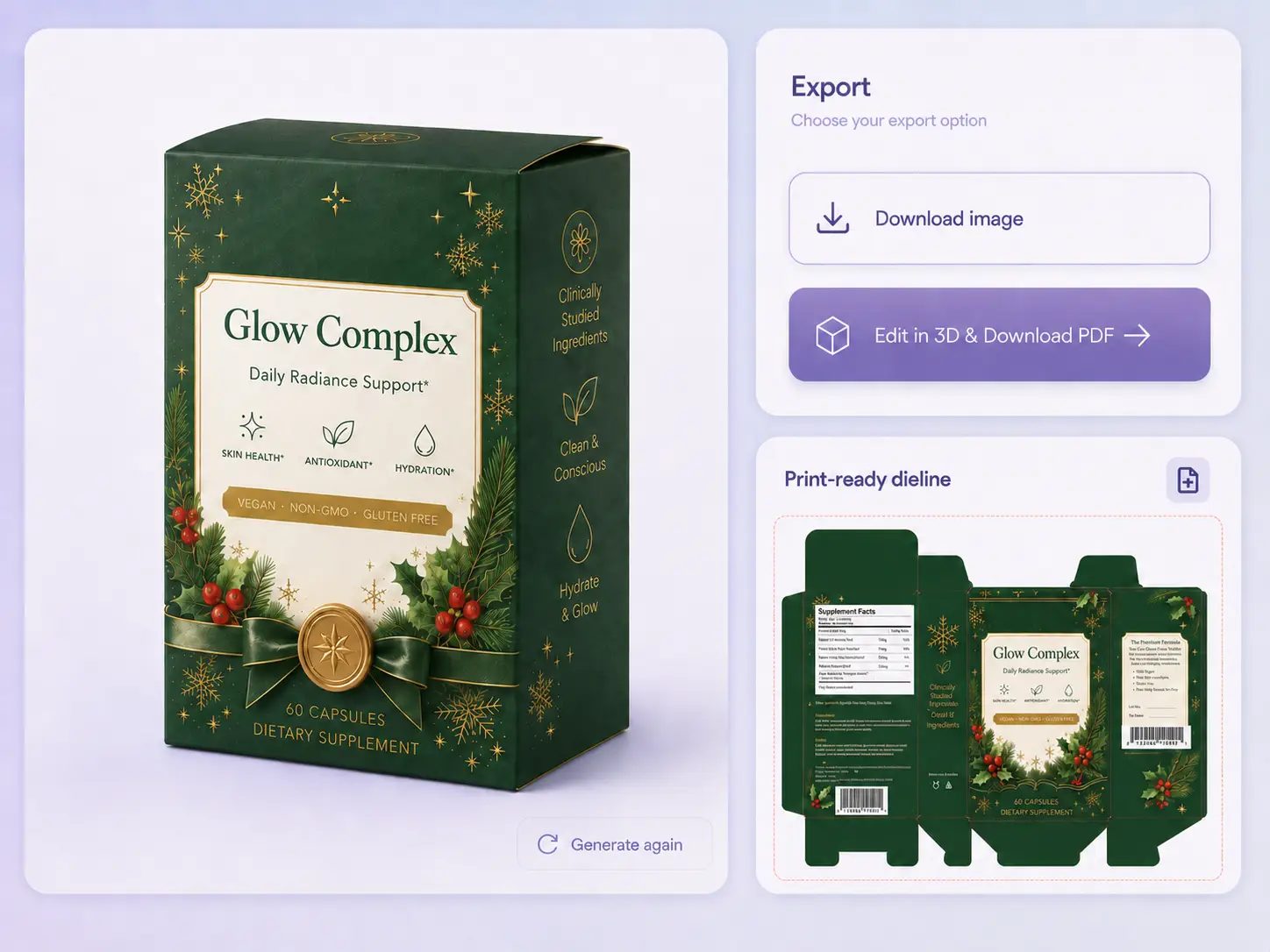
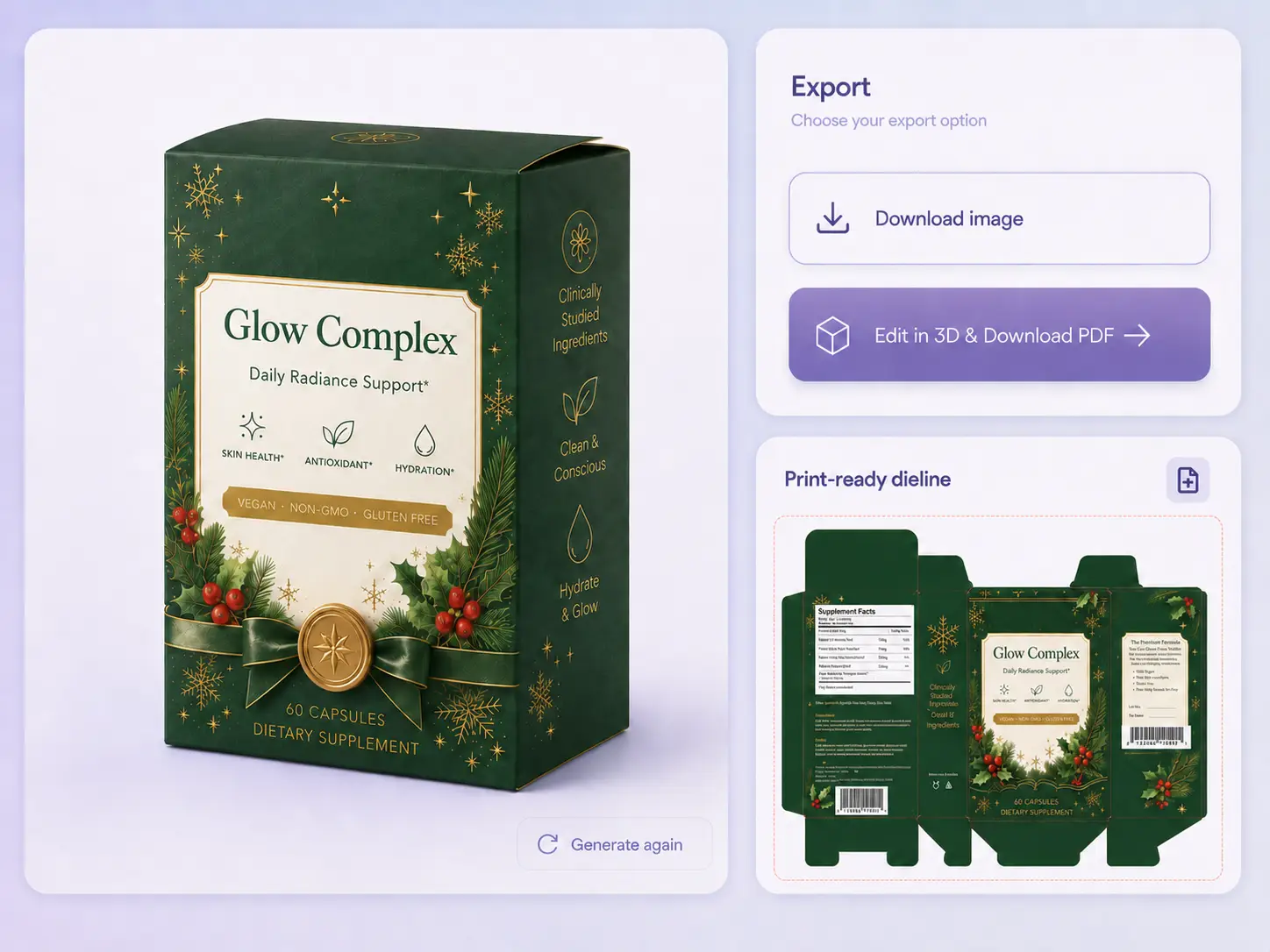
A flat image is not enough for packaging production. Once the Christmas direction is approved, Packify turns the design into a dieline for supplier review. Your printer can inspect the panels, cut lines, and folds before the custom packaging order moves forward.
Approve the Direction Before Ordering
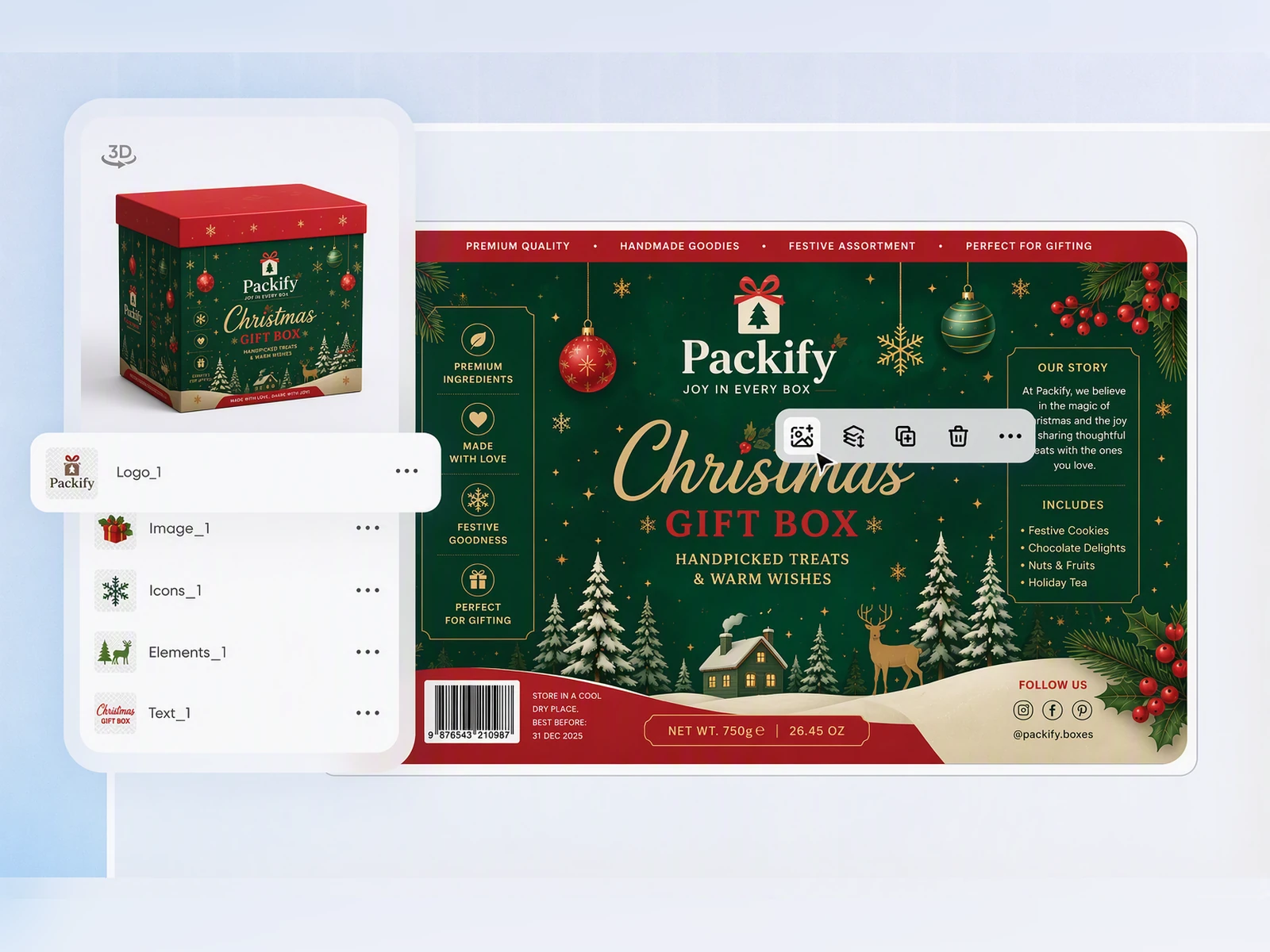
Seasonal products have a short selling window, so the wrong artwork or panel hierarchy can turn into leftover inventory. Review each direction on a 3D box, compare the visible faces, and settle the design before requesting samples or approving a short production run.
Build Gifting Into the Package
When a holiday chocolate assortment, candle, or skincare set is purchased as a gift, the box has to communicate the occasion before it is opened. Packify creates seasonal artwork that helps the product arrive as a complete gift on Amazon, Etsy, or your own store.
Keep the Holiday Edition Recognizable
Christmas box decoration ideas can quickly overwhelm the identity shoppers already know. Save your logo, colors, and brand description in a Brand Kit. Packify uses that foundation across each generation, so your limited edition still looks connected to the rest of your Shopify catalog.
Move the Approved Design to Print
A flat image is not enough for packaging production. Once the Christmas direction is approved, Packify turns the design into a dieline for supplier review. Your printer can inspect the panels, cut lines, and folds before the custom packaging order moves forward.
Approve the Direction Before Ordering
Seasonal products have a short selling window, so the wrong artwork or panel hierarchy can turn into leftover inventory. Review each direction on a 3D box, compare the visible faces, and settle the design before requesting samples or approving a short production run.
Build Gifting Into the Package
When a holiday chocolate assortment, candle, or skincare set is purchased as a gift, the box has to communicate the occasion before it is opened. Packify creates seasonal artwork that helps the product arrive as a complete gift on Amazon, Etsy, or your own store.
Proven impact, in our customer's words


The AI-powered packaging design tool is a game-changer. It's fast, intuitive, making it an essential tool for any forward-thinking design team.ved.
March 26, 2025


The results are so amazing that I don't think it's just for inspiration... I'd say artificial intelligence outperforms most designers; the key is to come up with the perfect prompt. Great contribution! Thank you 😊.
March 18, 2025


The AI-powered packaging design tool is a game-changer. It's fast, intuitive, making it an essential tool for any forward-thinking design team.
March 18, 2025


We’re a tiny skincare shop. Packify.ai turned my scribbles into clean mockups and a printable dieline by Monday. Fewer back-and-forths, consistent branding, and our product page conversions moved.
March 18, 2025


The AI-powered packaging design tool is a game-changer. It's fast, intuitive, making it an essential tool for any forward-thinking design team.
March 26, 2025


The results are so amazing that I don't think it's just for inspiration... I'd say artificial intelligence outperforms most designers; the key is to come up with the perfect prompt. Great contribution! Thank you 😊
March 18, 2025


Congrats! Packify.ai, an AI packaging designer, enables easy, creative design and offers AI-driven product photography for e-commerce through simple chatting.
April 2, 2025


We’re a tiny skincare shop. Packify.ai turned my scribbles into clean mockups and a printable dieline by Monday. Fewer back-and-forths, consistent branding, and our product page conversions moved.
May 9, 2025
You asked,
we answered
You asked, we answered
Which products benefit most from a Christmas box design?
A seasonal redesign makes sense when a product will be sold as a Christmas gift, limited-edition set, corporate gift, or Advent calendar. Chocolate, cookies, cakes, tea, coffee, supplements, skincare, makeup, fragrance, and candles can all benefit when the packaging needs to communicate gifting value before the box is opened.
When should I start designing Christmas boxes?
For a November launch, begin no later than August. Aim to approve the visual direction and supplier sample in September, leaving October for revisions, production, reorders, and delivery. Packify can shorten design approval, but you should still confirm production capacity and holiday cutoff dates with your supplier.
Which Christmas gift box ideas and decorative elements work well?
Useful Christmas gift box ideas include winter botanicals, stars, lights, ribbons, ornaments, gingerbread, snowy scenes, shop windows, and handwritten greetings. For less traditional Christmas packaging ideas, try navy and silver, cream and gold, natural paper tones, or your existing brand palette. Confirm physical finishes such as foil or embossing with your supplier.
What should different industries keep in their Christmas packaging design?
A Christmas edition still needs accurate, complete, and readable product information. Food packaging should retain the product name, flavor, ingredients, allergen details, and nutrition information. Supplements need clear directions, warnings, and reviewed claims. Cosmetics should preserve the product name, shade or scent, net contents, ingredients, and applicable warnings.
Do I need a Christmas box design template before contacting a supplier?
No. Upload your current packaging and ask Packify to turn it into a Christmas edition, or describe a new product, box type, brand, and seasonal mood from scratch. After approving the concept, click Export Dieline and send the reviewed file to suppliers when comparing where to buy Christmas boxes or custom Christmas gift boxes.
How much does Christmas box design cost?
You can start creating with trial credits. Design generation and editing consume credits, so check your account balance before starting. If you need additional generations or advanced features, review the available plans and credit options on our Pricing Page.
Can I use my Christmas box design commercially?
You may use the design commercially when permitted by your plan and the Terms of Use. Review logos, trademarks, and visual elements that may resemble another brand before printing. Ownership conditions may differ between free-trial and paid-service output, so confirm the current terms before launch.
Explore more free tools
Get your Christmas box design ready for launch
