
Christmas candle label generator
Describe your holiday scent and candle, then turn it into an editable Christmas label you can refine and download as a PNG.
Trusted by industry-leading businesses


Christmas candle label ideas inspired by your scents
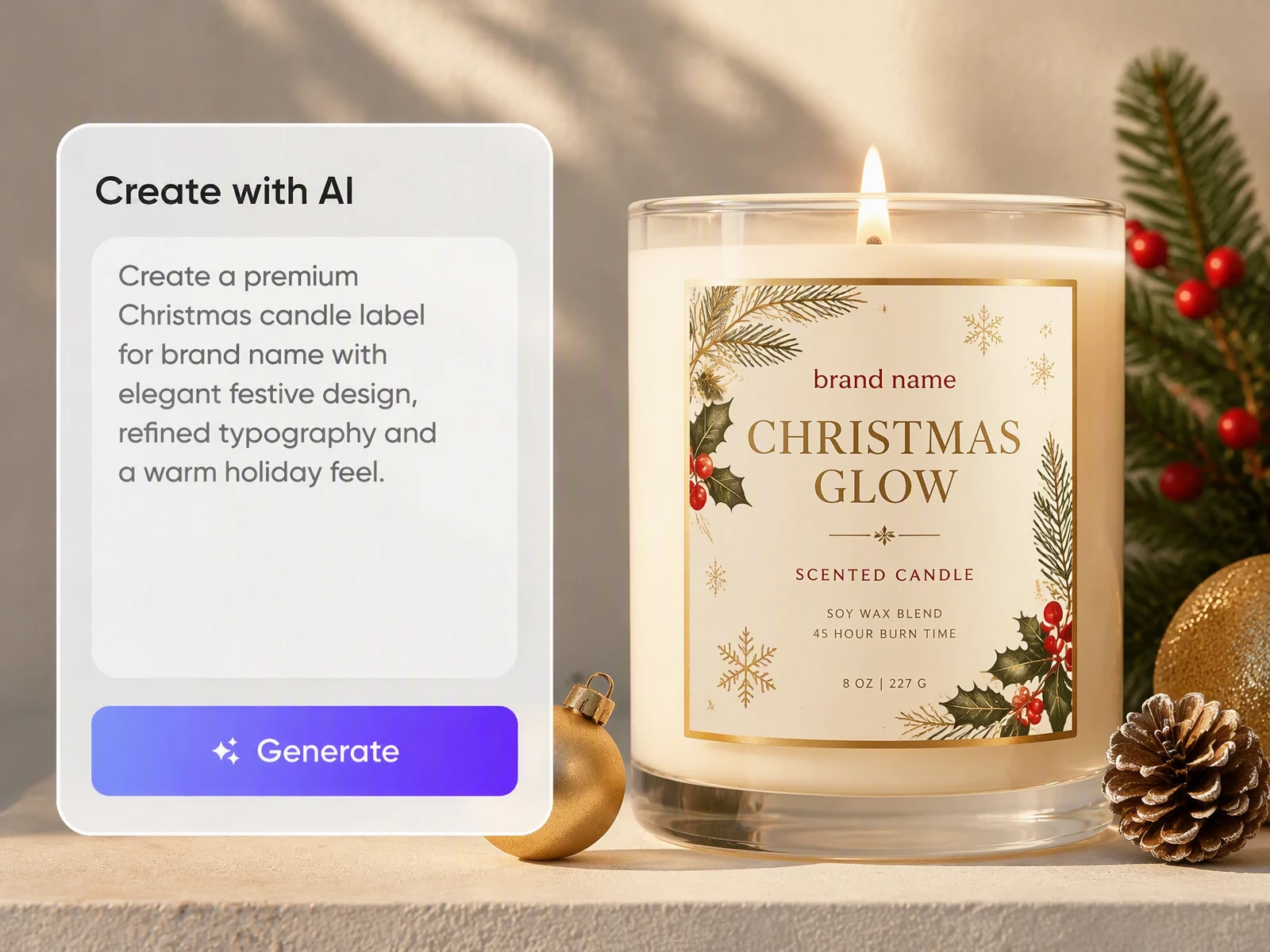
Turn fir, spice, cranberry, or fireside notes into festive designs that stand out in Etsy and Shopify thumbnails. Enter your scent, jar, brand, and style to create Christmas stickers for candles or Advent candle labels. Preview the fit, refine your design, and download a PNG for printing.
How to create Christmas labels for candles with Packify?
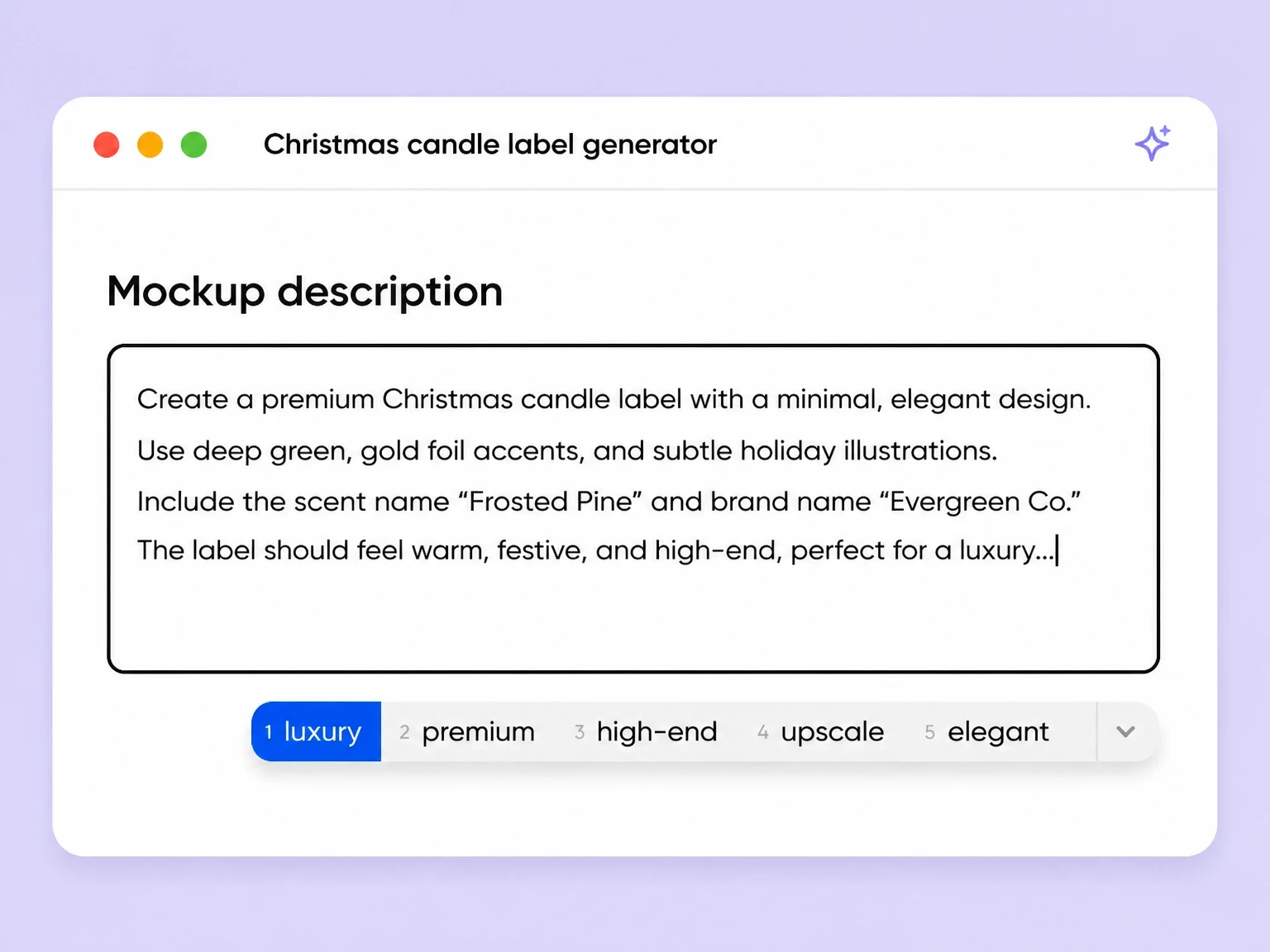
Step 1: Describe your scent and candle
Enter your brand, fragrance notes, wax type, container, label dimensions, and the product or warning information you need.
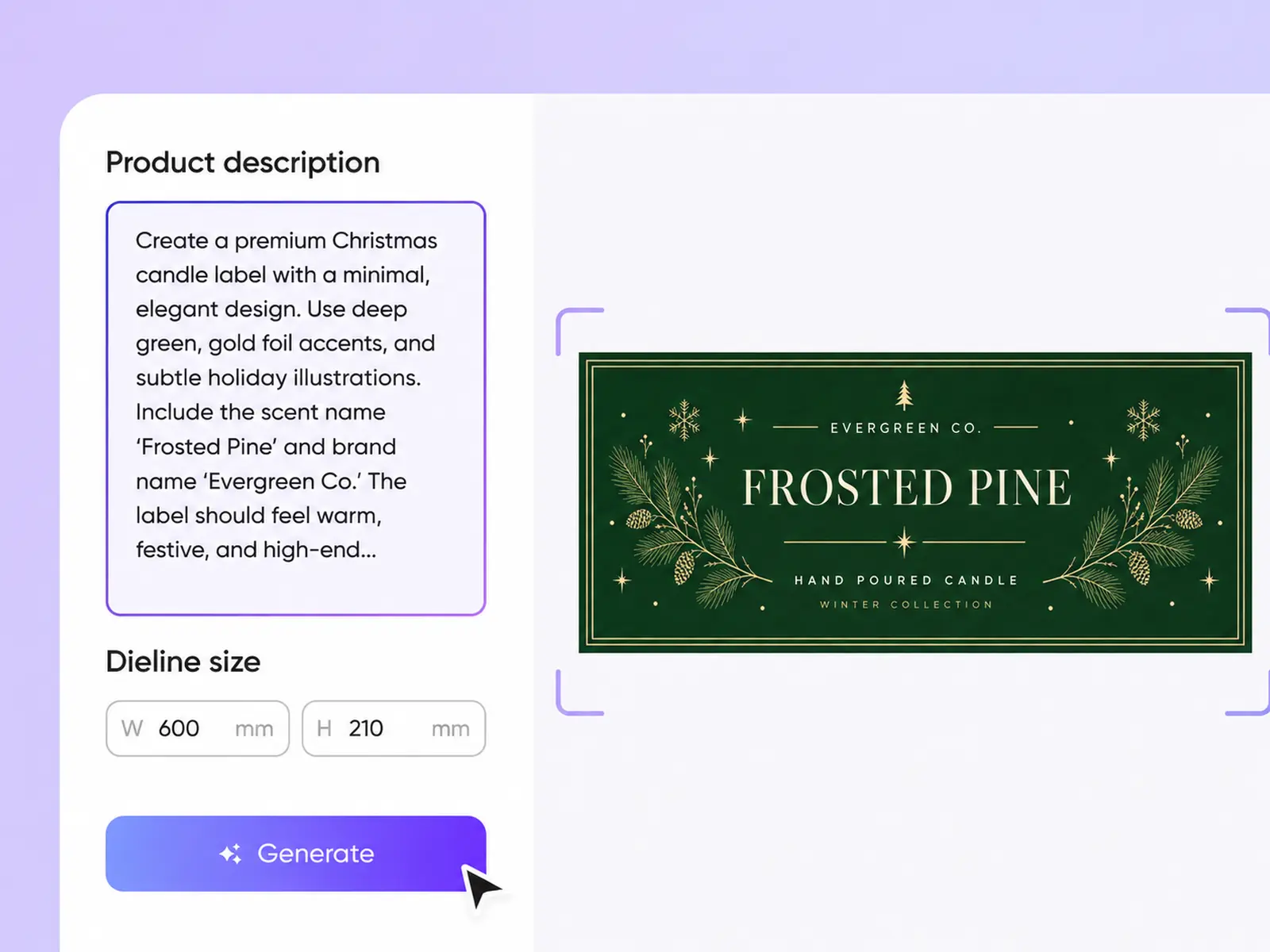
Step 2: Generate and refine the design
Choose a winter botanical, vintage, minimal, giftable, or funny direction, then generate and refine the text, colors, graphics, and layout.
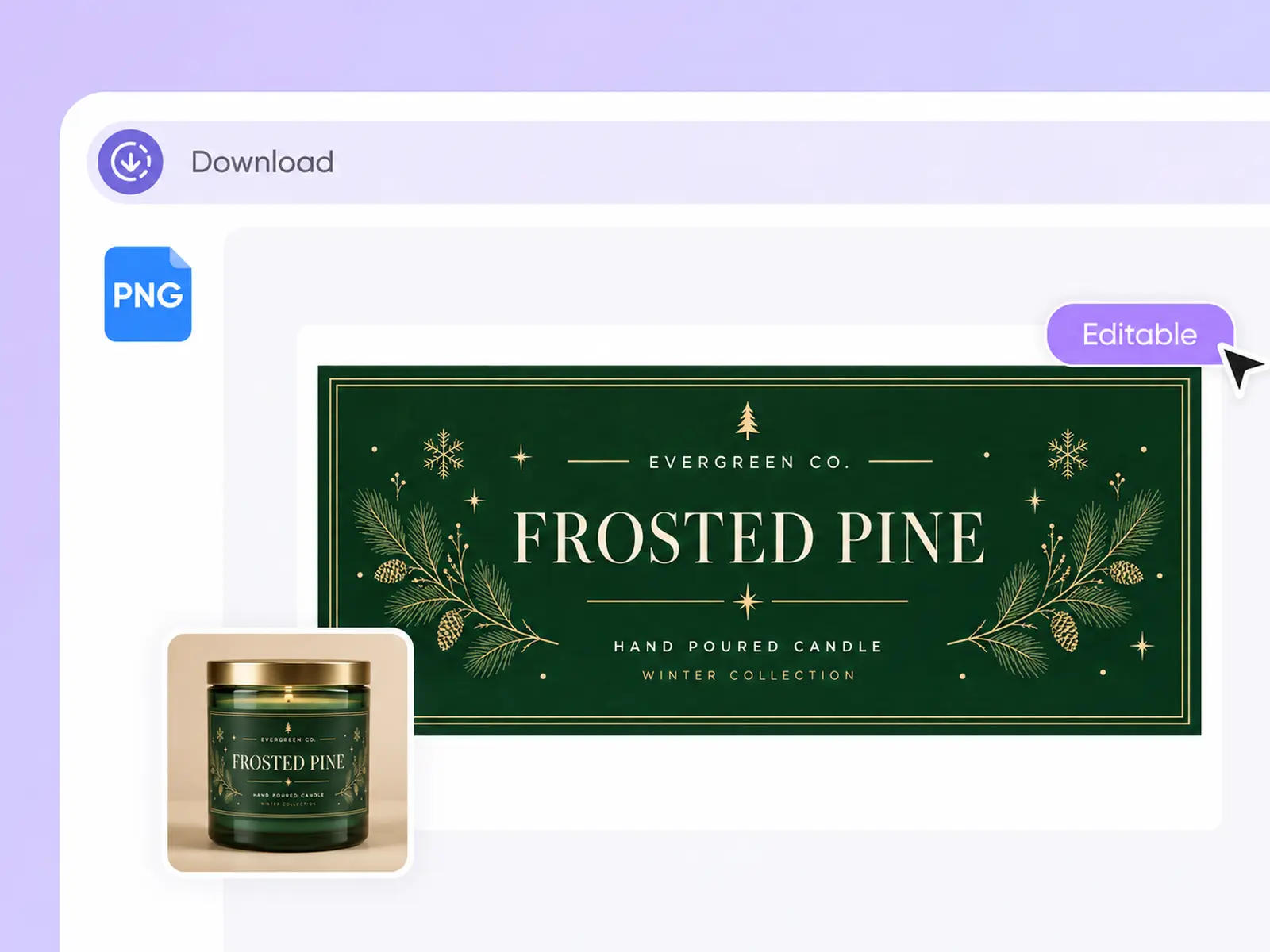
Step 3: Preview and download the label
Check the label on the container, download the PNG, and ask your printer to confirm color, bleed, stock, and cutting requirements.

Step 1: Describe your scent and candle
Enter your brand, fragrance notes, wax type, container, label dimensions, and the product or warning information you need.
Step 2: Generate and refine the design
Choose a winter botanical, vintage, minimal, giftable, or funny direction, then generate and refine the text, colors, graphics, and layout.
Step 3: Preview and download the label
Check the label on the container, download the PNG, and ask your printer to confirm color, bleed, stock, and cutting requirements.
Why choose Packify for Christmas candle label design?
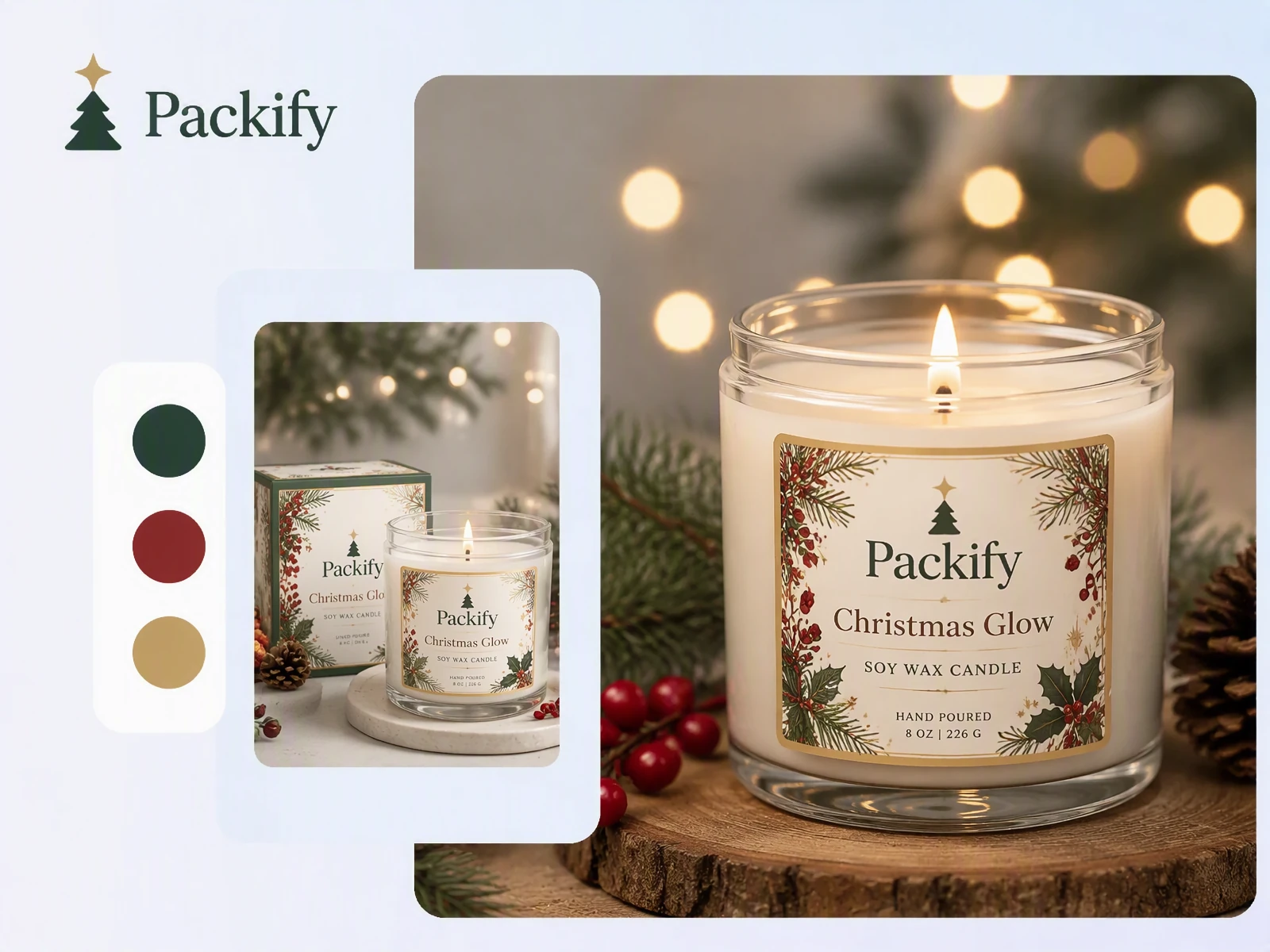
Let the scent lead
Pine, cinnamon, and cranberry should not share one design with only the scent name changed. Describe the fragrance and its holiday setting. Packify turns those cues into a distinct visual direction shoppers can recognize in an Etsy search result or Shopify collection.
Check the jar before printing
A flat label can look different once it wraps around curved glass, a tin, or a lid. Review the design on a 3D container before ordering labels, so the scent name, brand, and required information remain visible in the printer proof.
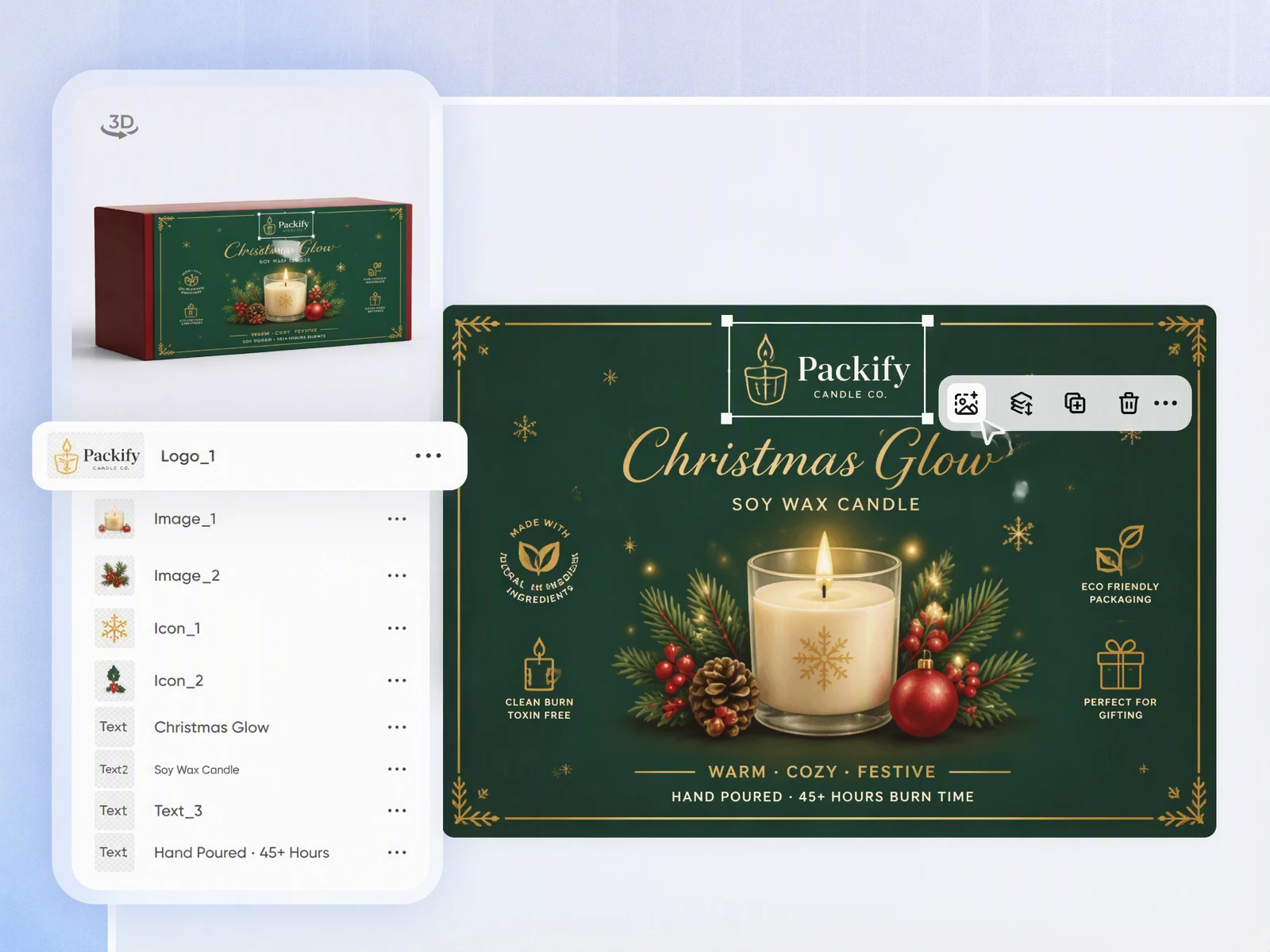
Update limited edition details
Holiday launches often change at the last minute. Adjust the scent name, net weight, seasonal message, colors, and graphics directly in Packify, without reopening professional design software or delaying your Shopify product launch and Christmas market preparation.
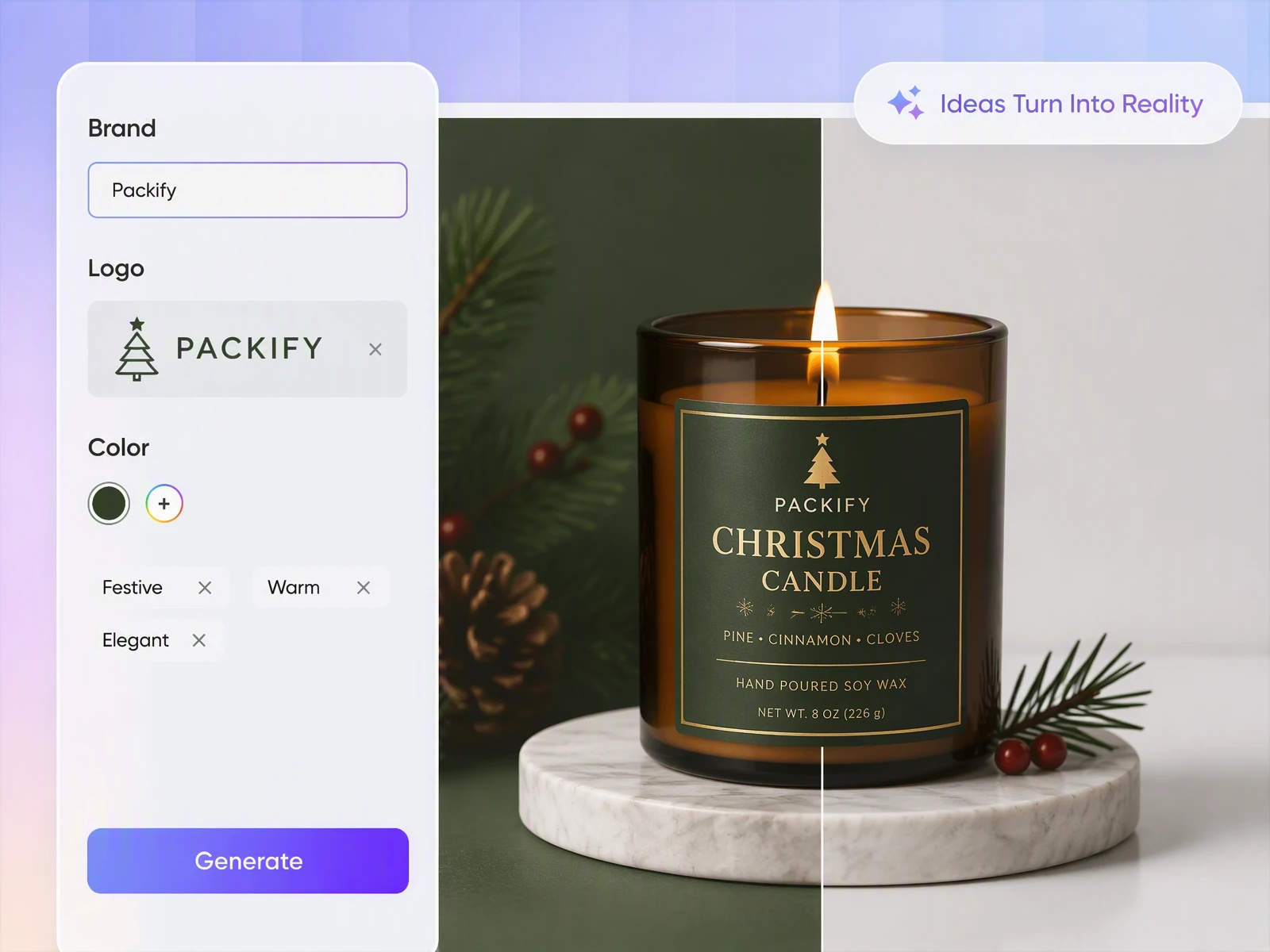
Prepare the label for print
Download the supported PNG and send it to your printer or fulfillment partner. Request a sample on the actual vessel before approving the run, then confirm color, cut, adhesion, heat performance, and material requirements with the supplier.
Let the scent lead
Pine, cinnamon, and cranberry should not share one design with only the scent name changed. Describe the fragrance and its holiday setting. Packify turns those cues into a distinct visual direction shoppers can recognize in an Etsy search result or Shopify collection.
Check the jar before printing
A flat label can look different once it wraps around curved glass, a tin, or a lid. Review the design on a 3D container before ordering labels, so the scent name, brand, and required information remain visible in the printer proof.
Update limited edition details
Holiday launches often change at the last minute. Adjust the scent name, net weight, seasonal message, colors, and graphics directly in Packify, without reopening professional design software or delaying your Shopify product launch and Christmas market preparation.
Prepare the label for print
Download the supported PNG and send it to your printer or fulfillment partner. Request a sample on the actual vessel before approving the run, then confirm color, cut, adhesion, heat performance, and material requirements with the supplier.
Proven impact, in our customer's words


The AI-powered packaging design tool is a game-changer. It's fast, intuitive, making it an essential tool for any forward-thinking design team.ved.
March 26, 2025


The results are so amazing that I don't think it's just for inspiration... I'd say artificial intelligence outperforms most designers; the key is to come up with the perfect prompt. Great contribution! Thank you 😊.
March 18, 2025


The AI-powered packaging design tool is a game-changer. It's fast, intuitive, making it an essential tool for any forward-thinking design team.
March 18, 2025


We’re a tiny skincare shop. Packify.ai turned my scribbles into clean mockups and a printable dieline by Monday. Fewer back-and-forths, consistent branding, a nd our product page conversions moved.
March 18, 2025


The AI-powered packaging design tool is a game-changer. It's fast, intuitive, making it an essential tool for any forward-thinking design team.
March 26, 2025


The results are so amazing that I don't think it's just for inspiration... I'd say artificial intelligence outperforms most designers; the key is to come up with the perfect prompt. Great contribution! Thank you 😊
March 18, 2025


Congrats! Packify.ai, an AI packaging designer, enables easy, creative design and offers AI-driven product photography for e-commerce through simple chatting.
April 2, 2025


We’re a tiny skincare shop. Packify.ai turned my scribbles into clean mockups and a printable dieline by Monday. Fewer back-and-forths, consistent branding, a nd our product page conversions moved.
May 9, 2025
You asked,
we answered
You asked, we answered
What makes Christmas candle label design different?
Everyday labels mainly identify the brand and fragrance. Christmas labels also communicate a seasonal scene, gifting value, and a clear relationship between scents. Instead of relying on one fixed Christmas candle label template, keep the logo and layout consistent while changing scent-led colors and graphics for each SKU.
Which candle scents work best for Christmas?
Popular Christmas candle scents usually suggest a familiar holiday setting:
- Pine, fir, and cedar: Christmas trees and winter forests
- Cinnamon, clove, and ginger: holiday baking and family gatherings
- Cranberry, orange peel, and apple: festive tables and warm drinks
- Smoke, amber, and woods: fireplaces and winter nights
- Peppermint, vanilla, and chocolate: candy, desserts, and gifts
Use the scent scene as the starting point for the label colors, graphics, and typography.
Can I create a funny Christmas candle label?
Yes. Describe the humor style, audience, and exact message you want. Packify can create playful label directions for gifts, office exchanges, or Etsy listings. Review every joke, phrase, and visual before publishing, especially for trademarks, copied slogans, or content that could be misread.
Can I create Christmas labels for candle jars and tins?
Yes. Set the dimensions for glass jars, tins, lids, or wraparound labels and review the placement on the container. You may add your required warning copy, but Packify does not certify compliance. Ask your printer to confirm bleed, cut lines, stock, adhesion, and heat performance before production.
Can I use the Christmas candle label generator for free?
You can start generating with trial credits. Credits are consumed based on how many designs and edits you create. Check your account balance before generating, or upgrade for more credits. For subscription plans and credit packages, visit the Pricing Page.
Can I use the generated Christmas candle labels commercially?
Yes. You can use generated labels for Etsy, Shopify, Christmas markets, and retail products, subject to Packify’s Terms of Use. AI-generated content is not exclusive. Review trademarks, similar brand elements, warning information, and other product requirements before selling your candles.
Build your holiday line before searches peak
