
Christmas tote bag design
Describe your Christmas theme, festive artwork, and holiday message. Get a tote bag design you can use for Christmas gifts, shopping bags, or holiday events.
Trusted by industry-leading businesses


Turn your Ideas into custom totes for Christmas
Holiday sales move fast. Skip buying mockups, searching templates, and placing artwork by hand. Packify turns your brief into canvas gift bags for Christmas with seasonal artwork applied. Preview, edit, and export print-ready files for POD, Etsy, gift-with-purchase campaigns, and Christmas pop-ups.
How to design a Christmas tote purse with Packify?
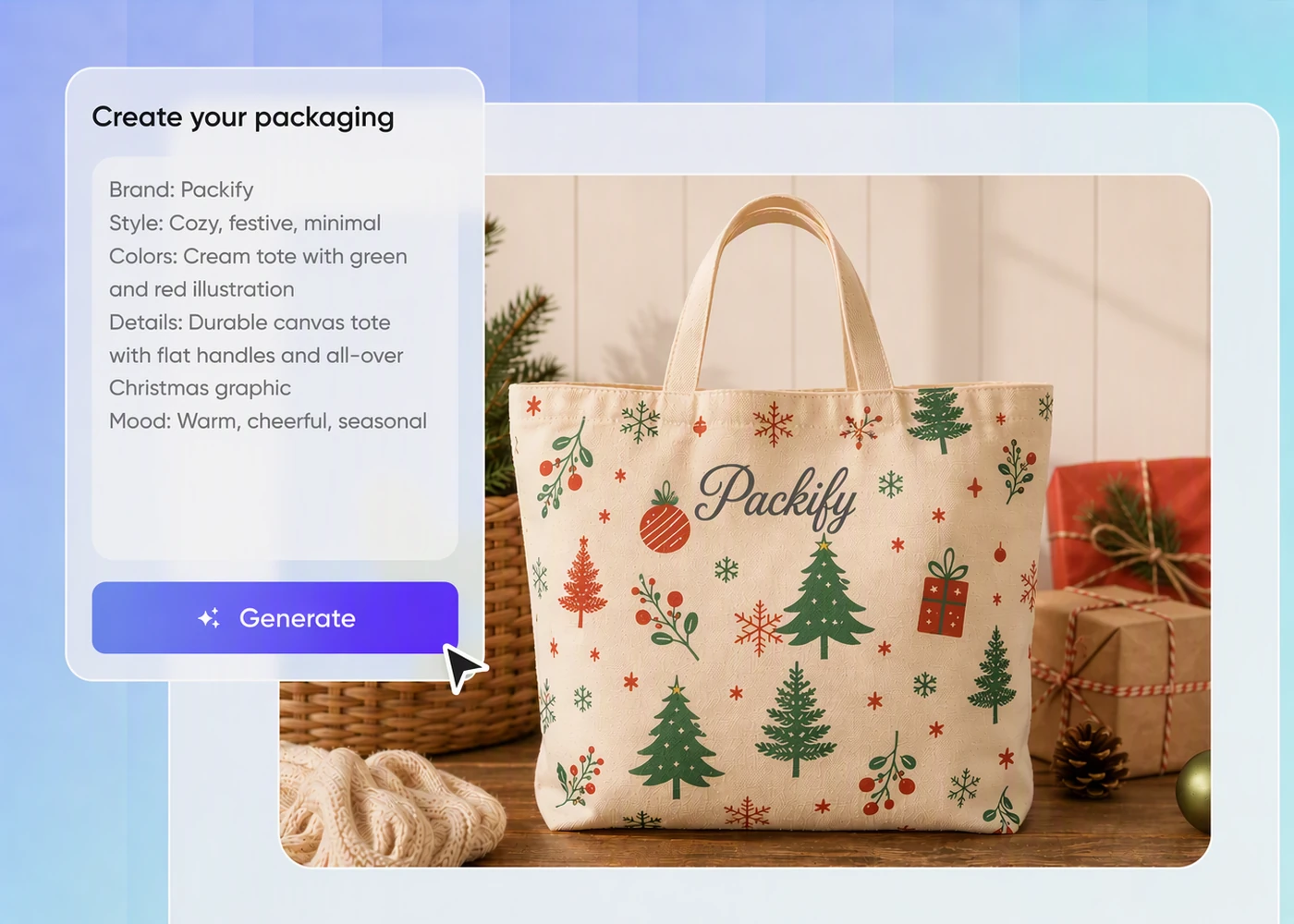
Step 1: Describe your Christmas tote
Enter the Christmas theme, audience, visual style, brand colors, and holiday message, or upload a reference image for direction.
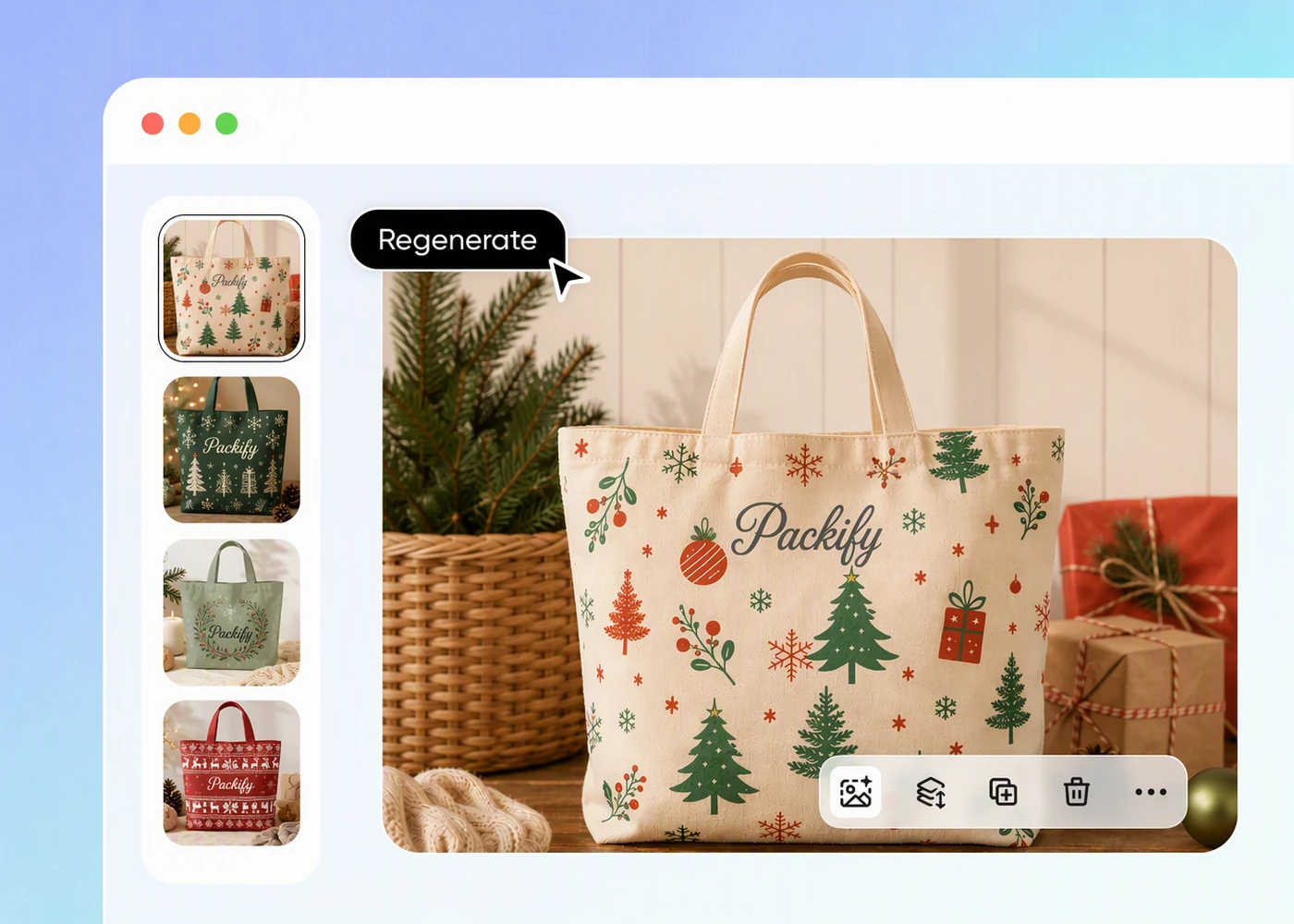
Step 2: Generate and review the design
Generate a tote with the artwork applied, then review its placement, scale, and seasonal mood before refining or regenerating the design.
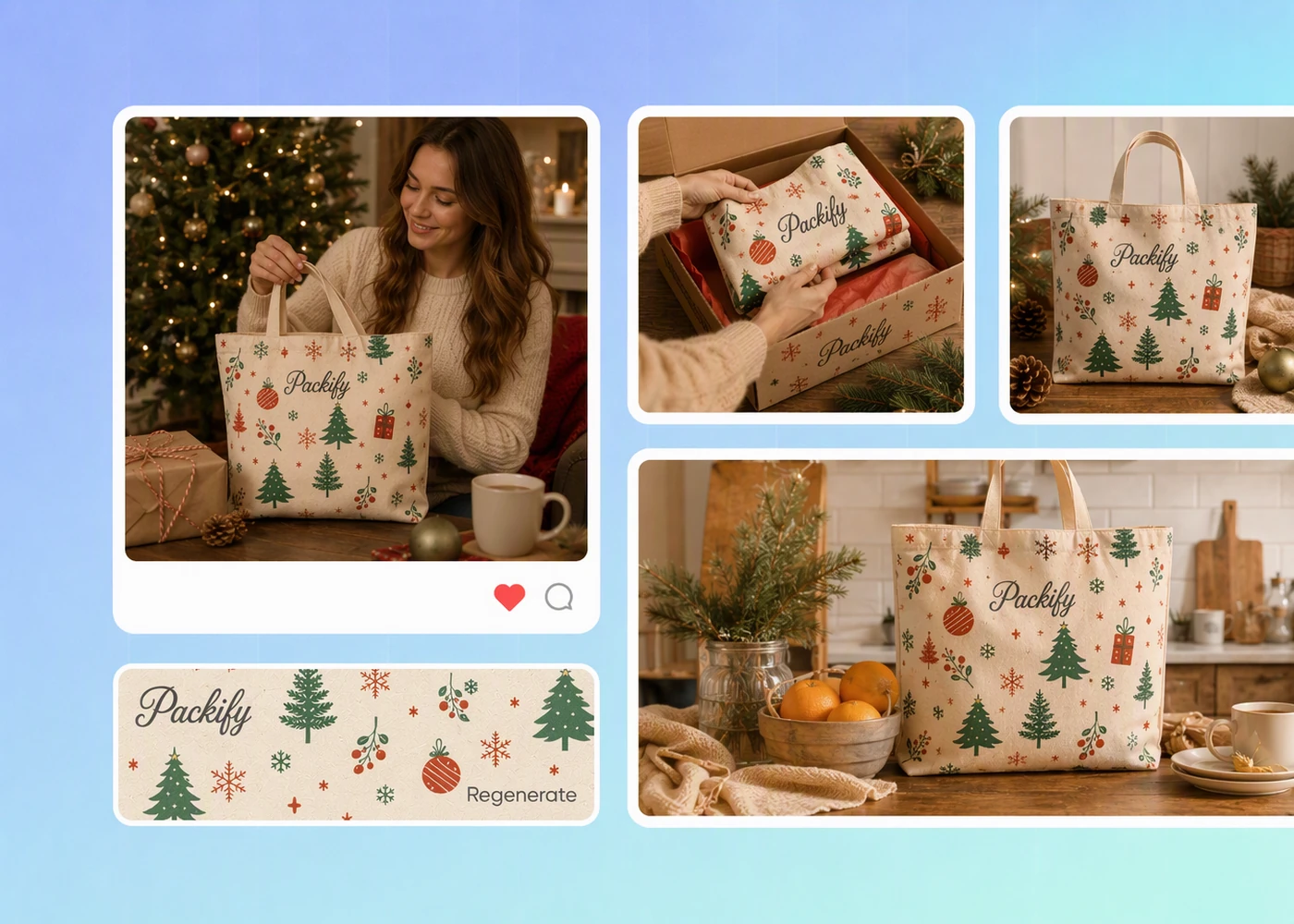
Step 3: Edit and export for print
Click Export Dieline, edit the artwork online, add any final elements, and export a print-ready file for production.

Step 1: Describe your Christmas tote
Enter the Christmas theme, audience, visual style, brand colors, and holiday message, or upload a reference image for direction.
Step 2: Generate and review the design
Generate a tote with the artwork applied, then review its placement, scale, and seasonal mood before refining or regenerating the design.
Step 3: Edit and export for print
Click Export Dieline, edit the artwork online, add any final elements, and export a print-ready file for production.
Why choose Packify for Santa tote bag design?

Generate without fixed templates
You do not need to buy mockup files, search through fixed templates, or prepare artwork before seeing it on a bag. Describe the theme and audience, and Packify generates the complete seasonal tote design for an Etsy or Redbubble launch.

Create personalized Christmas tote bags
A Christmas tote can be a product, a gift with purchase, or a bag for a holiday pop-up. Add a customer name, event message, logo, or brand colors to create personalized Christmas tote bags for client gifts and seasonal campaigns.

Preview a Christmas tote bag mockup
Artwork can look different once it sits on a real bag. Packify shows the design on a Christmas tote bag mockup first. When it looks right, click Export Dieline, refine the artwork online, and export a print-ready file for your POD supplier or printer.

Promote before samples arrive
Your printed sample may still be in production when the Christmas selling window opens. Use the generated tote visuals for Etsy product pages, Instagram launches, Pinterest pins, or holiday pop-up announcements, so marketing can begin before stock arrives.
Generate without fixed templates
You do not need to buy mockup files, search through fixed templates, or prepare artwork before seeing it on a bag. Describe the theme and audience, and Packify generates the complete seasonal tote design for an Etsy or Redbubble launch.
Create personalized Christmas tote bags
A Christmas tote can be a product, a gift with purchase, or a bag for a holiday pop-up. Add a customer name, event message, logo, or brand colors to create personalized Christmas tote bags for client gifts and seasonal campaigns.
Preview a Christmas tote bag mockup
Artwork can look different once it sits on a real bag. Packify shows the design on a Christmas tote bag mockup first. When it looks right, click Export Dieline, refine the artwork online, and export a print-ready file for your POD supplier or printer.
Promote before samples arrive
Your printed sample may still be in production when the Christmas selling window opens. Use the generated tote visuals for Etsy product pages, Instagram launches, Pinterest pins, or holiday pop-up announcements, so marketing can begin before stock arrives.
Proven impact, in our customer's words


The AI-powered packaging design tool is a game-changer. It's fast, intuitive, making it an essential tool for any forward-thinking design team.ved.
March 26, 2025


The results are so amazing that I don't think it's just for inspiration... I'd say artificial intelligence outperforms most designers; the key is to come up with the perfect prompt. Great contribution! Thank you 😊.
March 18, 2025


The AI-powered packaging design tool is a game-changer. It's fast, intuitive, making it an essential tool for any forward-thinking design team.
March 18, 2025


We’re a tiny skincare shop. Packify.ai turned my scribbles into clean mockups and a printable dieline by Monday. Fewer back-and-forths, consistent branding, and our product page conversions moved.
March 18, 2025


The AI-powered packaging design tool is a game-changer. It's fast, intuitive, making it an essential tool for any forward-thinking design team.
March 26, 2025


The results are so amazing that I don't think it's just for inspiration... I'd say artificial intelligence outperforms most designers; the key is to come up with the perfect prompt. Great contribution! Thank you 😊
March 18, 2025


Congrats! Packify.ai, an AI packaging designer, enables easy, creative design and offers AI-driven product photography for e-commerce through simple chatting.
April 2, 2025


We’re a tiny skincare shop. Packify.ai turned my scribbles into clean mockups and a printable dieline by Monday. Fewer back-and-forths, consistent branding, and our product page conversions moved.
May 9, 2025
You asked,
we answered
You asked, we answered
Why are reusable Christmas tote bags useful?
A reusable Christmas tote can be the product, the gift wrap, or an event gift. Etsy and Redbubble sellers can launch seasonal designs for holiday shoppers. Brands can add a customer or attendee name for client dinners, year-end meetings, Christmas parties, and pop-ups. After the event, the bag can continue to be used instead of being discarded with single-use wrapping.
Can Packify design canvas tote bags and paper bags?
Yes. Packify generates surface artwork and complete visual concepts for canvas totes, paper shopping bags, and other bag formats. Describe the material, purpose, Christmas theme, and brand direction, and Packify creates a bag design that you can review and refine.
What size should a tote bag design be?
The size depends on the tote and your production needs. Click Export Dieline to open the online editor, then set and adjust the artwork dimensions as required. Before exporting, confirm the final print area, bleed, and safe-area specifications with your POD provider or printer.
What file format is best for tote bag printing?
Packify can export PDF and AI files. Click Export Dieline, adjust the artwork according to the bleed lines, and export a print-ready file.
Can I try the Christmas tote bag design generator for free?
You can start by trying the design generator. Generating or regenerating a design consumes credits based on the action. Check your account balance before generating, or upgrade when you need more credits. See the Pricing Page for current plans and credit packages.
Can I use a Christmas tote design commercially?
Yes, subject to Packify’s Terms of Use. You can use generated designs for Etsy and Redbubble products, POD production, holiday gifts, and branded events. AI-generated content is not exclusive, so review the final artwork for trademarks, protected characters, or elements that may resemble an existing brand before publishing or printing it.
Explore more free tools
Get your Christmas tote ready for launch
