Coffee bag dieline generator
Upload your logo, enter coffee bag, choose a design and dieline, set the size, then export SVG/PDF or order printing.

Trusted by industry-leading businesses


Design your coffee bag before choosing a dieline
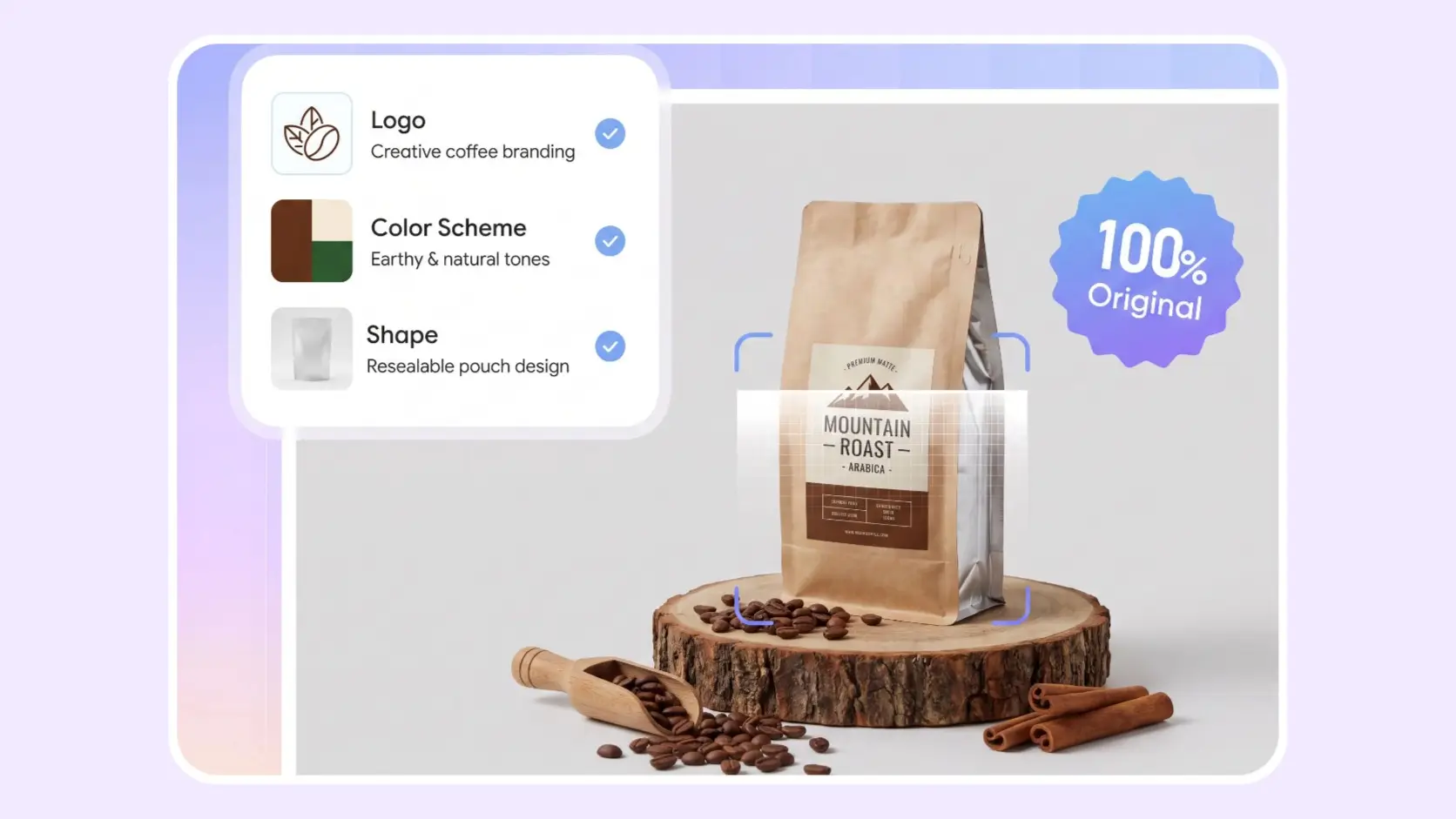
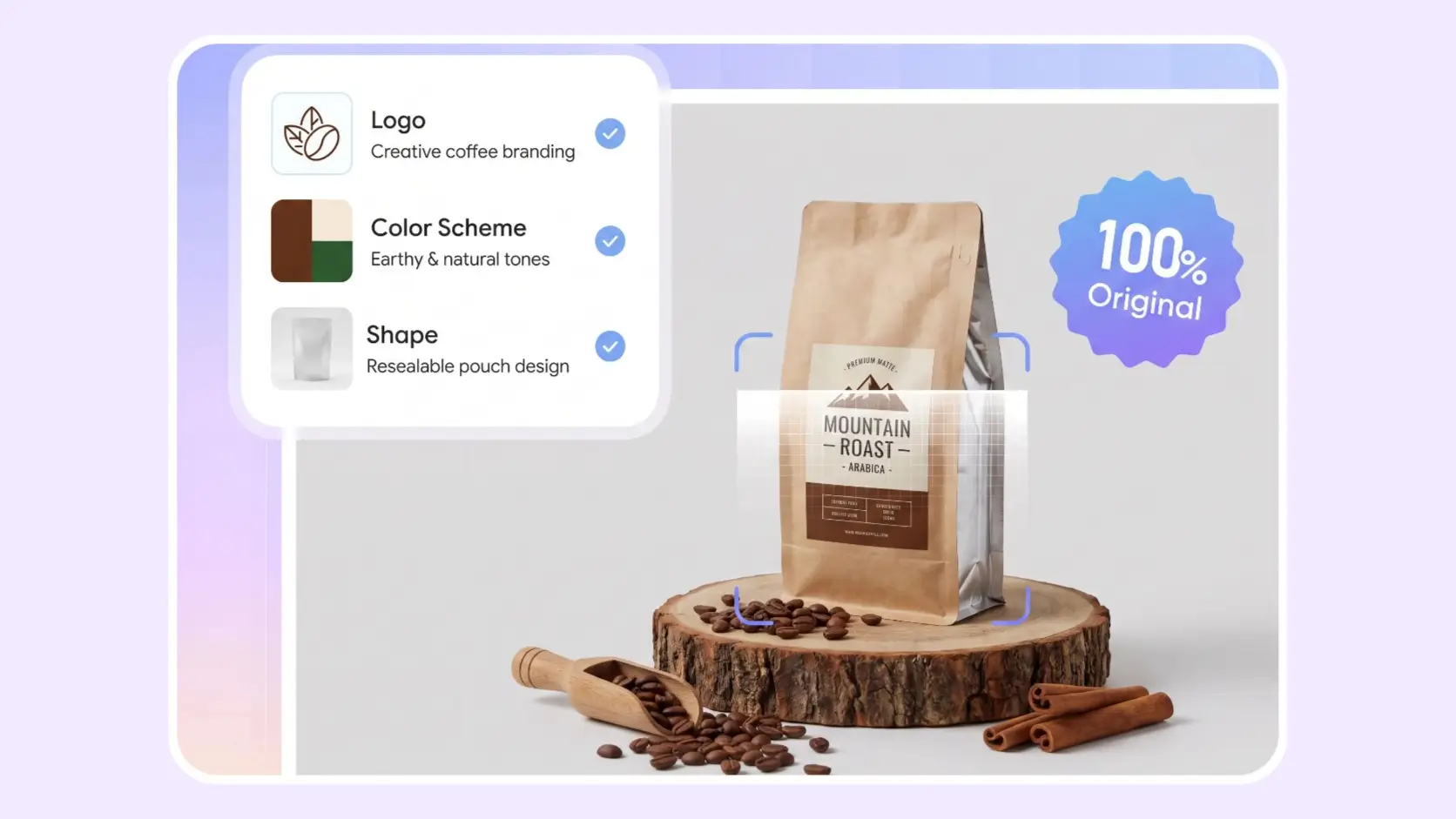
You do not need to know the difference between a stand-up pouch, flat-bottom bag, side-gusset bag, and sachet before you begin. Enter coffee bag, then use your logo, brand colors, or existing packaging to generate an initial visual direction.
Once you find a design you like, click Export Dieline to select the bag structure, enter its production dimensions, and review the dieline layout. The first two steps focus on the visual packaging design. Bag selection, sizing, and dieline preparation take place in the third step.
How to use the coffee bag dieline generator?
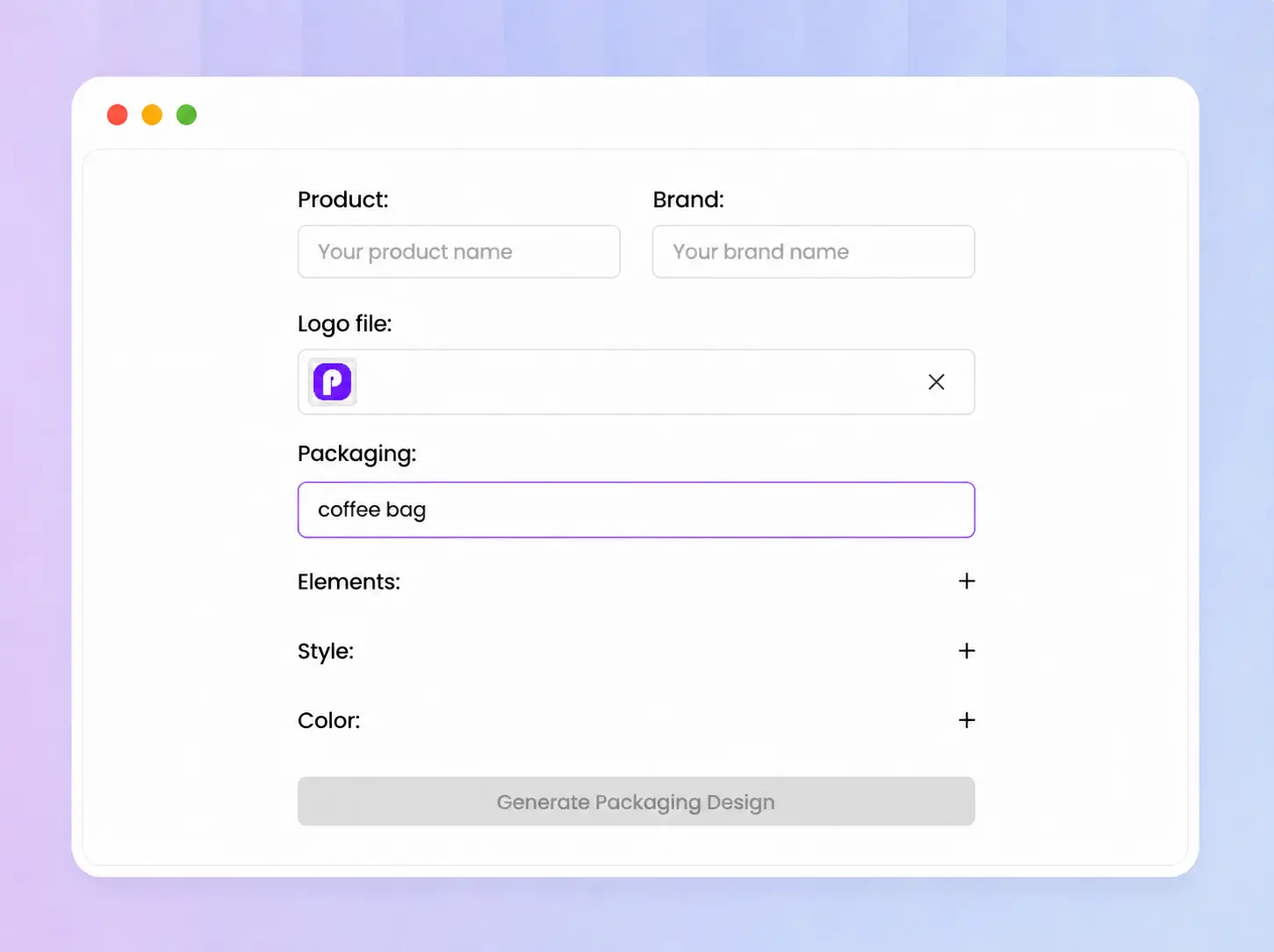
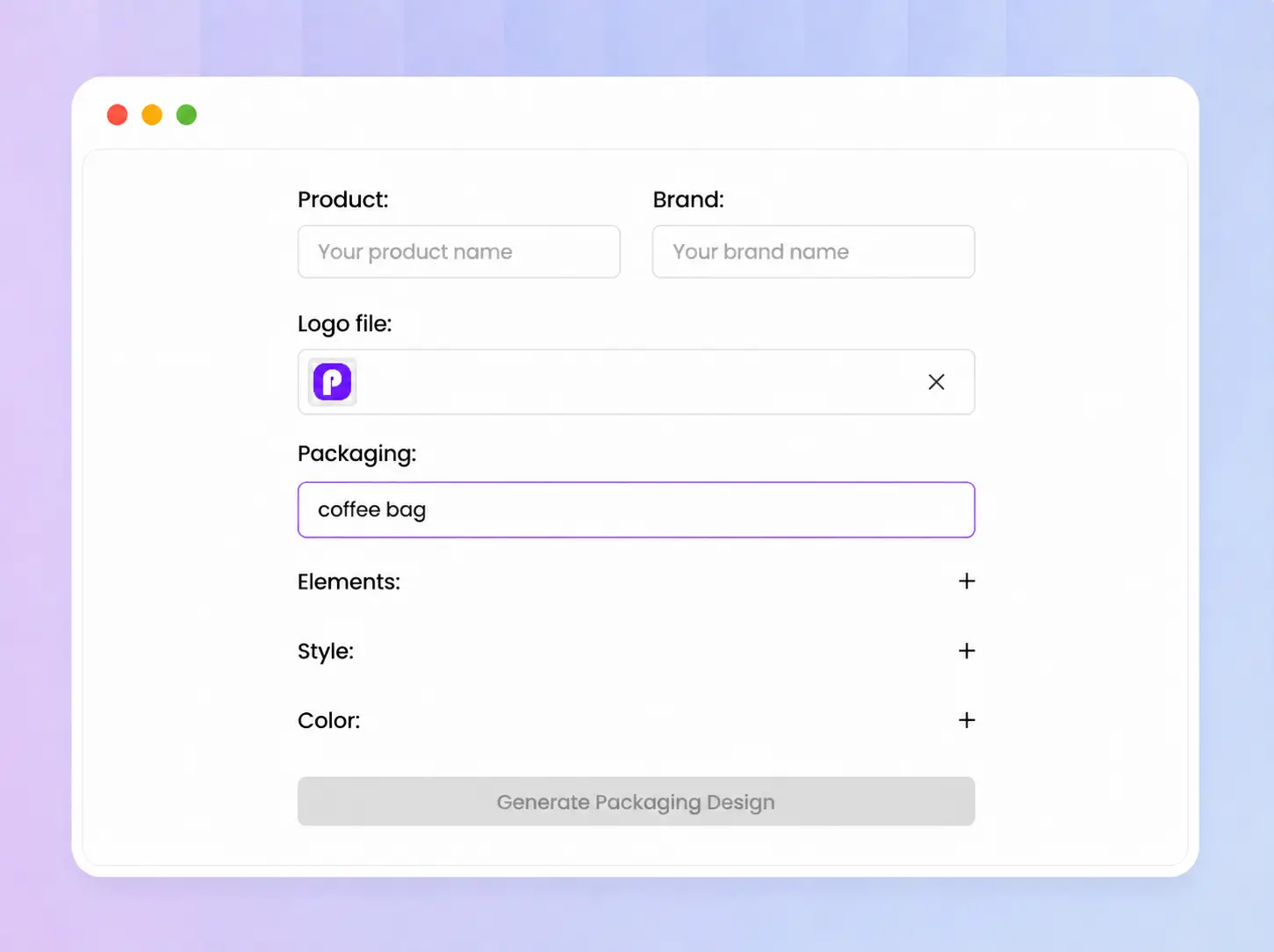
Step 1: Add your brand and start designing
Upload your logo and enter coffee bag under Packaging. If you already have packaging, upload an image as a reference and use it to add your logo, brand colors, or updated product information.
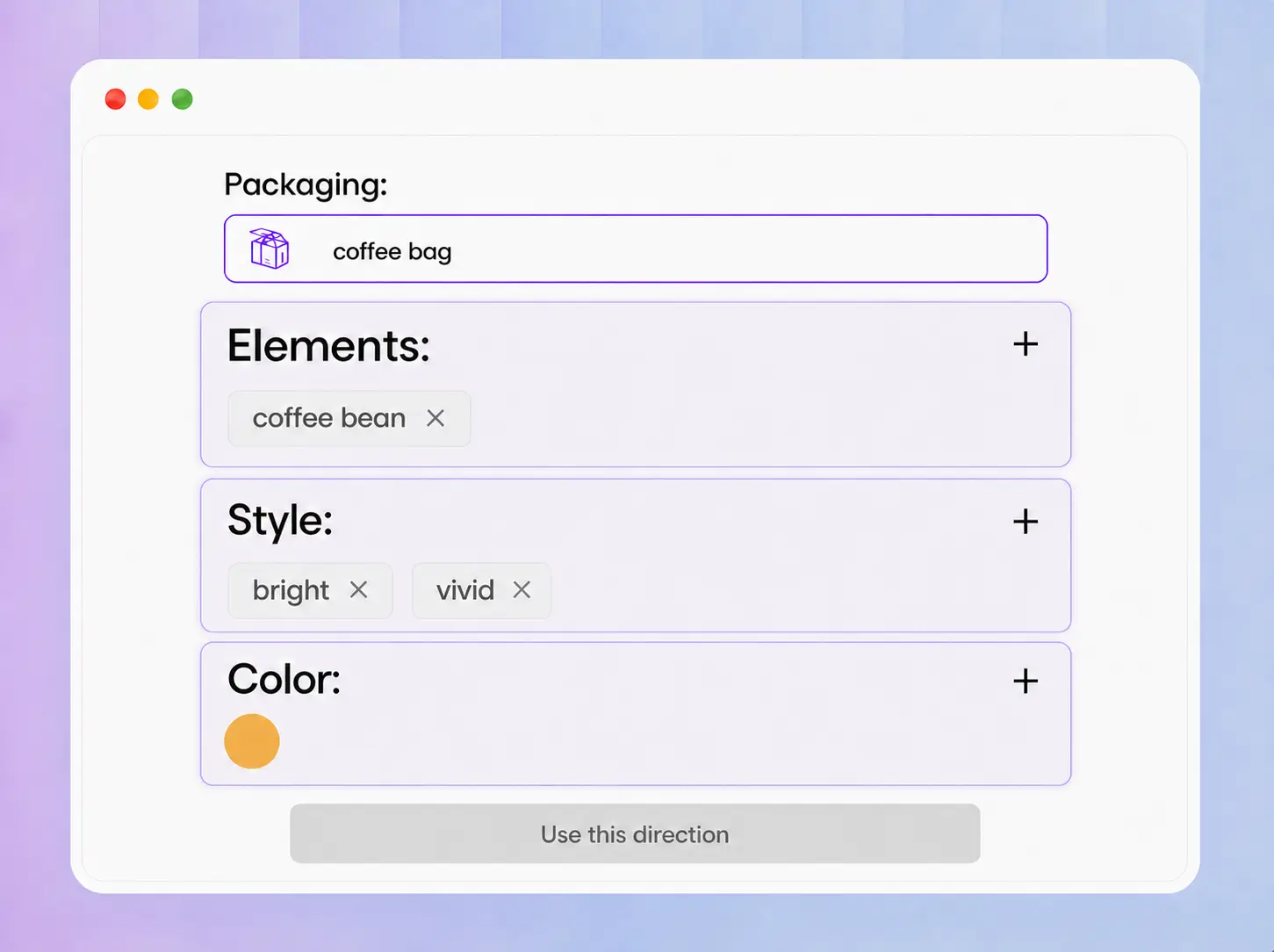
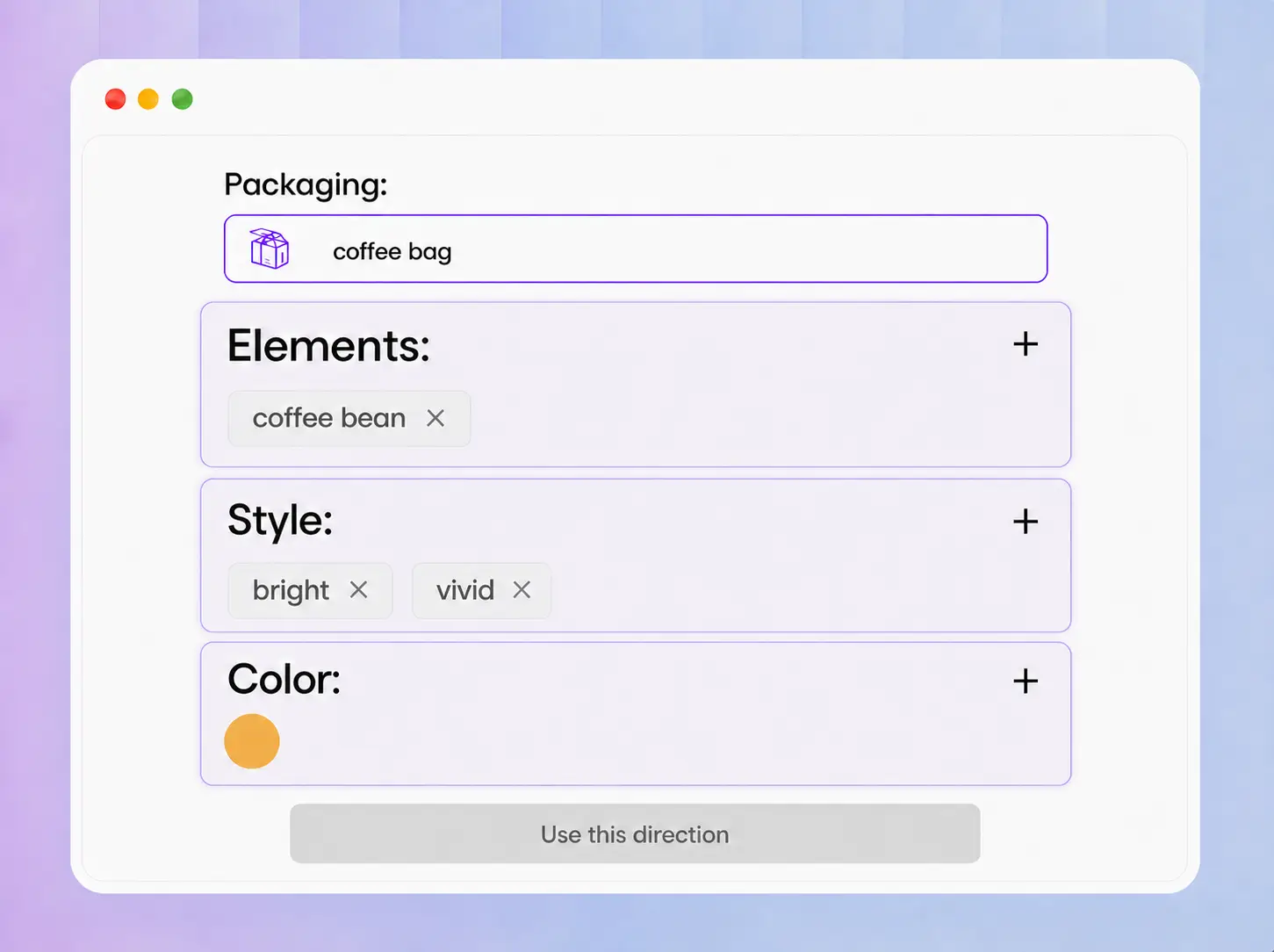
Step 2: Generate and compare coffee bag designs
Describe your preferred colors, style, and packaging content, then click Use this direction to generate a coffee bag mockup. Try several directions and compare the results until you find the design that best fits your brand and product.
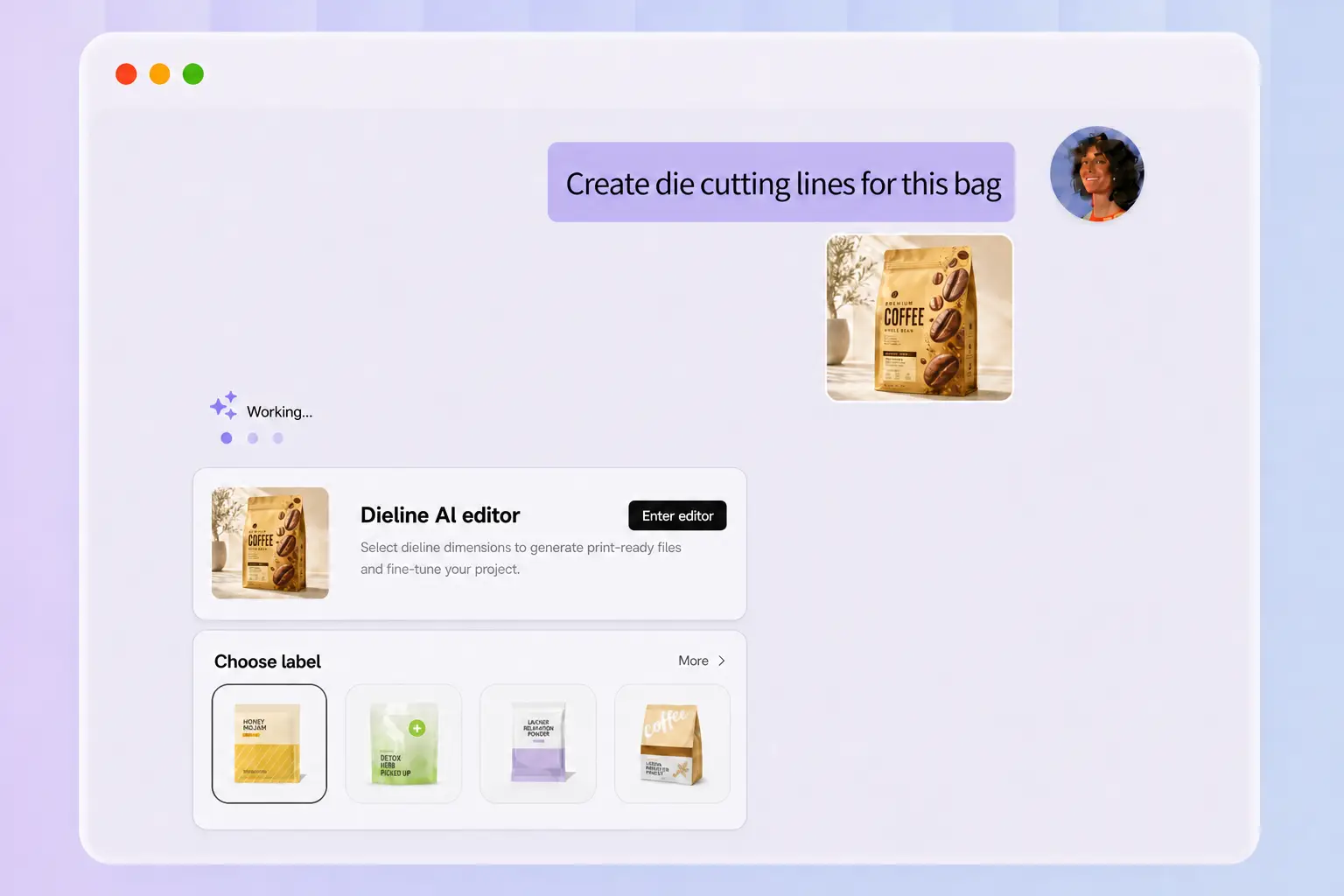
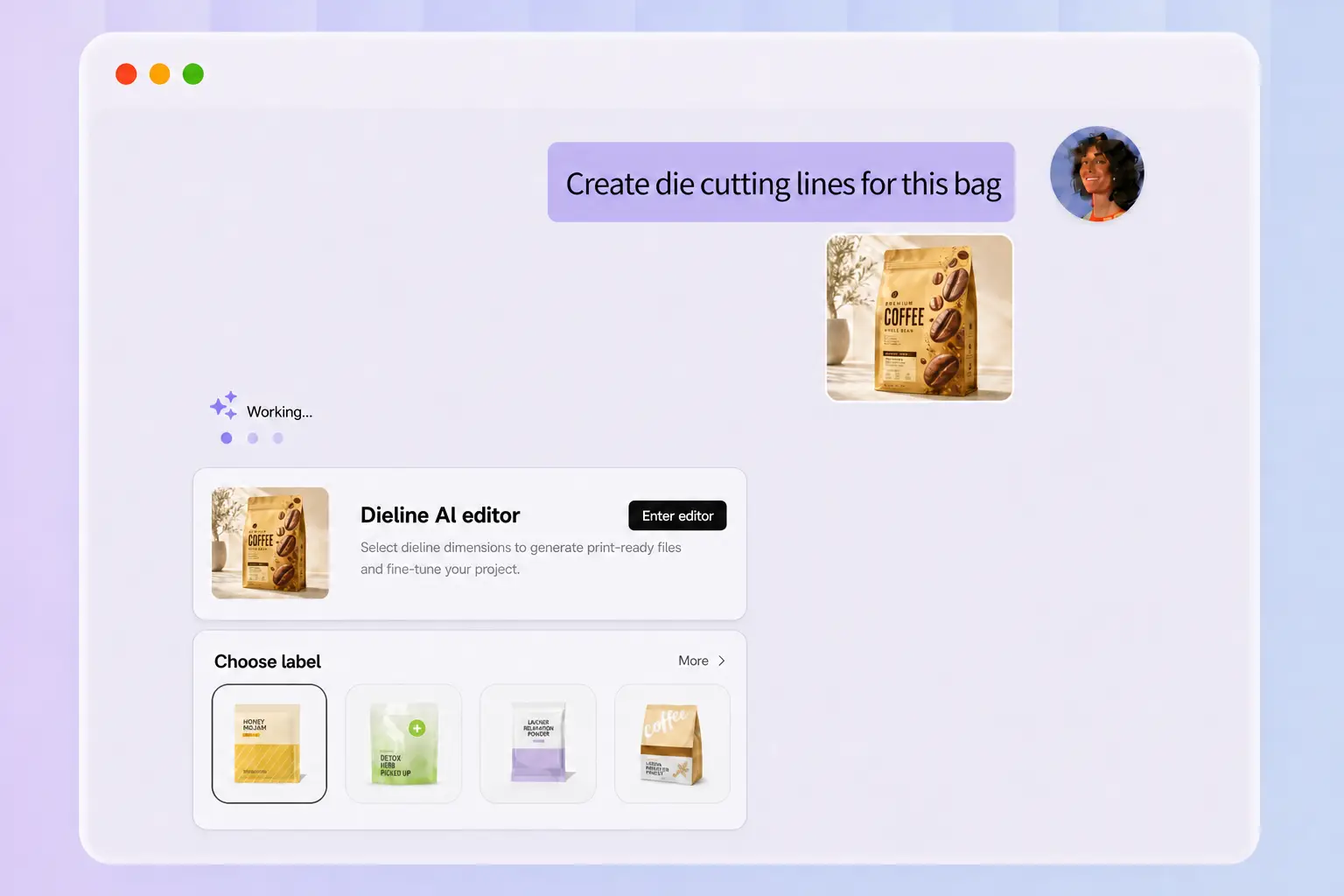
Step 3: Choose a bag style and export the dieline
Click Export Dieline and choose a suitable coffee bag structure under Choose dieline. Enter the finished dimensions under Packaging size, then click Continue to review and edit the layout. Export the dieline as an SVG/PDF or continue with Packify’s printing service.

Step 1: Add your brand and start designing
Upload your logo and enter coffee bag under Packaging. If you already have packaging, upload an image as a reference and use it to add your logo, brand colors, or updated product information.
Step 2: Generate and compare coffee bag designs
Describe your preferred colors, style, and packaging content, then click Use this direction to generate a coffee bag mockup. Try several directions and compare the results until you find the design that best fits your brand and product.
Step 3: Choose a bag style and export the dieline
Click Export Dieline and choose a suitable coffee bag structure under Choose dieline. Enter the finished dimensions under Packaging size, then click Continue to review and edit the layout. Export the dieline as an SVG/PDF or continue with Packify’s printing service.
Why create your coffee bag dieline with Packify?
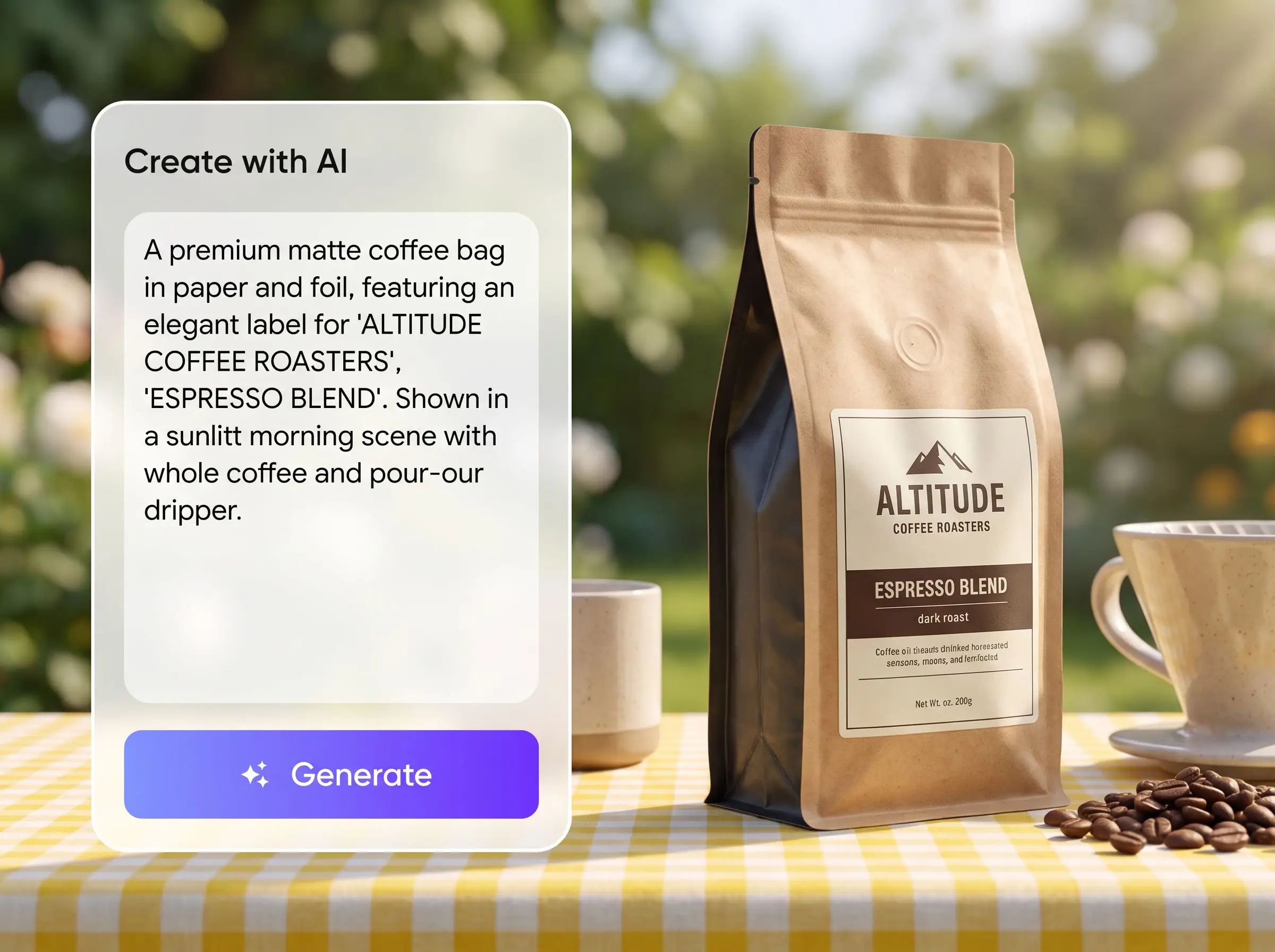
Start without knowing the exact bag type
Many small roasters know they need coffee packaging but do not know the technical names for different pouches, gusseted bags, and sachets. Packify lets you develop the visual idea first, evaluate how it looks, and choose the specific bag structure when you are ready to prepare the dieline.
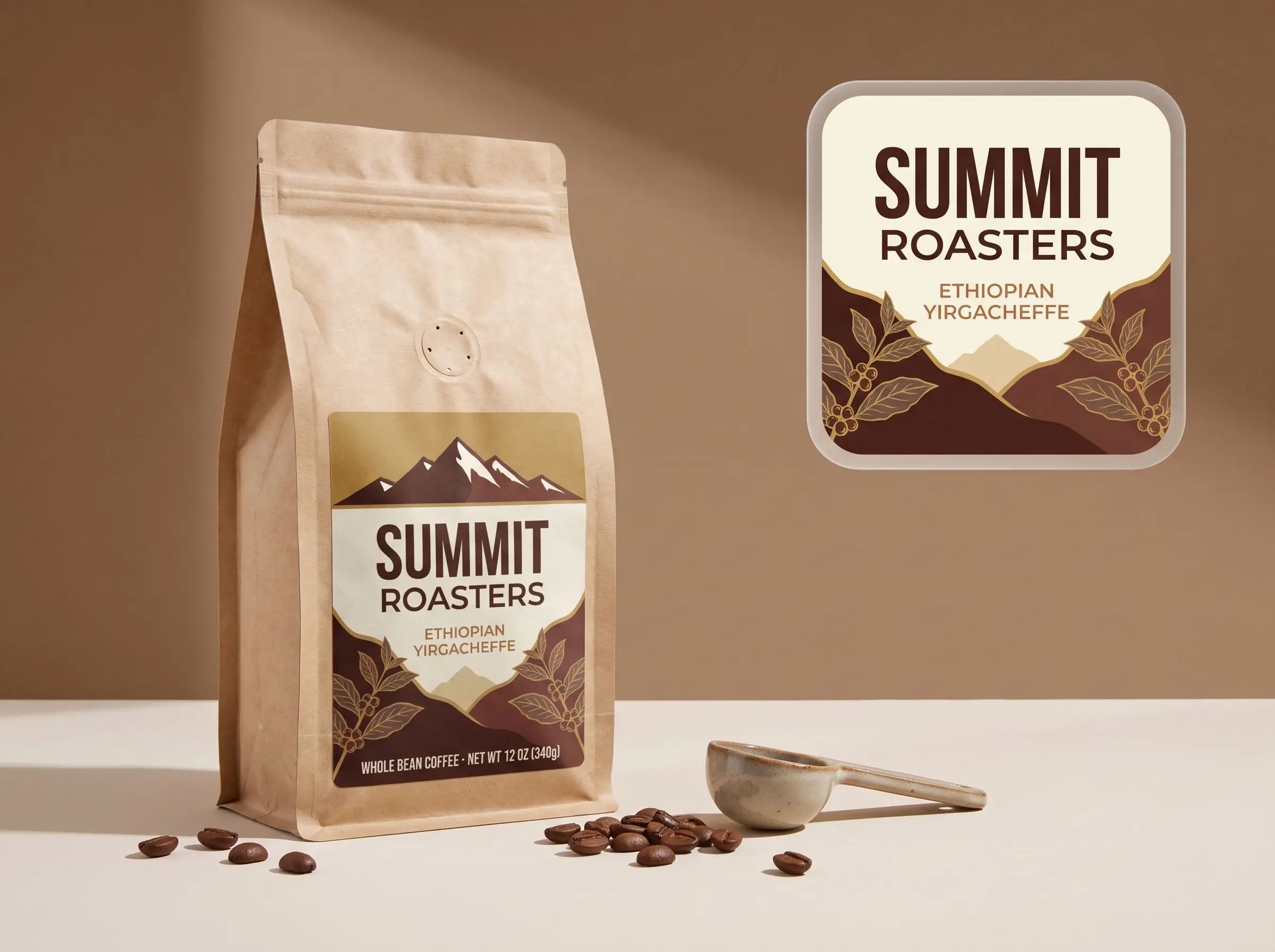
Build on the brand assets you already have
Upload an existing logo, color palette, or packaging reference instead of starting with a blank canvas. Add a logo, change colors, or reorganize information such as origin, roast level, tasting notes, and net weight without hiring a designer for every straightforward packaging update.
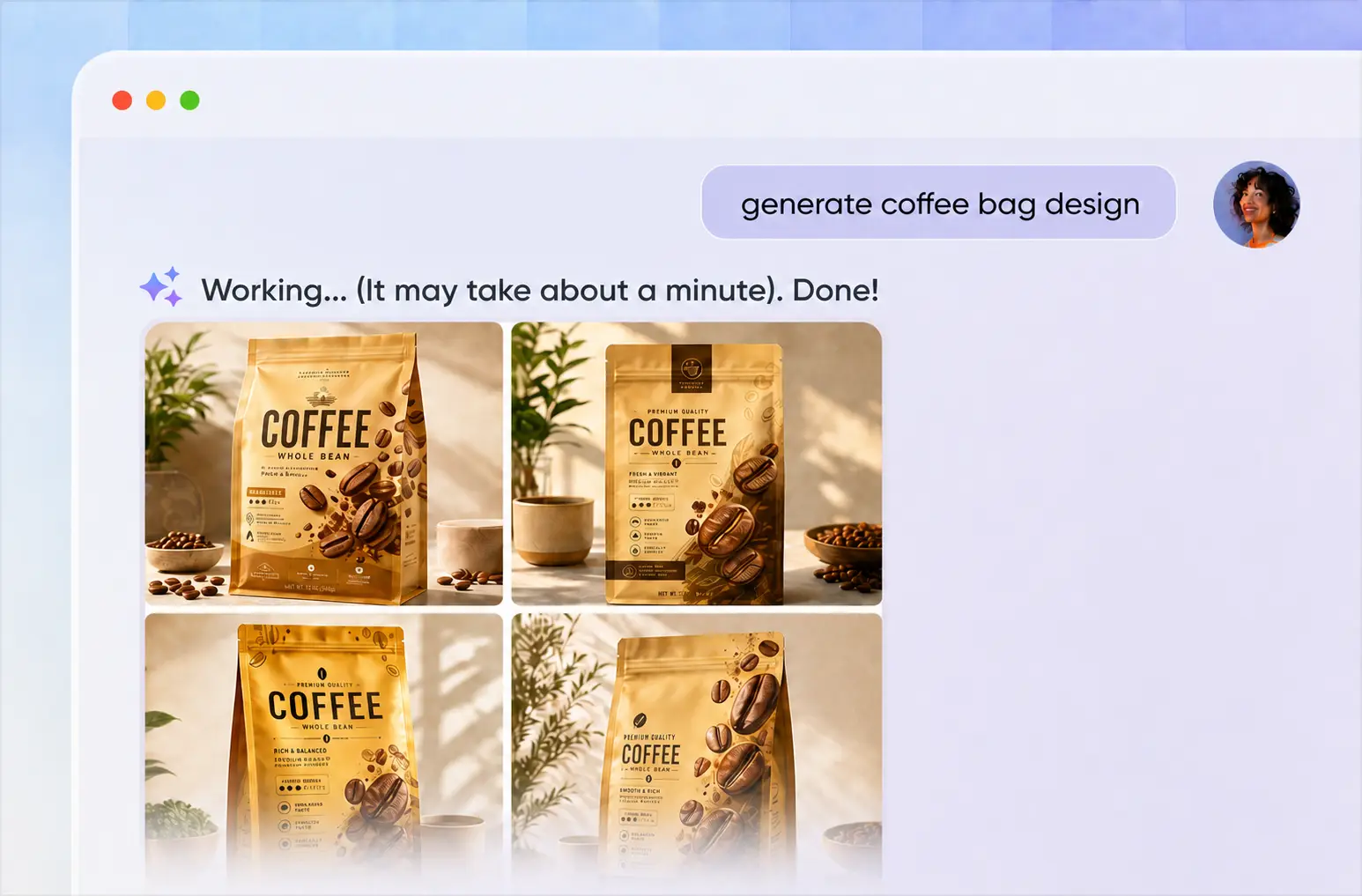
Compare more ideas before committing to print
New origins, seasonal releases, and subscription products often need distinct visual treatments. Generate several concepts and compare their colors, information hierarchy, and shelf presence instead of committing to the first design. Select the strongest direction before spending time preparing the dieline and print files.
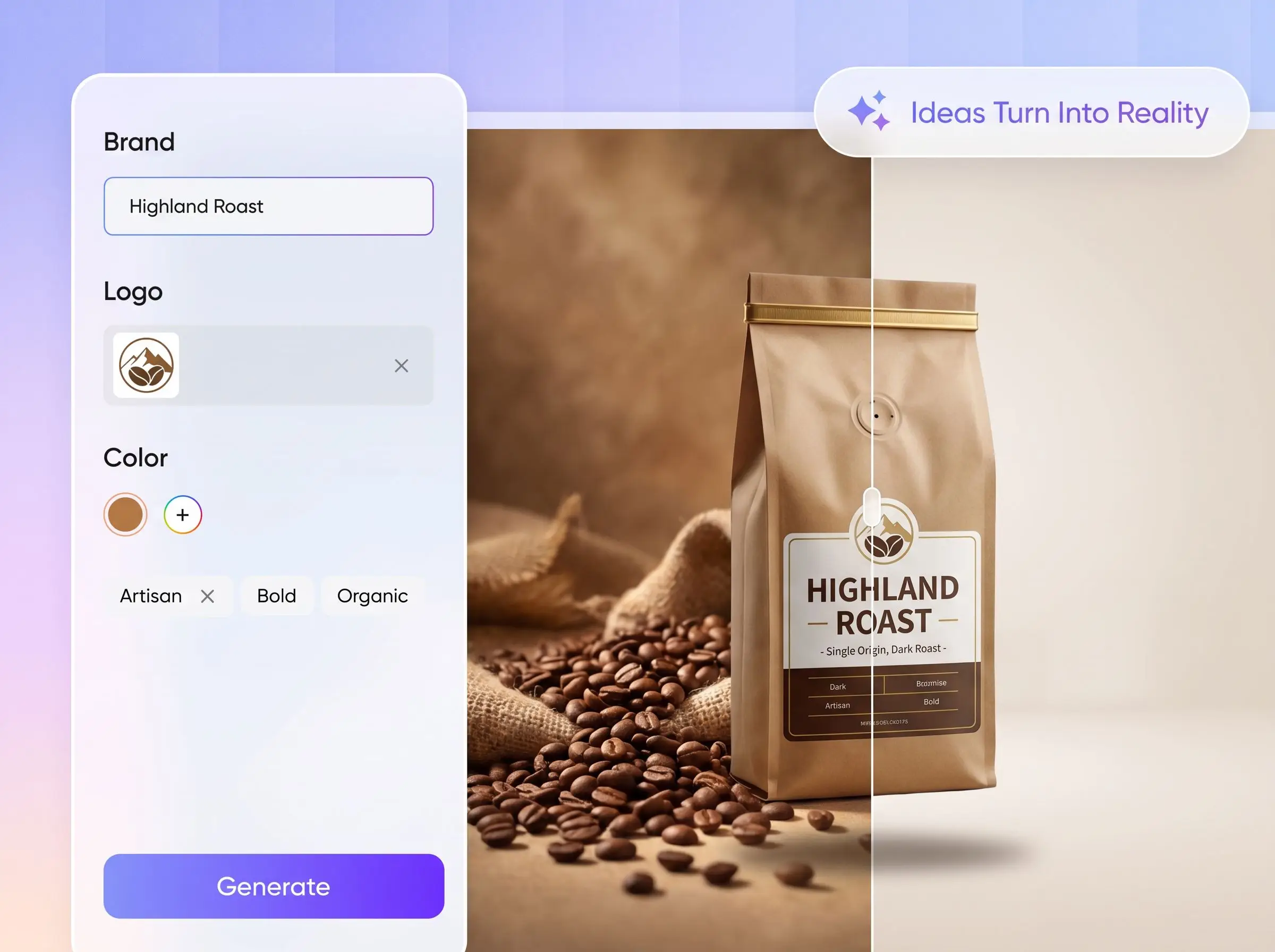
Review and adjust before export
After setting the packaging dimensions, continue to Packify’s dieline editor to adjust the position of images and text across different panels. Improve spacing, hierarchy, and readability while keeping important content away from folds, cuts, and other structural areas.
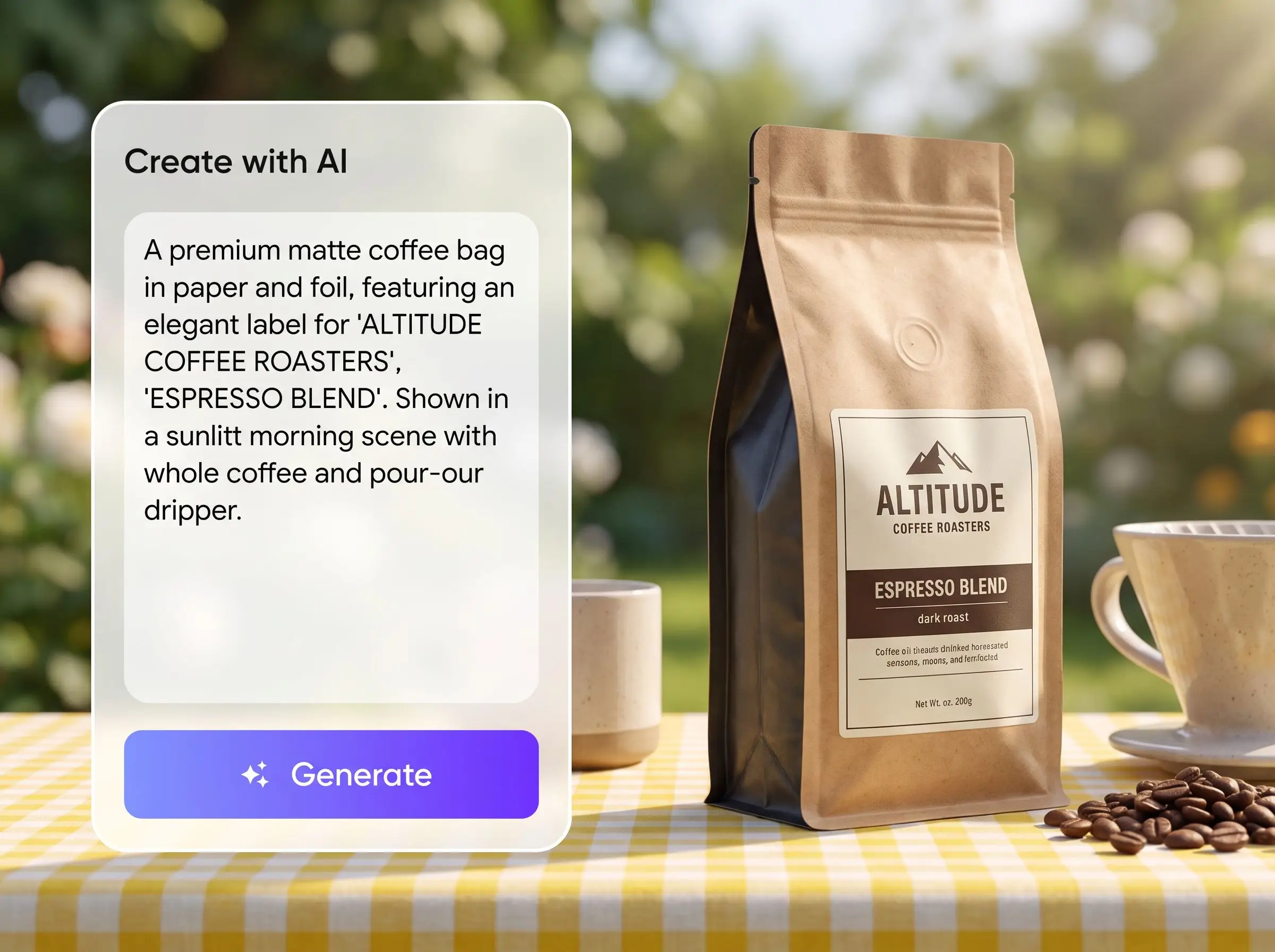
Start without knowing the exact bag type
Many small roasters know they need coffee packaging but do not know the technical names for different pouches, gusseted bags, and sachets. Packify lets you develop the visual idea first, evaluate how it looks, and choose the specific bag structure when you are ready to prepare the dieline.
Build on the brand assets you already have
Upload an existing logo, color palette, or packaging reference instead of starting with a blank canvas. Add a logo, change colors, or reorganize information such as origin, roast level, tasting notes, and net weight without hiring a designer for every straightforward packaging update.
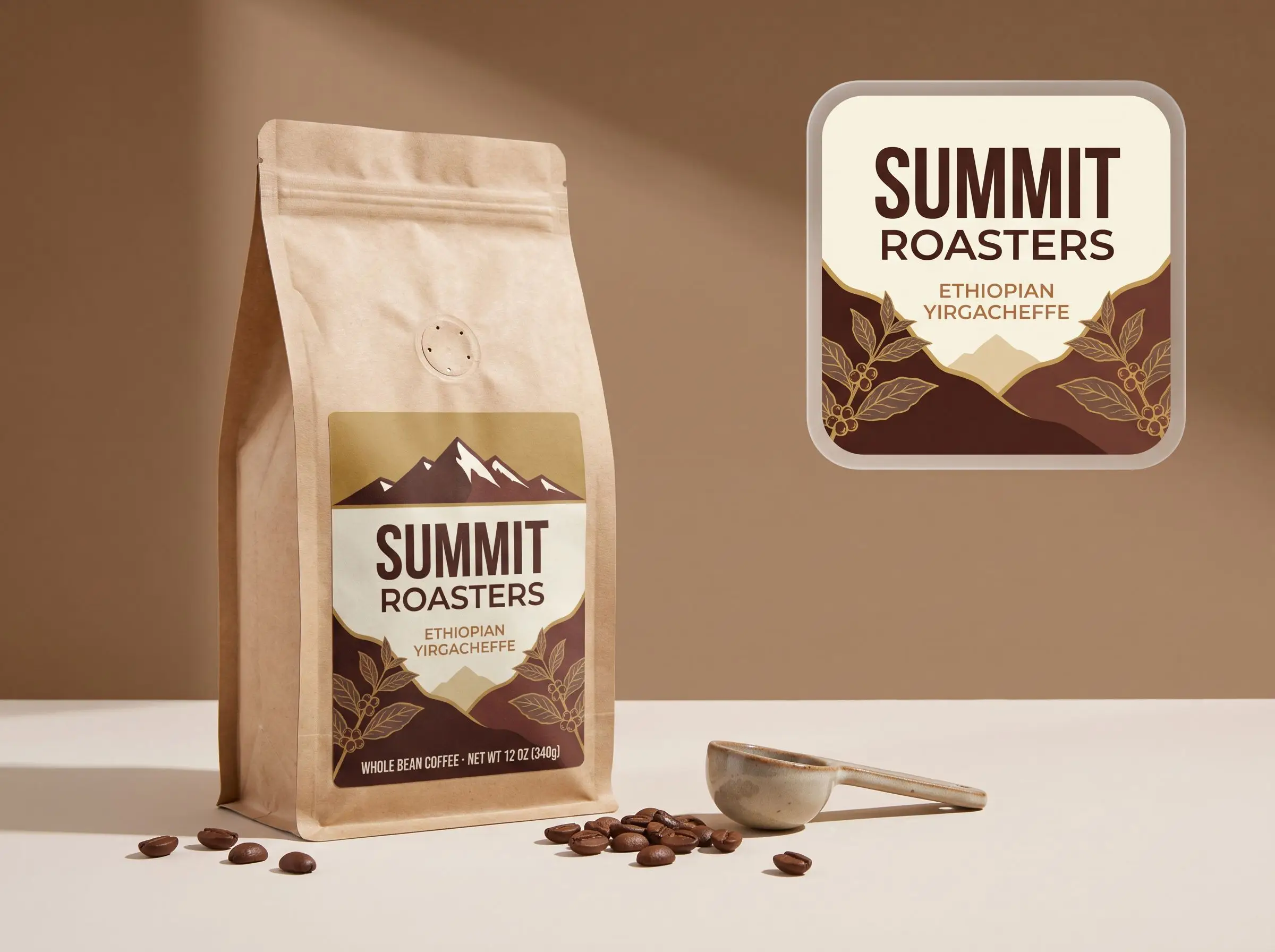
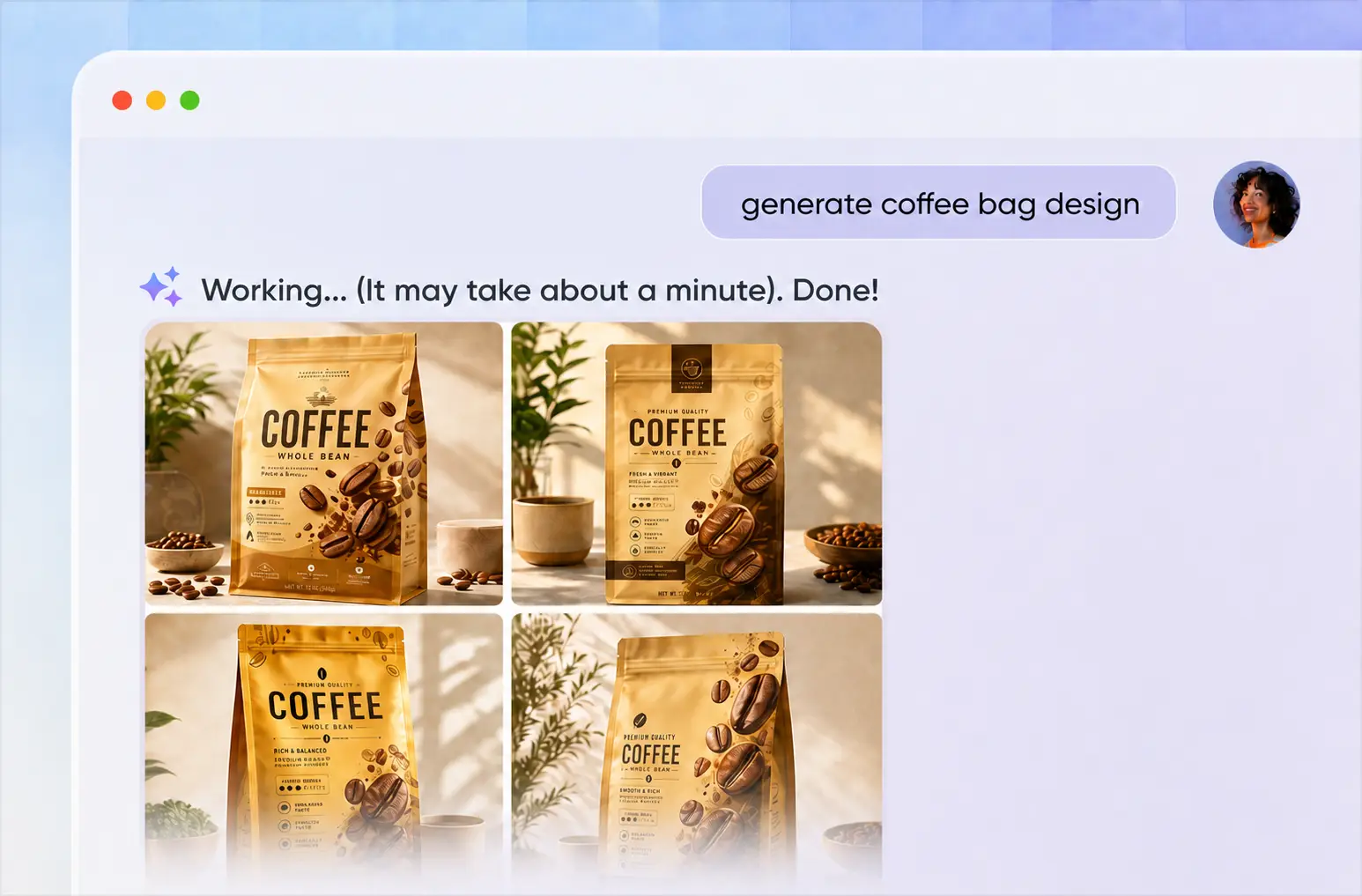
Compare more ideas before committing to print
New origins, seasonal releases, and subscription products often need distinct visual treatments. Generate several concepts and compare their colors, information hierarchy, and shelf presence instead of committing to the first design. Select the strongest direction before spending time preparing the dieline and print files.
Review and adjust before export
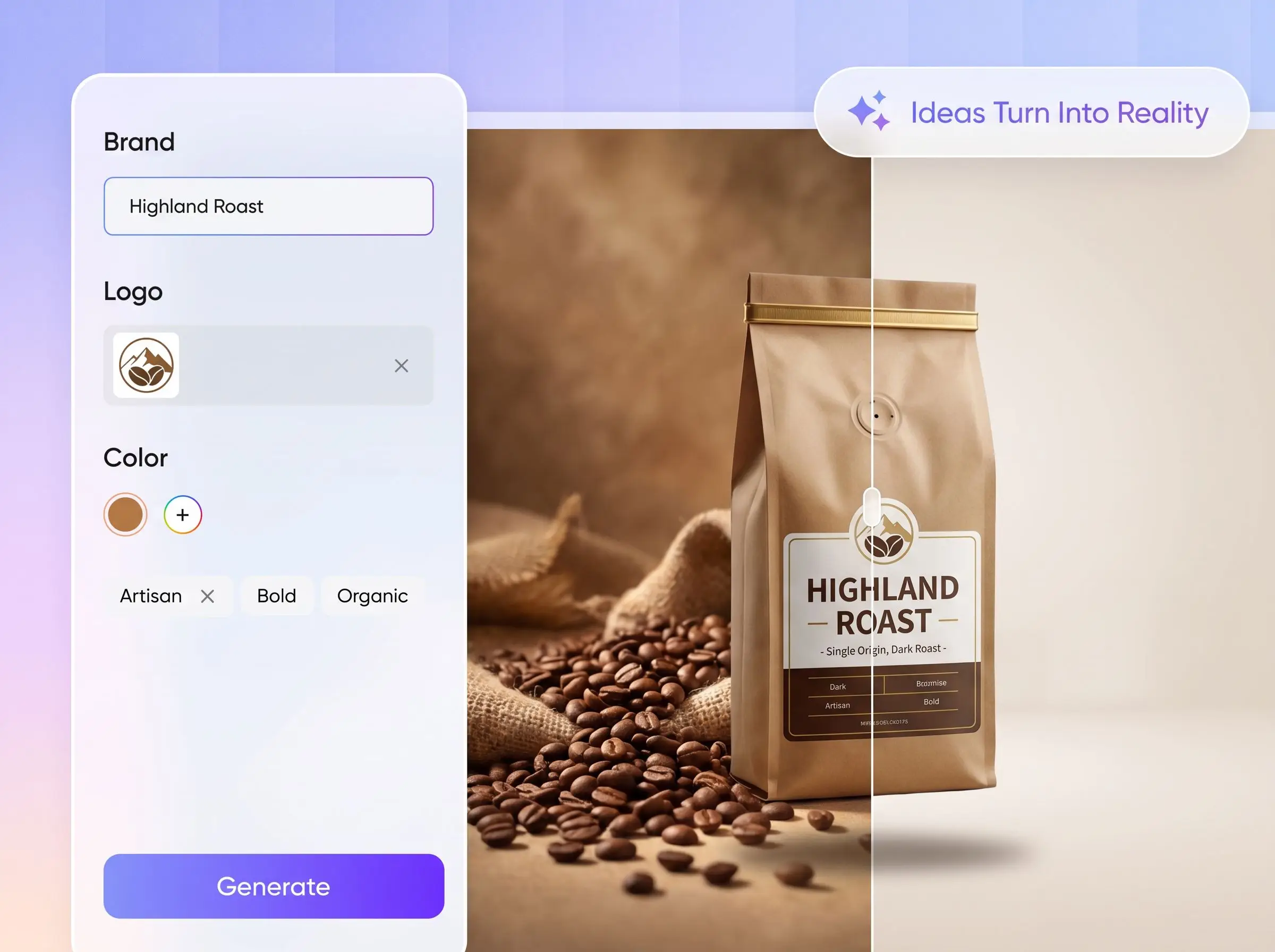
After setting the packaging dimensions, continue to Packify’s dieline editor to adjust the position of images and text across different panels. Improve spacing, hierarchy, and readability while keeping important content away from folds, cuts, and other structural areas.
Proven impact, in our customer's words


The AI-powered packaging design tool is a game-changer. It's fast, intuitive, making it an essential tool for any forward-thinking design team.ved.
March 26, 2025


The results are so amazing that I don't think it's just for inspiration... I'd say artificial intelligence outperforms most designers; the key is to come up with the perfect prompt. Great contribution! Thank you 😊.
March 18, 2025


The AI-powered packaging design tool is a game-changer. It's fast, intuitive, making it an essential tool for any forward-thinking design team.
March 18, 2025


We’re a tiny skincare shop. Packify.ai turned my scribbles into clean mockups and a printable dieline by Monday. Fewer back-and-forths, consistent branding, and our product page conversions moved.
March 18, 2025


The AI-powered packaging design tool is a game-changer. It's fast, intuitive, making it an essential tool for any forward-thinking design team.
March 26, 2025


The results are so amazing that I don't think it's just for inspiration... I'd say artificial intelligence outperforms most designers; the key is to come up with the perfect prompt. Great contribution! Thank you 😊
March 18, 2025


Congrats! Packify.ai, an AI packaging designer, enables easy, creative design and offers AI-driven product photography for e-commerce through simple chatting.
April 2, 2025


We’re a tiny skincare shop. Packify.ai turned my scribbles into clean mockups and a printable dieline by Monday. Fewer back-and-forths, consistent branding, and our product page conversions moved.
May 9, 2025
You asked, we answered
You asked, we answered
What coffee bag structures does Packify offer?
Packify offers more than 110 coffee bag-related dieline and mockup options, including Coffee Bags, Coffee Pouches, Doypacks, Stand-Up Pouches, and Sachets. Available options may vary as new packaging structures are added.
What is the difference between a coffee bag design and a coffee label?
A coffee bag design covers the full printed surface of the package and usually requires a complete dieline matched to a specific bag structure. A coffee label is a separate sticker applied to a stock or unprinted bag, so the entire bag does not need to be custom printed.
Use this tool for a complete design-to-dieline workflow. If you only need to add branding and product information to an existing blank bag, try Packify’s Coffee Label Generator.
Should I choose coffee labels or custom-printed coffee bags?
For home-based roasters, small test batches, seasonal releases, and frequently changing coffees, stock bags with labels usually require less upfront investment. Labels can be produced with a home printer and reduce the risk of being left with unused custom packaging.
Custom-printed bags are generally better suited to established products with predictable sales. They may require a larger minimum order or initial budget, but they provide a more consistent and polished retail presentation.
When bag styles, materials, quantities, and printing prices are clearly quoted, compare the total cost of stock bags, labels, ink, equipment, and labeling time against the cost of custom-printed packaging.
Can I change the coffee bag dieline dimensions?
Yes. After completing your design, click Export Dieline and enter the required finished dimensions under Packaging size. Use the measurements provided by your printer or packaging manufacturer, including the bag width, height, and any relevant gusset dimensions.
After clicking Continue, review how the artwork fits the selected dieline and adjust the placement of content before exporting the file.
Can Packify print my coffee bags?
Yes. Packify provides an end-to-end packaging service covering professional design support, production-file preparation, material guidance, and printing coordination through trusted packaging manufacturers.
Is the coffee bag dieline generator free?
You can start designing with a limited number of free trial credits. Different generation and editing actions use credits, so check your available balance before generating. Visit the Pricing Page if you need additional credits.
Can I use my coffee bag design commercially?
Designs generated with Packify may be used for commercial projects, subject to Packify’s Terms of Use. Before printing, review all logos, trademarks, brand assets, product information, and AI-generated content to ensure you have the necessary rights and that the packaging meets the requirements of your target market.
Find a coffee bag design you love, then build the Ddeline