Etsy mockup generator
Upload your POD artwork, then choose a product and visual direction. Packify generates a custom Etsy mockup you can review, edit, and download.

Trusted by industry-leading businesses


Make every Etsy product mockup your own
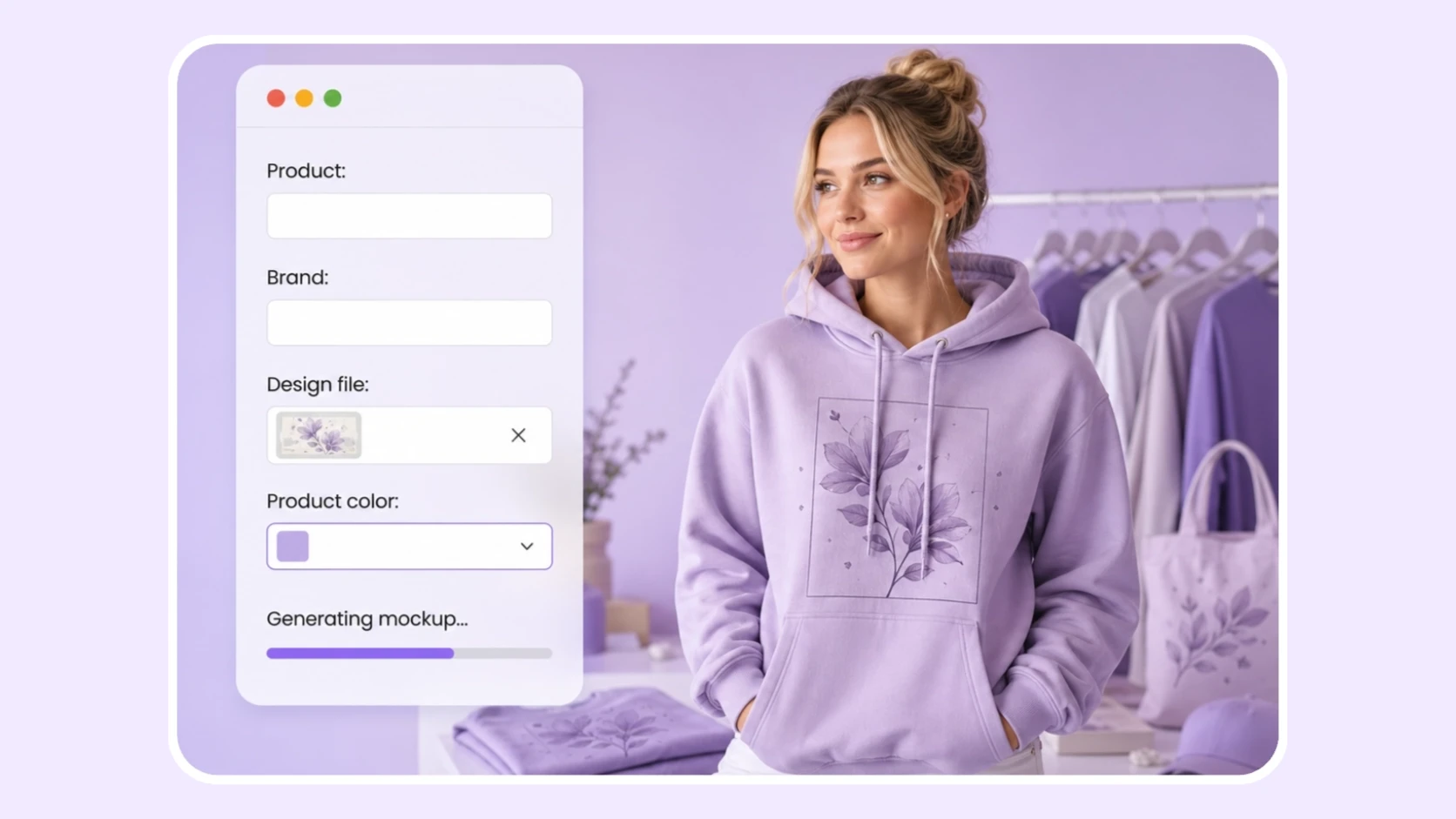
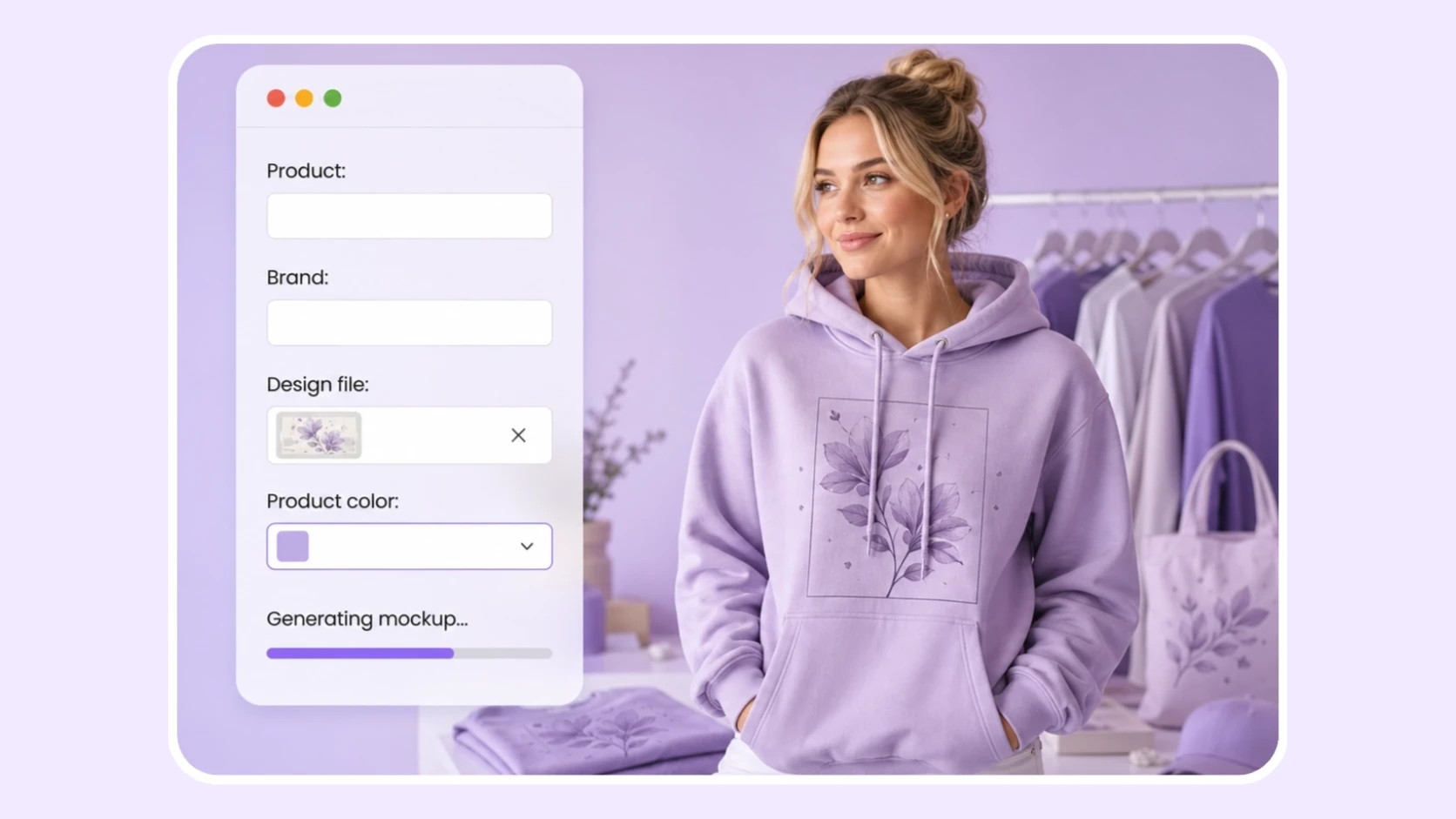
Repeated mockup templates can make even a distinctive design feel familiar. Packify builds each image around your artwork, product, brand, colors, style, and scene direction. Create a clean studio shot, a model view, a flat lay, or a custom setting for apparel, mugs, cards, phone cases, calendars, books, posters, and more.
How to create Etsy mockups with AI?
Step 1: Upload your artwork file
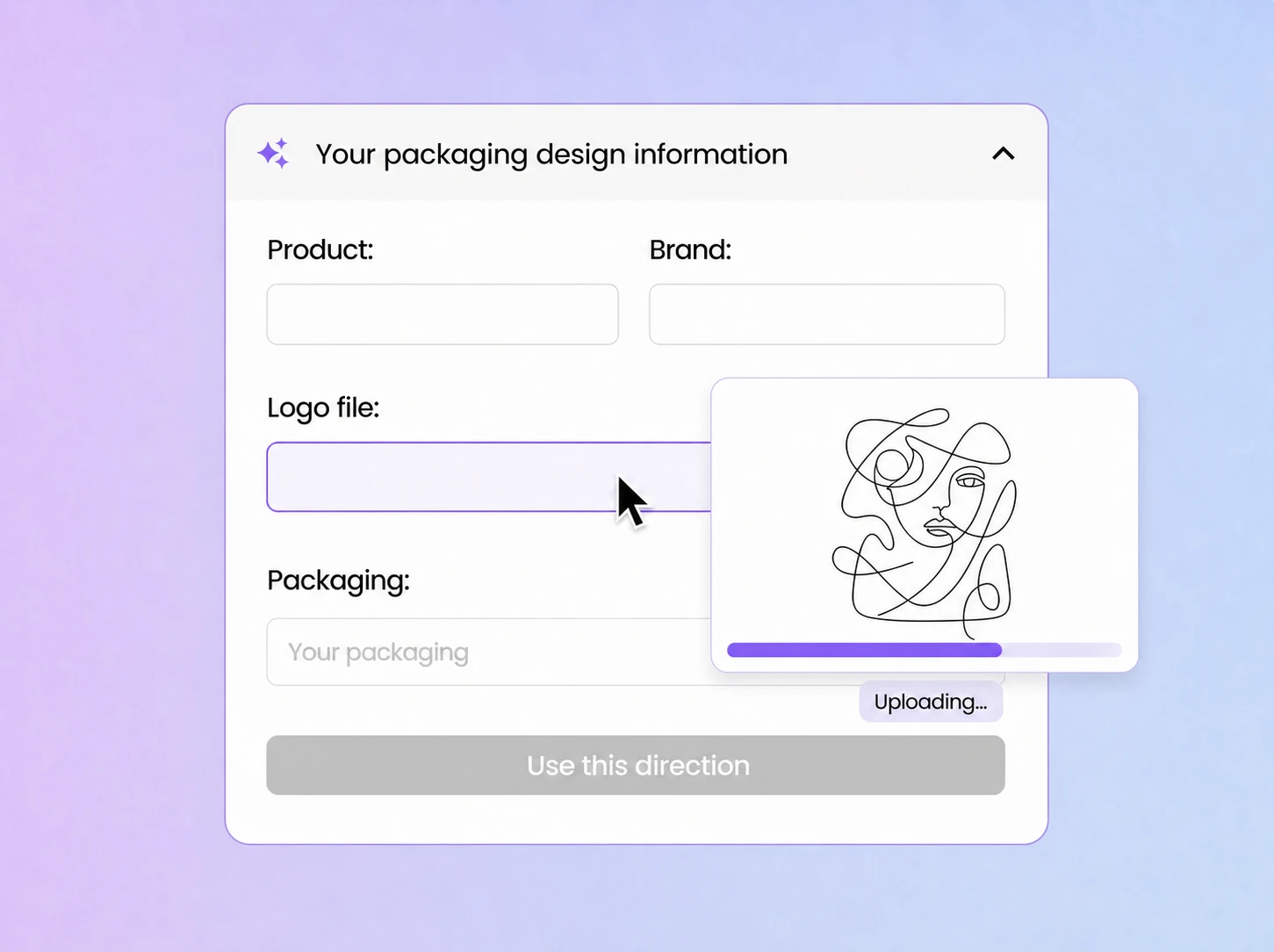
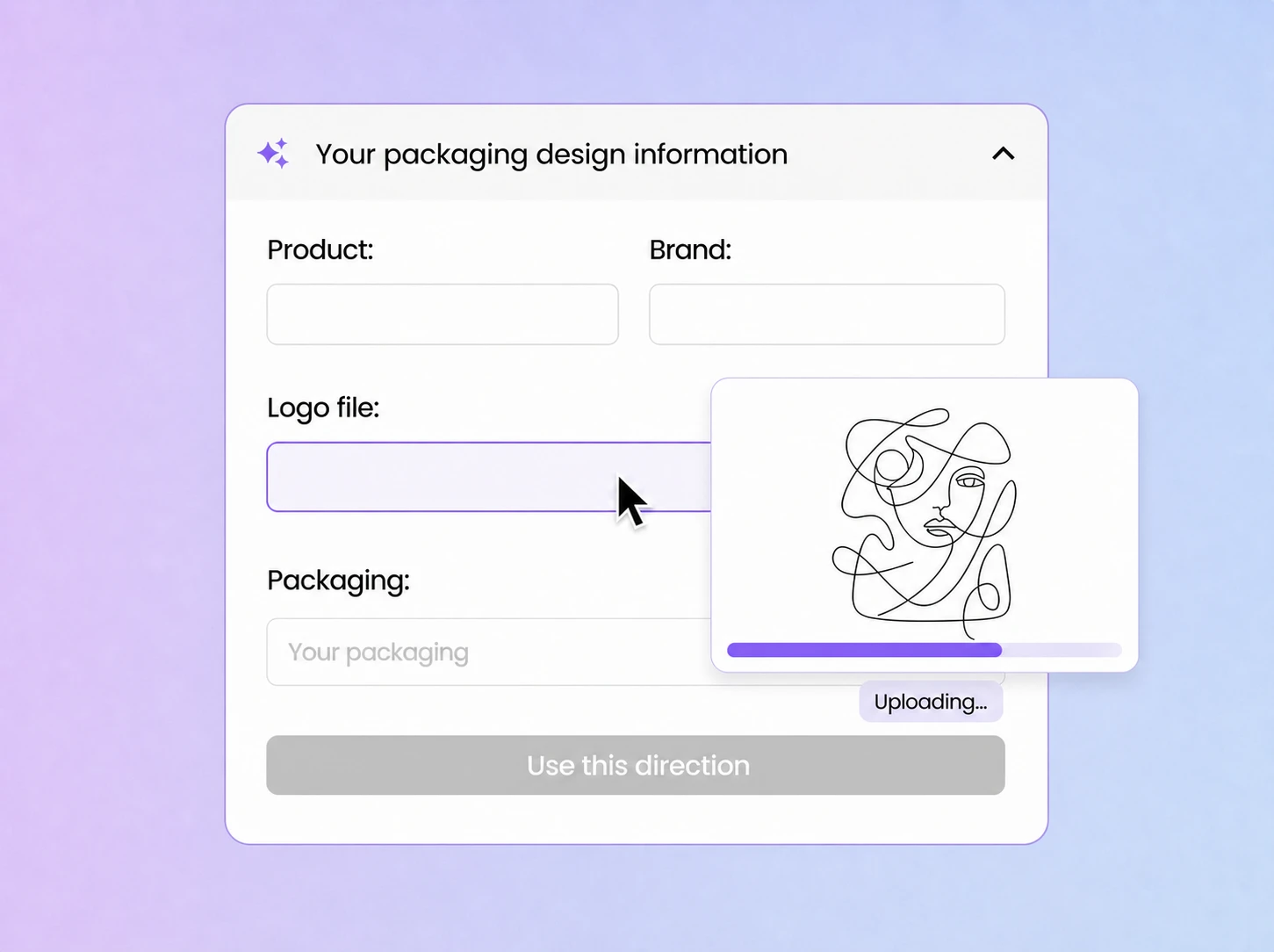
Enter the product and brand name, then add your artwork, logo, label file, or brand asset in the Logo file field.
Step 2: Choose your mockup and details
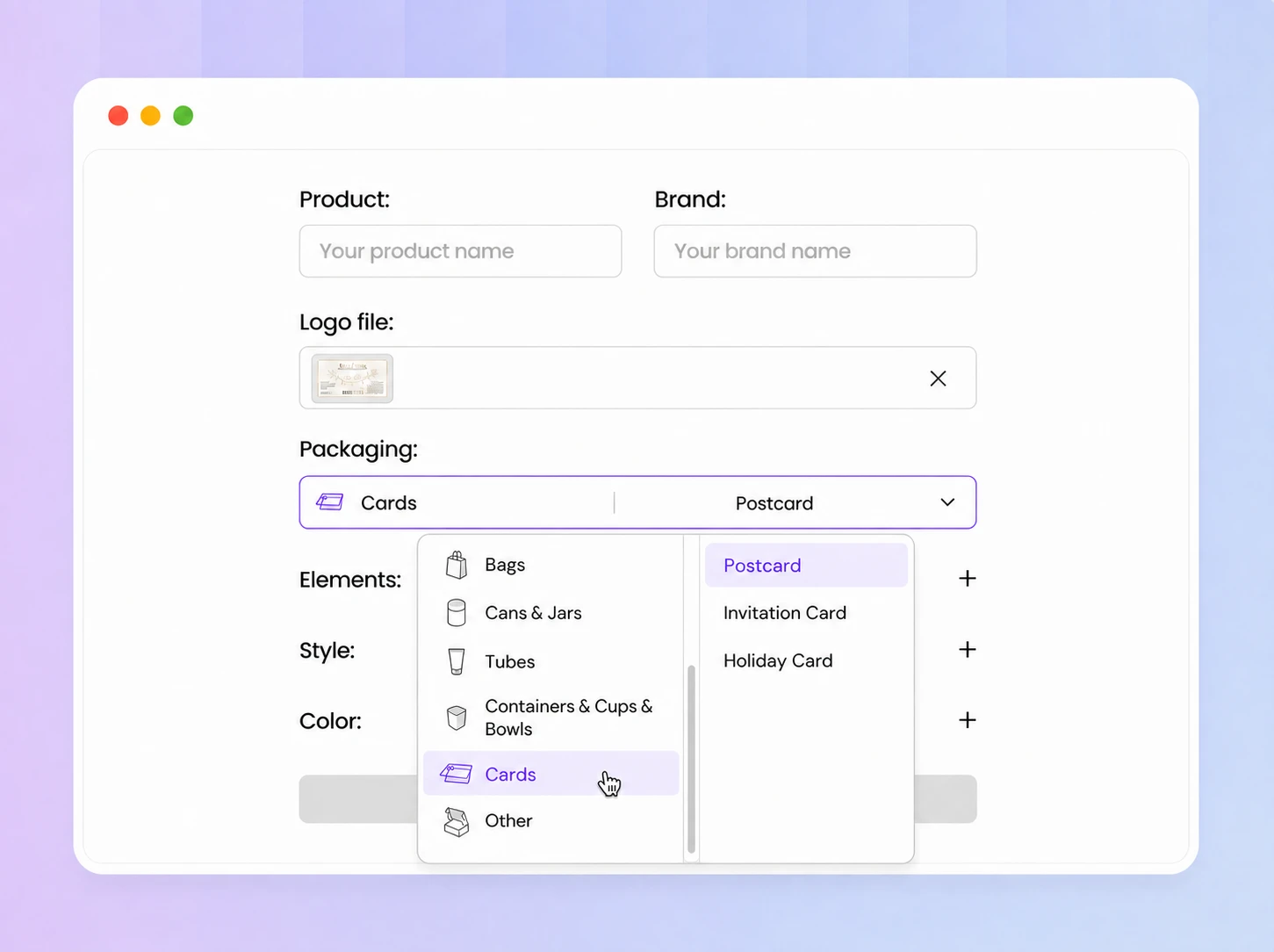
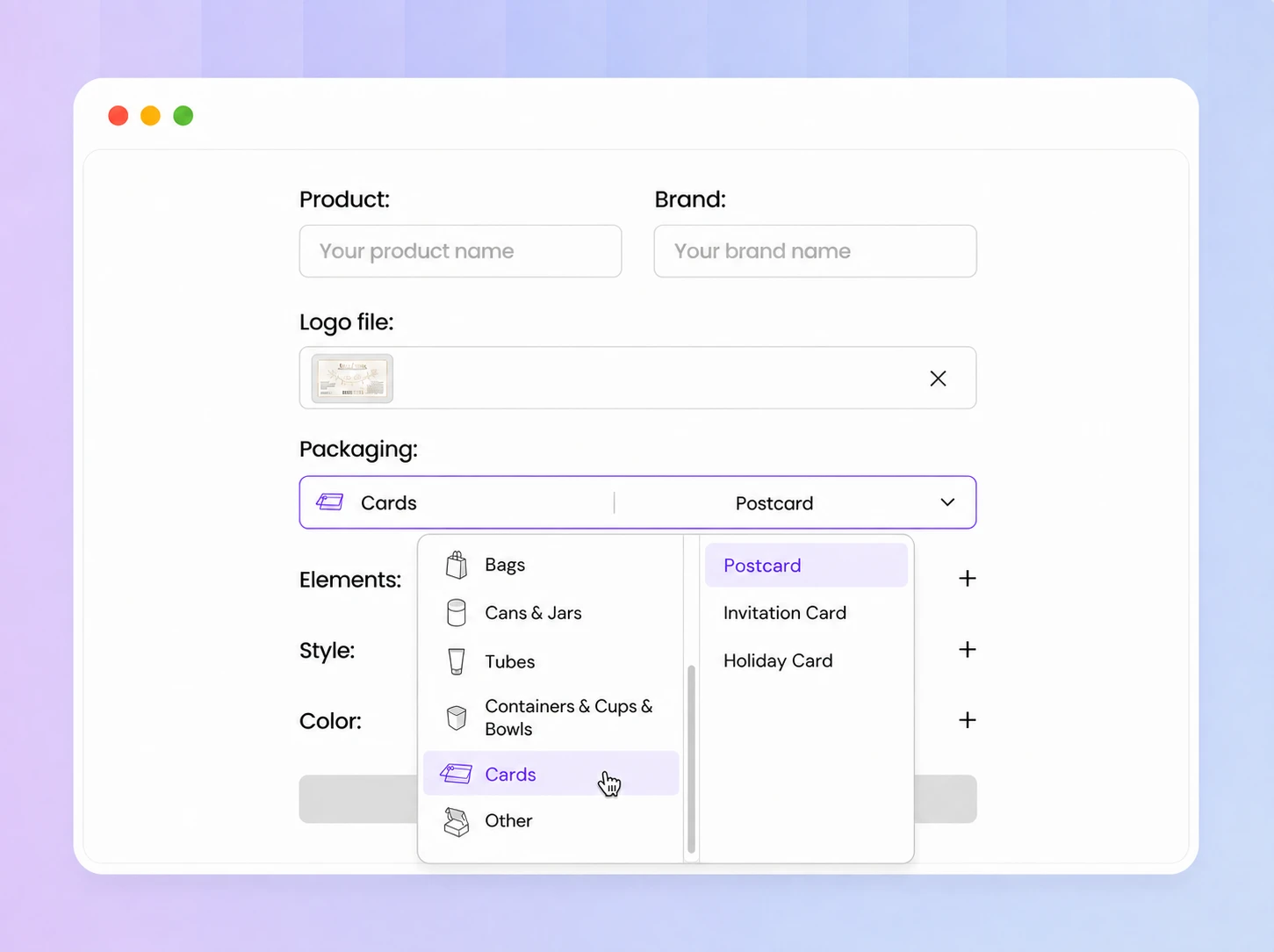
Open the Packaging menu and select a mockup. Add Elements, Style, and Color details, then click Use this direction to generate.
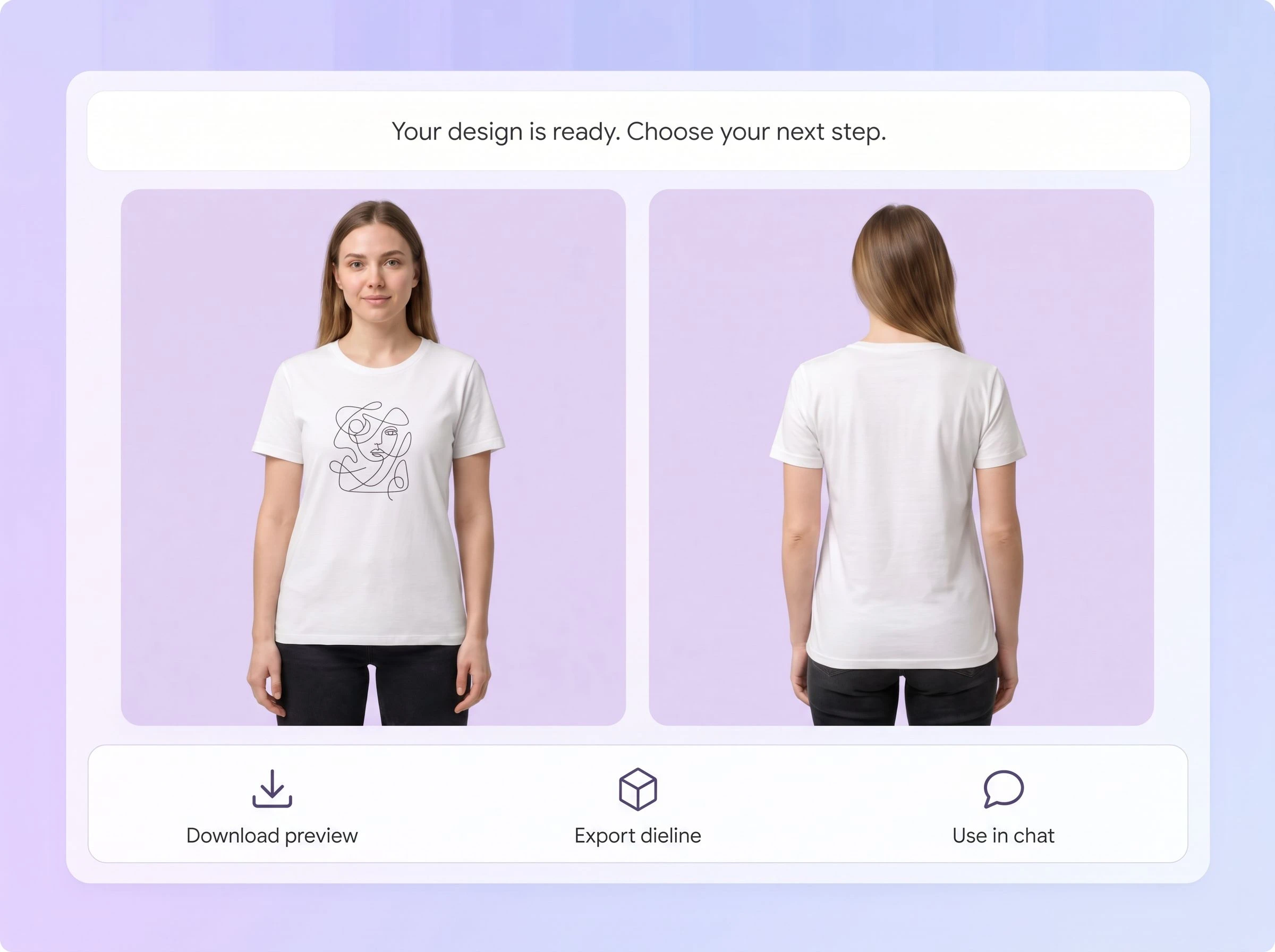
Step 3: Continue after generation
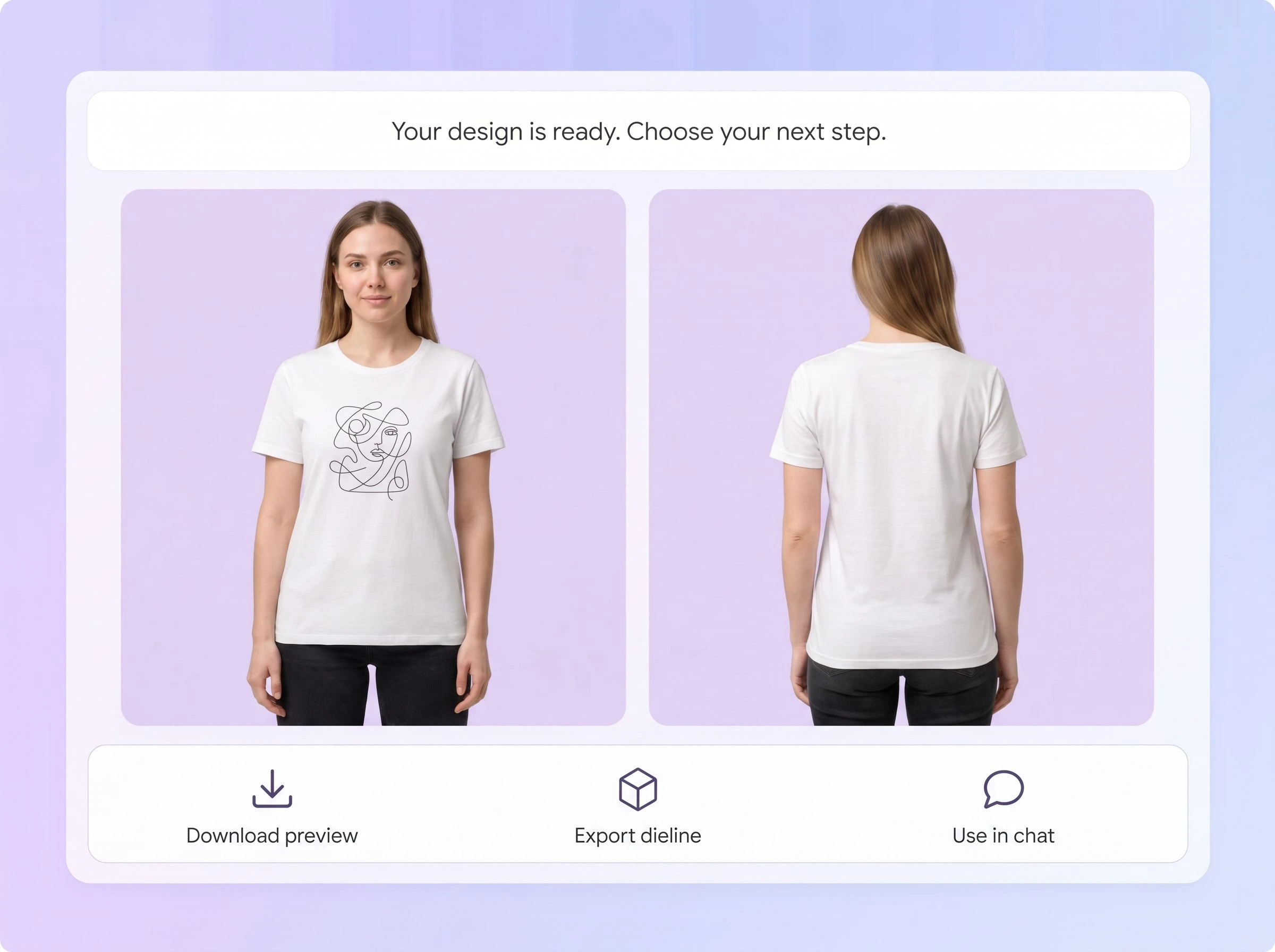
Click Use in chat to edit, Download to save the preview, or Export dieline to create a dieline file.

Step 1: Upload your artwork file
Enter the product and brand name, then add your artwork, logo, label file, or brand asset in the Logo file field.
Step 2: Choose your mockup and details
Open the Packaging menu and select a mockup. Add Elements, Style, and Color details, then click Use this direction to generate.
Step 3: Continue after generation
Click Use in chat to edit, Download to save the preview, or Export dieline to create a dieline file.
Why choose Packify for Etsy product mockups?
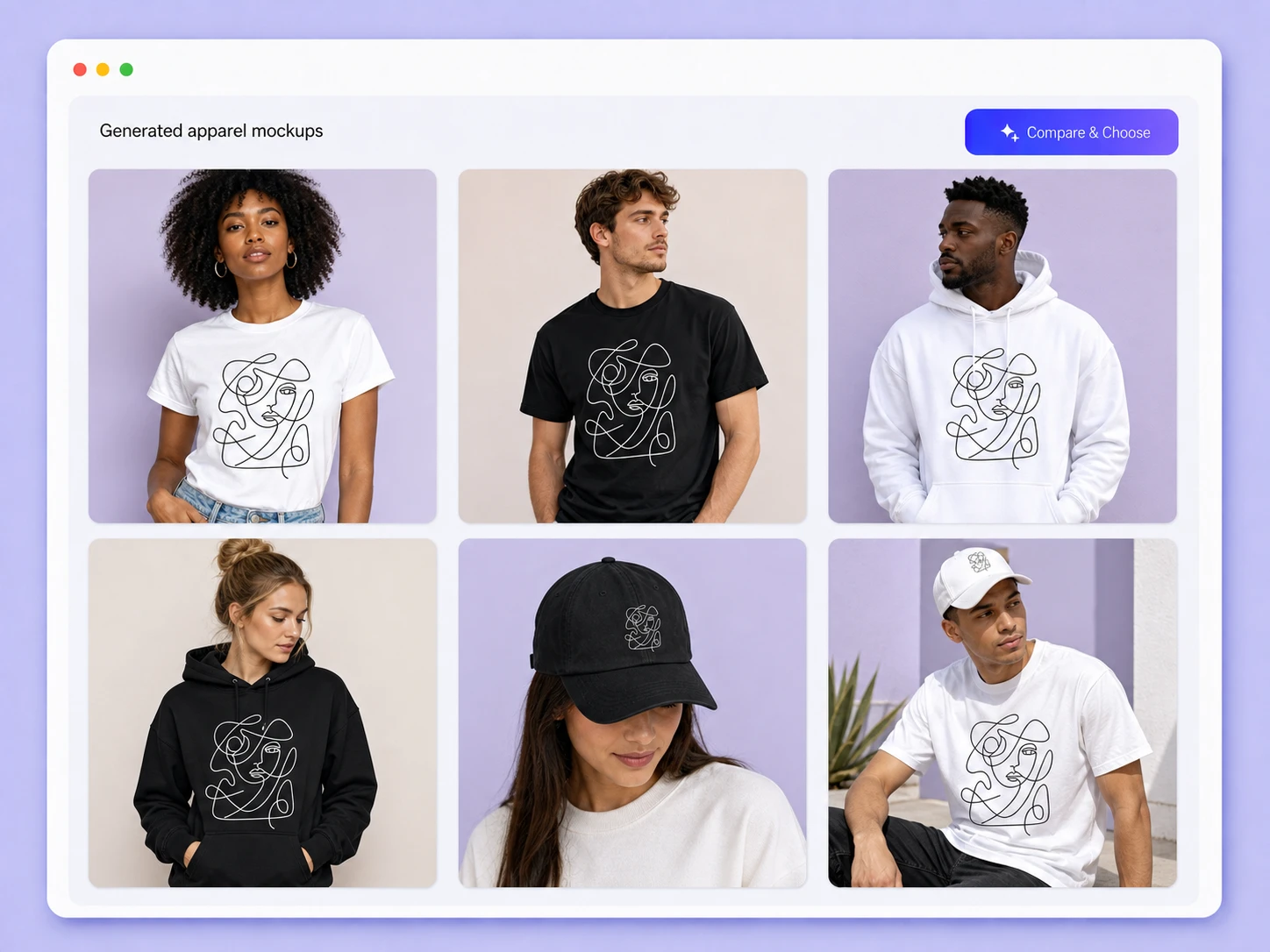
Build the mockup around your design
Fixed templates limit the product, composition, and visual style, making different shops feel familiar. Packify starts with your artwork, mockup choice, colors, elements, and style, so the final image is shaped around your product instead of placing it into a repeated scene.
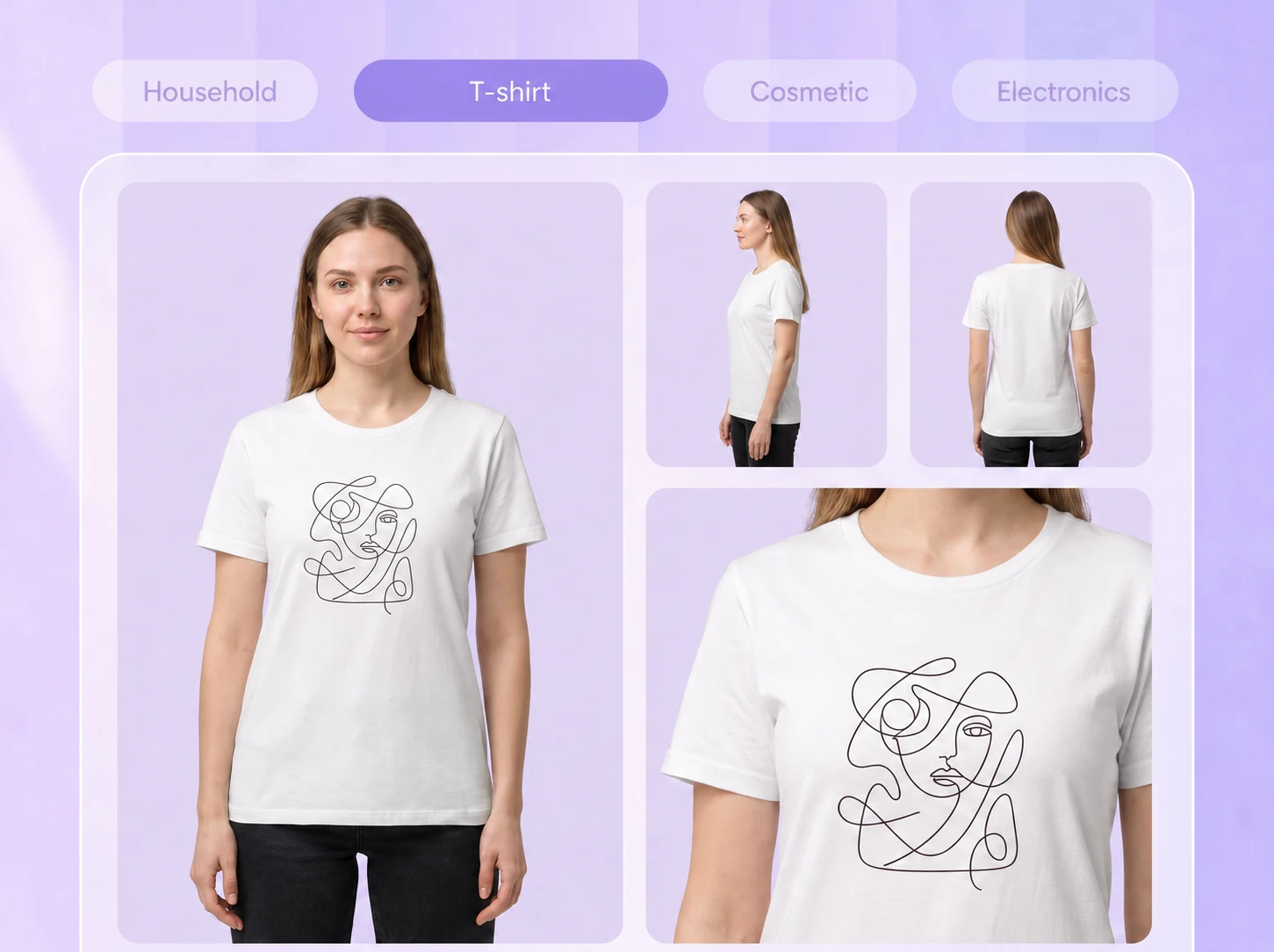
Show the design from every angle
One image may not explain the complete product. Generate a front-and-back split view or create separate front, back, and side images so Etsy shoppers can see chest graphics, back prints, wraparound artwork, and the details that affect their purchase.
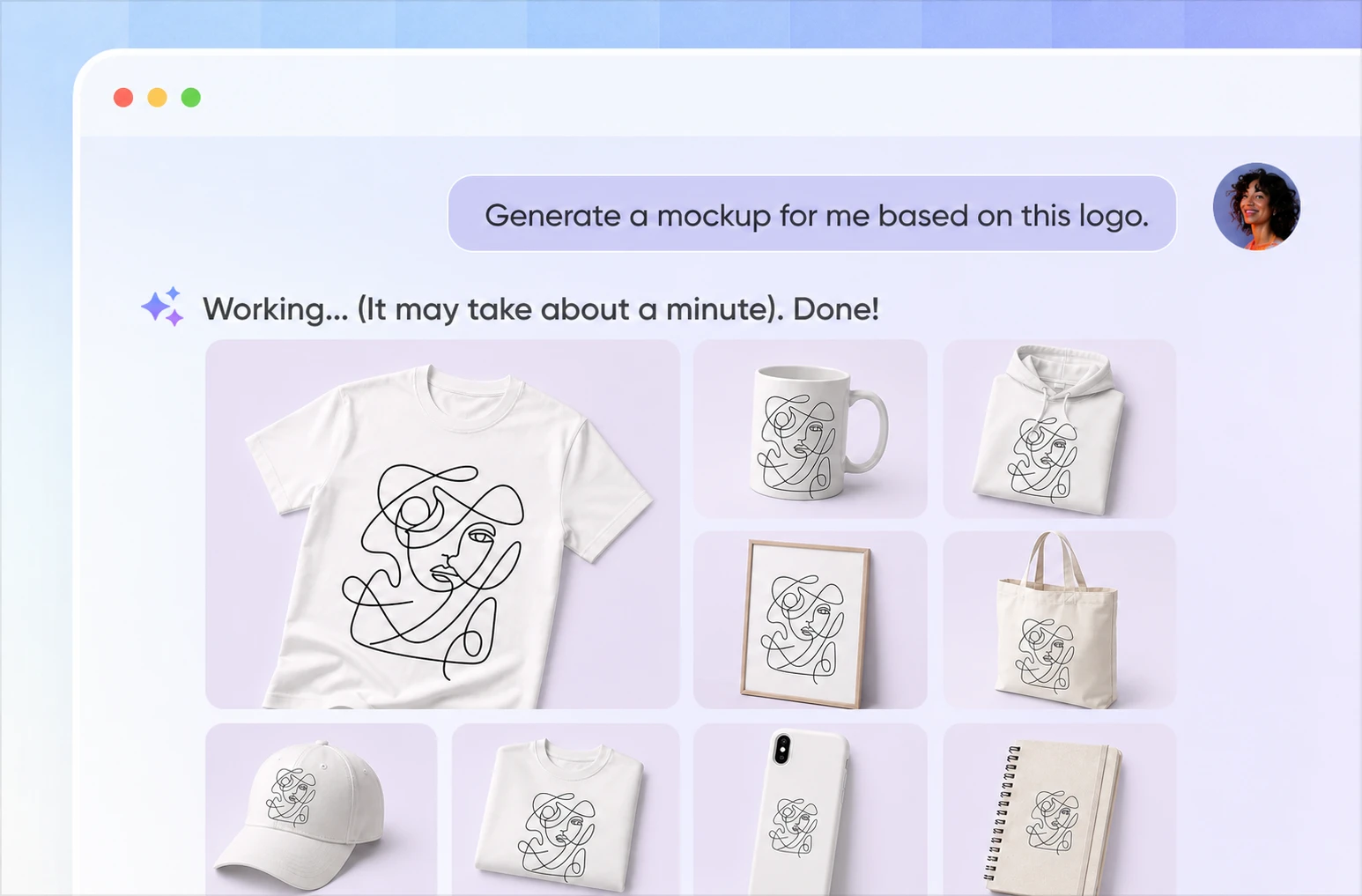
Fit artwork to each POD product
The same artwork needs a different scale and presentation on a T-shirt, mug, phone case, card, or poster. Packify adapts the mockup to the selected product, helping you check placement, visible area, product color, and the overall listing image.
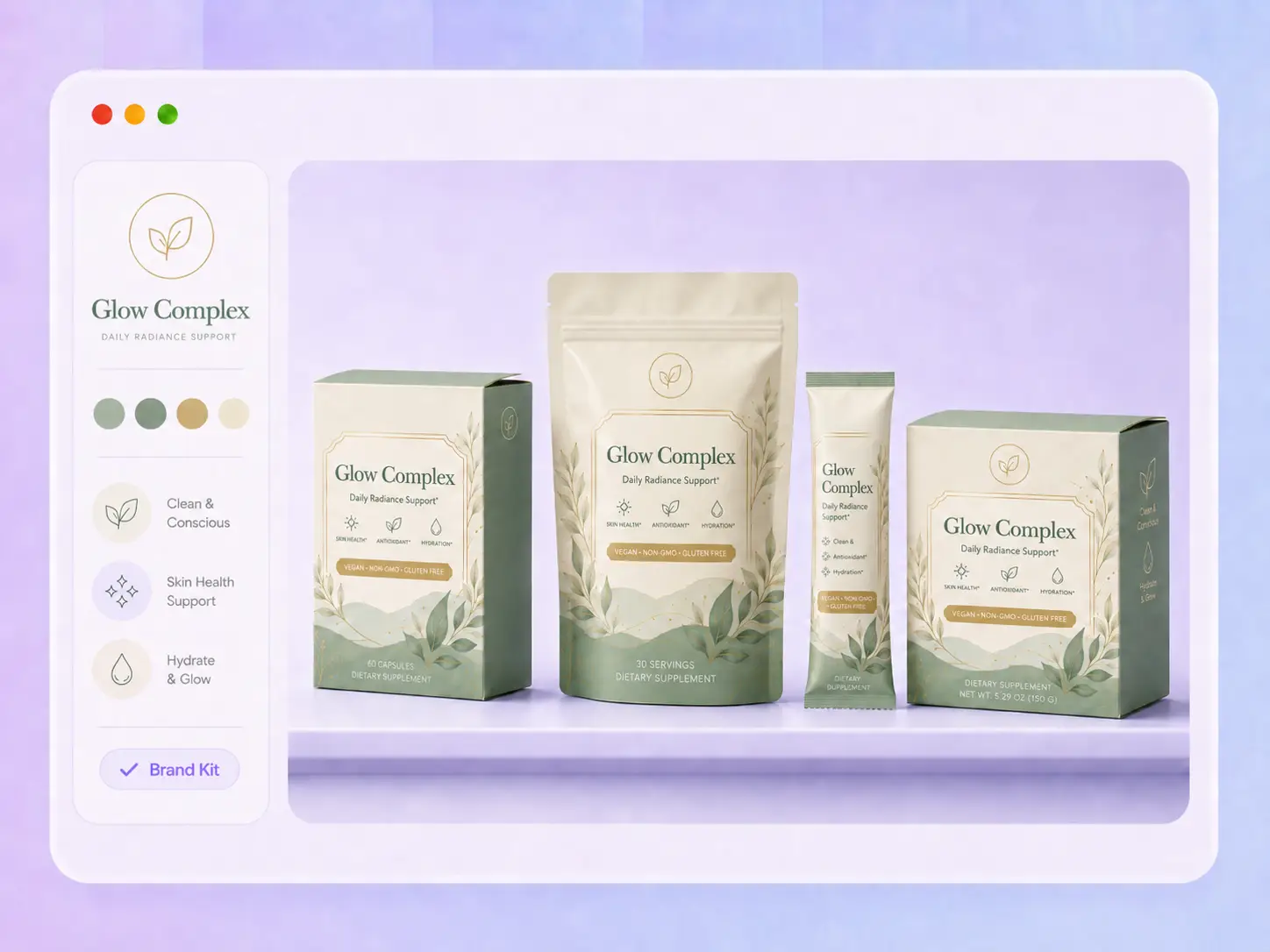
Keep the brand consistent, not repetitive
Brand consistency does not require the same template on every listing. Carry your logo, colors, and visual direction across products while changing the scene, angle, and composition for each one. Your Etsy shop feels connected without every image looking identical.
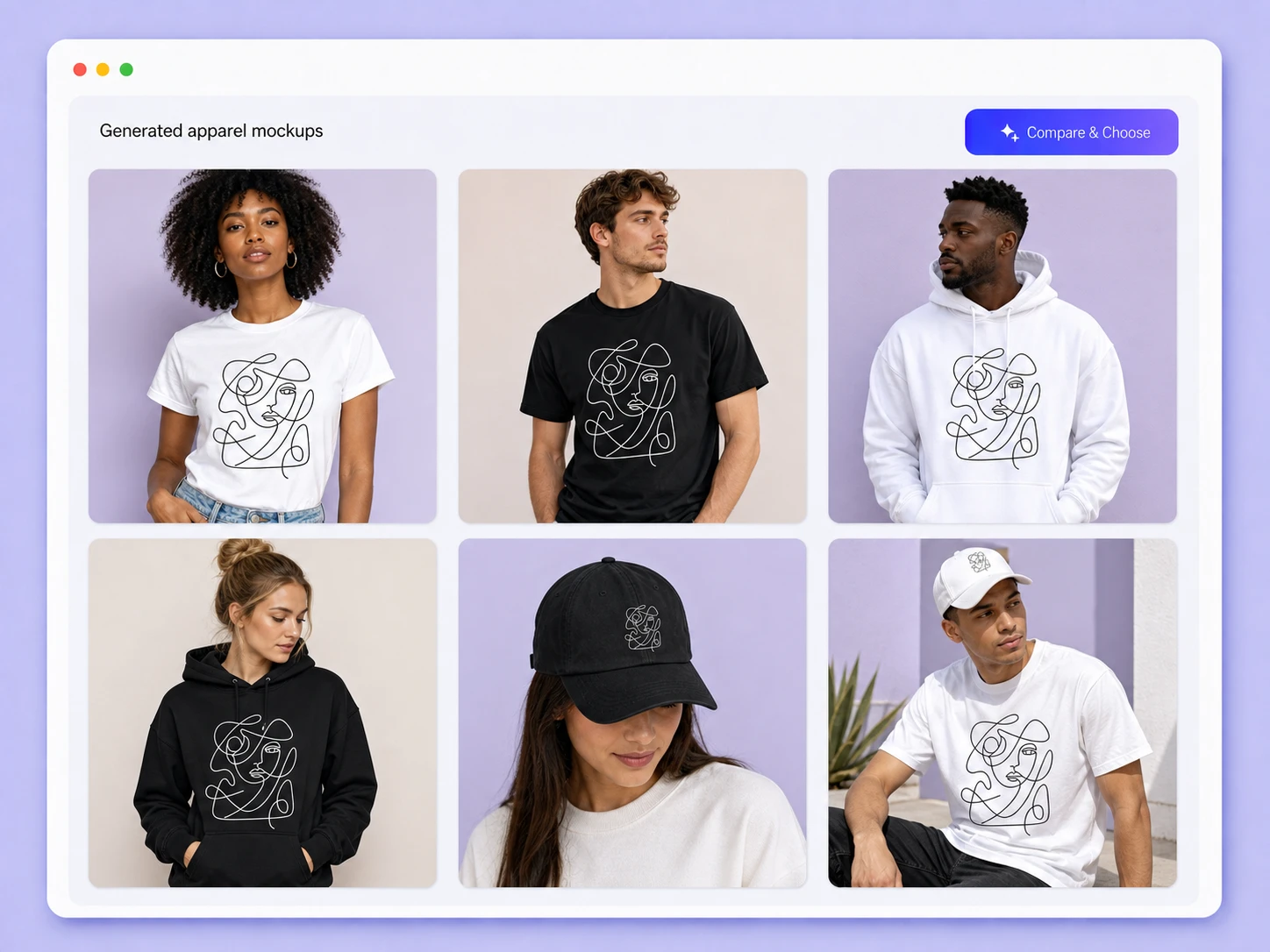
Build the mockup around your design
Fixed templates limit the product, composition, and visual style, making different shops feel familiar. Packify starts with your artwork, mockup choice, colors, elements, and style, so the final image is shaped around your product instead of placing it into a repeated scene.
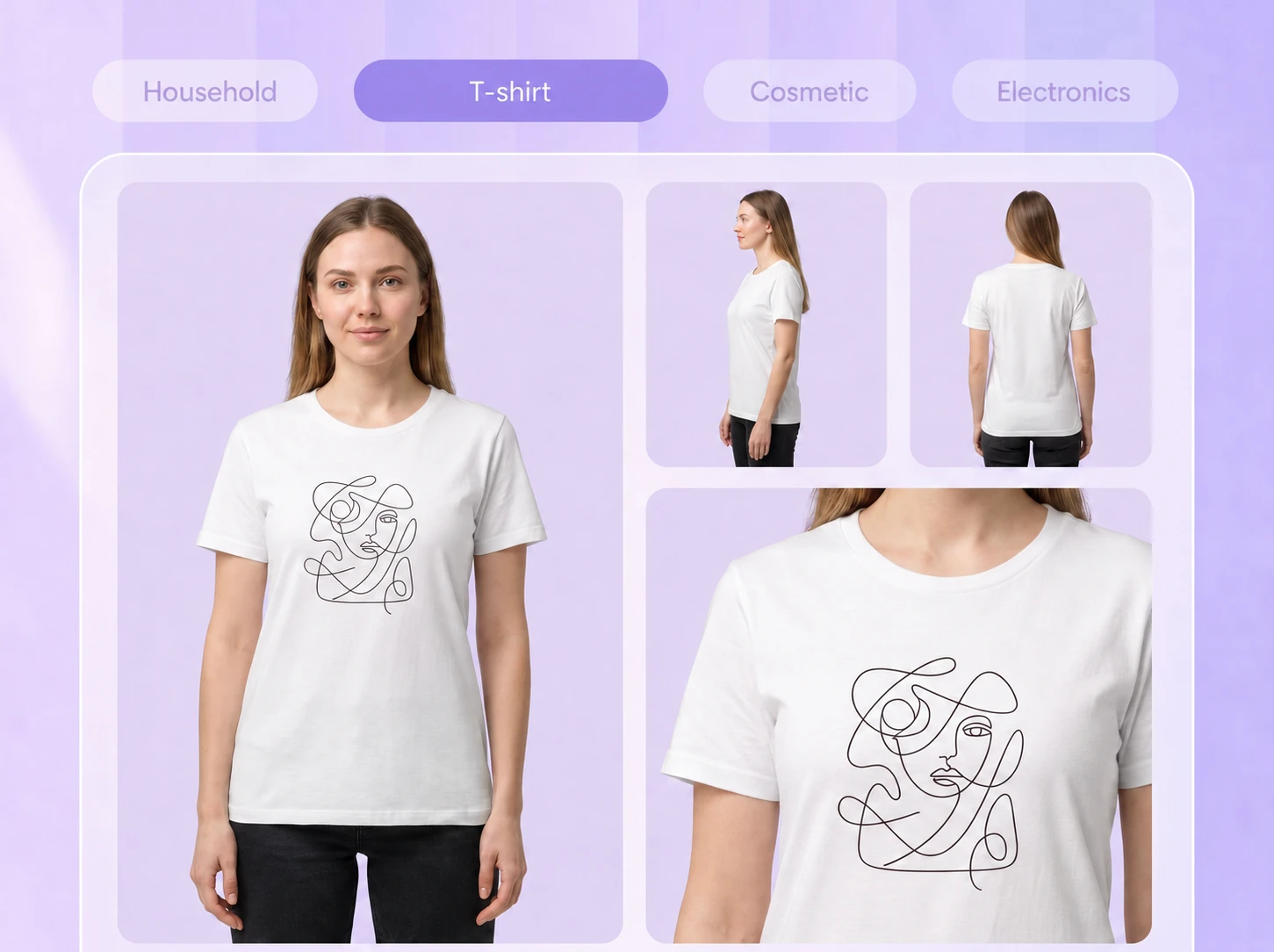
Show the design from every angle
One image may not explain the complete product. Generate a front-and-back split view or create separate front, back, and side images so Etsy shoppers can see chest graphics, back prints, wraparound artwork, and the details that affect their purchase.
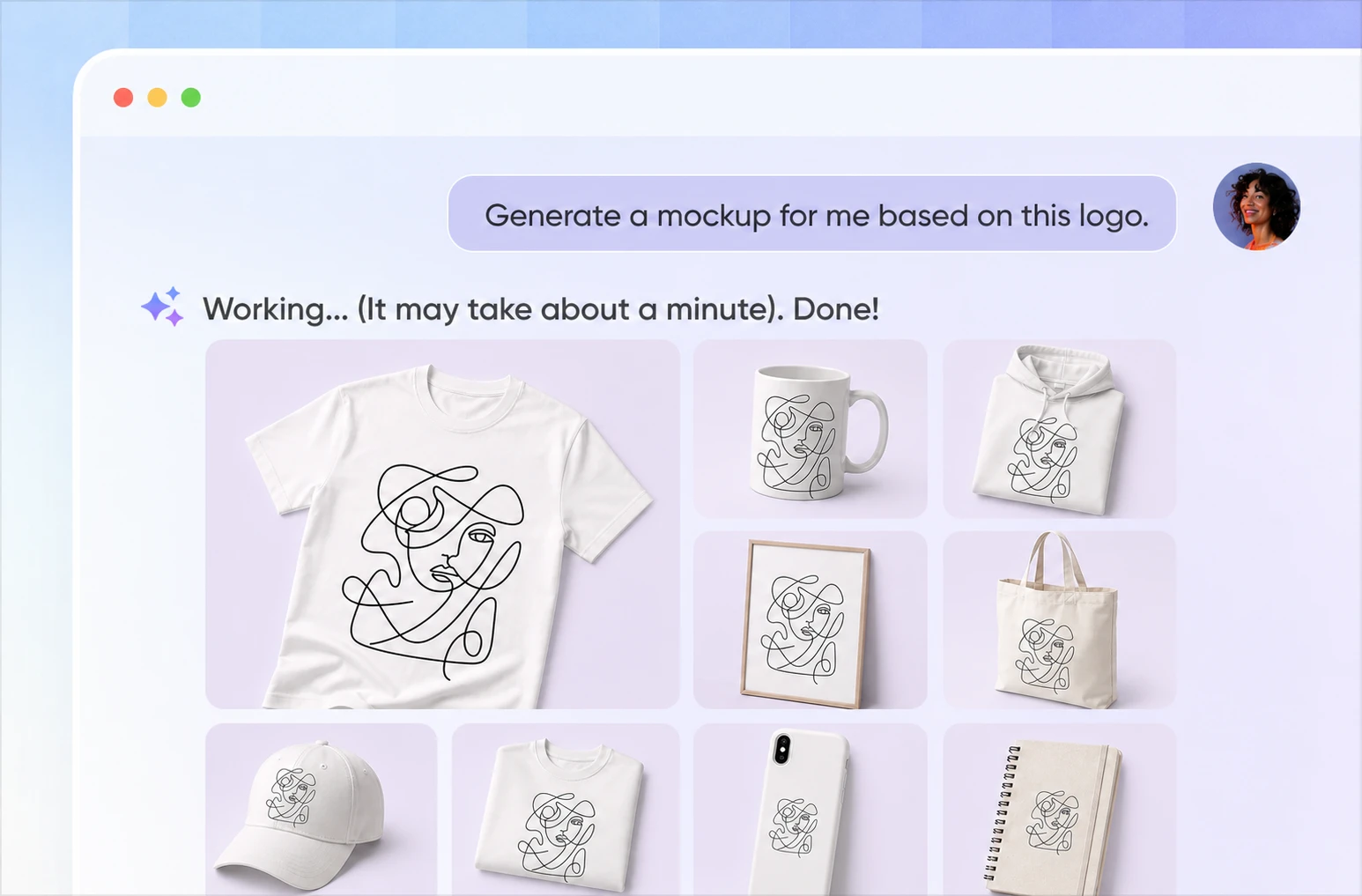
Fit artwork to each POD product
The same artwork needs a different scale and presentation on a T-shirt, mug, phone case, card, or poster. Packify adapts the mockup to the selected product, helping you check placement, visible area, product color, and the overall listing image.
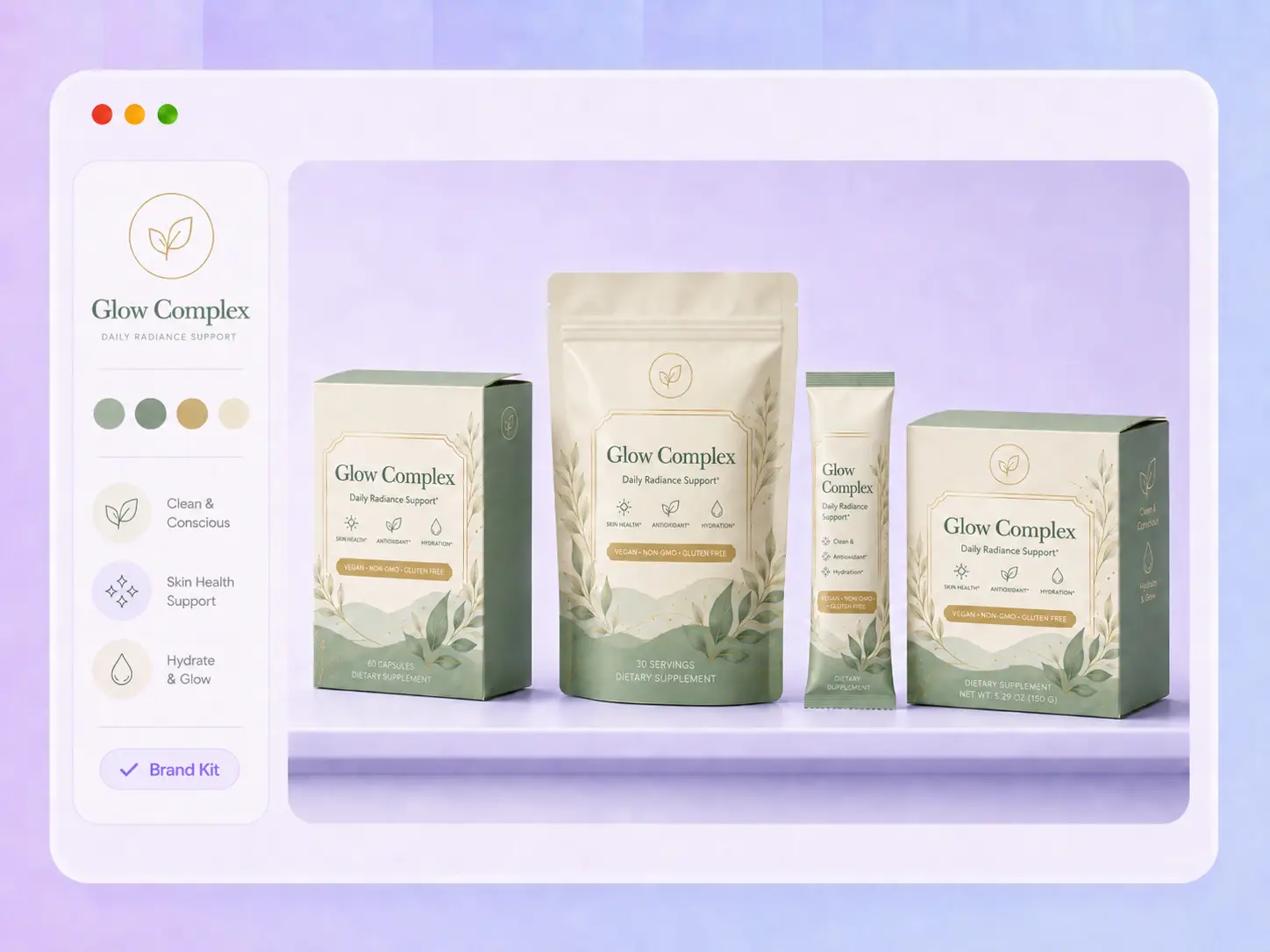
Keep the brand consistent, not repetitive
Brand consistency does not require the same template on every listing. Carry your logo, colors, and visual direction across products while changing the scene, angle, and composition for each one. Your Etsy shop feels connected without every image looking identical.
Proven impact, in our customer's words


The AI-powered packaging design tool is a game-changer. It's fast, intuitive, making it an essential tool for any forward-thinking design team.ved.
March 26, 2025


The results are so amazing that I don't think it's just for inspiration... I'd say artificial intelligence outperforms most designers; the key is to come up with the perfect prompt. Great contribution! Thank you 😊.
March 18, 2025


The AI-powered packaging design tool is a game-changer. It's fast, intuitive, making it an essential tool for any forward-thinking design team.
March 18, 2025


We’re a tiny skincare shop. Packify.ai turned my scribbles into clean mockups and a printable dieline by Monday. Fewer back-and-forths, consistent branding, a nd our product page conversions moved.
March 18, 2025


The AI-powered packaging design tool is a game-changer. It's fast, intuitive, making it an essential tool for any forward-thinking design team.
March 26, 2025


The results are so amazing that I don't think it's just for inspiration... I'd say artificial intelligence outperforms most designers; the key is to come up with the perfect prompt. Great contribution! Thank you 😊
March 18, 2025


Congrats! Packify.ai, an AI packaging designer, enables easy, creative design and offers AI-driven product photography for e-commerce through simple chatting.
April 2, 2025


We’re a tiny skincare shop. Packify.ai turned my scribbles into clean mockups and a printable dieline by Monday. Fewer back-and-forths, consistent branding, a nd our product page conversions moved.
May 9, 2025
You asked,
we answered
You asked, we answered
What is an Etsy mockup generator, and why does it matter?
An Etsy mockup generator creates product images for Etsy listings. Shoppers cannot touch or try the item online, so mockups help them understand the artwork, product form, front and back, and intended setting. Upload your design, choose a product, and set the colors and style without editing a PSD in Photoshop.
What products does this Etsy mockup generator support?
Choose mugs, postcards, invitation cards, or holiday cards directly. For another product, select Other and enter a T-shirt, polo shirt, hoodie, calendar, or the item you need. Packify also supports apparel, iPhone cases, calendars, books, posters, and other printed products.
Can I create custom scenes instead of using templates?
Yes. Describe the background, model, props, lighting, colors, and composition you want. Packify generates a new scene around those choices, helping the mockup match your audience, product, and Etsy shop instead of relying on the same fixed presentation.
Can I use the generated mockups as Etsy listing images?
You can use generated mockups when they comply with Etsy's current listing image rules. Requirements can differ for personalized products, production-partner items, and seller-made physical goods. Make sure every image represents the item accurately and review Etsy's latest policy before publishing.
Can I use the Etsy mockup generator for free?
You can start with a free trial. Mockup generation may consume credits based on the action and number of results, so check your available balance first. For current subscriptions and credit information, visit Packify's Pricing Page.
Can I use Packify mockups commercially?
Yes, subject to Packify's Terms of Use. You may use generated mockups for Etsy listings, other e-commerce stores, social media, and product marketing. Packify does not grant exclusive rights, so review trademarks, artwork ownership, product accuracy, and visual similarities before publishing.
Make every listing unmistakably yours