Gift box generator
Describe the box style, product, audience, and visual direction, or upload a reference image. Packify generates complete gift box artwork and applies it to a realistic 3D box.

Trusted by industry-leading businesses


A gift box maker built for packaging businesses
When creating gift boxes for a client, you may start with only a product brief and a few references. Packify is an online gift box maker that turns those inputs into artwork on a matching 3D box, helping packaging businesses prepare proposals faster and brand teams explore ideas before design and sampling.
How to design a gift box online?
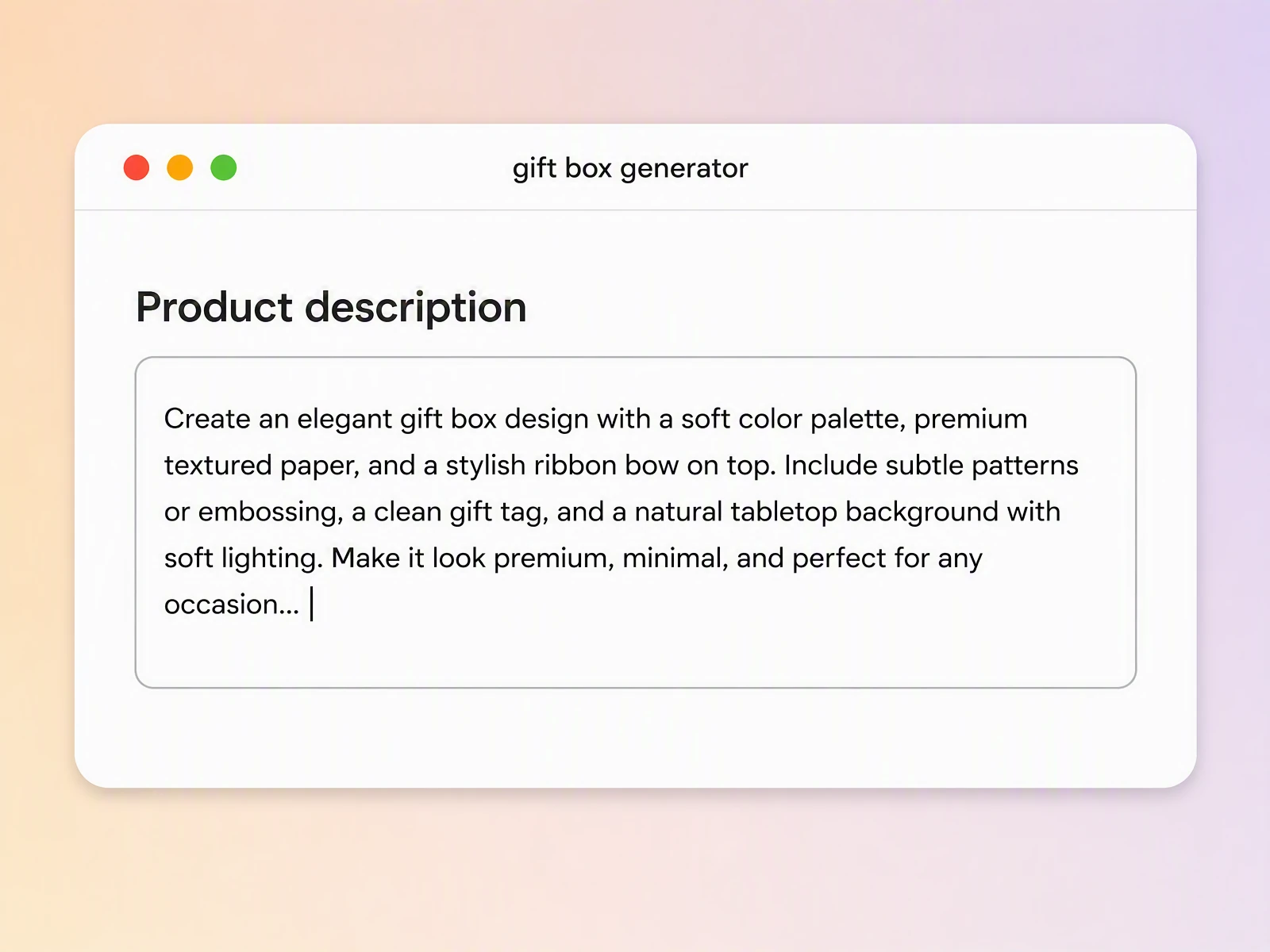
Step 1: Describe your gift box
Enter the box type, product, target audience, visual style, brand colors, and key message. You can also upload a reference image to guide the design direction.
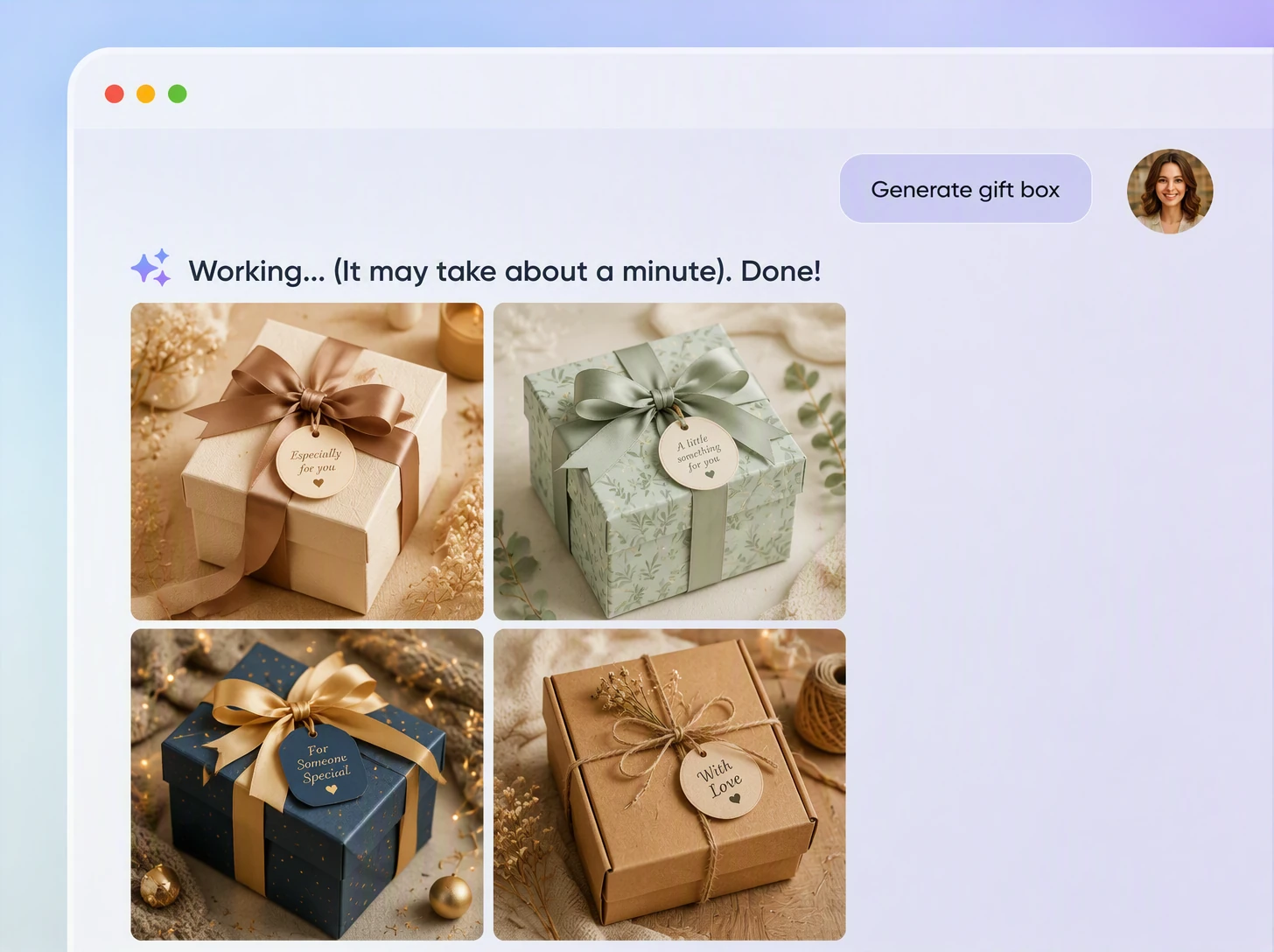
Step 2: Generate and review the design
Generate a gift box with the artwork already applied. Review the artwork placement, element scale, information hierarchy, and overall brand mood, then refine your prompt or generate another direction.
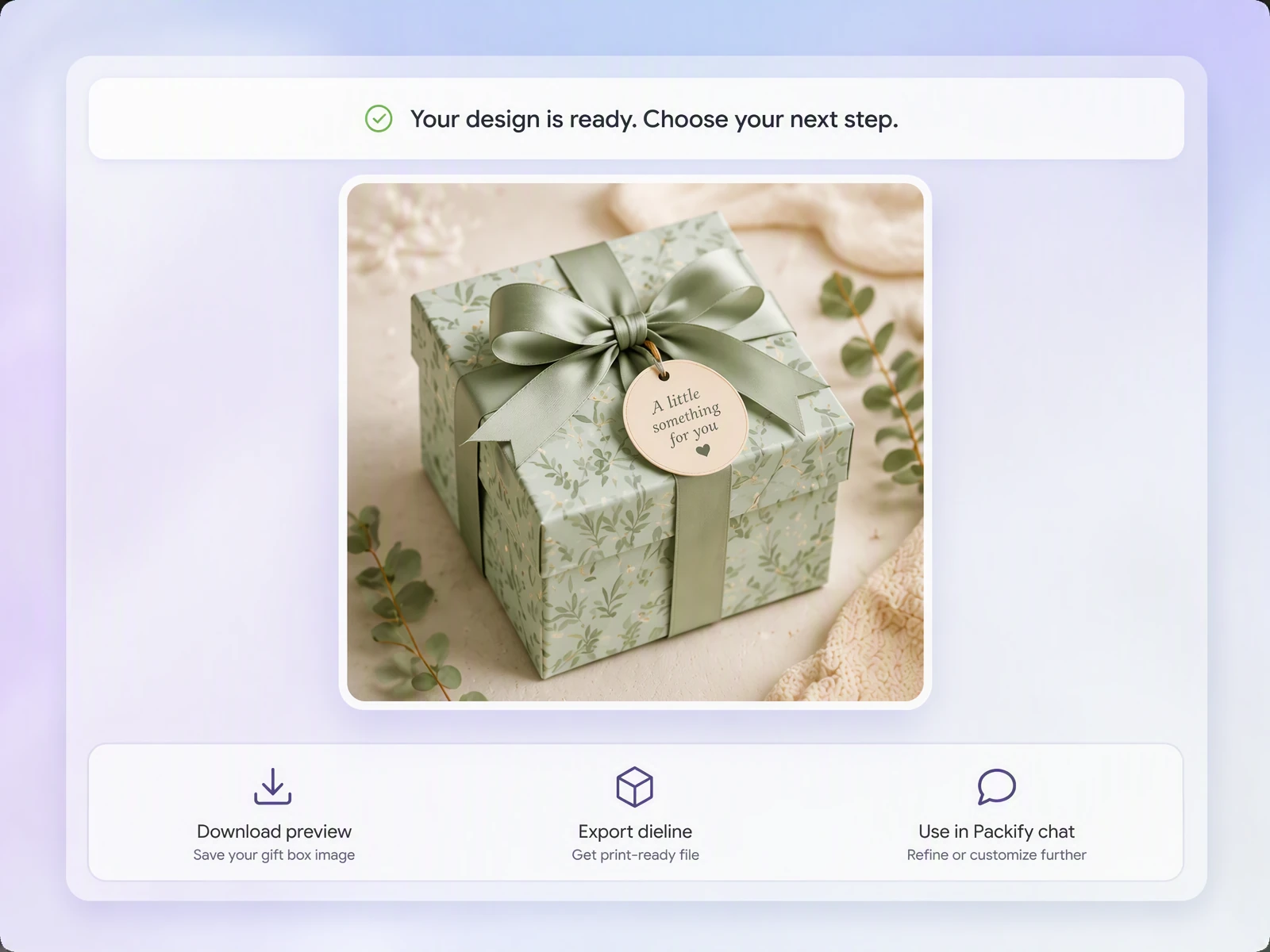
Step 3: Edit and export for print
Click Export Dieline, edit the gift box artwork online, and add the final logo, text, and brand elements. You can then export the file for review by your packaging manufacturer or printer.

Step 1: Describe your gift box
Enter the box type, product, target audience, visual style, brand colors, and key message. You can also upload a reference image to guide the design direction.
Step 2: Generate and review the design
Generate a gift box with the artwork already applied. Review the artwork placement, element scale, information hierarchy, and overall brand mood, then refine your prompt or generate another direction.
Step 3: Edit and export for print
Click Export Dieline, edit the gift box artwork online, and add the final logo, text, and brand elements. You can then export the file for review by your packaging manufacturer or printer.
Why choose Packify’s gift box generator?
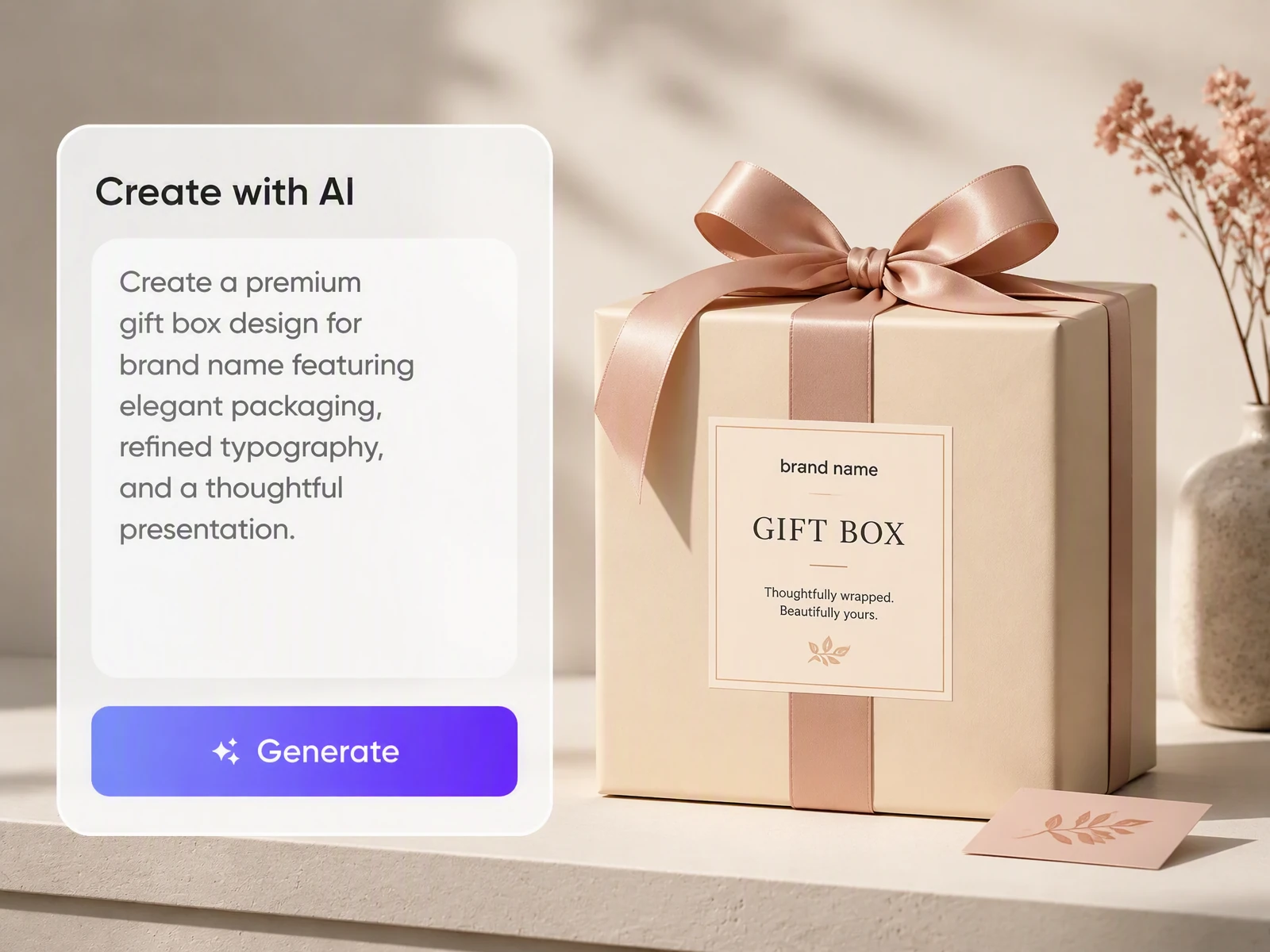
Prepare client proposals faster
Gift box printers, packaging manufacturers, and custom packaging stores often need to turn a client’s product, occasion, and reference images into a clear proposal. Packify helps you generate multiple visual directions and display them on relevant box structures, making early discussions, quotations, and design approval more efficient.
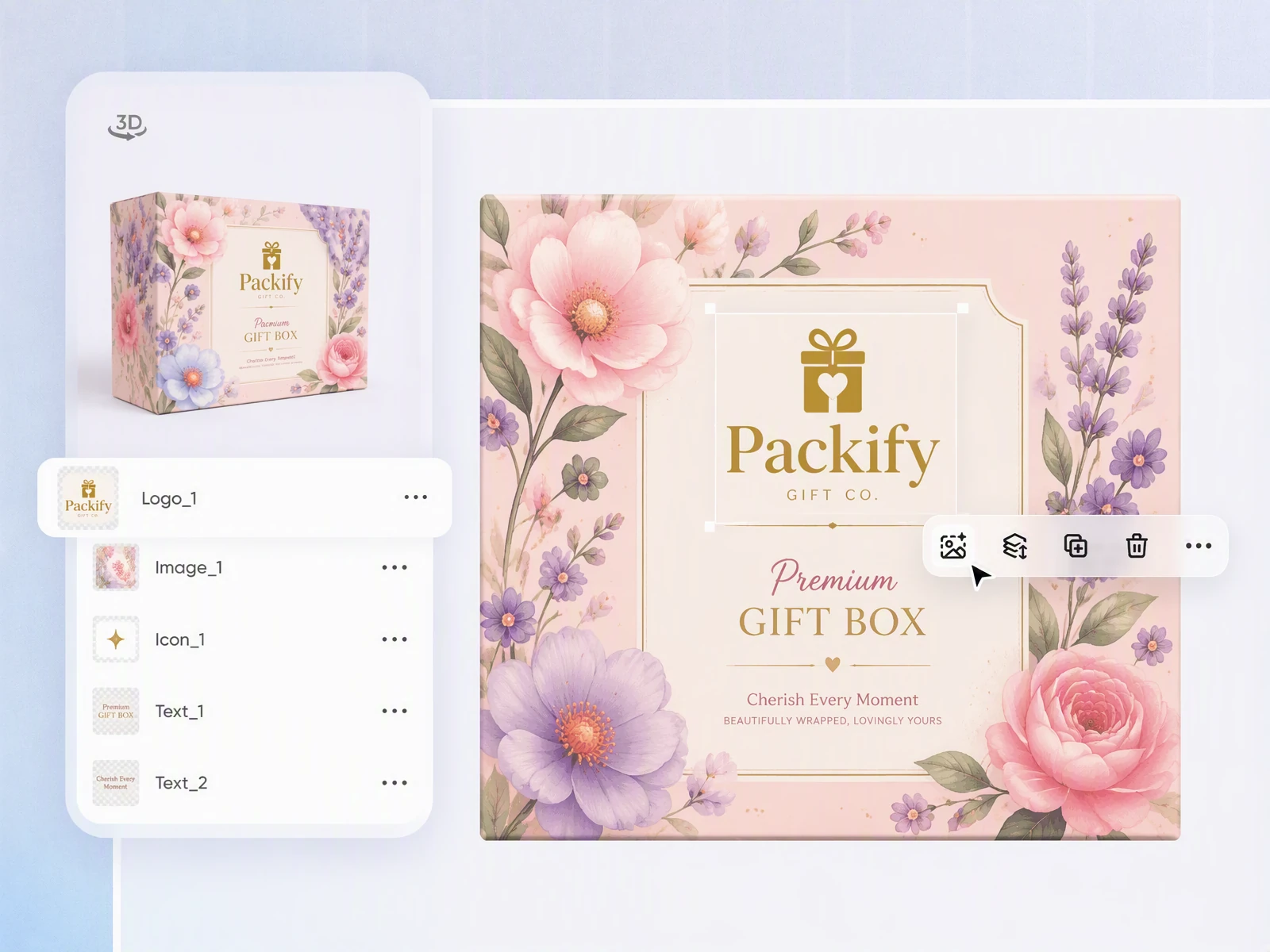
Use 3D gift box visuals to support sales
Clients may find it difficult to understand the final volume, opening style, and artwork placement from a flat dieline alone. Packify presents the design on a realistic 3D gift box, helping printers, manufacturers, and packaging sellers communicate the proposed result and give clients greater confidence before they approve an order.
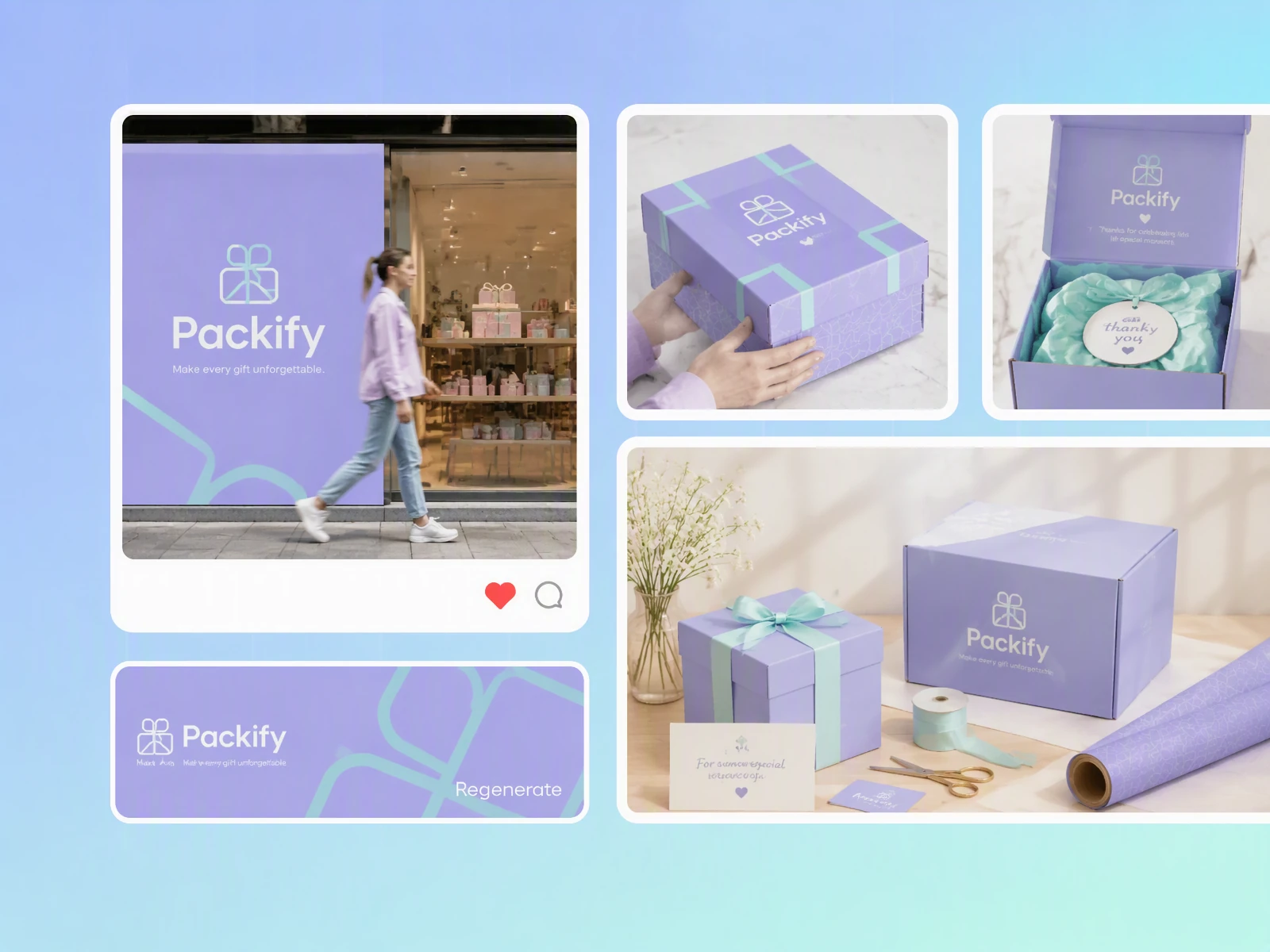
Keep brand assets consistent with brand kit
Brand teams can use Brand Kit to add their logo, brand colors, and other visual assets before exploring gift box directions. This makes it easier to create custom gift boxes with logo placement and styling that feel consistent with the existing brand. Marketing, product, and design teams can compare options and agree on a direction before sampling or production.
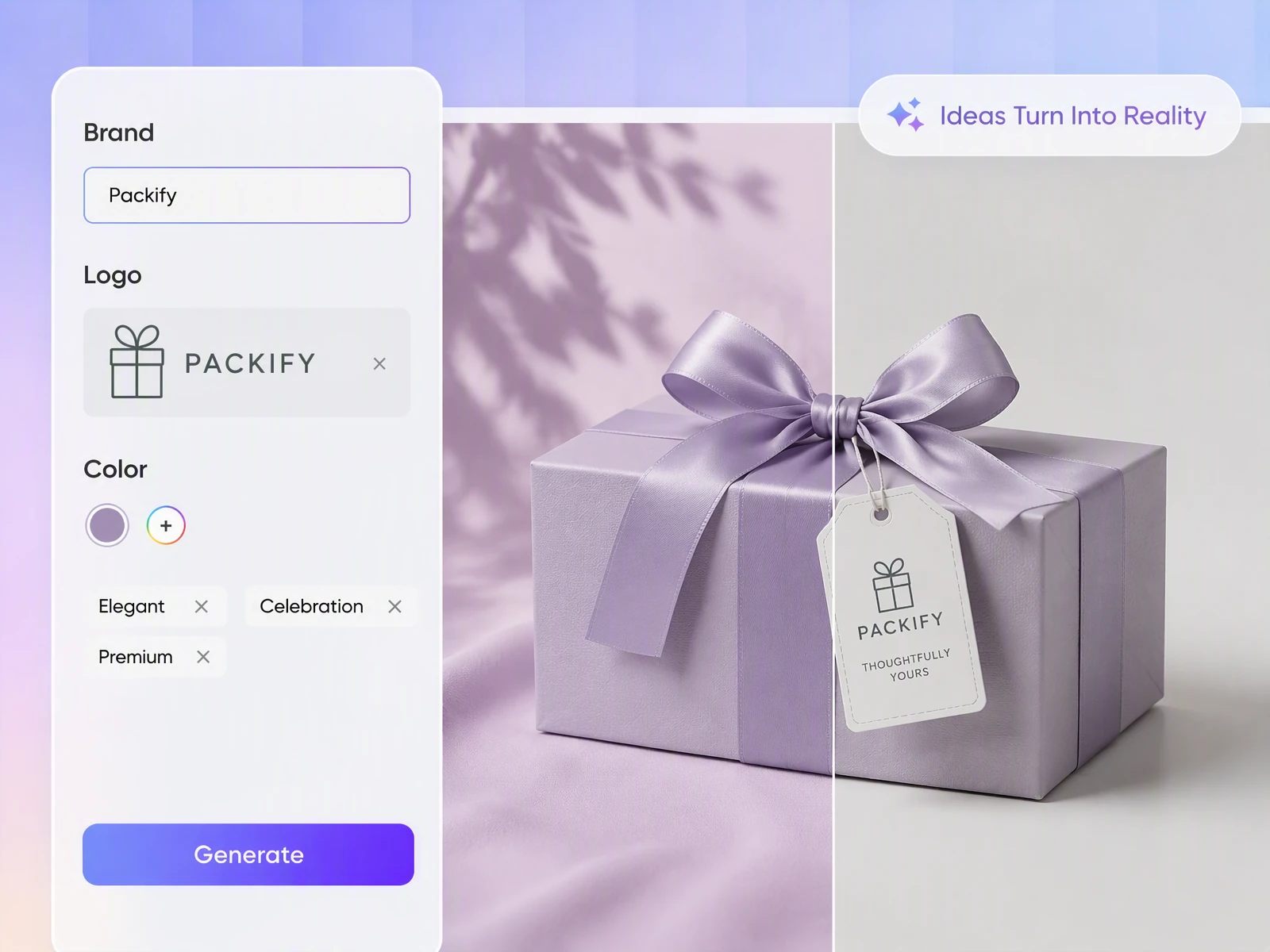
Help designers respond to brand briefs
When a designer receives a gift box brief, the client may provide only a theme, product information, and a few references. Packify helps designers explore initial concepts on realistic box structures, prepare a stronger first-round presentation, and identify promising directions before refining the typography, brand details, and production specifications.
Prepare client proposals faster
Gift box printers, packaging manufacturers, and custom packaging stores often need to turn a client’s product, occasion, and reference images into a clear proposal. Packify helps you generate multiple visual directions and display them on relevant box structures, making early discussions, quotations, and design approval more efficient.
Use 3D gift box visuals to support sales
Clients may find it difficult to understand the final volume, opening style, and artwork placement from a flat dieline alone. Packify presents the design on a realistic 3D gift box, helping printers, manufacturers, and packaging sellers communicate the proposed result and give clients greater confidence before they approve an order.
Keep brand assets consistent with brand kit
Brand teams can use Brand Kit to add their logo, brand colors, and other visual assets before exploring gift box directions. This makes it easier to create custom gift boxes with logo placement and styling that feel consistent with the existing brand. Marketing, product, and design teams can compare options and agree on a direction before sampling or production.
Help designers respond to brand briefs
When a designer receives a gift box brief, the client may provide only a theme, product information, and a few references. Packify helps designers explore initial concepts on realistic box structures, prepare a stronger first-round presentation, and identify promising directions before refining the typography, brand details, and production specifications.
Proven impact, in our customer's words


The AI-powered packaging design tool is a game-changer. It's fast, intuitive, making it an essential tool for any forward-thinking design team.ved.
March 26, 2025


The results are so amazing that I don't think it's just for inspiration... I'd say artificial intelligence outperforms most designers; the key is to come up with the perfect prompt. Great contribution! Thank you 😊.
March 18, 2025


The AI-powered packaging design tool is a game-changer. It's fast, intuitive, making it an essential tool for any forward-thinking design team.
March 18, 2025


We’re a tiny skincare shop. Packify.ai turned my scribbles into clean mockups and a printable dieline by Monday. Fewer back-and-forths, consistent branding, a nd our product page conversions moved.
March 18, 2025


The AI-powered packaging design tool is a game-changer. It's fast, intuitive, making it an essential tool for any forward-thinking design team.
March 26, 2025


The results are so amazing that I don't think it's just for inspiration... I'd say artificial intelligence outperforms most designers; the key is to come up with the perfect prompt. Great contribution! Thank you 😊
March 18, 2025


Congrats! Packify.ai, an AI packaging designer, enables easy, creative design and offers AI-driven product photography for e-commerce through simple chatting.
April 2, 2025


We’re a tiny skincare shop. Packify.ai turned my scribbles into clean mockups and a printable dieline by Monday. Fewer back-and-forths, consistent branding, a nd our product page conversions moved.
May 9, 2025
You asked,
we answered
You asked, we answered
Who is the online gift box maker for?
Packify is suitable for gift box printers, packaging manufacturers, custom packaging stores, packaging designers, and brand teams preparing gifting campaigns. You can use the online gift box maker to explore visual directions, create 3D concepts, and confirm ideas with clients before detailed design or sampling.
What types of gift boxes can I design?
Packify supports a range of common packaging structures, including magnetic gift boxes, lid and base boxes, drawer boxes, sliding boxes, sleeve boxes, round boxes, window boxes, mailer boxes, display boxes, and square boxes with lids. Available structures may vary, so check the box options shown in the generator.
Can I upload a reference image?
Yes. You can upload a gift box, color palette, pattern, or other visual reference to guide the generated design. The reference helps define the overall visual direction, but it does not guarantee an exact reproduction of every word, pattern, or detail.
How do I make a printable gift box template?
Choose a suitable box structure, generate and refine the artwork, then click Export Dieline. You can edit the flat artwork, add final brand elements, and export the file for production review. Before printing, ask your packaging manufacturer to confirm the dimensions, bleed, fold lines, material, and construction details.
How do I make sure the box prints at the correct size?
Start with the intended box dimensions and check that the exported dieline matches the required size. Avoid scaling the file after export. Before printing, confirm the final dimensions, units, bleed, fold lines, and material thickness with your printer or packaging manufacturer. A physical sample is recommended before a full production run.
Can I send the gift box design to my printer?
Yes. After editing the artwork and exporting the dieline, you can send the file to your printer or packaging manufacturer for review. The supplier should verify the structure, dimensions, bleed, fold lines, inserts, materials, and printing process before producing the box.
Can I keep my logo and colors consistent?
Yes. Add your logo, brand colors, and other visual assets to Brand Kit to guide your gift box designs. You can then review and adjust the generated artwork so that the final concept remains consistent with your established brand identity.
How can I get professional gift box design support?
If you need help developing the visual concept, refining brand details, or preparing a more complete packaging solution, use Packify’s Packaging Design Services. A professional designer can develop your selected direction around your brand, product, and production requirements.
Create your own gift boxes with Packify