
Thanksgiving Logo Maker
Describe your brand or add a reference. Create and refine your Thanksgiving logo, then download PNG.
Trusted by industry-leading businesses


Add the right Thanksgiving feel to your brand
A seasonal logo can help your brand and packaging feel more connected to Thanksgiving. The goal is not to fill the design with turkeys, pumpkins, and autumn leaves, but to choose elements, colors, and a composition that suit your brand. Enter your brand name, business details, campaign theme, and preferred visual direction. Packify will create a Thanksgiving logo you can refine for menus, seasonal packaging, promotional pages, and social media.
How to make a Thanksgiving logo with AI?
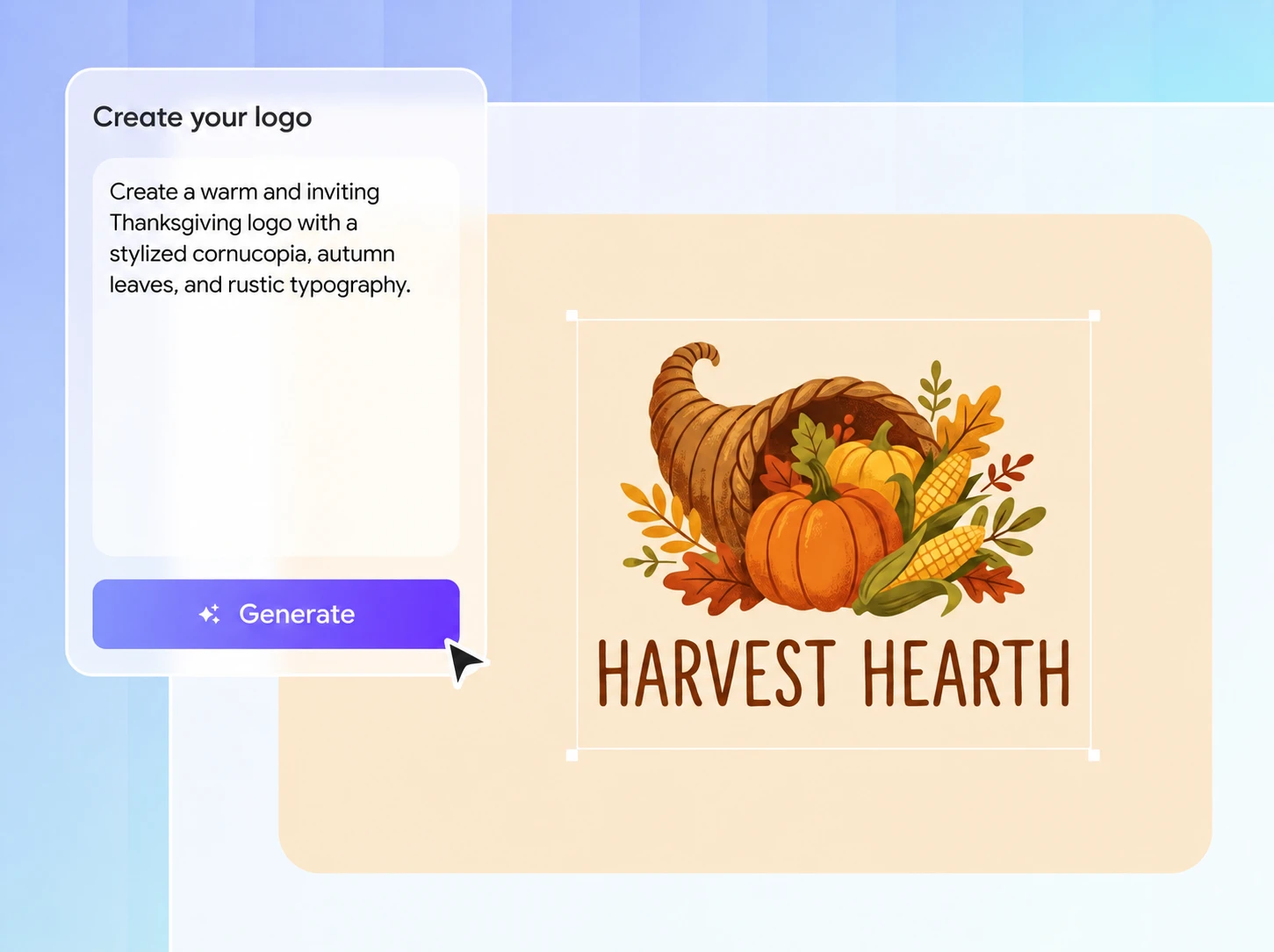
Step 1: Describe your brand
Enter your brand name, what you sell, and your preferred style, or upload a product photo for reference. No complex design brief is required.
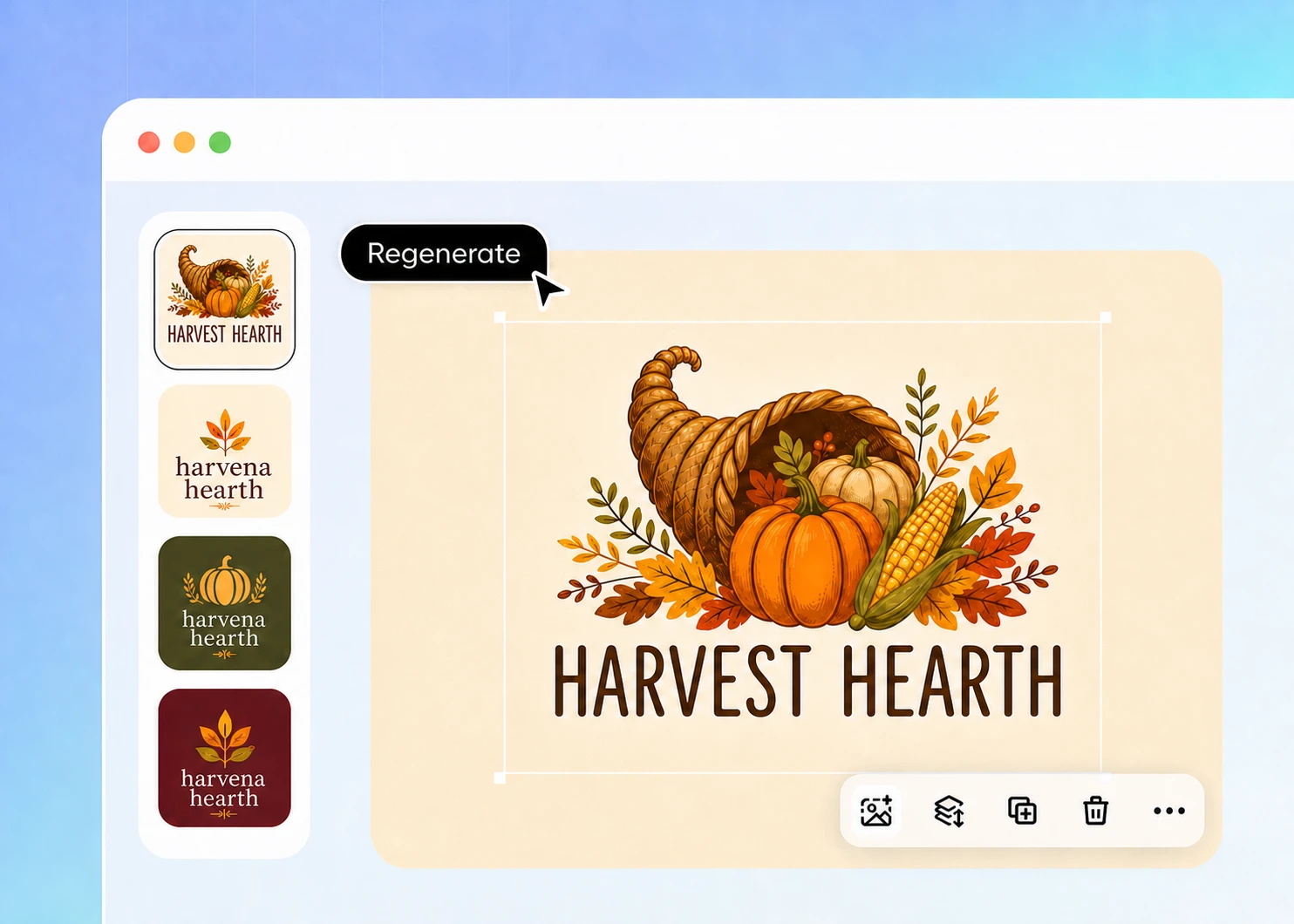
Step 2: Refine and regenerate
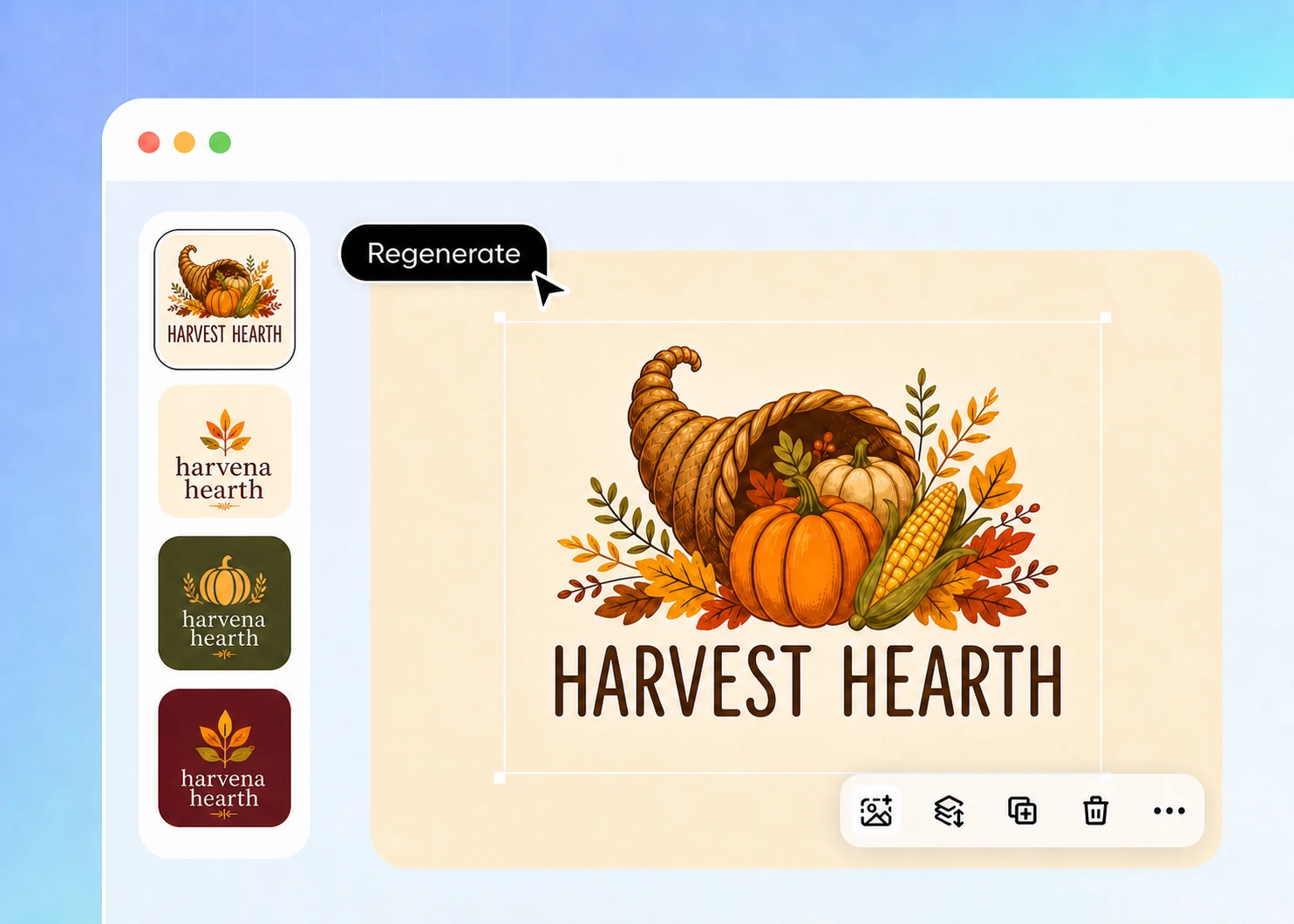
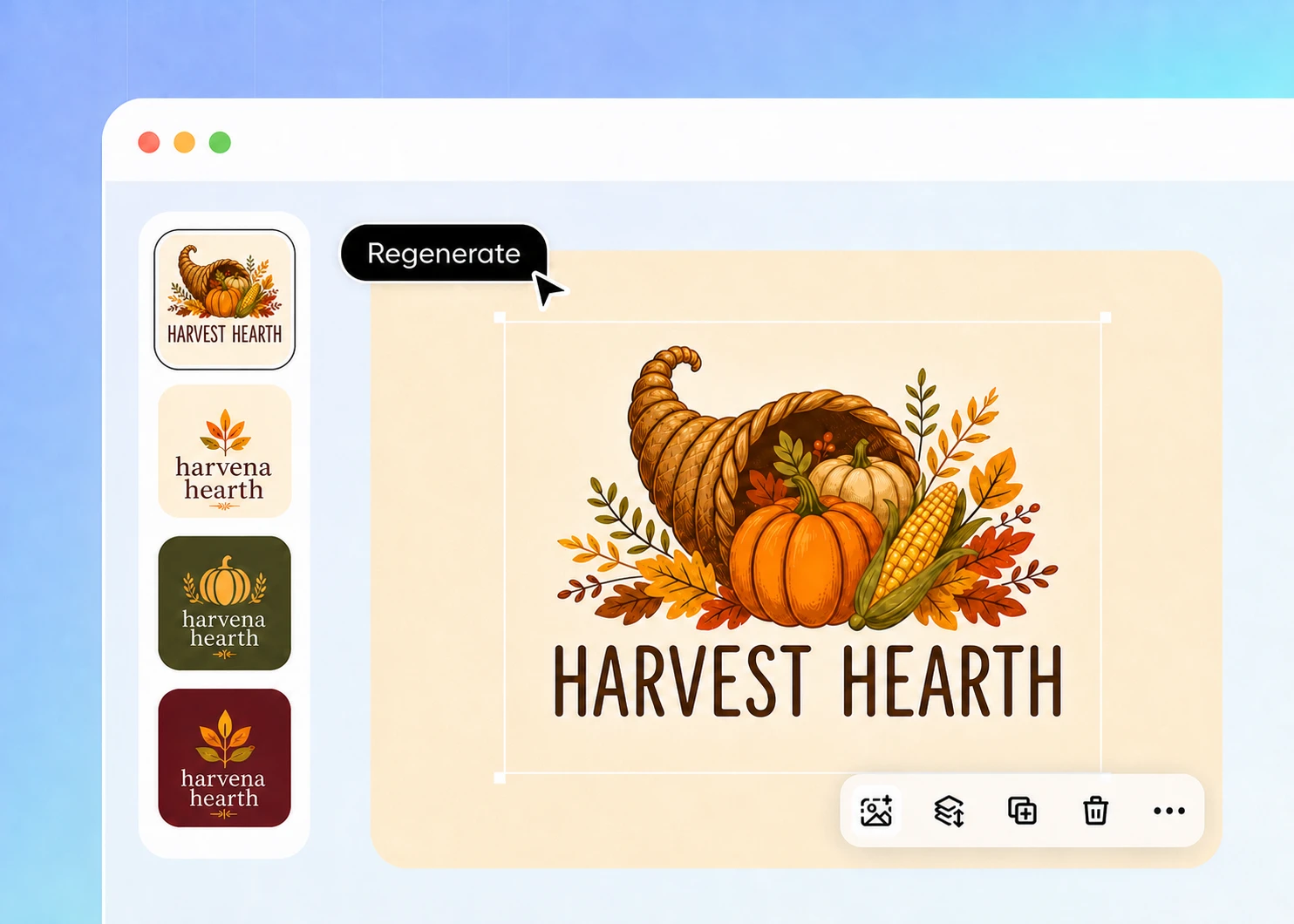
Regenerate for a new version if the first result does not feel right, or open the editor to recolor or invert your logo before generating again.
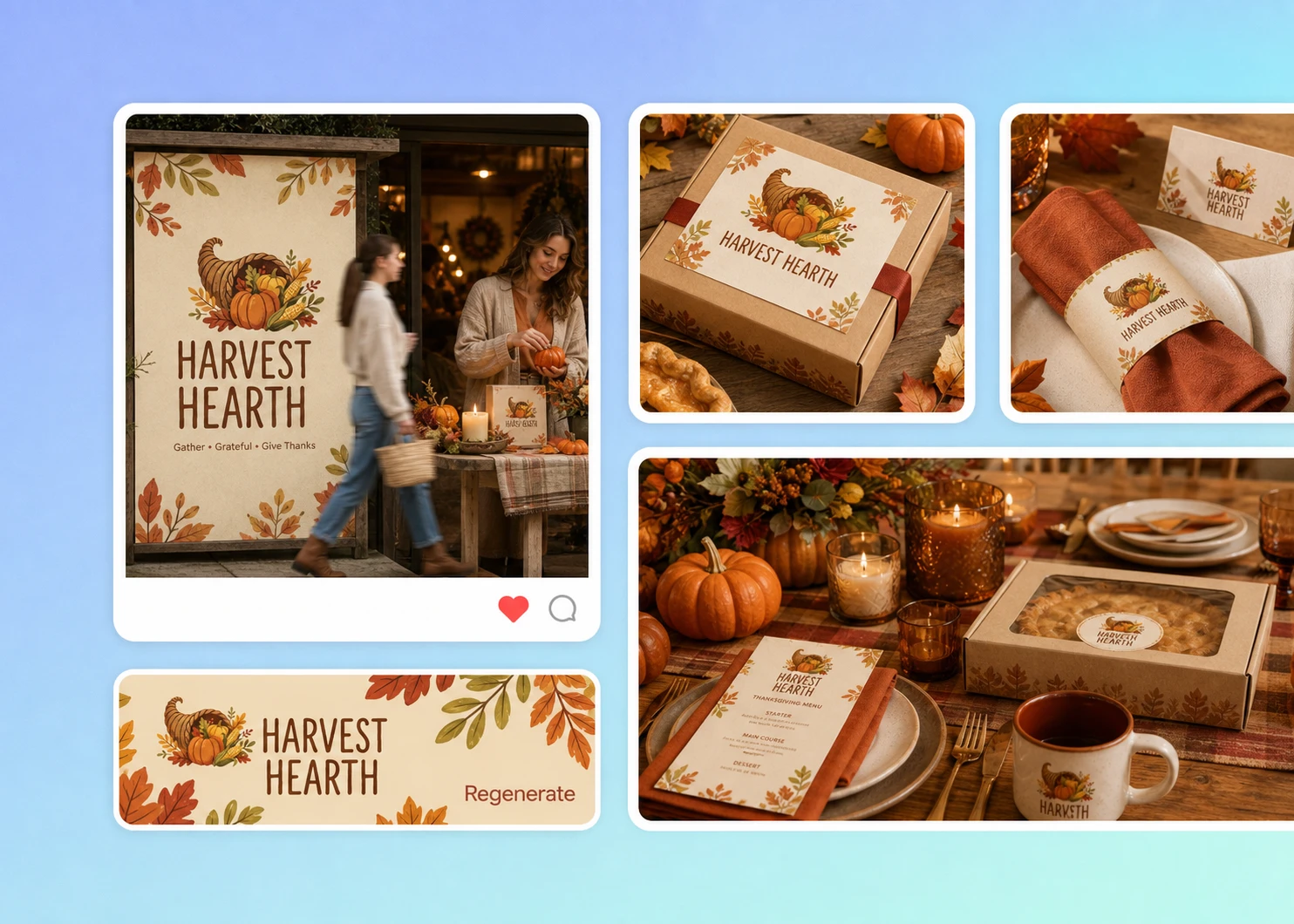
Step 3: Download and use your logo
Review the wording, colors, and graphics, then download your finished logo as a PNG for your Thanksgiving campaign and branded content.

Step 1: Describe your brand
Enter your brand name, what you sell, and your preferred style, or upload a product photo for reference. No complex design brief is required.
Step 2: Refine and regenerate
Regenerate for a new version if the first result does not feel right, or open the editor to recolor or invert your logo before generating again.
Step 3: Download and use your logo
Review the wording, colors, and graphics, then download your finished logo as a PNG for your Thanksgiving campaign and branded content.
Why use Packify to make a Thanksgiving logo?
Start your Thanksgiving design for free
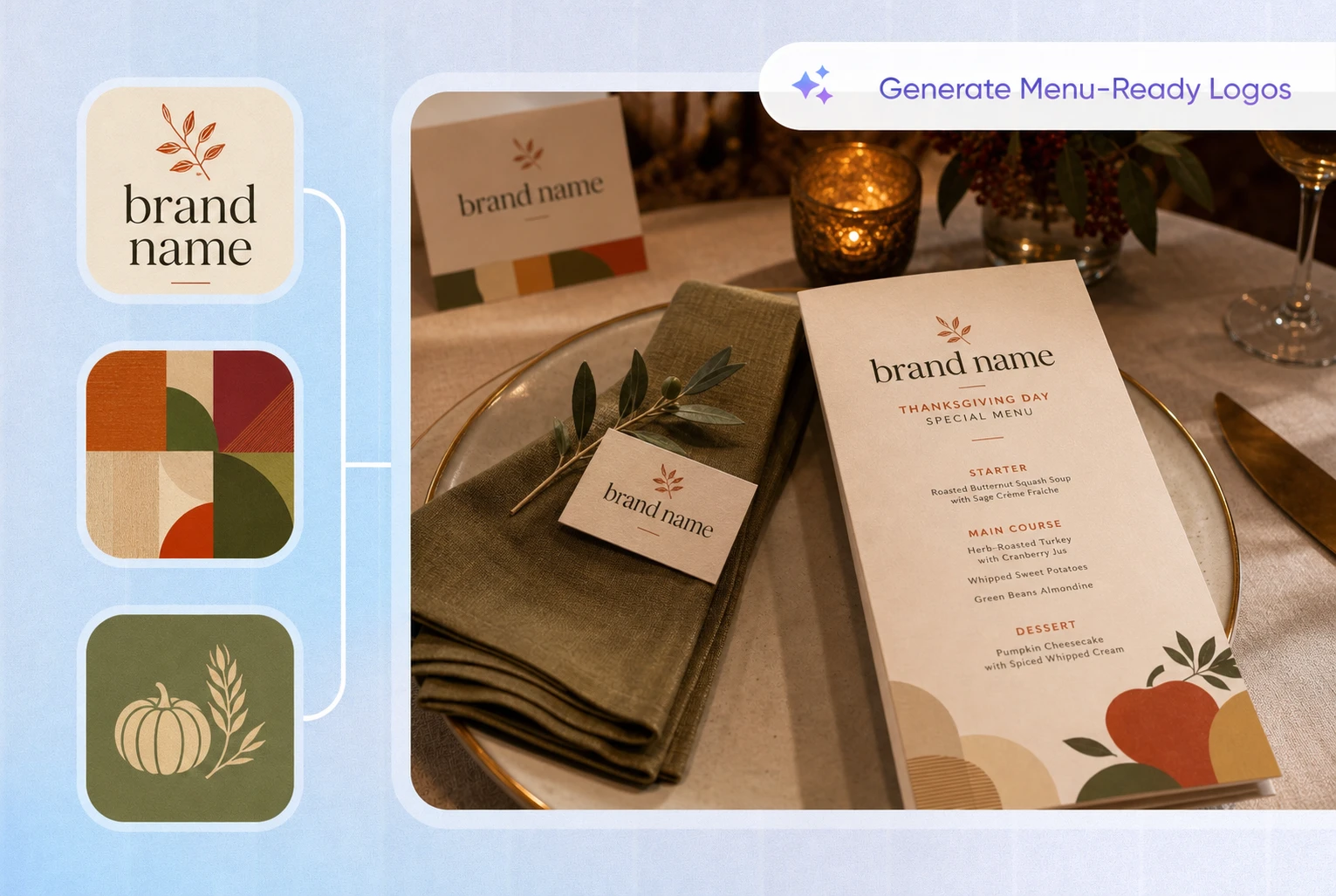
Enter your brand name, campaign theme, and preferred style to see what Packify creates. Try different Thanksgiving elements, compare visual directions, and refine the colors, graphics, and composition.
The free trial lets you experience the process from generation and editing to PNG download. You can see the design before deciding what to do next, which works well for time-sensitive seasonal campaigns and small promotions.
Move beyond repeated templates
Ready-made templates often let you change only the text and colors. They rarely capture the difference between a restaurant special, bakery gift box, retail promotion, and community event. The same turkey, pumpkin, and autumn-leaf graphics may also appear across many businesses.
Packify starts with your written description. Add details about your business, campaign, audience, and design preferences to create a direction based on your Thanksgiving campaign instead of replacing the name in a fixed template.
Keep the character of your brand
A Thanksgiving design does not require turning every brand orange or letting seasonal graphics cover the original name and identifying elements. A fitting seasonal version should help customers recognize the brand before they notice the Thanksgiving theme.
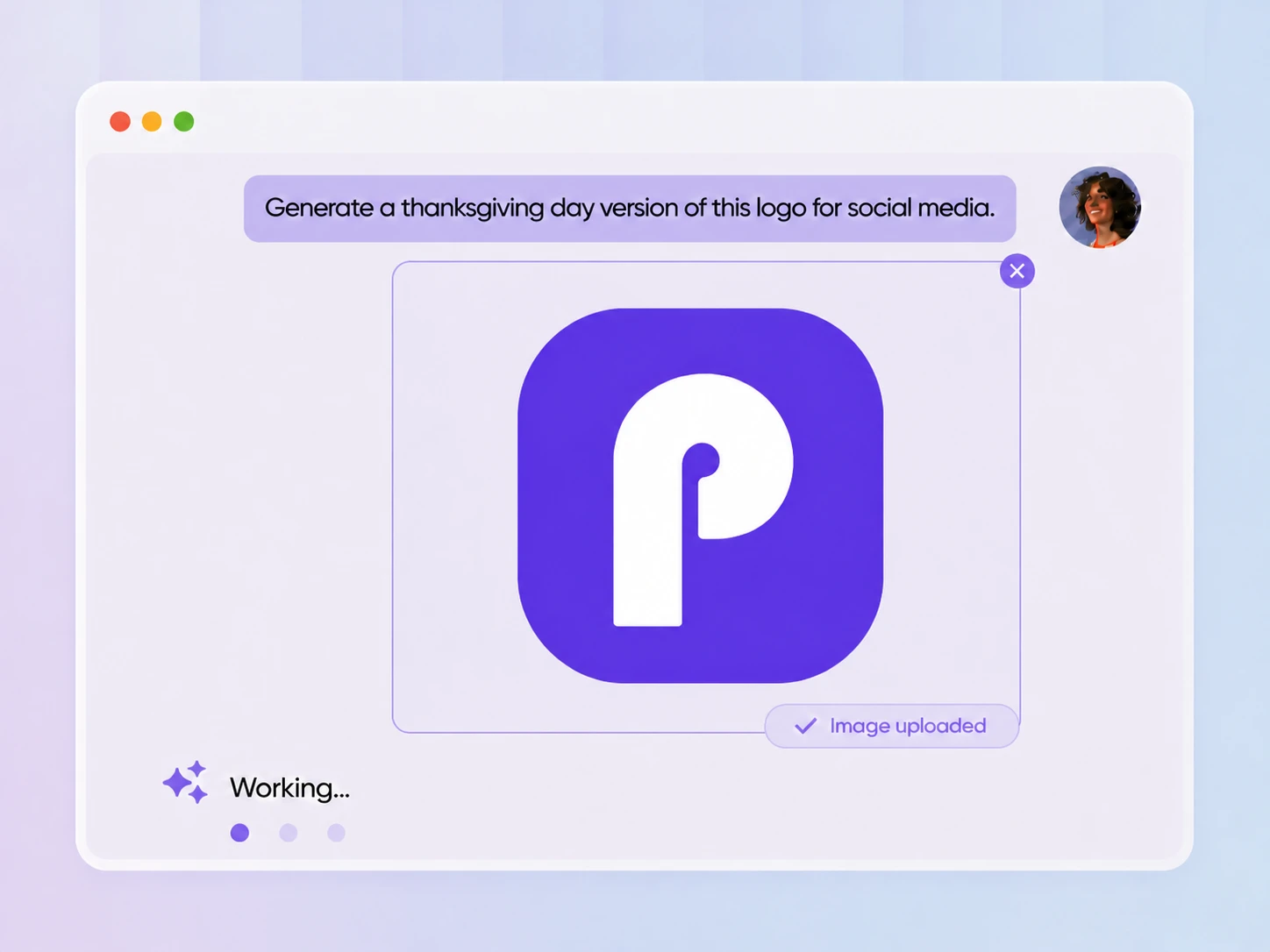
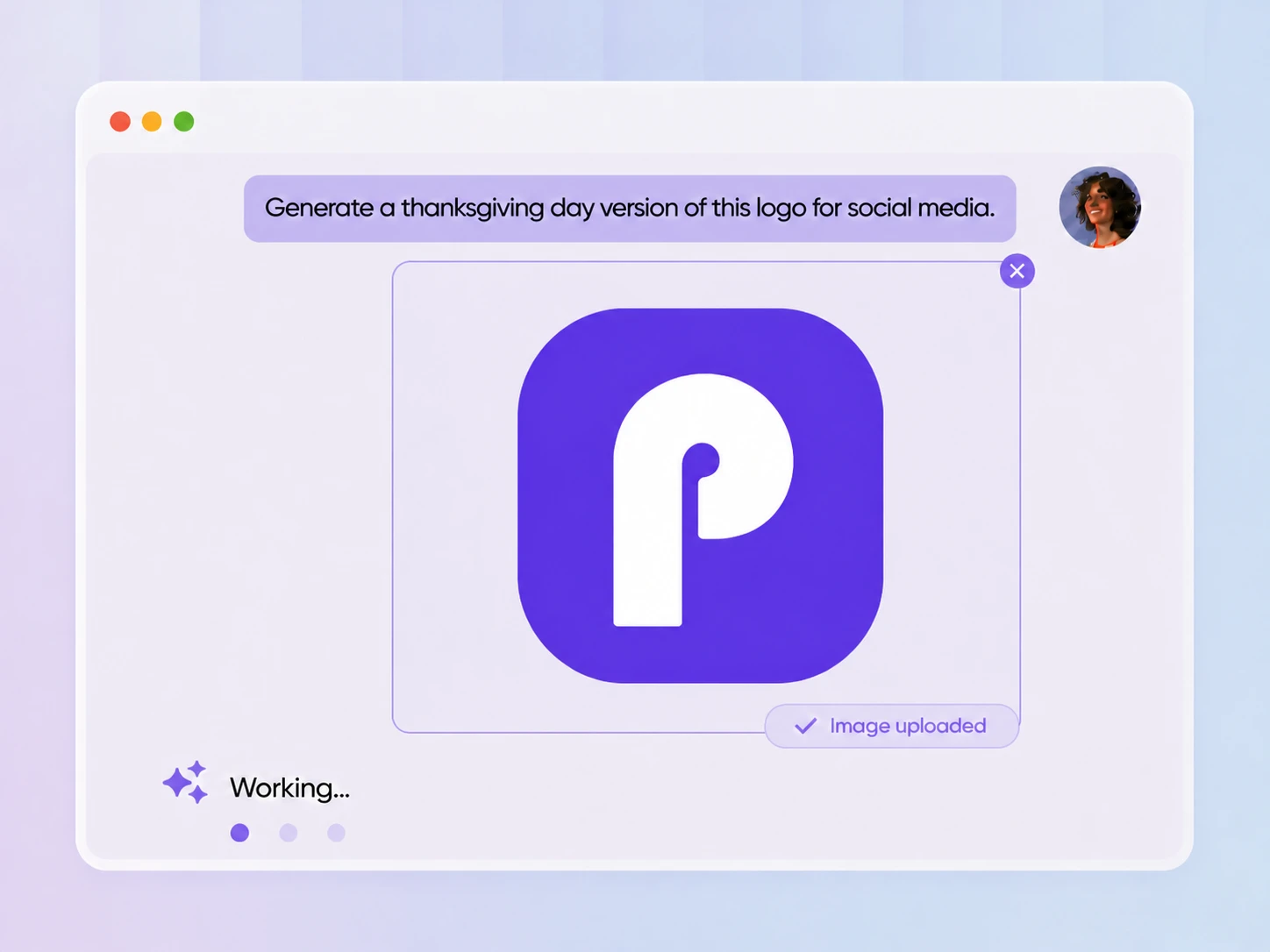
Upload your existing logo or a product image for reference, then use the editor to adjust the colors, graphic proportions, and overall style. This helps retain familiar brand characteristics while introducing selected Thanksgiving elements.
Place your logo on seasonal packaging
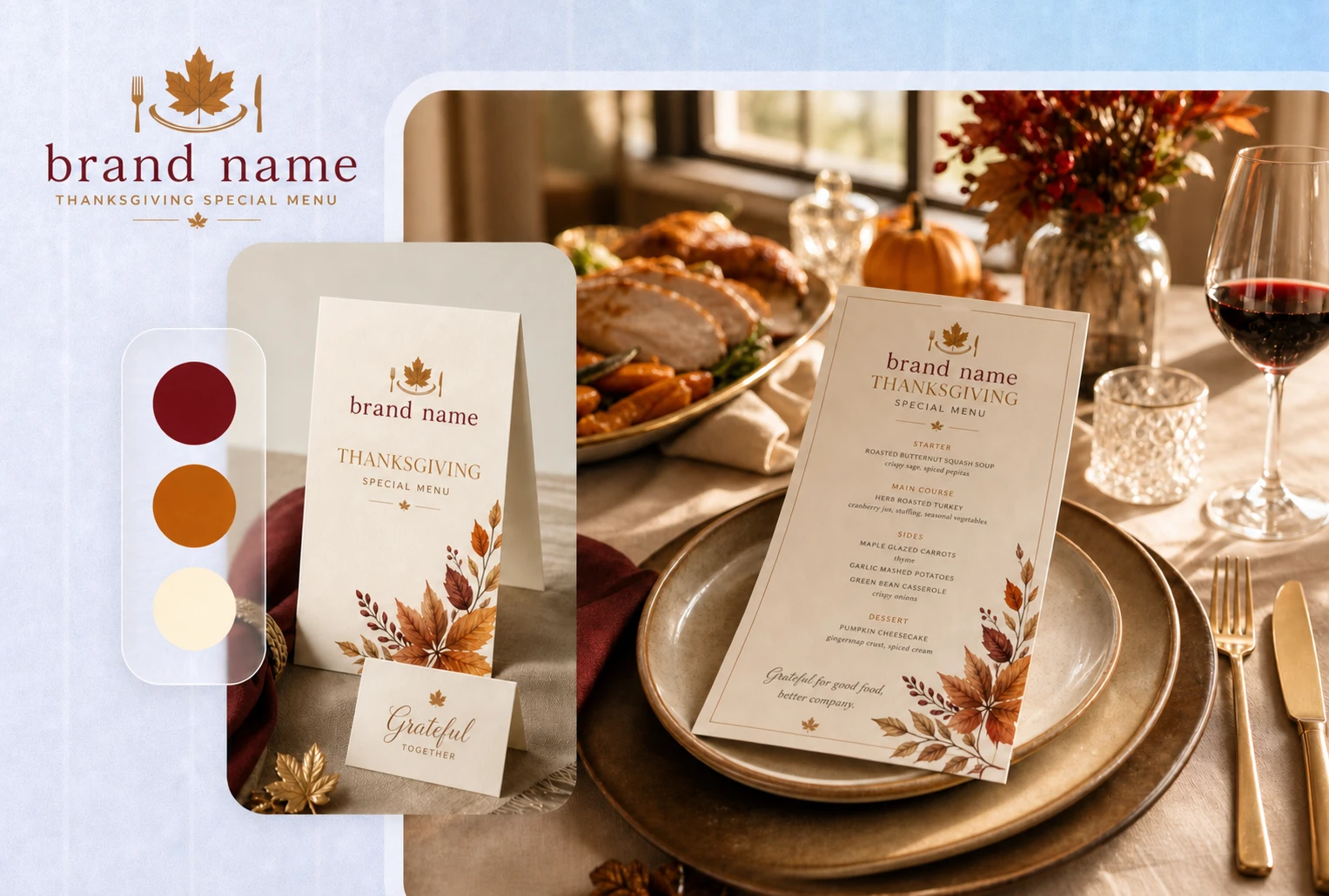
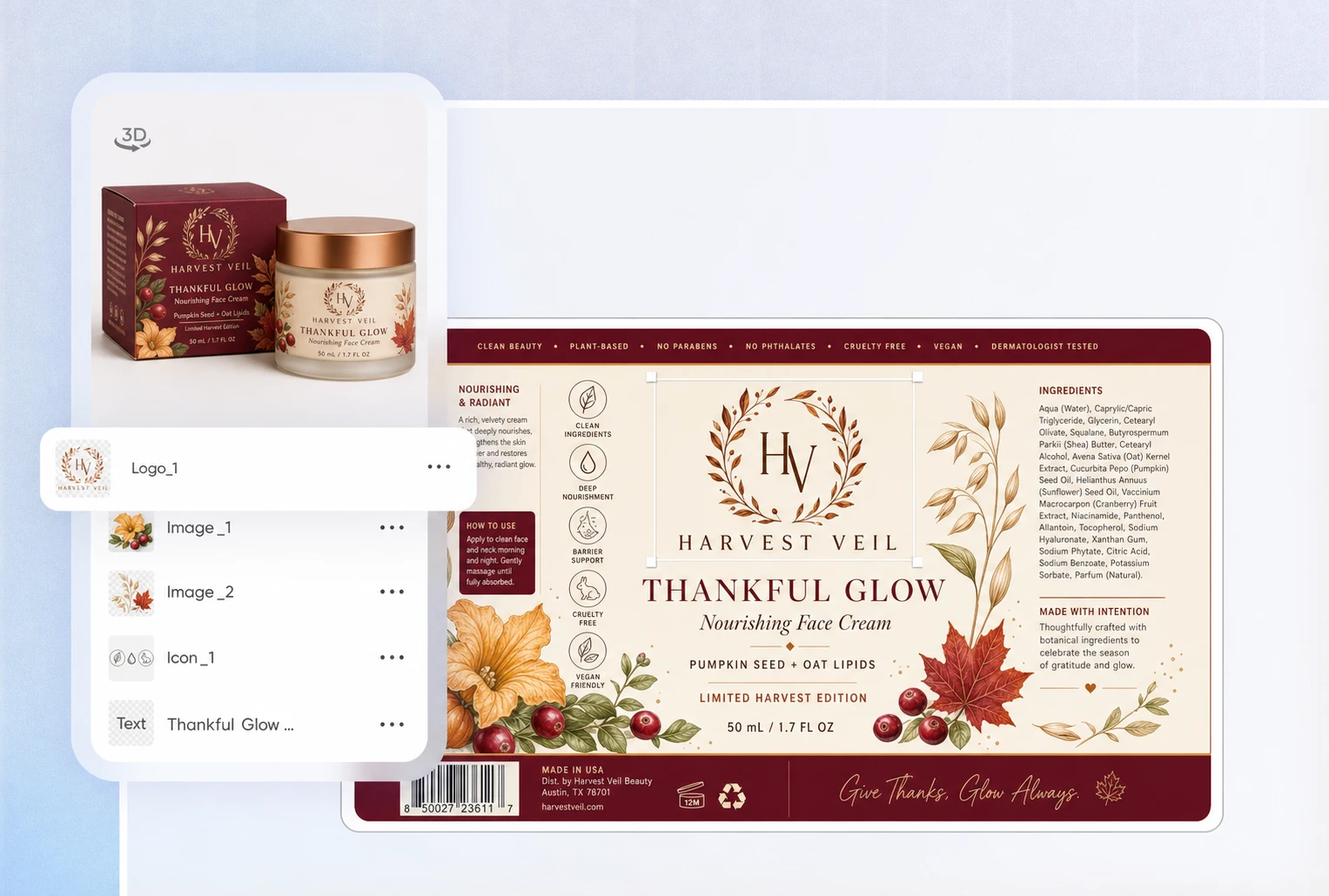
A Thanksgiving logo may need to appear alongside product names, seasonal graphics, and other information on food gift boxes, bakery packaging, gift bags, or event packaging. If its color, scale, or placement does not fit the layout, the brand name and product details may become harder to read.
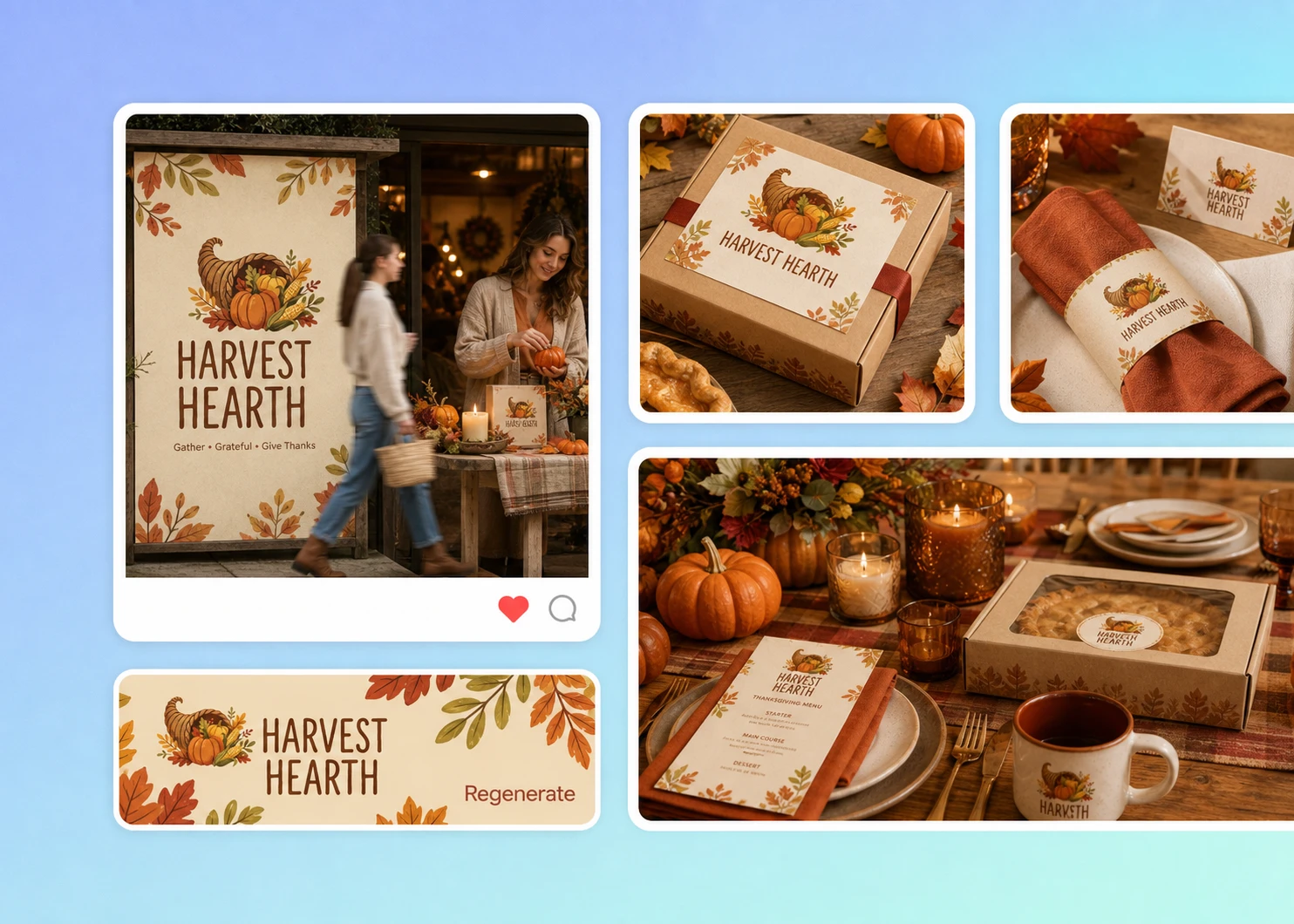
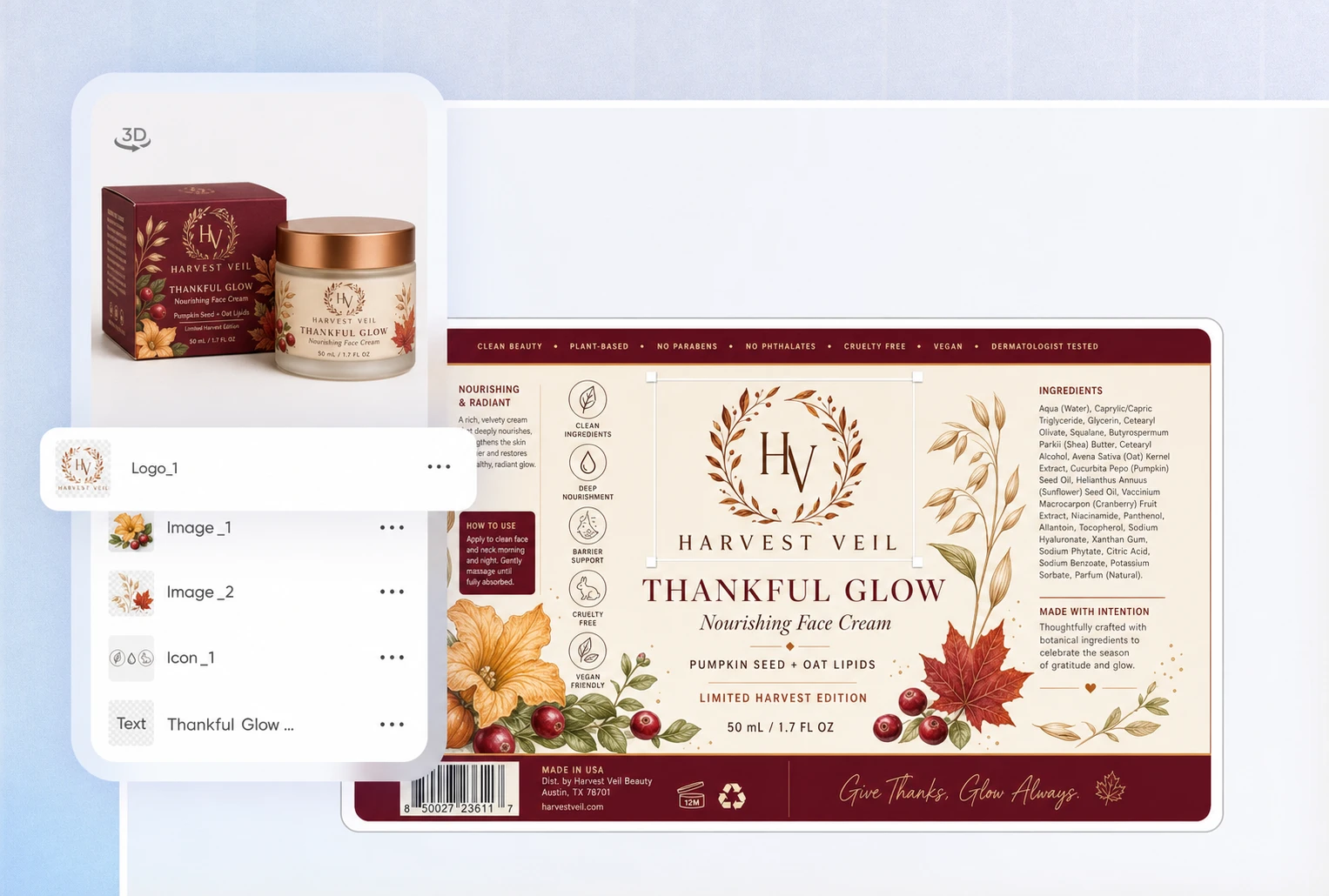
After generating your logo, click Edit Logo and describe the packaging you want to place it on, such as a Thanksgiving food gift box, bakery package, or gift bag. Packify will generate the packaging visual so you can review how the logo works with the packaging colors, product name, and seasonal graphics.
Start your Thanksgiving design for free
Enter your brand name, campaign theme, and preferred style to see what Packify creates. Try different Thanksgiving elements, compare visual directions, and refine the colors, graphics, and composition.
The free trial lets you experience the process from generation and editing to PNG download. You can see the design before deciding what to do next, which works well for time-sensitive seasonal campaigns and small promotions.
Move beyond repeated templates
Ready-made templates often let you change only the text and colors. They rarely capture the difference between a restaurant special, bakery gift box, retail promotion, and community event. The same turkey, pumpkin, and autumn-leaf graphics may also appear across many businesses.
Packify starts with your written description. Add details about your business, campaign, audience, and design preferences to create a direction based on your Thanksgiving campaign instead of replacing the name in a fixed template.
Keep the character of your brand
A Thanksgiving design does not require turning every brand orange or letting seasonal graphics cover the original name and identifying elements. A fitting seasonal version should help customers recognize the brand before they notice the Thanksgiving theme.
Upload your existing logo or a product image for reference, then use the editor to adjust the colors, graphic proportions, and overall style. This helps retain familiar brand characteristics while introducing selected Thanksgiving elements.
Place your logo on seasonal packaging
A Thanksgiving logo may need to appear alongside product names, seasonal graphics, and other information on food gift boxes, bakery packaging, gift bags, or event packaging. If its color, scale, or placement does not fit the layout, the brand name and product details may become harder to read.
After generating your logo, click Edit Logo and describe the packaging you want to place it on, such as a Thanksgiving food gift box, bakery package, or gift bag. Packify will generate the packaging visual so you can review how the logo works with the packaging colors, product name, and seasonal graphics.
Proven impact, in our customer's words


The AI-powered packaging design tool is a game-changer. It's fast, intuitive, making it an essential tool for any forward-thinking design team.ved.
March 26, 2025


The results are so amazing that I don't think it's just for inspiration... I'd say artificial intelligence outperforms most designers; the key is to come up with the perfect prompt. Great contribution! Thank you 😊.
March 18, 2025


The AI-powered packaging design tool is a game-changer. It's fast, intuitive, making it an essential tool for any forward-thinking design team.
March 18, 2025


We’re a tiny skincare shop. Packify.ai turned my scribbles into clean mockups and a printable dieline by Monday. Fewer back-and-forths, consistent branding, a nd our product page conversions moved.
March 18, 2025


The AI-powered packaging design tool is a game-changer. It's fast, intuitive, making it an essential tool for any forward-thinking design team.
March 26, 2025


The results are so amazing that I don't think it's just for inspiration... I'd say artificial intelligence outperforms most designers; the key is to come up with the perfect prompt. Great contribution! Thank you 😊
March 18, 2025


Congrats! Packify.ai, an AI packaging designer, enables easy, creative design and offers AI-driven product photography for e-commerce through simple chatting.
April 2, 2025


We’re a tiny skincare shop. Packify.ai turned my scribbles into clean mockups and a printable dieline by Monday. Fewer back-and-forths, consistent branding, a nd our product page conversions moved.
May 9, 2025
You asked,
we answered
You asked, we answered
What elements should I use in a Thanksgiving logo?
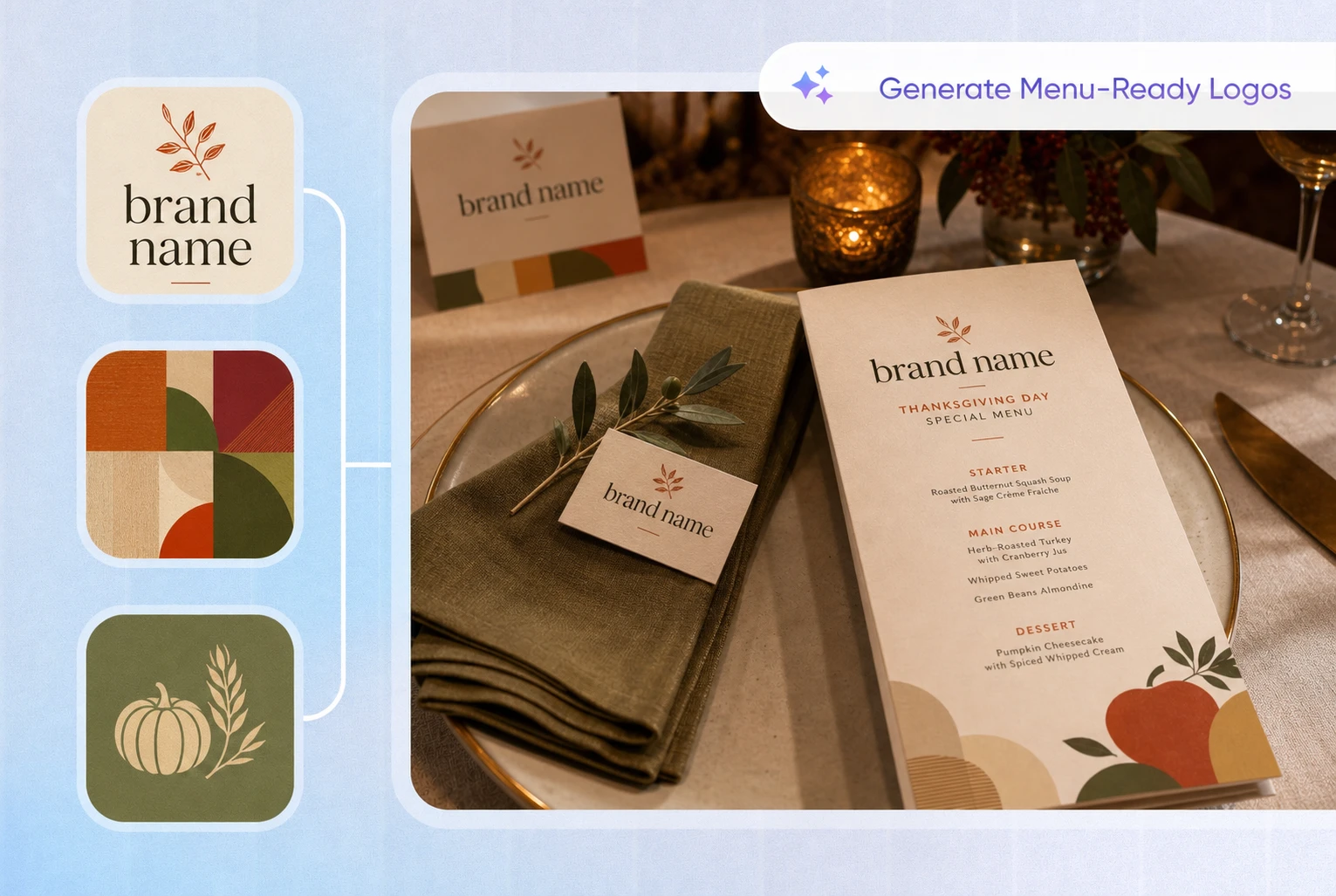
Common choices include turkeys, pumpkins, autumn leaves, wheat, corn, cornucopias, apple pie, and Thanksgiving dinner tables. Restaurants and bakeries can emphasize food and gathering, gift brands can use autumn plants and warm colors, while community events may focus on sharing, gratitude, and harvest symbols.
One main element is usually enough. Use color and typography to add seasonal character without making the logo feel crowded.
Does my brand need a separate Thanksgiving logo?
Not necessarily. If your brand is launching a Thanksgiving menu, limited-edition gift box, seasonal package, or special promotion, a temporary Thanksgiving logo or campaign mark can make the related content easier to recognize.
It does not need to replace your permanent logo. Keeping your brand name and main identifying features while adding a small number of seasonal elements is often enough for a short-term campaign.
Can I use the Thanksgiving Logo Maker for free?
Packify offers a free trial so you can generate, refine, and download a Thanksgiving logo while exploring the process from written description to finished design.
To create more designs or access additional features, visit the Pricing page to review the current plans.
Can I use my Thanksgiving logo commercially?
You may use your generated logo for Thanksgiving promotions, menus, packaging, product pages, social media, and event materials, subject to Packify’s Terms of Use.
Packify does not grant exclusive rights to AI-generated content or guarantee that every result is eligible for trademark registration. Before publishing it, check that the design does not closely resemble an existing trademark or brand logo.
Create a fresh brand look for Thanksgiving
