
Water bottle label maker
Describe your event, choose a label shape and size, then create a water bottle label to edit or download as a PNG.
Trusted by industry-leading businesses


Start offering custom water bottle labels for events
Weddings, birthday parties, baby showers, and corporate meetings often need bottled water that matches the event. For event suppliers and small home businesses, custom water bottle labels can become an accessible personalization service. Enter the event name, date, colors, and message, then use Packify to generate the label. Edit the text, images, and layout to prepare a customer preview, a small test batch, or a finished file for printing.
How to create water bottle labels with Packify?
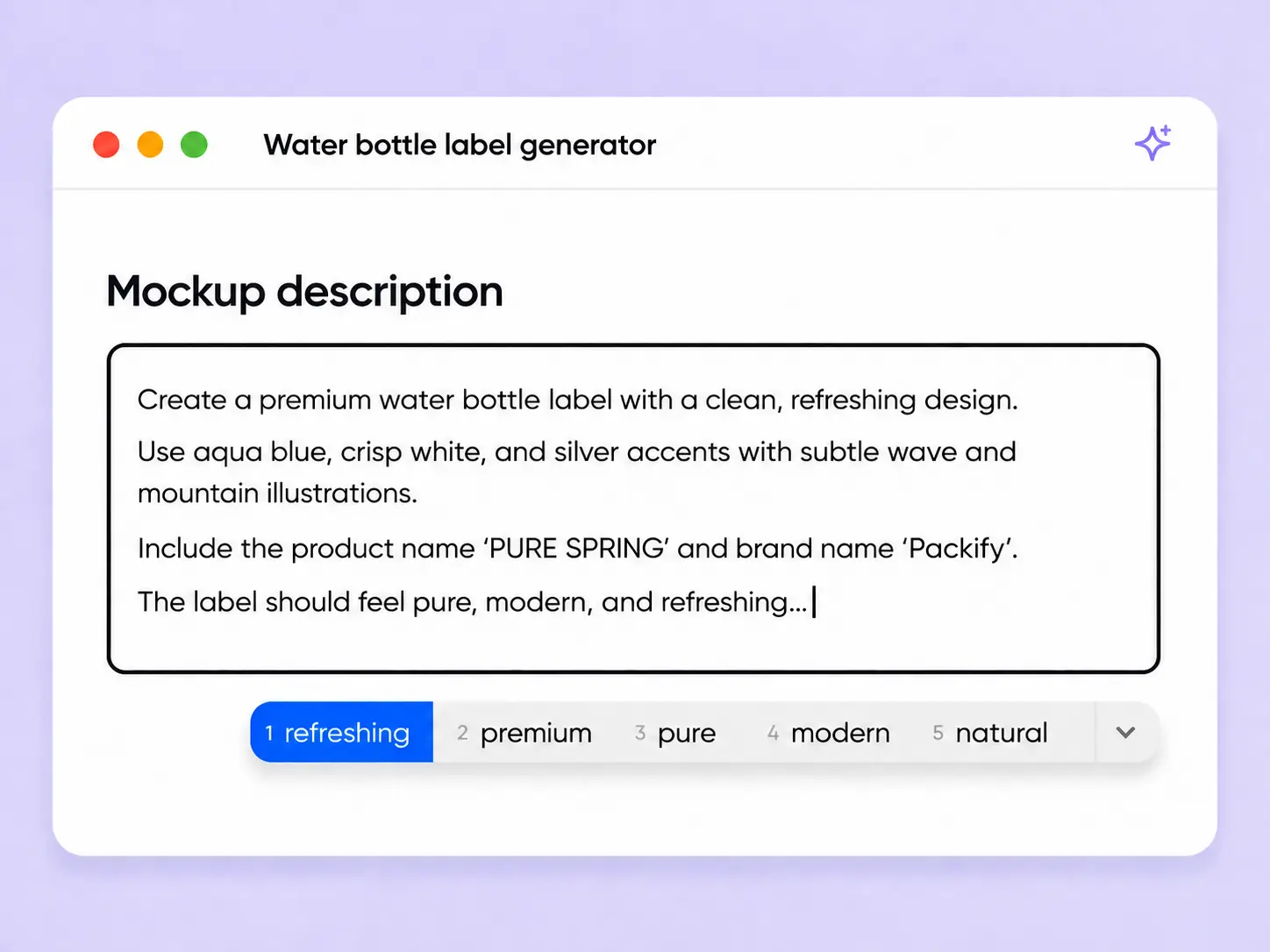
Step 1: Describe your event and label
Enter the event theme, names, date, colors, and visual style. Choose a label shape, set its dimensions, and upload photos, logos, or references if needed.
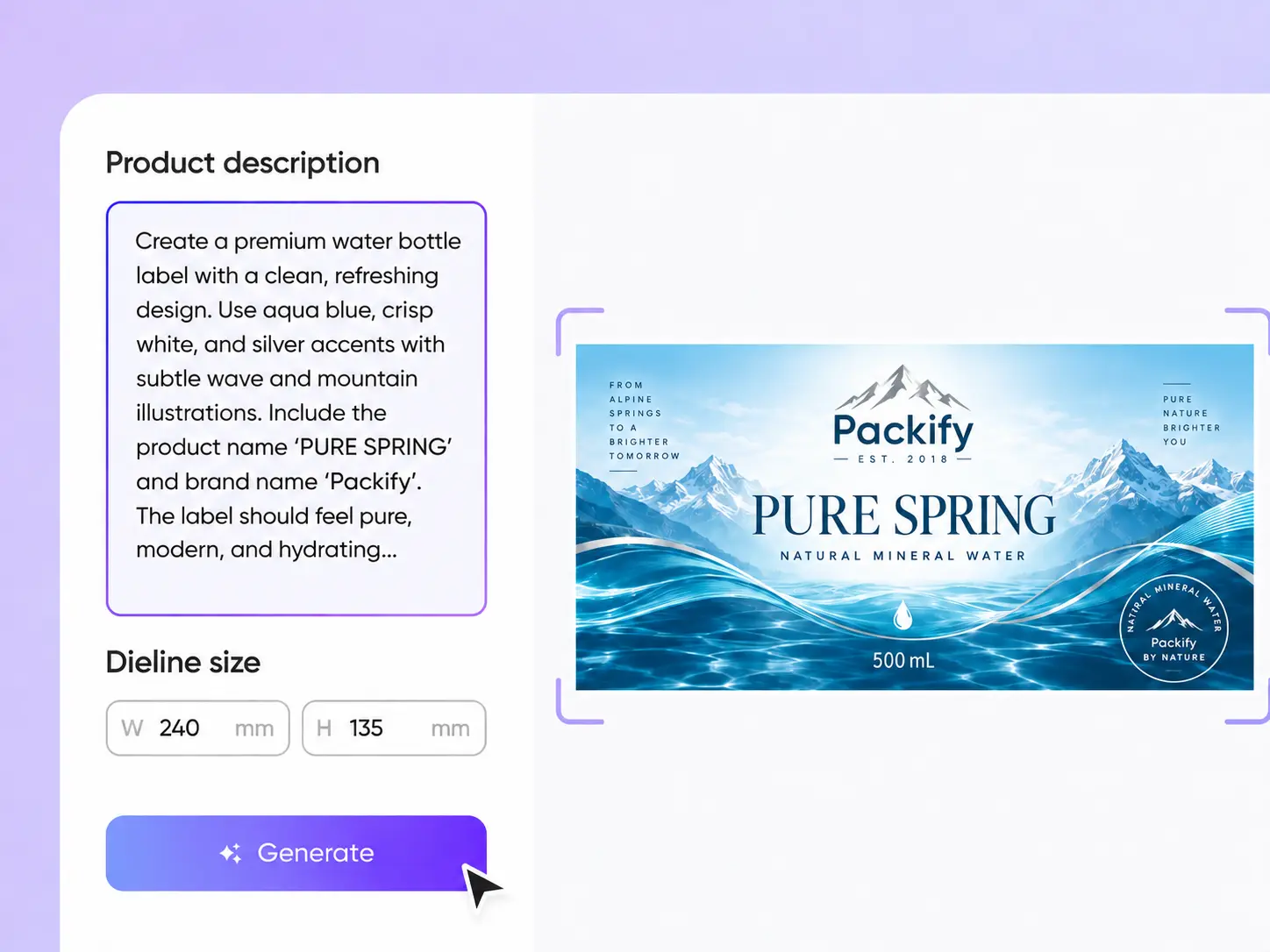
Step 2: Generate and edit the label
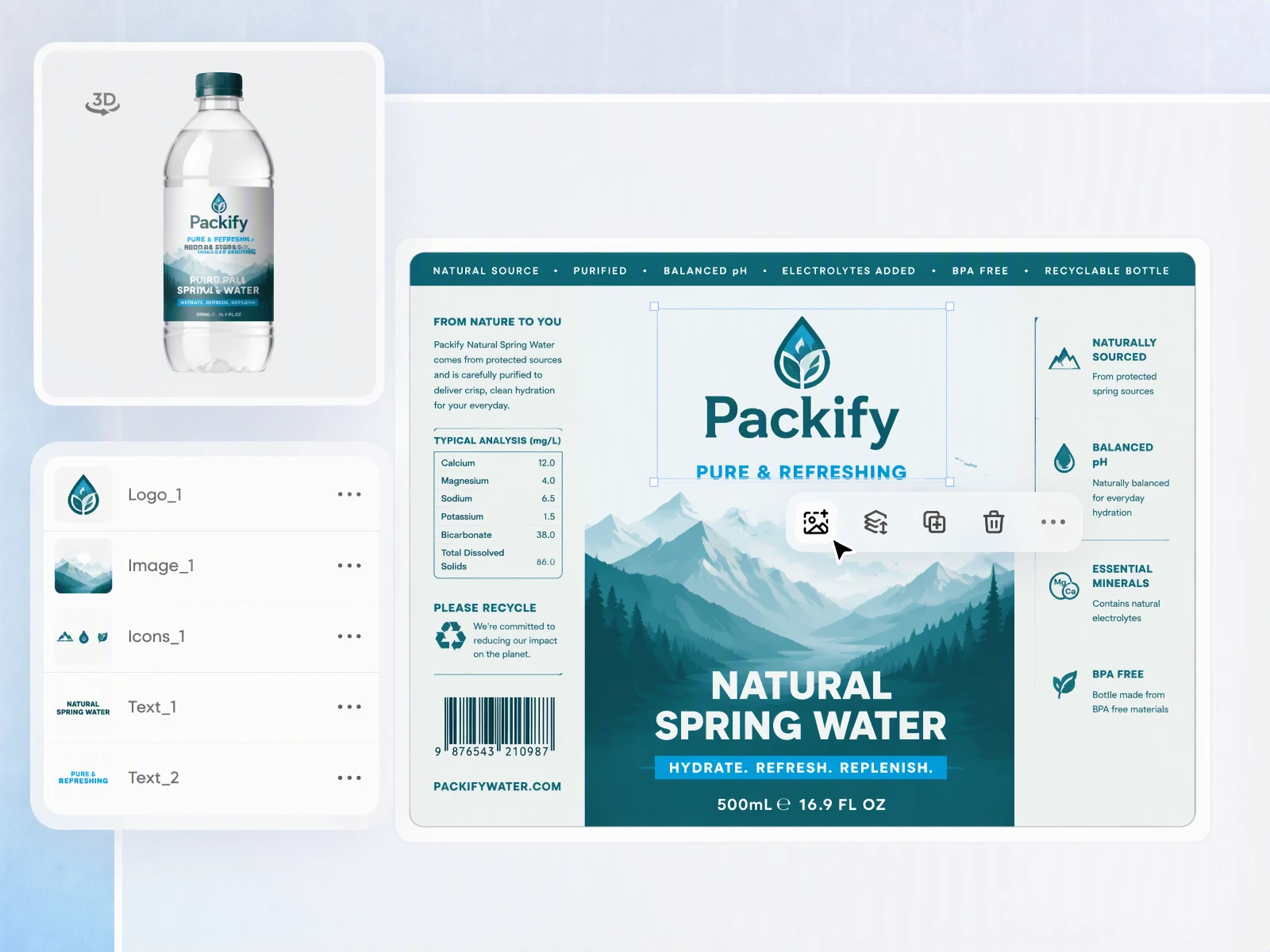
Generate your personalized design, then click Edit label to adjust the text, photos, colors, graphics, and layout until it matches the event or brand.
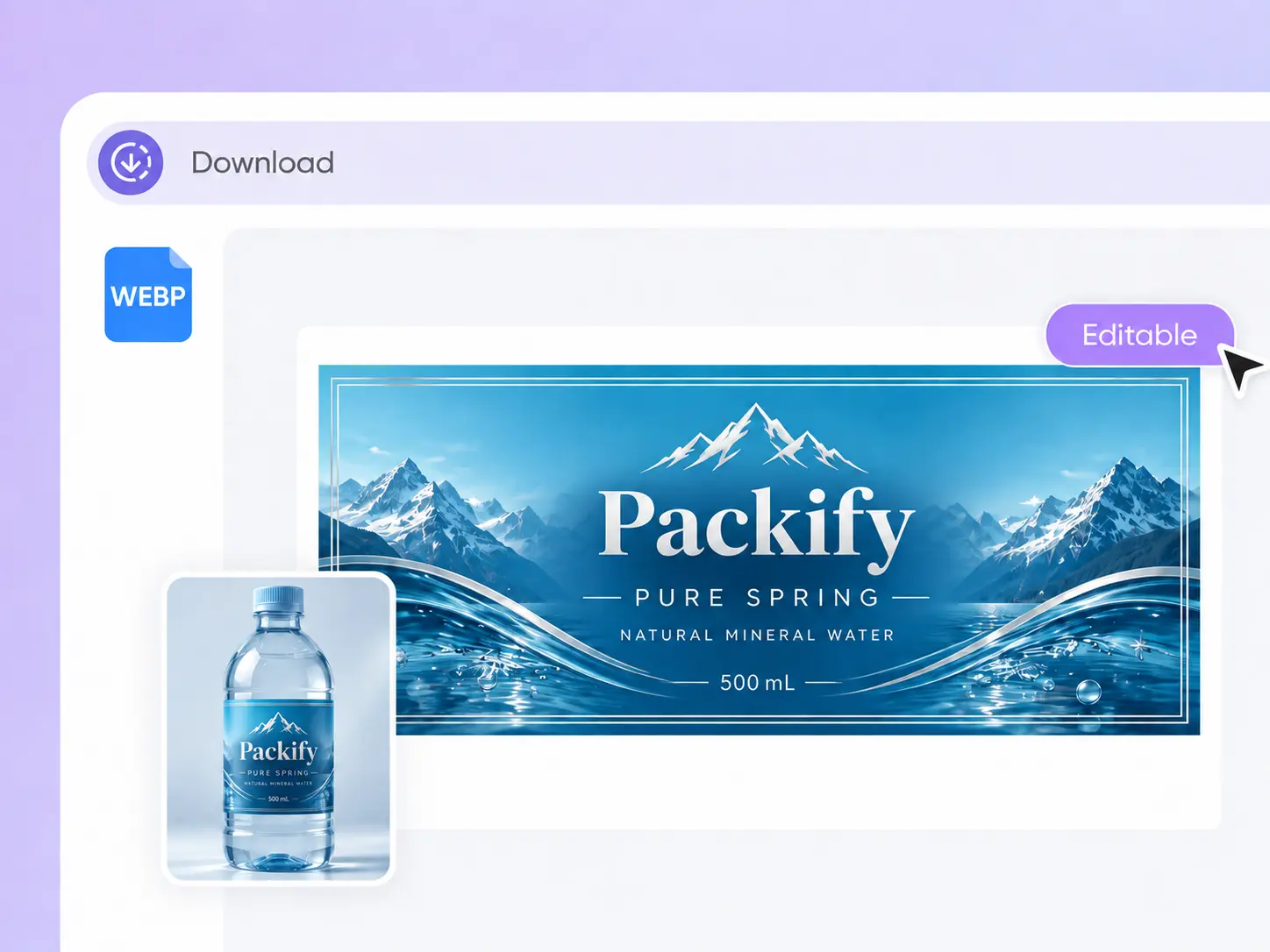
Step 3: Review and download the PNG
Check names, dates, images, dimensions, barcodes, and Nutrition Facts. Download the PNG after reviewing the material, bleed, and cutting requirements with your printer.

Step 1: Describe your event and label
Enter the event theme, names, date, colors, and visual style. Choose a label shape, set its dimensions, and upload photos, logos, or references if needed.
Step 2: Generate and edit the label
Generate your personalized design, then click Edit label to adjust the text, photos, colors, graphics, and layout until it matches the event or brand.
Step 3: Review and download the PNG
Check names, dates, images, dimensions, barcodes, and Nutrition Facts. Download the PNG after reviewing the material, bleed, and cutting requirements with your printer.
Why use Packify to create water bottle labels?
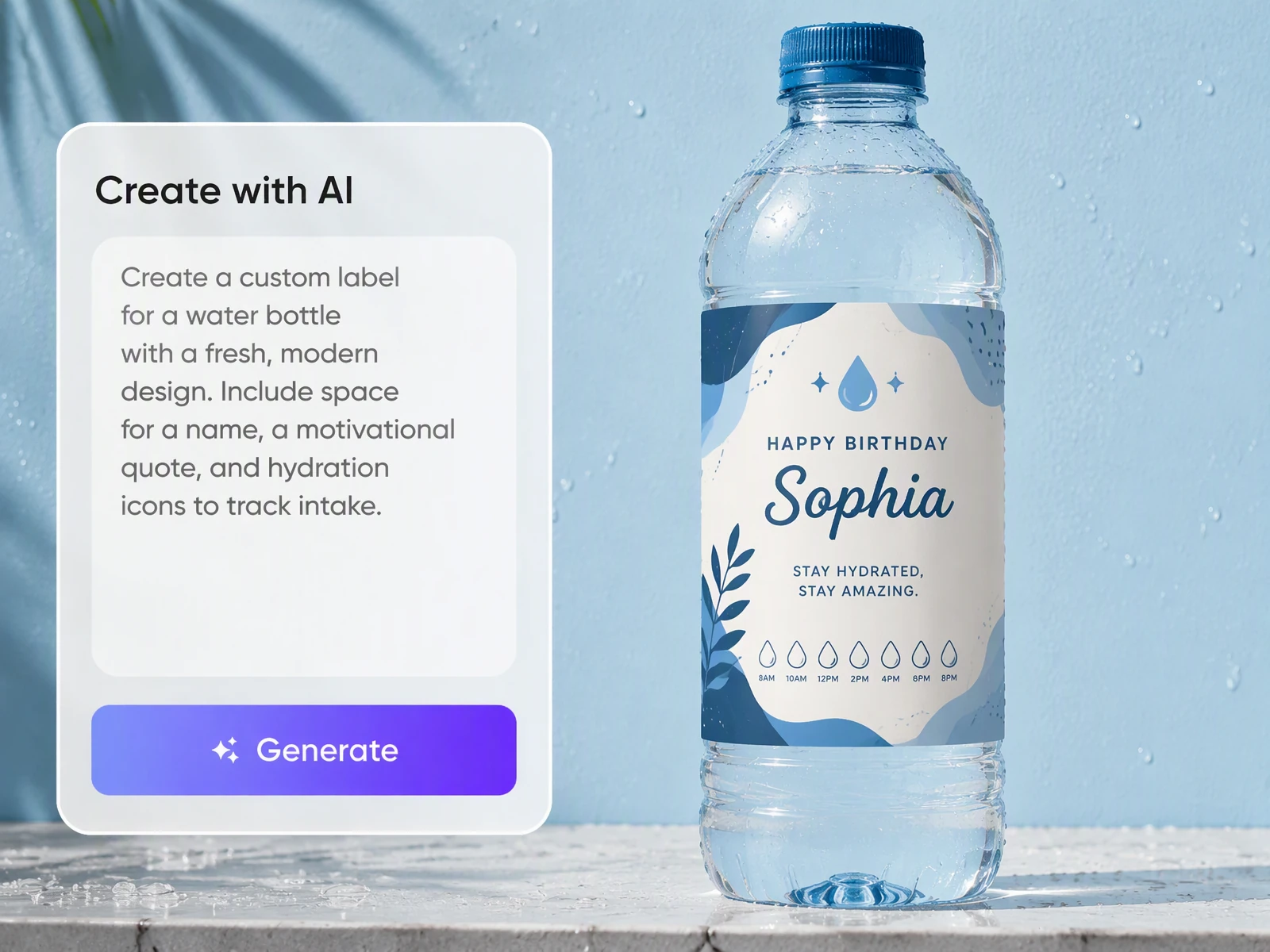
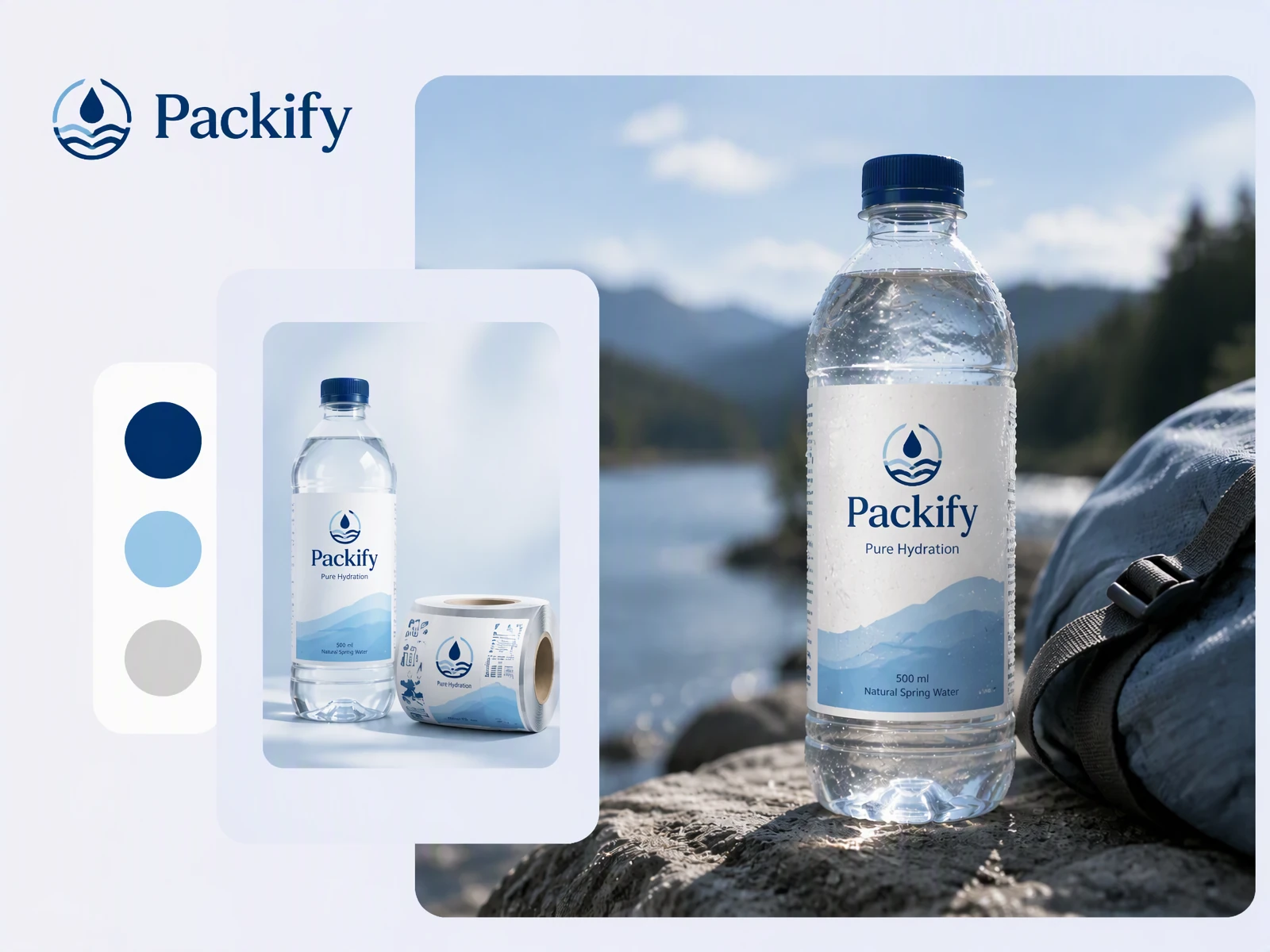
Match the event theme
Plain bottled water can look disconnected from a wedding, party, or meeting setup. Add the event name, date, message, and colors to generate a wraparound label that fits the visual direction of the occasion.
Confirm customer requests faster
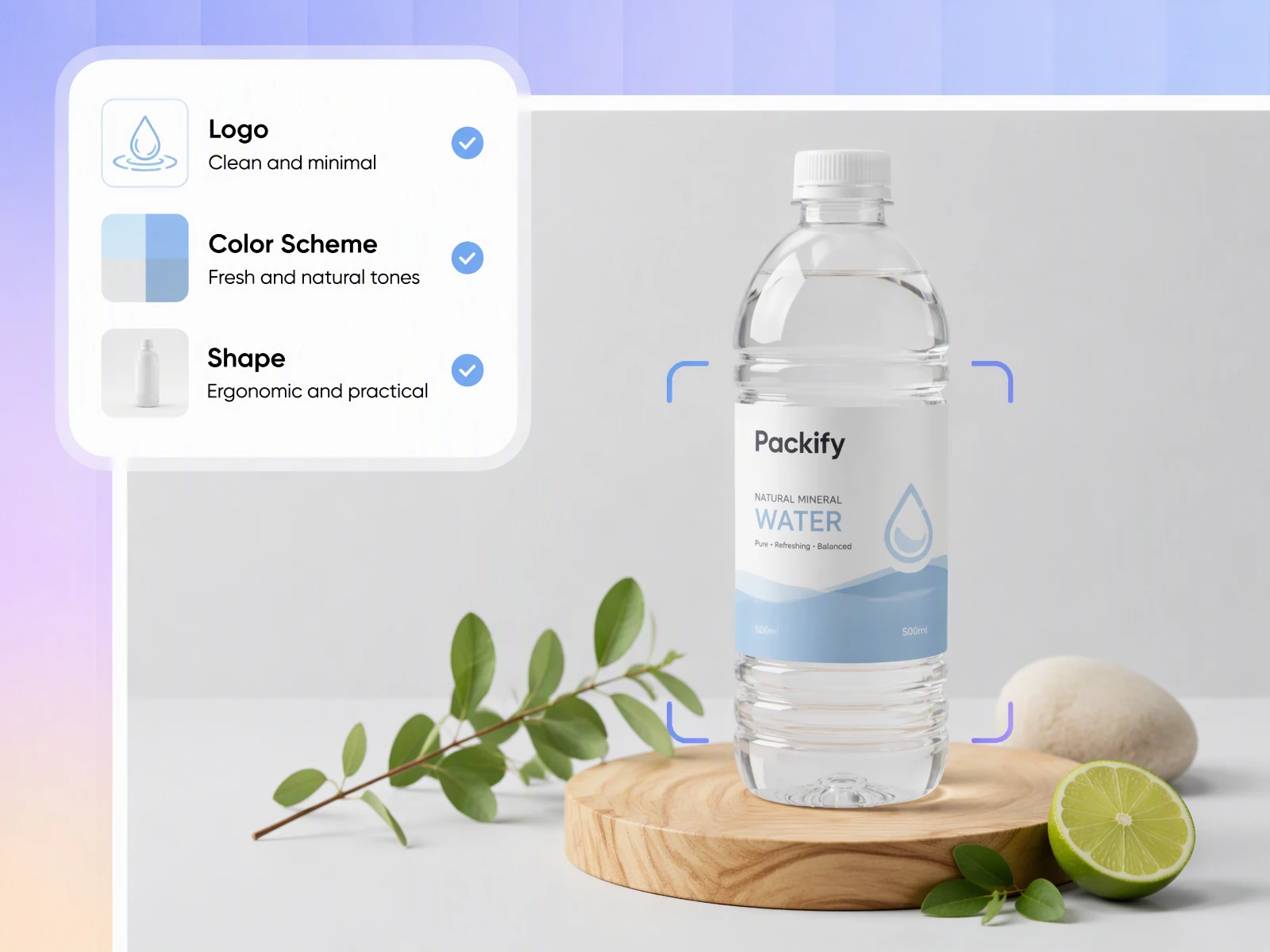
Event suppliers often need to revise names, dates, photos, and colors after receiving customer feedback. Generate the first design, open Edit label, and update individual elements before preparing a sample or arranging a larger print run.
Build a recognizable brand
Hotels, event sponsors, and small bottled water businesses need space for a name, logo, and supporting information. Upload your brand assets and describe the direction to create custom water bottle labels for customer previews, presentations, and test printing.
Set dimensions for the bottle
Bottles with the same capacity can have different circumferences, grooves, and label areas. Measure the bottle, then enter the label width and height in the drink bottle label maker so important text stays away from seams and curved surfaces.
Match the event theme
Plain bottled water can look disconnected from a wedding, party, or meeting setup. Add the event name, date, message, and colors to generate a wraparound label that fits the visual direction of the occasion.
Confirm customer requests faster
Event suppliers often need to revise names, dates, photos, and colors after receiving customer feedback. Generate the first design, open Edit label, and update individual elements before preparing a sample or arranging a larger print run.
Build a recognizable brand
Hotels, event sponsors, and small bottled water businesses need space for a name, logo, and supporting information. Upload your brand assets and describe the direction to create custom water bottle labels for customer previews, presentations, and test printing.
Set dimensions for the bottle
Bottles with the same capacity can have different circumferences, grooves, and label areas. Measure the bottle, then enter the label width and height in the drink bottle label maker so important text stays away from seams and curved surfaces.
Proven impact, in our customer's words


The AI-powered packaging design tool is a game-changer. It's fast, intuitive, making it an essential tool for any forward-thinking design team.ved.
March 26, 2025


The results are so amazing that I don't think it's just for inspiration... I'd say artificial intelligence outperforms most designers; the key is to come up with the perfect prompt. Great contribution! Thank you 😊.
March 18, 2025


The AI-powered packaging design tool is a game-changer. It's fast, intuitive, making it an essential tool for any forward-thinking design team.
March 18, 2025


We’re a tiny skincare shop. Packify.ai turned my scribbles into clean mockups and a printable dieline by Monday. Fewer back-and-forths, consistent branding, a nd our product page conversions moved.
March 18, 2025


The AI-powered packaging design tool is a game-changer. It's fast, intuitive, making it an essential tool for any forward-thinking design team.
March 26, 2025


The results are so amazing that I don't think it's just for inspiration... I'd say artificial intelligence outperforms most designers; the key is to come up with the perfect prompt. Great contribution! Thank you 😊
March 18, 2025


Congrats! Packify.ai, an AI packaging designer, enables easy, creative design and offers AI-driven product photography for e-commerce through simple chatting.
April 2, 2025


We’re a tiny skincare shop. Packify.ai turned my scribbles into clean mockups and a printable dieline by Monday. Fewer back-and-forths, consistent branding, a nd our product page conversions moved.
May 9, 2025
You asked,
we answered
You asked, we answered
What type of label works best for a water bottle?
A horizontal rectangular wraparound design is usually the best label for water bottle packaging. It can cover the original wrapper while displaying the event name, date, message, or brand logo. Measure the straight section and circumference first, avoiding grooves and shoulders while leaving a small overlap at the seam.
What size should a water bottle label be?
An 8 by 2 inch label is a common starting point for a 16.9 oz or 500 ml bottle, but bottle shapes vary. Measure the actual bottle before entering the width and height. After downloading, print the design at actual size on plain paper and wrap it around the bottle to test the fit.
Does Packify generate barcodes and Nutrition Facts?
Packify may generate a label containing barcode and Nutrition Facts areas to show the complete visual layout. Treat this content as a visual placeholder, not final production data. Before downloading or printing, replace it with accurate information, test whether the barcode scans, and review all product details.
Can I use the water bottle label maker for free?
After registering for a Packify account, you will receive trial credits that you can use to start generating labels. Generating, editing, or downloading may consume credits, so check your remaining balance before continuing. When your trial credits run out, visit the Pricing Page for current plans and credit details.
Can I use the generated labels commercially?
You may use labels created with Packify for personal or commercial projects, subject to Packify's Terms of Use. Relevant uses include wedding personalization, corporate meetings, hotel water, and event supply services. AI-generated content is not exclusive, so review trademarks, images, barcodes, product information, and other design elements before use.
Explore more free tools
Give every event its own bottled water
