AI Brochure Maker
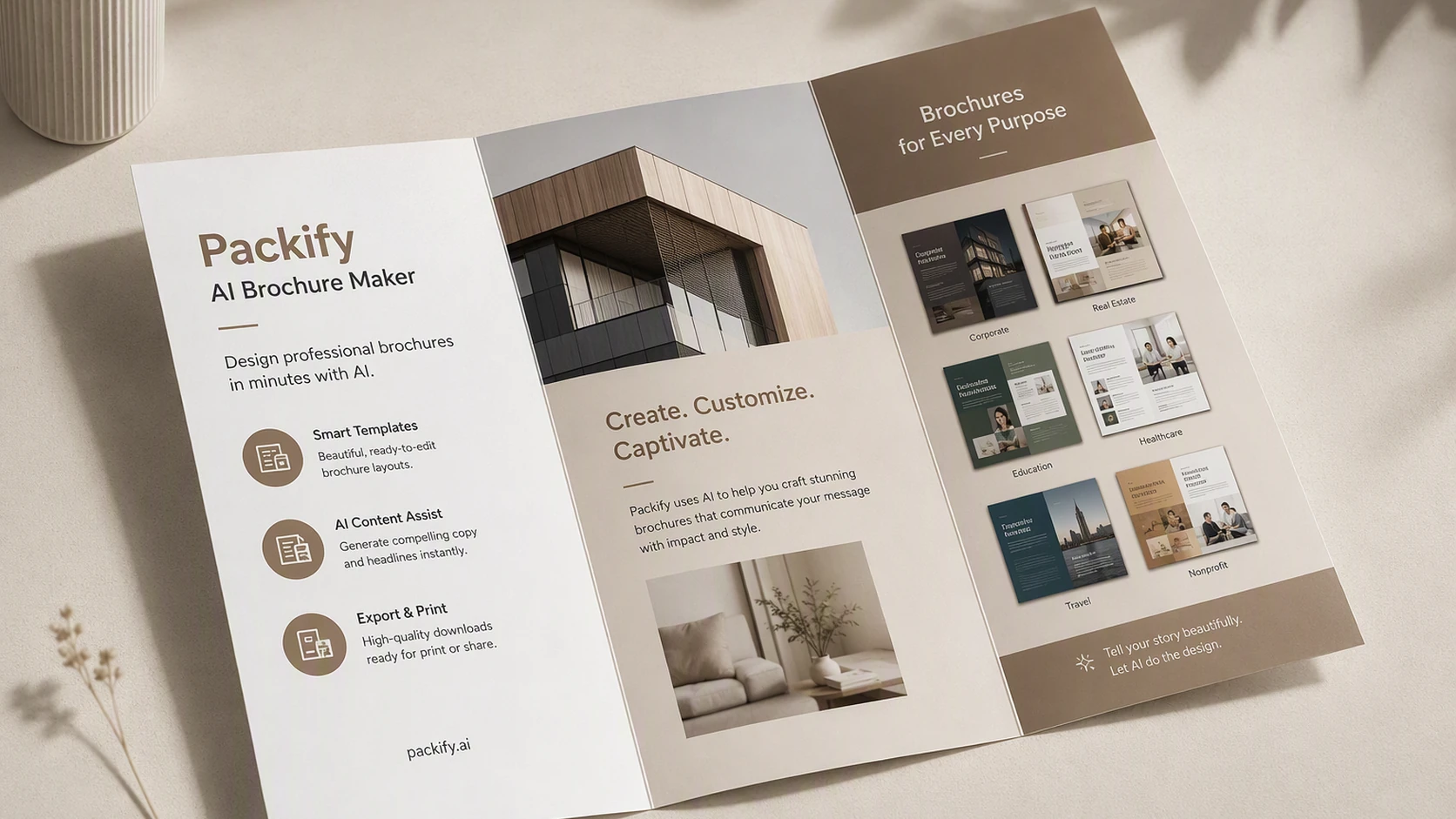
Describe your product, brochure format, audience, and use case. Packify turns your brief into a brochure mockup that you can review, refine, and customize by editing the copy, images, and layout.

Trusted by industry-leading businesses


Create a Brochure Draft Faster
Whether you need a tri-fold brochure, bi-fold brochure, product brochure, service sheet, sales handout, or trade show asset, adapting templates can take time—and traditional design software can slow down the process.
Packify is an online brochure maker that uses your product details, target audience, and brochure goals to generate a visual mockup before you start editing.
How to Make a Brochure with Packify AI?
Step 1: Enter Your Brochure Brief
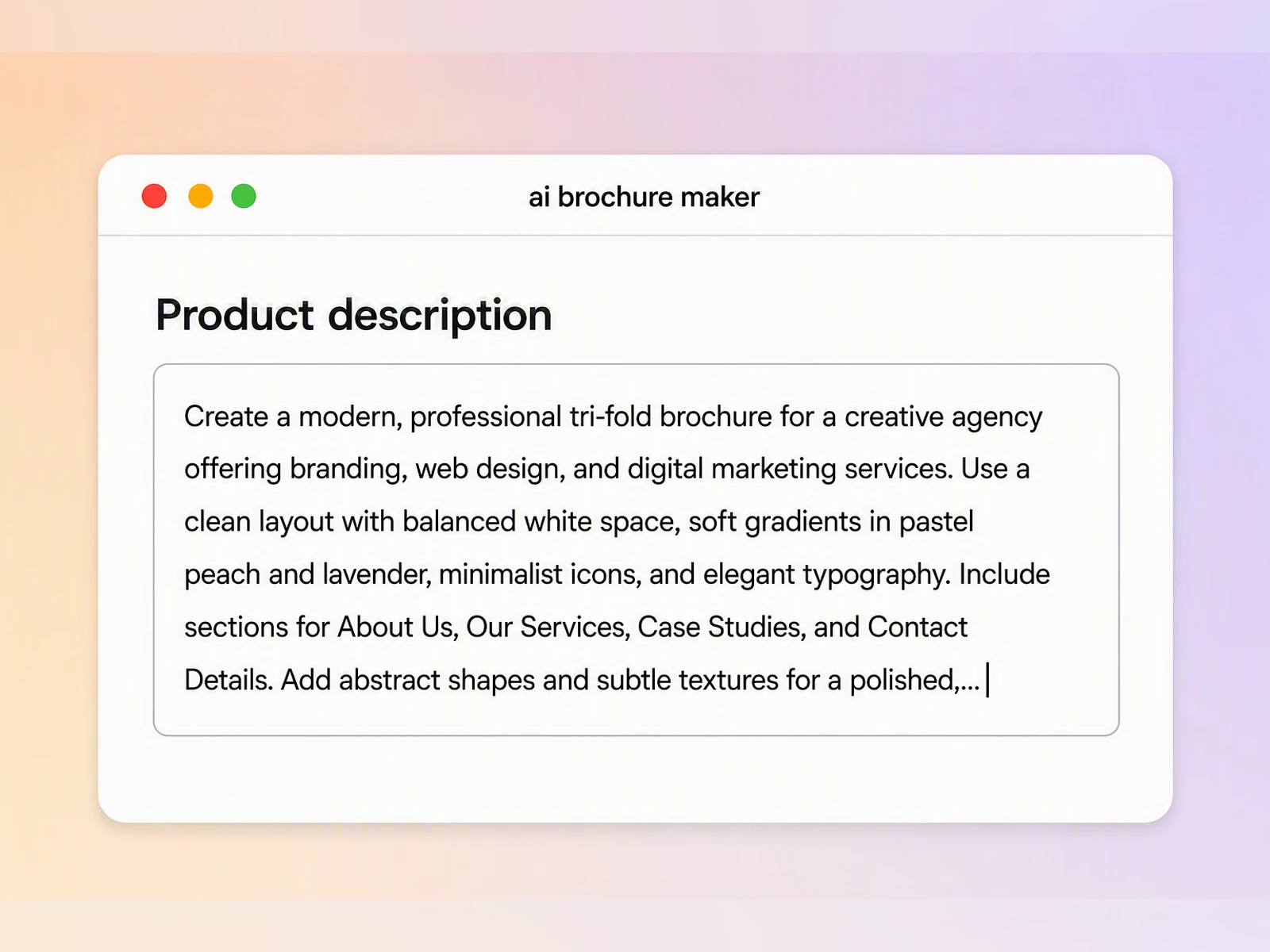
Describe your product or service, target reader, brochure format, intended use, key selling points, and preferred visual direction.
Step 2: Generate a Brochure Mockup
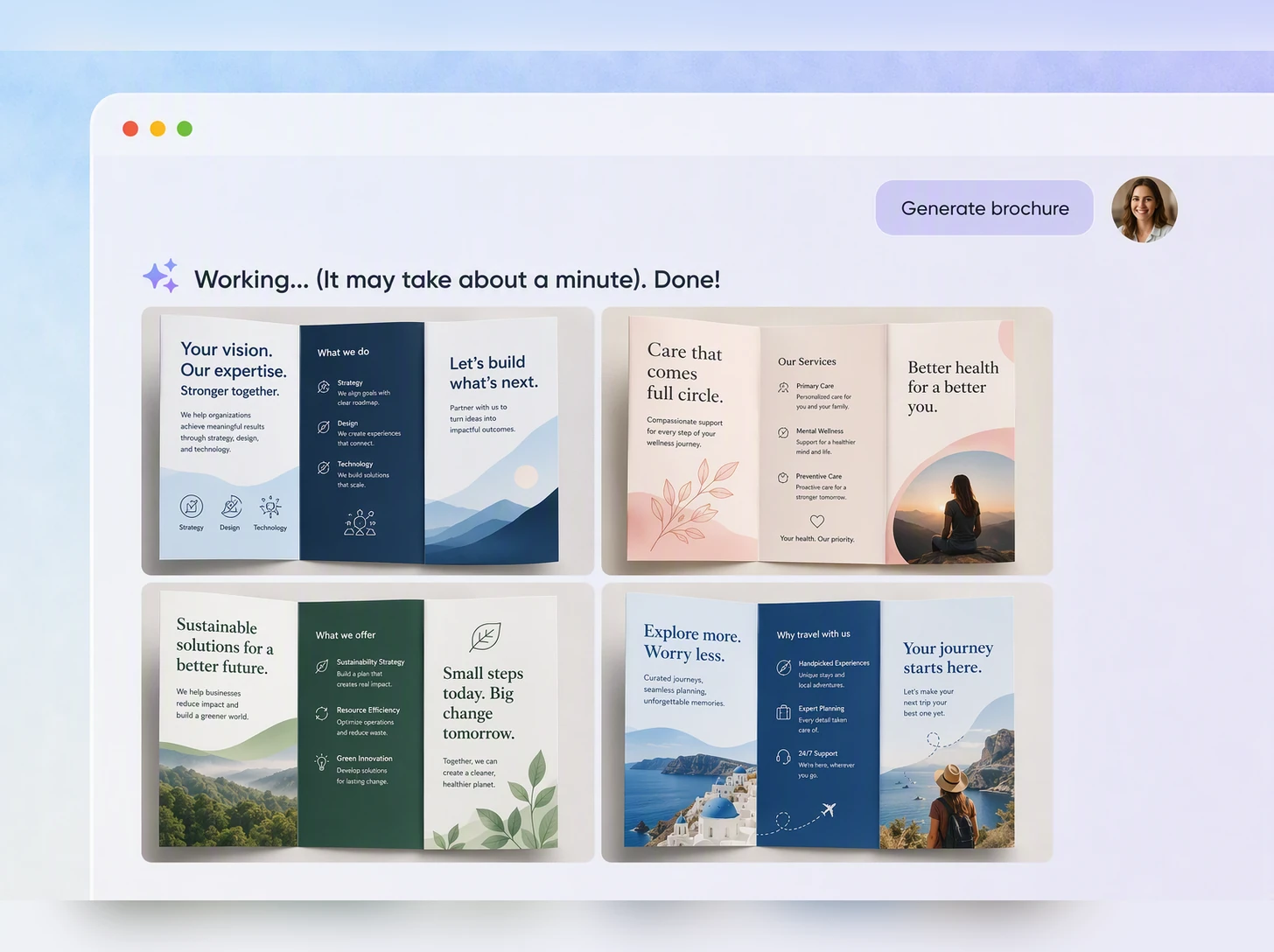
Let Packify’s brochure AI generate an initial mockup. Review the overall design, then use text prompts to refine the style, layout, visual hierarchy, and content focus.
Step 3: Edit the Copy and Layout
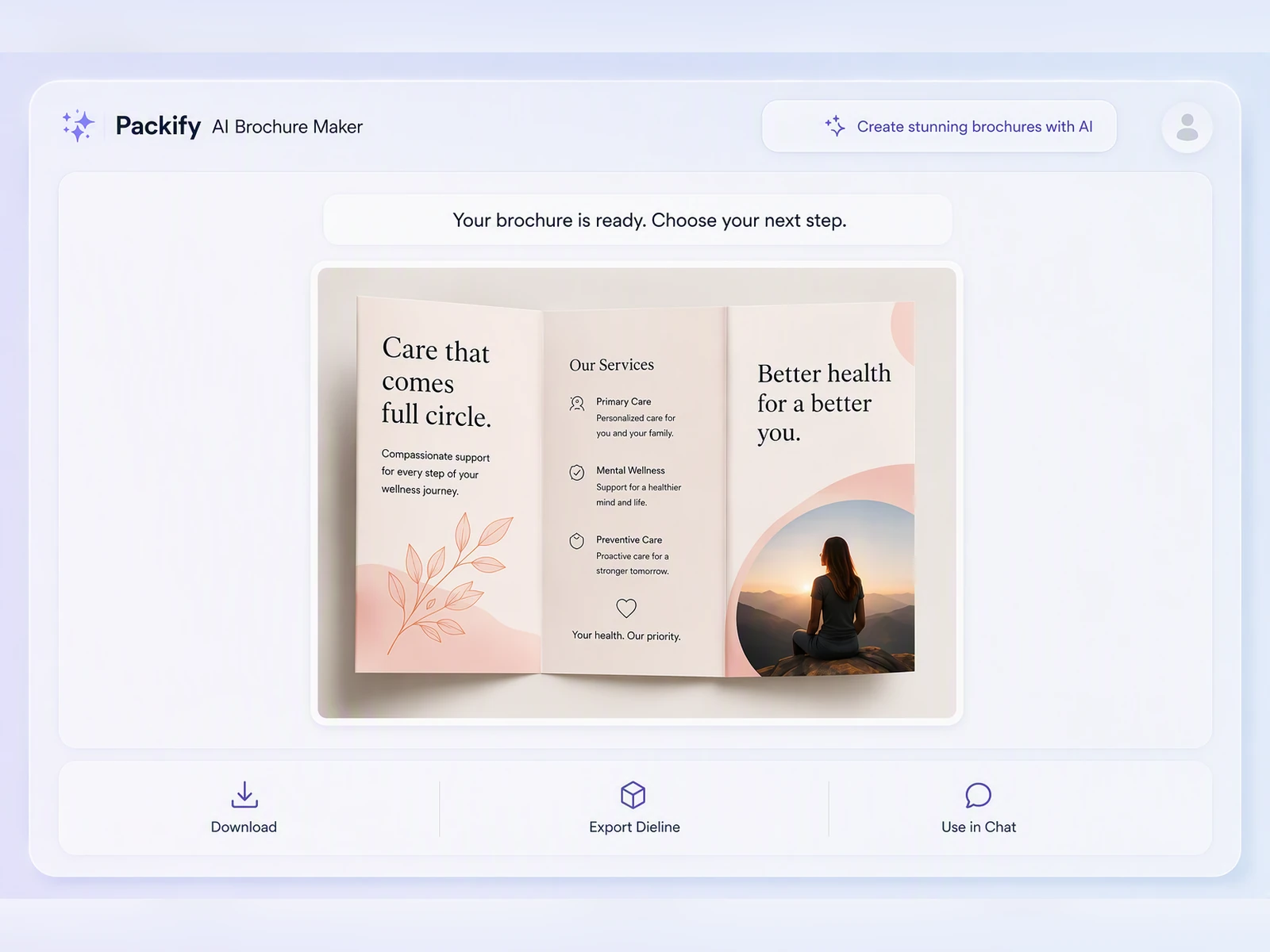
Click Export Dieline, open the editor to customize headlines, body copy, images, panel content, spacing, and other layout details by hand.

Step 1: Enter Your Brochure Brief
Describe your product or service, target reader, brochure format, intended use, key selling points, and preferred visual direction.
Step 2: Generate a Brochure Mockup
Let Packify’s brochure AI generate an initial mockup. Review the overall design, then use text prompts to refine the style, layout, visual hierarchy, and content focus.
Step 3: Edit the Copy and Layout
Click Export Dieline, open the editor to customize headlines, body copy, images, panel content, spacing, and other layout details by hand.
Why Choose Packify AI for Brochures?
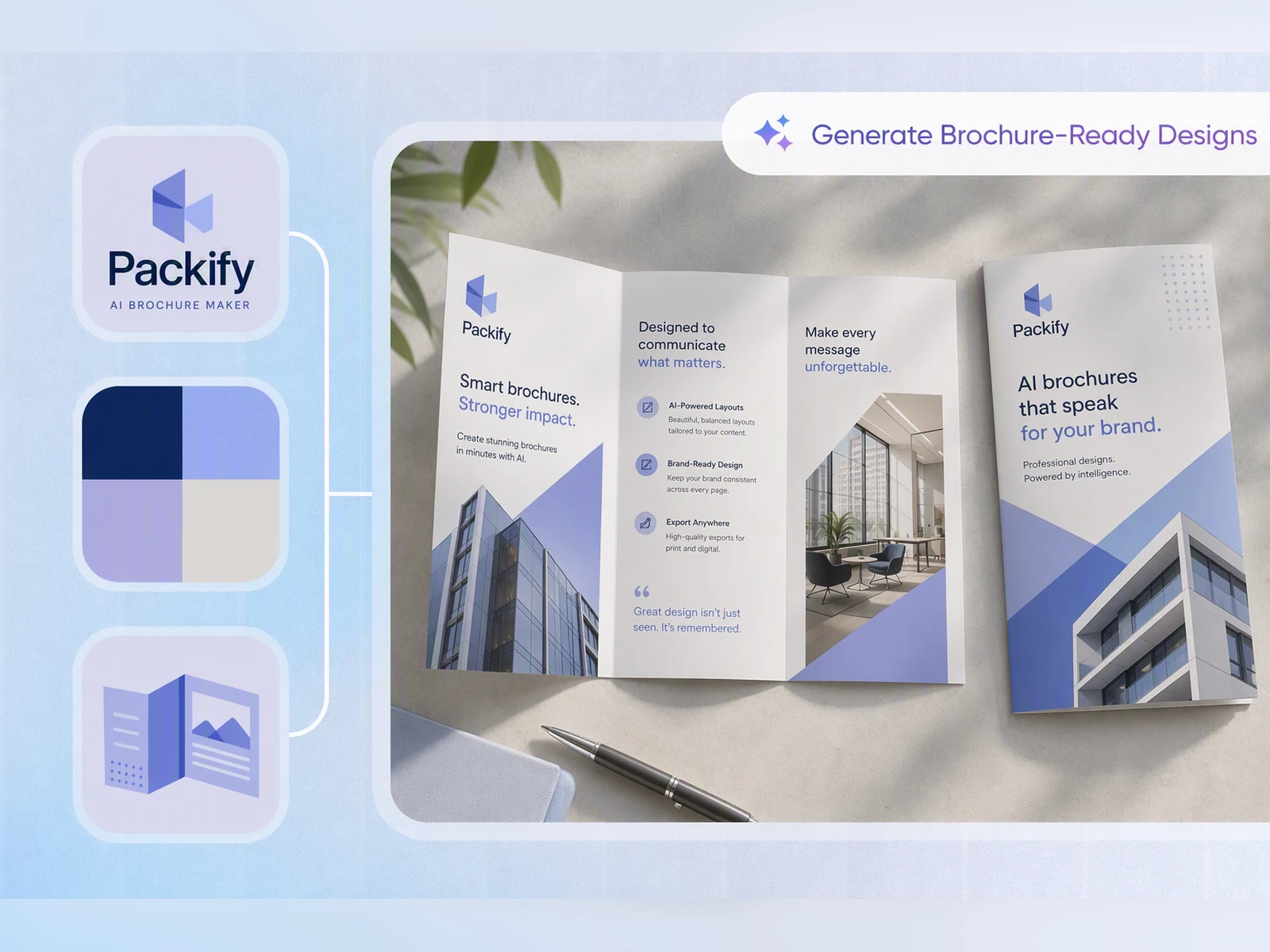
Keep Brochure Materials Consistent
A single brochure may also need to work as a printed handout, PDF, presentation slide, or trade show asset. When each version uses different colors, images, and layouts, your brand can quickly feel inconsistent.
Set up your Brand Kit in Packify to keep your logo, colors, and visual direction consistent across your brochure materials.
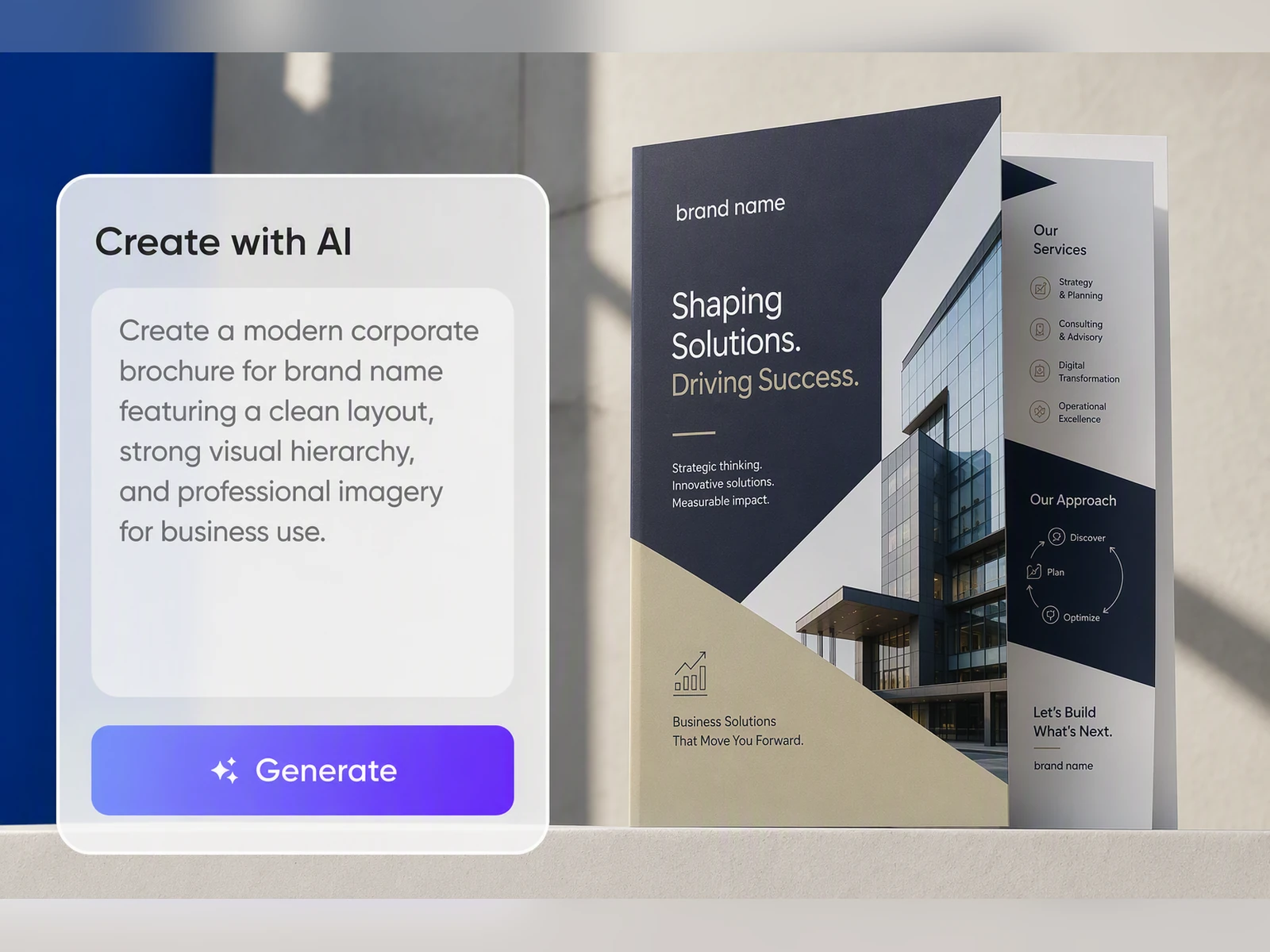
Organize Product Information Faster
A brochure may include product details, benefits, images, specifications, contact information, and calls to action. Starting with a generic AI brochure template often means manually replacing and reorganizing every section.
Packify’s AI brochure generator creates a more relevant starting point based on your product, audience, brochure format, and use case.
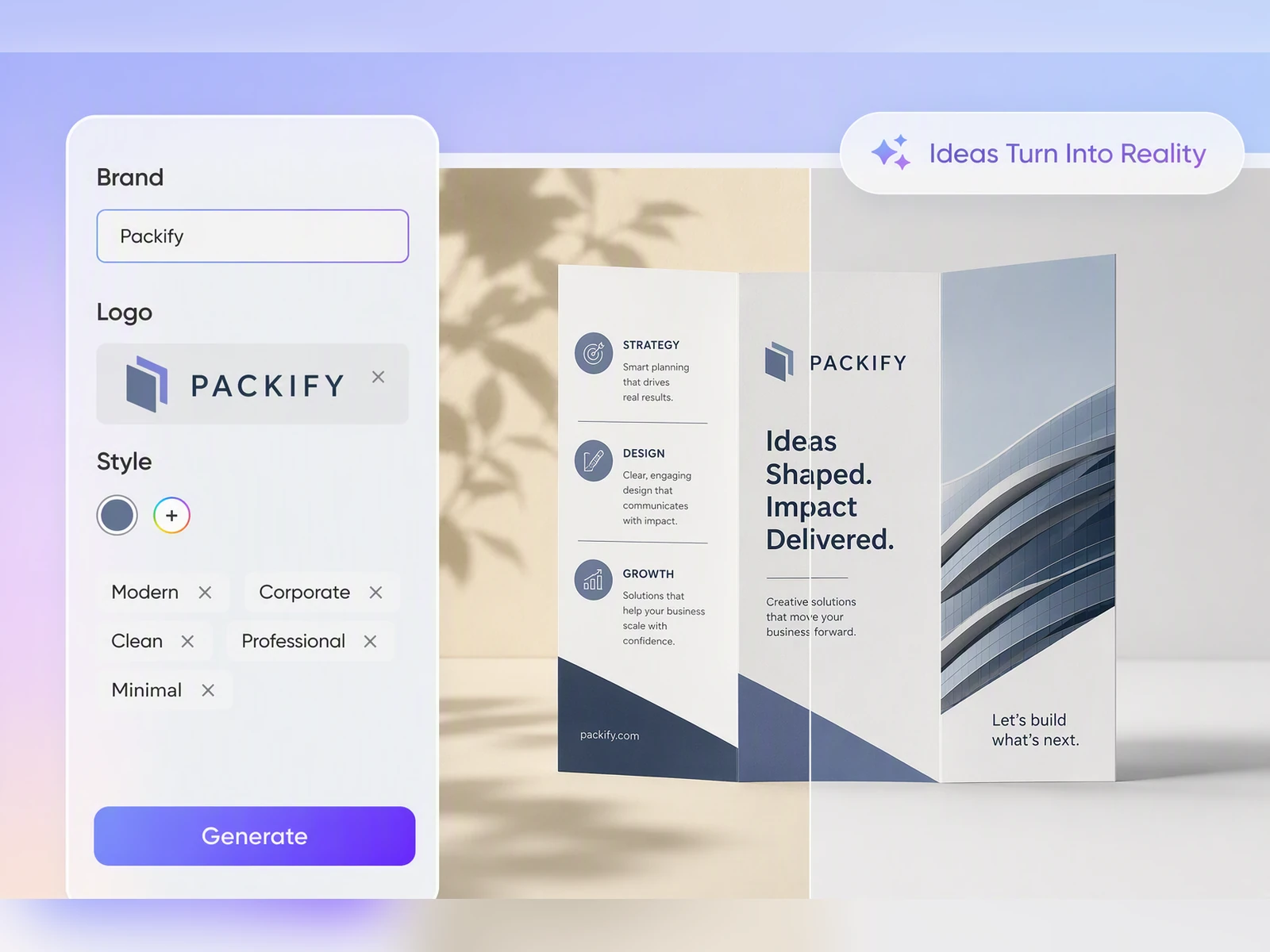
Build Product Brochure Drafts
Factories, brands, and product teams often need a product brochure maker when presenting products to distributors, agents, retail buyers, or business partners.
Packify helps you create a structured product brochure draft that communicates your product category, key benefits, specifications, and partnership details more clearly.
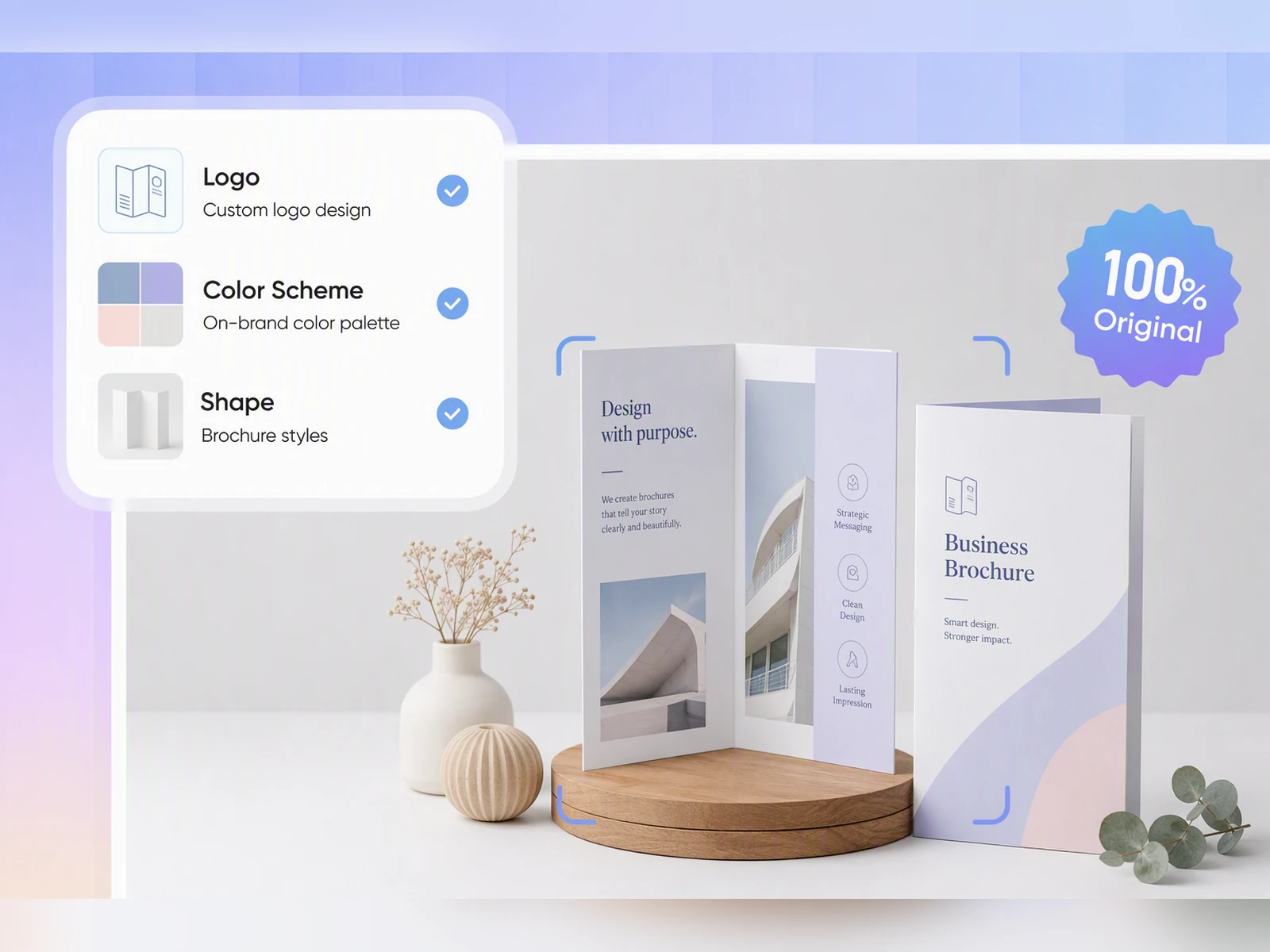
Create Sales Sheets Faster
Sales teams often need new materials before a product launch, trade show, or customer meeting. Use Packify as a sales brochure maker to generate a mockup from your product information, target audience, and preferred visual direction.
Spend less time browsing and adapting templates—and more time reviewing the details that matter.
Keep Brochure Materials Consistent
A single brochure may also need to work as a printed handout, PDF, presentation slide, or trade show asset. When each version uses different colors, images, and layouts, your brand can quickly feel inconsistent.
Set up your Brand Kit in Packify to keep your logo, colors, and visual direction consistent across your brochure materials.
Organize Product Information Faster
A brochure may include product details, benefits, images, specifications, contact information, and calls to action. Starting with a generic AI brochure template often means manually replacing and reorganizing every section.
Packify’s AI brochure generator creates a more relevant starting point based on your product, audience, brochure format, and use case.
Build Product Brochure Drafts
Factories, brands, and product teams often need a product brochure maker when presenting products to distributors, agents, retail buyers, or business partners.
Packify helps you create a structured product brochure draft that communicates your product category, key benefits, specifications, and partnership details more clearly.
Create Sales Sheets Faster
Sales teams often need new materials before a product launch, trade show, or customer meeting. Use Packify as a sales brochure maker to generate a mockup from your product information, target audience, and preferred visual direction.
Spend less time browsing and adapting templates—and more time reviewing the details that matter.
Proven impact, in our customer's words


The AI-powered packaging design tool is a game-changer. It's fast, intuitive, making it an essential tool for any forward-thinking design team.ved.
March 26, 2025


The results are so amazing that I don't think it's just for inspiration... I'd say artificial intelligence outperforms most designers; the key is to come up with the perfect prompt. Great contribution! Thank you 😊.
March 18, 2025


The AI-powered packaging design tool is a game-changer. It's fast, intuitive, making it an essential tool for any forward-thinking design team.
March 18, 2025


We’re a tiny skincare shop. Packify.ai turned my scribbles into clean mockups and a printable dieline by Monday. Fewer back-and-forths, consistent branding, a nd our product page conversions moved.
March 18, 2025


The AI-powered packaging design tool is a game-changer. It's fast, intuitive, making it an essential tool for any forward-thinking design team.
March 26, 2025


The results are so amazing that I don't think it's just for inspiration... I'd say artificial intelligence outperforms most designers; the key is to come up with the perfect prompt. Great contribution! Thank you 😊
March 18, 2025


Congrats! Packify.ai, an AI packaging designer, enables easy, creative design and offers AI-driven product photography for e-commerce through simple chatting.
April 2, 2025


We’re a tiny skincare shop. Packify.ai turned my scribbles into clean mockups and a printable dieline by Monday. Fewer back-and-forths, consistent branding, a nd our product page conversions moved.
May 9, 2025
You asked,
we answered
You asked, we answered
Who Needs a Brochure Maker?
Small business owners use brochures for company introductions, customer communication, promotions, and event handouts. Factories and brands use them to explain products, specifications, and partnership opportunities. Sales teams, founders, and exhibitors use brochures for product education and outreach.
Packify is designed for anyone who needs an editable brochure mockup without relying on complex design software.
What Should a Brochure Include?
A brochure typically includes your brand name, product or service overview, key benefits, use cases, images, specifications, customer value, contact details, and a clear call to action.
Product brochures may also include pricing ranges, partnership terms, ordering instructions, or frequently asked questions.
What Size Should a Brochure Be?
Common brochure formats include US Letter at 8.5 × 11 inches and A4, both of which can be used for tri-fold and bi-fold layouts. Smaller multi-page booklet formats are also widely used.
For printing, prepare your brochure at 300 DPI and include bleed where required. Always confirm the final dimensions, fold lines, panel order, and bleed settings with your printer.
What Brochure Types Does Packify Support?
Packify supports common brochure formats, including bi-fold, tri-fold, gate-fold, and Z-fold brochure dielines, as well as five-panel roll-fold brochure dielines.
Include the fold style, number of panels, and page orientation in your prompt. Before printing, review the panel order, text direction, fold lines, and other production requirements in the editor.
Do I Need Design Skills?
No. Start by describing your brochure format, product information, audience, and visual direction.
Packify works as an AI brochure generator, creating a mockup that you can customize without starting from scratch in Photoshop or Illustrator.
Can I Use the AI Brochure Maker for Free?
Yes. You can try Packify’s AI brochure maker for free. Generating and downloading may use credits, so check your account balance before you start.
For subscription plans and credit packages, visit the Pricing Page.
Can I Use AI Brochure Designs Commercially?
Yes. You can use content created with Packify for personal and commercial projects, provided that your use complies with Packify’s Terms of Use.
Review every output carefully before publishing or printing, particularly any trademarks, brand-like elements, product claims, or regulated information.
Draft Your Brochure Before the Details Slow You Down