AI business card generator
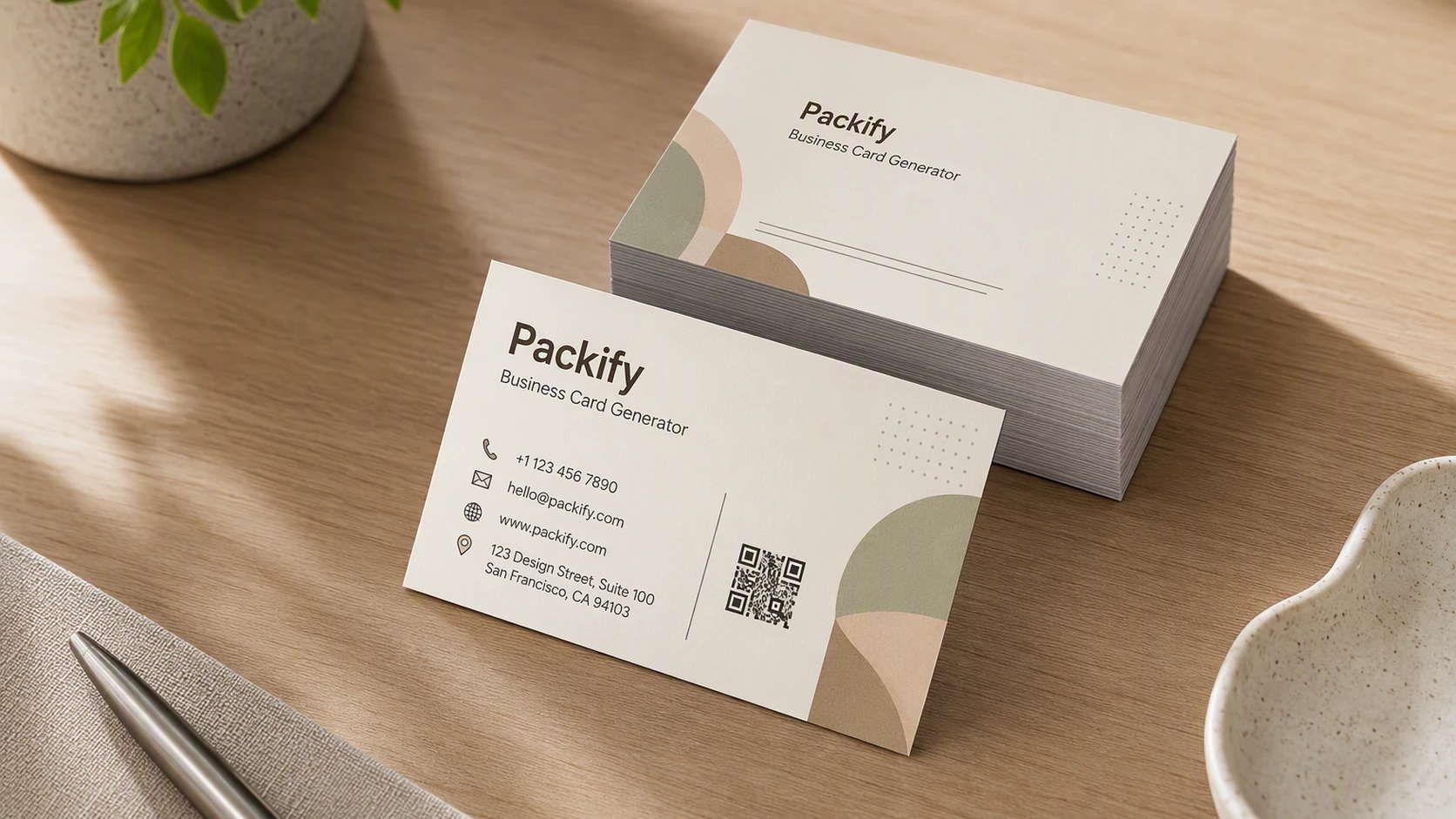
Describe your profession, brand, and preferred style. Packify creates a professional double-sided business card that you can refine, edit, and prepare for PDF download.

Trusted by industry-leading businesses


Build trust with a professional business card
A professional business card is often the first tangible introduction to you and your brand. It should communicate who you are, make essential details easy to read, and feel credible when you hand it to a client. Enter your name, profession, brand style, and design preferences. Packify's AI business card design generator creates a polished front and back design with clear visual hierarchy. Refine the result, edit individual text layers, add your own logo and QR code, then prepare the finished card for PDF download.
How to use the AI business card maker?
Step 1: Describe your business card
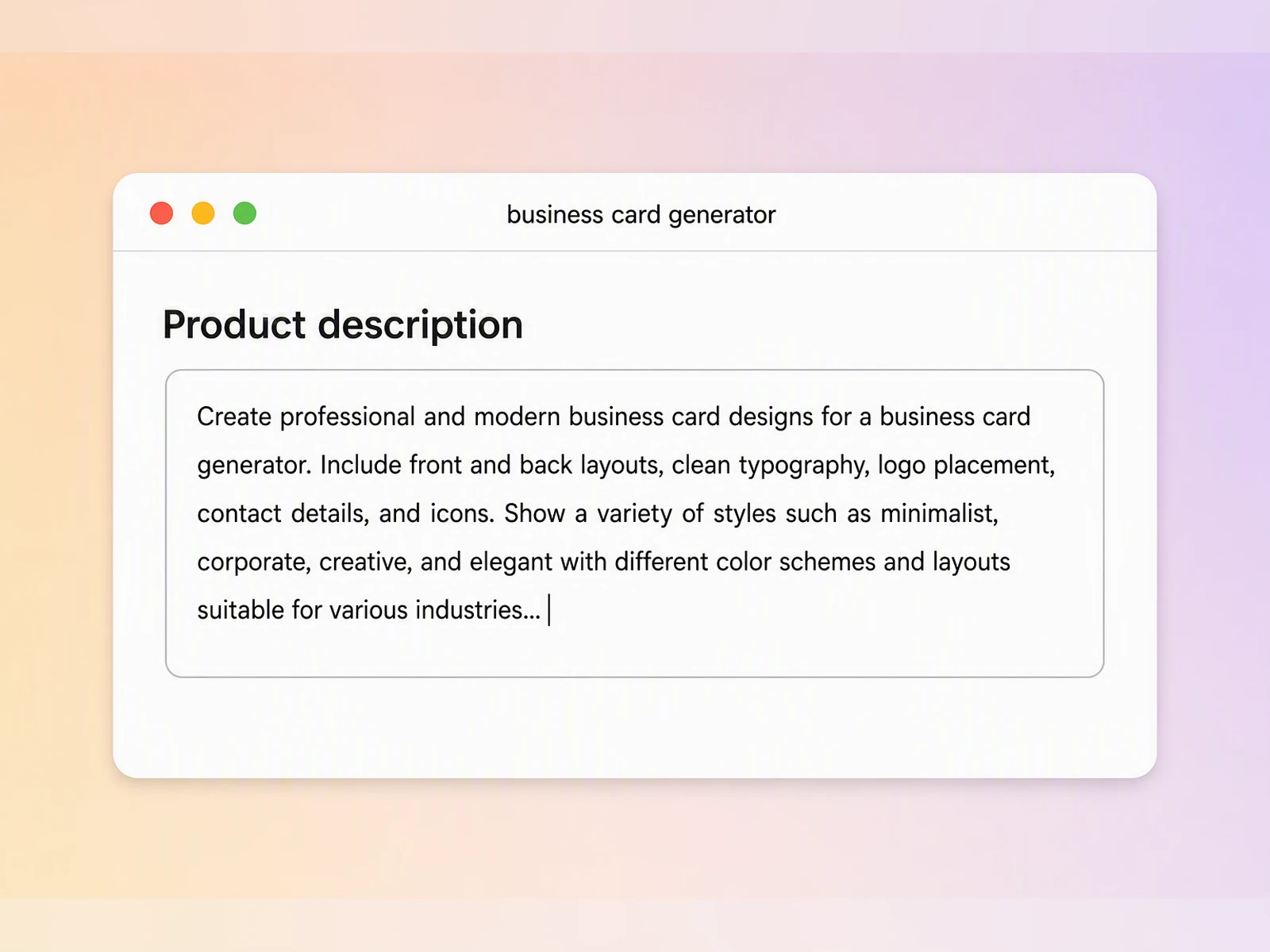
Enter your name, role, contact details, industry, target audience, and the visual style you want.
Step 2: Generate and refine your card
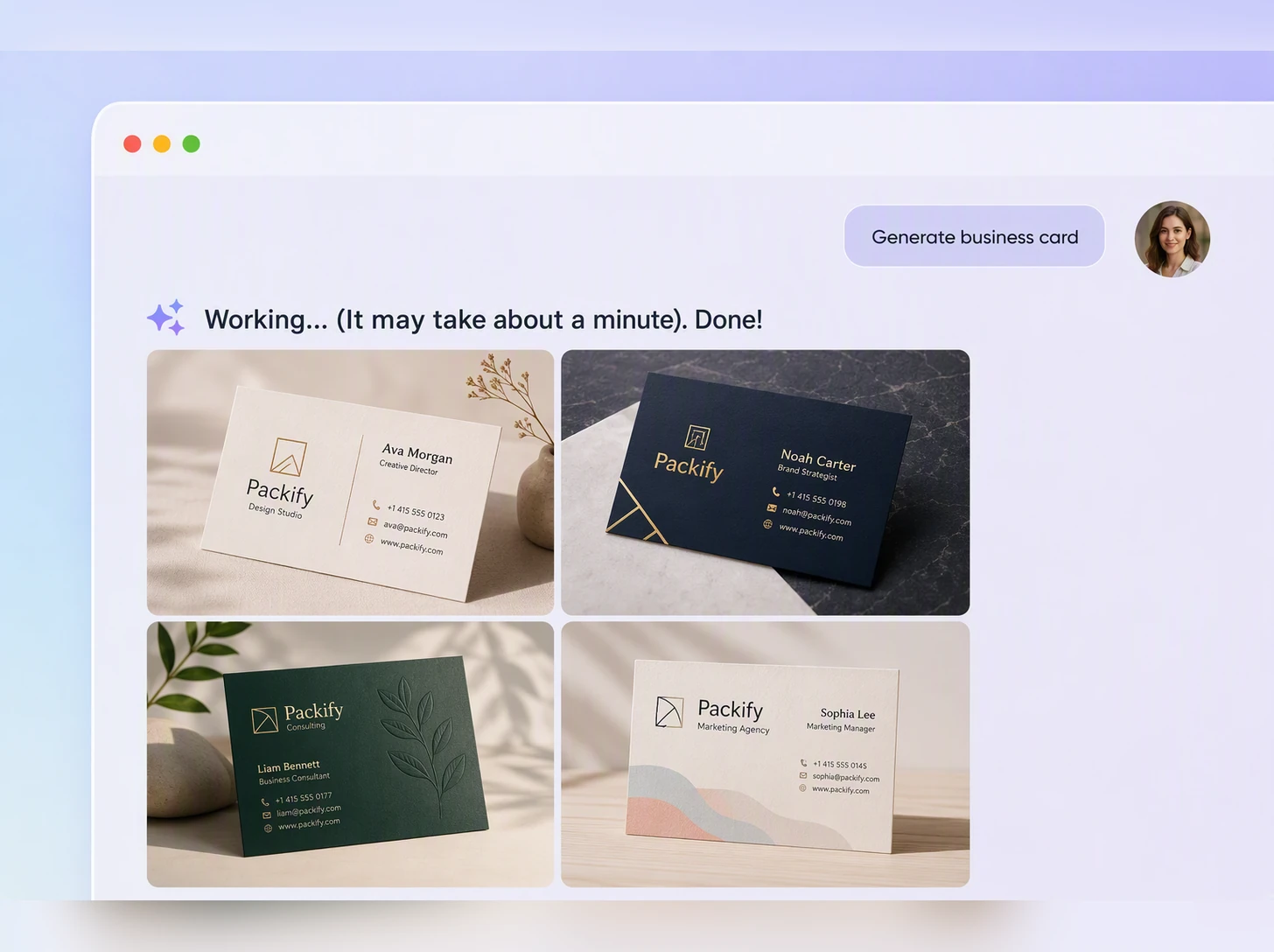
Generate a first draft, then review the imagery, wording, and information order. Update your description until the design feels right.
Step 3: Edit and download
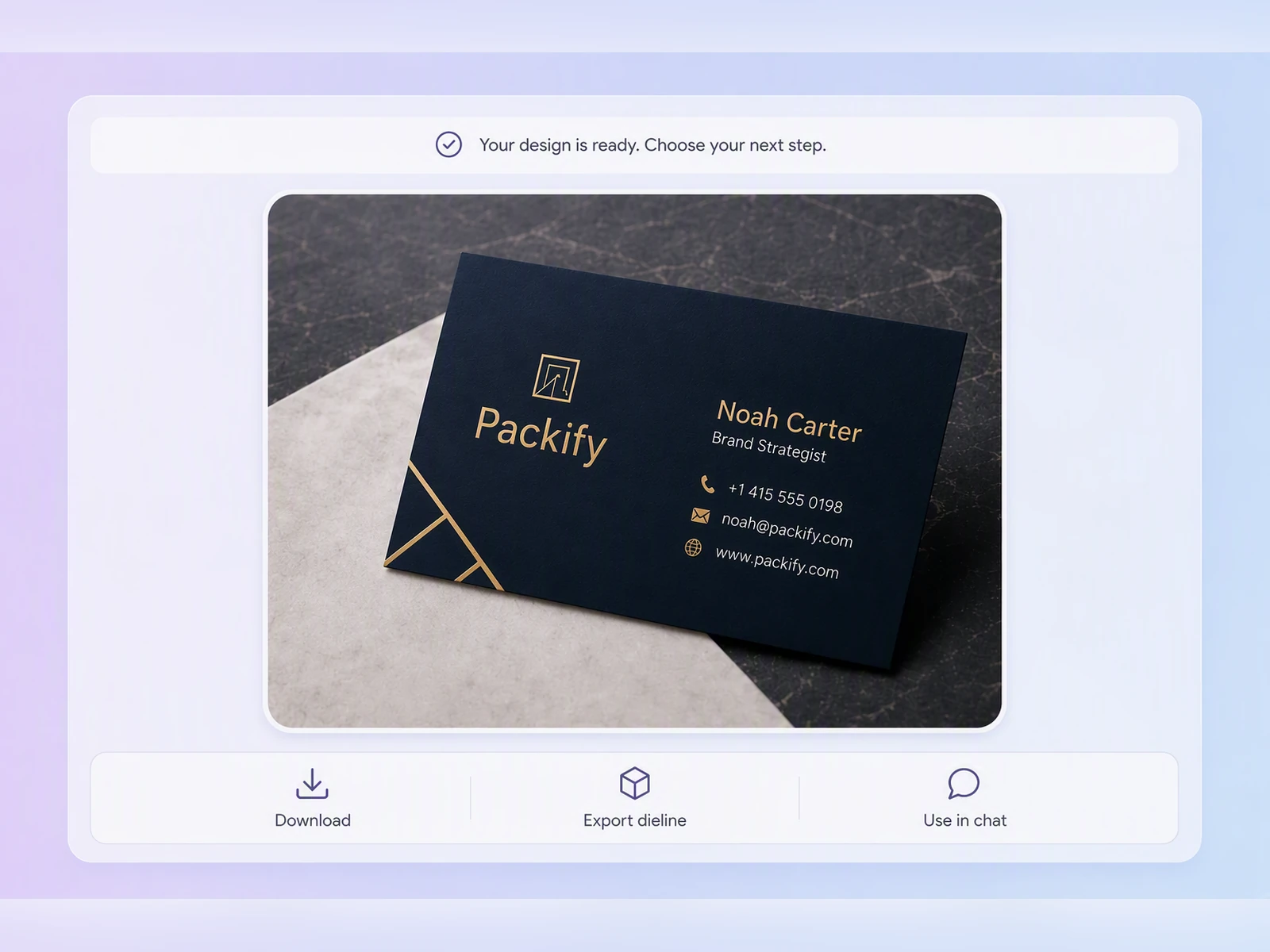
Click Edit in Chat to revise with text, or choose Export Dieline and Business Card for manual editing. Then click Download and save the PDF.

Step 1: Describe your business card
Enter your name, role, contact details, industry, target audience, and the visual style you want.
Step 2: Generate and refine your card
Generate a first draft, then review the imagery, wording, and information order. Update your description until the design feels right.
Step 3: Edit and download
Click Edit in Chat to revise with text, or choose Export Dieline and Business Card for manual editing. Then click Download and save the PDF.
Why choose our AI business card maker?
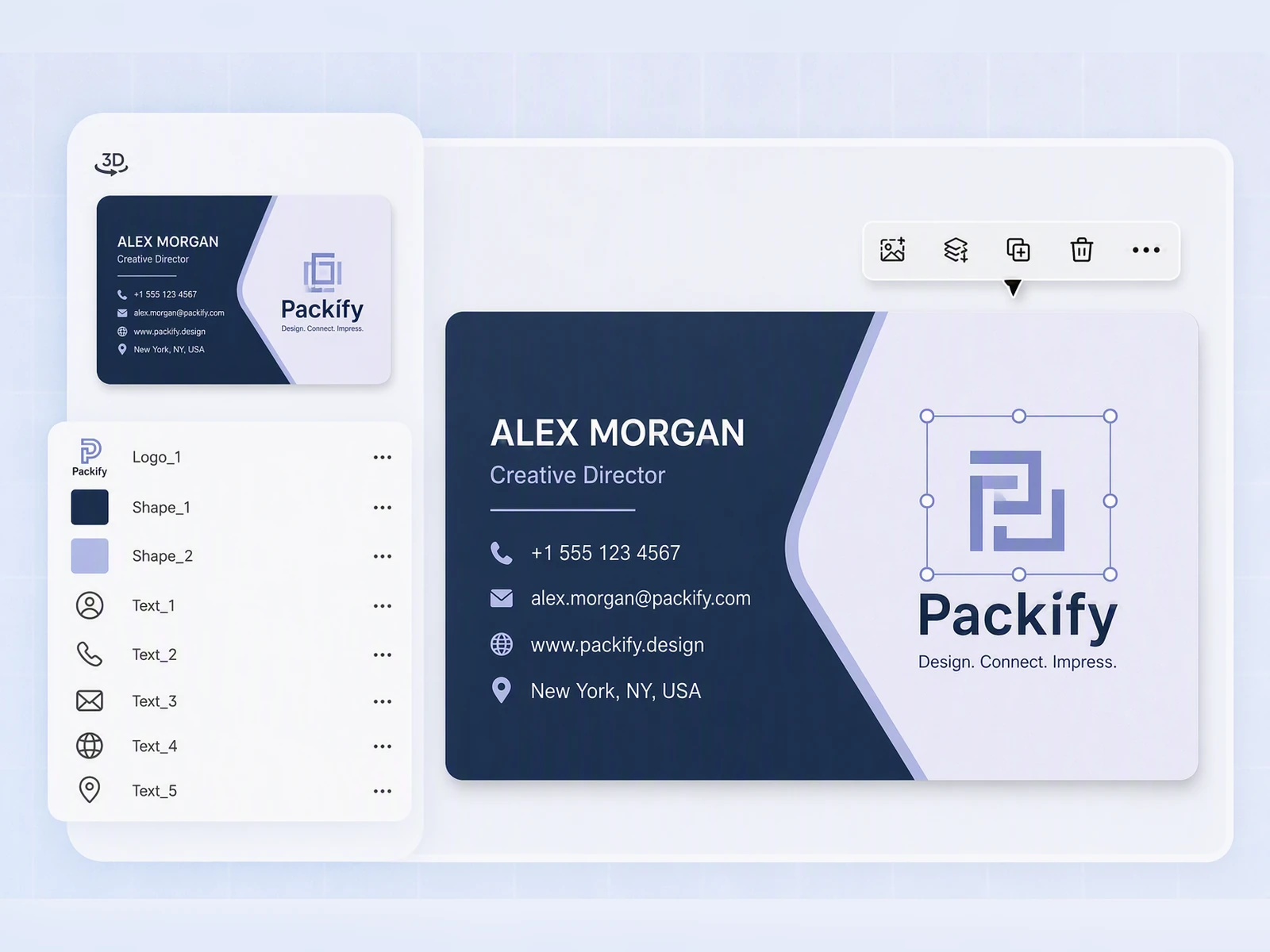
Edit every important detail
A changed phone number, updated job title, or corrected email address should not require you to regenerate the entire design.
Use Edit in Chat to request changes with text. For precise manual control, click Export Dieline, choose Business Card, and edit names, titles, phone numbers, and other independent text layers.
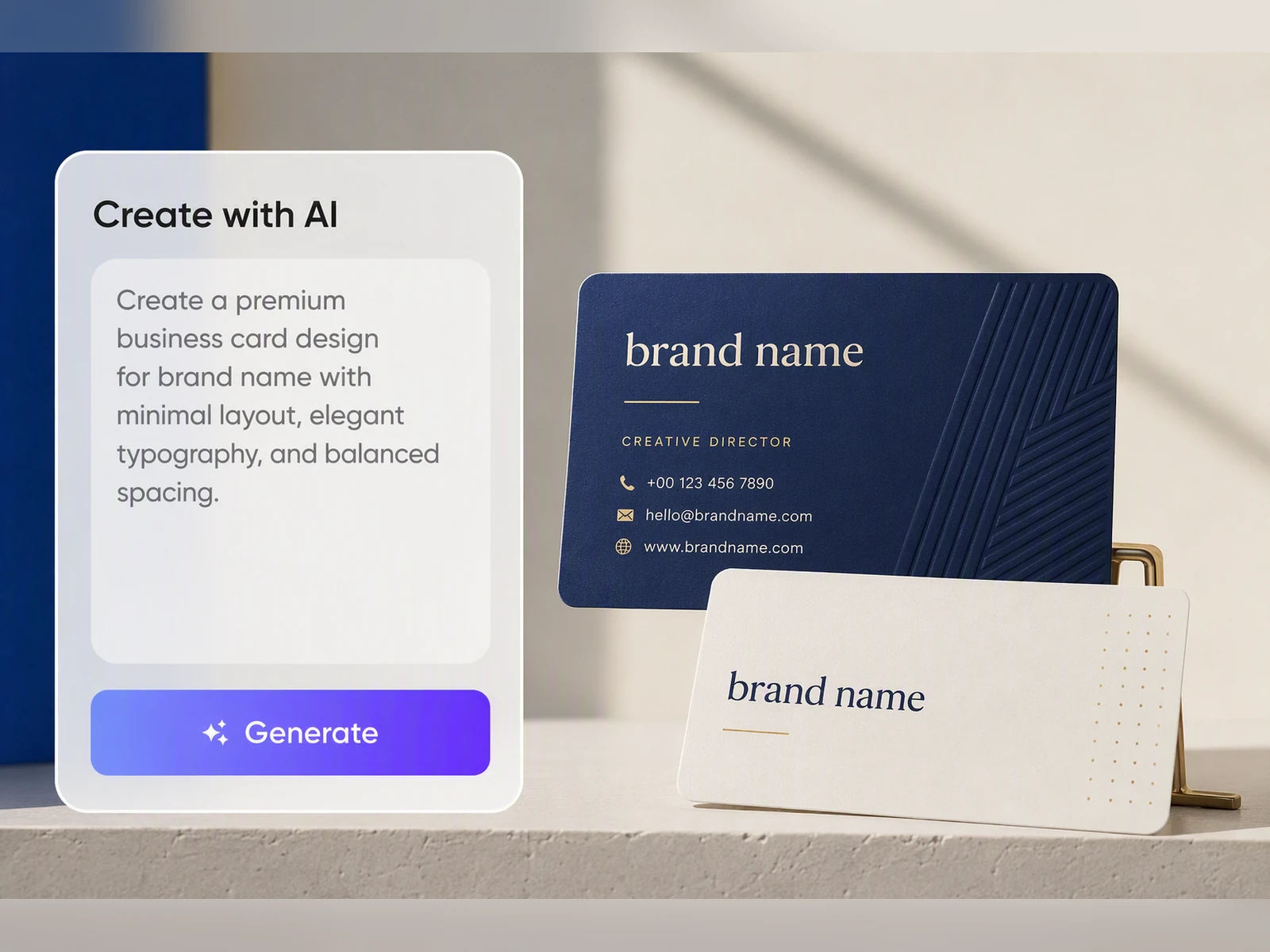
Create a professional AI business card design
A business card should do more than hold contact details. Generic layouts, weak visual hierarchy, and mismatched typography can make even a strong business look unprepared.
Packify creates a complete front and back design around your profession, audience, and brand direction. Typography, spacing, color, and information hierarchy work together to produce a polished card you can confidently hand to clients.
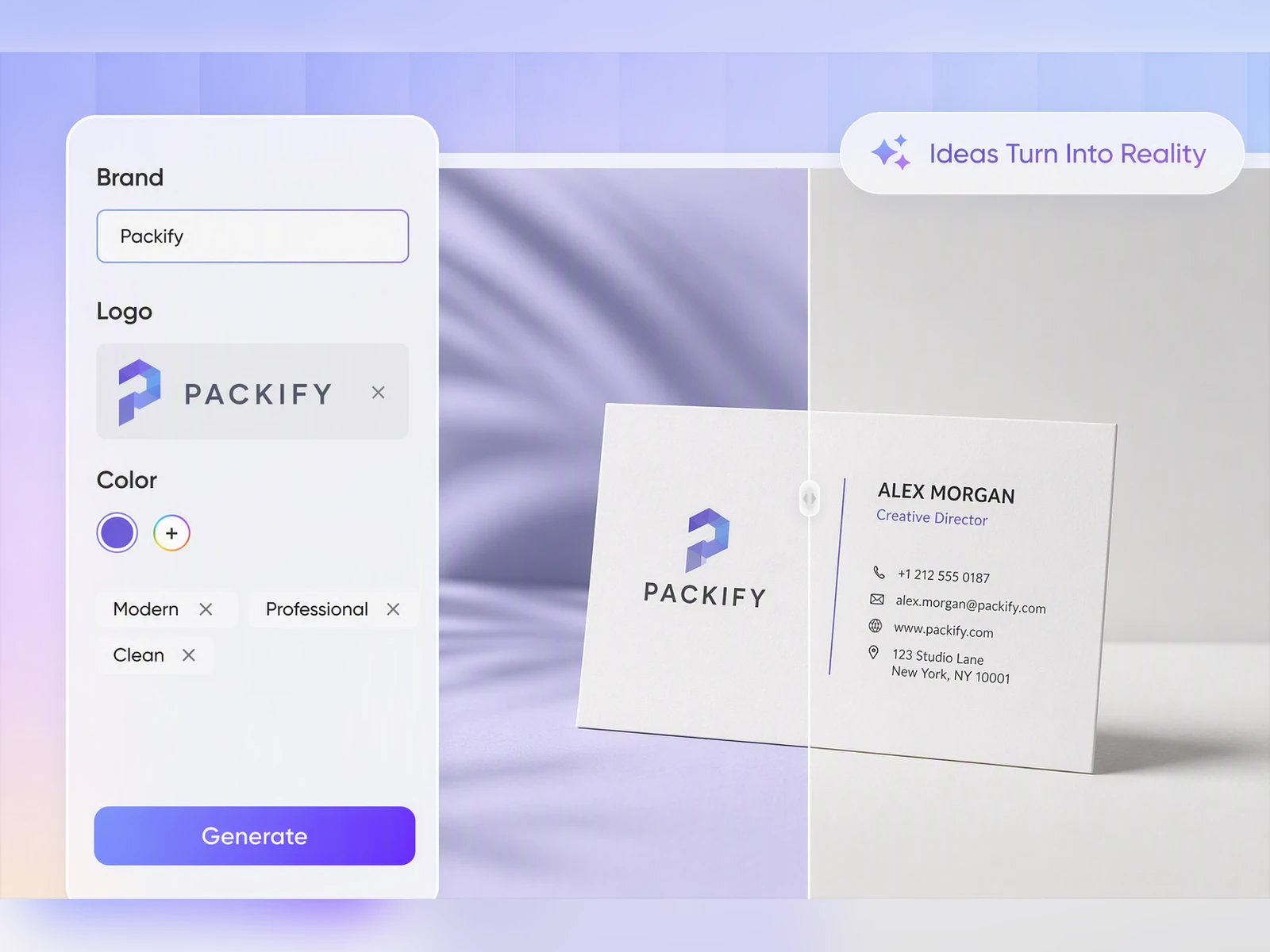
Use an AI business card generator with logo support
Your business card should represent your existing brand, not replace it with a random AI-generated identity.
Upload your own logo and position it in the Business Card editor. Packify also places a sample QR code in the generated design. Before exporting, replace it with your own QR code and check that it scans correctly and opens the intended page.
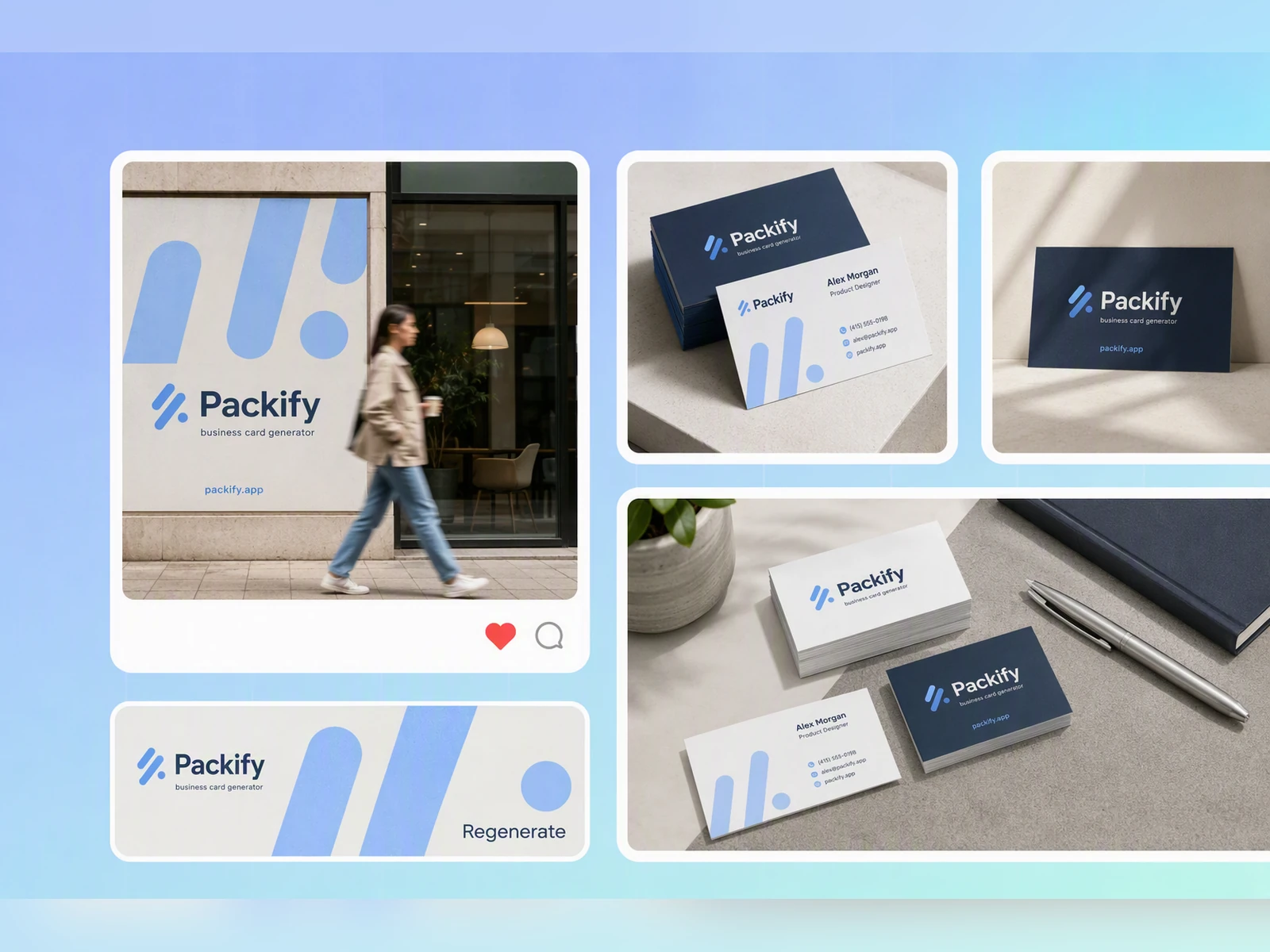
Prepare your business card for PDF delivery
A design that looks good on screen can still lose text or show unwanted white edges after trimming.
Packify handles bleed, trim, and safe area while you edit. Once the design is complete, download the front and back as a PDF and send it to your printer for final production checks.
Edit every important detail
A changed phone number, updated job title, or corrected email address should not require you to regenerate the entire design.
Use Edit in Chat to request changes with text. For precise manual control, click Export Dieline, choose Business Card, and edit names, titles, phone numbers, and other independent text layers.
Create a professional AI business card design
A business card should do more than hold contact details. Generic layouts, weak visual hierarchy, and mismatched typography can make even a strong business look unprepared.
Packify creates a complete front and back design around your profession, audience, and brand direction. Typography, spacing, color, and information hierarchy work together to produce a polished card you can confidently hand to clients.
Use an AI business card generator with logo support
Your business card should represent your existing brand, not replace it with a random AI-generated identity.
Upload your own logo and position it in the Business Card editor. Packify also places a sample QR code in the generated design. Before exporting, replace it with your own QR code and check that it scans correctly and opens the intended page.
Prepare your business card for PDF delivery
A design that looks good on screen can still lose text or show unwanted white edges after trimming.
Packify handles bleed, trim, and safe area while you edit. Once the design is complete, download the front and back as a PDF and send it to your printer for final production checks.
Proven impact, in our customer's words


The AI-powered packaging design tool is a game-changer. It's fast, intuitive, making it an essential tool for any forward-thinking design team.ved.
March 26, 2025


The results are so amazing that I don't think it's just for inspiration... I'd say artificial intelligence outperforms most designers; the key is to come up with the perfect prompt. Great contribution! Thank you 😊.
March 18, 2025


The AI-powered packaging design tool is a game-changer. It's fast, intuitive, making it an essential tool for any forward-thinking design team.
March 18, 2025


We’re a tiny skincare shop. Packify.ai turned my scribbles into clean mockups and a printable dieline by Monday. Fewer back-and-forths, consistent branding, a nd our product page conversions moved.
March 18, 2025


The AI-powered packaging design tool is a game-changer. It's fast, intuitive, making it an essential tool for any forward-thinking design team.
March 26, 2025


The results are so amazing that I don't think it's just for inspiration... I'd say artificial intelligence outperforms most designers; the key is to come up with the perfect prompt. Great contribution! Thank you 😊
March 18, 2025


Congrats! Packify.ai, an AI packaging designer, enables easy, creative design and offers AI-driven product photography for e-commerce through simple chatting.
April 2, 2025


We’re a tiny skincare shop. Packify.ai turned my scribbles into clean mockups and a printable dieline by Monday. Fewer back-and-forths, consistent branding, and our product page conversions moved.
May 9, 2025
You asked,
we answered
You asked, we answered
How can I make an AI business card look professional instead of template-based?
Describe your industry, target audience, brand personality, and the impression you want to create. Include clear guidance on color, spacing, typography, and information hierarchy.
Example prompt:
Create a professional double-sided business card for a residential real estate agent in Austin. Use navy and warm beige, generous white space, clear contact hierarchy, and room for my logo and QR code.
Refine the result with Edit in Chat, or select Export Dieline and Business Card for manual editing.
Can I use my own logo and QR code?
Yes. Upload your logo and adjust its size and position in the Business Card editor.
Packify adds a sample QR code as a layout placeholder. Before exporting, replace it with your own QR code. Test it with a phone to confirm that it scans correctly and opens the intended website, portfolio, or contact page.
What should I check before downloading my business card PDF?
Check every name, title, phone number, email address, and website. Test your QR code and confirm that important text and logos remain inside the safe area.
Also review the front and back orientation. If you plan to use special paper, finishes, or cutting methods, confirm the production requirements with your printer.
Can I send the exported PDF to any printer?
Packify exports your completed business card as a PDF and handles bleed, trim, and safe area during editing.
Printers may have different requirements for dimensions, color settings, fonts, paper, and special finishes. Send the PDF to your selected printer for a final technical check before production.
Can I use an AI-generated business card commercially?
You may use your business card for personal or commercial projects when you follow Packify's Terms of Use.
AI-generated content is not exclusive. Before printing, review the design for trademarks, protected brand elements, and visual similarities to existing businesses.
Is the AI business card maker free?
You can use a free trial to explore the AI business card maker. Generating designs and accessing advanced features may use credits, so check your remaining balance before starting.
Your downloaded PDF has no watermark. Visit the Packify Pricing Page to compare available plans and credits.
Turn a simple description into your next professional business card