AI online catalog maker
Describe your catalog’s purpose, then add product names, images, SKUs, specifications, and the fields you want to show—Packify creates a clear, consistent catalog layout.

Trusted by industry-leading businesses


Let an online catalog creator handle the layout
Creating a product catalog involves more than placing images into a template. As your product range grows, names, SKUs, specifications, and images can easily end up in the wrong places. Updating one field may also affect several pages.
Tell Packify who the catalog is for, its dimensions, product details, and layout requirements. AI creates a cover, product grid, detail pages, or line sheet draft that you can refine for distributor outreach, trade shows, buyer presentations, and print.
How to create a product catalog with AI?
Step 1: Add your product details
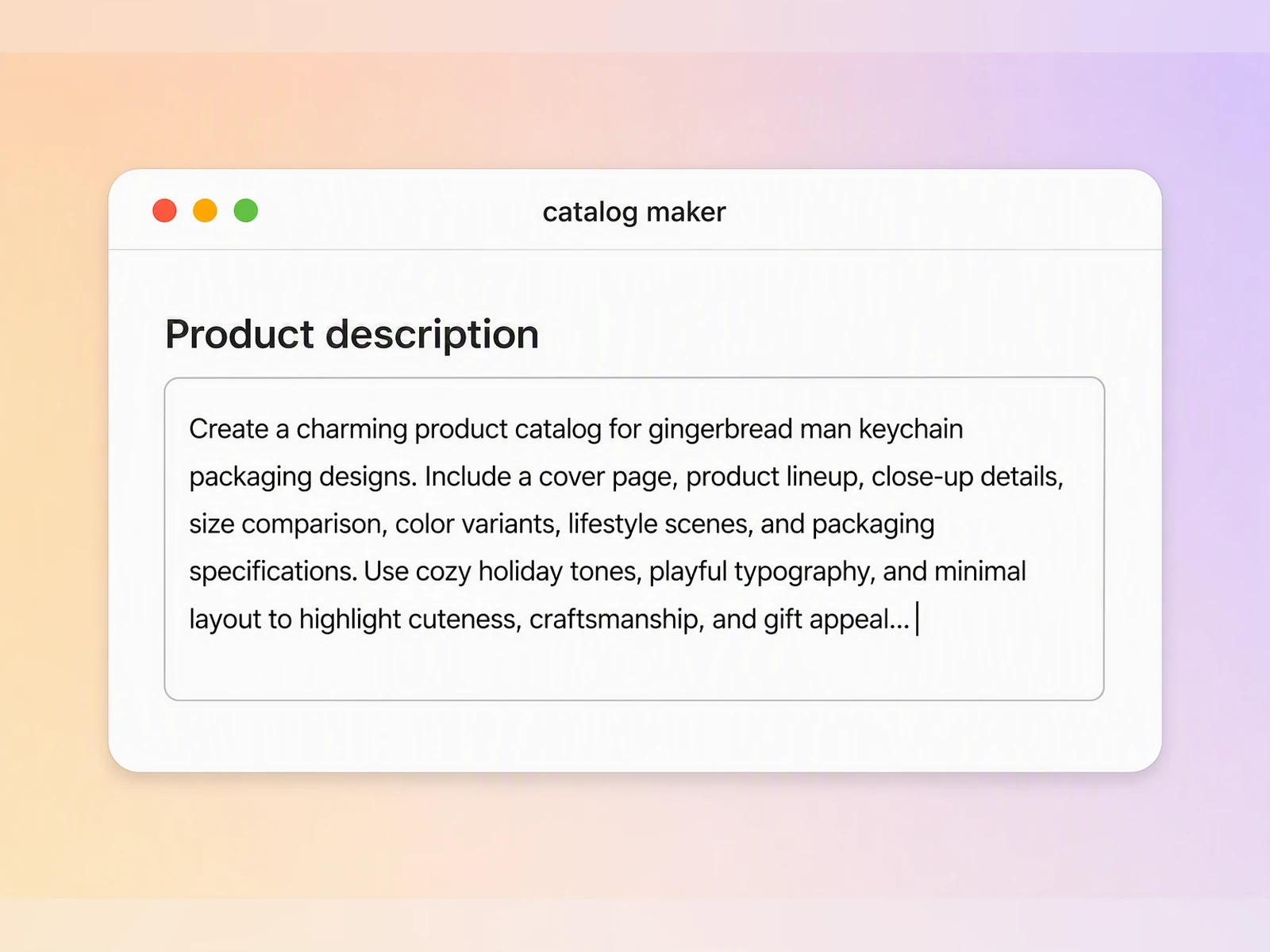
Enter the catalog’s purpose, page size, and target reader. Add product images, names, SKUs, specifications, and any other fields you want to display.
Step 2: Describe your catalog layout
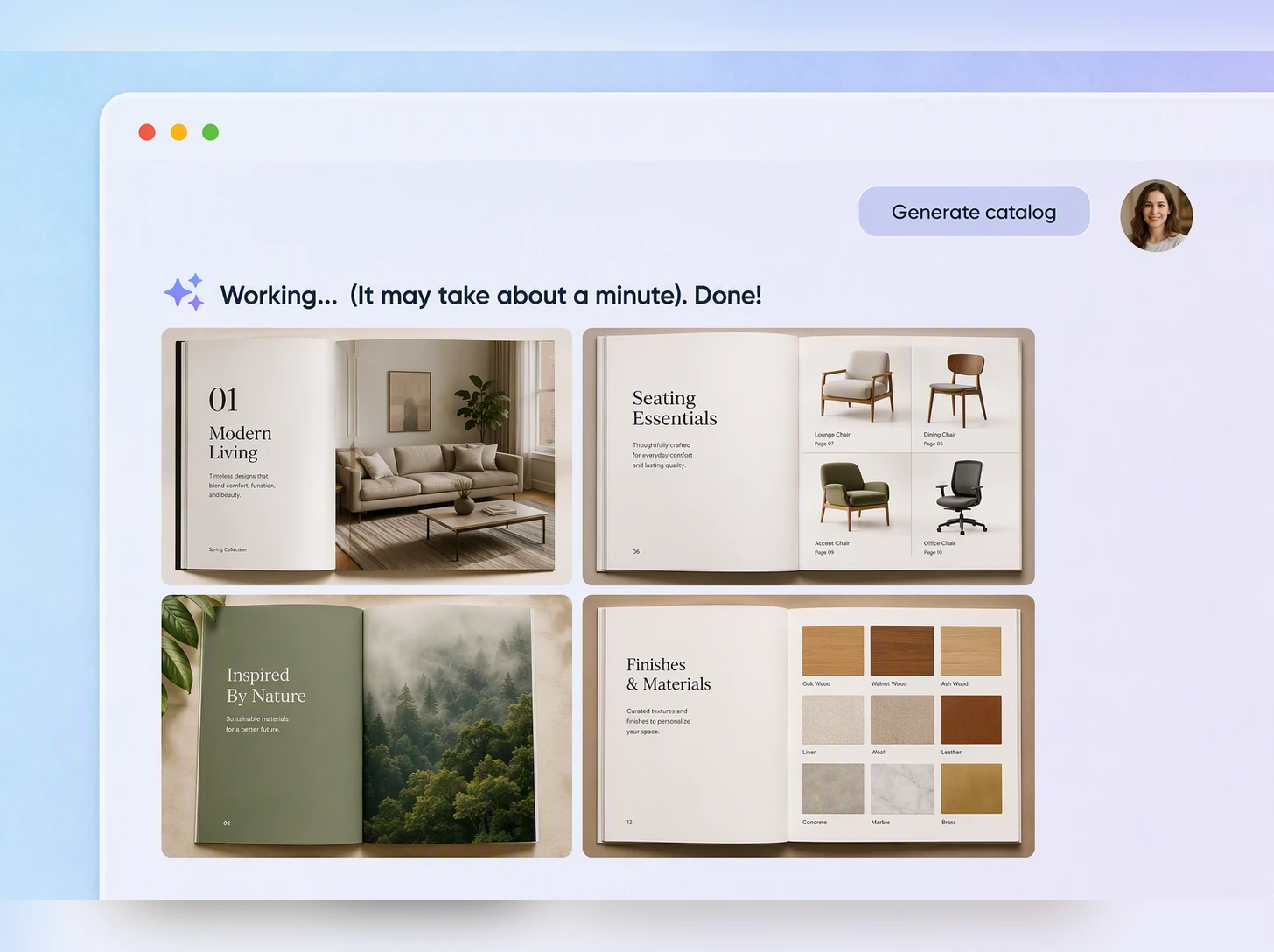
Specify whether you need a cover, product grid, detail pages, or line sheet. Continue refining the colors, layout, and information hierarchy with text prompts.
Step 3: Open the editor and check your layout
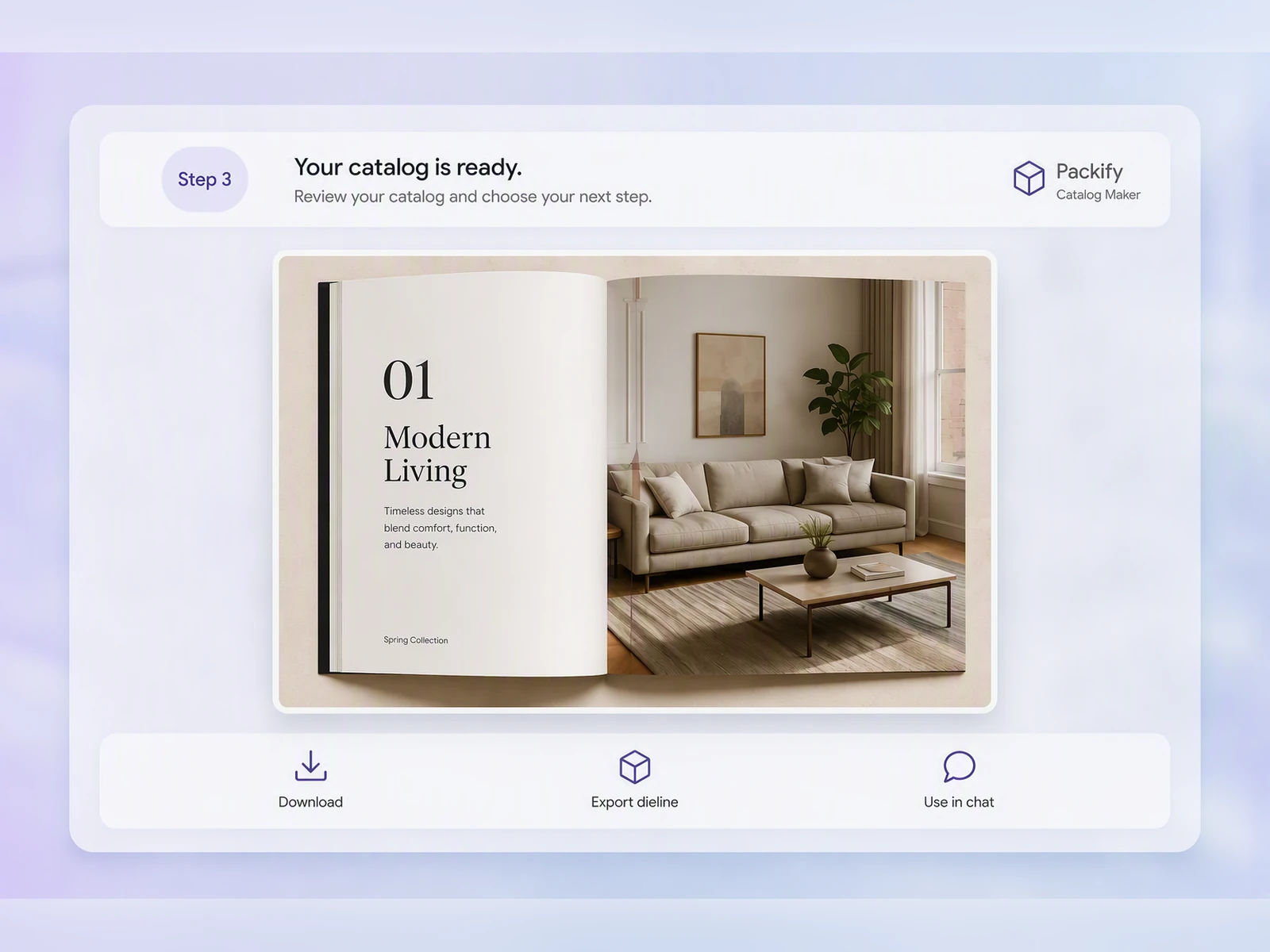
Click Export Dieline. In the pop-up window, select More, choose Print, and find the format you want to print, such as A4 Flyer or Open Brochure Dieline.
Once inside the editor, manually adjust the text, images, and layout. Keep product names, prices, SKUs, and other important content inside the safe area so nothing sits on a bleed or cutting line.

Step 1: Add your product details
Enter the catalog’s purpose, page size, and target reader. Add product images, names, SKUs, specifications, and any other fields you want to display.
Step 2: Describe your catalog layout
Specify whether you need a cover, product grid, detail pages, or line sheet. Continue refining the colors, layout, and information hierarchy with text prompts.
Step 3: Open the editor and check your layout
Click Export Dieline. In the pop-up window, select More, choose Print, and find the format you want to print, such as A4 Flyer or Open Brochure Dieline.
Once inside the editor, manually adjust the text, images, and layout. Keep product names, prices, SKUs, and other important content inside the safe area so nothing sits on a bleed or cutting line.
Why choose Packify as your catalog maker?
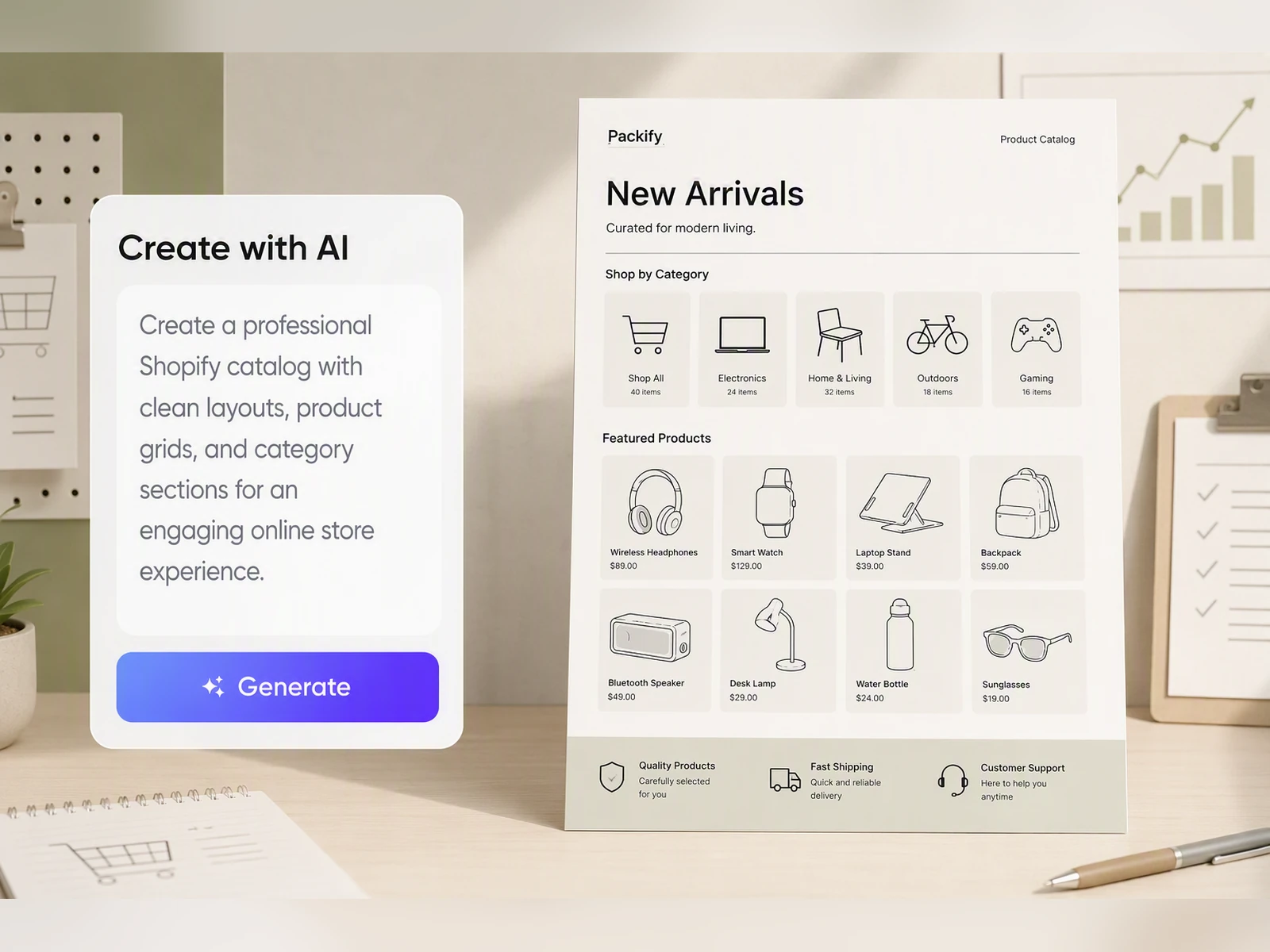
Organize repeating product information
Copying details across dozens of product cards makes omissions and inconsistencies difficult to spot. Give Packify your product images and required fields, and it organizes them into a consistent layout for buyer catalogs, distributor materials, or trade show handouts.
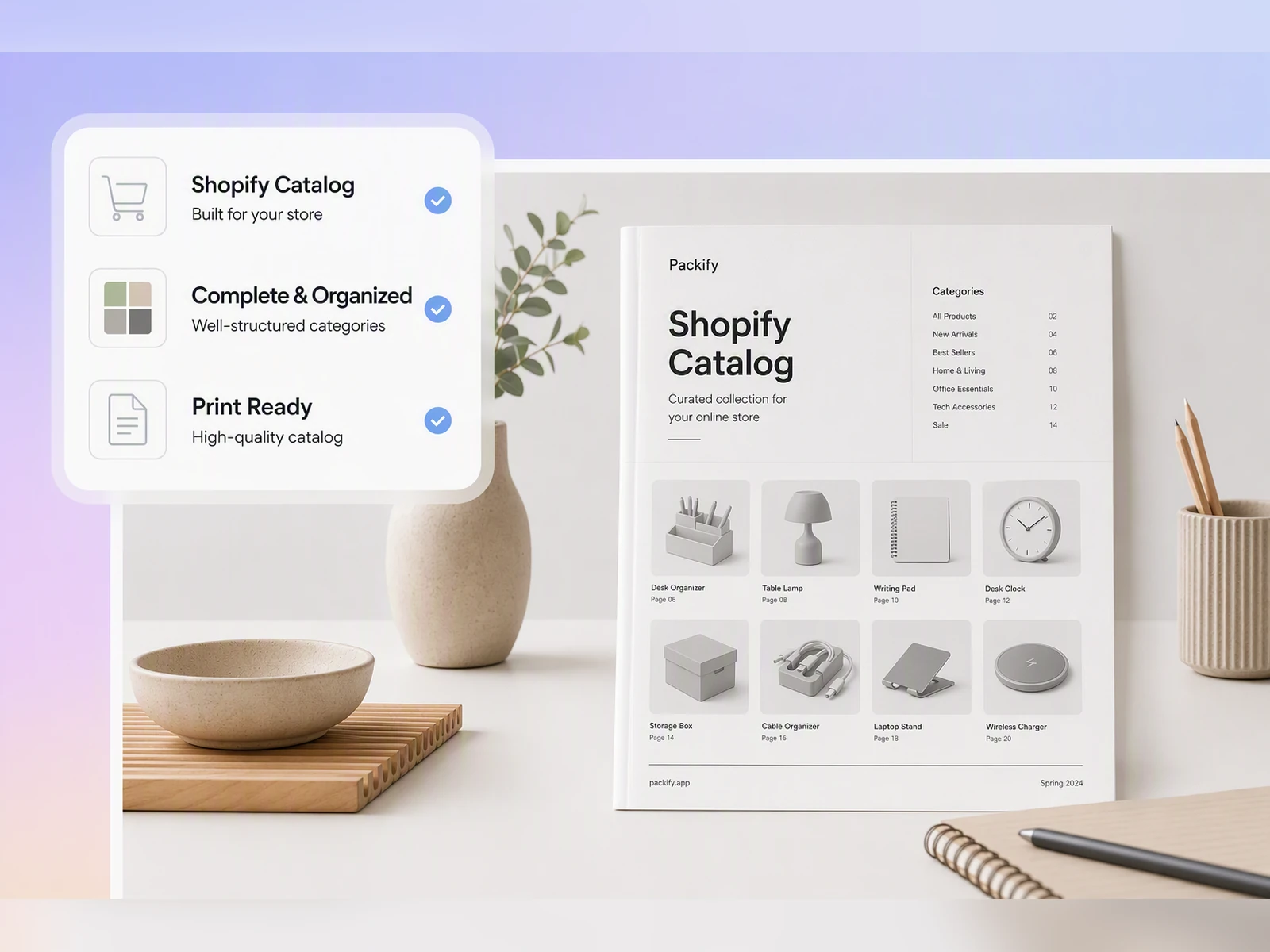
Keep every page on-brand
Your cover, product grids, detail pages, and order sheet should feel like parts of the same catalog. Set your logo, colors, and brand description so Packify can maintain a consistent visual direction across your printed catalog.
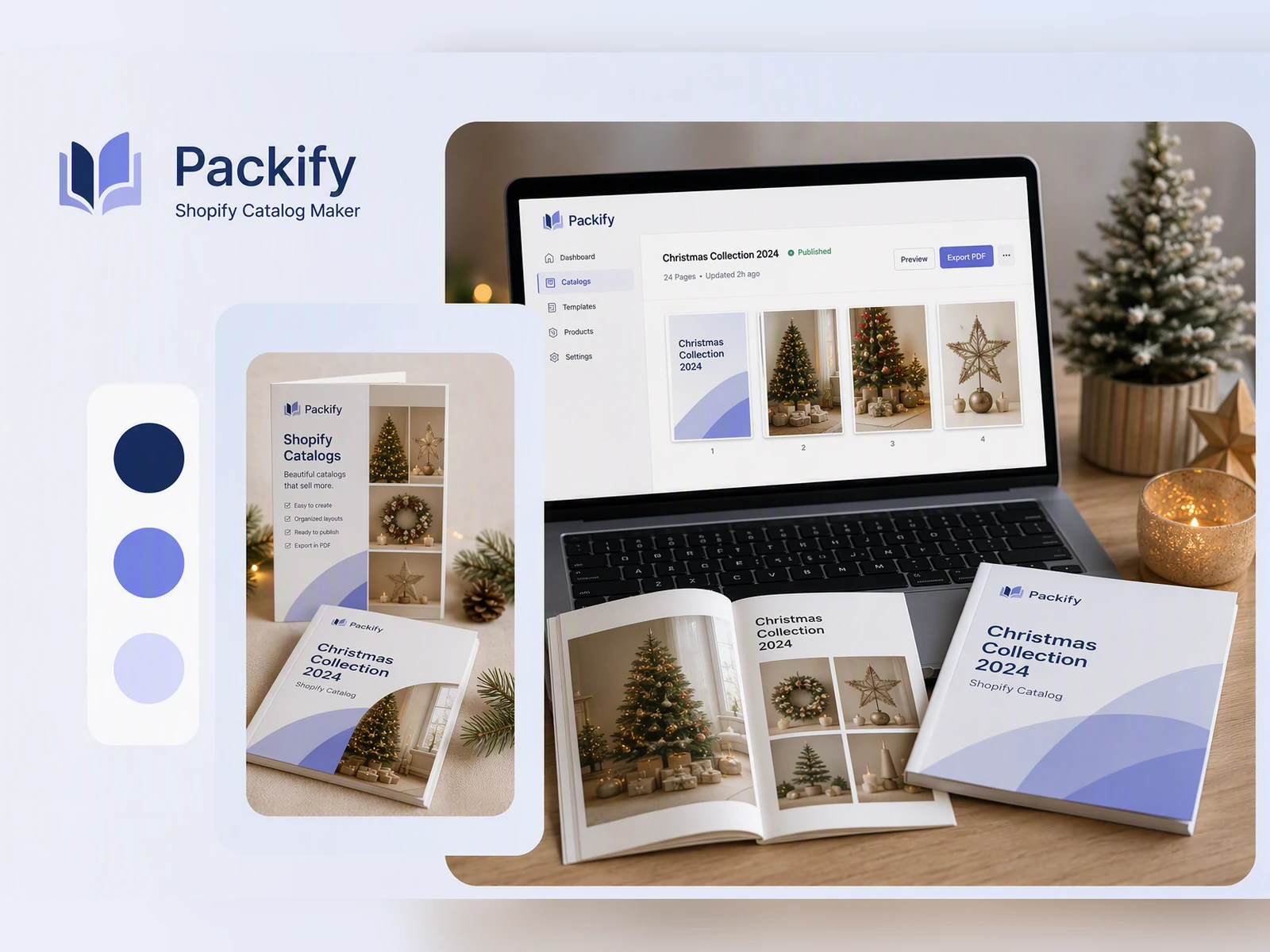
Build stronger product visuals
Your product information may be complete while the images use inconsistent lighting, backgrounds, and styles. Packify helps generate or improve product visuals before arranging them in the catalog, giving buyers a more cohesive view of the collection.
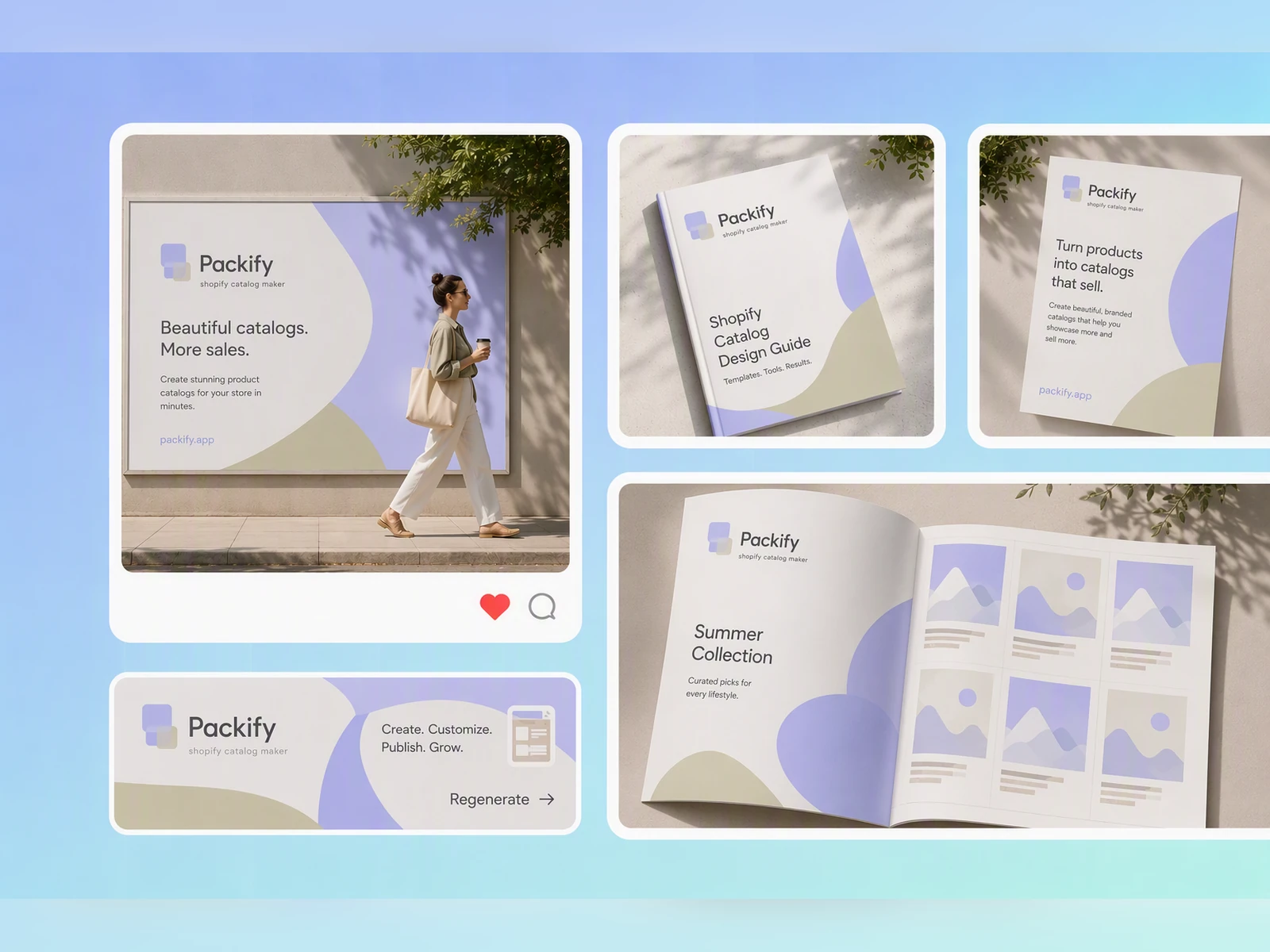
Control what each reader sees
A consumer catalog, wholesale line sheet, and seasonal lookbook do not require the same information. Specify the fields and page structure in your prompt so the resulting layout supports your buyer presentation, distributor outreach, or trade show conversation.
Organize repeating product information
Copying details across dozens of product cards makes omissions and inconsistencies difficult to spot. Give Packify your product images and required fields, and it organizes them into a consistent layout for buyer catalogs, distributor materials, or trade show handouts.
Keep every page on-brand
Your cover, product grids, detail pages, and order sheet should feel like parts of the same catalog. Set your logo, colors, and brand description so Packify can maintain a consistent visual direction across your printed catalog.
Build stronger product visuals
Your product information may be complete while the images use inconsistent lighting, backgrounds, and styles. Packify helps generate or improve product visuals before arranging them in the catalog, giving buyers a more cohesive view of the collection.
Control what each reader sees
A consumer catalog, wholesale line sheet, and seasonal lookbook do not require the same information. Specify the fields and page structure in your prompt so the resulting layout supports your buyer presentation, distributor outreach, or trade show conversation.
Proven impact, in our customer's words


The AI-powered packaging design tool is a game-changer. It's fast, intuitive, making it an essential tool for any forward-thinking design team.ved.
March 26, 2025


The results are so amazing that I don't think it's just for inspiration... I'd say artificial intelligence outperforms most designers; the key is to come up with the perfect prompt. Great contribution! Thank you 😊.
March 18, 2025


The AI-powered packaging design tool is a game-changer. It's fast, intuitive, making it an essential tool for any forward-thinking design team.
March 18, 2025


We’re a tiny skincare shop. Packify.ai turned my scribbles into clean mockups and a printable dieline by Monday. Fewer back-and-forths, consistent branding, a nd our product page conversions moved.
March 18, 2025


The AI-powered packaging design tool is a game-changer. It's fast, intuitive, making it an essential tool for any forward-thinking design team.
March 26, 2025


The results are so amazing that I don't think it's just for inspiration... I'd say artificial intelligence outperforms most designers; the key is to come up with the perfect prompt. Great contribution! Thank you 😊
March 18, 2025


Congrats! Packify.ai, an AI packaging designer, enables easy, creative design and offers AI-driven product photography for e-commerce through simple chatting.
April 2, 2025


We’re a tiny skincare shop. Packify.ai turned my scribbles into clean mockups and a printable dieline by Monday. Fewer back-and-forths, consistent branding, a nd our product page conversions moved.
May 9, 2025
You asked,
we answered
You asked, we answered
What are the most common types of product catalogs?
Different catalogs support different sales and presentation needs. In your prompt, specify the catalog type, intended reader, fields, page structure, and whether prices should appear.
- Retail catalog: Presents a complete product range to consumers. It commonly includes images, names, descriptions, specifications, and retail prices.
- Wholesale catalog: Gives distributors and retail buyers the information they need, such as wholesale prices, MSRP, MOQ, case pack, and ordering details.
- Buyer catalog: Introduces products to prospective buyers or distributors. It highlights products, specifications, and selling points without necessarily disclosing prices.
- Line sheet: Uses a compact table to present products and ordering fields for sales representatives, buyers, and distributors.
- Lookbook: Prioritizes product imagery and brand storytelling. It works well for new releases, seasonal collections, and launches with minimal text.
How do I specify the catalog type in my prompt?
Describe the catalog type, intended use, number of pages, product fields, and visual direction. State which details should appear and tell Packify not to add information you have not supplied.
Do I need to provide prices for a product catalog?
No. You decide whether prices appear. Ask Packify to display retail prices, wholesale prices, or MSRP, or clearly state that the catalog should not contain prices.
Packify arranges the information you provide; it does not set or invent product prices. Without pricing data, you can still create a buyer catalog, an unpriced wholesale catalog, or a lookbook.
Does Packify automatically create SKUs, MOQs, or specifications?
For a production catalog, provide your real SKUs, specifications, MOQs, case packs, and prices. Add “Use only the product data I provide and do not fill in missing information” to your prompt, then verify every field before publishing or printing.
How do I keep content away from bleed and cutting lines?
After generating your catalog, click Export Dieline. In the pop-up window, select More, choose Print, and select a print format such as A4 Flyer or Open Brochure Dieline.
Inside the editor, check that text, logos, prices, and SKUs stay within the safe area. You can move layout elements and edit text manually so important content does not sit on a bleed or cutting line.
Can Packify import products directly from Shopify?
Packify does not currently connect directly to Shopify. Add your product images and details manually, then use your prompt to define the fields and page structure. Packify does not automatically synchronize Shopify products, prices, or inventory.
Can I try the AI catalog maker for free?
You can use your free trial credits to try catalog generation. Generating and downloading may consume credits, so check your account balance before starting. For additional credits and subscription options, visit the Pricing Page.
Can I use my product catalog commercially?
Yes. Subject to Packify’s Terms of Use, you can use generated content for product marketing, buyer presentations, distributor outreach, trade shows, and other commercial purposes.
Review all product data, trademarks, product claims, and AI-generated content before publishing or printing. Packify does not grant exclusive rights to AI-generated results.
Turn product details into a catalog worth sharing