AI Instagram ad maker
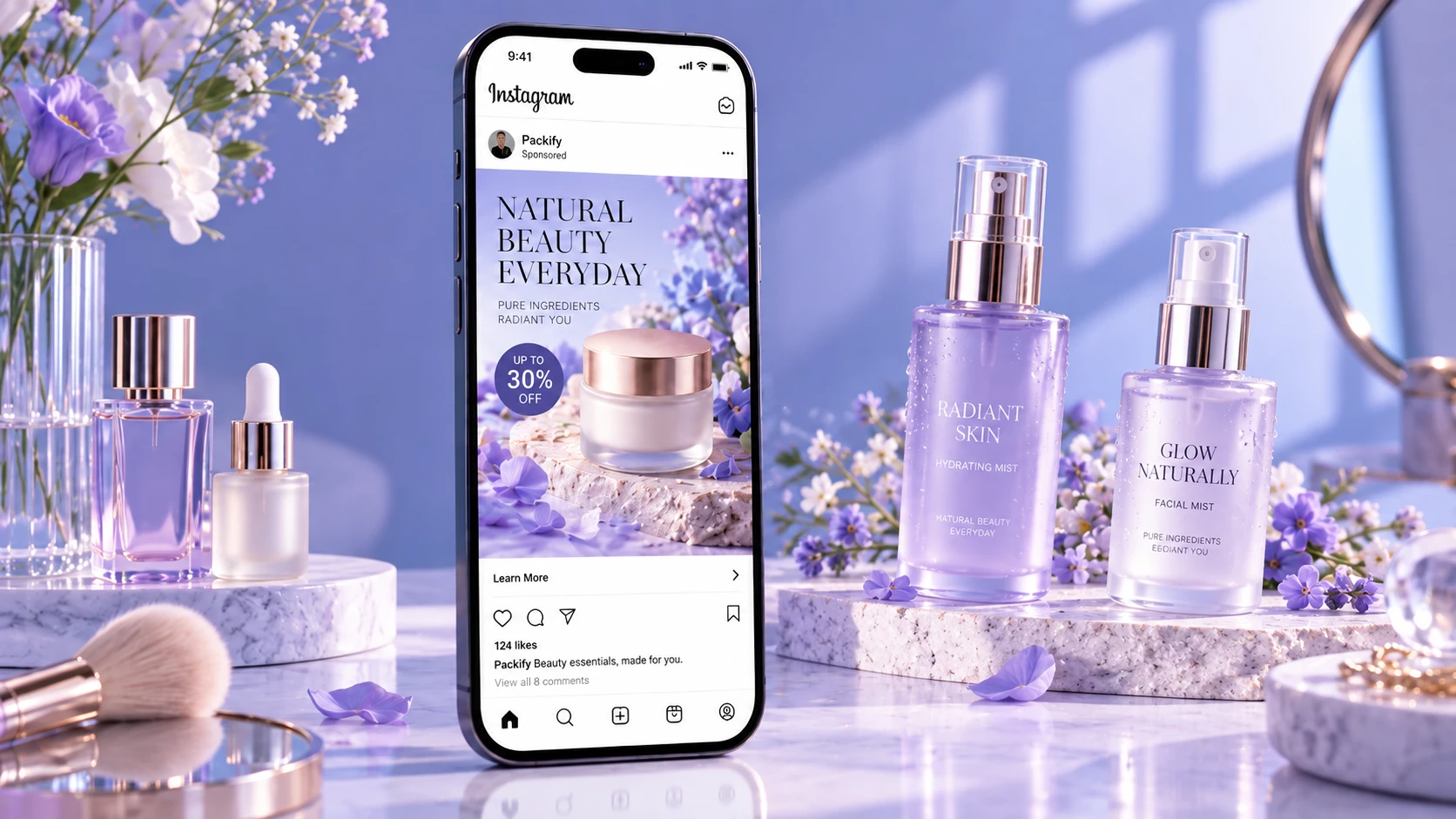
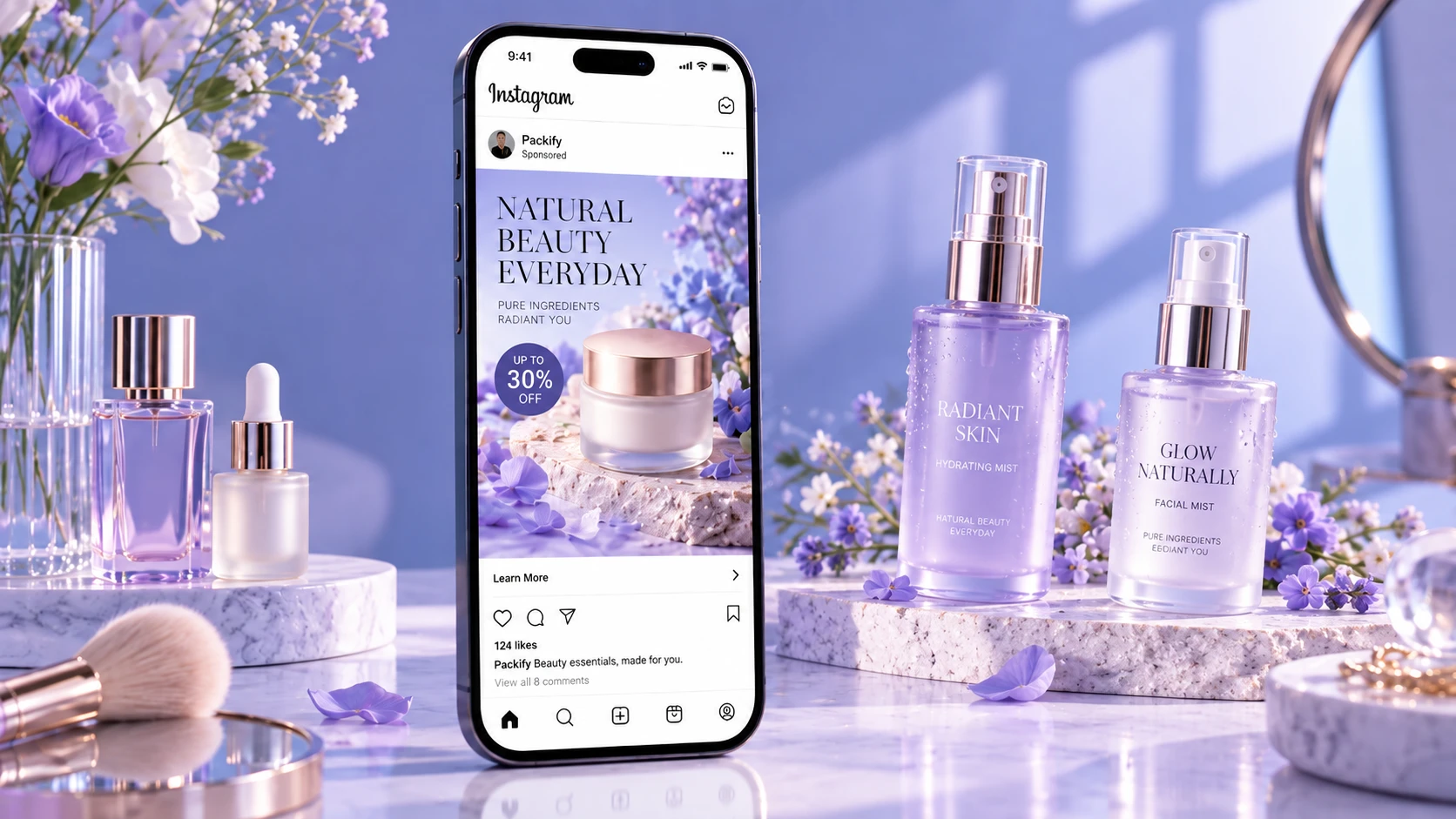
Upload your product photo and describe the Instagram scene you want. Packify's Instagram ad creator generates a hand-held or lifestyle visual for you to review and refine.

Trusted by industry-leading businesses


Generate Instagram product ads without templates
You have a product launch coming but only one plain product photo. Searching for Instagram ad templates free of charge still leaves you adjusting layouts, colors, and text by hand. Upload your image and describe a hand-held, in-use, or promotional scene. Packify's Instagram ad generator creates a new product visual that you can review and refine. Prepare fresh images for a launch, limited-time offer, or product campaign without waiting for another photo shoot or rebuilding the same design from scratch.
How to design Instagram ads with AI?
Step 1: Add a brief and upload your product photo
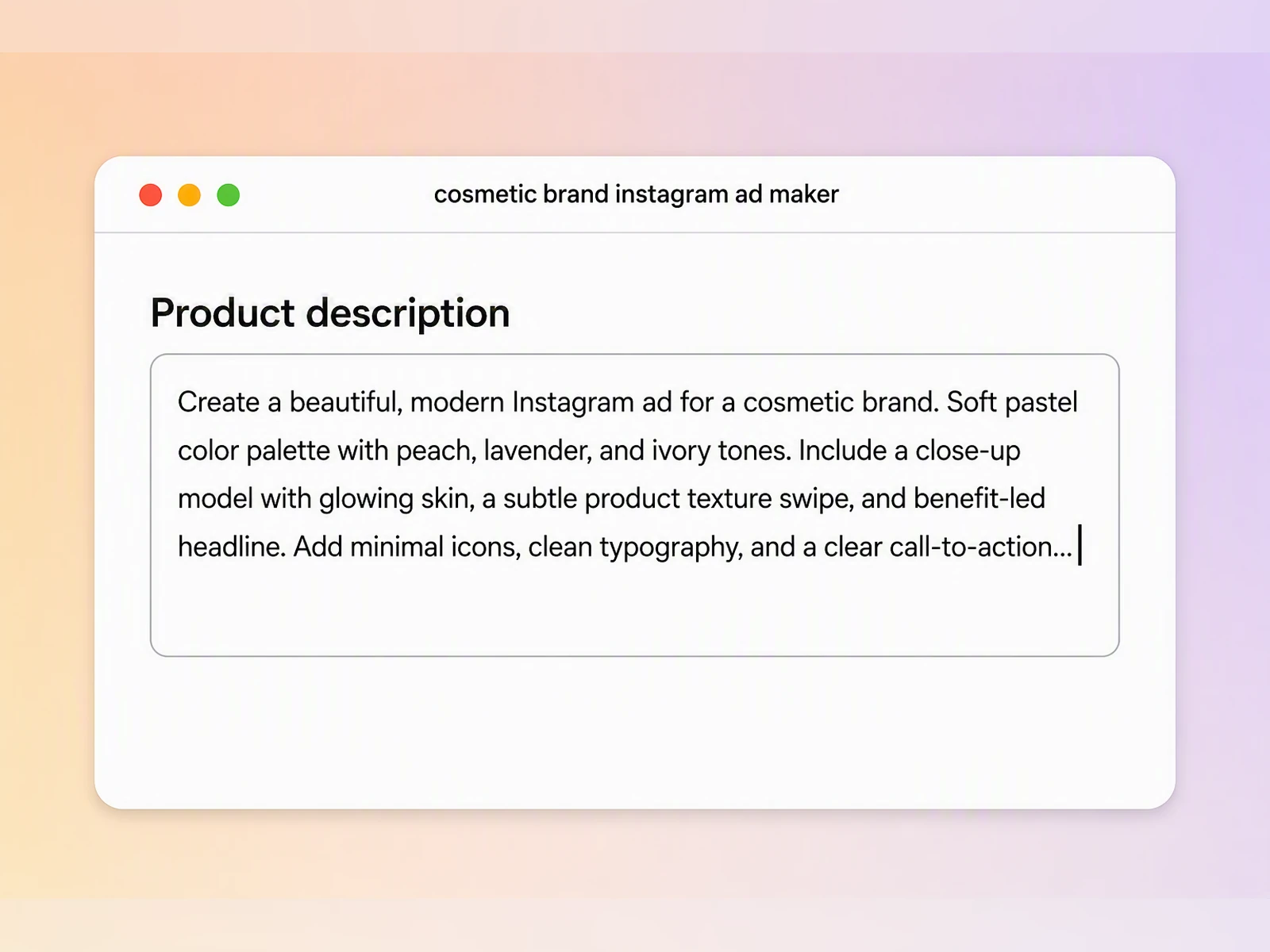
Upload a clear product photo, then add the product category, target customer, and main benefit you want to promote.
Step 2: Describe and refine the scene
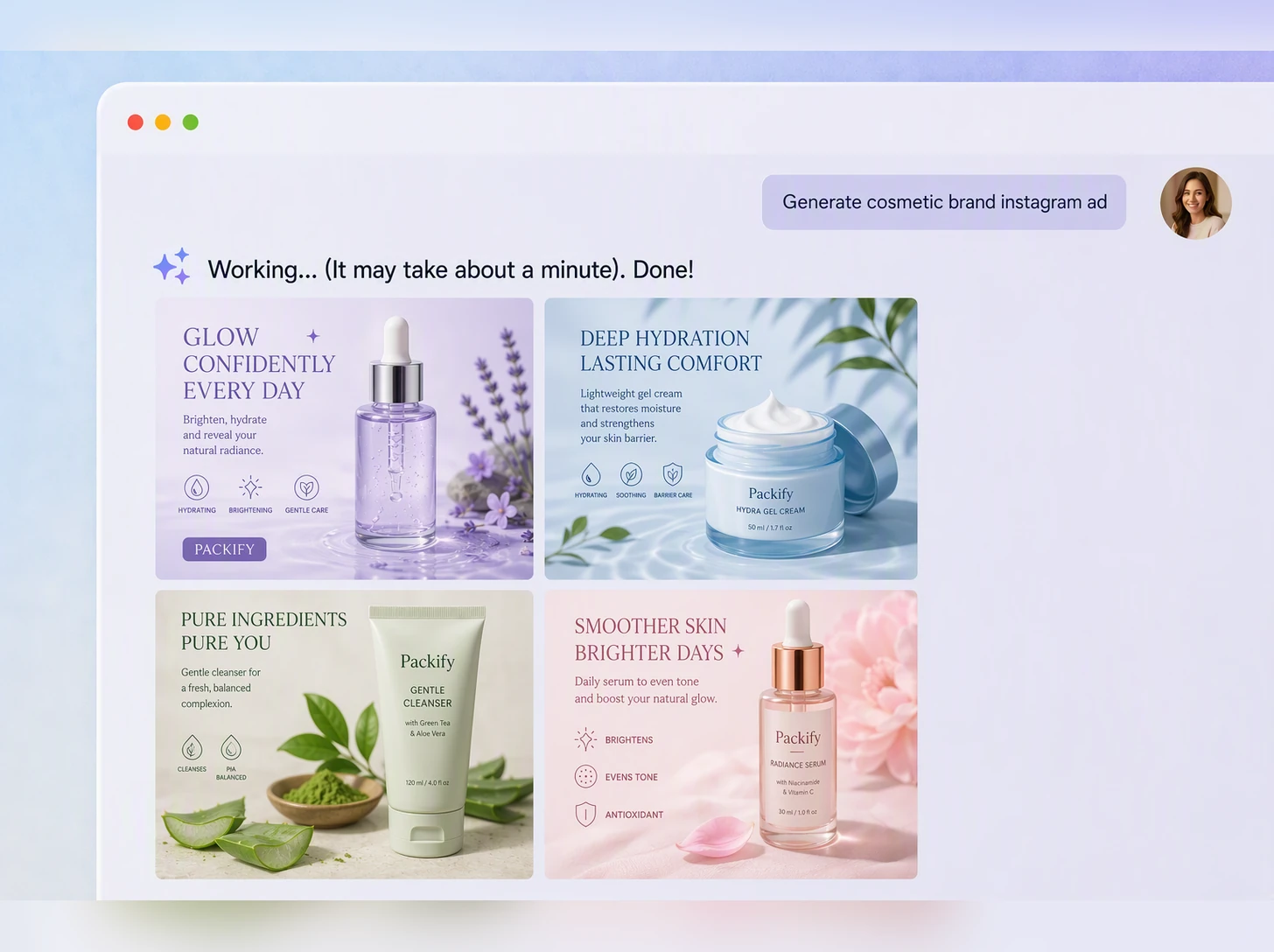
Describe a hand-held, lifestyle, or promotional scene. Review the result, revise your description, and regenerate until it fits your brand.
Step 3: Check and download the image
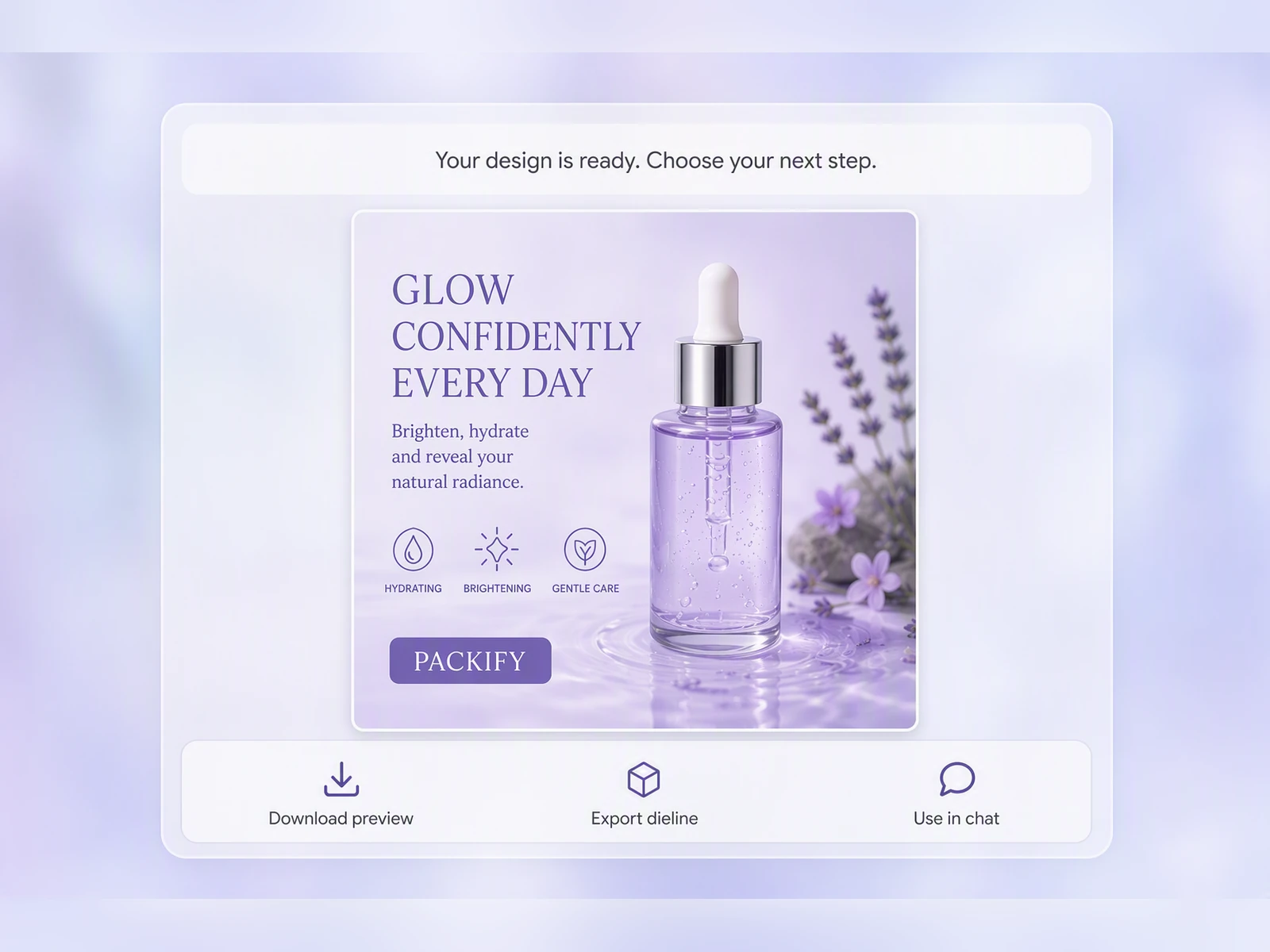
Check the product, logo, and packaging text, then download the image for your Feed, Stories, or Carousel campaign.

Step 1: Add a brief and upload your product photo
Upload a clear product photo, then add the product category, target customer, and main benefit you want to promote.
Step 2: Describe and refine the scene
Describe a hand-held, lifestyle, or promotional scene. Review the result, revise your description, and regenerate until it fits your brand.
Step 3: Check and download the image
Check the product, logo, and packaging text, then download the image for your Feed, Stories, or Carousel campaign.
Why use Packify as your Instagram ad maker?
Show the product in use
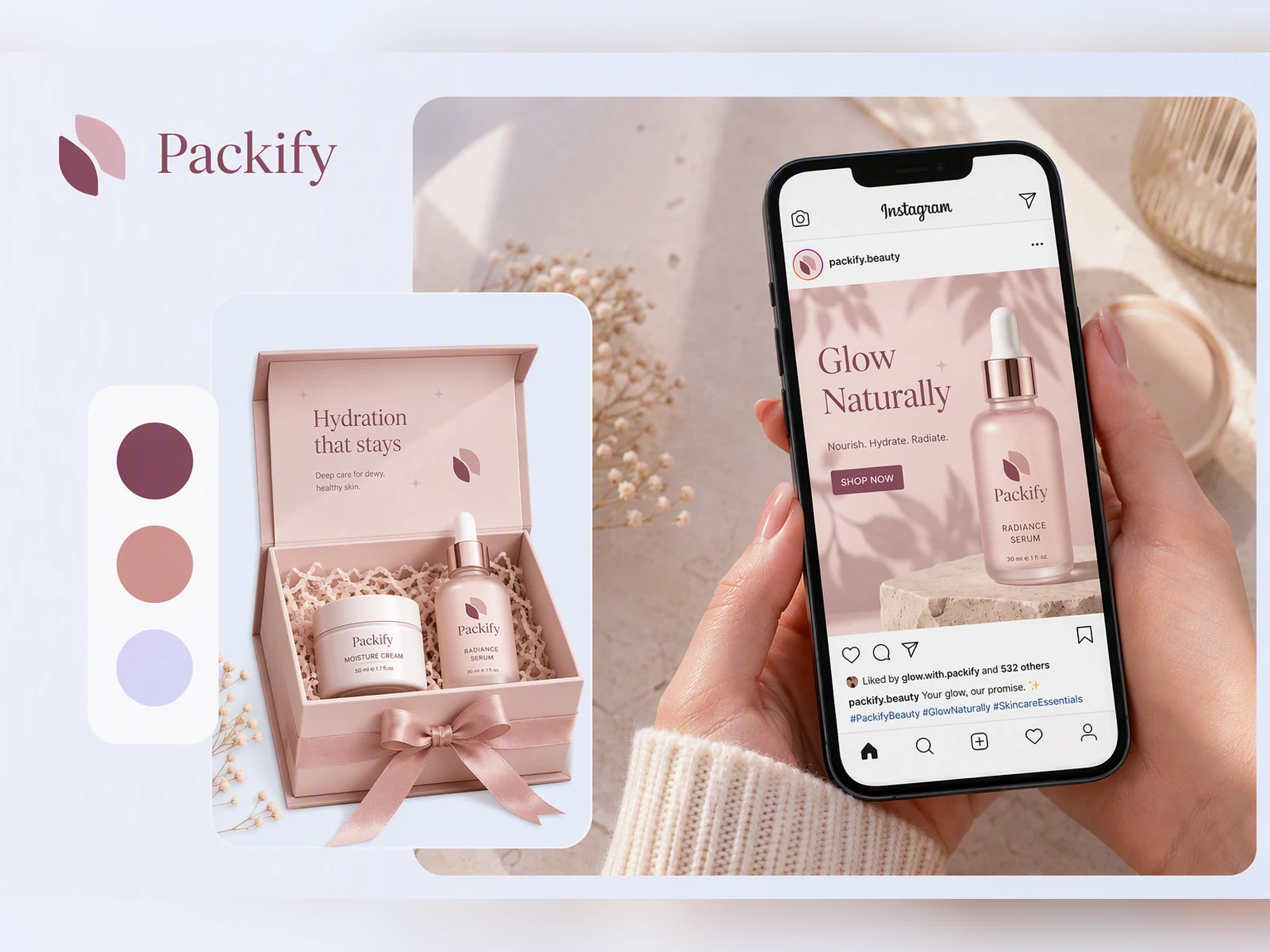
A plain background photo does not show how a product fits into a customer's routine. Describe the person, action, and setting to place your product in hand-held, everyday, or seasonal scenes for Instagram launches and promotions.
Promote products before production
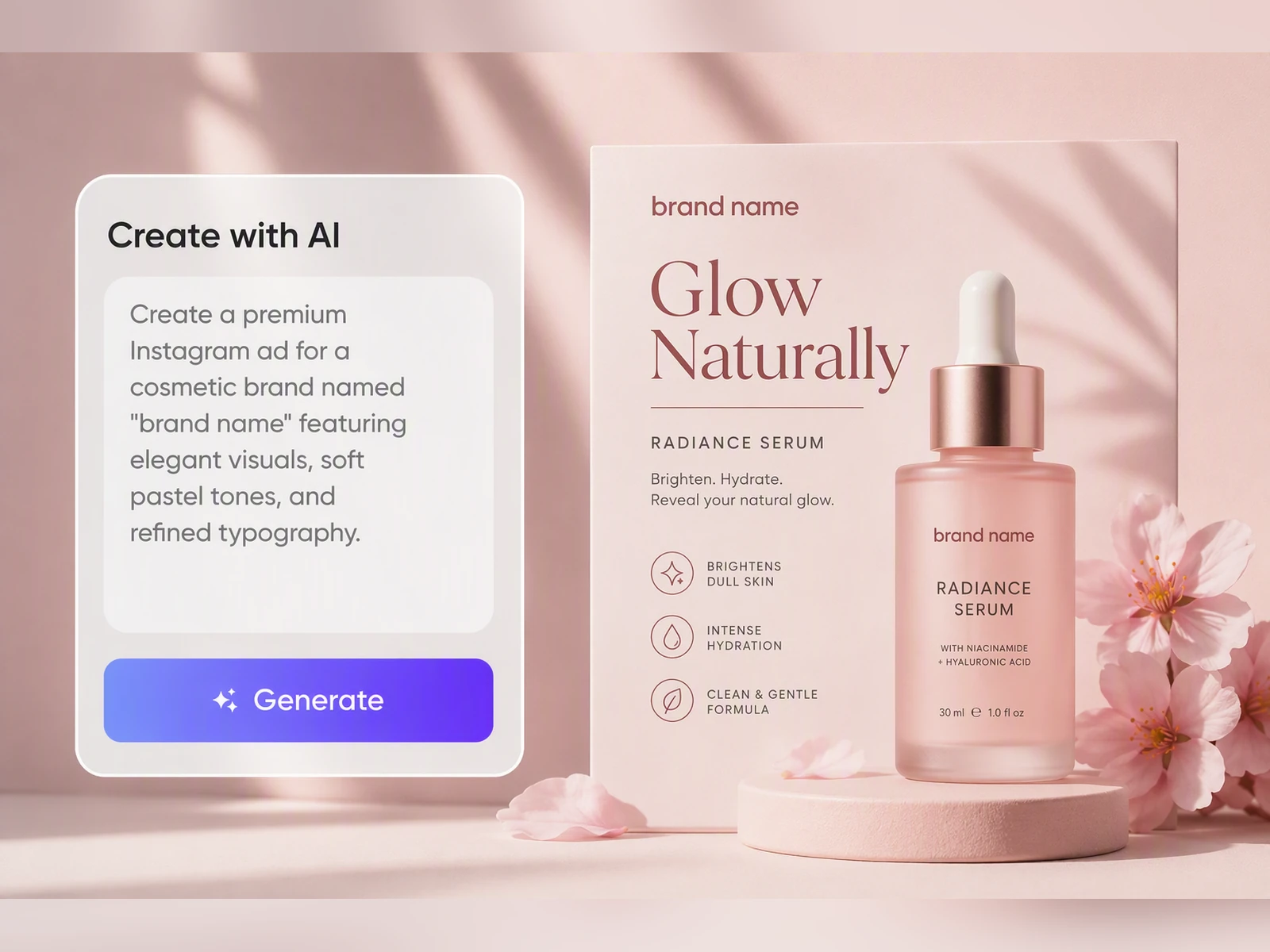
When packaging is still in development, you do not have to wait for a physical photo shoot. Packify can generate the surface design and a real-time 3D preview, helping you prepare Instagram teasers, Shopify launch assets, or internal reviews.
Preview your own product first
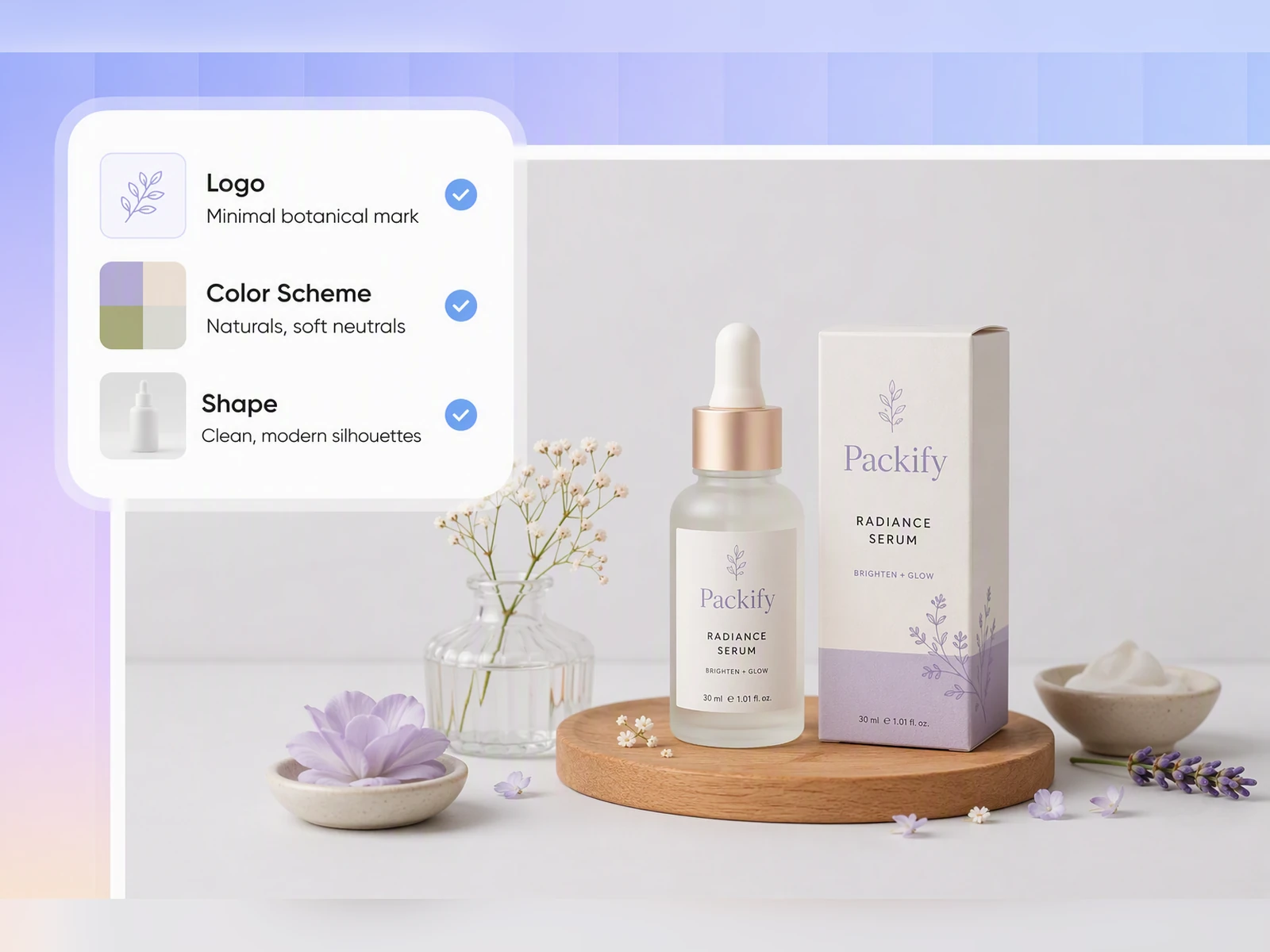
Platform examples cannot show whether your own packaging will look natural in an ad. Upload a real product photo and use the free trial to generate a hand-held or lifestyle scene. Review the Instagram ad mockup with your own packaging before creating more images for Feed or Stories.
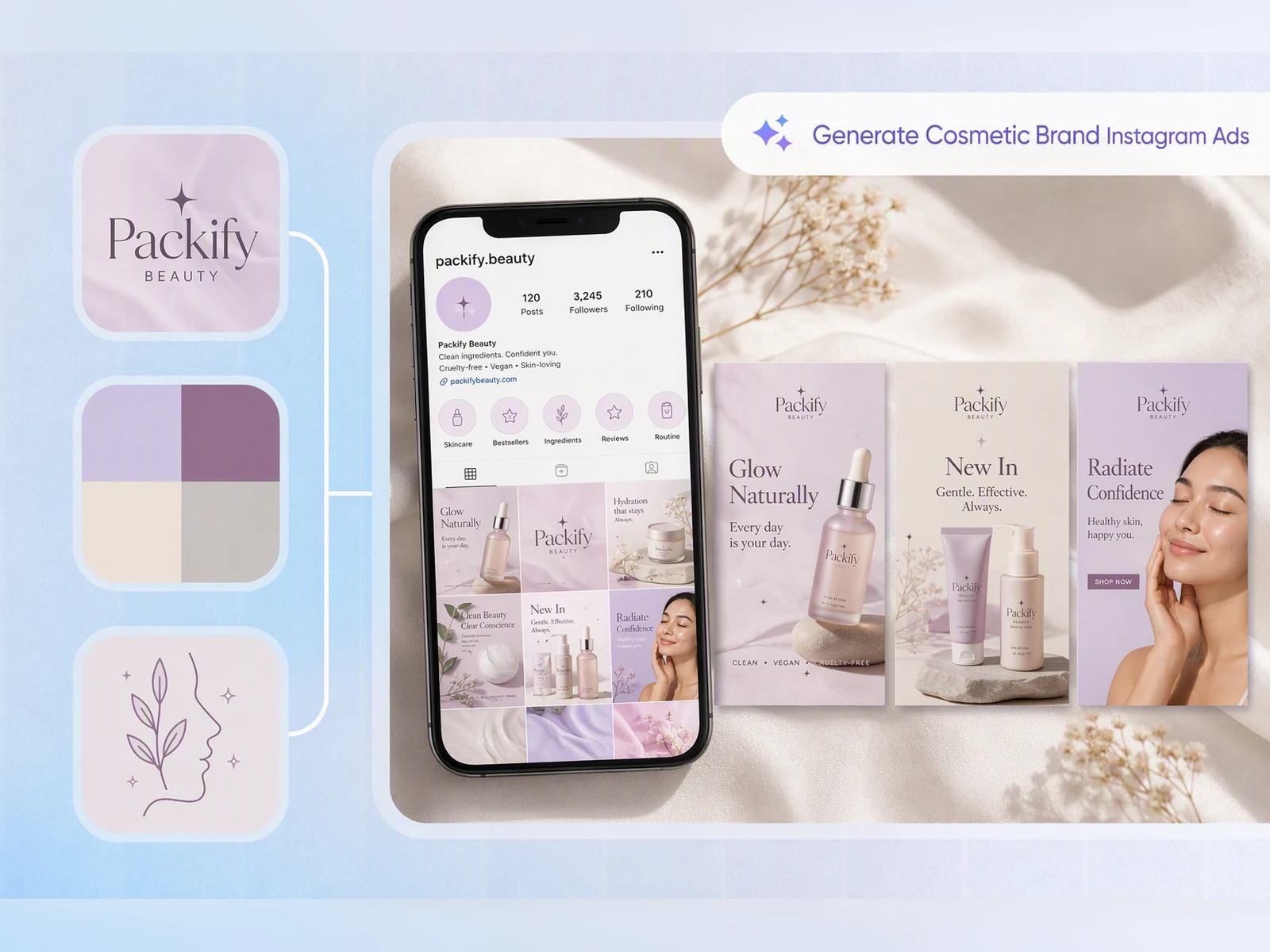
Keep every ad on-brand
Food and beauty brands often change campaign themes while their colors, logo, and visual direction need to stay familiar. Set up your Brand Kit so Packify can carry your brand information into product visuals for Shopify launches and Instagram campaigns.
Show the product in use
A plain background photo does not show how a product fits into a customer's routine. Describe the person, action, and setting to place your product in hand-held, everyday, or seasonal scenes for Instagram launches and promotions.
Promote products before production
When packaging is still in development, you do not have to wait for a physical photo shoot. Packify can generate the surface design and a real-time 3D preview, helping you prepare Instagram teasers, Shopify launch assets, or internal reviews.
Preview your own product first
Platform examples cannot show whether your own packaging will look natural in an ad. Upload a real product photo and use the free trial to generate a hand-held or lifestyle scene. Review the Instagram ad mockup with your own packaging before creating more images for Feed or Stories.
Keep every ad on-brand
Food and beauty brands often change campaign themes while their colors, logo, and visual direction need to stay familiar. Set up your Brand Kit so Packify can carry your brand information into product visuals for Shopify launches and Instagram campaigns.
Proven impact, in our customer's words


The AI-powered packaging design tool is a game-changer. It's fast, intuitive, making it an essential tool for any forward-thinking design team.ved.
March 26, 2025


The results are so amazing that I don't think it's just for inspiration... I'd say artificial intelligence outperforms most designers; the key is to come up with the perfect prompt. Great contribution! Thank you 😊.
March 18, 2025


The AI-powered packaging design tool is a game-changer. It's fast, intuitive, making it an essential tool for any forward-thinking design team.
March 18, 2025


We’re a tiny skincare shop. Packify.ai turned my scribbles into clean mockups and a printable dieline by Monday. Fewer back-and-forths, consistent branding, a nd our product page conversions moved.
March 18, 2025


The AI-powered packaging design tool is a game-changer. It's fast, intuitive, making it an essential tool for any forward-thinking design team.
March 26, 2025


The results are so amazing that I don't think it's just for inspiration... I'd say artificial intelligence outperforms most designers; the key is to come up with the perfect prompt. Great contribution! Thank you 😊
March 18, 2025


Congrats! Packify.ai, an AI packaging designer, enables easy, creative design and offers AI-driven product photography for e-commerce through simple chatting.
April 2, 2025


We’re a tiny skincare shop. Packify.ai turned my scribbles into clean mockups and a printable dieline by Monday. Fewer back-and-forths, consistent branding, a nd our product page conversions moved.
May 9, 2025
You asked,
we answered
You asked, we answered
Can Packify create hand-held Instagram product ads?
Yes. Upload your own product photo and describe the person, setting, and way the product is held. Packify can generate a hand-held advertising scene. Check the packaging text, logo, and product details before using the image in an Instagram campaign.
Which image ratios should I use for Feed, Stories, and Carousel?
Use 4:5, such as 1080 × 1350, for more Feed space, or 1:1, such as 1080 × 1080, for a flexible square. Use 9:16, such as 1080 × 1920, for Stories and keep products, logos, and text inside the central safe area. For Carousel ads, keep every card at the same 4:5 or 1:1 ratio.
What products work well in Instagram ads?
Packaged food, beverages, beauty, skincare, personal care, fashion accessories, home goods, and other visual DTC products are strong candidates. They let shoppers understand the product through its packaging, hand-held scale, or everyday setting. Higher-consideration products may need more educational content alongside the image.
What advertising styles work well on Instagram?
Use mobile-first visuals that make the product easy to recognize and feel native to the feed. Try natural hand-held shots, everyday use, clean product close-ups, limited-time offers, or creator-style scenes. Keep on-image text short and maintain consistent packaging, colors, and logos.
Can I use the Instagram ad maker for free?
You can start with a free trial and preview results using your own product photo. Generations consume credits based on the feature used, so check your account balance first. For more credits and advanced features, visit our Pricing Page.
Can I use generated Instagram ads commercially?
Yes. Subject to Packify's Terms of Use, generated content can be used for commercial projects, including Instagram promotions and Shopify launches. AI-generated content is not exclusive. Review trademarks, packaging text, and any elements that may resemble an existing brand before publishing.
Give every launch a new look