
AI jewelry model
Upload a clear photo of your jewelry and describe how you want it shown on a model. Packify generates a photo of the piece being worn.
Trusted by industry-leading businesses


AI jewelry model generator for product photos
A product photo only shows so much. Packify creates an on-model image from your jewelry photo, so shoppers can see how the piece sits when worn. Add it alongside your original photo to give shoppers both views.
How to create jewelry model photos with AI?
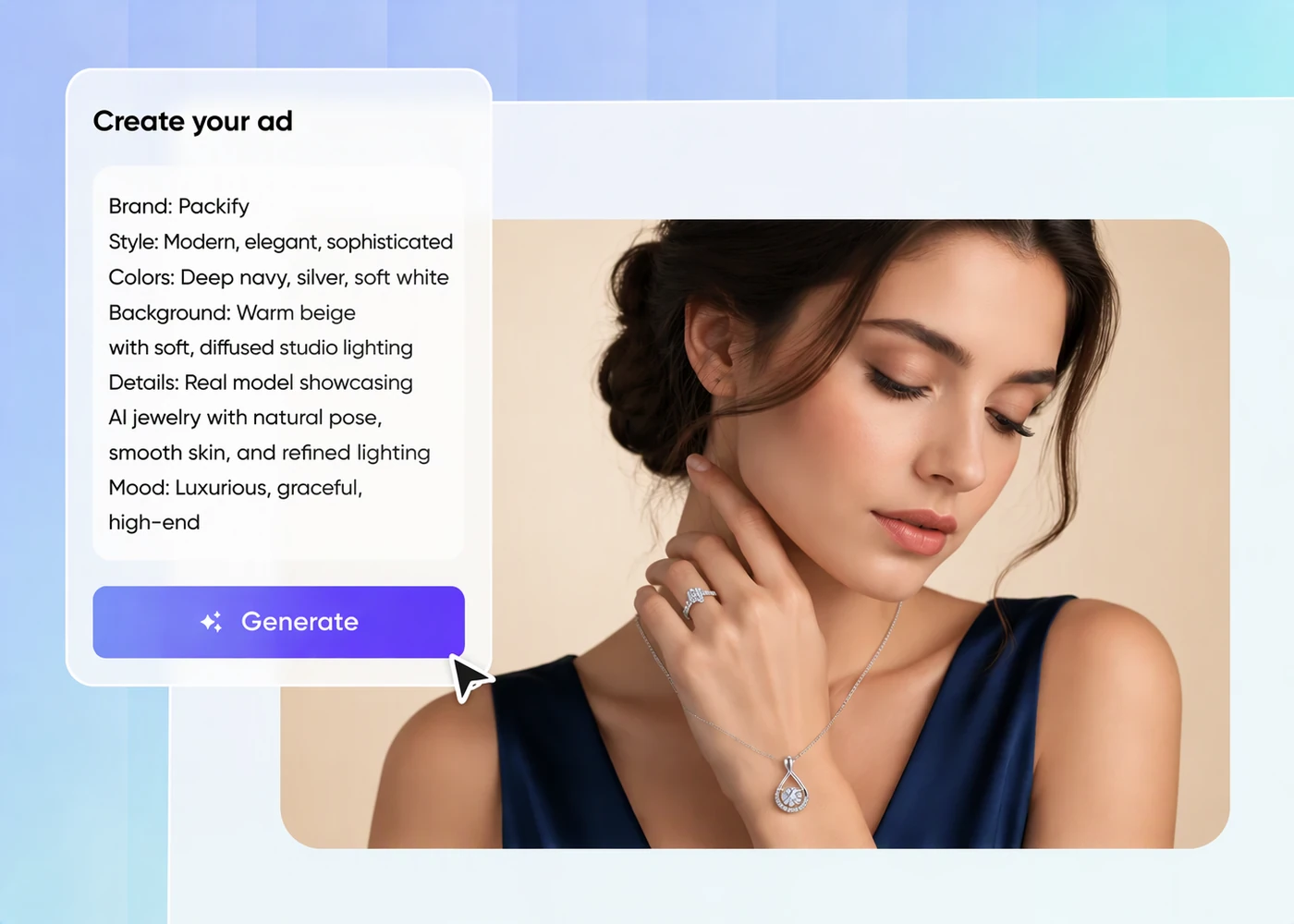
Step 1: Upload a jewelry photo
Upload a sharp product photo that shows the whole piece and makes its smallest details easy to see.
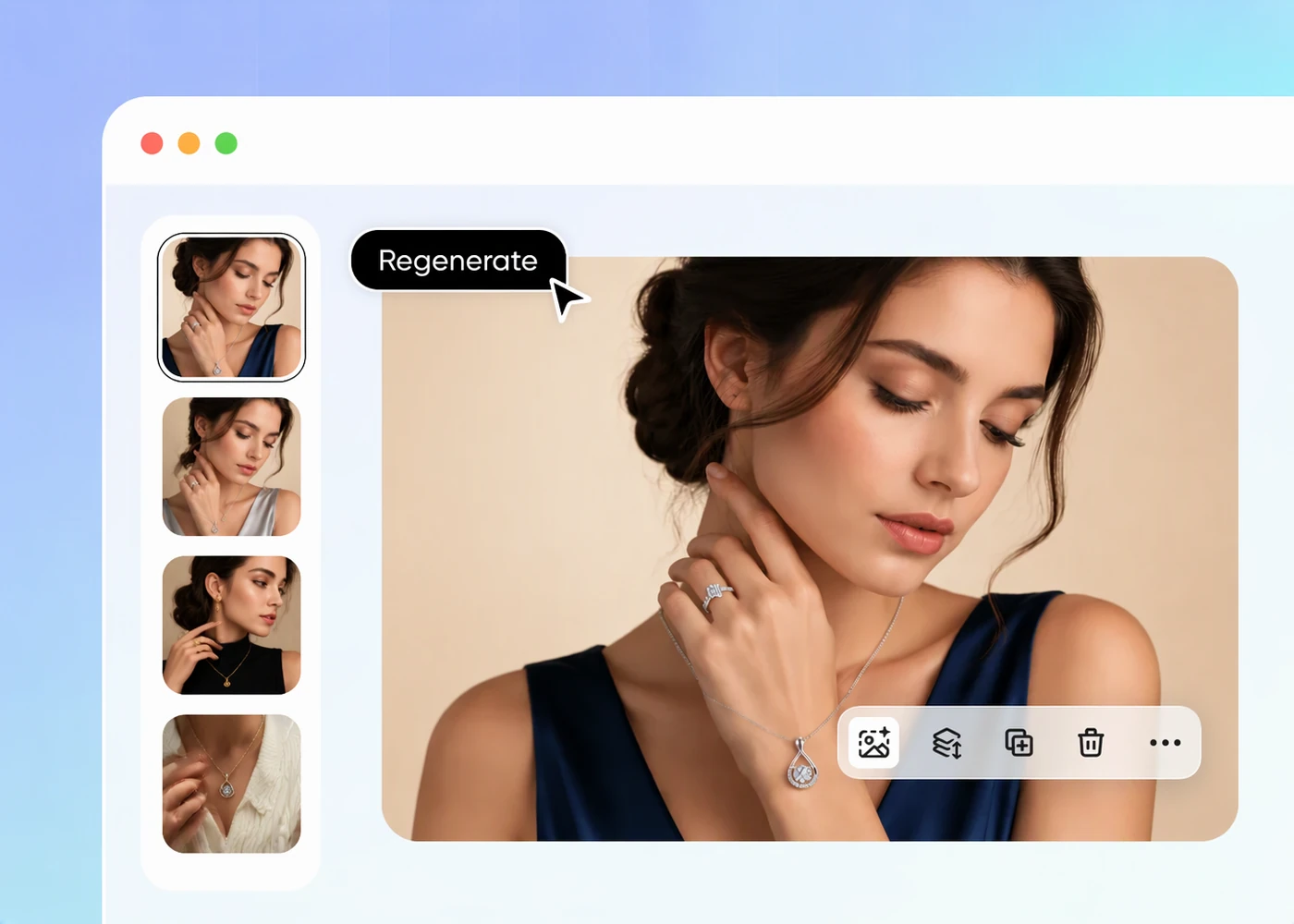
Step 2: Try different prompts
Describe who should model your jewelry and specify the camera angle. Try a few prompts to generate photos with different models and angles.
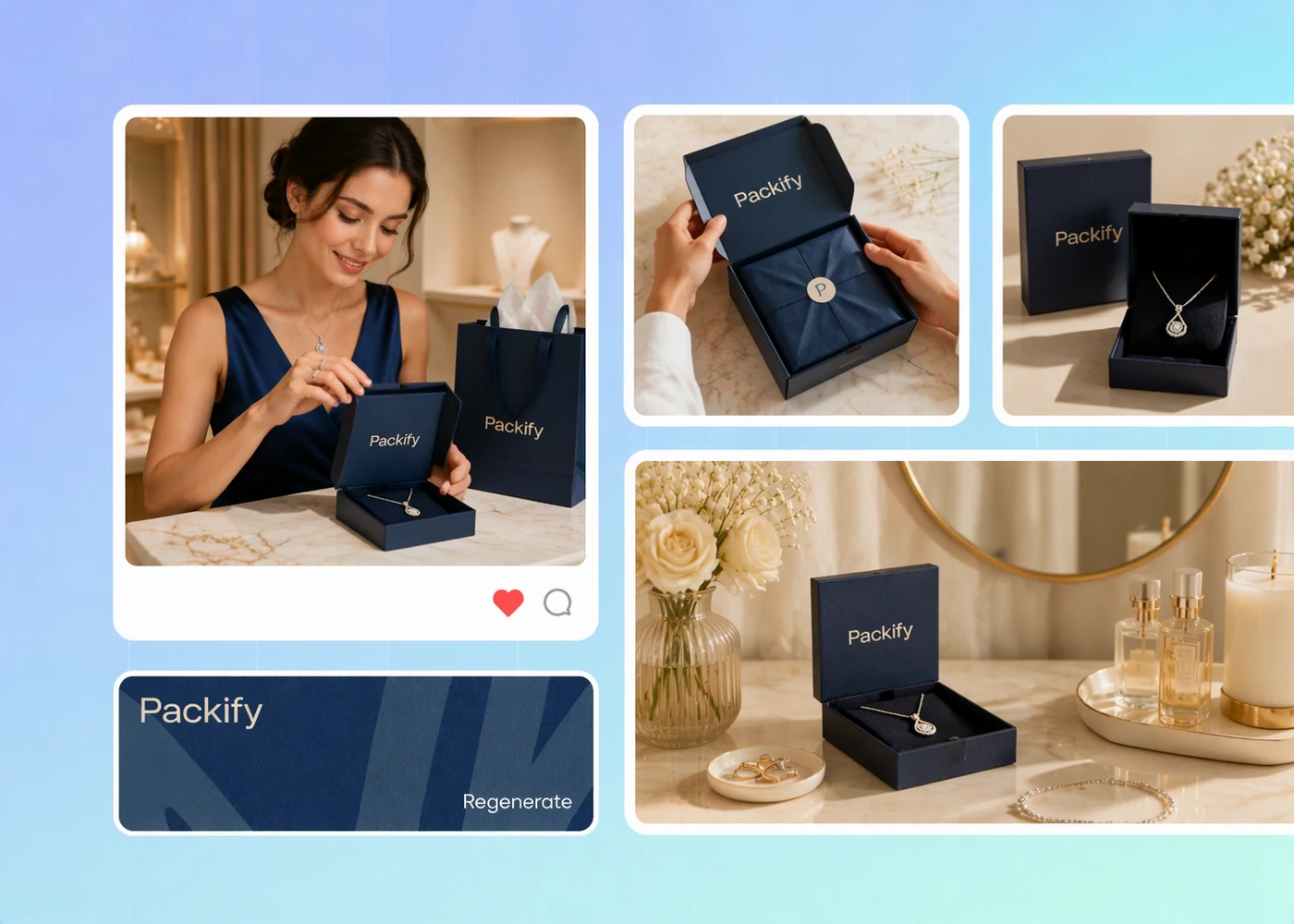
Step 3: Share your AI jewelry model photo
Download your picture, then add the AI jewelry model photo to your product listing or share it on social media.

Step 1: Upload a jewelry photo
Upload a sharp product photo that shows the whole piece and makes its smallest details easy to see.
Step 2: Try different prompts
Describe who should model your jewelry and specify the camera angle. Try a few prompts to generate photos with different models and angles.
Step 3: Share your AI jewelry model photo
Download your picture, then add the AI jewelry model photo to your product listing or share it on social media.
Why choose AI for jewelry photos?
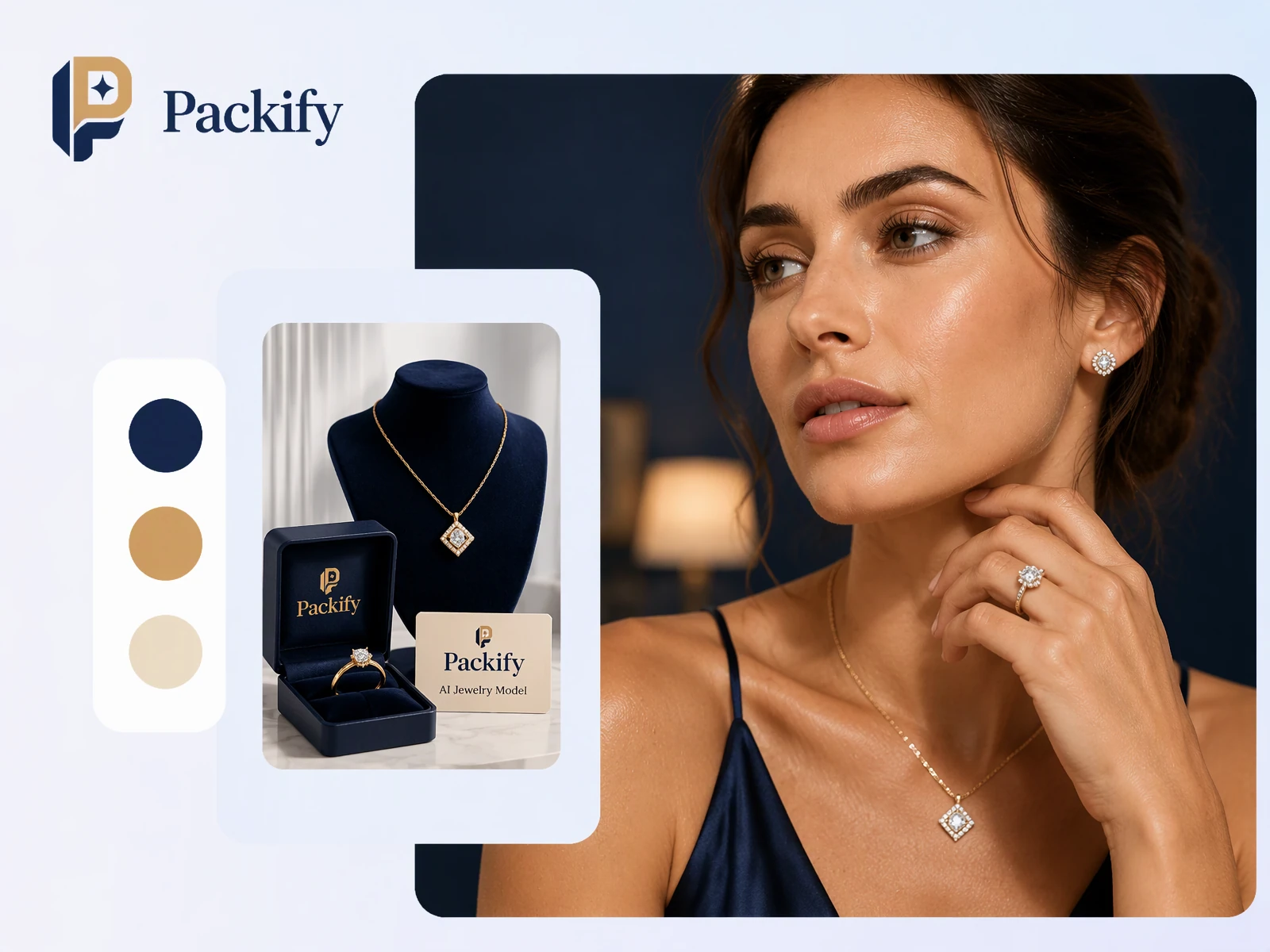
Create photos between model shoots
This AI jewelry model generator gives handmade and made-to-order sellers a way to create a worn view for a single piece without booking a model shoot for each new design.
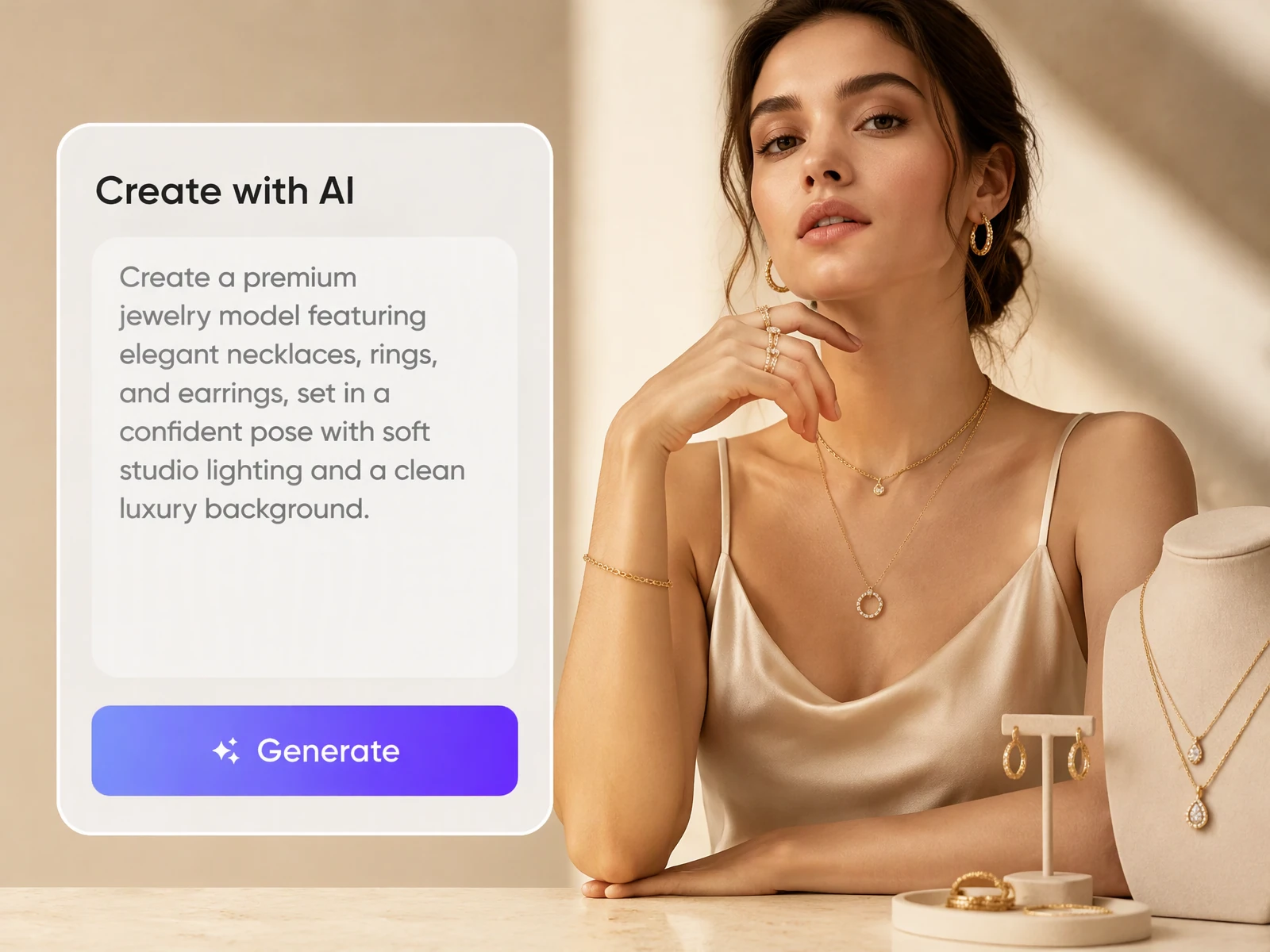
Frame the jewelry up close
Describe the part of the body you want in frame, such as the ear for an earring or the wrist for a bracelet. A close crop keeps the piece in focus and shows where it sits when worn.
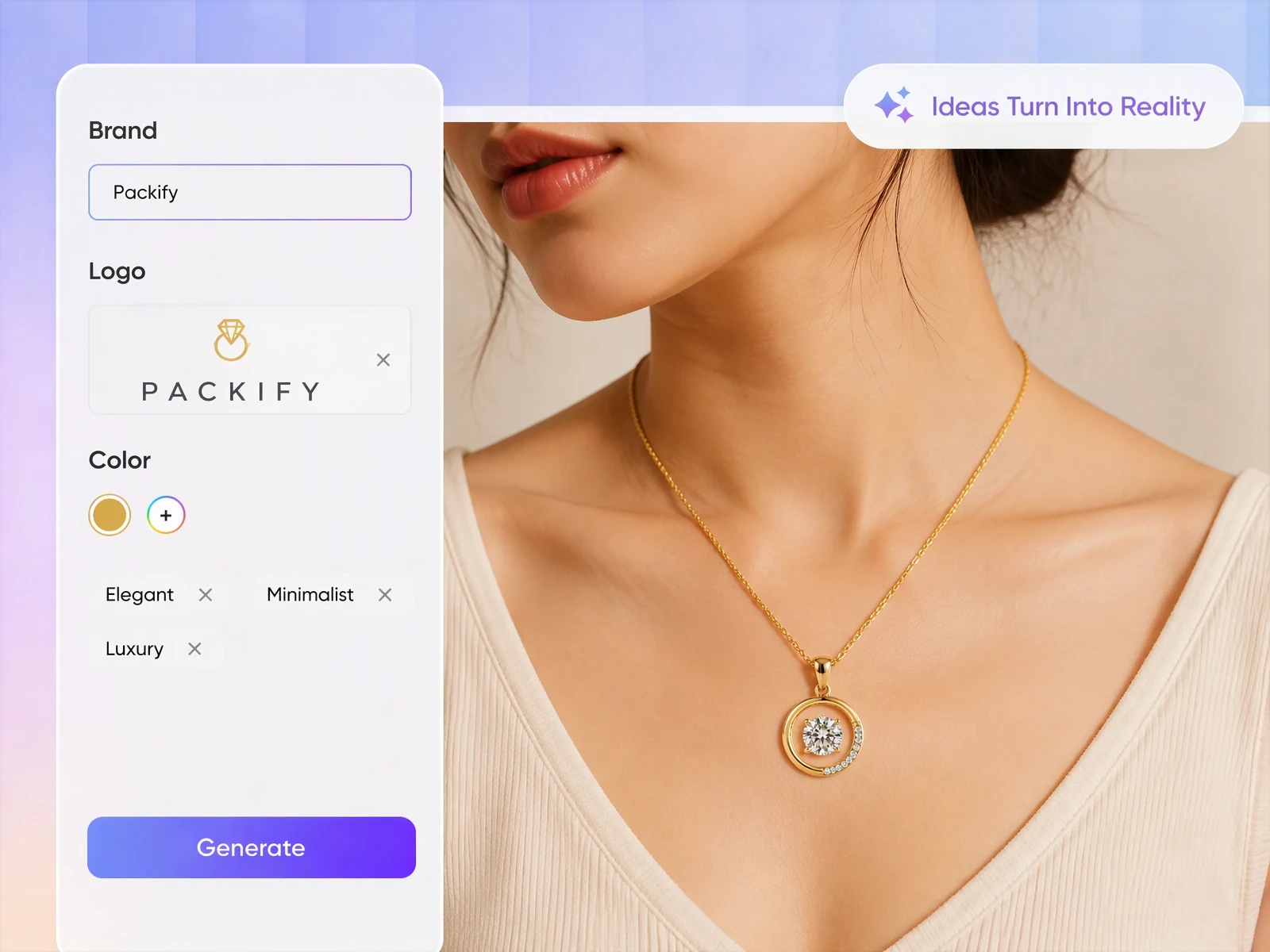
Create more from one photo
Use one jewelry product photo with Packify’s AI jewelry model tool to create on-model images for product listings, launch emails, and social ads.
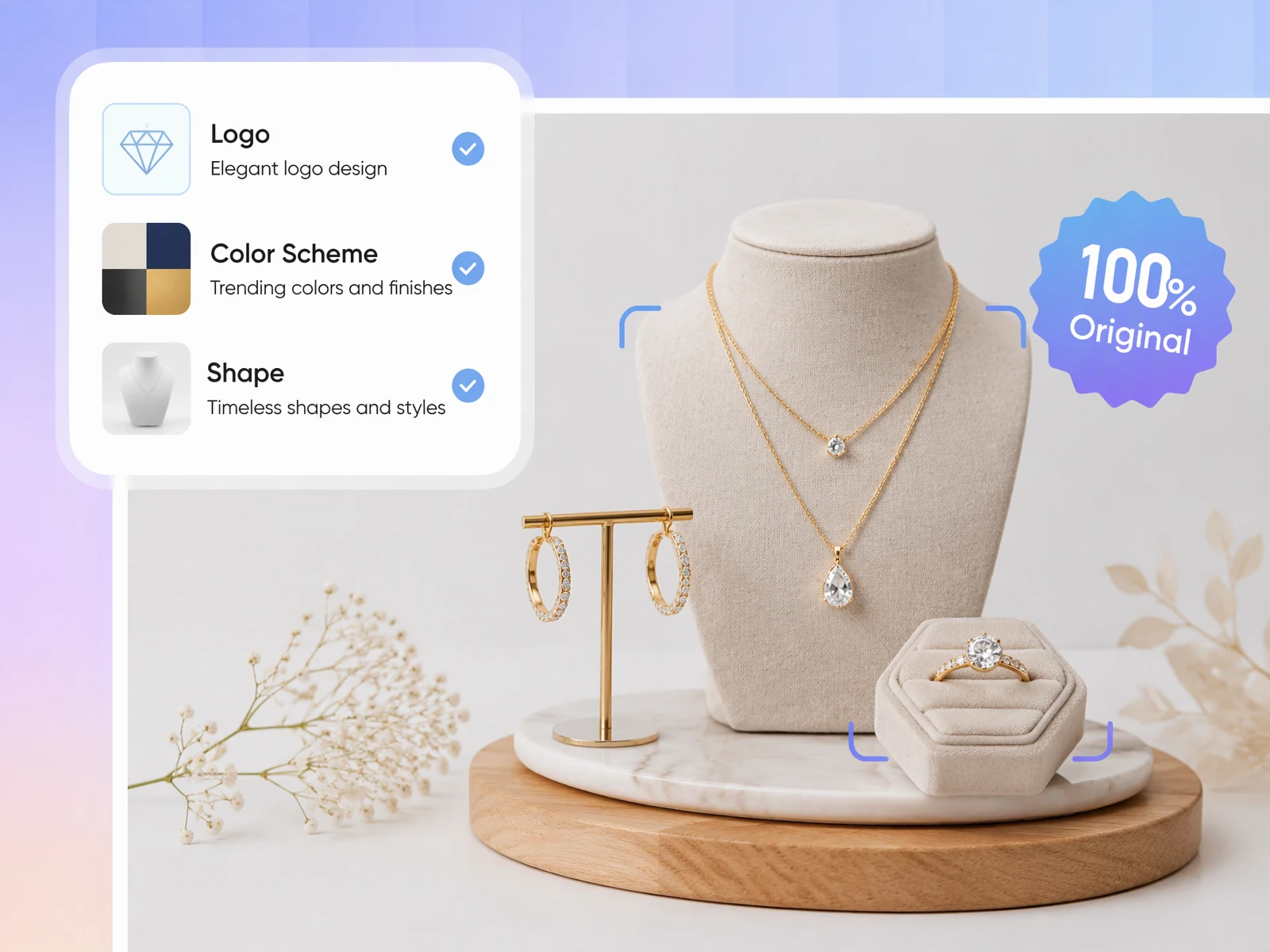
Plan shots before booking models
Use Packify’s AI jewelry model generator to preview how a piece looks on a model from a product photo. Choose the framing before booking studio time, then photograph the actual piece.
Create photos between model shoots
This AI jewelry model generator gives handmade and made-to-order sellers a way to create a worn view for a single piece without booking a model shoot for each new design.
Frame the jewelry up close
Describe the part of the body you want in frame, such as the ear for an earring or the wrist for a bracelet. A close crop keeps the piece in focus and shows where it sits when worn.
Create more from one photo
Use one jewelry product photo with Packify’s AI jewelry model tool to create on-model images for product listings, launch emails, and social ads.
Plan shots before booking models
Use Packify’s AI jewelry model generator to preview how a piece looks on a model from a product photo. Choose the framing before booking studio time, then photograph the actual piece.
Proven impact, in our customer's words


The AI-powered packaging design tool is a game-changer. It's fast, intuitive, making it an essential tool for any forward-thinking design team.ved.
March 26, 2025


The results are so amazing that I don't think it's just for inspiration... I'd say artificial intelligence outperforms most designers; the key is to come up with the perfect prompt. Great contribution! Thank you 😊.
March 18, 2025


The AI-powered packaging design tool is a game-changer. It's fast, intuitive, making it an essential tool for any forward-thinking design team.
March 18, 2025


We’re a tiny skincare shop. Packify.ai turned my scribbles into clean mockups and a printable dieline by Monday. Fewer back-and-forths, consistent branding, and our product page conversions moved.
March 18, 2025


The AI-powered packaging design tool is a game-changer. It's fast, intuitive, making it an essential tool for any forward-thinking design team.
March 26, 2025


The results are so amazing that I don't think it's just for inspiration... I'd say artificial intelligence outperforms most designers; the key is to come up with the perfect prompt. Great contribution! Thank you 😊
March 18, 2025


Congrats! Packify.ai, an AI packaging designer, enables easy, creative design and offers AI-driven product photography for e-commerce through simple chatting.
April 2, 2025


We’re a tiny skincare shop. Packify.ai turned my scribbles into clean mockups and a printable dieline by Monday. Fewer back-and-forths, consistent branding, and our product page conversions moved.
May 9, 2025
You asked,
we answered
You asked, we answered
What is an AI jewelry model?
An AI jewelry model is a digitally generated person shown wearing jewelry from a product photo. You can use the image in an Etsy listing to help shoppers picture where a pendant sits at the neckline.
What types of jewelry can Packify’s AI jewelry model generator show on a model?
You can generate model photos for necklaces, rings, bracelets, earrings, and other jewelry.
Which photo should I use if I have several of the same piece?
Choose the angle that shows how the jewelry hangs or curves. For a pendant, use a photo with the pendant facing forward and the chain visible.
Should the AI photo replace my main product image?
Keep a real product photo as the main image and add the generated view as a secondary image. That way, shoppers can inspect the actual piece first, then see how it might look when worn.
Can I try the AI jewelry model generator for free?
Registering for Packify gives your account free credits to try the AI jewelry model generator. Each generation consumes credits, so check your balance before generating a photo. Visit the Pricing Page if you need more credits or advanced features.
Can I use generated jewelry model photos commercially?
Yes. You can use generated jewelry model photos commercially, subject to Packify’s Terms of Use. Make sure you have permission to use any reference images you upload, and review the result before publishing it in a listing or ad.
Show shoppers how your jewelry looks worn
