Shopify product image generator
Upload a product photo and describe the setting you need. Packify creates clean, studio, and lifestyle images for your Shopify product pages.

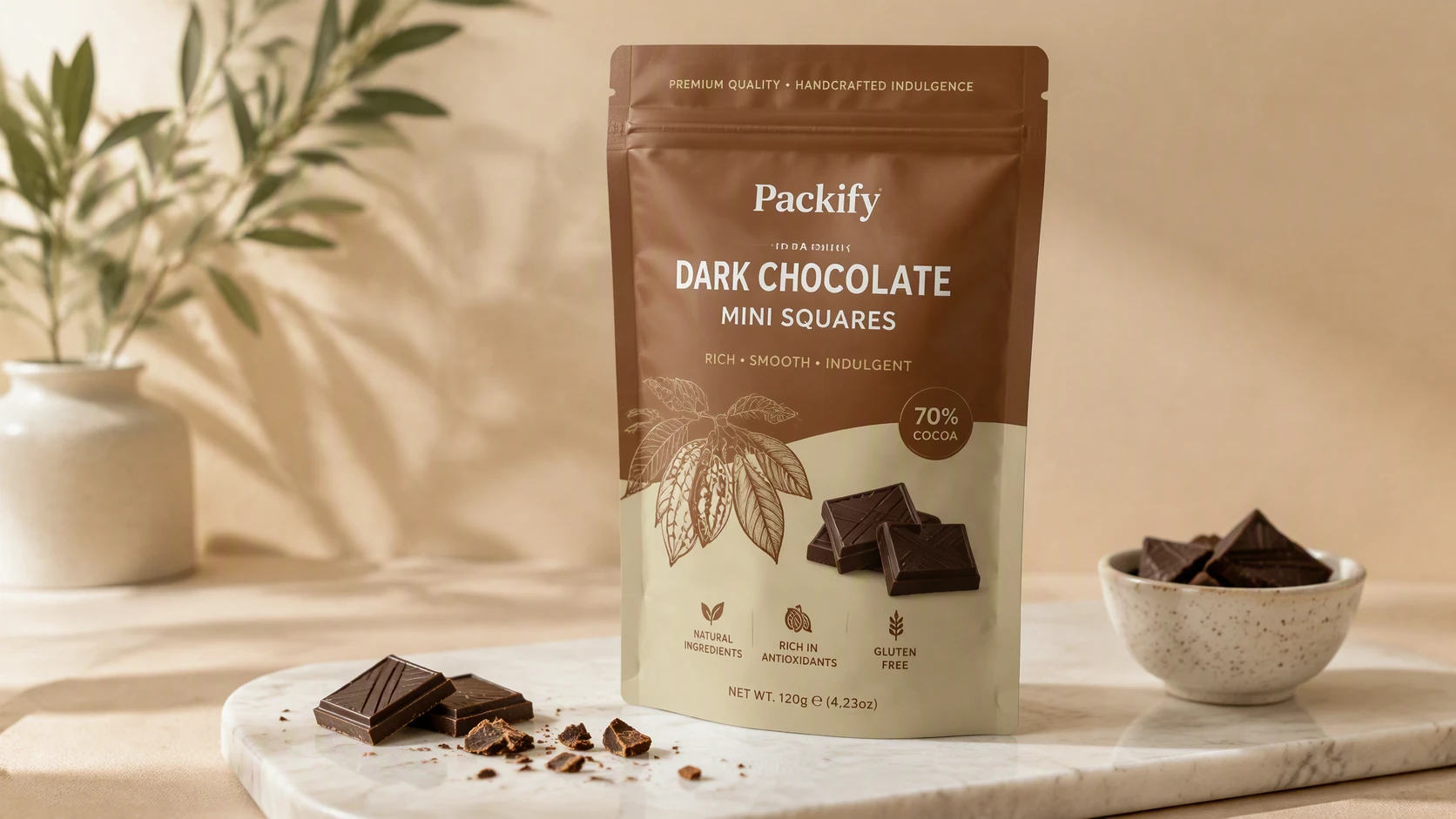
Trusted by industry-leading businesses


Speed up Shopify product photography
Preparing images for every launch or campaign often means coordinating samples, sets, lighting, and retouching. Packify starts with an existing product photo and uses AI to replace the background. Create clean product shots, studio images, and lifestyle scenes without arranging another shoot. It gives Shopify sellers a faster way to prepare product page visuals, seasonal campaign assets, and ad creatives from photos they already have.
How to generate Shopify product photos with Packify?
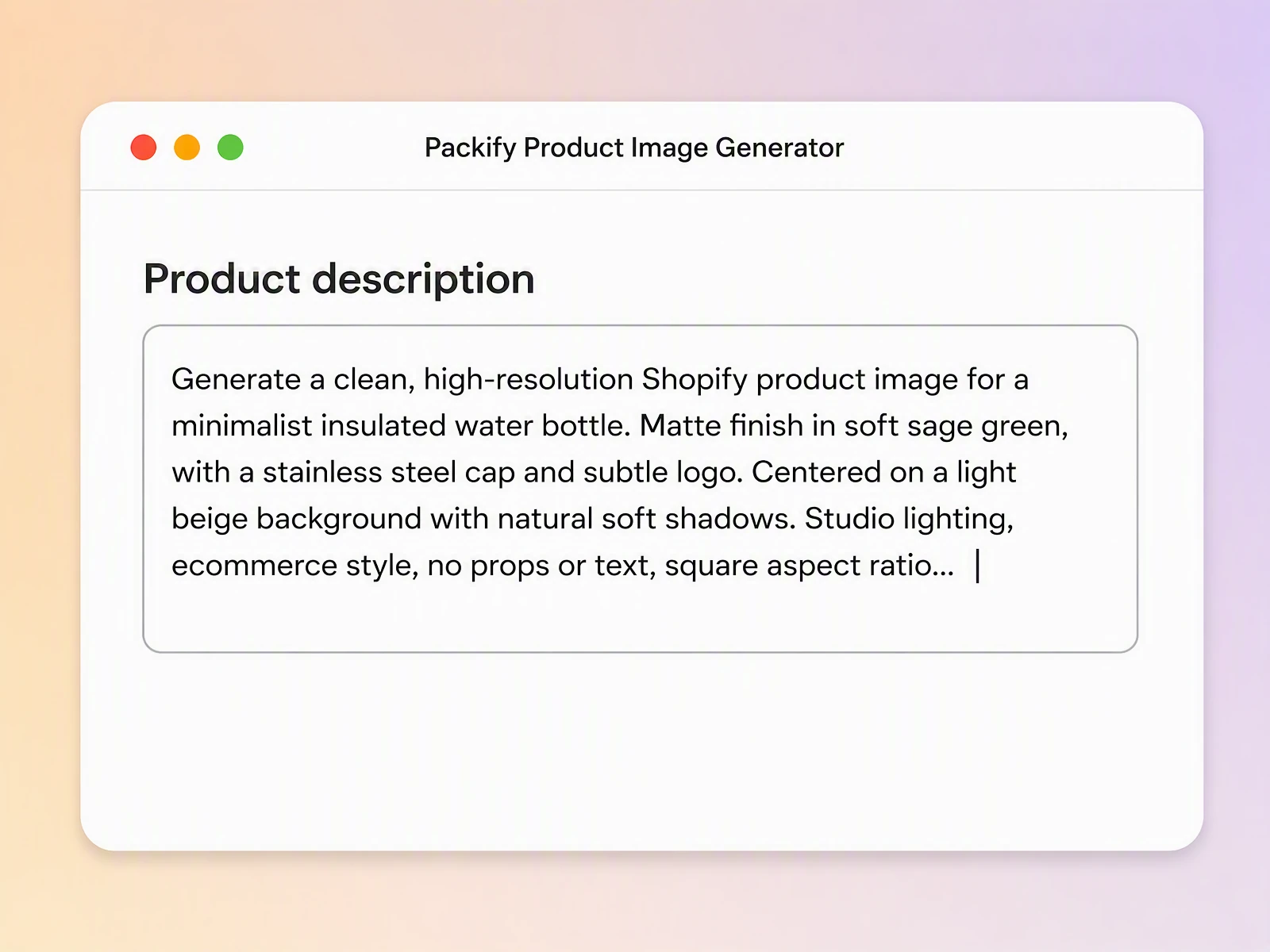
Step 1: Describe your Shopify product image
Upload a clear product photo, then enter the product category, target audience, brand style, lighting, background, and intended setting.
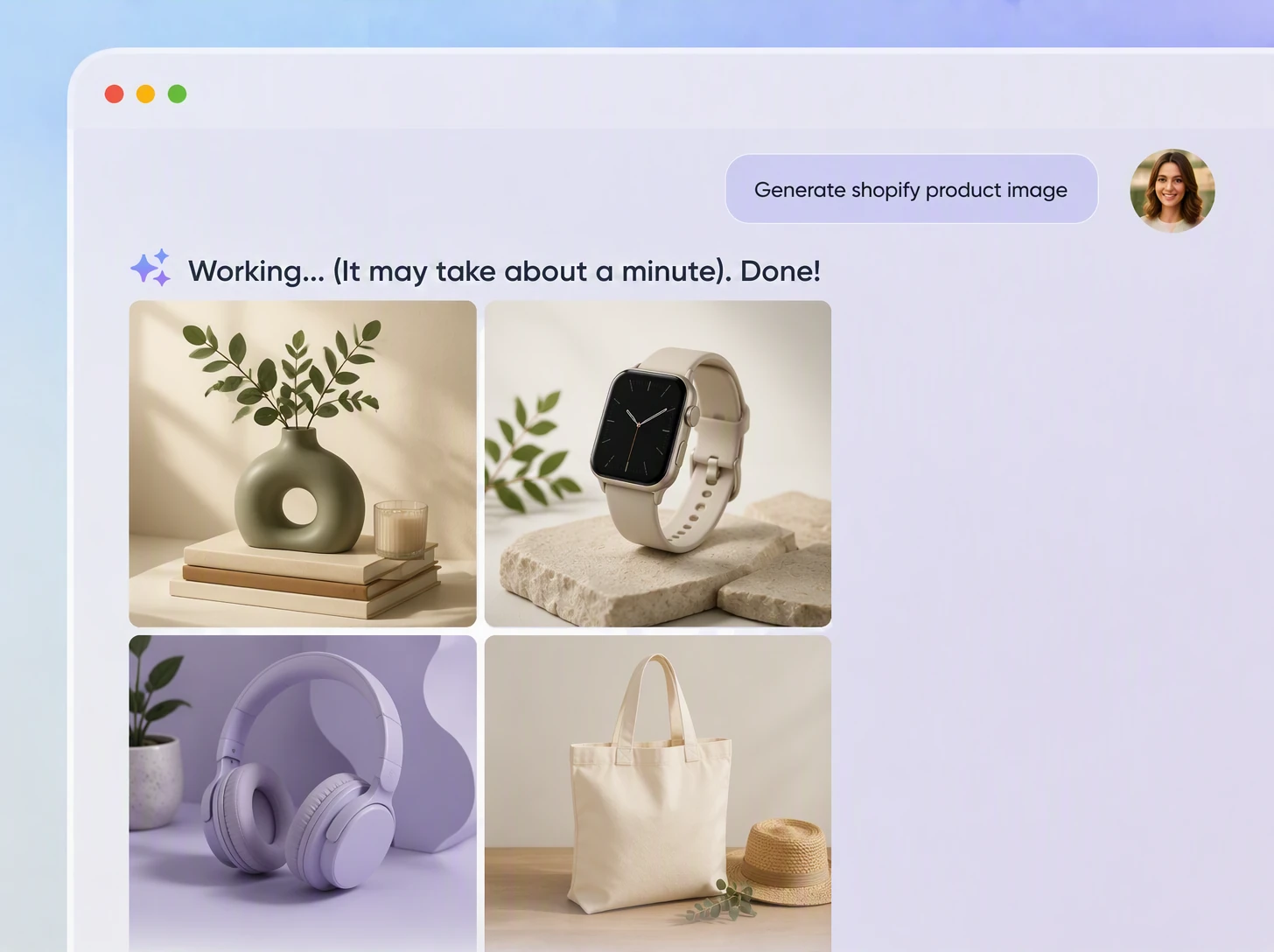
Step 2: Compare product image concepts
Generate and compare clean backgrounds, studio shots, and lifestyle scenes. Review the product details and select the best direction.
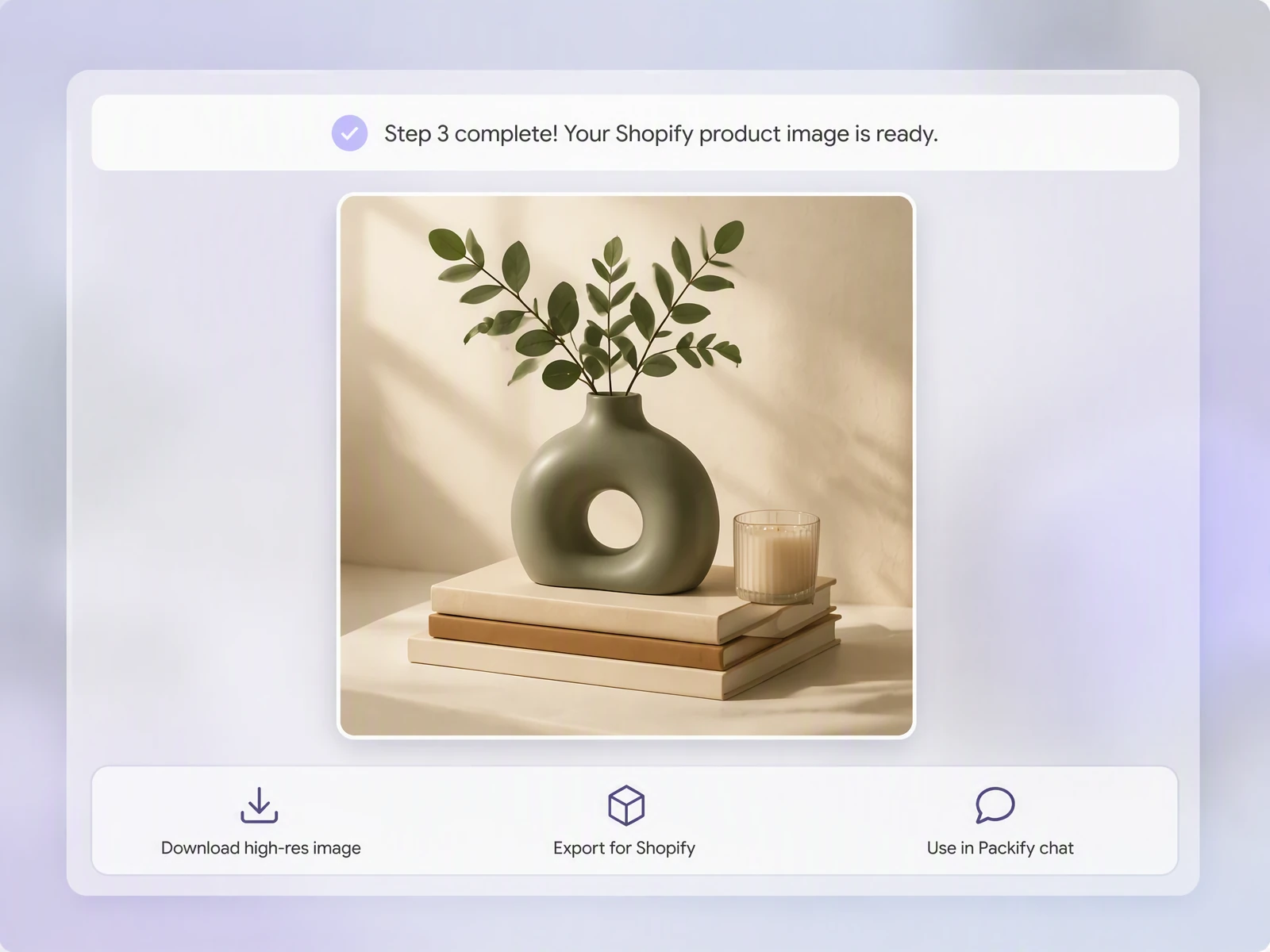
Step 3: Download and review your image
Download the selected image, check its colors, proportions, logo, and packaging text, then upload it to the matching Shopify product page.

Step 1: Describe your Shopify product image
Upload a clear product photo, then enter the product category, target audience, brand style, lighting, background, and intended setting.
Step 2: Compare product image concepts
Generate and compare clean backgrounds, studio shots, and lifestyle scenes. Review the product details and select the best direction.
Step 3: Download and review your image
Download the selected image, check its colors, proportions, logo, and packaging text, then upload it to the matching Shopify product page.
Why choose Packify for Shopify product photos?
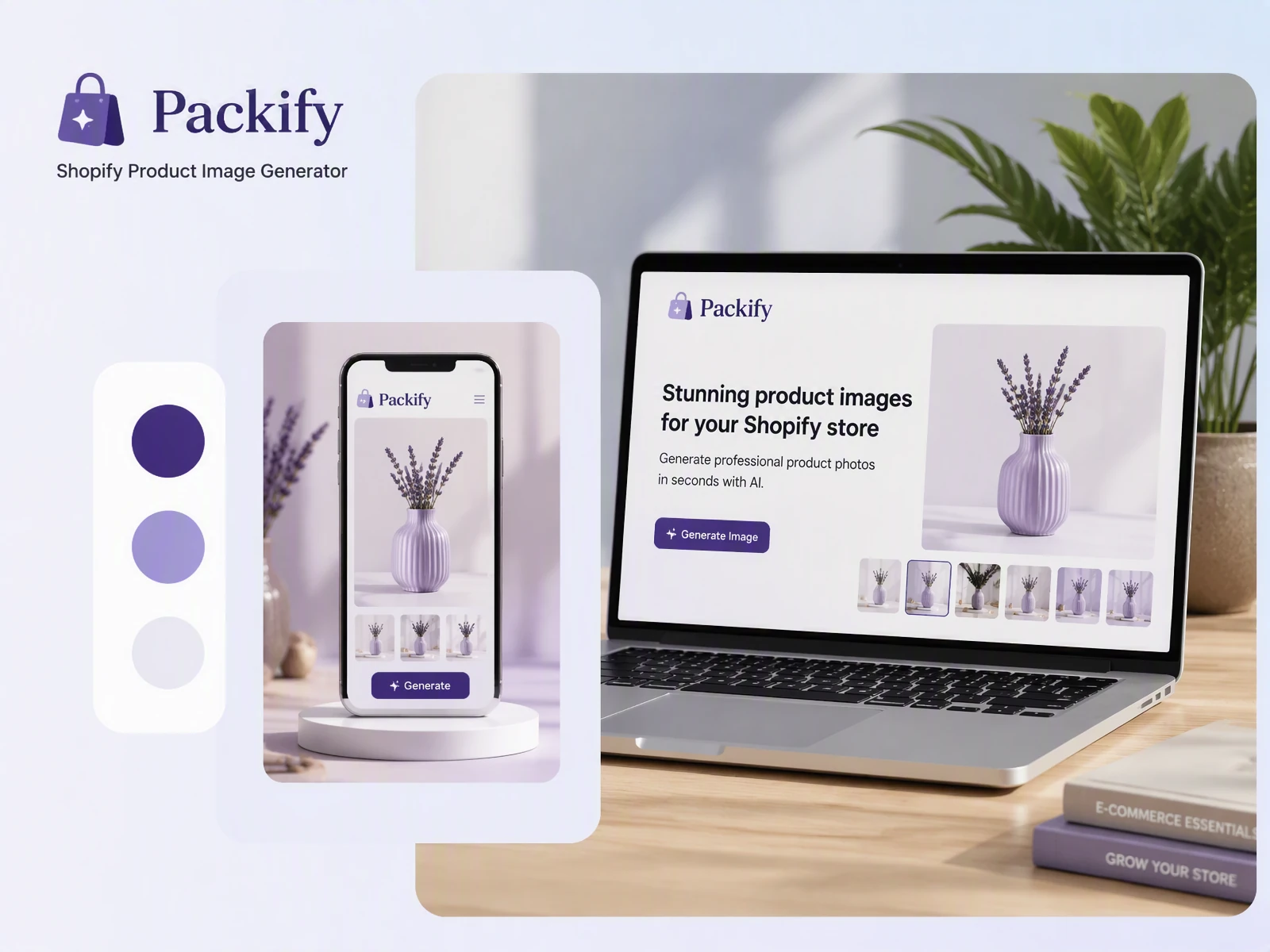
Cover different image requirements
A main image needs clarity, while a product page may also need studio and lifestyle content. The Shopify image generator creates clean-background images, white-background product shots, beauty studio scenes, and contextual photos for product listings and marketing campaigns.
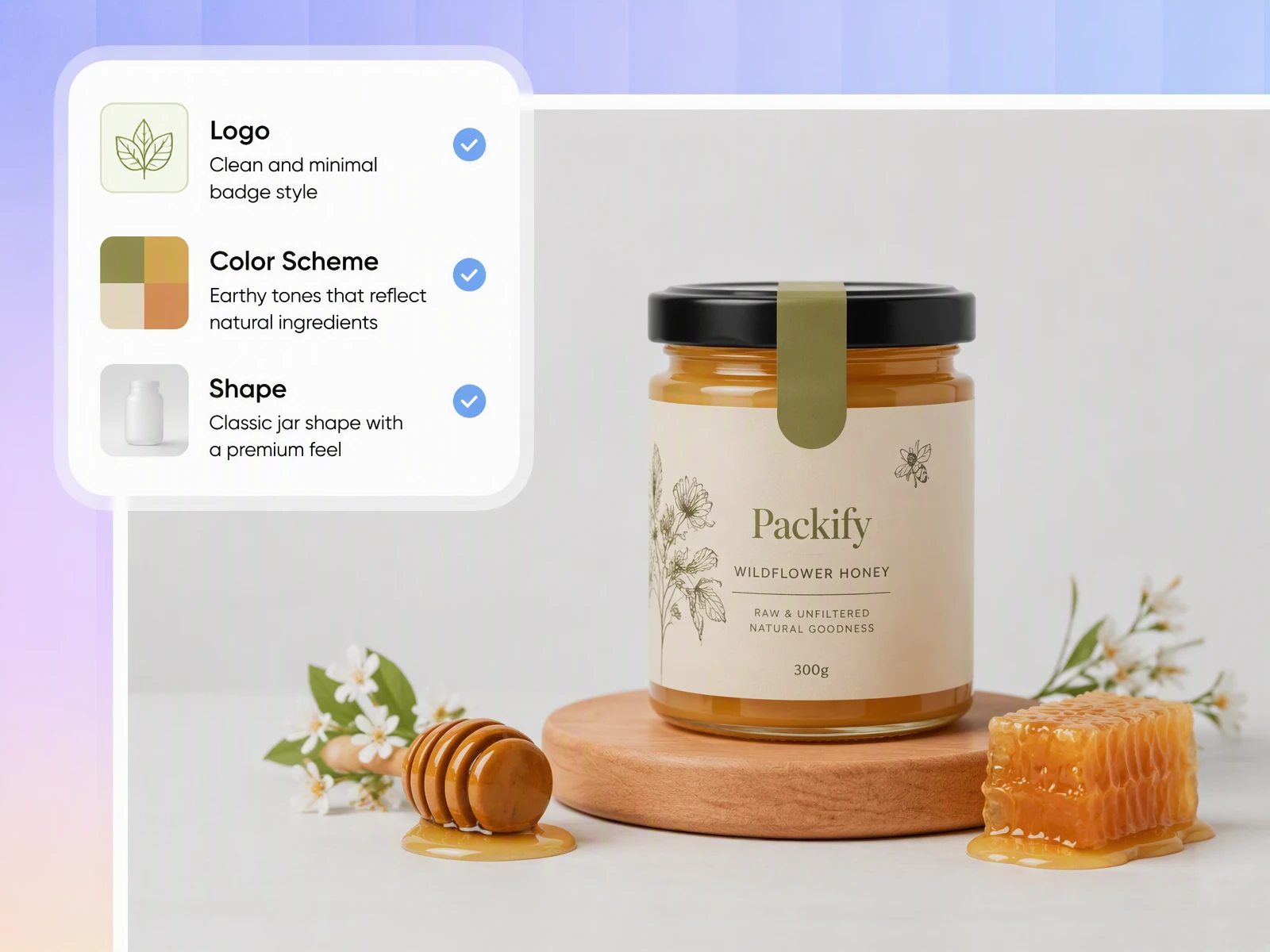
Create images that earn attention
Product images are often the first thing shoppers examine before reading descriptions or reviews. Packify turns an ordinary product photo into a more engaging visual setting, helping your Shopify listing attract interest and create stronger conditions for clicks and purchases.
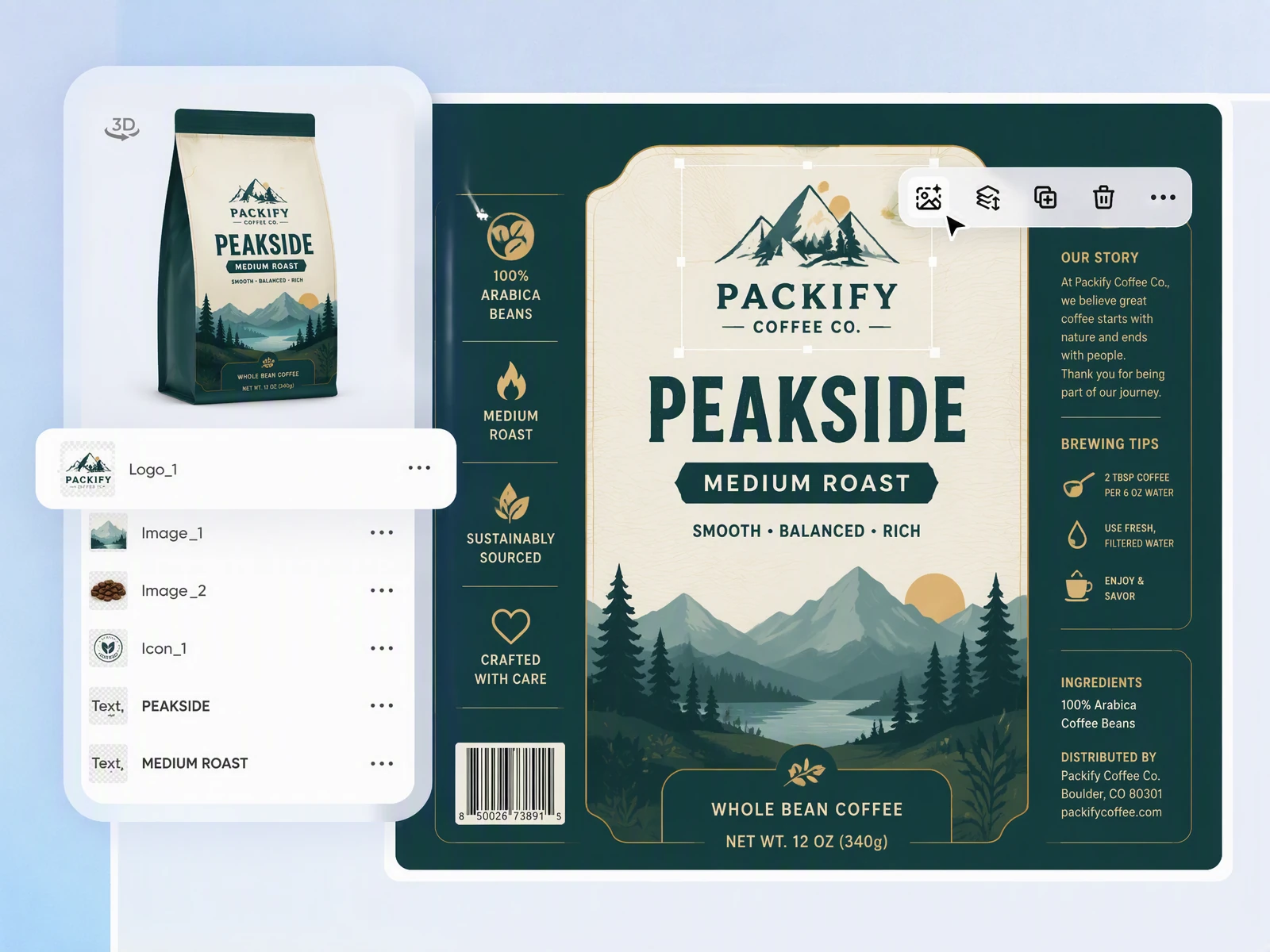
Build a consistent brand presence
Photos from phones, suppliers, and different shoots often use conflicting backgrounds, lighting, and colors. Packify lets you give each product a similar visual direction, helping Shopify product pages and collection grids feel more consistent and connected to your brand.
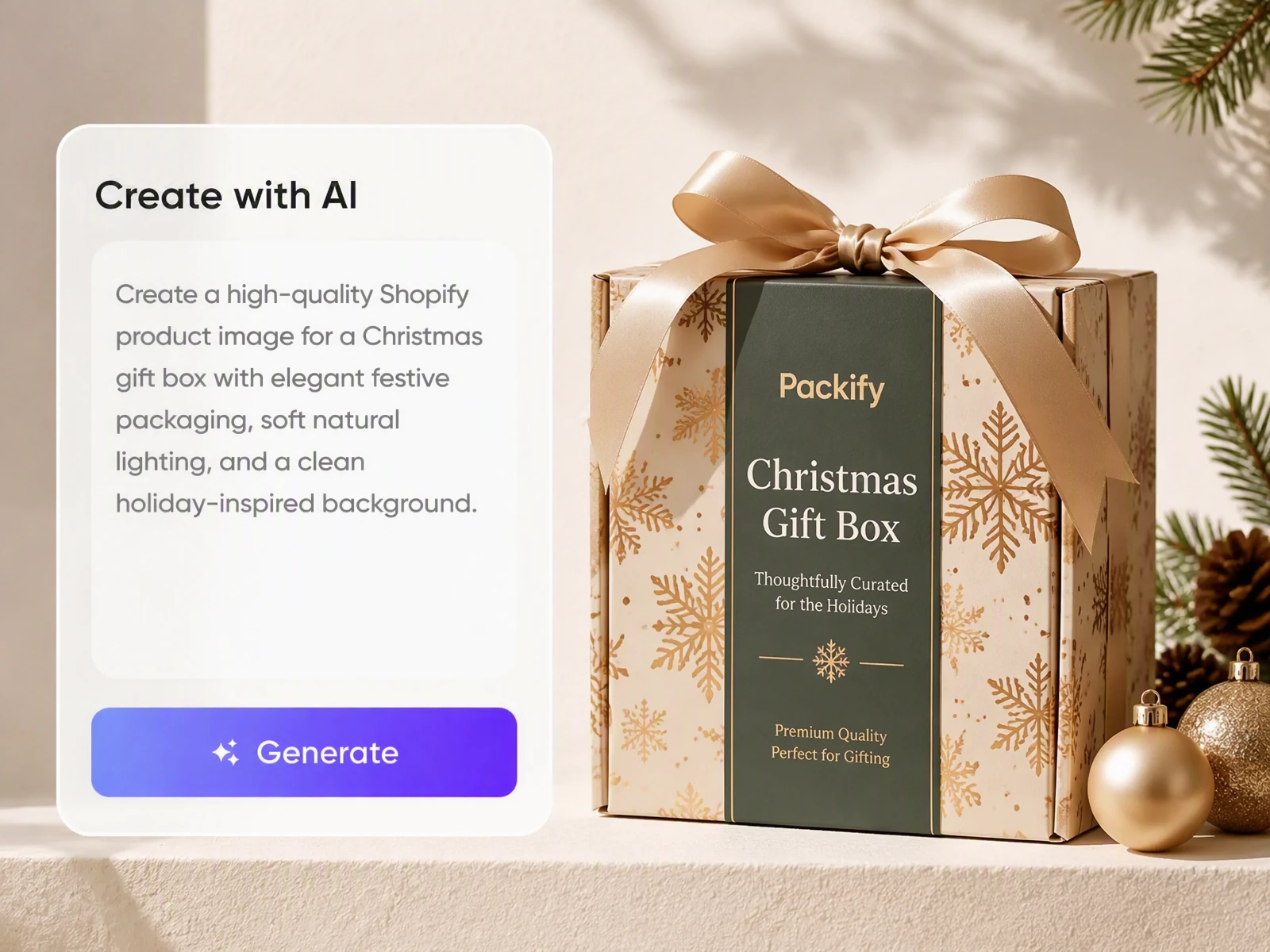
Test seasonal campaign concepts
Black Friday, Christmas, and new-product campaigns often require fresh visuals. Packify lets you test seasonal backgrounds and promotional settings from an existing photo, helping you compare creative directions for Shopify campaign pages, social content, and paid advertising.
Cover different image requirements
A main image needs clarity, while a product page may also need studio and lifestyle content. The Shopify image generator creates clean-background images, white-background product shots, beauty studio scenes, and contextual photos for product listings and marketing campaigns.
Create images that earn attention
Product images are often the first thing shoppers examine before reading descriptions or reviews. Packify turns an ordinary product photo into a more engaging visual setting, helping your Shopify listing attract interest and create stronger conditions for clicks and purchases.
Build a consistent brand presence
Photos from phones, suppliers, and different shoots often use conflicting backgrounds, lighting, and colors. Packify lets you give each product a similar visual direction, helping Shopify product pages and collection grids feel more consistent and connected to your brand.
Test seasonal campaign concepts
Black Friday, Christmas, and new-product campaigns often require fresh visuals. Packify lets you test seasonal backgrounds and promotional settings from an existing photo, helping you compare creative directions for Shopify campaign pages, social content, and paid advertising.
Proven impact, in our customer's words


The AI-powered packaging design tool is a game-changer. It's fast, intuitive, making it an essential tool for any forward-thinking design team.ved.
March 26, 2025


The results are so amazing that I don't think it's just for inspiration... I'd say artificial intelligence outperforms most designers; the key is to come up with the perfect prompt. Great contribution! Thank you 😊.
March 18, 2025


The AI-powered packaging design tool is a game-changer. It's fast, intuitive, making it an essential tool for any forward-thinking design team.
March 18, 2025


We’re a tiny skincare shop. Packify.ai turned my scribbles into clean mockups and a printable dieline by Monday. Fewer back-and-forths, consistent branding, a nd our product page conversions moved.
March 18, 2025


The AI-powered packaging design tool is a game-changer. It's fast, intuitive, making it an essential tool for any forward-thinking design team.
March 26, 2025


The results are so amazing that I don't think it's just for inspiration... I'd say artificial intelligence outperforms most designers; the key is to come up with the perfect prompt. Great contribution! Thank you 😊
March 18, 2025


Congrats! Packify.ai, an AI packaging designer, enables easy, creative design and offers AI-driven product photography for e-commerce through simple chatting.
April 2, 2025


We’re a tiny skincare shop. Packify.ai turned my scribbles into clean mockups and a printable dieline by Monday. Fewer back-and-forths, consistent branding, a nd our product page conversions moved.
May 9, 2025
You asked,
we answered
You asked, we answered
What Shopify product photos can Packify create?
Packify can process most product categories. Upload a clear source photo to create white-background images, clean product shots, studio scenes, and lifestyle visuals. It is suitable for food, beverages, supplements, beauty products, skincare, household goods, and other products sold through Shopify.
How can Packify help custom packaging and gift-box brands?
In addition to Shopify product photos, Packify can create packaging artwork and real-time 3D previews from a written brief. Once a design is approved, Packify can turn the packaging concept into a print-ready dieline for communication with printers or packaging suppliers.
Which merchants need a Shopify image generator?
It is useful for Shopify sellers without an in-house photography team, DTC brands that launch products regularly, small businesses working with basic product shots, and marketing teams producing visuals for food, beauty, supplements, or packaged goods.
Can Packify connect directly to a Shopify store?
Packify currently does not offer a ready-made Shopify store connector. Review and upload generated images manually. If your technical team needs image generation within an existing product or content workflow, consult the Packify API documentation to evaluate a custom integration.
Can AI product images completely replace real photography?
No. AI can reduce repeated photography for background changes, concept testing, and routine launches, but it should not alter the actual product. Keep at least one original photo that accurately shows the item, and never misrepresent its color, material, dimensions, packaging, or included accessories.
Real photography remains valuable for precise sizing, transparent materials, intricate patterns, complex wearables, and major brand campaigns. Review logos, label text, proportions, and fine details before publishing. Use AI lifestyle scenes alongside genuine product and detail photos.
What images should a Shopify product page include?
Start with one main image that accurately represents the product. Add alternate angles, detail shots, a size or scale reference, and one or two lifestyle images. Food, beauty, and supplement pages should also show packaging fronts and essential product information clearly.
Can I use the Shopify image generator for free?
You can start with trial credits. Each generation uses credits from your account, so check your remaining balance before generating. For additional credits and advanced features, review the plans and credit packages on the Pricing Page.
Can I use generated Shopify product photos commercially?
Yes. You can use images created with Packify for Shopify listings, advertising, social media, and other commercial projects, provided you follow the Terms of Use.
Packify does not grant exclusive rights to AI-generated content. You are responsible for reviewing trademarks, packaging copy, and visual elements before publication. Packify cannot guarantee that every output is cleared for every commercial use.
Give every product a better setting