Free AI Menu Maker
Describe your restaurant, menu sections, dishes, prices, and preferred style, Packify turns your brief into a branded menu design you can refine without starting from a blank canvas.

Trusted by industry-leading businesses


Create a complete restaurant menu from a few words
Opening a restaurant, refreshing your brand, or introducing a new seasonal menu often means reorganizing dishes, prices, and visual details. Working with a designer requires rounds of feedback, while designing it yourself can lead to inconsistent fonts, spacing, and sections. Packify’s AI menu maker uses your restaurant concept, menu content, and preferred style to create a visual direction for everyday menus, seasonal selections, and drink lists.
How to create a restaurant menu with Packify?
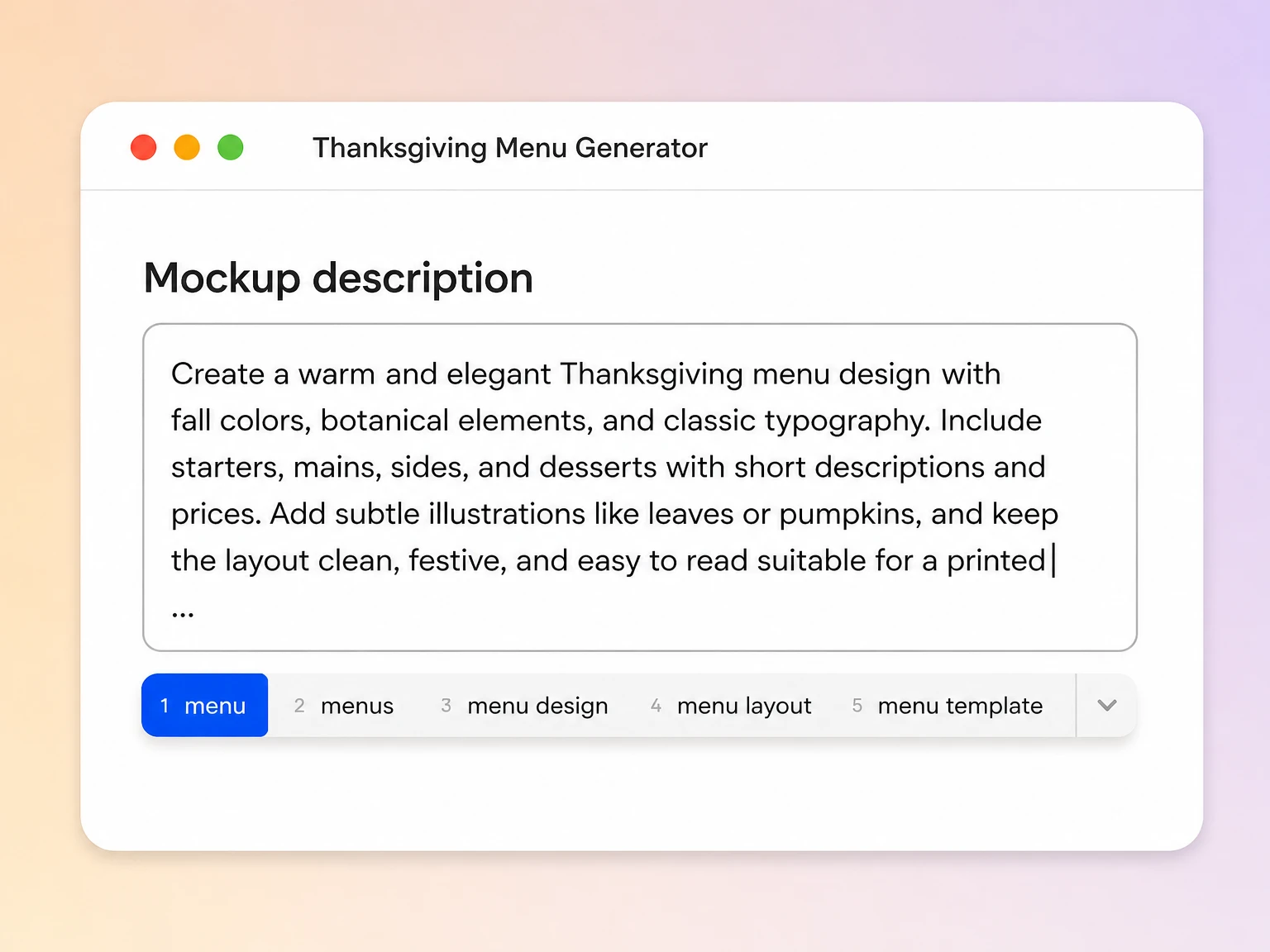
Step 1: Describe your restaurant and dishes
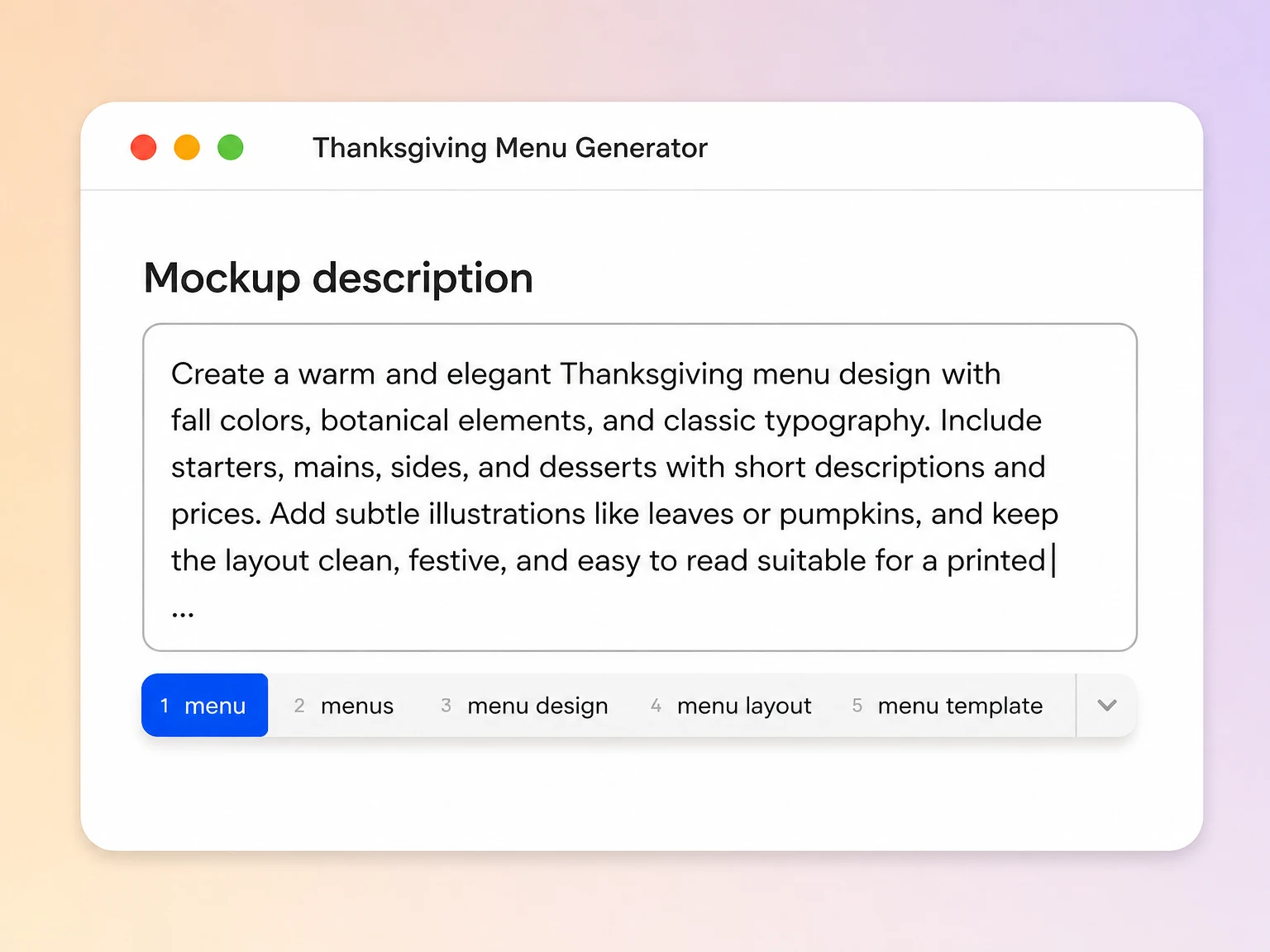
Enter your restaurant type, menu sections, featured dishes, price range, and preferred style so AI can understand what the menu should communicate.
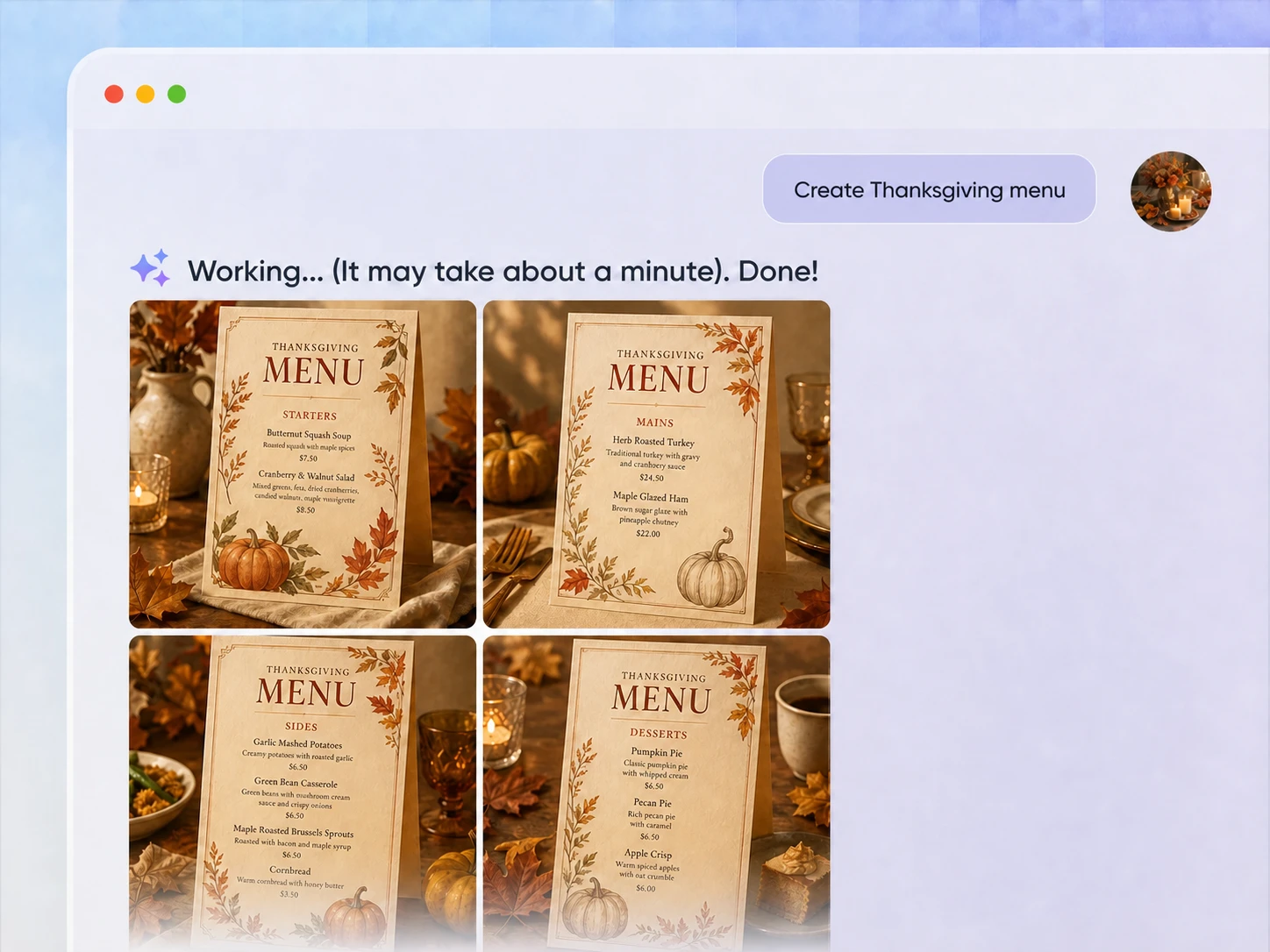
Step 2: Generate and refine the design
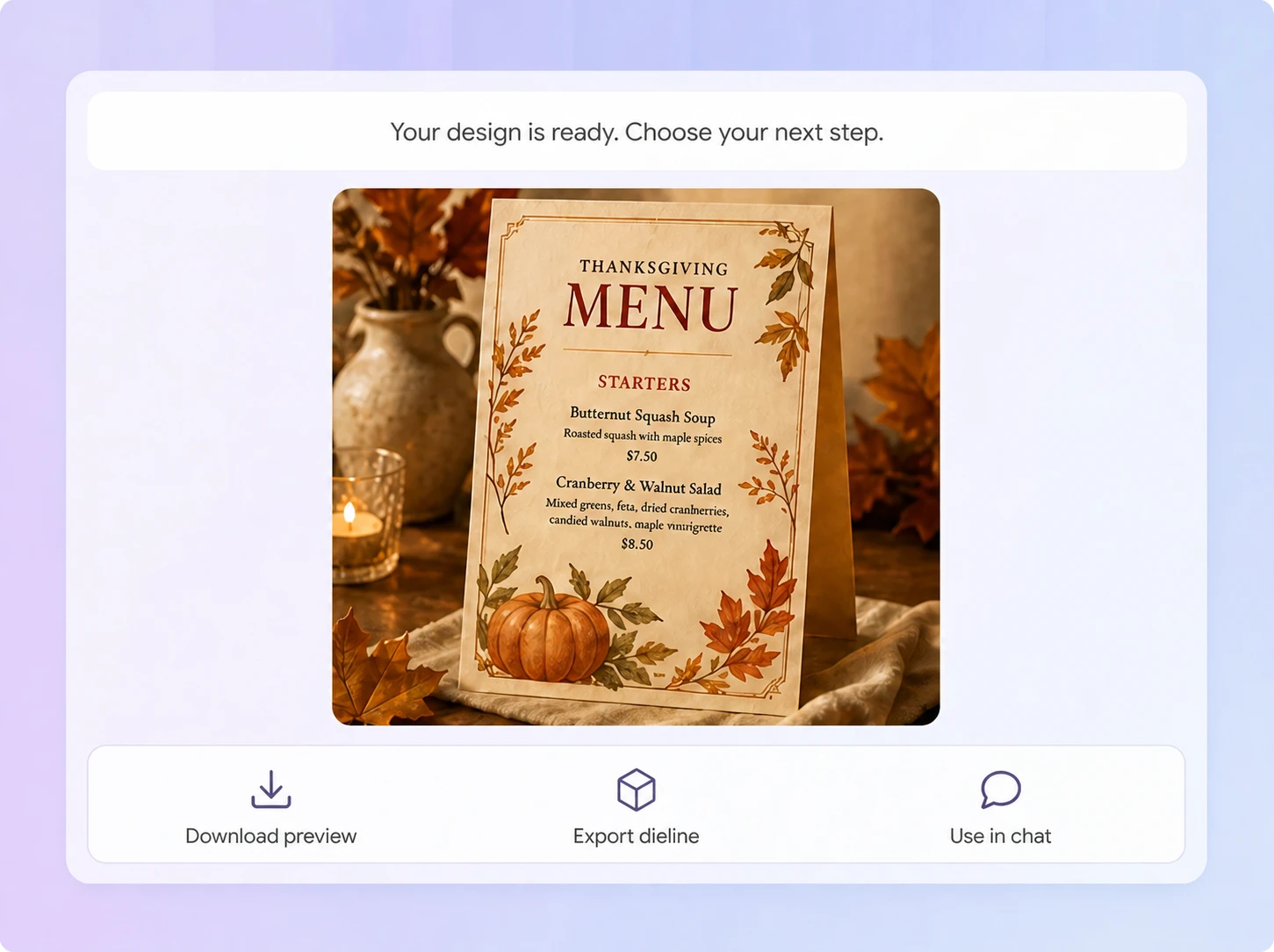
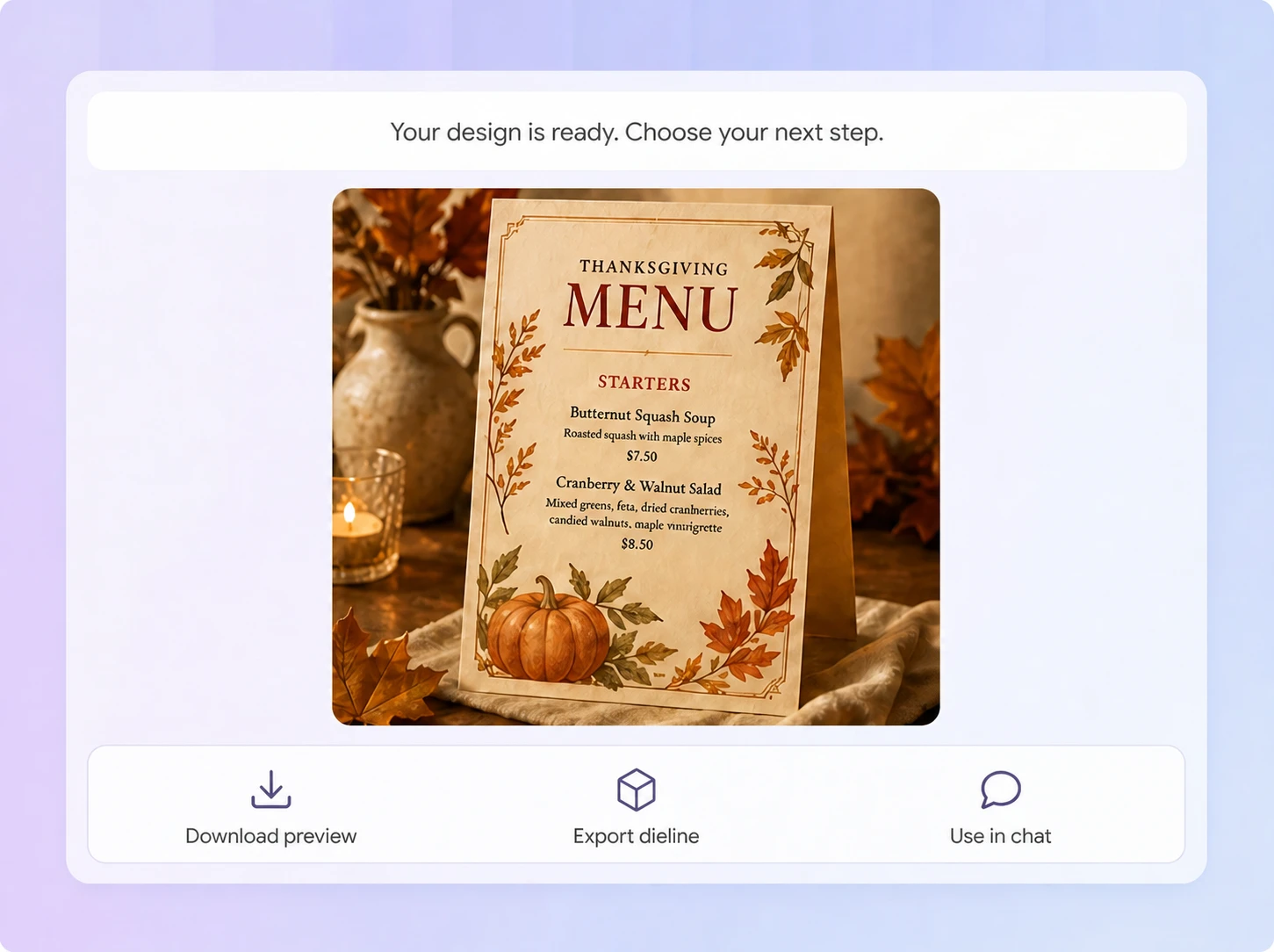
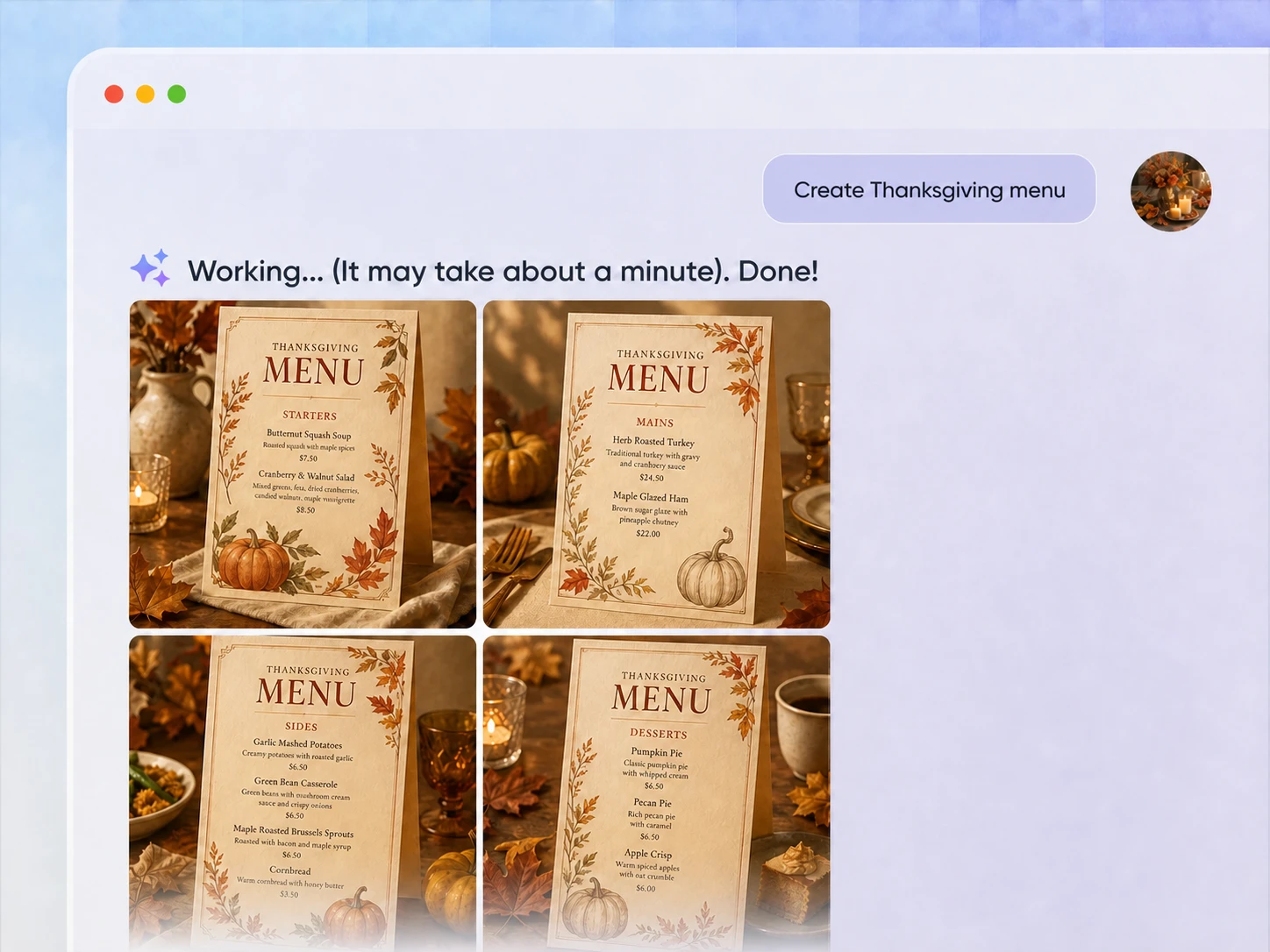
Generate a menu concept, review the dish names, descriptions, prices, and hierarchy, then refine the colors, typography, sections, and overall visual direction.
Step 3: Review and prepare for print
Check every dish, price, spelling, and allergen statement, then download the design and prepare it according to your printer’s file requirements.

Step 1: Describe your restaurant and dishes
Enter your restaurant type, menu sections, featured dishes, price range, and preferred style so AI can understand what the menu should communicate.
Step 2: Generate and refine the design
Generate a menu concept, review the dish names, descriptions, prices, and hierarchy, then refine the colors, typography, sections, and overall visual direction.
Step 3: Review and prepare for print
Check every dish, price, spelling, and allergen statement, then download the design and prepare it according to your printer’s file requirements.
Why use Packify’s restaurant menu maker?
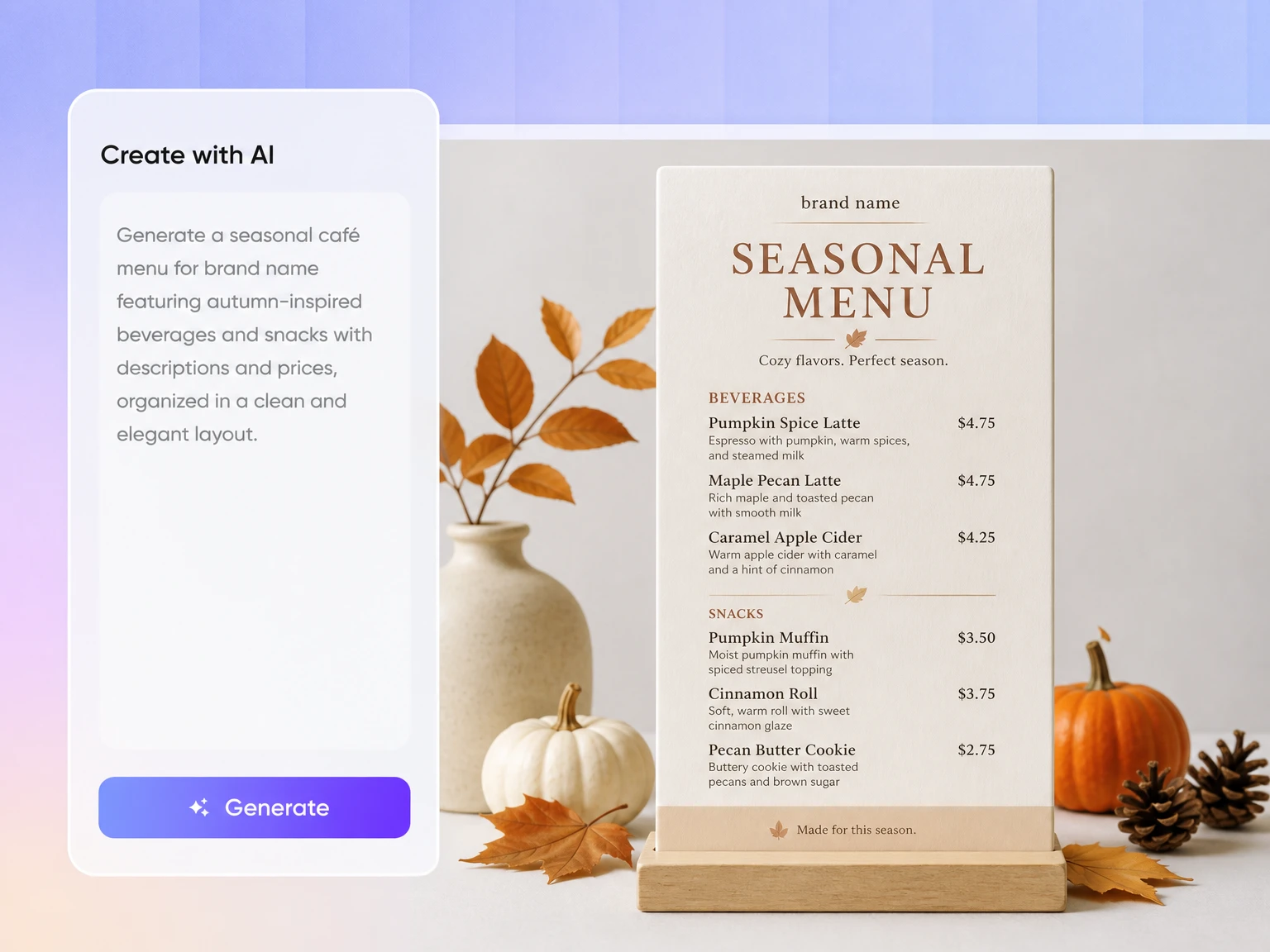
Start without design experience
You may already have your dishes, descriptions, and prices without knowing how to arrange them into a professional menu. Tell Packify about your restaurant, content structure, and preferred style. It generates a complete visual direction that you can refine without learning complicated design software.
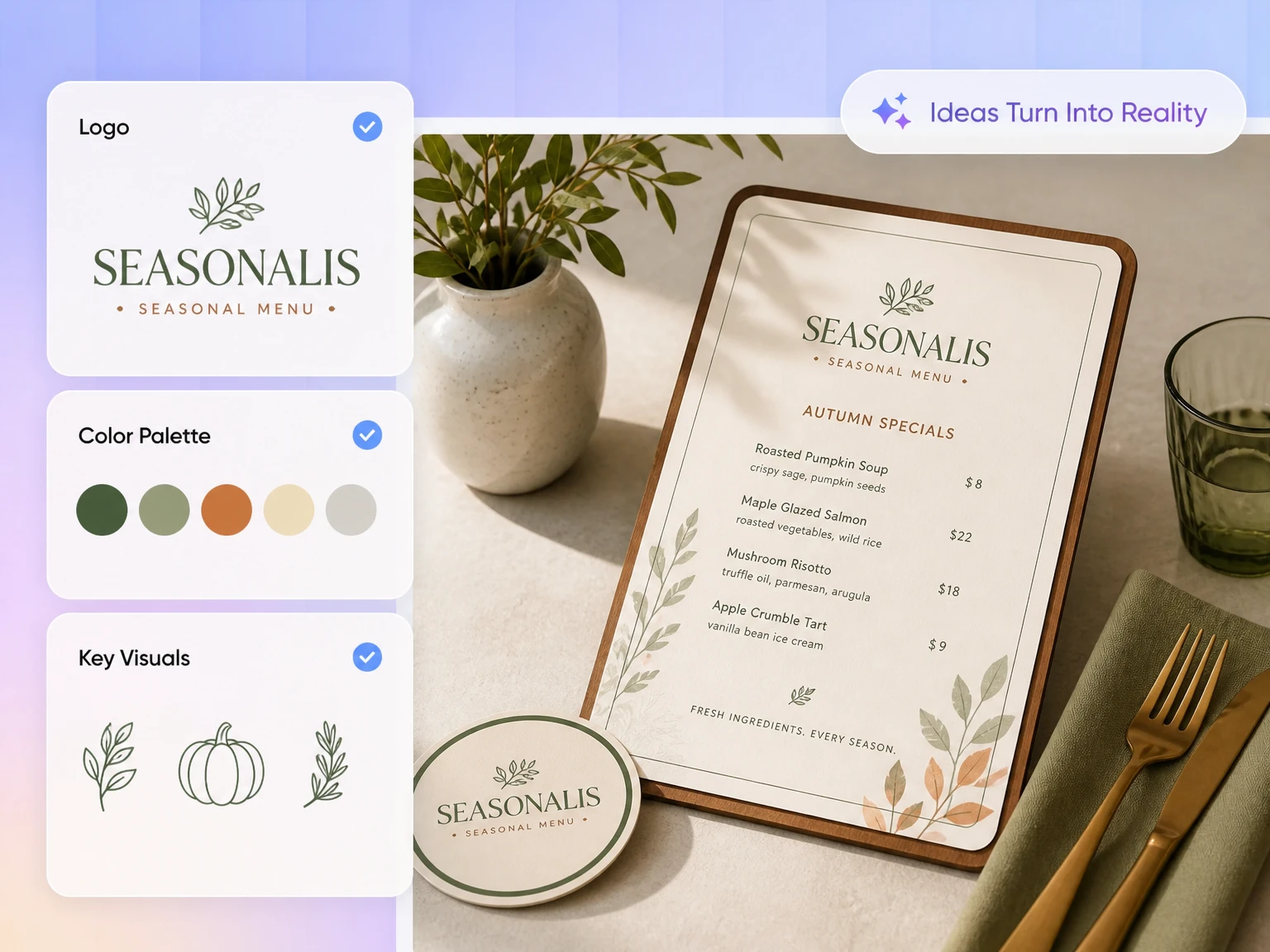
Preserve the printed menu experience
QR menus are convenient, but guests must use a phone and navigate categories on a small screen. A printed menu opens instantly and can reinforce your restaurant atmosphere through paper, typography, and layout. Packify lowers the design barrier, making printed menus easier to create and refresh.
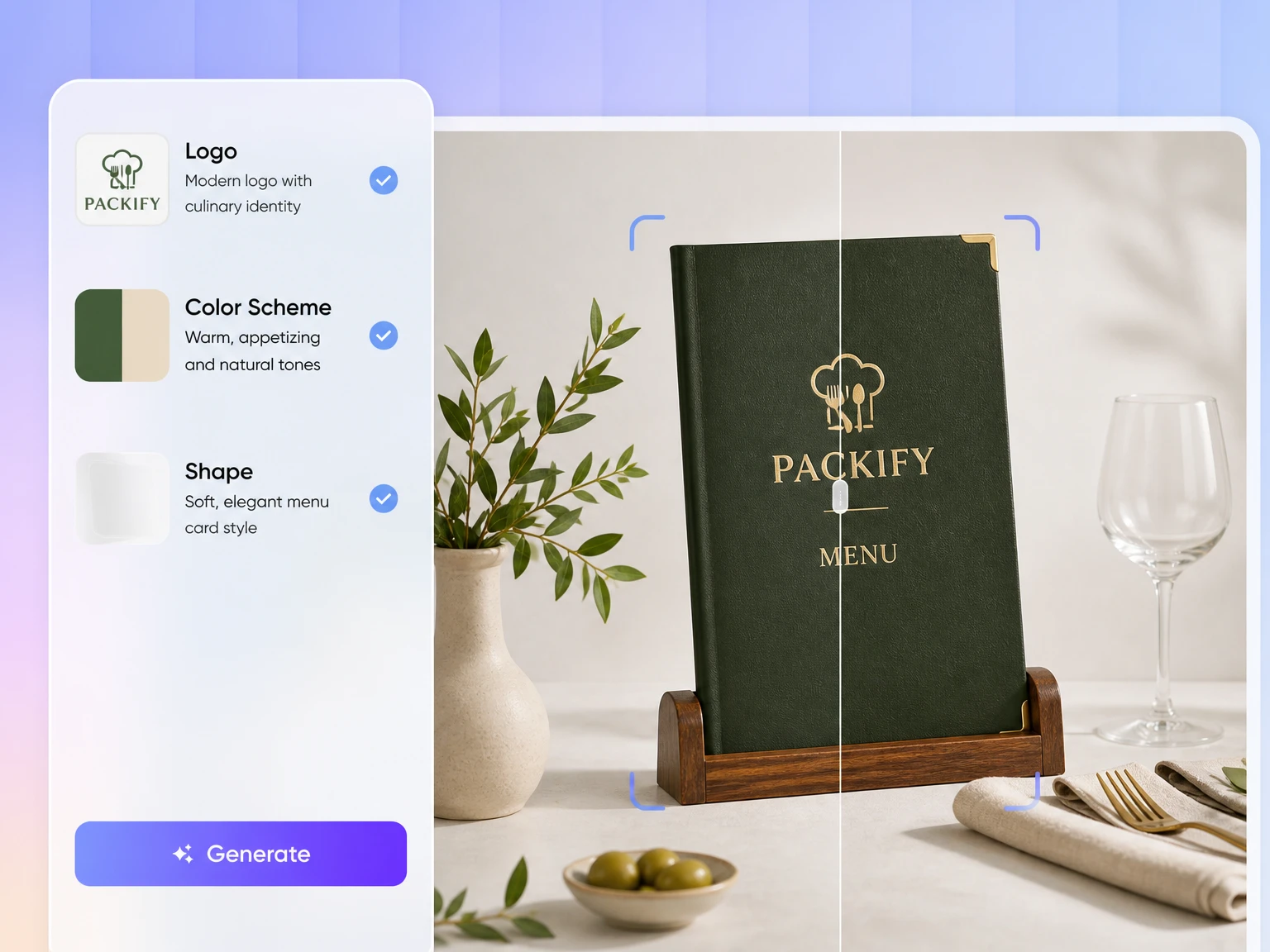
Make every dish easier to find
Effective restaurant menu design involves more than placing names beside prices. Section order, text density, price alignment, and visual emphasis affect how quickly guests find dishes. Packify gives your food menu maker project a clear hierarchy designed for practical ordering as well as brand presentation.
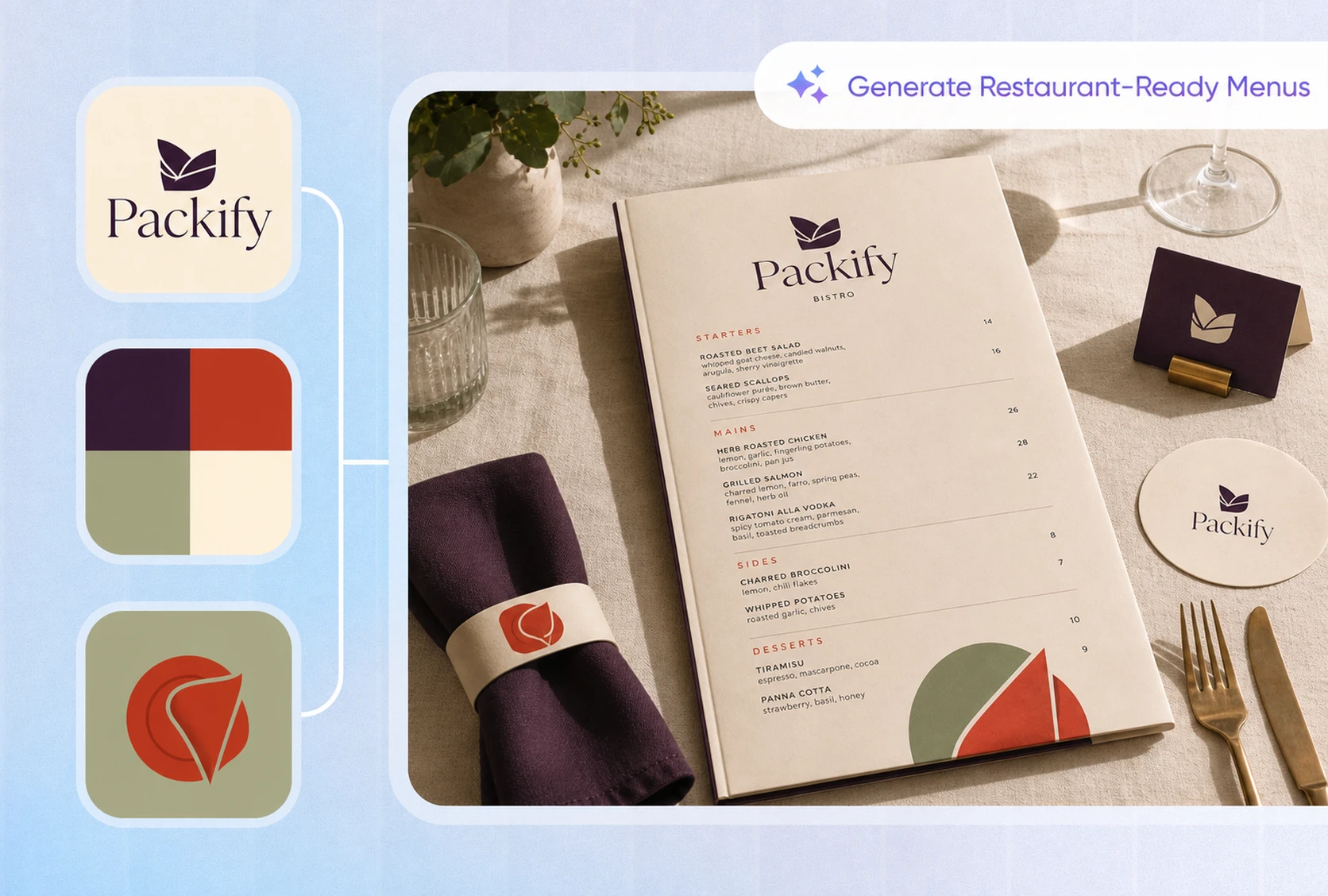
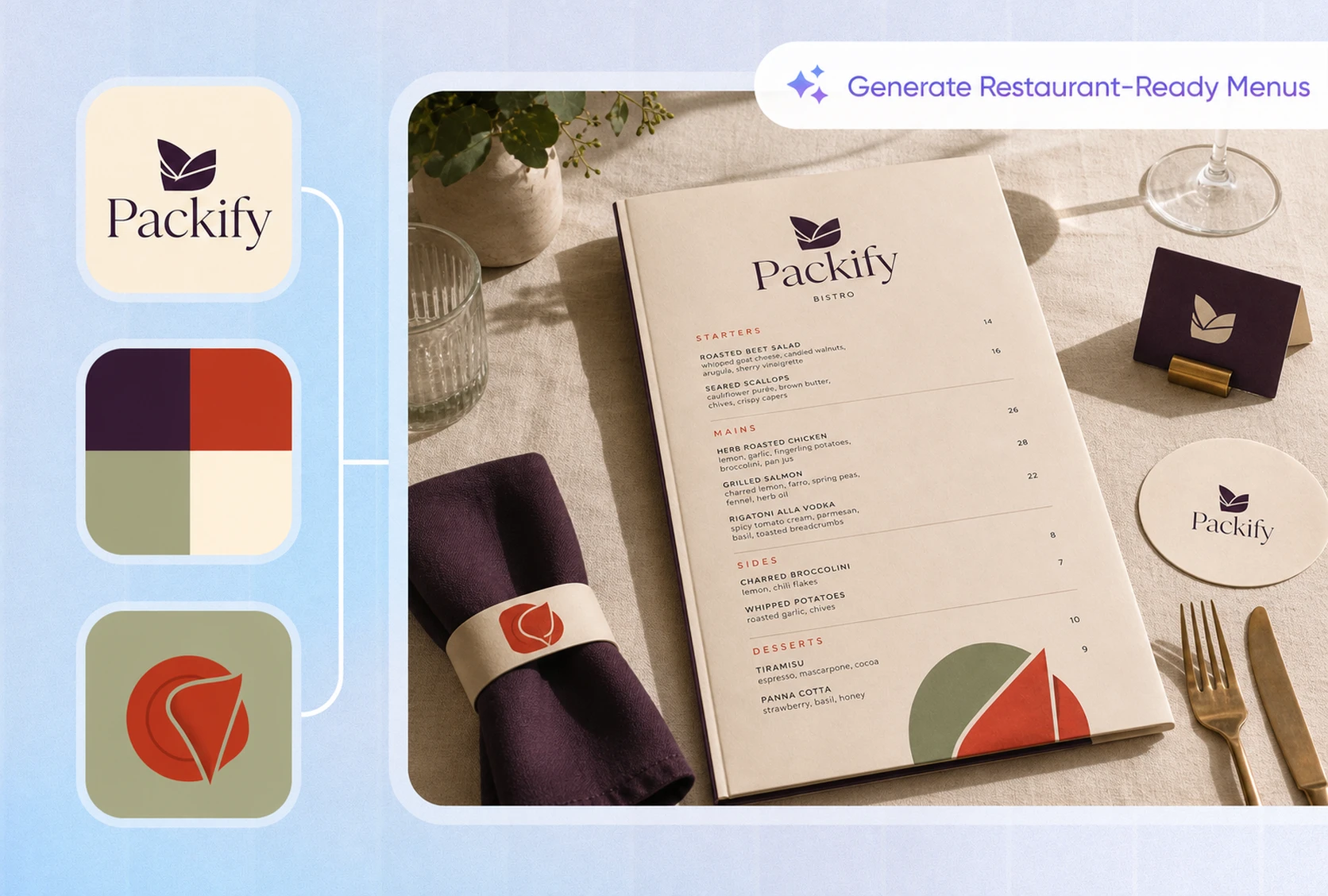
Explore a style before committing
A new restaurant or brand refresh may need several visual directions before one feels right. Describe a neighborhood café, modern Asian restaurant, or understated cocktail bar, then use Packify to explore layouts and visual styles before refining the details.
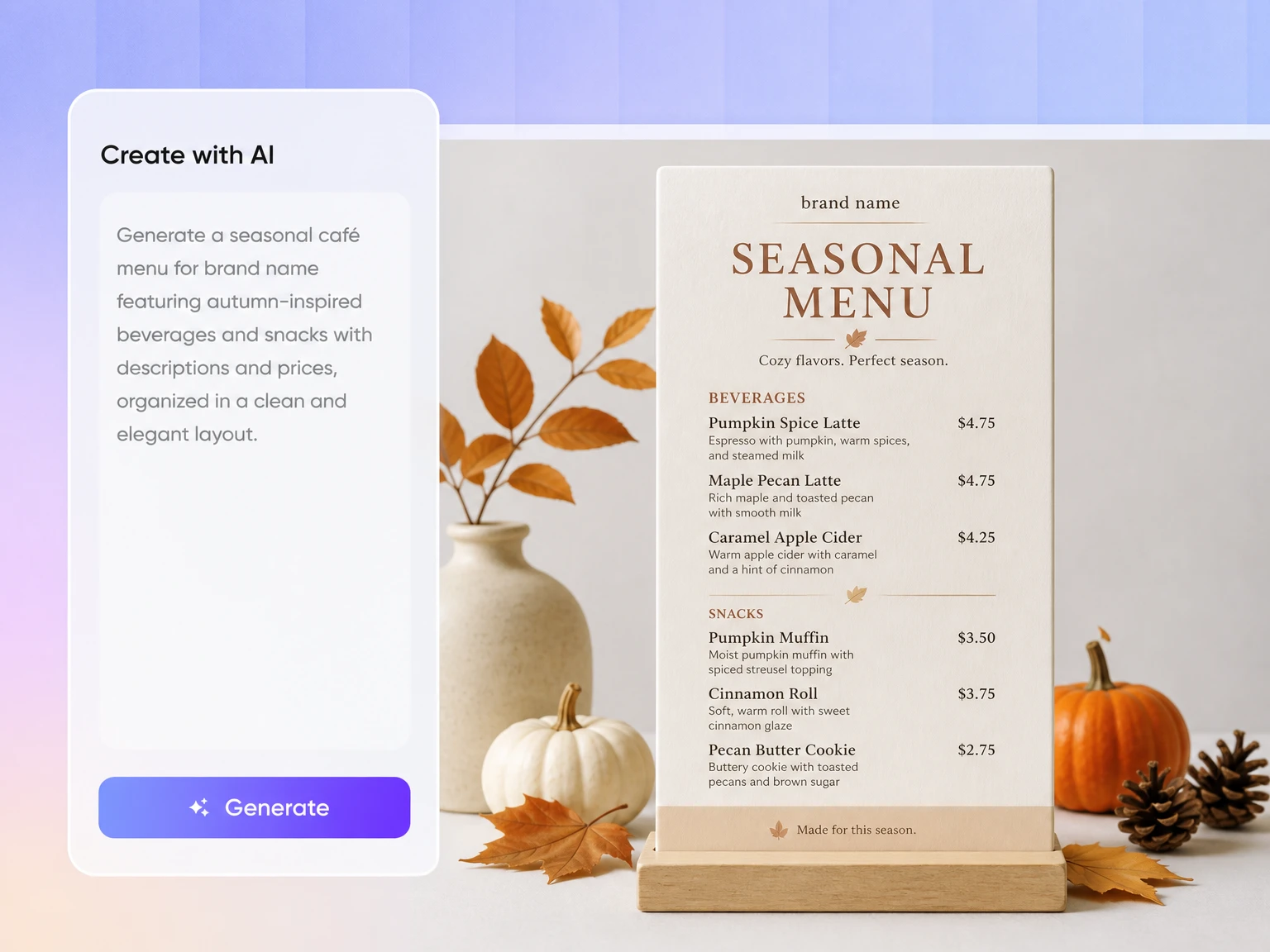
Start without design experience
You may already have your dishes, descriptions, and prices without knowing how to arrange them into a professional menu. Tell Packify about your restaurant, content structure, and preferred style. It generates a complete visual direction that you can refine without learning complicated design software.
Preserve the printed menu experience
QR menus are convenient, but guests must use a phone and navigate categories on a small screen. A printed menu opens instantly and can reinforce your restaurant atmosphere through paper, typography, and layout. Packify lowers the design barrier, making printed menus easier to create and refresh.
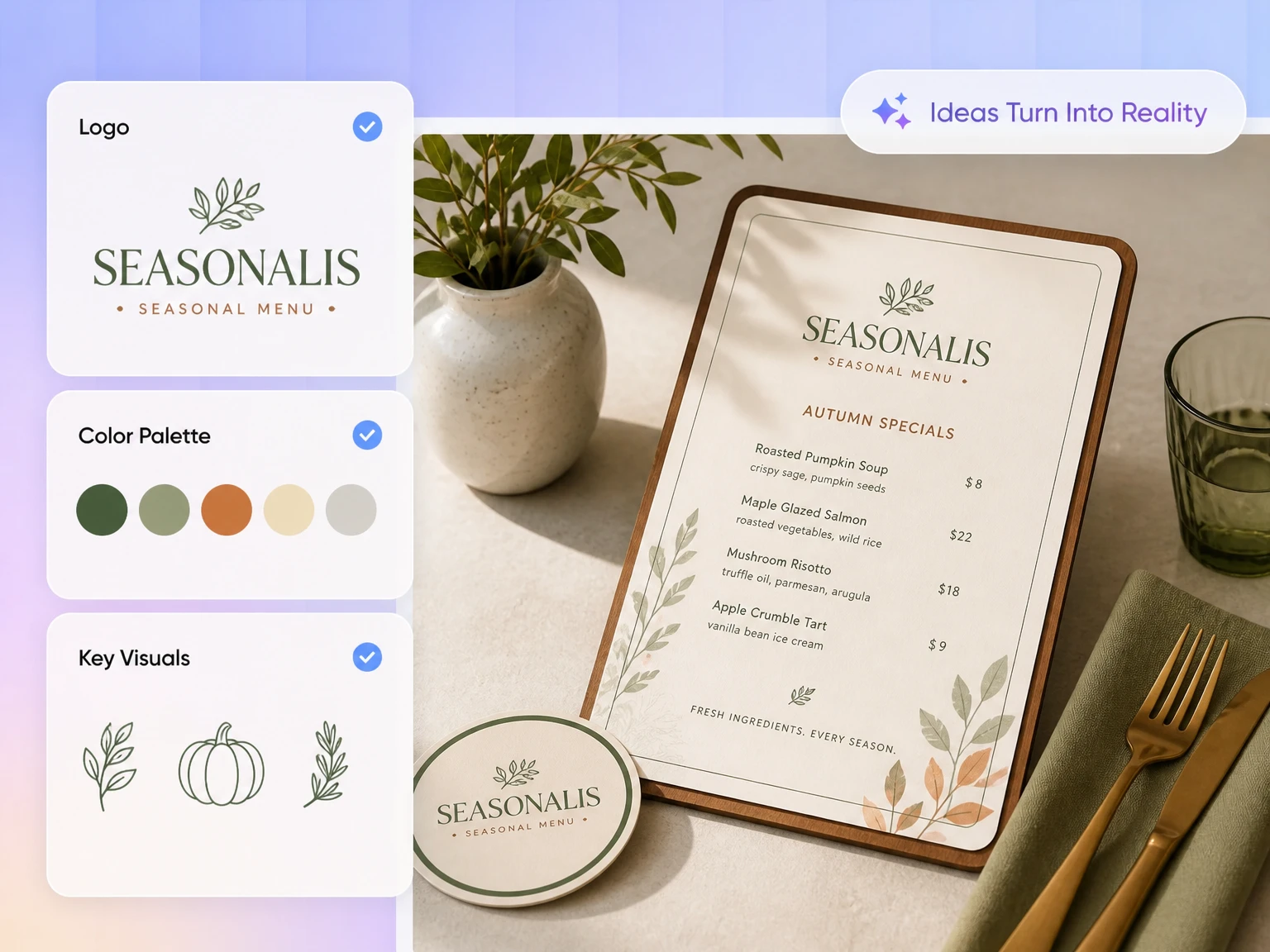
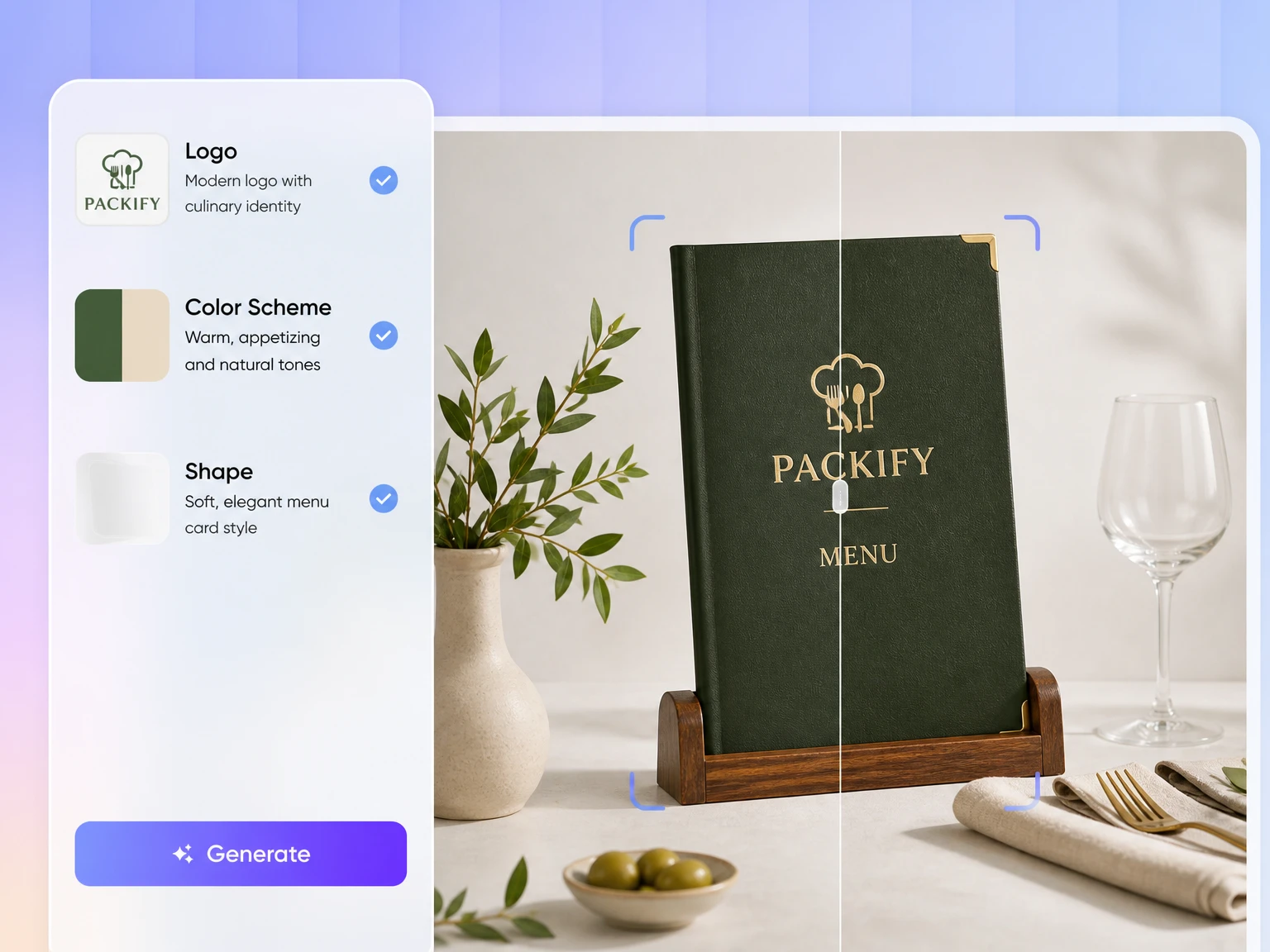
Make every dish easier to find
Effective restaurant menu design involves more than placing names beside prices. Section order, text density, price alignment, and visual emphasis affect how quickly guests find dishes. Packify gives your food menu maker project a clear hierarchy designed for practical ordering as well as brand presentation.
Explore a style before committing
A new restaurant or brand refresh may need several visual directions before one feels right. Describe a neighborhood café, modern Asian restaurant, or understated cocktail bar, then use Packify to explore layouts and visual styles before refining the details.
Proven impact, in our customer's words


The AI-powered packaging design tool is a game-changer. It's fast, intuitive, making it an essential tool for any forward-thinking design team.ved.
March 26, 2025


The results are so amazing that I don't think it's just for inspiration... I'd say artificial intelligence outperforms most designers; the key is to come up with the perfect prompt. Great contribution! Thank you 😊.
March 18, 2025


The AI-powered packaging design tool is a game-changer. It's fast, intuitive, making it an essential tool for any forward-thinking design team.
March 18, 2025


We’re a tiny skincare shop. Packify.ai turned my scribbles into clean mockups and a printable dieline by Monday. Fewer back-and-forths, consistent branding, a nd our product page conversions moved.
March 18, 2025


The AI-powered packaging design tool is a game-changer. It's fast, intuitive, making it an essential tool for any forward-thinking design team.
March 26, 2025


The results are so amazing that I don't think it's just for inspiration... I'd say artificial intelligence outperforms most designers; the key is to come up with the perfect prompt. Great contribution! Thank you 😊
March 18, 2025


Congrats! Packify.ai, an AI packaging designer, enables easy, creative design and offers AI-driven product photography for e-commerce through simple chatting.
April 2, 2025


We’re a tiny skincare shop. Packify.ai turned my scribbles into clean mockups and a printable dieline by Monday. Fewer back-and-forths, consistent branding, a nd our product page conversions moved.
May 9, 2025
You asked,
we answered
You asked, we answered
What can I create with this AI menu maker?
You can create visual directions for restaurants, cafés, bars, bakeries, food trucks, catering services, and dining events. Use it for single-page menus, double-sided dinner menus, breakfast menus, dessert lists, seasonal selections, or branded drink menus.
How do I use an online menu maker to create a professional menu?
Start with your restaurant name, sections, dishes, descriptions, and prices. Add guidance about your brand style, colors, and intended use. Packify’s online menu maker generates an initial design that you can refine. Always verify the text, prices, and allergen information before printing or publishing.
Example prompt: Design a double-sided dinner menu for a modern Italian restaurant. Include appetizers, pasta, main courses, desserts, and wines, with a name, short description, and price for each item. Use cream, dark green, and subtle gold accents. Keep the layout warm, clean, and suitable for a printed menu.
How should I choose between a printed menu and a QR menu?
Choose a QR menu when dishes and prices change frequently and instant updates matter most. Choose a printed menu when you value easy table-side reading, a screen-free dining experience, and the tactile expression of your brand. Many restaurants use printed menus for dining and QR menus for frequently changing items.
Can a restaurant menu maker handle different menu styles?
Yes. Describe the restaurant concept, meal period, menu size, and preferred visual direction. The restaurant menu maker can generate concepts for casual cafés, formal dining rooms, bars, food trucks, and other food businesses. You can then refine the prompt to adjust the style and information hierarchy.
Can I make a food menu online for free?
You can start by trying Packify’s AI generation tools. Generations consume credits based on actual usage, so check your available balance before creating a design. For subscription options, credit packages, and current feature access, visit the Pricing Page.
If you searched for a menu maker online free, this trial is a practical way to test your restaurant menu concept before choosing a plan.
Can I use my AI-generated menu commercially?
Yes. You can use menus created with Packify for personal and commercial projects, in line with our Terms of Use.
Packify does not grant exclusive rights to AI-generated content. You have the right to use and share your menu, but you are responsible for ensuring that its logos, images, fonts, and other visual elements are suitable for your business and do not copy registered trademarks or closely resemble an existing brand.
We work to keep the creative process safe, but we cannot guarantee that every output is cleared for every commercial use. Review the menu carefully before printing it or taking it to market.
A better menu starts with a clearer idea