Birthday Invitation Maker
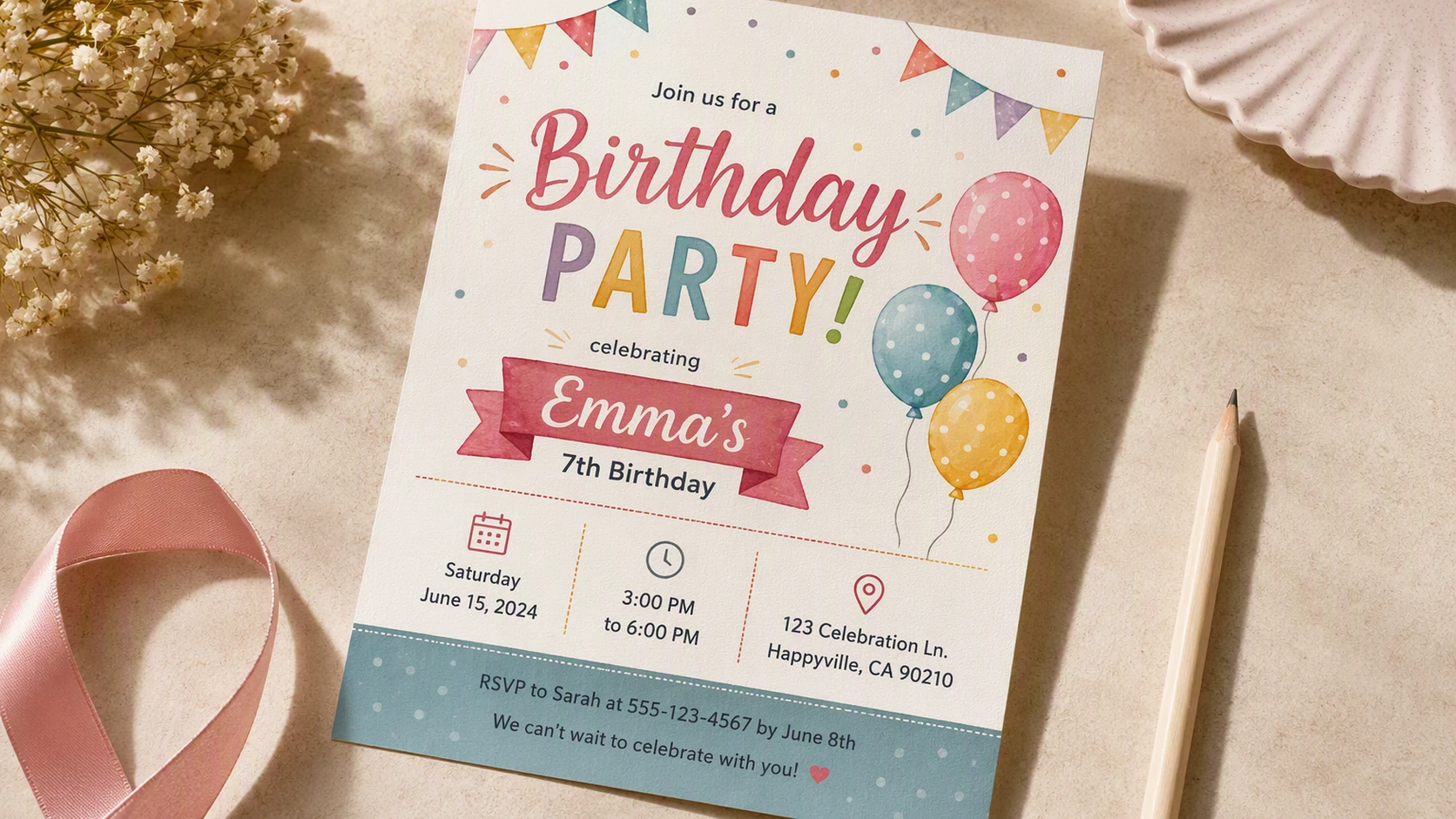
Enter the birthday person’s age, party theme, date, time, and location. Packify will help write the invitation wording and generate a birthday invitation card online that you can refine, resize, and download.

Trusted by industry-leading businesses


Set the Mood Before the Party Begins
You may already have a party theme in mind but still struggle to find a design that fits the person’s age and the atmosphere of the celebration.
Children’s parties, teen gatherings, and milestone birthdays call for different colors, decorations, and tones. Describe the age, theme, occasion, and event details, and Packify’s birthday invitation creator will turn them into a complete invitation image you can review and refine.
How to Make a Birthday Invitation with AI?
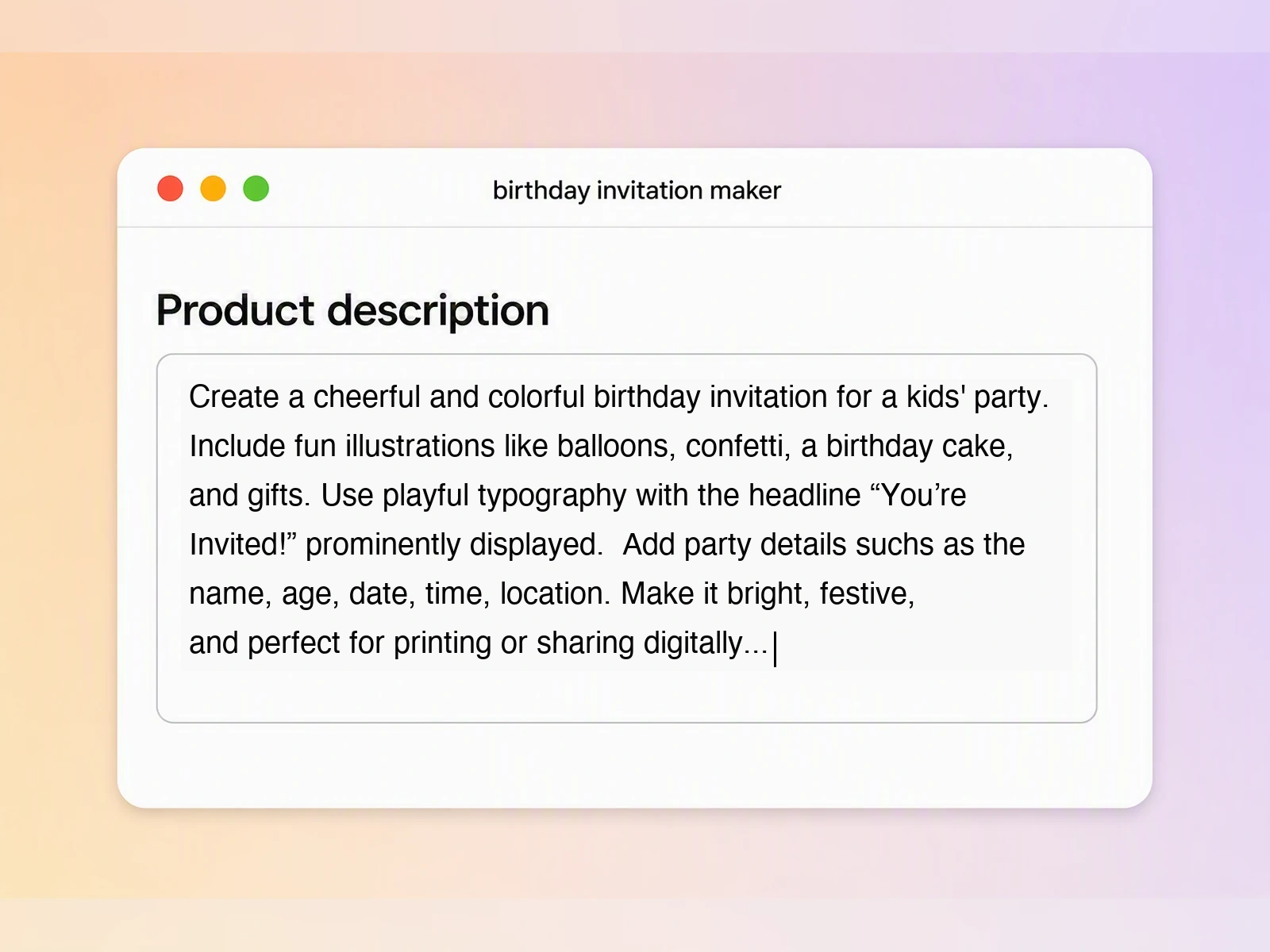
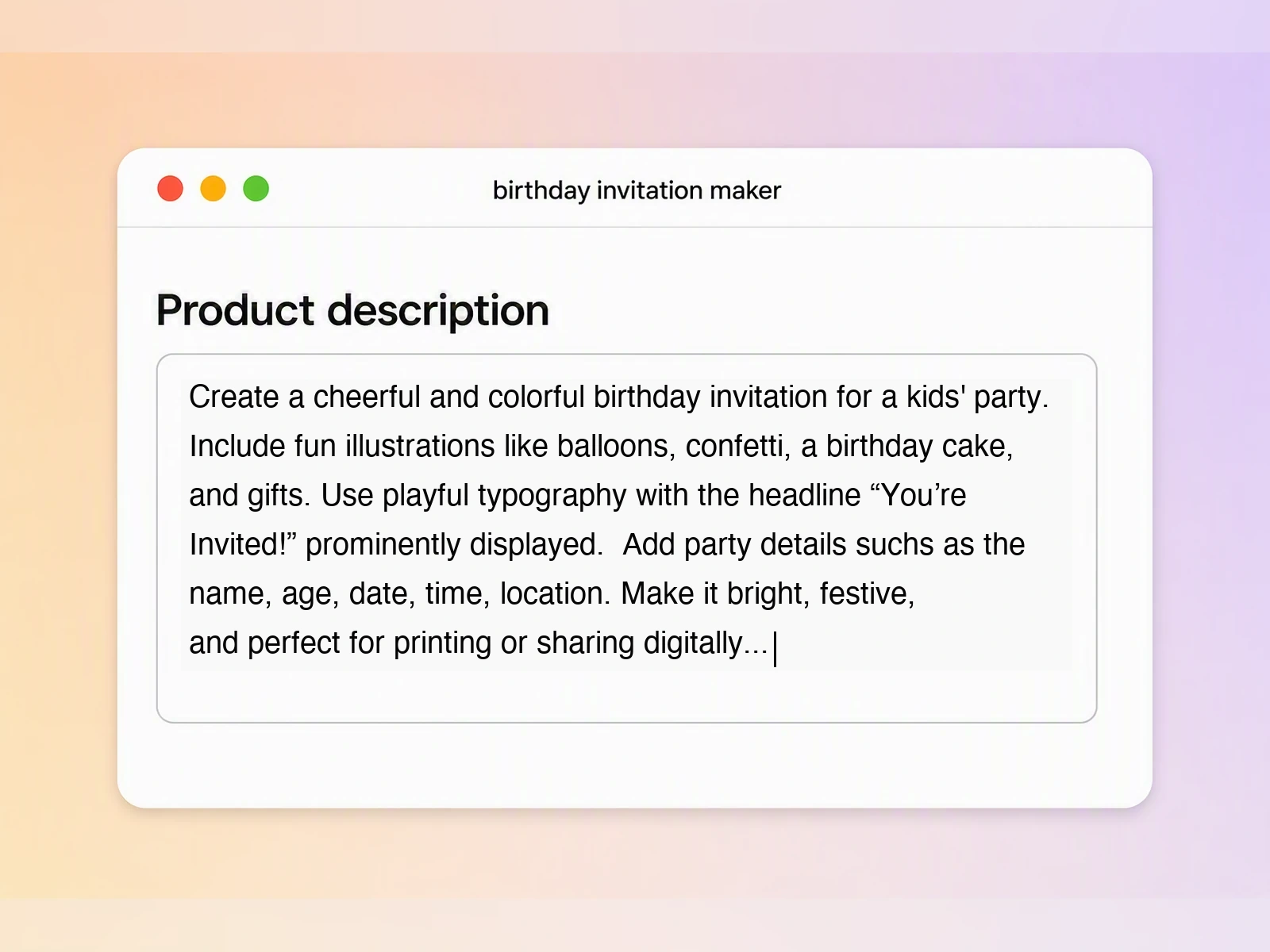
Step 1: Describe the Party
Enter the birthday person’s name and age, party theme, date, time, location, and preferred visual style. If you have not written the invitation message yet, simply describe the event and the tone you want.
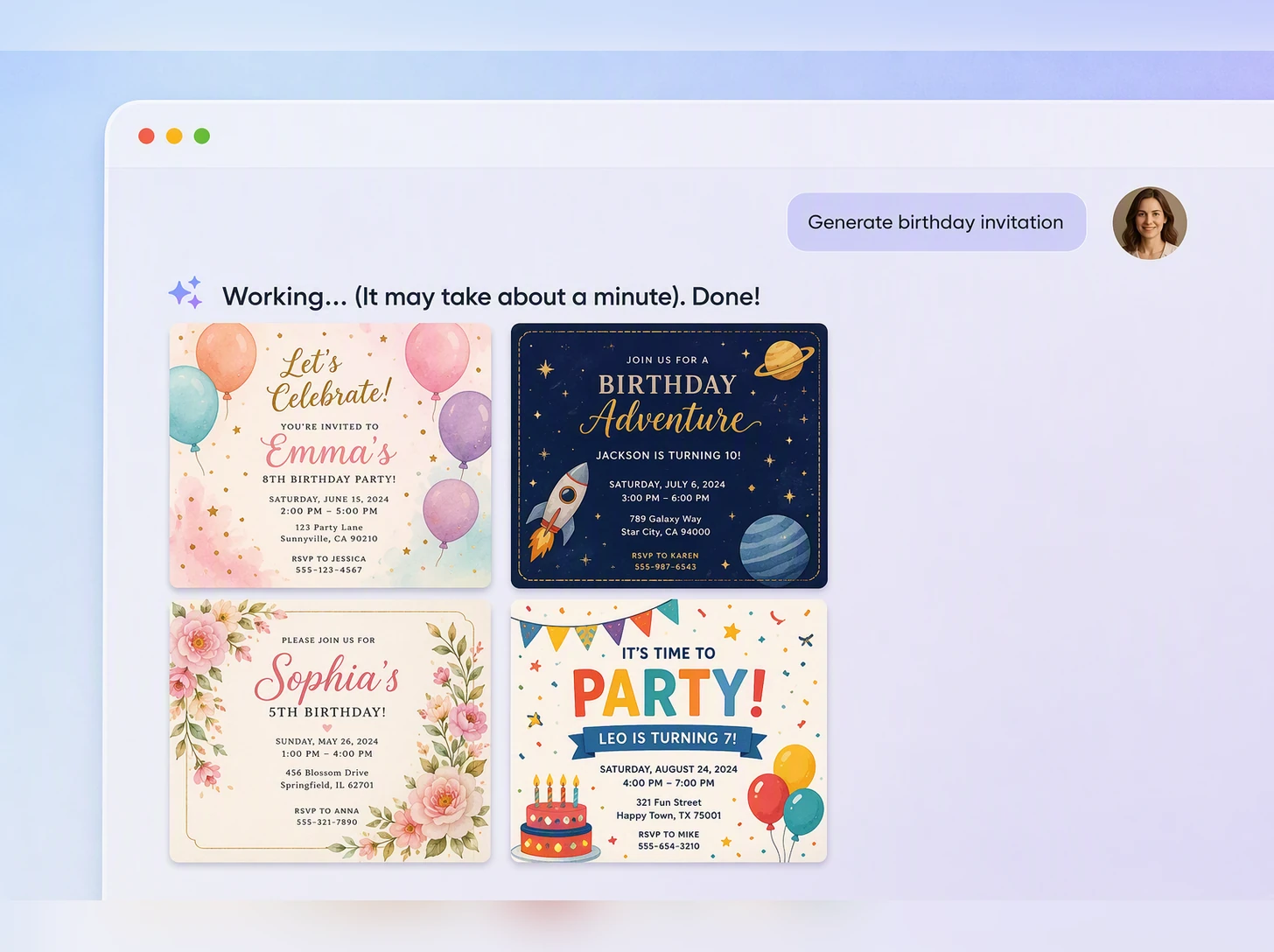
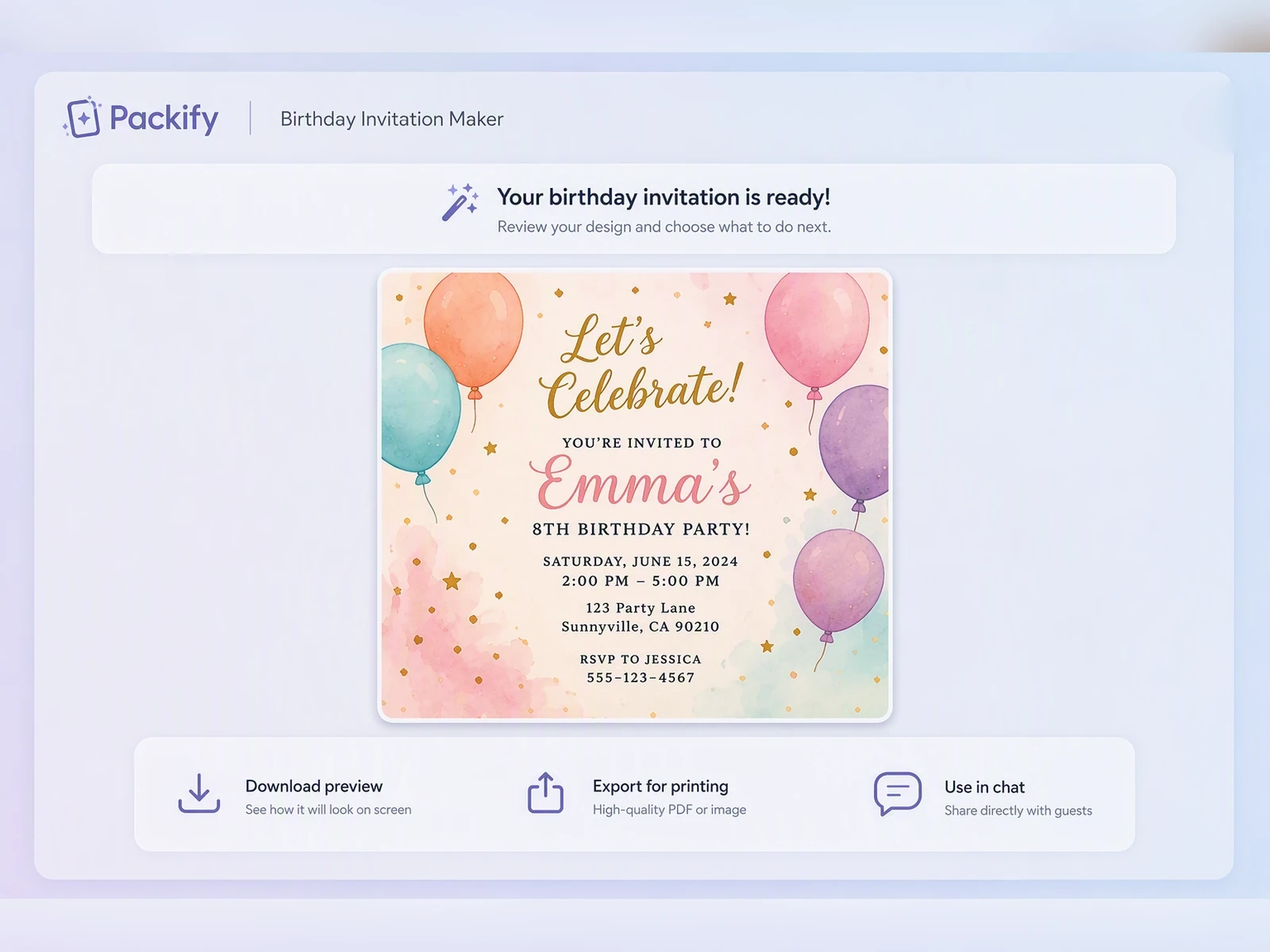
Step 2: Generate and Review the Design
The AI birthday invitation generator will write suitable invitation copy and create the design. Check the name, date, time, and location carefully. To make changes, click Edit in Chat and use text instructions to adjust the wording, colors, decorations, or information order.
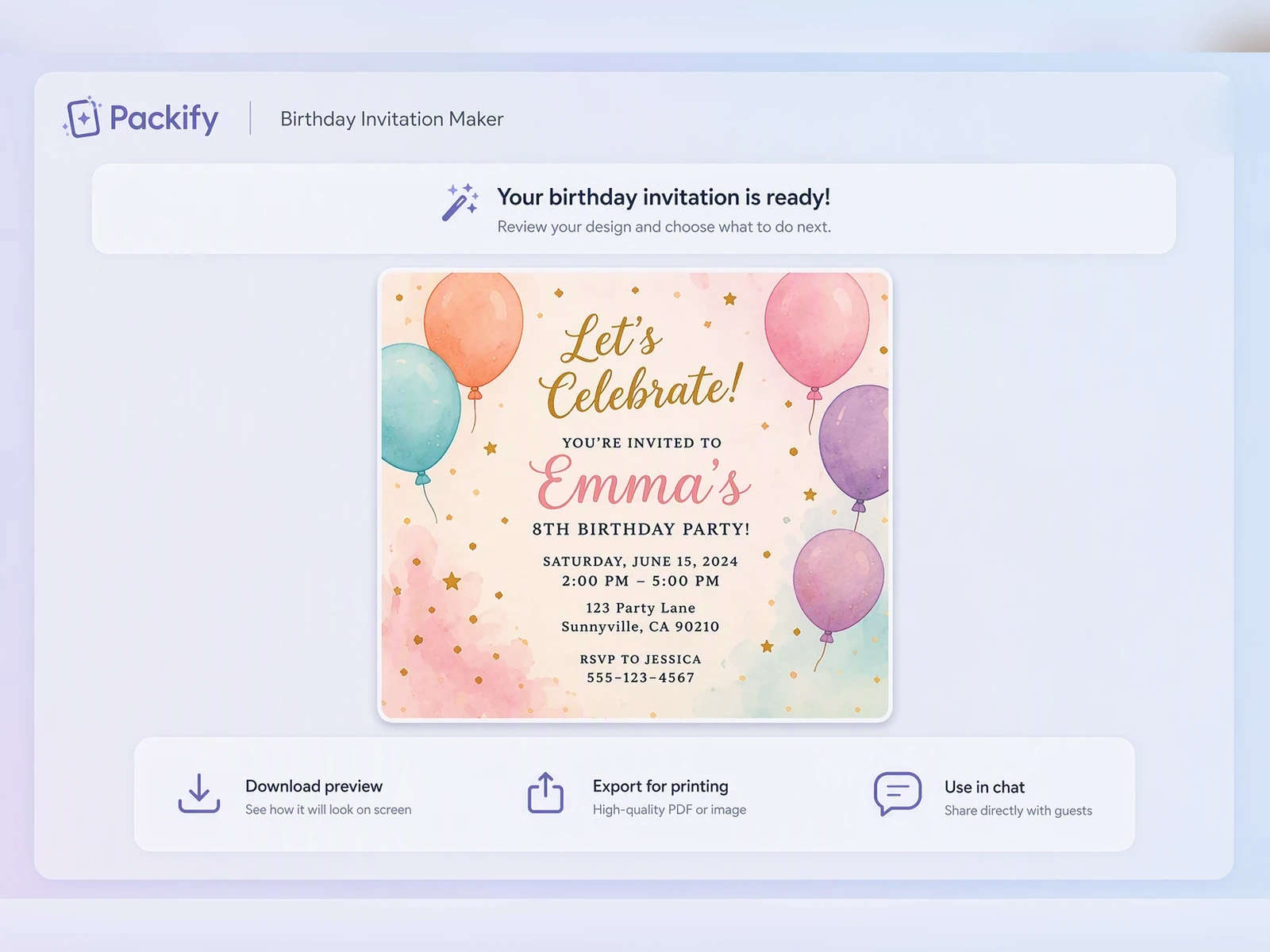
Step 3: Resize and Download
Once the text and visuals are correct, click Download and select your preferred aspect ratio. Click Size Added to add the new size, then download the finished birthday invitation image.

Step 1: Describe the Party
Enter the birthday person’s name and age, party theme, date, time, location, and preferred visual style. If you have not written the invitation message yet, simply describe the event and the tone you want.
Step 2: Generate and Review the Design
The AI birthday invitation generator will write suitable invitation copy and create the design. Check the name, date, time, and location carefully. To make changes, click Edit in Chat and use text instructions to adjust the wording, colors, decorations, or information order.
Step 3: Resize and Download
Once the text and visuals are correct, click Download and select your preferred aspect ratio. Click Size Added to add the new size, then download the finished birthday invitation image.
Why Use Packify’s Birthday Invitation Maker?
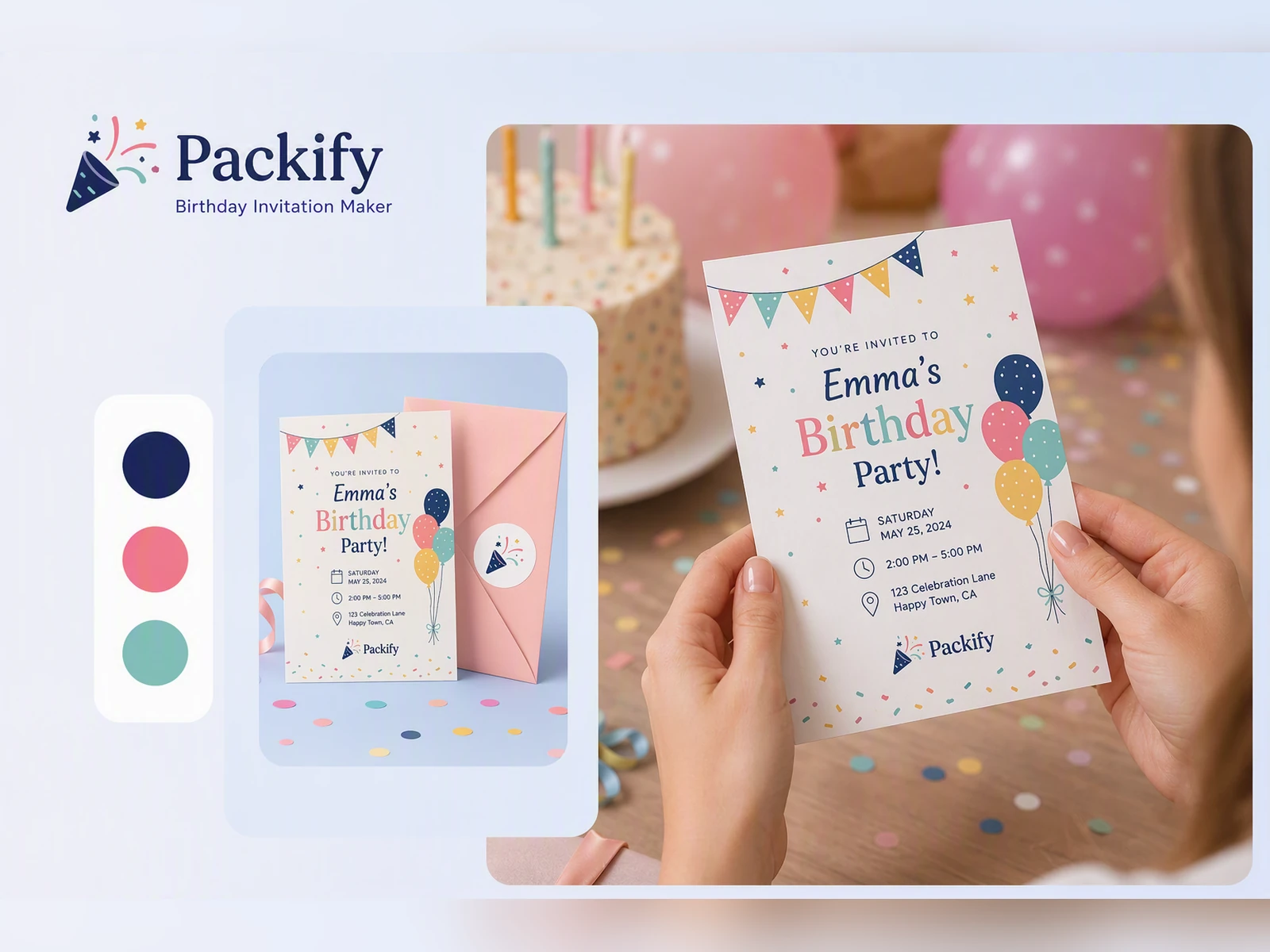
Turn a Party Theme into a Complete Visual
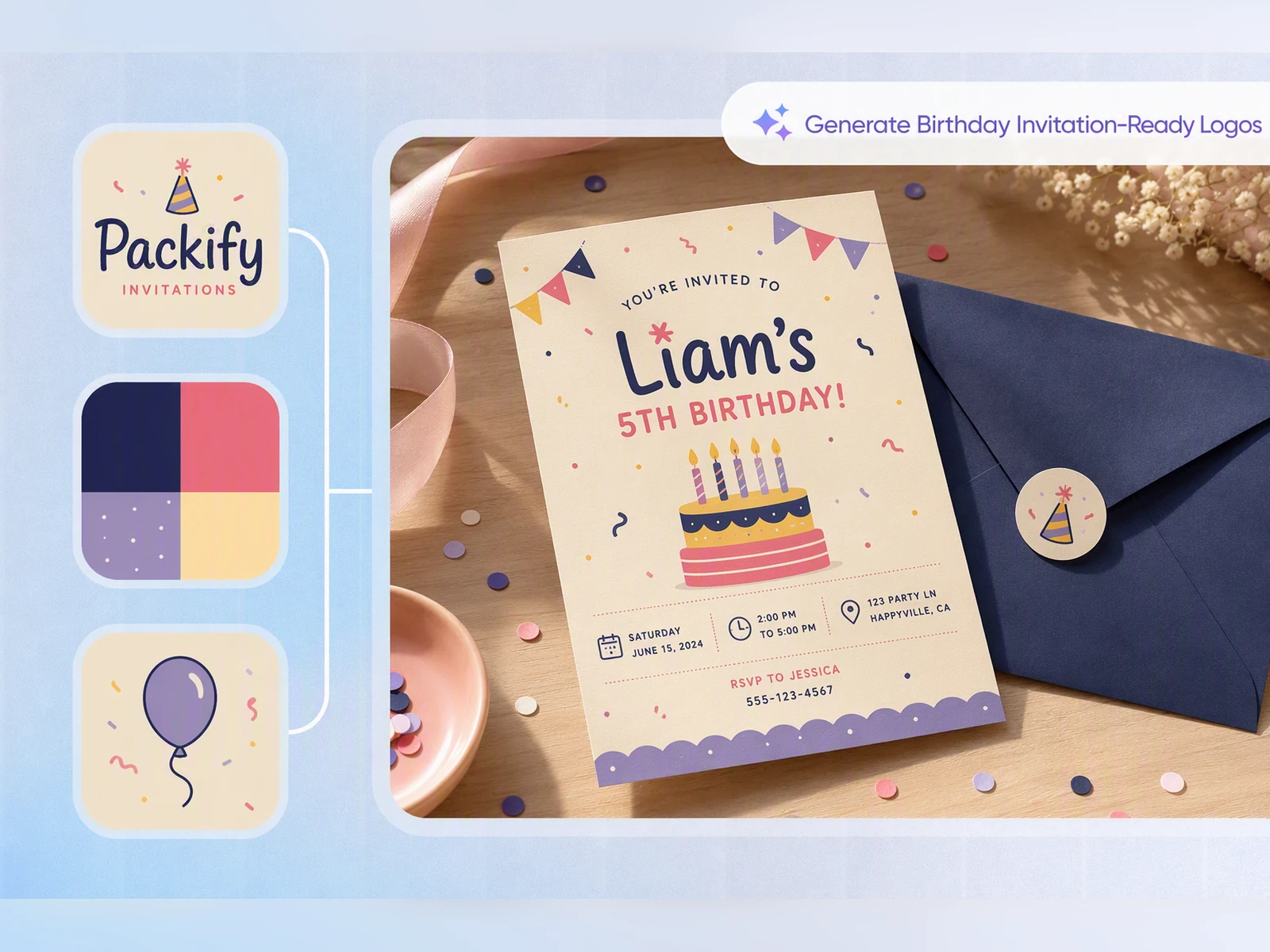
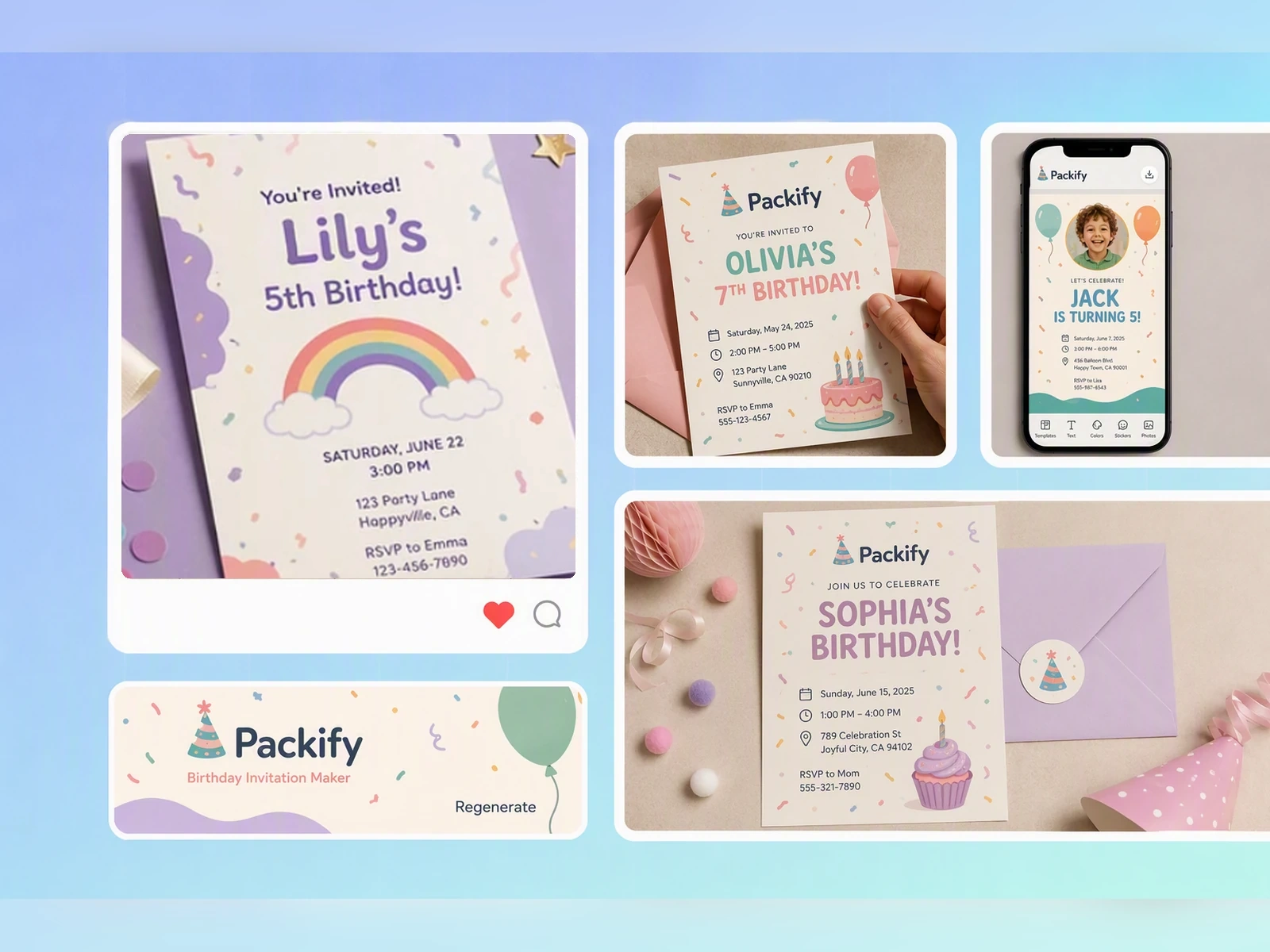
Dinosaurs, outer space, pool parties, and vintage dinners are more than a few decorative icons. Packify builds the colors, background, typography, and visual elements around your theme, helping the invitation communicate the party atmosphere at first glance.
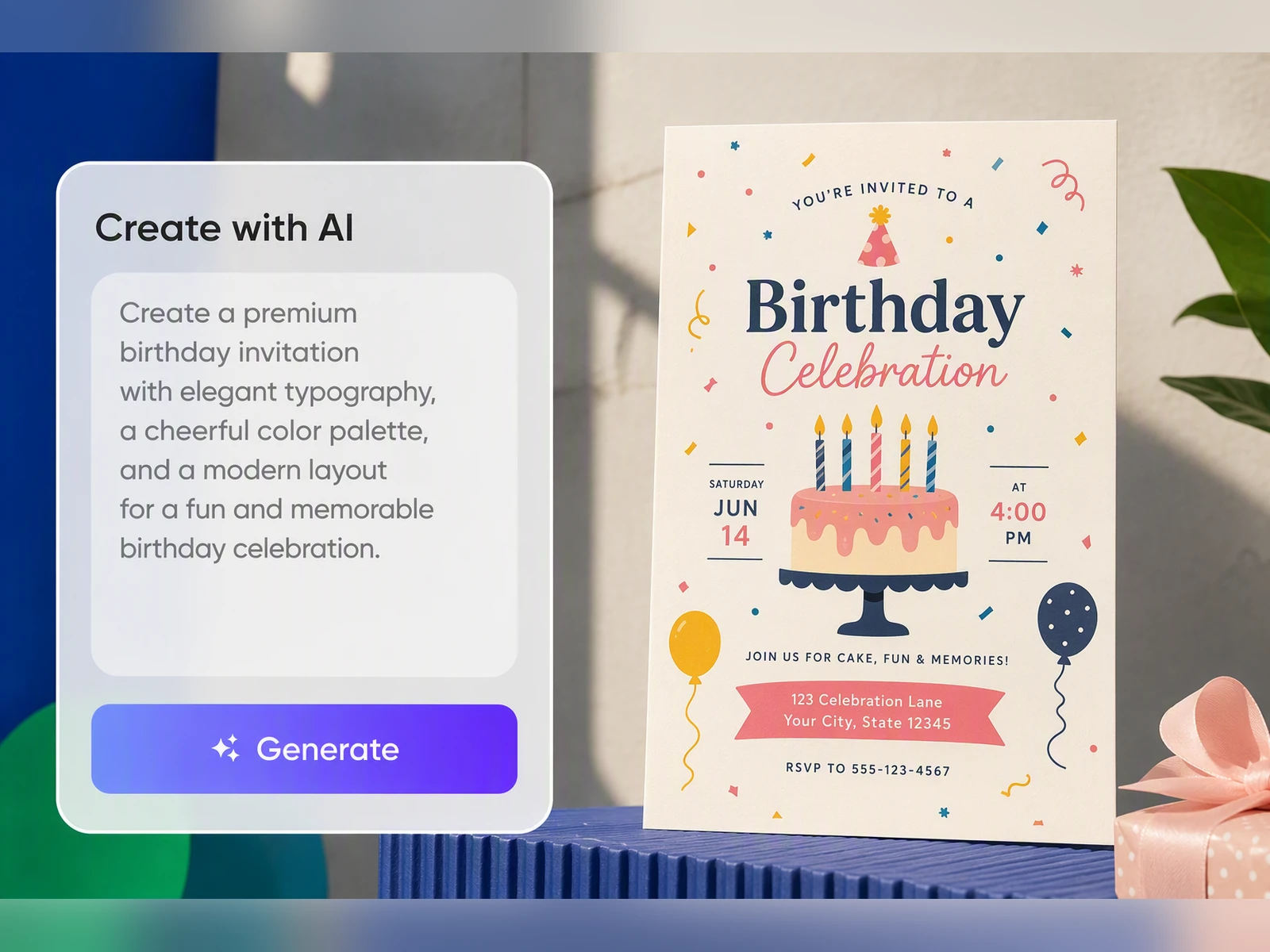
Keep Essential Details Easy to Read
Names, dates, times, and locations should never disappear behind elaborate decorations. Packify organizes the event information within the design, balancing visual personality with a clear information hierarchy.
Skip the Search for Age-Specific Templates
A dinosaur party for a five-year-old, a Sweet 16, and a 50th birthday dinner require completely different creative directions. Instead of browsing countless templates, enter the age, party theme, and desired mood. Packify will generate a birthday invitation designed for that particular celebration.
Let Packify Write the Invitation Wording
A children’s party may need playful language, while an adult dinner calls for a more polished tone. Tell Packify the person’s age, party theme, and preferred writing style. It will create suitable invitation wording and integrate it naturally into the design.
Turn a Party Theme into a Complete Visual
Dinosaurs, outer space, pool parties, and vintage dinners are more than a few decorative icons. Packify builds the colors, background, typography, and visual elements around your theme, helping the invitation communicate the party atmosphere at first glance.
Keep Essential Details Easy to Read
Names, dates, times, and locations should never disappear behind elaborate decorations. Packify organizes the event information within the design, balancing visual personality with a clear information hierarchy.
Skip the Search for Age-Specific Templates
A dinosaur party for a five-year-old, a Sweet 16, and a 50th birthday dinner require completely different creative directions. Instead of browsing countless templates, enter the age, party theme, and desired mood. Packify will generate a birthday invitation designed for that particular celebration.
Let Packify Write the Invitation Wording
A children’s party may need playful language, while an adult dinner calls for a more polished tone. Tell Packify the person’s age, party theme, and preferred writing style. It will create suitable invitation wording and integrate it naturally into the design.
Proven impact, in our customer's words


The AI-powered packaging design tool is a game-changer. It's fast, intuitive, making it an essential tool for any forward-thinking design team.ved.
March 26, 2025


The results are so amazing that I don't think it's just for inspiration... I'd say artificial intelligence outperforms most designers; the key is to come up with the perfect prompt. Great contribution! Thank you 😊.
March 18, 2025


The AI-powered packaging design tool is a game-changer. It's fast, intuitive, making it an essential tool for any forward-thinking design team.
March 18, 2025


We’re a tiny skincare shop. Packify.ai turned my scribbles into clean mockups and a printable dieline by Monday. Fewer back-and-forths, consistent branding, a nd our product page conversions moved.
March 18, 2025


The AI-powered packaging design tool is a game-changer. It's fast, intuitive, making it an essential tool for any forward-thinking design team.
March 26, 2025


The results are so amazing that I don't think it's just for inspiration... I'd say artificial intelligence outperforms most designers; the key is to come up with the perfect prompt. Great contribution! Thank you 😊
March 18, 2025


Congrats! Packify.ai, an AI packaging designer, enables easy, creative design and offers AI-driven product photography for e-commerce through simple chatting.
April 2, 2025


We’re a tiny skincare shop. Packify.ai turned my scribbles into clean mockups and a printable dieline by Monday. Fewer back-and-forths, consistent branding, a nd our product page conversions moved.
May 9, 2025
You asked,
we answered
You asked, we answered
What Is a Birthday Invitation?
A birthday invitation is an image or card that shares essential party information while introducing the theme and atmosphere of the celebration.
Packify creates a static invitation image. It does not create an interactive event page, response form, or guest management system. After downloading the image, you can send it through text message, email, or your preferred messaging app.
When Should You Send Birthday Invitations?
For a casual birthday gathering, send invitations around two to four weeks in advance. For a larger party or an event that requires venue reservations, allow four to six weeks.
Sweet 16 parties, milestone birthdays, and celebrations involving travel may require eight to ten weeks’ notice.
What Should You Write on a Birthday Invitation?
A birthday invitation should usually include the birthday person’s name, age, party date, start time, location, and theme. Depending on the event, you can also add dress instructions, transportation details, dietary notes, or gift preferences.
The wording can change depending on the type of celebration:
- Children’s birthdays: Highlight the theme, games, cake, and playful activities.
- Teen birthdays: Focus on music, food, friends, and the party atmosphere.
- Adult birthdays: Use warm, natural, and polished invitation language.
- Milestone birthdays: Emphasize important ages such as 30, 40, or 50 and the meaning of the celebration.
Can I Edit My Birthday Invitation After Generating It?
Yes. After generating the first version, click Edit in Chat and describe the changes you want. You can revise the event details, invitation wording, colors, decorations, or overall visual direction.
When the design is ready, click Download, select an aspect ratio, click Size Added, and download the final image.
Can I Use the Birthday Invitation Maker for Free?
Packify offers a free trial. The number of designs and edits available depends on the credits remaining in your account.
For additional credits and advanced features, visit the Packify Pricing Page.
Can I Use the Invitations for Commercial Events?
You can use Packify to create images for restaurant birthday events, party venue promotions, customer celebrations, and branded occasions, subject to the Packify Terms of Use.
AI-generated content is not exclusive. Before publishing, check the design for trademarks, recognizable people, and visual elements that may resemble existing work.
Make the Invitation the First Moment of the Celebration