AI Black Friday ad generator
Upload your product image and describe your discount, audience, and campaign style. Packify creates a branded static Black Friday ad you can review and refine.

Trusted by industry-leading businesses


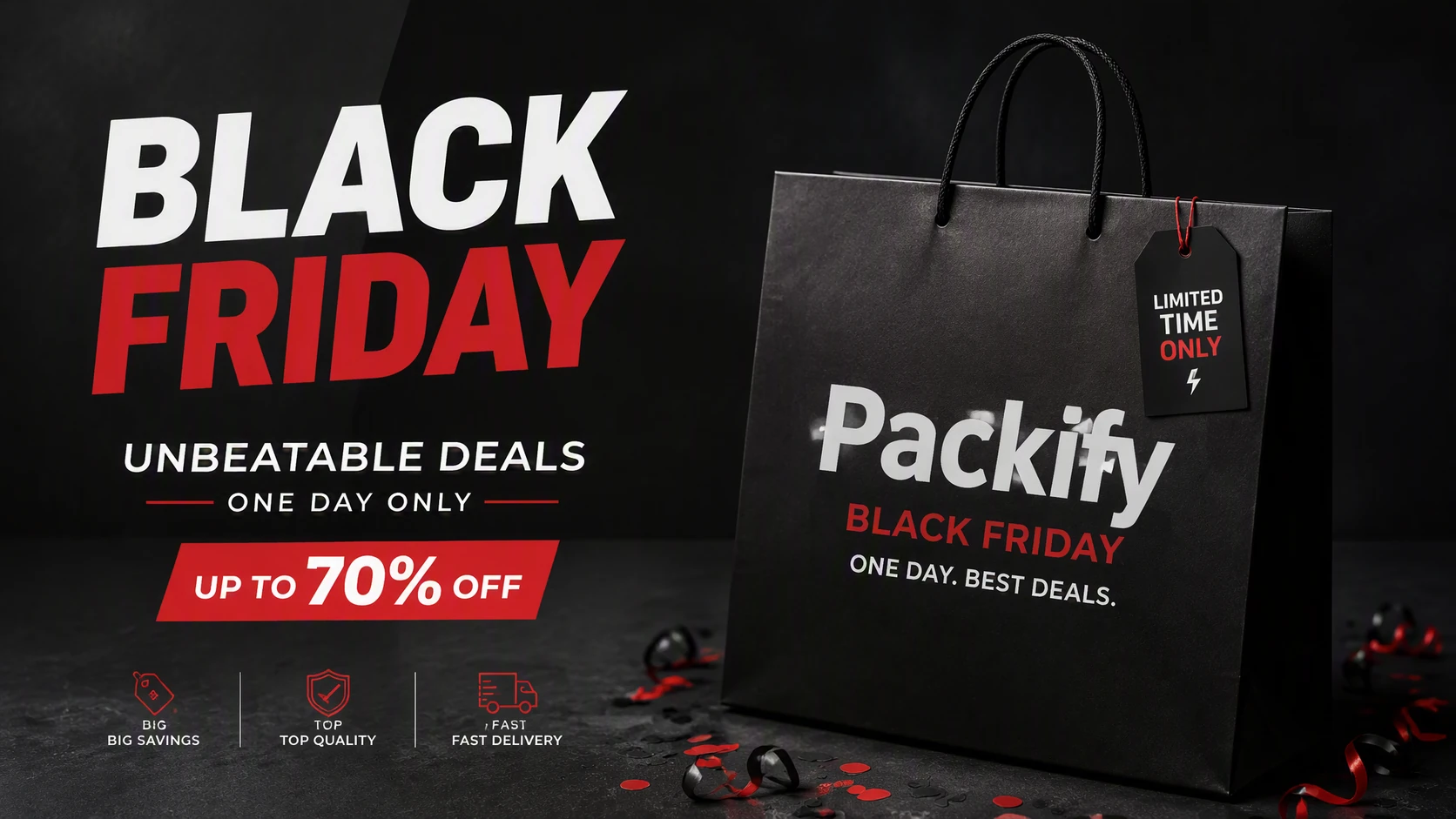
Black Friday Ads That Keep Your Product in Focus
Black Friday feeds are full of black backgrounds, red discount labels, and oversized SALE headlines. The product itself can easily become an afterthought. A generic holiday template may communicate a discount without helping shoppers recognize what you sell.
Upload your product photo and tell Packify about the offer, target customer, and desired scene. AI builds the campaign visual around your product, organizing the packaging, promotion, and brand information for Facebook, Instagram, or Shopify.
How to create Black Friday images with Packify?
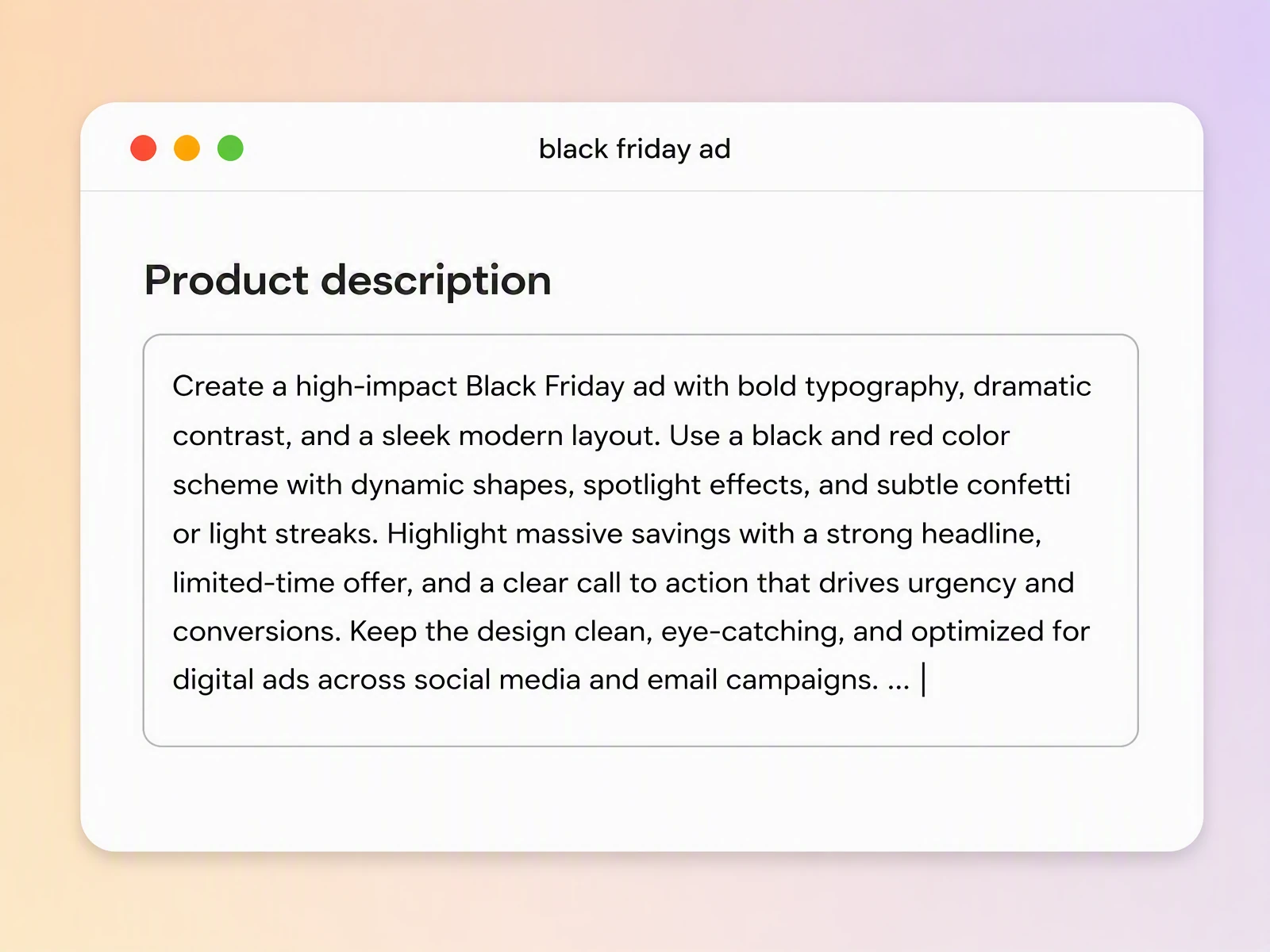
Step 1: Add your product and offer
Upload a clear product photo, then enter the product category, target customer, key benefit, and Black Friday promotion you want to advertise.
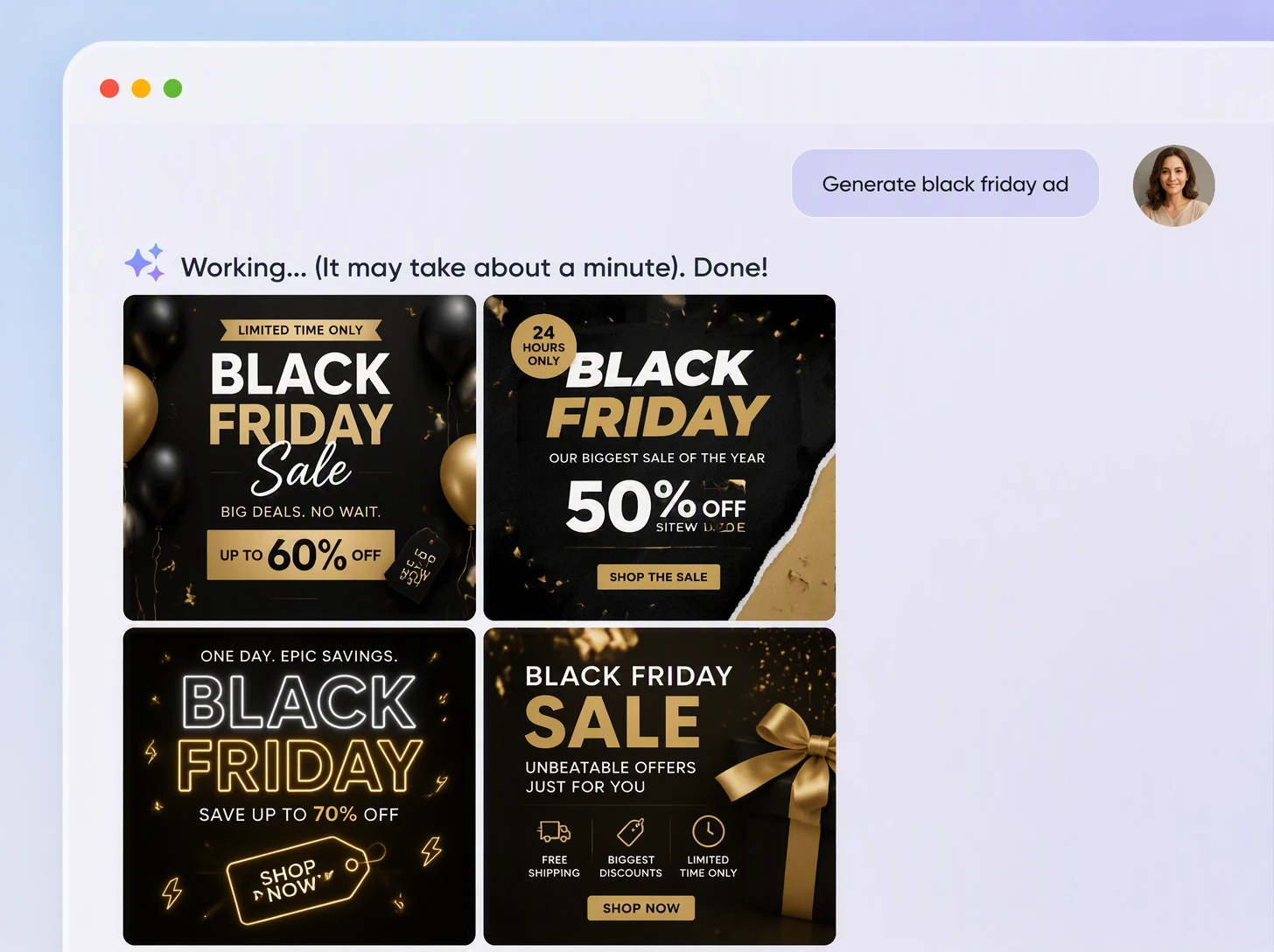
Step 2: describe and refine the scene
Specify the discount, deadline, advertising platform, and visual style. Review the result, revise your description, and generate another direction if needed.
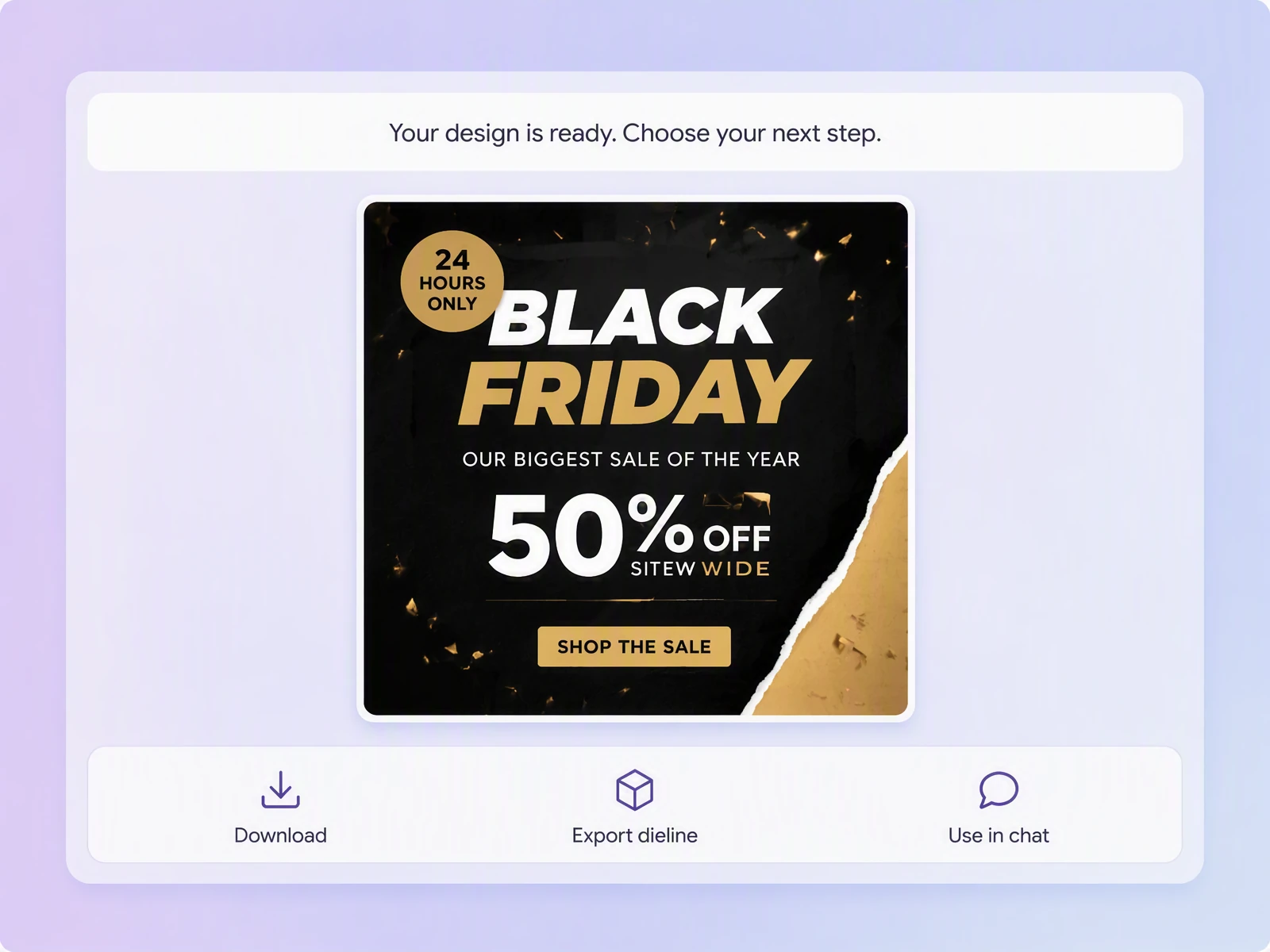
Step 3: Check and download your ad
Check the product, logo, packaging text, prices, and dates. Make any necessary edits, then download the static image for your campaign.

Step 1: Add your product and offer
Upload a clear product photo, then enter the product category, target customer, key benefit, and Black Friday promotion you want to advertise.
Step 2: Describe and refine the scene
Specify the discount, deadline, advertising platform, and visual style. Review the result, revise your description, and generate another direction if needed.
Step 3: Check and download your ad
Check the product, logo, packaging text, prices, and dates. Make any necessary edits, then download the static image for your campaign.
Why create a Black Friday banner with Packify?
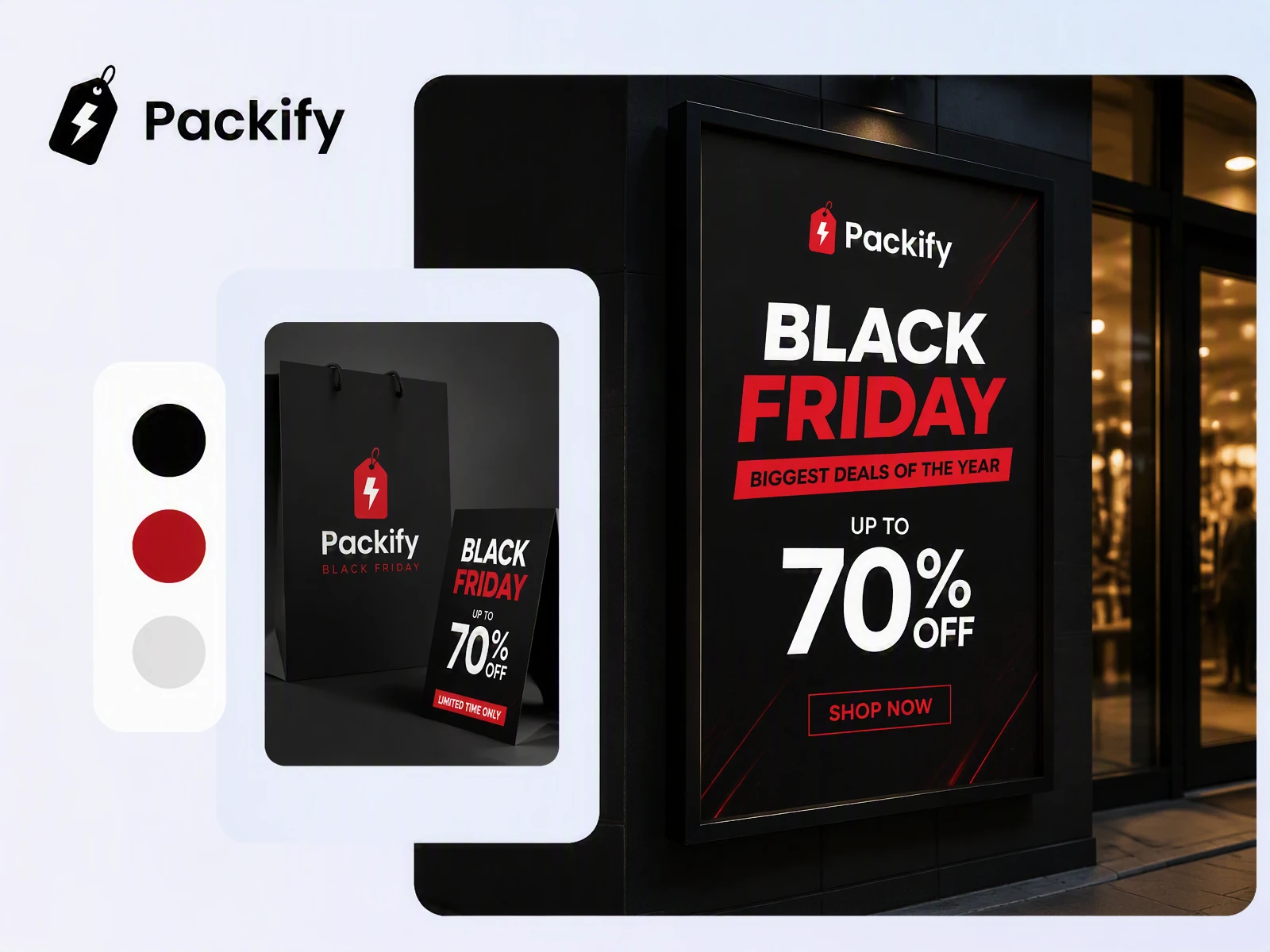
Build ads around your product
You do not need to paste a product photo into an unrelated holiday template. Upload your packaged product and describe the setting, promotion, and audience. Packify creates a new visual that keeps food, beverage, or beauty packaging recognizable across Facebook and Instagram.
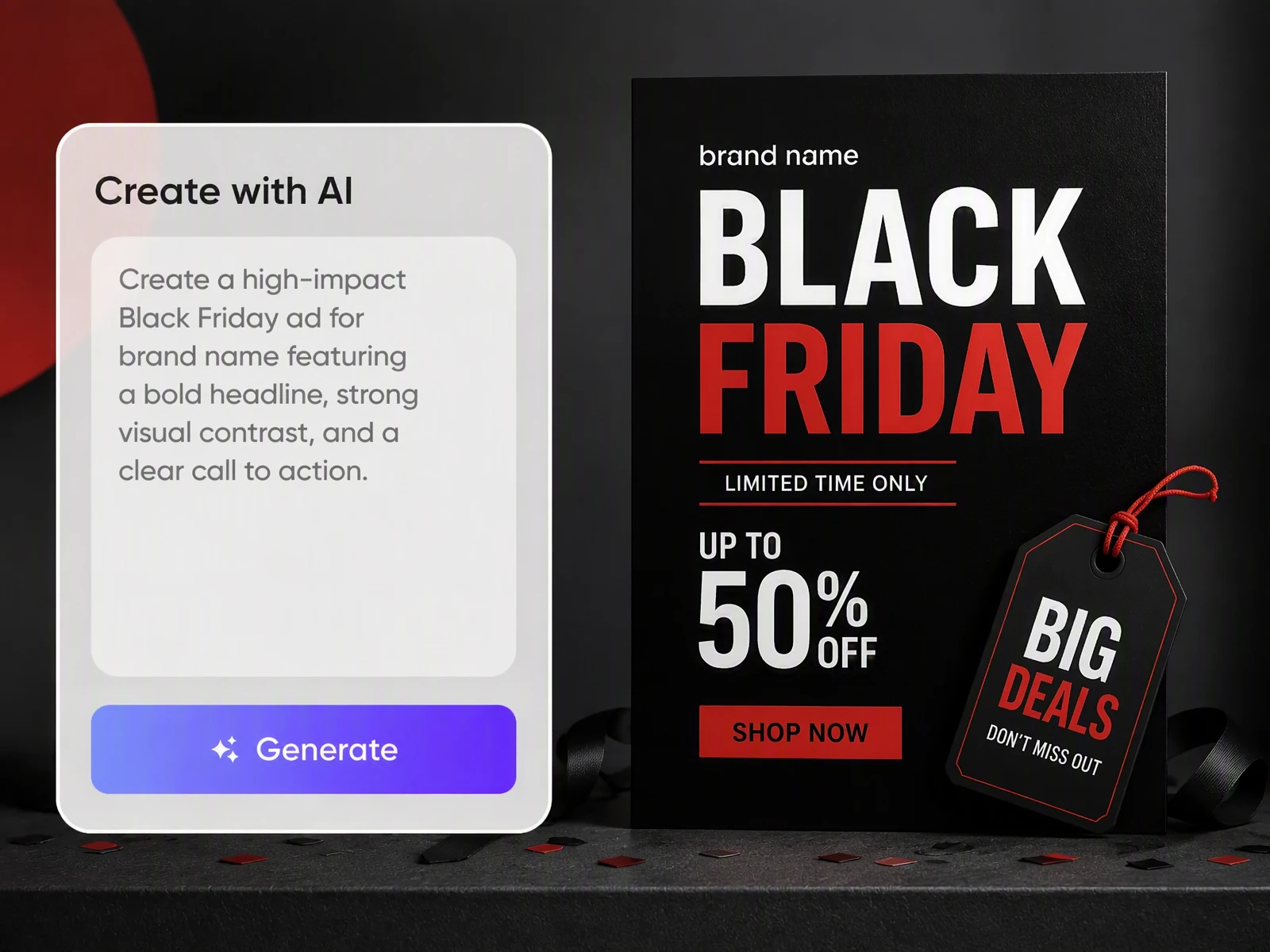
Move beyond generic sale templates
Black Friday ads do not always need black backgrounds, red text, and countdown graphics. Describe a natural product shot, gifting moment, close-up, or lifestyle scene. You can also provide a reference image to explore a direction that feels more relevant to your brand.
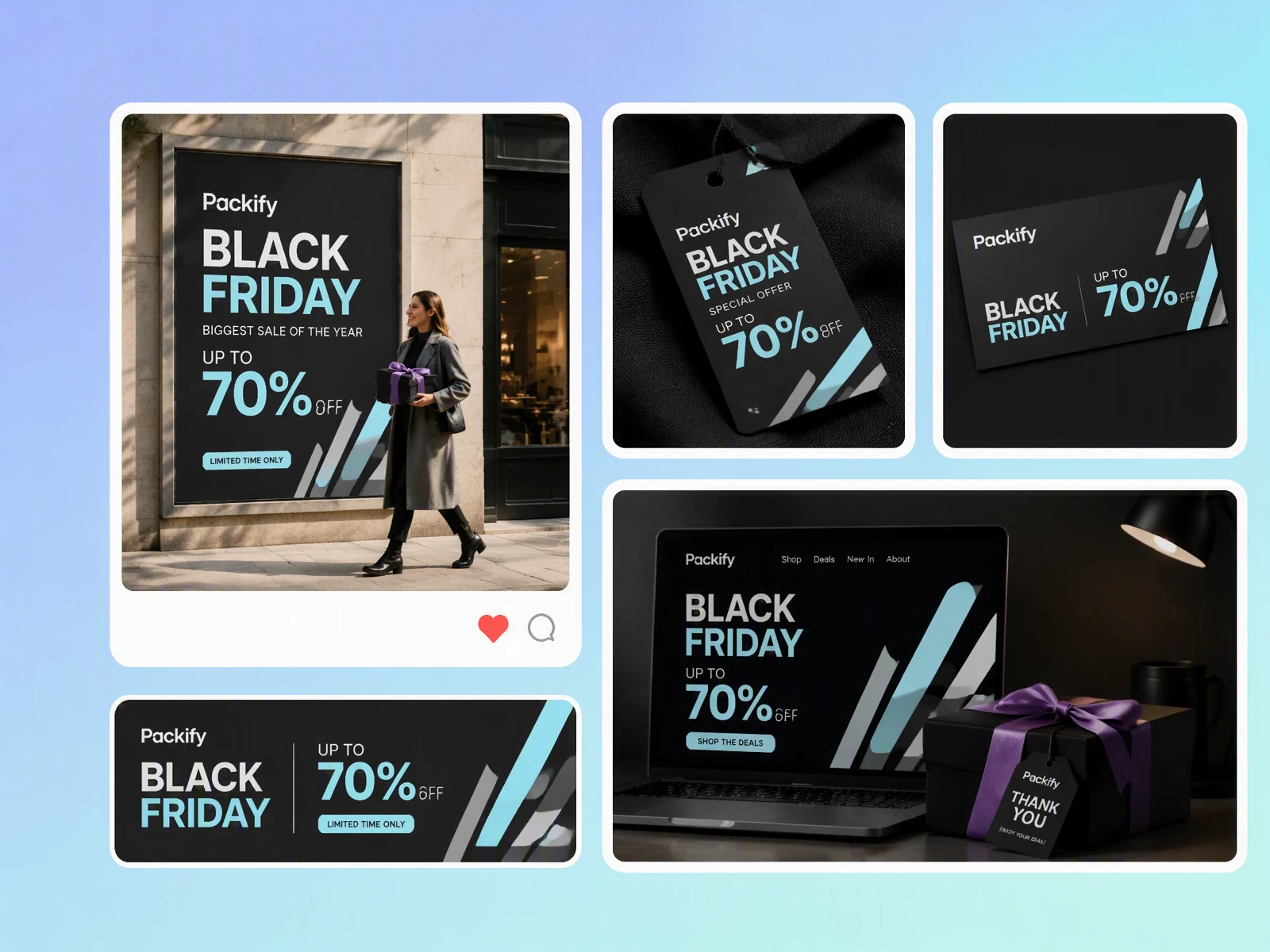
Keep every campaign on brand
Promotional themes can change without making your brand unrecognizable. Add your logo, colors, and brand description to Brand Kit. Packify can use that information as you separately create early-access, launch-day, and last-chance visuals for Shopify and social campaigns.
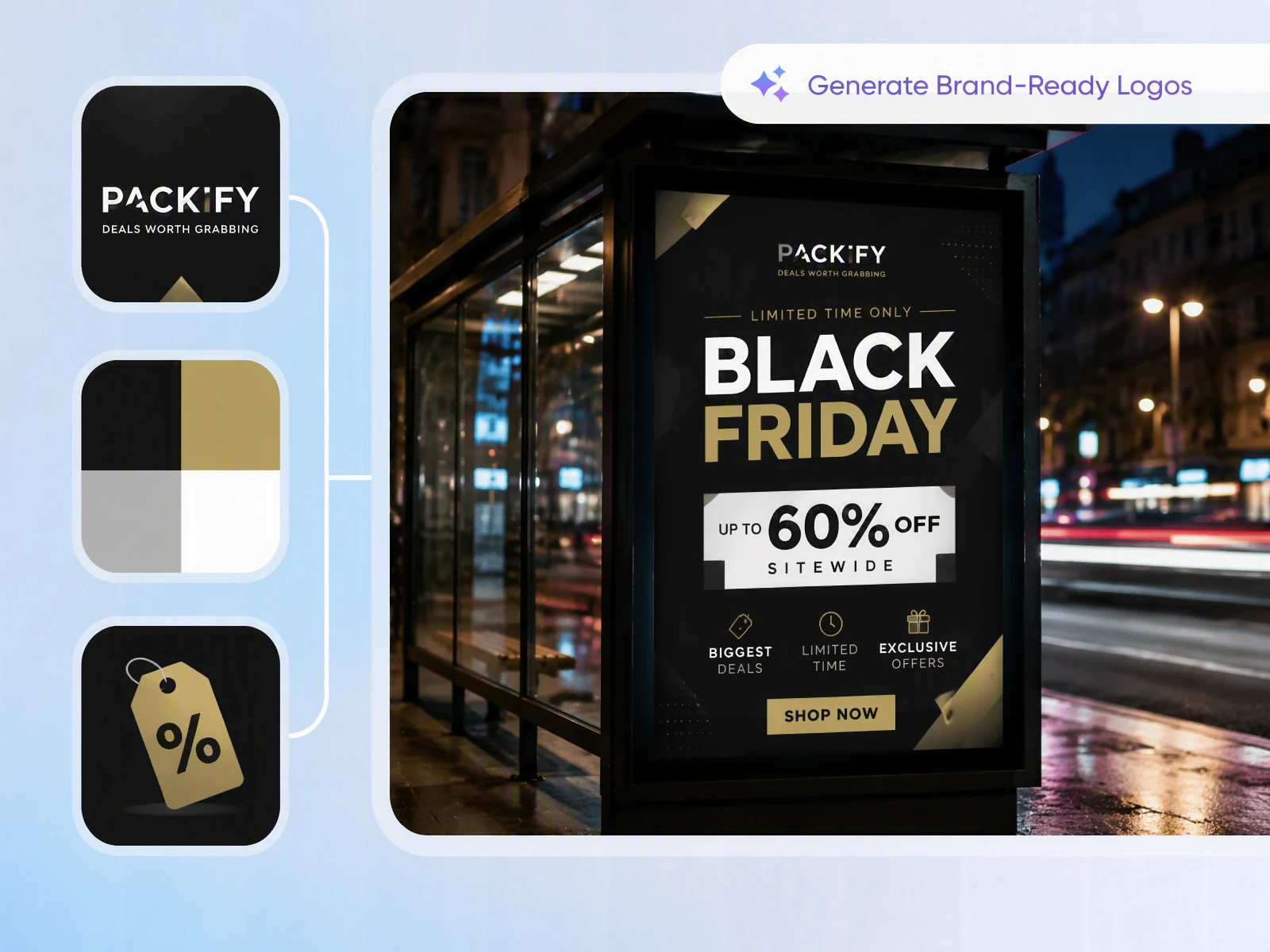
Refresh each campaign stage
Early access, price reductions, bundles, BOGO offers, last-chance promotions, and Cyber Monday each need a different emphasis. Keep your product and brand direction, then update the offer, deadline, scene, and creative focus for each static campaign image.
Build ads around your product
You do not need to paste a product photo into an unrelated holiday template. Upload your packaged product and describe the setting, promotion, and audience. Packify creates a new visual that keeps food, beverage, or beauty packaging recognizable across Facebook and Instagram.
Move beyond generic sale templates
Black Friday ads do not always need black backgrounds, red text, and countdown graphics. Describe a natural product shot, gifting moment, close-up, or lifestyle scene. You can also provide a reference image to explore a direction that feels more relevant to your brand.
Keep every campaign on brand
Promotional themes can change without making your brand unrecognizable. Add your logo, colors, and brand description to Brand Kit. Packify can use that information as you separately create early-access, launch-day, and last-chance visuals for Shopify and social campaigns.
Refresh each campaign stage
Early access, price reductions, bundles, BOGO offers, last-chance promotions, and Cyber Monday each need a different emphasis. Keep your product and brand direction, then update the offer, deadline, scene, and creative focus for each static campaign image.
Proven impact, in our customer's words


The AI-powered packaging design tool is a game-changer. It's fast, intuitive, making it an essential tool for any forward-thinking design team.ved.
March 26, 2025


The results are so amazing that I don't think it's just for inspiration... I'd say artificial intelligence outperforms most designers; the key is to come up with the perfect prompt. Great contribution! Thank you 😊.
March 18, 2025


The AI-powered packaging design tool is a game-changer. It's fast, intuitive, making it an essential tool for any forward-thinking design team.
March 18, 2025


We’re a tiny skincare shop. Packify.ai turned my scribbles into clean mockups and a printable dieline by Monday. Fewer back-and-forths, consistent branding, a nd our product page conversions moved.
March 18, 2025


The AI-powered packaging design tool is a game-changer. It's fast, intuitive, making it an essential tool for any forward-thinking design team.
March 26, 2025


The results are so amazing that I don't think it's just for inspiration... I'd say artificial intelligence outperforms most designers; the key is to come up with the perfect prompt. Great contribution! Thank you 😊
March 18, 2025


Congrats! Packify.ai, an AI packaging designer, enables easy, creative design and offers AI-driven product photography for e-commerce through simple chatting.
April 2, 2025


We’re a tiny skincare shop. Packify.ai turned my scribbles into clean mockups and a printable dieline by Monday. Fewer back-and-forths, consistent branding, a nd our product page conversions moved.
May 9, 2025
You asked,
we answered
You asked, we answered
What Types of Black Friday Ads Can Packify Create?
Packify creates static advertising visuals centered on packaged products. You can prepare images for Facebook, Instagram, Shopify banners, promotional posters, and social media posts. Packify does not currently generate videos, complete ad copy, audience targeting, or Meta advertising campaigns.
Do I Need to Upload a Product Photo?
No, but uploading one is recommended. You can begin with a written description, but a clear, front-facing product photo gives Packify a stronger reference when you want the advertisement to represent your existing product packaging.
Do Black Friday Ads Have to Be Black and Red?
No. Describe your preferred colors, campaign mood, target customer, and any styles you want to avoid. You can also set up Brand Kit with your logo, colors, and brand description to keep the seasonal visual connected to your identity.
Can I Turn a Black Friday Banner into a Cyber Monday Ad?
Yes. Keep the same product and brand direction, then enter the new Cyber Monday offer, date, deadline, and visual focus. Generate and review the Cyber Monday version separately, since Packify does not automatically create an entire campaign set in one action.
Is the Black Friday Ad Generator Free?
You can start with free trial credits. Different generation and editing actions may consume credits, so check your account balance before creating an image. Visit the Pricing Page for subscription and credit details.
Can I Use the Generated Black Friday Images Commercially?
Yes, subject to Packify’s Terms of Use. AI-generated content is not exclusive. Before publishing, review trademarks, people, packaging text, discount figures, dates, and any visual elements that may resemble another brand.
Make Your Product Visible This Sale Season