Box design generator
Describe your product, box type, audience, and brand direction, or upload a reference image. Packify creates a complete box design you can refine and preview in 3D.

Trusted by industry-leading businesses


Design the whole box, not just the artwork
A box is more than a rectangular canvas. Its front, sides, top, and opening need to work together to tell shoppers what the product is, who it is for, and why it matters.
Describe a food box, mailer box, gift box, product box, or sleeve and tray box, then add your audience and visual direction. Packify turns the brief into box packaging design applied to the structure, so you can review the complete result before moving to print.
How to design a box online?
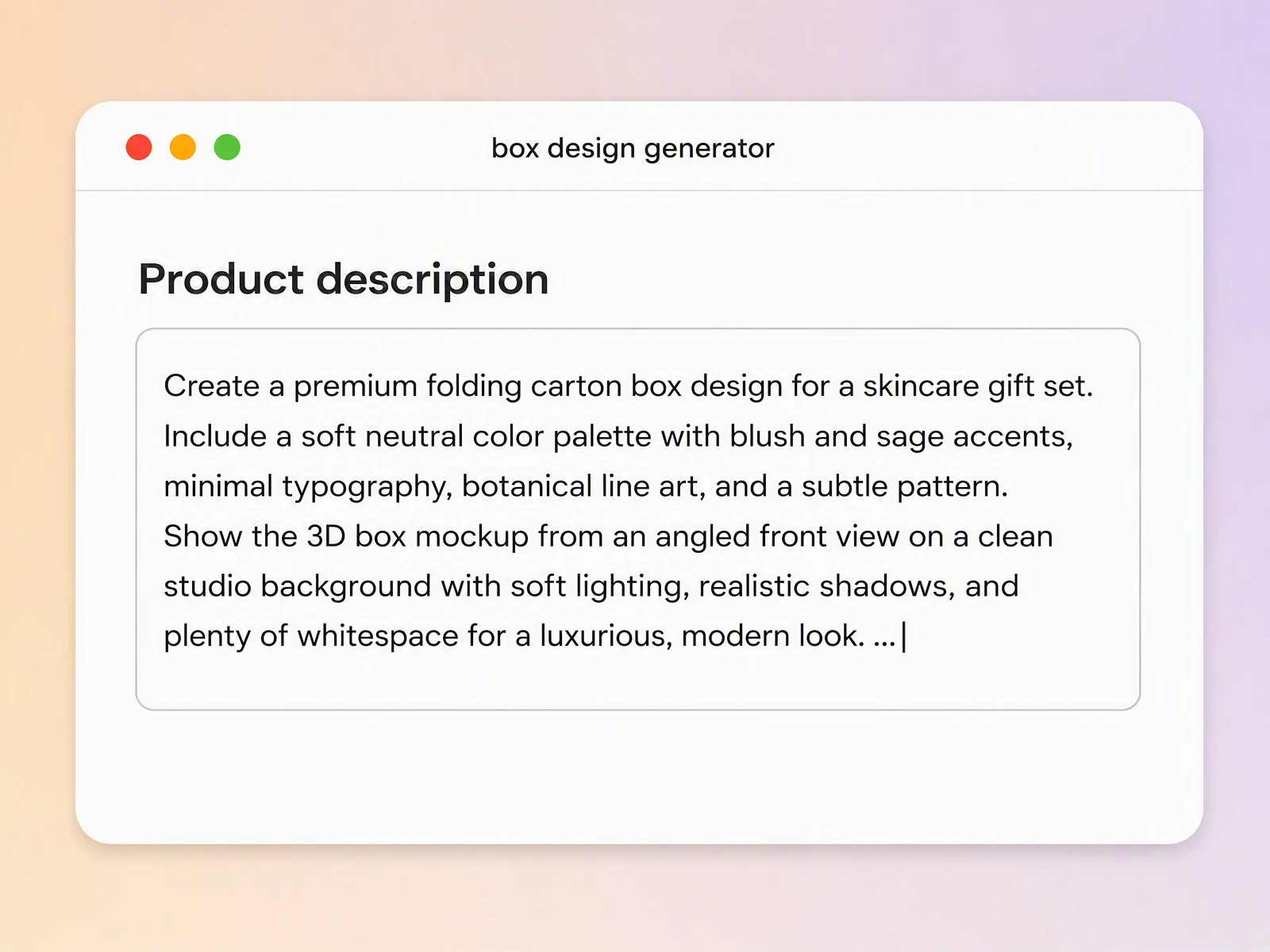
Step 1: Describe your box
Enter the box type, product, audience, visual style, brand colors, and key message, or upload a reference image for direction.
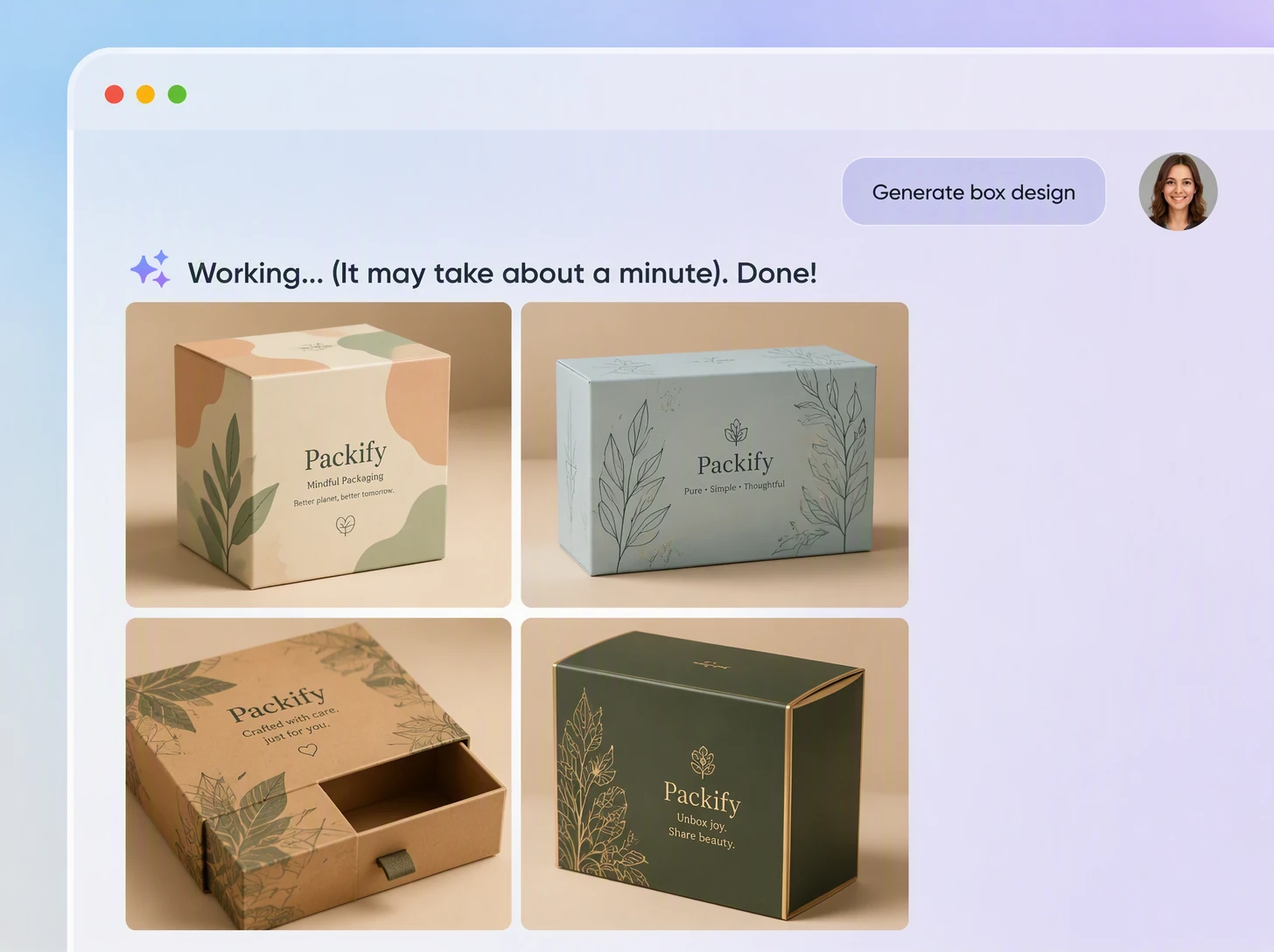
Step 2: Generate and review the design
Generate a box with the artwork applied, then review its placement, scale, information hierarchy, and brand mood before refining or regenerating it.
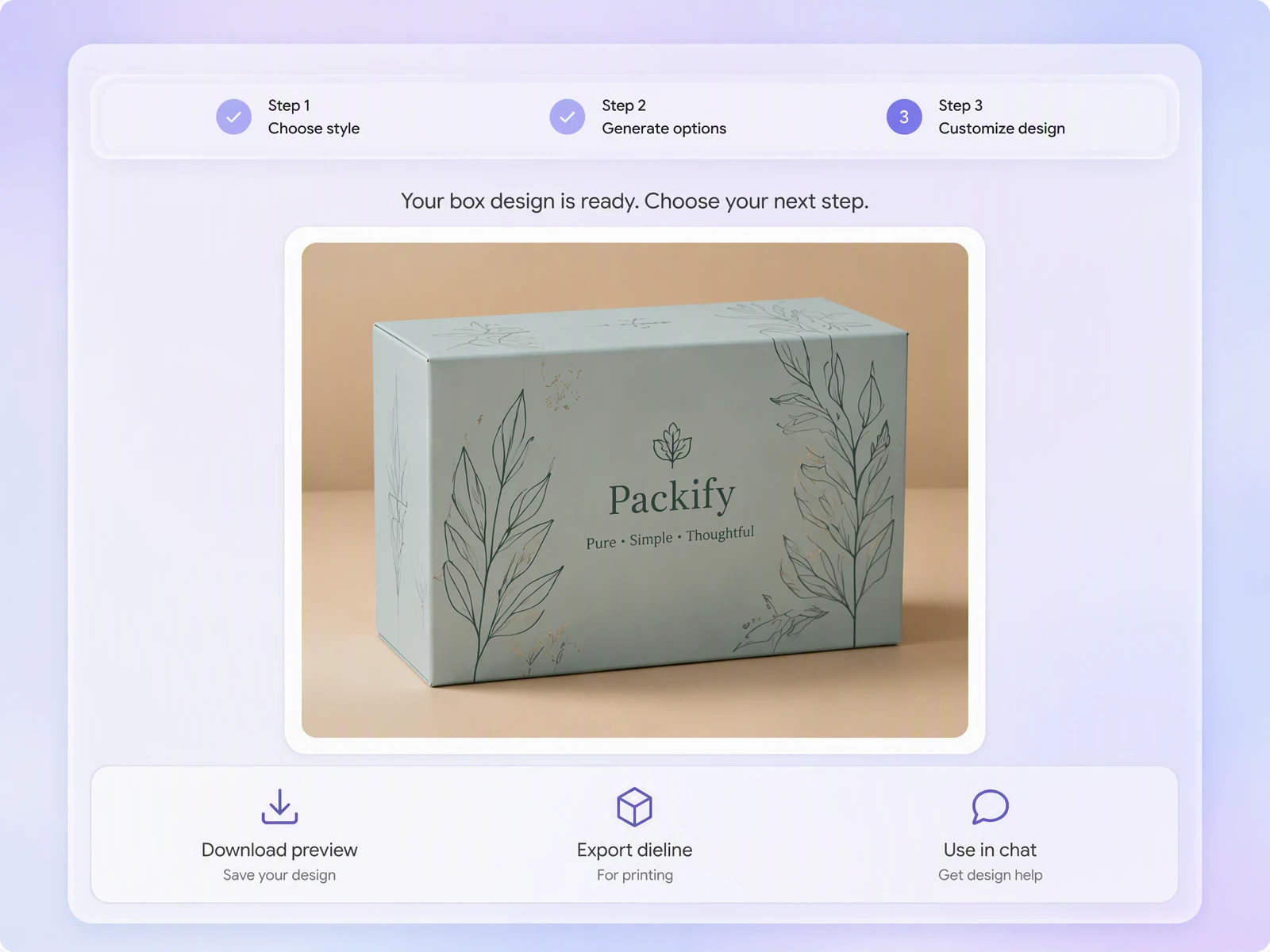
Step 3: Edit and export for print
Click Export Dieline, edit the artwork online, add final brand elements, and export a print-ready file for your packaging manufacturer.

Step 1: Describe your box
Enter the box type, product, audience, visual style, brand colors, and key message, or upload a reference image for direction.
Step 2: Generate and review the design
Generate a box with the artwork applied, then review its placement, scale, information hierarchy, and brand mood before refining or regenerating it.
Step 3: Edit and export for print
Click Export Dieline, edit the artwork online, add final brand elements, and export a print-ready file for your packaging manufacturer.
Why choose Packify as your box design maker?
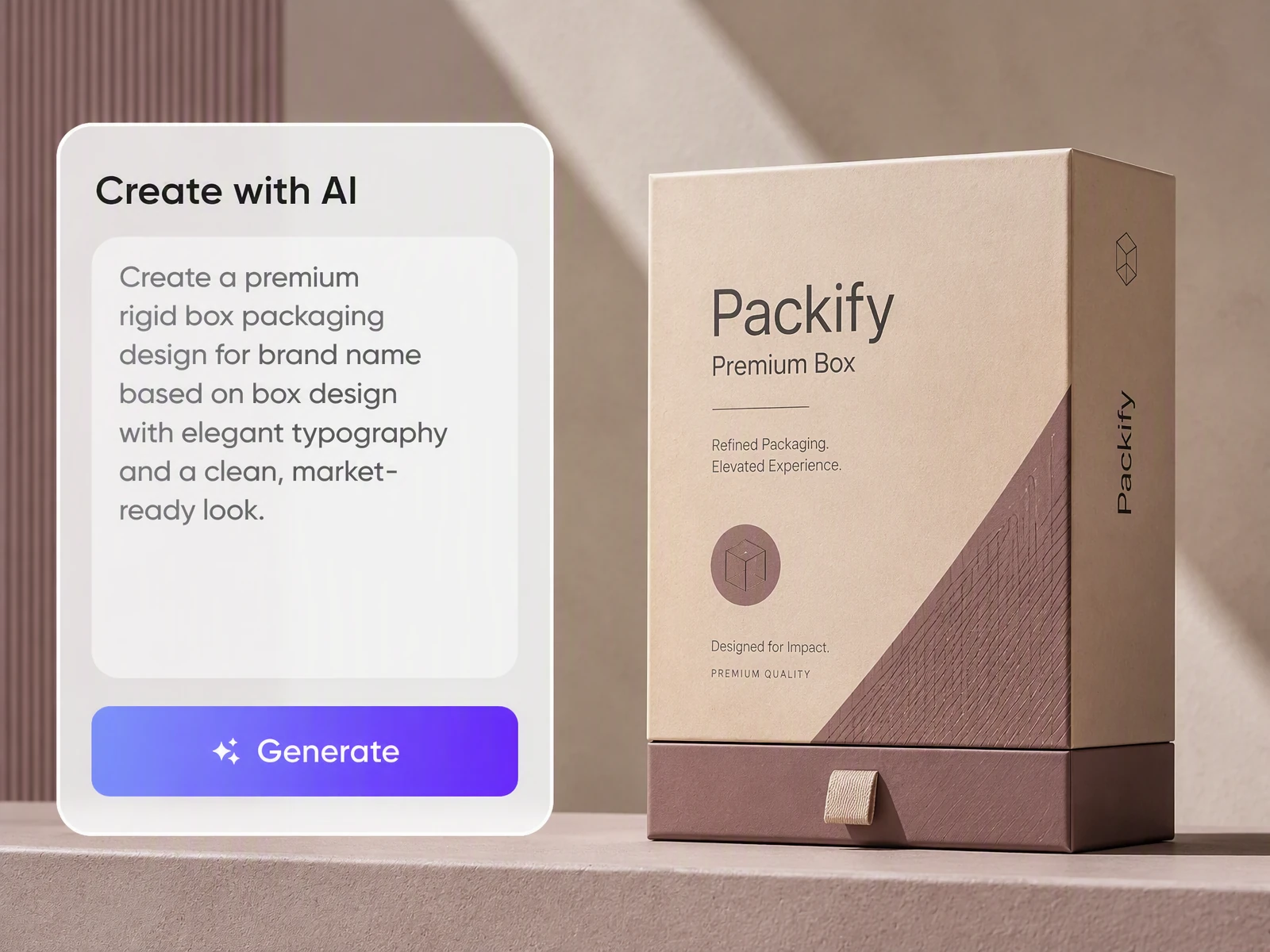
Move from brief to dieline
Packify organizes food boxes, mailer boxes, gift boxes, display boxes, folding boxes, and sleeve and tray boxes into clear categories. Generate a box mockup from your brief first, then click Export Dieline and choose the matching structure. You do not need to understand professional product codes.
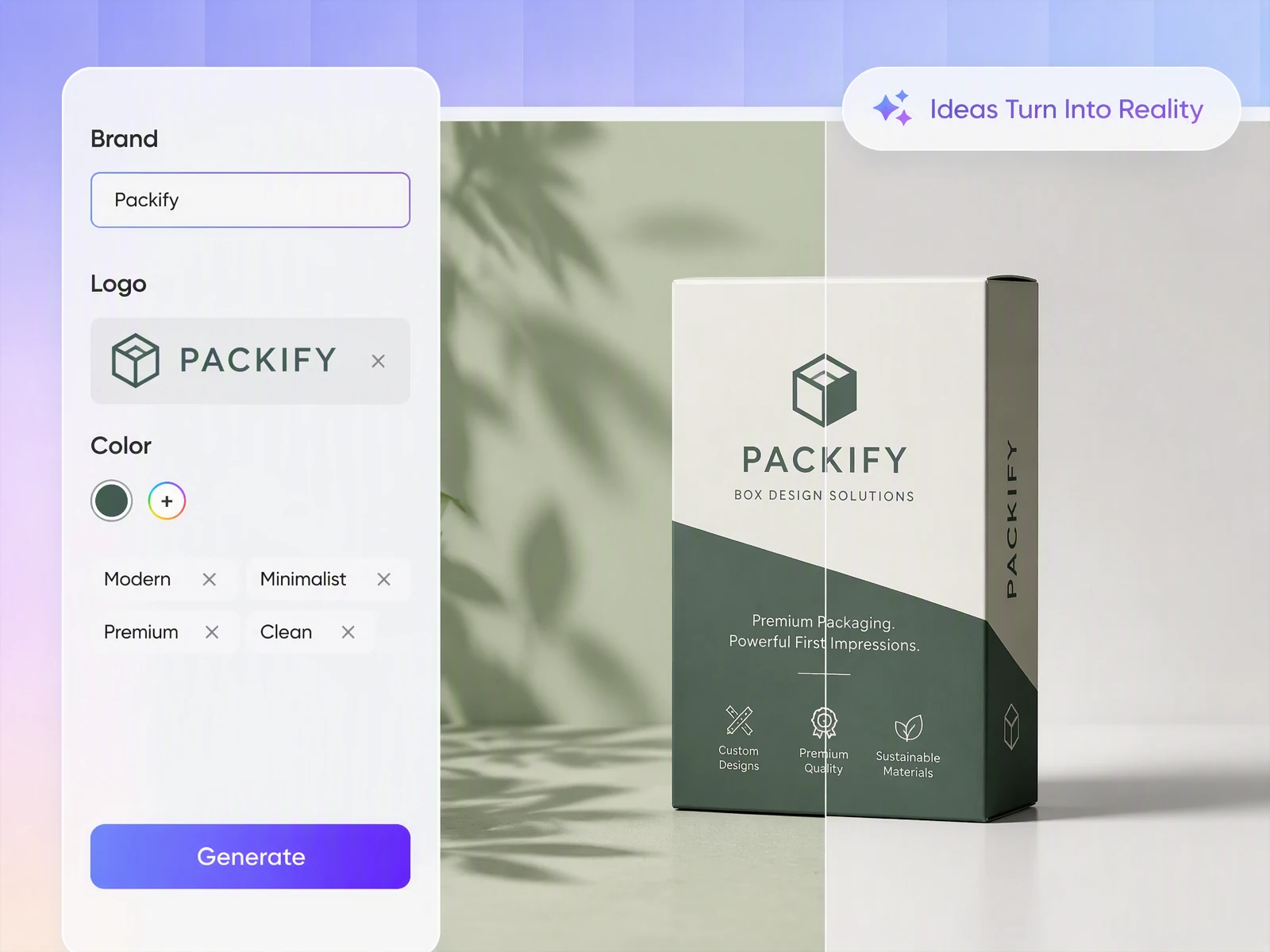
Design every visible panel
The front panel introduces the product, while the sides and top carry supporting information and shape the unboxing experience. Packify organizes the artwork around the box structure, giving Shopify products a consistent design across every visible panel.
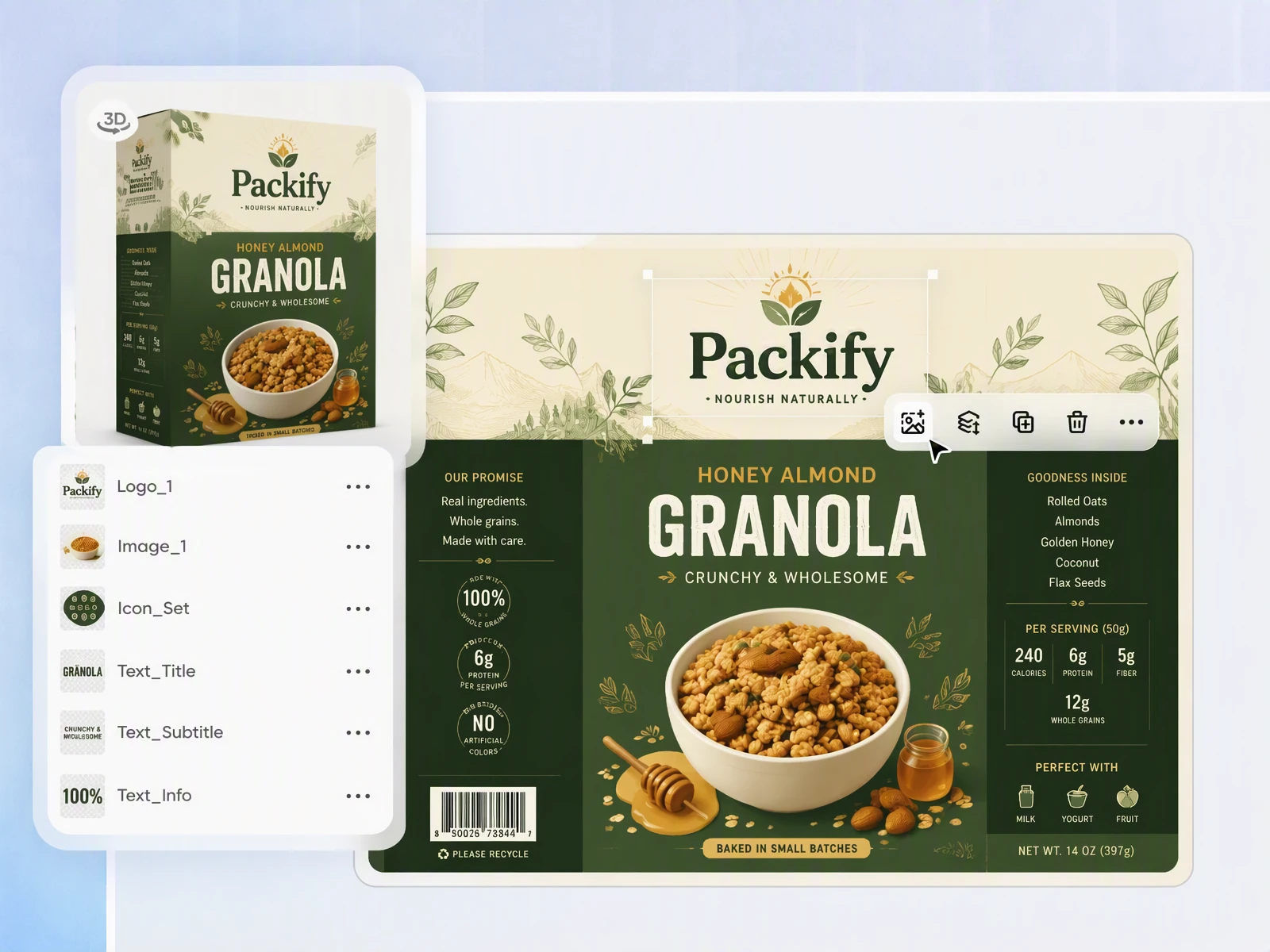
Edit without design software
Adjust the copy, colors, graphics, layout, and logo directly after generating the first concept. Etsy sellers and small-batch brands can refine a custom box design without starting from a blank canvas or learning professional design software.
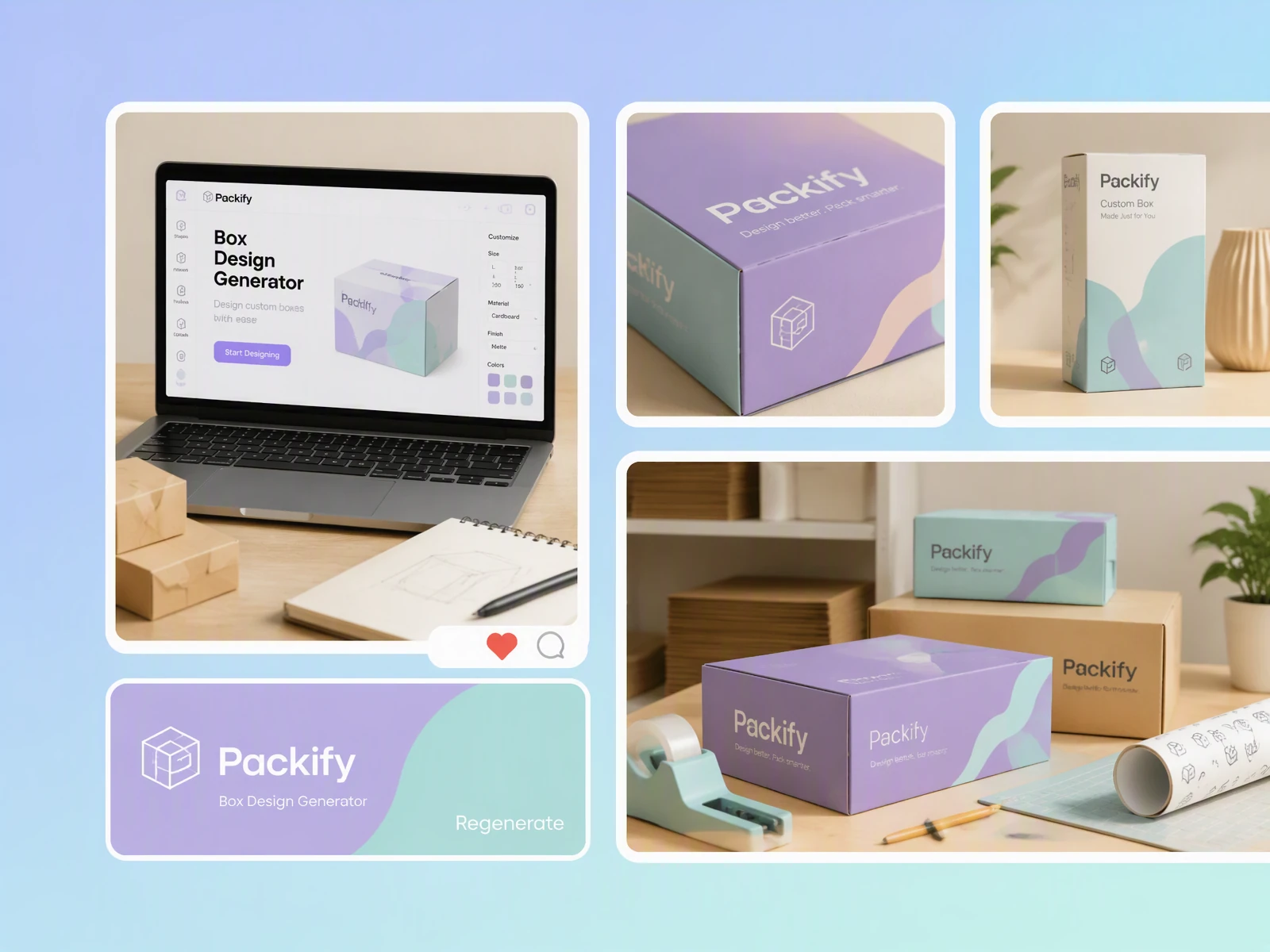
Review the box before production
Flat artwork can hide awkward scale, weak front-panel impact, or disconnected side graphics. Use the 3D packaging preview to inspect the complete box before approving the direction for factory sampling and print production.
Move from brief to dieline
Packify organizes food boxes, mailer boxes, gift boxes, display boxes, folding boxes, and sleeve and tray boxes into clear categories. Generate a box mockup from your brief first, then click Export Dieline and choose the matching structure. You do not need to understand professional product codes.
Design every visible panel
The front panel introduces the product, while the sides and top carry supporting information and shape the unboxing experience. Packify organizes the artwork around the box structure, giving Shopify products a consistent design across every visible panel.
Edit without design software
Adjust the copy, colors, graphics, layout, and logo directly after generating the first concept. Etsy sellers and small-batch brands can refine a custom box design without starting from a blank canvas or learning professional design software.
Review the box before production
Flat artwork can hide awkward scale, weak front-panel impact, or disconnected side graphics. Use the 3D packaging preview to inspect the complete box before approving the direction for factory sampling and print production.
Proven impact, in our customer's words


The AI-powered packaging design tool is a game-changer. It's fast, intuitive, making it an essential tool for any forward-thinking design team.ved.
March 26, 2025


The results are so amazing that I don't think it's just for inspiration... I'd say artificial intelligence outperforms most designers; the key is to come up with the perfect prompt. Great contribution! Thank you 😊.
March 18, 2025


The AI-powered packaging design tool is a game-changer. It's fast, intuitive, making it an essential tool for any forward-thinking design team.
March 18, 2025


We’re a tiny skincare shop. Packify.ai turned my scribbles into clean mockups and a printable dieline by Monday. Fewer back-and-forths, consistent branding, a nd our product page conversions moved.
March 18, 2025


The AI-powered packaging design tool is a game-changer. It's fast, intuitive, making it an essential tool for any forward-thinking design team.
March 26, 2025


The results are so amazing that I don't think it's just for inspiration... I'd say artificial intelligence outperforms most designers; the key is to come up with the perfect prompt. Great contribution! Thank you 😊
March 18, 2025


Congrats! Packify.ai, an AI packaging designer, enables easy, creative design and offers AI-driven product photography for e-commerce through simple chatting.
April 2, 2025


We’re a tiny skincare shop. Packify.ai turned my scribbles into clean mockups and a printable dieline by Monday. Fewer back-and-forths, consistent branding, a nd our product page conversions moved.
May 9, 2025
You asked,
we answered
You asked, we answered
Which box type and design style should I choose for my product?
Food and snack products suit food boxes or folding boxes with bold names, clear flavor cues, and easy-to-scan colors. Perfume, beauty, and gift products work well in perfume boxes, gift boxes, or sleeve and tray boxes with restrained colors, whitespace, and refined typography.
Subscription products often use mailer boxes with branded exterior and interior surfaces. Retail products benefit from product boxes or display boxes that communicate the product purpose and main buying reason on the front panel.
Do I need packaging design experience?
No. Packify is built for startup founders, Amazon and Shopify sellers, Etsy makers, and brand operators creating physical packaging without an in-house designer. Describe the product and visual direction in everyday language, then refine the generated result.
Can I upload my logo or a reference image?
Yes. You can set up a Brand Kit with your colors, logo, and brand description, or upload an image for visual direction. Packify draws on the overall visual language of the reference, but it does not guarantee a detail-for-detail reproduction.
How do I turn my box design into a dieline?
First, generate a box mockup from your brief and confirm the visual direction. Click Export Dieline, choose the matching structure from the clearly labeled box categories, and convert the approved design into a print-ready dieline for your packaging manufacturer to review.
Is the box design generator free to use?
You can start with a Packify free trial. Generating, editing, and exporting may consume credits depending on the action. Check your remaining credits before starting, or visit the Pricing Page for subscription and credit details.
Can I use my box design commercially?
You can use your design for personal and commercial projects, including packaging for Amazon, Shopify, Etsy, and small-batch products, as long as you follow Packify's Terms of Use. Review trademarks, brand similarities, and print requirements before taking the design to market.
See the box before you produce it