
Circle label maker
Describe your product, brand name, and design style. Packify’s AI circle label maker creates a round label design for your jar lids or packaging seals.
Trusted by industry - leading businesses


Circle label maker for jars and packaging seals
You need buyers to recognize your product, even when label space is limited. Packify generates a circle label design from your brand description for you to review and refine. Create artwork for jar lids or packaging seals to catch shoppers’ attention and show what you sell at a glance.
How to create round stickers with Packify?
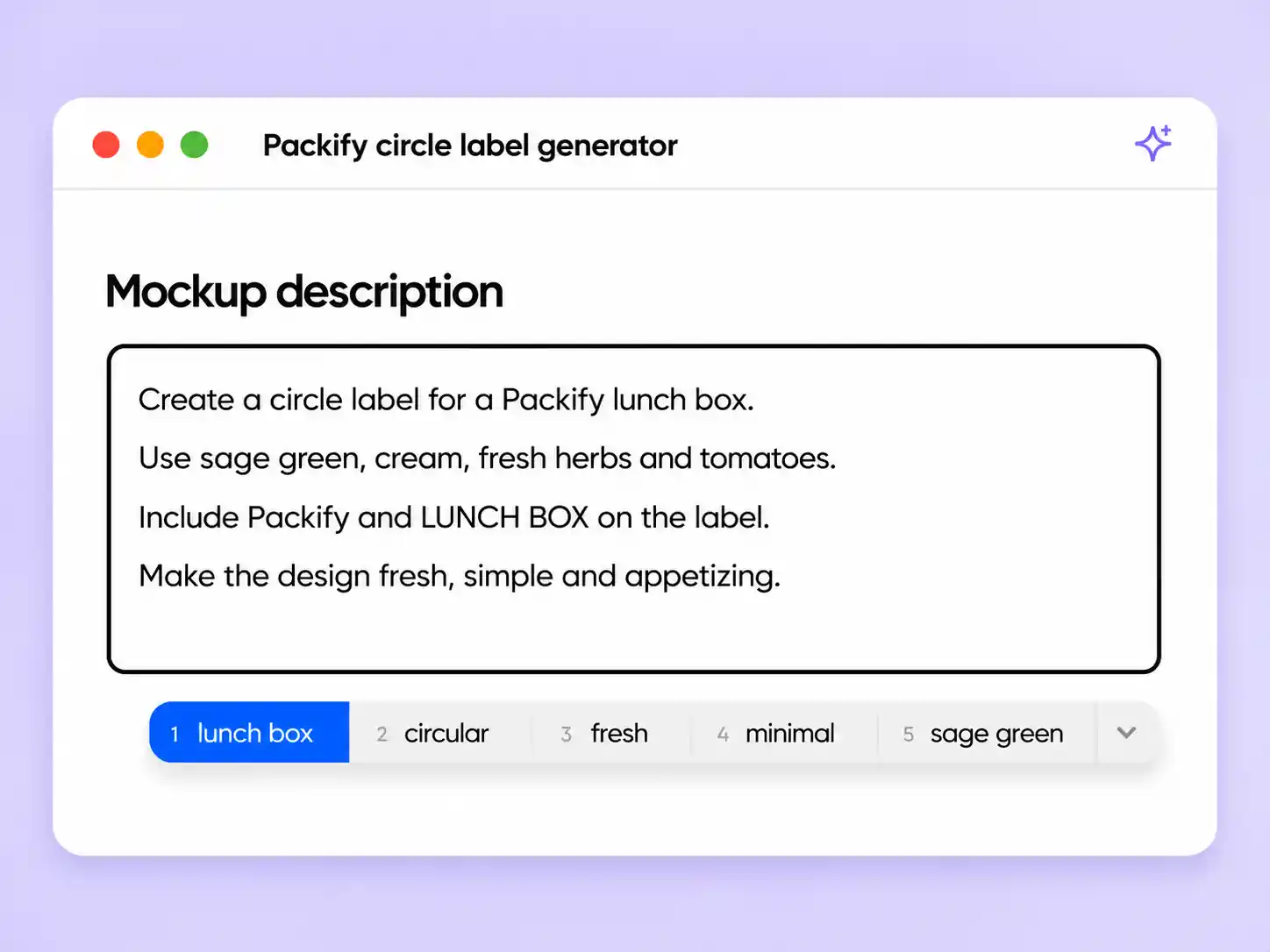
Step 1: Describe your brand and label
Enter your product name, brand details, and preferred style, including the text and logo you want in your circle label design.
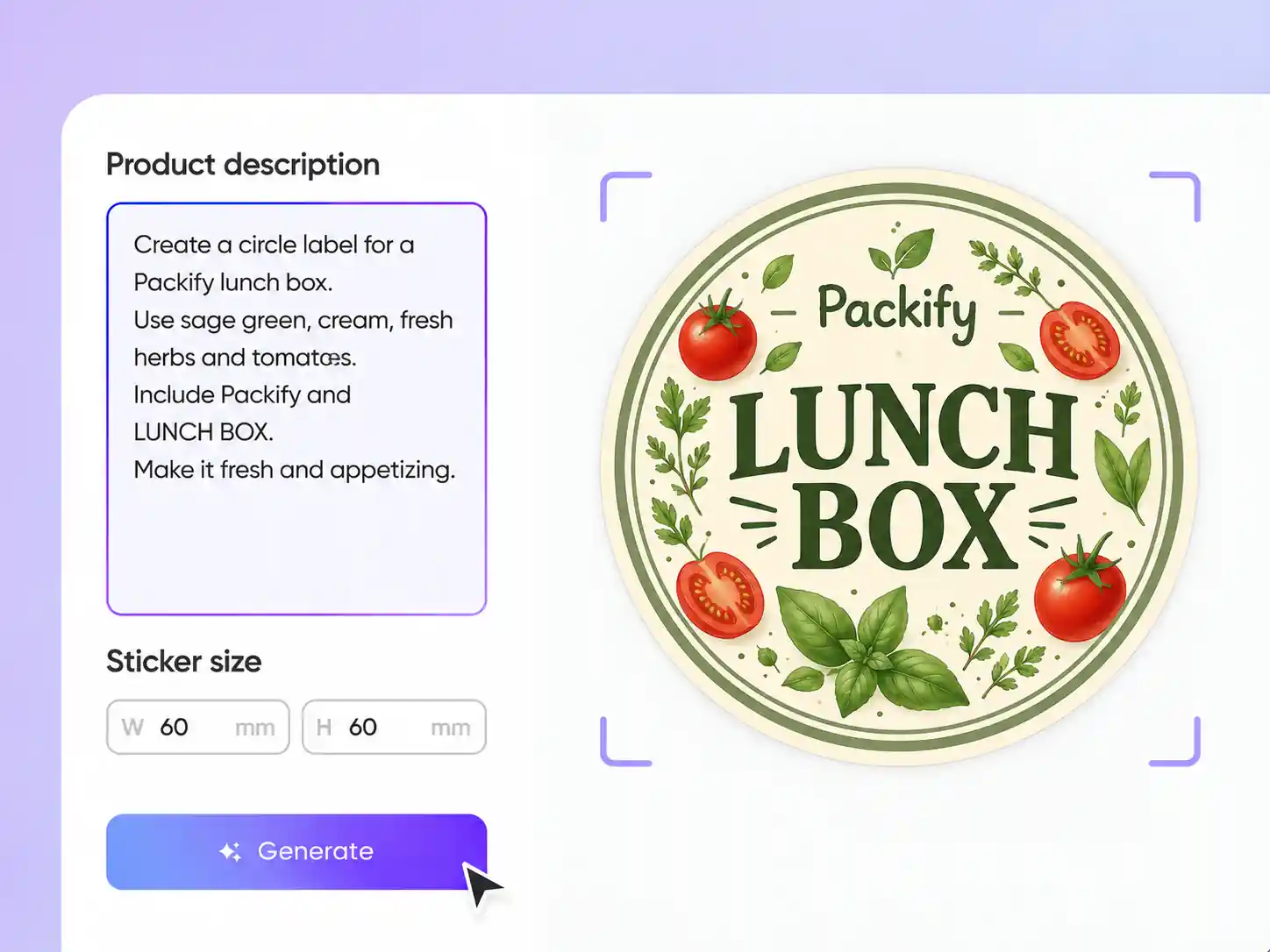
Step 2: Generate and refine your design
Generate your circle label, review the text and composition, then describe changes to refine the design before downloading it.
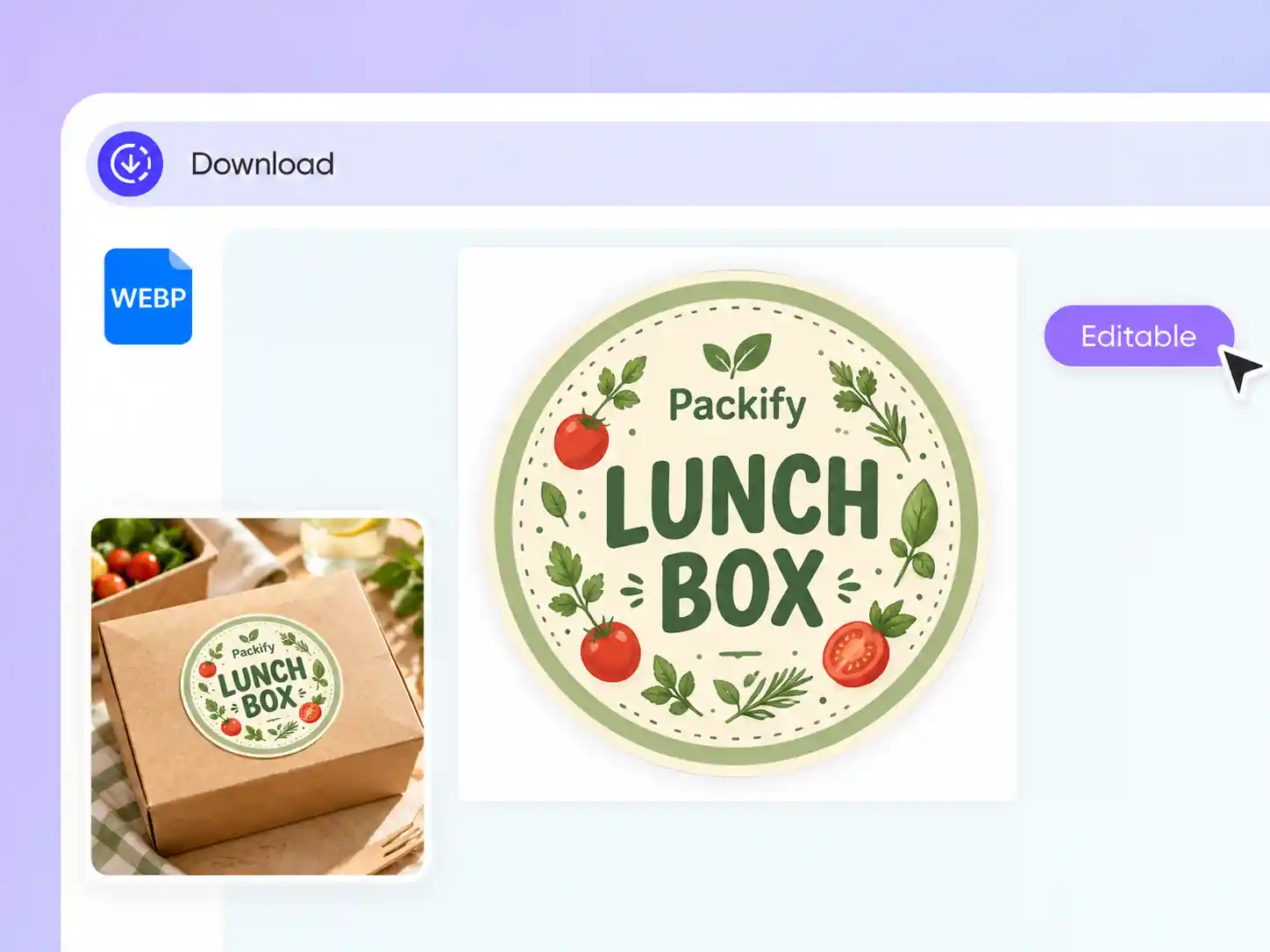
Step 3: Download and check your artwork
Download your design as a PNG, review every word and detail before ordering physical labels.

Step 1: Describe your brand and label
Enter your product name, brand details, and preferred style, including the text and logo you want in your circle label design.
Step 2: Generate and refine your design
Generate your circle label, review the text and composition, then describe changes to refine the design before downloading it.
Step 3: Download and check your artwork
Download your design as a PNG, review every word and detail before ordering physical labels.
Why choose Packify’s circle label maker?
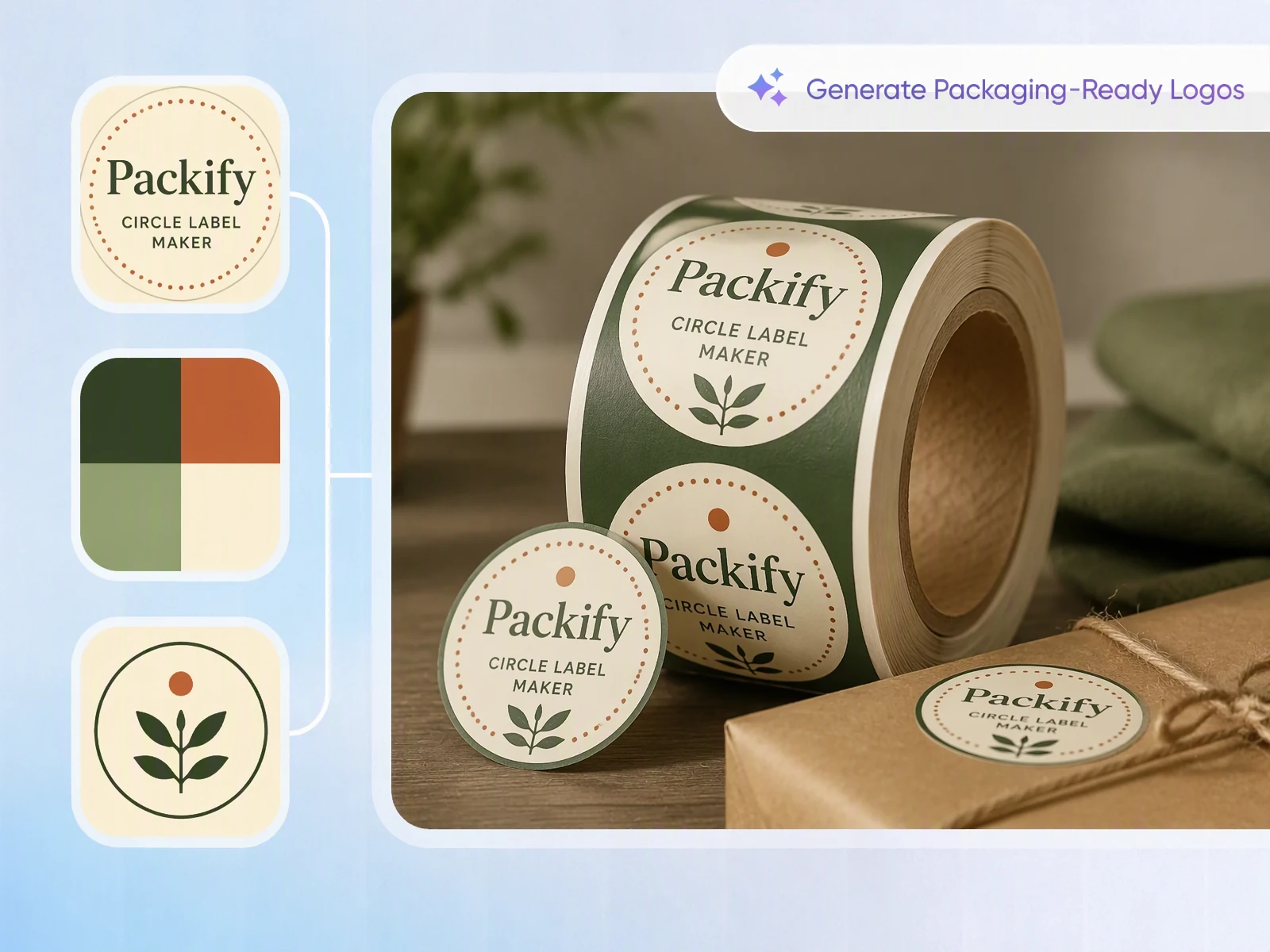
Fit your message inside circle stickers
A product name, logo, and supporting text can compete for limited space inside a circle. Packify generates a layout from your brief, giving you a starting point for product labels. Review the text hierarchy and edge spacing, then refine the design around what customers need to read first.
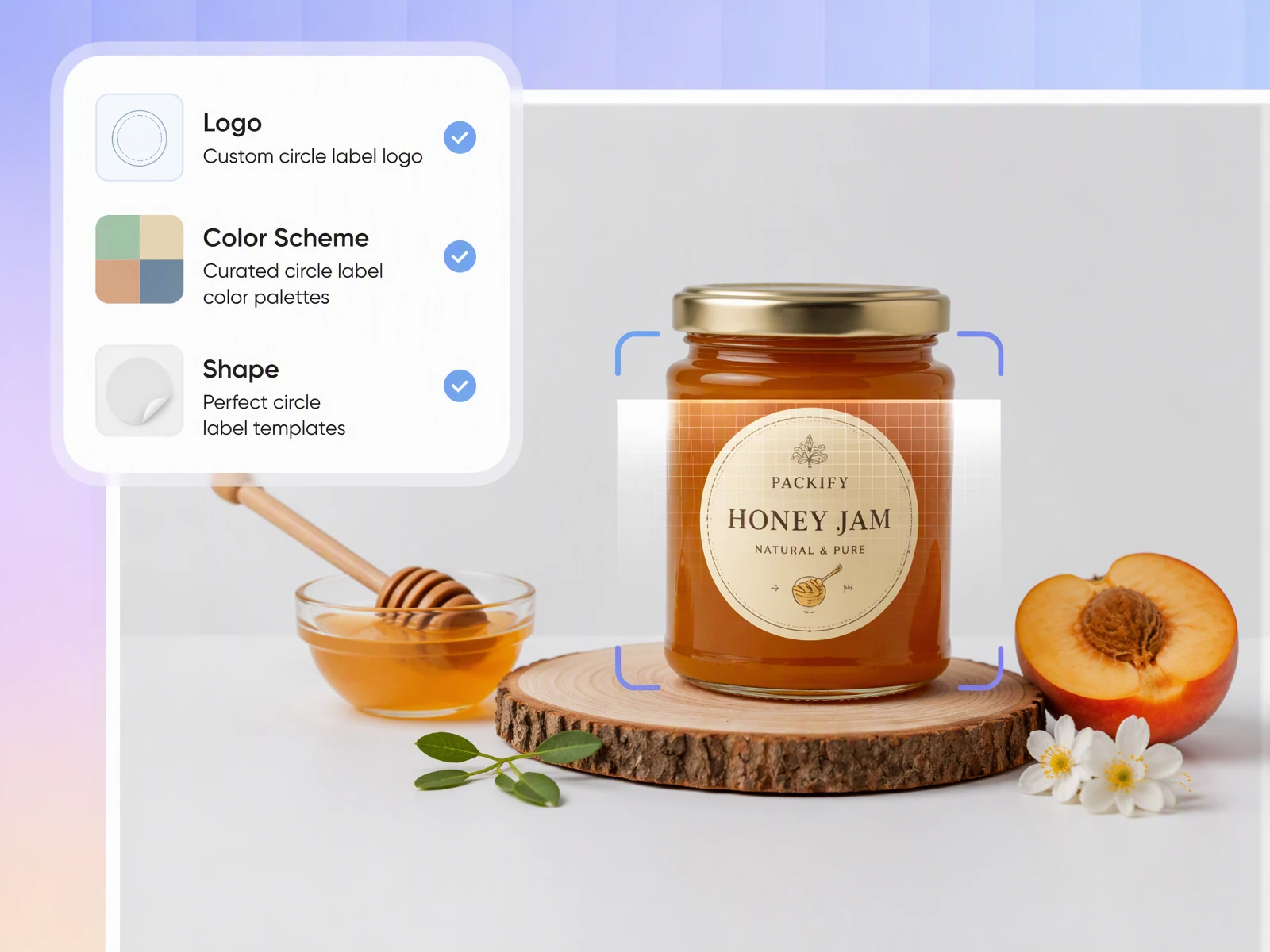
Create circle labels for your business
You’re starting a candle or gift business and using labels on plain jars to keep packaging costs down, but you lack design experience. Describe your product and brand to Packify’s AI circle label maker, then refine the generated design’s text, logo, and colors for your packaging.
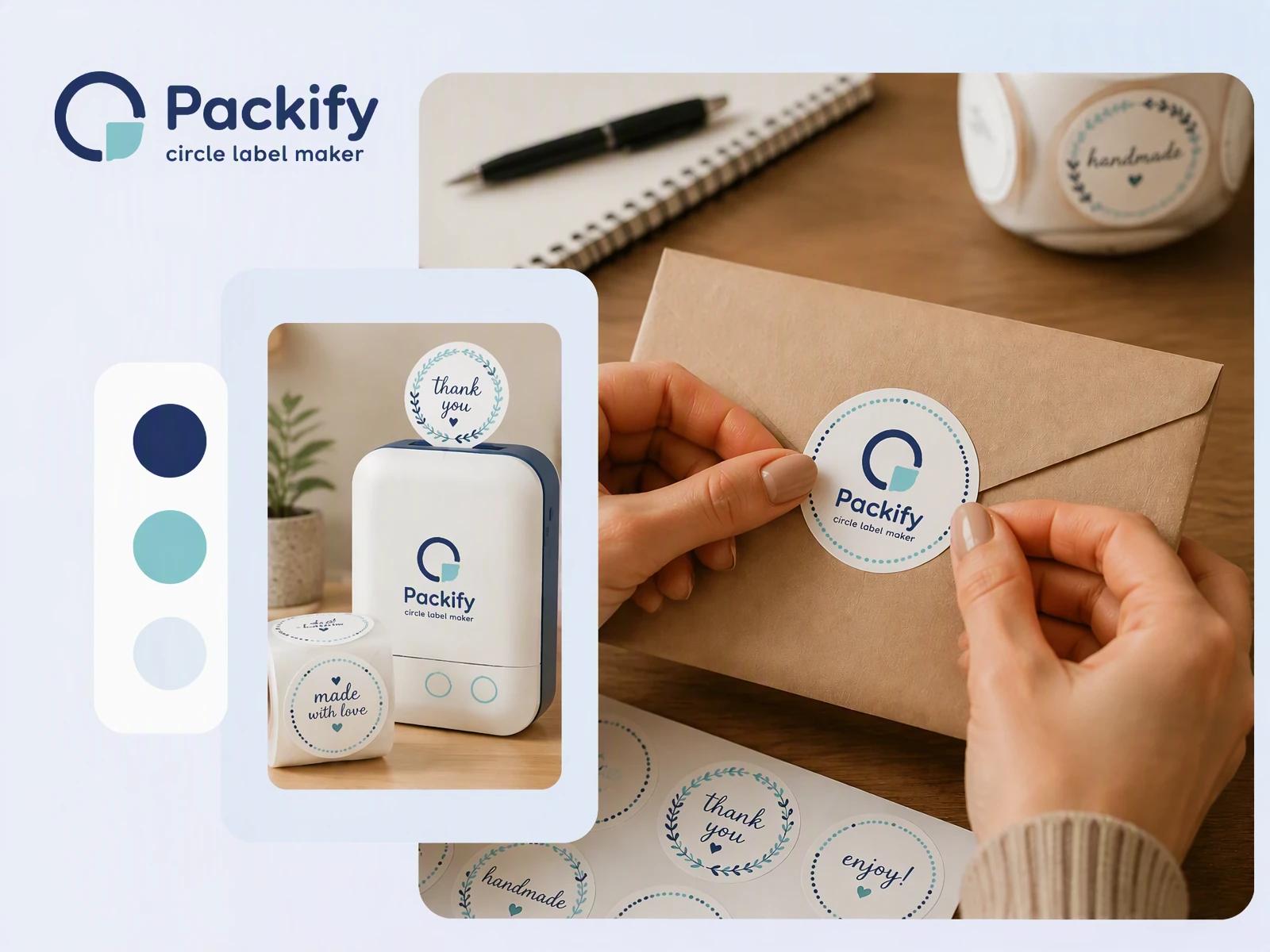
Create circle stickers with meaning
You want a letter seal or wedding favor sticker to feel personal, but fitting names and a message into a circle takes planning. Packify’s AI circle label maker turns your description into a design you can refine. Adjust the wording and visuals to reflect the person or occasion.
Fit your message inside circle stickers
A product name, logo, and supporting text can compete for limited space inside a circle. Packify generates a layout from your brief, giving you a starting point for product labels. Review the text hierarchy and edge spacing, then refine the design around what customers need to read first.
Create circle labels for your business
You’re starting a candle or gift business and using labels on plain jars to keep packaging costs down, but you lack design experience. Describe your product and brand to Packify’s AI circle label maker, then refine the generated design’s text, logo, and colors for your packaging.
Create circle stickers with meaning
You want a letter seal or wedding favor sticker to feel personal, but fitting names and a message into a circle takes planning. Packify’s AI circle label maker turns your description into a design you can refine. Adjust the wording and visuals to reflect the person or occasion.
Proven impact, in our customer's words


The AI-powered packaging design tool is a game-changer. It's fast, intuitive, making it an essential tool for any forward-thinking design team.ved.
March 26, 2025


The results are so amazing that I don't think it's just for inspiration... I'd say artificial intelligence outperforms most designers; the key is to come up with the perfect prompt. Great contribution! Thank you 😊.
March 18, 2025


The AI-powered packaging design tool is a game-changer. It's fast, intuitive, making it an essential tool for any forward-thinking design team.
March 18, 2025


We’re a tiny skincare shop. Packify.ai turned my scribbles into clean mockups and a printable dieline by Monday. Fewer back-and-forths, consistent branding, and our product page conversions moved.
March 18, 2025


The AI-powered packaging design tool is a game-changer. It's fast, intuitive, making it an essential tool for any forward-thinking design team.
March 26, 2025


The results are so amazing that I don't think it's just for inspiration... I'd say artificial intelligence outperforms most designers; the key is to come up with the perfect prompt. Great contribution! Thank you 😊
March 18, 2025


Congrats! Packify.ai, an AI packaging designer, enables easy, creative design and offers AI-driven product photography for e-commerce through simple chatting.
April 2, 2025


We’re a tiny skincare shop. Packify.ai turned my scribbles into clean mockups and a printable dieline by Monday. Fewer back-and-forths, consistent branding, and our product page conversions moved.
May 9, 2025
You asked,
we answered
You asked, we answered
What are common circle label sizes?
Common diameters include 1 inch for small lids and packaging seals, 2 inches for jars and candle tins, and 3 inches for larger tubs.
How does text layout differ between circle and oval labels?
Circle labels suit centered layouts, such as a logo on a jar lid or packaging seal. Oval labels create a directional layout, with more room along one axis for a longer product name.
What products can I label with a circle label maker?
Circle labels suit jar lids, handmade skincare products, and branded packaging seals, where space for product and brand details is limited.
When should I choose circle labels instead of rectangular labels?
Choose circle labels for jar lids, packaging seals, or a logo with a short brand message. Rectangular labels offer more room for longer product details.
Is Packify’s circle label maker free to use?
Packify offers a free trial. Check your remaining credits before generating, since available usage and access to features depend on your balance and plan. Review the Pricing Page for current subscription options and credit packages before starting your next circle label design.
What commercial rights do I have to AI-generated labels?
You can use your labels for personal and commercial projects subject to the Terms of Use. Packify does not grant exclusive rights to AI-generated content or guarantee clearance for every commercial use. Review trademarks and visual similarities to existing brands before using your design on products.
Your brand, designed for a circle
