Clothing Tag Maker
Describe your apparel brand, tag content, and visual style. This clothing tag generator creates concepts you can compare, refine, and turn into an editable dieline for printing.

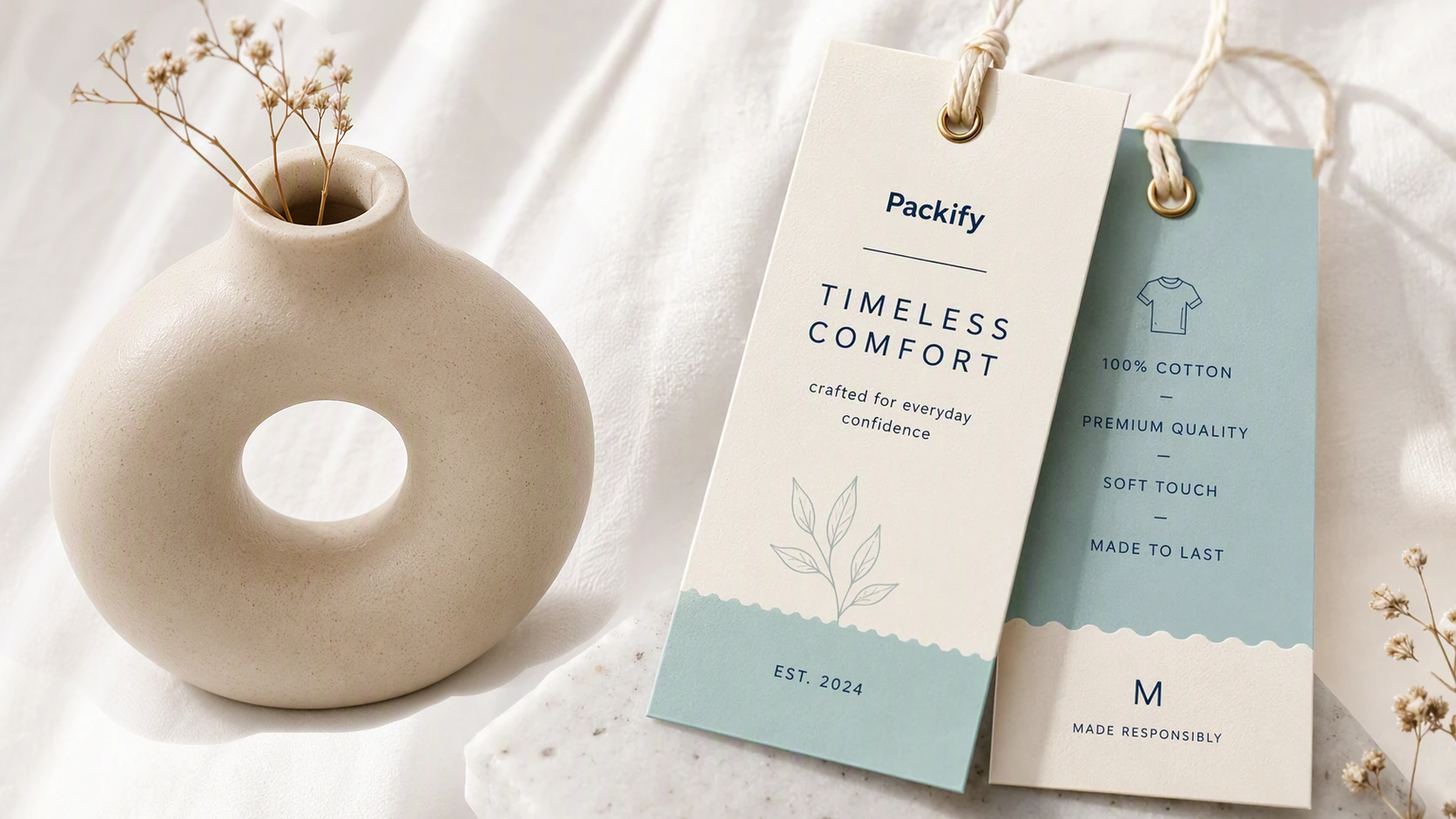
Trusted by industry-leading businesses


A clothing label maker built for apparel brands
A clothing hang tag has limited space for your logo, size, price, material details, SKU, and brand message. Starting from a blank canvas can lead to crowded layouts or inconsistent branding. Packify turns your brief into clothing tag concepts, lets you compare different directions, and helps you prepare the selected design for production. Use it as a clothing hang tag maker for your first collection, limited streetwear drop, or new Shopify apparel line.
How to make clothing tags with a logo
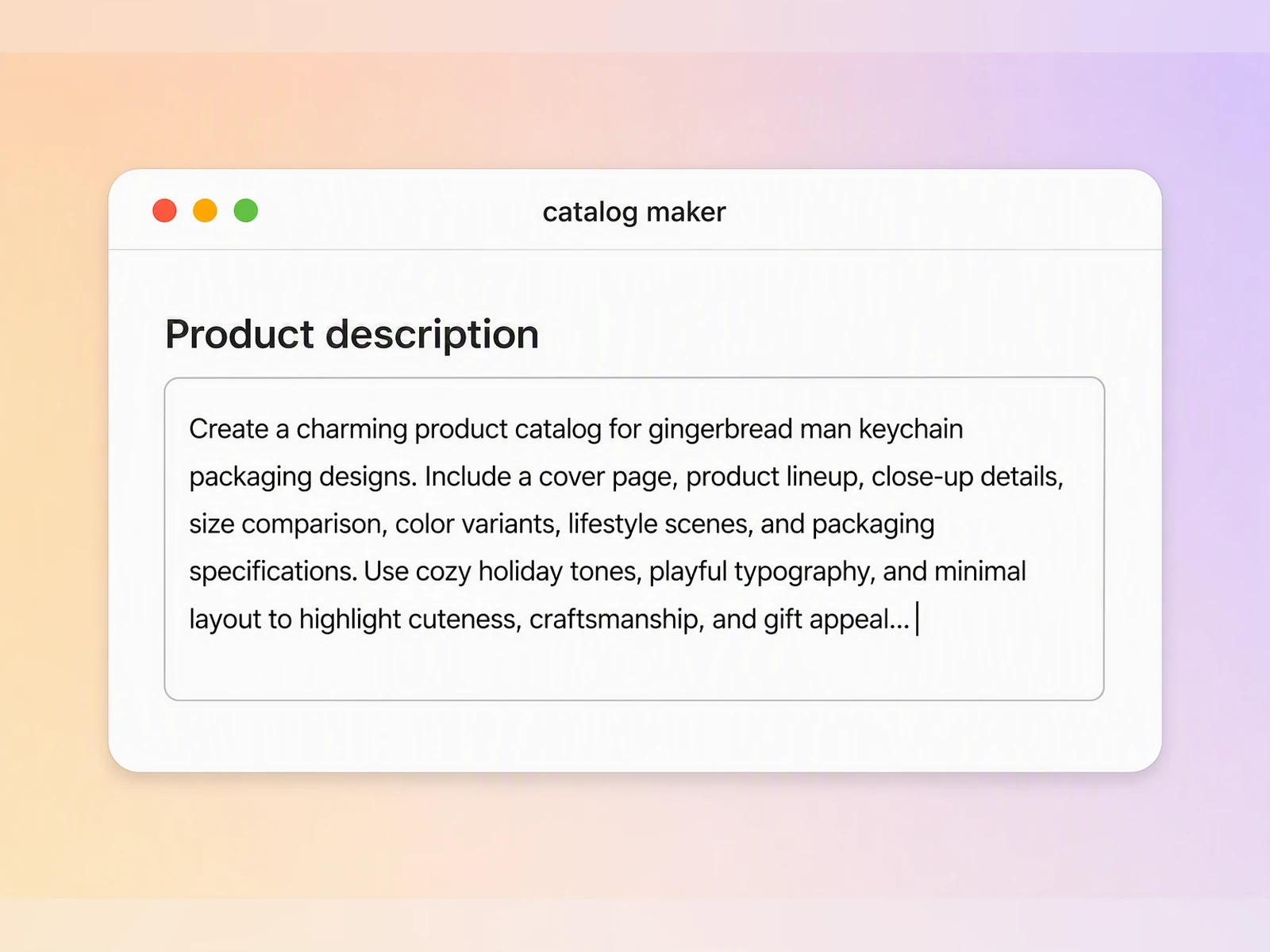
Step 1: Describe your clothing tag
Enter your brand name, apparel category, audience, colors, style, and the product information you want the clothing tag to display.
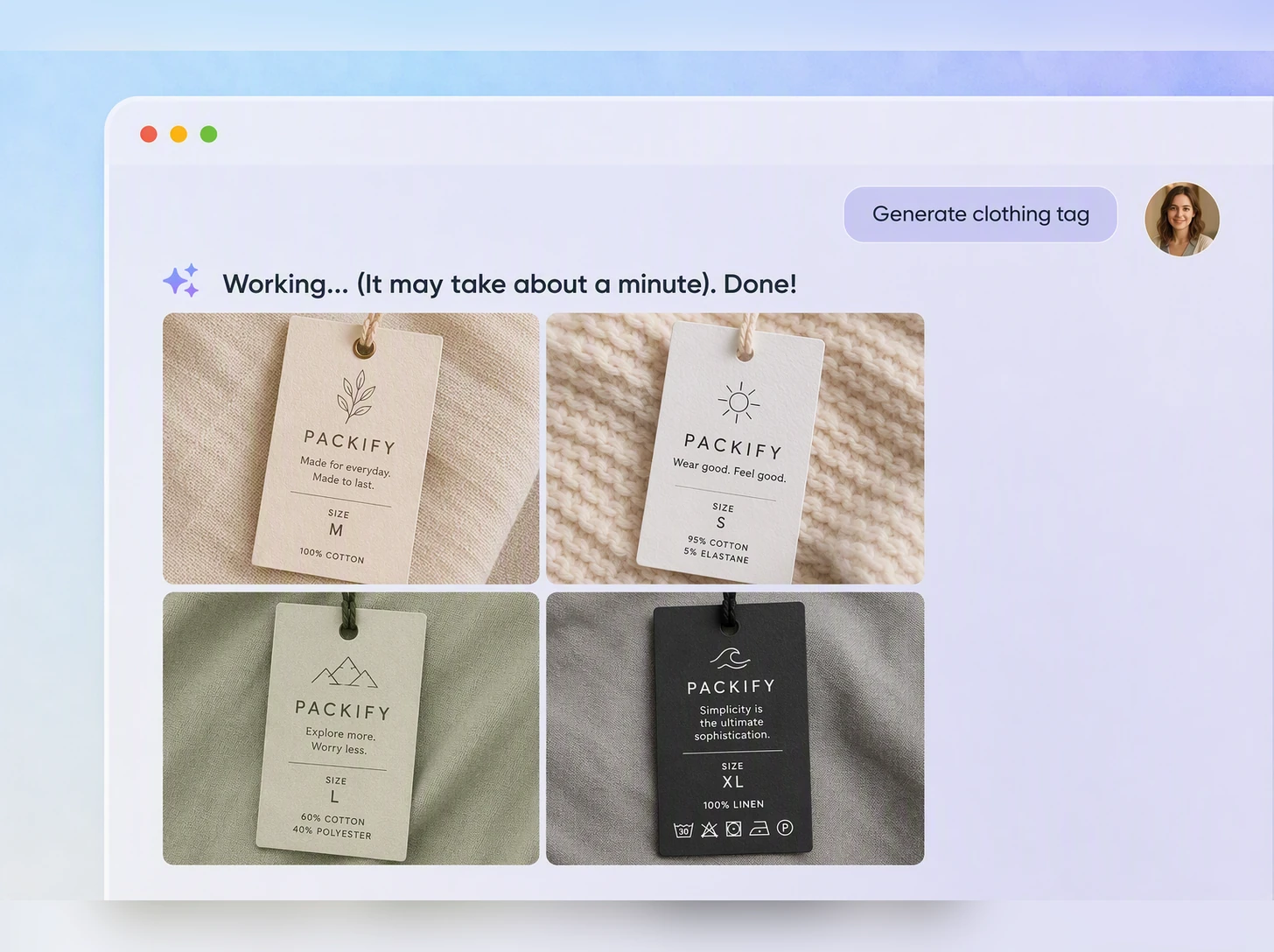
Step 2: Compare clothing tag generator concepts
Generate and compare different fonts, color palettes, layouts, and branding directions, then select the concept that best suits your apparel collection.
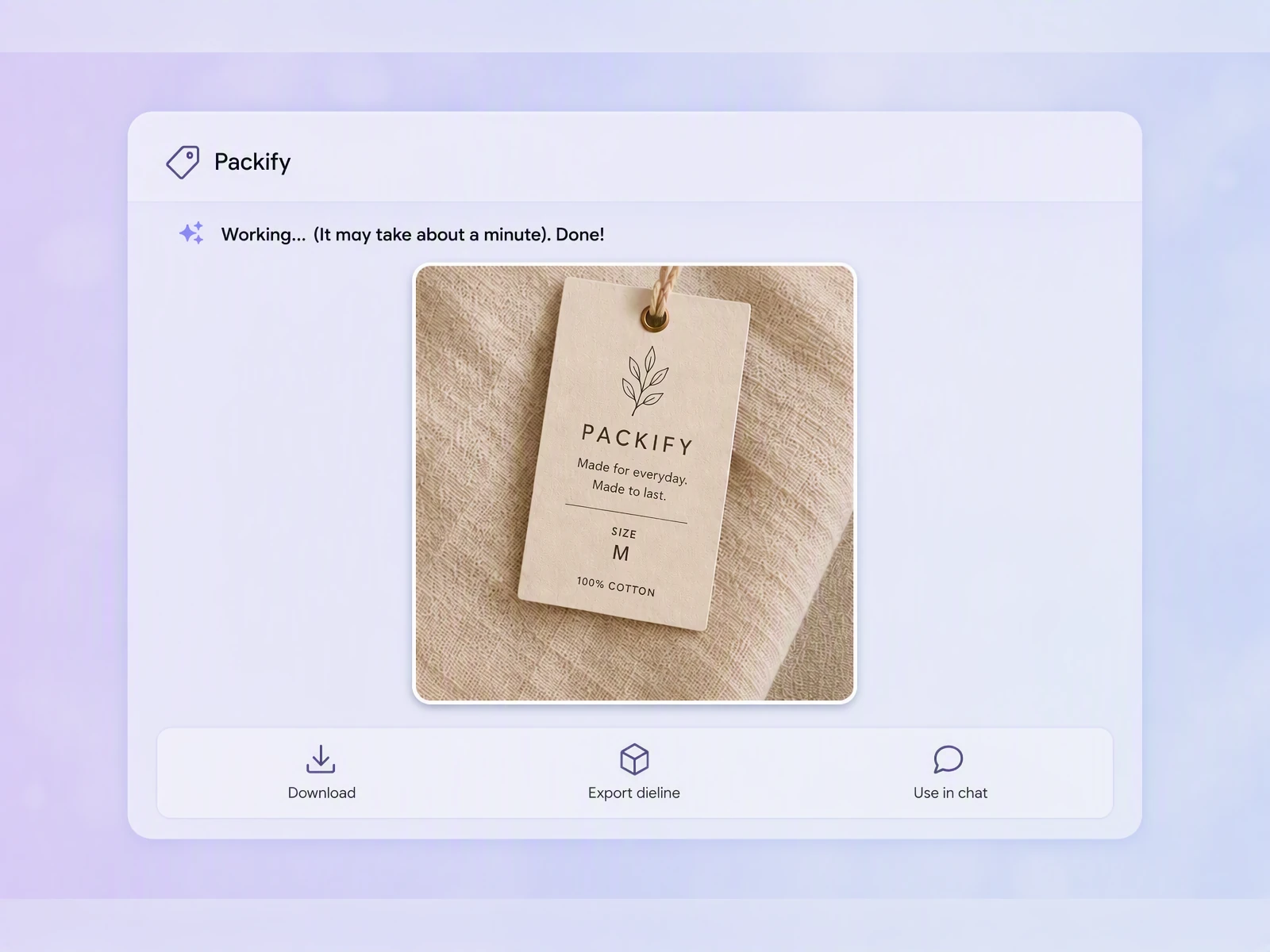
Step 3: Export and edit the dieline
Click Export dieline, then manually position your logo, text, and graphics away from bleed lines, cut edges, and the punched-hole area.

Step 1: Describe your clothing tag
Enter your brand name, apparel category, audience, colors, style, and the product information you want the clothing tag to display.
Step 2: Compare clothing tag generator concepts
Generate and compare different fonts, color palettes, layouts, and branding directions, then select the concept that best suits your apparel collection.
Step 3: Export and edit the dieline
Click Export dieline, then manually position your logo, text, and graphics away from bleed lines, cut edges, and the punched-hole area.
Why choose our garment label maker?
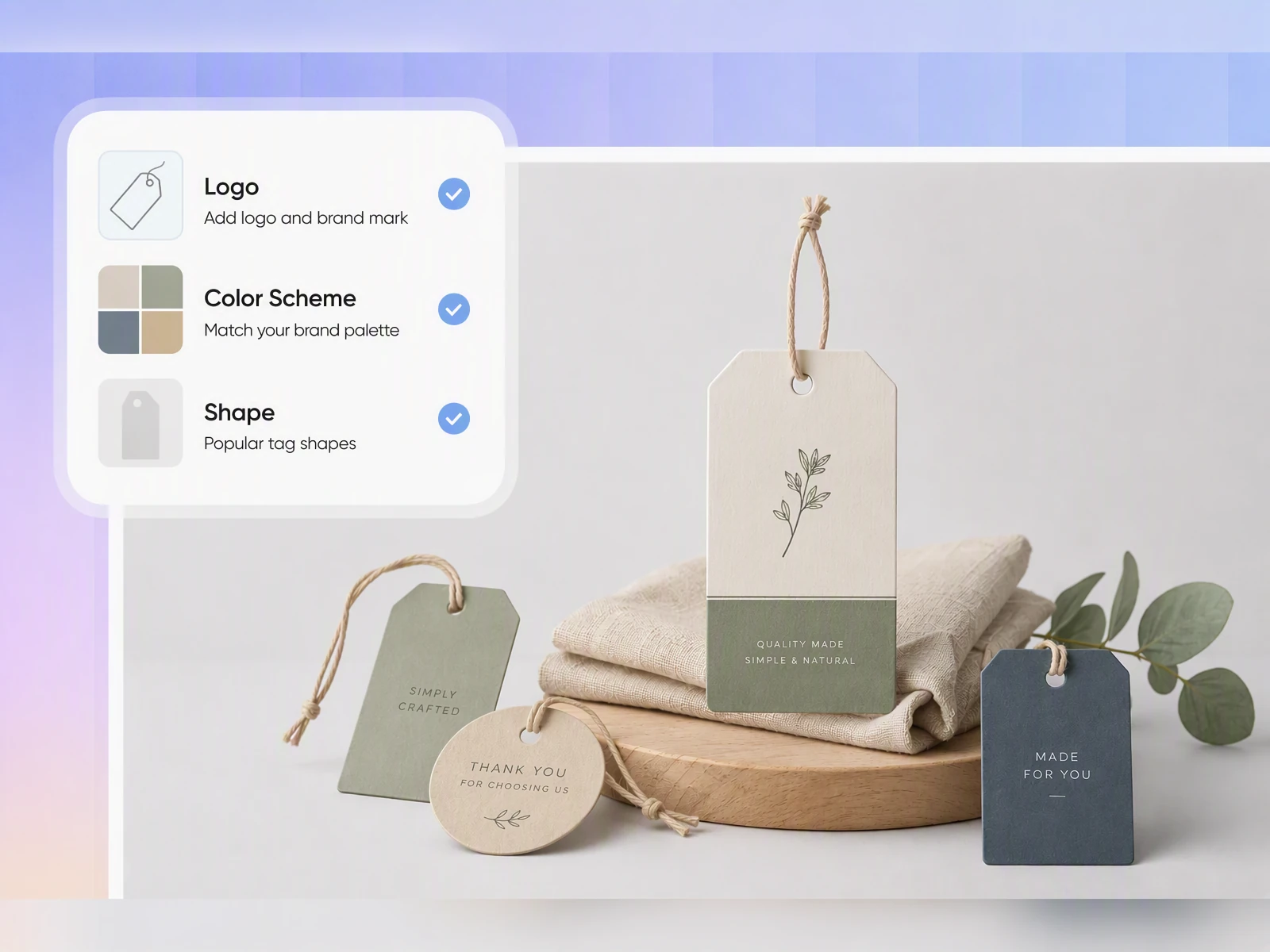
Clothing tag maker with logo
A hang tag should feel like part of your brand rather than an extra card added at the last minute. Save your logo, colors, and brand description in Brand Kit, then use them to keep each individually generated tag in the same visual world as your apparel collection.
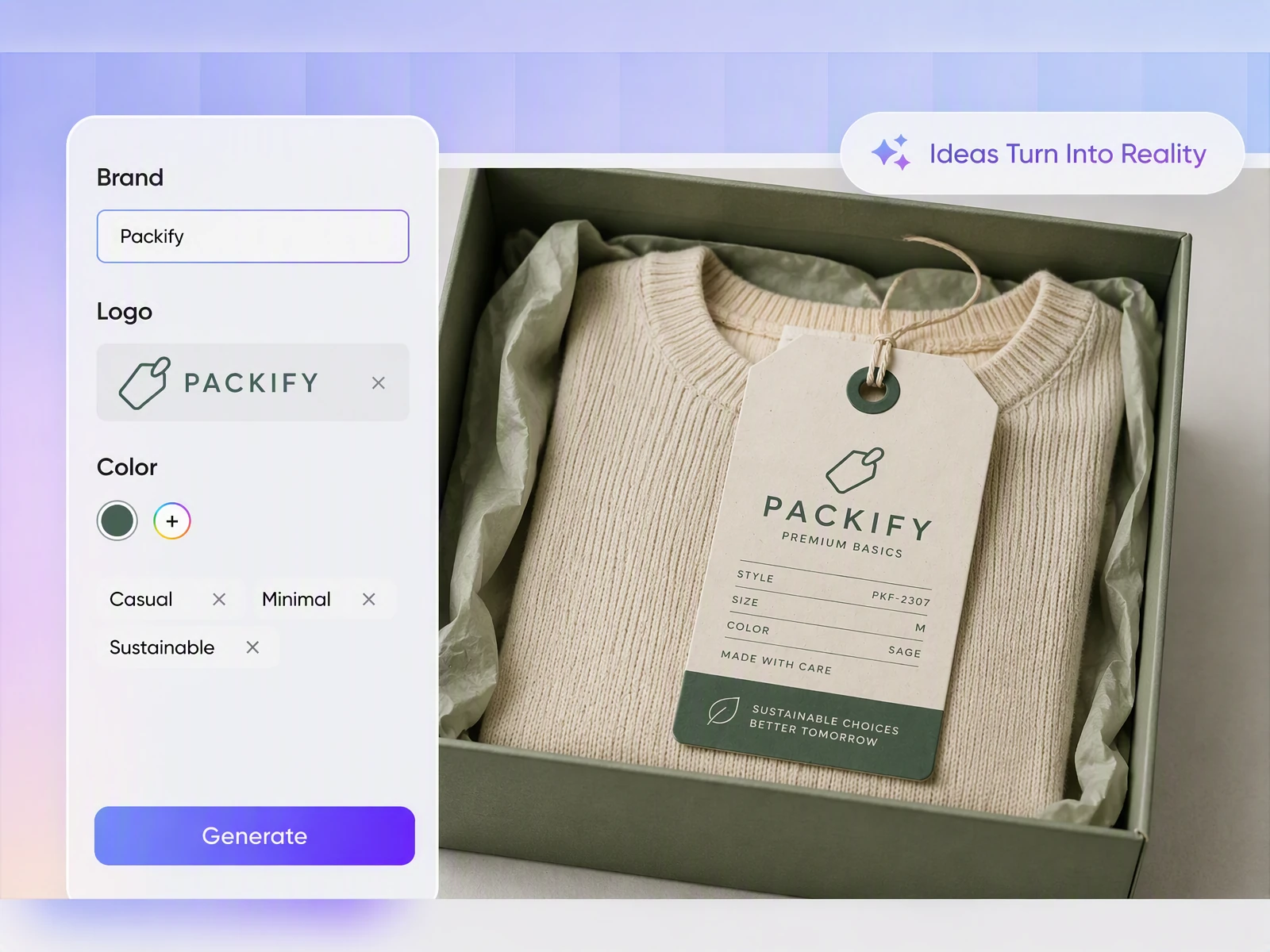
Preview branding on clothing mockups
A tag design can look balanced on its own but feel disconnected from the garment. Apply the same logo and visual direction in the clothing mockup generator to review the overall brand effect on a T-shirt, hoodie, or other apparel before production.
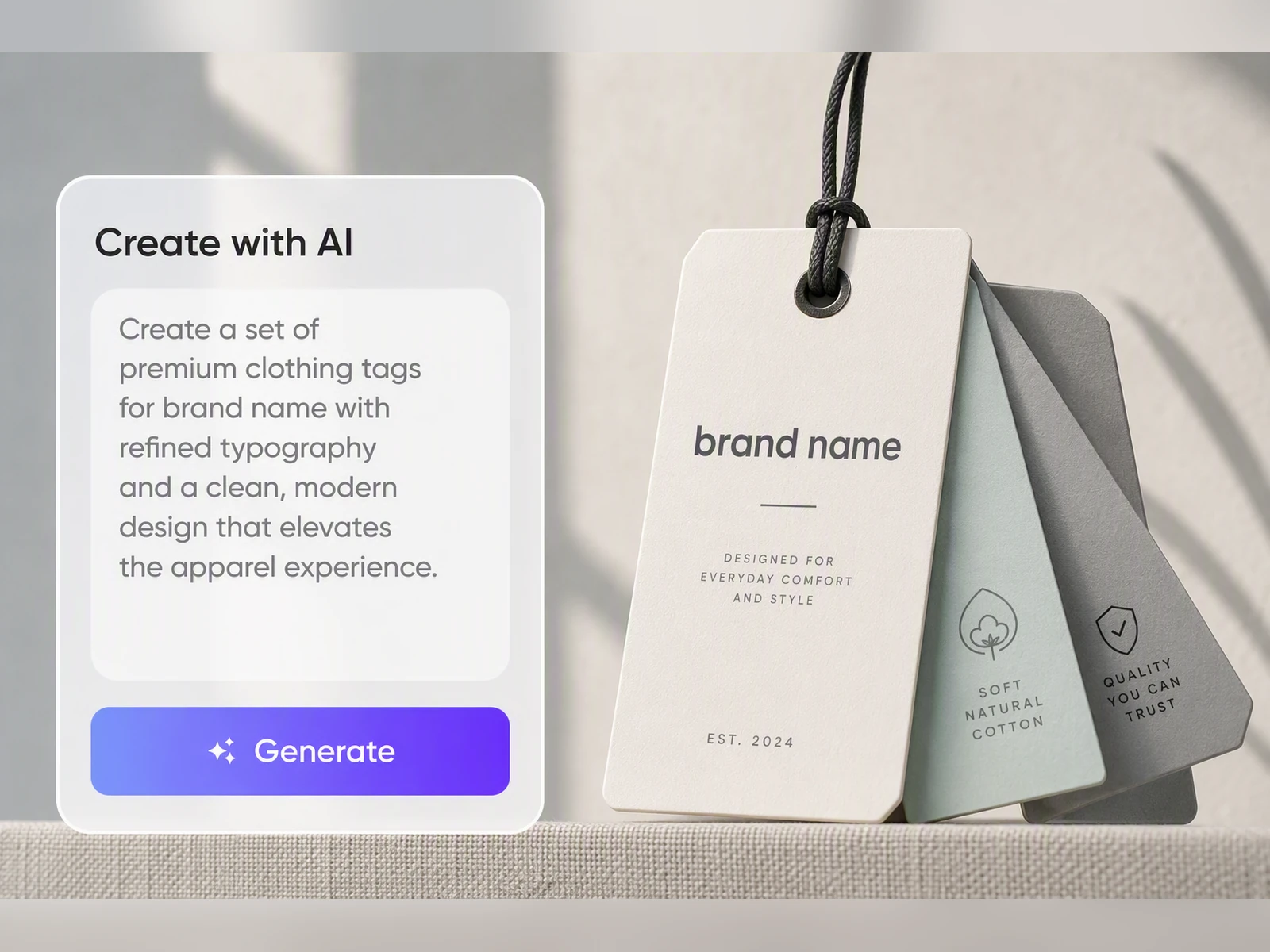
Turn your brief into tags
Starting a clothing line does not have to begin with a complicated design file. Describe your brand, apparel category, colors, and preferred style. Packify generates visual directions you can compare before preparing your hang tag for a Shopify launch, boutique collection, or supplier review.
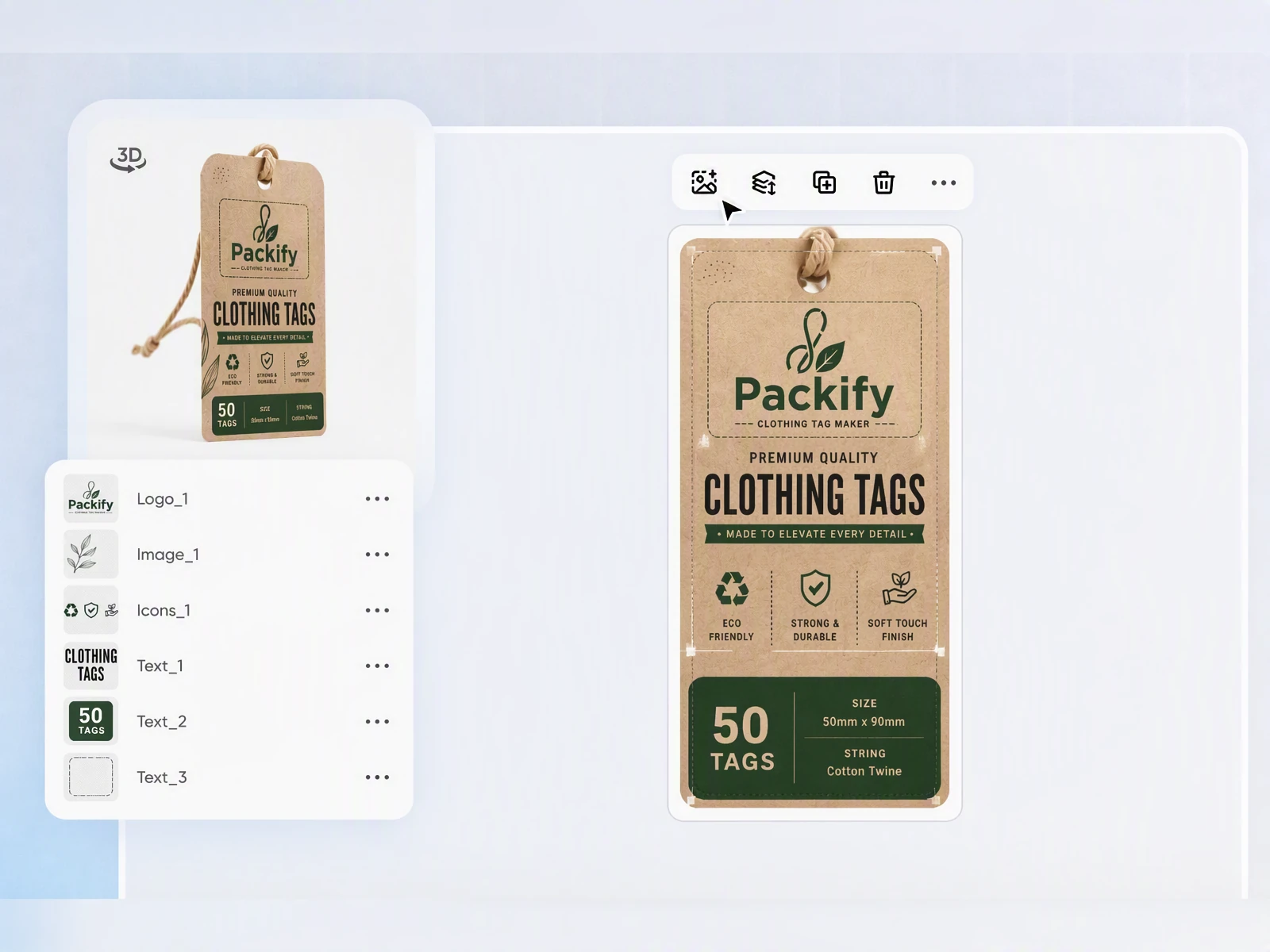
Prepare the dieline for printing
Logos, prices, or barcodes placed too close to an edge may be damaged during cutting, while the punched hole can interfere with important artwork. Export the design as a dieline and manually adjust each element before sending it to your printer or clothing supplier for production review.
Clothing tag maker with logo
A hang tag should feel like part of your brand rather than an extra card added at the last minute. Save your logo, colors, and brand description in Brand Kit, then use them to keep each individually generated tag in the same visual world as your apparel collection.
Preview branding on clothing mockups
A tag design can look balanced on its own but feel disconnected from the garment. Apply the same logo and visual direction in the clothing mockup generator to review the overall brand effect on a T-shirt, hoodie, or other apparel before production.
Turn your brief into tags
Starting a clothing line does not have to begin with a complicated design file. Describe your brand, apparel category, colors, and preferred style. Packify generates visual directions you can compare before preparing your hang tag for a Shopify launch, boutique collection, or supplier review.
Prepare the dieline for printing
Logos, prices, or barcodes placed too close to an edge may be damaged during cutting, while the punched hole can interfere with important artwork. Export the design as a dieline and manually adjust each element before sending it to your printer or clothing supplier for production review.
Proven impact, in our customer's words


The AI-powered packaging design tool is a game-changer. It's fast, intuitive, making it an essential tool for any forward-thinking design team.ved.
March 26, 2025


The results are so amazing that I don't think it's just for inspiration... I'd say artificial intelligence outperforms most designers; the key is to come up with the perfect prompt. Great contribution! Thank you 😊.
March 18, 2025


The AI-powered packaging design tool is a game-changer. It's fast, intuitive, making it an essential tool for any forward-thinking design team.
March 18, 2025


We’re a tiny skincare shop. Packify.ai turned my scribbles into clean mockups and a printable dieline by Monday. Fewer back-and-forths, consistent branding, a nd our product page conversions moved.
March 18, 2025


The AI-powered packaging design tool is a game-changer. It's fast, intuitive, making it an essential tool for any forward-thinking design team.
March 26, 2025


The results are so amazing that I don't think it's just for inspiration... I'd say artificial intelligence outperforms most designers; the key is to come up with the perfect prompt. Great contribution! Thank you 😊
March 18, 2025


Congrats! Packify.ai, an AI packaging designer, enables easy, creative design and offers AI-driven product photography for e-commerce through simple chatting.
April 2, 2025


We’re a tiny skincare shop. Packify.ai turned my scribbles into clean mockups and a printable dieline by Monday. Fewer back-and-forths, consistent branding, a nd our product page conversions moved.
May 9, 2025
You asked,
we answered
You asked, we answered
What can this garment label maker design?
Packify is best suited to designing paper hang tags and paper care tags that require visual layout. A hang tag is removable and can present your logo, price, size, SKU, and brand story. Woven brand labels, size labels, and permanent care labels are normally sewn into the garment. Packify does not manufacture or sew woven labels.
What information goes on a clothing tag?
A clothing tag commonly includes the brand name and logo, product name, size, price, SKU or barcode, material details, website, social handle, and a short brand message. When space is limited, place the main branding on the front and practical product information on the back.
What size should a clothing hang tag be, and how do I make it print-ready?
The right size depends on the amount of information, garment type, attachment method, and your printer’s specifications. After choosing a size, export the dieline and keep important content away from bleed lines, cut edges, and the punched-hole area. Ask your printer to verify the final dimensions, bleed, resolution, color mode, and file setup.
Does a hang tag satisfy clothing label laws?
Not by itself in many cases. A removable hang tag normally cannot replace information that must remain permanently attached to a garment. In the United States, textile products may require fiber content, country of origin, responsible business identity, and care instructions. Packify provides design tools, not legal or regulatory review, so confirm the requirements before ordering custom hang tags for clothing.
Can I use the clothing tag generator for free?
You can start trying Packify with available account credits. Generating, editing, downloading, or exporting may consume credits, so check your balance before starting. For additional credits and plan details, visit the Pricing Page.
Can I use my clothing tag design commercially?
You may use your Packify designs for commercial projects subject to Packify’s current Terms of Use, but Packify does not grant exclusive ownership of AI-generated content. Review all logos, brand names, trademarks, and visual elements before using the design for clothing production, Shopify listings, or retail sales.
Clothing tags that belong to your brand