Invitation maker
Describe your event, guests, date, location, visual style, and get an editable, watermark-free invitation image.

Trusted by industry-leading businesses


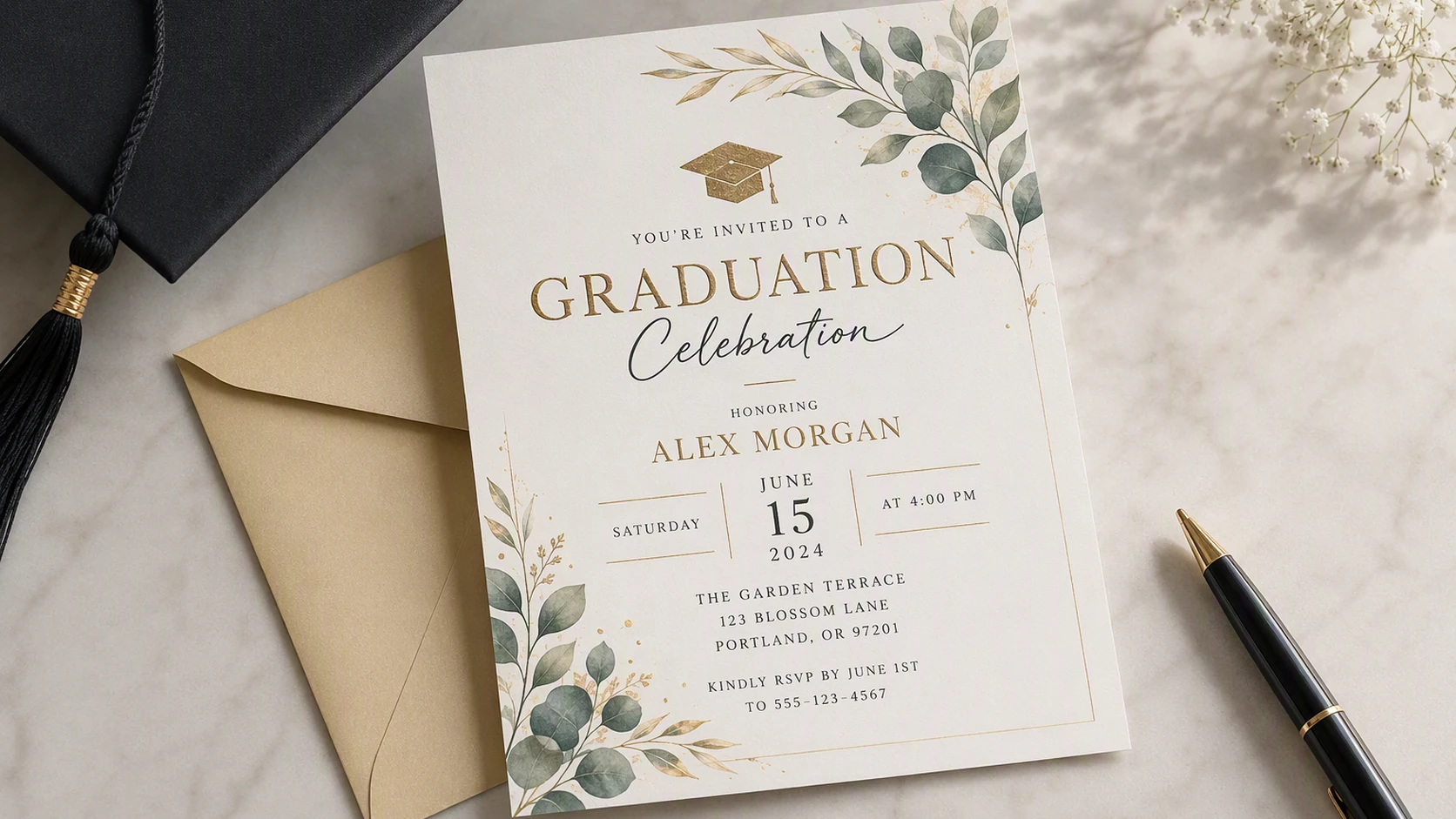
Create an invitation from one simple description
Every event has its own tone. Tell Packify what you are hosting, who it is for, which details matter, and how you want it to feel. The AI creates a complete invitation image that you can refine, resize at download, print on paper, or share through your preferred channel.
How to use the invitation card maker?
Step 1: Describe your event
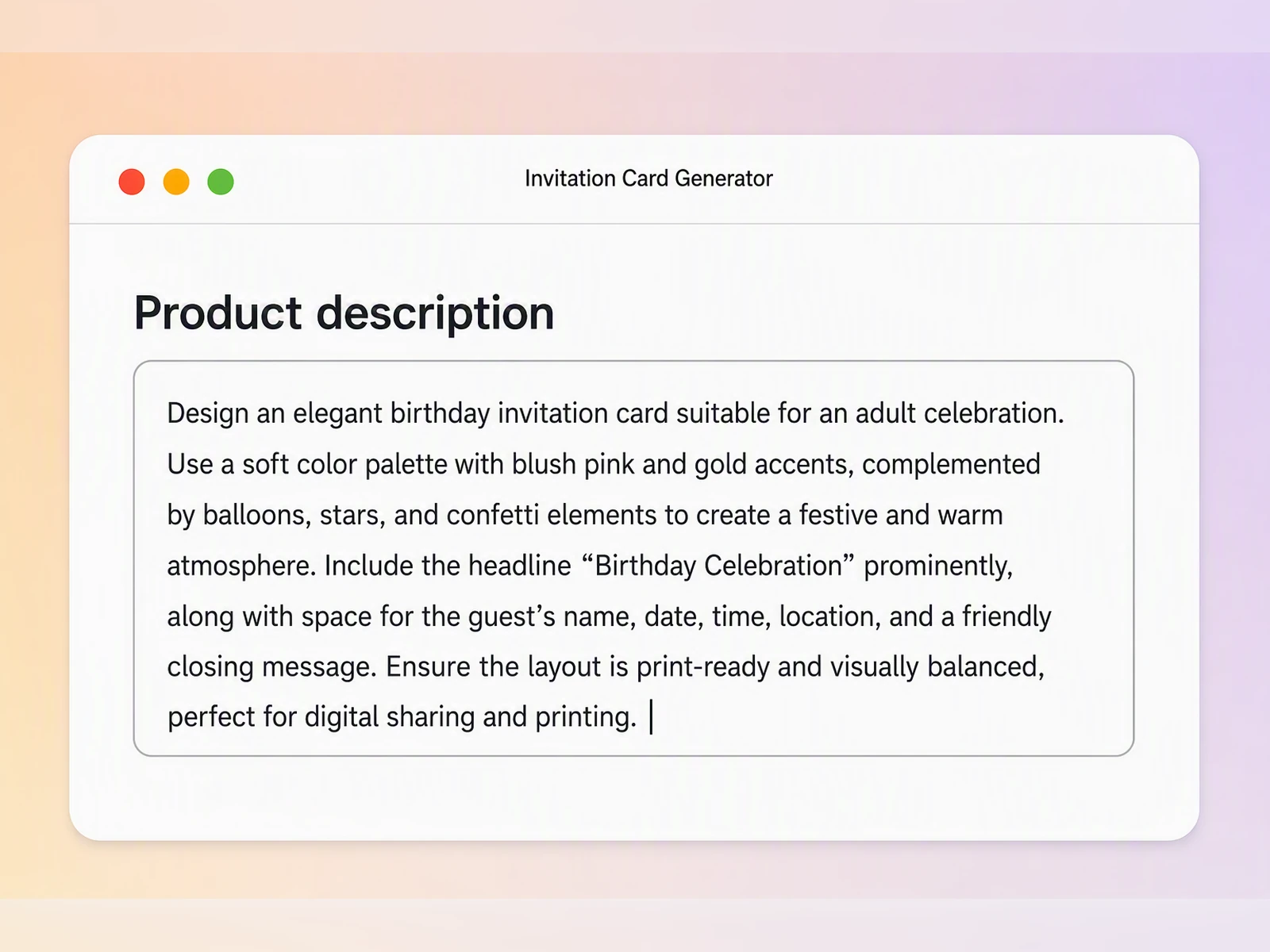
Enter the event type, audience, headline, date, time, location, dress code, and the visual style you want.
Step 2: Generate and refine your invitation
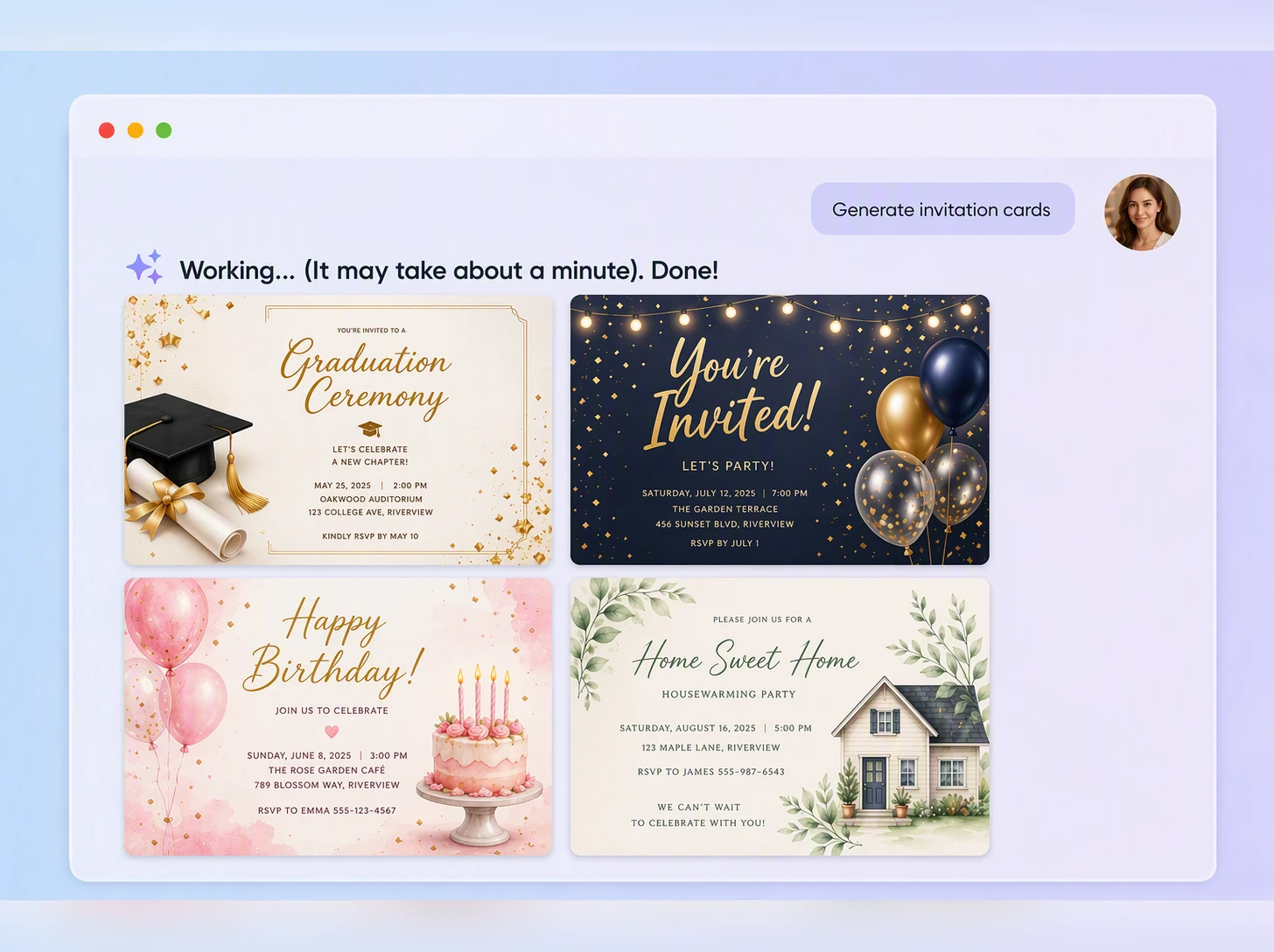
Generate a first draft, then review the imagery, wording, and information order. Update your description until the design feels right.
Step 3: Edit and download
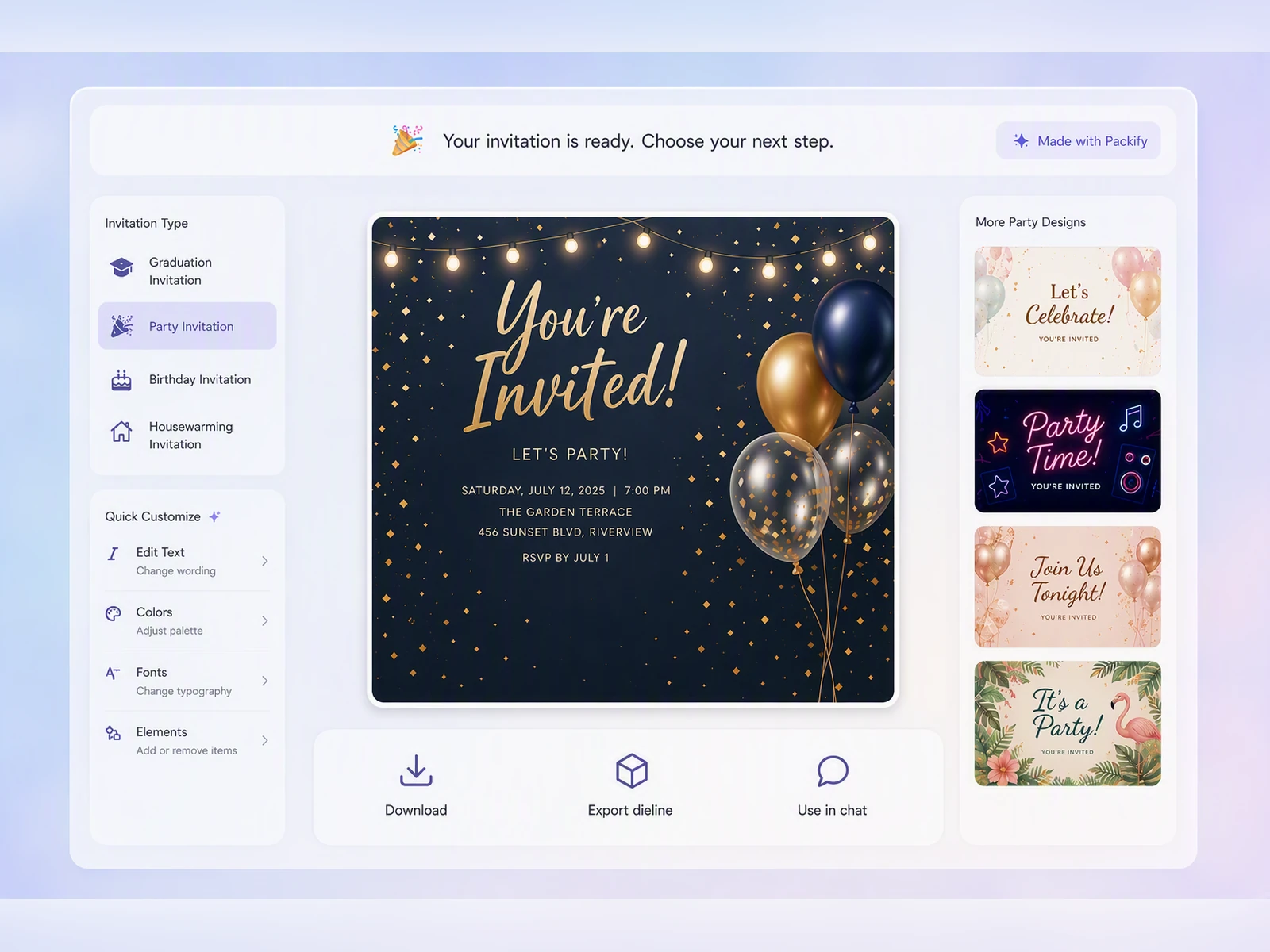
Click Edit in Chat to revise with text, or Export Dieline to edit manually. When satisfied, click Download, resize, and save.

Step 1: Describe your event
Enter the event type, audience, headline, date, time, location, dress code, and the visual style you want.
Step 2: Generate and refine your invitation
Generate a first draft, then review the imagery, wording, and information order. Update your description until the design feels right.
Step 3: Edit and download
Click Edit in Chat to revise with text, or Export Dieline to edit manually. When satisfied, click Download, resize, and save.
Why choose Packify’s online invitation maker?
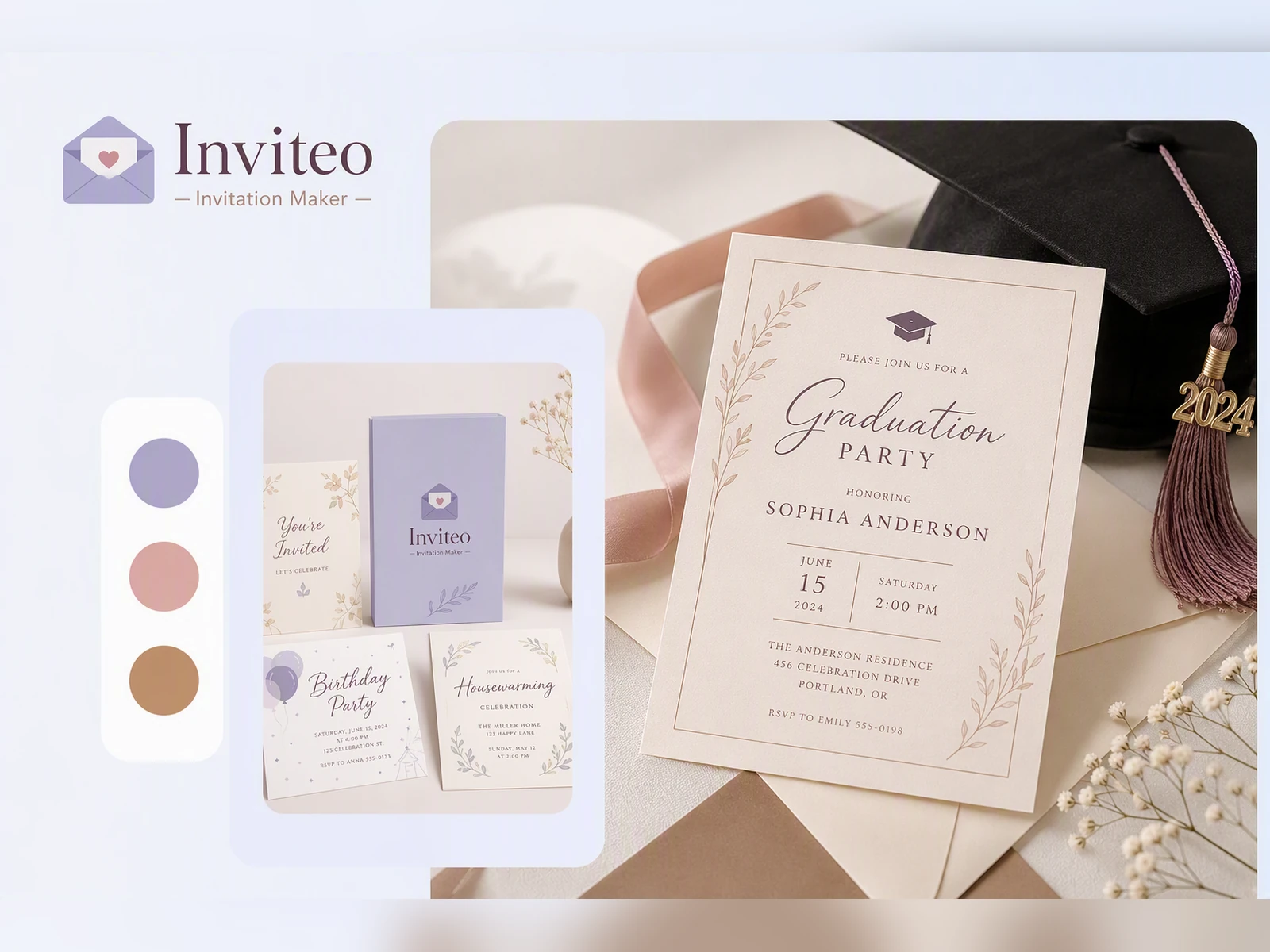
Download without a watermark
Your invitation should carry the event, not the tool that made it. Download a clean, watermark-free image for paper printing, or add it to a message, email, or social post through the sharing tool you already use.
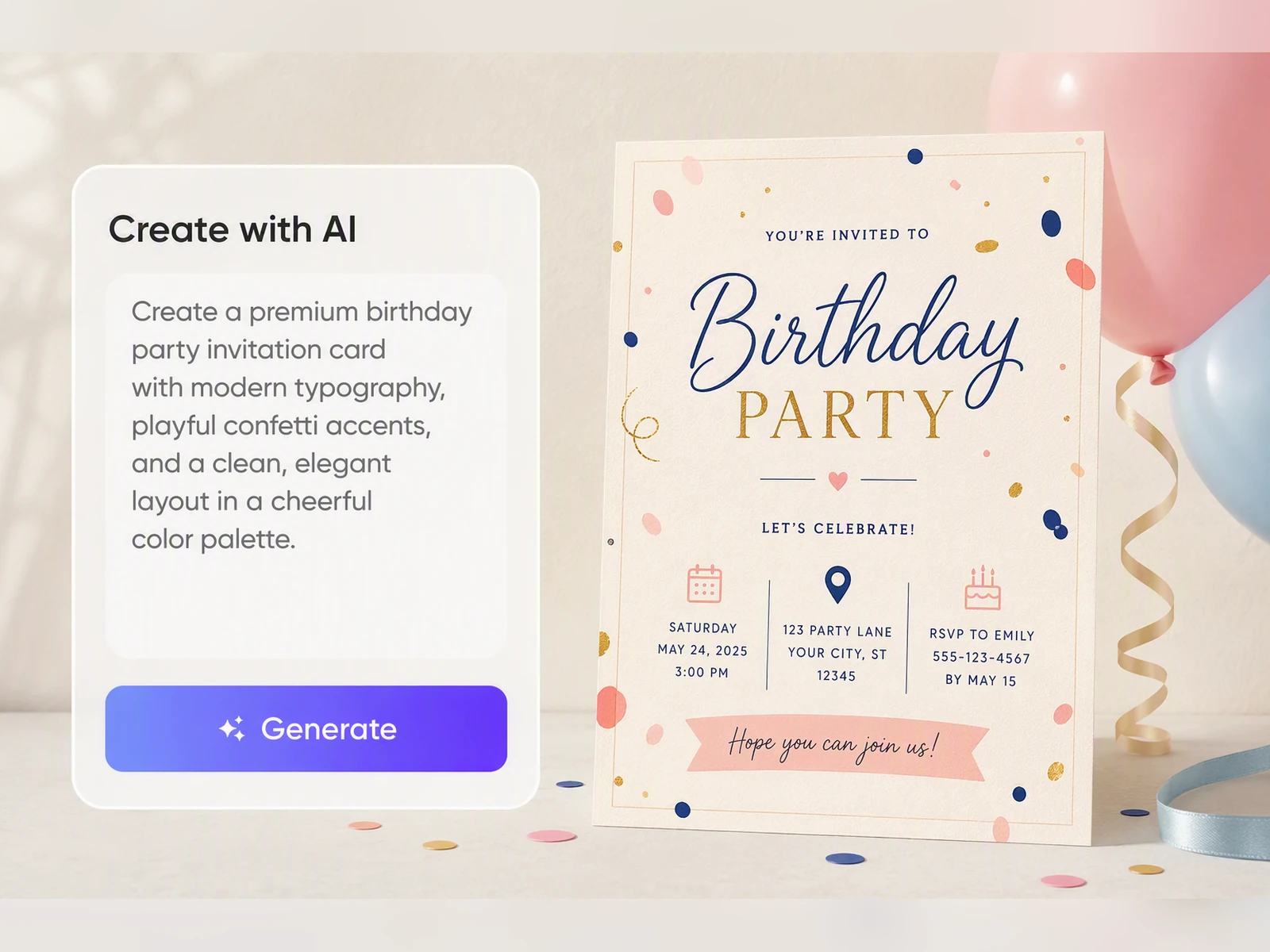
Make every invitation feel personal
An email can deliver the date and address, but a considered invitation makes the occasion feel meaningful before it begins. A distinctive composition, color palette, and visual tone help guests recognize the care behind the gathering and look forward to attending.
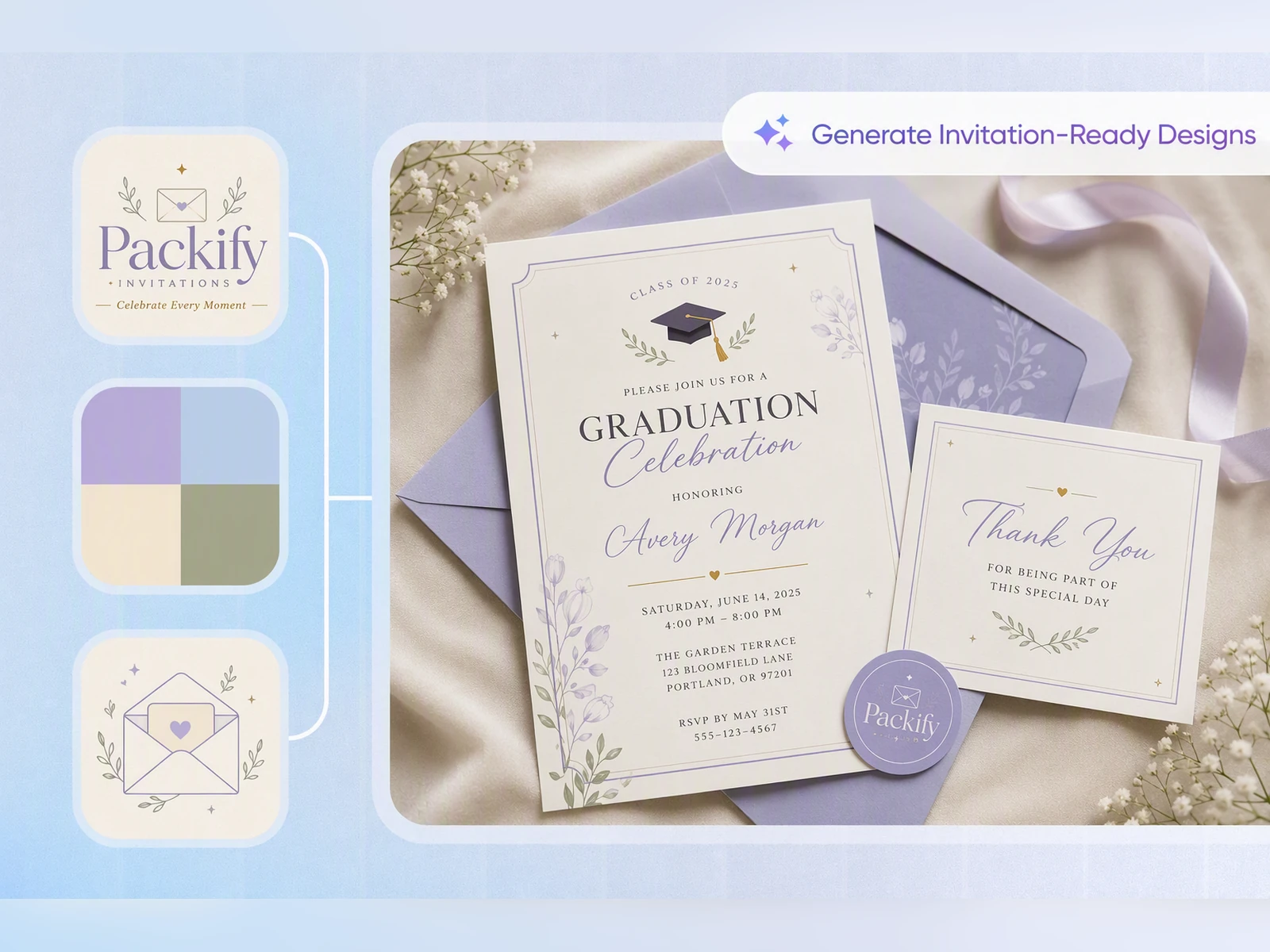
Resize before you download
Paper invitations, phone messages, and social posts do not use the same dimensions. Choose the size you need during download so the type and composition suit the final format without relying on a rough crop.
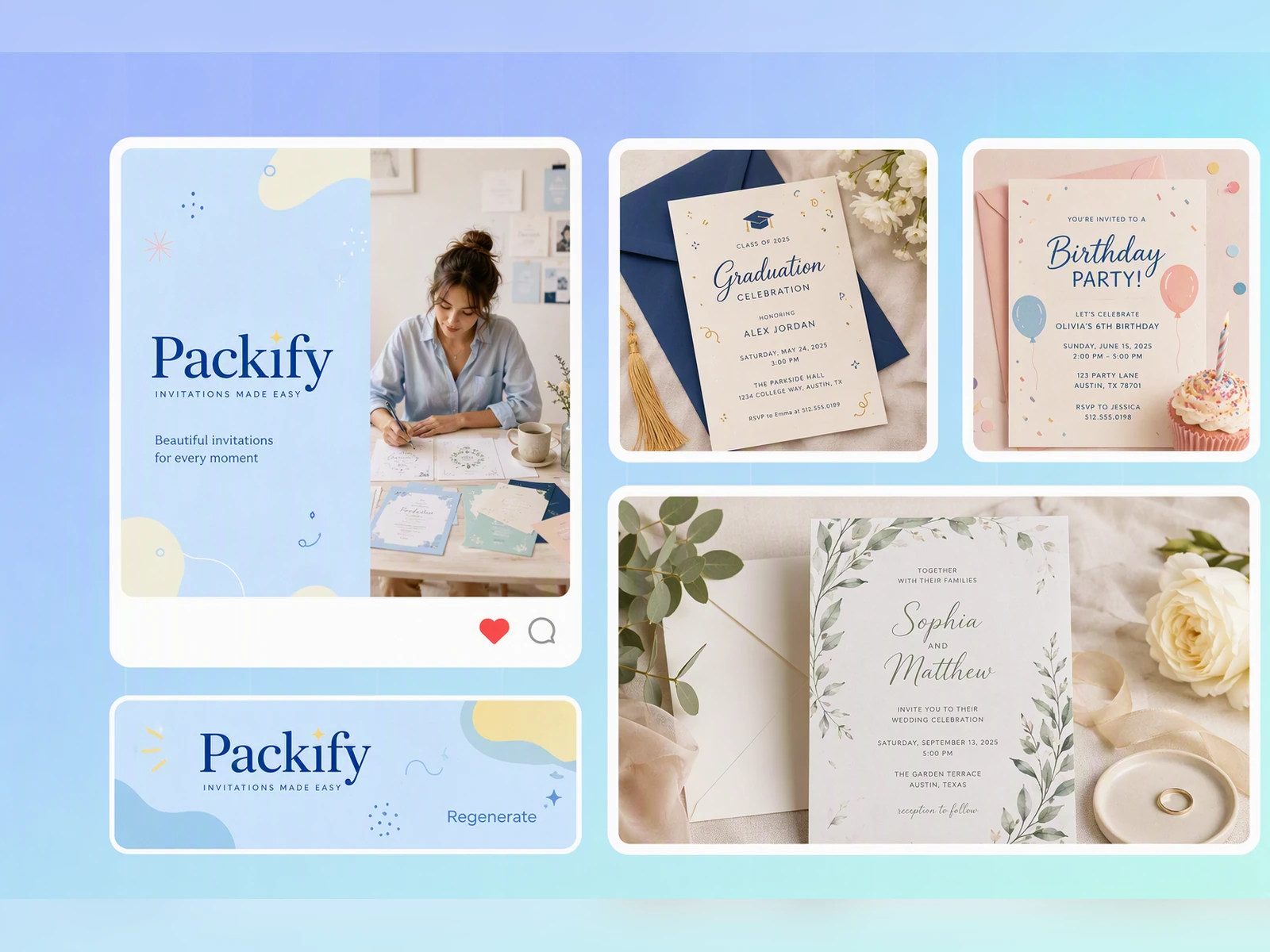
Capture the occasion’s character
Birthdays, graduations, openings, and community gatherings each call for a different mood. Packify shapes the imagery, color, and information hierarchy around the occasion, helping the invitation reflect the host’s taste and genuine care instead of feeling like a familiar layout with new details.
Download without a watermark
Your invitation should carry the event, not the tool that made it. Download a clean, watermark-free image for paper printing, or add it to a message, email, or social post through the sharing tool you already use.
Make every invitation feel personal
An email can deliver the date and address, but a considered invitation makes the occasion feel meaningful before it begins. A distinctive composition, color palette, and visual tone help guests recognize the care behind the gathering and look forward to attending.
Resize before you download
Paper invitations, phone messages, and social posts do not use the same dimensions. Choose the size you need during download so the type and composition suit the final format without relying on a rough crop.
Capture the occasion’s character
Birthdays, graduations, openings, and community gatherings each call for a different mood. Packify shapes the imagery, color, and information hierarchy around the occasion, helping the invitation reflect the host’s taste and genuine care instead of feeling like a familiar layout with new details.
Proven impact, in our customer's words


The AI-powered packaging design tool is a game-changer. It's fast, intuitive, making it an essential tool for any forward-thinking design team.ved.
March 26, 2025


The results are so amazing that I don't think it's just for inspiration... I'd say artificial intelligence outperforms most designers; the key is to come up with the perfect prompt. Great contribution! Thank you 😊.
March 18, 2025


The AI-powered packaging design tool is a game-changer. It's fast, intuitive, making it an essential tool for any forward-thinking design team.
March 18, 2025


We’re a tiny skincare shop. Packify.ai turned my scribbles into clean mockups and a printable dieline by Monday. Fewer back-and-forths, consistent branding, a nd our product page conversions moved.
March 18, 2025


The AI-powered packaging design tool is a game-changer. It's fast, intuitive, making it an essential tool for any forward-thinking design team.
March 26, 2025


The results are so amazing that I don't think it's just for inspiration... I'd say artificial intelligence outperforms most designers; the key is to come up with the perfect prompt. Great contribution! Thank you 😊
March 18, 2025


Congrats! Packify.ai, an AI packaging designer, enables easy, creative design and offers AI-driven product photography for e-commerce through simple chatting.
April 2, 2025


We’re a tiny skincare shop. Packify.ai turned my scribbles into clean mockups and a printable dieline by Monday. Fewer back-and-forths, consistent branding, a nd our product page conversions moved.
May 9, 2025
You asked,
we answered
You asked, we answered
Do I need a template or design software to use this invitation card maker?
No. Packify does not ask you to choose a layout or understand layers, font pairing, or professional typesetting. The invitation card maker creates the initial visual and information hierarchy, leaving you to review whether the details and overall tone feel right.
Can I use the free invitation maker with photo input?
You can try Packify with available free credits and add a reference image to guide the visual direction. Packify draws on the image’s style rather than reproducing every detail, so review the result and refine it before downloading.
Can I resize my invitation before downloading?
Yes. When you click Download, you can adjust the image size for paper printing, phone sharing, or another use. Before printing, confirm the required dimensions, bleed, and resolution with your printer.
Can Packify turn my design into an electronic invitation?
No. Packify creates an invitation image; it does not turn the design into an interactive e-invitation, send emails, or track RSVPs. Download the image and share it through email, text, or messaging apps using another service.
Is this a free invitation maker?
You can start creating with available free credits, and downloaded invitation images do not include a watermark. Credit use depends on your generation and editing actions. Check your balance before starting, or see Packify Pricing Page for subscription plans and credit packages.
Can I use the invitations for commercial events?
Yes. You can use generated invitations for store openings, client events, brand gatherings, and other commercial occasions, subject to the Packify Terms of Use. Review any trademarks, brand elements, or images before publishing.
A thoughtful invitation starts with your idea