Logo mockup generator
Upload your existing logo and describe the product, packaging type, and visual direction. Packify creates a branded packaging mockup so you can review the result before sampling, production, or product photography.

Trusted by industry-leading businesses


See your logo on the pack before production
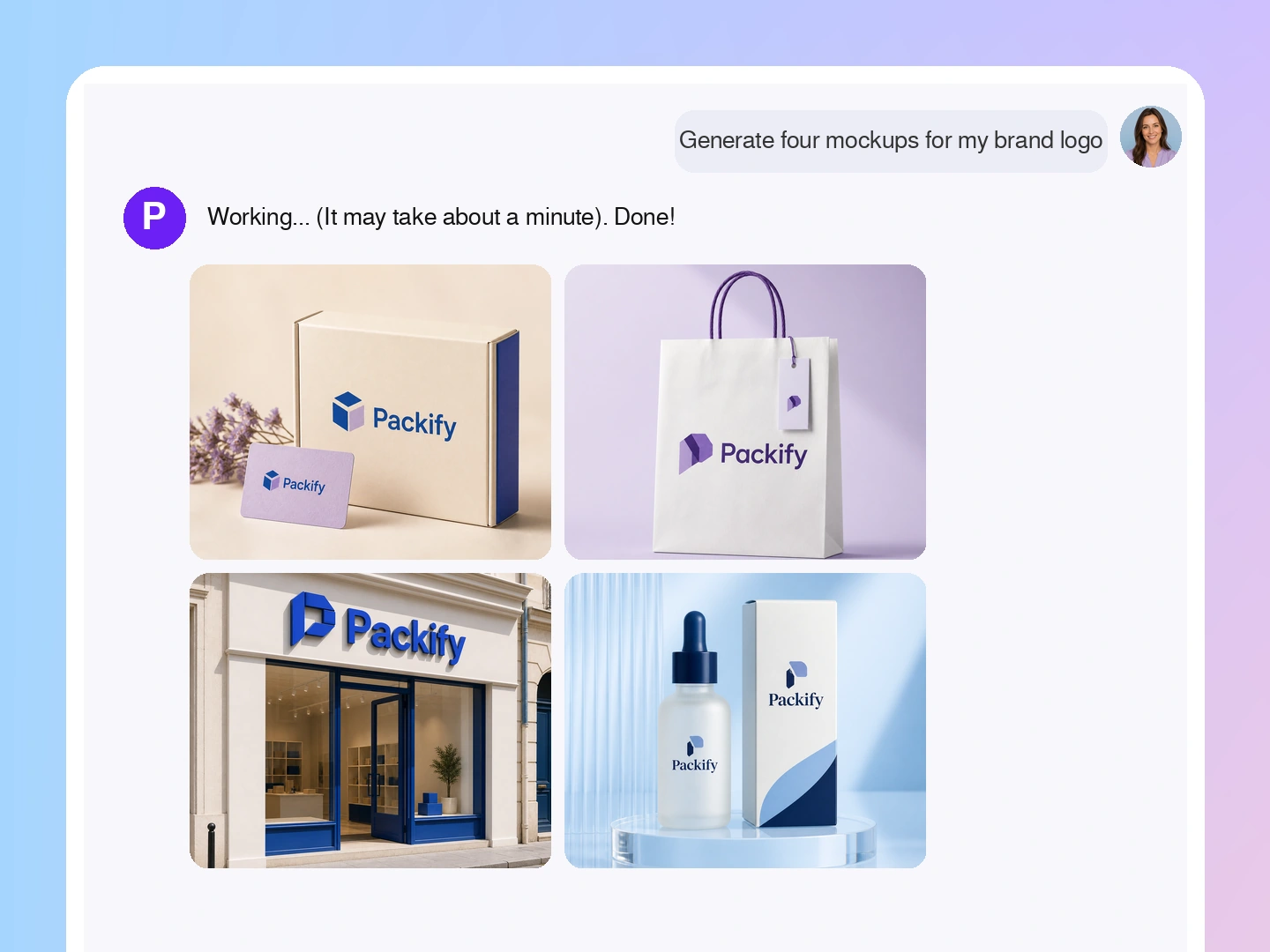
If you sell own-label goods, run a DTC shop, or lead an OEM line, a logo on white is not enough. See it on the pack first. A logo mockup maker puts it on boxes, jars, cans, bags, and pouches. Build a logo packaging mockup before you buy a sample. Check size, place, color, and fit. Share it with your team or printer, compare each idea in one go, pick one path, and cut a blind round of print tests.
How to create a logo mockup online?
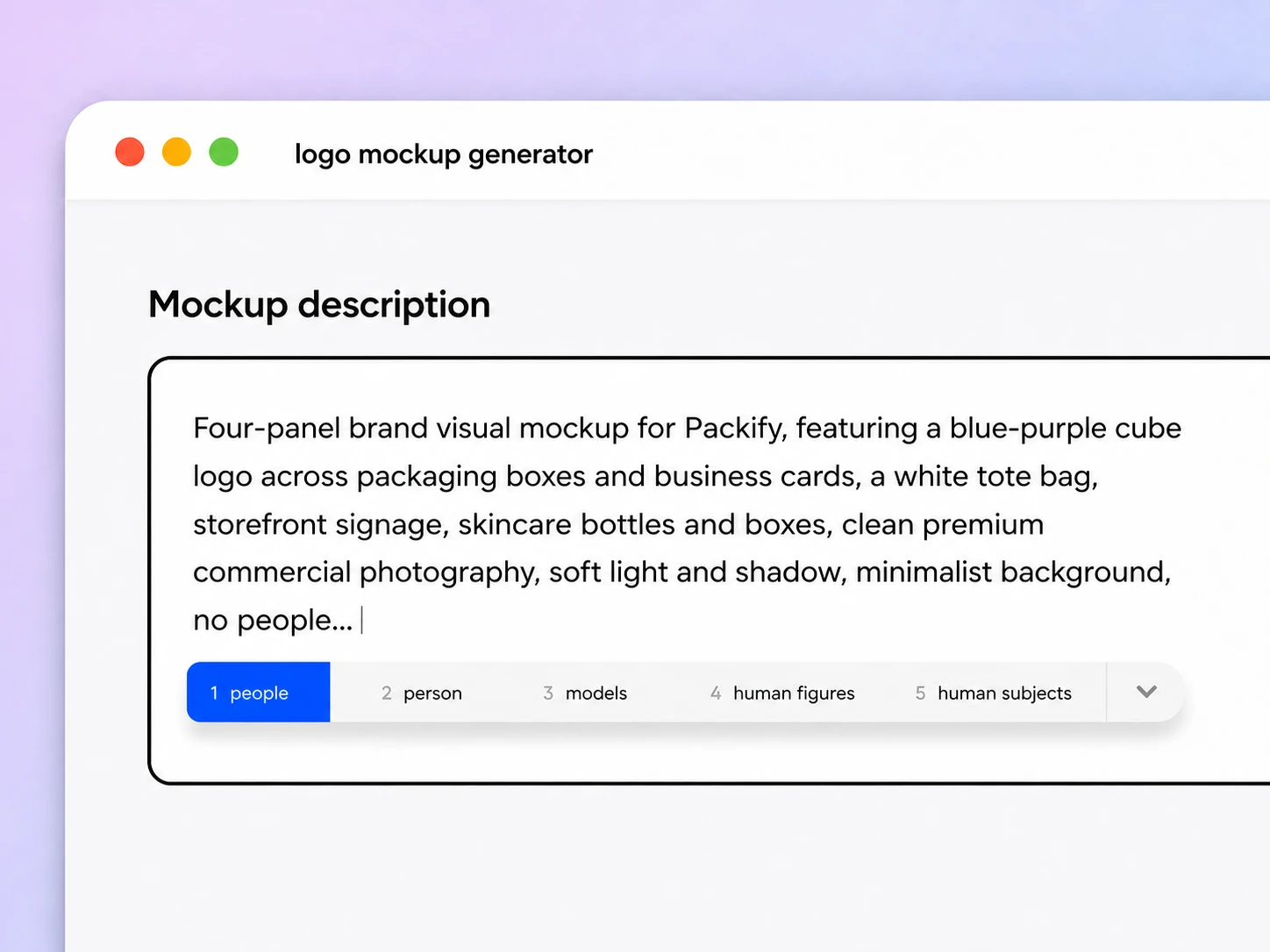
Step 1: Describe your product and upload your logo
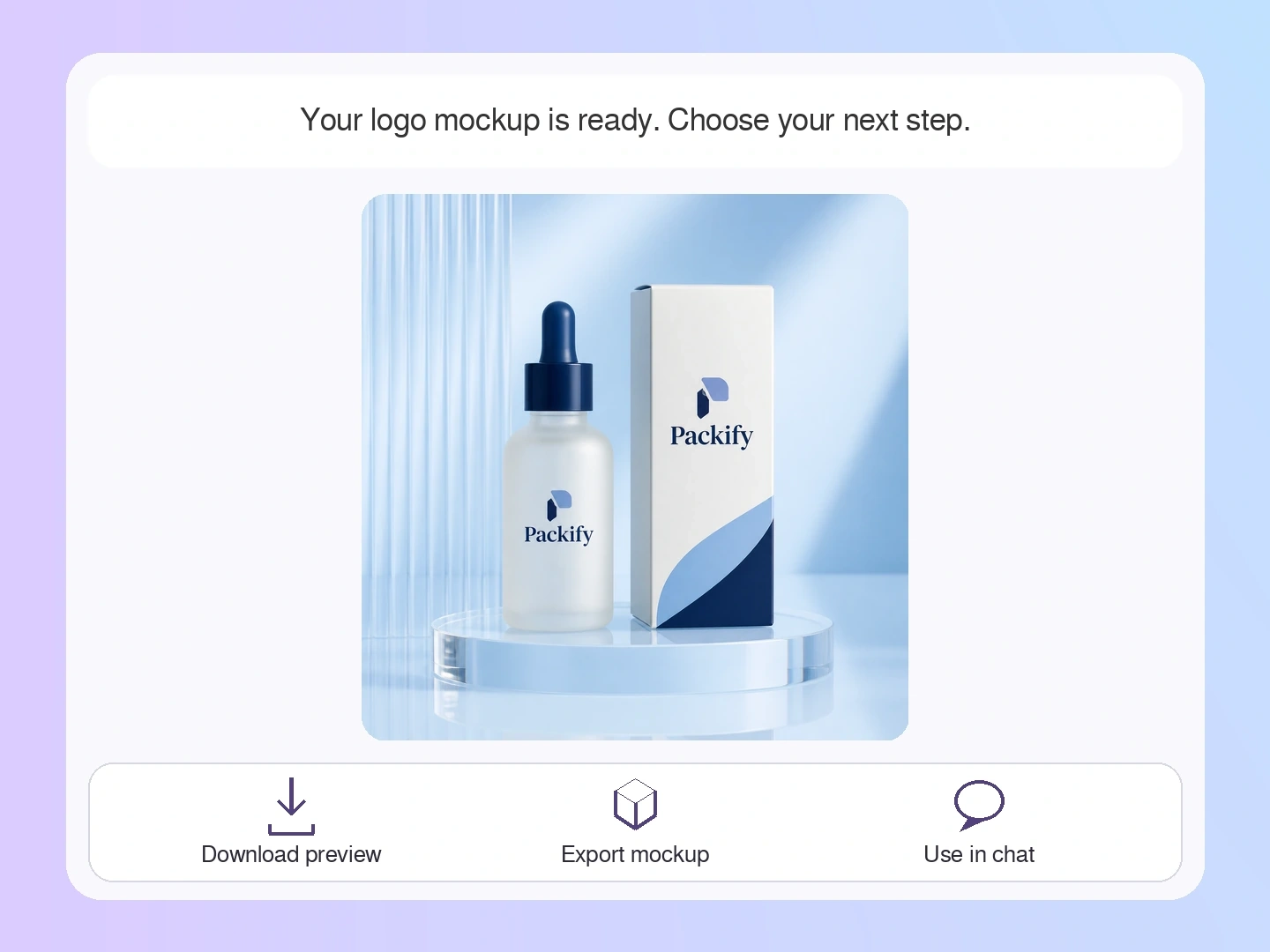
Enter the industry, product use, packaging type, brand name, colors, and visual style, then upload your existing logo.
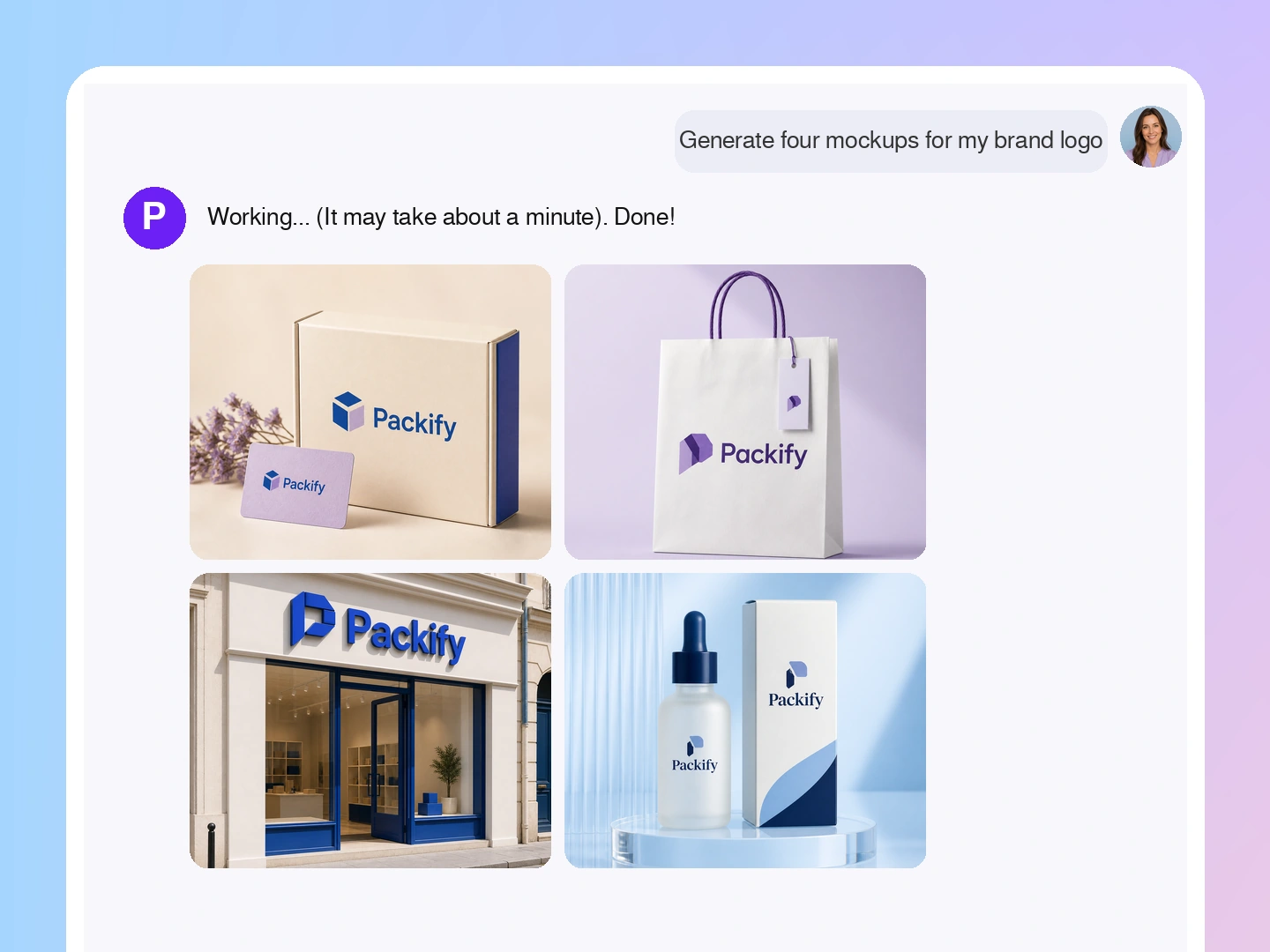
Step 2: Refine the design with text
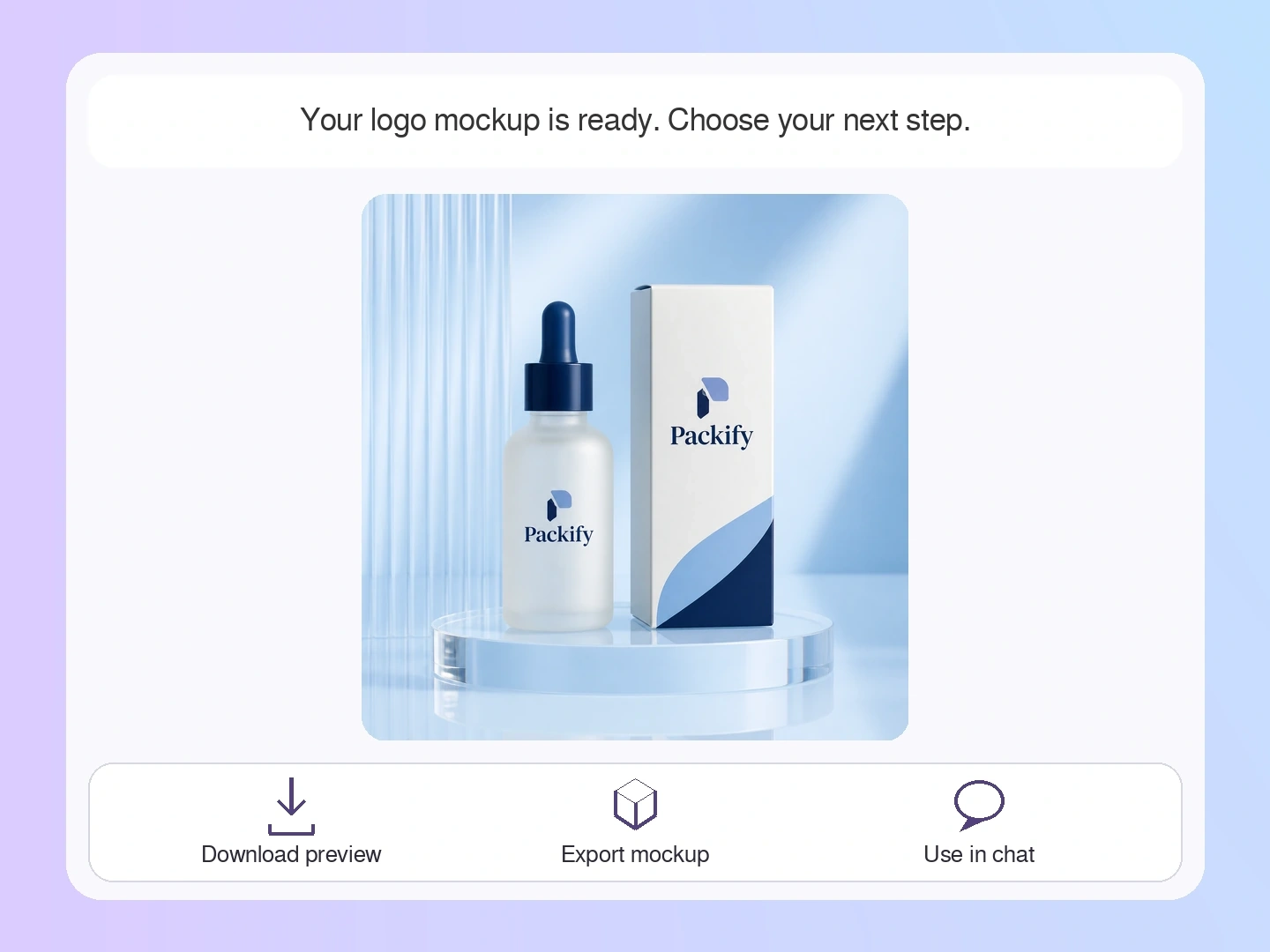
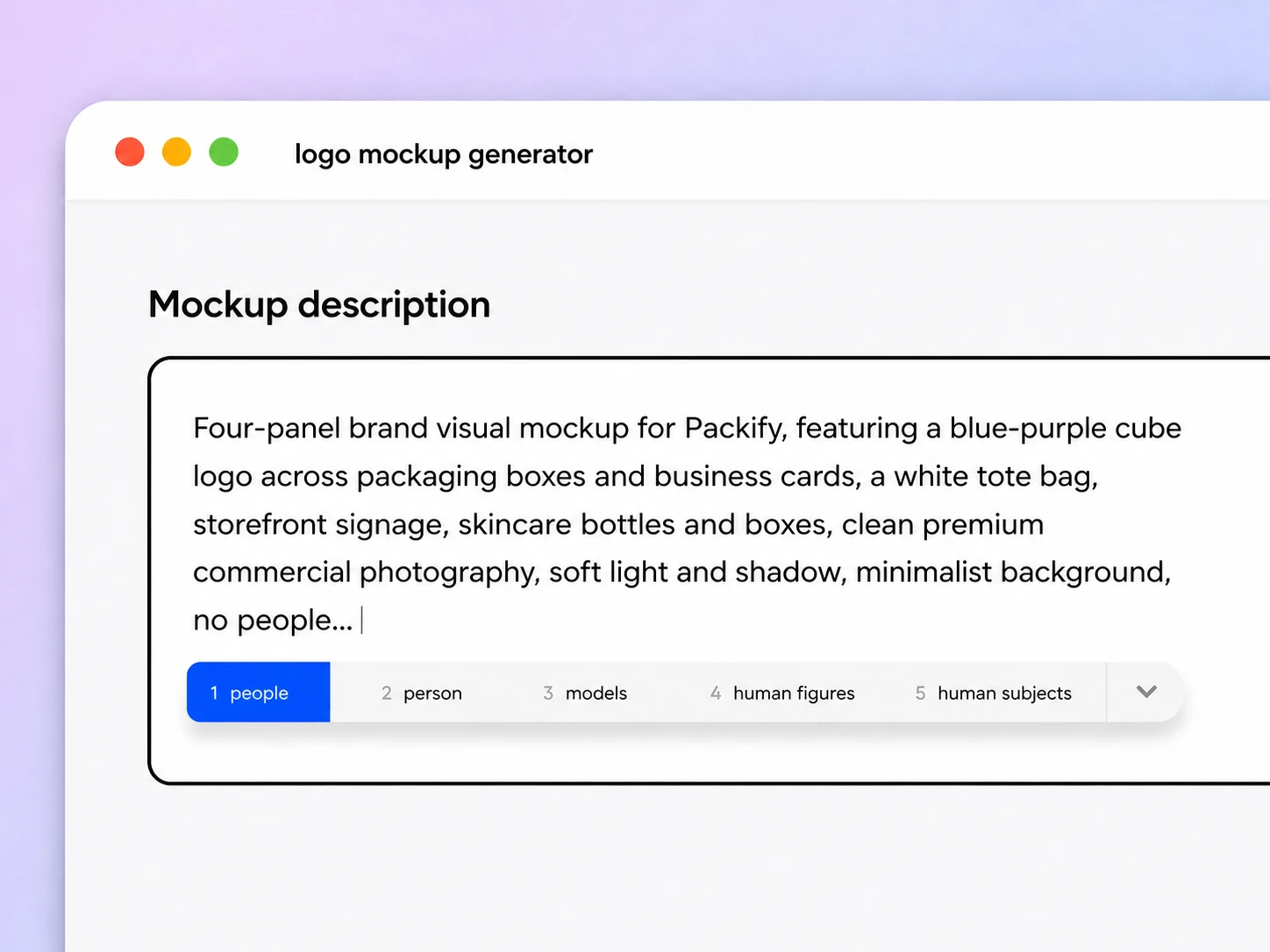
Click Use in Chat, then describe changes to the logo placement, colors, packaging pattern, background, or overall visual direction.
Step 3: Edit and export the dieline
Open Export Dieline, choose a suitable packaging structure, set its dimensions, manually edit the artwork and layout, then export the dieline.

Step 1: Describe your product and upload your logo
Enter the industry, product use, packaging type, brand name, colors, and visual style, then upload your existing logo.
Step 2: Refine the design with text
Click Use in Chat, then describe changes to the logo placement, colors, packaging pattern, background, or overall visual direction.
Step 3: Edit and export the dieline
Open Export Dieline, choose a suitable packaging structure, set its dimensions, manually edit the artwork and layout, then export the dieline.
Why choose Packify’s AI logo mockup generator?
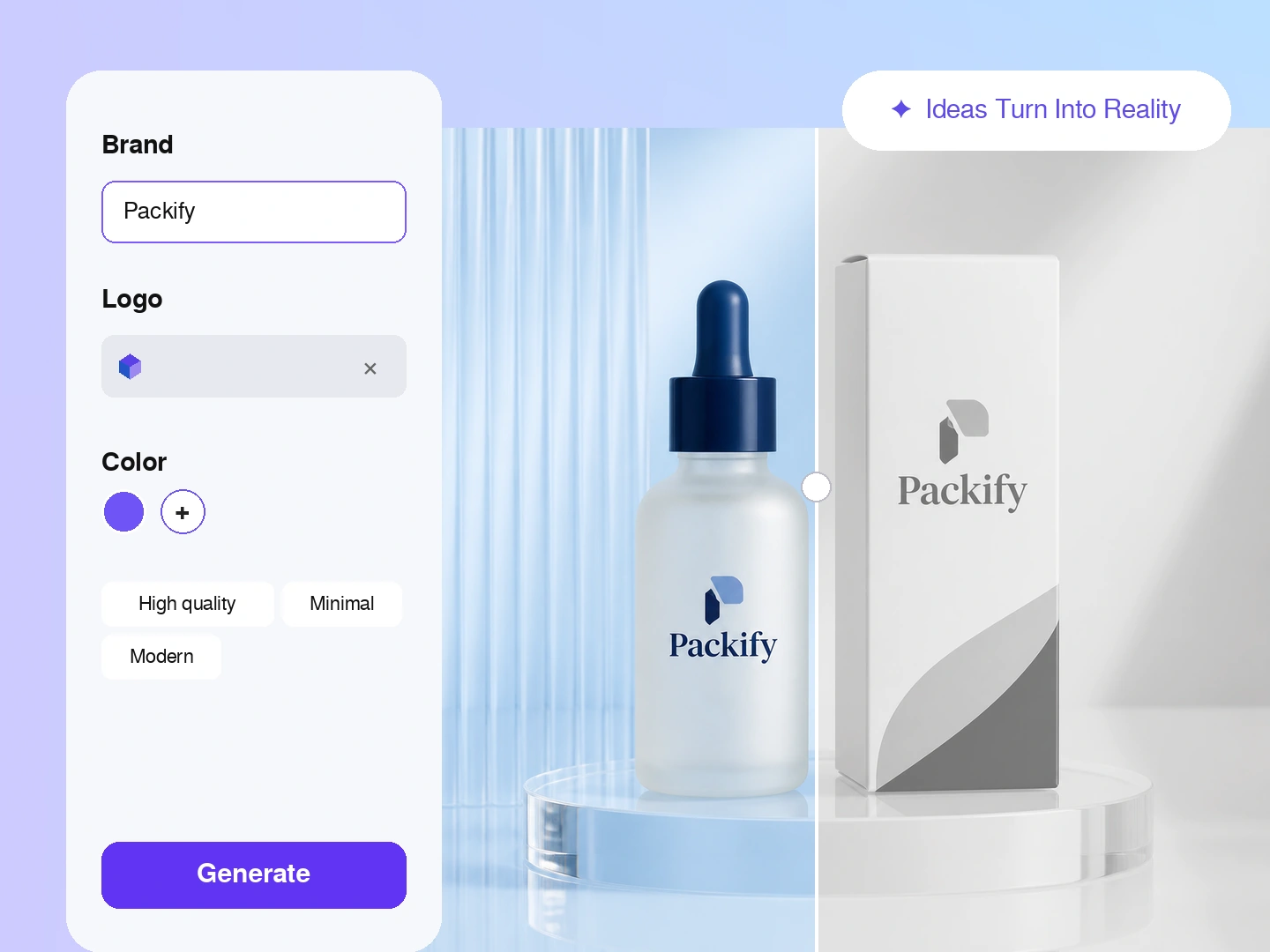
Differentiate a private-label product
Private-label and white-label products often begin with similar stock formats, so packaging carries much of the brand distinction. Upload your logo and describe the product direction. Packify creates a complete packaging concept for supplier discussions, launch reviews, and e-commerce planning.
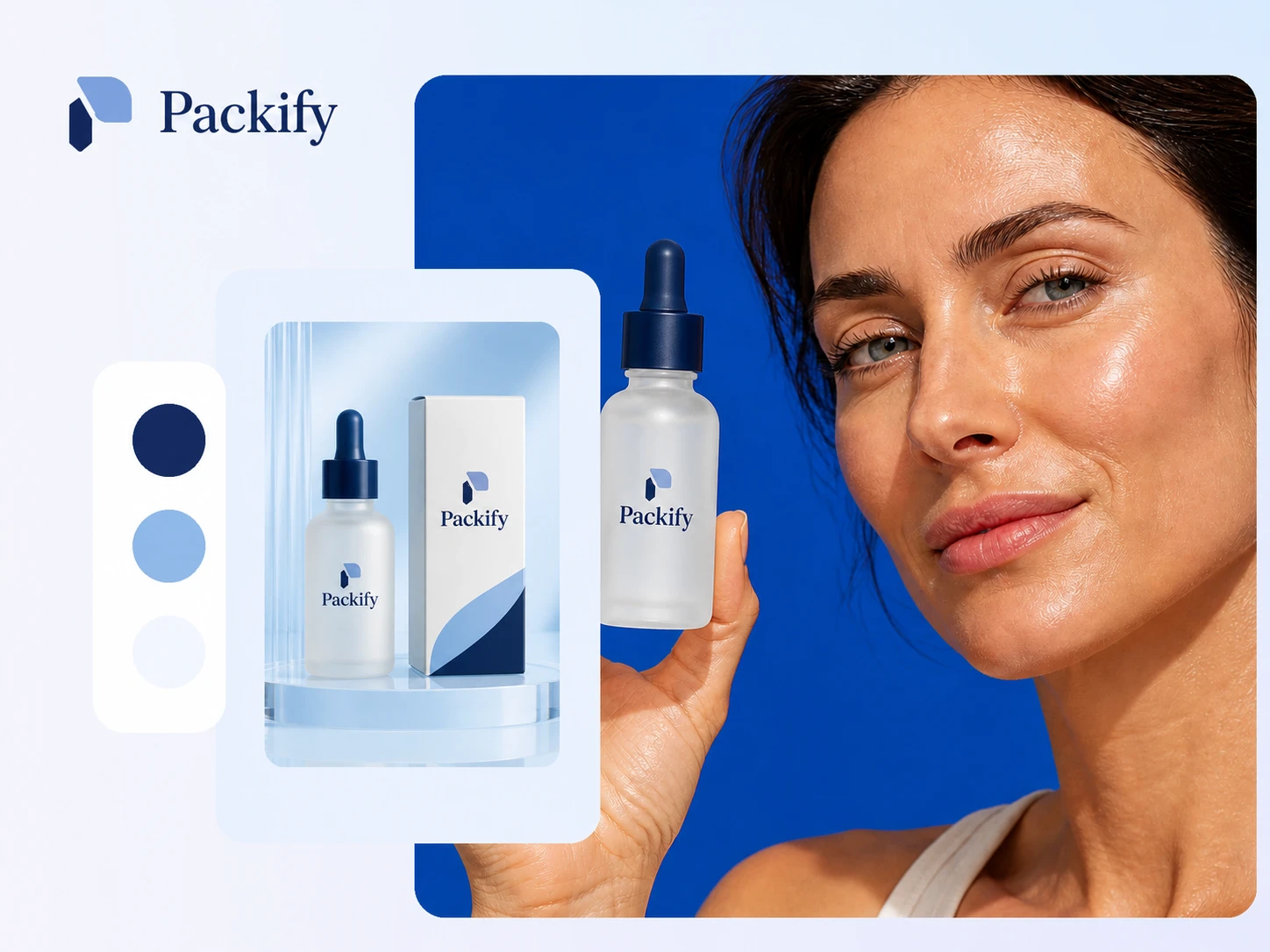
Catch placement problems before sampling
Small brands cannot produce a physical sample for every visual direction. Preview the logo across a box fold, bottle curve, pouch front, or label area before ordering samples. Check its scale, position, readability, and relationship to the surrounding artwork.
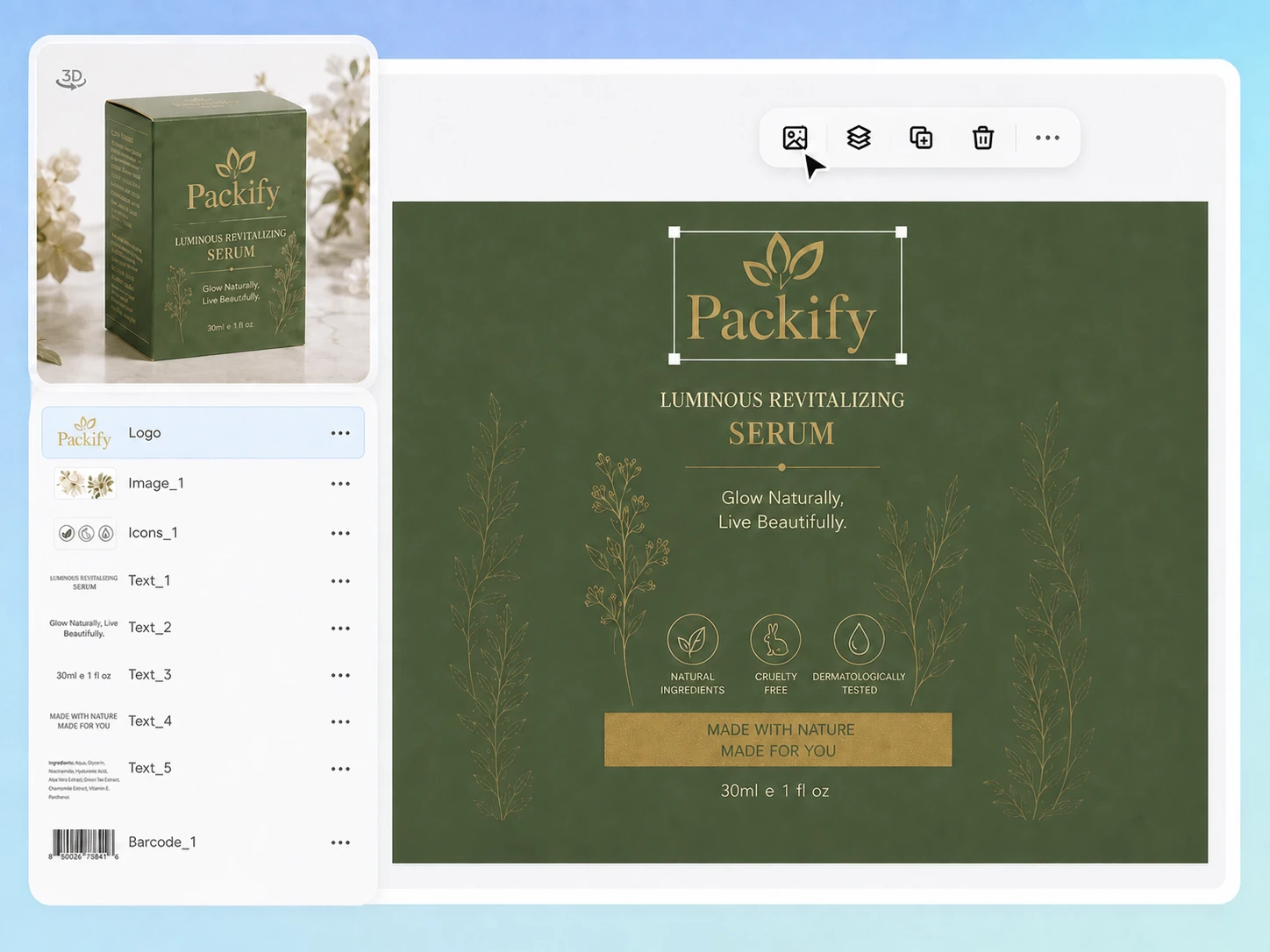
Bridge brand design and OEM production
OEM and ODM teams may already have a logo or graphic designer, but their assets may not be ready for packaging production. Refine the direction with text, then enter Export Dieline to manually edit the artwork and layout before exporting the dieline.
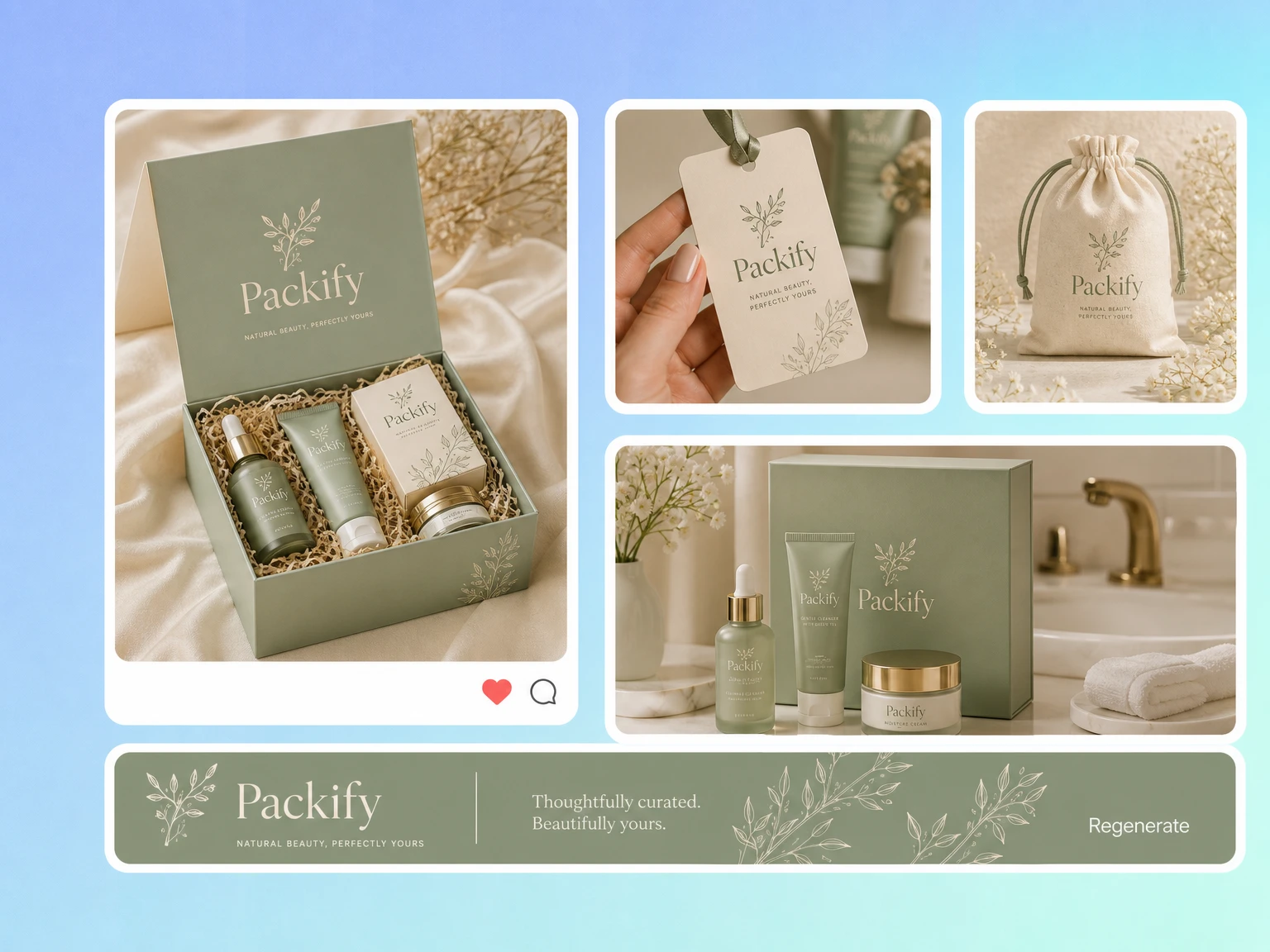
Prepare DTC launch visuals earlier
Small DTC brands often need internal reviews, supplier discussions, and storefront planning before inventory arrives. Generate a branded packaging mockup while the product is still in development, so the team can evaluate the direction without waiting for finished samples or photography.
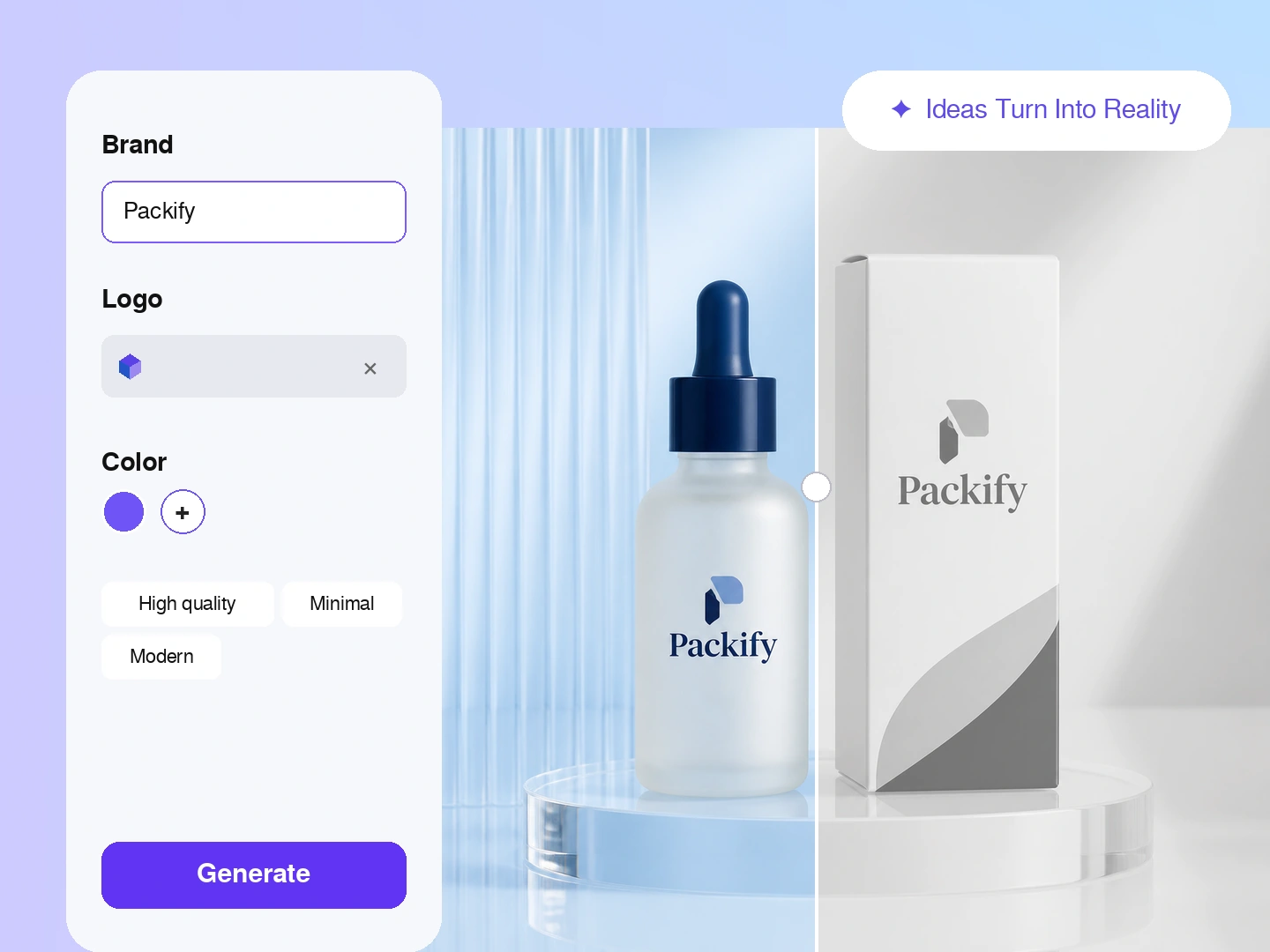
Differentiate a private-label product
Private-label and white-label products often begin with similar stock formats, so packaging carries much of the brand distinction. Upload your logo and describe the product direction. Packify creates a complete packaging concept for supplier discussions, launch reviews, and e-commerce planning.
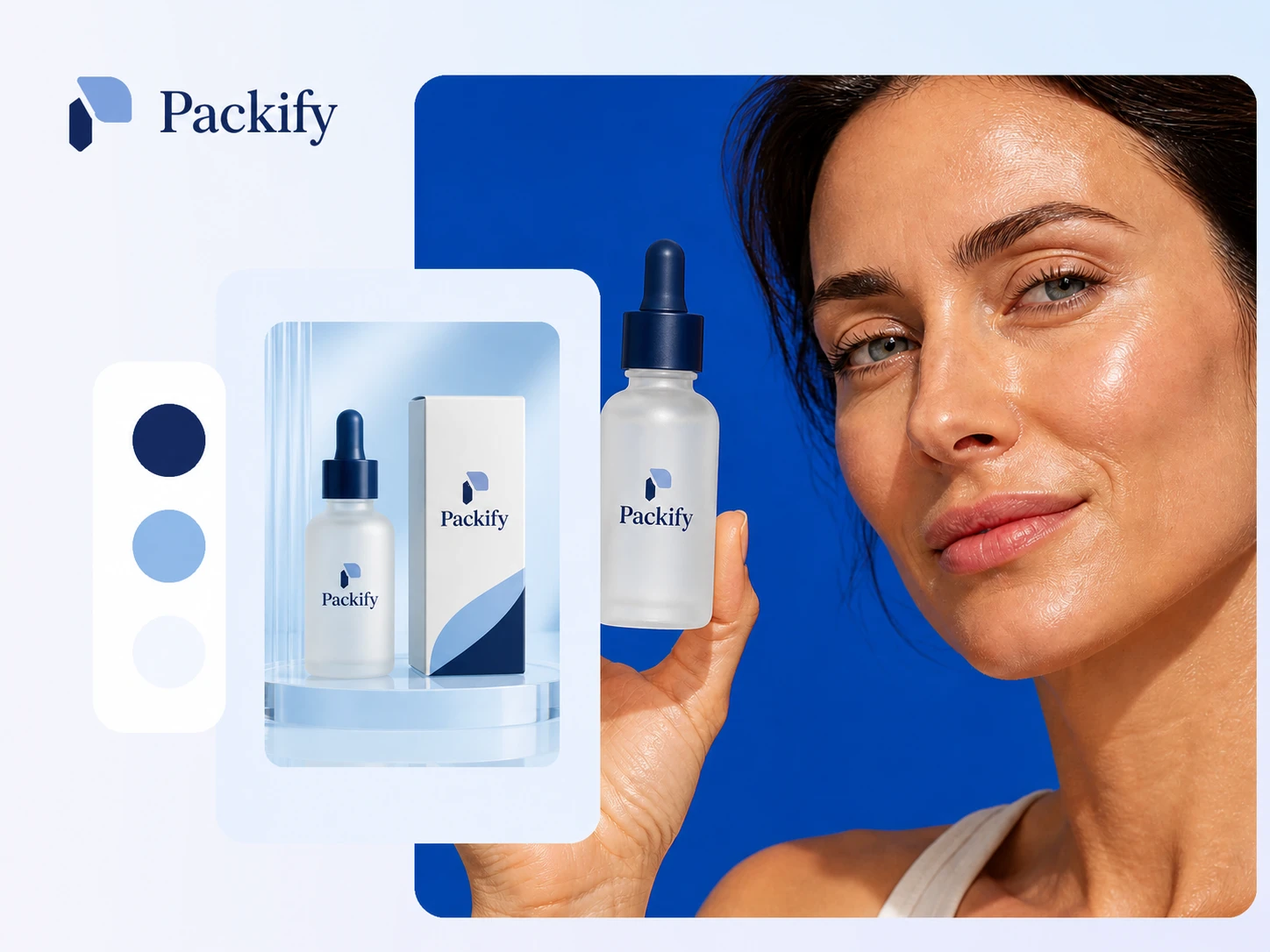
Catch placement problems before sampling
Small brands cannot produce a physical sample for every visual direction. Preview the logo across a box fold, bottle curve, pouch front, or label area before ordering samples. Check its scale, position, readability, and relationship to the surrounding artwork.
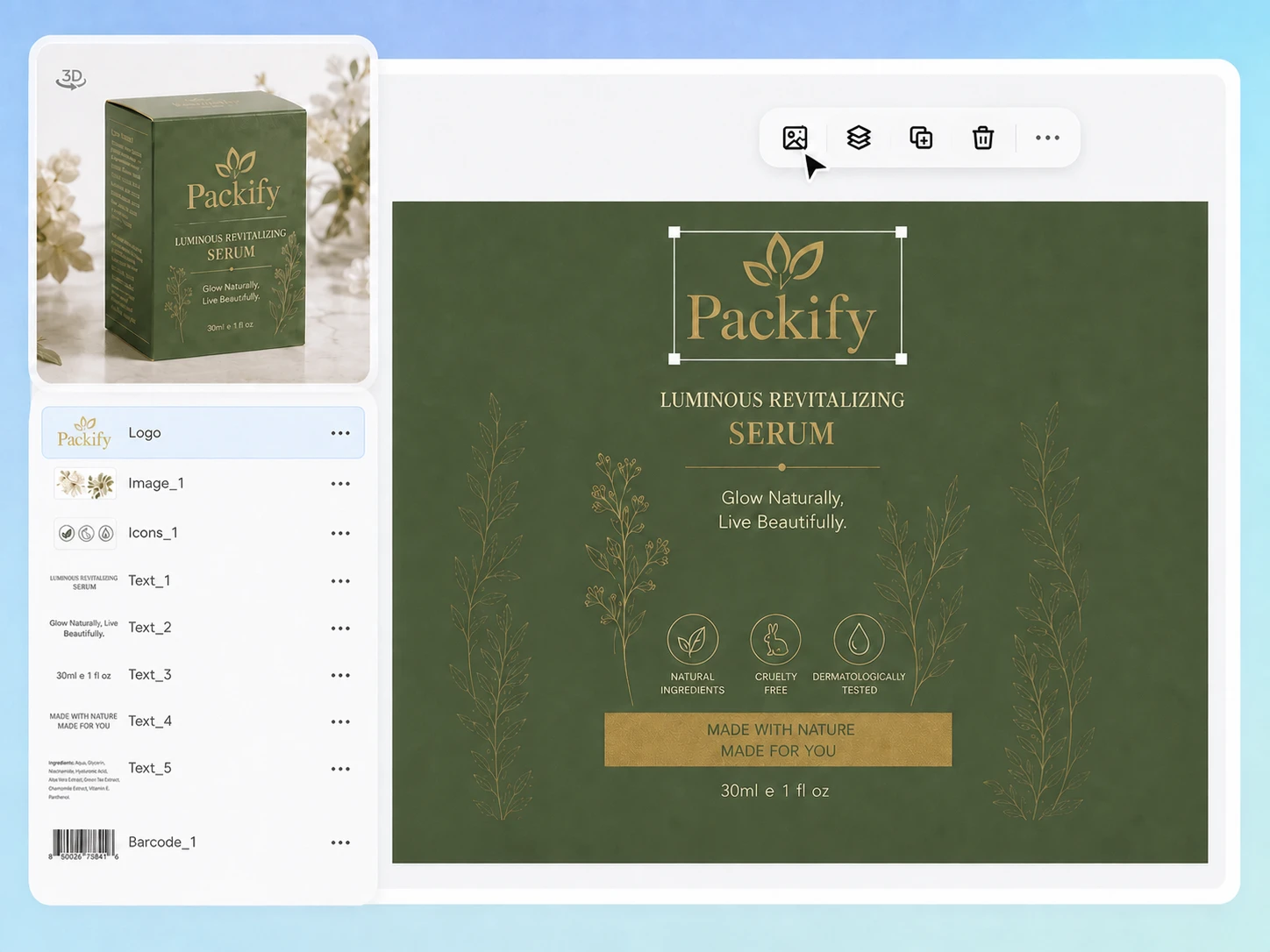
Bridge brand design and OEM production
OEM and ODM teams may already have a logo or graphic designer, but their assets may not be ready for packaging production. Refine the direction with text, then enter Export Dieline to manually edit the artwork and layout before exporting the dieline.
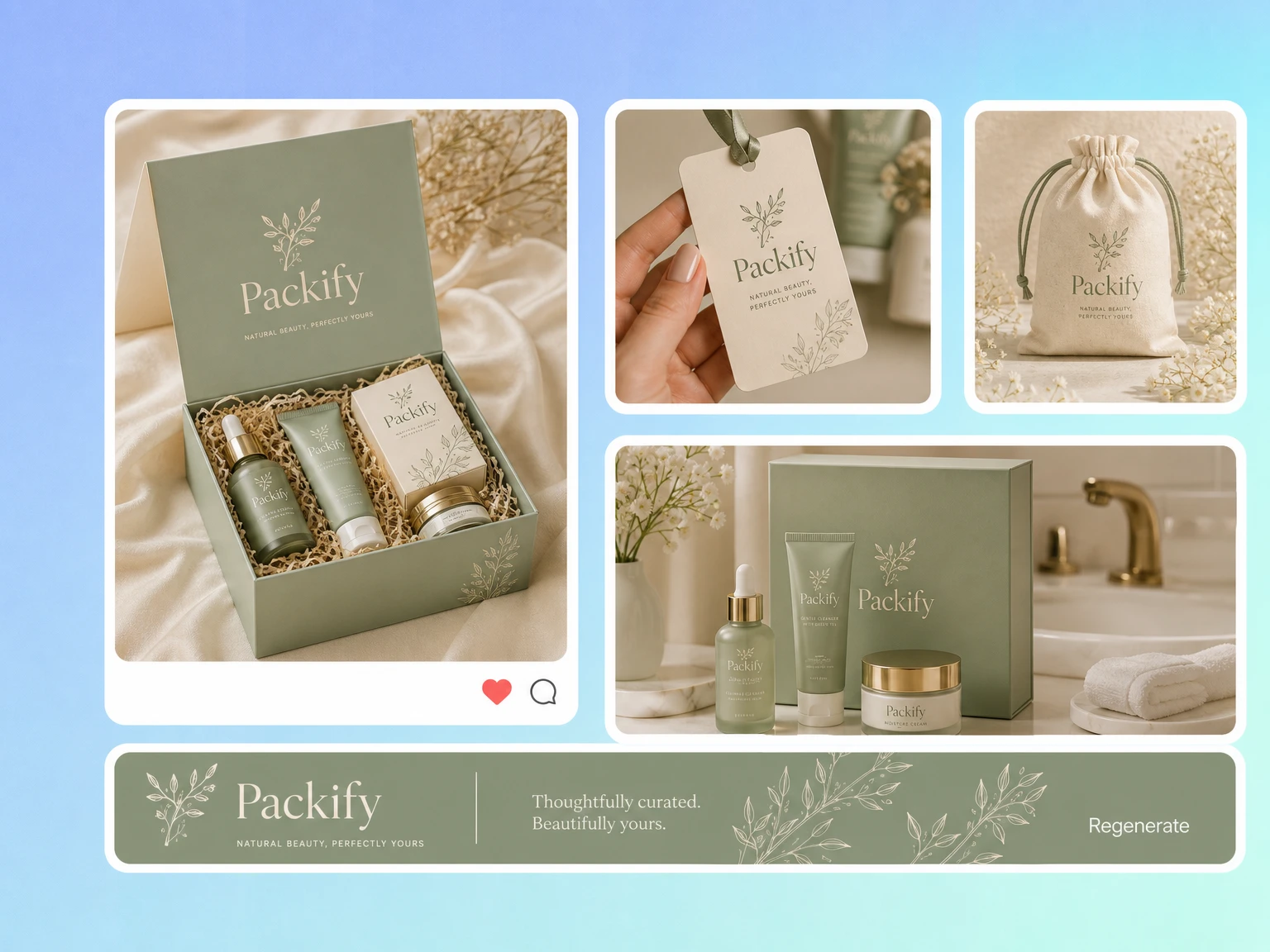
Prepare DTC launch visuals earlier
Small DTC brands often need internal reviews, supplier discussions, and storefront planning before inventory arrives. Generate a branded packaging mockup while the product is still in development, so the team can evaluate the direction without waiting for finished samples or photography.
Proven impact, in our customer's words


The AI-powered packaging design tool is a game-changer. It's fast, intuitive, making it an essential tool for any forward-thinking design team.ved.
March 26, 2025


The results are so amazing that I don't think it's just for inspiration... I'd say artificial intelligence outperforms most designers; the key is to come up with the perfect prompt. Great contribution! Thank you 😊.
March 18, 2025


The AI-powered packaging design tool is a game-changer. It's fast, intuitive, making it an essential tool for any forward-thinking design team.
March 18, 2025


We’re a tiny skincare shop. Packify.ai turned my scribbles into clean mockups and a printable dieline by Monday. Fewer back-and-forths, consistent branding, a nd our product page conversions moved.
March 18, 2025


The AI-powered packaging design tool is a game-changer. It's fast, intuitive, making it an essential tool for any forward-thinking design team.
March 26, 2025


The results are so amazing that I don't think it's just for inspiration... I'd say artificial intelligence outperforms most designers; the key is to come up with the perfect prompt. Great contribution! Thank you 😊
March 18, 2025


Congrats! Packify.ai, an AI packaging designer, enables easy, creative design and offers AI-driven product photography for e-commerce through simple chatting.
April 2, 2025


We’re a tiny skincare shop. Packify.ai turned my scribbles into clean mockups and a printable dieline by Monday. Fewer back-and-forths, consistent branding, a nd our product page conversions moved.
May 9, 2025
You asked,
we answered
You asked, we answered
What is a logo mockup?
A logo mockup is a visual preview that places your logo on a real or simulated product surface. It helps you assess size, placement, readability, and the overall packaging direction before producing a box, bottle, can, pouch, or label.
What types of logo mockups can I create?
You can create logo mockups across four groups: packaging such as product boxes, shipping boxes, cans, shopping bags, and pouches; apparel such as T-shirts, hoodies, hats, and sweatpants; accessories and devices such as phone cases and mouse pads; and print items such as brochures, posters, and desk calendars.
What logo file formats can I upload?
You can upload PNG, WebP, JPEG, JPG, or SVG logo files. Use a clear source file with complete edges and a transparent background when available. Review the generated result carefully to confirm the brand name, letterforms, colors, proportions, and trademark details.
Can I turn a logo packaging mockup into a dieline?
Yes. Once the mockup direction is confirmed, open Export Dieline, choose a suitable packaging structure, enter its dimensions, and manually adjust the artwork and layout. Export the dieline and ask your printer to verify dimensions, bleed, and production requirements.
Can I put my logo on products online for free?
New users can try the logo mockup online workflow with trial credits. Generating, refining, or exporting may consume credits, so check your account balance before continuing. See the Pricing Page for current plans and credit details.
Can I use the generated logo mockups commercially?
You may use Packify outputs for personal or commercial projects when you follow the Terms of Use. Before publishing, review the logo, trademarks, reference materials, and generated artwork to ensure the result is appropriate for your product and market.
Preview your logo with a logo mockup maker