
AI perfume product photography
Upload an existing perfume photo and describe the background you want. Packify creates a new scene for a product listing or perfume advertising photography.
Trusted by industry-leading businesses


Plan your next perfume product shoot
A plain listing photo can leave you guessing about composition, backgrounds, and props. If you're starting with perfume photography at home, keep a clear front view for the listing. Use Packify to change the background for a styled perfume photo shoot using the same source image.
How to create perfume photos with AI?
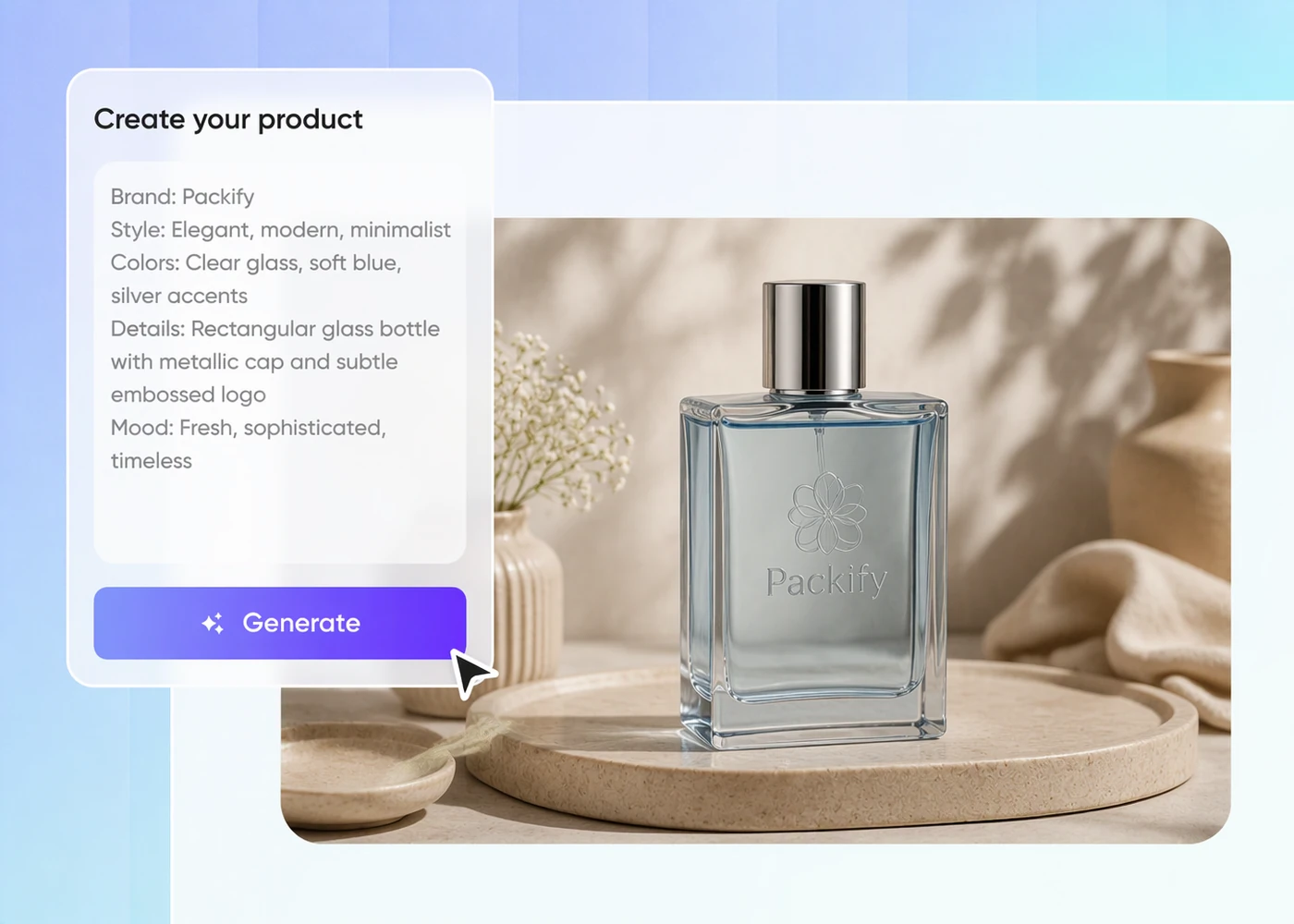
Step 1: Upload three views of your perfume bottle
Upload front, side, and back photos of your perfume bottle. Keep the whole bottle in frame and check that glare doesn’t obscure the front label.
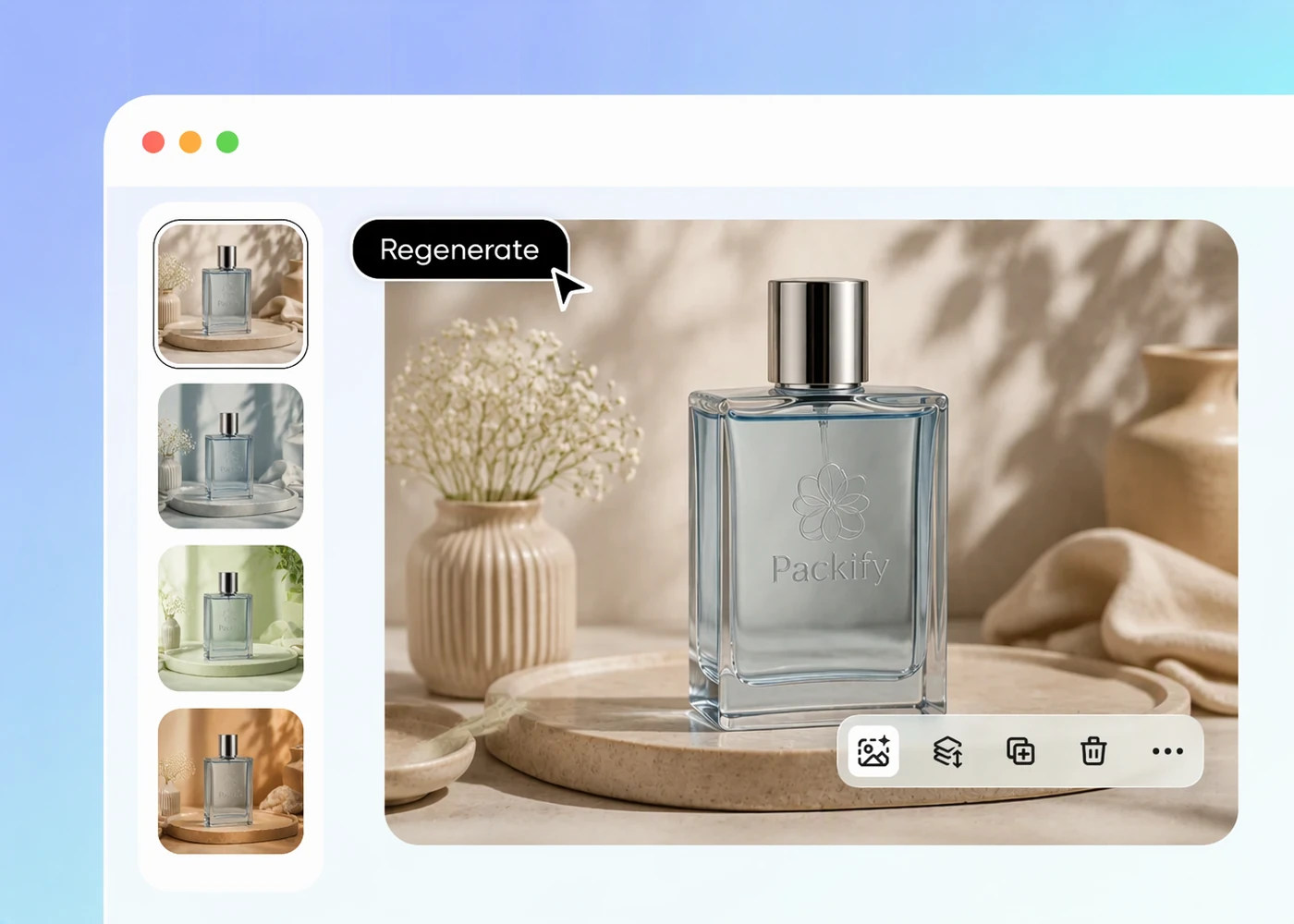
Step 2: Describe the new scene
Describe the background, the surface beneath the product, and any props you want around it. Revise the prompt to try another direction.
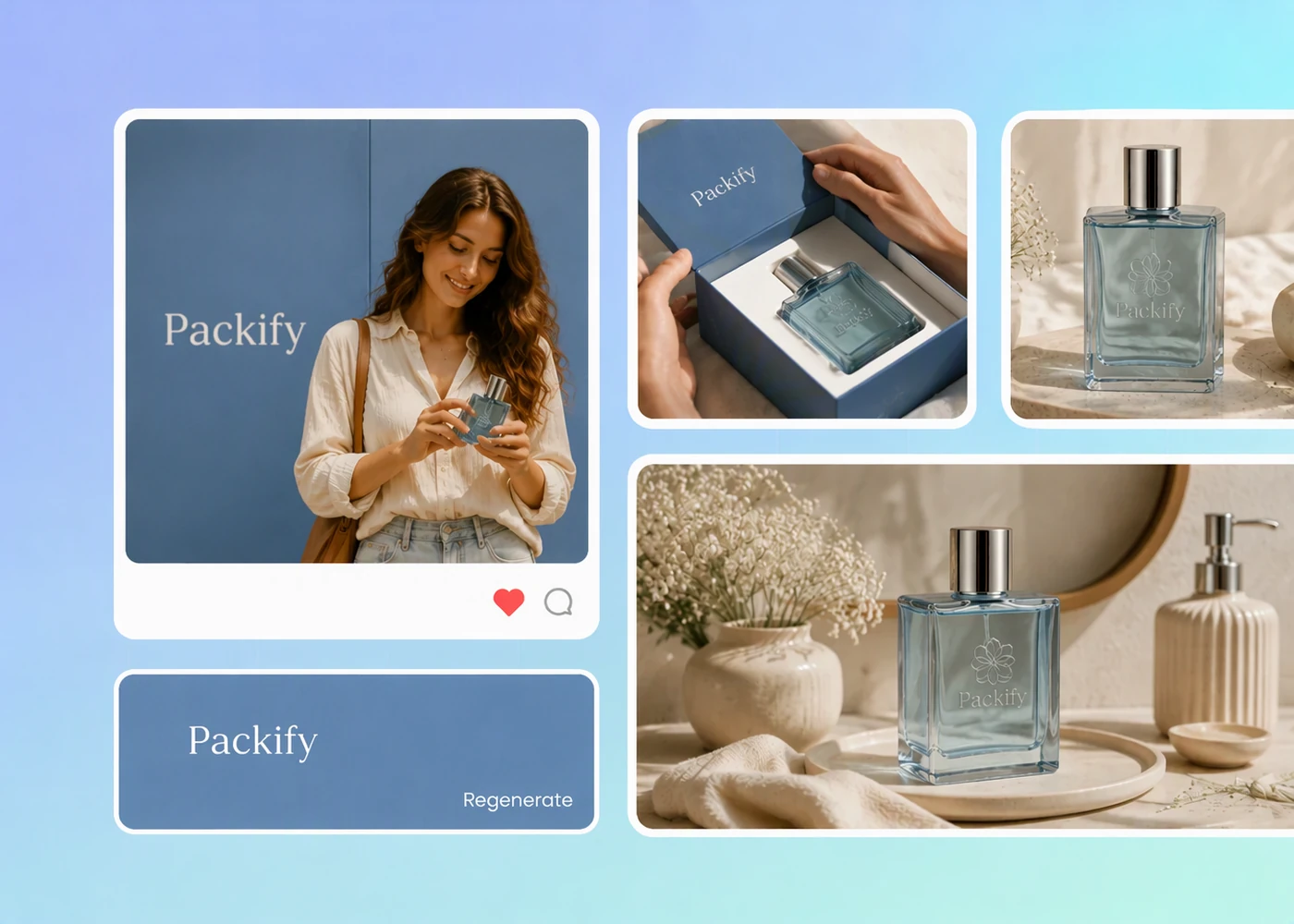
Step 3: Review and download your perfume photo
Check the bottle shape, cap, label text, and liquid color against your original photo, then download the image for product listings, social media, or ads.

Step 1: Upload three views of your perfume bottle
Upload front, side, and back photos of your perfume bottle. Keep the whole bottle in frame and check that glare doesn’t obscure the front label.
Step 2: Describe the new scene
Describe the background, the surface beneath the product, and any props you want around it. Revise the prompt to try another direction.
Step 3: Review and download your perfume photo
Check the bottle shape, cap, label text, and liquid color against your original photo, then download the image for product listings, social media, or ads.
Why choose Packify AI for your perfume photos?
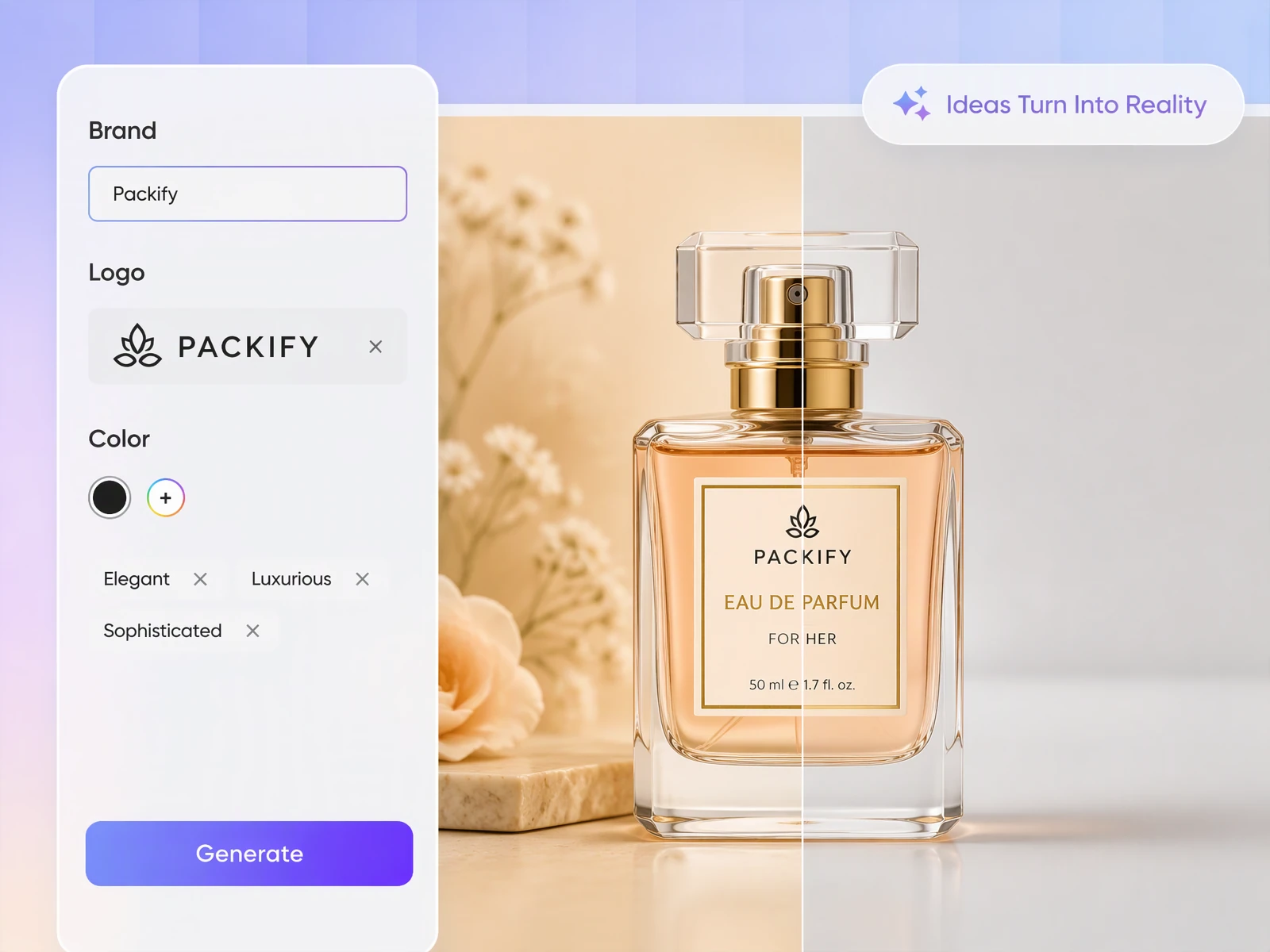
Get listing photos without reshooting
Packify speeds up perfume product photography by giving your existing front-facing bottle photo a plain background.
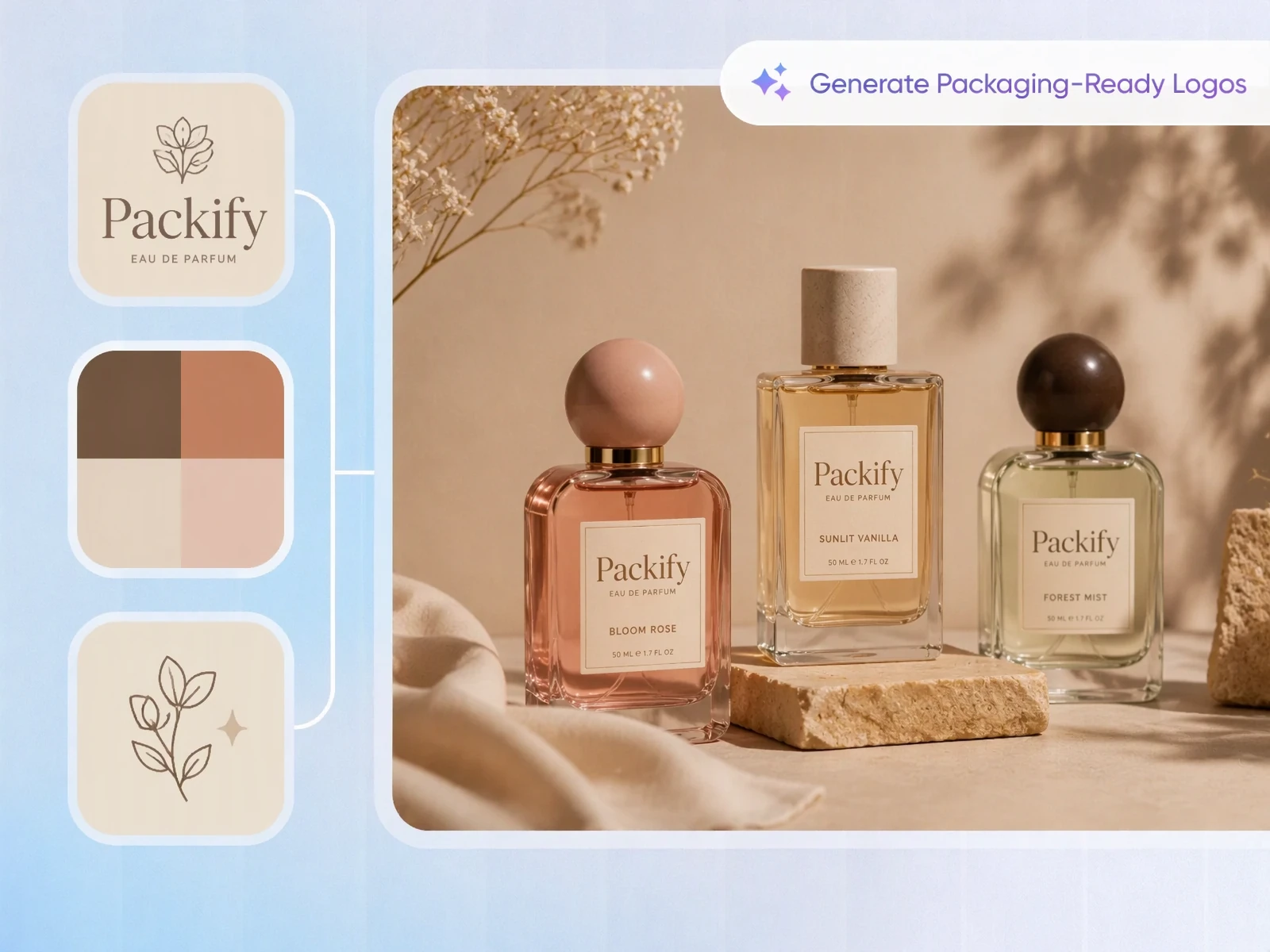
Explore perfume product photography ideas
Packify lets you try different backgrounds with the same perfume bottle photo. Comparing a minimal studio setup with a vanity scene helps you see how the setting changes the mood and choose a direction that fits the fragrance before planning your next shoot.
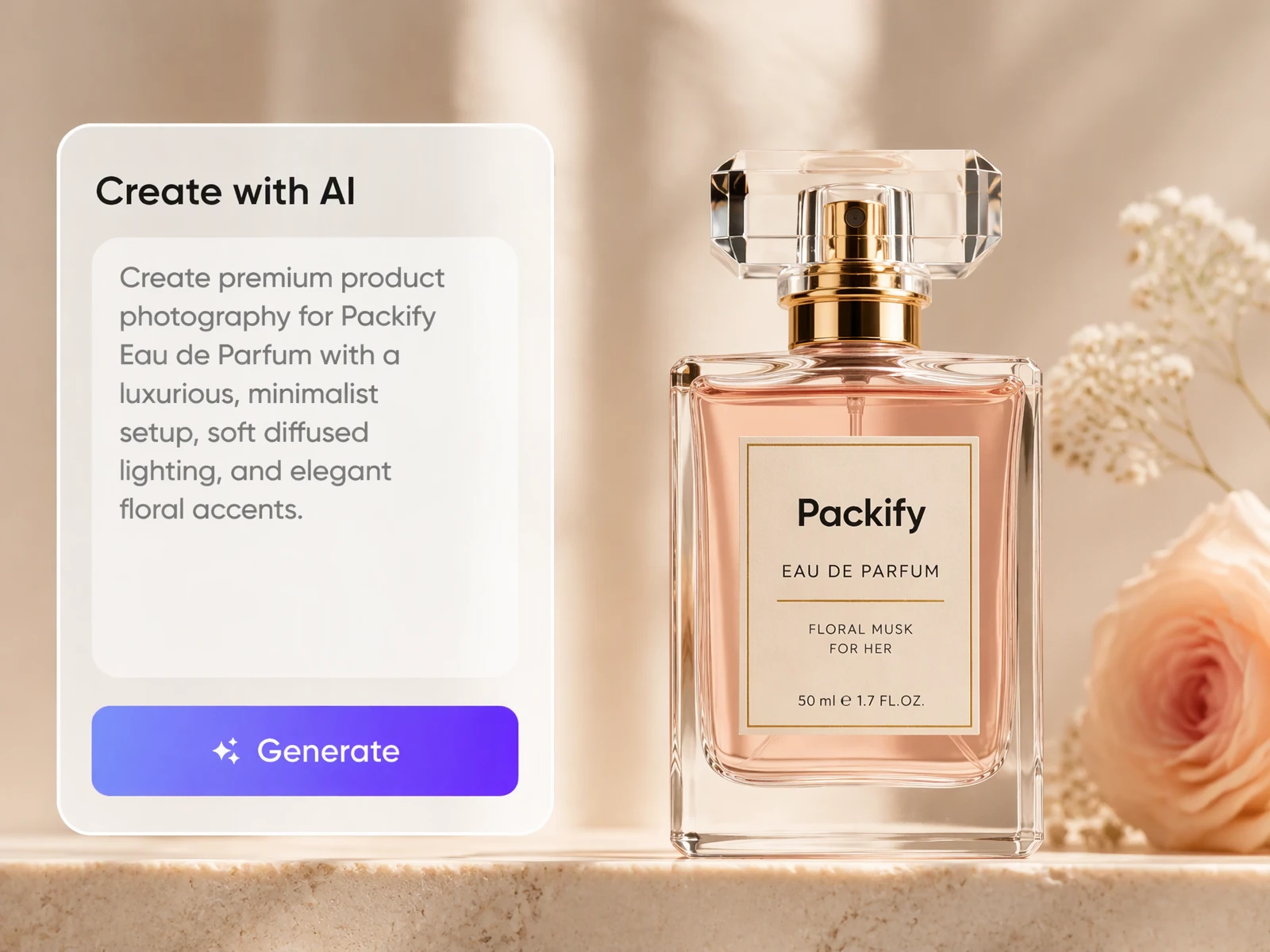
Test backgrounds for perfume ads
Use the same perfume bottle photo to try different backgrounds in Packify. Then test each version against the original in your ads to see which background drives more conversions.
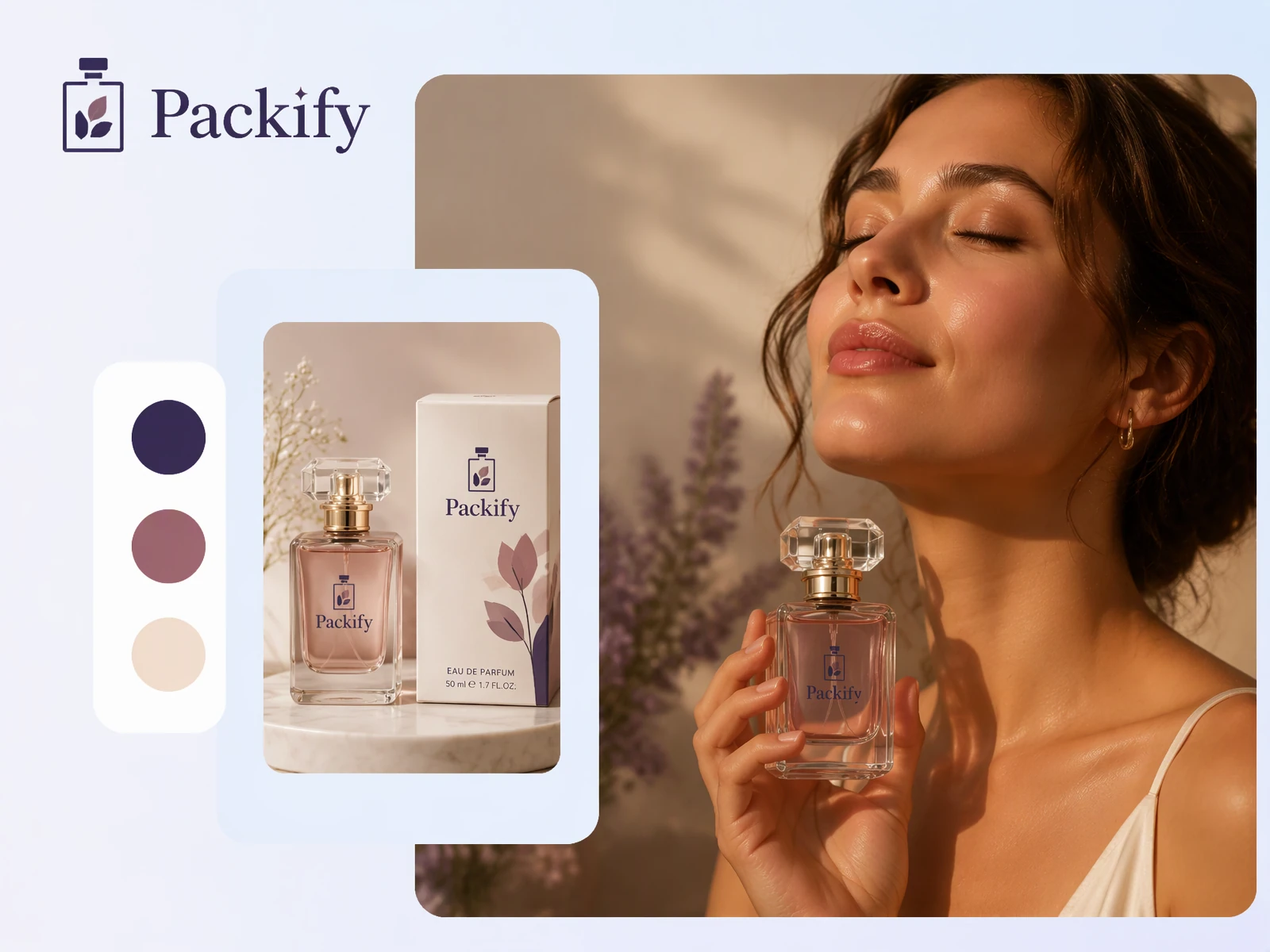
Reuse a photo across campaigns
Keep the approved product photo from your listing and upload it when you need a new campaign image. Describe the new setting in Packify so you can have a second scene to review without restaging and photographing the product again.
Get listing photos without reshooting
Packify speeds up perfume product photography by giving your existing front-facing bottle photo a plain background.
Explore perfume product photography ideas
Packify lets you try different backgrounds with the same perfume bottle photo. Comparing a minimal studio setup with a vanity scene helps you see how the setting changes the mood and choose a direction that fits the fragrance before planning your next shoot.
Test backgrounds for perfume ads
Use the same perfume bottle photo to try different backgrounds in Packify. Then test each version against the original in your ads to see which background drives more conversions.
Reuse a photo across campaigns
Keep the approved product photo from your listing and upload it when you need a new campaign image. Describe the new setting in Packify so you can have a second scene to review without restaging and photographing the product again.
Proven impact, in our customer's words


The AI-powered packaging design tool is a game-changer. It's fast, intuitive, making it an essential tool for any forward-thinking design team.ved.
March 26, 2025


The results are so amazing that I don't think it's just for inspiration... I'd say artificial intelligence outperforms most designers; the key is to come up with the perfect prompt. Great contribution! Thank you 😊.
March 18, 2025


The AI-powered packaging design tool is a game-changer. It's fast, intuitive, making it an essential tool for any forward-thinking design team.
March 18, 2025


We’re a tiny skincare shop. Packify.ai turned my scribbles into clean mockups and a printable dieline by Monday. Fewer back-and-forths, consistent branding, and our product page conversions moved.
March 18, 2025


The AI-powered packaging design tool is a game-changer. It's fast, intuitive, making it an essential tool for any forward-thinking design team.
March 26, 2025


The results are so amazing that I don't think it's just for inspiration... I'd say artificial intelligence outperforms most designers; the key is to come up with the perfect prompt. Great contribution! Thank you 😊
March 18, 2025


Congrats! Packify.ai, an AI packaging designer, enables easy, creative design and offers AI-driven product photography for e-commerce through simple chatting.
April 2, 2025


We’re a tiny skincare shop. Packify.ai turned my scribbles into clean mockups and a printable dieline by Monday. Fewer back-and-forths, consistent branding, and our product page conversions moved.
May 9, 2025
You asked,
we answered
You asked, we answered
Can I start with a photo from my phone?
Yes. You can use a sharp phone photo with a readable label and crisp edges around the bottle and cap. Packify uses your original bottle photo as the starting point and swaps its background for a lifestyle setting.
How can I check if the generated image matches my product?
Put the original and the new image side by side. Read the label at full size, trace the outline with your eye, and check the cap finish and liquid color. Choose another result if the scene makes the fragrance look like a different product.
When should I reshoot for perfume advertising photography?
Reshoot when glare hides the brand name or a mirrored cap visibly reflects the room.
Can I try AI perfume product photography for free?
Registering for Packify gives your account free credits to try the perfume product photography tool. Each generation consumes credits, so check your balance before generating an image. Visit the Pricing Page if you need additional credits or advanced features.
Can I use generated perfume photos commercially?
Yes. You can use generated perfume photos commercially, subject to Packify’s Terms of Use. Use a source photo you have permission to use and review any visible trademarks or third-party artwork before publishing the image in a listing or ad.
Give your perfume photo a new setting
