AI phone case design maker
Design your own phone case from a short description, or upload a photo for reference. Packify generates original artwork and a presentation mockup. When the design is ready for production, you can export a dieline for a supported iPhone model.

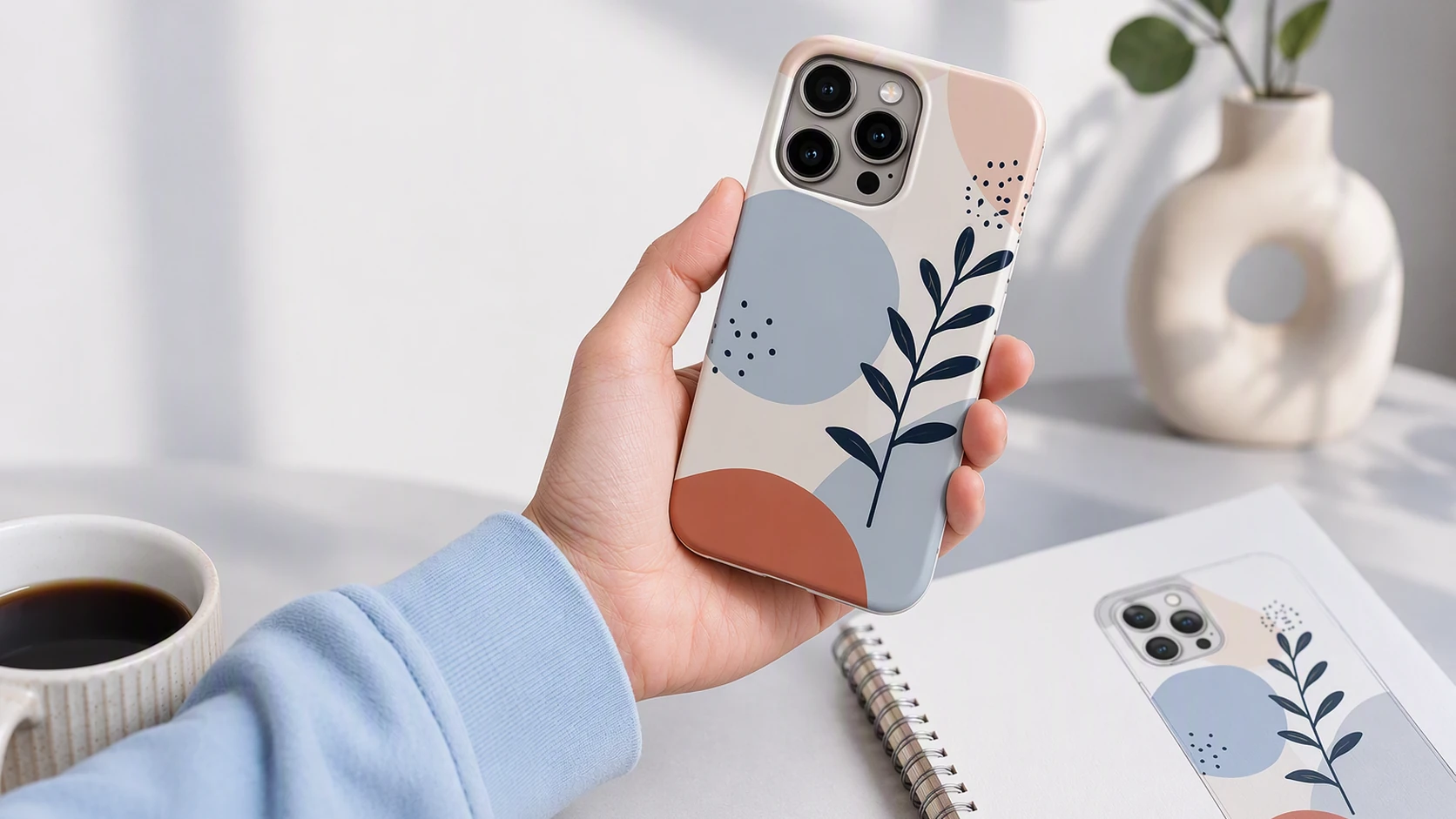
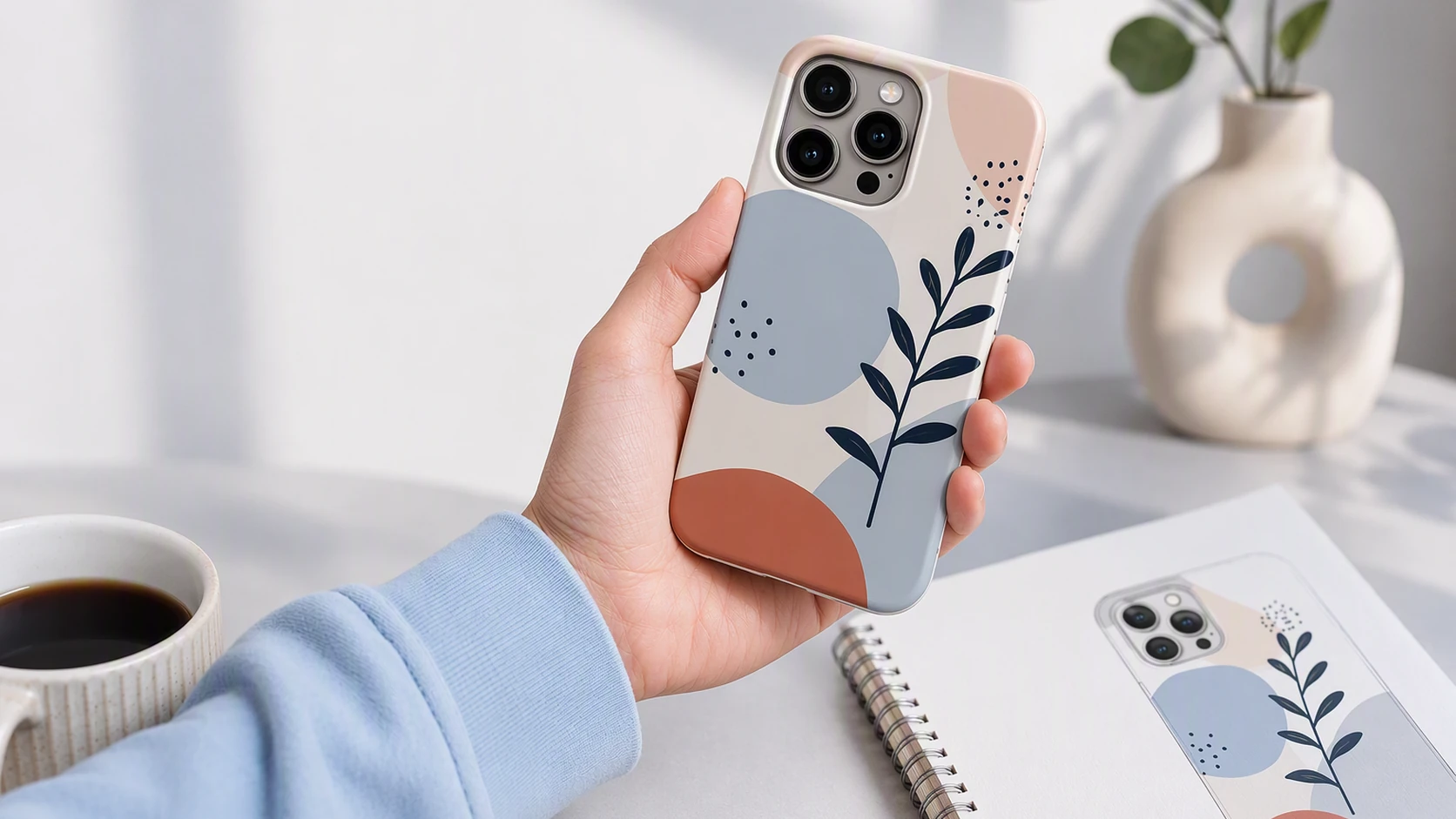
Trusted by industry-leading businesses


A custom phone case maker for original artwork
Phone case artwork has to work on a compact surface without losing its main subject, text, or visual identity. Packify lets you create a phone case design online from text or a reference image, review the overall composition in a mockup, and refine individual elements without professional design software. For supported iPhone models, the finished concept can also be prepared as a dieline for production.
How to design your own phone case with AI?
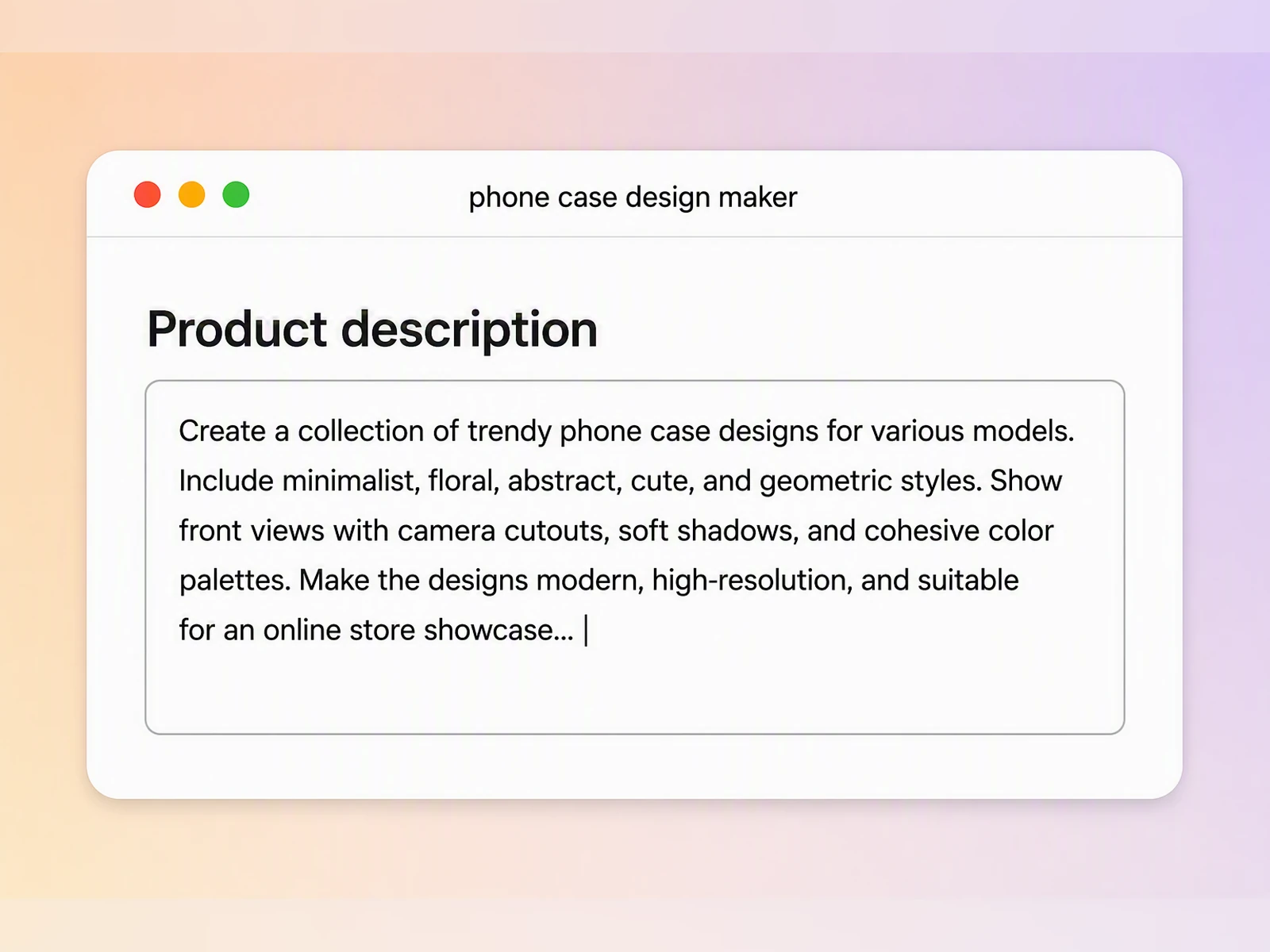
Step 1: Describe your phone case
Enter your brand name, design theme, text, colors, and visual direction, or upload a photo to guide the artwork.
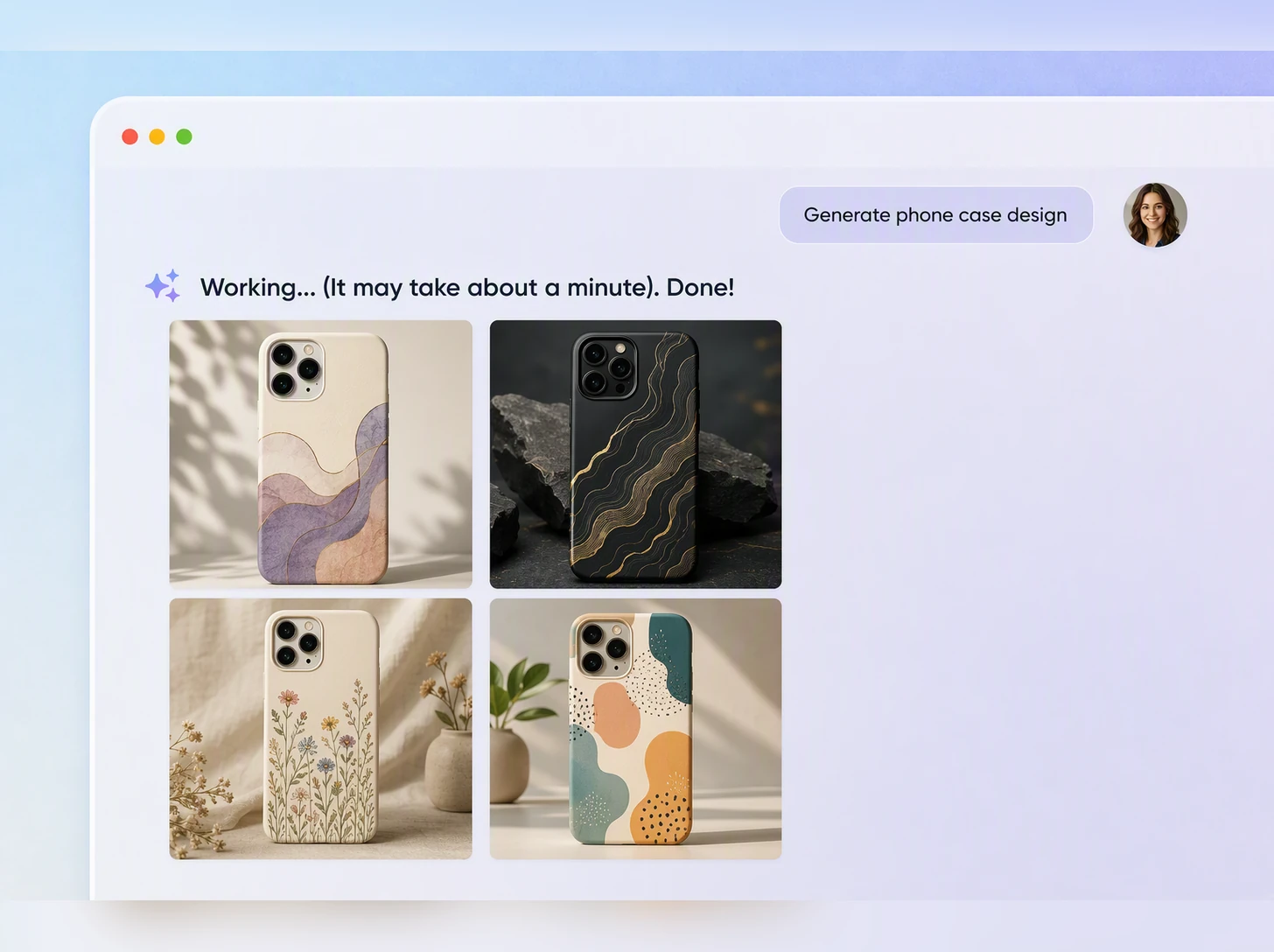
Step 2: Generate and refine the design
Review the generated artwork and mockup, then refine the photos, wording, logo, colors, and composition until the design feels complete.
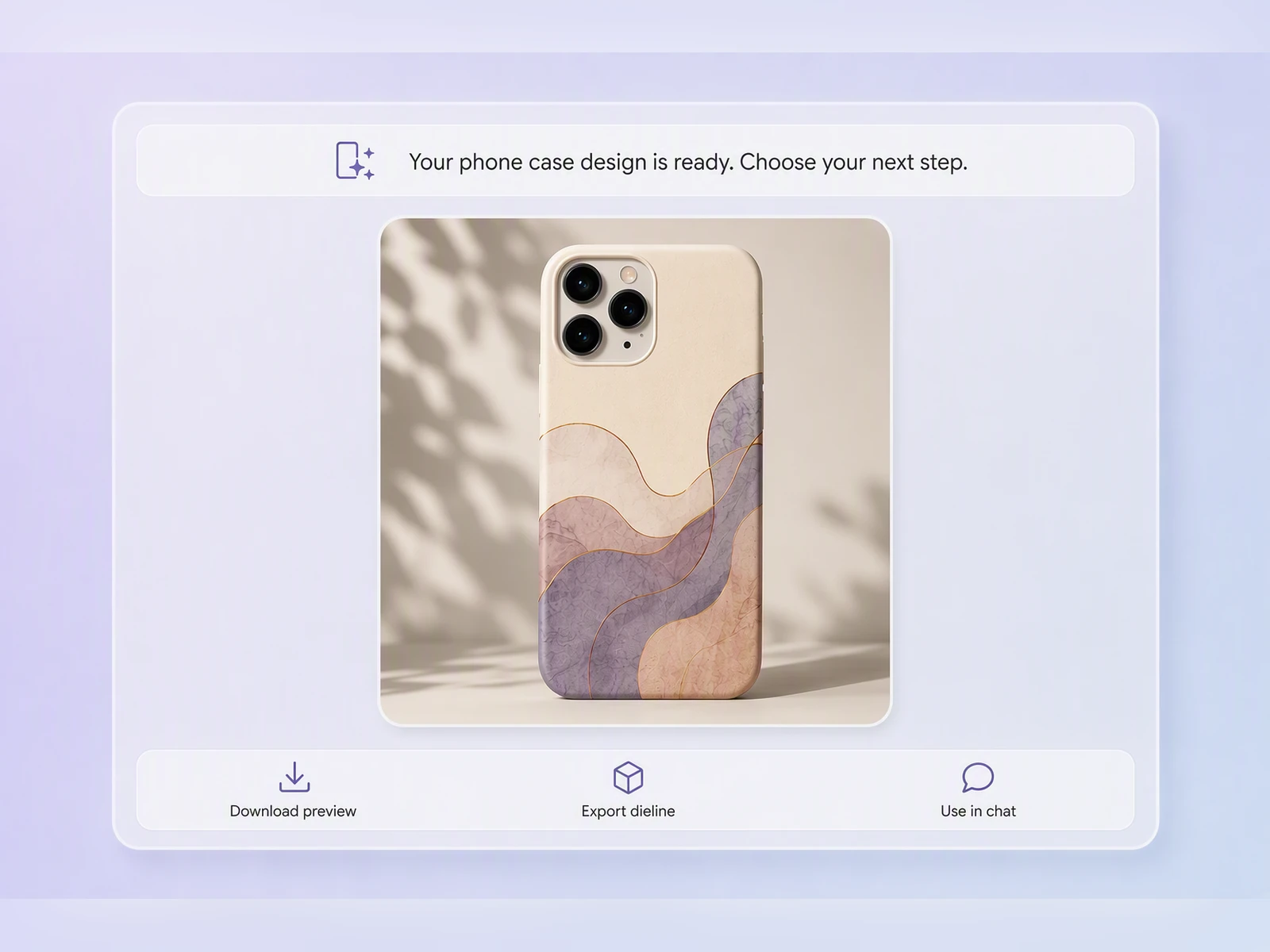
Step 3: Download and prepare it
Download the finished design. For production, open Export Dieline, choose a supported iPhone model, and adjust camera cutouts and bleed lines.

Step 1: Describe your phone case
Enter your brand name, design theme, text, colors, and visual direction, or upload a photo to guide the artwork.
Step 2: Generate and refine the design
Review the generated artwork and mockup, then refine the photos, wording, logo, colors, and composition until the design feels complete.
Step 3: Download and prepare it
Download the finished design. For production, open Export Dieline, choose a supported iPhone model, and adjust camera cutouts and bleed lines.
Why choose Packify as your custom phone case maker?
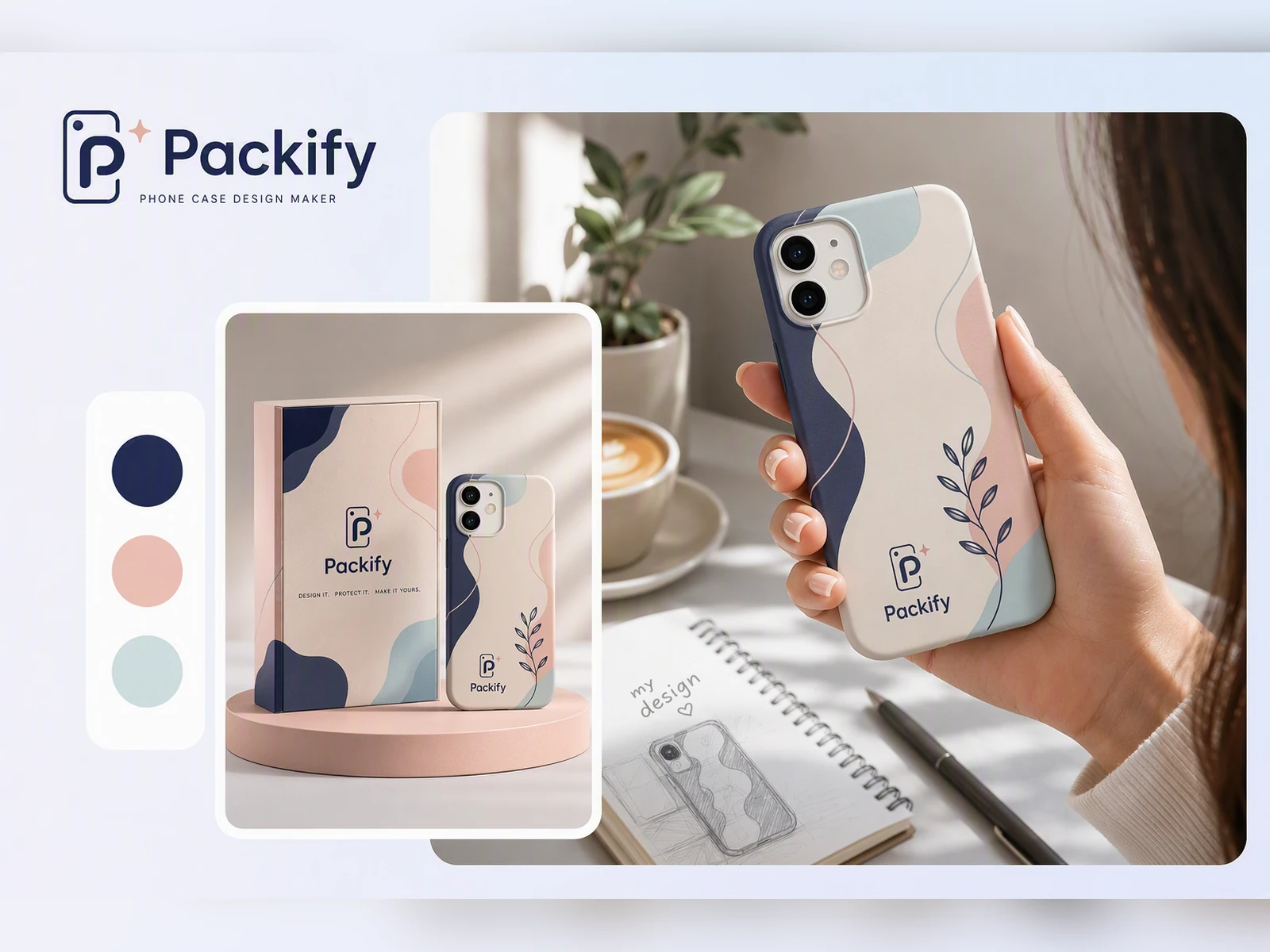
Create without design software
Start with a sentence, name, visual theme, or reference photo. Packify turns the input into complete phone case artwork that you can refine for personal projects, Etsy listings, Shopify collections, or branded merchandise.
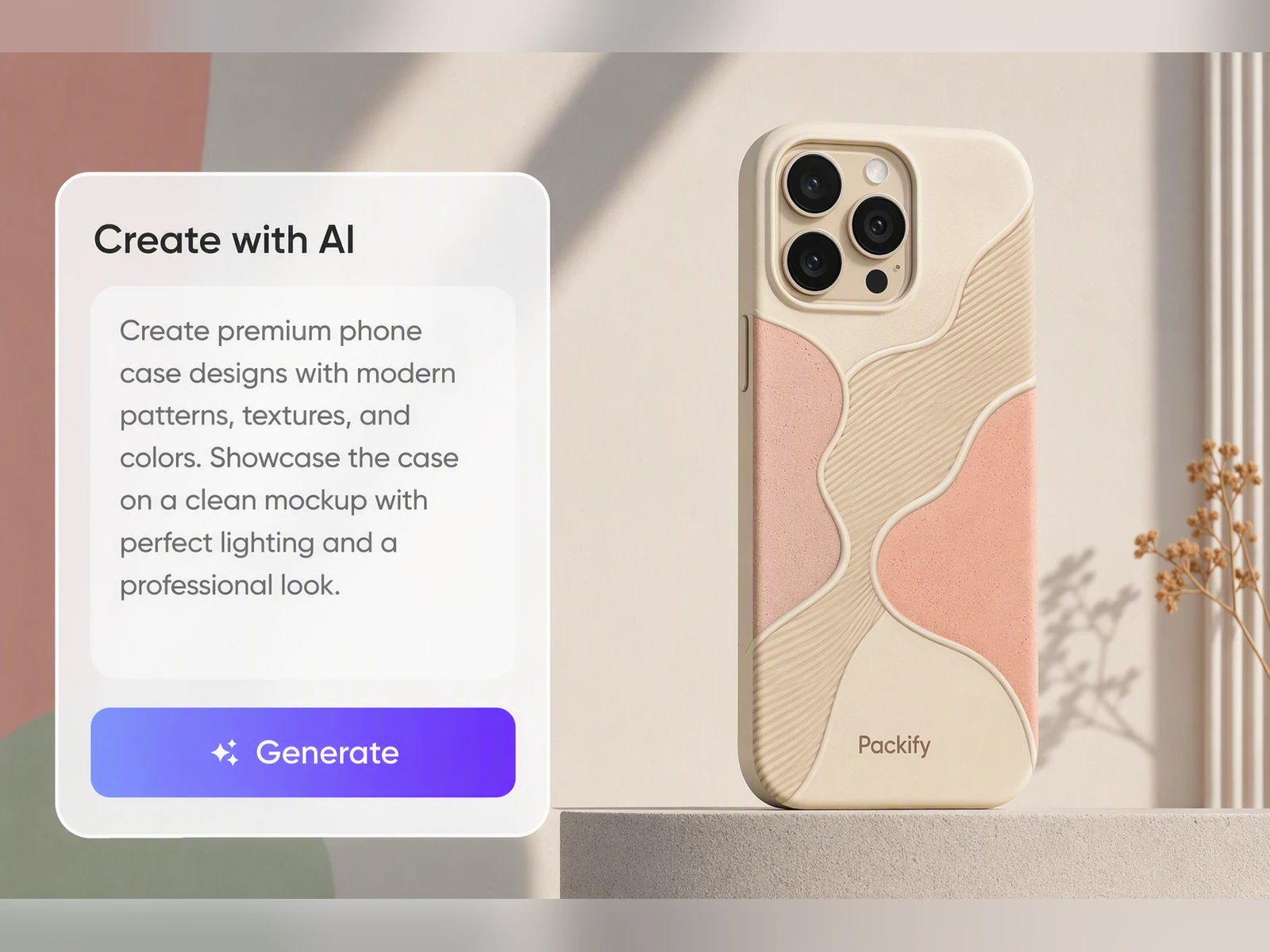
Preview the complete visual direction
A flat image may not show whether the colors, artwork scale, and composition work together. Packify creates a presentation mockup so you can evaluate the overall design before discussing production with a printer or POD supplier.
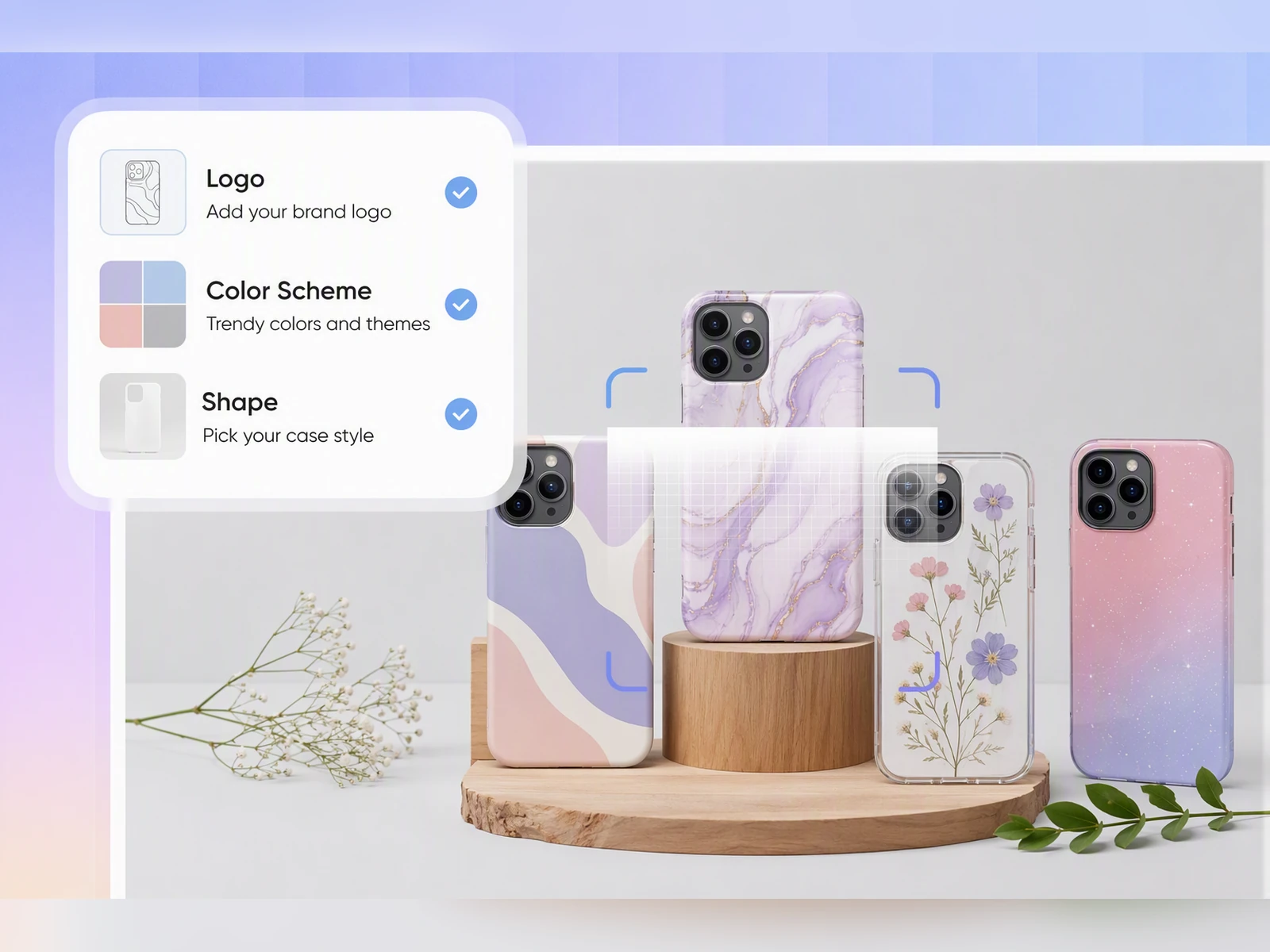
Prepare accurate iPhone dielines
When production details matter, open Export Dieline and select the appropriate iPhone model. Review the camera opening, reposition important artwork, and extend the background to the bleed line before sending the file to your production partner.
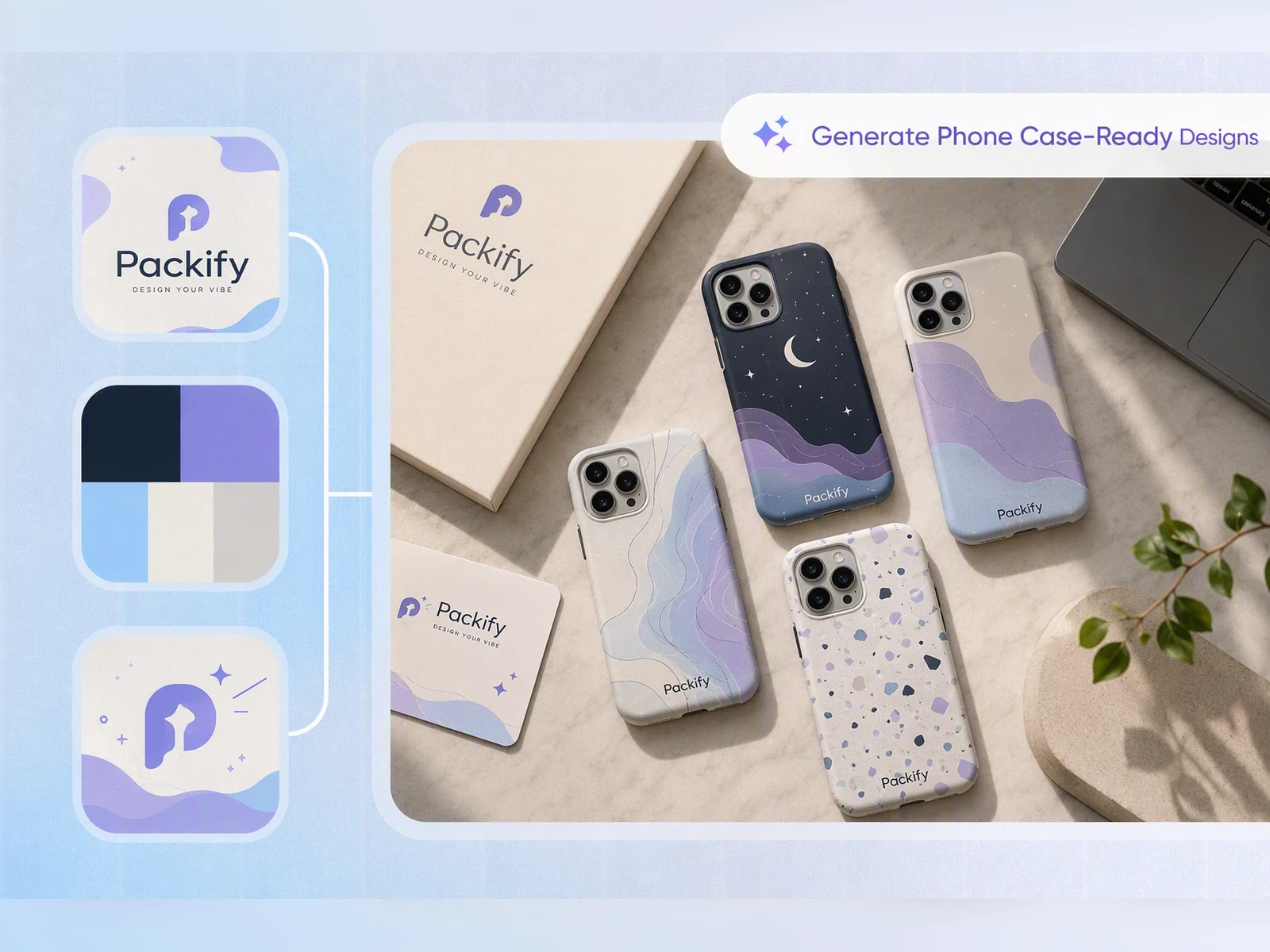
Build differentiated collections for less
As the US mobile accessories market grows toward $34.22 billion by 2030, brands face more pressure to launch distinctive products quickly. Packify lets sellers explore and refine more phone case designs before commissioning samples or repeated design rounds, lowering the cost of building differentiated Etsy and Shopify collections.
Create without design software
Start with a sentence, name, visual theme, or reference photo. Packify turns the input into complete phone case artwork that you can refine for personal projects, Etsy listings, Shopify collections, or branded merchandise.
Preview the complete visual direction
A flat image may not show whether the colors, artwork scale, and composition work together. Packify creates a presentation mockup so you can evaluate the overall design before discussing production with a printer or POD supplier.
Prepare accurate iPhone dielines
When production details matter, open Export Dieline and select the appropriate iPhone model. Review the camera opening, reposition important artwork, and extend the background to the bleed line before sending the file to your production partner.
Build differentiated collections for less
As the US mobile accessories market grows toward $34.22 billion by 2030, brands face more pressure to launch distinctive products quickly. Packify lets sellers explore and refine more phone case designs before commissioning samples or repeated design rounds, lowering the cost of building differentiated Etsy and Shopify collections.
Proven impact, in our customer's words


The AI-powered packaging design tool is a game-changer. It's fast, intuitive, making it an essential tool for any forward-thinking design team.ved.
March 26, 2025


The results are so amazing that I don't think it's just for inspiration... I'd say artificial intelligence outperforms most designers; the key is to come up with the perfect prompt. Great contribution! Thank you 😊.
March 18, 2025


The AI-powered packaging design tool is a game-changer. It's fast, intuitive, making it an essential tool for any forward-thinking design team.
March 18, 2025


We’re a tiny skincare shop. Packify.ai turned my scribbles into clean mockups and a printable dieline by Monday. Fewer back-and-forths, consistent branding, a nd our product page conversions moved.
March 18, 2025


The AI-powered packaging design tool is a game-changer. It's fast, intuitive, making it an essential tool for any forward-thinking design team.
March 26, 2025


The results are so amazing that I don't think it's just for inspiration... I'd say artificial intelligence outperforms most designers; the key is to come up with the perfect prompt. Great contribution! Thank you 😊
March 18, 2025


Congrats! Packify.ai, an AI packaging designer, enables easy, creative design and offers AI-driven product photography for e-commerce through simple chatting.
April 2, 2025


We’re a tiny skincare shop. Packify.ai turned my scribbles into clean mockups and a printable dieline by Monday. Fewer back-and-forths, consistent branding, a nd our product page conversions moved.
May 9, 2025
You asked,
we answered
You asked, we answered
What can I create with Packify’s phone case design maker?
You can generate phone case artwork from text or reference images, refine the design, create a presentation mockup, and download the finished result. Packify does not manufacture or ship physical phone cases. Production should be arranged with your preferred printer or POD supplier.
Can I design my own iPhone case for different models?
Yes. You can design your own iPhone case and export dielines for supported iPhone 12, 13, 15, 16, and 17 series devices, including Pro Max and Air models. Check the available options inside Export Dieline before preparing the design for production.
How do I keep artwork clear of the camera opening?
Finish the visual design first, then open Export Dieline and select the corresponding iPhone model. Use the camera opening shown on the dieline to reposition faces, text, logos, and other important elements before exporting the production file.
Where can I check the bleed lines?
Presentation mockups do not display production bleed lines. Open Export Dieline to view them for a supported iPhone model. Extend background colors and patterns to the indicated bleed area, then confirm the final requirements with your production supplier.
Can I use the phone case design maker for free?
You can try the available design features before upgrading. Generating, refining, downloading, or exporting may consume credits, so check your account balance first. Visit the Pricing Page for current subscription plans and credit options.
Can I use my phone case designs commercially?
Yes, subject to Packify’s Terms of Use. You can use generated designs for branded merchandise, Etsy products, or Shopify collections. AI-generated content is not exclusive, and you remain responsible for trademarks, image rights, and other protected elements.
Create your own phone case from one idea