Price Tag Maker
Describe your product, price, and brand style. Packify’s price tag maker creates a custom design that you can refine and turn into an editable dieline for printing.

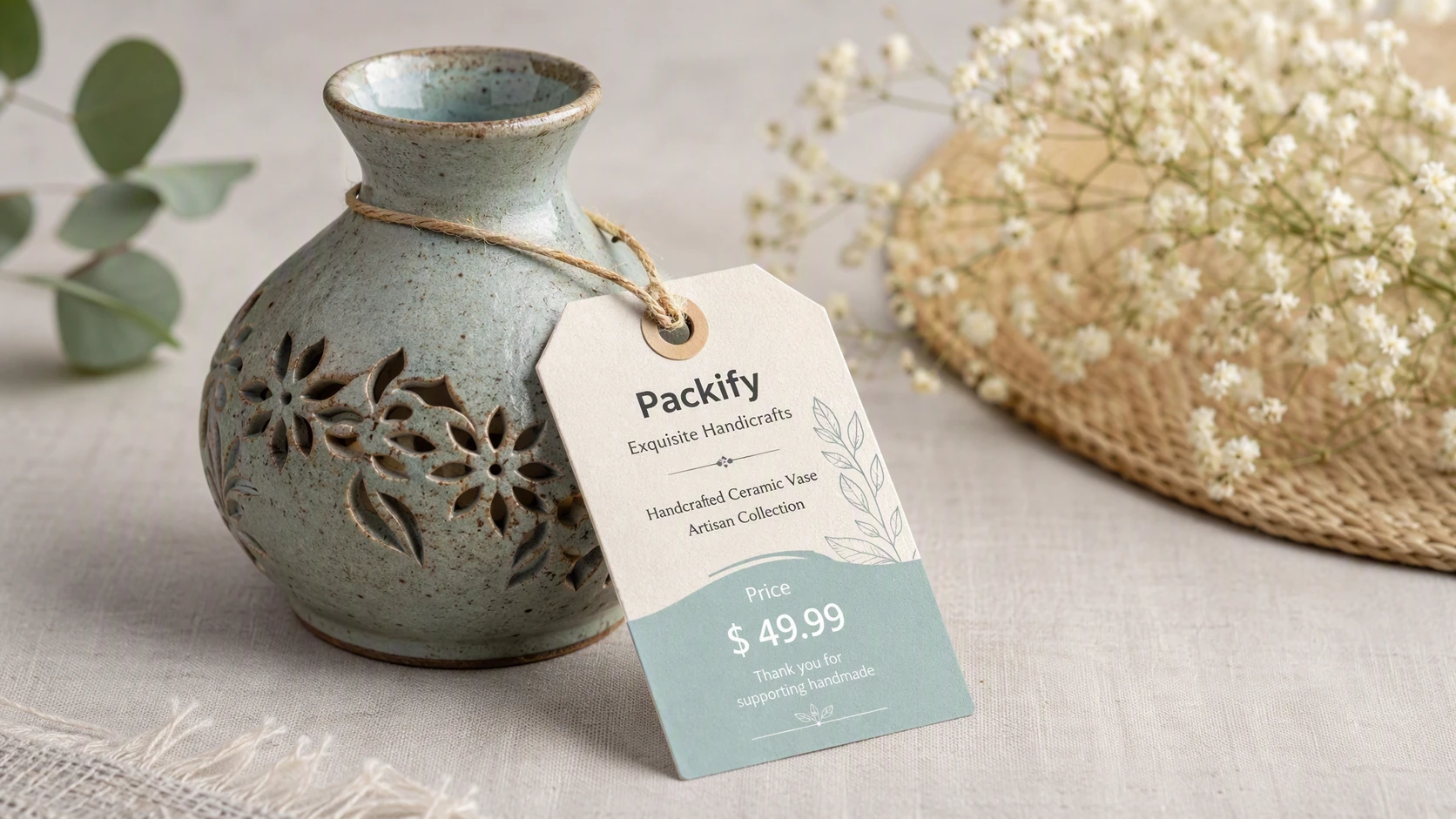
Trusted by industry-leading businesses


A Price Tag Generator for Thoughtfully Made Products
A thoughtfully made product deserves a pricing tag that reflects its quality. A generic sticker may show the price, but it can interrupt the look and feel of the product. An overly decorative design, however, can make the product name, price, and promotional details difficult to read.
Packify helps balance brand expression with clear information. Create a simple everyday price tag, a branded promotional tag, or a custom pricing card. Refine the layout in the editor and use a recommended mockup to see how the finished tag could look.
How to Make Price Tags with AI
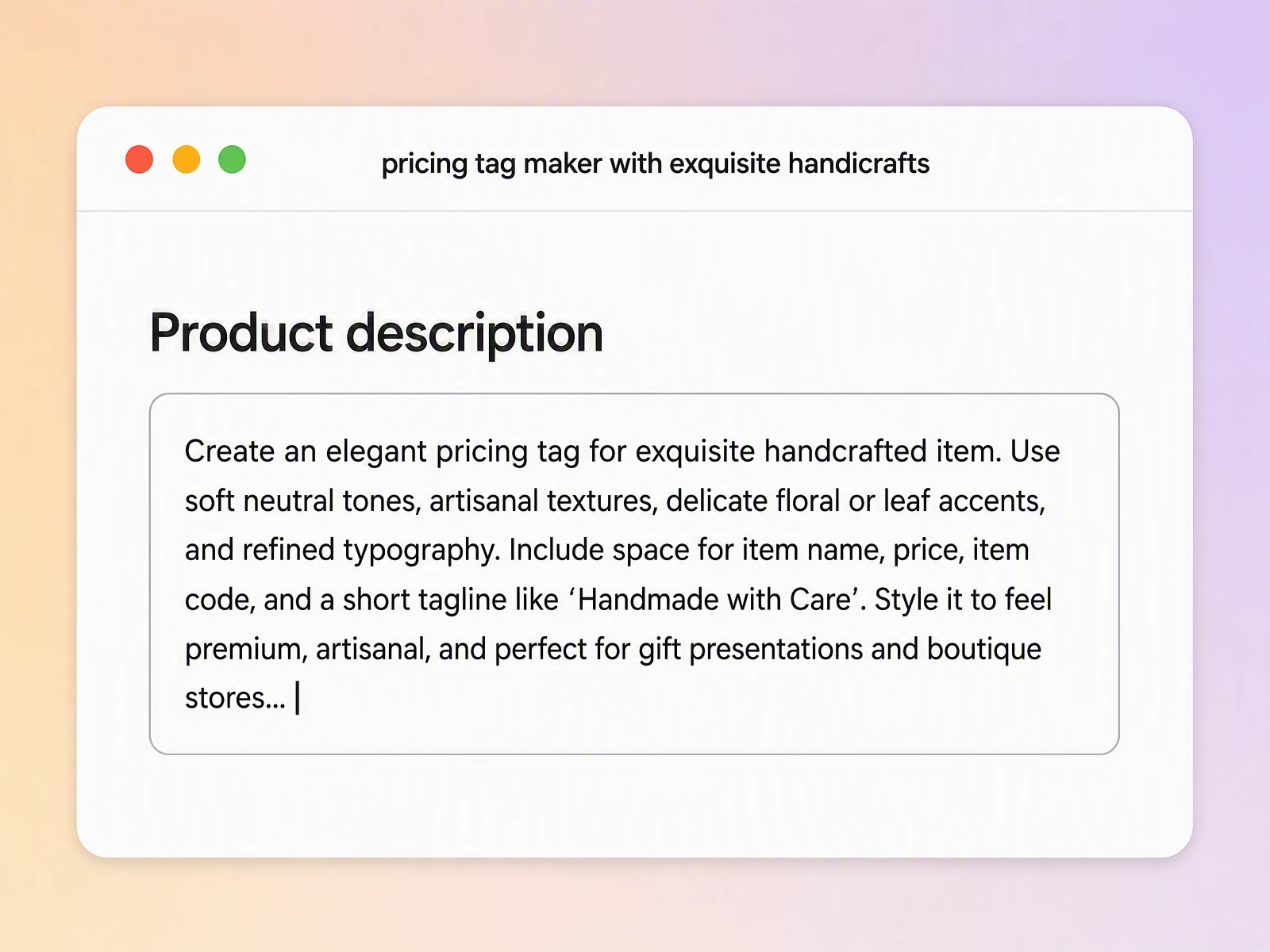
Step 1: Enter your price tag details
Add the product name, price, brand name, and promotional message. You can also include an item number, dimensions, material, or other details you want to display.
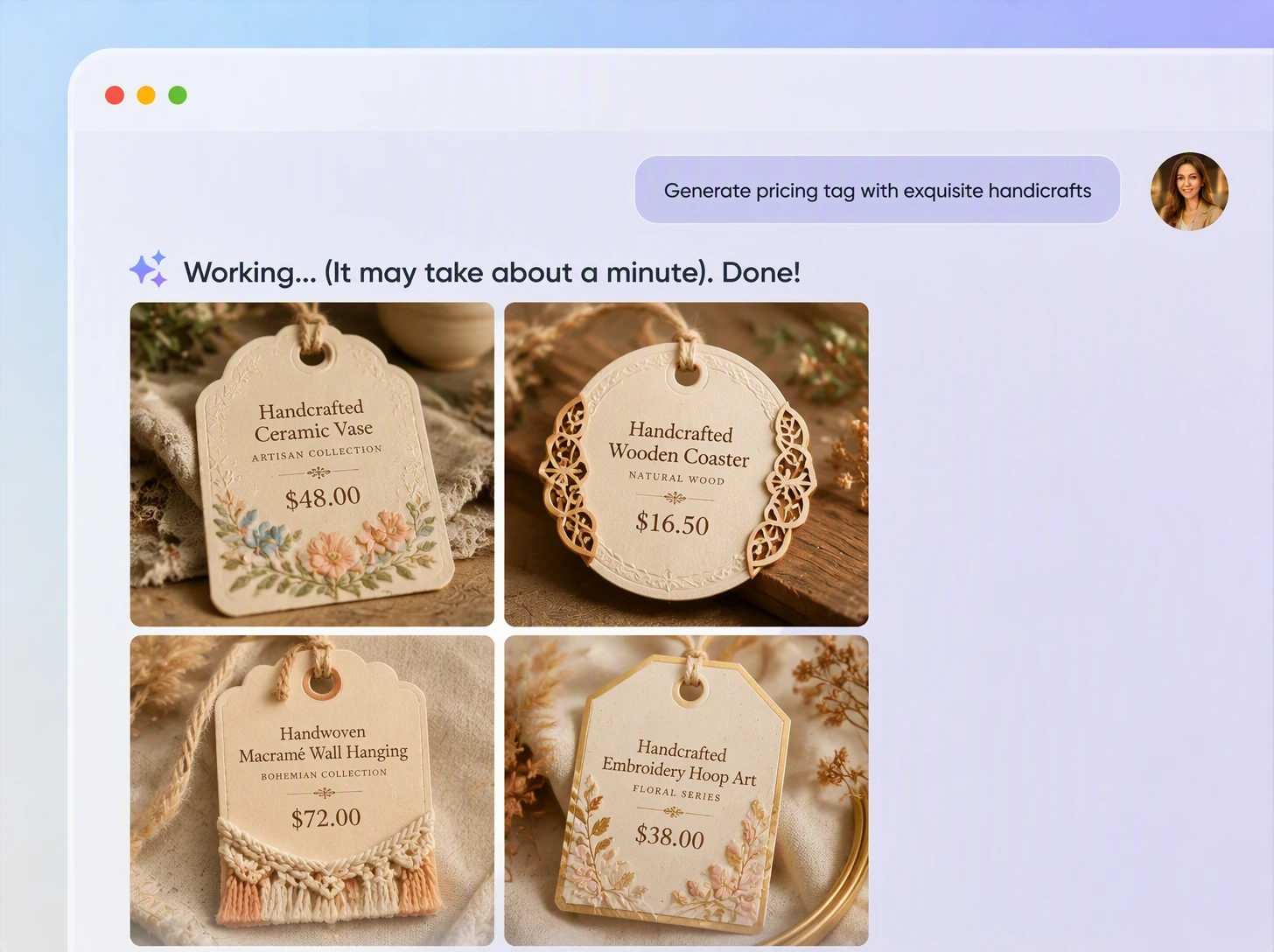
Step 2: Describe your price tag design
Specify the colors, typography, dimensions, shape, and overall style. Refine the visual hierarchy through additional prompts until the price is clear and the design fits your product.
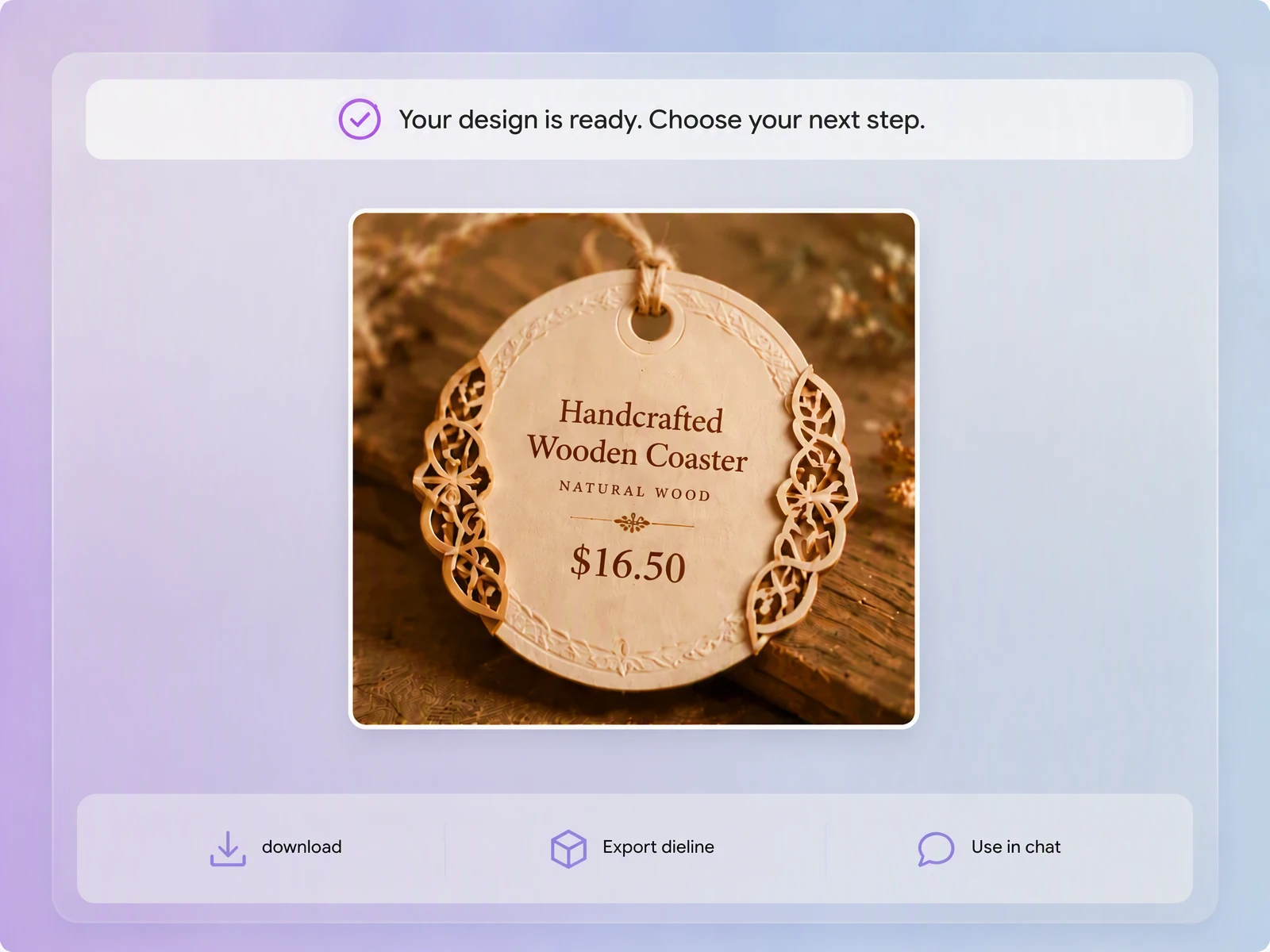
Step 3: Export and edit the dieline
Click Export Dieline and choose a recommended mockup or dieline. In the editor, position your logo, price, text, and graphics away from bleed lines, cut edges, and punched-hole areas.

Step 1: Enter your price tag details
Add the product name, price, brand name, and promotional message. You can also include an item number, dimensions, material, or other details you want to display.
Step 2: Describe your price tag design
Specify the colors, typography, dimensions, shape, and overall style. Refine the visual hierarchy through additional prompts until the price is clear and the design fits your product.
Step 3: Export and edit the dieline
Click Export Dieline and choose a recommended mockup or dieline. In the editor, position your logo, price, text, and graphics away from bleed lines, cut edges, and punched-hole areas.
Why Use Our Custom Price Tag Maker?
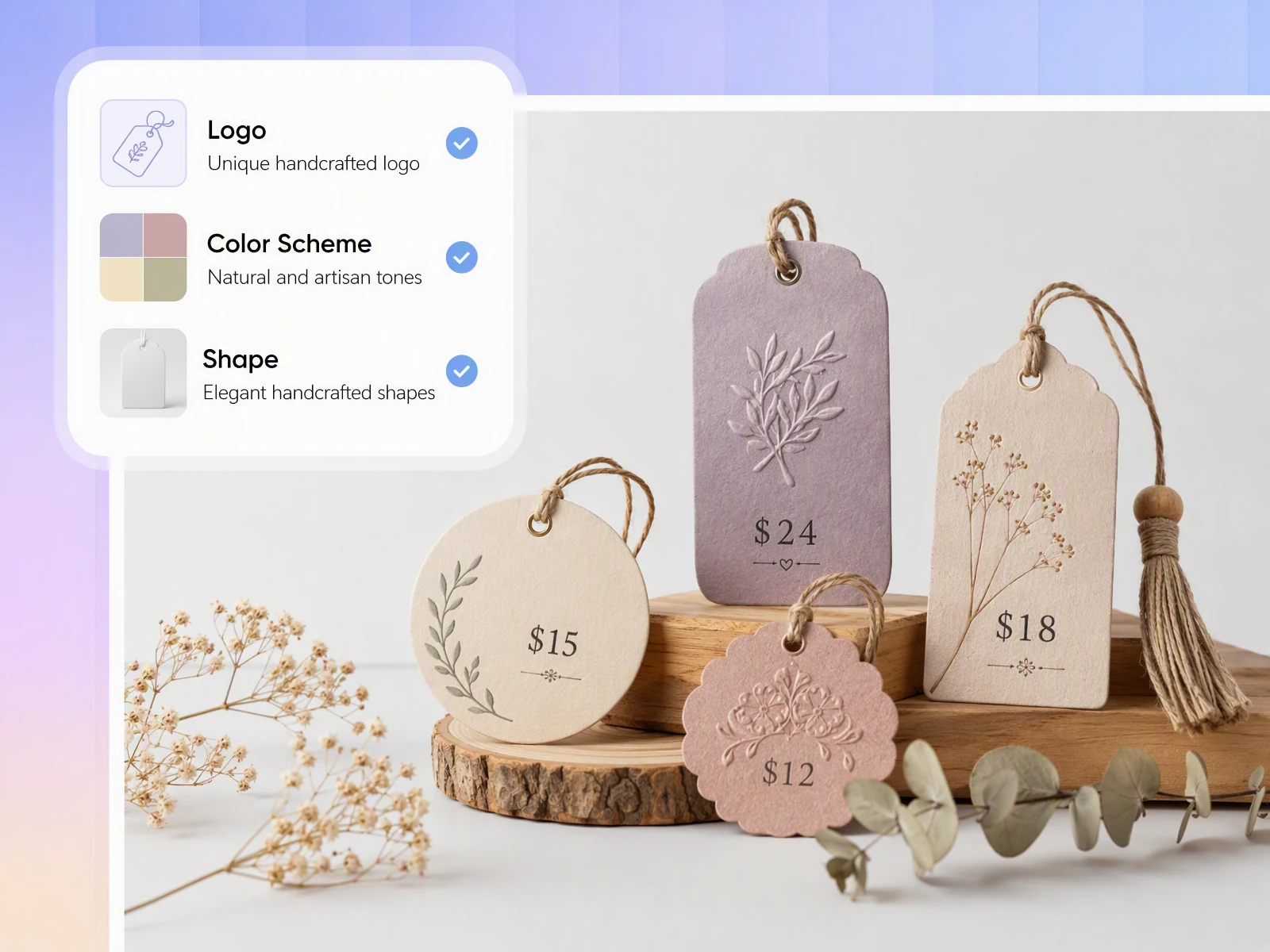
Match the quality of your product
Carefully selected materials, colors, and packaging can lose their impact when paired with a generic pricing sticker. Packify turns your creative direction into a branded price tag design, helping the typography, colors, and graphics feel like part of the product.
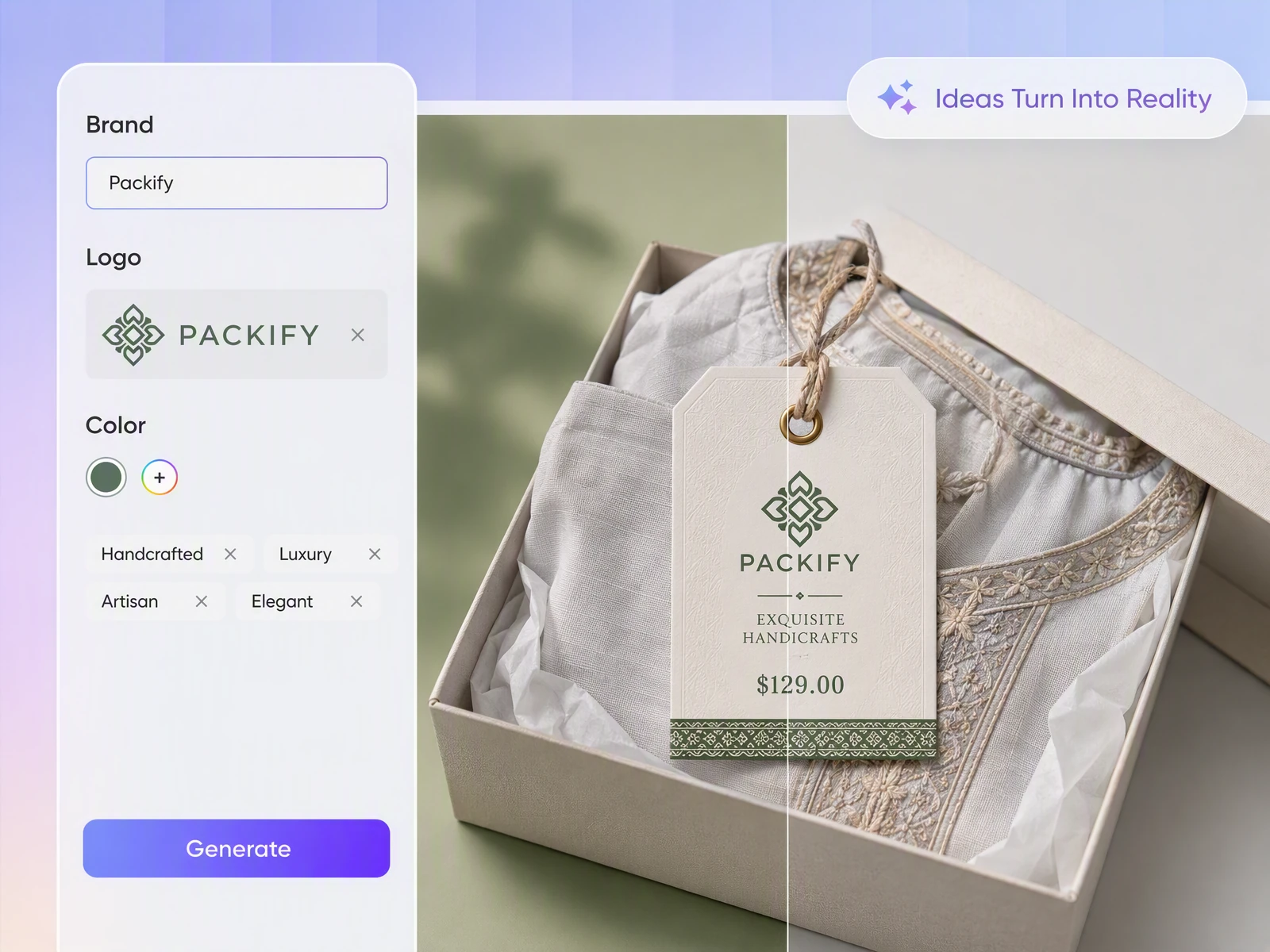
Explore a better tag shape
Not every product suits the same rectangular tag. Describe the size, proportions, outline, and punched-hole requirements you need. Packify recommends related mockups so you can explore a structure that works with the way your product will be displayed.
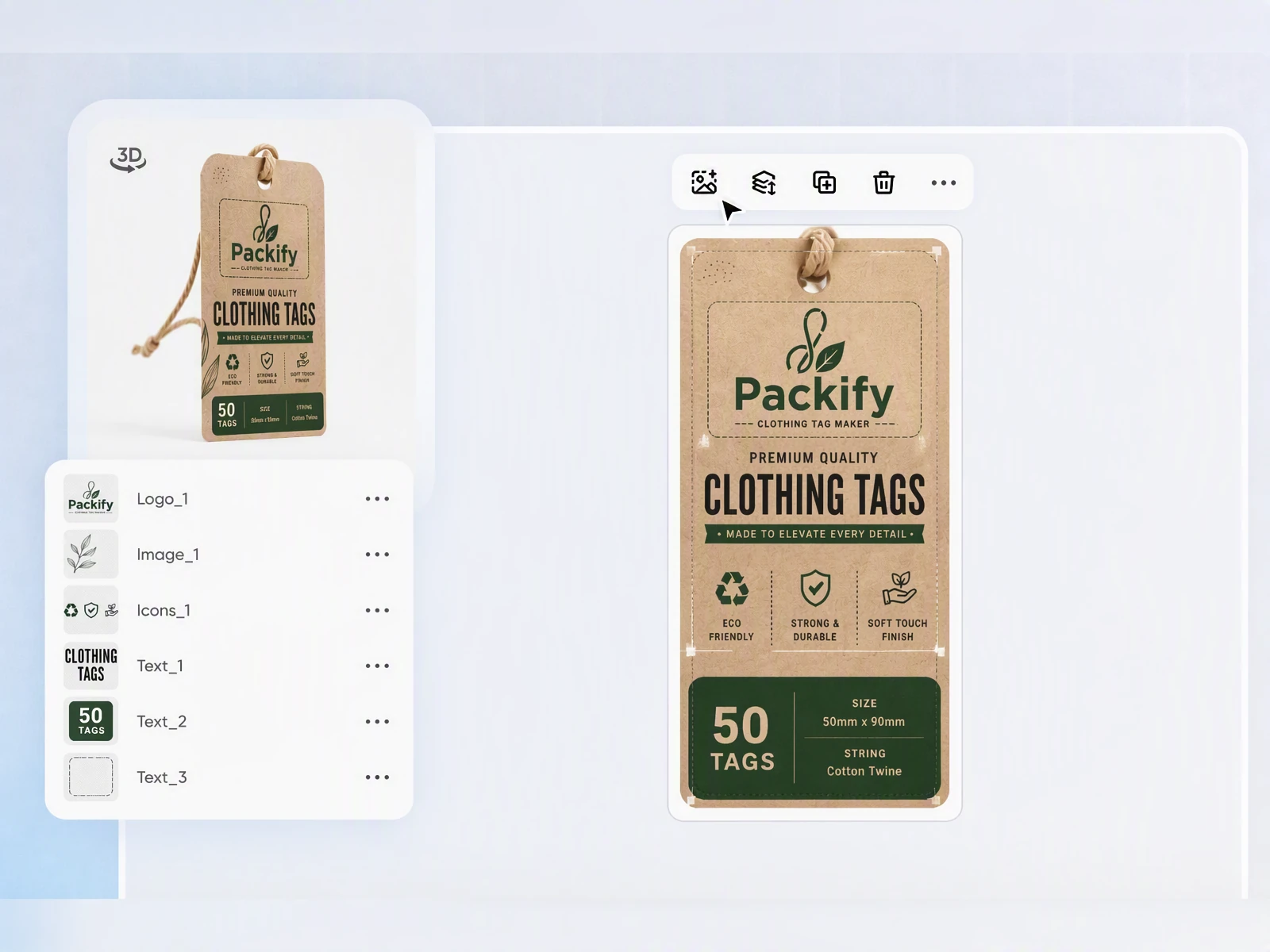
Adjust content before cutting
Small pricing tags leave little room for error. A price or product name placed too close to the edge may be cut off. After exporting the dieline, manually reposition important elements inside the editor before sending the file to print.
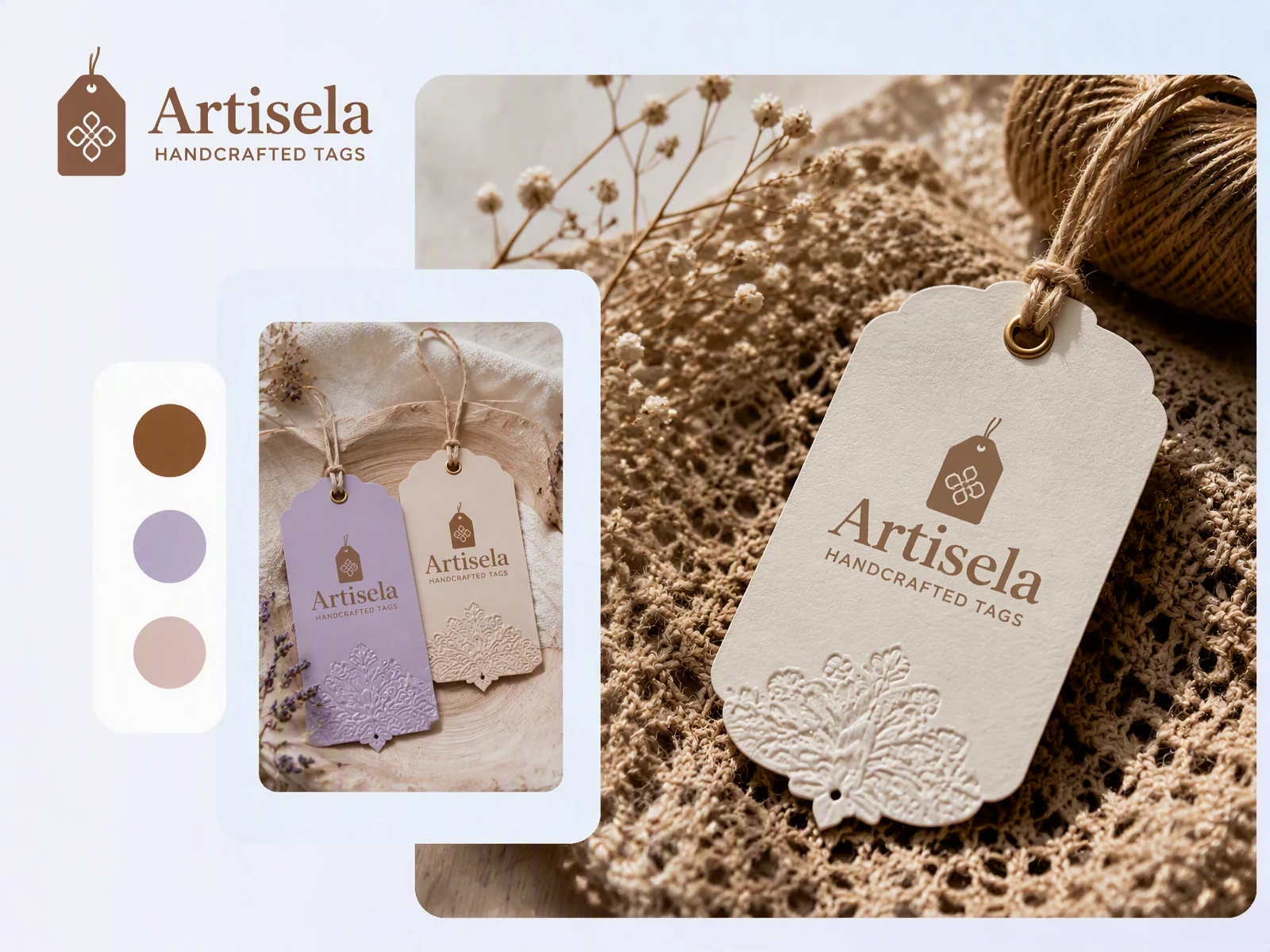
Design online without an app
Create and edit price tags directly in your browser without installing a dedicated design app. Download the finished file to print yourself or send it to a print provider after checking the prices, text, dimensions, and dieline.
Match the quality of your product
Carefully selected materials, colors, and packaging can lose their impact when paired with a generic pricing sticker. Packify turns your creative direction into a branded price tag design, helping the typography, colors, and graphics feel like part of the product.
Explore a better tag shape
Not every product suits the same rectangular tag. Describe the size, proportions, outline, and punched-hole requirements you need. Packify recommends related mockups so you can explore a structure that works with the way your product will be displayed.
Adjust content before cutting
Small pricing tags leave little room for error. A price or product name placed too close to the edge may be cut off. After exporting the dieline, manually reposition important elements inside the editor before sending the file to print.
Design online without an app
Create and edit price tags directly in your browser without installing a dedicated design app. Download the finished file to print yourself or send it to a print provider after checking the prices, text, dimensions, and dieline.
Proven impact, in our customer's words


The AI-powered packaging design tool is a game-changer. It's fast, intuitive, making it an essential tool for any forward-thinking design team.ved.
March 26, 2025


The results are so amazing that I don't think it's just for inspiration... I'd say artificial intelligence outperforms most designers; the key is to come up with the perfect prompt. Great contribution! Thank you 😊.
March 18, 2025


The AI-powered packaging design tool is a game-changer. It's fast, intuitive, making it an essential tool for any forward-thinking design team.
March 18, 2025


We’re a tiny skincare shop. Packify.ai turned my scribbles into clean mockups and a printable dieline by Monday. Fewer back-and-forths, consistent branding, a nd our product page conversions moved.
March 18, 2025


The AI-powered packaging design tool is a game-changer. It's fast, intuitive, making it an essential tool for any forward-thinking design team.
March 26, 2025


The results are so amazing that I don't think it's just for inspiration... I'd say artificial intelligence outperforms most designers; the key is to come up with the perfect prompt. Great contribution! Thank you 😊
March 18, 2025


Congrats! Packify.ai, an AI packaging designer, enables easy, creative design and offers AI-driven product photography for e-commerce through simple chatting.
April 2, 2025


We’re a tiny skincare shop. Packify.ai turned my scribbles into clean mockups and a printable dieline by Monday. Fewer back-and-forths, consistent branding, a nd our product page conversions moved.
May 9, 2025
You asked,
we answered
You asked, we answered
What types of pricing tags can I create?
You can create price tags for handmade products, craft markets, retail displays, clothing, jewelry, and promotional offers.
For candles, soaps, ceramics, accessories, and artwork, create branded tags that combine the product name and price with complementary colors and graphics. For craft markets, retail counters, seasonal collections, and limited-time promotions, design clear pricing cards that make the price easy to find without overpowering the product.
Use the price tag maker for clothing to design tags for independent collections, vintage pieces, and small apparel releases. Add the product name, price, size, or an optional item number, then adjust the content around the cut edges and punched hole.
The jewelry price tag maker can create compact tags for handmade jewelry and small accessories. Keep the price and essential details readable while adapting the layout to the limited space.
Describe the dimensions, shape, punched-hole position, and required information, then review the related mockups recommended by Packify.
How should I write a prompt for the price tag generator?
Include the product type, brand name, price, tag dimensions, visual style, and required information. Tell the AI not to invent product details you have not provided.
For example:
> Design a hanging price tag for a handmade lavender candle. Place the brand name “Willow & Wax” at the top, the product name in the center, and the price “$18” in large type near the bottom. Use a warm cream background, muted lavender accents, and a simple botanical illustration. Add a centered punched hole at the top. Keep all important text away from the punched hole and cut edges. Do not add information I have not provided. >
Do I need to add a SKU to my price tag?
No. A SKU is optional and is not required on every price tag. Packify does not import SKU data from Shopify or other product systems. If you want to display an item number, enter and verify it manually in your prompt or inside the editor.
Can I create promotional pricing tags?
Yes. Include the original price, promotional price, discount message, and campaign name in your prompt. Explain which information should be most prominent. After generating the design, manually verify every number inside the editor.
Can I use the price label generator for shelf labels?
Packify can help create the visual design for a shelf or display price label. However, it does not import retail inventory or automatically arrange variable product data. Enter the information manually and confirm that the finished dimensions match your display system before printing.
Does the price tag maker for clothing import product data?
No. Packify does not automatically retrieve product names, prices, sizes, or SKUs from Shopify or a POS system. Enter the information you want to display manually, then review it carefully inside the editor before exporting the dieline.
Can Packify generate a scannable barcode?
No. Packify does not generate verified, scannable barcodes. Any barcode-like graphic created by AI should only be treated as a visual placeholder.
If your price tag needs a UPC, EAN, or another scannable code, generate the barcode with a dedicated barcode tool and import the correct image yourself. Test the printed barcode with a real scanner before production.
Does Packify connect directly to a printer?
No. Packify does not connect to or control a specific printer. You can design the price tag online without installing a dedicated label-making app, then download the file to print yourself or send to a print provider.
Check the product name, price, dimensions, safe area, bleed, cut lines, and punched-hole position before sending the file.
What should I check before professional printing?
Verify the product name, price, promotional details, dimensions, and all other text. Make sure important elements do not enter the bleed, cut, fold, or punched-hole areas.
Confirm the finished size, material, bleed requirements, color settings, and production method with your print provider before approving production.
Can I keep multiple price tag designs consistent?
Use Brand Kit to set your brand colors, logo, and brand description. This helps separate designs stay in a similar visual direction. Each price tag must still be generated and checked individually, especially when prices or product details change.
Is the AI price tag maker free?
You can try Packify’s AI design features. Generating content may use credits based on the action you perform, so check your available balance before starting. Visit the Pricing Page for subscription and credit details.
Can I use generated price tags commercially?
You may use generated price tag designs for personal or commercial projects as long as you follow Packify’s Terms. AI-generated content is not exclusive, and you are responsible for reviewing trademarks, logos, and elements that may resemble existing brands. Read the Terms of Use before production.
Make Every Price Part of the Design