
AI ghost mannequin generator
Upload a photo of your garment. Packify generates a product image that shows how the garment hangs when worn, with no mannequin visible.
Trusted by industry-leading businesses


Ghost mannequin photography from a garment photo
A flat photo can make it hard to tell how a garment hangs. Upload an existing product photo to Packify to generate a ghost mannequin image that shows the garment’s shape for your product page.
How to create ghost mannequin images with AI?
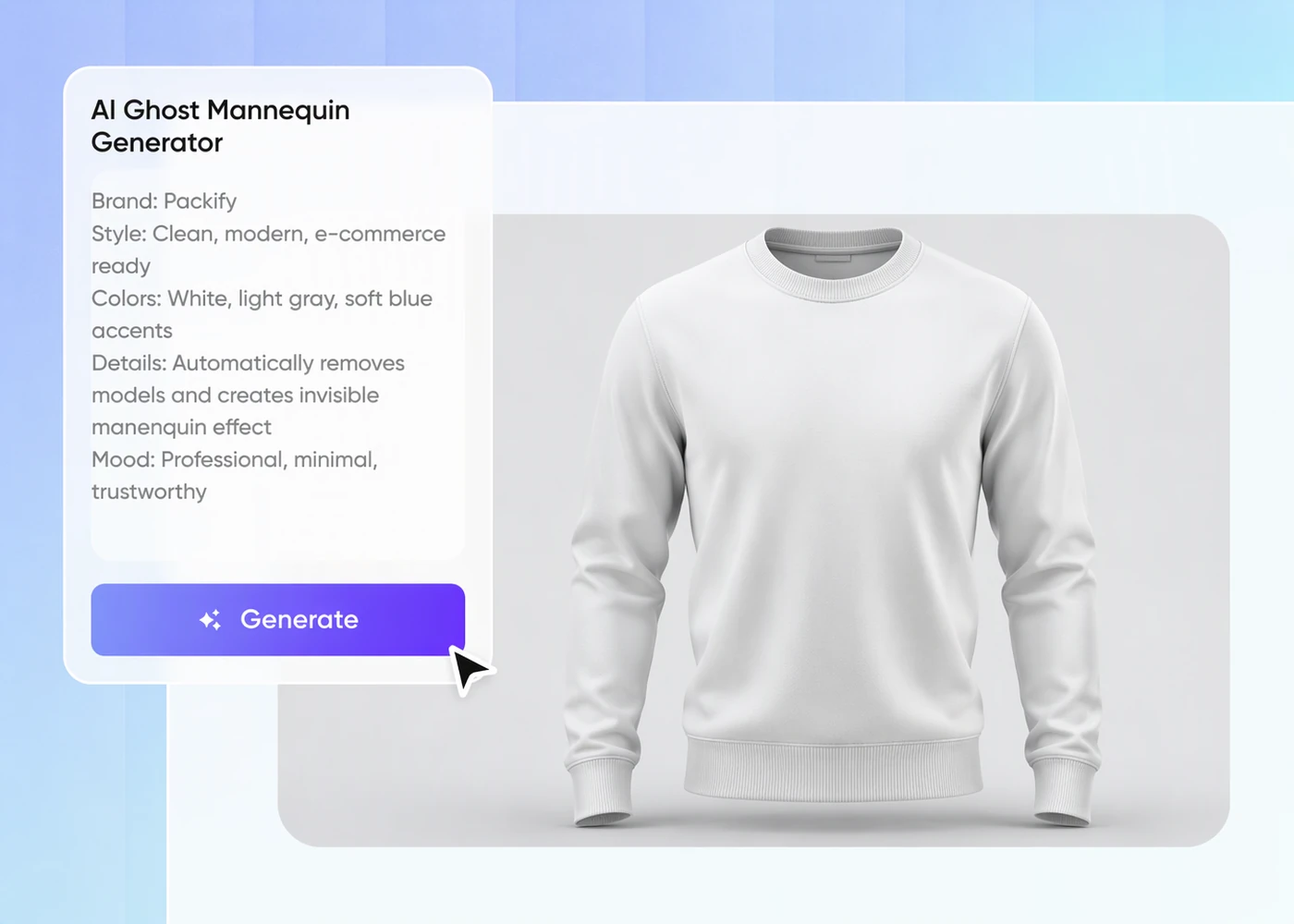
Step 1: Upload a garment photo
Choose an existing product photo that shows the full garment clearly, then upload it to Packify as your source image.
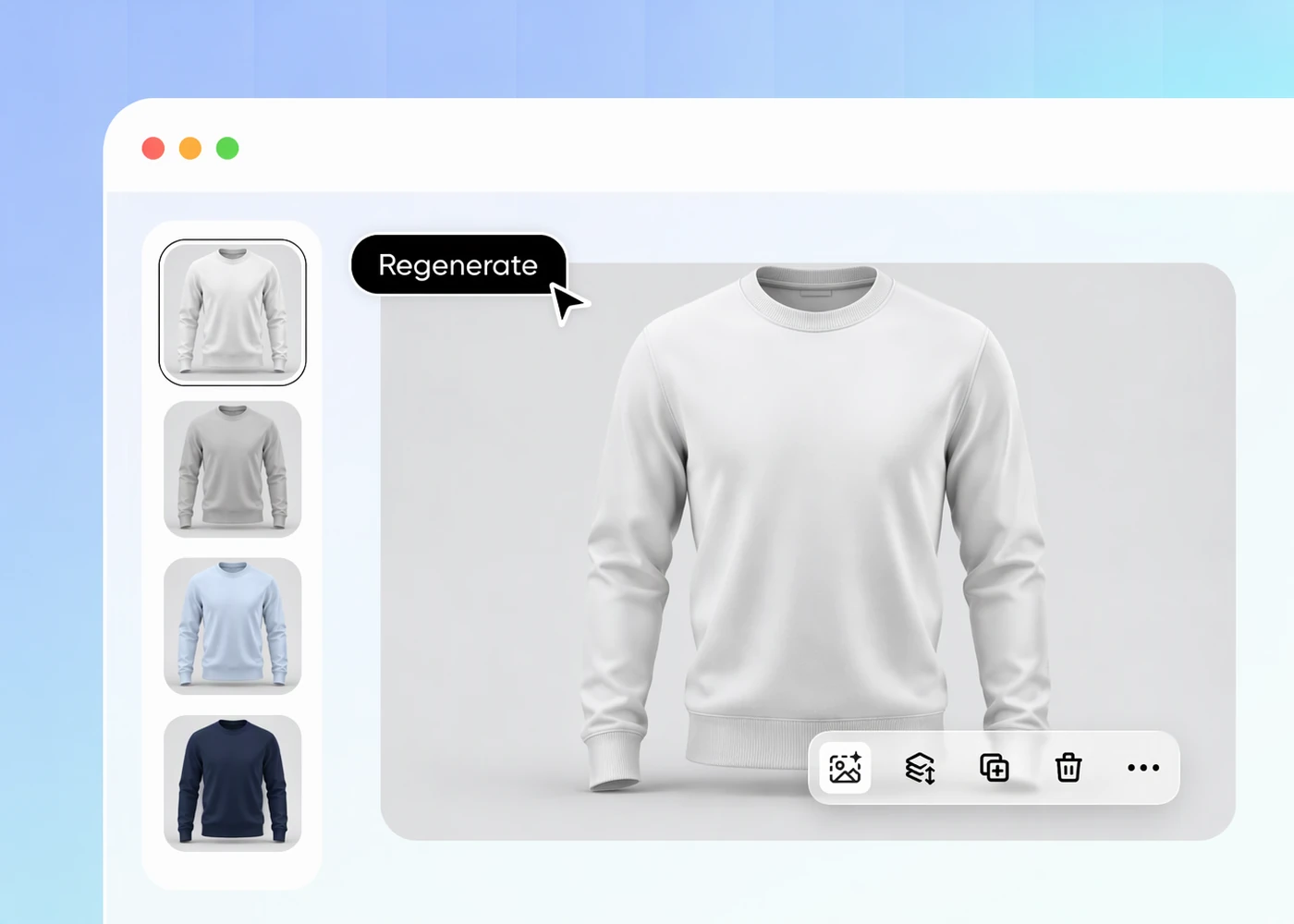
Step 2: Generate your ghost mannequin image
Generate a ghost mannequin image from your garment photo, then check that the background matches the other product images in your catalog.
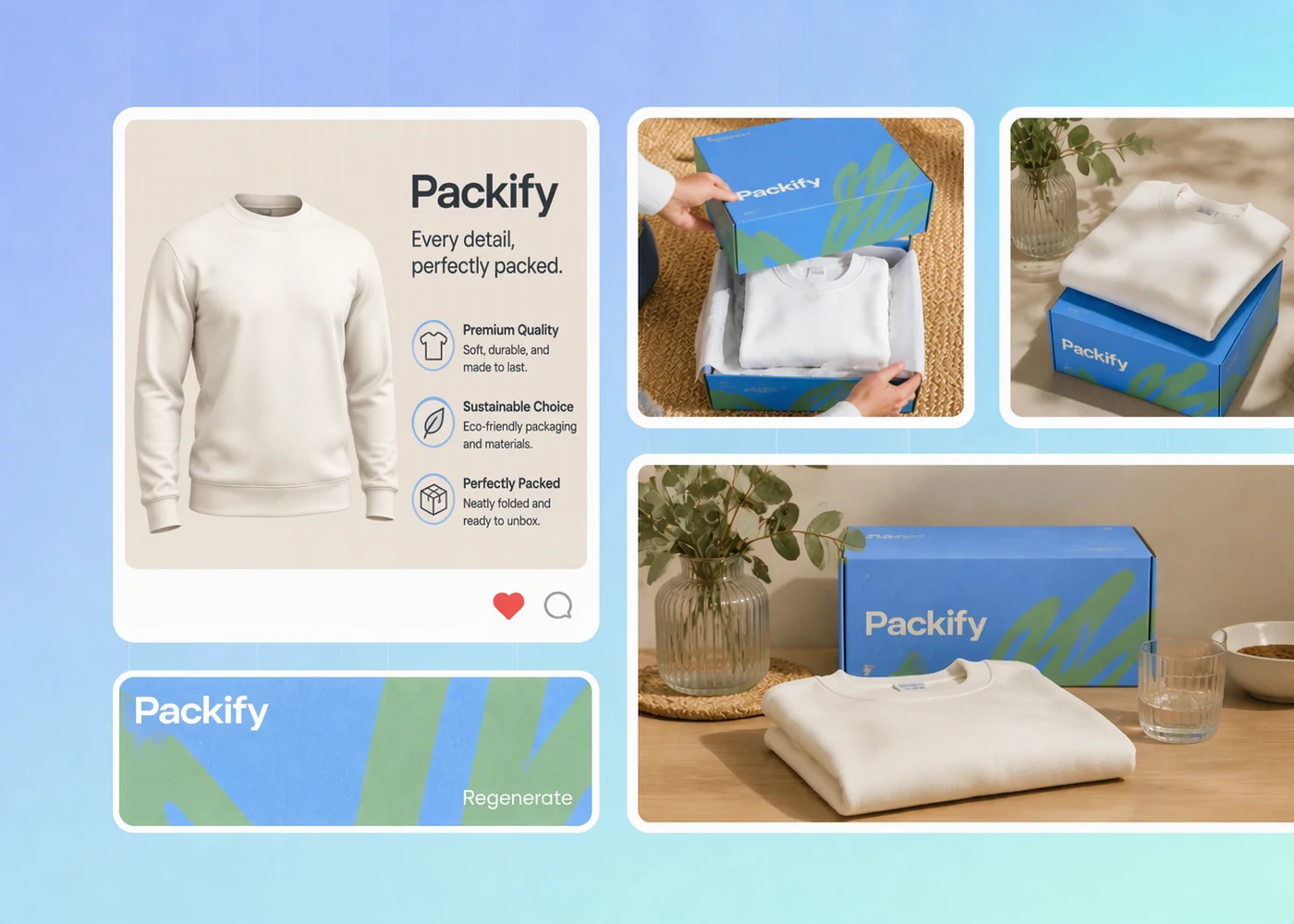
Step 3: Download your ghost mannequin image
Download your ghost mannequin image after checking, then use it for product listings, social media posts, and ads.

Step 1: Upload a garment photo
Choose an existing product photo that shows the full garment clearly, then upload it to Packify as your source image.
Step 2: Generate your ghost mannequin image
Generate a ghost mannequin image from your garment photo, then check that the background matches the other product images in your catalog.
Step 3: Download your ghost mannequin image
Download your ghost mannequin image after checking, then use it for product listings, social media posts, and ads.
Why choose Packify AI for ghost mannequin images?
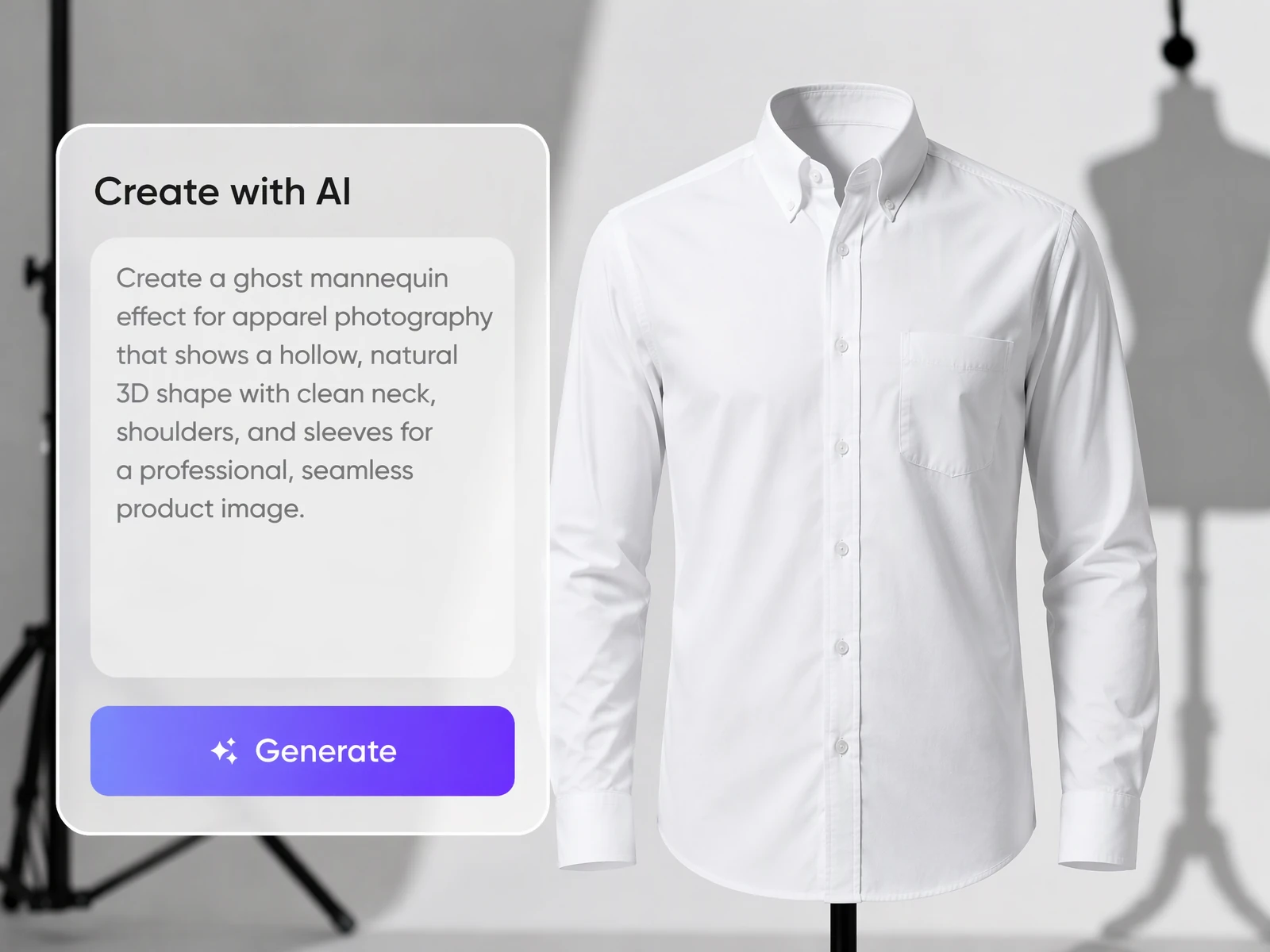
Streamline your ghost mannequin photography
Upload a garment photo and generate the ghost mannequin effect in one step. This saves you the manual work of masking out the mannequin and combining separate shots to create a single product image.
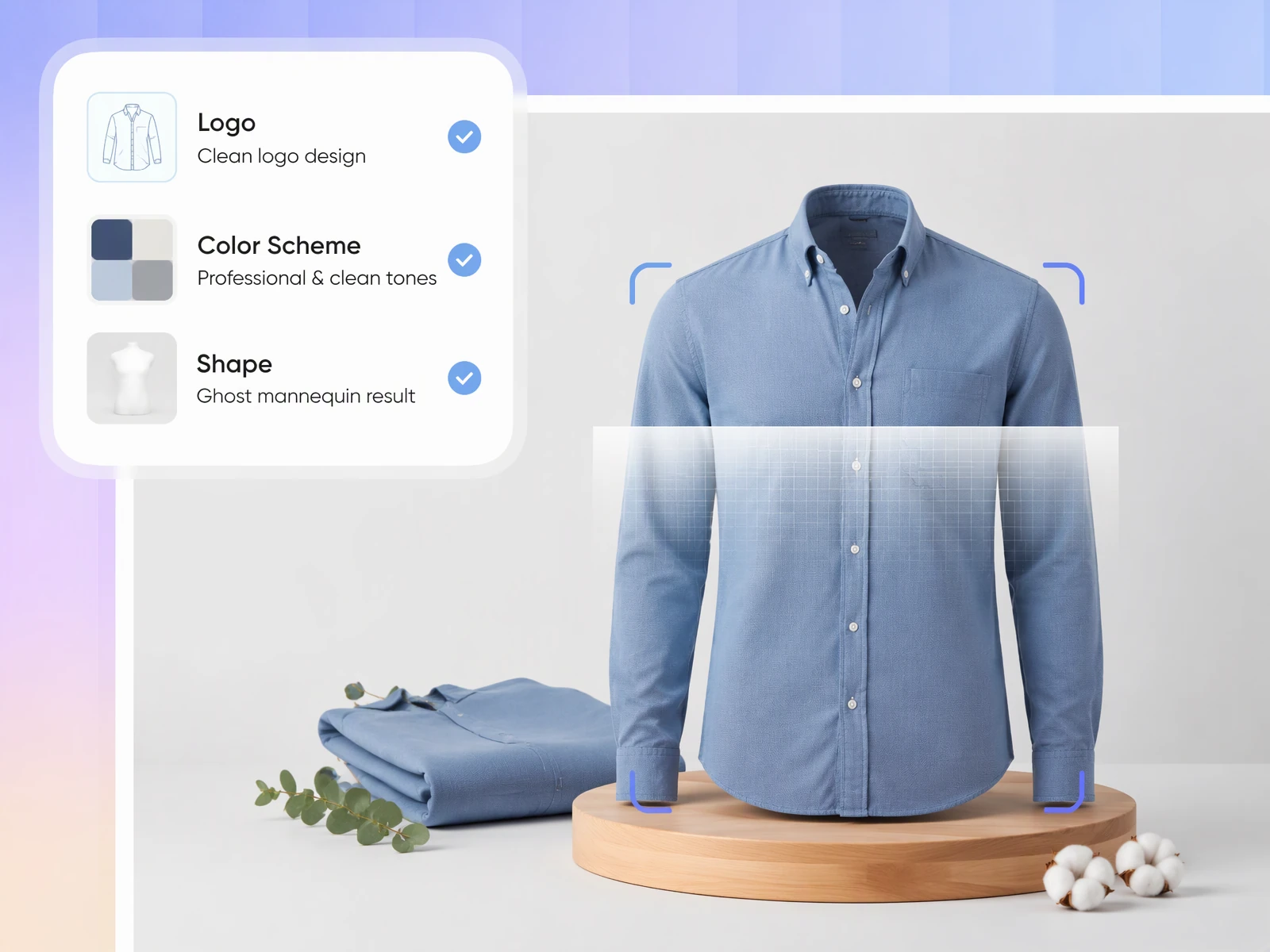
Test styles before booking shoots
If you’re testing a new style, try generating a ghost mannequin image from a product photo you already have. Review the result to decide whether you need to budget for a separate shoot for that style.
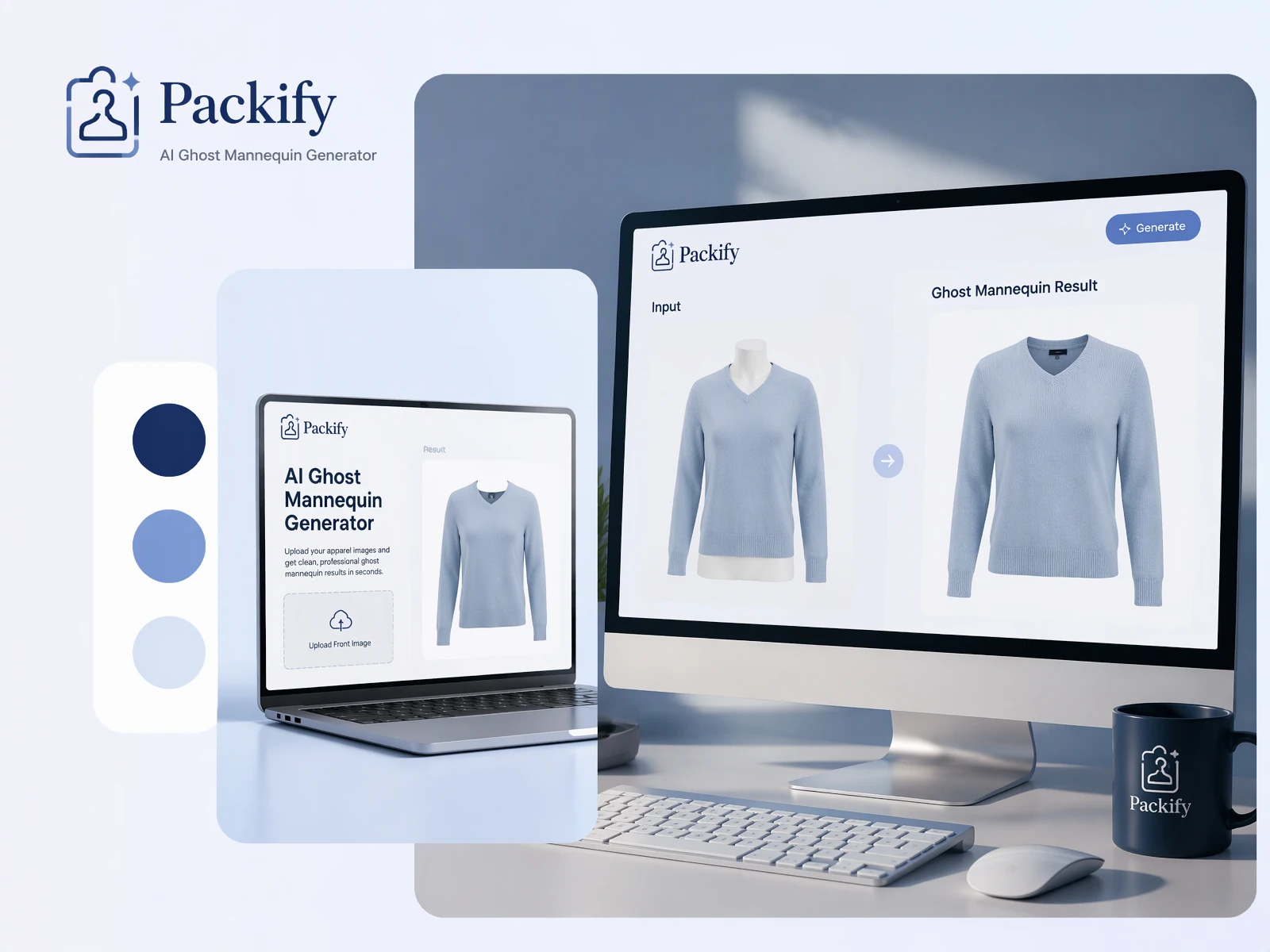
Show how each garment hangs
A flat lay shows the garment spread out. A ghost mannequin image gives shoppers a better view of the shoulder line, the volume through the body, and the way the fabric falls when worn.
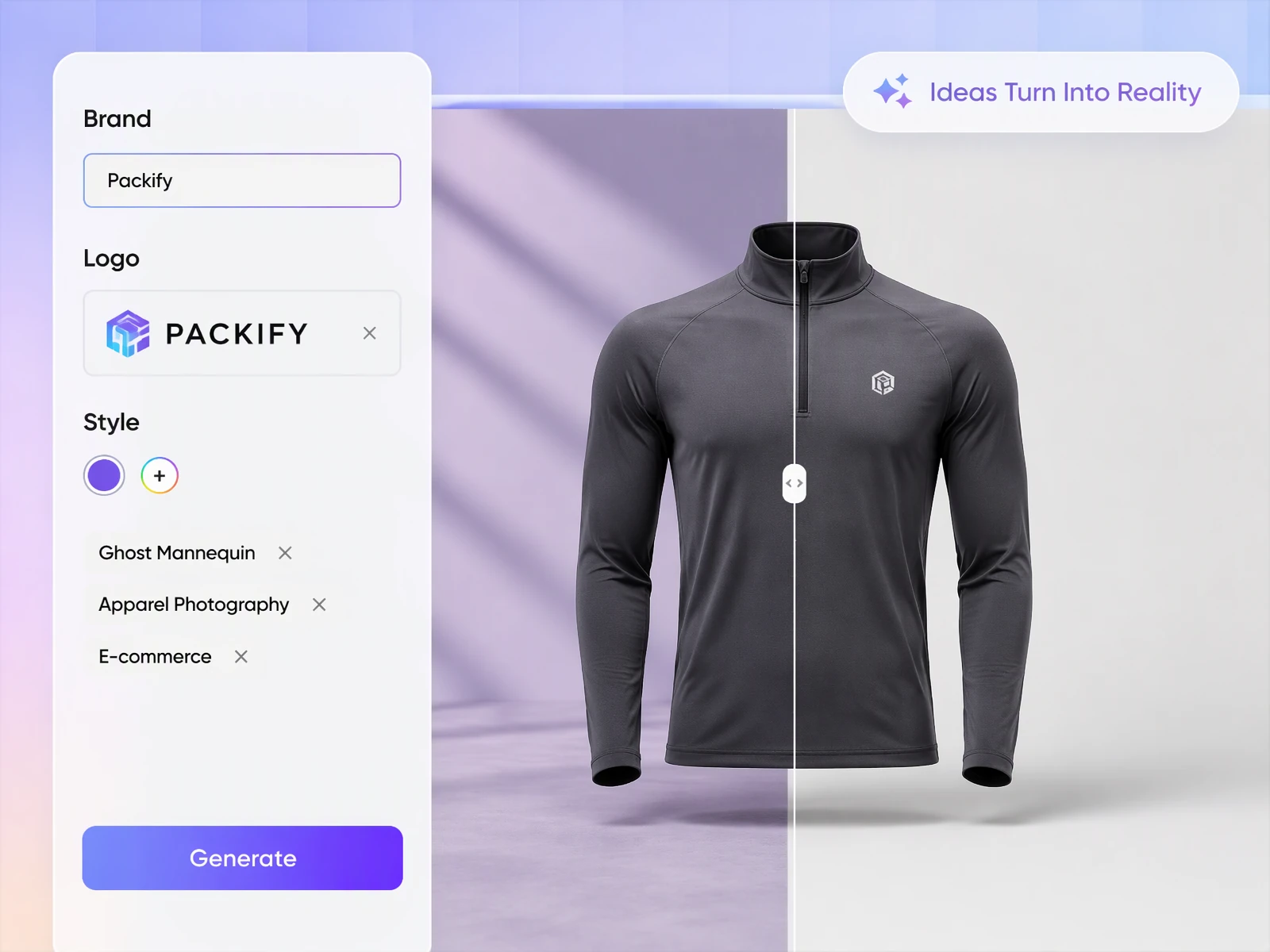
Keep apparel catalog images consistent
Packify’s AI ghost mannequin generator gives each garment the same worn look with no visible model. That gives new styles a consistent way to show their shape alongside existing ghost mannequin images in your catalog.
Streamline your ghost mannequin photography
Upload a garment photo and generate the ghost mannequin effect in one step. This saves you the manual work of masking out the mannequin and combining separate shots to create a single product image.
Test styles before booking shoots
If you’re testing a new style, try generating a ghost mannequin image from a product photo you already have. Review the result to decide whether you need to budget for a separate shoot for that style.
Show how each garment hangs
A flat lay shows the garment spread out. A ghost mannequin image gives shoppers a better view of the shoulder line, the volume through the body, and the way the fabric falls when worn.
Keep apparel catalog images consistent
Packify’s AI ghost mannequin generator gives each garment the same worn look with no visible model. That gives new styles a consistent way to show their shape alongside existing ghost mannequin images in your catalog.
Proven impact, in our customer's words


The AI-powered packaging design tool is a game-changer. It's fast, intuitive, making it an essential tool for any forward-thinking design team.ved.
March 26, 2025


The results are so amazing that I don't think it's just for inspiration... I'd say artificial intelligence outperforms most designers; the key is to come up with the perfect prompt. Great contribution! Thank you 😊.
March 18, 2025


The AI-powered packaging design tool is a game-changer. It's fast, intuitive, making it an essential tool for any forward-thinking design team.
March 18, 2025


We’re a tiny skincare shop. Packify.ai turned my scribbles into clean mockups and a printable dieline by Monday. Fewer back-and-forths, consistent branding, and our product page conversions moved.
March 18, 2025


The AI-powered packaging design tool is a game-changer. It's fast, intuitive, making it an essential tool for any forward-thinking design team.
March 26, 2025


The results are so amazing that I don't think it's just for inspiration... I'd say artificial intelligence outperforms most designers; the key is to come up with the perfect prompt. Great contribution! Thank you 😊
March 18, 2025


Congrats! Packify.ai, an AI packaging designer, enables easy, creative design and offers AI-driven product photography for e-commerce through simple chatting.
April 2, 2025


We’re a tiny skincare shop. Packify.ai turned my scribbles into clean mockups and a printable dieline by Monday. Fewer back-and-forths, consistent branding, and our product page conversions moved.
May 9, 2025
You asked,
we answered
You asked, we answered
What is a ghost mannequin image?
It’s a product photo that shows a garment as if it were being worn, with the model or mannequin out of view. The garment gets the whole frame, so shoppers can focus on the cut and construction.
How do I check the image before publishing it?
Open the generated image at full size and compare it with the original. Check that the fabric color, seams, prints, and any visible branding still match the item you’ll ship. Use the image only if those details are accurate.
Should I use ghost mannequin, flat lay, or on-model photos?
Use an AI ghost mannequin generator to show fit and silhouette in product page hero images, catalog grids, and marketplace listings that need clean backgrounds. Use flat lays to show construction, prints, and every piece of an outfit in secondary images or social posts. Choose on-model shots for scale, drape, and styling in lifestyle images, ads, and campaign hero images.
Can I use generated images on my store?
Yes. You can use generated images commercially, subject to Packify’s Terms of Use. Make sure you have permission to use the source photo and review the generated image before publishing it on your store.
Should I use an AI ghost mannequin generator or hire a photographer?
Hire a photographer for campaign pieces when shoppers need to see fabric texture, stitching, or neckline details. Those close-ups can require extra shots. For the rest of your catalog, use Packify to create ghost mannequin images from existing garment photos. That saves time and lets you retry a shot without paying for another shoot.
How much does the AI ghost mannequin generator cost?
Registering for Packify gives your account free credits to try the AI ghost mannequin generator. Each generation consumes credits, so check your balance before generating an image. Visit the Pricing Page if you need additional credits or advanced features.
Show how your garments look when worn
