
Design brochure layouts online
Describe what your business offers, who the brochure is for, and what readers should do next. Packify’s online brochure builder turn your brief into an editable draft.
Trusted by industry-leading businesses


Start your brochure design online
A blank layout can slow down a product launch. To design brochure layouts using AI, give Packify your product details, brand colors, and contact information. Use the draft to see how your offer reads before you edit the copy and layout.
How to design brochure layouts with AI?
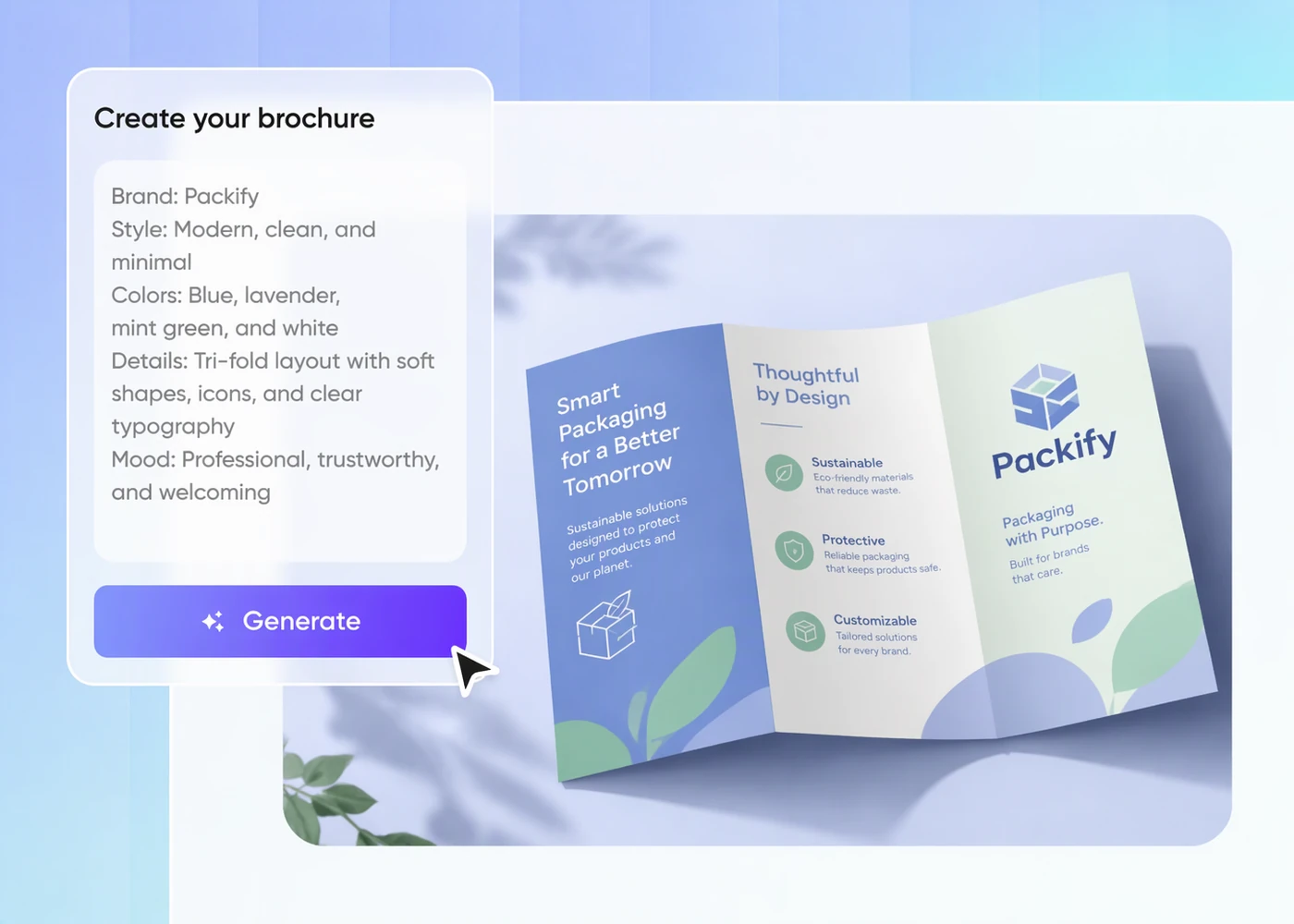
Step 1: Outline your offer
Describe your product or service, name the intended reader, and include the contact details and action you want readers to take.
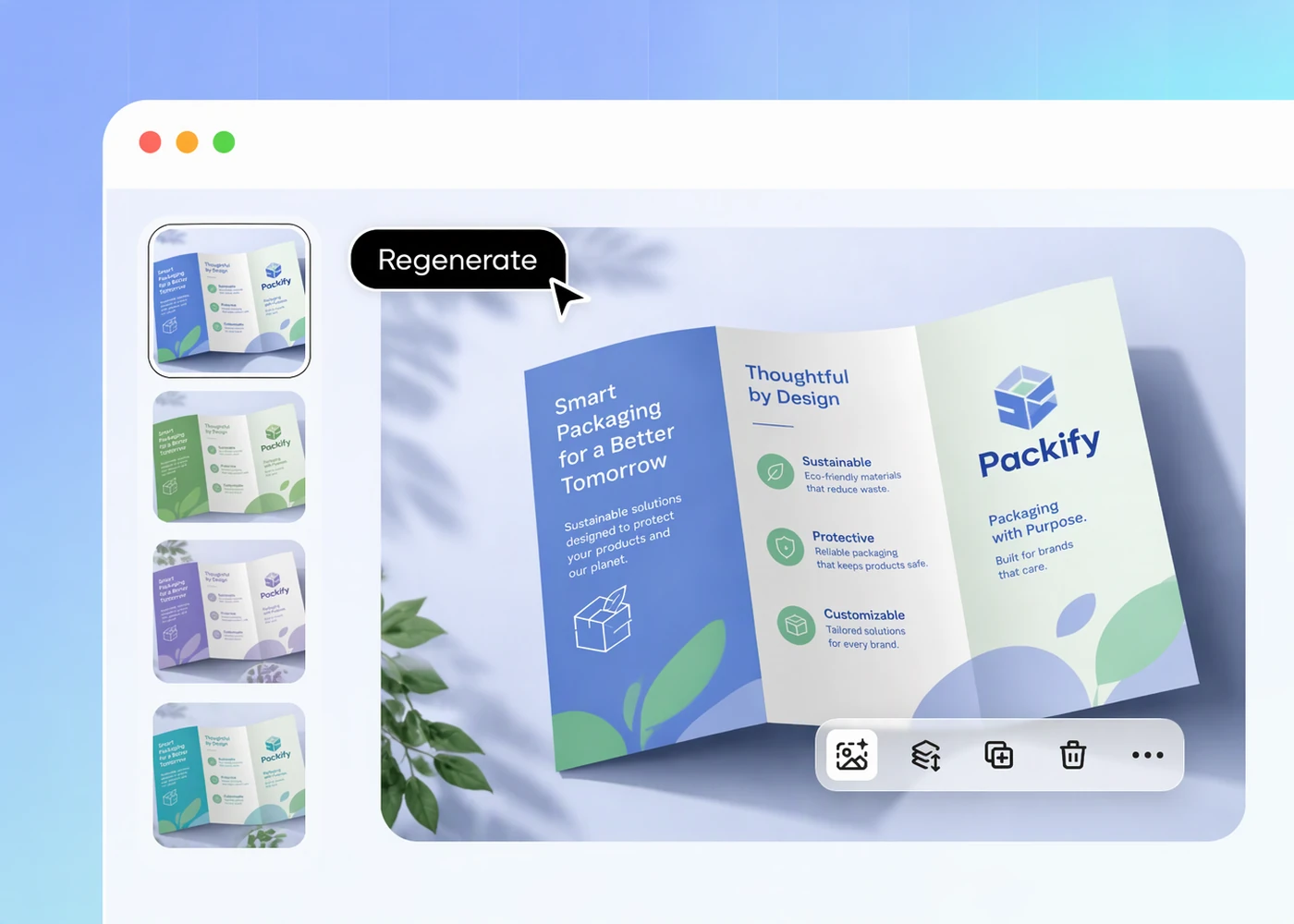
Step 2: Generate and edit your draft
Generate a first draft, then edit the copy and layout so readers can find the main benefit and contact details.
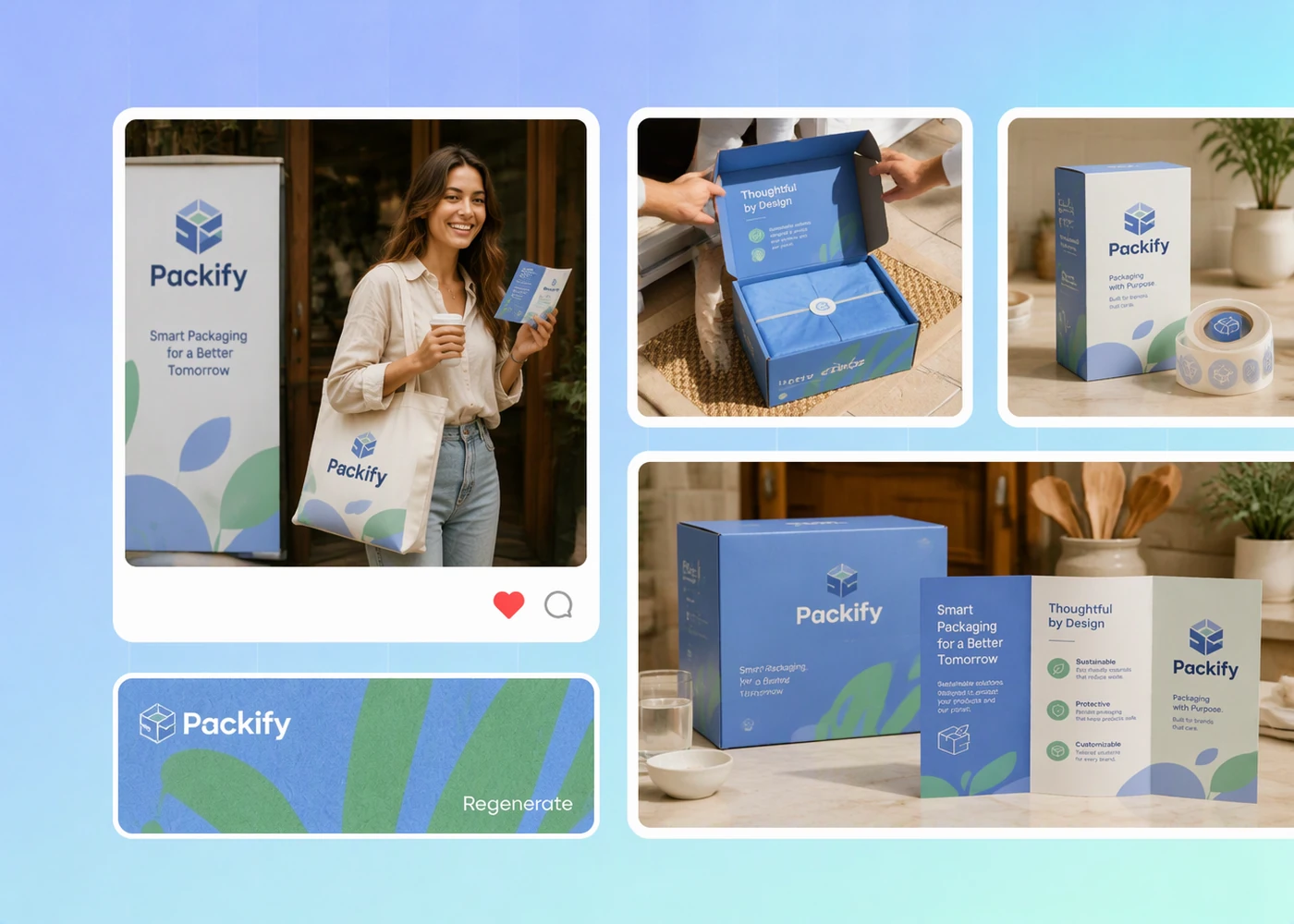
Step 3: Review your finished brochure
Review your brochure at its intended size and check that the headings, contact details, and next step are easy to read.

Step 1: Outline your offer
Describe your product or service, name the intended reader, and include the contact details and action you want readers to take.
Step 2: Generate and edit your draft
Generate a first draft, then edit the copy and layout so readers can find the main benefit and contact details.
Step 3: Review your finished brochure
Review your brochure at its intended size and check that the headings, contact details, and next step are easy to read.
Why choose Packify AI for your brochure?
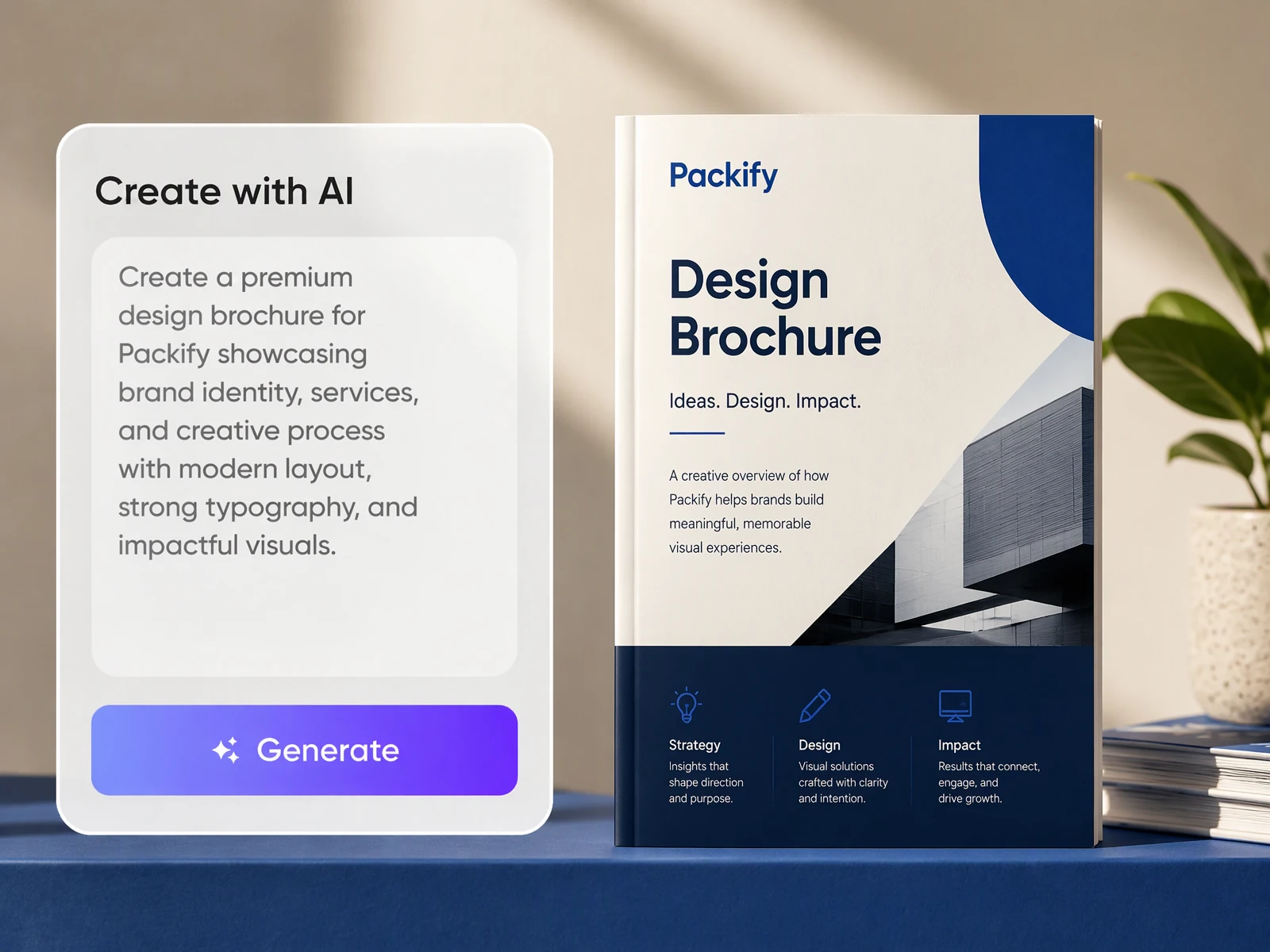
Start with your brand details
Include your business name, brand colors, and a short description of your offer in the brief. Packify uses those details to generate an editable brochure draft, so your first layout already has a direction you can revise in the editor.
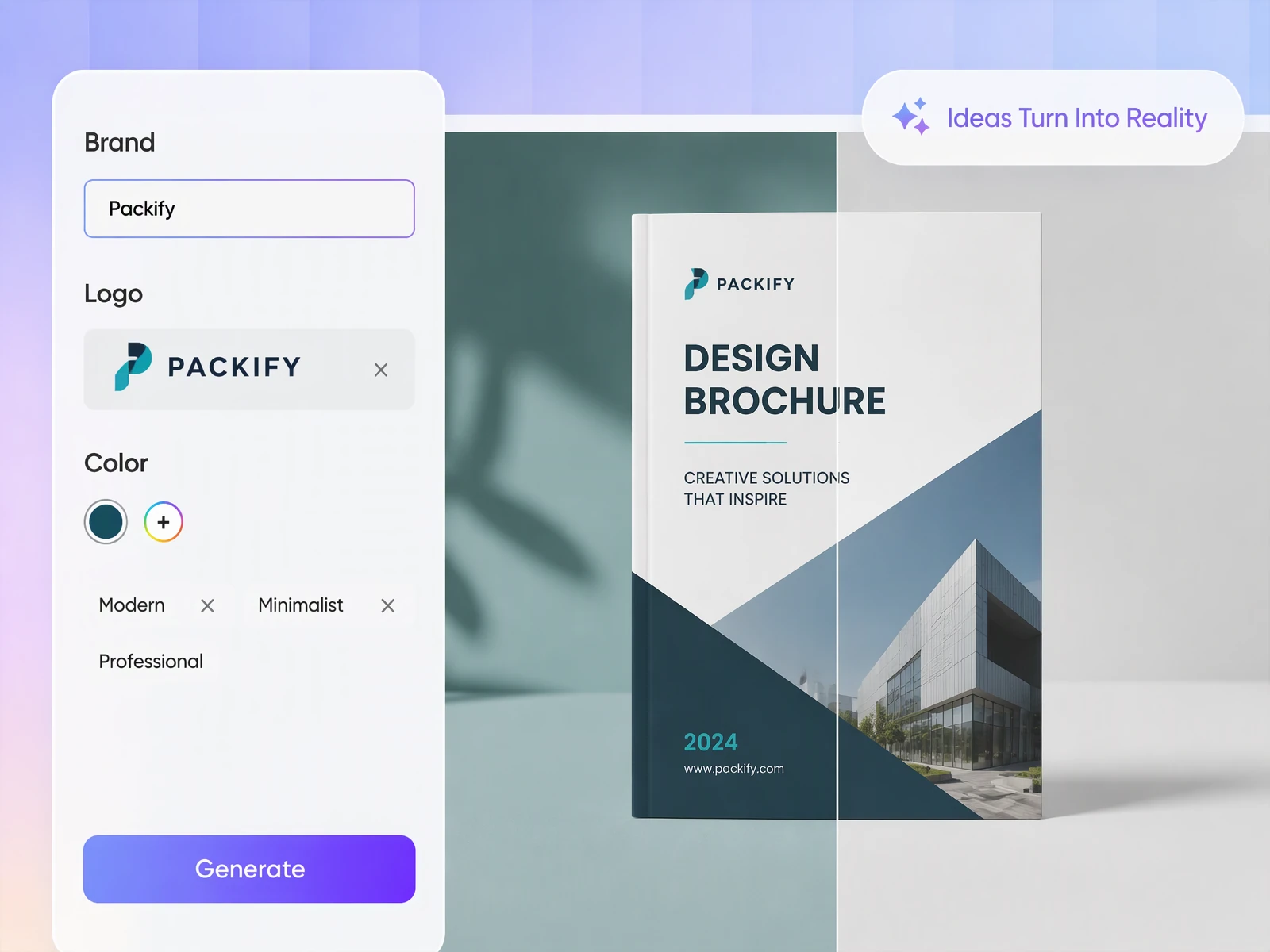
Start designing brochures right away
To design a brochure in Packify, describe what your business offers and include your brand colors. Packify generates an editable draft so you can revise the headline and replace the draft photos with your own without learning design software.
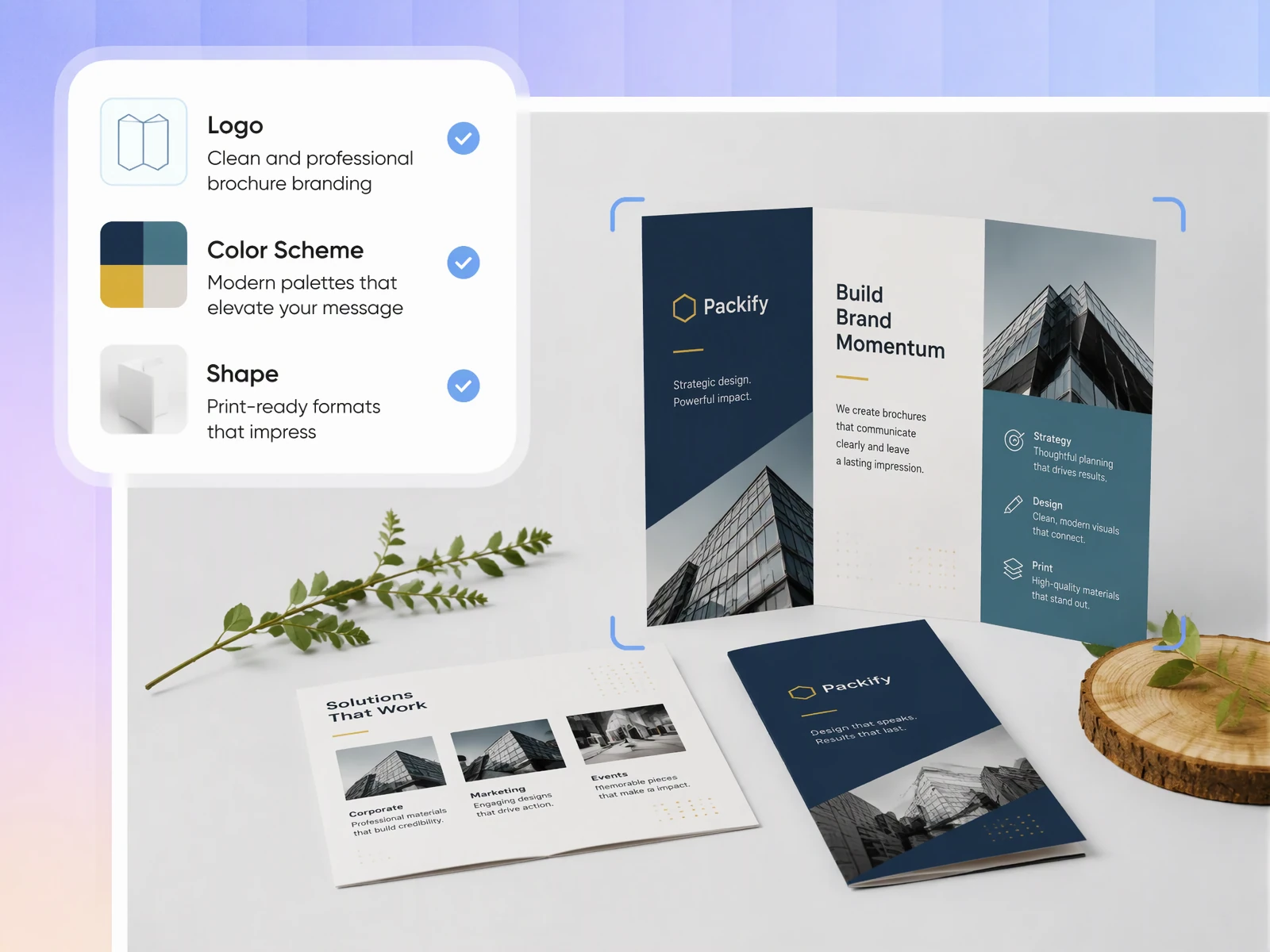
Keep brochure panels readable
Give Packify your brochure content, design direction, and sample copy. The AI drafts a layout, organizes information across panels, and sets type sizes for headings and body text. Use the draft to spot crowded panels and trim copy while keeping type sizes consistent across the brochure.
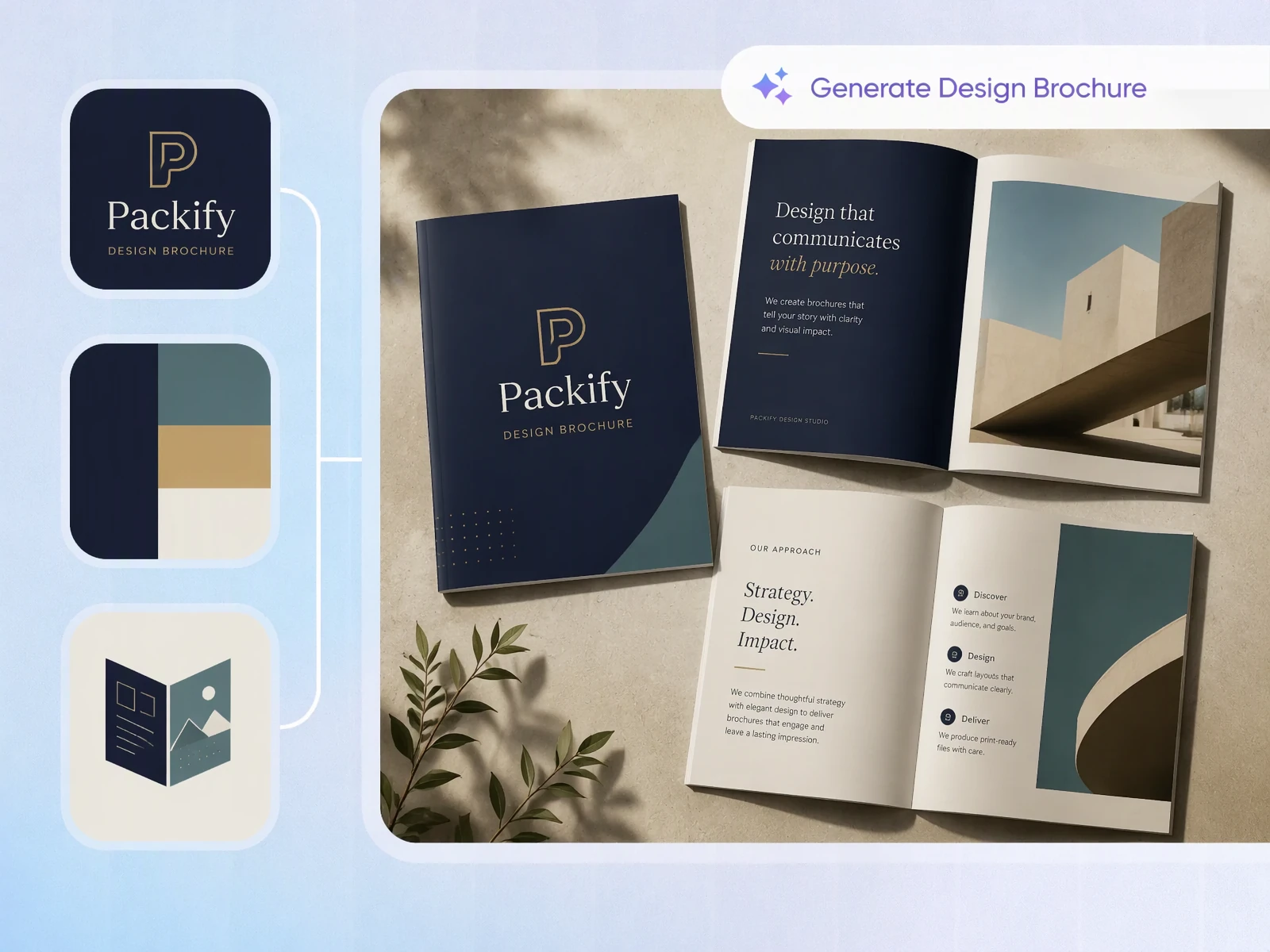
Compare brochure design directions
Use the same product details to generate separate brochure drafts. In one prompt, ask for a cover that leads with a product photo. In another, lead with the main customer benefit. Compare which cover makes your offer clearer before refining the inside panels.
Start with your brand details
Include your business name, brand colors, and a short description of your offer in the brief. Packify uses those details to generate an editable brochure draft, so your first layout already has a direction you can revise in the editor.
Start designing brochures right away
To design a brochure in Packify, describe what your business offers and include your brand colors. Packify generates an editable draft so you can revise the headline and replace the draft photos with your own without learning design software.
Keep brochure panels readable
Give Packify your brochure content, design direction, and sample copy. The AI drafts a layout, organizes information across panels, and sets type sizes for headings and body text. Use the draft to spot crowded panels and trim copy while keeping type sizes consistent across the brochure.
Compare brochure design directions
Use the same product details to generate separate brochure drafts. In one prompt, ask for a cover that leads with a product photo. In another, lead with the main customer benefit. Compare which cover makes your offer clearer before refining the inside panels.
Proven impact, in our customer's words


The AI-powered packaging design tool is a game-changer. It's fast, intuitive, making it an essential tool for any forward-thinking design team.ved.
March 26, 2025


The results are so amazing that I don't think it's just for inspiration... I'd say artificial intelligence outperforms most designers; the key is to come up with the perfect prompt. Great contribution! Thank you 😊.
March 18, 2025


The AI-powered packaging design tool is a game-changer. It's fast, intuitive, making it an essential tool for any forward-thinking design team.
March 18, 2025


We’re a tiny skincare shop. Packify.ai turned my scribbles into clean mockups and a printable dieline by Monday. Fewer back-and-forths, consistent branding, and our product page conversions moved.
March 18, 2025


The AI-powered packaging design tool is a game-changer. It's fast, intuitive, making it an essential tool for any forward-thinking design team.
March 26, 2025


The results are so amazing that I don't think it's just for inspiration... I'd say artificial intelligence outperforms most designers; the key is to come up with the perfect prompt. Great contribution! Thank you 😊
March 18, 2025


Congrats! Packify.ai, an AI packaging designer, enables easy, creative design and offers AI-driven product photography for e-commerce through simple chatting.
April 2, 2025


We’re a tiny skincare shop. Packify.ai turned my scribbles into clean mockups and a printable dieline by Monday. Fewer back-and-forths, consistent branding, and our product page conversions moved.
May 9, 2025
You asked,
we answered
You asked, we answered
Can AI create a brochure for a product launch?
Yes. To design a brochure for your product launch, describe the product and include the release date if it’s confirmed. Upload your QR code and label it with a clear next step so readers know they can scan it to place an order or contact sales for more information.
What is the easiest program to create a brochure?
If you already know what you want to say, an online brochure builder like Packify gives you an editable starting point from a written brief. If you need help deciding what to say or developing the design, explore Packify’s Design Services.
How can I create a DIY brochure?
Before you design a brochure, decide where people will get it. A trade show handout should be easy to carry and scan. Then identify your readers and give what they need most, such as product specs for distributors, the most space. Choose a fold and test it with a blank sheet to check which panels readers see first.
Where can I design a brochure for free?
Registering for Packify gives your account free credits to try the AI brochure maker. Each generation uses credits, so check your balance before creating a brochure. Visit the Pricing Page if you need more credits or advanced features.
Can I use my AI-generated brochure commercially?
Yes. You can use brochures you create with Packify commercially, subject to the Terms of Use. Review your finished brochure before sharing or printing it, and make sure you have permission to use any third-party photos or trademarks it contains.
Create a brochure for your next launch
