
Mailer box design
Upload your mailer box artwork to get a mockup. Open Edit design to adjust it, generate a dieline, and download the file for printing.
Trusted by industry-leading businesses


Create a custom mailer box design for print
You need a mailer box design that represents your brand, with artwork positioned for the printed box. Packify helps you create the design and adjust artwork on a production dieline, so you can prepare custom packaging for a client project or your own e-commerce brand.
How to design a mailer box with Packify AI?
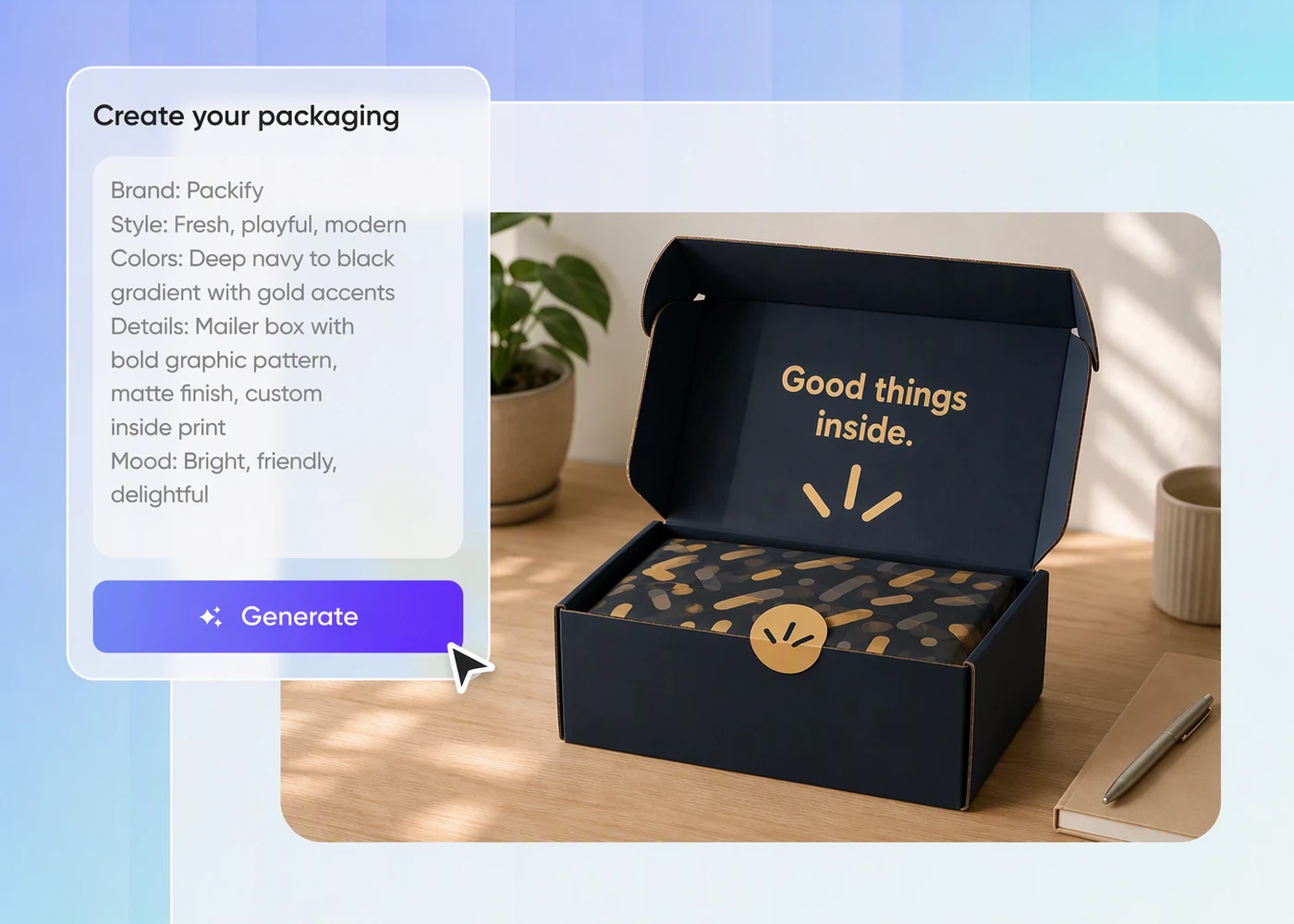
Step 1: Add your brief or artwork
Describe your mailer box and brand direction, or upload existing artwork to begin working from a design you already have.
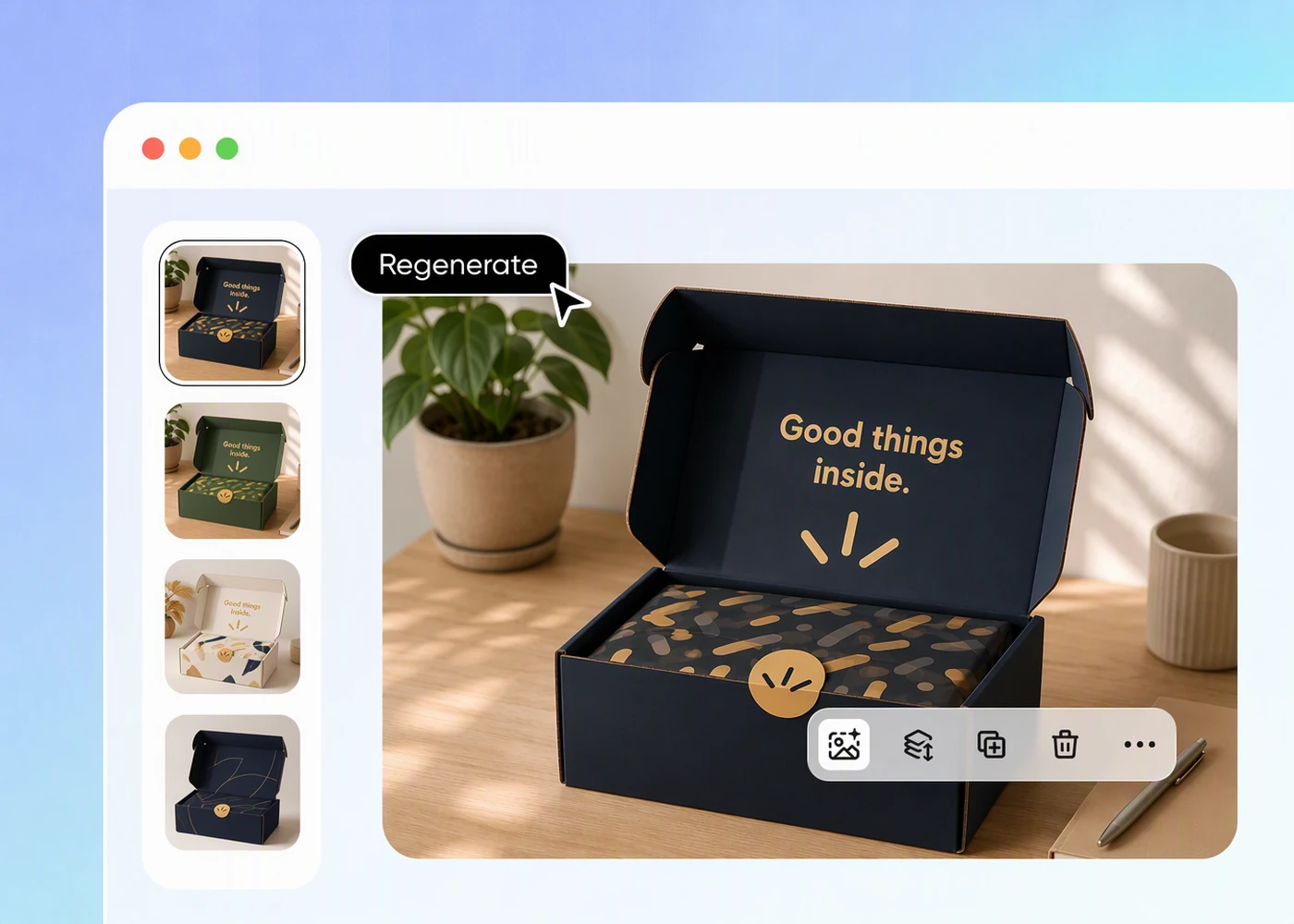
Step 2: Revise your prompt to refine the design
Revise your prompt to adjust your mailer box design, then regenerate the mockup and check how the artwork looks on the assembled box.
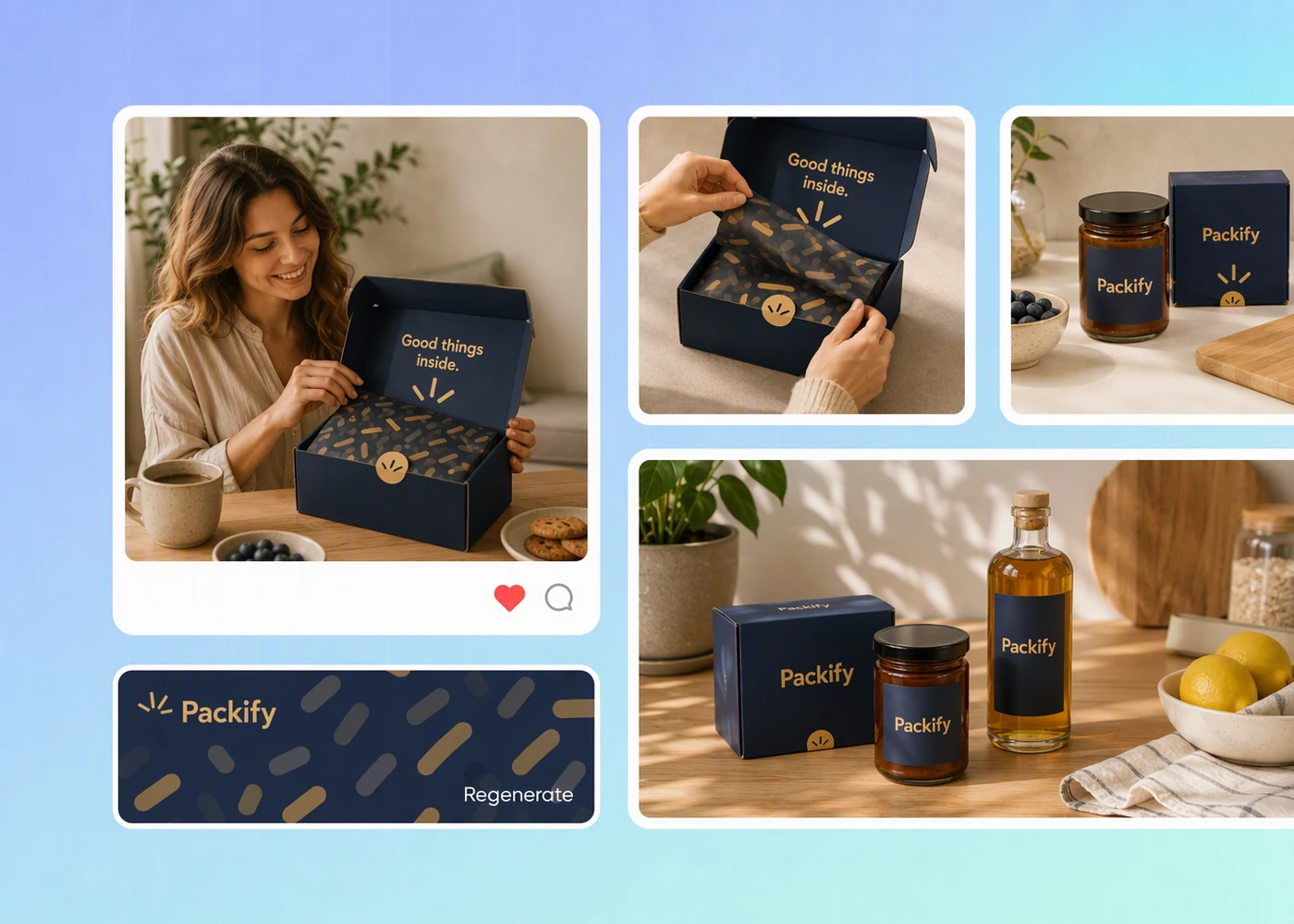
Step 3: Export and adjust the dieline
Click Export Dieline, adjust your artwork on the dieline, and confirm the print requirements before continuing to custom mailer box printing.

Step 1: Add your brief or artwork
Describe your mailer box and brand direction, or upload existing artwork to begin working from a design you already have.
Step 2: Revise your prompt to refine the design
Revise your prompt to adjust your mailer box design, then regenerate the mockup and check how the artwork looks on the assembled box.
Step 3: Export and adjust the dieline
Click Export Dieline, adjust your artwork on the dieline, and confirm the print requirements before continuing to custom mailer box printing.
Why choose Packify for mailer box design?
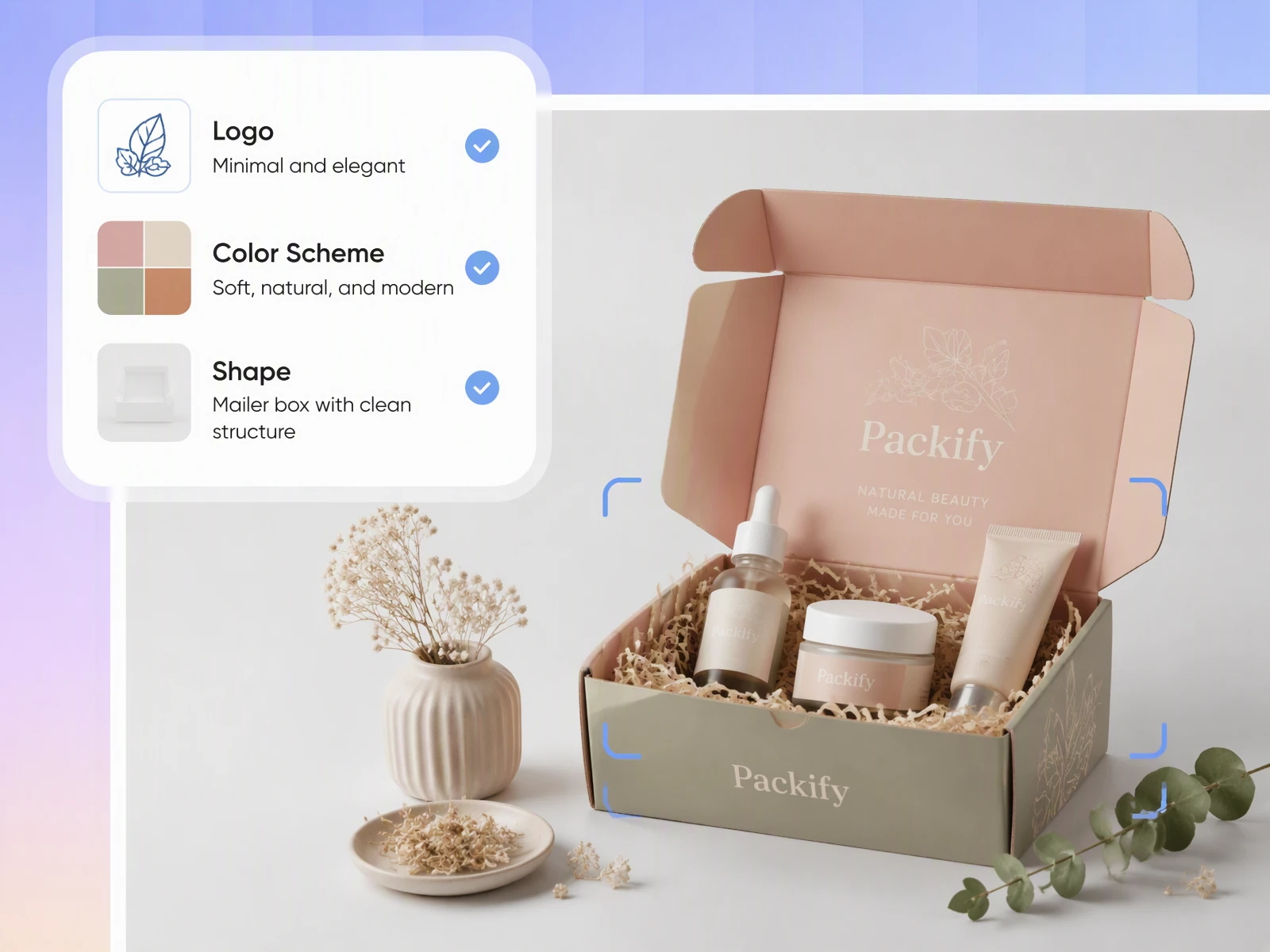
Preview your mailer box artwork
You have a finished design, but a flat image does not show how it will look on an assembled mailer box. Packify generates a mockup from your artwork, helping you review the placement before taking the design into print preparation.
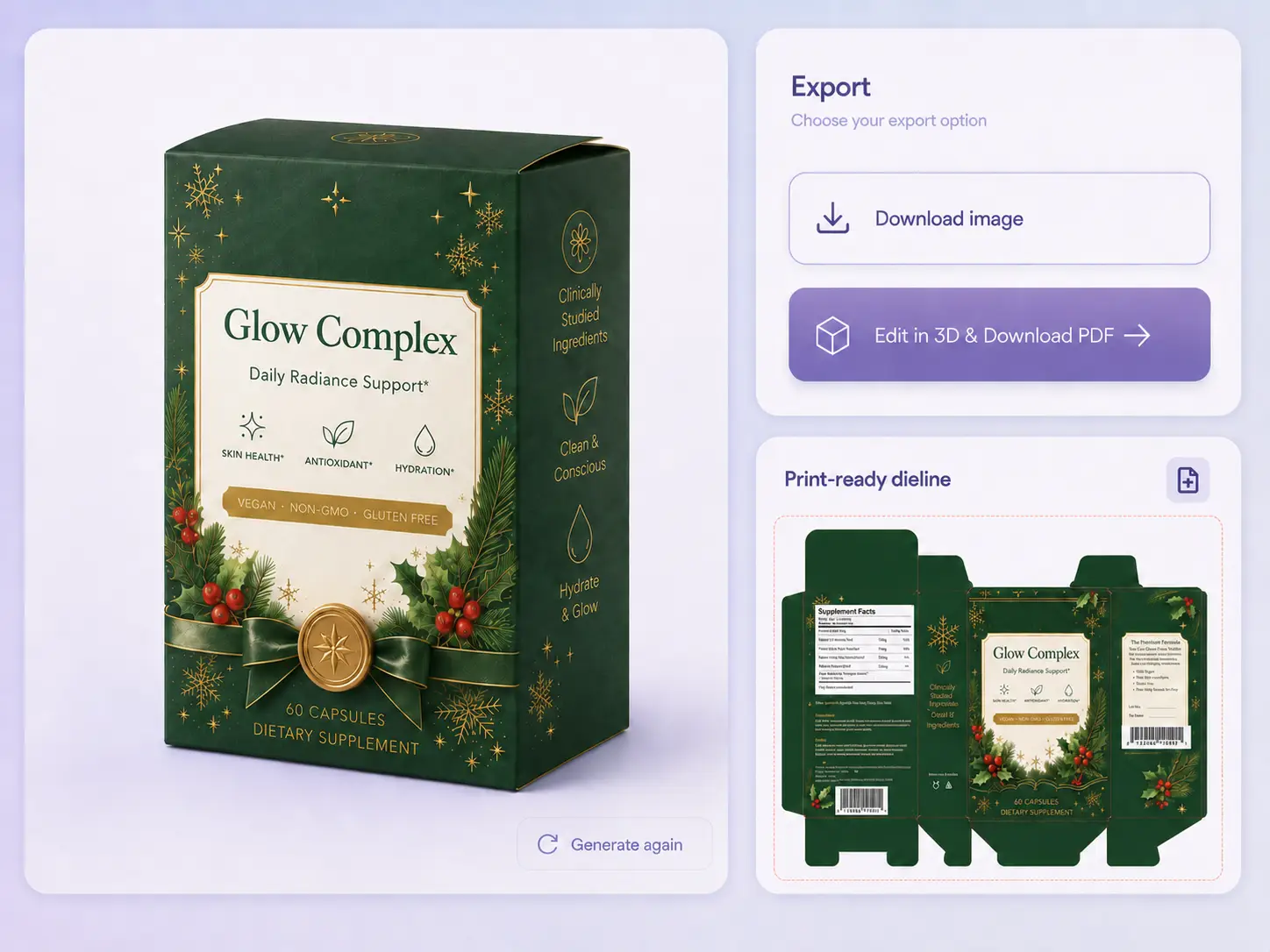
Generate print-ready mailer box dielines
Your mailer box design may need text and logo adjustments before printing. Open Edit design to fine-tune the artwork, then click Export dieline to choose your box type, adjust the flat layout, and generate a print-ready dieline to send to your printer.
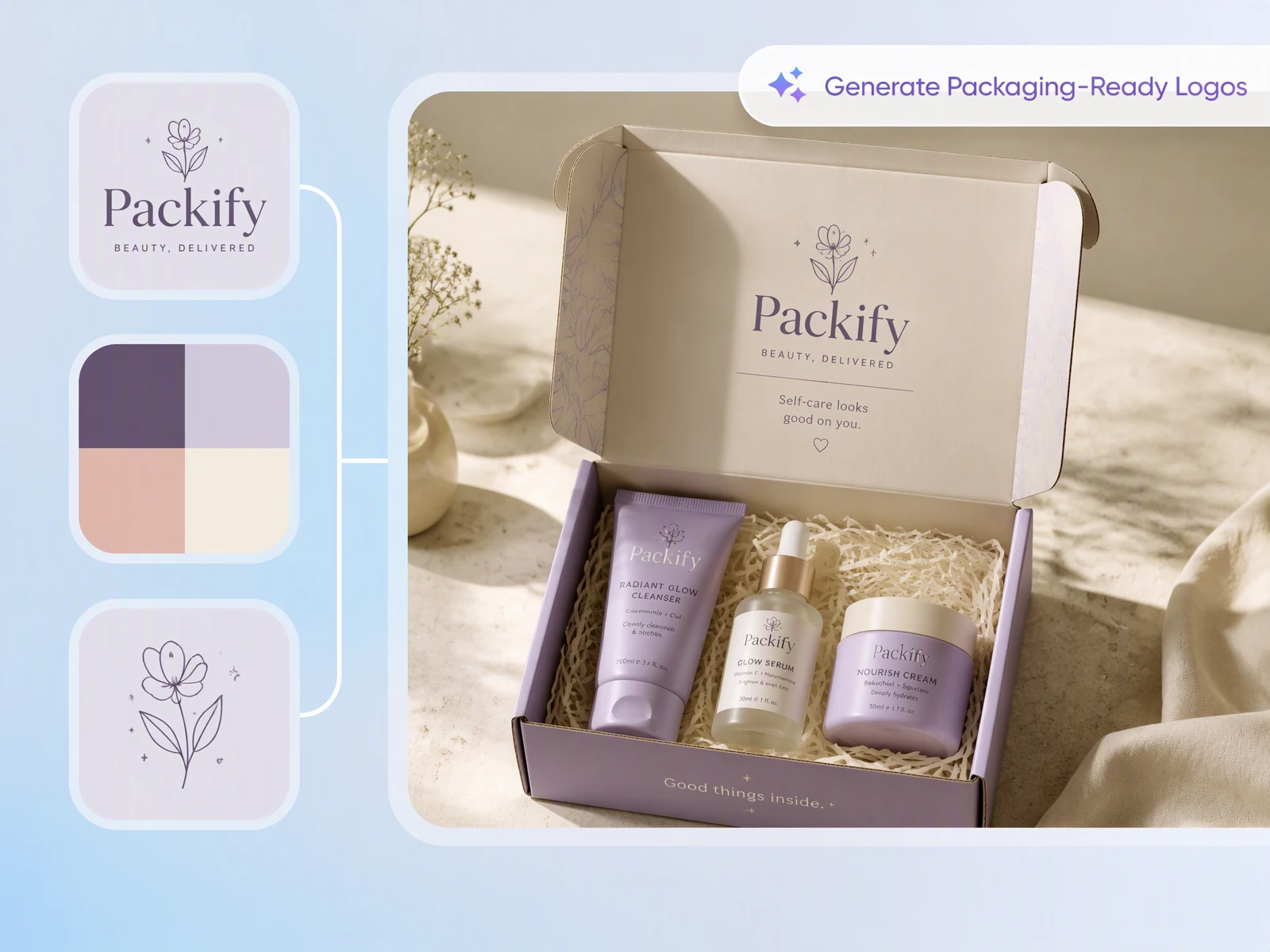
Design and print your mailer boxes
Traditional workflows mean designing your mailer box in one place and arranging printing somewhere else. Packify supports both mailer box design and printing, so you can continue from artwork to a printing request with the same team. If you need help creating the artwork, our professional Packaging Design Service can handle it.
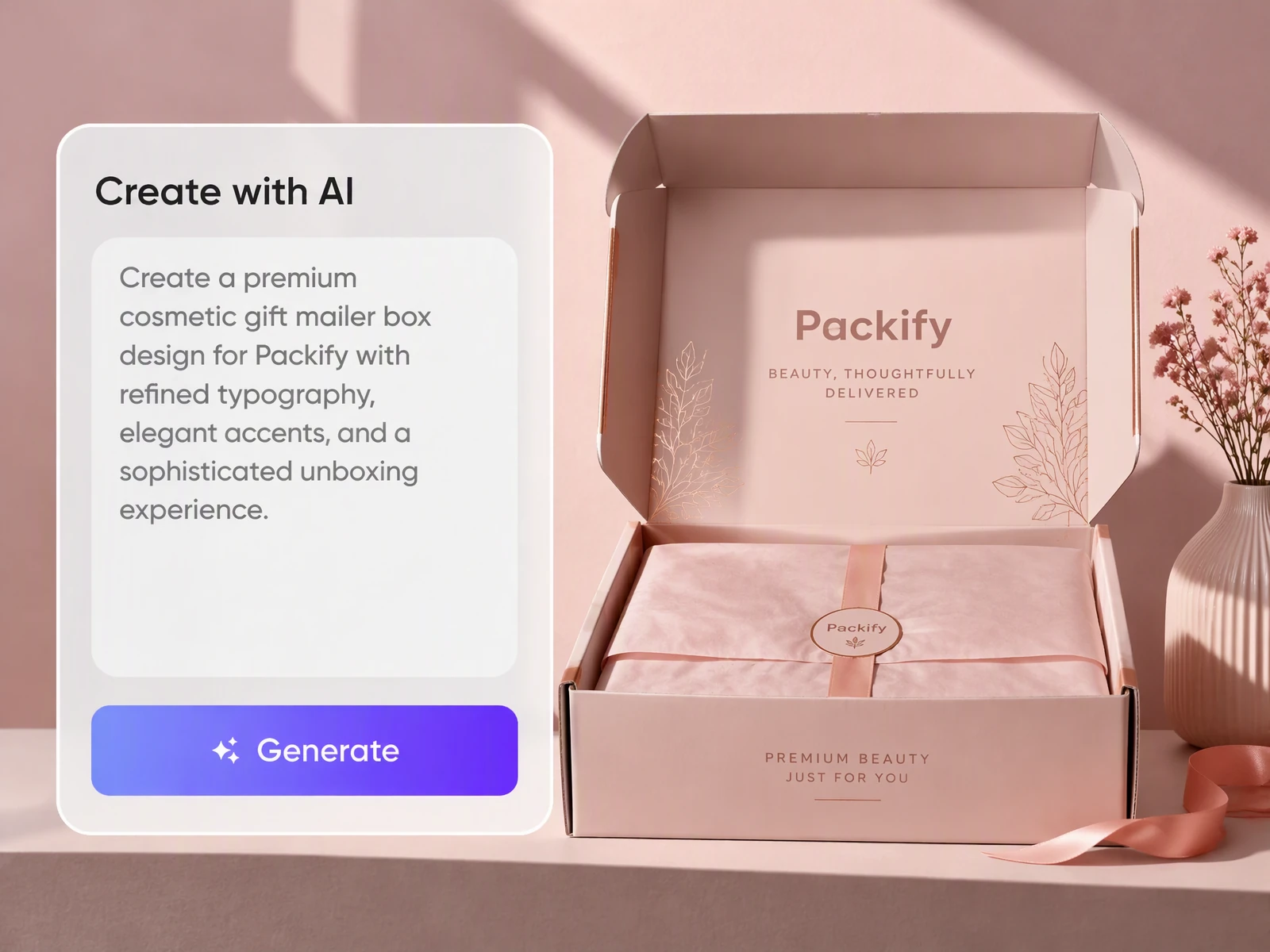
Clarify your mailer box design
Design a mailer box for a client gift or product bundle can take several rounds with a designer. Describe your box and artwork ideas in text, and Packify generates the artwork. Use the preview to show your designer what you mean and reduce back-and-forth.
Preview your mailer box artwork
You have a finished design, but a flat image does not show how it will look on an assembled mailer box. Packify generates a mockup from your artwork, helping you review the placement before taking the design into print preparation.
Generate print-ready mailer box dielines
Your mailer box design may need text and logo adjustments before printing. Open Edit design to fine-tune the artwork, then click Export dieline to choose your box type, adjust the flat layout, and generate a print-ready dieline to send to your printer.
Design and print your mailer boxes
Traditional workflows mean designing your mailer box in one place and arranging printing somewhere else. Packify supports both mailer box design and printing, so you can continue from artwork to a printing request with the same team. If you need help creating the artwork, our professional Packaging Design Service can handle it.
Clarify your mailer box design
Design a mailer box for a client gift or product bundle can take several rounds with a designer. Describe your box and artwork ideas in text, and Packify generates the artwork. Use the preview to show your designer what you mean and reduce back-and-forth.
Proven impact, in our customer's words


The AI-powered packaging design tool is a game-changer. It's fast, intuitive, making it an essential tool for any forward-thinking design team.ved.
March 26, 2025


The results are so amazing that I don't think it's just for inspiration... I'd say artificial intelligence outperforms most designers; the key is to come up with the perfect prompt. Great contribution! Thank you 😊.
March 18, 2025


The AI-powered packaging design tool is a game-changer. It's fast, intuitive, making it an essential tool for any forward-thinking design team.
March 18, 2025


We’re a tiny skincare shop. Packify.ai turned my scribbles into clean mockups and a printable dieline by Monday. Fewer back-and-forths, consistent branding, and our product page conversions moved.
March 18, 2025


The AI-powered packaging design tool is a game-changer. It's fast, intuitive, making it an essential tool for any forward-thinking design team.
March 26, 2025


The results are so amazing that I don't think it's just for inspiration... I'd say artificial intelligence outperforms most designers; the key is to come up with the perfect prompt. Great contribution! Thank you 😊
March 18, 2025


Congrats! Packify.ai, an AI packaging designer, enables easy, creative design and offers AI-driven product photography for e-commerce through simple chatting.
April 2, 2025


We’re a tiny skincare shop. Packify.ai turned my scribbles into clean mockups and a printable dieline by Monday. Fewer back-and-forths, consistent branding, and our product page conversions moved.
May 9, 2025
You asked,
we answered
You asked, we answered
What do I get with Packify’s mailer box design tool?
You get a 3D mailer box mockup with your artwork applied, so you can check how the design looks on the box. Then use Export Dieline to obtain and adjust the dieline layout, or request a printing service to turn your preview into printed mailer boxes.
Can designers and e-commerce brands use Packify for mailer box design?
Yes. Designers can generate different mailer box designs for inspiration or turn existing artwork into a 3D preview, then use Export Dieline to adjust the dieline layout. E-commerce brands can describe their packaging ideas in text and continue from design to custom printing.
What mailer box designs and dielines can Packify generate?
You can generate a rollover hinged lid mailer box, reverse tuck end box, tuck end mailer box packaging, square box, square shipping box and so on. Describe the box you need, review your mailer box design, then use Export Dieline to generate and adjust the dieline layout before printing.
Can I try mailer box design for free?
Registering for Packify gives you free credits to try mailer box design before placing a printing order. Each generation consumes credits, so check your balance before creating a design. Visit the Pricing Page for additional credits or advanced features; physical printing orders have separate requirements and costs.
Can I use my mailer box design commercially?
Yes, subject to our Terms of Use. Packify does not grant exclusive rights to AI-generated content or guarantee clearance for every commercial use. Before printing or selling, review your mailer box artwork for trademarks, similarities to existing brands, and suitability for your product.
Your mailer box design, ready for the next step
