Tray box dieline generator
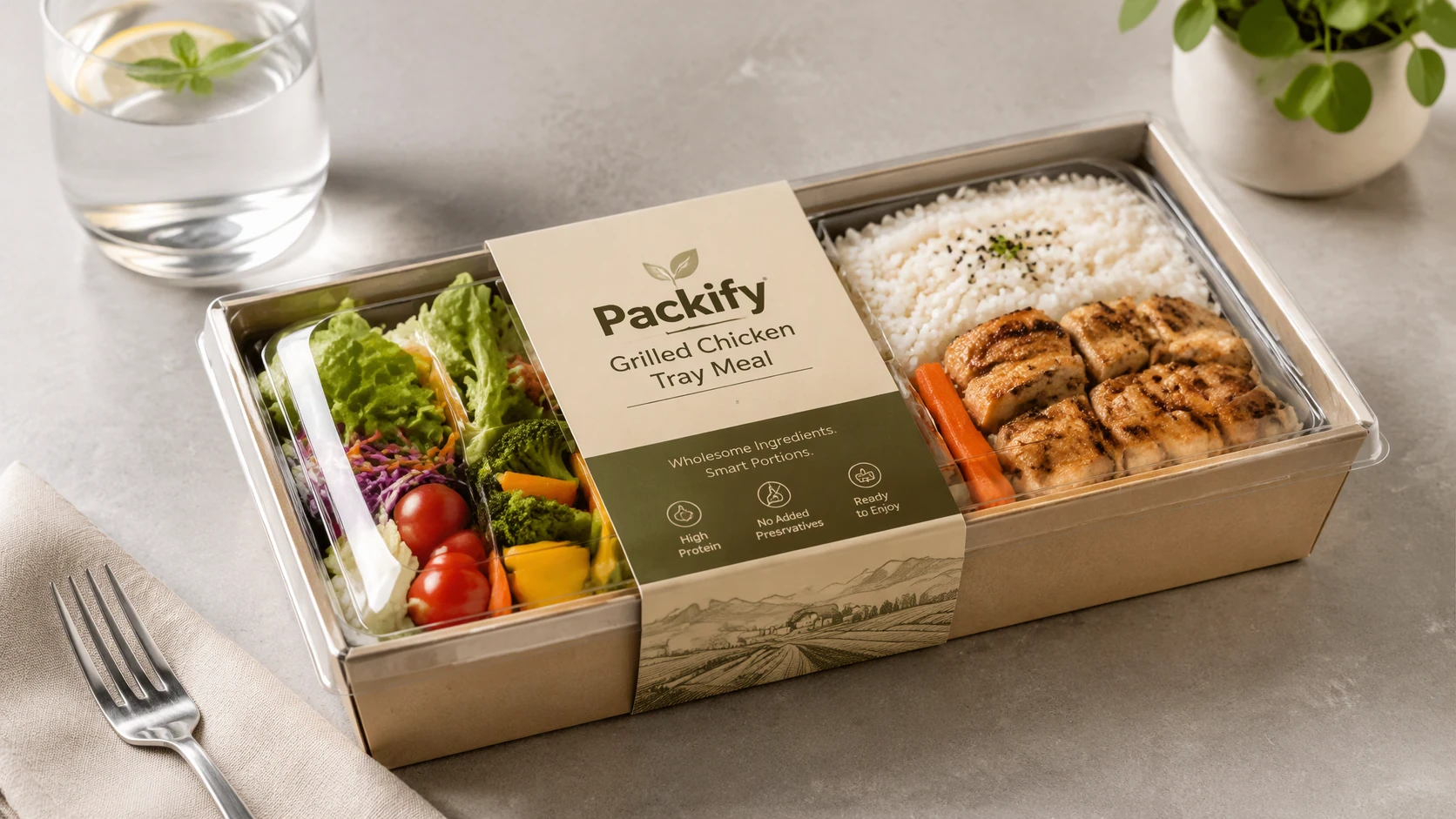
Describe the tray box you need, Packify drafts a design, shows it in mockup, and generates a dieline from the concept.

Trusted by industry-leading businesses


Preview your tray box dieline before export
If you're comparing catering service trays, planning a catering tray, or exploring food tray design, review the graphic design and structure together in a mockup preview before exporting. Packify supports 44 tray dieline types, helping you find packaging design inspiration and turn your chosen concept into a production file.
How to create a tray box dieline with AI?
Step 1: Describe your tray
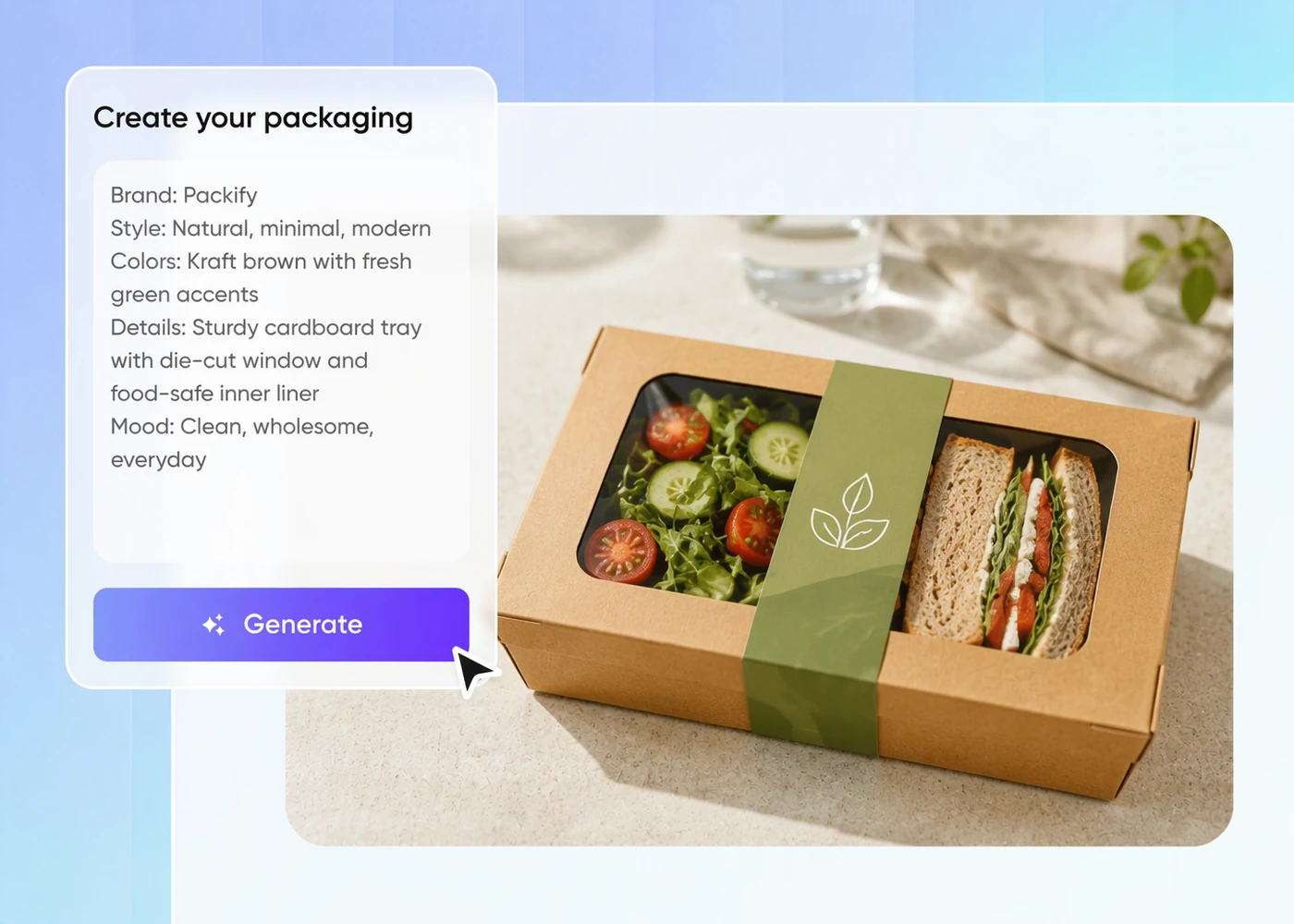
Describe the tray’s intended use, structure, and target dimensions so you have a clear starting point for the design.
Step 2: Review and refine the design
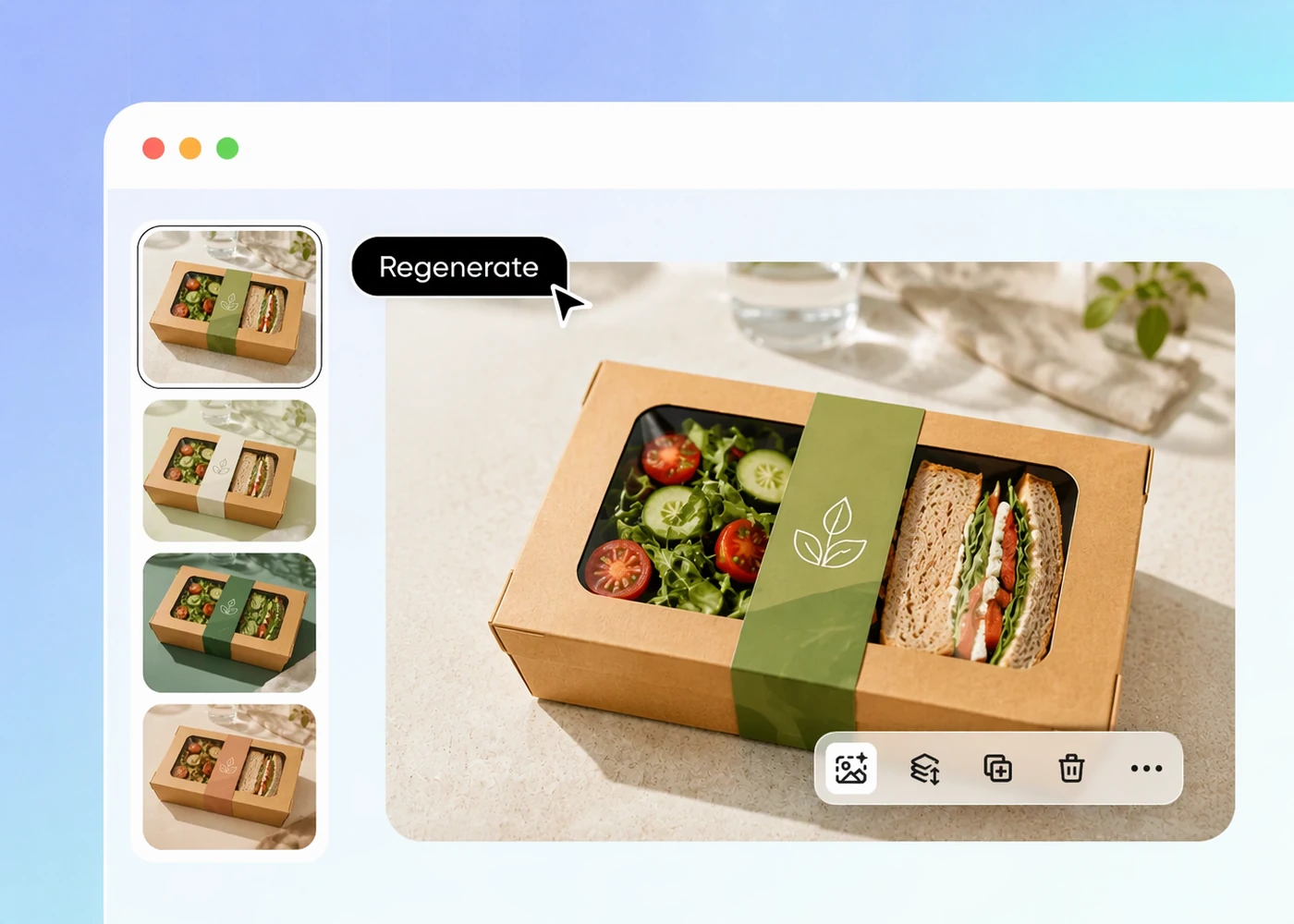
Review the preview, then edit your description or regenerate the design until the tray concept fits your brief.
Step 3: Generate your dieline
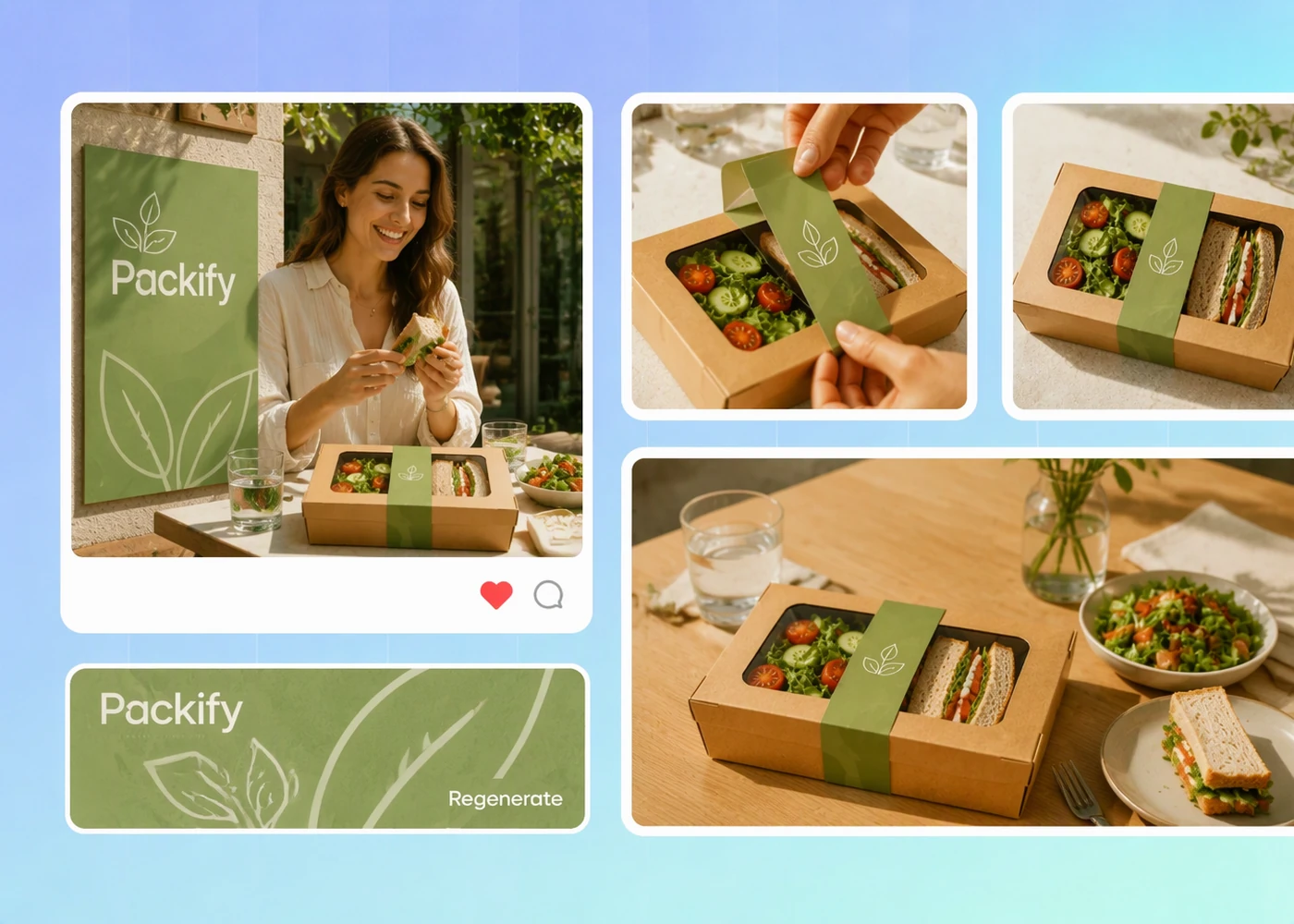
Generate a dieline from the approved concept, then ask your printer to check the dimensions and test a physical fold.

Step 1: Describe your tray
Describe the tray’s intended use, structure, and target dimensions so you have a clear starting point for the design.
Step 2: Review and refine the design
Review the preview, then edit your description or regenerate the design until the tray concept fits your brief.
Step 3: Generate your dieline
Generate a dieline from the approved concept, then ask your printer to check the dimensions and test a physical fold.
Why use Packify for tray box dielines?
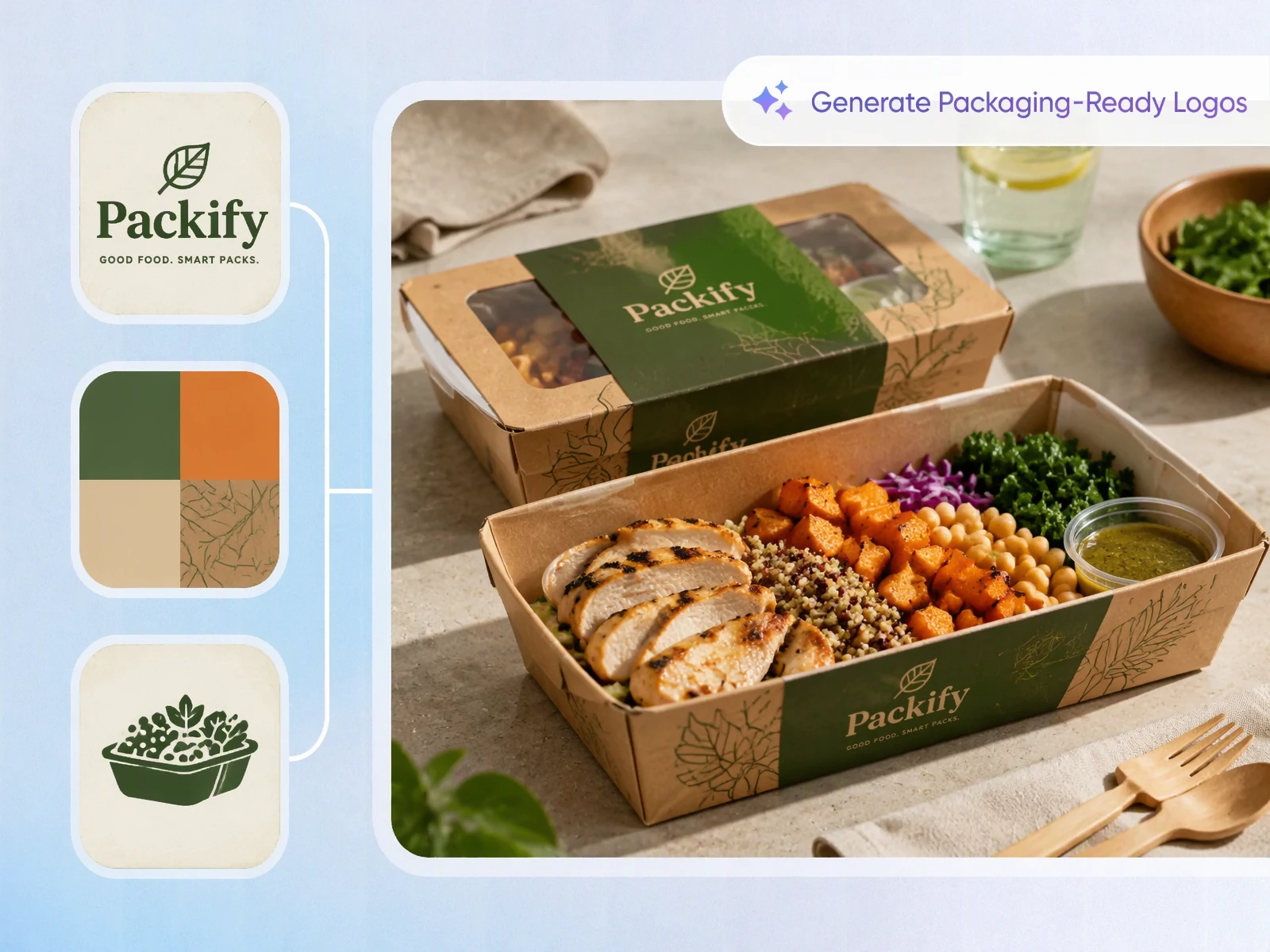
Find a fitting tray structure
A tray with unusual walls or folds can be hard to describe from a flat drawing. Packify supports 44 tray dieline types, giving you a starting point for a specific tray concept.
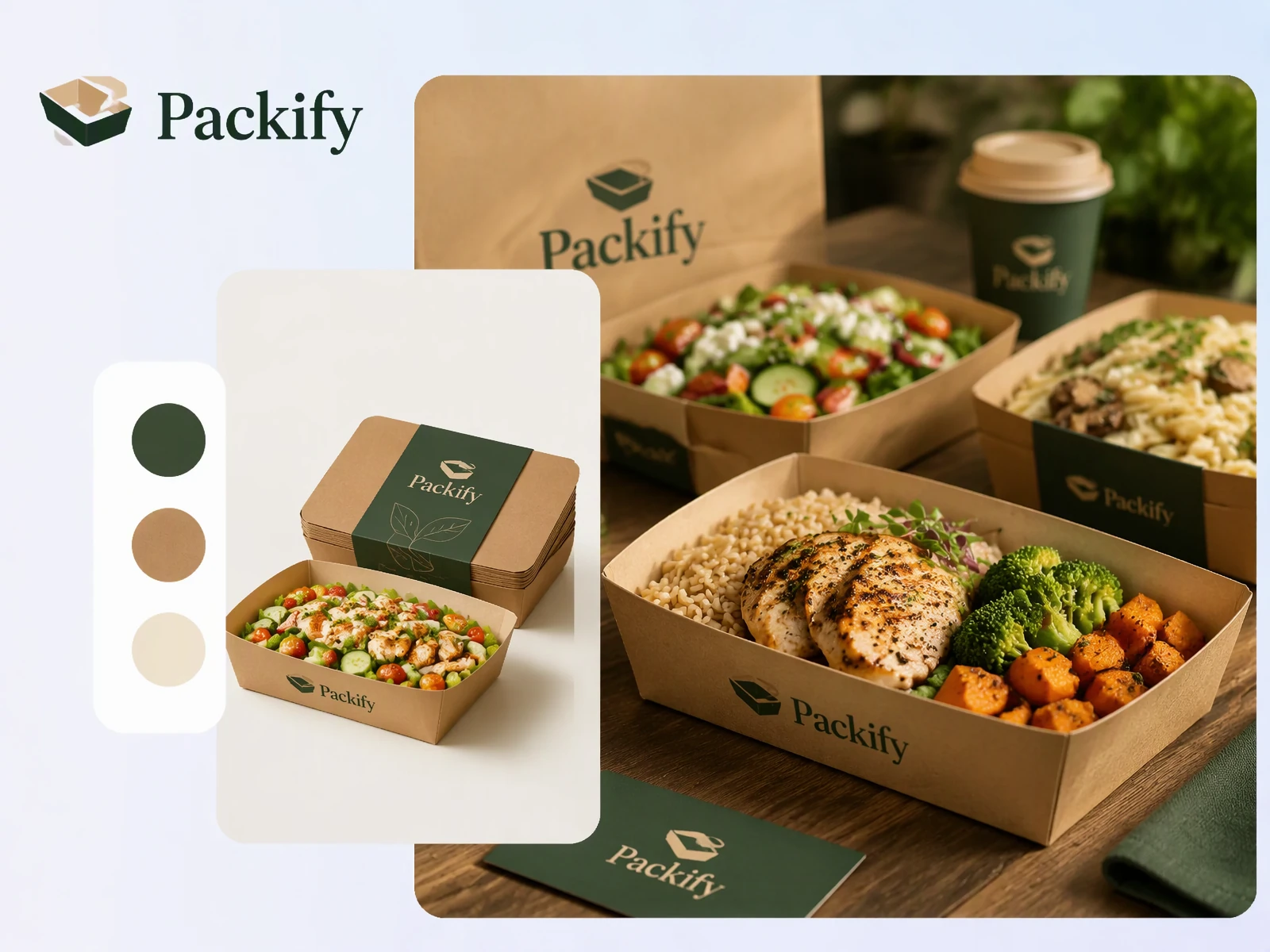
Preview food in your tray
Use Packify to check the packaging design and plating together before preparing trays for restaurant service, catering, or parties.
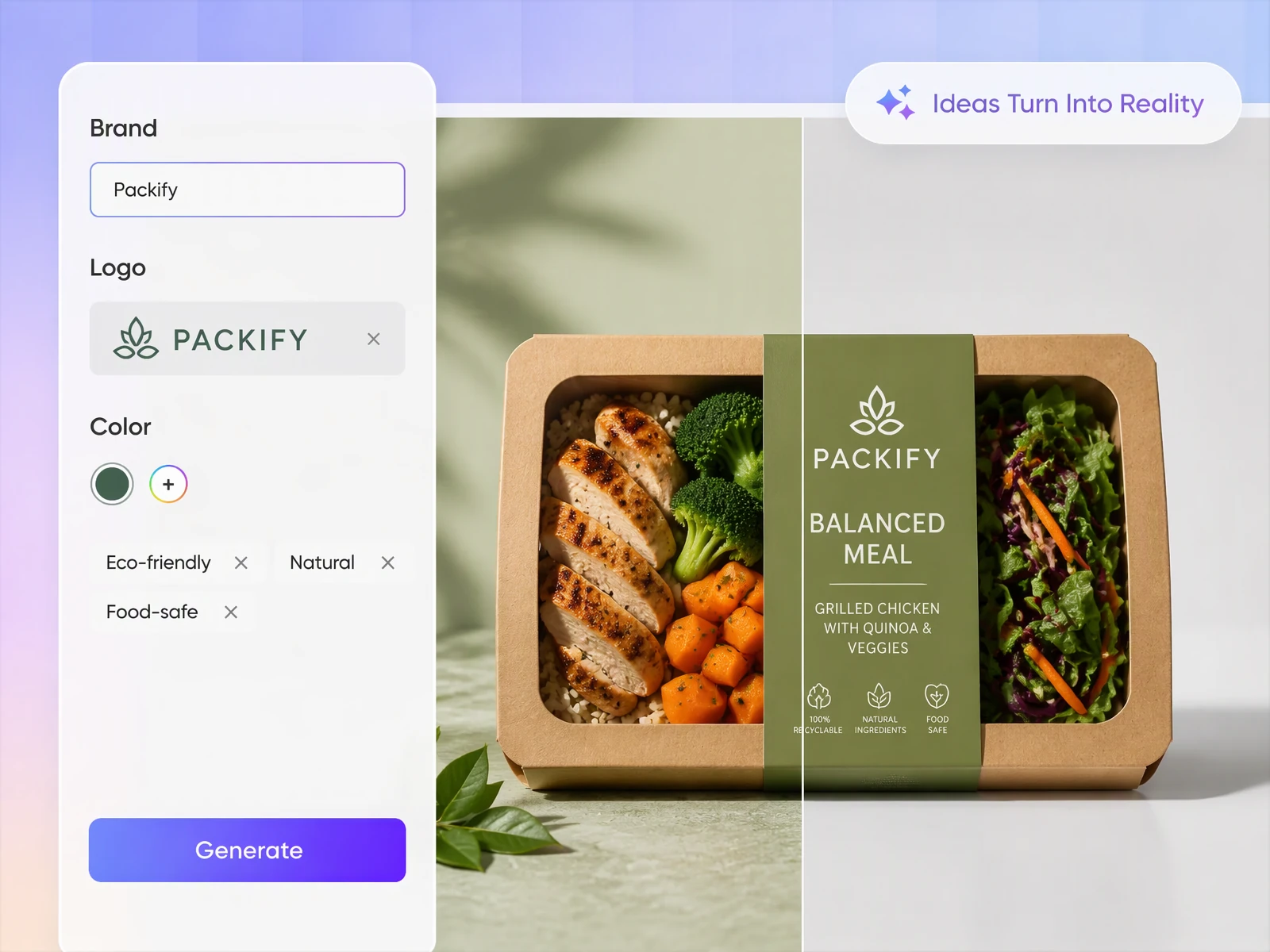
Develop food tray design artwork
Once you know the tray structure, you still need artwork that makes sense on its visible surfaces. Describe the product and visual direction to Packify, then refine the generated design for the food tray you plan to use.
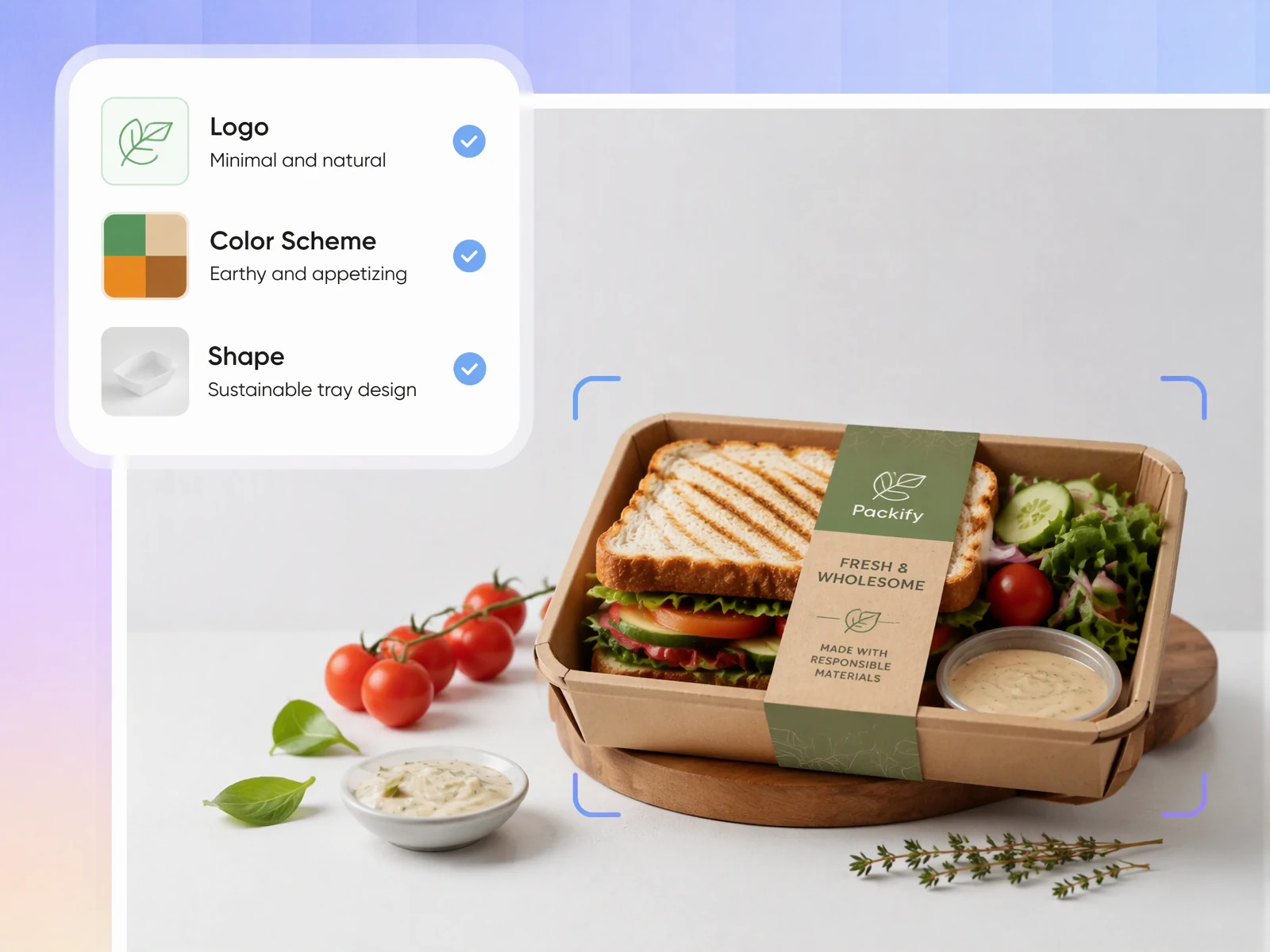
Prepare your tray dieline for production
A tray box dieline needs a production check before you commit to a run. Packify generates the dieline from your design; send it to your printer to confirm. Or turn on Need a quote for printing? in export settings before Export, and Packify can review your tray request.
Find a fitting tray structure
A tray with unusual walls or folds can be hard to describe from a flat drawing. Packify supports 44 tray dieline types, giving you a starting point for a specific tray concept.
Preview food in your tray
Use Packify to check the packaging design and plating together before preparing trays for restaurant service, catering, or parties.
Develop food tray design artwork
Once you know the tray structure, you still need artwork that makes sense on its visible surfaces. Describe the product and visual direction to Packify, then refine the generated design for the food tray you plan to use.
Prepare your tray dieline for production
A tray box dieline needs a production check before you commit to a run. Packify generates the dieline from your design; send it to your printer to confirm. Or turn on Need a quote for printing? in export settings before Export, and Packify can review your tray request.
Proven impact, in our customer's words


The AI-powered packaging design tool is a game-changer. It's fast, intuitive, making it an essential tool for any forward-thinking design team.ved.
March 26, 2025


The results are so amazing that I don't think it's just for inspiration... I'd say artificial intelligence outperforms most designers; the key is to come up with the perfect prompt. Great contribution! Thank you 😊.
March 18, 2025


The AI-powered packaging design tool is a game-changer. It's fast, intuitive, making it an essential tool for any forward-thinking design team.
March 18, 2025


We’re a tiny skincare shop. Packify.ai turned my scribbles into clean mockups and a printable dieline by Monday. Fewer back-and-forths, consistent branding, and our product page conversions moved.
March 18, 2025


The AI-powered packaging design tool is a game-changer. It's fast, intuitive, making it an essential tool for any forward-thinking design team.
March 26, 2025


The results are so amazing that I don't think it's just for inspiration... I'd say artificial intelligence outperforms most designers; the key is to come up with the perfect prompt. Great contribution! Thank you 😊
March 18, 2025


Congrats! Packify.ai, an AI packaging designer, enables easy, creative design and offers AI-driven product photography for e-commerce through simple chatting.
April 2, 2025


We’re a tiny skincare shop. Packify.ai turned my scribbles into clean mockups and a printable dieline by Monday. Fewer back-and-forths, consistent branding, and our product page conversions moved.
May 9, 2025
You asked,
we answered
You asked, we answered
Can I customize a tray box dieline and request printing?
Yes. Packify can turn your custom tray box design into a print-ready dieline. When it’s ready, turn on Need a quote for printing? in export settings, then select Export. The Packify team will review your request and contact you about next steps.
Can I make a dieline for a catering tray?
Yes. Describe your catering tray to generate an image, then click Export print-ready file, Packify suggests similar packaging so you can choose a tray, edit the design, and export a print-ready dieline.
Do I need exact tray dimensions before I start?
You can start with a description of the tray you need. If you have target dimensions, include them in your brief and review the result carefully.
Is the generated tray box dieline ready to print?
Packify generates a print-ready dieline from your tray concept. Before a production run, ask your printer to check the file against the chosen material and make a physical sample. That check matters especially when the tray walls rely on locks or folds.
How much does a tray box dieline cost?
Check your remaining credits before generating a design or dieline. Credit use depends on the action you take and your plan. See the Pricing Page for current plans and credit details.
Can I use my tray design commercially?
You can use Packify designs for commercial projects subject to the Terms of Use. AI-generated content is not exclusive, and you are responsible for checking trademarks and suitability for your product. Review the design and dieline with your printer before going to market.
Bring your tray box dieline to life