Display box template generator
Describe your products, quantity, and available counter space. Packify generates a display box preview you can adjust before creating a print-ready dieline.

Trusted by industry-leading businesses


Plan your counter display box template
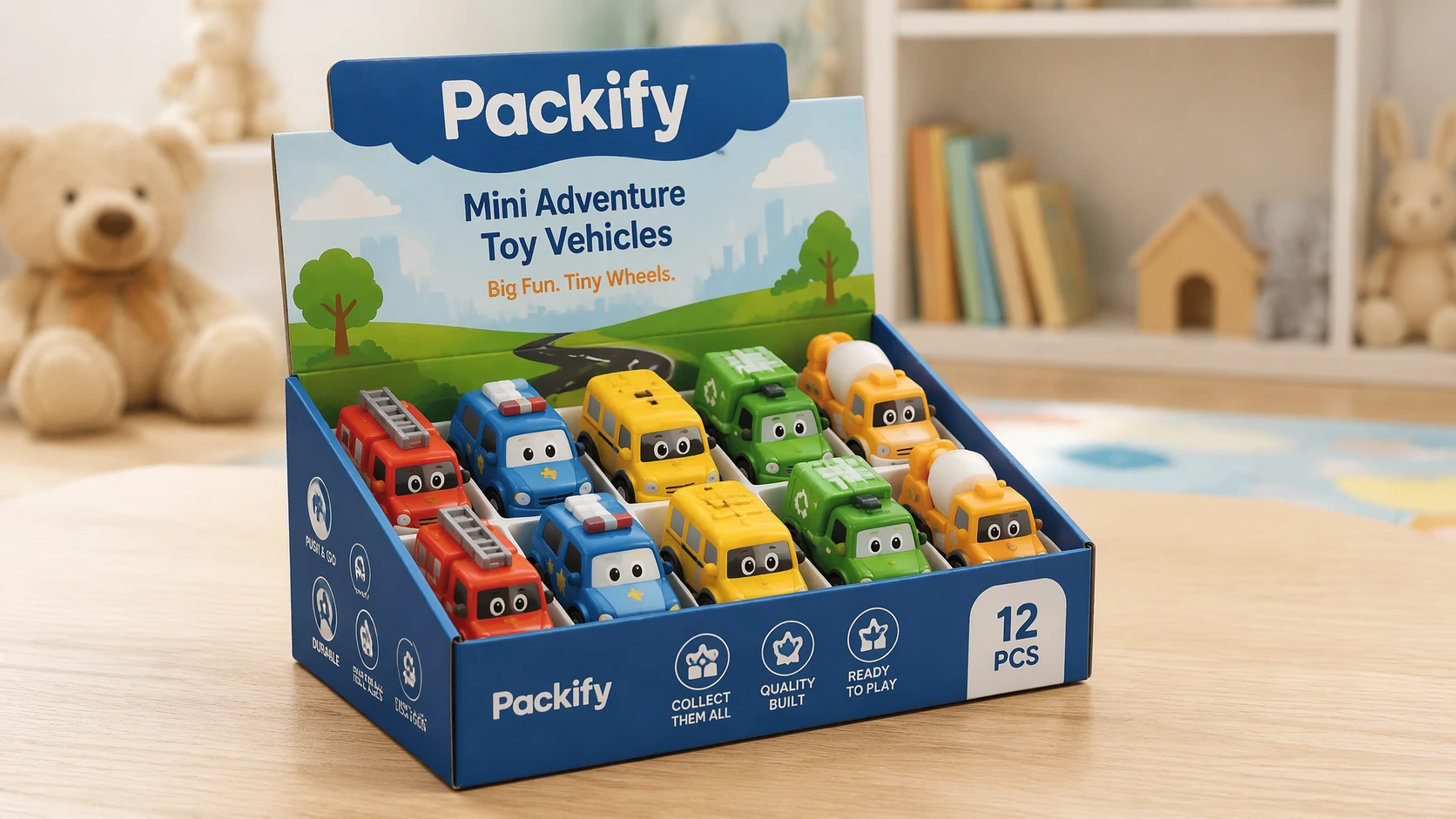
A flat drawing can make the finished display hard to picture. Packify generates a mockup from your prompt, so you can review the presentation before creating a display box dieline. Check the artwork on the preview, then edit the production layout before export.
How to create a display box template with Packify?
Step 1: Describe your display requirements
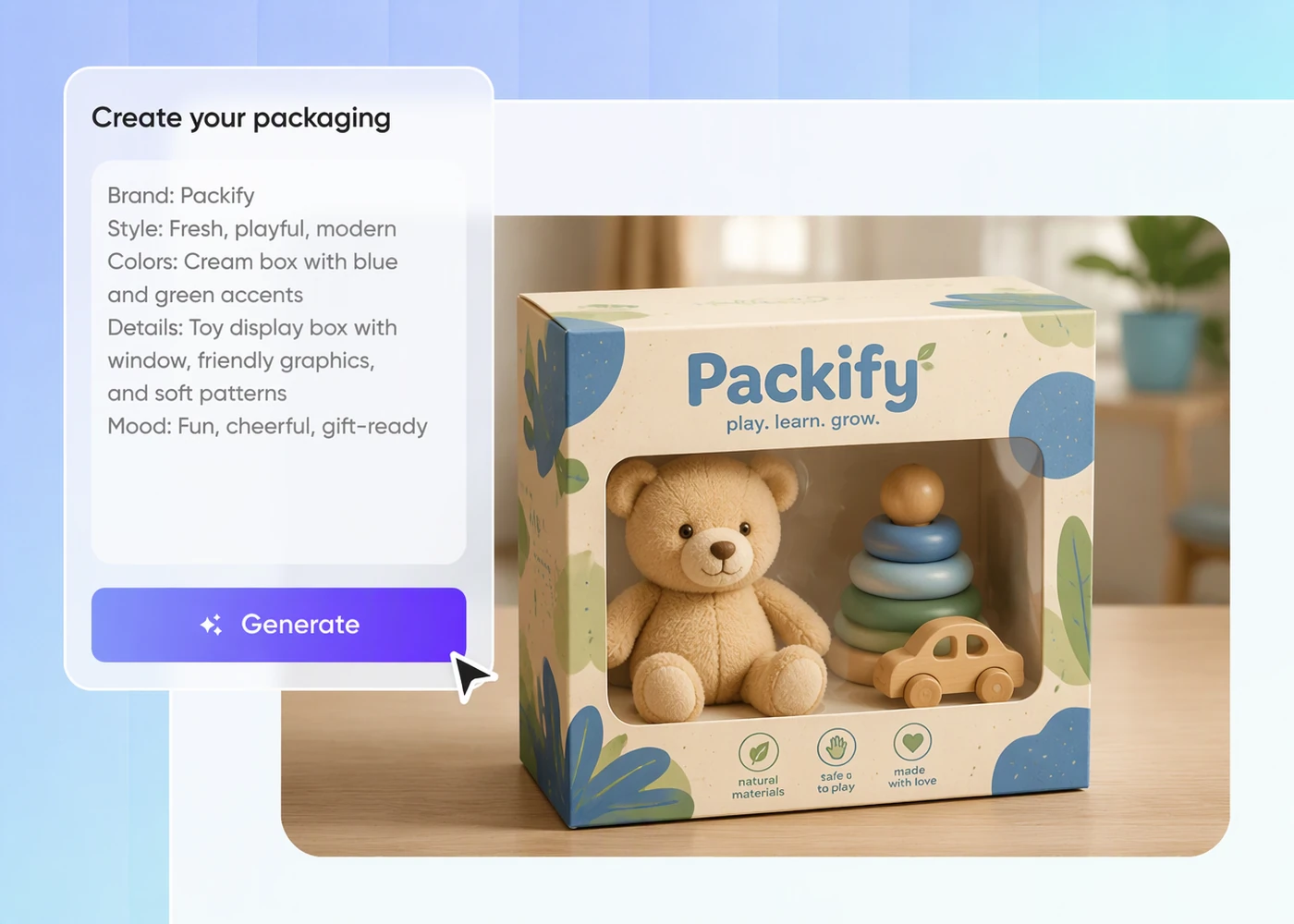
Describe your product, intended quantity, arrangement, and counter space in a prompt, then generate an initial display box preview.
Step 2: Adjust the display preview
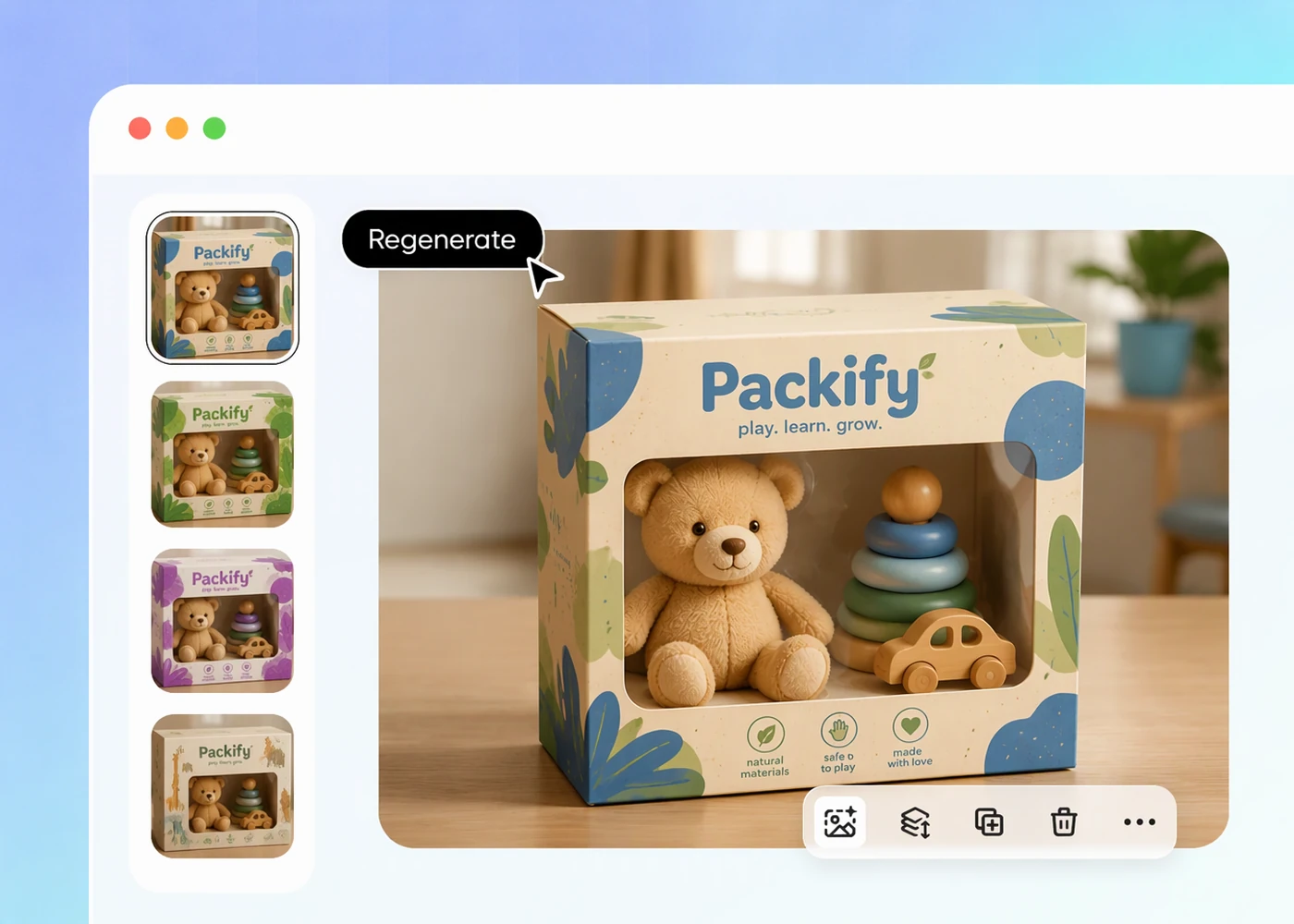
Review the generated display, then revise your prompt or edit the design to refine its appearance and product information.
Step 3: Export your print-ready dieline
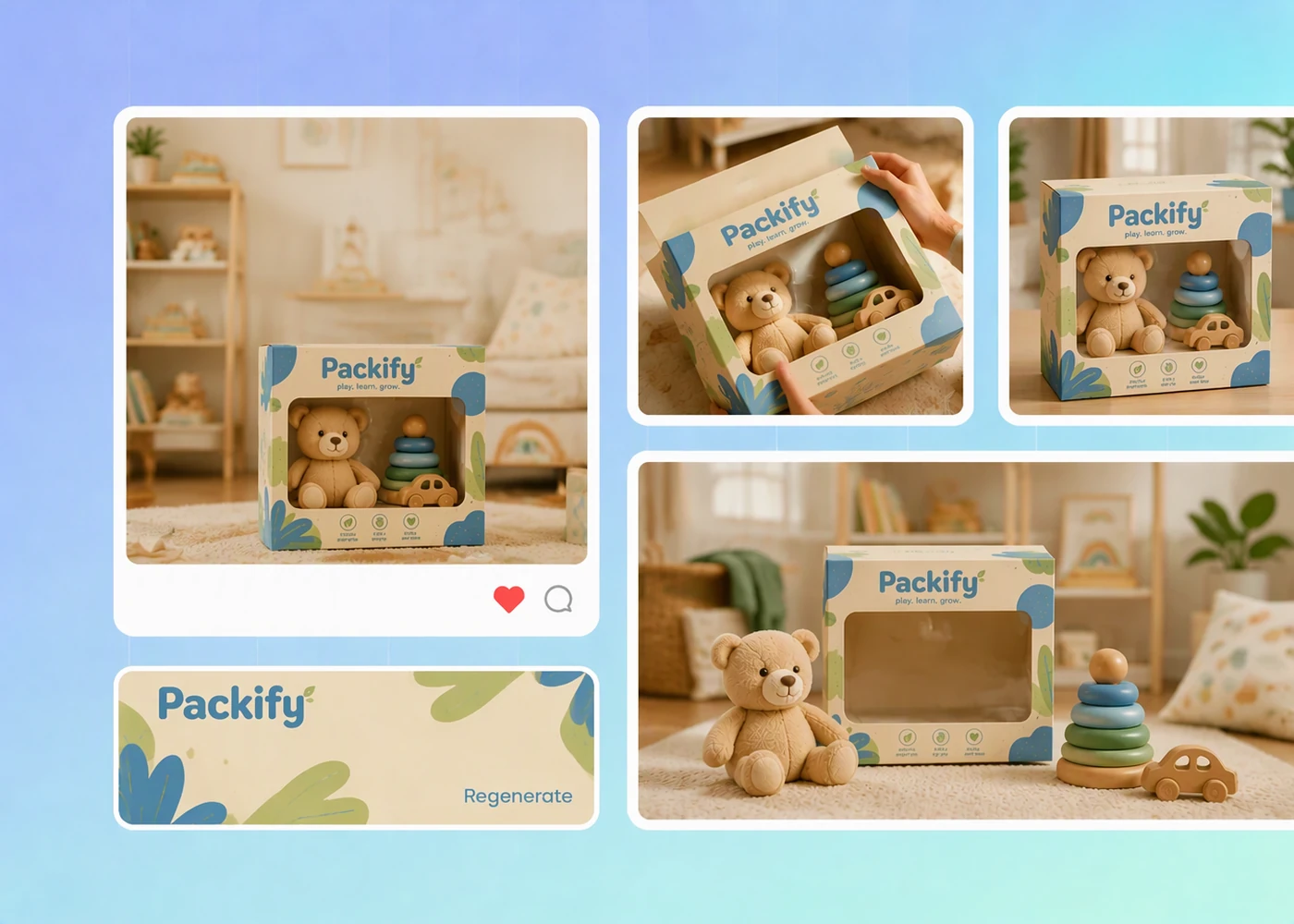
Click Export print-ready dieline, edit the layout, and export the file for your packaging manufacturer.

Step 1: Describe your display requirements
Describe your product, intended quantity, arrangement, and counter space in a prompt, then generate an initial display box preview.
Step 2: Adjust the display preview
Review the generated display, then revise your prompt or edit the design to refine its appearance and product information.
Step 3: Export your print-ready dieline
Click Export print-ready dieline, edit the layout, and export the file for your packaging manufacturer.
Why choose Packify for your display box template?
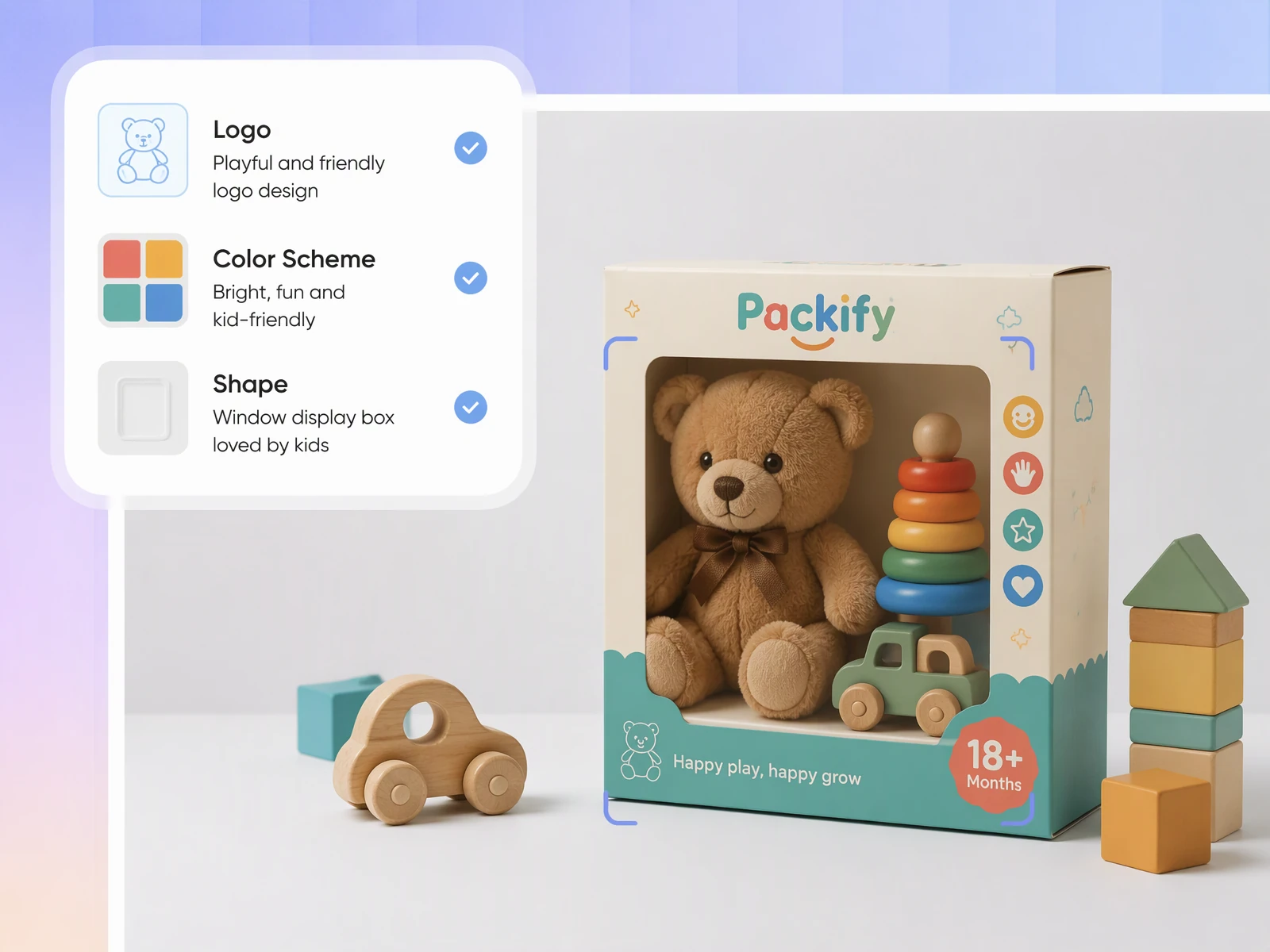
Find matching display box templates
Generate your display box mockup concept first. When you move to print-ready output, Packify recommends dieline files and models similar to your concept. Compare the suggested models to understand the assembled shape, then confirm your choice.
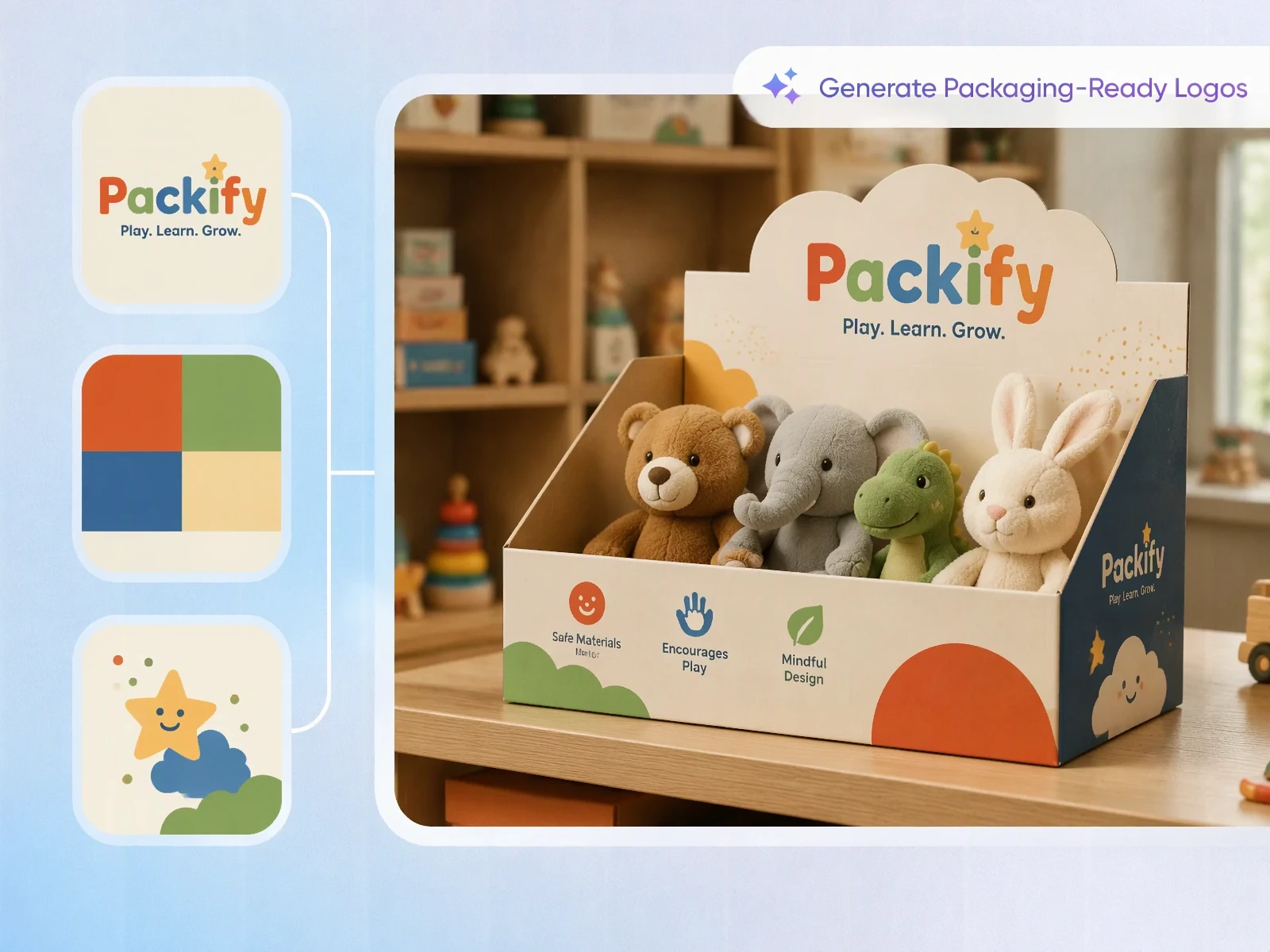
Understand the assembled display before printing
A flat dieline can leave you guessing which panel faces shoppers. Generate a 3D display preview to understand the assembled concept and inspect visible artwork.
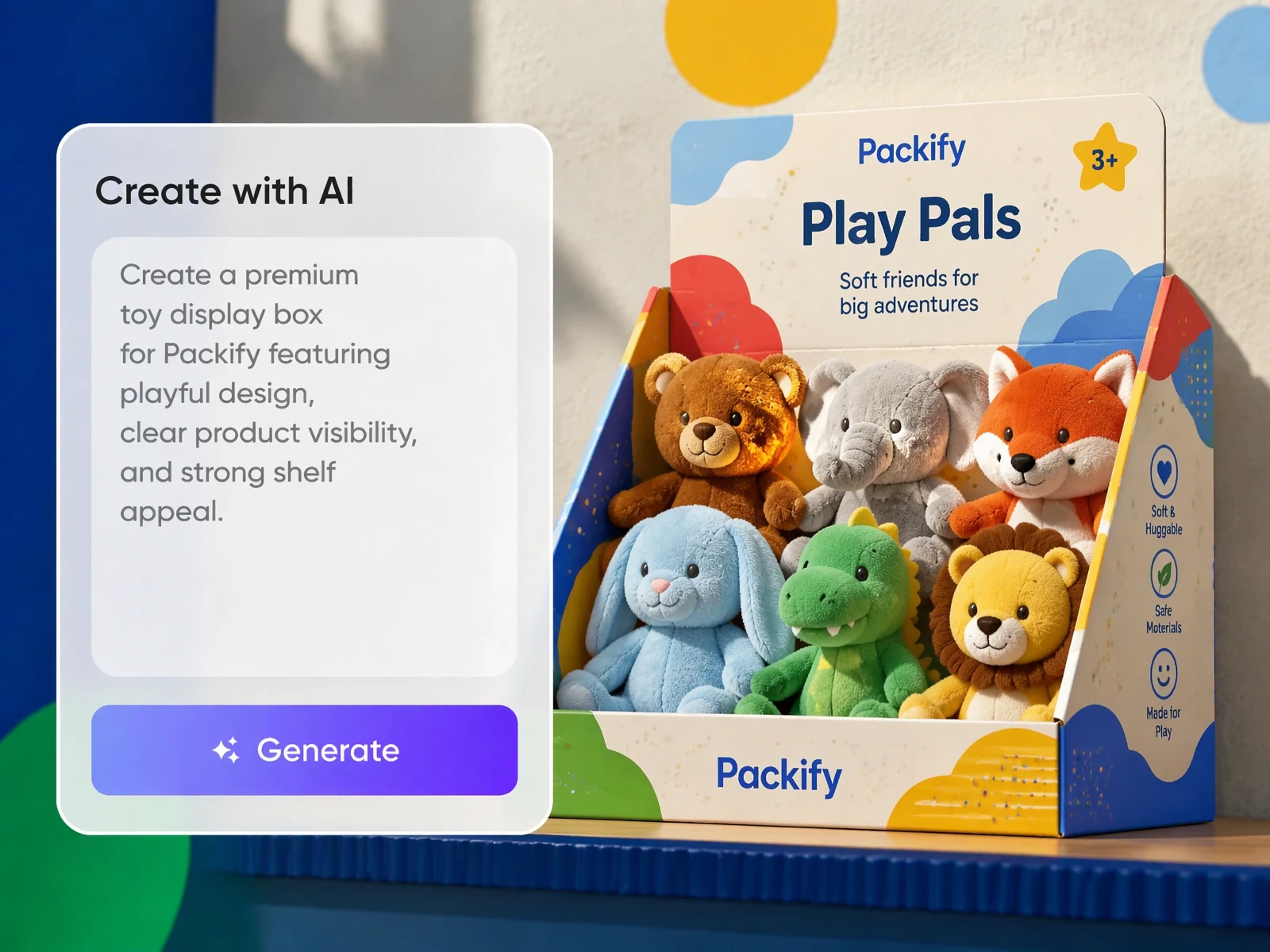
Start with your product requirements
Describe what the display needs to hold and where it will sit, without beginning with structural terminology. Packify turns your prompt into a visual concept you can revise, helping small brands communicate a display direction before preparing the dieline.
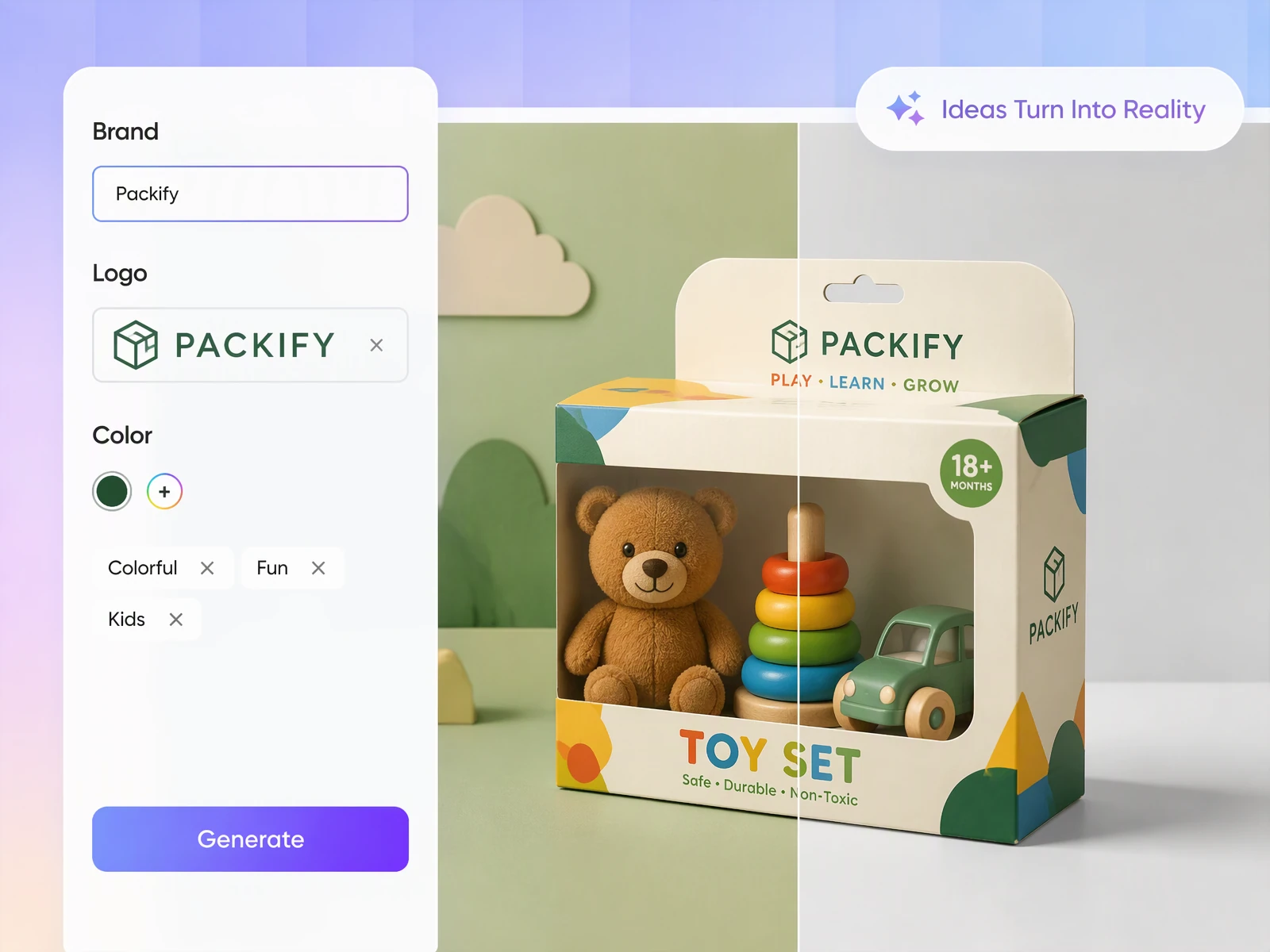
Edit artwork before the production handoff
Once you have adjusted the preview, click Export print-ready dieline to open the editable layout. Review and edit the artwork before exporting, so your manufacturer receives a production file to check alongside your product dimensions and display requirements.
Find matching display box templates
Generate your display box mockup concept first. When you move to print-ready output, Packify recommends dieline files and models similar to your concept. Compare the suggested models to understand the assembled shape, then confirm your choice.
Understand the assembled display before printing
A flat dieline can leave you guessing which panel faces shoppers. Generate a 3D display preview to understand the assembled concept and inspect visible artwork.
Start with your product requirements
Describe what the display needs to hold and where it will sit, without beginning with structural terminology. Packify turns your prompt into a visual concept you can revise, helping small brands communicate a display direction before preparing the dieline.
Edit artwork before the production handoff
Once you have adjusted the preview, click Export print-ready dieline to open the editable layout. Review and edit the artwork before exporting, so your manufacturer receives a production file to check alongside your product dimensions and display requirements.
Proven impact, in our customer's words


The AI-powered packaging design tool is a game-changer. It's fast, intuitive, making it an essential tool for any forward-thinking design team.ved.
March 26, 2025


The results are so amazing that I don't think it's just for inspiration... I'd say artificial intelligence outperforms most designers; the key is to come up with the perfect prompt. Great contribution! Thank you 😊.
March 18, 2025


The AI-powered packaging design tool is a game-changer. It's fast, intuitive, making it an essential tool for any forward-thinking design team.
March 18, 2025


We’re a tiny skincare shop. Packify.ai turned my scribbles into clean mockups and a printable dieline by Monday. Fewer back-and-forths, consistent branding, and our product page conversions moved.
March 18, 2025


The AI-powered packaging design tool is a game-changer. It's fast, intuitive, making it an essential tool for any forward-thinking design team.
March 26, 2025


The results are so amazing that I don't think it's just for inspiration... I'd say artificial intelligence outperforms most designers; the key is to come up with the perfect prompt. Great contribution! Thank you 😊
March 18, 2025


Congrats! Packify.ai, an AI packaging designer, enables easy, creative design and offers AI-driven product photography for e-commerce through simple chatting.
April 2, 2025


We’re a tiny skincare shop. Packify.ai turned my scribbles into clean mockups and a printable dieline by Monday. Fewer back-and-forths, consistent branding, and our product page conversions moved.
May 9, 2025
You asked, we answered
You asked, we answered
What is a display box template?
A display box template defines the flat layout used to make packaging that presents products for retail browsing. Its dieline guides cutting and folding, while the artwork supplies branding and product information.
Who is this display box template generator for?
It suits small brands and product teams planning counter or shelf displays, including toy sellers, cosmetics brands, and bakeries.
What measurements should I prepare for a counter display?
Prepare your product dimensions, intended quantity, arrangement, and available counter space. Ask your manufacturer whether its specifications use internal or external dimensions and how material thickness affects fit.
How do I hand off my display box template for production?
Send your exported display box template to your own manufacturer for review of dimensions, cutting and folding details, and artwork placement. To inquire about Packify's printing service, open the export settings, enable Need a quote for printing? and select Export. The Packify team can review your request and contact you about the next steps.
Can I try display box templates free of charge?
Registering for Packify gives your account free credits to try the display box template generator. Each generation consumes credits, so check your balance before creating a design. Visit the Pricing Page if you need additional credits or advanced features.
Can I use my display box design commercially?
Yes. You can use your display box design for commercial projects, subject to Packify's Terms of Use. Packify does not grant exclusive rights to AI-generated content or guarantee clearance for every commercial use. Review trademarks, supplied assets, and generated artwork before using the design for retail packaging.
Create your display box template for retail