
Facebook cover photo maker
Describe your business, campaign, or personal style. Packify generates a Facebook cover from your brief.
Trusted by industry-leading businesses


Plan your Facebook banner design
You need a cover that introduces your business before visitors scroll. Our FB cover photo maker turns a written brief into a cover design. Create Facebook cover photo designs for your next promotion.
How to create a Facebook cover with Packify?
Step 1: Outline your cover
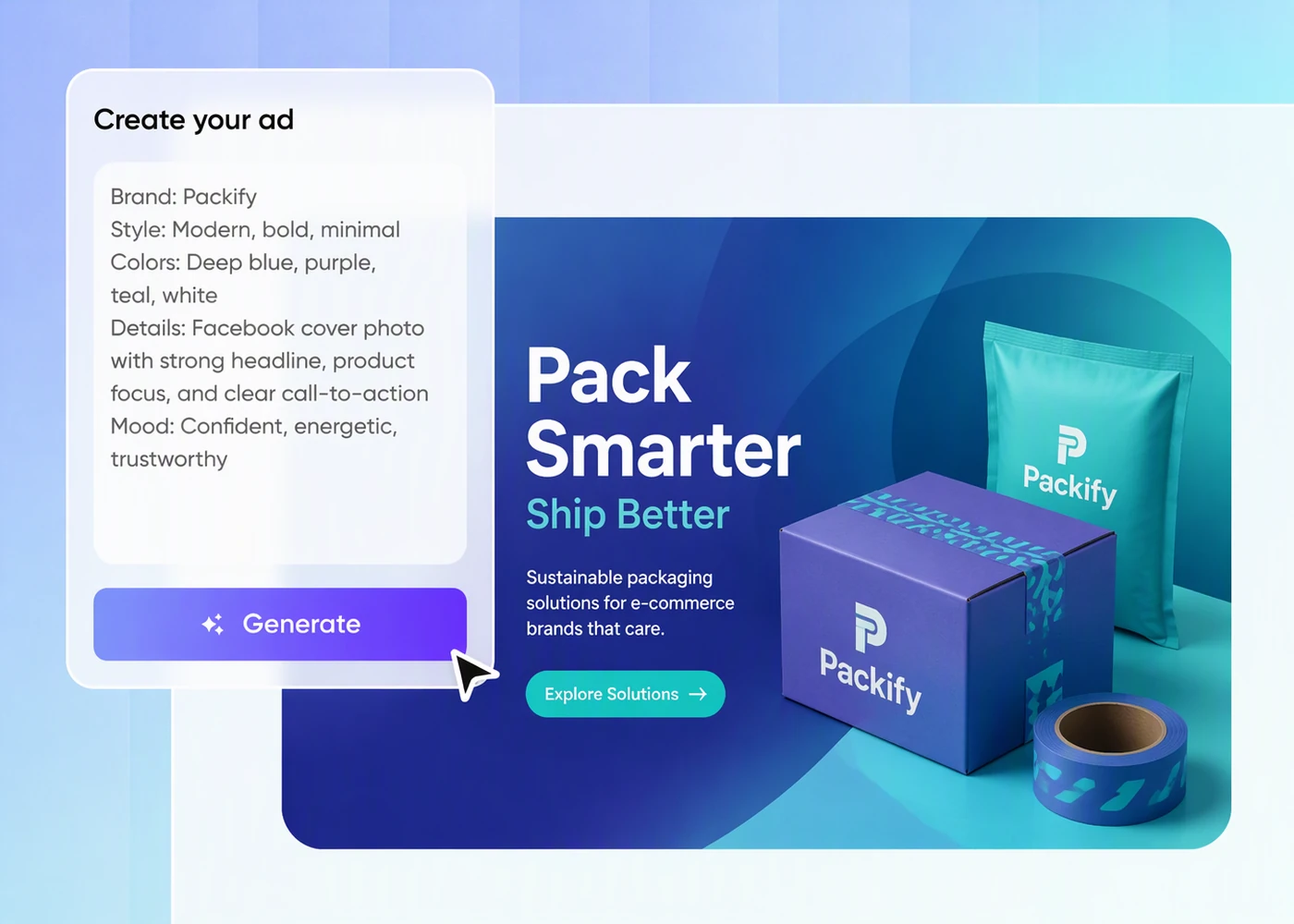
Describe your business or profile, the purpose of your cover, and the message you want visitors to notice first.
Step 2: Generate and refine
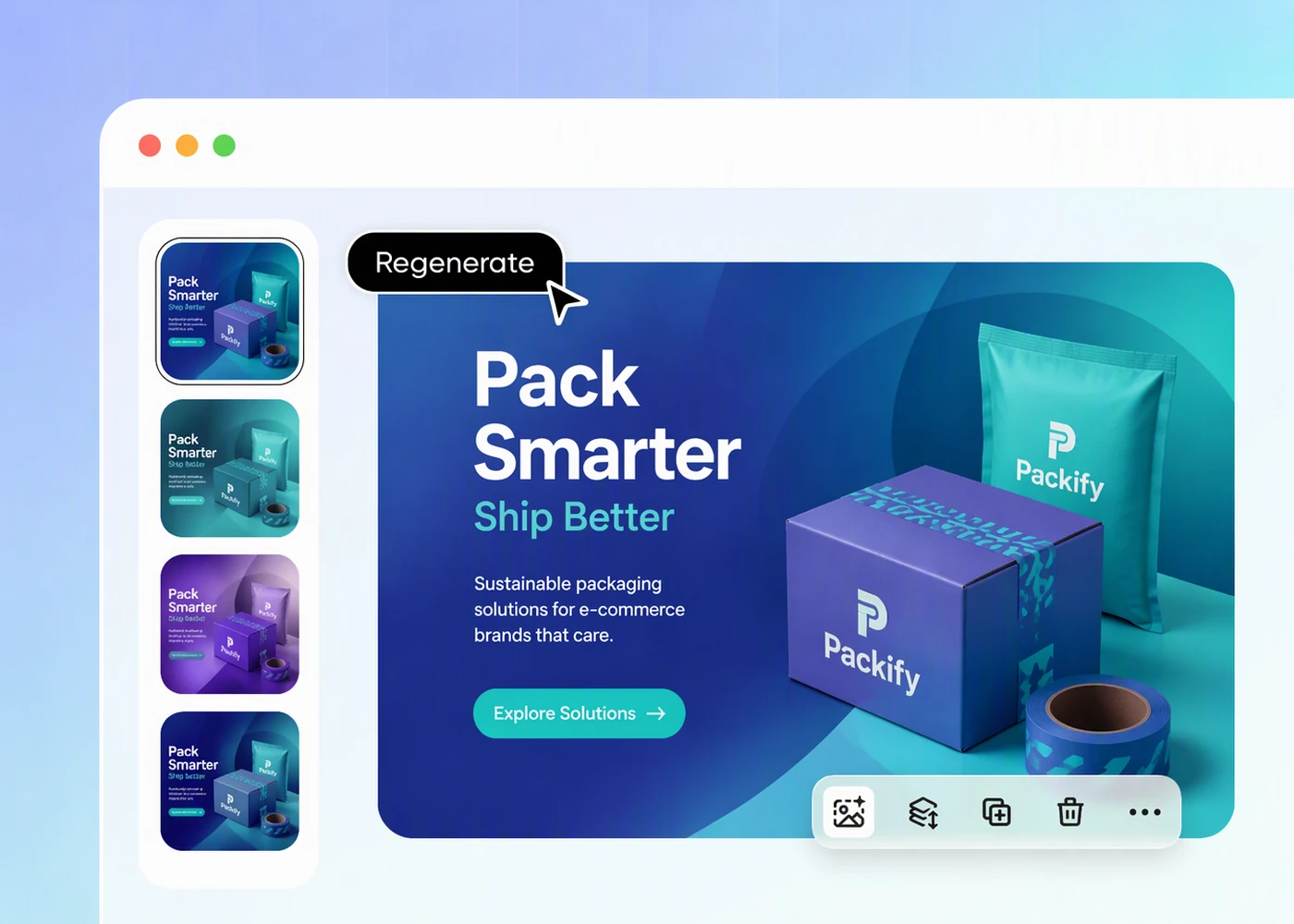
Generate your cover, review the composition and brand details, then revise your description to refine anything that needs changing.
Step 3: Set dimensions and download
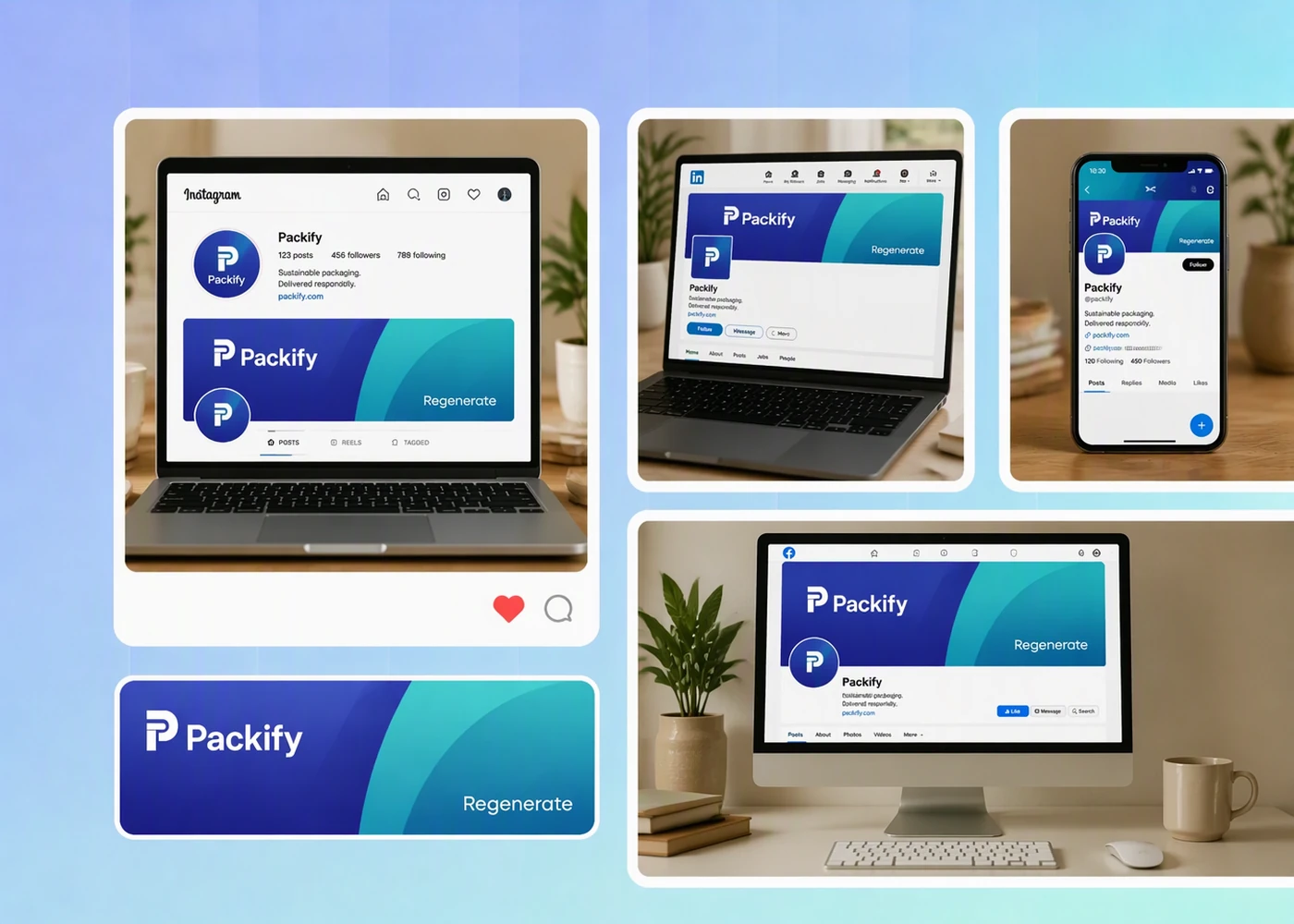
Choose your download dimensions, save the cover, then upload it to Facebook and check its appearance on desktop and mobile.

Step 1: Outline your cover
Describe your business or profile, the purpose of your cover, and the message you want visitors to notice first.
Step 2: Generate and refine
Generate your cover, review the composition and brand details, then revise your description to refine anything that needs changing.
Step 3: Set dimensions and download
Choose your download dimensions, save the cover, then upload it to Facebook and check its appearance on desktop and mobile.
Why choose Packify's Facebook cover photo maker?
Keep business covers on brand
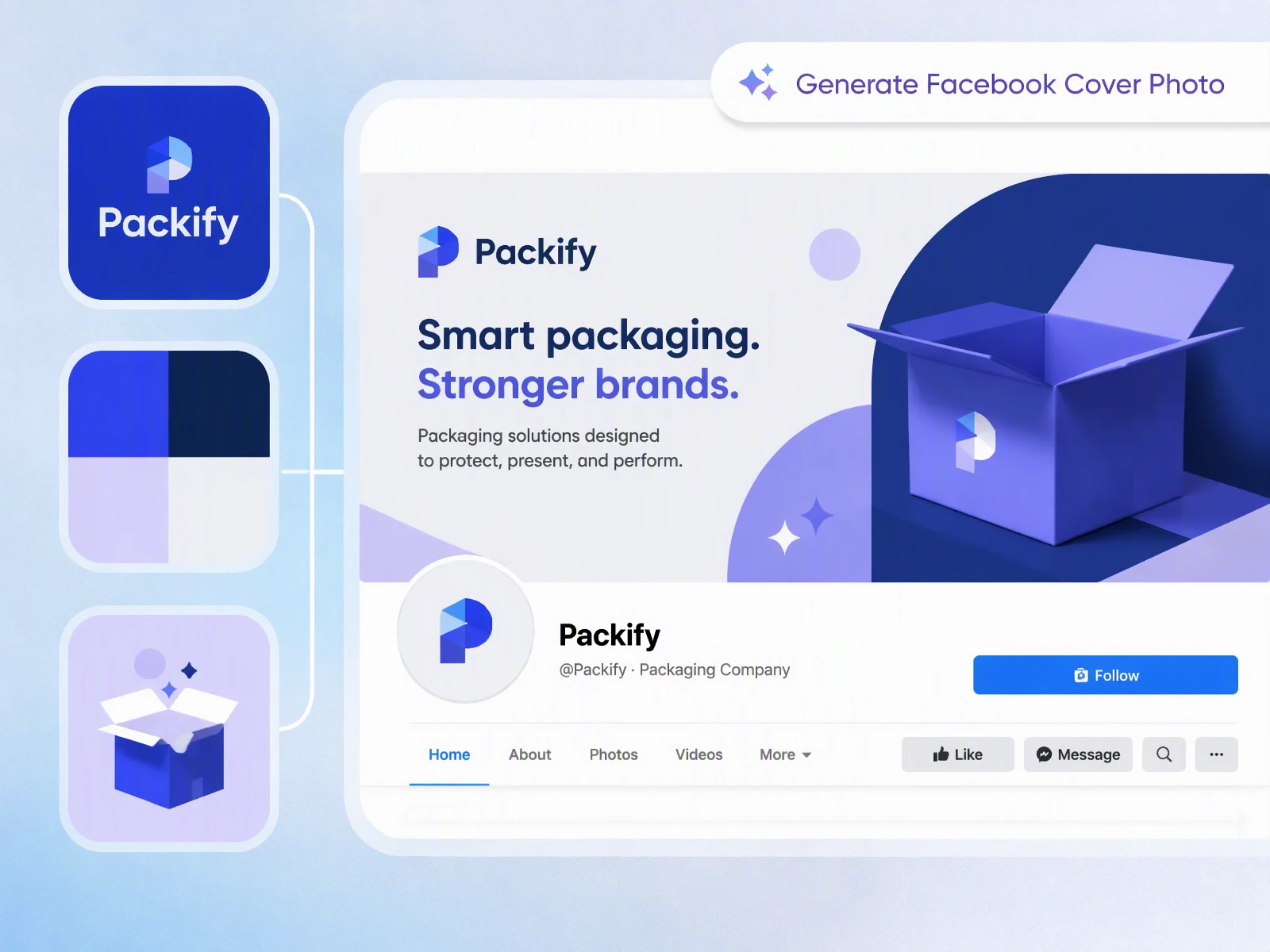
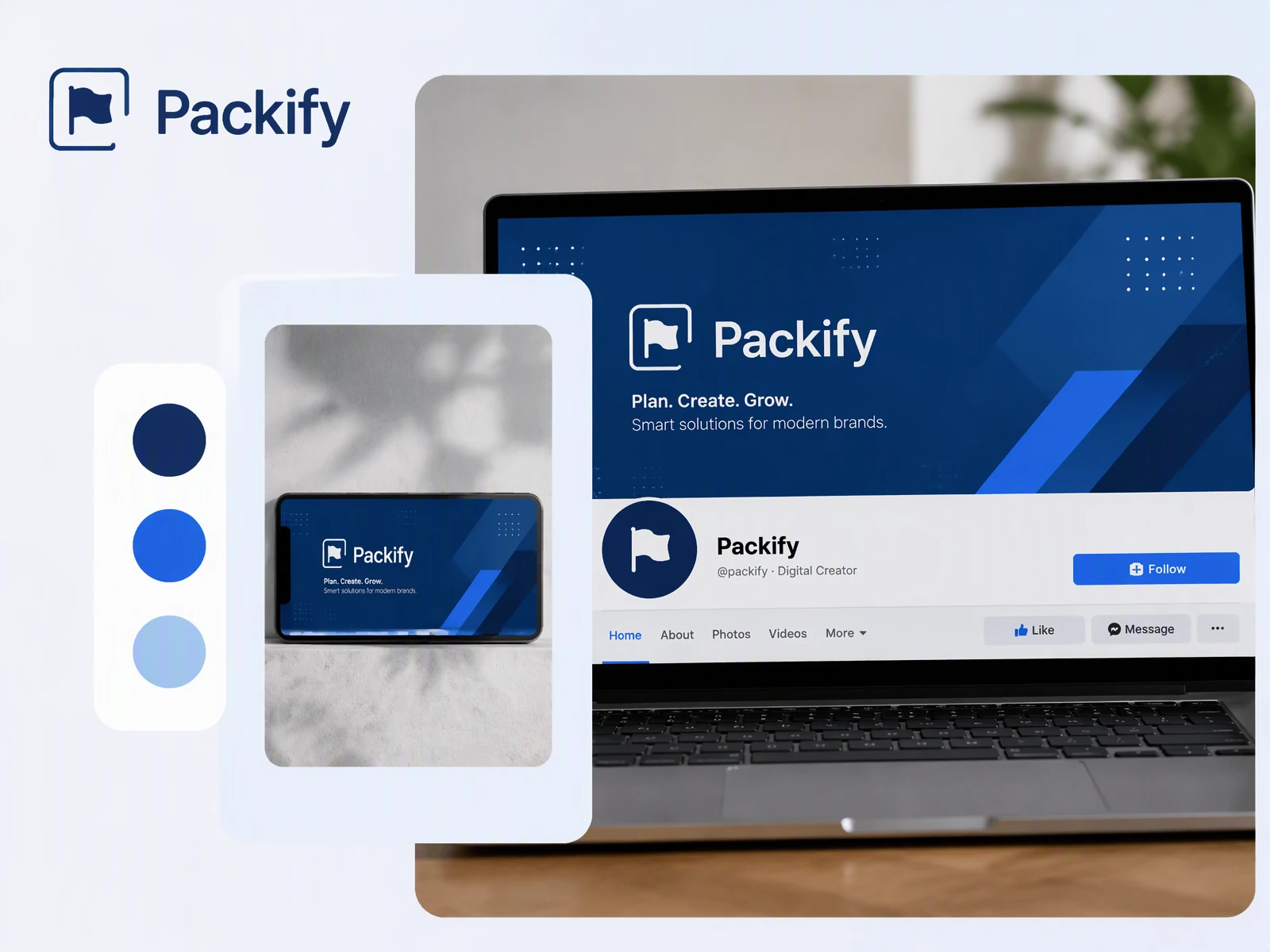
Your Facebook business cover should look like it belongs to the same company as your website and marketing materials. Set your colors, logo, and brand description in Brand Kit, then use those details to guide the cover you generate for your Page.
Adapt your Facebook cover across platforms
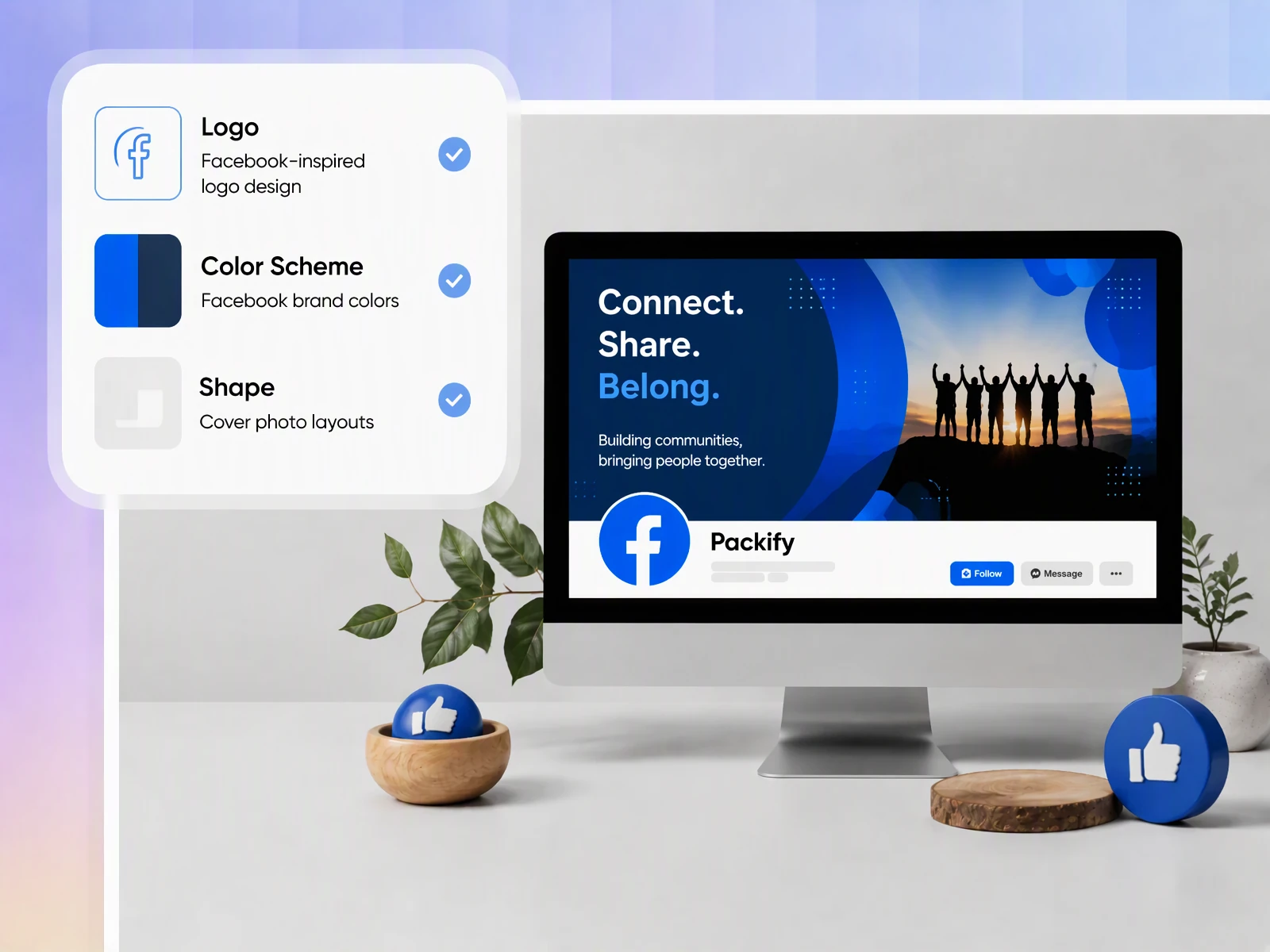
You want a consistent brand look across your Facebook cover, LinkedIn banner, and Instagram posts, but each needs different image dimensions. Packify lets you choose custom download dimensions to reuse your design across these channels. Check each upload for cropping before publishing.
Start with words, skip blank canvases
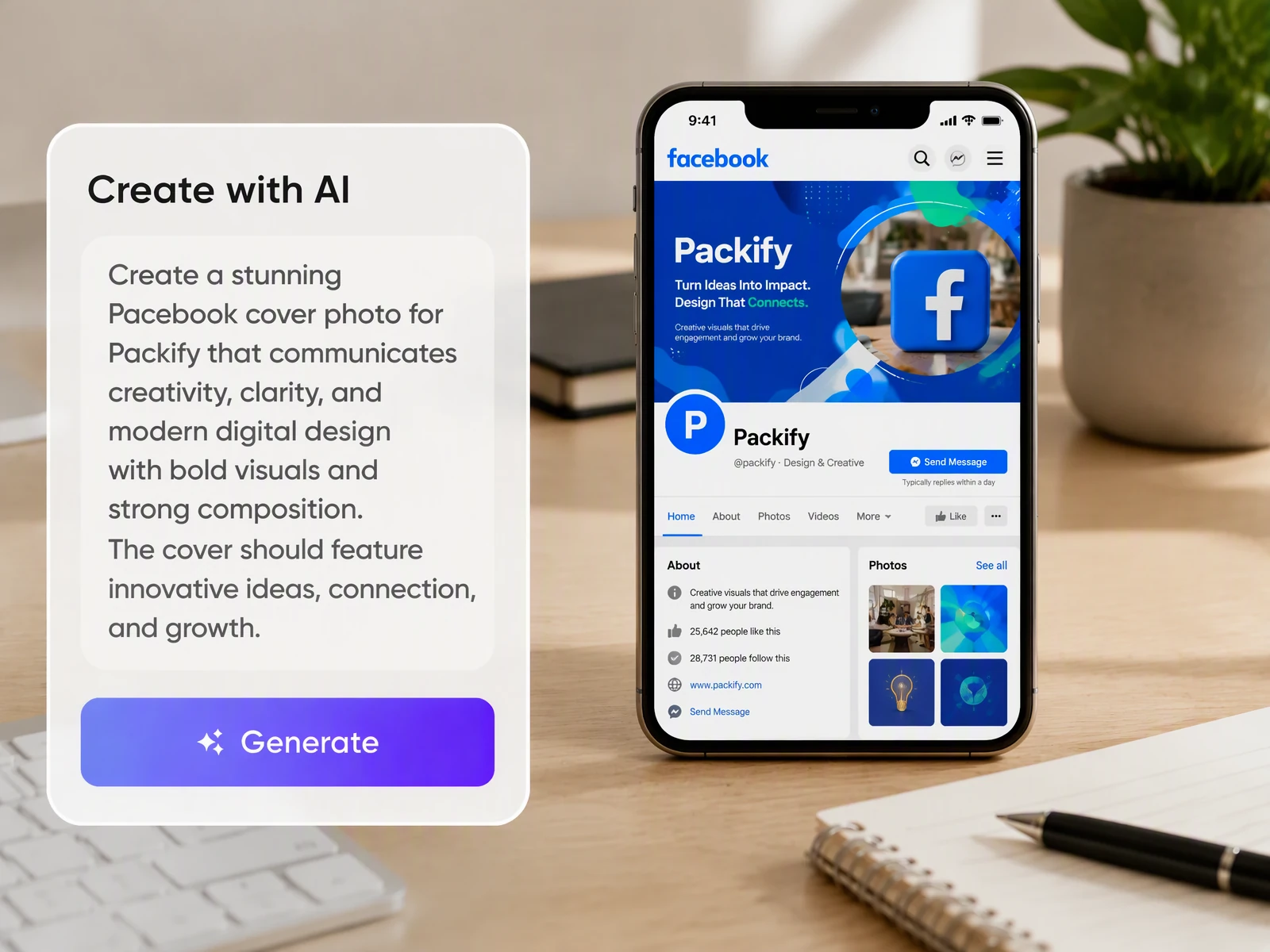
Staring at an empty canvas can stall a Facebook Page update before it starts. Describe what your business does and what the cover should communicate; Packify generates a starting design you can refine by revising your brief, without learning design software.
Give each campaign its cover
A new promotion needs a different introduction from an everyday business Page or personal profile. Describe the occasion and the message visitors need to see, then generate a cover for that purpose, whether you manage a marketing campaign, community group, or upcoming event.
Keep business covers on brand
Your Facebook business cover should look like it belongs to the same company as your website and marketing materials. Set your colors, logo, and brand description in Brand Kit, then use those details to guide the cover you generate for your Page.
Adapt your Facebook cover across platforms
You want a consistent brand look across your Facebook cover, LinkedIn banner, and Instagram posts, but each needs different image dimensions. Packify lets you choose custom download dimensions to reuse your design across these channels. Check each upload for cropping before publishing.
Start with words, skip blank canvases
Staring at an empty canvas can stall a Facebook Page update before it starts. Describe what your business does and what the cover should communicate; Packify generates a starting design you can refine by revising your brief, without learning design software.
Give each campaign its cover
A new promotion needs a different introduction from an everyday business Page or personal profile. Describe the occasion and the message visitors need to see, then generate a cover for that purpose, whether you manage a marketing campaign, community group, or upcoming event.
Proven impact, in our customer's words


The AI-powered packaging design tool is a game-changer. It's fast, intuitive, making it an essential tool for any forward-thinking design team.ved.
March 26, 2025


The results are so amazing that I don't think it's just for inspiration... I'd say artificial intelligence outperforms most designers; the key is to come up with the perfect prompt. Great contribution! Thank you 😊.
March 18, 2025


The AI-powered packaging design tool is a game-changer. It's fast, intuitive, making it an essential tool for any forward-thinking design team.
March 18, 2025


We’re a tiny skincare shop. Packify.ai turned my scribbles into clean mockups and a printable dieline by Monday. Fewer back-and-forths, consistent branding, and our product page conversions moved.
March 18, 2025


The AI-powered packaging design tool is a game-changer. It's fast, intuitive, making it an essential tool for any forward-thinking design team.
March 26, 2025


The results are so amazing that I don't think it's just for inspiration... I'd say artificial intelligence outperforms most designers; the key is to come up with the perfect prompt. Great contribution! Thank you 😊
March 18, 2025


Congrats! Packify.ai, an AI packaging designer, enables easy, creative design and offers AI-driven product photography for e-commerce through simple chatting.
April 2, 2025


We’re a tiny skincare shop. Packify.ai turned my scribbles into clean mockups and a printable dieline by Monday. Fewer back-and-forths, consistent branding, and our product page conversions moved.
May 9, 2025
You asked,
we answered
You asked, we answered
Who is this Facebook cover photo maker for?
It is for small business owners, Facebook Page managers, social media teams, and designers preparing cover visuals. You can also describe covers for personal profiles, groups, or events.
Can I create a Facebook cover collage?
Yes. You can describe a collage-style cover in your prompt, including the theme and arrangement you want.
What Facebook cover dimensions and safe area should I use?
For Facebook Page covers, Meta lists 851 x 315 px in sRGB JPG, with a minimum of 400 x 150 px. There is no guaranteed universal safe area: keep text and logos away from edges and the profile picture, then check your uploaded cover on desktop and mobile.
Will my downloaded Facebook cover photo have a watermark?
No. Images downloaded from Packify’s Facebook cover photo maker are watermark-free.
Can I use the Facebook cover photo maker for free?
When you first sign up, you receive an allocation of free credits. Every cover generation consumes credits, so check your remaining balance before generating. Visit the Pricing Page to see current pricing and available plans before deciding how to continue.
Can I use my generated Facebook cover commercially?
Yes, you can use your generated covers for business Pages and marketing campaigns subject to our Terms of Use. Packify does not grant exclusive rights or guarantee clearance for every commercial use. Review the design and ensure you have permission to use any included trademarks, images, or other protected elements.
Give visitors a reason to stay
